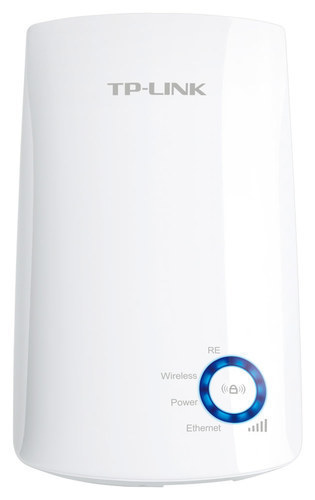
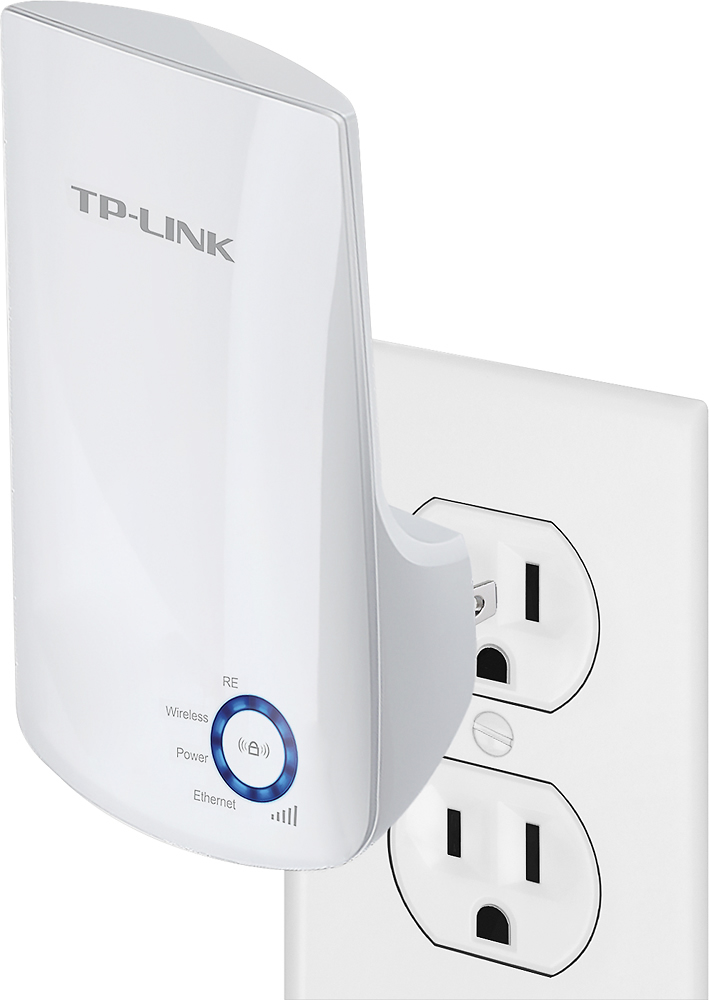
A:AnswerThis WiFi extender is intended to expand WiFi coverage indoors, and typically within or close to the existing network. If you are attempting to expand WiFi coverage over a longer range outdoors, we suggest considering one of our outdoor access point options.
A:AnswerIf you're using the school WiFi, most likely not because you need to be near the router to set up device, and only then will you be able to plugged it into any outlet where there's a dead spot
A:AnswerI have it on the second floor and it really is not different than my regular wifi. I am sure that others are more powerful. I cant tell any difference in the quality of my wifi.
A:AnswerWiFi extenders work by repeating the WiFi signal they receive from your WiFi source. If your WiFi source is within range of the extender and is properly functioning, the extender should be able to repeat it. However, if your source signal is not properly functioning, the extender may not be able to obtain a connection from it.
A:AnswerYes, once installed, you can connect a network device (i.e. your network enabled TV) to the range extender's Ethernet port to provide it with connectivity to your network.
A:AnswerPress and hold the reset button for at least 10 seconds while the extender is plugged in, then follow the steps in the Quick Installation Guide: https://static.tp-link.com/2020/202006/20200619/7106508795_TL-WA850RE(EU)_QIG_REV7.0.1.pdf
A:AnswerIf your daughter's Internet speed and connection issues are due to a poor WiFi signal from the router in her bedroom, then yes, adding a WiFi extender can help improve overall WiFi range and reliability.
A:AnswerYes, it should do the trick. I bought it because my signal would not penetrate my front door to reach my ring doorbell. Now it has full signal.
A:AnswerI have a Ring doorbell, it worked for about 3 months then quit. I was advised by Ring to try a wifi extender so I purchased this one and the doorbell is working now. I sometimes question if the Ring picks up everything like it used to but not sure, I just know it didn't do anything and now with this it's working again. (At least most of the time.) I plugged mine in the house midway between my router and the front door.
A:AnswerThere are 3 methods to set up the extender. I tried with the wps button, it did a factory reset. The best was to use the 3rd method, didn’t try the second one. Easy to set up and you have a booklet.
A:AnswerTheoretically, our WiFi extenders are universally compatible with WiFi routers and WiFi sources that utilize IEEE industry standard WiFi protocols. However, we suggest reaching out to Verizon for confirmation in your case.
A:AnswerI help that can help you. My router uses both 2.4 and 5G. However my extender proposed me only for the 2.4g. I was able only to extend my connection using the 2.4, not the 5G. Good luck. So when I have my extender plug in, I saw net gear #, netgear#ext, netgear#5g - there is no netgear#ext5g
A:AnswerIt just depends On the signal and location in your home where u can get a strong signal! the only Way you will tell if it works is to buy it and try it and if it don’t work return within the 14 days