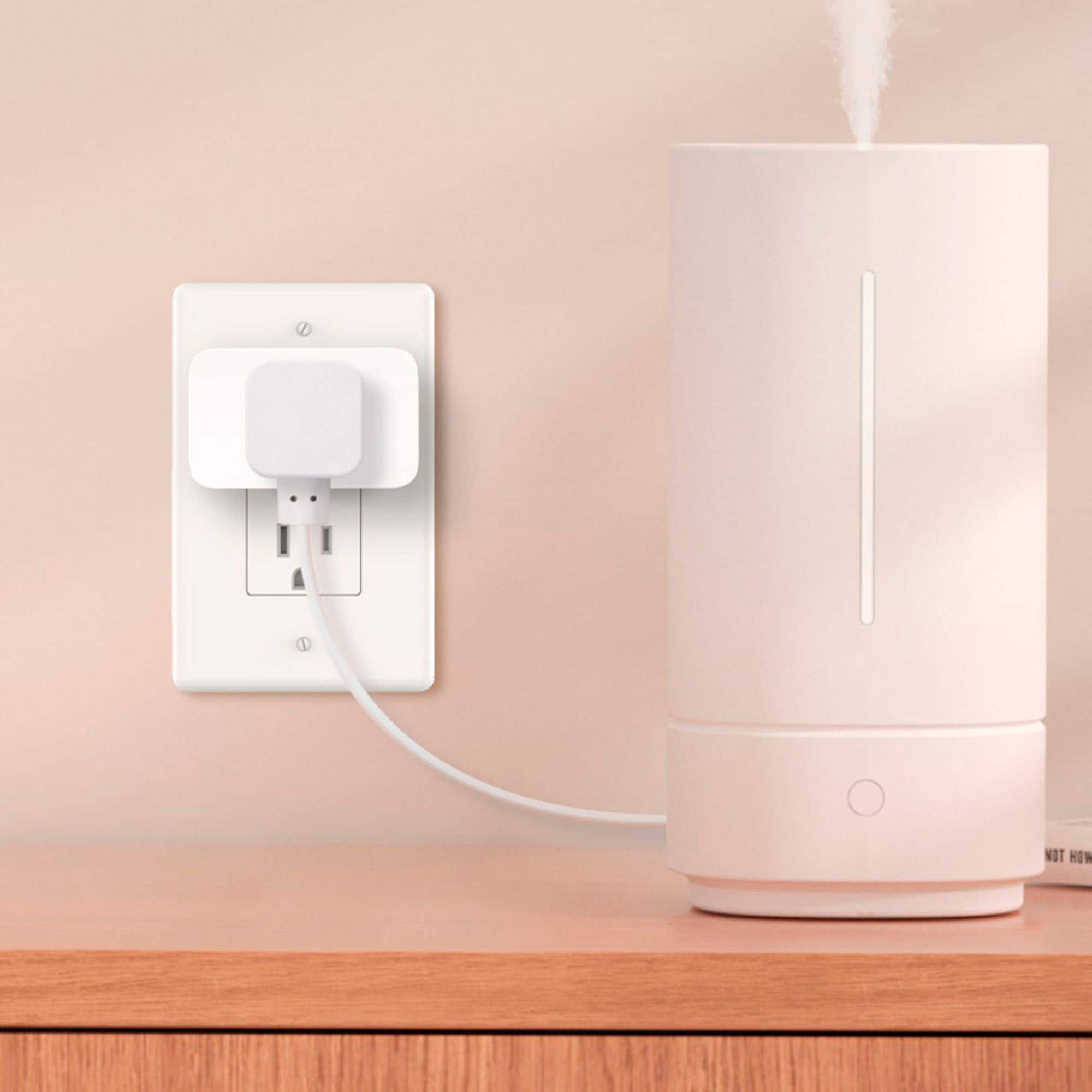
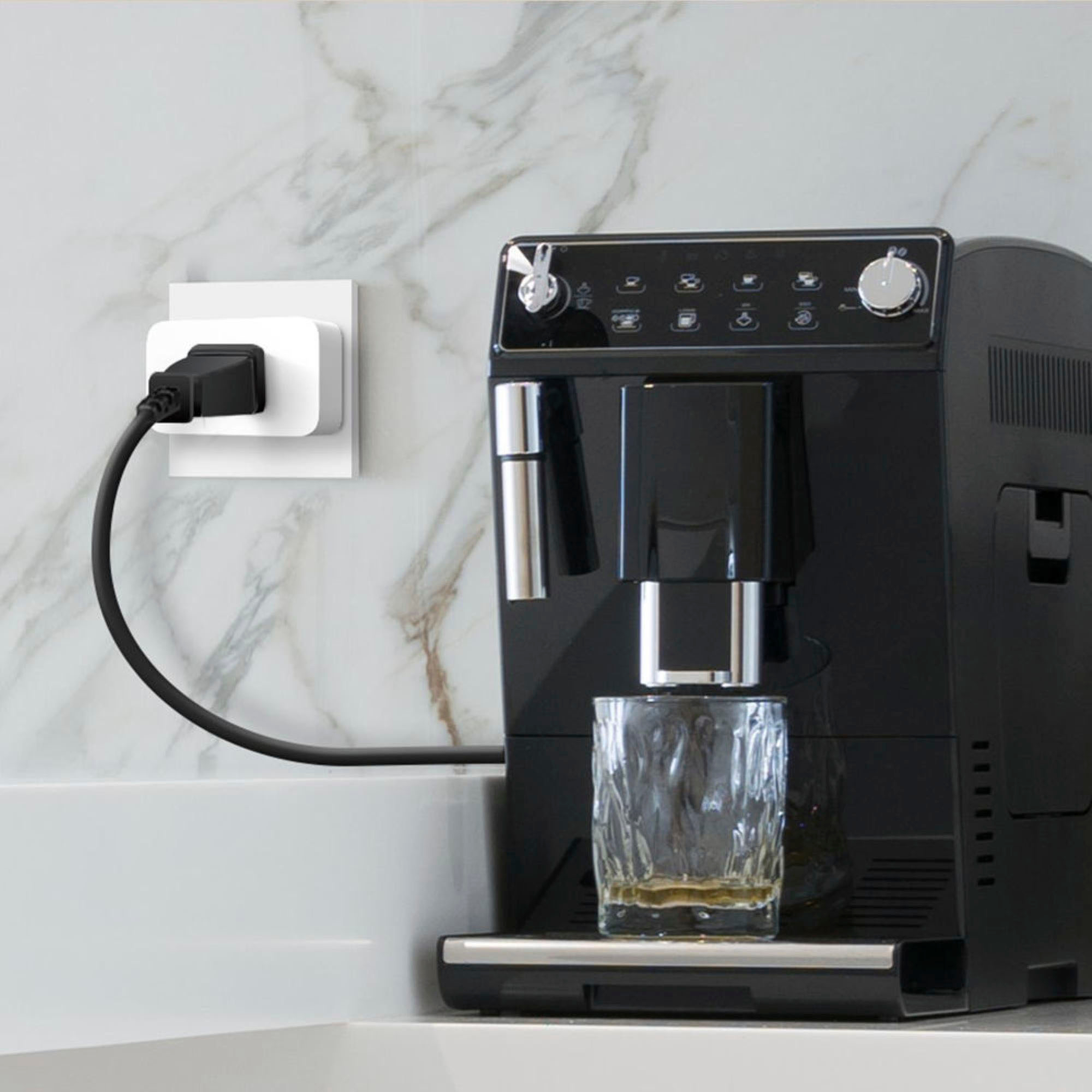
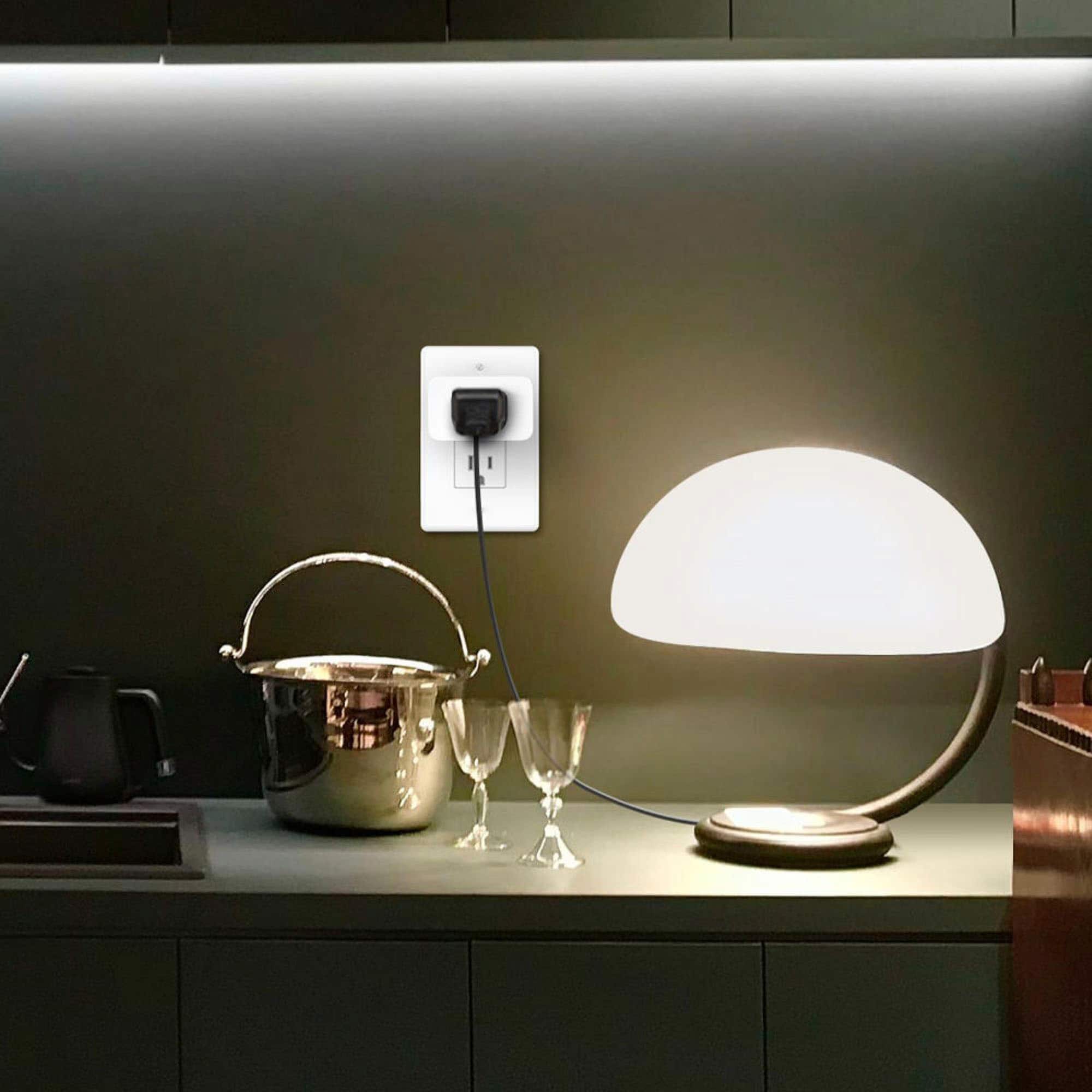
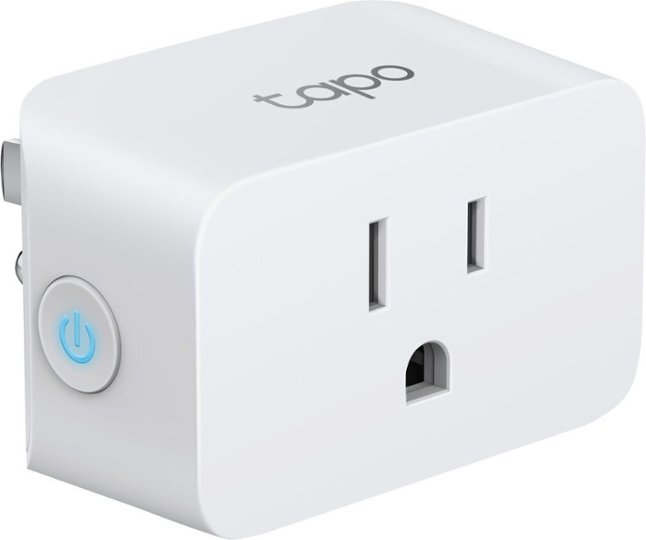
A:AnswerHi, the Tapo TP15 has the following environmental operating specifications: Operating Temperature: 32ºF–104ºF, Operating Humidity: 10%–90% RH, Non-condensing. If your attic exceeds these ranges, we recommend against using the plugs there.
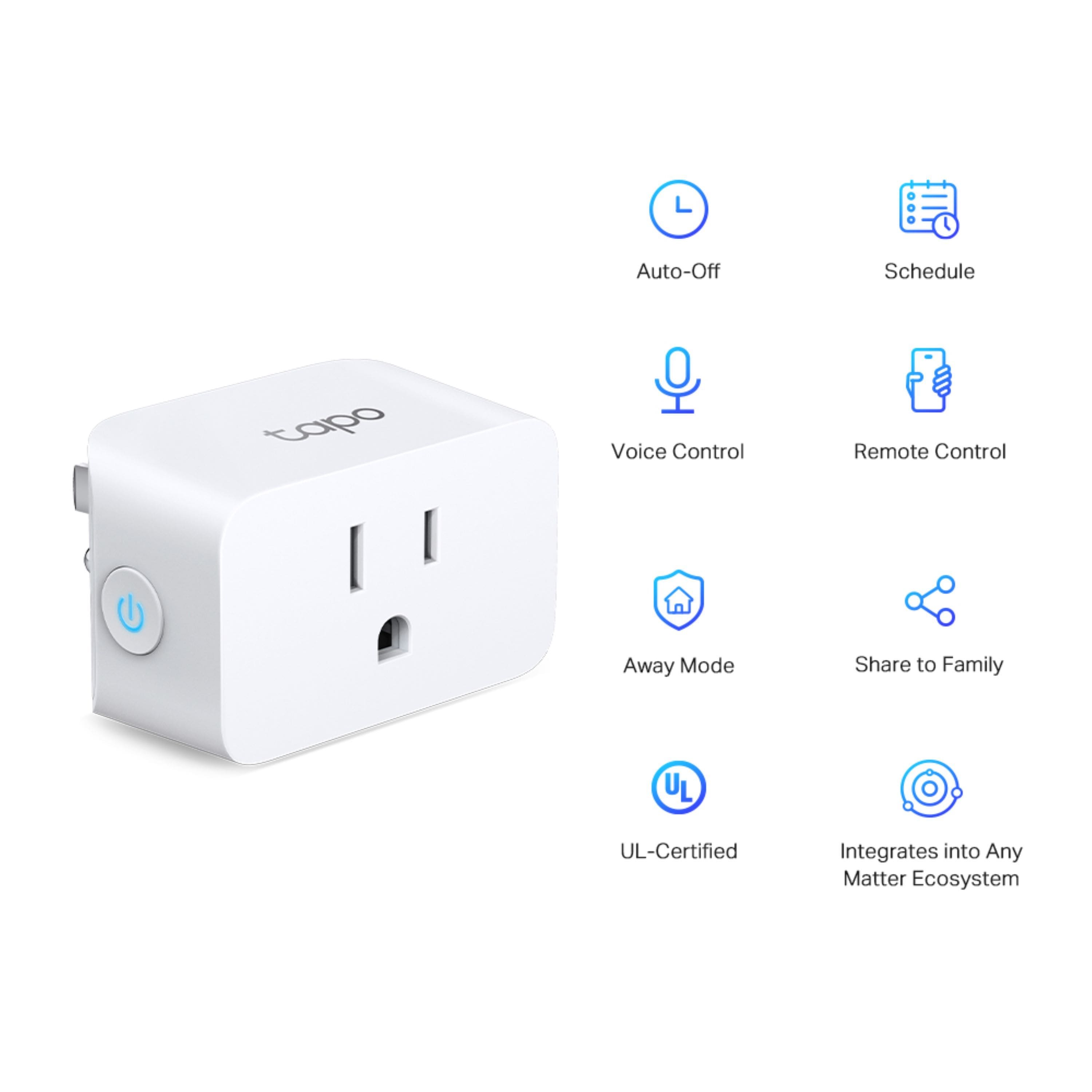
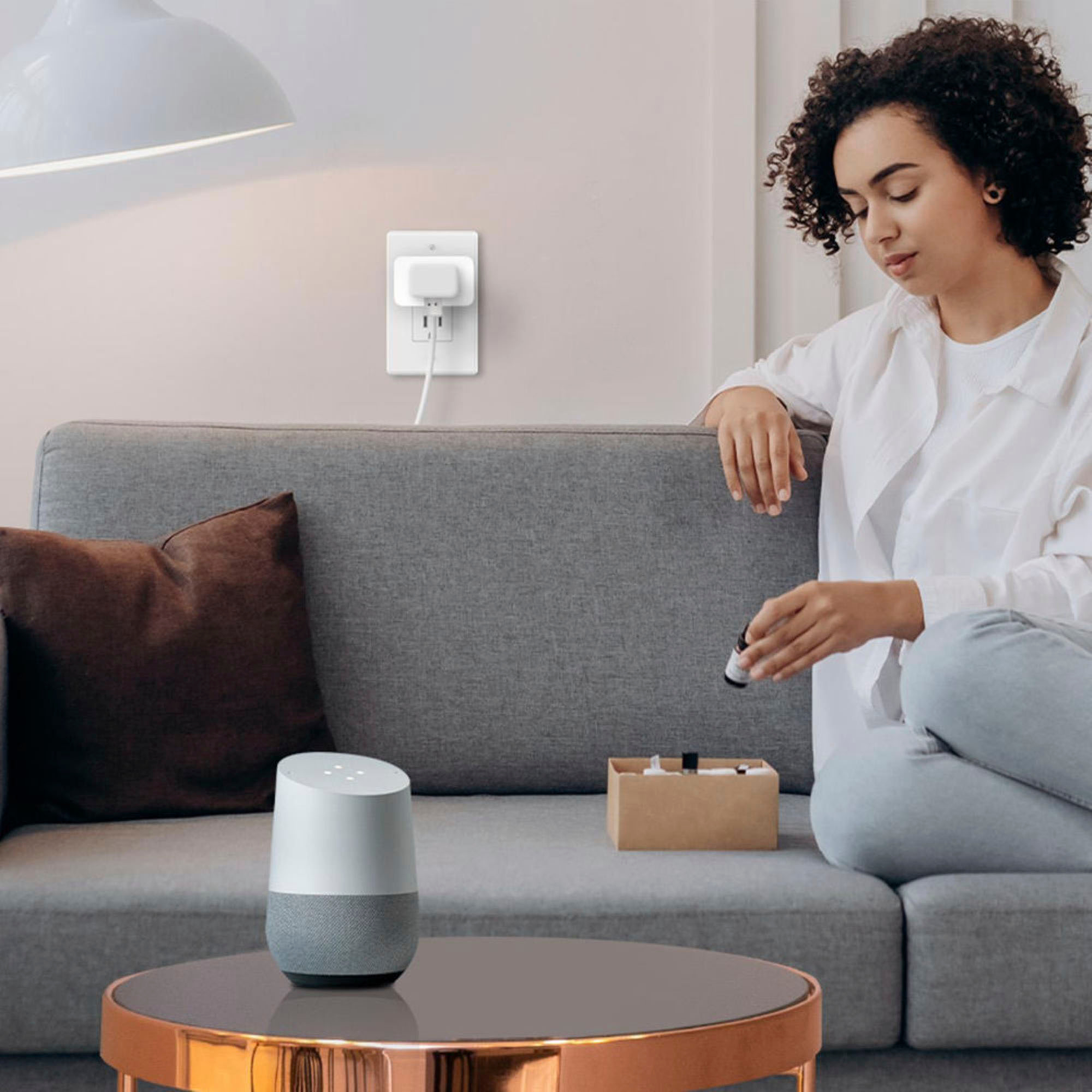
A:AnswerI connected mine to my Alexa devices… I can set it to automatically run in certain parameters or turn it on by voice or by opening the app. Not sure what you want to use it for but see if it’s compatible with your device first.
A:AnswerHi Mike,
Tapo Smart Wi-Fi plugs can continue operating on schedule, once a schedule has been created and enabled, even if Wi-Fi connectivity is temporarily lost. If you plan to keep the plugs disconnected from Wi-Fi for prolonged periods and the outlet(s) they are plugged into lose power, please bear in mind the schedule's accuracy may be affected until the smart plugs reconnect to Wi-Fi and obtain updated time information.
A:AnswerHi Mike,
Yes, Tapo Smart Wi-Fi plugs will continue operating on schedule, once a schedule has been created and enabled, even if Wi-Fi connectivity is temporarily lost. If you plan to keep the plugs disconnected from Wi-Fi for prolonged periods and the outlet(s) they are plugged into lose power, please bear in mind the schedule's accuracy may be affected until the smart plugs reconnect to Wi-Fi and obtain updated time information.
A:AnswerTo set up your smart plug, download the "Tapo" app in your phone or tablet, and set up your user account.
Once your account is set, Ensure your mobile device is connected to the same 2.4 GHz Wi-Fi network. Connect the plug to a working outlet. The plug enters pairing mode with a flashing LED indicator. Use the app to it as a new device.
A:AnswerIm not sure if it will log every time it turns on or off. But you can set a schedule ti turn it on/off every 15 minutes. But thats gonna be quite a lot but manageable.
A:AnswerNo. TP-Link's Tapo smart home products generally connect directly to 2.4GHz network of your home's router. We do also have products that support Matter. Matter allows you to use a controller like Alexa, or Google Assistant and control your home's smart products (that are compatible) through the controller rather than the product's native app.