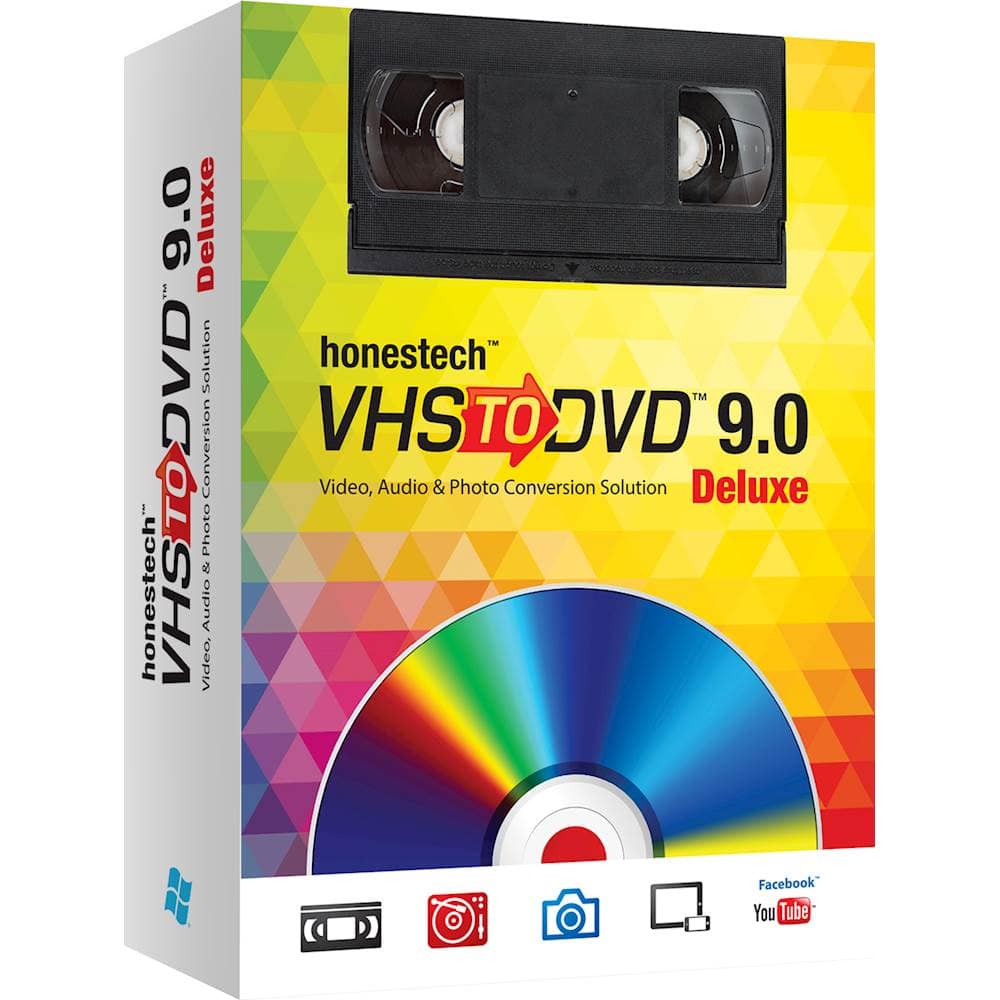
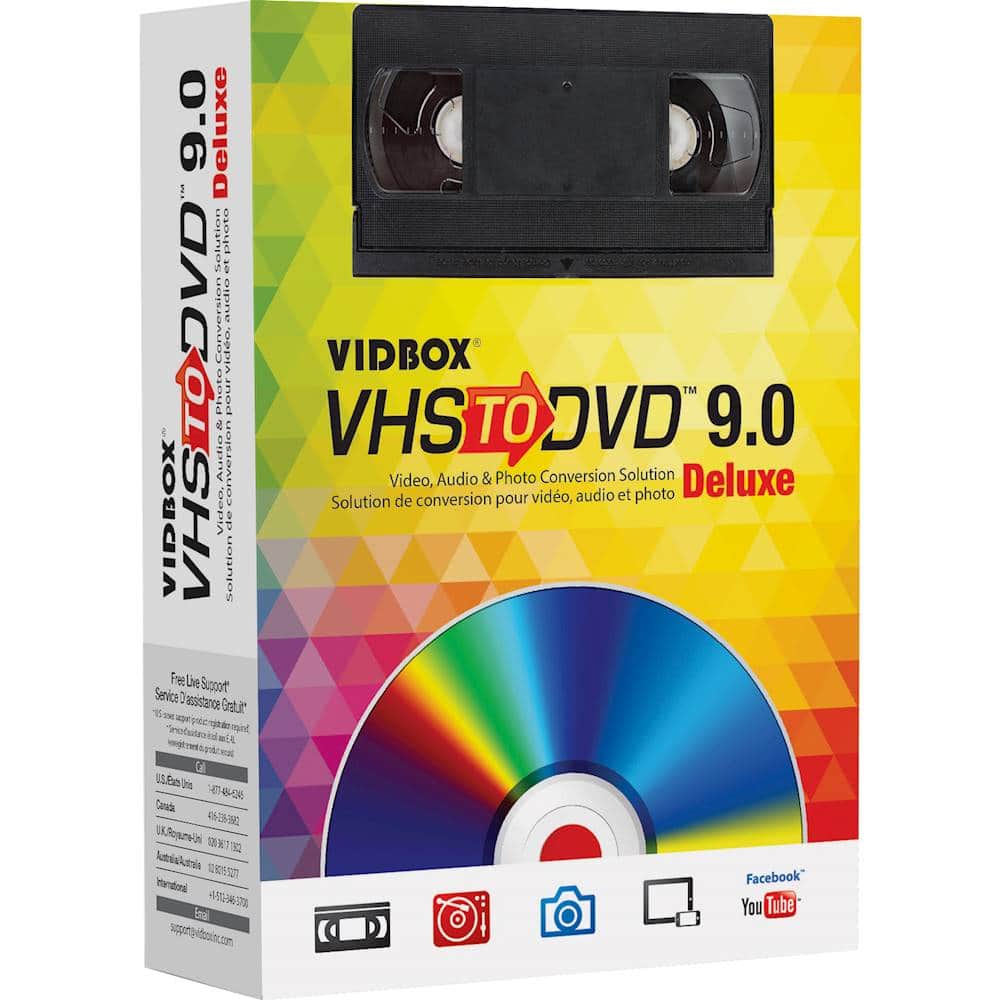
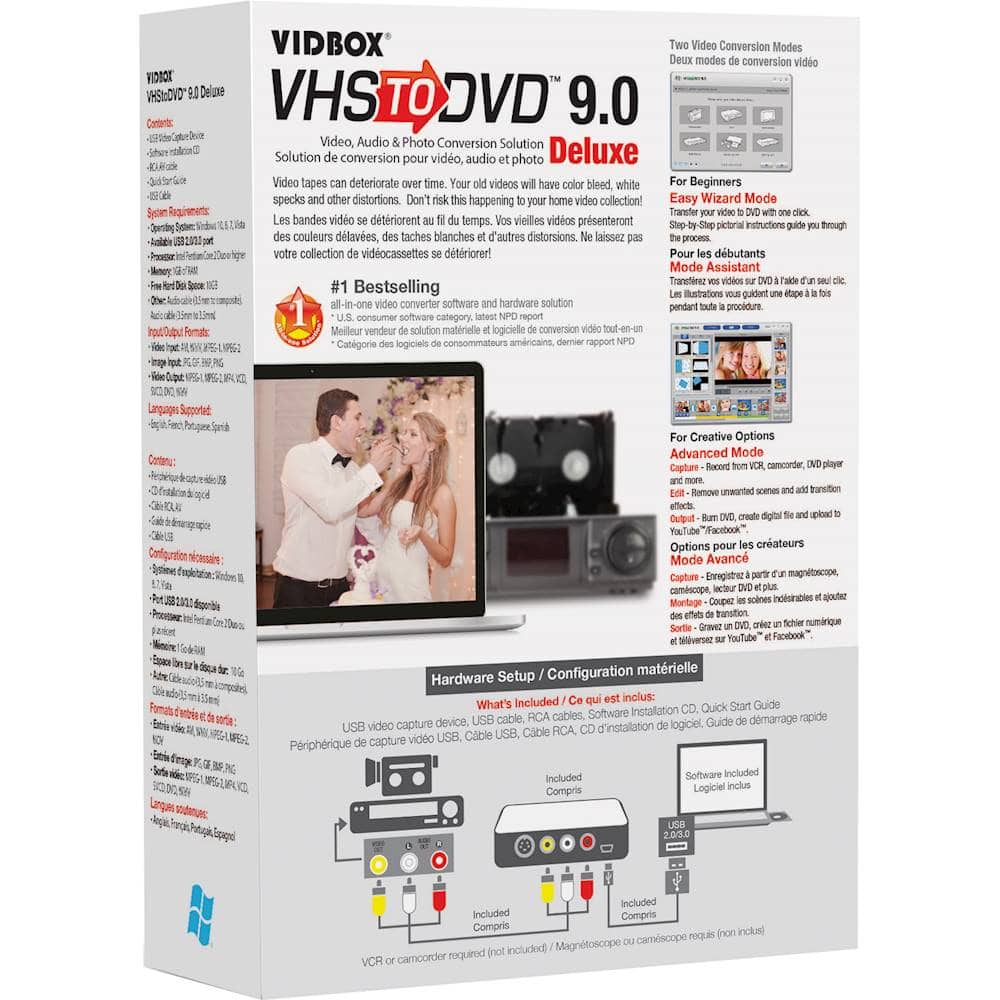
A:AnswerYou need a computer or laptop running Windows as well. You put the VHS tape into the VCR, it is connected to the laptop/computer. You record to the computer, where you can then burn it to a DVD. The connector and the program to convert are included in the package.
A:AnswerYes to all your questions. MPEG 2 mpeg 4 , WMV. Dvd , longer DVD , etc... edit Three minutes seperate it three ways and stick them back together with effects to help smooth your operation out. . I’ve had experience with older towers and hade a converter in a pcm slot so if your in the generation that grew up using VHS then this will allow you to get that pile of tapes in a storage that’s actually keepable
A:AnswerI think that what ever recording you have, this program will record it, then you can convert it to what ever format you want and then burn it to DVD, CD, Bluray. as long as you have the right type of burner.
A:AnswerA Honestech VHS to DVD 9.0 Deluxe ONLY works with WINDOWS Vista, 7, 8, or 10 --- No Apple OS is listed or included - So No, you cant use on Apple device
A:AnswerYou can save the converted files and then copy them to whatever type of media you desire. Specifically, yes, you can burn the files to a CD or DVD using a USB type burner.
A:AnswerIn the easy mode; it's just one video per dvd (dvd has memory limits, so depending on the size of your video you may have to use multiple dvds)
In advance mode; it will allow you to stitch several videos together and burn it into one dvd. Again dvd has memory limits.... It also lets you cut out unwanted scene and stitch just what you want. The advance mode is not intuitive but pretty easy to figure out
A:AnswerYes, this device does have an S input.
As a bonus, I have added a firewire card to my computer, and was able to use the software that came with this to import the video from my HDV camcorder too.
This product worked great to digitize my old video tapes.
I'm so glad I have a digital back up of my memories now.
A:AnswerThe product can only capture video that can be successfully played out from the VHS player. Check the output of the VHS player to a TV using the same connection type that would be used with the VIDBOX capture device (S-Video or RCA) to make sure it plays correctly.
A:AnswerYou have to find someone who has a used one for sale. I have several because I used to tape to tape but I am not willing to part with any of them because I might need them should one become "broken." Try Craig's list or any list to see if you can find someone who has one they don't want. Be sure it is operationable. You don't want to buy one that is not working.
A:AnswerThe software is compatible with Windows 11. However, the device driver may conflict with the Memory Integrity feature in Windows 11. If you find this to be the case, you would have to uninstall the device driver when not in use to allow that feature to be enabled.