A:AnswerHello Apl, Yes a 4k blue ray player will work on the TV model, Dont have any recommendation to provide on each blue ray player you should purchase. They do sell hdmi cable that recommend for 4k quality.
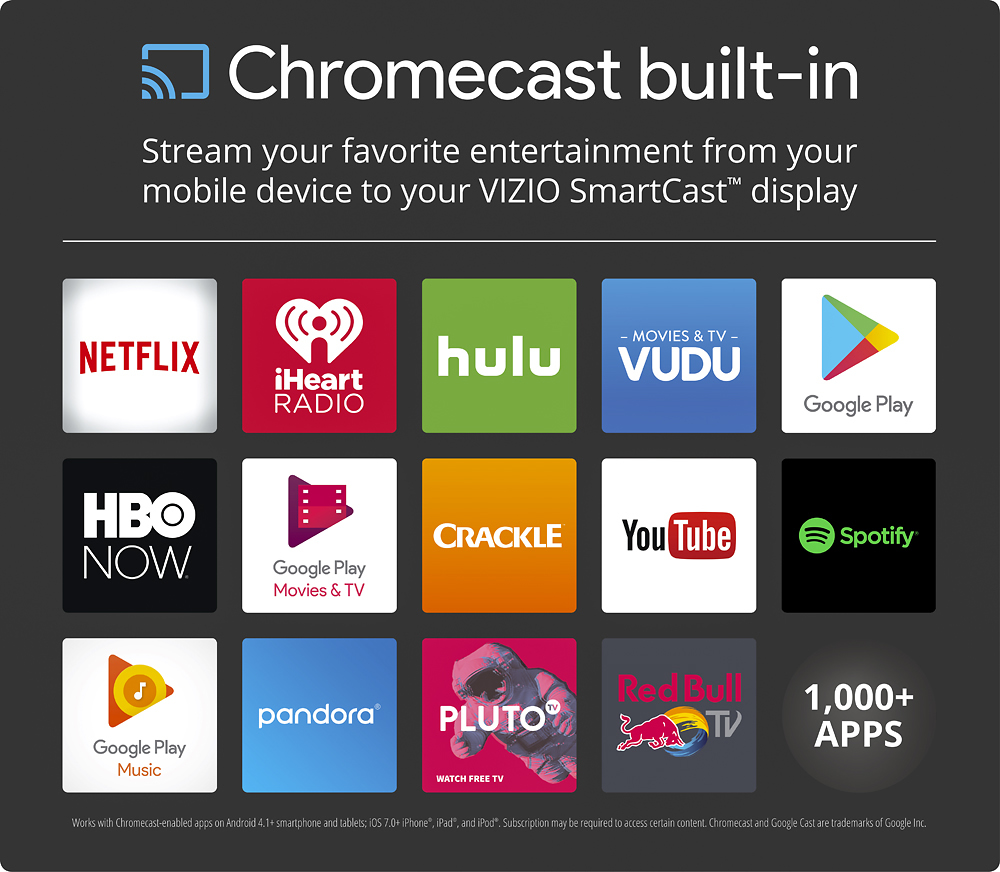
A:AnswerThe remote that comes with this model is a basic remote that controls the basic functions such as volume, power, and picture mode. To access advanced settings such as backlight, color, and tint, you would need to use a smart phone with the SmartCast App. The SmartCast App is used to set up the display to the network and control advanced settings. To watch content from an application simply open the app on a smart phone, tablet, or computer and tap the cast icon.
A:AnswerThank you for a great question on our SmartCast™ E43u-D2!
The stand for this display is 29.72" apart on the inner edges, 31.69" apart on the outer edges, and the legs are 8.23" long.
If you have any questions or concerns, we encourage you to reach out to our Support team at 844.254.8088. Thanks again and have a great day! -Collin
A:AnswerIt has very limited control. basically limited to display size, format and color temp. No other controls are available on the remote that comes with the TV.
That's it! Had one for a day...went back to the store.
A:AnswerUnfortunately your vision tv does not have this capability l. I recommend using a speaker to play spotify while you use your tv for the hdmi usage.
A:AnswerThank you for a great question on our SmartCast™ E43u-D2!
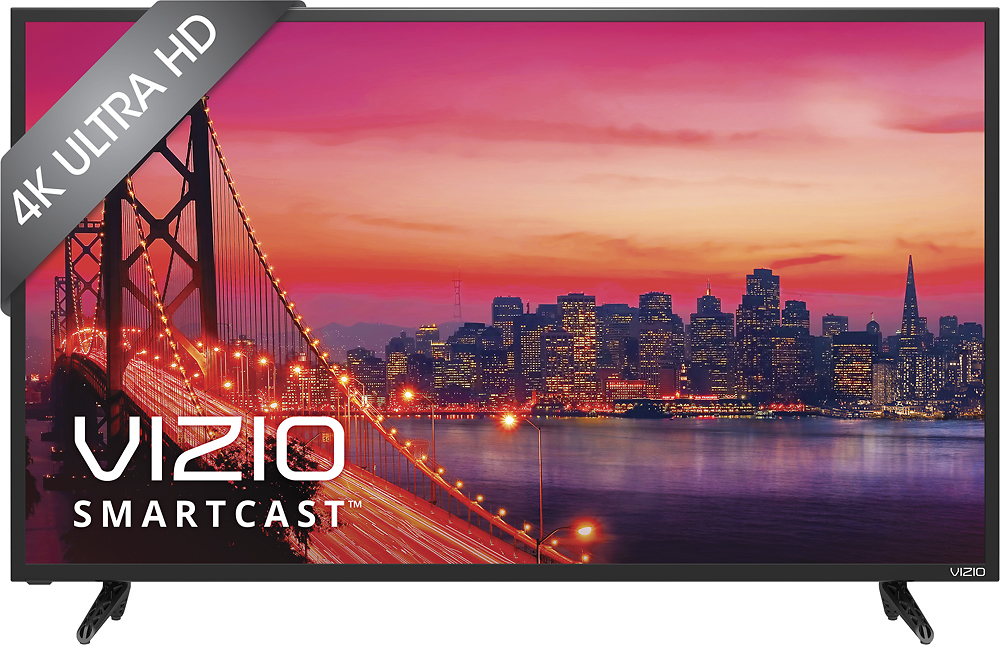
This display is not HDR-capable, and cannot accept an HDR10 input. However, it is 4K-capable, and can accept 4K UHD content through connected devices, or through Casted apps such as Netflix, VUDU, and YouTube. You need to pair your smartphone or tablet with the display with the VIZIO SmartCast™ app to get this started.
If you have any questions or concerns, we encourage you to reach out to our Support team at 844.254.8088. Thanks again and have a great day! -Collin