A:AnswerHi - the VTech CS6949 does not have an auxiliary port where you can plug an adjunct machine. Also, this unit cannot distinguish fax signals from regular calls. It is best to contact the fax manufacturer for installation and setup guidelines. Thank you for your interest!
A:AnswerHello. The VTech CS6949 has not been tested with VCO relay communication. We expect that TTY devices should work with the CS6949, however, this phone does not have any explicit TTY capabilities itself (no keyboard, etc). If you have further questions, please contact our support team. Thank you!
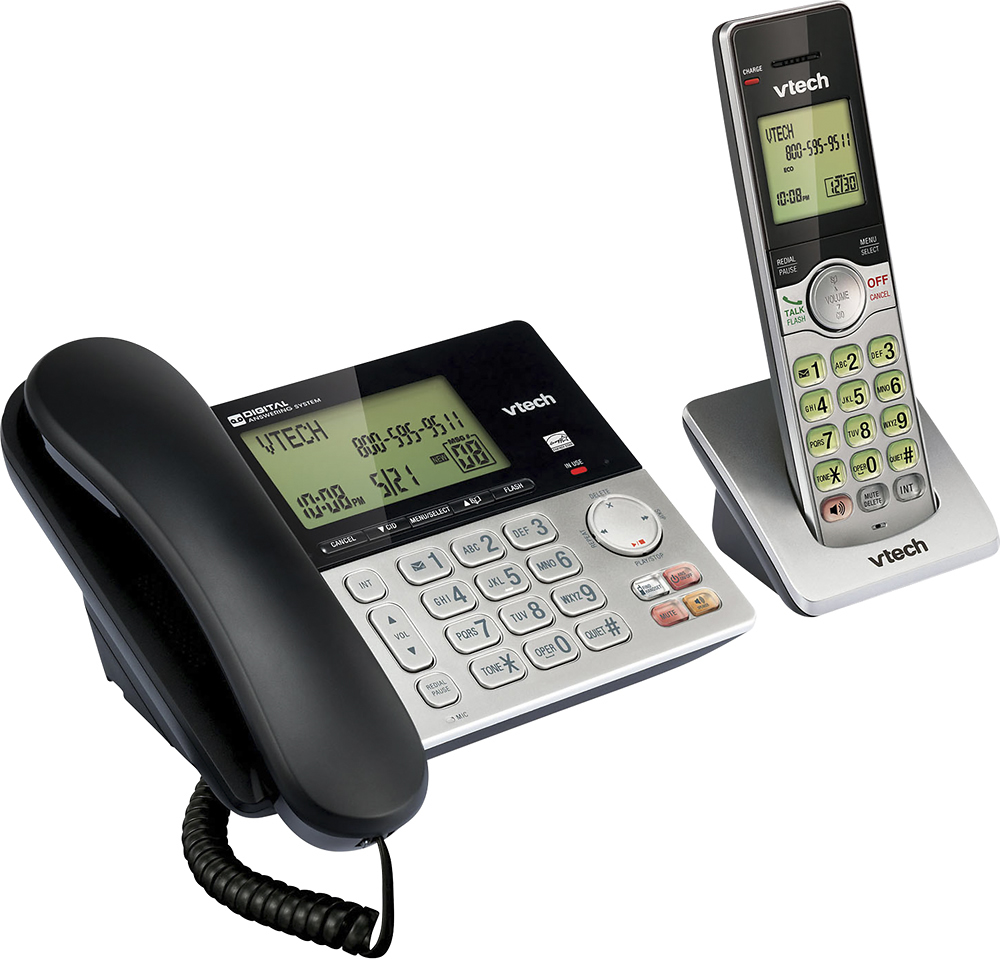
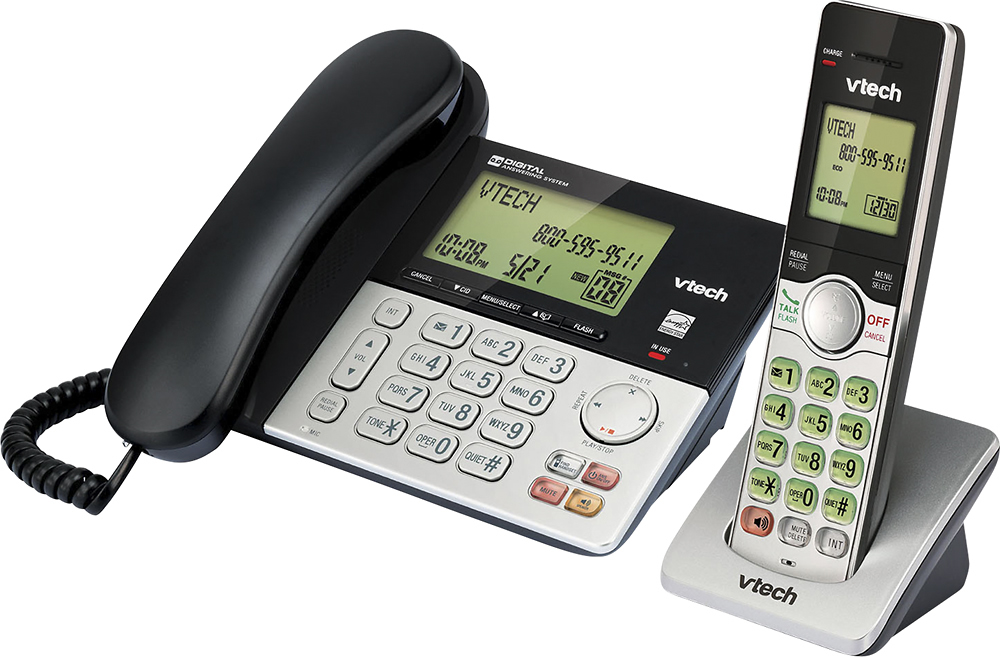
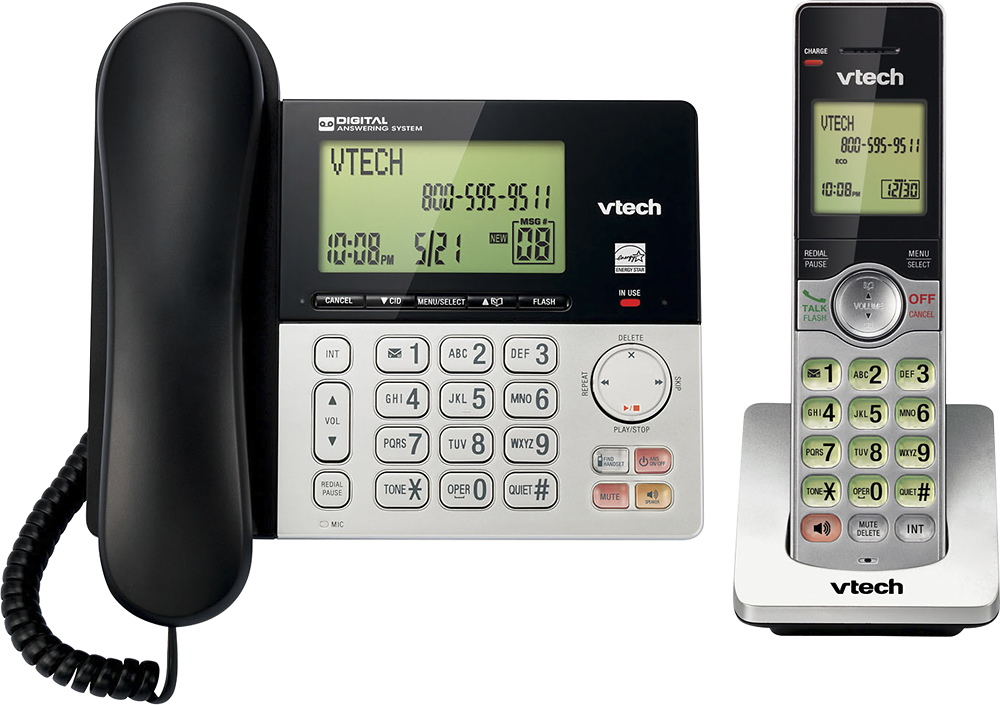
A:AnswerThe row of buttons directly under the screen are the mode of operation buttons. The 2nd one from the left is marked with a downward pointing arrow and the letters CID (standing for caller I D). Pressing this button will bring up the number of the last incoming call, with each additional press of the button will display the call that came before. Pressing the cancel button will bring you back to the main screen.
A:AnswerHi - You set the date and time including the year correctly on the VTech CS6949 for the answering system to announce the right day of the week. Here's the complete instructions: Step 1: Press MENU when the phone is not in use.
Step 2: Press ▼ or ▲ to choose Set date/time, and then press SELECT.
Step 3: Use the dialing keys (0-9) to enter the month (MM), date (DD) and year (YY). Then press SELECT.
Step 4: Use the dialing keys (0-9) to enter the hour (HH) and minute (MM). Then press ▼ or ▲ to choose AM or PM.
Step 5: Press SELECT to save. Then the screen returns to the previous menu.
You hear a confirmation tone. Hope this helps! ~VTech Support