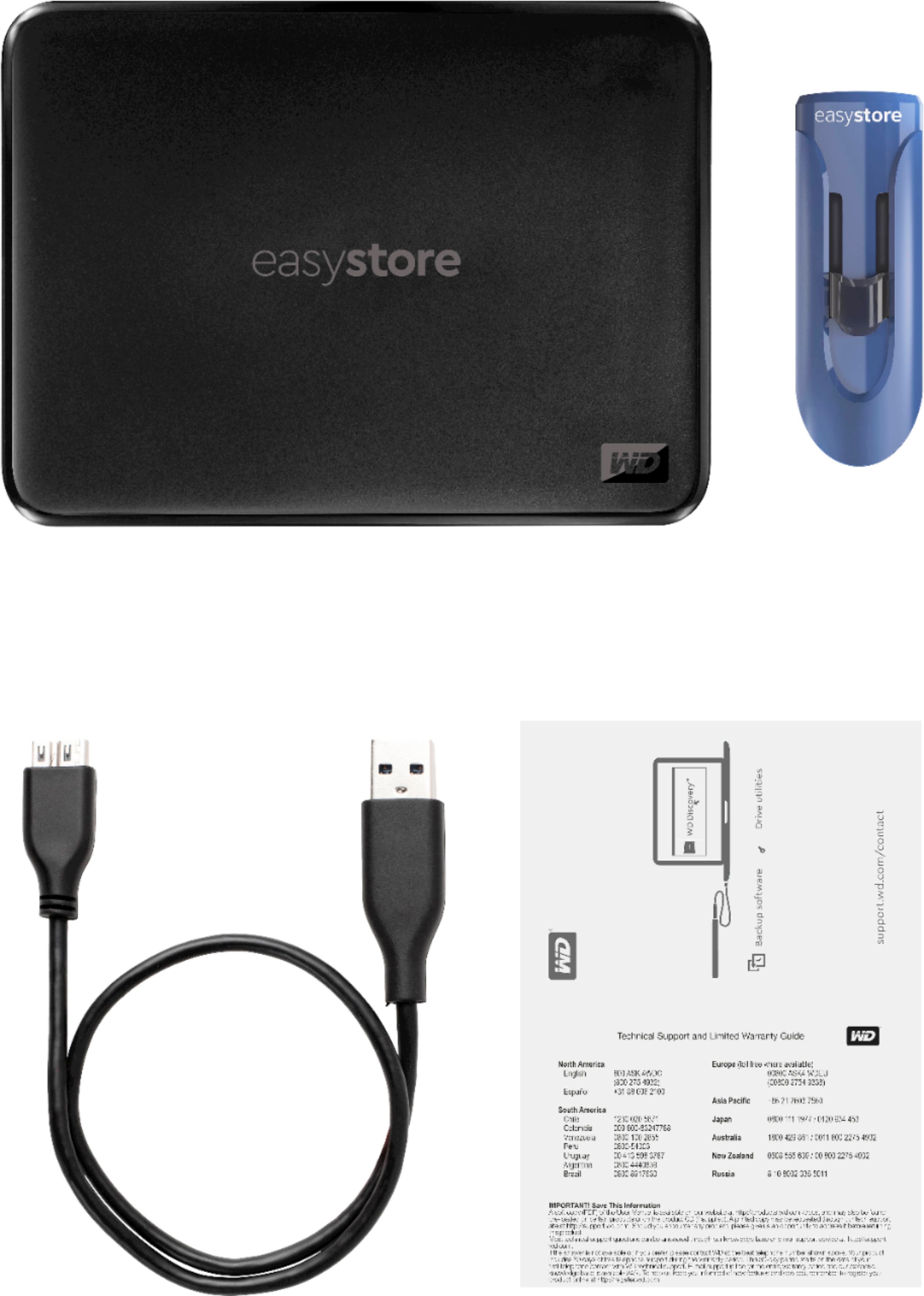
A:AnswerThis disk is full USB3 protocol, so pretty quick. USB 3.0 (also known as SuperSpeed USB) has a maximum bandwidth rate of 5 gbps (gigabits per second). That translates to 640 MBps (megabytes per second)—ten times faster than USB 2.0. In reality you never reach these speeds, but aside form expensive Firewire disks this is as good as it gets. Make sure your computer has a USB3 port (blue color insert), otherwise you won't have any speed advantage. Good luck!
A:AnswerI'm no expert and you might want to ask one about this. I'm currently moving files from a PC to Mac and I have used my Easysotre for both. When you put files on the drive it has to be formatted for that computer (Pc or Mac) but the files that are on the drive can be retrieved from either computer. So one of my Easystore drives is formatted for PC and I take folders from my PC put them on the drive and plug the drive into my Mac and I can copy the files to a drive on my Mac but I can't take a folder from my Mac and put it on that Easystore drive. I have another Easystore drive that's formatted for Mac and I can store files from my mac on that drive. I hope this helps and does not make it more confusing.
A:AnswerMine failed right after two years and 1 week. I hardly used the drive except for writing photos to backup, I kept all my photos backup (ofcourse, I saved in google photos too).
I totally lost faith on WD (this is my second instance) I would like to go with the Segate SSDs which has 5 years warranty
A:AnswerBest way to do that is to create a system image on your external drive and then use file history or some other incremental backup method to bring your image up to date after you load it onto you new system. The web has lots of info about system image creation and incremental backup.
A:AnswerIf DISH allows you to do this then these external drives are perfect (I have 2 of them). Xfinity does not allow customers to record stored DVR recordings.
A:Answer3 TB is a LOT of space - probably more storage than your computer has. Look at the "get info" or however you do it on Windows to determine how much space the directories (folders) containing your stuff are using. That will answer your question.
A:AnswerMight could if you are tech-savvy enough. (in which case you probably would not be asking . . . . )
This is some answers doing a quick search w\ your question:
https://duckduckgo.com/?q=Is+this+drive+shuckable&t=ffnt&ia=web
A:AnswerMy guess is that for those files that won't play are in a format incompatible with your TV. Check your TV's manual to confirm those formats. There are programs out there that will easily convert your files.