A:AnswerHere is a link to WD website and Downloads page.
https://support.wdc.com/downloads.aspx?lang=en
Download these programs and any more you wish to have
WD Discovery™ software with WD Backup™ and WD Drive Utilities™
That is the standard software that ships with most HDD's under WD.
A:AnswerThe issue is the file system on the disk, rather than the disk. You need a file system that i compatible with both and that supports the large disk space.
This drive comes formatted with NTFS which is good for Windows, but is read only on a native MacOS.
I recommend leaving the disk formatted in NTFS and installing an NTFS disk driver for the Mac. I use
"Microsoft NTFS for Mac by Paragon Software" You can buy it on the web, It then makes the disk work like any other Mac native file system on the Mac.
It costs $19.95 at https://www.paragon-software.com/home/ntfs-mac/
I have no affiliation other than being a happy customer.
A:AnswerI am thinking you may need to format the drive or ensure your Blu ray player is compatible with the type of file system (fat32 or ntfs) in use with the Hdd.
A:AnswerHi Tonytunes,
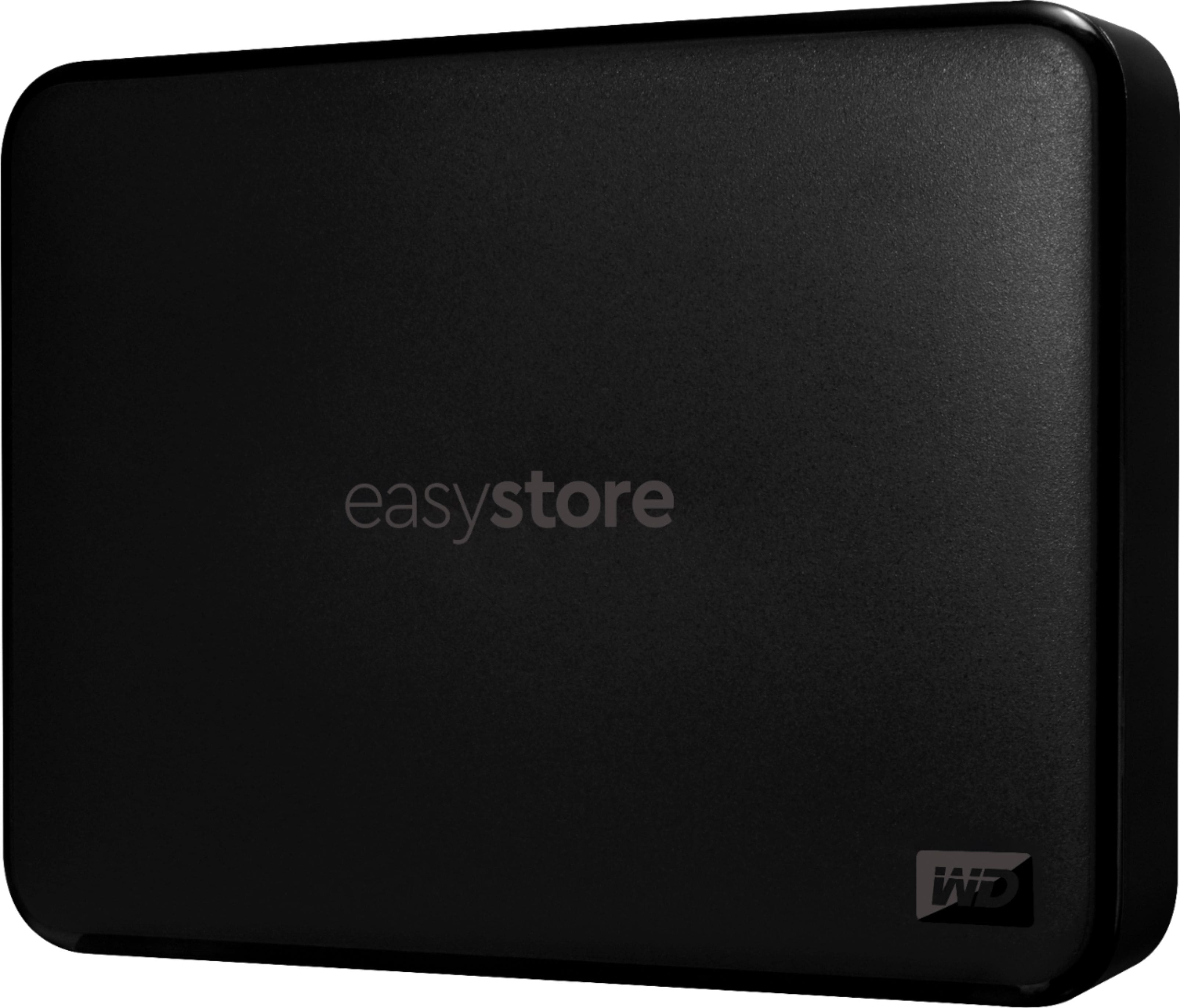
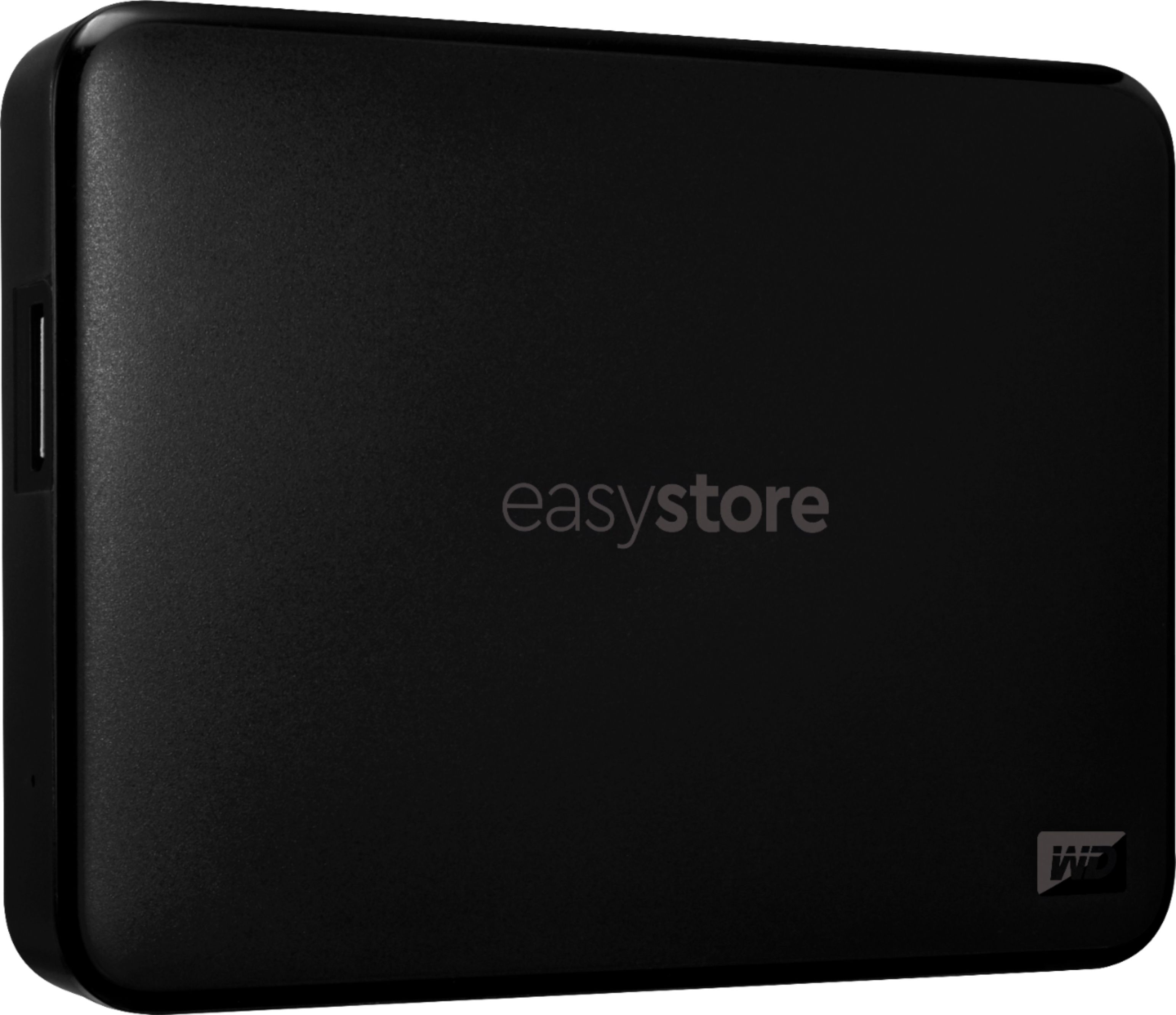
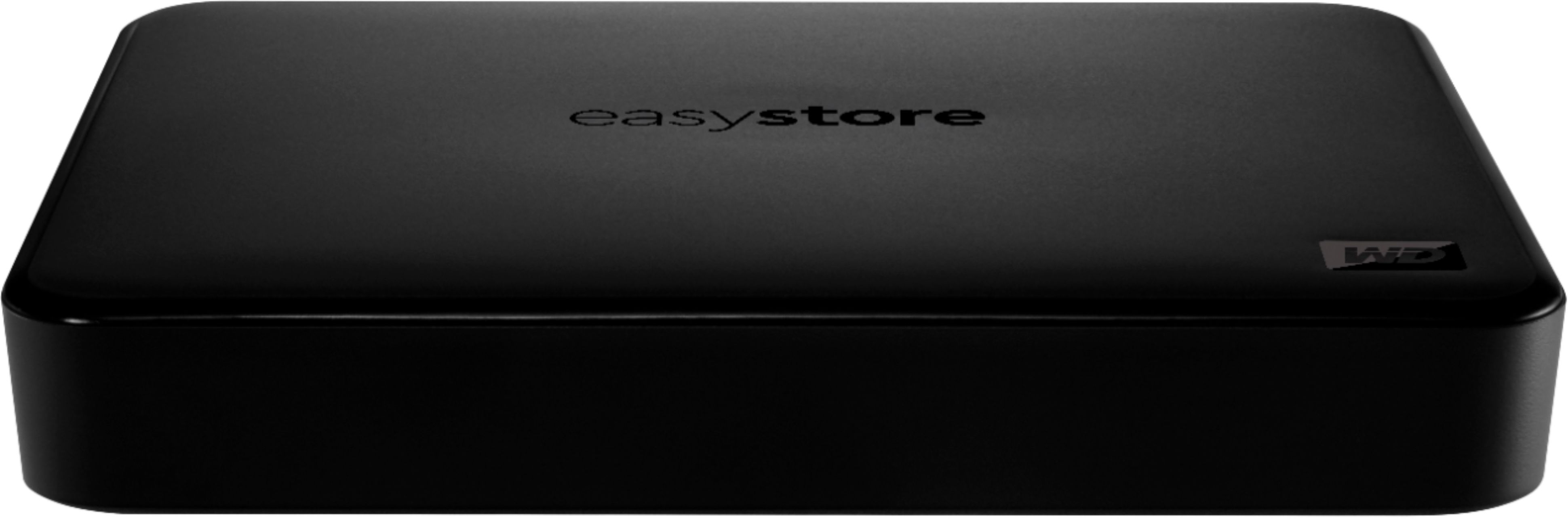
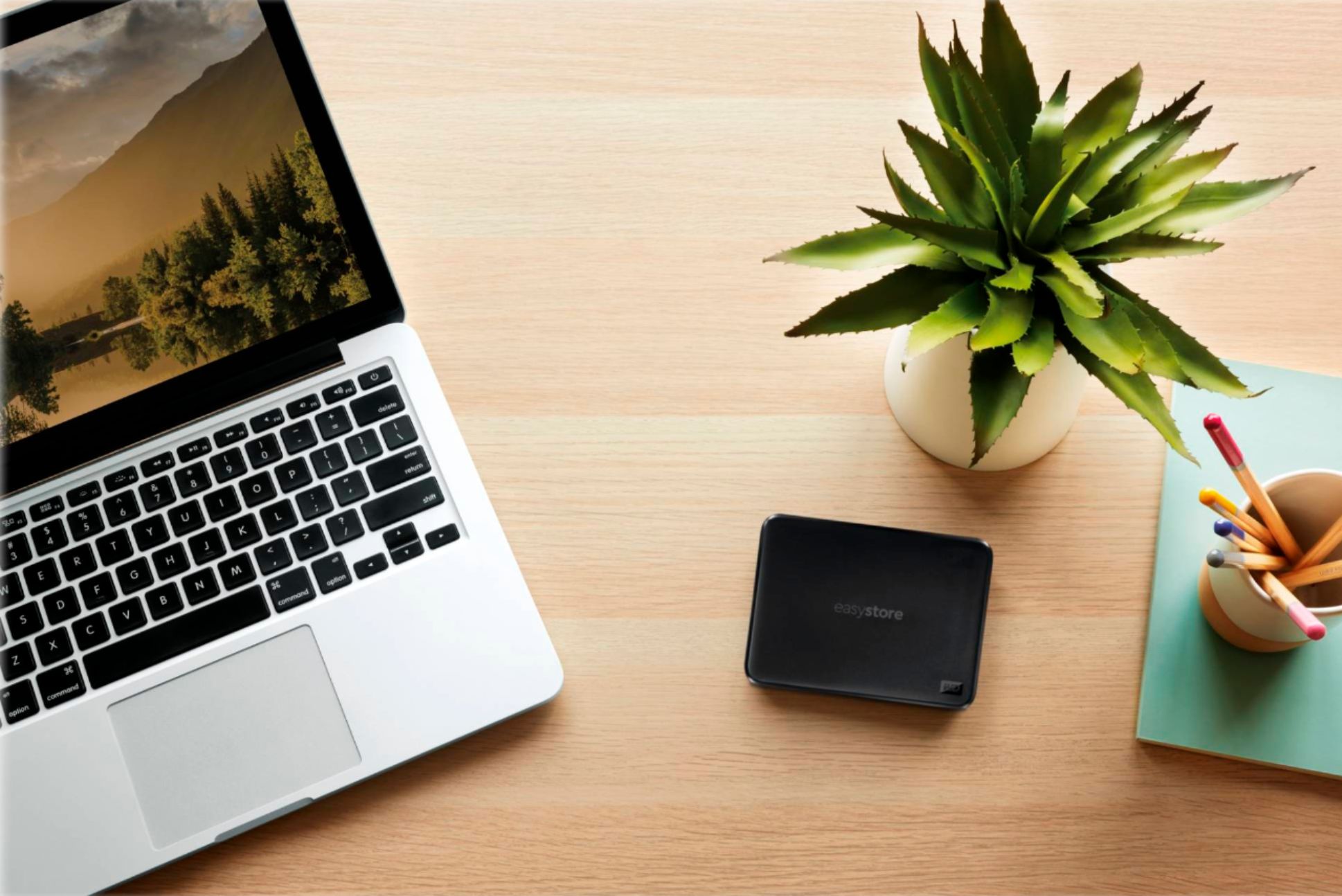
Please be informed that the WD Easystore drive is a plug and play device tested and designed only for Windows and Mac computers for seamless operation.
Need Help? Please see our "'Contact Us" page for information.
A:AnswerHi bohol1,
Thank you for your showing your interest in WD Easystore External Hard drive. Please know these drives manufactured for normal operation. In order to know the compatibility please contact to your Host device manufacturer.
Need Help? Please see our "'Contact Us" page for information
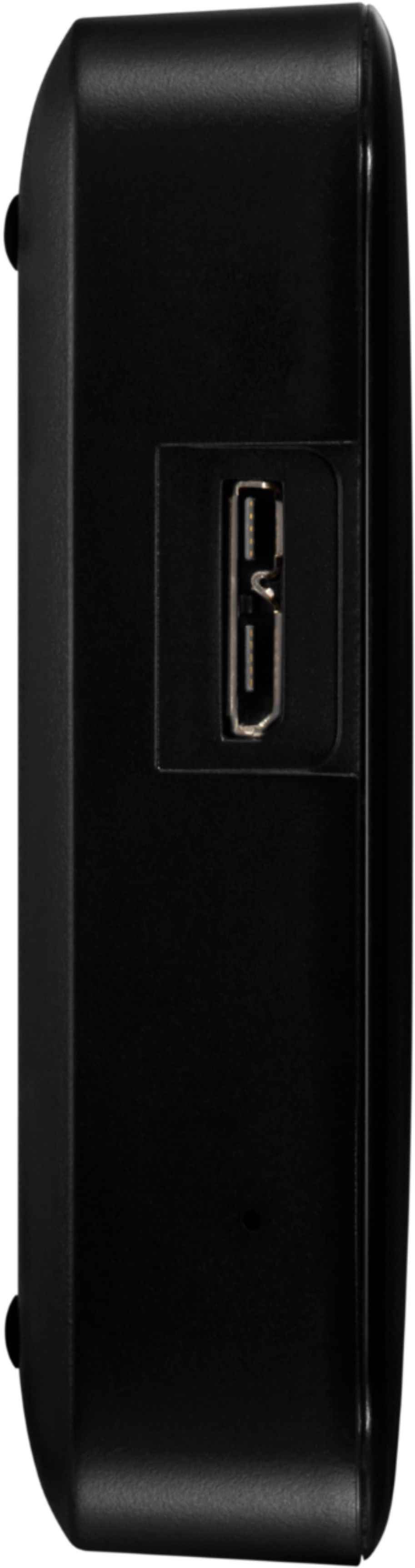
A:AnswerHi Aggiebryan, Please be informed that the WD Easystore drive is a plug and play external portable Hard Drive. To know more about the drive please refer to the link: http://products.wdc.com/library/AAG/ENG/4078-705145.pdf -Need Help? Please see our "'Contact Us" page for information.
A:AnswerIf this is used with a Windows based machine, it is as easy as plugging it into an open USB port on the PC or laptop and the operating system will do the rest. It does come with some handy pre installed software but it isn't necessary to install any of it to use the drive.
If this question is for a mac user, there are additional steps required to make the drive usable by the operating system, and these can be found on Western Digital's website, or by doing a general search for "WD 4TB USB 3.0 mac installation". It took about 20 minutes to format the external drive for use in a mac and works just as well as a windows installation.
A:AnswerAccording to the box and on line it's 5400 but it seems faster then that. It's a great portable memory and very small. Only down side is the power stays on all the time so I have to disconnect it when not in use.
A:AnswerIn order of quality:
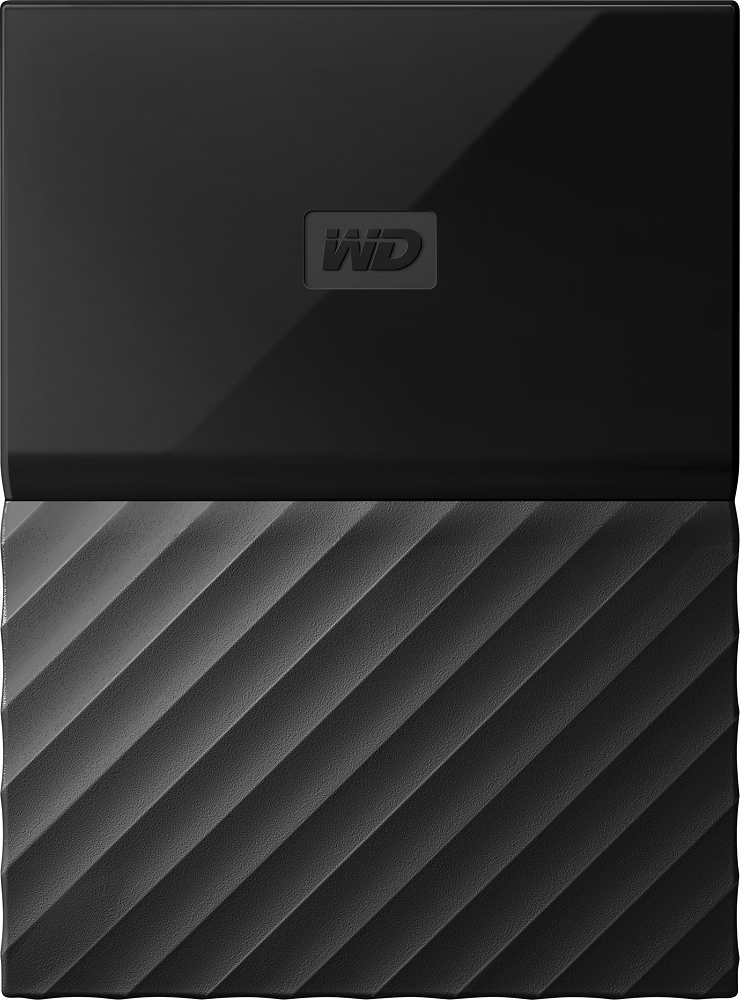
My Passport >>> >>> Elements >>> >>> >>> >>> >>> EasyStore.
Yes, the EasyStore falls THAT far below the Elements, and the Elements is best avoided if you can afford the My Passport. I'd never touch an EasyStore again unless I want to lose everything on it.