A:AnswerHi,
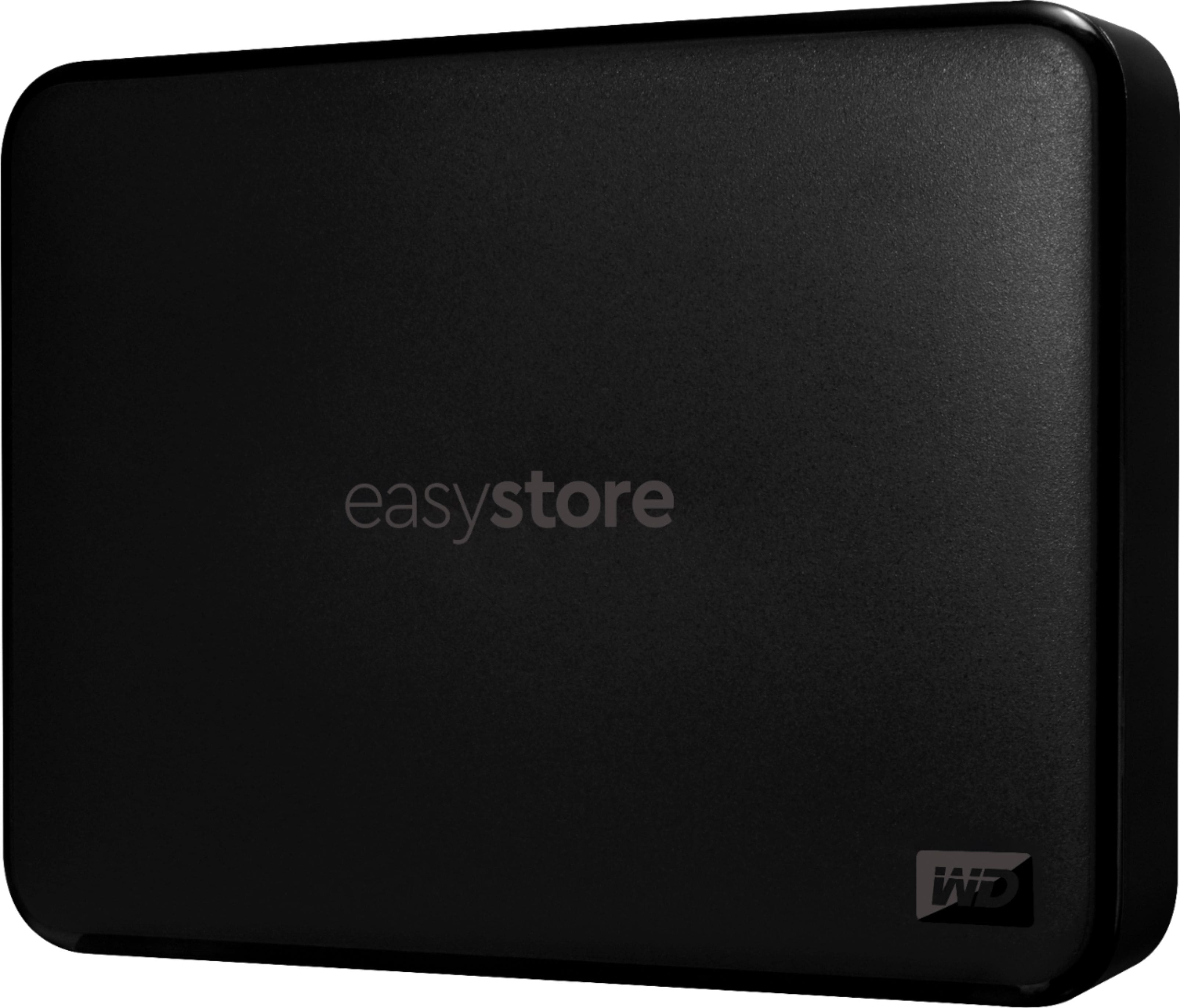
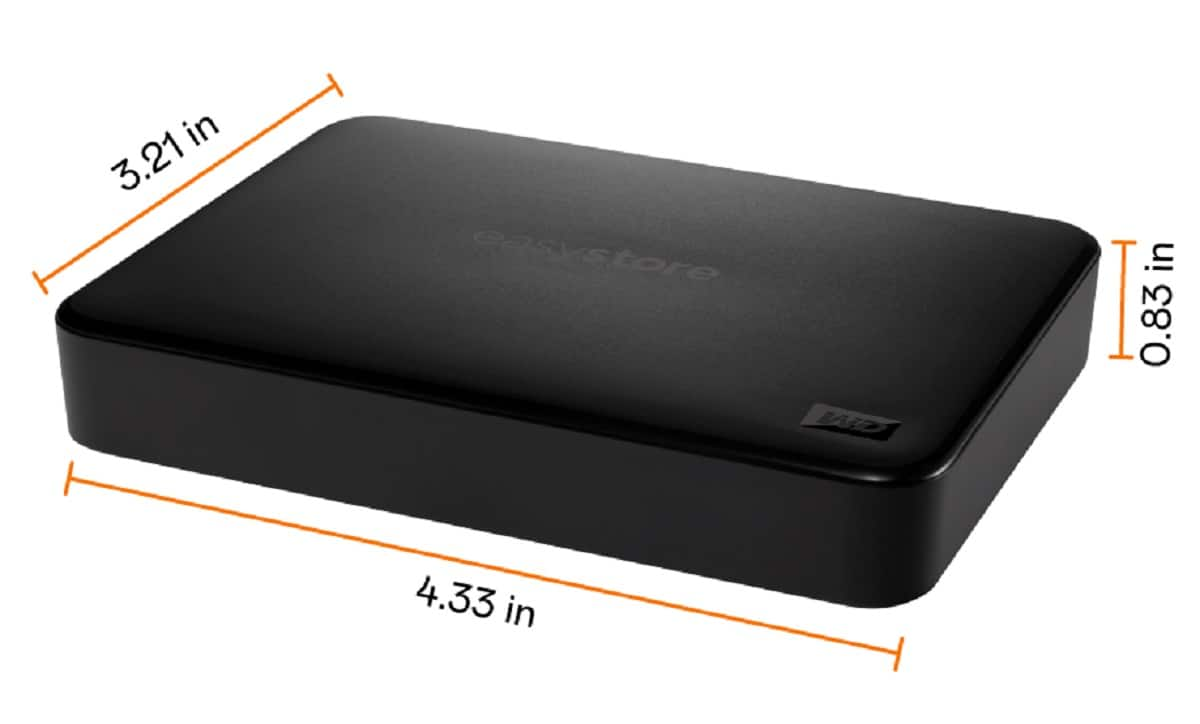
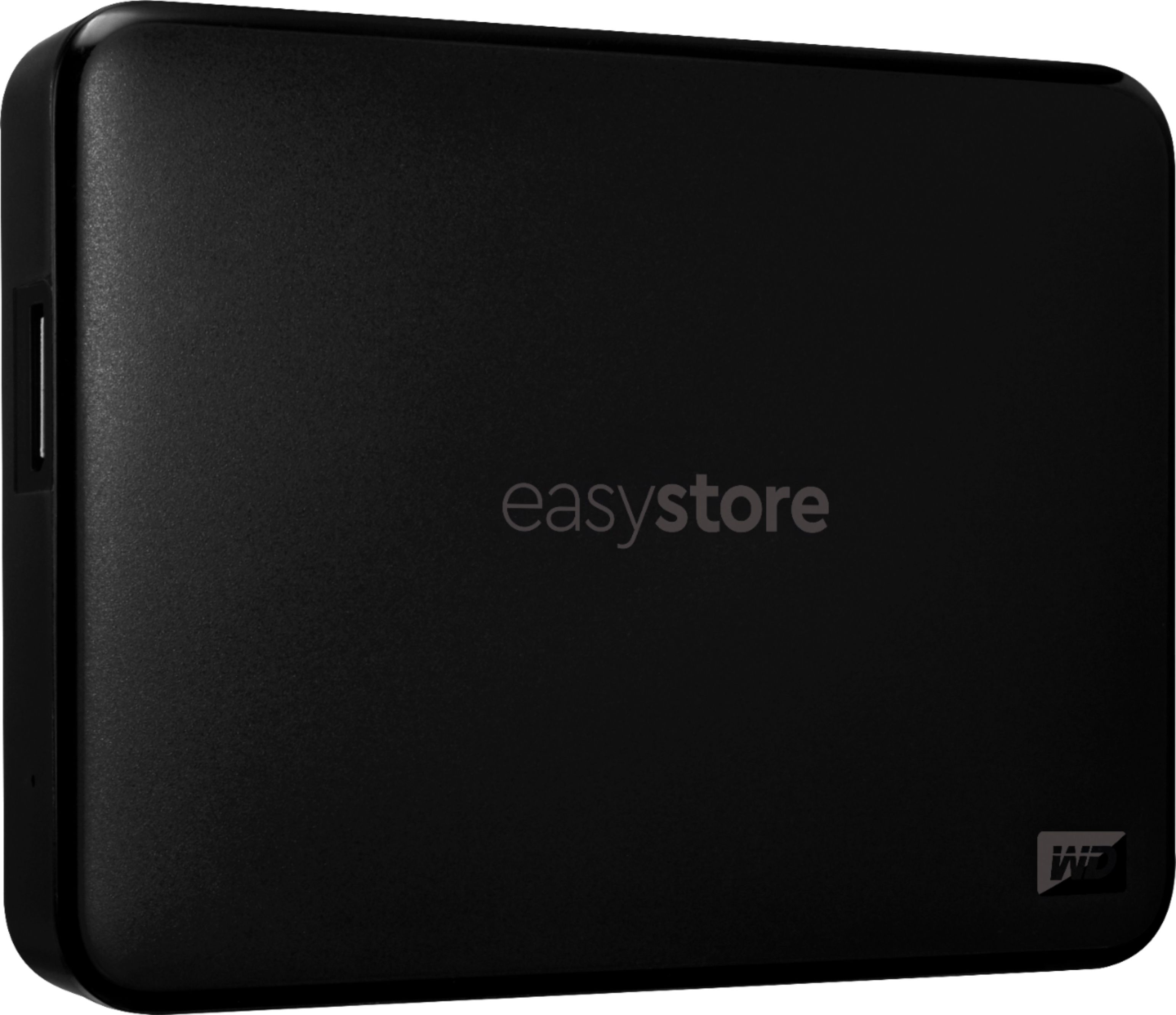
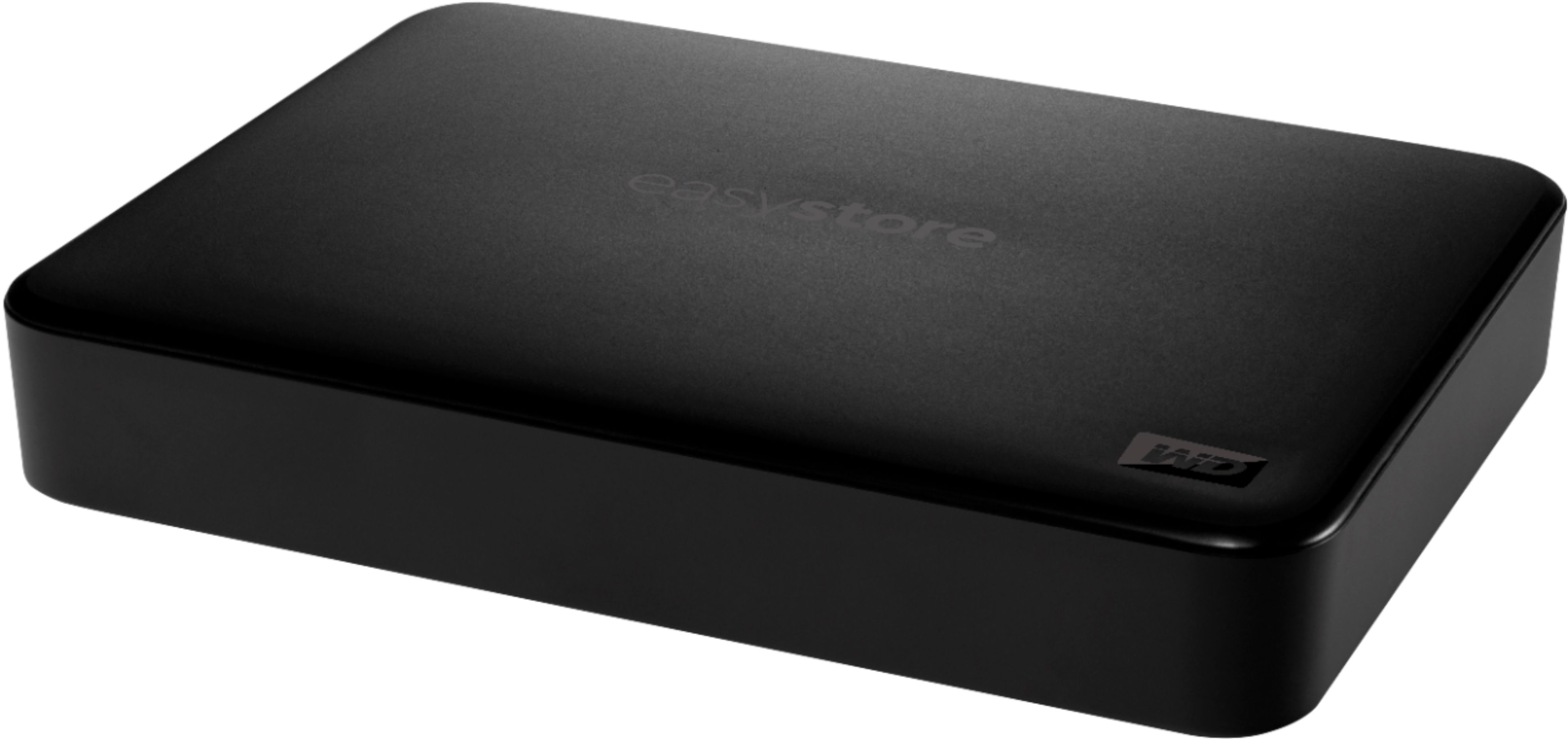
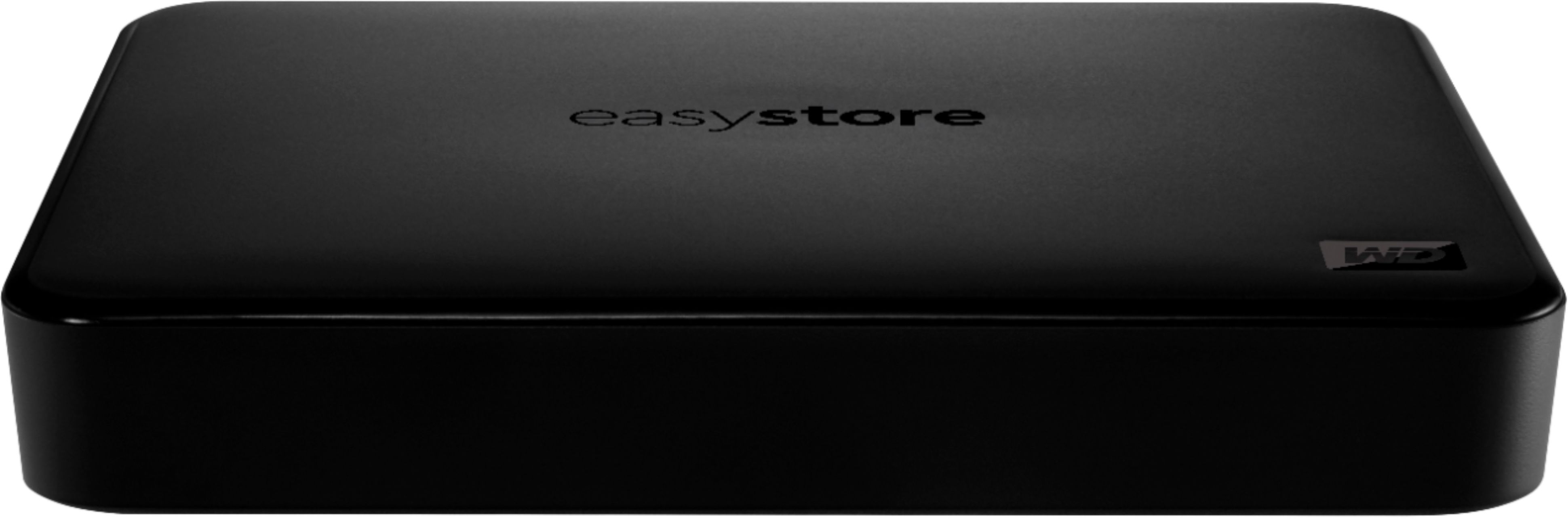
Please be informed that the WD Easystore drive is a plug and play device tested and designed only for Windows and Mac computers for seamless operation.
Need Help? Please see our "'Contact Us" page for information.
A:AnswerHi Bella, It may work, but we do not recommend as support for Windows XP ended. After 12 years, support for Windows XP ended April 8, 2014. Microsoft will no longer provide security updates or technical support for the Windows XP operating system. Need Help? Please see our "'Contact Us" page for information
A:AnswerHi Raquel, Yes, you may use this drive. The WD My Easystore external hard drive comes pre-formatted for Windows OS. We have tested this hard drive with windowsOS and macOS. The hard drive needs to be reformatted in a supported filesystem that is ExFAT format. Please refer to the link mentioned below to know how to reformat the external hard drive. How to Format a WD hard drive to exFAT or FAT32 File System: https://support-en.wd.com/app/answers/detail/a_id/20821/kw/exfat Need Help? Please see our "'Contact Us" page for information
A:AnswerPlug it into a 'USB-C port' on your MacBook Pro. The other end of the USB-C adapter should have at least a couple of USB 3.0 ports. After connecting your device with the USB 3.0 cable it came with, or the one you already have, plug it into the USB 3.0 hubs in the adapter.
A:AnswerI like Easeus Partition Master. There are free versions just have to Google it. But you can Create Partions like NTFS,Fat 32,exfat, MBR or GPT. With quite a few tools as well. There are other free Partioning tools out there on the web for Mac but I've unfortunately never had the chance to use it....lol
A:AnswerWell that is a good question. Transfer rate is given of 5.0 GB per second on USB 3.0 but I have looked high and low and do not see a speed. So now you got me searching, nothing to be found. Kind of why I am not a WD kind of guy, I prefer Seagate when it comes to HD's, but hey, the price was right at the time I bought it. Actually was the only reason I bought it. So off on the mission I went, just for you and my peace of mind being as how WD was not forthcoming anywhere with information. So downloaded CrystalDiskInfo just for you. It's a 5400 RPM drive. Of course I am only using it as a storage drive so it is not so critical.
A:AnswerDan it is, when you log into your Xbox live from your console and add the pin that scratches off you will get a credit on your Xbox live account.
A:AnswerYou will not be able to transfer the video from the Micro SD directly onto the portable HD. You will need to store the video onto your PC/Mac and then onto the HD.
A:AnswerYes and no.
This hard drive defaults to NTFS for its file system, windows is able to see three different file system types which are NTFS, FAT32 and exFAT.
NTFS (default) is the newest file system that windows uses for most removable and non-removable hard drives, this one being removable
FAT32 is just an older file system that's not as efficient as what this hard drive defaults to (NTFS) but FAT32 has greater compatibility with other operating systems, such as Linux, Mac and Ubuntu. So if you were looking to take files from a windows computer and try and use it on a computer with Ubuntu installed, they might not be compatible, but if you are just going to be using this for 1 or more computer with the same OS ( Windows 10 for example ) it would work perfectly.
You can also format with hard drive to be exFAT which is just another modern replacement for fat32, but i would stay away from it.
A:AnswerWe record using a Mediasonic Homeworx unit. I've recorded on flash drives and WD passports connected to the USB port. The Antenna works fine for us.
A:AnswerYour TV would need to have a USB port. Then plug in external hard drive into USB port. Use the TV to browse and play the files. You could also use a Xbox or something like that.
A:AnswerOnce connected to your xbox it will need to be reformatted to put games on it. So no you can't have content from another device on it and use it on your xbox. If using for media like pictures and whatnot it may not need to be reformatted but to intstall games it will and you will lose all previous installations or downloads on it.