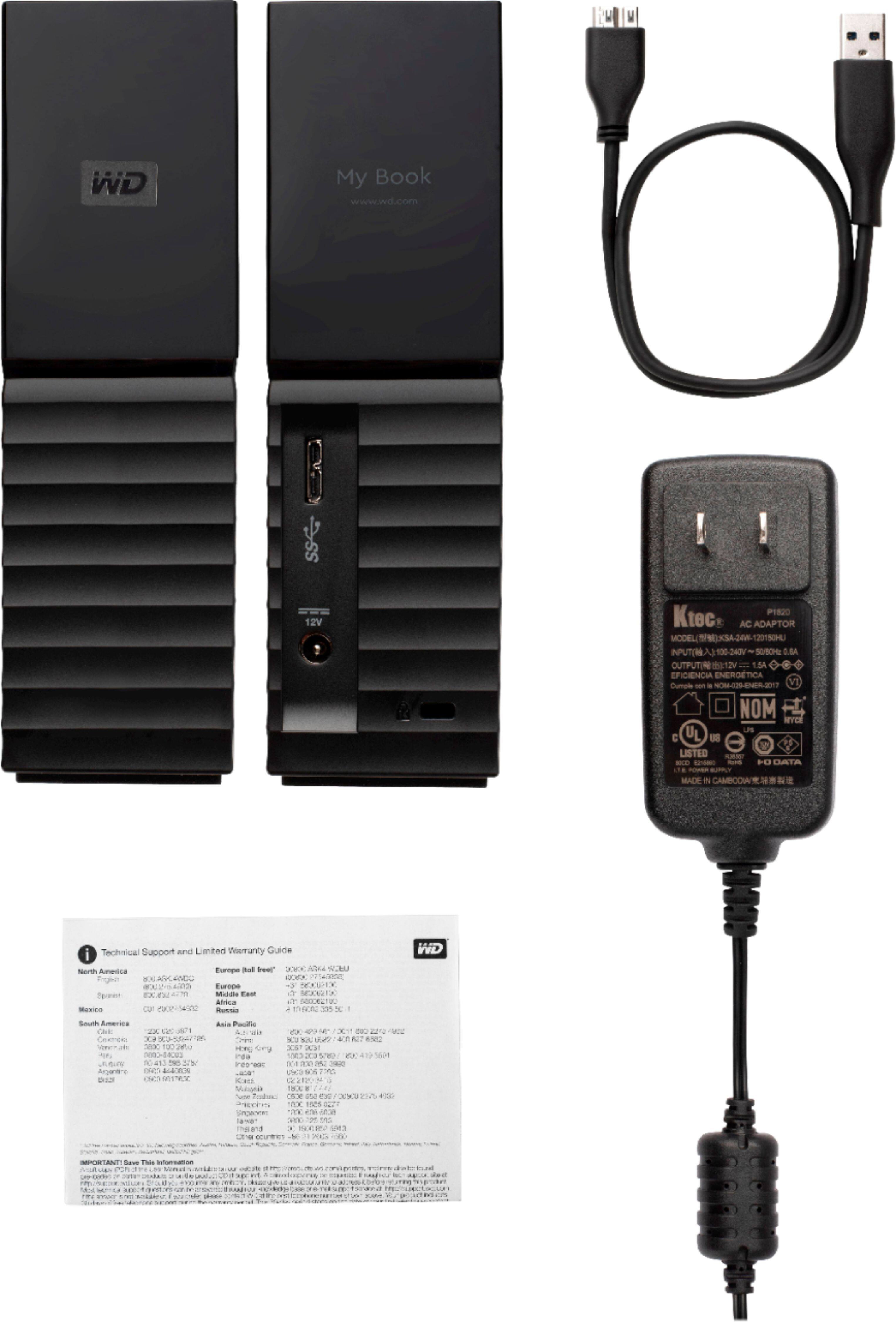
A:AnswerThis is primarily used as a local device. Through advanced networking it's possible to connect to remotely such as setting up a VPN. If you're looking for a device that's easily accessible remotely I'd go with the WD My Cloud. I have both devices and have setup an incremental backup with the two units and they work easily together.
A:AnswerSure will!!! That's where I have mine and it's glorious. No more fiddling around with piddly 32gb flash drives and 500 gb portable externals trying to hold all my games. Now if I could only find time to play them all.
A:AnswerThe drive is factory formated to Windows NTFS. You may need to format it with your computers macOS disk utility program to make it fully compatible with your system (read/write). If your intention is to use it for cross platform (mac/windows) storage, you will need to have it formated to fat32. If you format to macOS you wont be able to right files to it from the Windows platform. If you leave it formated to NTFS you wont be able to right macOS files to it. The drive is enormous so ideally you can partition it with macOS disk utility and have 3 partitions (macOS, fat32 & NTFS) one of each.
A:AnswerExternal drives will not make your computer do anything faster!
External Hard Drives, or HD, are for backup and or if you need to extend the storage size of your existing computer/device.
If your computer has USB3, it will perform MUCH FASTER than the older USB2 or USB 1.1 or older versions! BUT it will not perform as fast as an internal HD!
Here is the reason: The internal HD has interface called SATA and the data can flow much faster than using the USB port.
USB port has to travel through several components, before the data reaches the internal hardware, that is why it is little slower than SATA interface.
Also, remember to unplug the USB device as soon as you aren't using the external HD, just in case your computer gets a virus!
The virus will spread to every device your computer has a connection to!
In my profession I see too many unhappy people, who did not backup their data to external the HD (Hard Drive) !
Don't bee one of these unhappy people yourself!
A:AnswerHi Glenn,
Yes, you can transfer the data in both windows 7 and windows 10 computer. Please note windows 7's support is EOL from Microsoft, you may experienced a few issues.
Please refer to the link mentioned below to know more about this drive.
https://shop.westerndigital.com/en-us/products/external-drives/wd-my-book-usb-3-0-hdd#WDBBGB0030HBK-NESN
Need Help? Please see our "'Contact Us" page for information
A:AnswerI am using it for backups for my Mac using TimeMachine and it works fine. Very fast and quite.
For a PC you would have to restore everything as it uses a registry.
Yes, it could be used to backup all of your PC.
A:AnswerHi Frank,
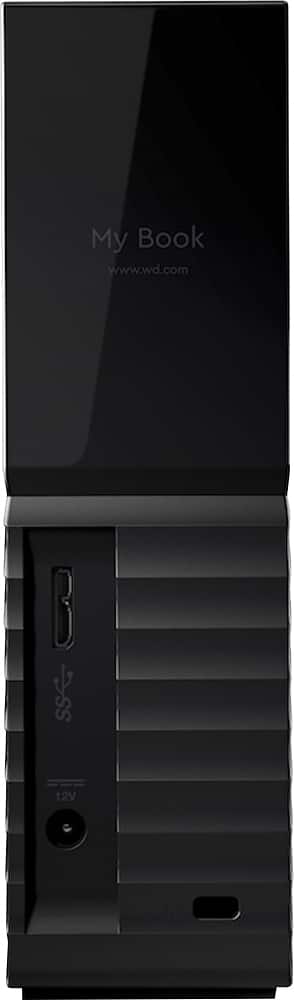
Thanks for showing your interest in the WD My Book drive. Please know this is an external storage hard drive and it has 1 USB port.
USB 3.0 supports interface transfer rates up to 5 Gb/s. USB 3.0 is backward compatible
with USB 2.0. A USB 2.0 Interface supports interface transfer rates up to 480 Mb/s.
Refer to the link mentioned below to know more about this drive.
http://products.wdc.com/library/UM/ENG/4779-705157.pdf
Need Help? Please see our "'Contact Us" page for information
A:AnswerYes. For easiest compatibility between Windows and Mac, you'll probably want to format the external drive as NTFS, which can be read by both operating systems. However, you will need to enable NTFS write mode on your Mac machine if you want to be able to *write* to the external drive. You can do this from the command line, or you can use a third-party NTFS driver like Paragon NTFS.
A:AnswerYou won't have to partition unless you want to partition. When you format the hard drive, use exFat which recognizes both Mac & PC. It may run slightly not as fast. Plug into a Mac or a PC, with exFat you'll see your files & folders.
A:AnswerYes. This is compatible, I have it hooked up to my PS4 now and I am loving the extra space for the many games that I have and plan to get digitally.
A:Answer7.27 TB.
----------------------------------------------------------------------------
CrystalDiskInfo 7.6.1 (C) 2008-2018 hiyohiyo
Crystal Dew World : https://crystalmark.info/
----------------------------------------------------------------------------
OS : Windows 10 [10.0 Build 17134] (x64)
Date : 2018/10/10 16:42:35
----------------------------------------------------------------------------
(5) WDC WD80EFAX-68LHPN0
----------------------------------------------------------------------------
Model : WDC WD80EFAX-68LHPN0
Firmware : 83.H0A83
Serial Number : ********
Disk Size : 8001.5 GB (8.4/137.4/8001.5/8001.5)
Buffer Size : Unknown
Queue Depth : 32
# of Sectors : 15628053168
Rotation Rate : 5400 RPM
Interface : Serial ATA
Major Version : ACS-2
Minor Version : ATA8-ACS version 4
Transfer Mode : SATA/600 | SATA/600
Power On Hours : 2379 hours
Power On Count : 1540 count
Temperature : 34 C (93 F)
Health Status : Good
Features : S.M.A.R.T., APM, 48bit LBA, NCQ
APM Level : 00A4h [ON]
AAM Level : ----
Drive Letter : T: