A:AnswerYes it will, it's a USB drive. No special formatting is required.
IOf you meant to install it internally then NO. The PS4 uses 2.5" (Laptop) drive inside.
A:AnswerUmmm... Why not connect it to a desktop and have Plex server running in the background? That's what I did; its easy to set up and it works just fine. And I have a variety of media; AVI, MKV, MP4, audio files and photos. Good luck.
A:AnswerHi, Please be informed that WD My Book External Portable Hard Drive is a plug and play device which designed for Windows and Mac operating system. We have not tested the drive on mobile devices or an iPhone. Therefore, we recommend you to move the data from phone to computer or vice versa using your computer. For more information about the drive, please refer to the link: https://www.westerndigital.com/en-in/products/external-drives/wd-my-book-usb-3-0-hdd?sku=WDBBGB0040HBK-BESN
A:AnswerHello, Please be informed that WD My Book External drive is a plug 'n' play device tested and designed for Windows and Mac computers for seamless operation. You could use Acronis True Image for Western Digital on Windows and Mac operating system for automatic backup. You could refer to the link mentioned for using Acronis : https://support en.wd.com/app/answers/detailweb/a_id/30022/kw/acronis If you are facing any issue, please contact us at https://support-en.wd.com/app/ask/session/ the customer support team will contact you as soon as possible.
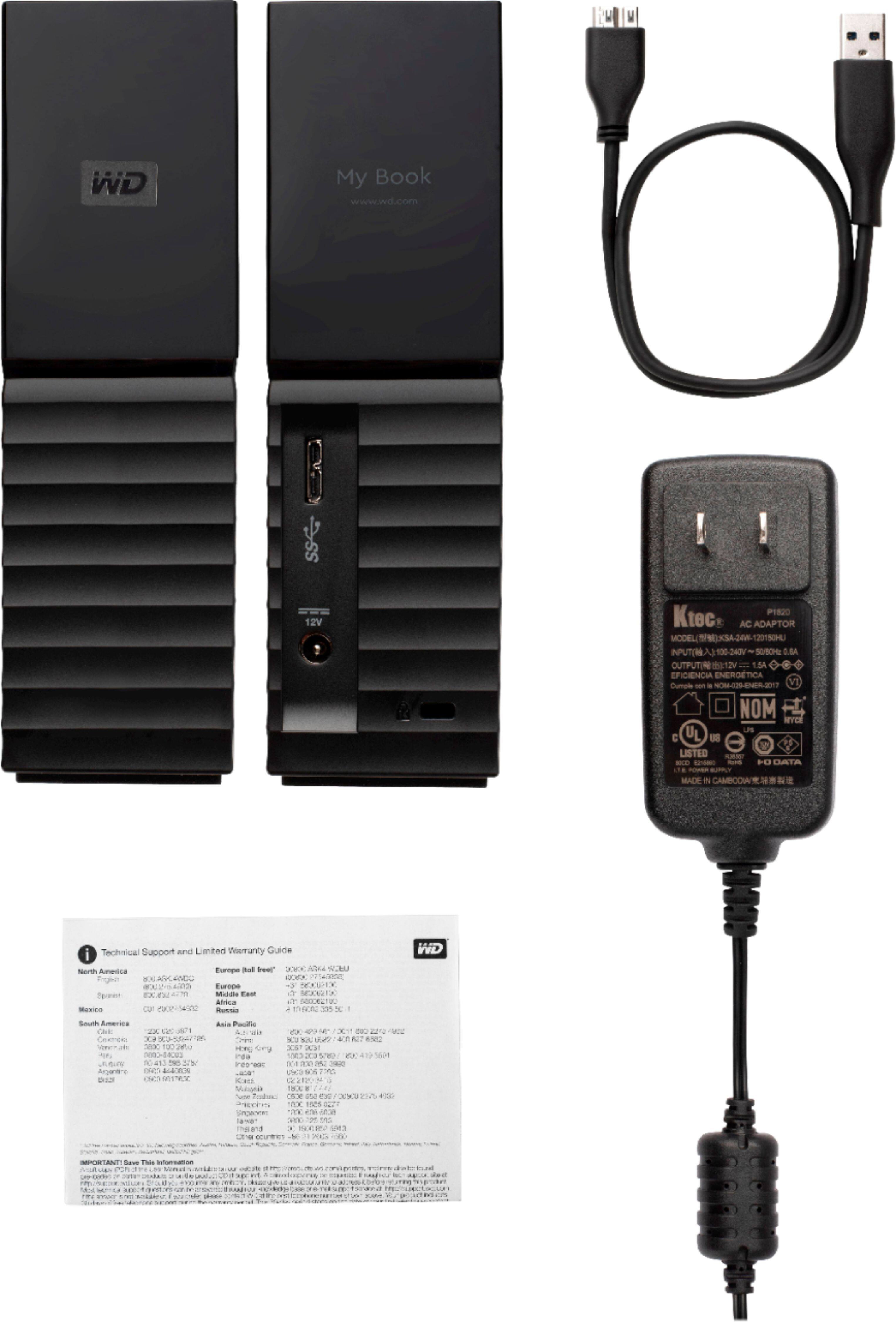
A:AnswerHello, The WD My Book is an HDD-based external drive and it does require external power to operate. It doesn't need to stay plugged in all the time, only when you are using it or accessing your data. You can safely unplug it after properly ejecting it from your computer.
A:AnswerI've never tried it, honestly, but I dont see why you wouldn't. It would depend on what it's formatted as though, check the TV support page and see if the TV supports NTFS or ExFat (if ExFat is supported thats the better option for large video files)
A:AnswerThere is, if you install the Western Digital Drive Utilities software, it has the option to adjust its sleep time. I will attach screenshots, forgive the crude arrows, I made them quickly
A:AnswerHello Mike, We would like to inform you that we are tested the device with windows and mac operating system. We recommend you to please check with your host device vendor for more compatibility info. For more information please refer to the user manual of the device: http://products.wdc.com/library/AAG/ENG/4078-705157.pdf.-Need Help? Please see our "'Contact Us" page for information.
A:AnswerHello, Please be informed that the WD My Book drive is a plug 'n' play device tested & designed for Windows and Mac computers for seamless operation. We recommend you to please contact your host device vendor support to check whether the drive will support. For more information about the drive refer to the link: http://products.wdc.com/library/AAG/ENG/4178-707230.pdf .Please see our "'Contact Us" page for information.
A:AnswerHello Babbs, Based on your concern we never recommend you to use the USB hubs or extensions. For more information about the drive refer to the link: http://products.wdc.com/library/AAG/ENG/4178-707230.pdf -Need Help? Please see our "'Contact Us" page for information.