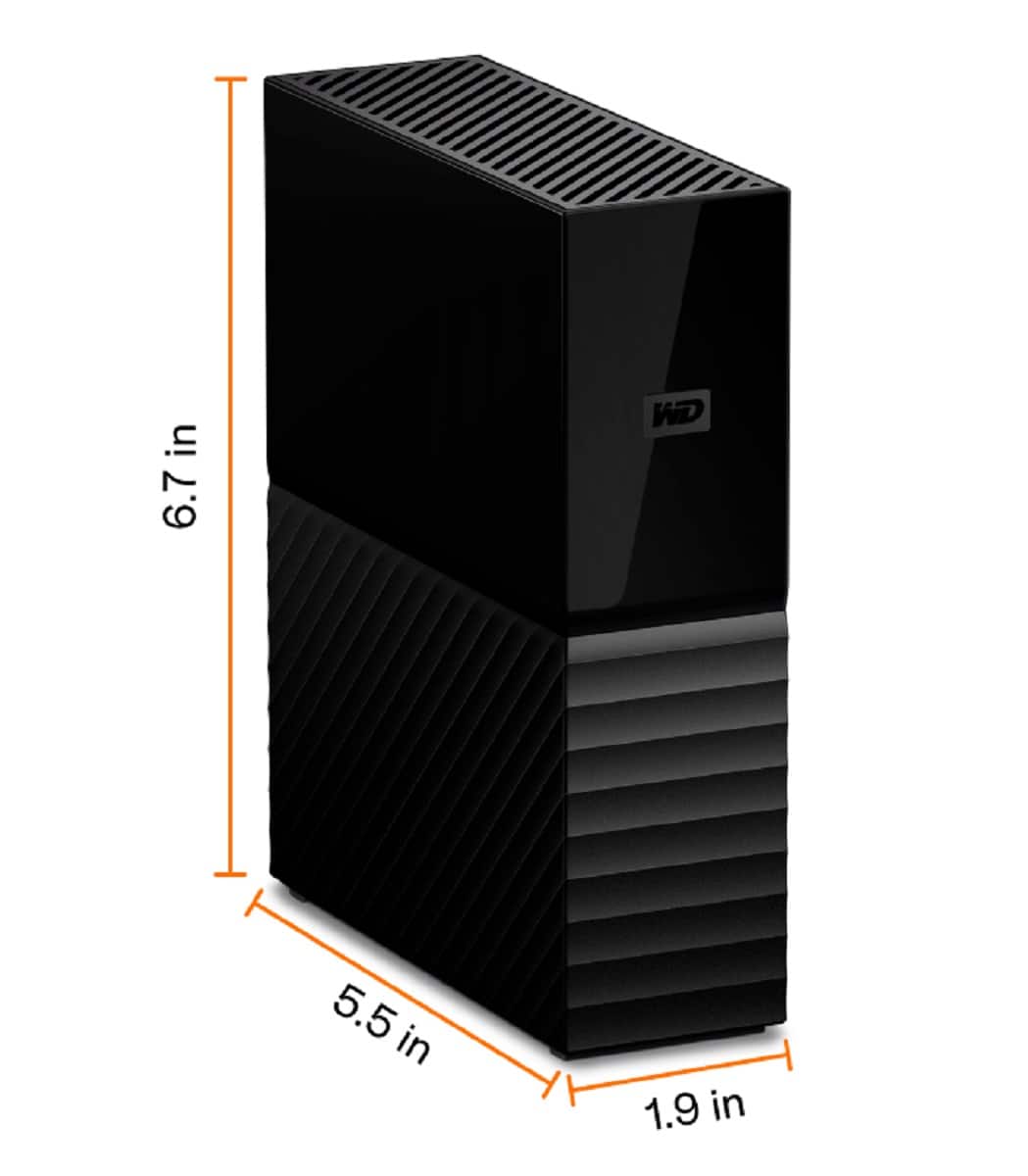
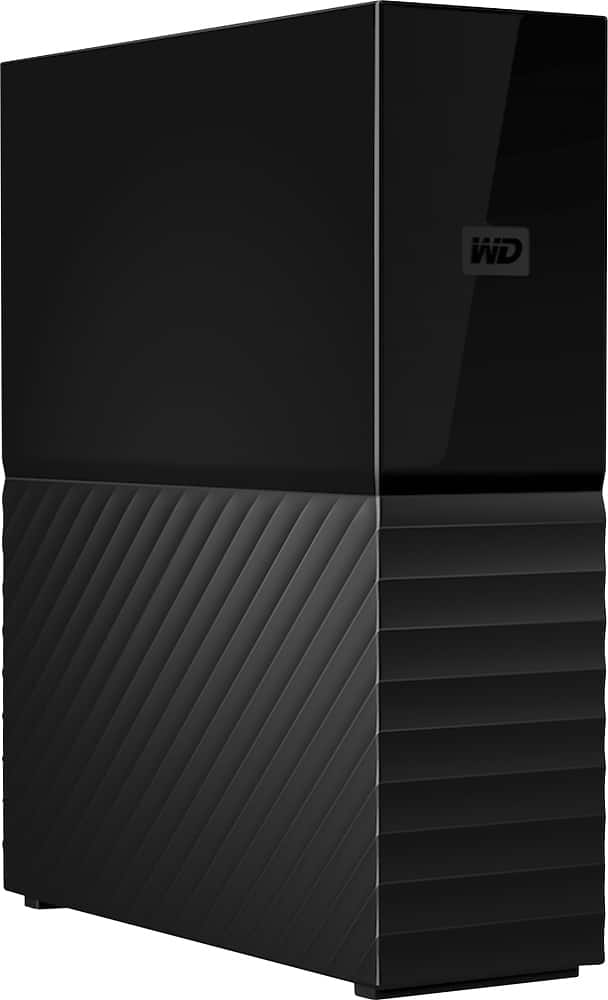
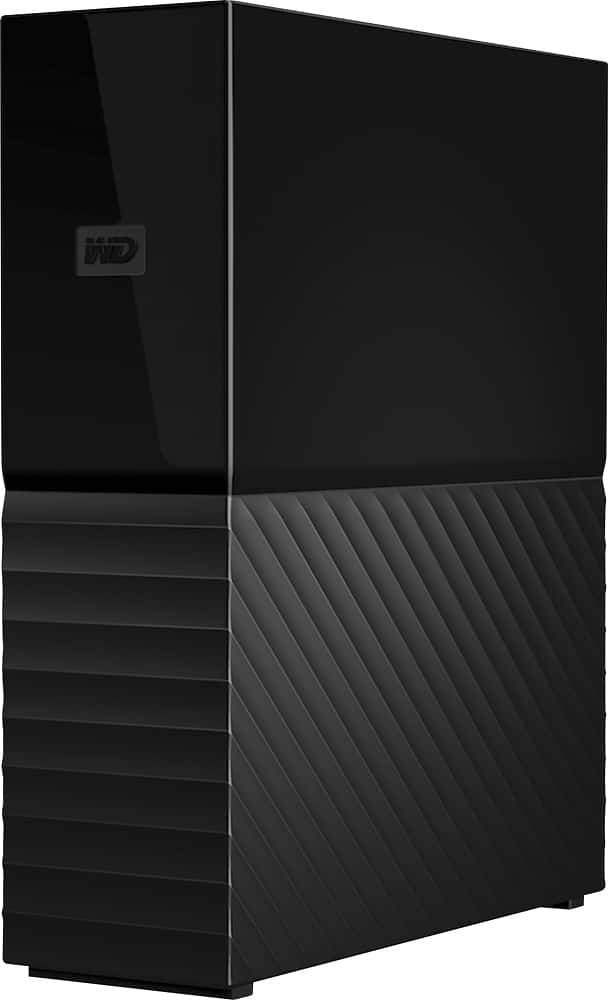
A:AnswerHello Chewiestbike745, WD My Book External is behaving abnormally there could be several possible reasons .We would recommend you to perform a health test on the drive .Please follow the link to test the drive :https://downloads.wdc.com/wdapp/WDDriveUtilitiesSetup_for_web_2.0.0.76.zip .If you see any inconclusive results, please replace your drive if it is in warranty. Please refer the mentioned link for RMA:https://support-en.wd.com/app/answers/detail/a_id/10336/kw/rma Need Help? Please see our "'Contact Us" page for information.
A:AnswerHello, Please be informed that Western Digital drives are not tested with the vendor end of life operating systems (Windows 7) and are optimized for more recent versions of OS. -Need Help? Please see our "'Contact Us" page for information.
A:AnswerHello Katie,Please be informed that these drives are not designed for the daisy chain feature on the drives.We would suggest you to use the drive through the USB ports.For more information on the drive, refer to the link: https://products.wdc.com/library/AAG/ENG/4178-707230.pdf -Need Help? Please see our "'Contact Us" page for information.
A:AnswerHi Briman54, Please be informed that the WD My Book drive is a plug 'n' play device tested & designed for Windows and Mac computers. The drive comes with the USB 3.0 and 2.0 Interface. This is an external device to store/backup data. To use with Xbox, we suggest you to check out our WD Black Drives for Xbox: https://shop.westerndigital.com/c/wd-black -Need Help? Please see our "'Contact Us" page for information.
A:AnswerHi MACSTANG, Please be informed that the My Book hard drive is trusted desktop storage designed to complement your personal style with a massive amount of space to store your photos, videos, music and documents. Equipped with password protection and perfectly paired with WD Backup for PC or Apple Time Machine for Mac, My Book desktop storage helps keep your files safe.. For more information about the drive refer to the link: http://products.wdc.com/library/AAG/ENG/4178-707230.pdf -Need Help? Please see our "'Contact Us" page for information.
A:AnswerHi Protection, Please be informed that the WD My Book drive is a plug and play device tested and designed for Windows and Mac computers for seamless operation. More information on the drive refer to the link: http://products.wdc.com/library/AAG/ENG/4178-707230.pdf. Further information about drives and offers you can contact our online store support by visiting the link: https://shop.westerndigital.com/ -Need Help? Please see our "'Contact Us" page for information
A:AnswerHi Geary, Please be informed that the WD My Book drive is a plug and play device tested and designed for Windows and Mac computers for seamless operation. The drive comes with the US 3.0 and 2.0 Interface. For more information about the drive refer to the link: http://products.wdc.com/library/AAG/ENG/4178-707230.pdf -Need Help? Please see our "'Contact Us" page for information.
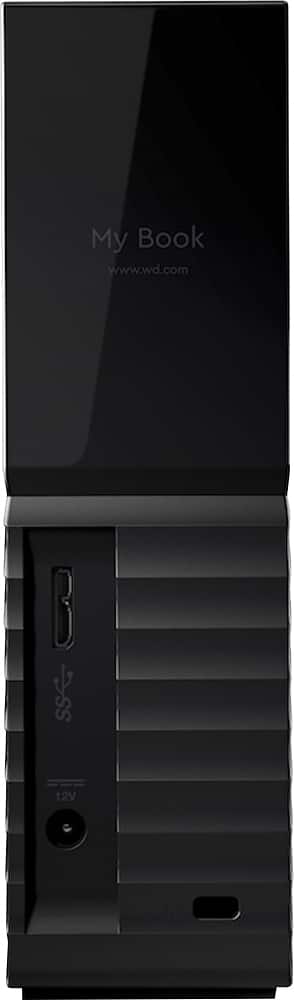
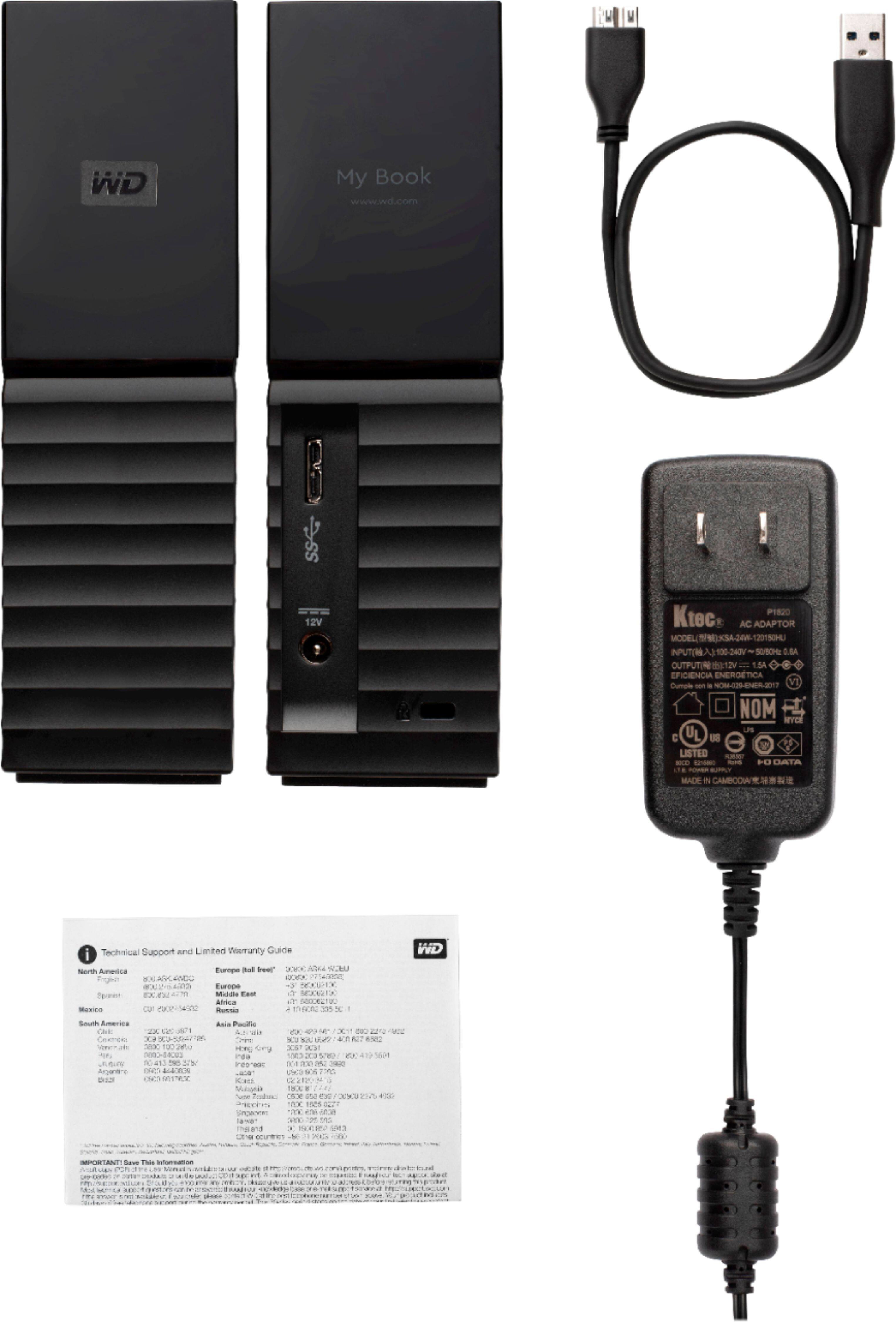
A:AnswerHi KSmith, The WD My Book external hard drive is designed to be used with Windows and Mac computers. To know more about the drive features please refer to the link: http://products.wdc.com/library/AAG/ENG/4178-707230.pdf. The drive uses an external power adapter and USB 3.0 cable to connect to the computer. You can checkout our range of drive with wireless technology on: https://shop.westerndigital.com/ -Need Help? Please see our "'Contact Us" page for information.
A:AnswerHi SANDPIPER, Please be informed that the WD Easystore drive is a plug and play device tested and designed for Windows and Mac computers for seamless operation. To check the compatibility we recommend you to please contact your device manufacturer. To know more about the drive refer to the link- http://products.wdc.com/library/UM/ENG/4779-705169.pdf -Need Help? Please see our "'Contact Us" page for information.
A:AnswerHi gogo, The WD My Book external hard drive is designed to be used with Windows and Mac computers. To know more about the drive features please refer to the link: http://products.wdc.com/library/?id=1533&type=49&cn=4178-707230&lang=en. To get the information about the drive compatibility with any specific device, we suggest you to contact the specific device manufacturer. - Need Help? Please see our "'Contact Us" page for information.
A:AnswerThe adapter that comes with it is rated 100-240 VAC 50-60Hz input and has a non-polarized U.S. spade plug. I'd say all you need is a physical adapter for the different plug needed for your country.
A:AnswerMyBook is designed for backups so is separately powered and more reliable, Element is designed for portability, so is smaller and lighter.
The WD backup software is downloaded separately from WD website and easy to use, but limited in functionality.
My drive was formatted exFAT from the factory, exFAT is supported by Android but you will need an adapter to connect to the phone directly (MyBook cable does not come with a USB C connector). I would not recommend the MyBook for use with phone or tablet because the drive has to also be plugged into the wall for power.
In the year 2021, 8TB is enough for most home users unless you are storing large archives of high definition video.
A:AnswerHi Katelyn,
Please know Time Machine can't back up to an iOS device or disk formatted for Windows. And if your disk uses the Master Boot Record (MBR) partition scheme, some of its partitions might not be available for use with Time Machine.
For more information please refer to the link given below.
https://support-en.wd.com/app/answers/detail/a_id/18952
Need Help? Please see our "'Contact Us" page for information.
A:AnswerHi Rich,
The My Book external drive can be connected to PS4 as external storage. The hard drive comes pre-formatted for Windows computer, reformatting might be required to make it work with PS4. Please refer to the link mentioned below for more information. How to Format a WD hard drive to exFAT or FAT32 File System: https://support-en.wd.com/app/answers/detail/a_id/20821/kw/exfat Need Help? Please see our "'Contact Us" page for information