Questions & Answers
- Model:
- WDBYVG0020BBK-WESN
- |
- SKU:
- 10757637
Q: QuestionWD My Passport dowload from smartphone?
Asked by pete.
- A:Answer mine does
Answered by robbbbbb
Q: Questionwill this work on the new dish hopper 3 ?
Asked by Rick.
This question was asked about the related product: WD - My Passport 2TB External USB 3.0 Portable Hard Drive - Blue
- A:Answer Yes, this is what I got it for. Just have to reformat it to the Dish system but the Hopper does that for you when you plug it in.
Answered by Wolfgong
Q: QuestionIs this compatible with ps4?
Asked by Stacy.
This question was asked about the related product: WD - My Passport 2TB External USB 3.0 Portable Hard Drive - Blue
- A:Answer Yes, it is compatible with the PS4
Answered by CommunityAnswer
Q: QuestionCan you backup macbook files and also windows files to the same drive?
Asked by Piper.
- A:Answer Generally format for extrenal drives is extFat or FAT32. I dont own a mac but if a mac can read those formats then you can format the external drive to that and windows and mac could use it. If mac cannot use FAT32 or extFAT then you will have to choose what tonise it for or partition the drive and basically make it 2 drives in one. For 2TB drives they have to be extFAT to use all storage in a single partition.
Answered by MrMikey
Q: QuestionDoes this automatically back up all your device data/information?
Asked by Anonymous.
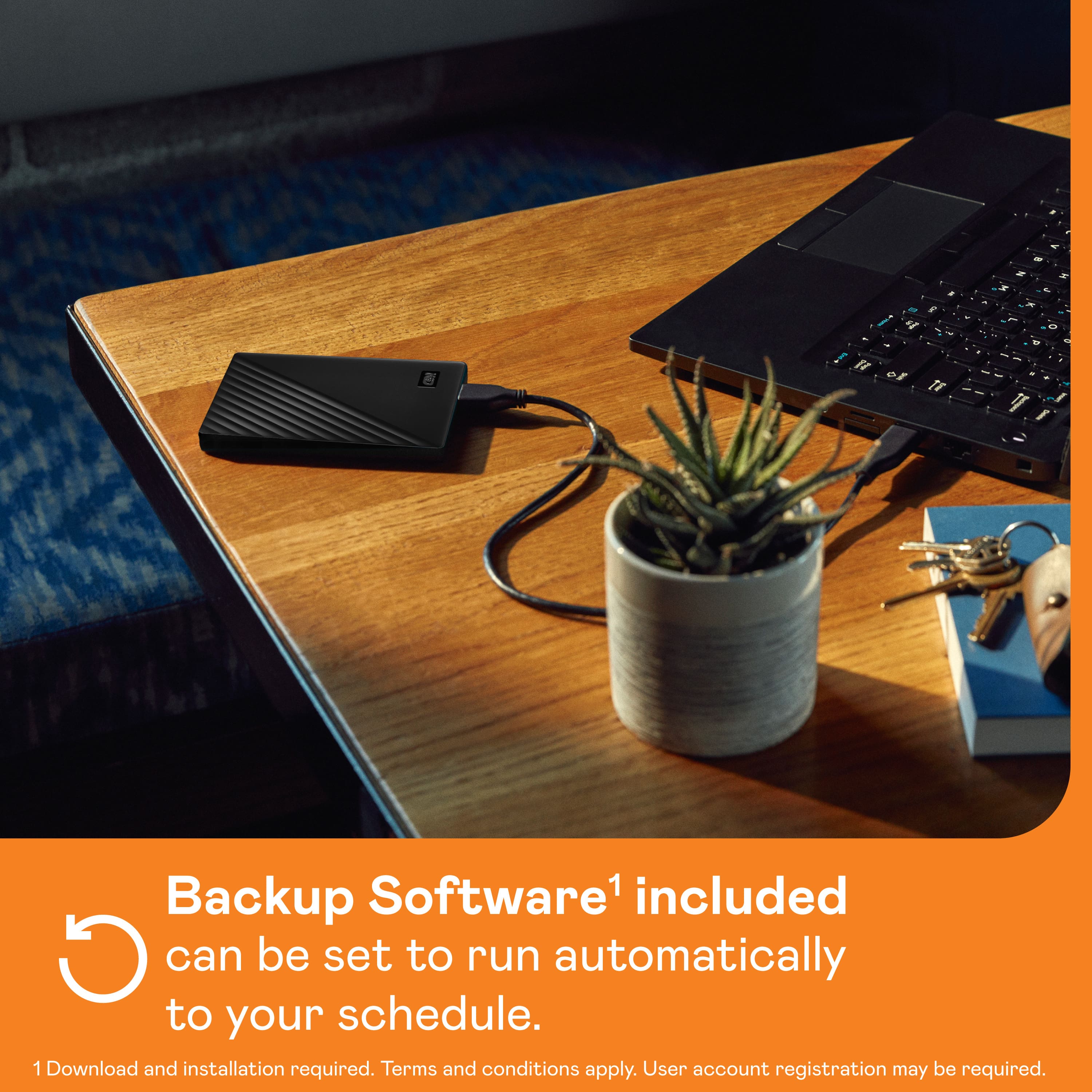
- A:Answer It is just a memory drive. You need a program to back up our data. Most computers have a program to do the backup to memory
Answered by robbbbbb
Q: QuestionDoes a cd disk come with it
Asked by Anonymous.
This question was asked about the related product: WD - My Passport 2TB External USB 3.0 Portable Hard Drive - Blue
- A:Answer No
Answered by passport
Q: QuestionCan it be used for a gaming console?
Asked by Eric17.
- A:Answer Yes, it can be used for a gaming console.
Answered by CommunityAnswer
Q: QuestionDoes this work with MacBook Air 2018?
Asked by Bella8792.
This question was asked about the related product: WD - My Passport 2TB External USB 3.0 Portable Hard Drive - Red
- A:Answer Yes
Answered by kpereda
Q: QuestionCan this be used for storing game data?
Asked by Anonymous.
- A:Answer It should work. Your console will just encrypt the drive so it works with that console only. Then it should be recognized and all new game data will automatically be saved on the drive.
Answered by JoshB
Q: QuestionSorry for my ignorance, but does this item require charging? Does it require a power source? Or is it the larger equivalent of a flash drive?
Asked by Terri.
- A:Answer Does not require charging, it is an external drive - 2 TB in the size of a deck of cards and very portable.
Answered by ejudiths
Q: QuestionWill it work with a chromebook?
Asked by SailorCV41.
This question was asked about the related product: WD - My Passport 2TB External USB 3.0 Portable Hard Drive - Blue
- A:Answer Hi SailorCV41, Please be informed that the WD My Passport drive is a plug 'n' play device tested and designed for Windows and Mac computers. We recommend you to please check with your host device vendor for more compatibility info. To know more about the drive refer to the link: http://products.wdc.com/library/AAG/ENG/4078-705155.pdf -Need Help? Please see our "'Contact Us" page for information.
Answered by Western Digital Team
Q: QuestionCan you make it bootable with linux?
Asked by waynetb.
This question was asked about the related product: WD - My Passport 2TB External USB 3.0 Portable Hard Drive - Blue
- A:Answer yeah ive installed linux on mine
Answered by Mestrada881
Q: QuestionI bought a 2TB WD Passport. No instructions came with it nor did anything come with it telling me where to go find any. I need to install the software and I've been all over the internet looking for instructions on how. So far I have not found anything
Asked by Patriot.
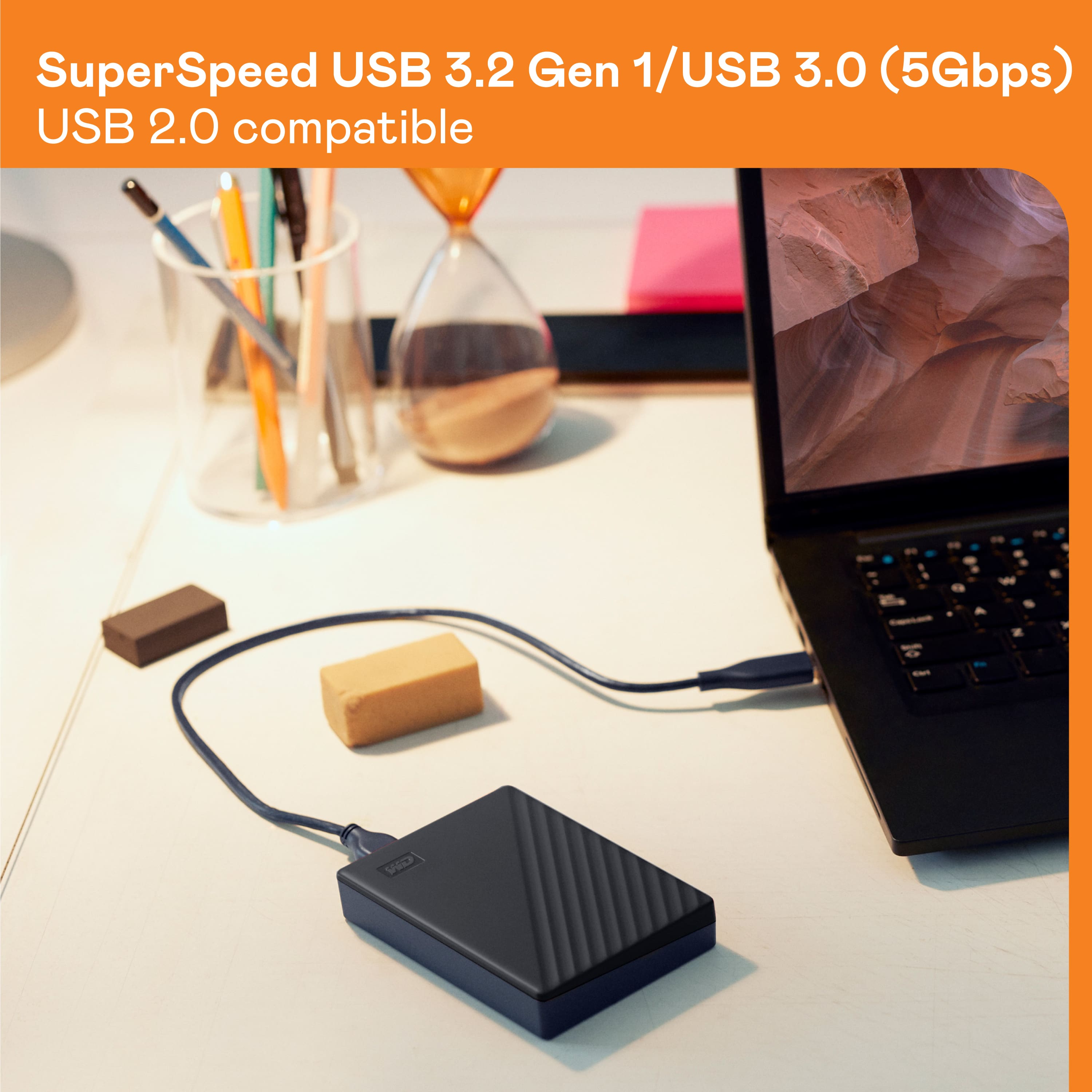
- A:Answer This drive works like any other external drive. Plug it into computer USB port (USB 3 or better for faster performance) and give the computer a minutes to detect it. If you don't see a drive letter or volume, you may need to repartition it and reformat it.
Answered by RexM
Q: QuestionIs this compatible with Roku tv
Asked by Great.
- A:Answer YES.. IF you format the drive to NTFS. Using windows 10 anyway, when you plug it into your pc, right click on the drive, scroll to Format, make sure its set to NTFS wah lah! WARNING, It will wipe the hard drive when you reformat. Make sure there's nothing on it you can't live without.
Answered by TSRDMR
Q: Questionwill this work with MacBook Air?
Asked by Karen.
- A:Answer Hi Karen, Please be informed that the WD My Passport external portable drive comes preformatted in NTFS format for Windows OS, However, you can reformat the drive with macOS supported HFS+J file system by using this link: "Reformatting Required for Mac OS Compatibility" https://support-en.wd.com/app/answers/detail/a_id/3879 -Need Help? Please see our "'Contact Us" page for information.
Answered by Western Digital Team
Q: QuestionDoes it make a mirrow image backup?
Asked by 8946.
- A:Answer I use Carbon Copy Cloner with this drive to accomplish that.
Answered by Backup
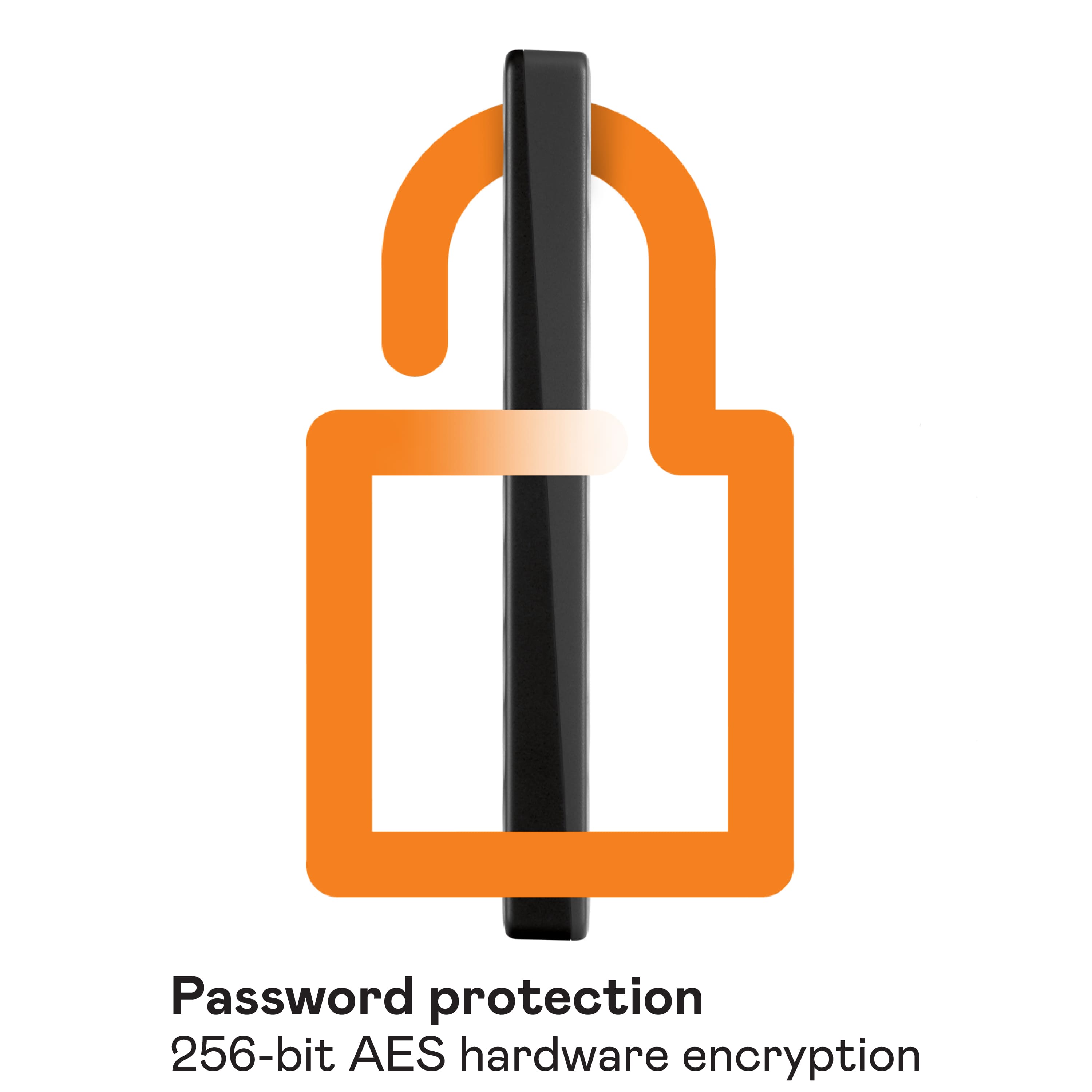
Q: QuestionCan we create a password for this device and use the password prior to open containing files ?
Asked by Wallis.
This question was asked about the related product: WD - My Passport 2TB External USB 3.0 Portable Hard Drive - Red
- A:Answer Yes, but you have to use their program that is on it, it IS optional, but pre loaded on the hard drive.
Answered by TSRDMR
Q: Questionis this solid state? thanks
Asked by fred.
- A:Answer No. It's a mechanical drive.
Answered by RexM