Outlet EventEnds Jan. 19. Limited quantities. No rainchecks.Shop now

Main Content

Questions & Answers

Your price for this item is $74.99
The comparable value price is $84.99
Page Showing 21-40 of 207 questions
  • QuestionJust how long is the USB cable?

    Asked by Rescuedad.

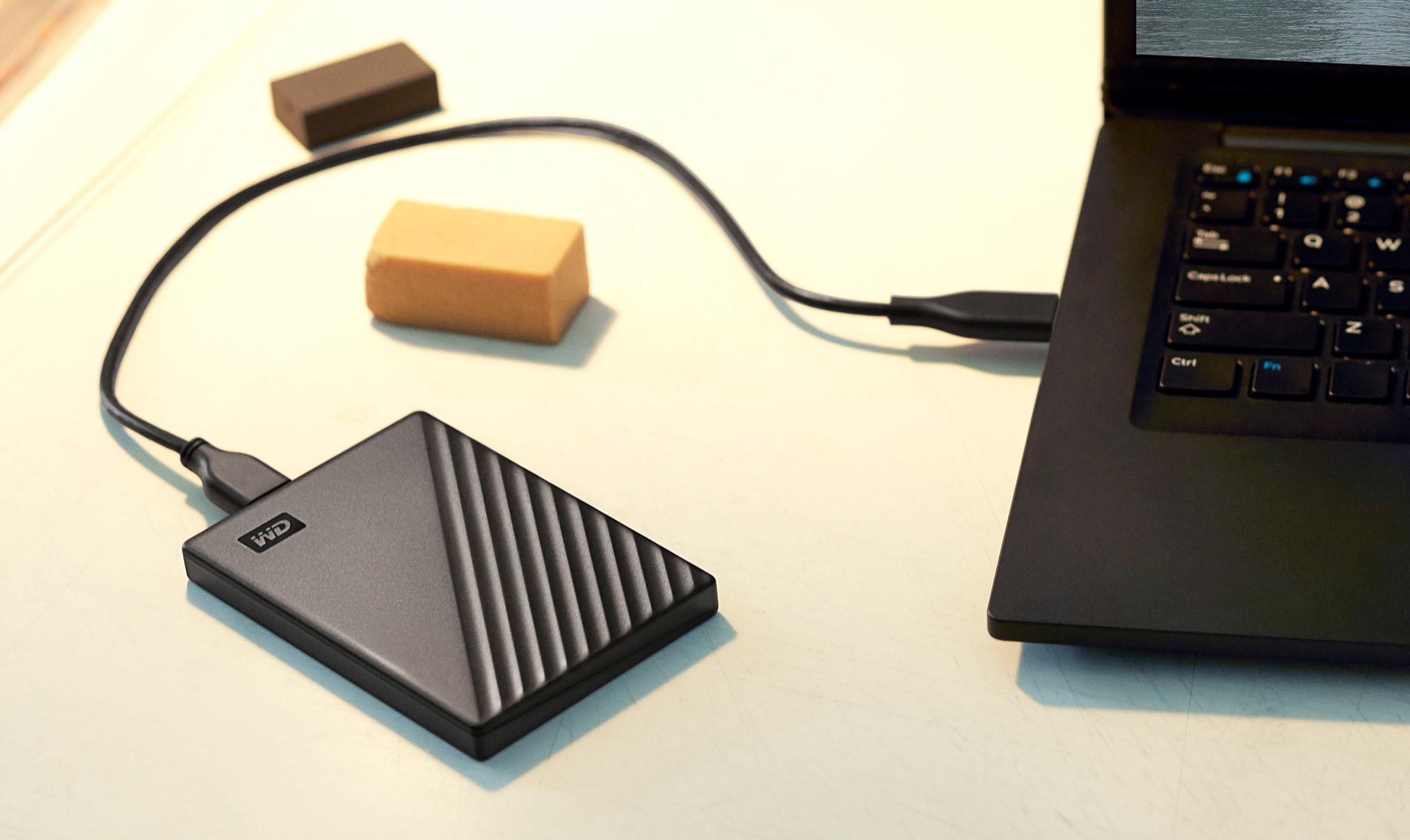
    • Answer The USB cable is a short one. Eighteen inches to be exact.

      Answered by Carli

  • QuestionI am wanting to backup the photos on my macbook pro & then wipe the macbook pro clean and do a factory reset. Once i do that, will i be able to continue adding photos to the hard drive or will the hard drive not recognize the computer after factory reset?

    Asked by lucy.

    • Answer Hi lucy, Please be informed that the WD My Passport drive is a plug and play External Portable Hard Drive. Please know that once you transfer photos on the My Passport drive, it will act as a primary backup and you can anytime access the photos from the drive. Need Help? Please see our "'Contact Us" page for information

      Answered by Western Digital Team

  • QuestionWill this work with the latest model MacBook Air apple with M1 chip?

    Asked by LetsRoll.

    • Answer Hi Rob, The WD My Passport external hard drive comes pre-formatted for Windows computer. The hard drive can be reformatted in a supported filesystem for Mac OS. Please refer to the link mentioned below for more information. Reformatting Required for Mac OS Compatibility: https://support-en.wd.com/app/answers/detail/a_id/3879 To know more about the drive refer below link: http://products.wdc.com/library/AAG/ENG/4078-705155.pdf Need Help? Please see our "'Contact Us" page for information

      Answered by Western Digital Team

  • QuestionDoes it have a power supply? I have my drive but can't locate the power supply.

    Asked by Dawnd.

    • Answer You shouldn’t need a power supply since it is a low power usage SSD, it’s just powered by the included USB cable.

      Answered by Chris

  • QuestionDoes this work with MacBook Air from 2014? Thanks

    Asked by Barb.

    • Answer Hi Barb, The WD My Passport external hard drive comes pre-formatted for Windows computer. The hard drive can be reformatted in a supported filesystem for Mac OS. Please refer to the link mentioned below for more information. Reformatting Required for Mac OS Compatibility: https://support-en.wd.com/app/answers/detail/a_id/3879 Need Help? Please see our "'Contact Us" page for information.

      Answered by Western Digital Team

  • QuestionNow that Windows is not fully supporting Windows 7 - Can you back up to this without using the windows back up option?

    Asked by Gunny.

    • Answer Hi Gunny, The WD My Passport Portable can be used to backup the data from the Windows 7 computer and to restore it on Windows 10 computer. The hard drive supports WD Backup software which can be used to backup the data from the computer. Please refer to the link mentioned below for more information. How To Backup Files Using WD Backup: https://support-en.wd.com/app/answers/detail/a_id/3653/kw/wd%20backup Need Help? Please see our "'Contact Us" page for information

      Answered by Western Digital Team

  • QuestionWill this work with with an i-phone 8+ Will it work with a Windows 10 Home?

    Asked by Marizy.

    • Answer It comes formatted for Windows 10.

      Answered by FLWRDK

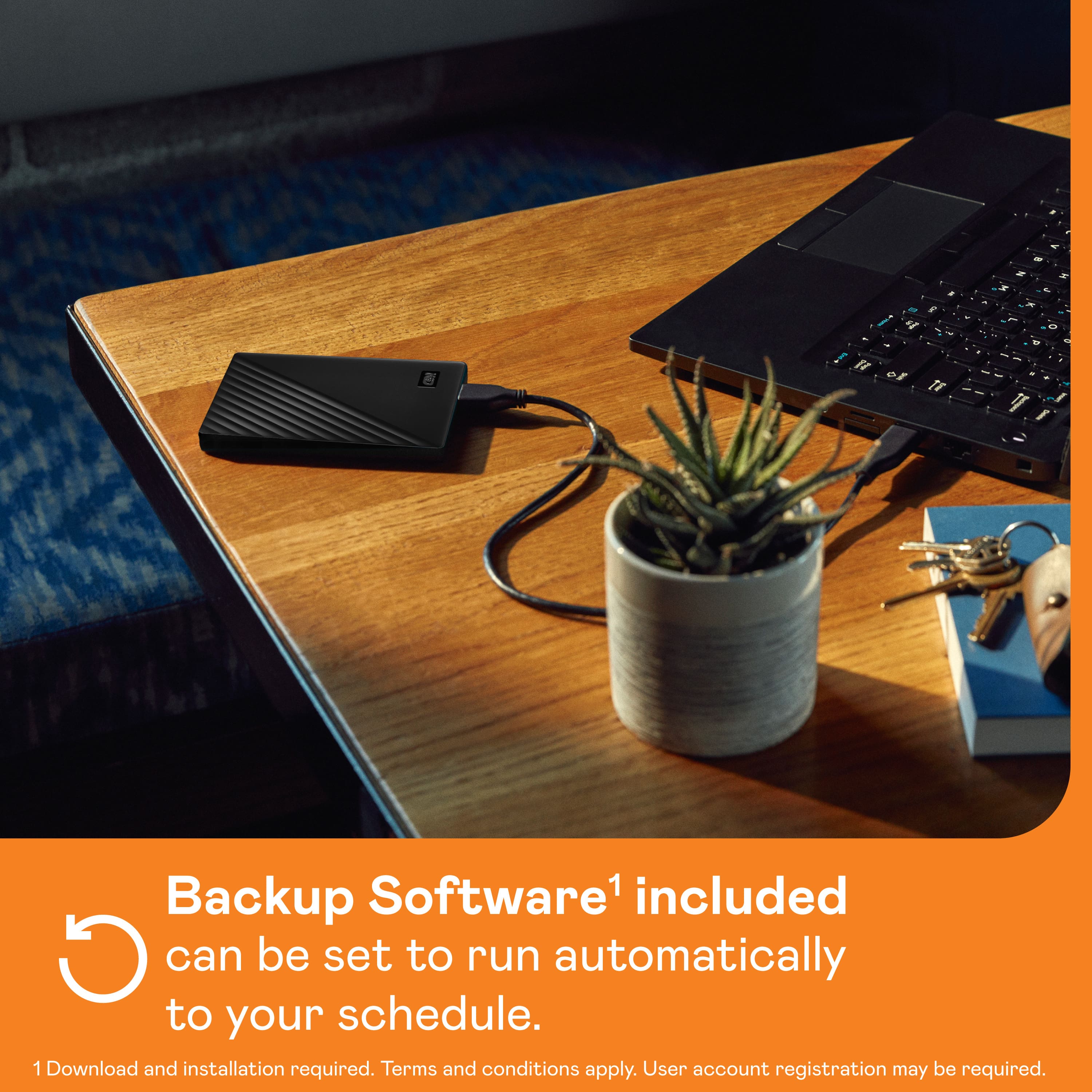
  • QuestionDoes this drive have software that does an auto backup?

    Asked by Bertski.

    • Answer Yes, I have WD Backup Software and Drive Utilities from Western Digital. You can schedule when you want your data backed up with this software. Contact Western Digital and they can download it all for you. I strongly recommend another backup, perhaps Google or the Cloud, because these drives are temperamental..Always good to have 2 backups

      Answered by Anonymous

  • QuestionWill this backup my Family Treemaker 2017 on my PC with Windows 10?

    Asked by YankeeSal.

    • Answer Should not be a problem. May just need to format it. Plenary of space.

      Answered by Mikey

  • QuestionDoes this come with everything to connect to Mac pro

    Asked by Artc.

    • Answer NO it does not come with everything you need. If you have a MAC BOOK PRO the cord to the device is not compatible, you will need a USB-C to USB Adapter.

      Answered by Runester

  • QuestionIs this a ssd?

    Asked by Kevbown.

    • Answer NO.... this is physical hard disk drive...just quiet and self powered by USB 3.0

      Answered by MHWA

  • QuestionCan this b e used for a PC and MAC? I am looking for an external hard drive that my husband and I can use together and view images etc simultaneously and not have the hard drive specific to only be used on one computer.

    Asked by Ashley.

    • Answer Yes you have to partition it if you want to make it work with both because it will need to be formatted for OS X as well a pc or just leave as is for pc. Or just reformat for OS X. Partitioning would create two “spaces” for separate operating systems, be advised you will only be able to read one partition on either or.

      Answered by Jonathan

  • QuestionWill this work well as additional storage for the PS4?

    Asked by Gamer215.

    • Answer yes but i might suggest pitching in a few more dollars and getting a 4tb instead if you can afford it. it comes as a ntfs drive, so you will need to plug it in your computer, right click the drive and pick format, and pick exfat playstation doesnt read ntfs which is the factory setting on this drive but it only takes seconds to switch to exfat.

      Answered by BudDwyer

  • QuestionWIll this work with a Dell laptop?

    Asked by Sam.

    • Answer Yes, I have a Dell laptop and the Passport works flawlessly.

      Answered by ejudiths

  • QuestionIs this able to be used to get videos off my phone to store them on? And can I play the videos on a tv with a hdmi cord?

    Asked by Anonymous.

    • Answer Hello, Please be informed that WD My Passport portable hard drive is a plug and play device which designed for Windows and Mac operating system. We have not tested the drive on mobile devices or an iPhone. Therefore, we recommend you to move the data from phone to computer or vice versa using your computer. For more info about the drive, refer to the link: https://products.wdc.com/library/AAG/ENG/4078-705155.pdf

      Answered by Western Digital Team

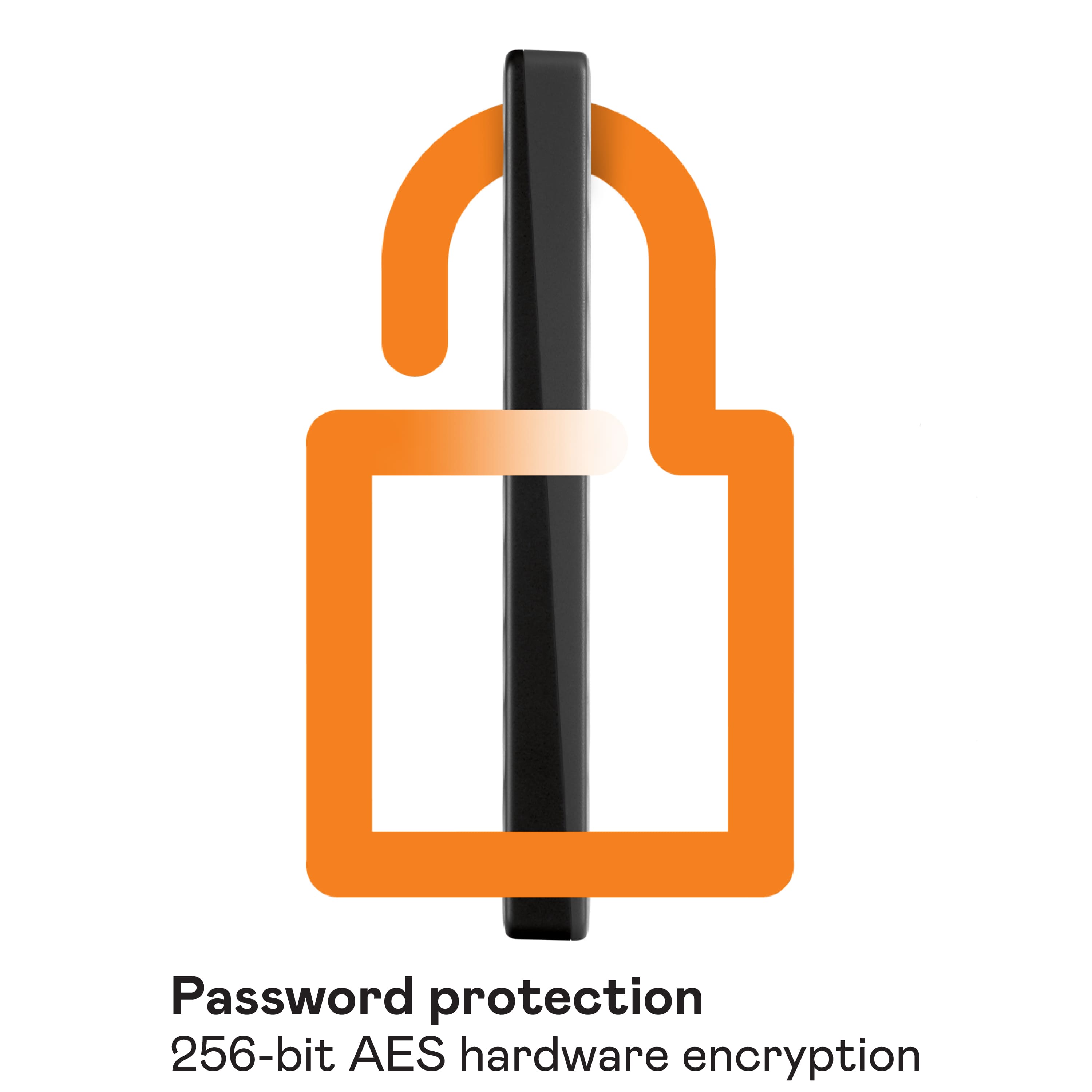
  • QuestionIs the Data encrypted and can have a password. What is the connection type, USB A or C

    Asked by Jake.

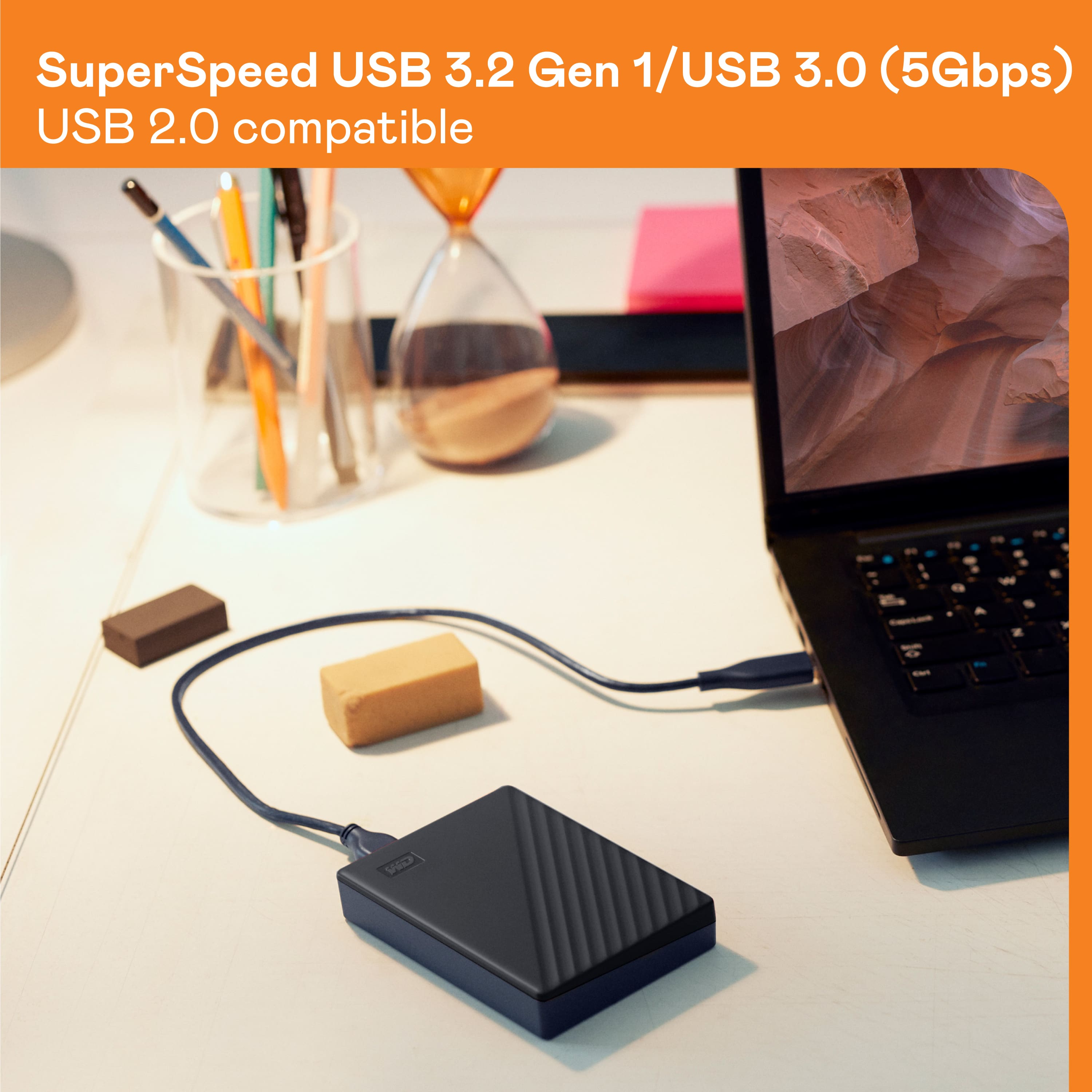
    • Answer Hello Jake, Please be informed that you could password protect the device using WD security software. Please refer to the mentioned link to use WD Security Software : https://support-en.wd.com/app/answers/detailweb/a_id/50696/. It comes with Connector Micro-B, Interface USB 3.2 Gen 1, USB 2.0 For more info about the drive, refer to the link: https://products.wdc.com/library/AAG/ENG/4078-705155.pdf

      Answered by Western Digital Team

  • QuestionIs this compatible with MacBook Air?

    Asked by GR.

    • Answer Hi, Please be informed that WD My Passport External drive comes preformatted in NTFS format for Windows OS, However, In order to use the drive for macOS you can reformat the drive to APFS file system compatible on Mac by using this link: https://support-en.wd.com/app/answers/detailweb/a_id/8200/ Please be informed that reformatting is a data destructive process, please backup the data from the drive before reformatting it. If you are facing any issue, please open a support ticket at https://support-en.wd.com/app/ask/session, the customer support team will contact you as soon as possible.

      Answered by Western Digital Team

  • QuestionIs it compatible with an Android phone?

    Asked by Izzi.

    • Answer Hi Izzi, Please be informed that WD My Passport portable hard drive is a plug and play device which designed for Windows and Mac operating system. We have not tested the drive on mobile devices or an android device. Therefore, we recommend you to move the data from phone to computer or vice versa using your computer. For more info about the drive, refer to the link: https://products.wdc.com/library/AAG/ENG/4078-705155.pdf

      Answered by Western Digital Team

  • QuestionCan this external Hard drive be used on a Dell Inspiriton 3593 laptop?

    Asked by TP425.

    • Answer Hi, Please be informed that the WD My Passport External Portable drive is a plug 'n' play device tested and designed for Windows and Mac computers for seamless operation. We recommend you to please check with your host device vendor for more compatibility information. For more information about the drive please refer to the link: https://products.wdc.com/library/AAG/ENG/4078-705155.pdf

      Answered by Western Digital Team

  • Questiondoes it work on mac book pro with sequia os

    Asked by Anonymous.

    • Answer Hello, Please be informed that the WD Passport External drive comes preformatted in NTFS format for Windows OS, In order to use the drive for macOS you can reformat the drive with macOS supported APFS file system by using this link: https://support-en.wd.com/app/answers/detailweb/a_id/8200/ Please be informed that reformatting is a data destructive process, please backup the data from the drive before reformatting it. For any assistance with the product, please feel free to or submit a support request at https://support-en.wd.com/app/askweb we will be happy to assist you.

      Answered by Western Digital Team