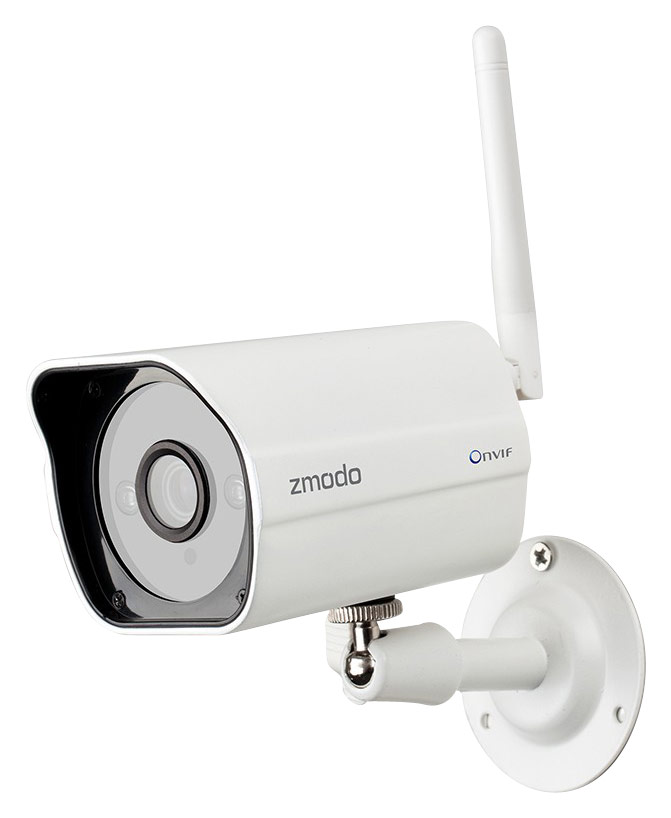
A:AnswerWe have a free smartphone app called "Zmodo" that will allow you to connect the camera to your home or business WiFi, and allow you to see it on your phone any time.
A:AnswerThis camera will use data at rates from 17-30 kbps, motion alerts are generally 115 kbps when sent to mobile phones. While viewing the actual video, the rates will be 256-512KBPS depending on a quality of the video.
A:AnswerEasy and Quick Setup-Zink.Power the camera and one click to complete the network configuration.Connectivity:IP/Network-2.4GHz Wireless(Incompatible with 5GHz).
A:AnswerThis particular camera by itself doesn't have an SD card it records to, so your questions are really going to depend on the amount of GB on your own hard drive and computer. You should be able to choose in whatever recording software you use to overwrite the hard drive or not, once it fills up. One camera would approximately take a month to fill up a 500GB hard drive. The length of time to keep data, again, would be your own choice and what recording parameters you've set up on your own PC.
A:AnswerNene, This product does not appear to be in stock any local Best Buy Stores near you. You can place an order for this item on BestBuy.com and have it delivered to your preferred location for free.
A:AnswerYes, you can open 2 camera's and watch at the same time by opening 2 tabs and splitting them. Rather cumbersome. We used to be able to use the Zsight software for the computer, that allowed for us to bring all of the cameras up on one screen, but since they updated the software on the camera you can only access the video for the cameras through their website or through their app on either the IPhone or android phones and the apps for the phones only allow 1 camera at a time.
A:AnswerYou can hook up several, but the way to view your cameras is via their cloud. You cannot store the video remotely. So on their website, you register the cameras and label them. Right now they do not charge for access. But I can't imagine they will be able to run those servers forever w/o eventually charging a monthly fee to access it.
A:AnswerThis model only had live viewing and motion detection
Zmodo doesn't provide yet cloud recording
Hopefully soon
They have more expensive model with sd card for recording
A:AnswerNo. to my knowledge there is no way to make this camera record locally. You might be able to hack the software/firmware, but as it comes out of the box, you hook it up to your wifi and it connects to Zmodo's server.