Customer Ratings & Reviews


- Model:
- 010-01678-0B
- SKU:
- 5715643
Rating by feature
- Value
Rating 4.4 out of 5 stars
- Quality
Rating 4.5 out of 5 stars
- Ease of Use
Rating 4.4 out of 5 stars
Customers are saying
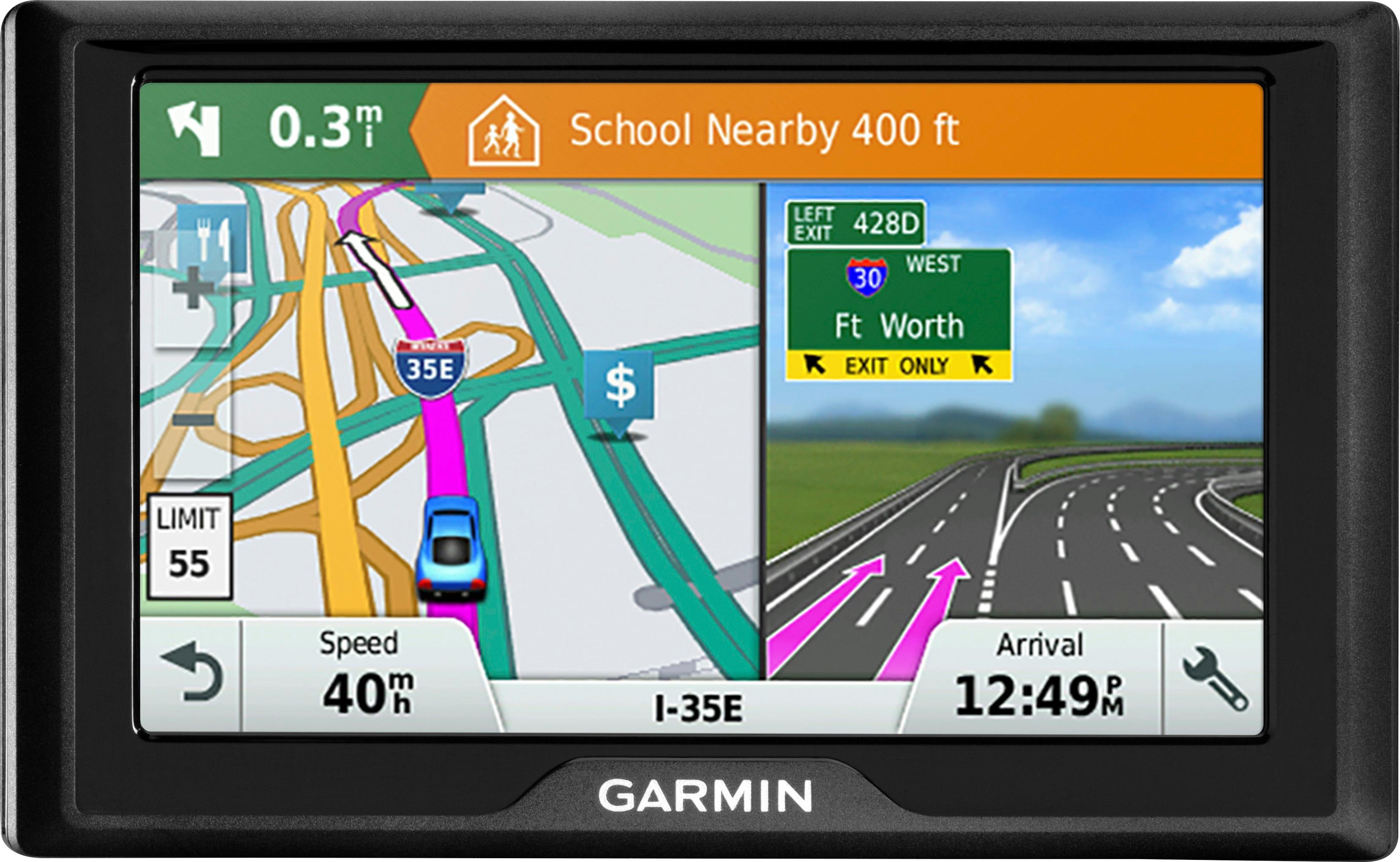
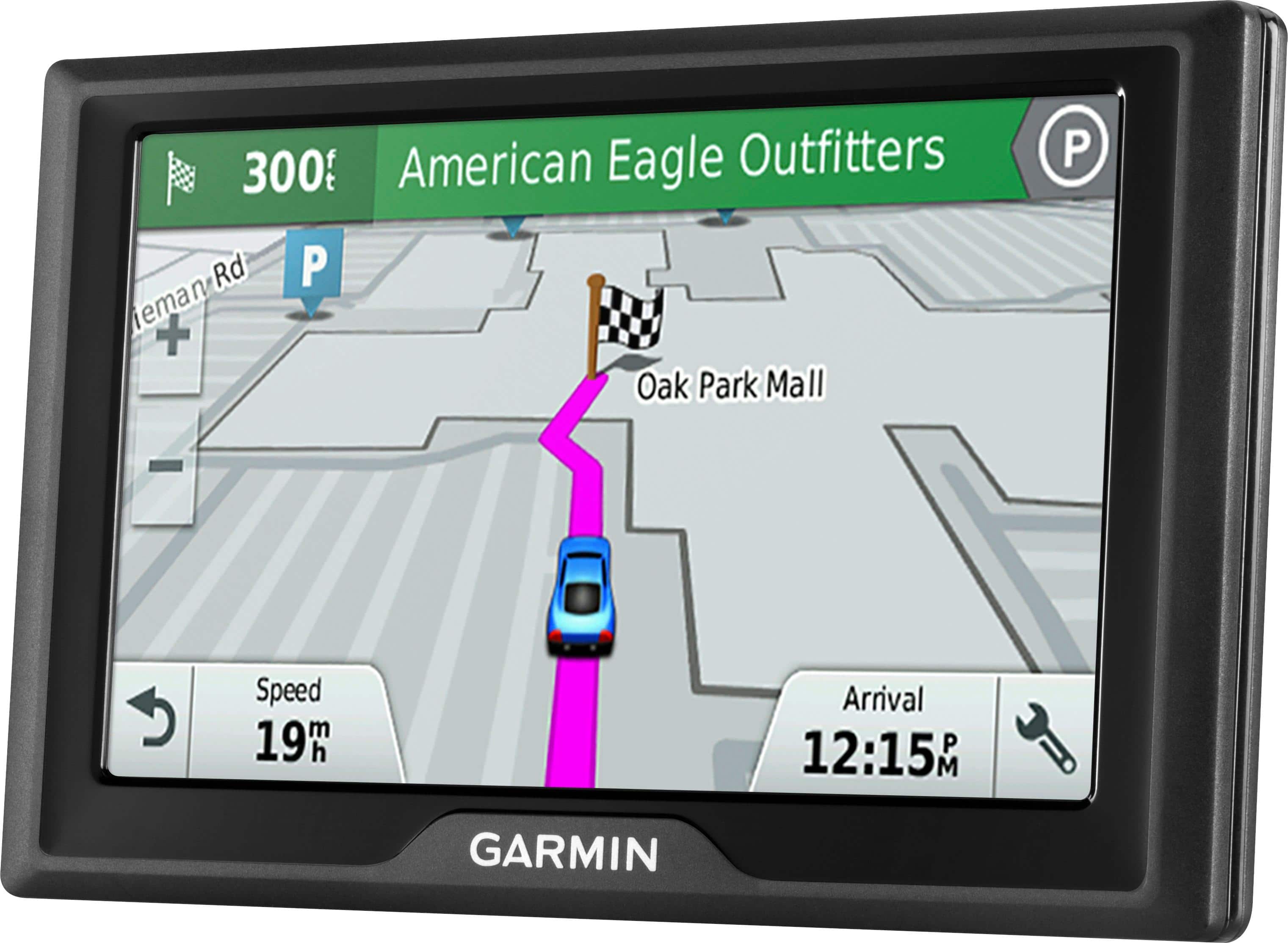
Customers value the Drive 51 LM 5" GPS's ease of use, accurate GPS navigation, and lifetime map updates. Many appreciate the clear screen and its helpful features, while some experienced issues with battery life and occasional power problems. Positive feedback frequently highlighted the device's intuitive interface and precise route guidance. However, a few users reported difficulties with the device's power functionality.
This summary was generated by AI based on customer reviews.
- Cons mentioned:Power
malfunctioned
||Posted .This reviewer received promo considerations or sweepstakes entry for writing a review.It wont even turn on the 3rd day i used it. Then on the 5th day, it turned on again. Very erratic. I returned it to the store.
No, I would not recommend this to a friend Big graphics, splashy but...
||Posted .This reviewer received promo considerations or sweepstakes entry for writing a review.I bought this on a recommendation from the sales person but I still prefer my old Tom Tom, maybe it's because I have had it for so long, old habits are hard to break
No, I would not recommend this to a friendDoesn't have all the things that is needed.
||Posted .This reviewer received promo considerations or sweepstakes entry for writing a review.I purchased this product for my husband for his job. He hauls feed to farmers and he is very disappointed that many of the rural addresses that he puts in doesn't come up.
No, I would not recommend this to a friendBrand response from GarminProductExpert
Posted .Please ensure that your device has the latest mapping and software installed via Garmin Express: http://www.garmin.com/express
If the issues persist, Garmin Product Support would be happy to offer additional troubleshooting. Garmin contact information, including telephone numbers and hours of operation, can be found on our Support page: http://www.garmin.com/support
Caution on roads.
||Posted .This reviewer received promo considerations or sweepstakes entry for writing a review.While I was on vacation, the GPS took me the long route to destinations. It picked the longest route to in the country destination instead of the downtown destinations.
I would recommend this to a friendBrand response from GarminProductExpert
Posted .Thank you for your review.
I recommend checking the following Support Center article for information on how to address any problems with routing: https://support.garmin.com/faqSearch/en-US/faq/content/NSuk5S9lZ53wkLi7yvtA69
-MH
- Cons mentioned:Battery life
Not worth the money
||Posted .This reviewer received promo considerations or sweepstakes entry for writing a review.Quit working after first day wouldn't, charge not worth the money you spend on it. Our never let anyone I know buy this item
No, I would not recommend this to a friendBrand response from GarminProductExpert
Posted .I'm sorry to hear about the trouble you have had with your Drive 51. If your device will not power on or will not charge, a soft reset can help. See the following support video for information on resetting your device:
https://www.youtube.com/watch?v=RWc1utcoclU
-MH
It kept changing a different route
||Posted .This reviewer received promo considerations or sweepstakes entry for writing a review.The GPS kept changing on us and took us a total different route than normal. We got lost with it. Had to use a different address to get the system to stop.
No, I would not recommend this to a friendBrand response from GarminProductExpert
Posted .To help resolve these routing issues, please ensure that your device has the latest mapping and software installed via Garmin Express: http://www.garmin.com/express.
You may also want to check out this Garmin FAQ that provides additional help with routing issues: https://support.garmin.com/faqSearch/en-US/faq/content/NSuk5S9lZ53wkLi7yvtA69
Disappointing
||Posted . Owned for 5 months when reviewed.This reviewer received promo considerations or sweepstakes entry for writing a review.I always buy Garmin so I ignored some bad reviews and purchased. The device didn’t work right out of the box. Very disappointing
No, I would not recommend this to a friendBrand response from GarminProductExpert
Posted .It sounds like the battery needs to be charged. In compliance with regulations of the International Air Transport Association (IATA), your device will arrive with the battery discharged. Even with a discharged battery, the device will still power on and operate normally when plugged into the vehicle using the provided vehicle power cable.
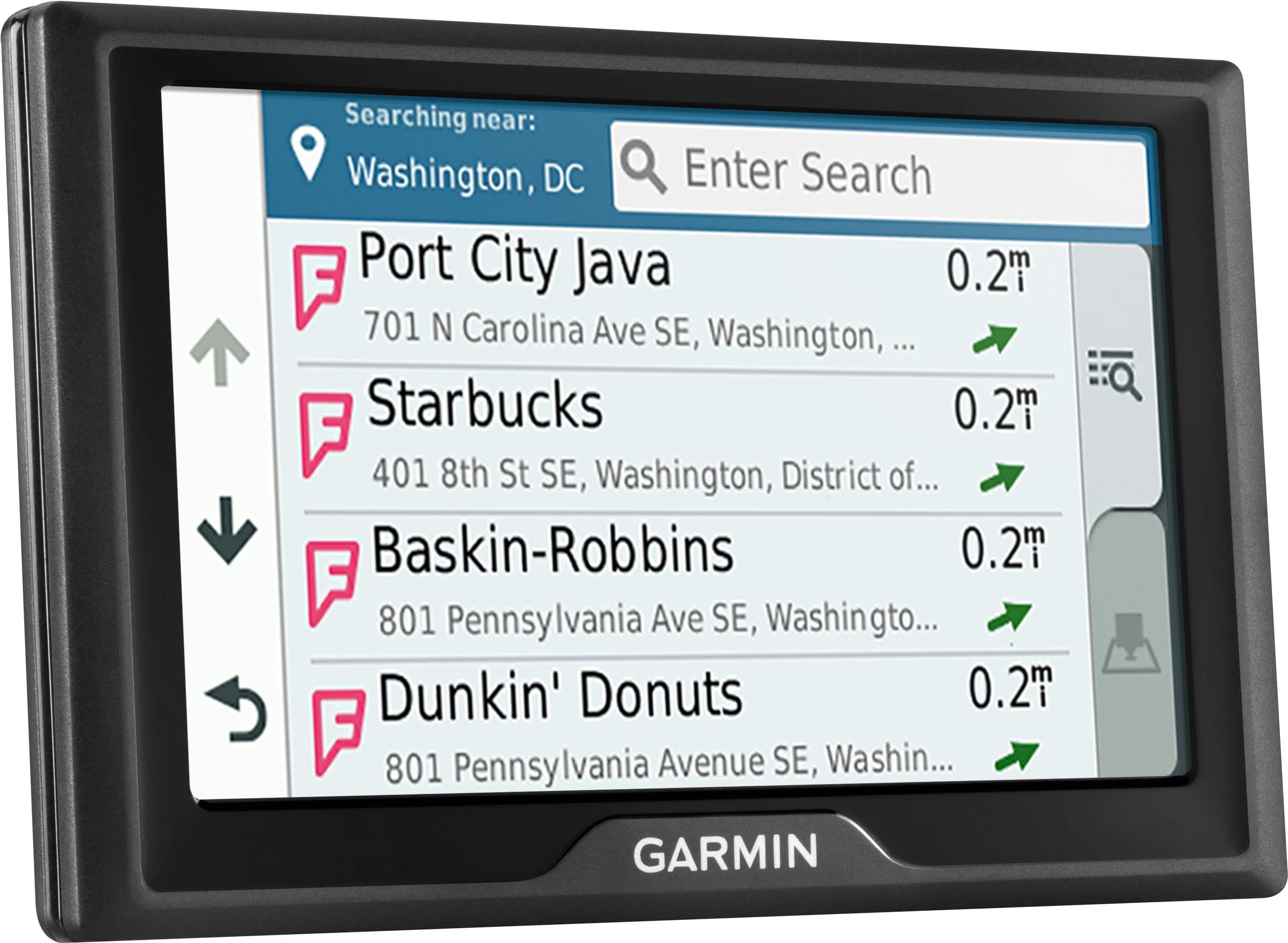
Impossible to change "Searching Near" destination
||Posted . Owned for less than 1 week when reviewed.This reviewer received promo considerations or sweepstakes entry for writing a review.I used to have a Garmin Nuvi. The Garmin Drive 51 is not intuitive if you have to find any address that is more than 1 state away. It is impossible to change 'Searching Near', so I can't enter a destination 2 states away nor put it in 'saved'. So I will probably return this device. And yes I tried googling the answer and Garmin's website.
No, I would not recommend this to a friendBrand response from GarminProductExpert
Posted .The Drive 51 LM allows you to search for locations that are near a different location or in a different city by changing the Searching Near field. Here is a link to a Garmin Support Center article that will help: https://bit.ly/3bxlbEr
not so good...
||Posted .This reviewer received promo considerations or sweepstakes entry for writing a review.this version tells you to "turn at Dunkin Donuts" Turn at this store and that store, it is awful, it seems t want to take you past every retailer in town and name them instead of getting you where you are going, I have been using GARMIN since 2008, this is terrible
No, I would not recommend this to a friendBrand response from GarminProductExpert
Posted .Thank you, we appreciate your review. This model includes Garmin Real Directions to provide spoken instructions using not only street names but also recognizable landmarks, buildings, and even traffic lights. This helps minimize the need for you to find and read street name signs.
Not as good as old model
||Posted .This reviewer received promo considerations or sweepstakes entry for writing a review.Unit would shut off in the middle of a route and sometimes just decide to reroute me going the wrong direction. Don't like it.
No, I would not recommend this to a friendBrand response from GarminProductExpert
Posted .The GPS is ready to use out of the box, however we would suggest using the Garmin Express program to check for any map and software updates that may have been made available while the device was in transit. If you haven't installed Garmin Express please download it from the following link: www.garmin.com/express
No wonder it was marked down to $99
||Posted .This reviewer received promo considerations or sweepstakes entry for writing a review.It works, but doesn’t work well. Takes you the worst ways possible and throws up way too many alarms. Very distracting.
No, I would not recommend this to a friendBrand response from GarminProductExpert
Posted .To help resolve these routing issues, please ensure that your device has the latest mapping and software installed via Garmin Express: http://www.garmin.com/express.
You may also want to check out this Garmin FAQ that provides additional help with routing issues: https://support.garmin.com/faqSearch/en-US/faq/content/NSuk5S9lZ53wkLi7yvtA69
If you continue running into trouble with mapping, Garmin Customer Care would be happy to offer additional assistance. You can find our contact information at www.garmin.com/support. Again, thank you so much for your review.
used 10 times, taken care of, broke after 8 months
||Posted .This reviewer received promo considerations or sweepstakes entry for writing a review.I'm so mad right now , really. This device has been taken care of and only used a handful of times. Why is it already completely burned out after this amount of use and 8 months time? Do not buy this GPS , go with a different company because this is ridiculous. I should be able to exchange it given the circumstances but instead i'm out good money , paid for a terrible product.
No, I would not recommend this to a friendBrand response from GarminProductExpert
Posted .I’m sorry to hear about your experience. The GPS comes with a one year manufactures warranty, Garmin Product Support would be happy to help. Our contact information, including telephone number and hours of operation, can be found on at: https://support.garmin.com/en-US/
Imposible to update
||Posted . Owned for more than 2 years when reviewed.This reviewer received promo considerations or sweepstakes entry for writing a review.Confuse item not happy with this GPS reference garmin is good but no this one
No, I would not recommend this to a friendhas trouble connecting to satellites
||Posted .This reviewer received promo considerations or sweepstakes entry for writing a review.tried using 4 times, 3 times it just sat on connecting to satellite. returned
No, I would not recommend this to a friendBrand response from GarminProductExpert
Posted .Sounds like your device isn’t acquiring a satellite signal. This link includes great information about what to do if the GPS isn’t acquiring satellites: https://support.garmin.com/faqSearch/en-CA/faq/content/IOlY1UW16b2J0EEfb3E8l6
Suction cup issue
||Posted .This reviewer received promo considerations or sweepstakes entry for writing a review.The suction cup is small and sometimes not able to hold the unit on the glass tightly.
No, I would not recommend this to a friendBrand response from GarminProductExpert
Posted .You should try cleaning the suction cup and the mounting area of the windshield with rubbing alcohol, drying both surfaces with a lint-free cloth and applying moisture to the suction cup before placing it on the windshield, this creates a better seal and helps the device stay in place. Here is a link to a Garmin Support Center article that will help: http://bit.ly/2kX9XR0
Couldn't get it to work
||Posted .This reviewer received promo considerations or sweepstakes entry for writing a review.Since phones have gps, trying to get this to work became a moot point. I returned it.
No, I would not recommend this to a friendI have a grmin and like my old one better.
||Posted .This reviewer received promo considerations or sweepstakes entry for writing a review.Someone else might like this product but I like my older version better.
No, I would not recommend this to a friendHope the replacement unit works better
||Posted .This reviewer received promo considerations or sweepstakes entry for writing a review.Unit died on first use on a major trip - white screen of death - then wouldn't reboot or recharge. Kudos to Best Buy for allowing an exchange without issue after the fourteen day purchase date when we got back home. Second unit working fine so far.
No, I would not recommend this to a friendBrand response from GarminProductExpert
Posted .Thank you for the update. Glad to hear that the replacement device is working for you.
Good directions, bad on holding up
||Posted . Owned for 3 months when reviewed.This reviewer received promo considerations or sweepstakes entry for writing a review.This GPS was great, until the screen started messing up. The screen was glitching and then quit altogether. Only had it 3 weeks, thankfully we had Best Buy protection!
No, I would not recommend this to a friend- Cons mentioned:Power
Unit stopped operating within first two weeks.
||Posted .This reviewer received promo considerations or sweepstakes entry for writing a review.Unit stopped powering up. Exchanged still problems
No, I would not recommend this to a friendBrand response from GarminProductExpert
Posted .Please ensure that your device has the latest mapping and software installed via Garmin Express: http://www.garmin.com/express.
If you continue running into trouble, Garmin Customer Care would be happy to offer additional assistance. You can find our contact information listed here: www.garmin.com/support. Thanks, James