Customer Ratings & Reviews


- Model:
- 010-01678-0B
- SKU:
- 5715643
Rating by feature
- Value
Rating 4.4 out of 5 stars
- Quality
Rating 4.5 out of 5 stars
- Ease of Use
Rating 4.4 out of 5 stars
Customers are saying
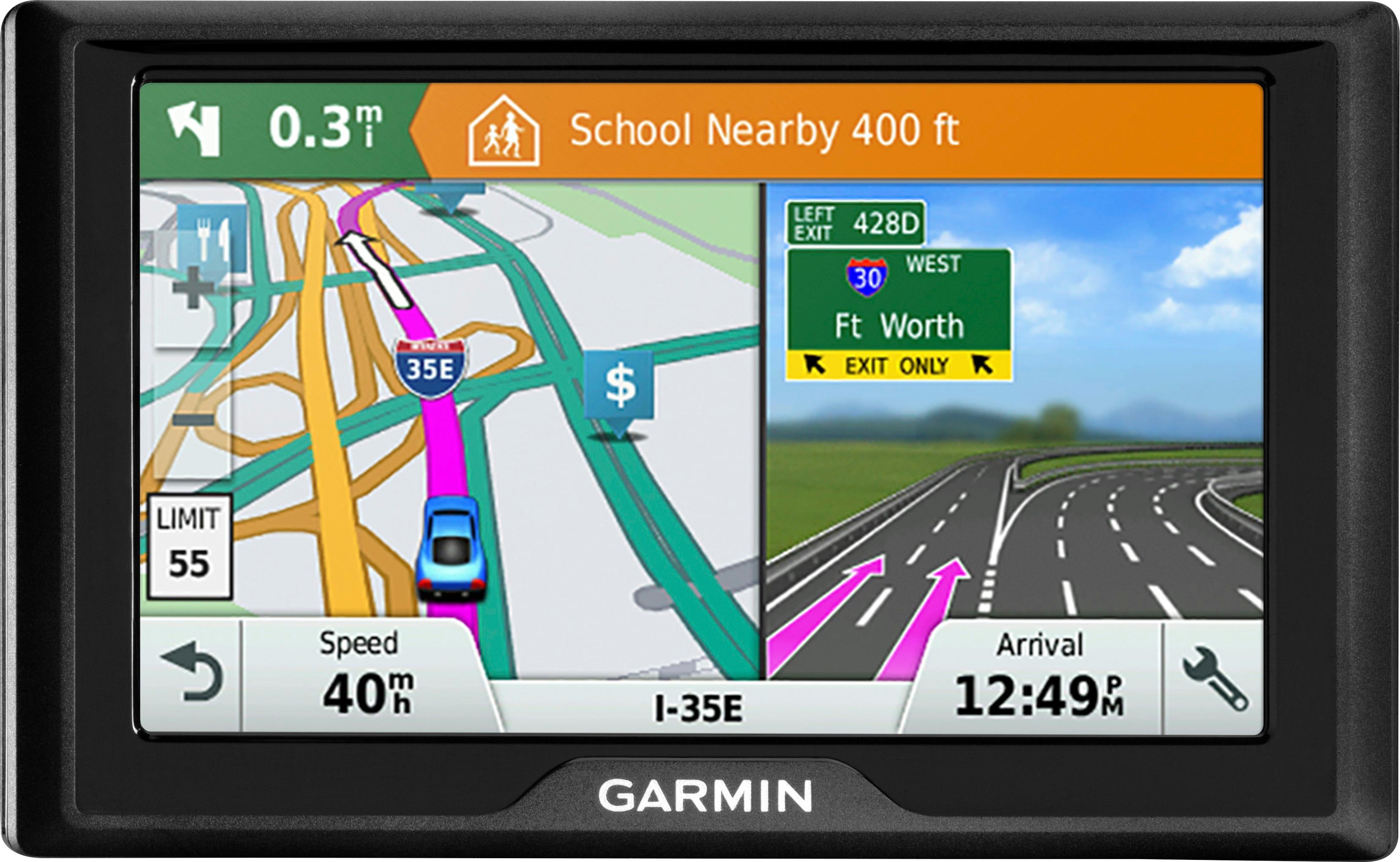
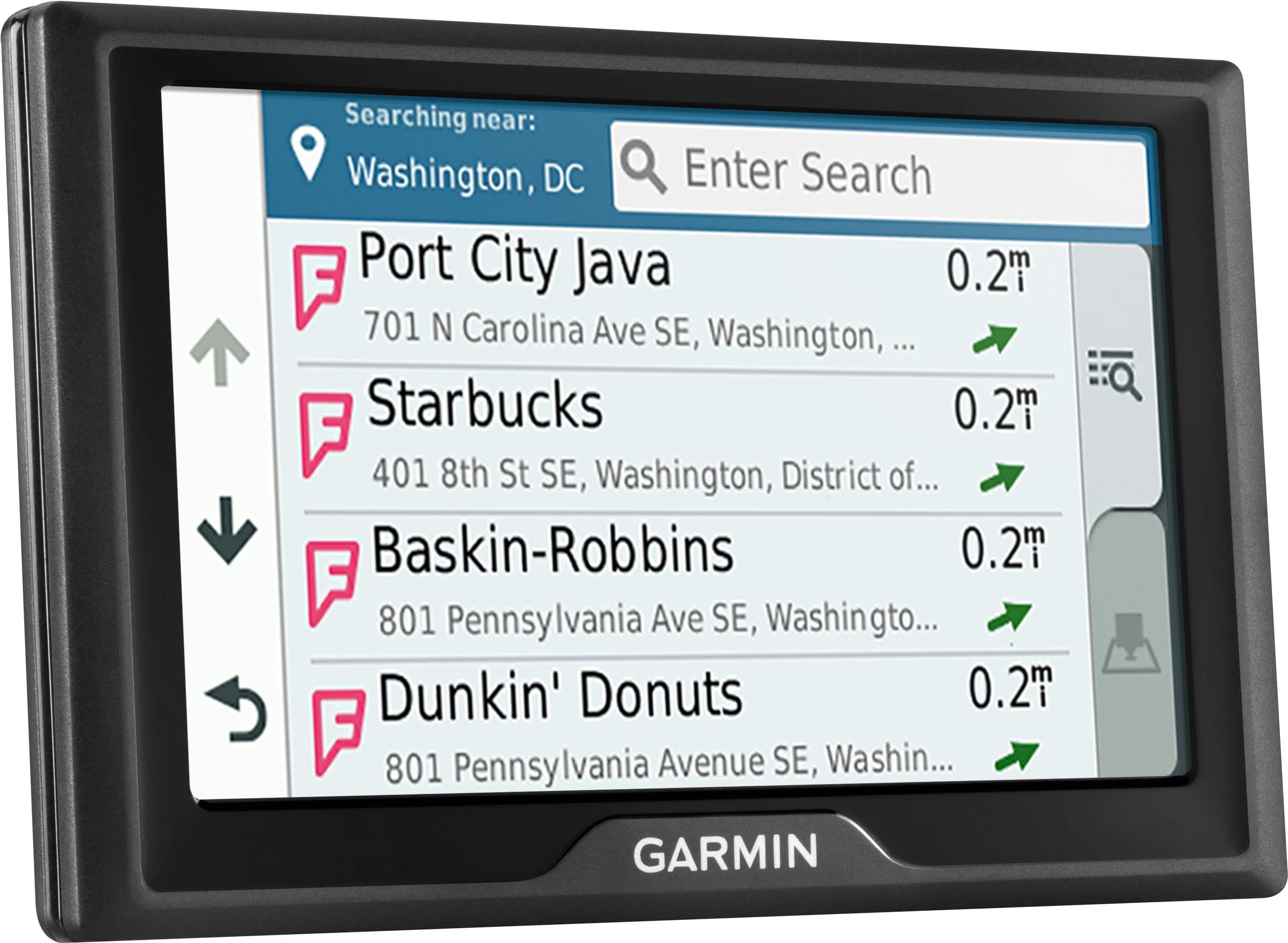
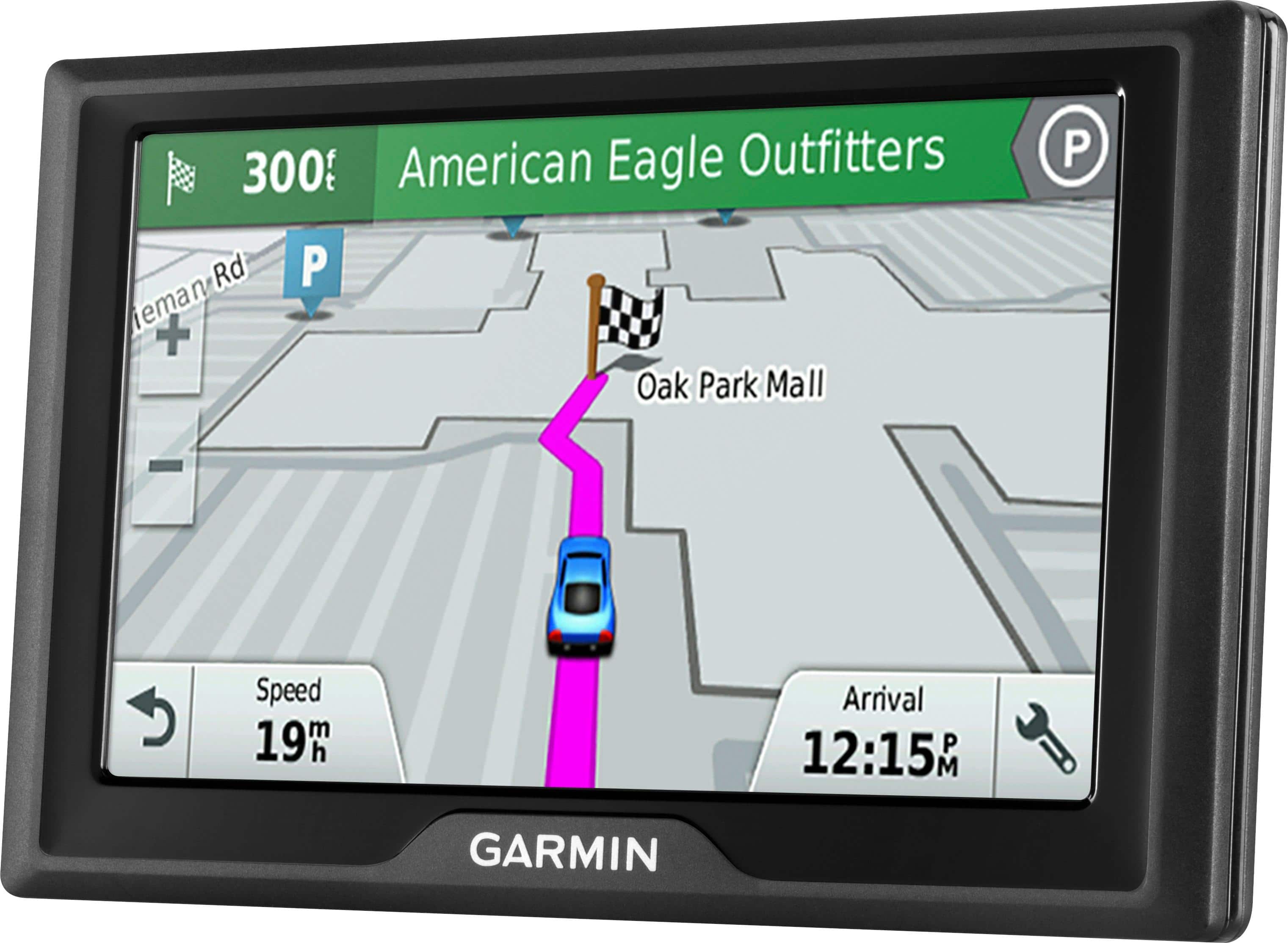
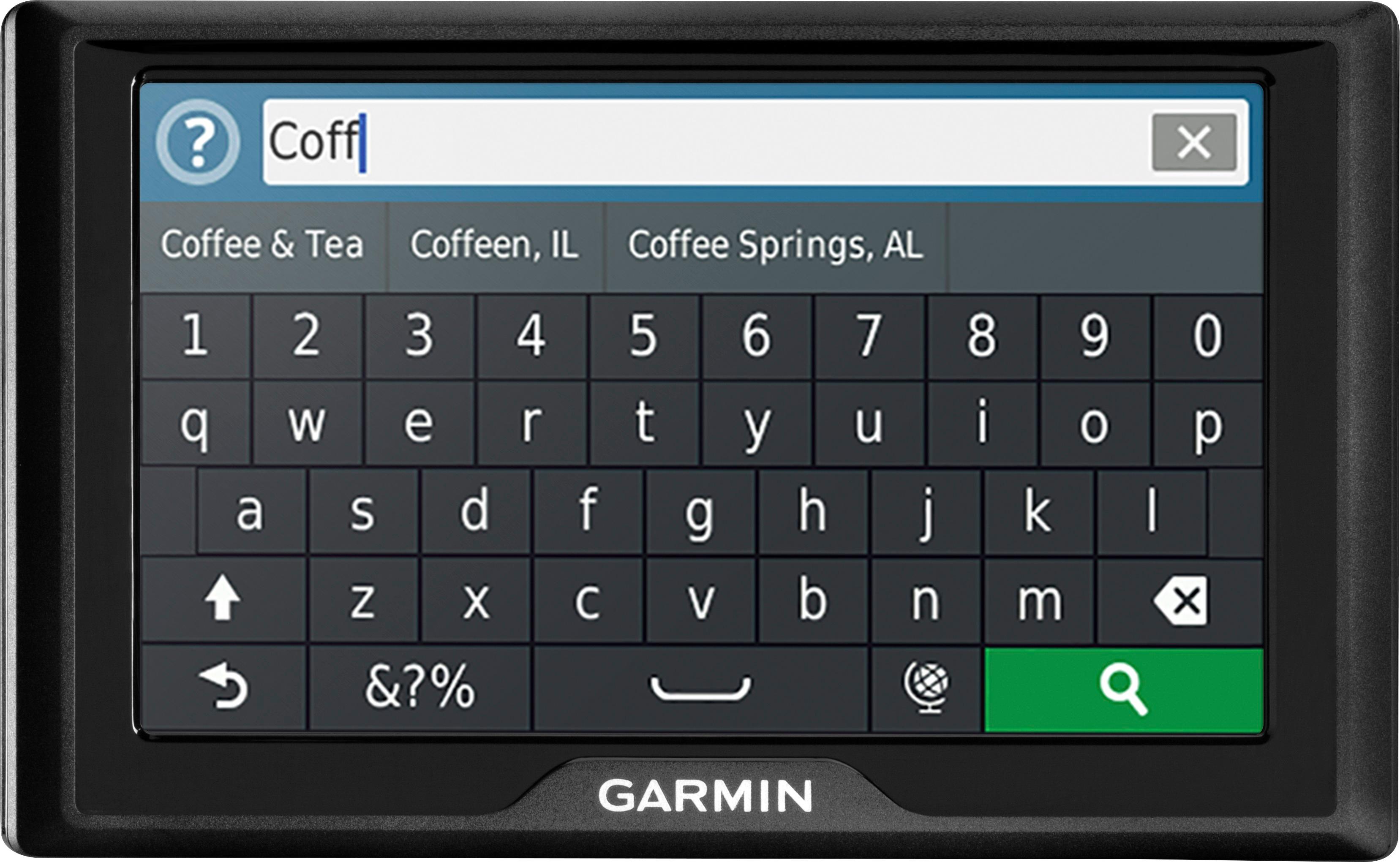
Customers value the Drive 51 LM 5" GPS's ease of use, accurate GPS navigation, and lifetime map updates. Many appreciate the clear screen and its helpful features, while some experienced issues with battery life and occasional power problems. Positive feedback frequently highlighted the device's intuitive interface and precise route guidance. However, a few users reported difficulties with the device's power functionality.
This summary was generated by AI based on customer reviews.
SUCKS
||Posted .This reviewer received promo considerations or sweepstakes entry for writing a review.IT WORKS GOOD WHEN IT WANTS TO! IT HASN'T EVEN BEEN 1 YEAR AND IT'S GIVEN ME SEVERAL PROBLEMS...TURNS OFF BY ITSELF (WHEN I NEEDED THE MOST) I USE IT FOR WORK. AND NOW IT WON'T GO ON. TOOK IT BACK TO THE STORE FIRST TIME IT HAPPENED AND THEY SAID THEY COULDN'T HELP ME TO CALL MANUFACTURER! SUPER ANNOYED
No, I would not recommend this to a friendBrand response from GarminProductExpert
Posted .I’m sorry to hear about your experience. The GPS comes with a one-year manufactures warranty, Garmin Product Support would be happy to help. Our contact information, including telephone number and hours of operation, can be found on at: https://support.garmin.com/en-US/

force to buy
||Posted .This reviewer received promo considerations or sweepstakes entry for writing a review.could have updated tom tom would not try kept pushing buy new one
No, I would not recommend this to a friendnope
||Posted . Owned for more than 2 years when reviewed.This reviewer received promo considerations or sweepstakes entry for writing a review.got this. unboxed. excited. gave it a run after hooking it up to the pc and took it for a spin. it drove me into a dead end and said i was on a road heading west when in actual fact i was sitting in front a fence with a row of trees that said private property
No, I would not recommend this to a friendBrand response from GarminProductExpert
Posted .It sounds like the device needs to be updated. While the GPS is ready to use out of the box, we would suggest checking for any software updates that may have been made available while the device was in transit and on the retailer’s shelf. The latest software can be installed using Garmin Express: http://www.garmin.com/express.
Not touch key friendly
||Posted .This reviewer received promo considerations or sweepstakes entry for writing a review.Not as user friendly as other gps on the market takes awhile to program
No, I would not recommend this to a friendBrand response from GarminProductExpert
Posted .’m sorry to hear that you’re having trouble with the touchscreen. If your device's touchscreen is not responding accurately update its system software using the Garmin Express program. Please see the Garmin Support Center for information about installing Garmin Express to your computer: http://bit.ly/2k4hUnQ Thanks, James
Not to my expectation
||Posted . Owned for 1 year when reviewed.This reviewer received promo considerations or sweepstakes entry for writing a review.This product did not work like my previous ones did. It was slow and gave incorrect directions.This product did not work like my previous ones did. It was slow and gave incorrect directions.
No, I would not recommend this to a friendBrand response from GarminProductExpert
Posted .While the GPS is ready to use out of the box, we would suggest using the Garmin Express program to check for any map and software updates that may have been made available while the device was in transit and on the retailer’s shelf. If you haven't installed Garmin Express please download it from the following link: www.garmin.com/express
Illogical
||Posted .This reviewer received promo considerations or sweepstakes entry for writing a review.Works entirely different than previous Garmin. There is no guidance how to input info to get directions and it is totally illogical and not at all ntuitive. Have not used it as a result. Wasted purchase.
No, I would not recommend this to a friendBrand response from GarminProductExpert
Posted .I’m sorry about the frustration experienced. Here are a couple of Garmin FAQs that will help with finding addresses and editing while you’re searching: https://support.garmin.com/en-US/?productID=552113&textPage=1&topicTag=region_addressesandroutes
Here is a video that is also helpful for finding locations: https://www.youtube.com/watch?v=nhP8ooZAYoA&en-us
If you have any other questions about the device, Garmin Product Support would be happy to offer additional assistance. Our contact information, including telephone number and hours of operation, can be found on at: https://support.garmin.com/en-US/
Buggy
||Posted .This reviewer received promo considerations or sweepstakes entry for writing a review.It mostly works, but sometimes it gave us phantom instructions, like making impossible turns on a highway when we were driving through cities. Thankfully, we were only using this as a backup device for when the GPS on the smartphone was not usable.
No, I would not recommend this to a friendBrand response from GarminProductExpert
Posted .Normally routing issues are resolved by the updating to the latest mapping and software. Please ensure that your device has the latest mapping and software installed via Garmin Express: http://www.garmin.com/express
If the issues persist, Garmin Product Support would be happy to offer additional troubleshooting. Garmin contact information, including telephone numbers and hours of operation, can be found on our Support page: http://www.garmin.com/support
- Pros mentioned:Ease of use
Great Unit - Don't Believe the Negative Reviews
Posted .This reviewer received promo considerations or sweepstakes entry for writing a review.Several negative reviews of this product are downright false. I read the reviews and was concerned, but figured I could return the unit if they were really true, but they were not. I have worked with this unit for several weeks and am extremely happy with it, especially considering that I bought it to replace my Ram 1500 in-car GPS that used the same software, but failed for hardware reasons. Ram wants thousands to replace it and wants $149 just to update the maps. This unit functions exactly the same as my Ram navigation unit for less than a map update in the vehicle system costs, plus it comes with free lifetime map updates. Here are the false negative review claims debunked: (1) The unit DOES automatically recalculate routes when you drive down a different road than on the route shown. Reviews that say it does not recalculate are false and this unit works seamlessly to guide you through detours on your route. (2) This unit DOES NOT automatically shut off when power is disconnected. When the power is disconnected, it tells you it will shut down in 15 seconds unless you tap the screen button to keep it on. If you do keep it on, it will stay active for over an hour (personally tested this). (3) The unite DOES NOT need to be reprogrammed every time it shuts off. I have tested this repeatedly, putting in a route, partially driving that route, then powering off the unit. When the unit powers back up, the route comes back up as well along with all of your personal settings (like the "north-up" map view I prefer to use. (4) Updating software and maps DOES NOT take hours. Mine went through the full process when I purchased it in 28 minutes total. (5) The mounting hardware IS very sturdy. Despite reviews that say otherwise, the mount is so secure that you really have to work to remove it. (6) The power cable IS very secure. The cable clicks in and remains seated despite some light pulling and tugging. It won't "fall out" as claimed by another review (unless you yank VERY hard...) BOTTOM LINE: This is a very reliable unit that solves the data connectivity issues of cell phone navigation when going through areas with no or limited cell service. It works flawlessly, is easy to use and understand, and appearance wise fits ascetically well within the dash area of the vehicle. For Dodge/Ram/Jeep/Chrysler owners with a navigation system that fails, this is your best bet for replacement and will save you thousands for the same software you are used to having.
I would recommend this to a friend Not great
||Posted .This reviewer received promo considerations or sweepstakes entry for writing a review.Returned after Gps could not find well established addresses that mt Magellan could find. Split screen not realistic. Was not what I expected.
No, I would not recommend this to a friendBrand response from GarminProductExpert
Posted .Thanks you for your review. I’m sorry to hear that the GPS didn’t work out for you. If you have any additional feedback, Garmin Product Support would love to hear from you. Our contact information, including telephone number and hours of operation, can be found on at: https://support.garmin.com/en-US/
didn't work
||Posted .This reviewer received promo considerations or sweepstakes entry for writing a review.even after updating the maps it didn't recognize any address that I entered your sales people said that I needed to talk to the geek squad and they told me to contact Garmin and nobody could help me so I took it back and got a refund
No, I would not recommend this to a friendcouldn't navigate to Atlanta airport
||Posted . Owned for more than 2 years when reviewed.This reviewer received promo considerations or sweepstakes entry for writing a review.I've gone back to using my cellphone to navigate. Almost missed a flight using this Garmin because it couln't find the Atlanta airport.
No, I would not recommend this to a friendNot very good
||Posted . Owned for 1 month when reviewed.This reviewer received promo considerations or sweepstakes entry for writing a review.Very disappointed in this product. Poor maps and i updated before trip. Couldnt find places. Thank goodness i had service on my iphone so i could use google maps. I would return it if i could.
No, I would not recommend this to a friendBroke on Day 30
||Posted .This reviewer received promo considerations or sweepstakes entry for writing a review.After 30 days and three uses, my Garmin Drive 51 will not turn on. A soft reset does not work either so I will be returning this tonight. I will not consider an exchange because I lost trust in Garmin products.
No, I would not recommend this to a friendDarn thing died already!
||Posted .This reviewer received promo considerations or sweepstakes entry for writing a review.Just bought this like 3 weeks ago. Went out to my truck today and the thing won't start. My last GPS lasted 12 years with no issues. This upgrade is not an upgrade! Will be contacting Garmin about this!
No, I would not recommend this to a friendBrand response from GarminProductExpert
Posted .Connect the device to the vehicle power cable, or an AC adapter. Press and hold the power button for 10 to 15 seconds. Once the device powers on fully charge the battery. Here is a Garmin Product Support article that gives all of the charging details: https://support.garmin.com/faqSearch/en-US/faq/content/TiDz048p5C6qe2dMv5tNU7
If you’re unable to get the device powered on, Garmin Product Support would be happy to offer additional assistance. Our contact information, including telephone number and hours of operation, can be found on at: https://support.garmin.com/en-US/
Quit after a month
||Posted .This reviewer received promo considerations or sweepstakes entry for writing a review.It started showing school zone all the time and now will not come on. It cut off while in use and plugged in. I tried my charger from my older gps and still will not work. I will not buy another garmin junk.
No, I would not recommend this to a friendBrand response from GarminProductExpert
Posted .Thank you for your review. We’re sorry to hear that the Drive® 51 is not powering on. When a device won’t power on a soft reset often resolves the issue. Connect the device to a power source with a USB cable, vehicle power cable, or an AC adapter. Press and hold the power button for 10 to 15 seconds. When the device powers on I, would suggest fully charging the battery. Here is a Garmin Product Support article that gives all of the charging details:
https://support.garmin.com/faqSearch/en-US/faq/content/TiDz048p5C6qe2dMv5tNU7
If you’re unable to get the device powered on, Garmin Product Support would be happy to offer additional assistance. Our contact information, including telephone number and hours of operation, can be found on at: https://support.garmin.com/en-US/
Fair System
||Posted .This reviewer received promo considerations or sweepstakes entry for writing a review.It has a few problems keeping the signal connected in area that should be fine. Glitches out often, not always giving good direction a lot of make a You turn instruction. I would not buy again
No, I would not recommend this to a friendBrand response from GarminProductExpert
Posted .Updating the maps and software on the device may resolve these issues. The latest mapping and software is installed via Garmin Express: http://www.garmin.com/express.
returned
||Posted .This reviewer received promo considerations or sweepstakes entry for writing a review.Did not like that I would set the screen to closer view and it would reset on its own. It started acting up within a week. Kept telling me to turn left on a major highway that had no exits nearby.
No, I would not recommend this to a friendBrand response from GarminProductExpert
Posted .This model includes the Auto Zoom feature. The Auto Zoom feature will automatically adjust the zoom scale of the map as you drive. This model does include the ability to disable Auto Zoom, here is a link to a Garmin Support Center article that will help: http://bit.ly/2jfhiXE Thanks, James
cant find address
||Posted .This reviewer received promo considerations or sweepstakes entry for writing a review.Several times even though I have updatesd all the maps through my desktop . The garmin says it finds no such address. I still have to either print out directions or rely on my phone
No, I would not recommend this to a friendBrand response from GarminProductExpert
Posted .Here are a couple of Garmin FAQs that will help with finding addresses and editing while you’re searching: https://support.garmin.com/en-US/?productID=552113&textPage=1&topicTag=region_addressesandroutes
Here is a video that is also helpful for finding locations: https://www.youtube.com/watch?v=nhP8ooZAYoA&en-us
Sorry I bought it
||Posted .This reviewer received promo considerations or sweepstakes entry for writing a review.I had a Garmin Nuvi for over 5 years..worked well every time. Stolen from my car. Bought this as a replacement. Not as good as the Nuvi. Harder to program and fails to store new locations.
No, I would not recommend this to a friendBrand response from GarminProductExpert
Posted .Garmin Product Support would be happy to help. Our contact information, including telephone number and hours of operation, can be found at: https://support.garmin.com/en-US/
worse ever
||Posted .This reviewer received promo considerations or sweepstakes entry for writing a review.bought this unit thinking it was better than tomtom but I was wrong it keeps shutting down on me on numerous times cant get it to work right its a pain in my bud I need to return this unit
No, I would not recommend this to a friendBrand response from GarminProductExpert
Posted .Garmin Product Support would be happy to help. Our contact information, including telephone number and hours of operation, can be found at: https://support.garmin.com/en-US/