Customer Ratings & Reviews

- Model:
- 010-01539-01
- SKU:
- 4901606
to a friend
Customers are saying
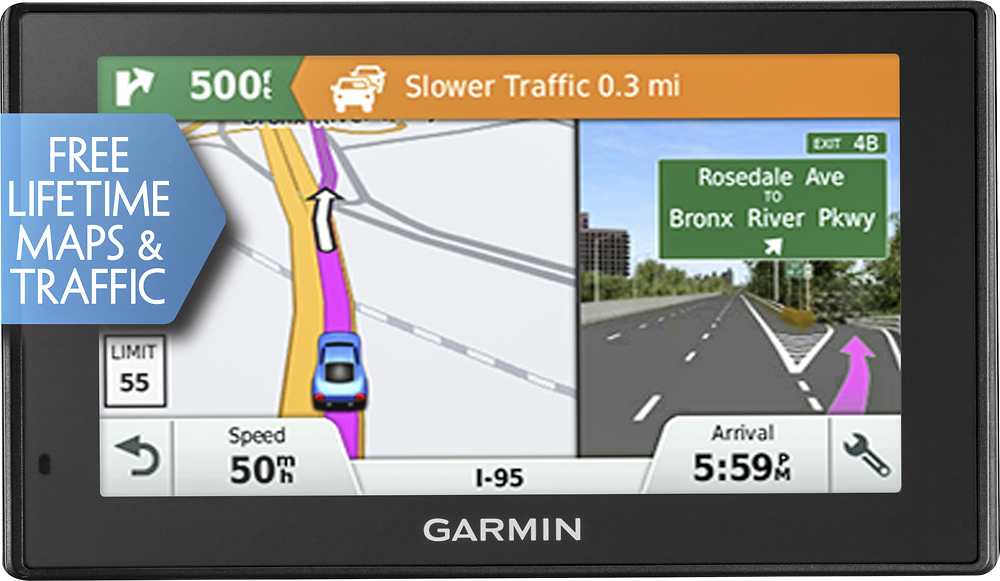
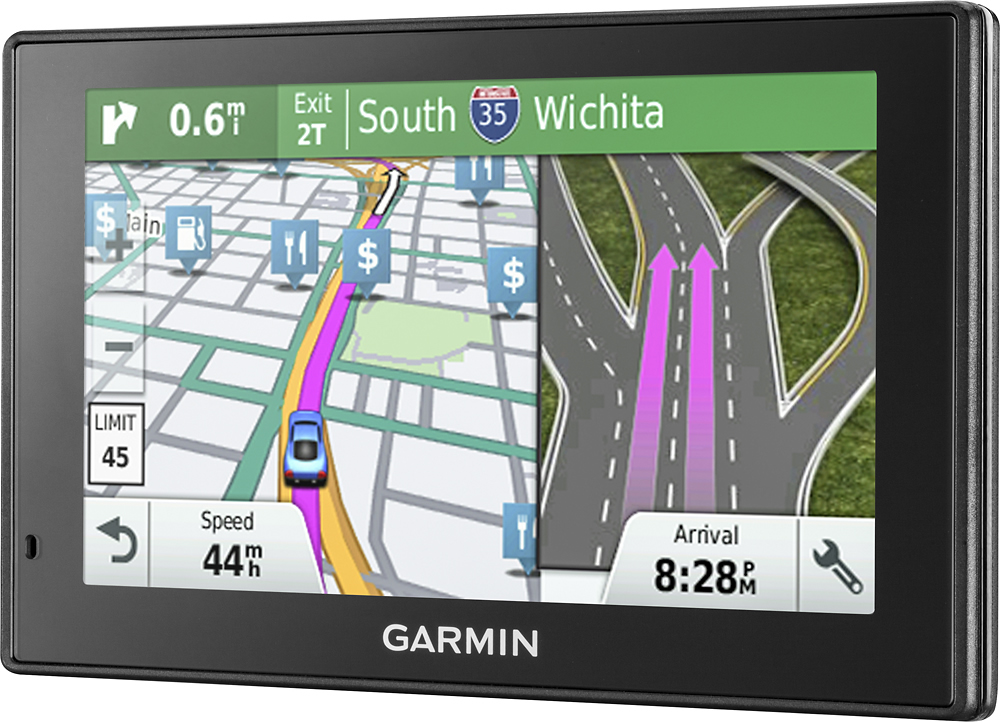
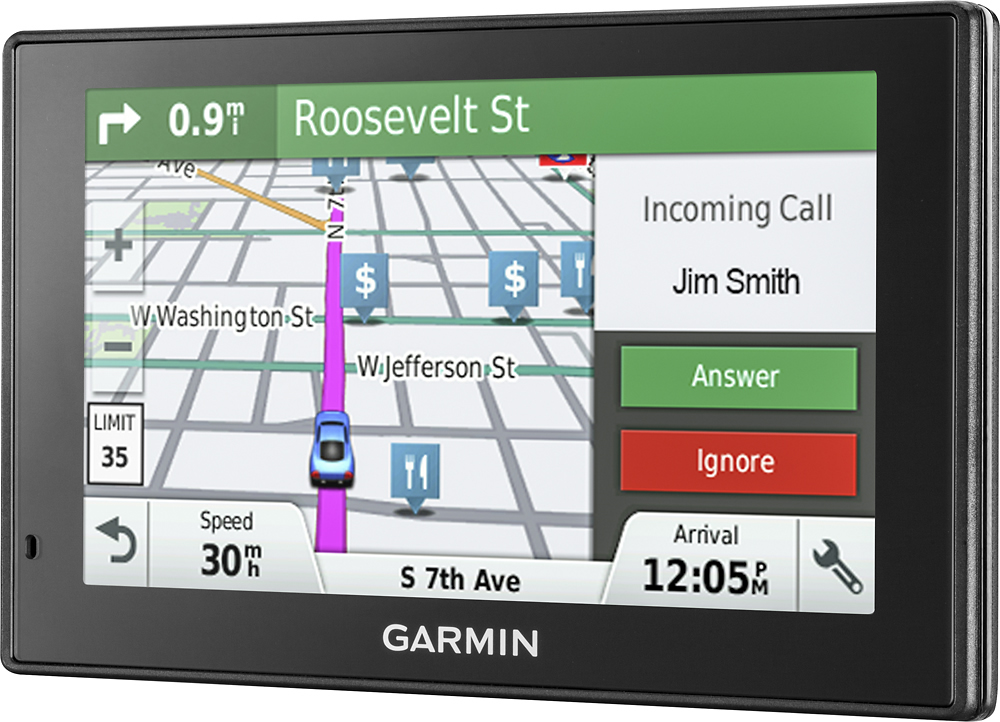
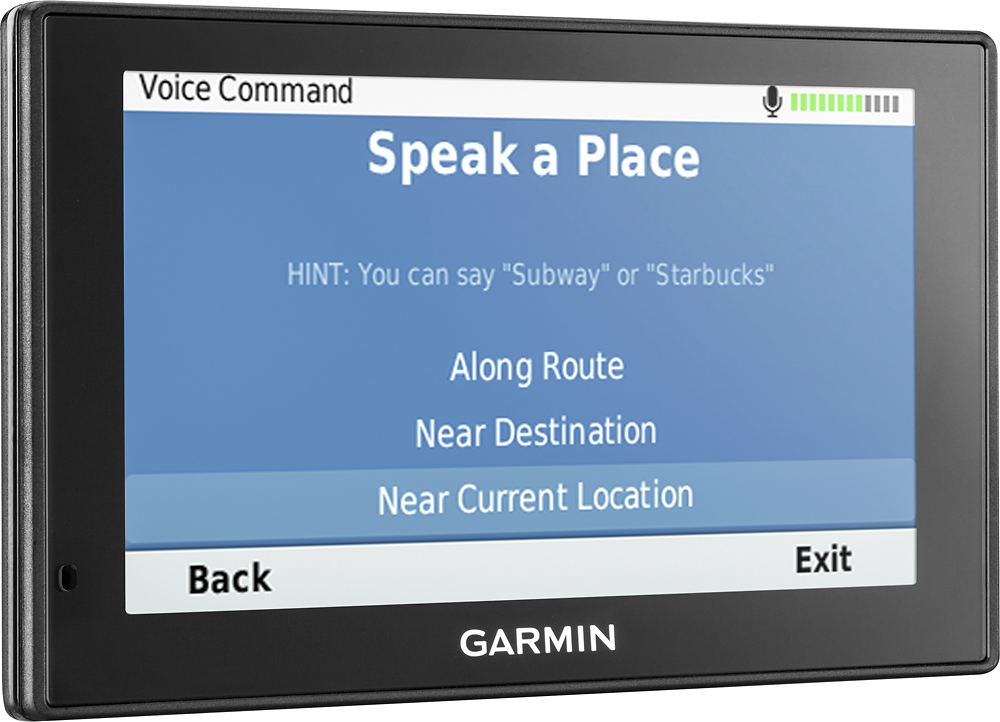
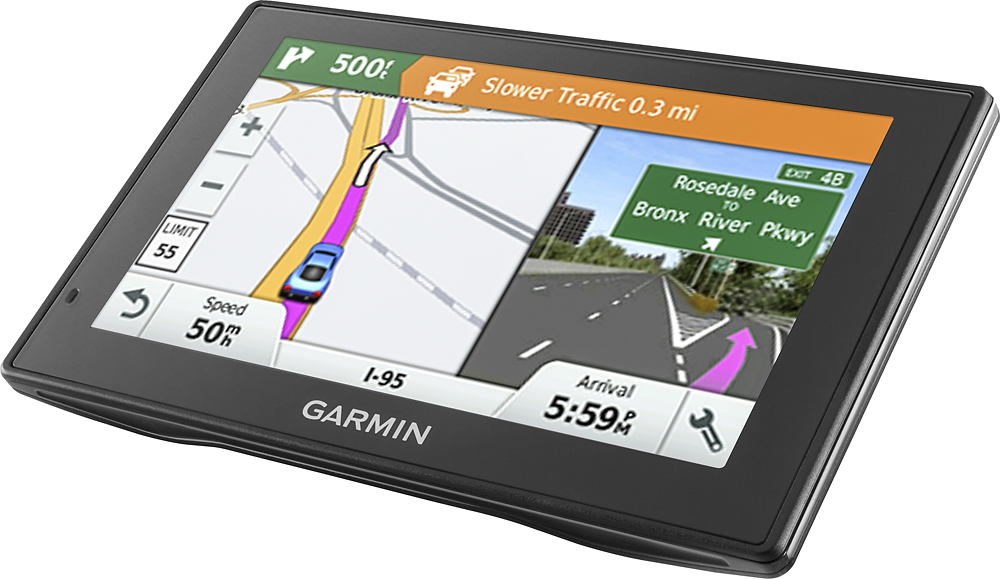
Customers admire the DriveSmart 50LMT's ease of use, accurate GPS navigation, and helpful voice command features. Many appreciate the clear screen, timely traffic updates, and the guidance provided for lane changes. Positive feedback also highlights the device's accuracy in directing drivers, even on less-traveled roads. The simple setup process is another frequently praised aspect of the product.
This summary was generated by AI based on customer reviews.
Fragile
||Posted .This reviewer received promo considerations or sweepstakes entry for writing a review.The unit is nice, however it fell of my dash onto the floor board and immediately the screen cracked in 3 places.
No, I would not recommend this to a friendNot dependable
||Posted .This reviewer received promo considerations or sweepstakes entry for writing a review.Our GPS worked for a month. We took it to Oregon and it worked for about 1 hour. It would not turn back on from Thursday through Sunday. We didn't carry maps with us so we were miserable trying to locate places. We returned home and took it back to Best Buy. We decided to plug it in as we were driving and it worked. This is not a dependable device for us.
No, I would not recommend this to a friendBrand response from GarminProductExpert
Posted .Thank you for your review. We are sorry about the power issue you encountered with the DriveSmart 50LMT. Based on your description, it may need a soft reset. To power the device ON with a soft reset: Connect the device to a power source and then press and hold the power button/power switch in the on position for 8-10 seconds. Here is a link to a Garmin Support Center article that provides additional information and a video: http://bit.ly/2mUqF0t
If the device will not power on with the reset, please contact us at Garmin Product support, we will be happy to get this issue resolved. Our contact information, including telephone numbers and hours of operation, can be found on our Support page: http://www.garmin.com/support
Wouldn't work correctly out the box
||Posted .This reviewer received promo considerations or sweepstakes entry for writing a review.I must've bought a defective one, tried to update it on setup. It wouldn't update, after that failed it when to a black screen and then wouldn't turn on... I returned it for a different model
No, I would not recommend this to a friendDon't buy this item ...
||Posted .This reviewer received promo considerations or sweepstakes entry for writing a review.Bought it to replace a 12 yr old Tomtom ... Terrible unit ... would not load maps ... totally useless and difficult to set up ... returned it the next day and bought a Tomtom which set up easily and worked perfectly ...
No, I would not recommend this to a friendI dont like it
||Posted .This reviewer received promo considerations or sweepstakes entry for writing a review.It freezes too much. I always end up using my phone until the gps decides to unfreeze
No, I would not recommend this to a friendNot happy
||Posted .This reviewer received promo considerations or sweepstakes entry for writing a review.It came with no instructions consequently I couldn't operate it as advertised
No, I would not recommend this to a friendBrand response from GarminProductExpert
Posted .You can download the owner’s manual from the Garmin Product support page, here’s a link: http://bit.ly/2l2p0ZQ
- Pros mentioned:Traffic updates, Voice command
garmin is user friendly
Posted .This reviewer received promo considerations or sweepstakes entry for writing a review.I tested this Garmin with voice feature in the store with the help of an associate My Garmin was stolen. Love the navigation and voice command is easy to use. Voice eliminates all the key errors and can be done very quickly Routes, speed , red light camera alert, and different notifications are helpful. Prefer to Tom Tom.
I would recommend this to a friend - Pros mentioned:Gps, Screen size
This gps has everything
Posted .This reviewer received promo considerations or sweepstakes entry for writing a review.This gps has a 5 in screen that's easy to see and the Bluetooth connection to the Garmin smartlink is a great plus, this gps has everything you need to find where your going!
I would recommend this to a friend Excellent guide
Posted .This reviewer received promo considerations or sweepstakes entry for writing a review.My husband convinced me to buy this and what an excellent choice it was!!! I especially love how it tells which lane to be in.
I would recommend this to a friend- Pros mentioned:Voice command
Dash Cam does not record audio
Posted .This reviewer received promo considerations or sweepstakes entry for writing a review.Was extremely disappointed that the dash cam does not record sound. for a GPS in this price range that should have been a given. The rest of the GPS functions work great , even the voice commands work great in my car with extremely noisy exhaust. I am going to say yes to recommending this product if you do not care about dash cam sound record, because the rest of the GPS works great.
I would recommend this to a friendBrand response from GarminProductExpert
Posted .Thank you for your review. The DriveSmart 50LMT does not have a built-in dash cam; however, some of our dash cam models do record sound. Please feel free to contact Garmin Customer Care so we can discuss this further: http://www.garmin.com/support
^DK
Worth it
Posted .This reviewer received promo considerations or sweepstakes entry for writing a review.i had just bought the lm 57 and installed the backup camera on my f150. Thought screen did not really look that good so gave it to my daughter and bought this. Camera looks very good on this screen. Navagation really good no problems. really like school zone and red light warnings. If your maps seem dated download garmin express and update before use. Backup camera and bluetooth functions are flawless. Paid 140 and worth every penny.
I would recommend this to a friend- Pros mentioned:Ease of use
GOOD GPS - W/BLUETOOTH
Posted .This reviewer received promo considerations or sweepstakes entry for writing a review.Easy to use/setup and download the lifetime map updates which is included in the price....
I would recommend this to a friend "DO NOT UPDATE TO MAP VERSION 2017.20"
Posted .This reviewer received promo considerations or sweepstakes entry for writing a review."DO NOT UPDATE TO MAP VERSION 2017.20" This was the 9th Garmin GPS I purchased in the past five years. It was a bought as a gift as were 3 others. The other 5 are mine. 4 of those 5 are used at my place of business. In the past I would recommend Garmin as the best in portable GPS as I have tried all the major brands. That all changed with the most recent map update. It is loaded with errors and omissions. It recognizes the streets but can not get many of the long established building or house numbers right. I use mine to drive to 60 to 90 addresses per day working for a utility company and must get to the correct address in a timely manner. I have found literally hundreds of errors and omissions that did not exist in the previous map version. If I could revert to the previous map version I would but according to Garmin customer service that is not possible. I had updated 4 of 5 of my units one weekend and began discovering the errors the following week as I worked. The only unit that was spared these problems was one in my personal car that I did not update. It still gives me the correct solutions when an address is searched. For these reasons I can not recommend Garmin GPS units at this time. If and when Garmin corrects these errors and omissions I will once again recommend Garmin GPS units.
No, I would not recommend this to a friendBluetooth Won't Connect With 2016 Toyota 4 Runner
Posted .This reviewer received promo considerations or sweepstakes entry for writing a review.One of the reasons I purchased this GPS over a different model was the Bluetooth feature. My Toyota found the GPS and the GPS found my Toyota...then a message popped up on the Garmin saying that they were incompatible. Funny, I always thought Bluetooth was Bluetooth. My iPhone paired easily with my Toyota 4 Runner. If they know there is a pairing issue with some vehicles that should be mentioned to the consumer PRIOR to the purchase, not when it is trying to be paired. They obviously know there is an issue because they have a preconfigured popup built into the GPS to let you know it is incompatible. I cannot recommend this to anyone based on the lack of truth in advertising.
No, I would not recommend this to a friendBrand response from GarminProductExpert
Posted .Thank you for providing feedback on the DriveSmart 50LMT. We apologize about the Bluetooth confusion, this GPS is designed for hands-free calling, and to receive smart notifications when paired to a Bluetooth-enabled smartphone. Thank you again for the feedback, James
Garmin is useless.
Posted .This reviewer received promo considerations or sweepstakes entry for writing a review.I had issues with map accuracies of the Garmin. I insured the latest map up date 2017.20 was downloaded and installed. I contacted Garmin and they said they hold no responsibility for the map accuracies and that I need to contact their third party who provideds the information. What type of garbage is that?!! Here is the quote for the email : "Unfortunately, the mapping is done through a third-party and the traffic is through the same company. If there are any issues with the mapping they can be reported using the link below." also had issues with Live traffic update the bad coverage it has. So the consumer is responsible for the third party Garmin uses to get the product to work right. Do not waste your money on Garmin. I have an older TomTom whose maps are always updated and live traffic is always connected wherever I go. I am now back using my 5 year old TomTom who has never let me down. I thought I was going to upgrade but in reality I downgraded when I bought the NEW Garmin.
No, I would not recommend this to a friendBrand response from GarminProductExpert
Posted .Thank you for your review. We apologize for any missing or incorrect information on the maps loaded to your Garmin device. The map is provided by a third party vendor. All map information including Points of Interest, TruckDown, and addresses are gathered through a number of different agencies including local governments, principalities, etc. There may be an occasion where something is not reported correctly or wasn't able to be changed in time for the new version of the maps to be released.
To aid us and all of our customers, we have provided an Error Report Form (http://bit.ly/1M7PTDG) on our web site that allows you to submit any findings that you have concerning missing or incomplete areas of the map. Garmin appreciates your assistance in finding areas that need to be updated, and we request that you use the link provided to report your findings. The information is sent to our cartography department and to the vendor providing the maps. In this way we can make every attempt to provide the most accurate maps that we can for all of our customers.
Again, thank you so much for your feedback. (KS)
Works well
Posted .This reviewer received promo considerations or sweepstakes entry for writing a review.Like the new warnings for speed change and curves. Traffic warnings are a plus also
I would recommend this to a friendDisappointed
Posted .This reviewer received promo considerations or sweepstakes entry for writing a review.I had used an older Garmin in my car for many years. The device was excellent, but I decided to upgrade in order to get traffic and voice command. What a mistake! The maps on this new device are terrible (and I have the newest version of maps). There are a huge number of omissions and errors. For example, if I request to find a Starbucks close to me, it will list ones that are over ten miles away without mentioning that there are many within a few mile radius of me. This is just one of many examples of the problems with the maps. And I spoke to customer service and they tried it and had the exact same problems as me. The maps are simply completely off and often times useless. In the newer version you put in a street address and it spits out different cities where your address exists. But I've had situations where it won't list an address in a city close to me--it just doesn't have a record of it. On top of the issue with the maps, the voice command is terrible. When I ask to go somewhere, it gives suggestions that aren't even close to what I said. I use voice command on Siri all the time and have never had a problem. After wasting much time and energy with this device, I am back to my old device. I spent over $200 for nothing but a headache. I'm very disappointed. I won't buy another Garmin.
No, I would not recommend this to a friendTrip planner feature not working
Posted .This reviewer received promo considerations or sweepstakes entry for writing a review.Bought this about 2 months ago and now trip planner feature won't work. This allows me to download addresses from a file to my Garmin. Bout to throw this out the window. If you need this for leisurely travel you'll love it, but if you make multiple stops in a day (from 50 to 200 stops) it will eventually laugh in your face.
No, I would not recommend this to a friendWorst experience with a GPS
Posted .This reviewer received promo considerations or sweepstakes entry for writing a review.I've never been a big fan of the Garmin GPS in the past because they are not as reliable in my opinion on the road as the TomTom. This time I decided to give Garmin a try since my old TomTom XL needed an upgrade and I've heard good things about the new Garmin Drive series. To my disappointment, the GPS failed to turn on and I was not able to update the maps or get it to work. I returned it to Best Buy and exchanged it for another unit and the same thing happened. The unit will turn on but you have to keep it plugged in at all times. The setup to update the maps was not very clear and was not user friendly at all. Overall, Garmin is just not a very reliable brand and a lot of their products are defective. I will look for a more reliable brand.
No, I would not recommend this to a friendBrand response from GarminProductExpert
Posted .Thank you for providing feedback. I’m sorry to hear that you weren’t able to get the device working. If you are still having issues with the GPS, Garmin Product Support would be happy to offer troubleshooting. Our contact information, including telephone numbers and hours of operation, can be found on our Support page: http://www.garmin.com/support >JF