Customer Ratings & Reviews
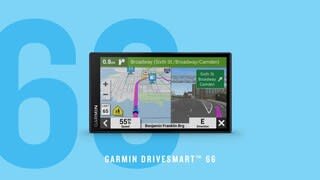
- Model:
- 010-02469-00
- SKU:
- 6474530
Rating by feature
- Value
Rating 4.4 out of 5 stars
- Quality
Rating 4.5 out of 5 stars
- Ease of Use
Rating 4.4 out of 5 stars
Customers are saying
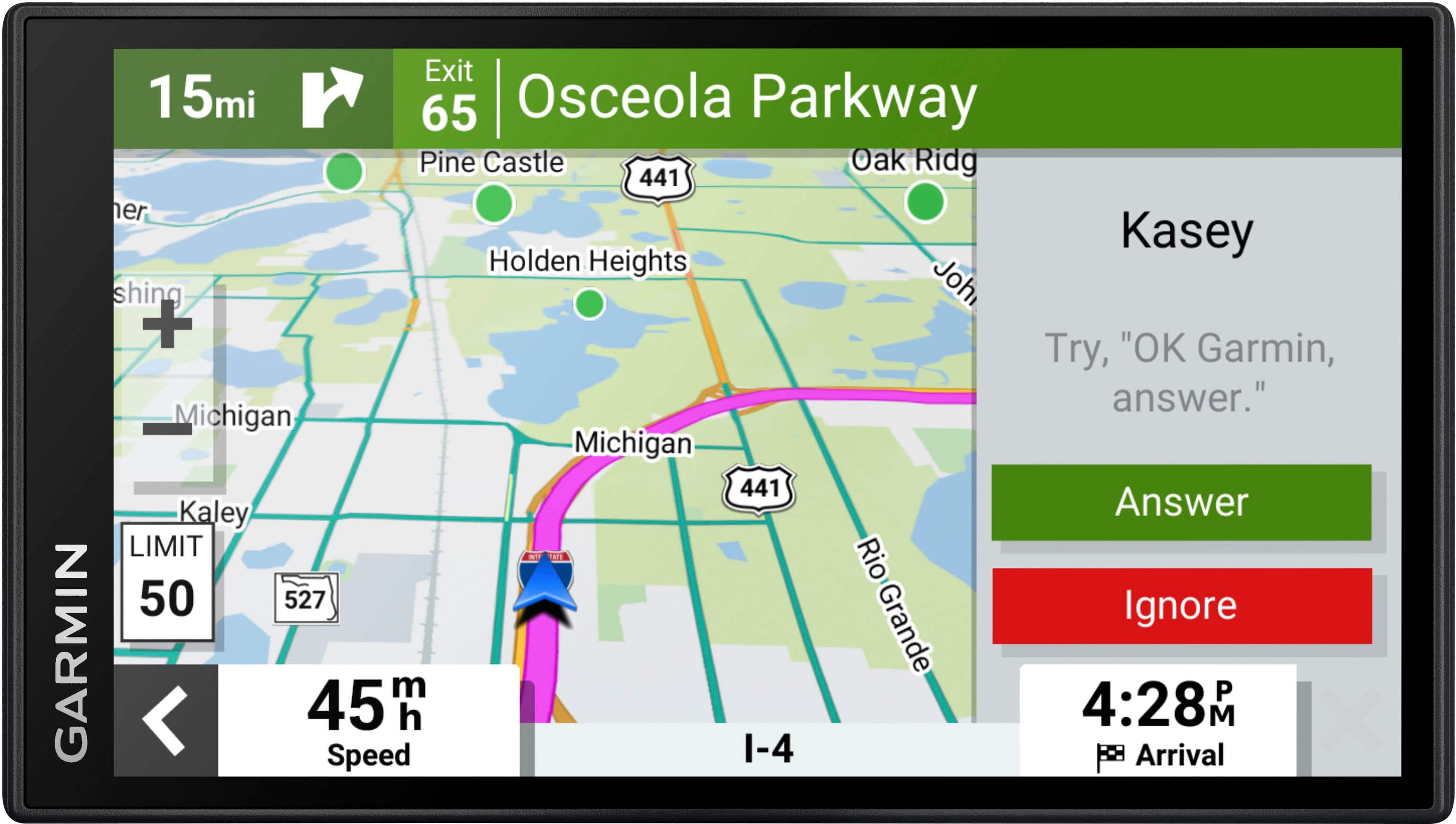
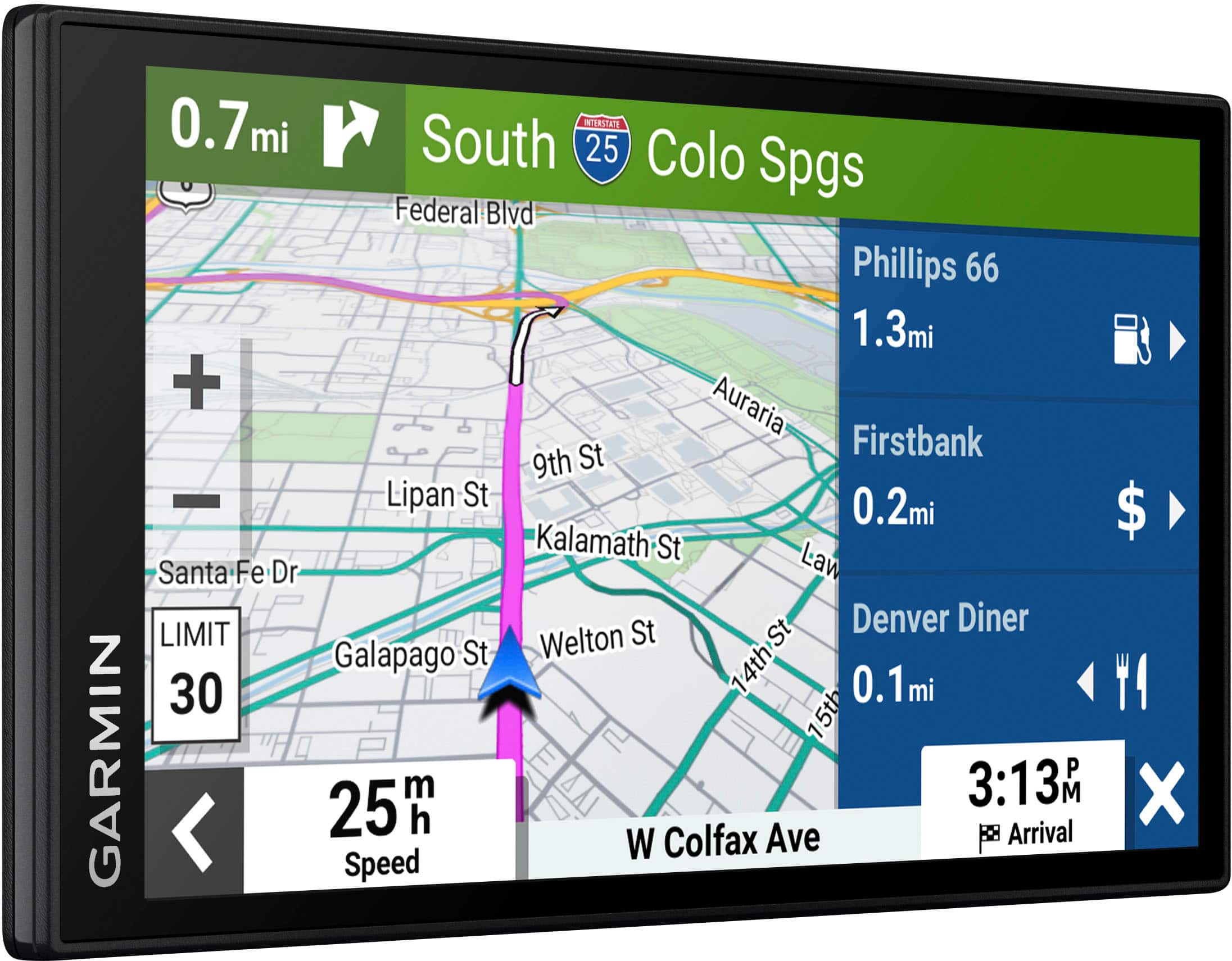
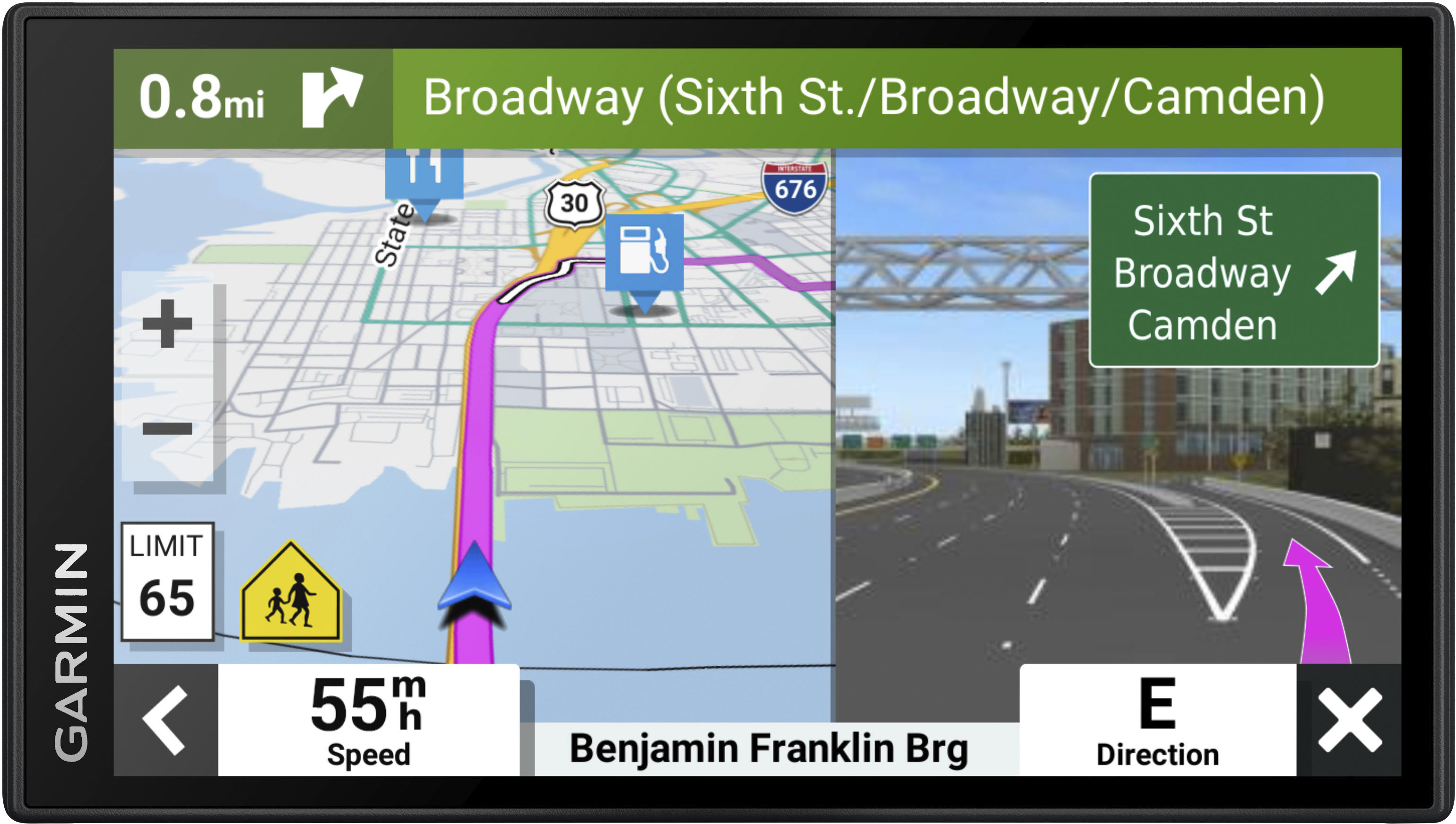
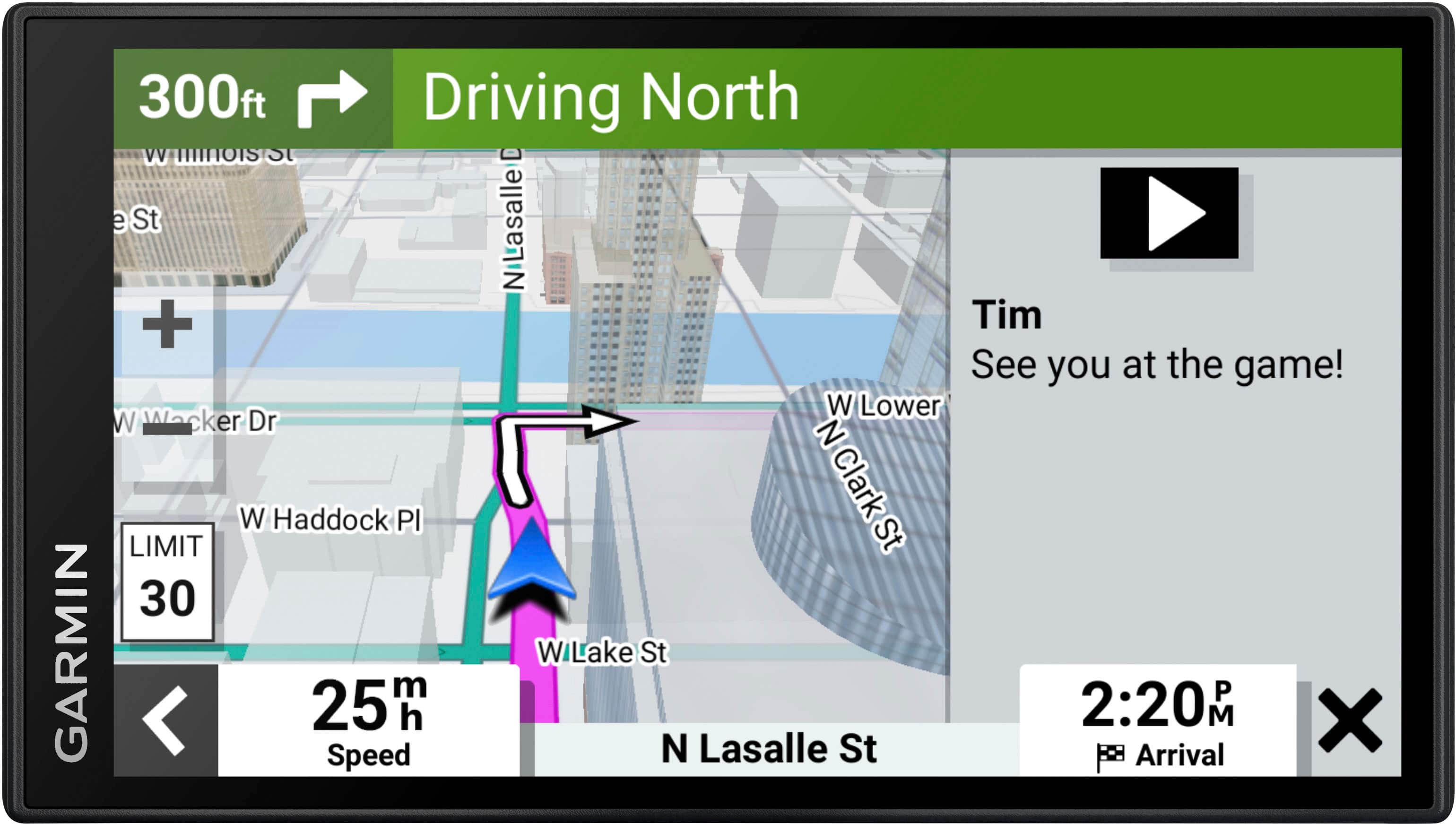
Customers are satisfied with the DriveSmart 66 GPS, particularly its ease of use, GPS functionality, overall performance, and screen size. Many appreciate the map updates, voice command feature, and accuracy. However, some customers have expressed concerns about the battery life, connectivity, and volume.
This summary was generated by AI based on customer reviews.
garmin
||Posted . Owned for 3 weeks when reviewed.This reviewer received promo considerations or sweepstakes entry for writing a review.no help on upload ,cant get help from garmin, best buy wont help please dont buy you wont make it to were you want to go.
I would recommend this to a friendBrand response from GarminProductExpert
Posted .Garmin Product Support is happy to help. Our contact information and hours of operation can be found on the Garmin website at: https://support.garmin.com/en-US/

Not As Advertised
||Posted .This reviewer received promo considerations or sweepstakes entry for writing a review.I returned it because it didn’t work as advertised
No, I would not recommend this to a friend- Pros mentioned:Ease of use, Screen size
Great Product!
Posted .This reviewer received promo considerations or sweepstakes entry for writing a review.If you need a large screen gps - this one is it - super easy to install and has updates!
I would recommend this to a friend - Pros mentioned:Screen size
Good GPS!
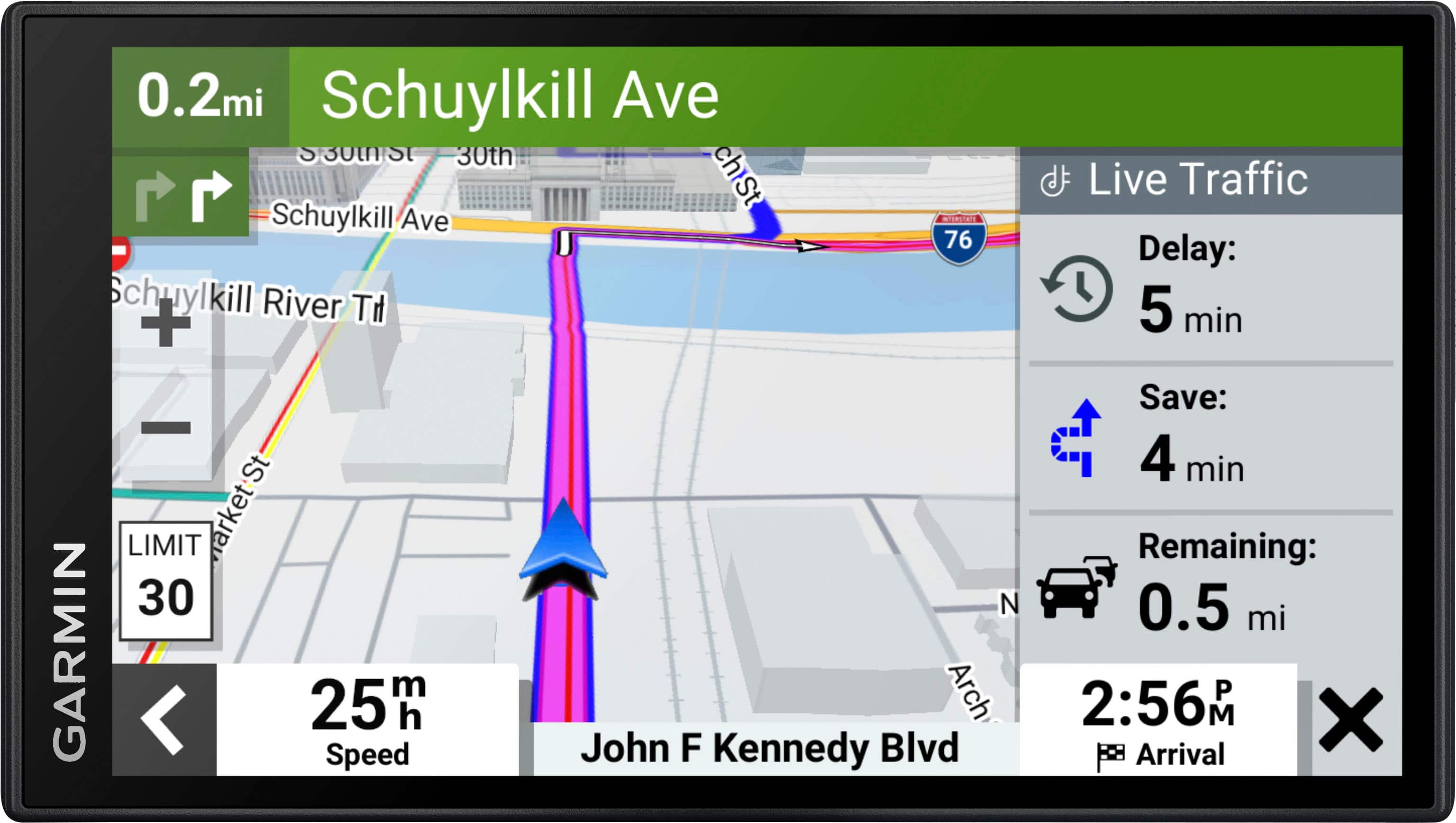
Posted .This reviewer received promo considerations or sweepstakes entry for writing a review.It’s everything I was expecting and more. So far it’s very up to date and has automatically done a couple of updates. I especially appreciate when it tells me there are traffic slow downs ahead and offers alternate routing. I highly recommend it, and also the larger display size is really nice.
I would recommend this to a friend - Pros mentioned:Ease of use
Best device I’ve ever purchased
Posted .This reviewer received promo considerations or sweepstakes entry for writing a review.This is the best thing I’ve ever purchased. Being military we travel a lot. Unfortunately phones lose service or your built in navigation loses its mind. This device is simple to use but has a ridiculous amount of functions and options. I’m in love
I would recommend this to a friend - Pros mentioned:Gps
Great standalone unit
Posted .This reviewer received promo considerations or sweepstakes entry for writing a review.Works as expected, definite upgrade over our older unit.
I would recommend this to a friend - Pros mentioned:Overall performance
High quality at a great price!
Posted .This reviewer received promo considerations or sweepstakes entry for writing a review.Completely in love with this! It is not only a GPS, but connected my phone and contacts to be able to talk and text while driving. Also can stream my music. Quality display with easy touchscreen. Extremely happy customer!
I would recommend this to a friend - Pros mentioned:Ease of use
Finally got something worth paying the price!
Posted .This reviewer received promo considerations or sweepstakes entry for writing a review.For me this worked very well (I'm not to good with any electronic devices) it was very user friendly and it got me where I needed to go!
I would recommend this to a friend - Pros mentioned:Gps
Art
Posted .This reviewer received promo considerations or sweepstakes entry for writing a review.I have used it only once so far, but it seems to be a very good gps with some new features compared to the Garmin I bought several years ago.
I would recommend this to a friend - Pros mentioned:Screen size
Garmin GPS
Posted .This reviewer received promo considerations or sweepstakes entry for writing a review.Good device. Large scene, very helpful in large cities
I would recommend this to a friend - Pros mentioned:Gps
GarminUser
Posted .This reviewer received promo considerations or sweepstakes entry for writing a review.This is an excellent product. Recommend for external GPS
I would recommend this to a friend came as expected
Posted .This reviewer received promo considerations or sweepstakes entry for writing a review.product came on time and as expected. Can't say anything else as this was a gift.
I would recommend this to a friendGPS review
Posted .This reviewer received promo considerations or sweepstakes entry for writing a review.Navigating throughout the GPS is not as easy as my previous model
I would recommend this to a friendGarmin DriveSmart Review
Posted .This reviewer received promo considerations or sweepstakes entry for writing a review.Ease of use or printed instructions might be a bit better.
I would recommend this to a friendBeware of odd mount
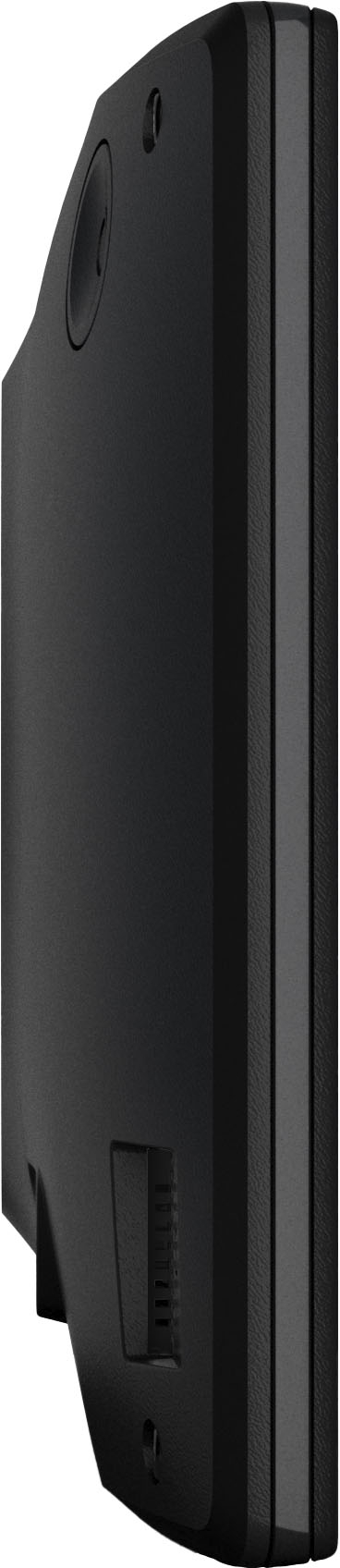
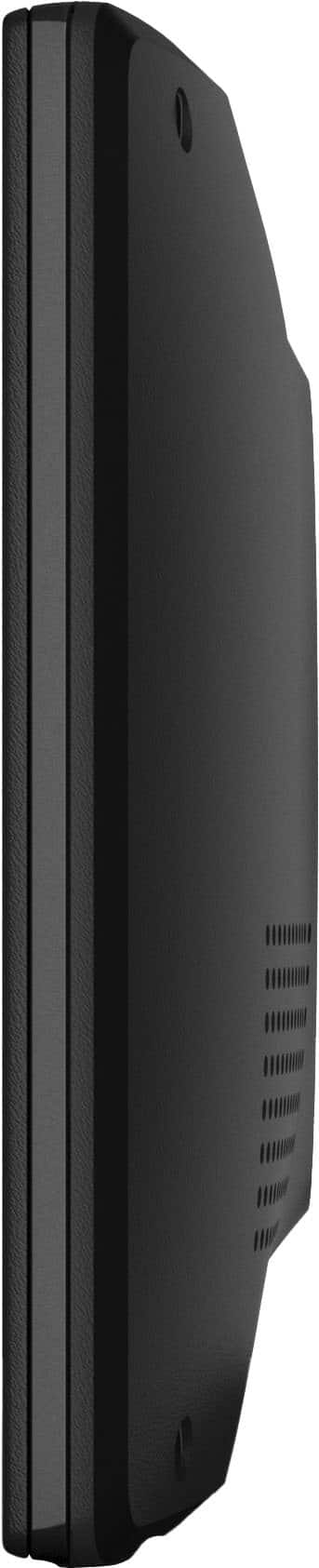
Posted .This reviewer received promo considerations or sweepstakes entry for writing a review.Standard Garmin GPS, beyond the mount, the mounting unit sucks. Completely different from the other 5 Garmin I have with a ball, this one has some stupid rear circular mount that makes it impossible to pop in and out with other components. Probably gonna be my last choice for a bit.
No, I would not recommend this to a friendBrand response from GarminProductExpert
Posted .Thank you for providing feedback. I’m sorry to hear that you are not satisfied with the device. Garmin Product Support is happy to offer troubleshooting or answer any questions you may have. Our contact information can be found on our Support page: http://www.garmin.com/support
I do not recommend purchase of Garmin Drivesmart 6
Posted .This reviewer received promo considerations or sweepstakes entry for writing a review.Much worse than any other Garmin I have ever had. The wake-up phrase CANNOT BE CHANGED so it will be different on this device than any of my others. The process of making a telephone call using bluetooth connectivity between my iphone and this new Garmin is entirely different from previous Garmin automotive devices I have owned and much more cumbersome. I was told that this device would connect directly with my home network for purposes of updating maps. I have not been able to do so but am forced to still use Garmin Express for this purpose. This new device has been an exercise in frustration. I recommend against buying it. I will be returning it to Best Buy tomorrow.
No, I would not recommend this to a friend- Cons mentioned:Mounting
GPS review
Posted .This reviewer received promo considerations or sweepstakes entry for writing a review.An overall disappointment. Can’t find my home street which has been there for more than 4 years. Suction cup keeps falling off. But it is better than nothing.
No, I would not recommend this to a friend Not user friendly
Posted .This reviewer received promo considerations or sweepstakes entry for writing a review.Like the 65 drivesmart a lot better small screen hard to update maps
No, I would not recommend this to a friendBrand response from GarminProductExpert
Posted .Thank you for this feedback. We're happy to assist with any user interface questions you have. The same "where to" "view map" interface on the 65 is also present on the 66. Although the 66 has a slightly smaller display by .95" in diameter, it is a higher resolution for better picture quality.
Maps can be updated following the same process as you did with the 65. Either by using Garmin Express on your computer, or with the built in wifi on the unit. If you're having difficulties updating it is typically resolved with either computer troubleshooting and or wifi network troubleshooting. For full steps on how to do this please visit support.garmin.com. Thank you!