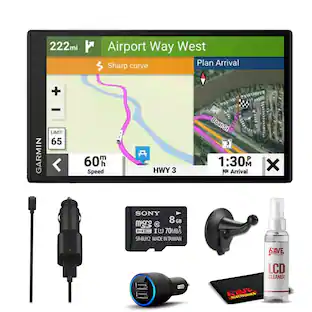
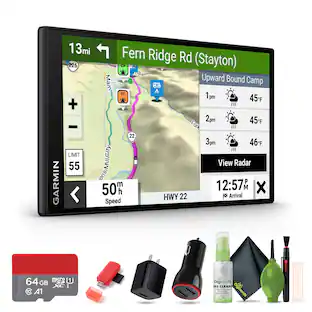
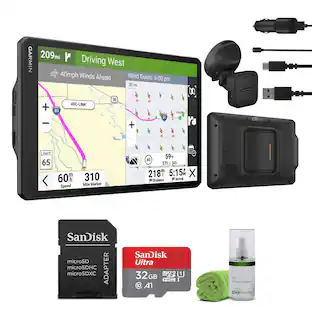
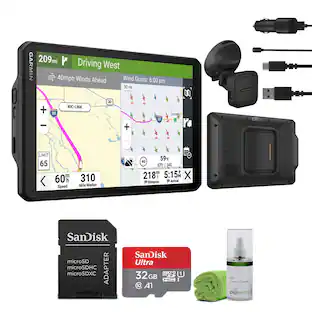
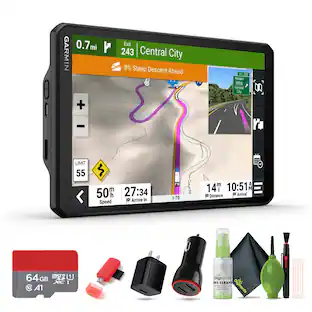
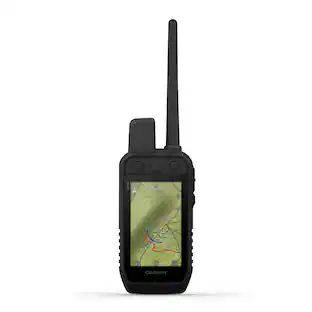
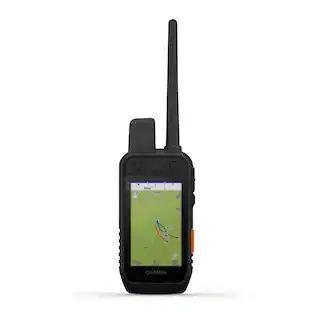
Garmin - DriveSmart 66 6" GPS with Built-In Bluetooth, Map Updates and Traffic Updates - Black
Customers are saying
Customers praise the device for its exceptional ease of use, impressive overall performance, and reliable GPS navigation. Users particularly appreciate the clear screen size and the convenience of Wi-Fi map updates, though some have noted minor concerns regarding battery longevity and the stability of the mounting hardware. Overall, the product is well-regarded for its intuitive interface and accurate directions, despite occasional difficulties with volume levels and car stereo connectivity.
Features
Easy-to-see displays
6” high-resolution navigator includes map updates of North America
Hands-free calling and voice assist
Hands-free calling when paired with your compatible smartphone with BLUETOOTH technology and convenient Garmin voice assist lets you ask for directions to places you want to go
Road trip ready
Road trip–ready features include the HISTORY database of notable sites, a U.S. national parks directory, Tripadvisor traveler ratings and millions of Foursquare POIs
Driver alerts
Driver alerts for things such as school zones, sharp curves and speed changes help encourage safer driving and increase situational awareness
Live services
Access live traffic, fuel prices, parking, weather and smart notifications when you pair this navigator with your compatible smartphone running the Garmin Drive app
Alexa built-in
With Alexa Built-in (Drivers should focus on driving and only use this function when safe to do so. Must pair with the Garmin Drive app running on your compatible phone), you can ask to play music, listen to audiobooks, hear the news and more.
Easy map and software updates
Built-in Wi-Fi connectivity allows easy map and software updates without a computer
Dual usb charger
Included dual USB charger provides an extra charging port for phones, tablets or other electronics
Disclaimer
Many of the “updates” and “live information” features are only available when connected to an Internet-enabled smartphone.
Disclaimer
For features that may require an additional subscription, additional fees may apply
Disclaimer
Live traffic extends for the useful life of your Garmin traffic receiver (as long as you own a compatible Garmin GPS) or as long as Garmin receives traffic data from its traffic supplier, whichever is shorter.
Specifications
- Screen Size6 inchesTouch ScreenYes3D-Map ViewYesProgrammable RoutesYesAlertsIncoming call, Incoming text, Personalized locations, Traffic, Red light cameraApp CompatibleYes
Reviews
Rating 4.5 out of 5 stars with 538 reviews
- Ease of use (100)
- Overall Performance (88)
- GPS (67)
- Screen Size (53)
- Navigation Accuracy (24)
- Battery Life (13)
- Mounting (5)
- Connectivity (4)
- Volume (3)
Customer Images
The vast majority of our reviews come from verified purchases. Reviews from customers may include My Best Buy members, employees, and Tech Insider Network members (as tagged). Select reviewers may receive discounted products, promotional considerations or entries into drawings for honest, helpful reviews.

Compare similar products

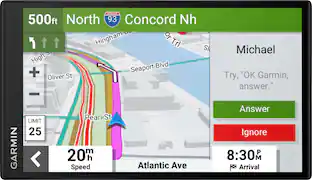
Simplify your drive with the Garmin DriveSmart 66 GPS navigator. Use Garmin voice assist to easily find and navigate where you want to go. The crisp 6” display and map updates of North America show you the way, providing alerts for speed changes and potential hazards ahead. Make the most of road trips with Tripadvisor traveler ratings, a directory of U.S. national parks and the HISTORY database of notable sites. Pair with the Garmin Drive app running on your compatible smartphone for on-screen access to live traffic, fuel prices, parking, weather and traffic cams to help avoid delays and keep you on your way. With Alexa Built-in (Drivers should focus on driving and only use this function when safe to do so. Must pair with the Garmin Drive app running on your compatible phone), you can ask to play music, listen to audiobooks, hear the news and more — all while you keep your hands on the wheel and eyes on the road. Not compatible with truck routes.

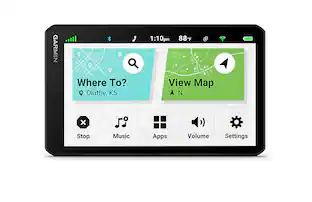
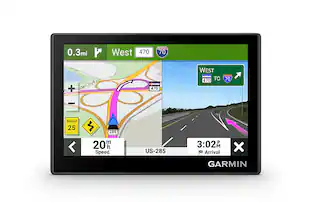
Simplify your drive with Garmin Drive 53, the 5” GPS navigator that helps you reach your destination. It features a bright 5” high-resolution glass touchscreen display and modern, beautiful design. With driver alerts, gain more situational awareness for sharp curves, speed changes, school crossings and more. Garmin Drive 53 shows food, fuel and rest stops along your active route. Make the most of road trips by checking the included Tripadvisor traveler ratings for top-rated restaurants, hotels and attractions. Use the U.S. national parks directory to find visitor centers and notable landmarks within the parks. The Garmin Drive 53 navigator also includes detailed map updates of North America. Not compatible with truck routes.

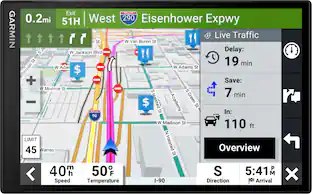
Simplify your drive with the Garmin DriveSmart 76 GPS navigator. Use Garmin voice assist to easily find and navigate where you want to go. The crisp 7” display and map updates of North America show you the way, providing alerts for speed changes and potential hazards ahead. Make the most of road trips with Tripadvisor traveler ratings, a directory of U.S. national parks and the HISTORY database of notable sites. Pair with the Garmin Drive app running on your compatible smartphone for on-screen access to live traffic, fuel prices, parking, weather and traffic cams to help avoid delays and keep you on your way. With Alexa Built-in (Drivers should focus on driving and only use this function when safe to do so. Must pair with the Garmin Drive app running on your compatible phone), you can ask to play music, listen to audiobooks, hear the news and more — all while you keep your hands on the wheel and eyes on the road. Not compatible with truck routes.

Simplify your drive with the Garmin DriveSmart 86 GPS navigator. Use Garmin voice assist to easily find and navigate where you want to go. The crisp 8” dual-orientation display and map updates of North America show you the way, providing alerts for speed changes and potential hazards ahead. Make the most of road trips with Tripadvisor traveler ratings, a directory of U.S. national parks and the HISTORY database of notable sites. Pair with the Garmin Drive app running on your compatible smartphone for on-screen access to live traffic, fuel prices, parking, weather and traffic cams to help avoid delays and keep you on your way. With Alexa Built-in (Drivers should focus on driving and only use this function when safe to do so. Must pair with the Garmin Drive app running on your compatible phone), you can ask to play music, listen to audiobooks, hear the news and more — all while you keep your hands on the wheel and eyes on the road. Not compatible with truck routes.
| Pros for Garmin - DriveSmart 66 6" GPS with Built-In Bluetooth, Map Updates and Traffic Updates - Black | |||
|---|---|---|---|
| Ease of use, Overall Performance, GPS, Screen Size, Navigation Accuracy | Overall Performance, Navigation Accuracy, GPS, Ease of Use, Size | Overall Performance, Screen Size, Ease of use, GPS, Map Updates | Screen Size, GPS, Ease of use, Overall Performance, Navigation |
| Cons for Garmin - DriveSmart 66 6" GPS with Built-In Bluetooth, Map Updates and Traffic Updates - Black | |||
| Battery Life, Connectivity, Mounting, Volume | Battery Life, Connectivity, Traffic Updates | Navigation Accuracy | Mount |
Specs
Questions & Answers
Aside from slitley larger display screen, what does the DS 66 offer over the DS 55.
Answered by GarminProductExpertThe DriveSmart 66 includes new features like Live Fuel Prices, built-in Amazon Alexa and a dual USB charger that provides an extra charging port for phones, tablets or other electronics in your vehicle.
Does this his garment pickup traffic without a cell phone?
Answered by GarminProductExpertThanks for your question. Yes, the Garmin DriveSmart 66 can receive traffic updates without connecting to the Garmin Drive app. The packaged power cable is required to receive Garmin Traffic.
this is lifetime map update and Traffic ?
Answered by GarminProductExpertOur current line of devices such as this come with map, traffic and software updates for no additional charge.
I was just gifted with a drive smart 66 GPS with blue tooth. I see very little info with this device and package. I don't know how to register it, start it up, or upload any info to it. I do note have a smart phone onlly a tracfone flip top. Help
Answered by GarminProductExpertTo view the owner's manual for the Garmin DriveSmart 66, please click the following link: https://bit.ly/3LN1FUV Also, please visit the Support Center for instructional videos and frequently ask questions at the following link: https://support.garmin.com/en-US/
Can I listen to audiobooks on the Garmin DriveSmart 66?
Yes, you can listen to audiobooks with Alexa Built-in when paired with the Garmin Drive app running on your compatible phone.
This question and answer was generated by AI based on customer and product data.

Customers often buy these together
Mounting Accessories
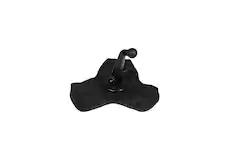
Garmin - XL Friction Mount - Black
$64.99The price was $69.99
Vehicle Cameras
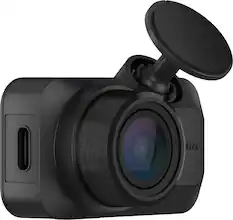
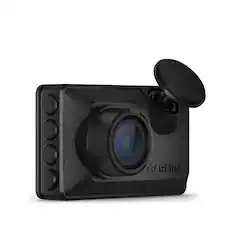
More recommended items
 Cell Phone Car Chargers
 Memory Cards
More to consider
 $285.99The price was $299.99
 $407.99The price was $449.99


Enjoy your ride Sponsored
 Techtober Deal$59.99The price was $74.99
Discover related products
 Techtober Deal$99.99The price was $209.99
Keep exploring
 $359.99The price was $419.93