Customer Ratings & Reviews


- Model:
- 8PV-00017
- SKU:
- 6477095
Rating by feature
- Battery Life
Rating 4.4 out of 5 stars
- Durability
Rating 4.7 out of 5 stars
- Display
Rating 4.9 out of 5 stars
Customers are saying
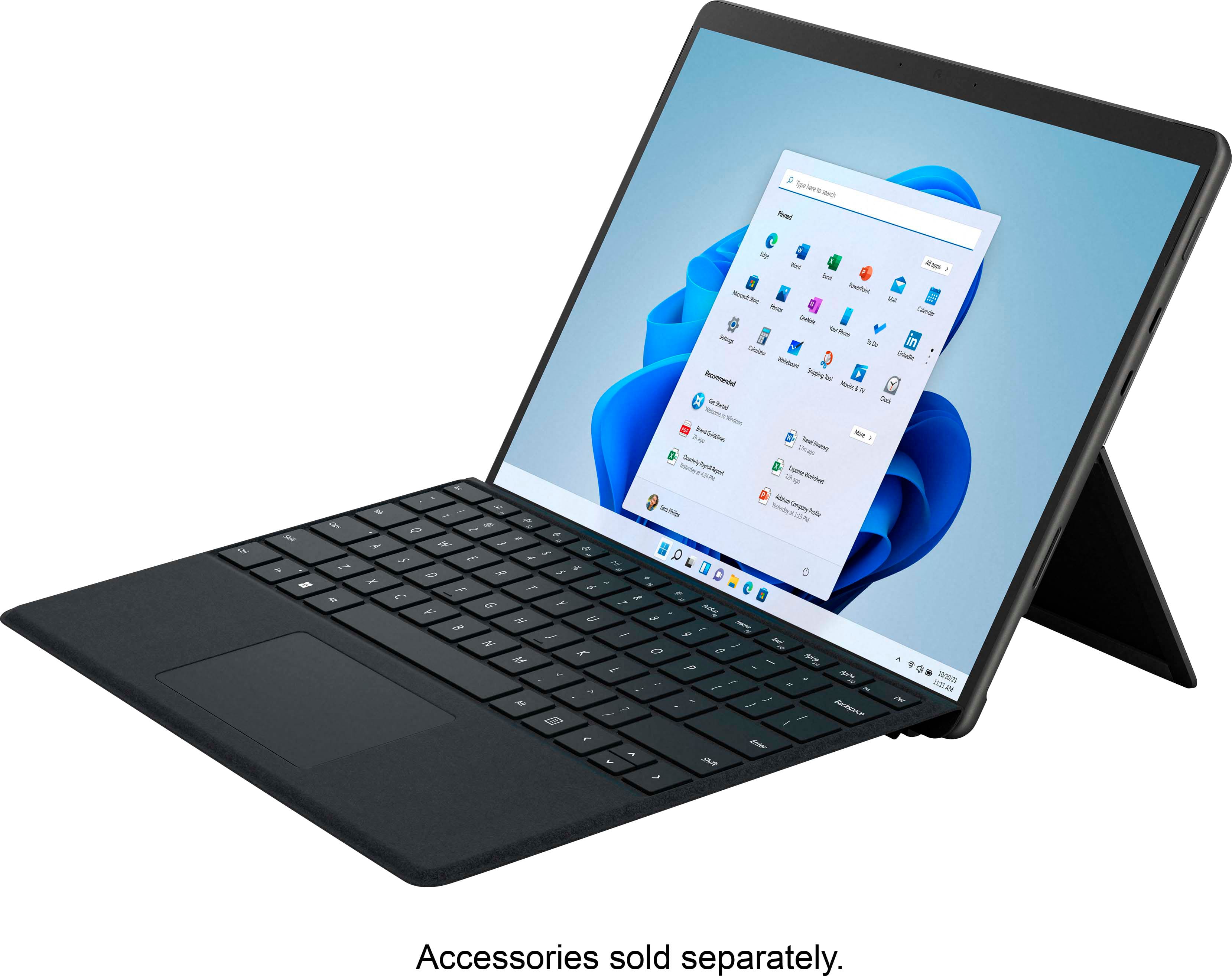
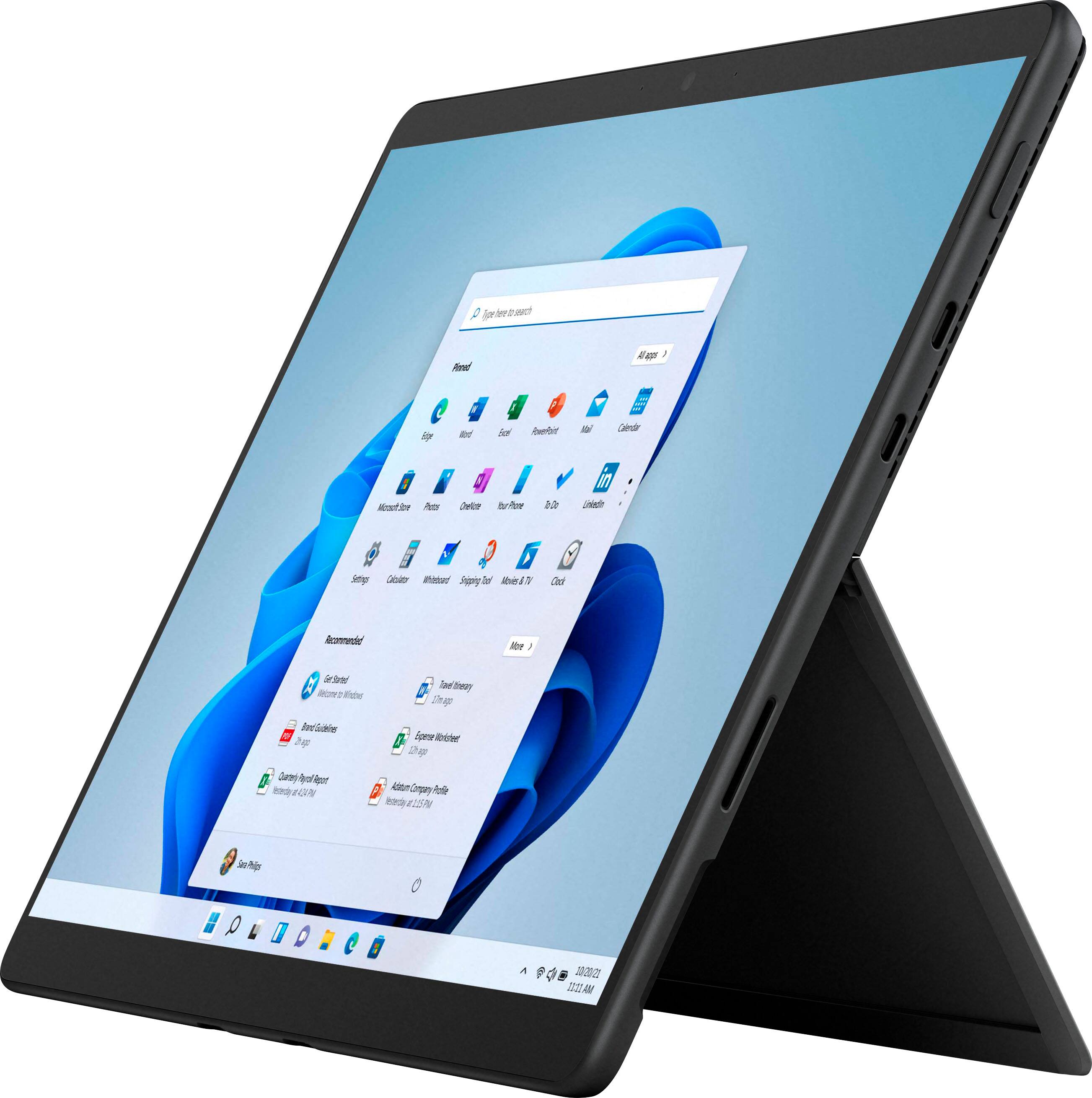
Customers are satisfied with the Surface Pro 8's portability, screen size, and performance. Many appreciate its lightweight design and the speed of the SSD. However, some customers point to the battery life and the need to purchase the keyboard separately as drawbacks. The high price point and limited storage were also mentioned as areas for potential improvement.
This summary was generated by AI based on customer reviews.
No Box, No cables, Dented “Certified” OB
||Posted . Owned for 2 months when reviewed.This reviewer received promo considerations or sweepstakes entry for writing a review.Was buying Open box in Certified condition..glad checked in store..No box, no cables, dented flip out leg..Whoever “certified it” needs to see and learn better
No, I would not recommend this to a friend
The Best 2-1 Experience
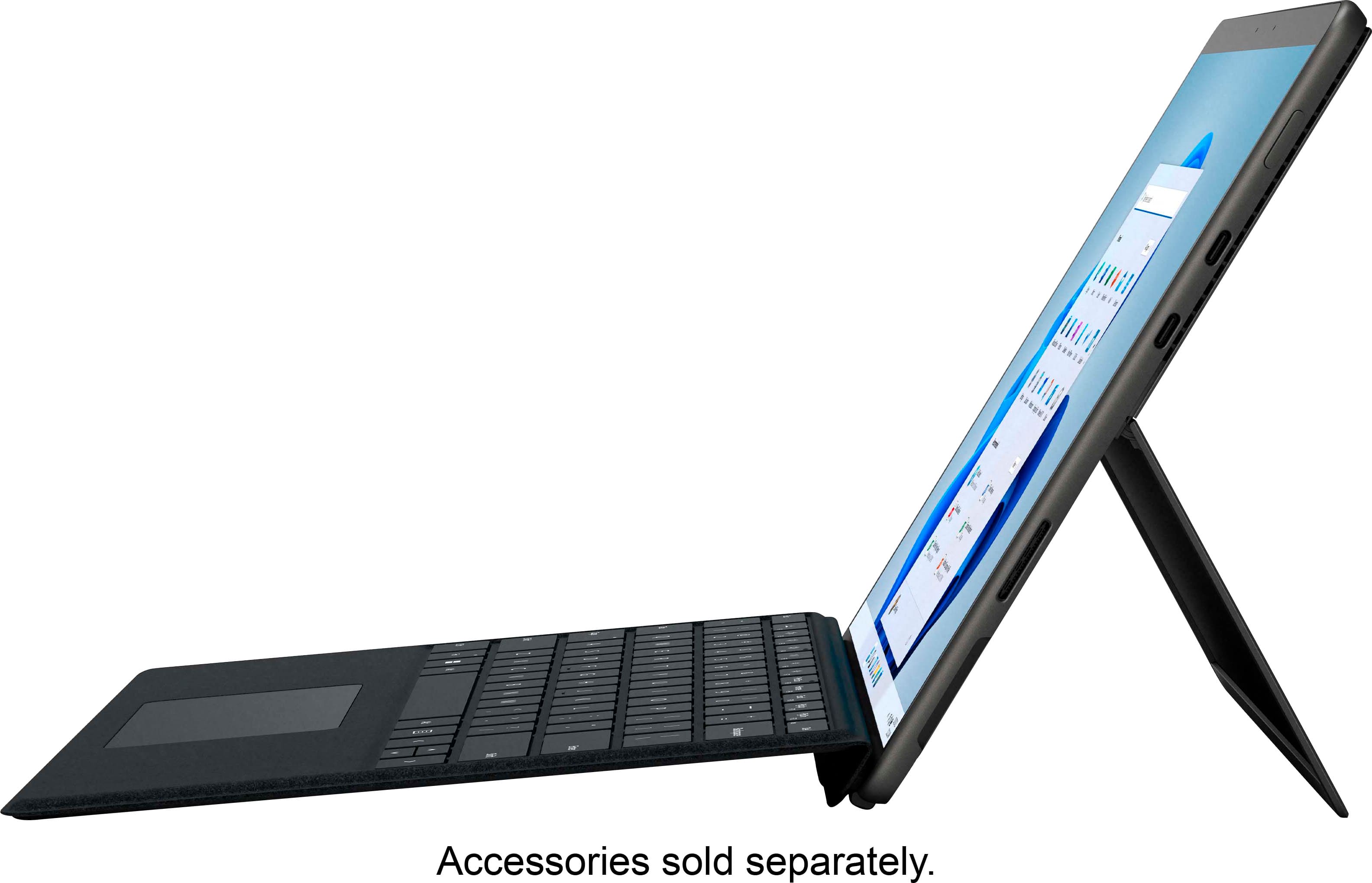
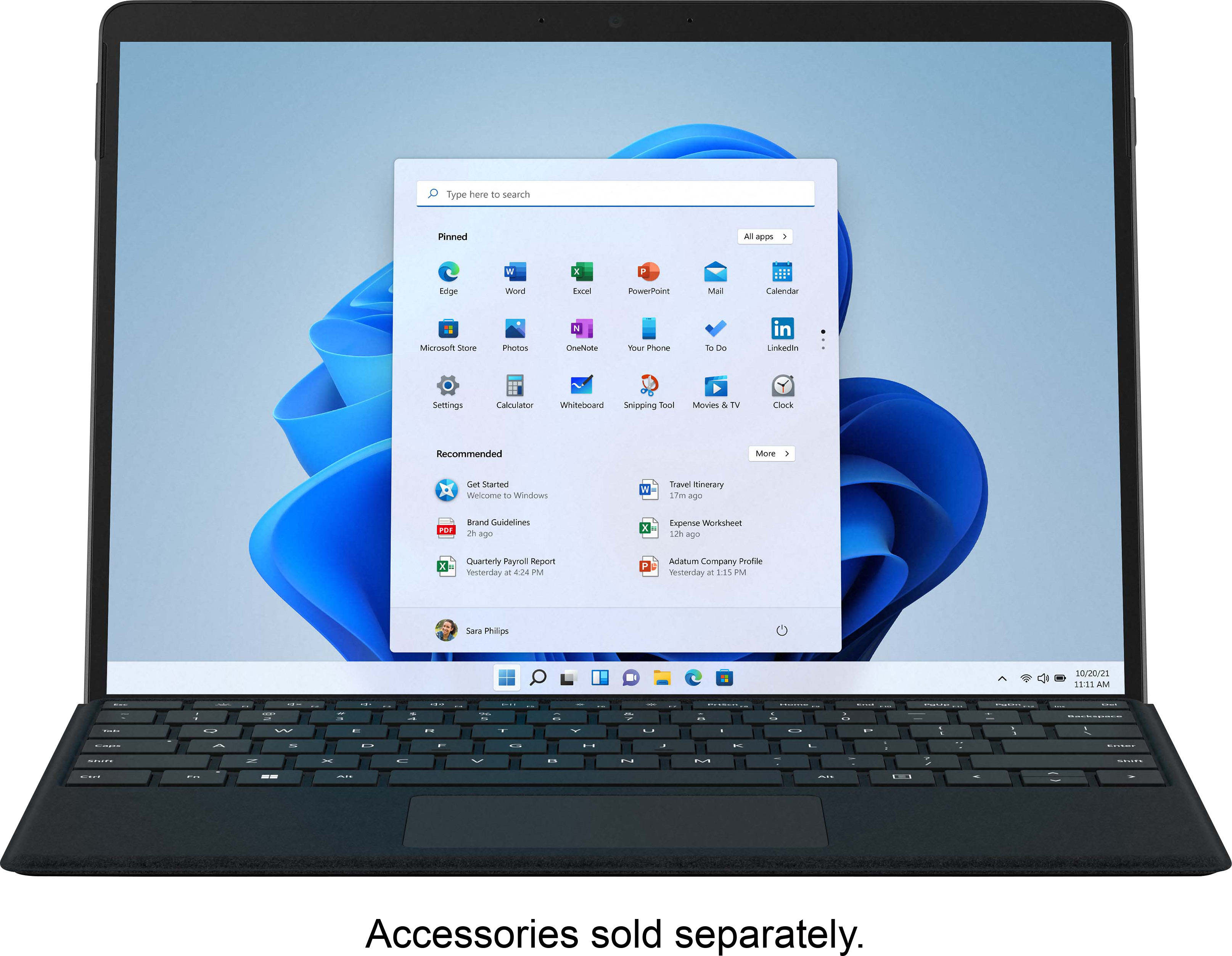
|Posted .This reviewer received promo considerations or sweepstakes entry for writing a review.I have had my fair share of 2-1 devices, and over time I have learned they are probably one of the hardest things to get right. With the Surface Pro 8, Microsoft has made a number of iterations to turn this 2-1 into an industry leader. Let’s get this straight, the SP8(Surface Pro 8), has finally been able to make both a perfect tablet, and a NEAR perfect laptop. 2-1’s have always had to make this choice of whether to be more tablet or more laptop. In this case I would say the SP8 is about 55% Tablet, 45% laptop. You can do pretty much anything a Windows device can do, there are no software limitations. However, there is still the issue of this not being as lap friendly as a full-time laptop. I only say this to be clear to anyone buying this device, if the kickstand was ever bothersome to you before, its still here. For me, it’s never been an issue, but I do have friends that like to do work in bed or on the couch and this style wore on them over time. This is why I say its 55/45 split on laptop/tablet. Basically, because the tablet experience here is so strong. Every manufacturer today wants the smallest bezels possible, but Microsoft was smart to not buy into this. They understand their product. This is a tablet/laptop, when you are holding the device as a tablet, it feels amazing in your hands. This is in part to do with the larger than average for 2021 bezels. You are never afraid of hitting the touch screen and makes the tablet experience so much smoother. It’s always the little things most people don’t think about that make a device “just work”. When you connect the device to the keyboard, the bottom bezel completely disappears because of the keyboard. Again, what a great design. Talking about the screen, this laptop has a fantastic screen. Microsoft put 120hz capability into the display which makes the overall experience that much better. I remember when I got my first gaming rig and experience high framerate Windows. It ruined low framerate for me. Even when doing simple things like using Word, Excel, web browsing, navigating menus… It feels so much better. Finally, now I have a laptop that feels equally as smooth. Ok, so Windows 11. Good news, its completely non offensive. That’s the nicest thing someone can say when Microsoft comes out with a new OS especially when it’s replacing a legendary one like Windows 10. I was honestly afraid to go to Windows 11, I have become too comfortable with 10 that it felt unnecessary to switch. Honestly, I only have good things to say. Its fast, has a nice UI with soft edges and is super easy to navigate. It feels like Microsoft understood Windows 10 was great, and didn’t make any fundamental changes. The biggest changes have come from the start menu for me. It’s definitely an improvement. Instead of live tiles there is a widget panel. This is so customizable that honestly, it feels like the sky’s the limit. Overcome your fears, and embrace Windows 11. It is a proper sequel to Windows 10.
I would recommend this to a friendBrand response from MicrosoftOutreachTeam
Posted .Hi – We appreciate you taking the time to tell us your thoughts. We're glad that you're a fan of its versatile design. We hope you continue to enjoy using it. Erica, Microsoft Outreach Team

On-screen keyboard doesn’t work
||Posted . Owned for less than 1 week when reviewed.This reviewer received promo considerations or sweepstakes entry for writing a review.For some reason, some parts of the screen doesn’t work. For example, when I’m using the screen keyboard, parts of the keys won’t respond.
I would recommend this to a friendMicrosoft still can't get it right.
||Posted .This reviewer received promo considerations or sweepstakes entry for writing a review.First Surface Pro 8: white band down screen on day one. Exchange #1: Bezel separating from screen with a sharp edge. Exchange #2, screen delaminating in corner and protruding from chassis. The two exchanges weren't even worth turning on. Don't walk, run from their shoddy manufacturing and save yourself this nightmare of trying to get one assembled correctly. Surface Pro 7 had the same experience too. I should have learned then.
No, I would not recommend this to a friendDidn't like it
||Posted .This reviewer received promo considerations or sweepstakes entry for writing a review.Freezes. Not sure it's worth the hassle. I like it's a tablet and laptop at the same time, but that's about it.
No, I would not recommend this to a friendLack of QC, Quite Buggy, but impressive hardware
||Posted . Owned for 4 months when reviewed.This reviewer received promo considerations or sweepstakes entry for writing a review.Fast, good battery life, but buggy. Had to return 1
No, I would not recommend this to a friend- Pros mentioned:Processor speed
Phenomenal laptop and tablet in one!
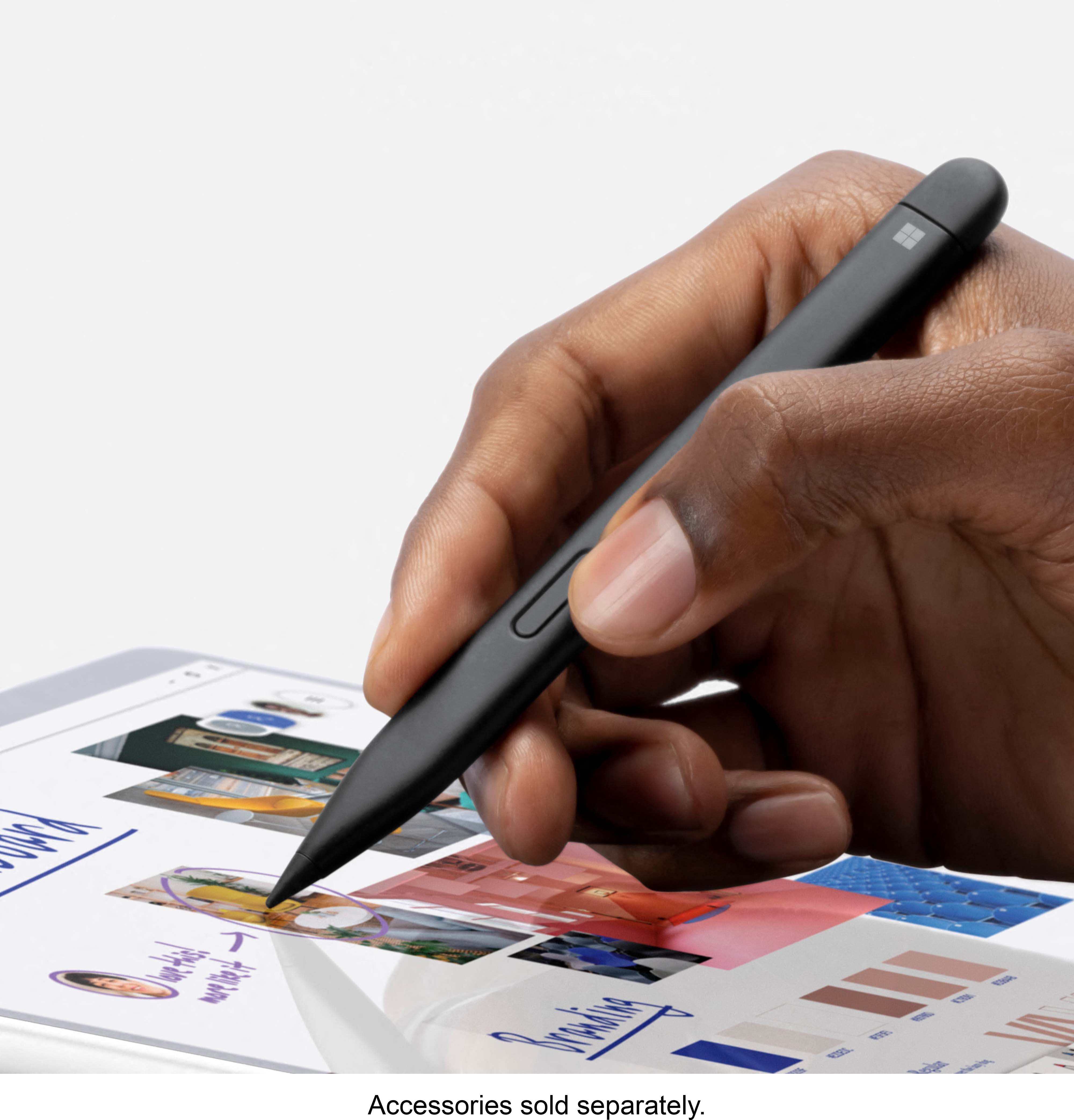
|Posted .This reviewer received promo considerations or sweepstakes entry for writing a review.This is a fantastic tablet and laptop in one. Windows 11 is beautifully smooth to set up. Within minutes I had both my own and my wife’s profiles set up. Hooks up quickly to our work clouds as well as our own home network. Even with a dozen websites open and streaming it runs warm, not hot. Using the optional pen is great for productivity. It’s closer than ever to a real pen feel. Still not perfect, but it’s 85% there. My wife had quick access to her accounting files from her work, and was easily able to network with the office servers two towns away. She was very impressed with the speed of the Surface 8 and Windows 11. She had previously used a Surface 4, and this runs laps around that. I like doing art, and it’s very focused on giving a lot options to artists, whether it be drawing with the stylus, photography, or video. It really challenges the top iPod Pro. This really has something for everyone. After a day of using it for office work, with a quick flip of the optional keyboard cover, we were browsing social media then streaming a movie while cozy in bed. Highly recommend. This is a wonderful machine, and really the first time I’d ever wanted a windows tablet. Great family computer as well.
I would recommend this to a friend Expensive & Hard to Recommend
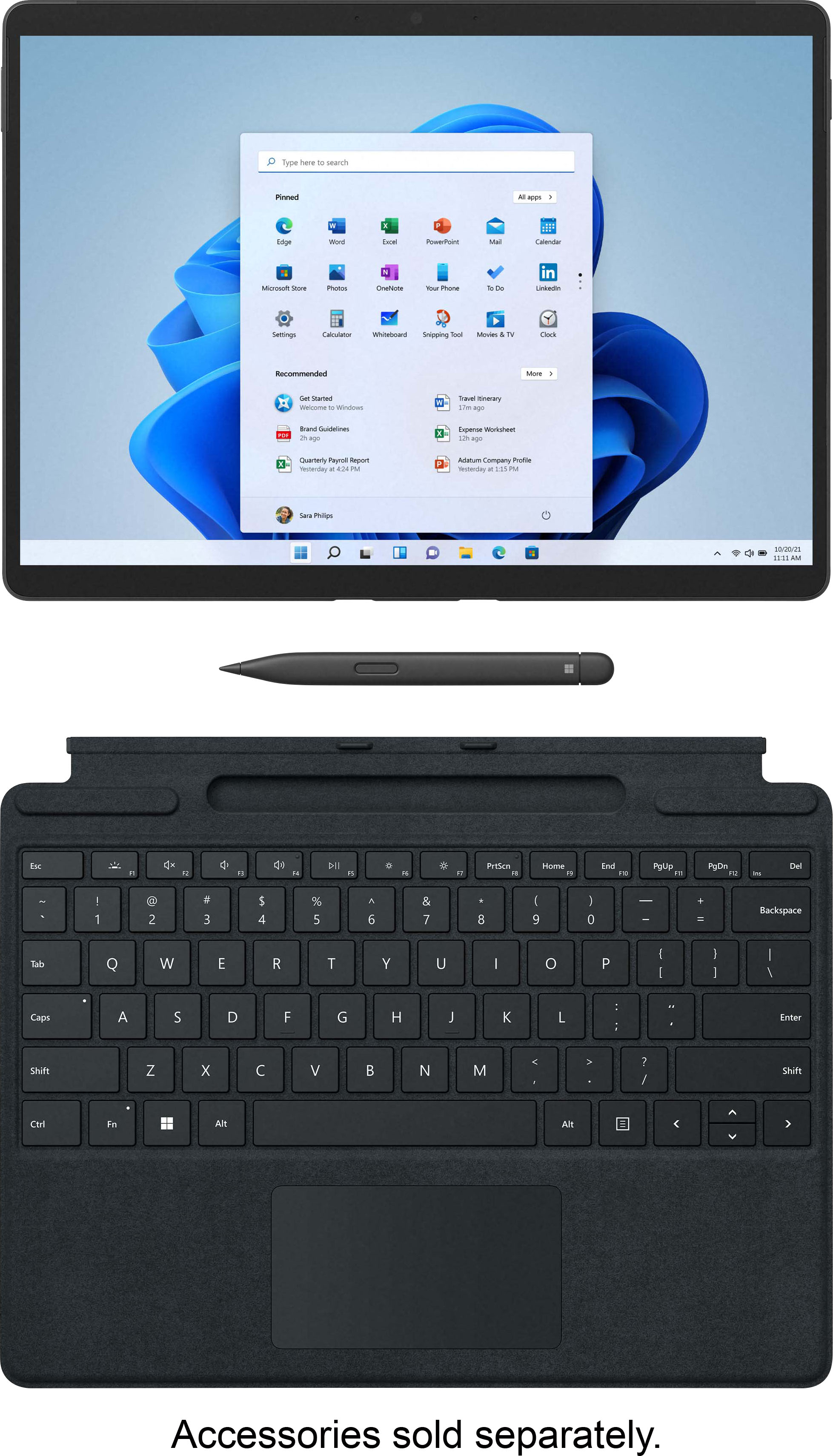
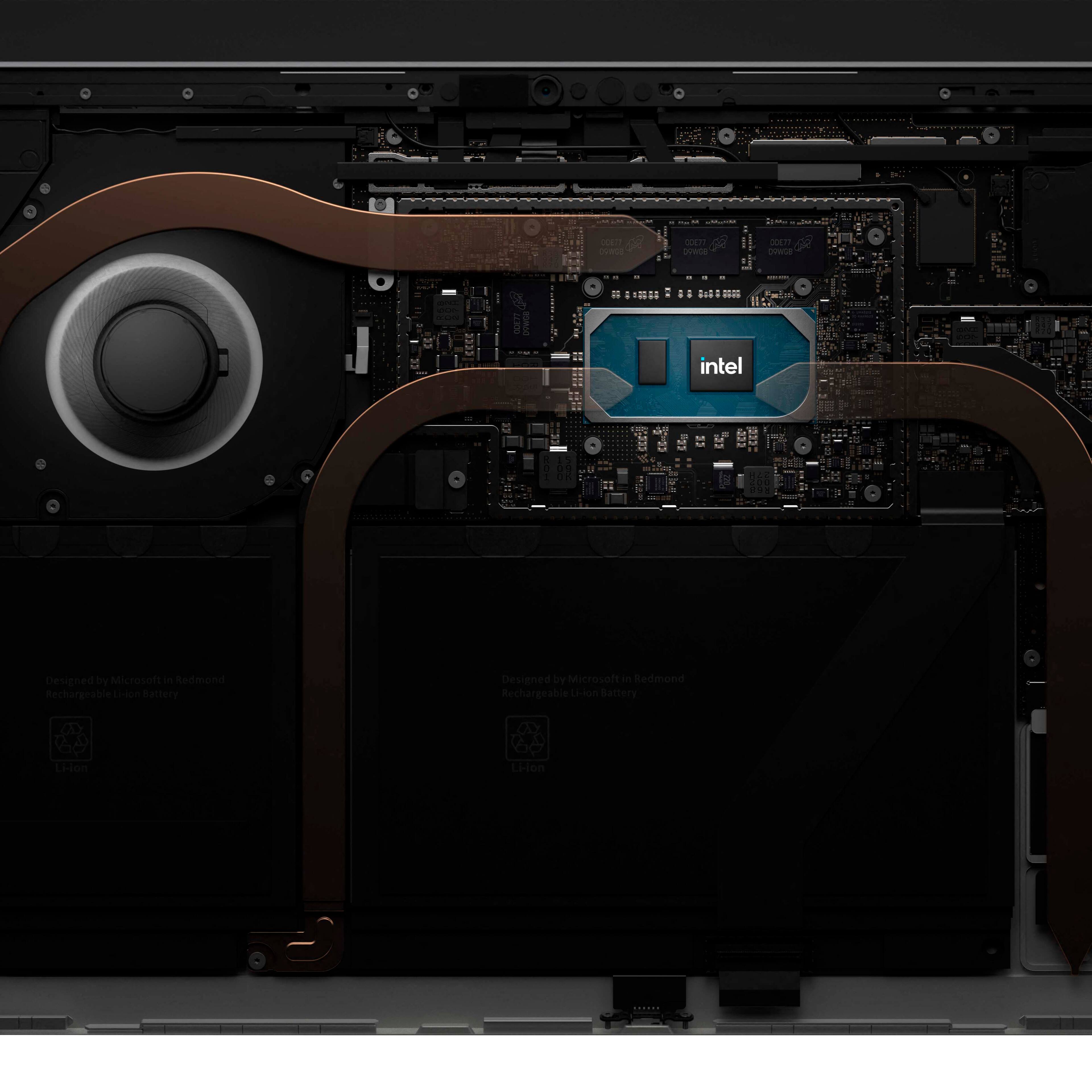
|Posted .This reviewer received promo considerations or sweepstakes entry for writing a review.Tablet hybrids, to me, are a bit of a mixed bag. On one hand, I like that it’s more portable than a laptop/notebook. Yet on the other hand, keyboard attachments make me think it’s trying to do too much. I hope Microsoft’s Surface Pro 8 will make me change my mindset about this. The unit reviewed here has an Intel Core i7 1185G7 (4-core/8-thread), 16GB of RAM, and 256GB of storage. At the time of product release, the Intel part is their latest 11th generation processor. The 16GB of RAM is DDR4 2133 but some of that is taken by the onboard GPU, leaving you with 15.8GB. The GPU is Intel’s own Xe Graphics, which should get some decent 3D performance. But I do not expect it to be as powerful as ones from nVidia or AMD. In the box is the bare minimum -- the tablet and a charger. The charger has a USB Type-A port built in. However, the port has no data connection and is strictly used for charging. This is a bit of a shame and a missed opportunity as not everything has migrated to USB Type-C. Charging the tablet uses a proprietary port that snaps on the side with a magnet, akin to what Apple has done with their laptops (aka MagSafe). I have mixed feelings about this approach. On one hand, it means having to carry around another non-USB charger when the tablet needs to recharge. You can still charge the tablet using USB-C but it won’t be as quick as the dedicated charger. On the other hand, a magnetic charging port means there’s very little risk of the tablet being yanked off when tripping over the charging cable. Another piece that is omitted which I find as a missed opportunity is a USB-C to USB-A adapter. As mentioned earlier, not every device uses a USB-C port. So it’s a bit disappointing that I can’t use any USB-A devices with this. Setting up the tablet, despite that it runs on Windows 11, is no different from before. However, with no way to use USB-A devices, using my YubiKey to quickly set up my account is not possible. Still, account setup is hassle free if you already have a Microsoft account and have various security features turned on for it. Due to the launch time of the Surface Pro 8, not all the necessary files to run Windows 11 are installed. Instead, it downloads the rest of the needed files. This takes some time but once it is done, you’re greeted with the new desktop. Using Windows 11 takes a bit of an adjustment, as there are things redesigned or rearranged. The Start Menu and taskbar is centered. But that change comes at a cost. You can’t set the taskbar to the top or side of the screen. There is a setting that will allow you to set the tasks and Start Menu to the left like before. But you’re still stuck with bottom orientation. There are still preloaded 3rd party apps, many of which can be uninstalled. For a cleaner start, I opted to remove these 3rd party apps, along with Microsoft’s own Office 365 which I personally refuse to try or touch. Yet after removing some of the apps, I find that the storage available to be a bit limiting, especially for those who intend to use this as their primary computing device. At 256GB in storage capacity, a good chunk of which is taken up by Windows 11, you’re going to need to be a bit careful on what apps and software you install. While on the topic of storage, a KIOXIA 256GB nvme SSD is used. Its model number is KBG40ZS256G and uses a M.2 2230 form factor. The form factor will throw many people off because of the smaller size used (2230 means it’s 22mm in width and 30mm in length). Thankfully, the SSD can be replaced. However, access to the SSD requires a SIM ejection tool that comes with smartphones or a small/thin paperclip to pop the panel open. Unfortunately, the screw holding the SSD is specialized (Torx T3), one that can be removed using an iFixit toolkit. It’s a bit disappointing that Microsoft does not make this easily serviceable. And on top of that, should one be successful in replacing the SSD with a larger capacity, you’ll need a USB-C flash drive beforehand to create a Windows 11 Recovery in order to reinstall Windows itself. Sound quality from the tablet speakers is average at best, although it sounds kinda high on the frequency output. I played through some of Micheal Jackson songs via my personal playlist on Spotify to test this. The speakers also lack the bass power to offset the high frequency (tinny I think is the word?) it’s tuned at. It’s barely passable, and I don’t recommend consuming media. It’s likely a different story if you use wired (which I did not test) or wireless headphones. Intel’s Iris Xe Graphics offers some form of 3D performance. However, 3D performance is the one thing that Intel lags behind in when compared to the likes of AMD and nvidia. While you can, technically, play some 3D games or run apps that make use of the 3D hardware, it’s not going to perform as well as you’d expect from the aforementioned competitors. With that, I ran 3 games to check its performance. All tests were done using the screen’s native resolution of 2880x1920. Games used during the tests were Mark of the Ninja: Remastered, Ni no Kuni: Wrath of the White Witch, and Genshin Impact. For both Mark of the Ninja and Ni no Kuni, the Intel integrated graphics did well to keep the framerate above 60fps. But when it comes to Genshin Impact, many visual options had to be toned down to the lowest setting or off. Even then, framerate hovered around 30fps on average. I suppose this is to be expected seeing Intel never pushed hard on 3D performance. Powering the Surface Pro 8’s WiFi 6 connection is an Intel WiFi 6 AX201. Testing was done using two computers connected via ethernet and transferring a 50GB file from both systems simultaneously. This was done in an attempt to saturate the available WiFi 6 bandwidth. Unfortunately, I didn’t get far in doing this. Transfer speed seems to average around 800Mbit/s, which is no different from a single computer connected on a gigabit ethernet connection. But at the very least, it’s fast. As a tablet, the Surface Pro 8 runs well. It does take time to get used to using Windows’ touch interface for things like bringing up context menus, remembering gestures, and using the new Start Menu. The window snapping that evenly divides different windows and apps is great for when you have a large screen. Although the screen on the Surface Pro 8 is more square than rectangle like some widescreen devices, being able to divide your app windows according to what you want to see is a nice touch. The only gripe I have with using Windows in tablet only mode is the virtual keyboard, which pales in comparison to Google’s keyboard on Android. Perhaps this is the one major drawback to this device -- lack of detachable keyboard. There is one available but it is a separate accessory (priced at $179.99, $199.99, or $279.99). As such, when you need to type something out, especially inside a lengthy text document, it’ll be more painful trying to type using the virtual keyboard. Alternatively, one can purchase a Bluetooth keyboard and mouse to reduce the total cost. But at the same time, you sacrifice portability since the keyboard will not integrate well with the exterior design of the tablet. While I have pointed out some flaws here and there, there are a couple of quirks that cropped up. I cannot say with absolute certainty that it’s a hardware or software issue. But I need to document these anomalies regardless. The first of these is the camera system used for Windows Hello facial recognition. I started the tablet up only to wait for the camera hardware to start up. Repeated retries on getting the camera to start failed. An attempt to reboot stalled and I was forced to forcibly shut down the tablet and start it back up again. From there, it worked. I do not know what caused the camera to not start up. But it’s a strange anomaly. The other weird issue is the touchscreen system and the associated pen. While playing around, the touch system would stop working entirely. This issue also caused the pen to be unresponsive as well. Like before, I rebooted the tablet and everything worked again. It’s a strange case of weird things happening while testing. Overall, the tablet is built well and the hardware design is average. The kickstand is great and allows a great range of standing angles. However, the high price as well as the added necessity to get the detachable keyboard accessory makes it very hard to recommend. A rating of 3 out of 5 is as high as I am willing to rate this tablet after factoring everything I’ve experienced. And so... The Good: 120Hz refresh rate, compact, fast and responsive, magnetic charging connector The Bad: only SSD is serviceable, replacing SSD is not user friendly, no USB-C to USB-A adapter The Ugly: the thought of using Windows 11 in tablet only mode when you have to type something out Verdict: Most likely a skip/pass, as there are other alternatives
No, I would not recommend this to a friendHorrid Durability
||Posted . Owned for 3 weeks when reviewed.This reviewer received promo considerations or sweepstakes entry for writing a review.Biggest waste of money I've ever spent. Dropped it one time and the touchscreen stopped working entirely. This device didn't even last me a month. For a premium price tag, I certainly expected more. What a joke of a product.
No, I would not recommend this to a friend- Pros mentioned:Weight
Great Work Device with Windows 11
|Posted .This reviewer received promo considerations or sweepstakes entry for writing a review.Packaging is simple surfacebook, charger in frustration free packaging. Came with a decent charge to finish setup which took about 30 minutes. Windows 11 is take it or leave it personally but it's not bad overall. The surface book is snappy going from laptop to tablet mode but keep in mind you are only getting a tablet unless you buy the option attachable keyboard. Overall its light weight and easy to use. You are only getting 2 usb-c ports anything beyond that will require hubs and adapters. Battery life is pretty great considering the power you are getting on this thing. Highly recommend if you need to get some work done and want to do it the best way possible.
I would recommend this to a friend Defected
||Posted .This reviewer received promo considerations or sweepstakes entry for writing a review.Did not work out of the box. The pen tip would not ink, but the eraser button worked.
No, I would not recommend this to a friend- Pros mentioned:Screen size
Amazing Tablet with Windows 11
|Posted .This reviewer received promo considerations or sweepstakes entry for writing a review.This Microsoft Surface Pro 8 has a 13" touch screen and is a great tablet. Beautiful screen, nice kickstand, and comes with Windows 11. Windows 11 is an easy transition from 10. No struggles with it at all. Very functional little tablet that could easily serve as a laptop with the optional keyboard that you can get for it. I have enjoyed the quality of the Microsoft Surface Laptop and see that this tablet has the same exceptional quality. The battery life has been great so far. If you are in the market for a new beefed up tablet this is the one. I highly recommend this tablet.
I would recommend this to a friendBrand response from MicrosoftOutreachTeam
Posted .Hi – Thank you for recommending Surface Pro 8 to others. It's wonderful to hear that it’s a good fit for your needs. We hope you continue to enjoy its versatile design. Erica, Microsoft Outreach Team
- Pros mentioned:Processor speed, Screen size
Good sized screen. Fast and smooth
|Posted .This reviewer received promo considerations or sweepstakes entry for writing a review.The tablet functions beautifully. Fast processor, Lightweight despite wider screen for easy viewing. Needs screen protector and case
I would recommend this to a friendBrand response from Intel team
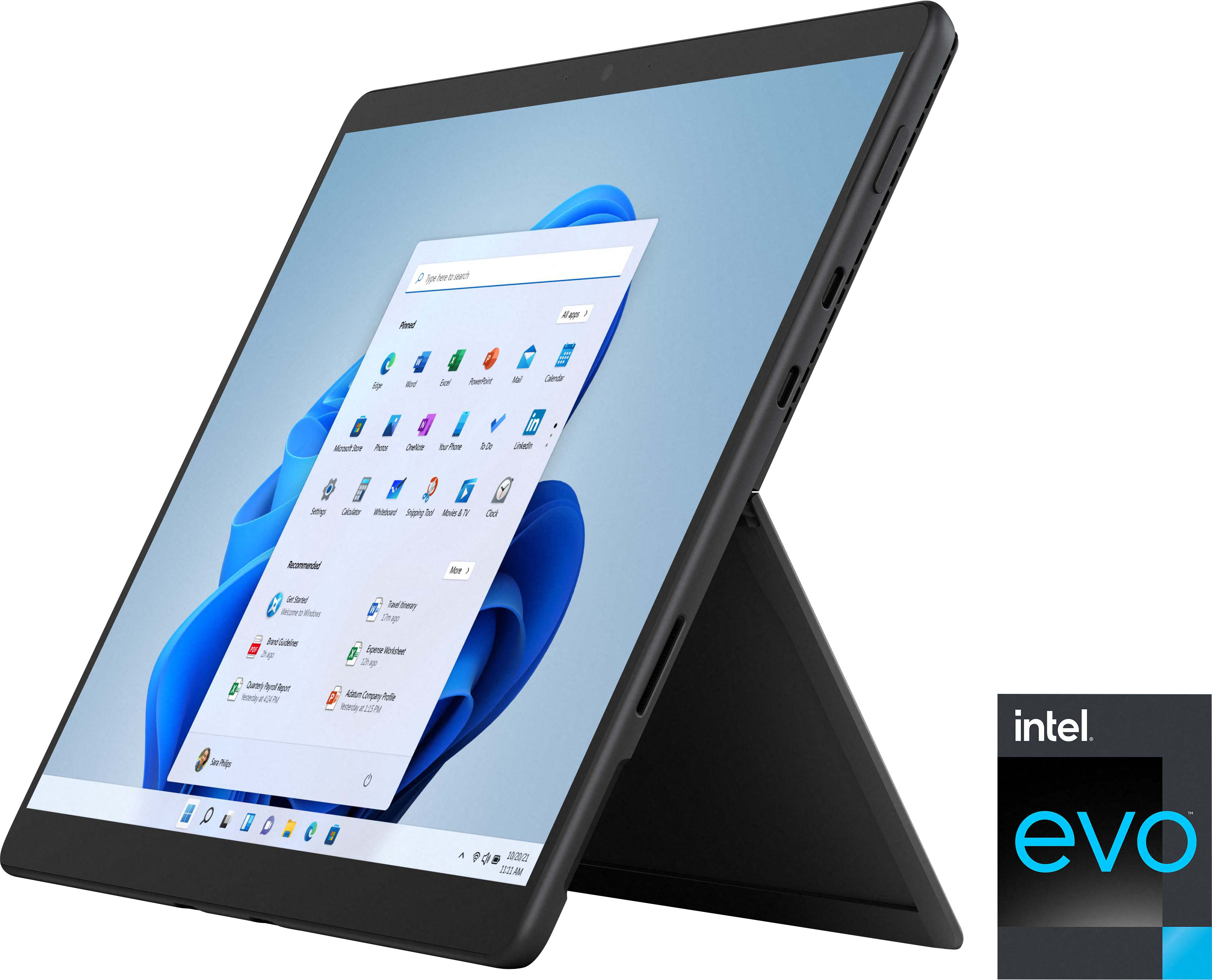
Posted .Hello 2leo2. We appreciate the time you are taking to share this great review about this Microsoft - Surface Pro 8 touch-screen system! Continue to enjoy the remarkable responsiveness, battery life, and fast connectivity our Intel® Evo™ Platform and the latest 11th Generation Intel® Core™ i7 Processors can offer you.
Thank you for choosing Intel!
3 years in
Posted .This reviewer received promo considerations or sweepstakes entry for writing a review.I love it! 3 years in and its still going strong! I recommend.
I would recommend this to a friendGreat computer
Posted .This reviewer received promo considerations or sweepstakes entry for writing a review.Great tablet laptop use it almost daily at work save at home
I would recommend this to a friend- Pros mentioned:Screen size
Great quality in small package
Posted .This reviewer received promo considerations or sweepstakes entry for writing a review.Great perfomance out of such a compact device. The 13” screen makes a big difference from the 12” somehow. Only downsides are price plus its a little too heavy to act as a tablet
I would recommend this to a friend Good, but TWO things (power button placement)
Posted .This reviewer received promo considerations or sweepstakes entry for writing a review.I like it very much. Honestly, my first problem is the placement of the power button. By placing it on the side, where we grab hold of the device often, the user (ie me) will put it into sleep mode. They need to reconfigure this on the next model. Second, the screen resolution is way too big for such a small screen; seriously 2880 x 1920, please tell me why.
I would recommend this to a friendQuality product
Posted .This reviewer received promo considerations or sweepstakes entry for writing a review.Product is quality and provides a great user experience. I like streaming peacock network on my device.
I would recommend this to a friendSurface with EGPU
Posted .This reviewer received promo considerations or sweepstakes entry for writing a review.Great use for work and with a EGPU, great for gaming at home.
I would recommend this to a friendThanks for nothing Surface Pro 8
Posted .This reviewer received promo considerations or sweepstakes entry for writing a review.Love the idea of this equipment for my work! I buy the surface pro 7 and has like 6 blue screens in 2 month ... Since it was christmas season i have the oportunity of return it....Then i upgrades to this Surface Pro 8... And exactly the day 15 the screen start flickering.... Best Buy change it for another Surface 8... And in just 4 day is the exact same thing!! Come on!!! I buy a computer for $350 never failed! Tomorrow i surrender and buy another brand! Waste of money on covers, key board and pen!
No, I would not recommend this to a friend