Customer Ratings & Reviews
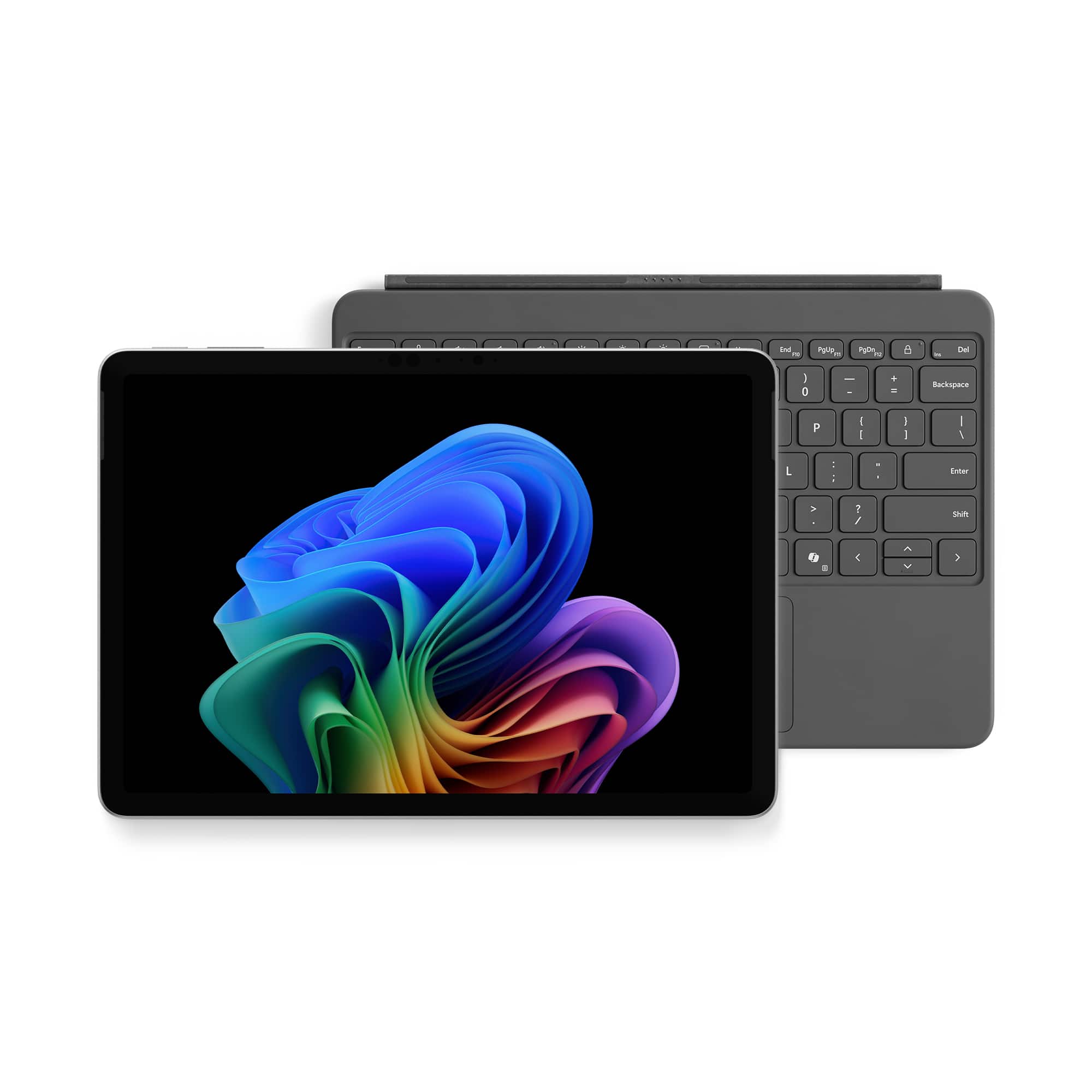
![Esc F1 F2 F3 F4 F5 F6 F7 F8 Home End PgUp PgDn Del
1 2 3 4 5 6 7 8 9 0 - = Backspace Tab Q W E R T Y U I O P [ ] \ Enter
Caps A S D F G H J K L ; ' Shift Z X C V B N M , . / Shift Ctrl Fn Alt Alt](https://pisces.bbystatic.com/image2/BestBuy_US/images/products/27bbc935-7524-4b3e-a2bb-840367427ae1.jpg)


Rating by feature
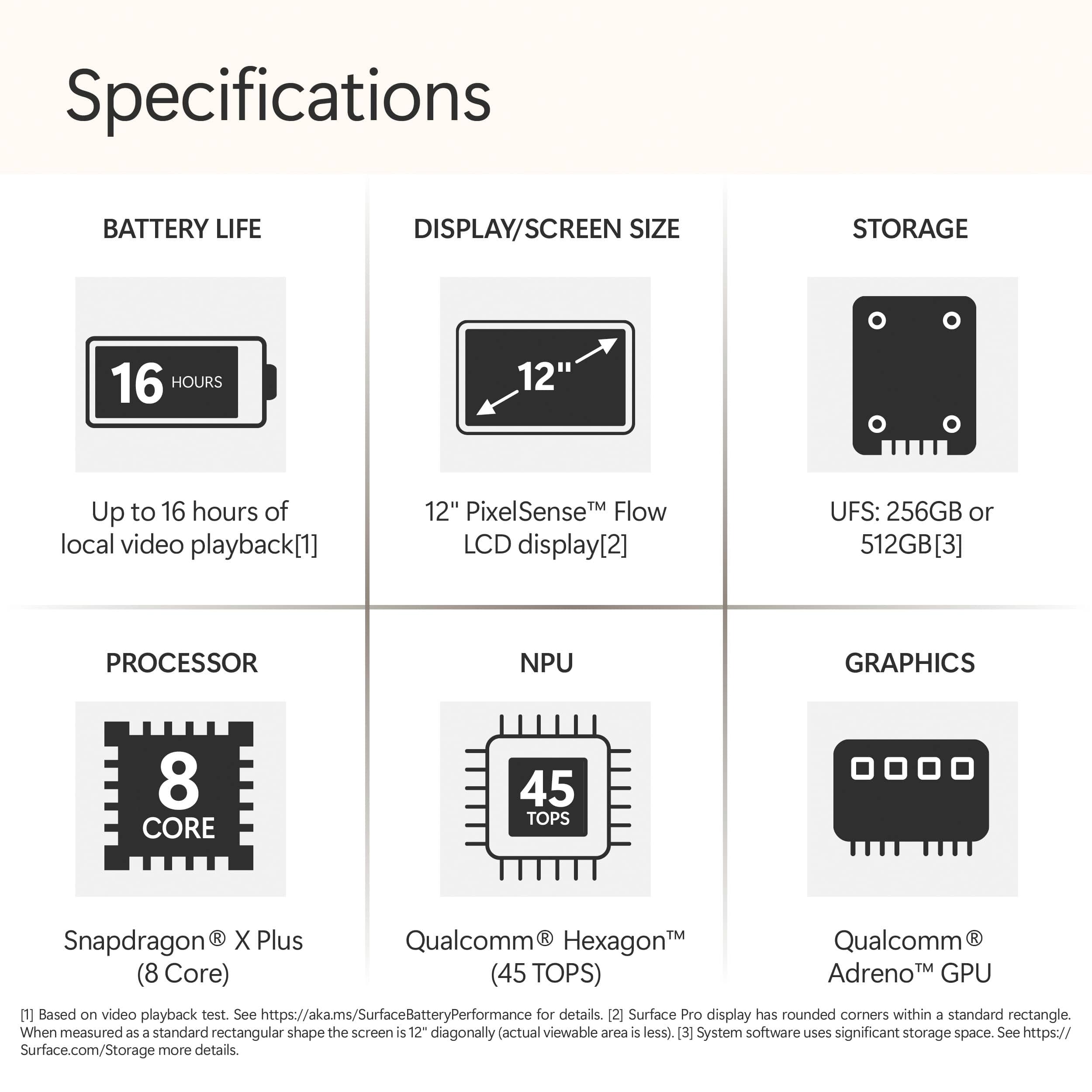
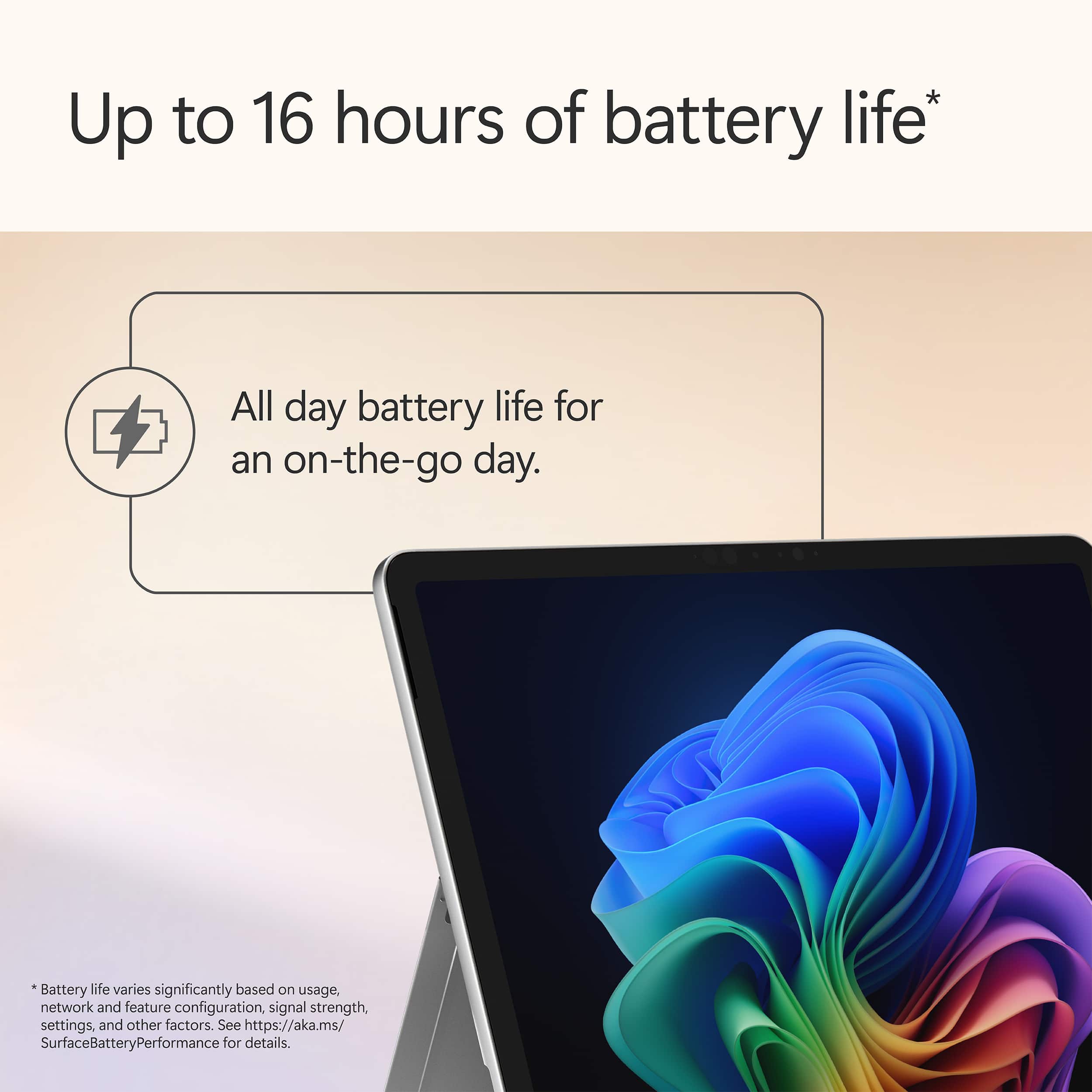
- Battery Life
Rating 4.8 out of 5 stars
- Durability
Rating 4.7 out of 5 stars
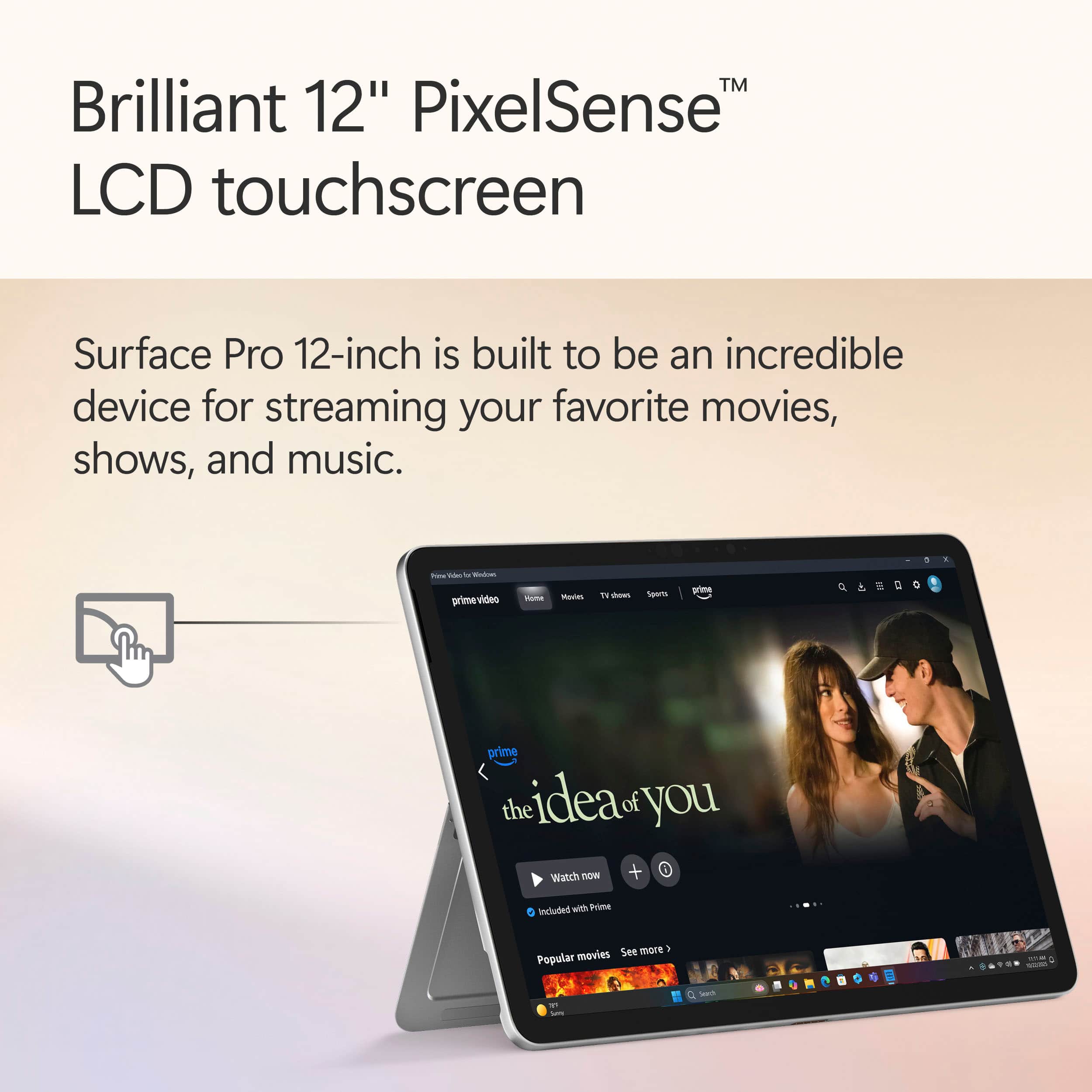
- Display
Rating 4.8 out of 5 stars
to a friend
Customers are saying
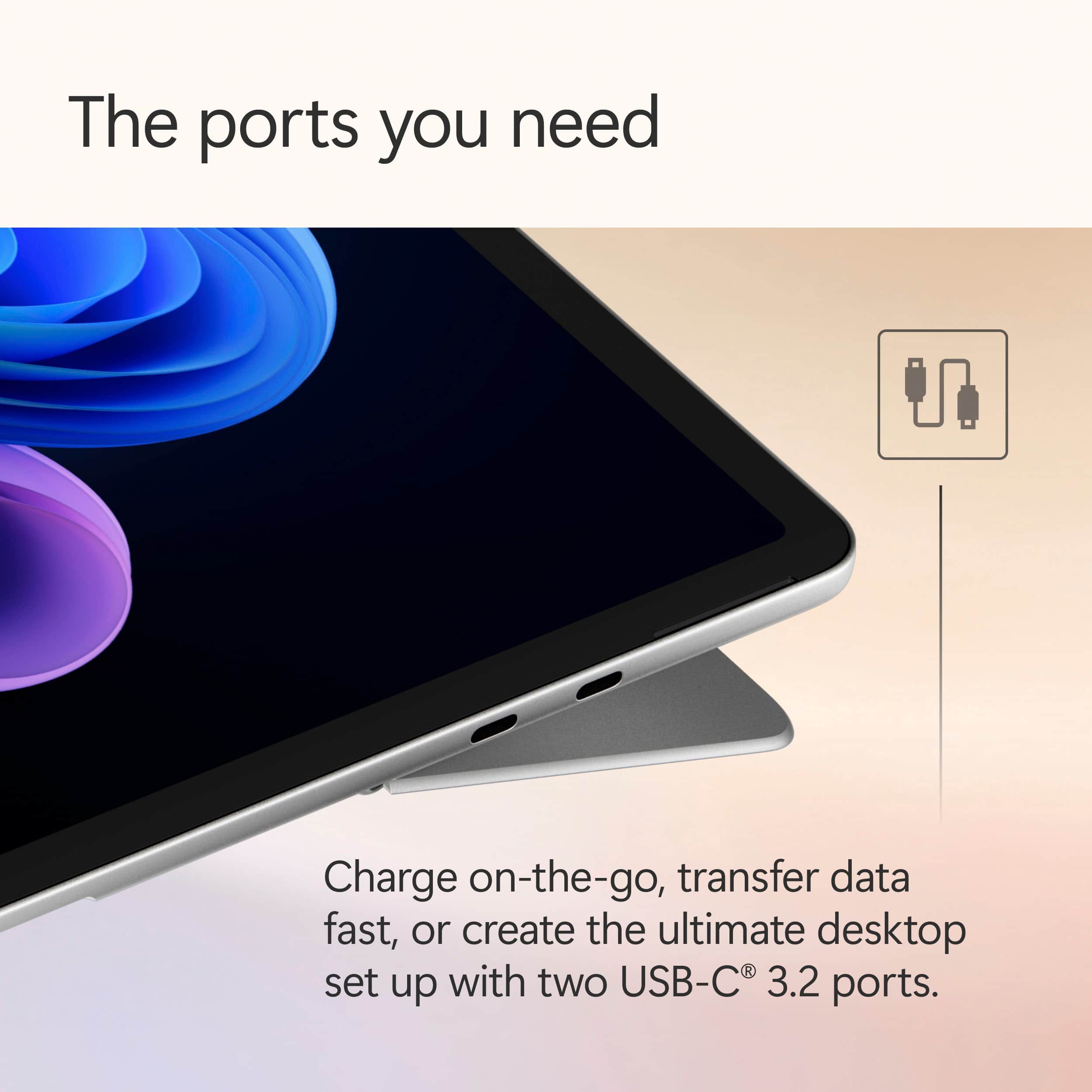
Customers are positive about the Surface Pro's portability, battery life, and build quality. Many users find the device performs well, with a fast processor and a bright screen, while remaining lightweight and dissipating heat effectively. However, some customers are negative about the limited port selection and the storage capacity. The form factor of the 12" screen is also a point of discussion.
This summary was generated by AI based on customer reviews.

Microsoft Surface is Easy for A Busy Life
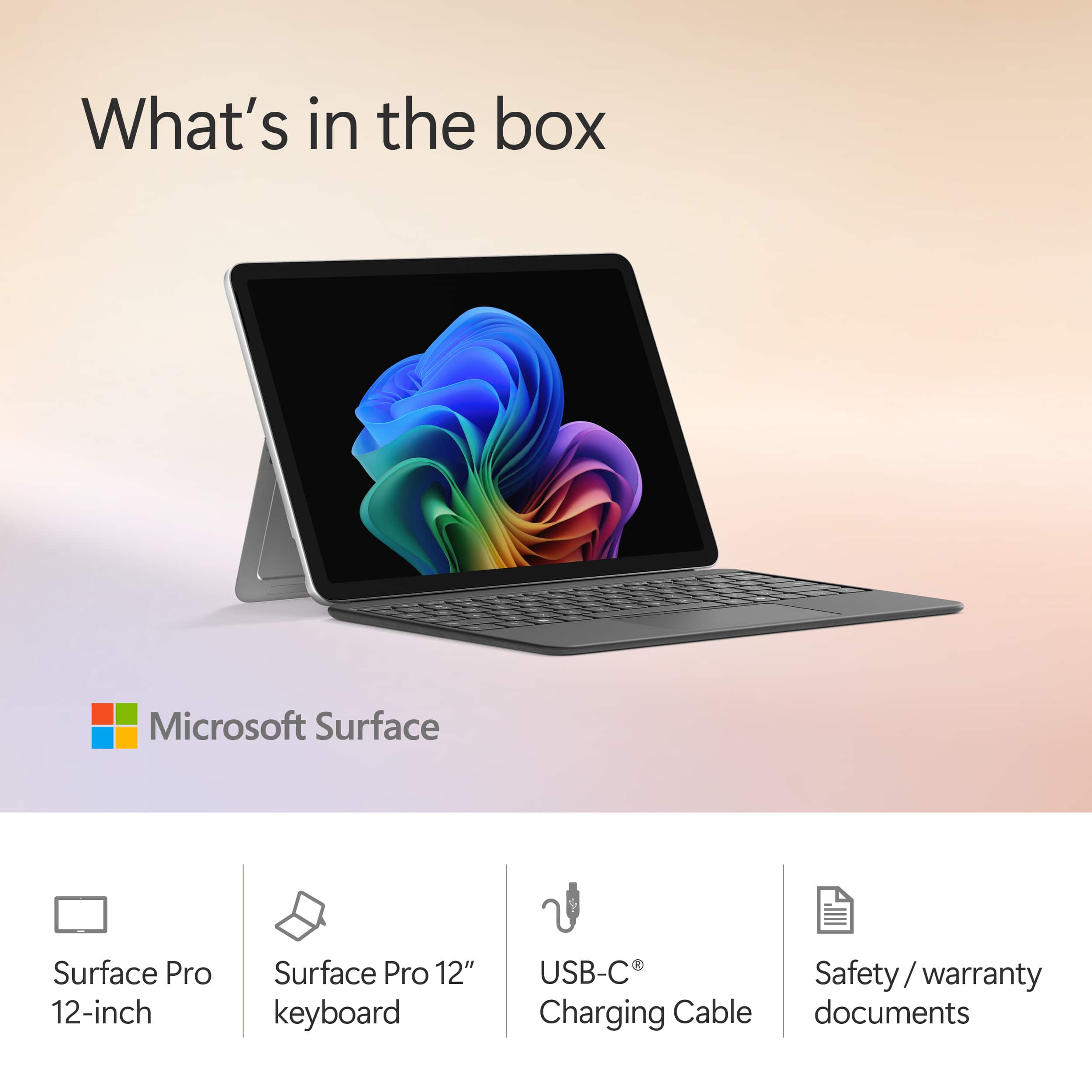
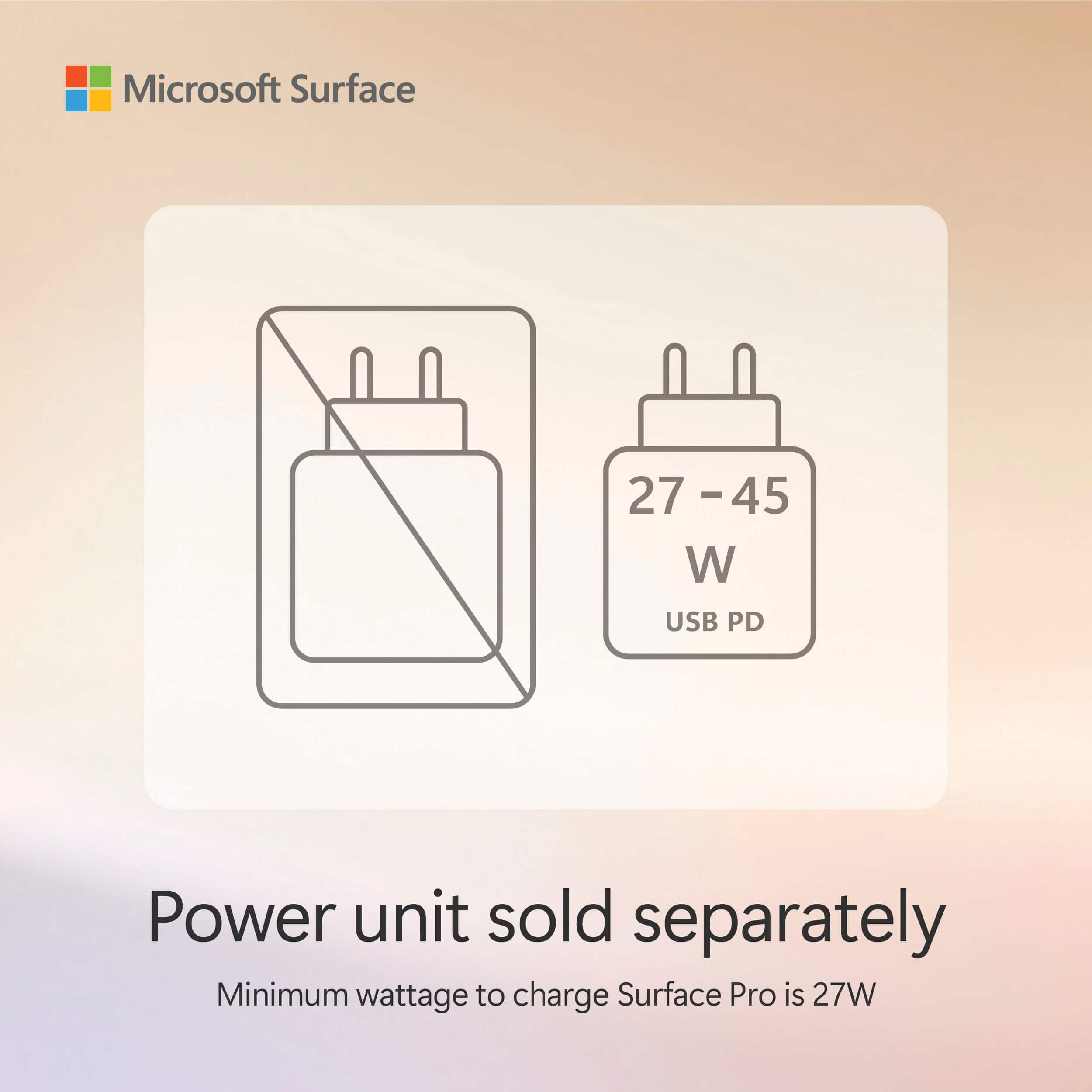
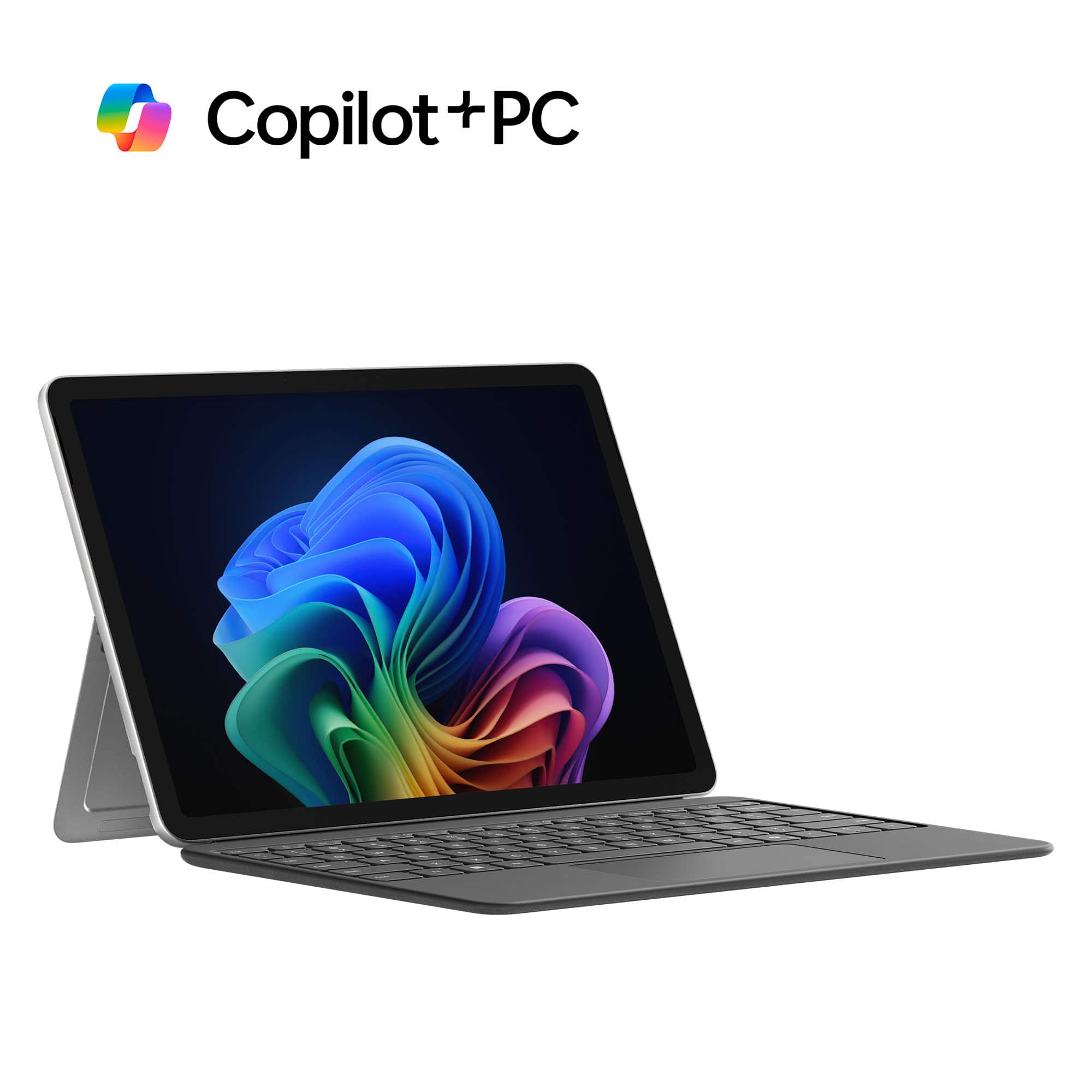
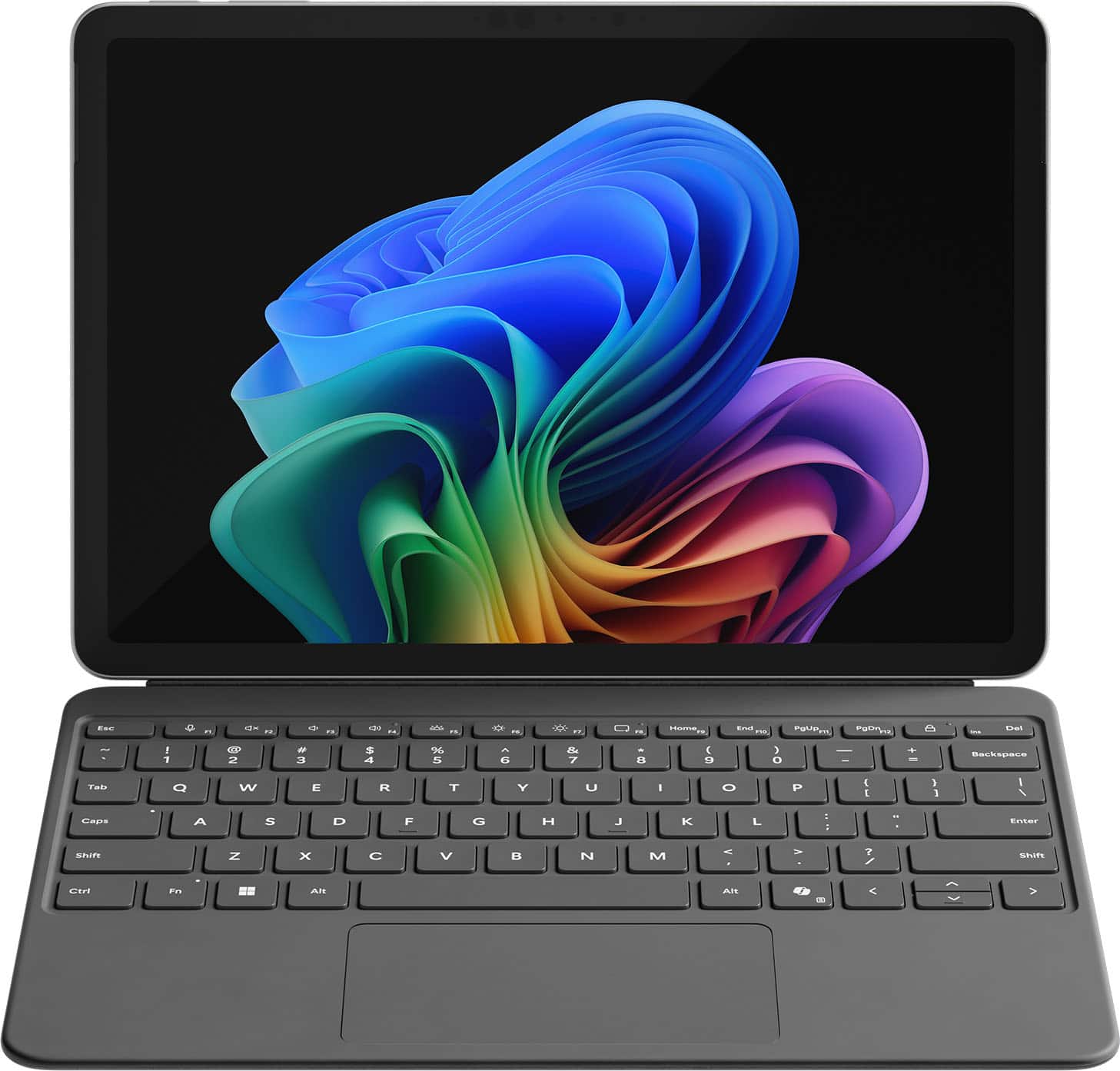
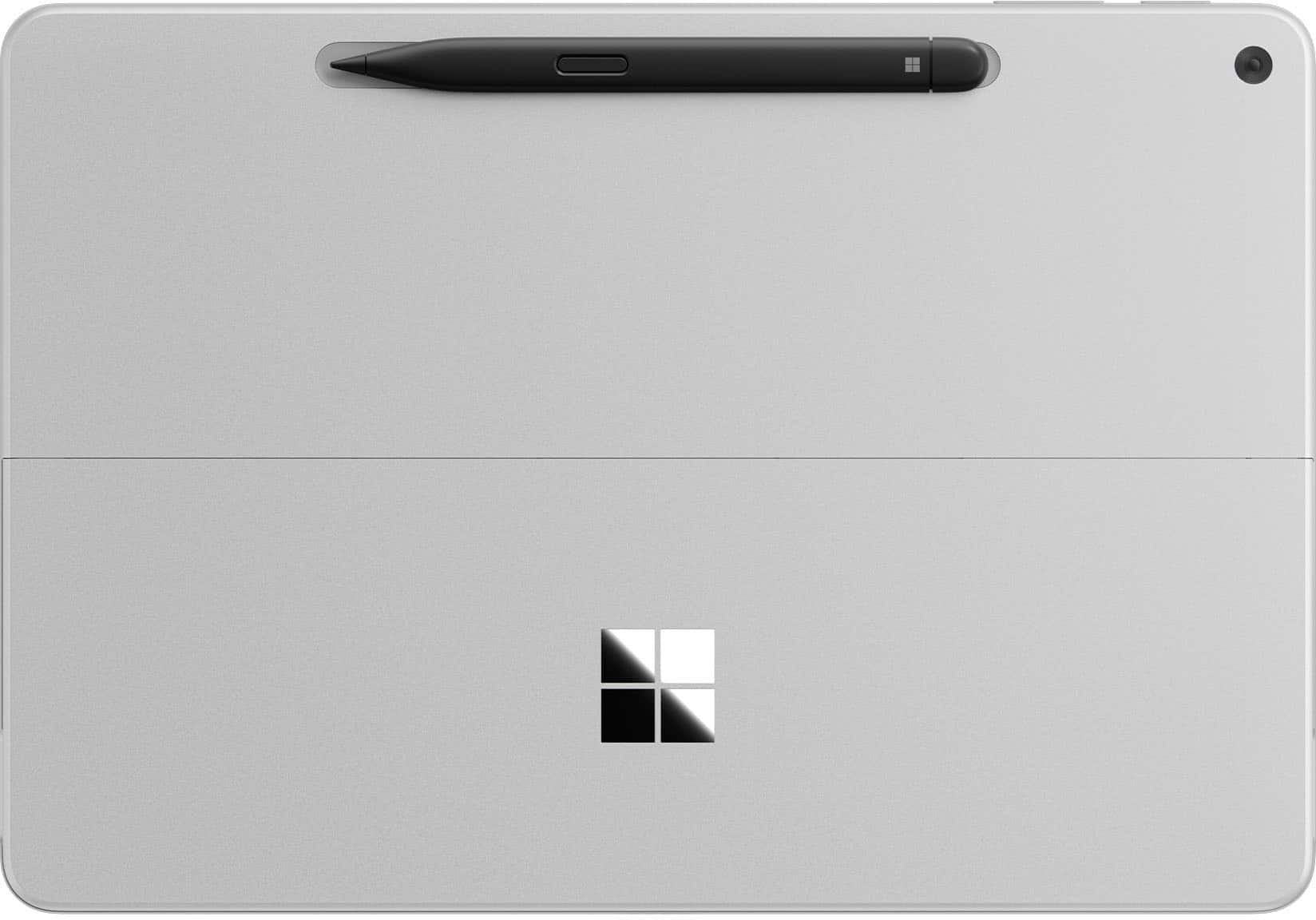
|Posted .This reviewer received promo considerations or sweepstakes entry for writing a review.The Microsoft - Surface Pro - Copilot+ PC - 12 - Snapdragon X Plus 8 Core - 16GB RAM - 256GB UFS - Device + Keyboard Bundle in platinum is very sleek and a nice way to have both a tablet that doubles as a laptop when attaching the keyboard, a 2 in 1 design. I am a 66-year-old female CPA that has been around, since forever, desktops for work and personal purposes, all Windows systems. I have 2, now grown children, that needed laptops for college, and have recently acquired a Chromebook to carry around since they are relatively inexpensive to travel with in case of theft or damage. However, I have never owned any iteration of the Microsoft Surface, so this is all new to me. Microsoft does a nice job of packaging this product; It is classy, compact, and well protected from possible shipping issues. Inside the package, in its own box, is the platinum tablet, and then the keyboard is packaged in its own box, both combined within a very nice box. So, the point is that this would present itself as a very nice gift. Also, I love the built in kickstand that is on the back side of the tablet itself. The keyboard securely connects magnetically to the tablet to convert to a laptop for data entry and pad control. but this is also a touch screen, too. The package contents include the tablet, the keyboard, and a cord with USB C charging tips at both ends, not even an electrical plug-in adapter, although most of probably already have one. However, how much more would it have cost Microsoft to include a fully functioning charging unit? There is an insert for basic setup but if more is needed logging unto their website would be needed, days of the user manual included within the package is so far in the past. Overall, setup is very intuitive, and I was able to easily link, through my Microsoft account login, this device to others so that my desktop, files, programs, etc. were automatically downloaded and connected. The battery life is great, the screen's visual clarity is verry good, the ability to add devices such as printers, earphones, speakers by blue tooth was seamless, and the overall ease of use and most importantly the ability to carry this device around at any time or anywhere is fabulous.
Good value surface pro
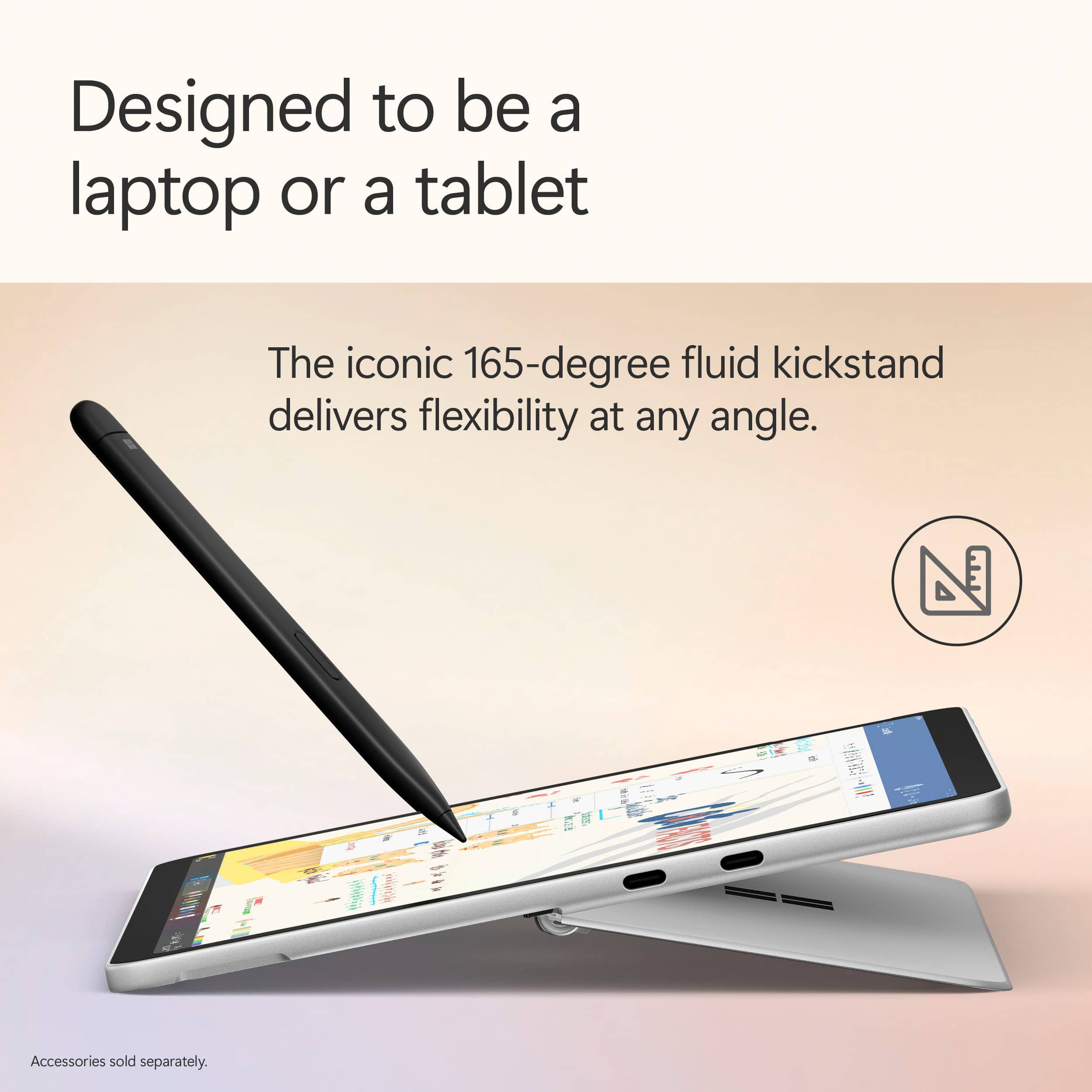
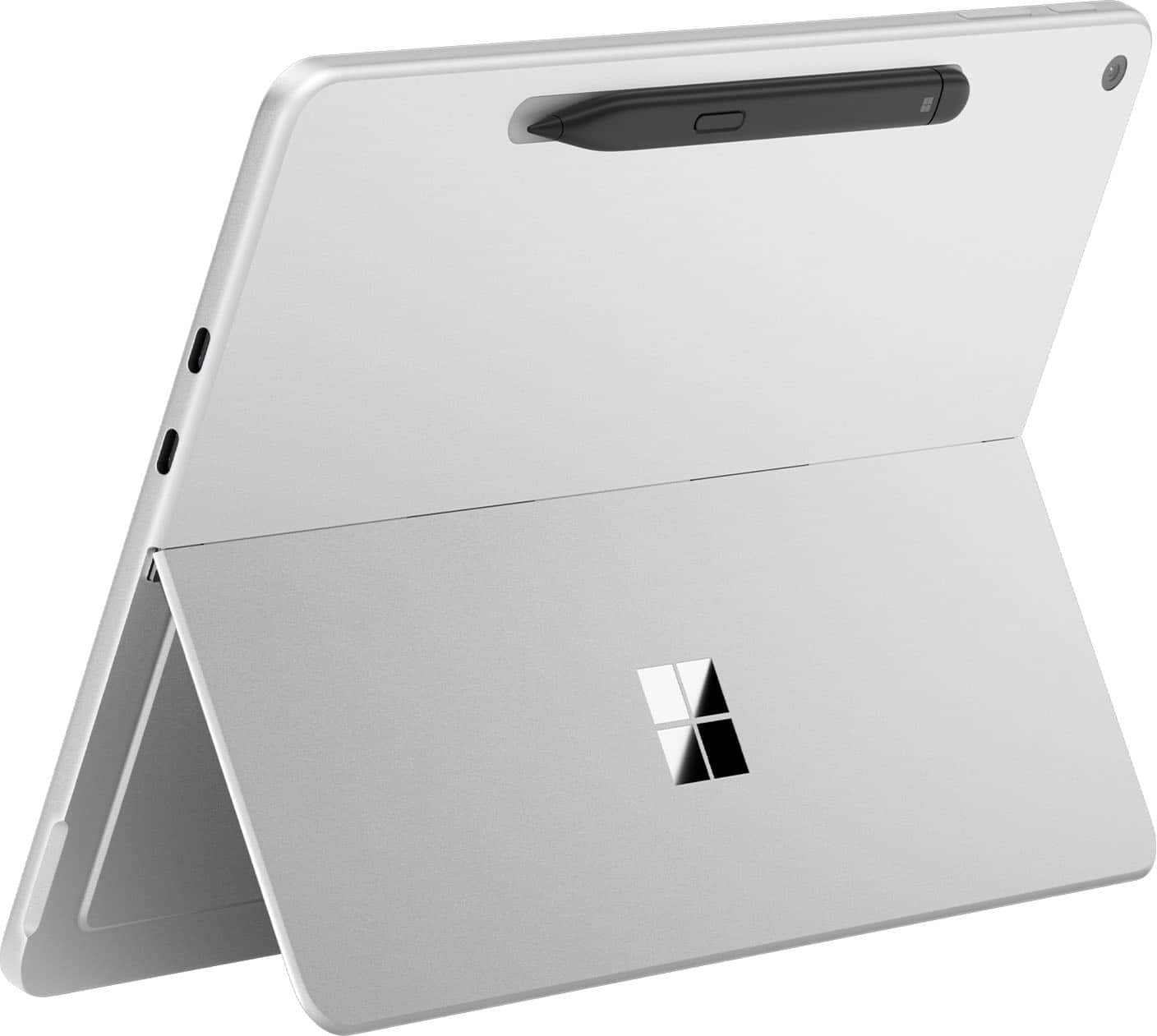
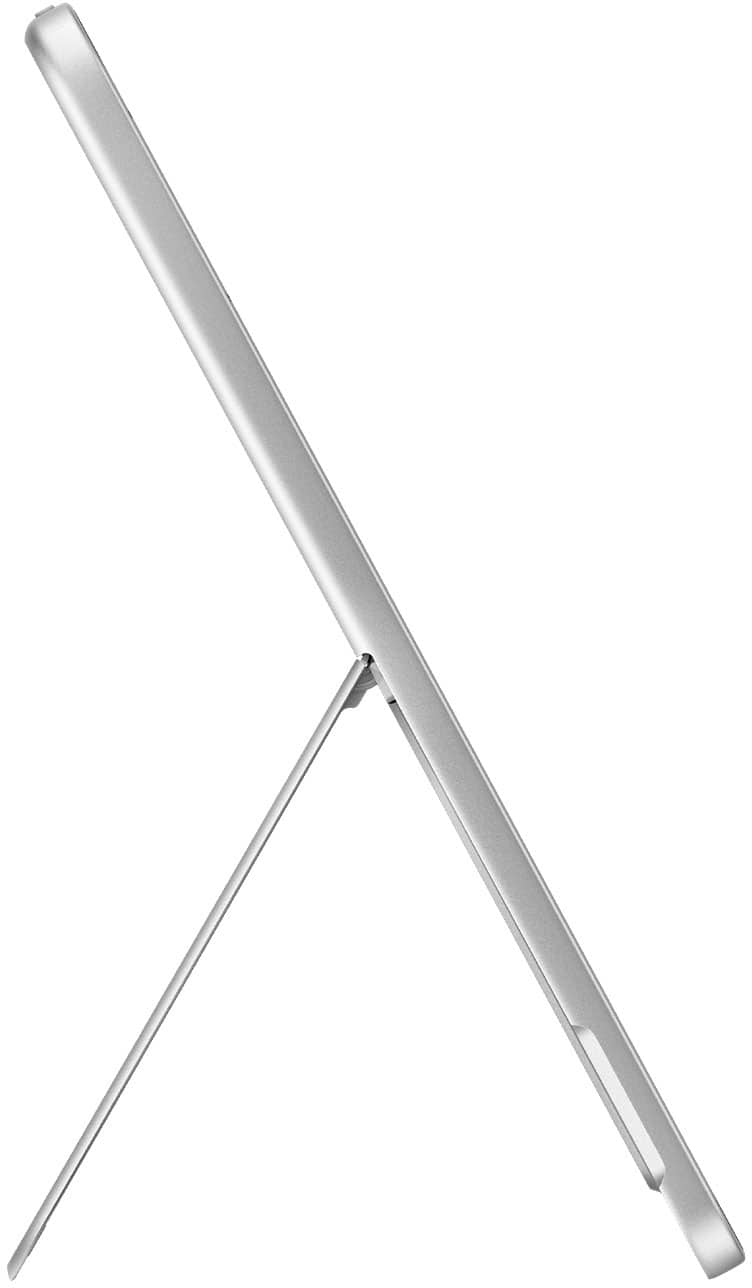
|Posted .This reviewer received promo considerations or sweepstakes entry for writing a review.I have owned several Microsoft surface devices over the years and have always enjoyed the form factor. There are many windows and some Linux tablets available; or however, if you have the built-in metal hinge and stand attached to the tablet. Several other windows tablets are more like an iPad, have a magnetically attached back cover, which can fall off or slide off fairly easily. Stripped of the keyboard, the metal hinge built into the tablet makes the surface pro easy to carry without a case. The performance is excellent. The screen is very good and is LCD not OLED the sound is fairly good in my opinion about as good as a iPad Air, but not as good as a four speaker iPad Pro. It is adequate for media, including some music and the 12 inch screen size is superior to the 10.5 inch surface go or similarly sized iPads. I had been hesitant to own an arm based Windows PC related to the compatibility issues. In the last few years, many major programs have an arm native Windows 64 version. Nearly all of the commonly used Microsoft products have been joined by other common products, including Libre Office, and brave. I tested the arm native brave against the most updated arm based edge and found the brave faster – perhaps related to default ad blocking. There is A built-in on the fly emulator Which can supposedly run almost any Windows 64 program. You may run into issues if you have older non-updated 32 bit Windows programs. The keyboard and trackpad are excellent. The combination of the keyboard, surface pro and separately purchased surface Flat pen is just over 2 pounds. This competes well with a iPad Pro with a very expensive Apple keyboard, but is heavier more than a surface go with keyboard. The weight is comparable to my HP11 tablet, which is smaller. Note that the latest version of Windows 11 have the improved recall feature, Which, in my opinion remains a privacy risk. Also, Windows requires an online account, not only a local account. Regardless of Windows drawbacks it is nice to have a tablet that can run almost any program, including some older games without issues. When I travel if I do not bring a Windows device I find that I am unable to complete various tasks, including browser based tasks.
I would recommend this to a friendA great hybrid tablet/laptop!
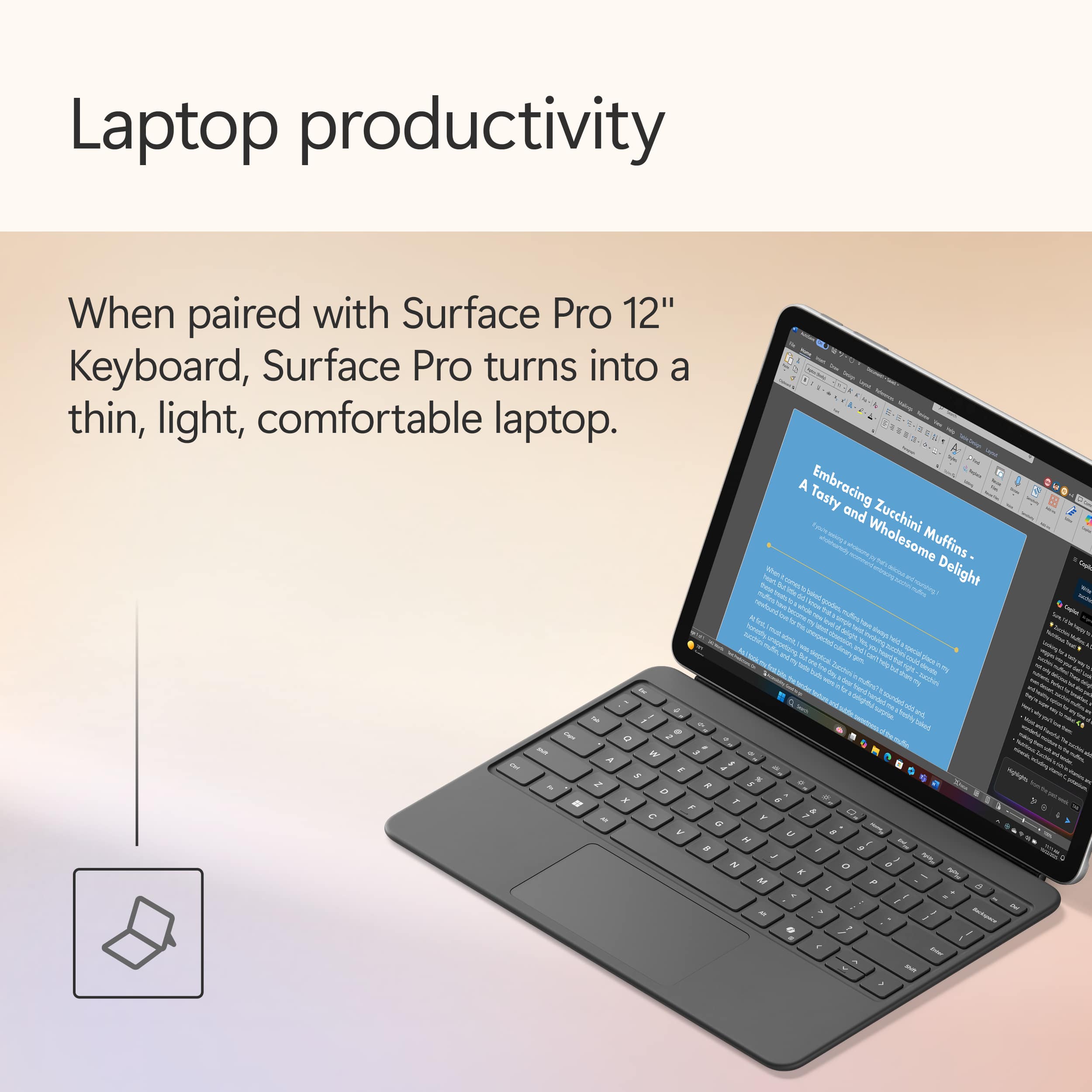
|Posted .This reviewer received promo considerations or sweepstakes entry for writing a review.The Surface Pro 12” is a huge improvement from previous generations, but using windows without a keyboard can be frustrating. The design and the quality of the Surface Pro is really good, I especially love the built-in kickstand, it’s both solid and convenient. The keyboard that comes bundled with the tablet feels great to type on. The soft TPU feel makes it very comfortable to rest your palms, and the keys feel good to press. The keys are backlit, and the touch pad is just the right size to where you don’t accidentally bump it while typing, yet it’s big and wide enough to be very functional. The back of the keyboard has a nice suede texture and looks premium. The Surface pro 12 has a 12” touchscreen LCD display, it has a 90hz refresh rate. While the display looks nice, I really wish Microsoft would have made a 120hz display for this device. For the most part, it looks good, it’s when you start scrolling through pages that it starts to show the lag of a lower refresh rate. The screen gets bright enough to see outside during the daylight, but some software features like the adaptive color feature, make the colors look washed out or dull. Luckily, this is an option that can be easily turned off under the settings. The Surface Pro 12 is powered with a Snapdragon X Plus processor and has 16gb of ram, which makes the laptop/tablet an impressive device. It can handle Microsoft’s AI copilot features incredibly fast. I asked Copilot to write me a cover letter just giving it very minimal details, and within a matter of seconds, it wrote me a very professional cover letter. This was both impressive and scary. The Surface also handles multi tasks efficiently, such as writing this review in Microsoft Word while simultaneously playing a movie on Netflix in split screen. Everything worked perfectly and didn’t stutter, and the speakers sound amazing on this tablet. The Surface Pro 12” is a great device, but to be efficient, it still needs to be used with the keyboard. Using it in tablet mode works, but Windows 11 is not an ideal OS for using just a touchscreen. I really don’t like that Microsoft didn’t include the charging brick, and I wish the screen would have been 120hz but overall, I am impressed with this device. This is a perfect device to use for everyday tasks like browsing, streaming, and even productivity. If that’s what you’re looking for, then I would definitely recommend this.
I would recommend this to a friend12" Surface Pro
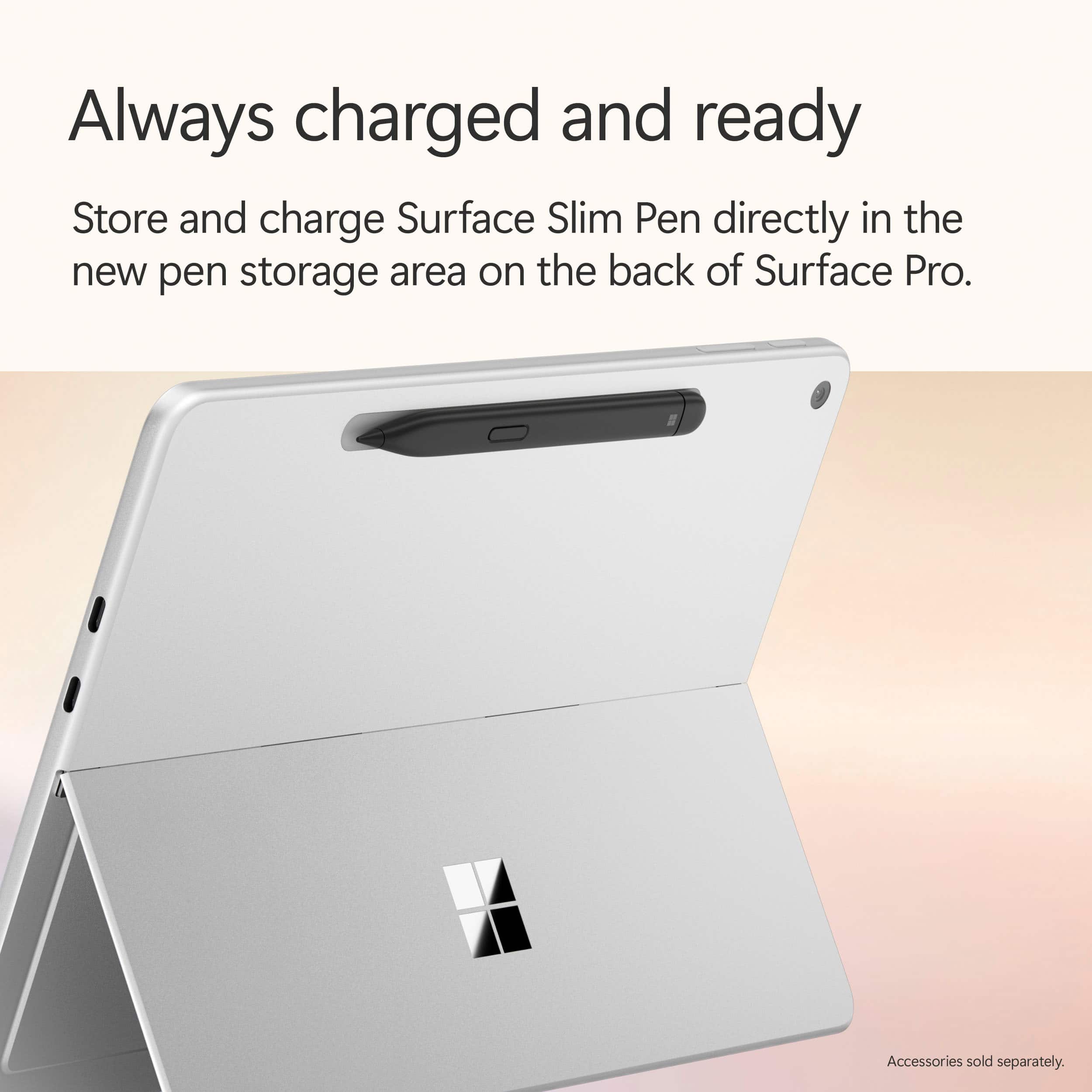
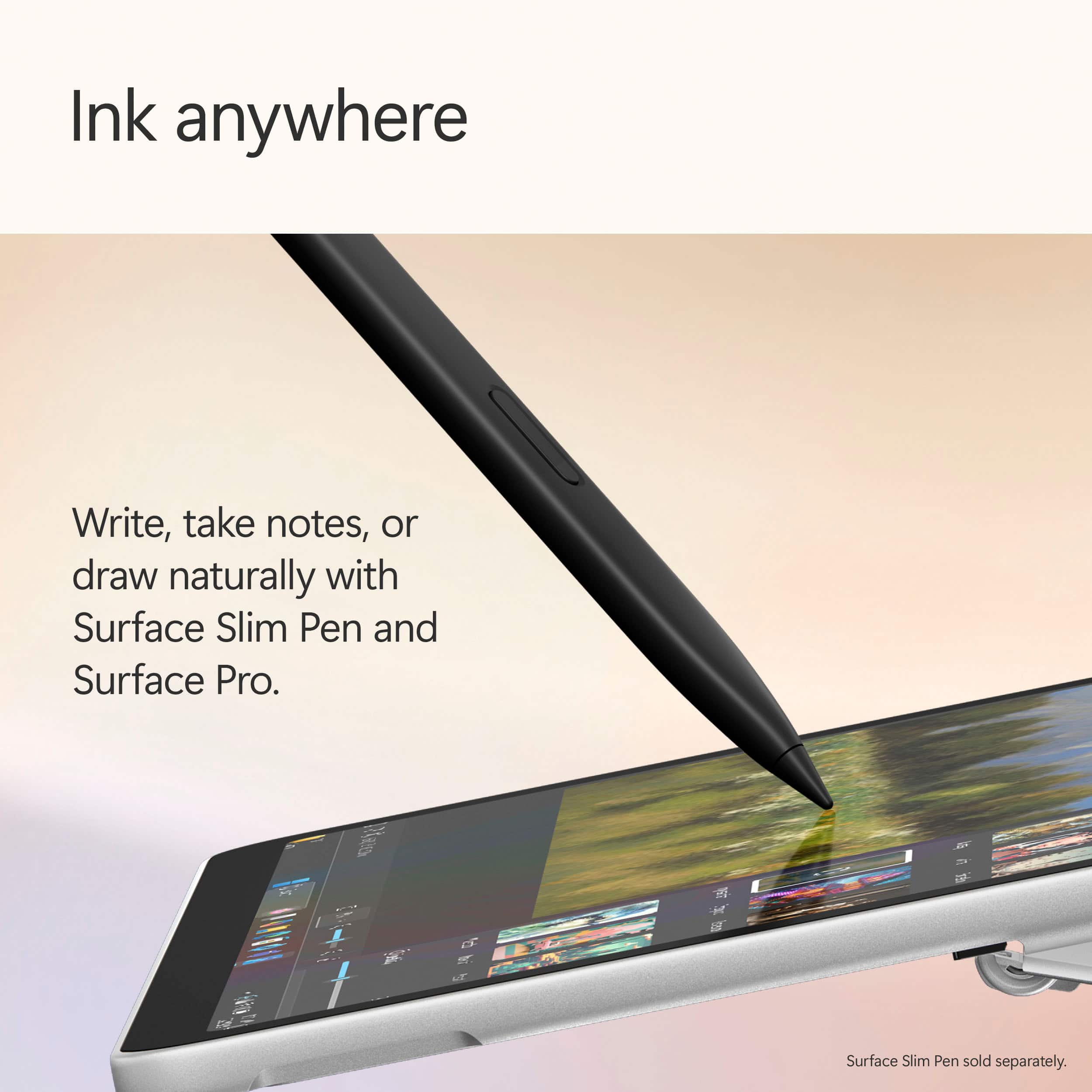
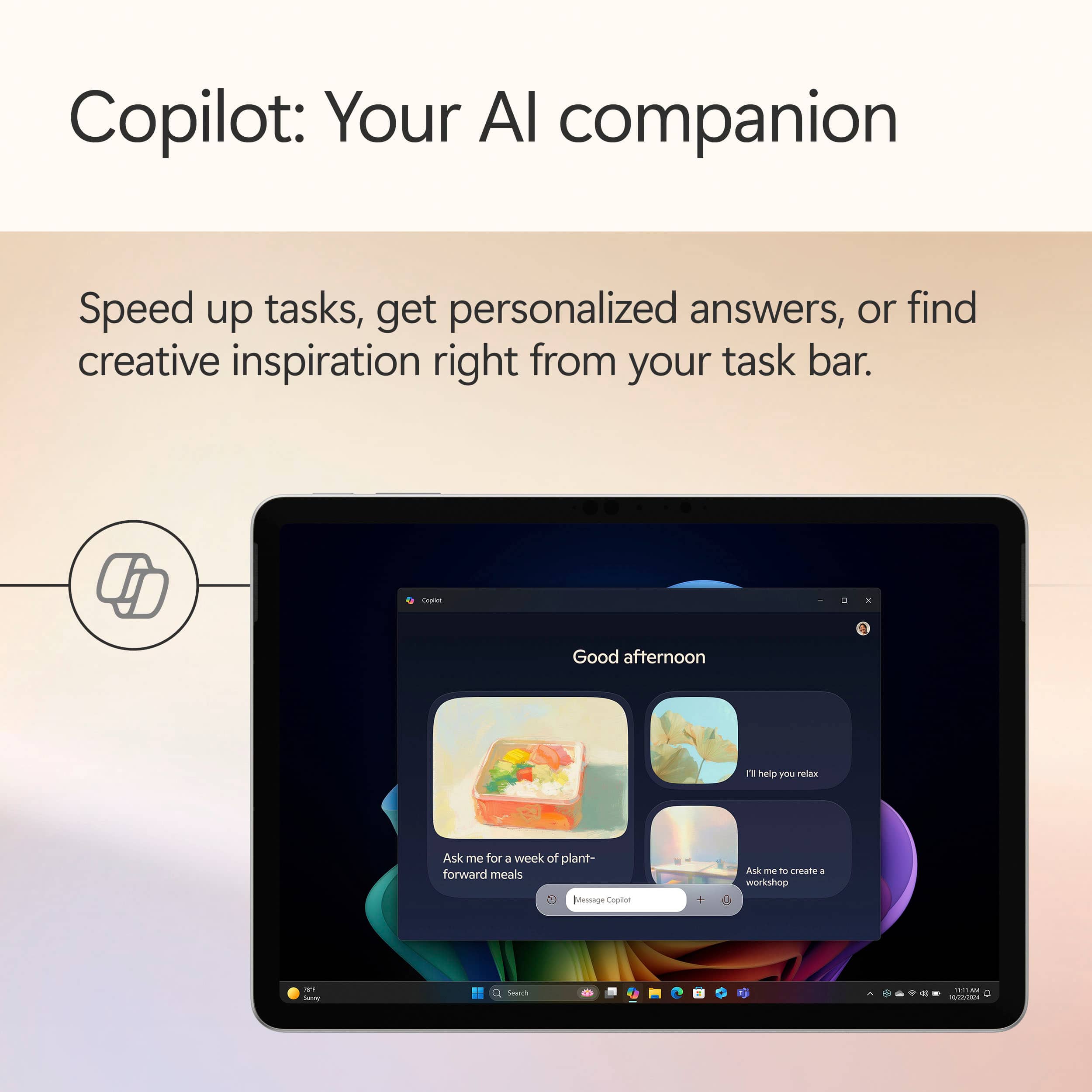
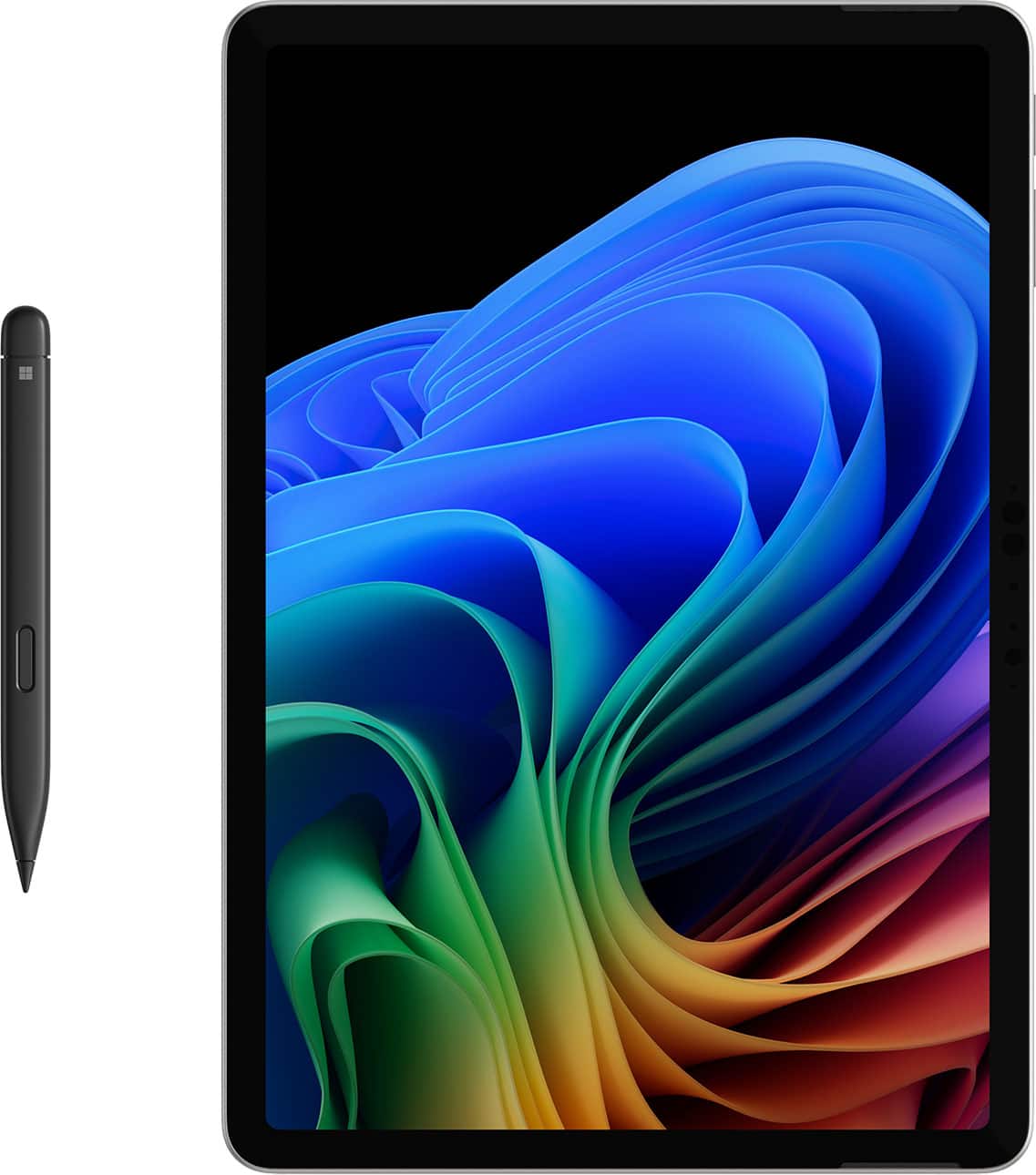
|Posted .This reviewer received promo considerations or sweepstakes entry for writing a review.Unboxing the surface pro was a simple process, no issues. I had a bit of hesitation, wondering if this would be a different experience from android. It was a needless worry, so far the only differences are the play store and ctr-alt-del to fully shut it down. Going thru the setup up process of language and other permissions was quick and easy, as whatever I didn't want to do at the time I was able to skip. The controls, on/off and volume are located on the top left corner of the computer and are responsive to any easy touch. The keyboard is very quiet when I'm typing and unexpectedly, it's actually backlit. It connects to the Surface Pro via magnets. And because it's sealed, there'll be no cookie crumbs falling through the cracks. There are two cameras, a front and rear facing, that are both very good. For the front facing, a little light shines that let's you know it's on. On the back side of the unit is a spot to hold your slim pen. Please note here, it is not included. I found this to be very disappointing! Finally and most exciting for me is the AI Copilot. It amazes me how far the computer has come. Interacting with it is like talking to a friend. You are able to choose the voice of male/female and an accent or not. No question is to dumb or far fetched. I have two laptops and an all in one desktop, they are now all being benched for this 2 in 1 computer.
I would recommend this to a friendSurface Pro
Posted .This reviewer received promo considerations or sweepstakes entry for writing a review.Really like the size Still learning how to use, but so far it’s great
I would recommend this to a friendE Lewis
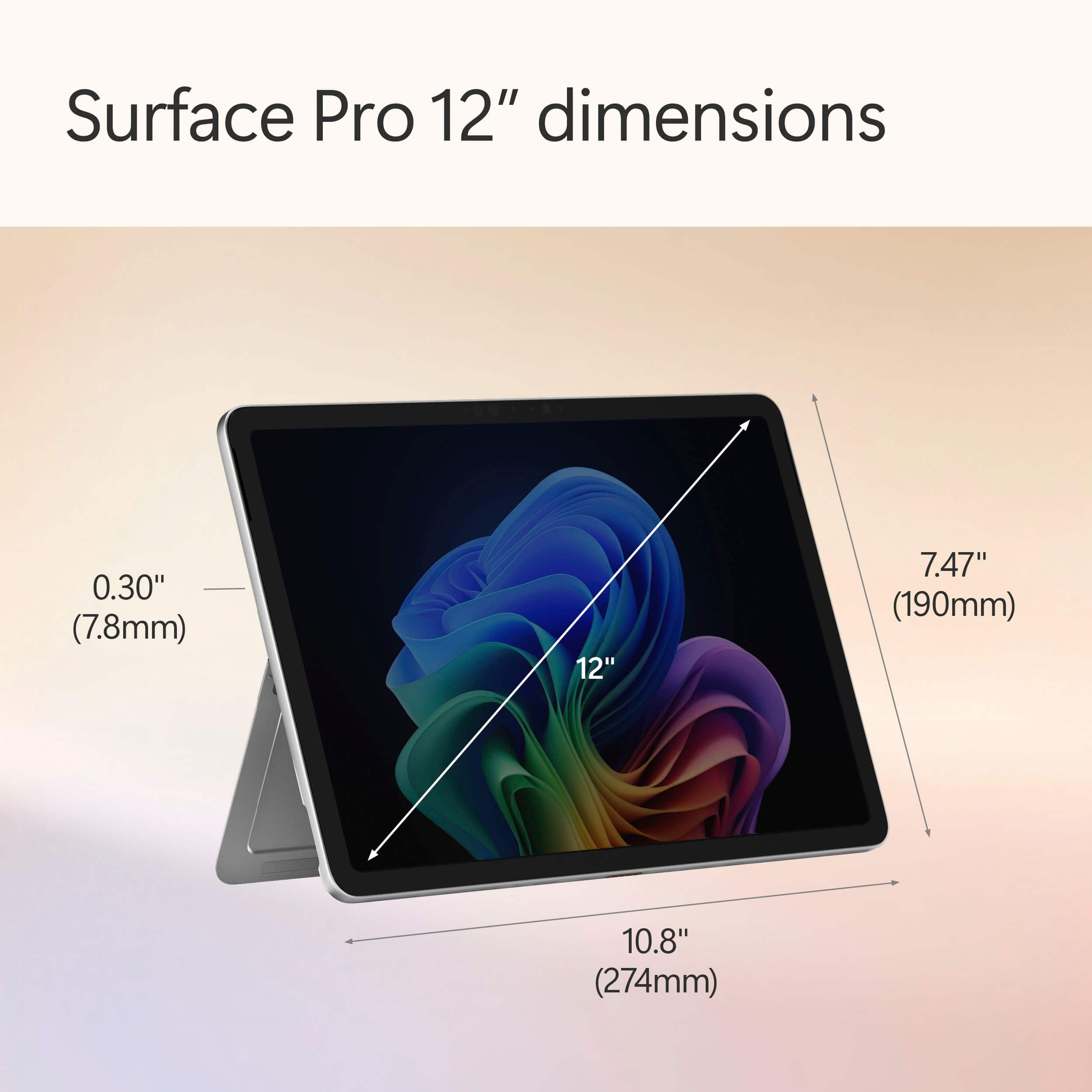
Posted .This reviewer received promo considerations or sweepstakes entry for writing a review.Compaired to surface go it has more speed space and easier used ports Yet it is larger and weighs more are drawbacks for portablity
I would recommend this to a friendQuest ! Microsoft surface
Posted .This reviewer received promo considerations or sweepstakes entry for writing a review.Love ! Quest and Microsoft surface the amazing Christmas
I would recommend this to a friend