Customer Ratings & Reviews
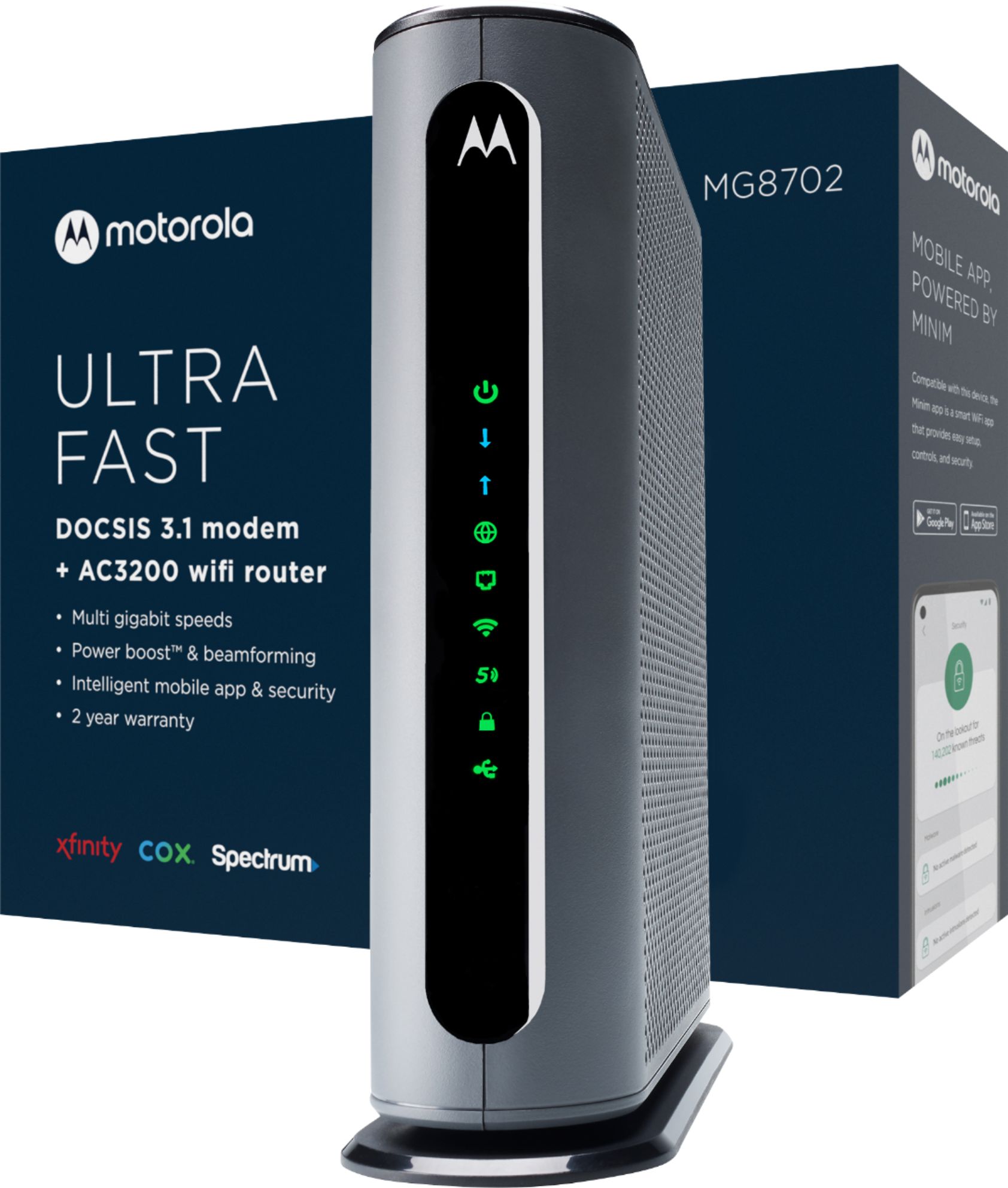
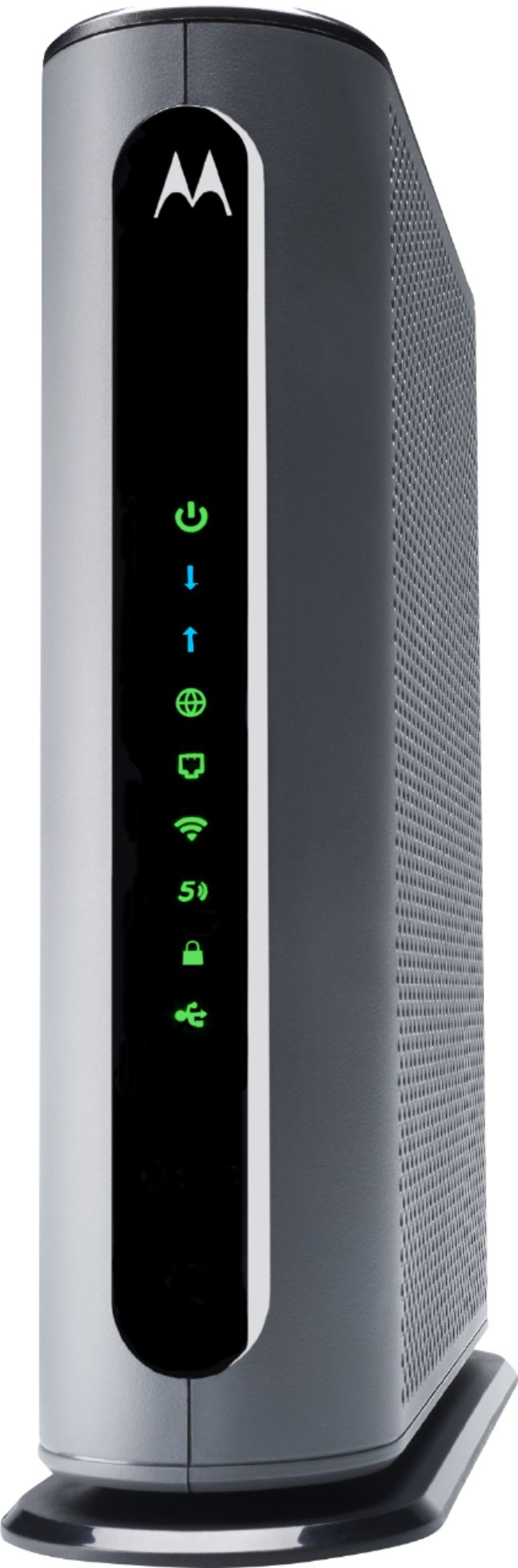
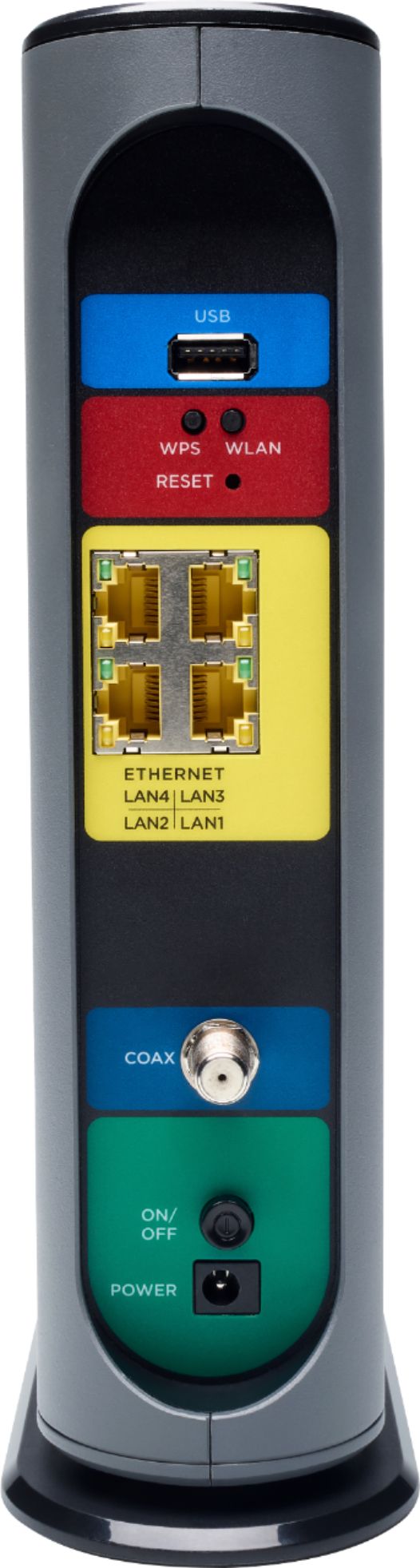
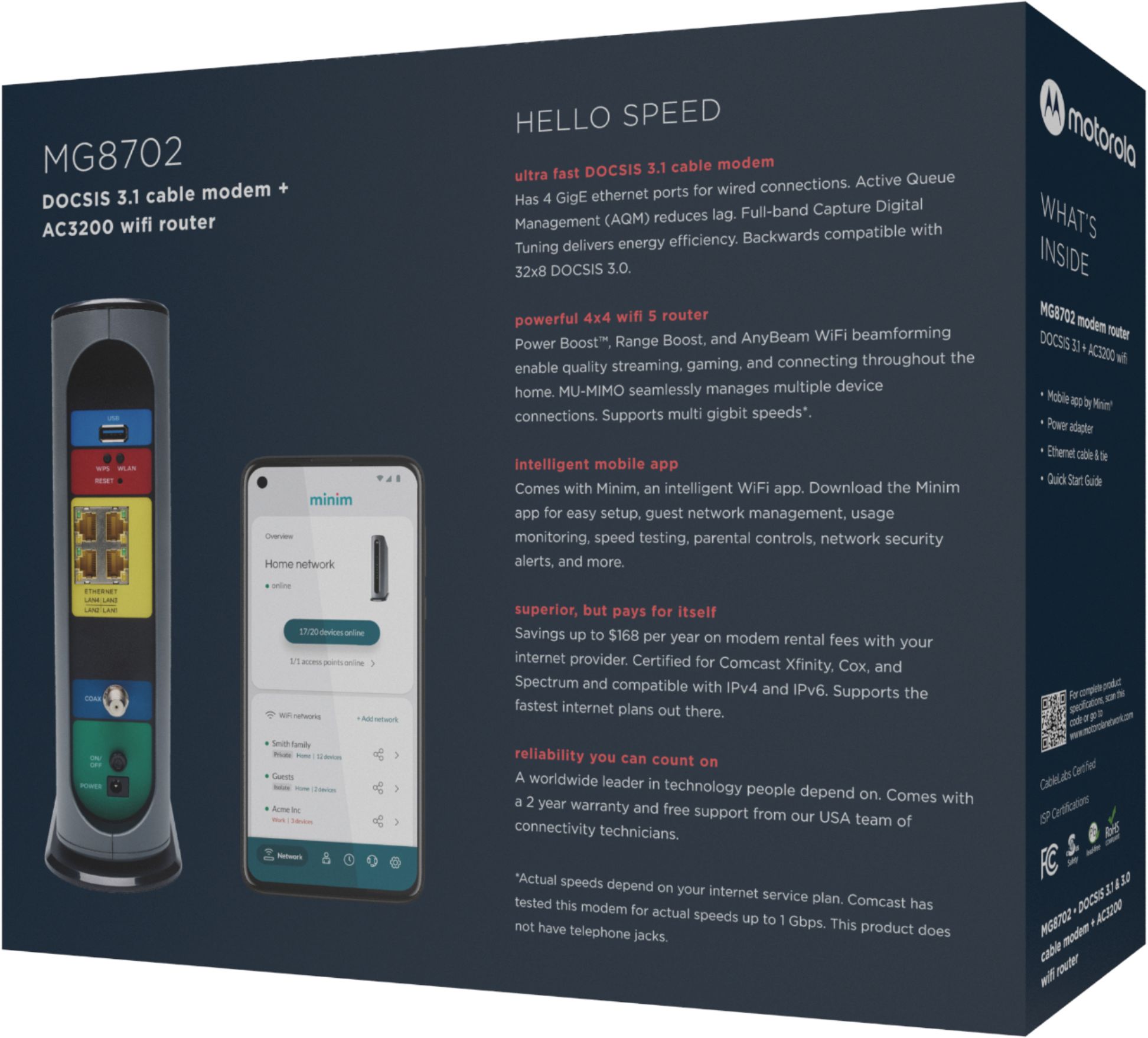

- Model:
- MG8702
- SKU:
- 6451967
Rating by feature
- Connection Quality
Rating 4.5 out of 5 stars
- Performance
Rating 4.5 out of 5 stars
- Setup
Rating 4.5 out of 5 stars
Customers are saying
Customers are delighted by the MG8702 32x8 DOCSIS 3.1 Cable Modem + AC3200 Router's ease of use, performance, and setup. Many appreciate its wide coverage and range, enabling strong Wi-Fi throughout their homes. However, some customers found the price to be high and experienced occasional connectivity or signal strength issues. The size of the unit was also a point of concern for a few users.
This summary was generated by AI based on customer reviews.
Review of Motorola router/modem
||Posted . Owned for 3 weeks when reviewed.This reviewer received promo considerations or sweepstakes entry for writing a review.Adequate. I replaced a NetGear unit with more capability that stopped working after 2 years.
I would recommend this to a friend3.1 cable modem
||Posted . Owned for 3 months when reviewed.This reviewer received promo considerations or sweepstakes entry for writing a review.Works good still drops wifi every few weeks just have to restart
I would recommend this to a friendUnavailable Network
||Posted . Owned for 3 weeks when reviewed.This reviewer received promo considerations or sweepstakes entry for writing a review.I had problem with set up tried calling customer service with no results!!!
No, I would not recommend this to a friendPrice
||Posted . Owned for 3 months when reviewed.This reviewer received promo considerations or sweepstakes entry for writing a review.I use it as WiFi and the truth is it does not have enough coverage
No, I would not recommend this to a friendNot the best specially for how much you pay for it
||Posted . Owned for 1 month when reviewed.This reviewer received promo considerations or sweepstakes entry for writing a review.Drop connection constantly. Would not recommend if you have xfinity
No, I would not recommend this to a friend- Pros mentioned:Coverage, Speed

Combination Modem/Router
|Posted .This reviewer received promo considerations or sweepstakes entry for writing a review.Motorola MG8702 DCSIS 3.1 Modem/Router This device has lots to offer: 1. Integrated modem and router. 2. Faster speeds. 3. Better coverage. 4. Freedom from cable company rental charges. CAUTION: Make sure the unit is on the approved list for your cable provider prior to purchase. It was on the approved list at Charter Spectrum, my cable provider, and it’s also on a number of other cable provider’s approved list, including Comcast XFinity and Cox. Just check first so you don’t find out later that it doesn't work with your cable provider. Installation is pretty straightforward. After disconnecting the old router and modem, you connect the power cord, the cable company’s modem cable and any Ethernet connections you use. After you’ve finished doing that, call your cable provider and they’ll activate the device and you’re in business. However, depending on how many devices you have connected to your present router and modem, you should allow sufficient time to reconnect all of your devices once you’ve finished installing this new modem/router. Because I have a large number of devices (multiple computers, several tablets, a scanner, multiple printers, several Alexa and Google devices, and three cell phones), it took a while to get all of my devices connected again. While that’s not to fault the Motorola modem/router, I just want to make sure that everyone is aware of this so that you’ll allow ample time for reconnecting all of your devices. The more devices you have, the more time you need to allow. After installation, it was nice to know that I now have just one device instead of the previous two I had (a separate router and modem). The advantage of that is knowing that now, when/if I have a problem, I know which device to focus on, whereas when I had a separate router and modem, each was suspect whenever there was a problem. In the end, though, the time spent getting all of my devices connected again was well worth the effort for the increased speed and coverage gained.
I would recommend this to a friend Don’t waste your money
||Posted . Owned for 1 month when reviewed.This reviewer received promo considerations or sweepstakes entry for writing a review.Stopped working after three weeks. Tried to return it to the store but it was more than 14 days so they wouldn’t accept it. Tried calling Motorola and they’re not taking calls nor is there a live agent chat available. Stuck with something that doesn’t work and no money back.
No, I would not recommend this to a friendhorrible
||Posted . Owned for 2 months when reviewed.This reviewer received promo considerations or sweepstakes entry for writing a review.do not recommend. horrible. bought it a month before our internet was hooked up and it constantly reboots every few minutes causing everything to shutdown so we can't stream anything or play games. but since we had it past time time to return we can't get a refund.
No, I would not recommend this to a friend- Cons mentioned:Price
BEST BUY MORE LIKE WORST BUY
||Posted . Owned for 1 month when reviewed.This reviewer received promo considerations or sweepstakes entry for writing a review.Horrible will never buy from here again they sold me a used broken motorlola wifi and router and costed well over 300 dollars so that it can be broken
No, I would not recommend this to a friend It’s ok
||Posted . Owned for 3 weeks when reviewed.This reviewer received promo considerations or sweepstakes entry for writing a review.Its ok. The only problems that I have is sometimes it doesn’t sync with the internet provider. It also goes in and out about 15-20 mins sometimes the next day it will works fine then does all again.
No, I would not recommend this to a friendBad modem overall
||Posted . Owned for 1 week when reviewed.This reviewer received promo considerations or sweepstakes entry for writing a review.Bought this router/modem and used it for few days. When you hardwire it to a laptop or desktop the speeds are decent. As soon as you switch to wifi this thing just stops. I have 1,200mb/s internet and I was only getting about 40mb/s with WiFi! What a joke. Wired speeds were around 400mb/s max. I returned it and got a modem and router separately, aka old school setup, and my wired speeds are just under 1000mb/s while I get consistent 600mb/s with WiFi even far away from the modem and router. Don’t even bother with this Motorola junk. Not worth the time.
No, I would not recommend this to a friend- Cons mentioned:Signal strength
Terrible distance
||Posted . Owned for 3 weeks when reviewed.This reviewer received promo considerations or sweepstakes entry for writing a review.Terrible distance, anything over 10 ft away and the signal is very poor.
No, I would not recommend this to a friend - Cons mentioned:Signal strength
Bad
||Posted .This reviewer received promo considerations or sweepstakes entry for writing a review.It doesn’t work good Signal it goes on and off every 10 minutes
No, I would not recommend this to a friend Non-intuitive app making a simple task difficult
||Posted .This reviewer received promo considerations or sweepstakes entry for writing a review.Would not recommend, non-intuitive interface for building a simple Wi-Fi network with a different SSID than the factory default one.
No, I would not recommend this to a friend- Pros mentioned:Ease of use, Speed
Best way to ditch your ISP's rental modem.
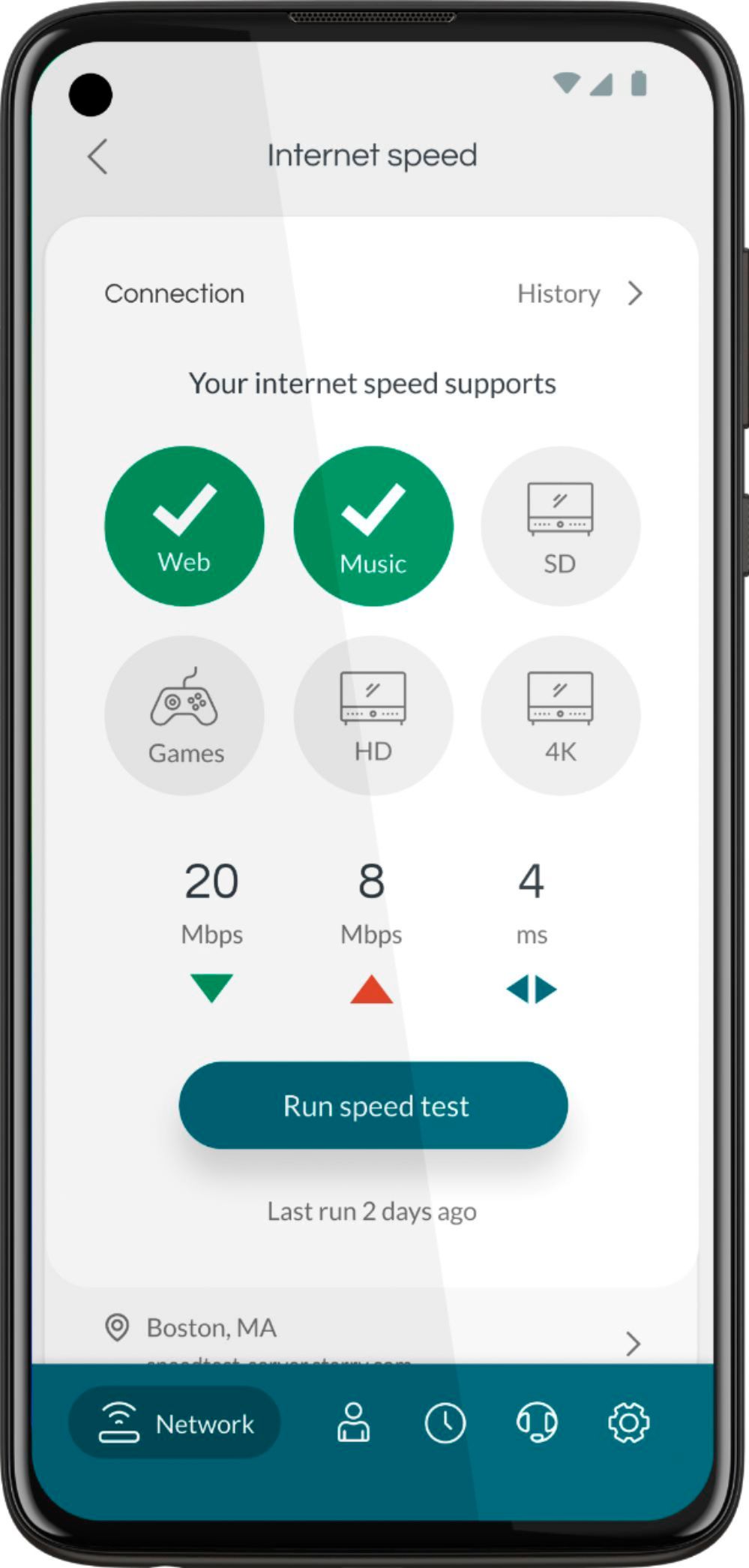
|Posted .This reviewer received promo considerations or sweepstakes entry for writing a review.The Motorola MG8702 is an excellent cable modem that allows you to get rid of your ISP's costly modem rental fees while keeping all of the features and then some that they usually include. With gigabit-capable speeds and wifi built-in, the Motorola MG8702 is a great choice for anyone looking to have their own modem. Setup is a breeze with Motorola's app that is available for this modem, note that you may either have to call or set up this modem through your ISP to ensure that you are getting a connection with them. The app allows you to set up your network, change the name, password, etc, as well as be able to monitor your wireless network and see what devices are on your network, remove and pause devices that you don't want and you can even set up parental controls either for the whole network or per device. You are also able to see what kind of traffic is being used on your network and set up priorities all through the easy-to-use app. This is a great choice for anyone looking to get their own modem and I would recommend it to anyone looking to ditch their ISP's costly modem.
I would recommend this to a friend - Pros mentioned:Speed
Great product once you get it setup
|Posted .This reviewer received promo considerations or sweepstakes entry for writing a review.This device combines previously 2 separate devices in my setup. The Xfinity Modem and my Wifi-Router. My current network is a bit more than most homes - I have about 50ish wireless devices(smart plugs/switches/lights/laptops/phones) And for wireless coverage I have a Wired Access Point. then I have several Desktops and gaming consoles that are wired connections. In all about 75ish devices. The initial Setup was to disconnect and get started replacing - This was easy, remove my existing 2 devices and insert the new MG8702. I then connected my laptop and logged into my XFINITY account and got the device online. Took about 20 minutes or so. My initial speed tests were good pulling a consistent 900MB/s of my 1Gig Servies! So far so good!! Now to configuration. This was the tricky part for me. As stated I have many wireless devices and didn't want to go around and reconfigure them all. So I set up my wifi SSID as the previous one with the same password. Looked like some of my devices reconnected but there was a problem with quite a few. This new device has band steering on by default (this combines the 2.4 and 5G signals into 1 SSID). This appeared to be causing some issues. I disabled and separated the signals to replicate my previous setup. Good to go! I then started checking and my devices were trying to connect but weren't getting internet!! So in trying to figure out what the issues were I used the Minim app and the Security appeared to be blocking "unknown" devices - approved them and everything seemed back to work. Setup a few device profiles(automation, kids, MY devices). Back up and running. Now that I understand how the device software works. I do like it. It requires a little bit of monitoring the app and approving devices. But you can turn this off. There are tons of analytic information(which the geek in me loves). These are but not limited to top data devices on the network, top data applications! Internet filters, device categories(filtering, hours, etc) Threat protection, independent device speed test back to the MG8702. Signal strength reporting from the console. The app notifies me when a new device joins my network! This device is not Enterprise level, but not plug and play(it can be). But provides the tools to manage your network and provide the experience you want for your home and those living with you!! So far, It has operated quite nicely and my network is humming along speedily! CONS: OOB setup via the App is a bit confusing - took me a second to understand its logic with the security app. It moved my network from a 192.168.1.X/24 to a 192.168.0.X/24 - no big deal but didn't expect that. ONLY 4 LAN ports on the back - I know we are moving to an all-wireless world but I would like to see a few more ports still. (I have a Switch, AP, Camera hub, etc) That I like to have plugged indirectly Can't run multiple SSIDs, as it forces you to have the 2nd as the GUEST network. I don't like band steering. Limited to wifi 5 4x4 and not wifi 6 8x8
I would recommend this to a friend - Pros mentioned:SpeedCons mentioned:Connectivity
Awesome as a cable modem, some issues with WiFi
|Posted .This reviewer received promo considerations or sweepstakes entry for writing a review.I replaced an older cable modem with this Motorola. I had the other behind a router so my initial setup was with the WiFi intending to merge into just this 1 device. Connecting to my Xfinity was pretty quick. Speeds immediately jumped for me by 20% since my plan exceeded my old box. This thing really works great as a cable modem. The WiFi/routing part however, I had some issues. The Minim app is pretty limited and setup was better through a web browser interface. But even when I did get all of my same network name settings in place from my separate wireless router, some devices still would not connect (both printers in particular) and a couple smart devices didn't pick up. I ultimately turned off the WiFi on this and kept using the prior router and everything seems to be working great!
I would recommend this to a friend NOT worth it
||Posted . Owned for less than 1 week when reviewed.This reviewer received promo considerations or sweepstakes entry for writing a review.I have tried 2 of these with little success, slow wifi speed and the latest would not let me connect to my mobile banking app. I called motorola and my credit union, no help..............went back to my mg7700
No, I would not recommend this to a friendHorrible buy ! I
||Posted . Owned for 1 month when reviewed.This reviewer received promo considerations or sweepstakes entry for writing a review.This Modem goes offline and has to be restarted every 12 hours or so. This started to happen more often once I wasn’t able to return it. Buyer beware.
No, I would not recommend this to a friendNo too good
||Posted . Owned for 1 month when reviewed.This reviewer received promo considerations or sweepstakes entry for writing a review.it wasn't what i expected so i return it back to the store
No, I would not recommend this to a friend