Customer Ratings & Reviews
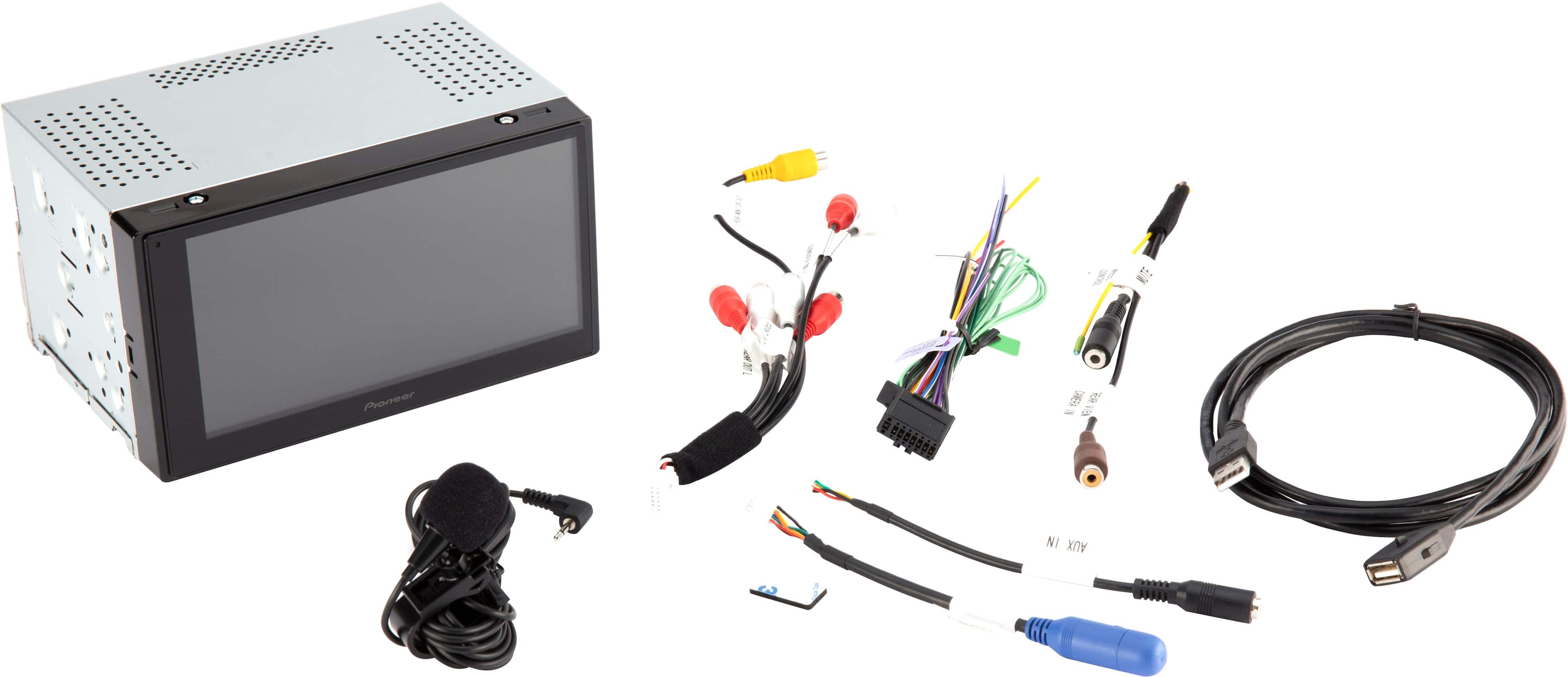
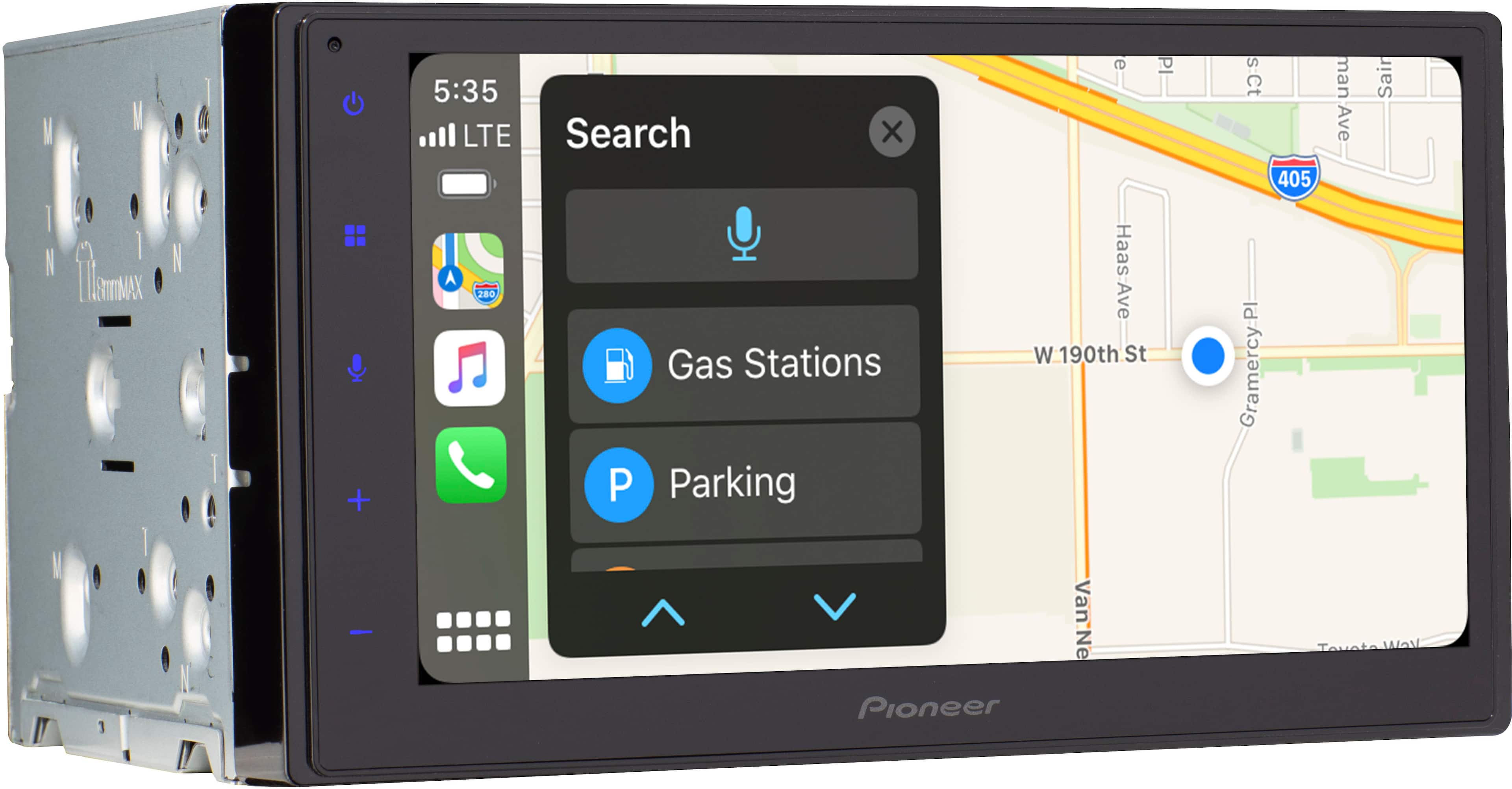
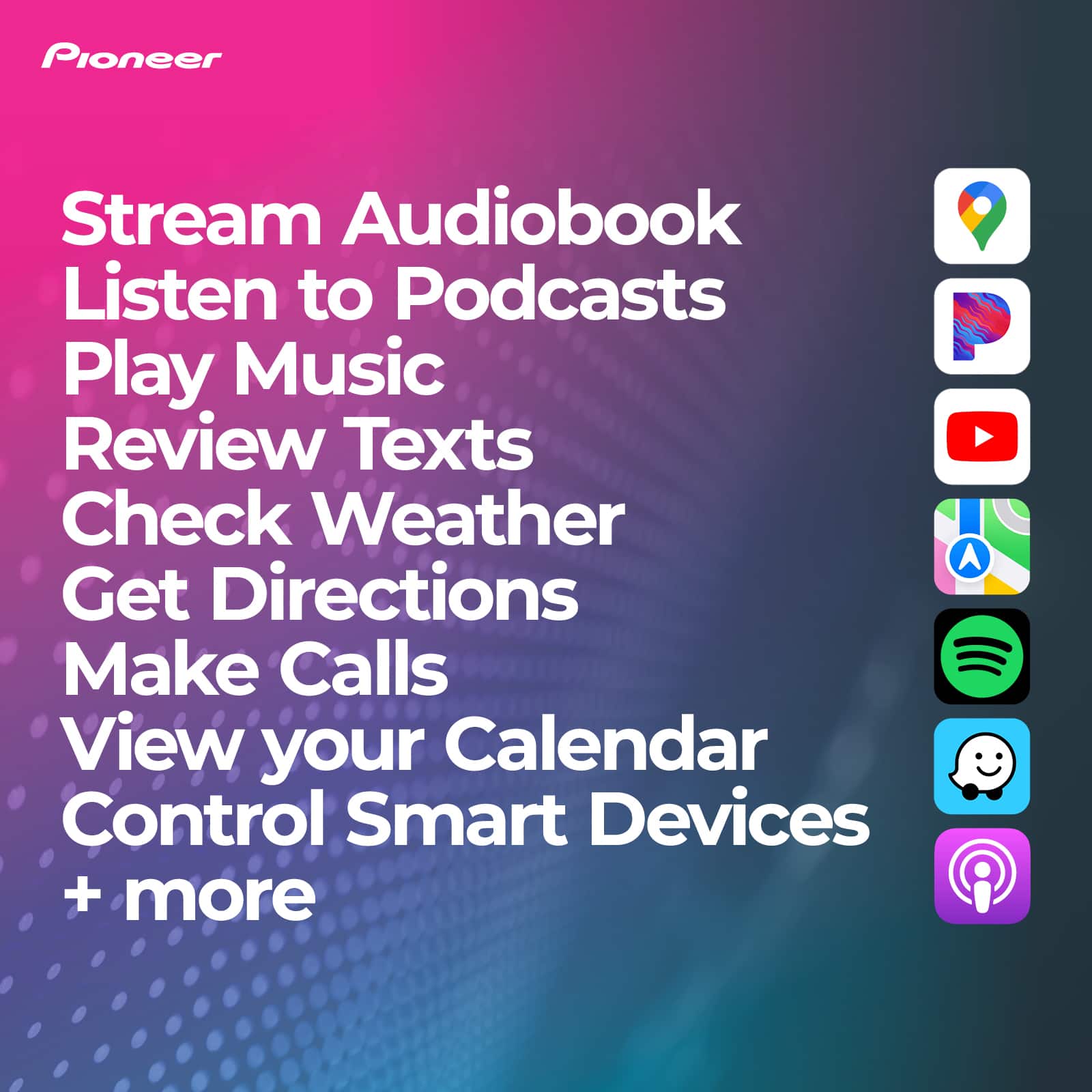
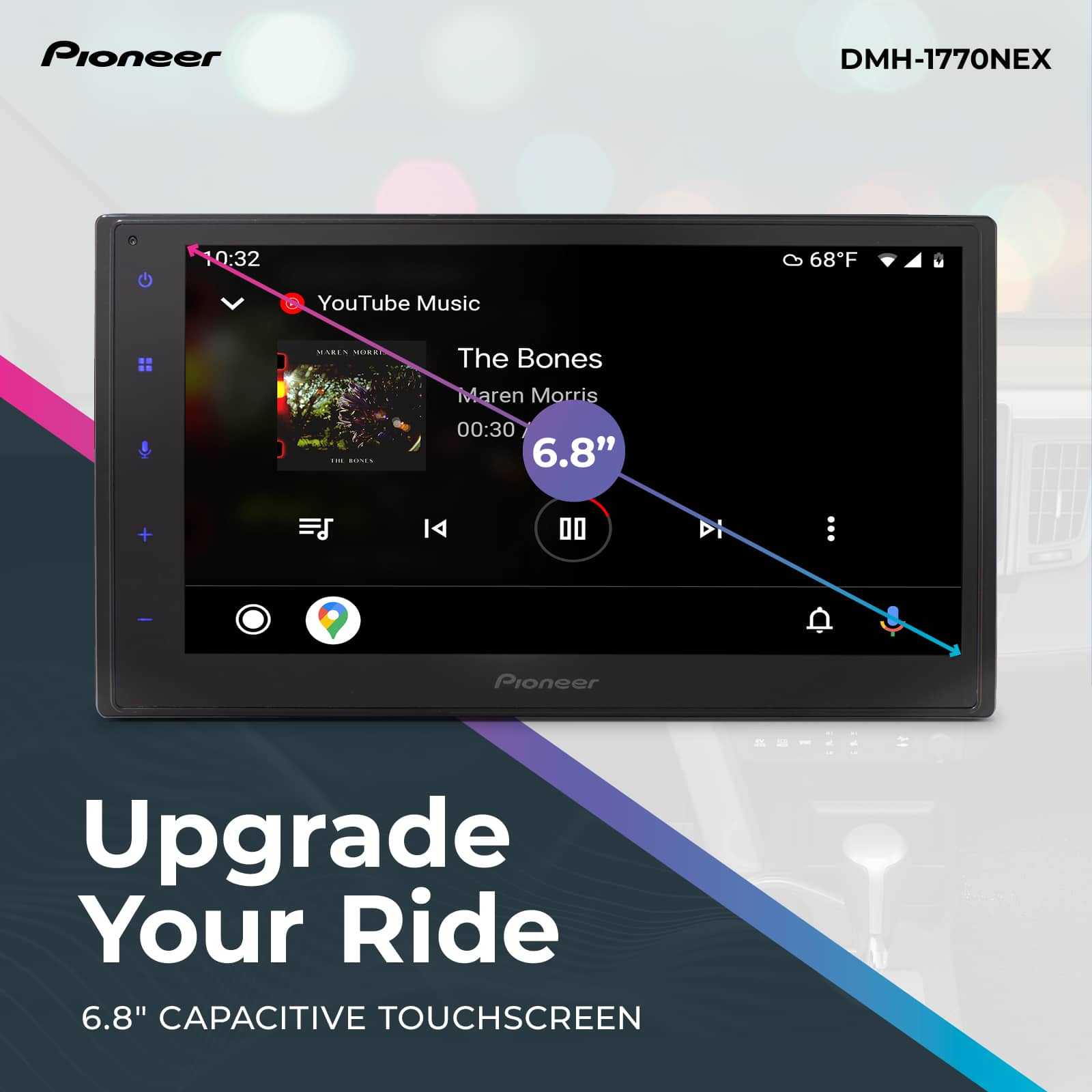

- Model:
- DMH-1770NEX
- SKU:
- 6477986
Rating by feature
- Value
Rating 4.3 out of 5 stars
- Quality
Rating 4.4 out of 5 stars
- Ease of Use
Rating 4.3 out of 5 stars
Customers are saying
Customers frequently mention the positive aspects of the 6.8" Android Auto™ and Apple CarPlay® Bluetooth® Digital Media (DM) Receiver, such as its Apple CarPlay integration, sound quality, ease of installation, user-friendly interface, and affordable price. However, some customers have expressed concerns regarding the durability of the product, particularly the screen, which they claim may develop issues after a year of use. Additionally, a few customers have reported issues with the product's warranty and radio functionality.
This summary was generated by AI based on customer reviews.
Disappointing
||Posted .This reviewer received promo considerations or sweepstakes entry for writing a review.For the money this was not worth it & I am returning it....it is not user friendly, the volume buttons were very small & the touch screen is not sensitive enough (you have to touch the screen many times before it responds) Also, the installer put the microphone on top of my dash. Didn’t even try to hide it. I went to another Best Buy to talk with someone & a supervisor in the auto section said that the microphone should have been placed in a different area. So if you are planning on having Best Buy install, pick a good one!
No, I would not recommend this to a friendEverything but microphone works on handsfree calls
||Posted . Owned for 1 month when reviewed.This reviewer received promo considerations or sweepstakes entry for writing a review.God except mic. Nice upgraded features but handfree mic much left to br desired.
No, I would not recommend this to a friendBrand response from Pioneer Electronics Team
Posted .We are sorry to hear you are having a problem with the microphone on the DMH-1770NEX.
Please contact our Product Support at 1-800-421-1404, select option 1.
They will provide troubleshooting assistance.
Don't Waste Your Money
||Posted . Owned for 1.5 years when reviewed.This reviewer received promo considerations or sweepstakes entry for writing a review.Stereo was great while it worked. Less than two years in and now it only shows a white screen and no sound. Look online. Seems to be an issue with this model.
No, I would not recommend this to a friendBrand response from Pioneer Electronics Team
Posted .We are sorry to hear you are not happy with the DMH-1770NEX.
Please contact our Product Support at 1-800-421-1404, select option 1.
You can also email us at www.pioneerelectronics.com/contactus.
They will discuss available options.
BEWARE!!! don't buy this, don't waste your money!!
||Posted . Owned for 1 year when reviewed.This reviewer received promo considerations or sweepstakes entry for writing a review.don't buy this, don't waste your money on this crap, exactly 1 year and months later it fails out of warranty.
No, I would not recommend this to a friendTrash
||Posted . Owned for 3 weeks when reviewed.This reviewer received promo considerations or sweepstakes entry for writing a review.Horrible the back up camera is so blurry and screen went completely black after two months
No, I would not recommend this to a friendBrand response from Pioneer Electronics Team
Posted .We are sorry to hear you are having a problem with your DMH-2660NEX.
Please contact our Product Support at 1-800-421-1404, select option 1.
They will provide troubleshooting assistance.
Do not purchase
||Posted . Owned for more than 2 years when reviewed.This reviewer received promo considerations or sweepstakes entry for writing a review.The worst radio you can buy. After 2 years it has gone completely out. We will have to buy a completely new radio. Waste of money do not purchase.
No, I would not recommend this to a friendBrand response from Pioneer Electronics Team
Posted .We are sorry to hear you have a problem with your DMH-1770NEX.
Please contact our Product Support at 1-800-421-1404, select option 1.
They will discuss available warranty options with you.
DMH 1770nex
||Posted .This reviewer received promo considerations or sweepstakes entry for writing a review.If I can do less than 1 star I would. Lasted a good two months before problems started. Like end of January would constantly turn on and off, currently just stays on white screen. Don’t know what to do anymore, want to like it but is just too problematic. DO NOT BUY
No, I would not recommend this to a friendBrand response from PioneerCustomerSupport
Posted .Hi Ivan,
Thanks for taking the time and effort to leave a review our Pioneer - 6.8" Bluetooth Android Auto Apple CarPlay SiriusXM Ready Multimedia Digital Media Receiver - Black. It's disheartening to hear this disappointing experience that you had with our product and we sincerely apologize for not meeting your expectations. We do hope that we can still offer you a better service and products in the future. We are continuously working on improving our products and their designs and if you have any more questions or concerns, please use the link below to reach us.
Pioneer Products
Lisa
https://www.pioneerelectronics.com/PUSA/
Now What?
||Posted . Owned for 3 months when reviewed.This reviewer received promo considerations or sweepstakes entry for writing a review.The performance of this unit was enough to give it three stars but now it has stopped working completely after three months. This is just unacceptable.
No, I would not recommend this to a friendBrand response from PioneerCustomerSupport
Posted .Hello Zack,
Thank you for writing a review about our Pioneer - 6.8" Android Auto and Apple CarPlay Bluetooth Multimedia Receiver - Black. We know how annoying is when the unit is stopped working. We would love to check this situation further with you, I'd like you to contact our support team for further assistance, our agents will be more than happy to assist you, please follow the link below.
Pioneer Support
Louise
https://www.pioneerelectronics.com/PUSA/AboutPioneer/Contact+Us
Black screen
||Posted . Owned for 4 months when reviewed.This reviewer received promo considerations or sweepstakes entry for writing a review.Stop working after few months Shuts down while driving
No, I would not recommend this to a friendBrand response from Pioneer Electronics Team
Posted .We are sorry to hear you are having a problem with your DMH-W4660NEX.
Please contact our Product Support at 1-800-421-1404, select option 1.
They will provide troubleshooting assistance.
Do not buy!!
||Posted . Owned for 9 months when reviewed.This reviewer received promo considerations or sweepstakes entry for writing a review.Stopped working before a year. Do not buy!!!!!!!!!
No, I would not recommend this to a friendBrand response from Pioneer Electronics Team
Posted .We are sorry to hear you are having a problem with the DMH-1770NEX.
Please contact our Product Support at 1-800-421-1404, select option 1.
They will provide warranty assistance.
Wasted labor. And time. Radio useless with out rca
||Posted . Owned for 1 week when reviewed.This reviewer received promo considerations or sweepstakes entry for writing a review.Radio came wrong rca wiring and its installed. Please check wiring people.labor wasted and now i got cut my connections and go back.
No, I would not recommend this to a friendBrand response from PioneerCustomerSupport
Posted .Hi there,
Thank you for leaving a review. This must be frustrating since it has incorrect RCA Wiring. We don't take your concerns lightly. We will definitely look into this matter for you. We appreciate your feedback.
Dina || Pioneer Support
Horrible
||Posted . Owned for 1 year when reviewed.This reviewer received promo considerations or sweepstakes entry for writing a review.Terrible setup, radio worked for a couple months and then stopped. Now we are left with a white screen.
No, I would not recommend this to a friendBrand response from PioneerCustomerSupport
Posted .Hi Tanisha! We apologize for the inconvenience you have experienced with our product. We take customer satisfaction very seriously and want to ensure that you are happy with your purchase. Please contact us at (888) 287-7658 to discuss the issue further and to explore options for resolving the problem. Additionally, we offer a 1-year manufacturer's warranty on our products to ensure that our customers are covered in cases of defects or malfunctions. Please don't hesitate to reach out to us so that we can assist you in finding a solution to the issue with your radio.
JC | Pioneer Support https://www.bestbuy.com/site/pioneer-6-8-android-auto-and-apple-carplay-bluetooth-digital-media-dm-receiver-black/6477986.p?skuId=6477986
Pioneer 26600
||Posted . Owned for 2 weeks when reviewed.This reviewer received promo considerations or sweepstakes entry for writing a review.No good i buy this new & came with audio front & back problem & after 15 day bestbuy dont accept return or exchange dont recomender
No, I would not recommend this to a friend- Pros mentioned:Apple carplay
Just installed - lovin' it so far
||Posted . Owned for less than 1 week when reviewed.This reviewer received promo considerations or sweepstakes entry for writing a review.Installed in a 2007 Chevy Equinox LT. Did the install myself. I am not particularly handy but with a few notes from the installer guy and the right wiring harness it went smoothly. I soldered the wires (old fashioned that way) by matching color to color. The only issues I had was the parking brake wire. I didn't want to trace around and mess with it and Android Auto would let me set up my phone unless it was wired. I wired it to a ground and problem solved. I have not put in the upgraded speakers yet but this thing kicks even with my stock Pioneer 6.5s. Sound is clear and punchy with a S. Bass EQ setting it gives a little more growl. Android Auto working great every time I plug in my phone. Google Assistant lets me press a button and use voice commands for navigation, displaying Google Maps on the way. You can adjust the radio volume independently of the Android Auto volume. Bluetooth calls are great. Remote great. Downsides? A few but not many to mention. Screen is super shiny, Even on high it can be a challenge in directly sunlight with my moon roof open. Not a big deal. Boot time seems a bit slow, but once up and running it's fine. Annoying Warning about distracted driving every time you start your car and you have to press OK (probably a regulation, not sure). I got it on sale and I would call it an rare value in consumer electronics. The final judgement of course comes 6-12 months down the road. I hope it lasts a long time, because I'm lovin' it so far.
I would recommend this to a friend - Pros mentioned:Apple carplay
Sounds exceptionally exciting.
||Posted . Owned for 3 weeks when reviewed.This reviewer received promo considerations or sweepstakes entry for writing a review.Sound is amazing, watching a movie is awesome, backup camera is incredible on screen and you can also put on back up screen to see what is behind you driving or parked. Very adaptable to I phone easily hooked up to Bluetooth,pandora radio.Remote control is awesome I’m Velcro to the Dashboard soI do not lose.I’m still waiting on remote start for GPS and alarm system can’t wait to see the rest of results to unfold.amazing touch screen. Awesome product Pioneer.
I would recommend this to a friend - Pros mentioned:Apple carplay, Ease of use
An Upgrade to an Old Friend
||Posted . Owned for 3 weeks when reviewed.This reviewer received promo considerations or sweepstakes entry for writing a review.I've always gone with Pioneer since the days of the "Supertuner" single din up to the double din prior to this one. They are a tried and true brand for quality and the latest and cutting edge features of its time. So it was a "no-brainer" when it came to upgrading. This head unit is easy to use and packed with standard features such as HD)Radio, SiriusXM ready, and my favorites: Android Auto and the Waze app! Great sound with a wide choice of settings to tailor your favorite tunes to your perfection. I added the optional backup camera to complete the package. The setup and functionality breathed new life into my overall driving experience. I now find myself driving my 2005 Infiniti G35 coupe more than my 2018 Genesis G80 because this Pioneer rocks tha beatz! I highly recommend this unit for its quality, function, and sound to cost ratio. You won't be disapointed!
I would recommend this to a friend - Pros mentioned:Connectivity
Works great in cars from this century.
||Posted .This reviewer received promo considerations or sweepstakes entry for writing a review.I purchased this Pioneer car stereo because it advertised Apple CarPlay, modern connectivity, and cutting-edge technology. What it did not advertise—tragically—is that it refuses to fit inside a 1915 Model-T Ford. Let me be clear: this stereo is excellent. The screen is bright, CarPlay connects instantly, Siri listens better than my passengers, and the sound quality is light-years ahead of whatever acoustic sorcery Henry Ford was working with. Maps pop up beautifully, Spotify slaps, and phone calls no longer require yelling into the wind. However, when I attempted installation, I discovered several compatibility issues: • The dash is mostly wood • The “factory wiring harness” is a hope and a prayer • There is no place for a double-DIN unit, unless I remove the steering column, the soul of the car, or time itself • Apple CarPlay does not support “horse-drawn traffic mode” I tried explaining to the installer that this car predates electricity, but they just stared at me and slowly backed away. To Pioneer’s credit, the unit works flawlessly once removed from the 20th century and installed in a normal vehicle. It pairs instantly, sounds amazing, and does not judge you for your music choices—unlike the Model-T, which creaks disapprovingly. Final verdict: 5 stars. Amazing stereo. Terrible fit for my Model-T. Would recommend to anyone driving a car built after the invention of radio.
I would recommend this to a friend - Pros mentioned:Apple carplay, Ease of use
Game Changer
||Posted . Owned for 2 months when reviewed.This reviewer received promo considerations or sweepstakes entry for writing a review.I decided to upgrade my stereo after probably going through close to 10 auxiliary bluetooth receivers and should have just done this from the start. The touch screen and generally functionality is very easy to use especially when driving. I have it setup to connect audio over bluetooth automatically or can USB in for Android Auto. There is really no audio loss between USB and bluetooth but due to the amount of data transferred Android Auto does have some more notification and navigation options than just standard bluetooth. Spotify works both over bluetooth and android auto with 0 issues. I even have a backup cam connected and only complaint is there is no option to automatically bring up the grid lines when backing up but it just takes a tap to enable them.
I would recommend this to a friend - Pros mentioned:Apple carplay
Decent with some caveats.
||Posted . Owned for 1 month when reviewed.This reviewer received promo considerations or sweepstakes entry for writing a review.I picked this up as for a vehicle without CarPlay. I have the AVH-2550NEX wired CarPlay receiver in one of my other vehicles and picked this up in hopes of getting the wireless CarPlay experience. Pros: - Display is bright and easy enough to use. Compared to another brand and model I picked up to choose between the two, a Kenwood DMX907S, this screen appears brighter than the Kenwood and in terms of touch use, appears to be cleaner. For example, the Kenwood seems to get more "smudgy" than this one, so perhaps Pioneer is using a better screen coating to help with this. While I didn't have a way to measure it, visually, it appears the LCD screen of the Pioneer is closer to the glass than the Kenwood, which might explain its seemingly brighter appearance. - Wireless CarPlay connects reliably so far and without issues. (v.1.30 firmware) - HD Radio (love the clearer and fuller sound that comes with this) - Wired CarPlay/Android Auto with a single port (Kenwood uses two separate USB lines for some reason, with each not playing nicely with the other standard). - Fewer "buttons" or touch zones on the face (compared to the 2660NEX), making it less likely you'll press the wrong one while trying to keep your eyes on the road. - Customizable home screen (within limits) Cons: - No mute/attenuate button, also my main gripe with an otherwise enjoyable 2550NEX. Really, Pioneer? Yes, you can press and hold a button for mute to take effect, but if you think about times in your vehicle with a traditional radio when you want silence, you want it to be as simple and reaching out and pushing or twisting the knob. You don't want to be holding a button for two seconds waiting for it to take effect. I know many newer vehicle will have such controls on the steering wheel, but mine doesn't and it's annoying to not have the immediate responsiveness of a volume knob or dedicated mute/attenuate button to remedy that. - The new user interface on this model (and it's bigger siblings) is slow. The respective functions, for example, HD Radio, CarPlay, and settings, all tend to work well but the the home screen of the UI/OS takes longer than when it appears to be fully functional. For example, while boot time is about 8 seconds to get you to the warning and home screen, you're left with a bit of a Windows XP experience as you wait for the respective functions of the device to become fully functional. If you select HD Radio or try and adjust the volume up or down, you won't get a response for some time, perhaps as little as 5 seconds or as many as 10-15 seconds. I can appreciate Pioneer's efforts to create a fast boot time but if the system isn't actually functional when the home screen pops up, I would prefer a slightly longer boot time to yield a fully functional home screen. -- Per the UI concerns, swiping to different screens feels and looks slow & is at times unresponsive. I'm not sure what the refresh rate is on the screen, but when swiping to another screen it seems as though you can see the sort of flickering you might expect of a slower refresh rate. Pioneer also tries to give that movement an effect, somewhat akin to a slow-close cabinet or dresser drawer. You can make a swift swiping motion, but the movement of the graphics on the screen slows that down with the noted "slow-close" effect. There are also times where multiple attempts to try and swipe to a different screen are needed to get it to do so. -- UI Design elements: The home screen is okay and I like that you can move around and decide which "apps" or functions you want on it. For example, a workaround for not having a mute button is to have "Source Off" as a function on the "dock" of the home screen (though if you're in CarPlay or HD Radio and not on the home screen, you have to go thru a step to get there and make use of it). My main gripe with the 2550 and 2660NEX is that you're more limited in what you can change in the bottom and side docks in those UI's. That said, one aspect of the home screen that I want nothing to do with are the suggestions that come up in the main window for whatever is playing. For example, you'll get the album art or graphics for a given HD Radio station, but then it will show two small icons and information suggesting different stations or media based on what you're listening to. It clutters up the home screen and I don't see a use for it. e.g, You more than likely know which radio stations you'd like to listen to and have set as favorites for the radio. I have yet to look into it more closely, but I am left wondering, given the connected nature of the device, if it might also be collecting data to make suggestions for listening when streaming media. e.g., is the UI simply relaying what iTunes, Android, or Alexa are suggesting or is it doing a separate data collection in order to make suggestions? I ask because I imagine Pioneer has limits with what it can do with its own UI. For example, using widgets on the home screen of the receiver as an example, I've got my iPhone wirelessly connected to the vehicle, which pulls and streams all kinds of data to make CarPlay function, but I have to establish a separate hotspot connection to get the Pioneer weather widget to give me any information? Why not do this via the CarPlay connection or is this Pioneer's workaround for limits that perhaps Apple has put on the CarPlay interface? e.g., there is no weather app in CarPlay, likely to help keep your eyes on the road when you can just ask for the conditions via Siri, and, perhaps Apple keeps the iPhone's CarPlay data contained within its own apps. To boil it down, is Pioneer relaying recommendations from my Music app or is it collecting data from what I'm playing? -- Last point on the UI: I wish there were a way to do away with the effects imposed on the UI. e.g., the "slow-close" swipe. Give us the option to turn off the eye candy, specifically when the eye candy seems to make the user experience a bit clunky. Just give me/us a smooth swipe that reflects the speed with which I'm trying to do so. - The apps or widgets on the home screen have little utility, aside from the time and what is playing. It's nice to see the weather, but the receiver first needs to pair with your phone as a hotspot and this doesn't happen by default. I have to go into my settings on my phone, even though it is set up to be accessible as a hotspot, and into the hotspot feature in order for the device to become visible to the receiver and to make a connection, even after I have already set everything up with the password to do so supposedly automatically. I think it's an issue with iPhones, but still, if I have CarPlay (or Android Auto), I can just do a voice command to have Siri tell me the temperature or forecast. Additionally, having tried to simply remove the smaller widget for what is defaulted to sports, I'm not allowed to resize the clock widget to simply take up the space of both items. e.g., you're forced to have it blank or put a widget in the smaller space. Having a browser built into the UI doesn't make much sense either. I've got a smartphone with native browsers built in but I'm going to use a wifi hotspot and a likely slower response on my receiver for surfing? I'm not sure what Pioneer was thinking with these extra widgets, aside from thinking that if they threw some "chrome" on the UI, people would be attracted to something shiny and new. The one scenario where the data-driven widgets makes sense might be if your vehicle has a hotspot built in and would allow for such data to be pulled automatically. - Volume buttons seem slow in response or unresponsive to multiple taps. e.g., If you wanted to tap the volume up or down a set number of times (something I do on the 2550NEX), there isn't a guarantee that you'll get that number of adjustments in the volume. If you have a relatively quick but steady number of taps, the first will typically register while others that follow are not guaranteed. Or to put it another way, the same types of pushes on a mechanical button on my 2550NEX, which register without fail, are not guaranteed when using this device's touch side bar. Ironically, if you tap one of the volume symbols on the side bar and then move your hand to use the volume adjustment tools that pop up on the screen, the adjustments appear to be much more responsive and reliable as compared to the side bar. Really, Pioneer, the on-screen volume adjustments are more reliable than the dedicated ones on the side bar? Touching back on my "pro" from above, it's only so helpful to have fewer touch zones to work with on the side bar, helping to avoid touching the wrong one, if the responsiveness of the side bar isn't what it needs to be. In terms of UI responsiveness, if you catch the system "thinking" when you press and hold a volume symbol on the side bar, it might take a second or two before it registers and begins to adjust. I did find that pressing and holding the volume symbols offered a consistent volume adjustment, but if there is a delay in response before you start hearing the adjustment beeps through the speakers, it might throw off how much of an adjustment you're looking for. Why am I giving 3 stars and not lower for all the detailed "Cons" I've offered and likely to keep it? For my purposes, the noted issues are acceptable because my primary uses will avoid a number of them. Similar to my use of the 2550NEX, the majority of my use is done either in HD Radio or in CarPlay, or in CarPlay while listening to HD Radio. In this sense, the home screen is a launch point to get into those functions, but I'm not compelled when listening to the radio to leave that interface and continue listening on the home screen (and get annoyed at the cluttered suggested stations that pop up). My main functionality gripe in keeping it will be the unresponsive UI until everything is fully loaded. Hopefully a firmware upgrade will help.
I would recommend this to a friend - Pros mentioned:Installation
Superb Wireless unit has everything you need
||Posted . Owned for 2 weeks when reviewed.This reviewer received promo considerations or sweepstakes entry for writing a review.Bought this for my wife's 2016 Honda HRV and is totally worth it! Had to purchase a couple of extra items to get all the extra Necessities to work on the steering wheel and the side mirror assist and backup camera. Totally worth it. Has every feature you would want. Unless you like CDs but we no longer use them so can I believe it has everything Wireless do not need to use a plug for Android auto or anything. My wife totally loves this unit and we especially looked for the extra features with HD radio and time elapsed for the music you can see how much time is left while playing your USB drive or other music. Totally in love with this unit I bought a Kenwood and 2019 and wish I had this pioneer unit for my own car. My Kenwood has a plug that I need for Android auto and even though it's only 3 years old I feel like it's totally out of date compared to this unit. Excellent price and purchase and Best Buy Daily superb job with installing it. Thank you installation team for all the help and guidance and fast installation. It all works wonderfully
I would recommend this to a friend