Customer Ratings & Reviews
- Model:
- 1FC6.019.00
- SKU:
- 4050004
to a friend
Customers are saying
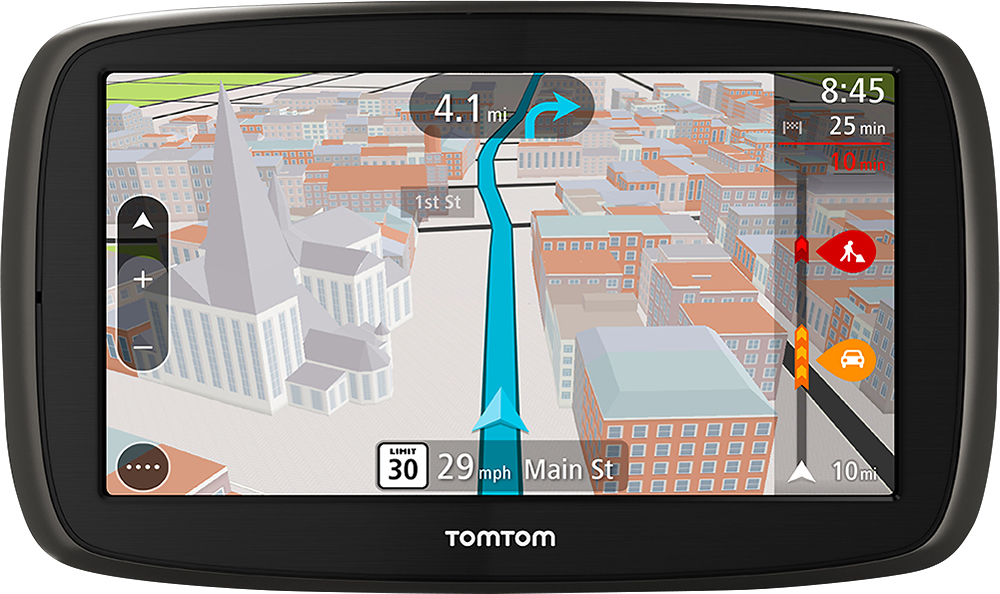
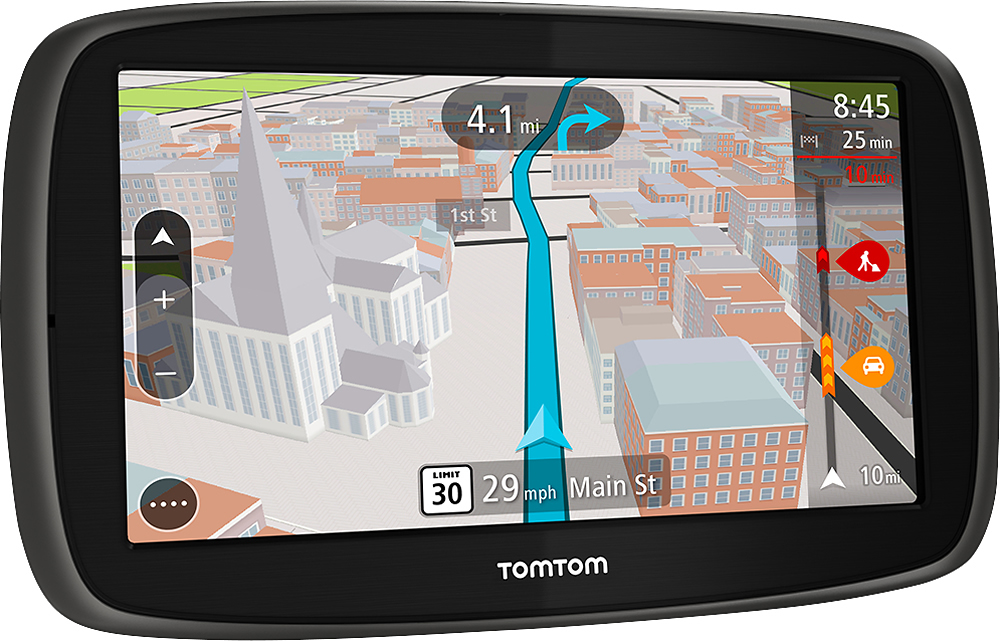
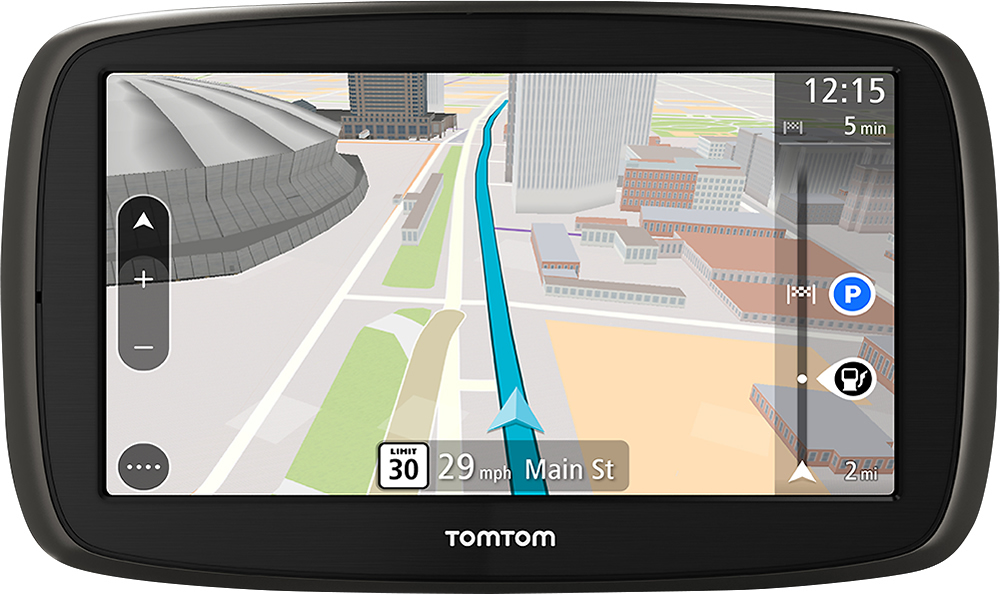
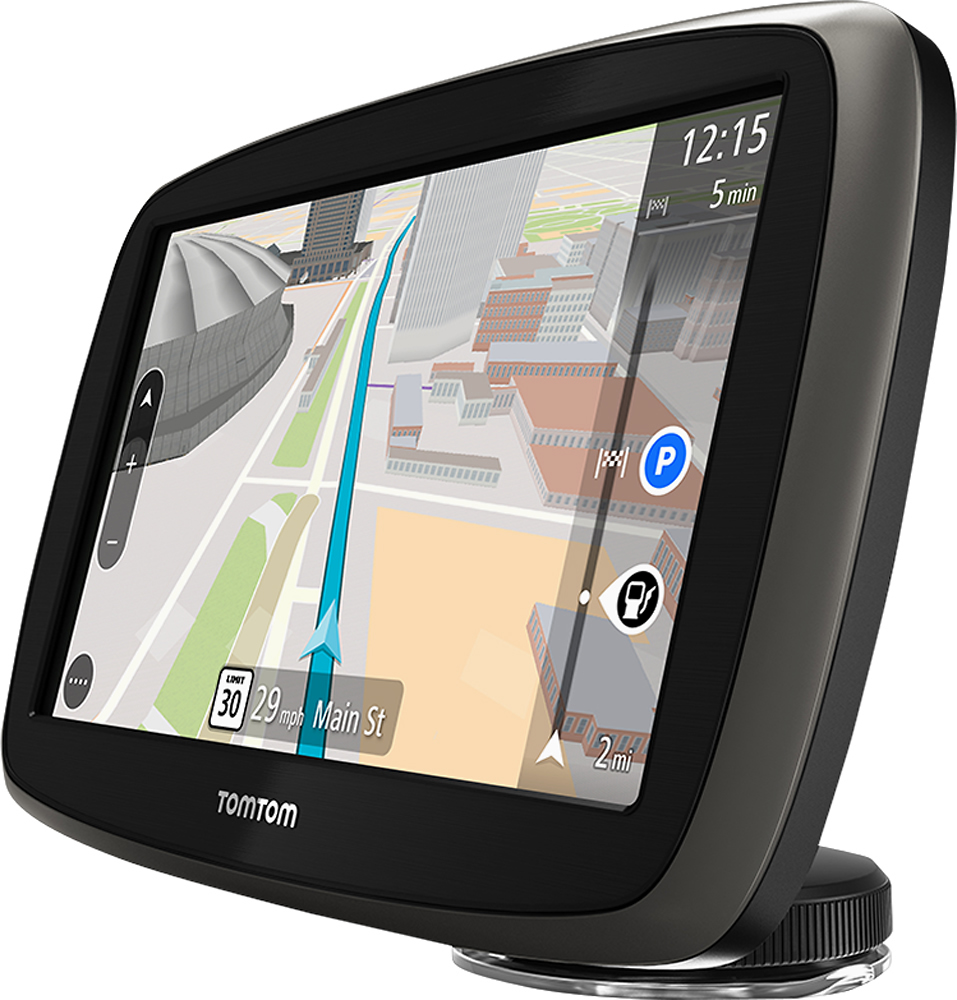
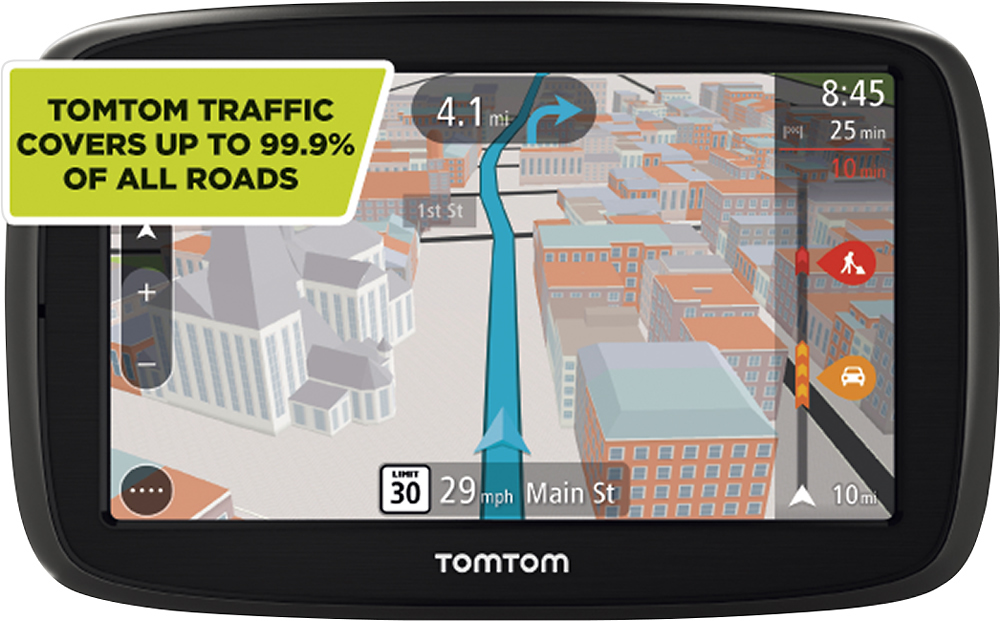
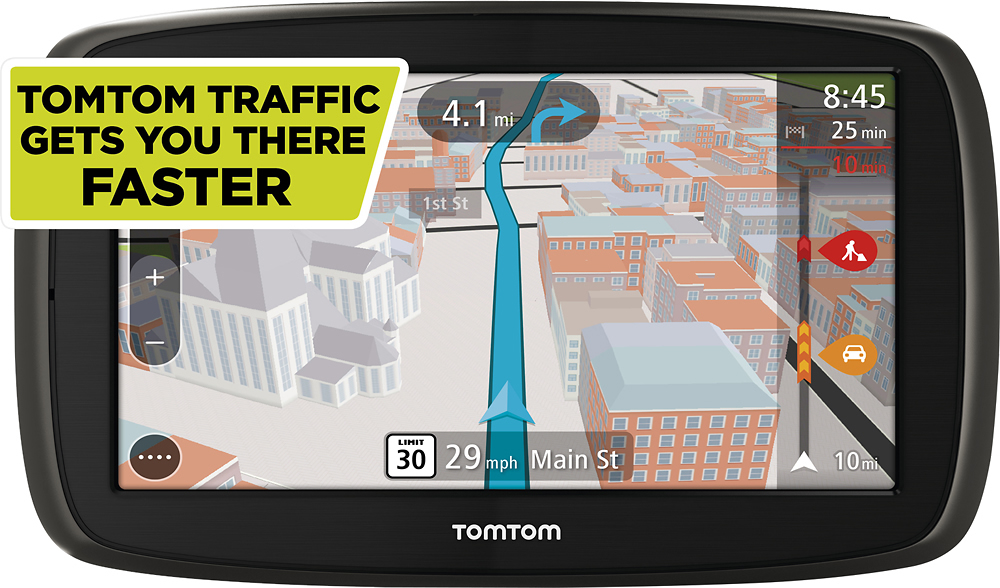
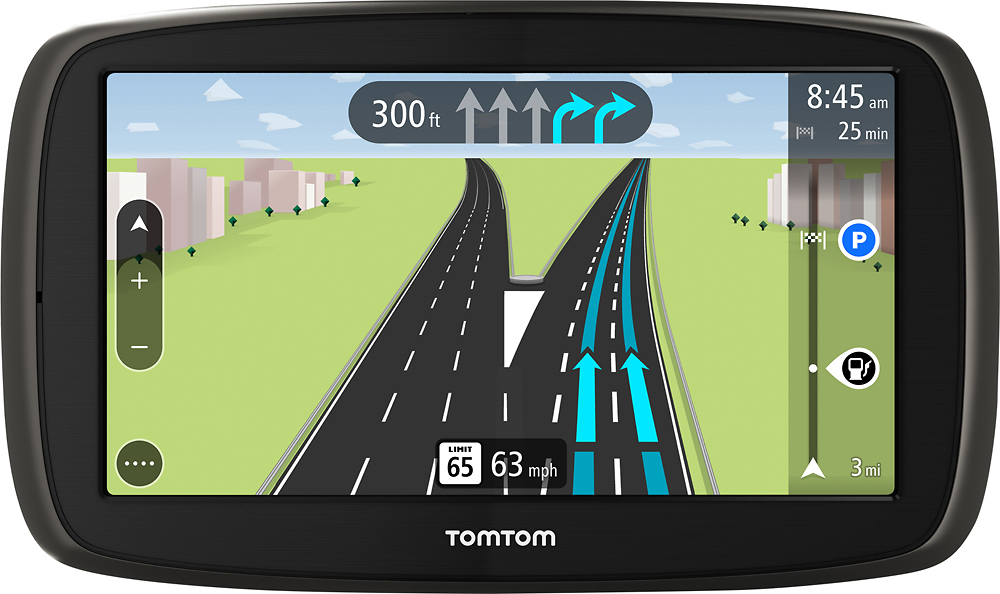
Customers are enthusiastic about the ease of use, screen size, and accuracy of the GO 60 S 6" GPS. Many appreciate the inclusion of traffic updates and find the device to be a good value for the price. However, some users reported issues with the volume being too low and experienced challenges with the software. A few also mentioned that the response time could be improved.
This summary was generated by AI based on customer reviews.
dumb functions
||Posted .This reviewer received promo considerations or sweepstakes entry for writing a review.Don't buy this one.....it is slow to respond and unfriendly
No, I would not recommend this to a friendBrand response from TomTomCommunityManager
Posted .hello, I'm sorry to read that you found the device slow and not user friendly. I'll share your feedback with the product team.
Please ensure that your device is up to date with the latest software as the last update improved the responsiveness of the screen among other things. The latest software version of the device is 13.060. You can learn more about how to get the best from the device by downloading the user manual here: http://bit.ly/1oOtk7P. if you need any more assistance, please feel free to contact our Customer Care Department on our direct line 866 486 6866 or the following page: http://bit.ly/Jn4Fjv . our capable agents will help you further.
- Pros mentioned:Ease of use, Screen size
Like the size of the screen and gas station featur
Posted .This reviewer received promo considerations or sweepstakes entry for writing a review.I really liked my first TomTom. Purchased the 60s based on size of screen and ease of use of my last TomTom. This one is NOT user friendly. Too difficult to get to screen to try to find a location. After searching for 12 to 15 minutes I give up and use my smart phone. Needs to be more user friendly. Looking for a different one or another brand. Disappointed.
No, I would not recommend this to a friendBrand response from TomTomCommunityManager
Posted .Hi
I am sorry to hear that TomTom GO 60 S was not user friendly enough for you. We have tried to simplify the search process by allowing different method of searching. This means you can for example enter addresses, postcodes and latitudes longitudes coordinates to find your destination. In this case it might be useful to take a look at the search scope of your device. You can change the search scope by clicking on the icon behind the search entry bar on the top right. Moreover a search should, of course, not take up that much time. If you feel that the search of destinations is not functioning properly please do not hesitate to contact us. You can find more information about search on p. 35 of the user guide, which you can access by following this link http://bit.ly/1b2x9oO. I hope this will improve your experience with the device. If you would like assistance with the device or have any queries you can reach us on direct line 866 486 6866 or via the following page http://bit.ly/1Rk5Yp3.
Not bad but......
Posted .This reviewer received promo considerations or sweepstakes entry for writing a review.Voice guidance is so low you cannot hear it even when it is turned all the way up. POIs do not exist and am currently trying to find out how to download them. I have had it one day. Went from Metro Deyroit area to Maryland. Seems very accurate. Voice guidance volume and lack of preloaded POIs make me wish I wouldn't have traveled with it. I checked I would not recommend to a friend. That may change if I can find solutions to my problems with the unit.
No, I would not recommend this to a friend- Pros mentioned:Screen size
No no no,
Posted .This reviewer received promo considerations or sweepstakes entry for writing a review.After using tomtom for almost 5 years, I can really say that this one is the worse Tomtom ever. So buyers, get ready to not listen to music from phone, you either listen to music from your car stereo connected to your phone Bluetooth or you know the traffic. Choose one! Meanwhile if you forget your phone at home, you are stuck in Los Angeles traffic for hours. I don't think that's is a good idea to call it free traffic update and in fact it is not. So you will use your phone data to get traffic. Very very bad device, I already returned it back from day ONE. Unfortunately, my wife is used to Tomtom, I got to teach her garmin now and go on. Now I know why most of the this GO 60s are open box. I really wanted a tomtom like the one I had but with a larger screen. Free traffic and free map updates.
No, I would not recommend this to a friendBrand response from TomTomCommunityManager
Posted .Hi Dward,
I am sorry to read that the GO 60S was not to your satisfaction and that you decided to return it. For the sake of other customers, however, I want to clarify, that while usually you need a subscription to receive live traffic information, you are free from subscription cost with the GO. We decided to make real-time TomTom Traffic the new standard for traffic over RDS-TMC on our devices was made as we believe the difference in coverage and accuracy is very substantial. Regarding the data usage - your Go uses 7MB/month which is a fraction of a typical data plan. You can learn more about TomTom Traffic here http://bit.ly/1yndbtd. I hope you found a suitable solution.
Nice Gps/Easy to use
Posted .This reviewer received promo considerations or sweepstakes entry for writing a review.I like this GPS that it has a sleep feature. The GPS finds locations fast and I use this mostly for work. I gave this four stars because this is supposed to have 3D buildings on the map and they never show up also miss the Tom voice I think it spoke a little clearer than the Samantha voice. My previous TomTom Start you could actually add you own voices. Do I believe this GPS does a good job finding your way around yes.
I would recommend this to a friendBrand response from TomTomCommunityManager
Posted .Thank you for the review. Regarding your question on voices, we have multiple voices available (for free) on TomTom.com. You can find these here: http://bit.ly/1KlKxEL
For any other questions, please reach out to our customer support team: 866-486-6866
- Pros mentioned:Ease of use, Screen size
Very Good GPS
Posted .This reviewer received promo considerations or sweepstakes entry for writing a review.User friendly; clear directions; easy to follow; Big screen.
I would recommend this to a friend - Pros mentioned:Screen size
Worthwhile Upgrade
Posted .This reviewer received promo considerations or sweepstakes entry for writing a review.Our five inch TomTom GPS had served us well for the last five years or so, but while 3000 miles away from home, it started to have trouble finding satellites. With another 5000 miles or so left on our month long tour of museums, we didn't want to depend upon the awkward system built into the car. The Go 60 S 6 had the features we have come to appreciate and our motel was less than a mile from the South Portland BestBuy. The staff were both helpful and friendly as they matched Amazon's price. The Go 60 S 6 is so much improved over the previous model. The screen is bigger and clearer, the voice instructions are clearer, the reception is much faster, and the power management and windshield mounting are improved. I like to remove the GPS from the windshield whenever we leave the car. The new mount which is attached to the GPS removes easily and remounts easily whereas the old one could be hard to get back into its mount without hitting the screen and executing some unwanted command. As soon as the usb leaves the lighter jack, the screen warns that the unit will go to sleep. And as soon as it is restored to power, it resumes its efforts as if never interrupted. Our only problem is that the voice instruction does not always have enough time to warn of turns and some times warns just a little early. If I can sneak a look at the intersection diagram, I can usually tell whether the instruction is fifty feet too soon. Worst case, I go around the block. All in all, we are delighted with our upgrade.
I would recommend this to a friend Tom Tom is the best
Posted .This reviewer received promo considerations or sweepstakes entry for writing a review.I have always had Tom Tom GPS and it has always gotten me anywhere and everywhere that I have ever needed to go. With it I am never lost and can always find my way around.
I would recommend this to a friend- Pros mentioned:Ease of use
Tom Tom the best
Posted .This reviewer received promo considerations or sweepstakes entry for writing a review.I bought an tom tom device 7years who and I just stop it was old, but got the best and most easily used device ever I Love Tom Tom would buy any other. This is a great device. Always takes you in right direction
I would recommend this to a friend - Pros mentioned:Ease of use
Great Unit, Do Not Update Maps
Posted .This reviewer received promo considerations or sweepstakes entry for writing a review.Overall the unit works well, happy with map, directions and ease of use. Worked great until I tried to update map with TomTom software. Turned by unit into a brick, spent 4 hrs on the phone with tech support. Did not help, was told I would be called back, was not, received an email saying they tried to contact, no missed calls. I would not recommend TomTom products due to poor tech support, if you choose TomTom, buy the Best Buy extended warranty then you do not have to deal with TomTom tech support. Again, great product if you do not try to update with later maps. I have purchased 4 TomTom units, will never buy a TomTom again.
No, I would not recommend this to a friendBrand response from TomTomCommunityManager
Posted .Hello PKF1,
I am sorry to hear about the unpleasant experience you had with the TomTom GO 60S and our Customer Care Department. We would like to resolve the issue as soon as possible. If you are willed to, please send an email including your contact details and your incident number (you should have received that from the Customer Care Agent you spoke with) at [email protected] and we will have one of our experienced agents reach out to you. Thank you.
Step into 80s
Posted .This reviewer received promo considerations or sweepstakes entry for writing a review.With go60 looks like tomtom stepped back into past! Worst navigator ever! Looks like they loaded mobile soft into navigator and want to pile up some quick money! I own few older tomtoms, via models, so this is not near as good! I only had this go 60 for two days and back to store it went! The bad stuff: 1 very small buttons! 2 very small dot to bring menu , touching anywhere on screen not bringing menu. 3 no option to avoid particular streets or highways from planned route, no way to modify route chosen by go60. 4 you need to use ur phone to load traffic, ridiculous, my phone has gps in it and if I need to use my phone i dont need navigator from tomtom! 5 has no all the streets, some smaller streets are not in there while via older models do have all atreets. 6 most annoing is address search, where u need to type and spell entire address ans street and city and state in order for this to find it, try typing each address on those small buttons while driving u will see how announg! Older tomtom models give u options, u type first few letters of city or street and it pops up suggestions while this new go60 asks u to type full address ,, so 18 th century,! So now im shopping to buy used via 1605 tm since tomtom not making them anymore! I rather buy used 1605 than be with this go60! Stay away!
No, I would not recommend this to a friendBrand response from TomTomCommunityManager
Posted .Hello Trust,
I am sorry to hear that the TomTom GO 60 is not to your liking. I will make a few suggestions on your comments in the hope that you still have the device.
Regarding the size of the buttons, you can adjust this. Please select the settings in the menu, then appearance, display and size of texts and buttons.
The avoid part of the route option has been recently delivered in an update. If you have not done so, please connect your device to your computer and the MyDrive app and load the latest update. Afterwards you will find the avoid the route option in the menu under current route.
Our research has shown that most of our users possess a smartphone already, what additionally to the fact that we achieve a much higher accuracy and level of coverage, lead us to the decision to implement the smartphone connection, as the most efficient and cost effective way to deliver life time services to you. The data usage and battery drain of using your phone should be minimal. You can still use your device without the smartphone, but will not be able to receive the life services then.
Should you discover map errors, please do report them. We try our best to validate them quickly and implement the changes via on of our map updates. You can report an error via the map share reporter. Please find more information on that topic via this link: http://bit.ly/1RVDLEY
The address bar works indeed different than you are used to from older devices. It will give you, while typing in the address, suggestions. You can adjust the range on which the suggestions are given by clicking on the symbol next to the search bar that by default says whole map.
Should you need any further assistance, please do not hesitate to contact out Customer Care Department via this link: http://bit.ly/1Px7FhE.
Disappointed in GPS
Posted .This reviewer received promo considerations or sweepstakes entry for writing a review.First of all, the Bluetooth does not connect automatically for the traffic to work. Very slow start up. It tells me my destination is on the left. The problem with that is it is on the right. It is always wrong as to which side of the road my destination is on. Really should have more option for the price. I like the way the old traffic worked better. Graphics are not really better, just different. Overal I liked my old TomTom's better.
No, I would not recommend this to a friendBrand response from TomTomCommunityManager
Posted .Hi dmeyer1962, I apologize for the overall experience. When the MyDrive app is running in the background, Bluetooth is turned on on your phone and your phone is discoverable you should not have to pair every time. I'm sorry to read that you liked the old traffic technology better. However, we decided to make real-time TomTom Traffic the new standard for traffic over RDS-TMC on our devices was made as we believe the difference in coverage and accuracy is very substantial. Thank you for your review.
nice features but bad in the glare
Posted .This reviewer received promo considerations or sweepstakes entry for writing a review.Nice feature set but it is very difficult to see during the day. Screen contrast in sunlight is very poor.
I would recommend this to a friendBrand response from TomTomCommunityManager
Posted .Hello makinamotze, we are currently looking into more customization options for the map colors of the GO. In the meantime, you can customize the look of the device in the Appearance menu to your preferences. Changing the Theme color could be a start. Thank you for your feedback.
Will Never Buy a Tom Tom Again
Posted .This reviewer received promo considerations or sweepstakes entry for writing a review.I bought the Tom Tom 60S today. I needed a GPS to get to an important meeting. The other GPS unit I own was with my wife out of town. I was on a very tight schedule and bought the 60S. It took me over 45 minutes to get it to accept an address. It could not find the address I needed to go to and I had to use Google Maps to find a nearby address that it would accept.. The GPS (Magellan) my wife has with her finds this address in less than 30 seconds. The menus are so user UN-friendly that I missed my meeting. Since I was already late and so mad I wanted to throw the unit against a wall I returned the unit to the store, got a refund, went back to the GPS section and looked at a Garmin. The Garmin, even with bad satellite links found the address in less than 15 seconds and was $20 less expensive. The Tom Tom came with no written instructions and the on screen help was nearly useless. If I can't figure out how to input an address and have the unit find that address within minutes the unit is useless to me.
No, I would not recommend this to a friendBrand response from TomTomCommunityManager
Posted .Hello Baron,we are sorry that the searching interface was not as intuitive as we would like it! Since your GO 60 S includes complete maps of US, Canada and Mexico the default search setting for your maps is initially within a 50 mile radius of your current location, or "Near Me" . This is done to keep search times low and relevant to a majority of journeys. As you found out, you can modify this setting in the search screen by selecting Near me in the upper right hand corner. You then have the option to have your searches include the "Whole Map" - this means the entire maps of US, Canada and Mexico. Please note that searching the entire maps for multiple countries takes a bit longer and can result in locations that are not close to your current location. Also note that if you switch between "Whole Map" and "Near Me" that setting should remain set until you power off the device. If you power down the device it will start back up with "Near me" as the default. (putting the unit to sleep does not change this setting)
Please note that when entering addresses, less is usually more with the GO. It will start to auto-complete addresses or POI information as you type. So if you are in 'Anywhere OK' looking for "123 Main St." you should only have to start typing "123 M" and below in the results they are automatically shown ranked by distance.
I will share your review with the relevant teams.
- Pros mentioned:Screen sizeCons mentioned:Volume
Worst Tomtom ever
Posted .This reviewer received promo considerations or sweepstakes entry for writing a review.I bought this Tomtom to replace one I have that is about 2 years old. I almost didn't go with Tomtom because the one I was replacing a had issues ( it studdered) I was excited about the bigger screen and advanced features but alas I was disappointed. The first thing I did was update the unit when I got it. But nothing I did would make the volume any louder and I never could get the my drive app to work at all. I bought it especially for a trip to Denver and really needed the verbal prompts. I took it back to Best Buy they tried to help me with it but nothing worked so I ended up exchanging it for a Gamin. Don't buy this unit
No, I would not recommend this to a friendBrand response from TomTomCommunityManager
Posted .We apologize for the experience you had with your GO 60 S and had to return it, we will provide the feedback to our developers for future updates.
- Pros mentioned:Screen size
OUTSTANDING GPS
Posted .This reviewer received promo considerations or sweepstakes entry for writing a review.Purchased this GPS after having a different one for 4 years. Had been unable to read the screen (poor vision on my part) This TomTom is larger I can read everything on the screen without aid of eyeglasses. Went on a trip this past week and worked perfectly. Guided me on a route I never traveled before and got me there faster than any of my previous trips. Very distinctive voice for directions. Can't say anything negative about this unit.
I would recommend this to a friend - Cons mentioned:Software
Known Software Problem by Tom Tom
Posted .This reviewer received promo considerations or sweepstakes entry for writing a review.Purchased yesterday and returning it tomorrow. Keeps going into demo mode! Other reviews indicate this is a known problem by Tom Tom. They should be pulled from the shelves! Why continue to sell a defective product? Very disappointed. Will check out Garmin instead!
No, I would not recommend this to a friendBrand response from TomTomCommunityManager
Posted .Hi,
I am sorry to hear that you were disappointed with the TomTom G0 60S. If you have not returned the device and would still be willing to give it a try I would suggest that you contact our Customer Care Department. They will be able to take a closer look at the issue. You can contact our Customer Care either on direct line 866 486 6866 or via the following channel http://bit.ly/Jn4Fjv.
- Cons mentioned:Volume
Tom Tom Go 60
Posted .This reviewer received promo considerations or sweepstakes entry for writing a review.Poor graphics. EXCESSIVE NOTIFICATIONS of where not to get off miles and miles away from actual exit. No method of adjusting calculations for an RV or vehicle TOWING ego only able to drive 55... Volume too low.
No, I would not recommend this to a friendBrand response from TomTomCommunityManager
Posted .Hi Boterito,
I apologize for the overall experience. Your comments will be shared internally.
- Pros mentioned:Screen size
Good so far
Posted .This reviewer received promo considerations or sweepstakes entry for writing a review.This is my third tomtom gps. I like that its a big screen and Bluetooth. I got it on sale which got me to buy it.
I would recommend this to a friendBrand response from TomTomCommunityManager
Posted .Glad to hear you like it Mike! Thanks for the great review. Let us know if you ever need any help. Cheers, Sam at TomTom.
Great gps
Posted .This reviewer received promo considerations or sweepstakes entry for writing a review.Love my new tom tom. Wasn't sure if I'd like bluetooth traffic, but it works so much better than the old system.
I would recommend this to a friend