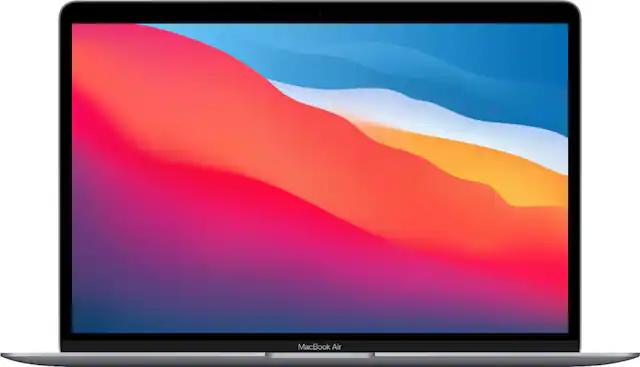
First, to ensure the Mac Air is the right choice for your work and play activities, compare the technical specs, like processor and display technology, of models from different years. You may even want to compare the MacBook to a Windows laptop in terms of compatibility with the software and hardware you currently own. If you have other Apple products, like an iPhone, iPad or Apple Watch, then you will benefit from Apple’s sync technology when choosing a MacBook.
When choosing the best software for your new computer, think about the tasks you want to do and the compatibility you need. If you need to handle a lot of data, consider investing in an external SSD.
To secure your data and privacy, Mac-compatible antivirus and security software should be one of the first programs you install on your new device. And always look out for your Apple laptop computer when traveling by carrying it in a laptop bag. When paying for your Apple MacBook Air, you can also extend Apple’s service coverage by choosing AppleCare+.