Backup Flash Drives
-
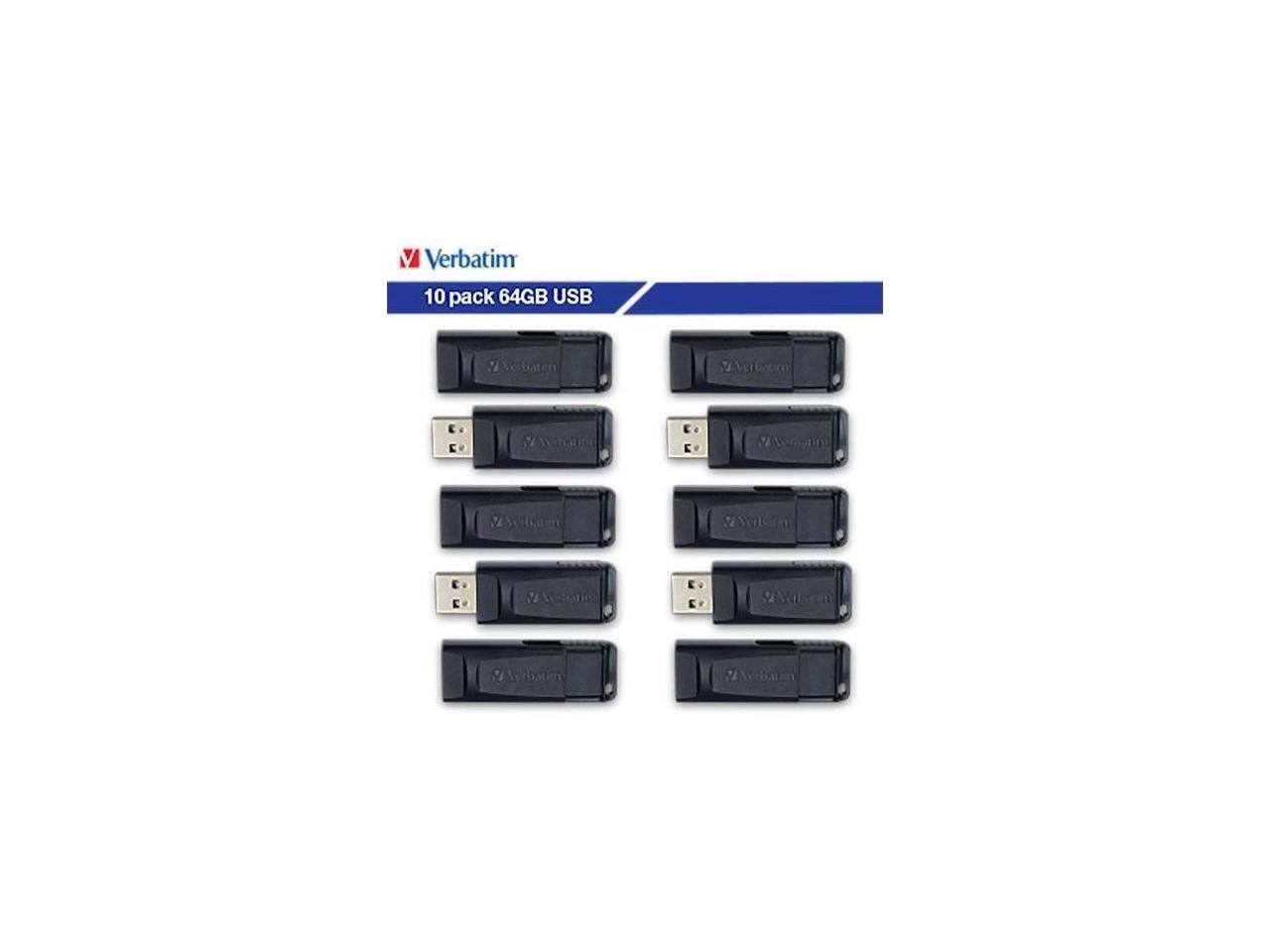
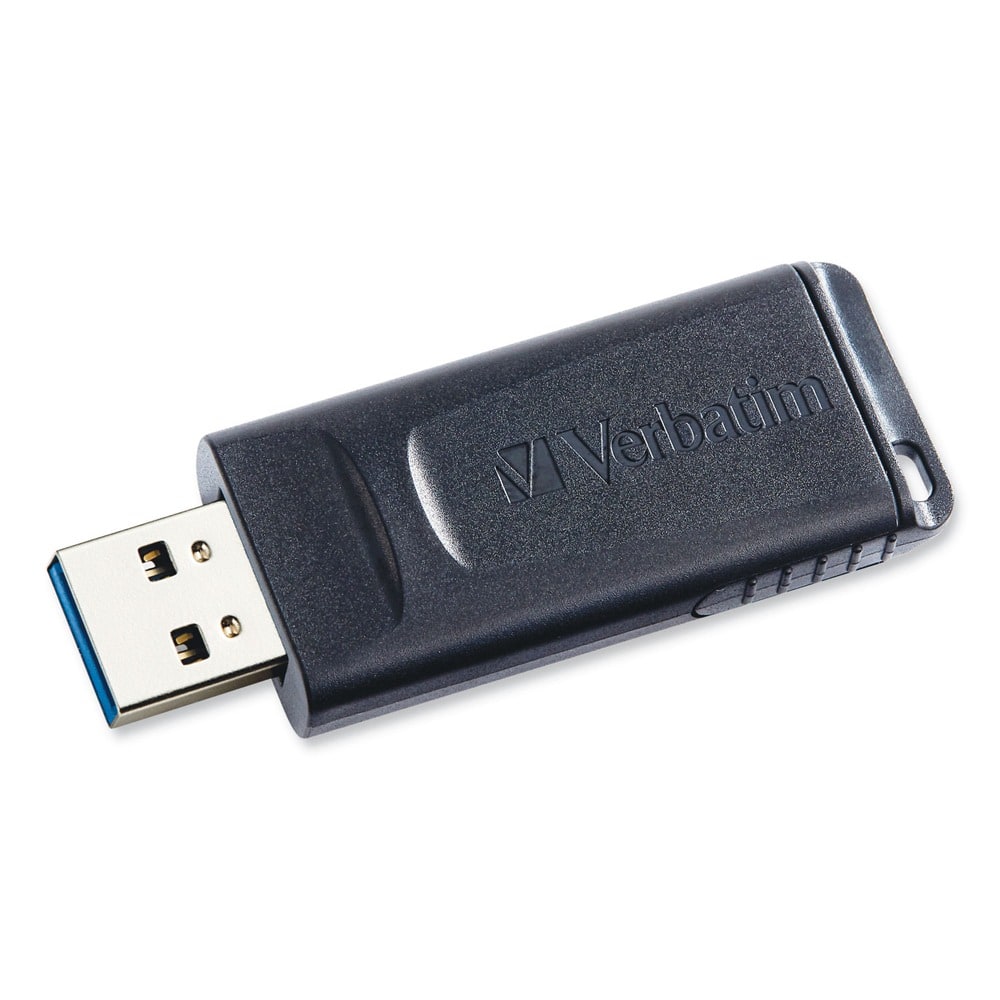
Verbatim - 64GB Store 'n' Go USB Flash Drive 10pk 70895 - Black
SKU: J72FJWLYLGSee all USB Flash DrivesProduct Description
A pack of ten black USB-A 64GB flash drives with retractable, antimicrobial, cap-less design for secure storage.Your price for this item is $119.99Save $16The previous price was $136.96 -
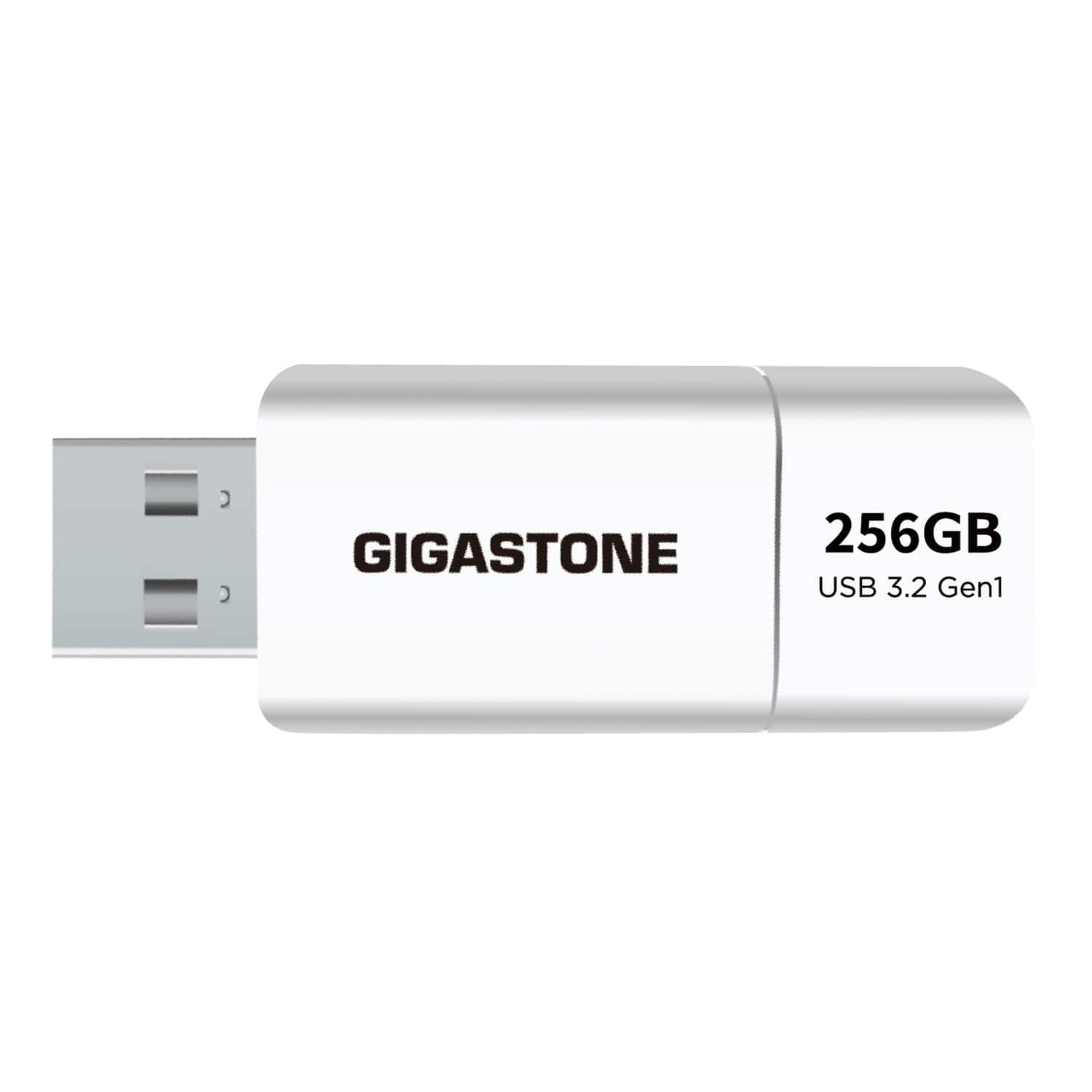
GIGASTONE - USB 3.2 Flash Drive 256 GB - White
SKU: J38KG68VCKSee all USB Flash DrivesProduct Description
A white USB-A flash drive with 256GB storage and USB 3.2 speeds up to 120MB/s.Your price for this item is $51.99 -
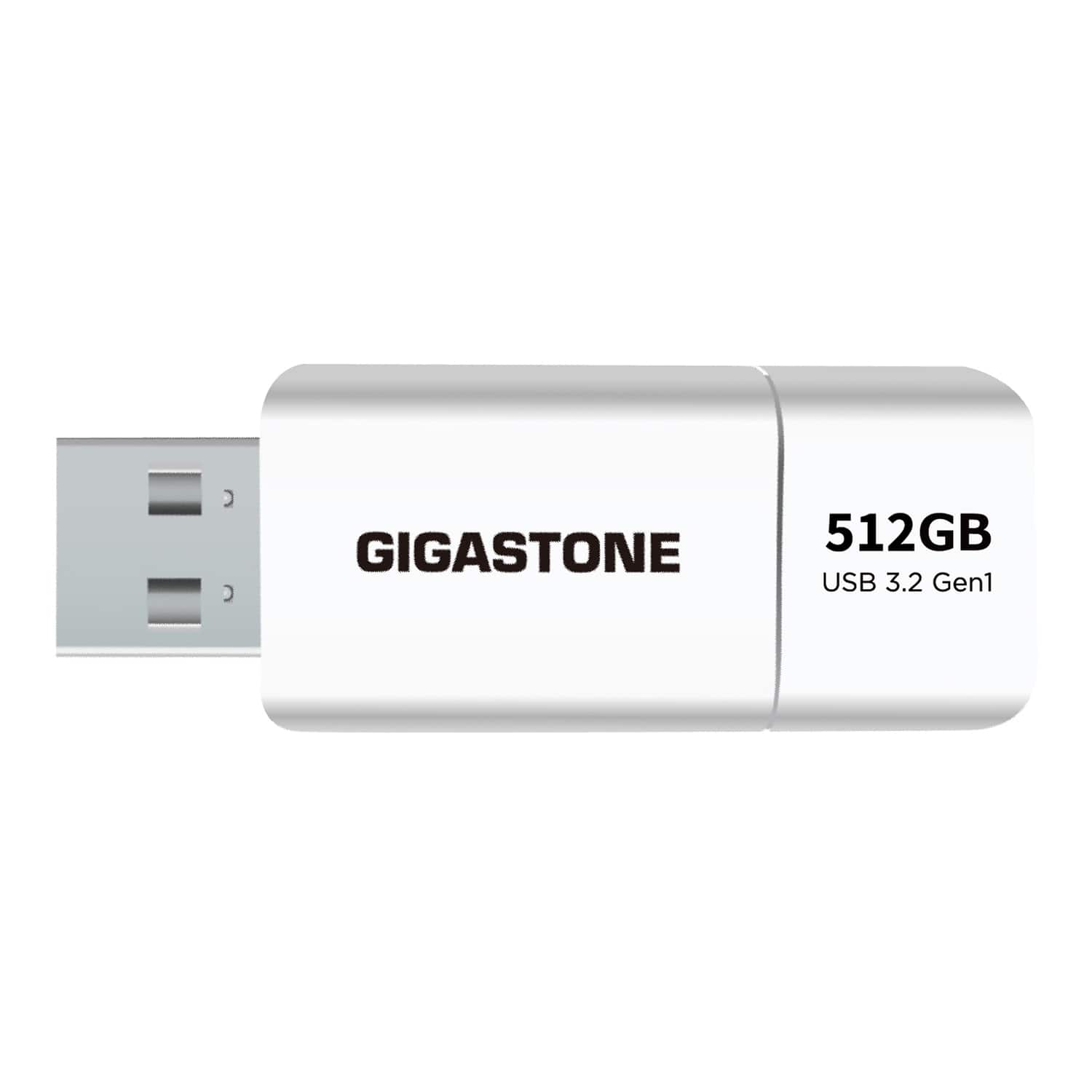
GIGASTONE - USB 3.2 Flash Drive 512 GB - White
SKU: J38KG6GX8GSee all USB Flash DrivesProduct Description
A white USB-A flash drive offering 512GB storage and fast USB 3.2 transfer speeds up to 120MB/s.Your price for this item is $89.99 -
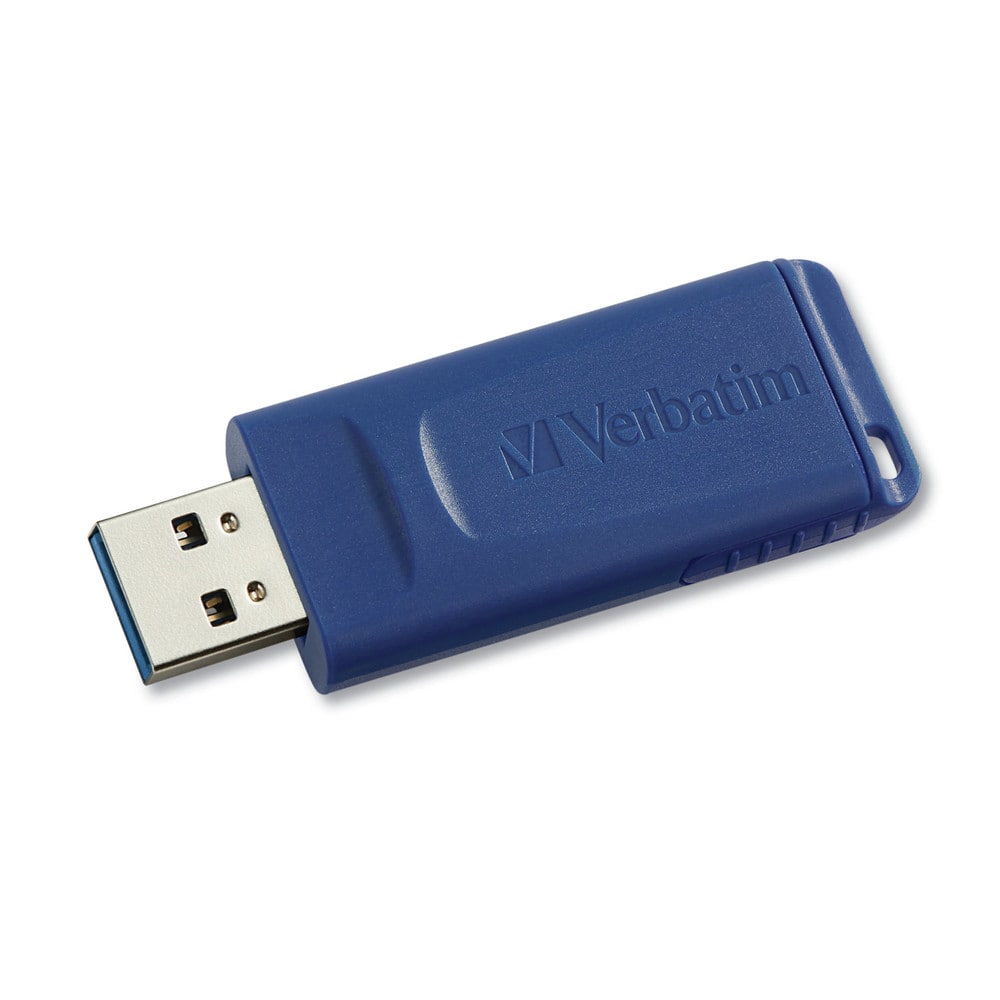
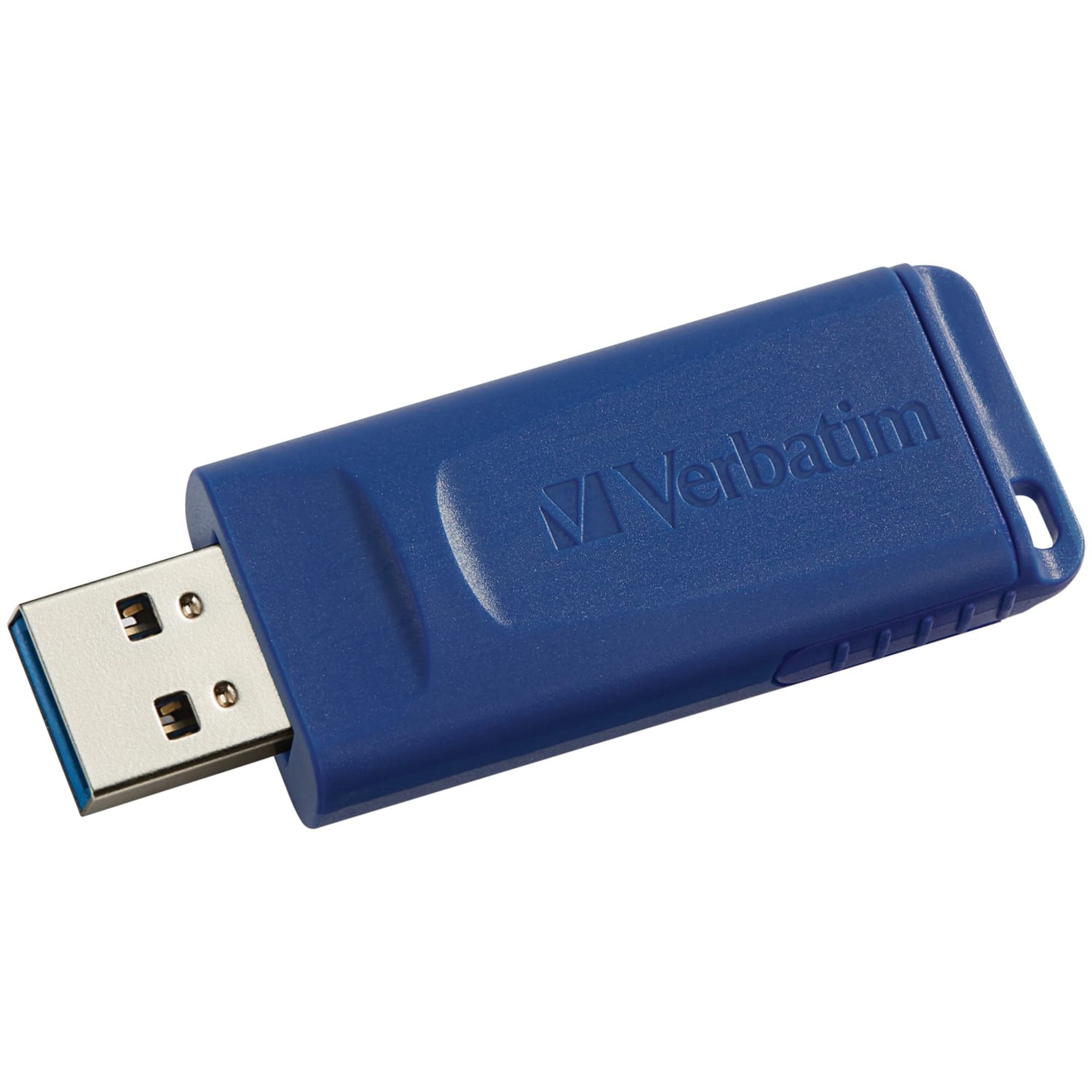
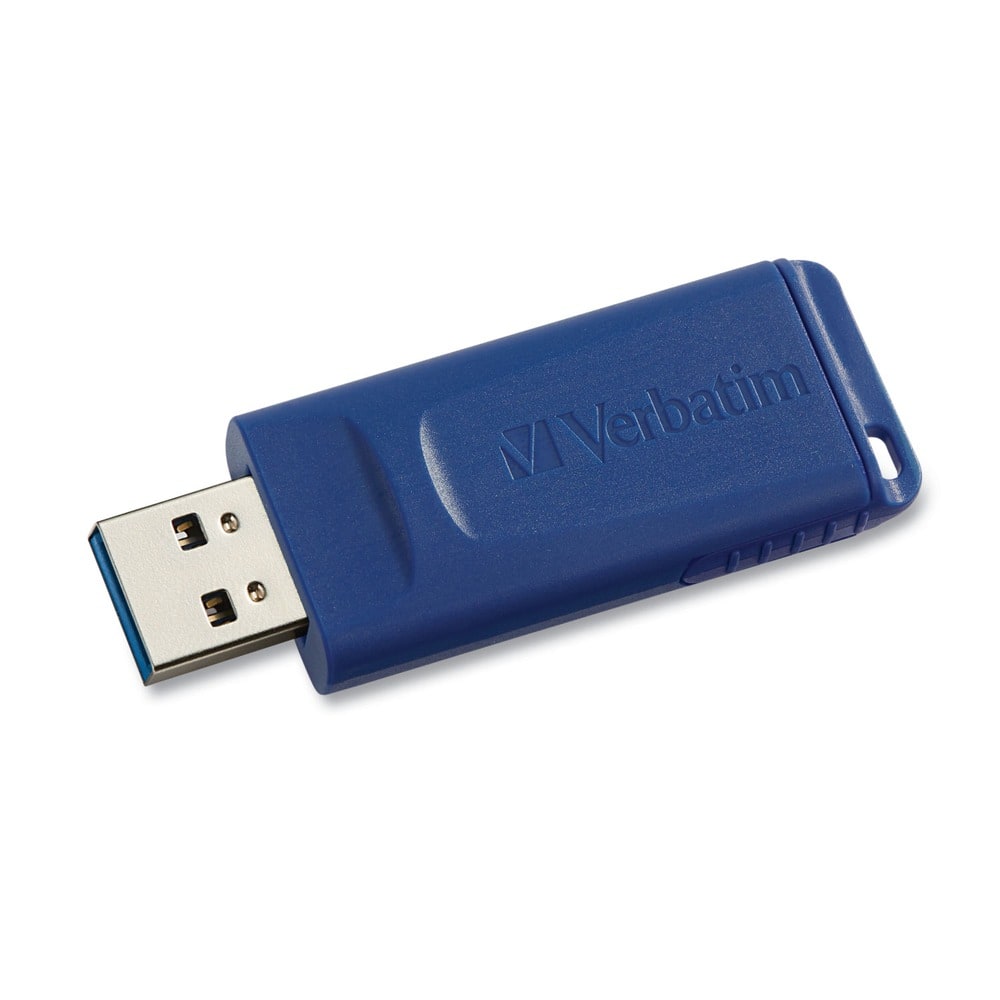
Verbatim - 97088 8 GB Classic USB 2.0 Flash Drive - Blue
SKU: J72FJK72P3See all USB Flash DrivesProduct Description
A blue USB 2.0 flash drive with 8GB storage and a retractable connector for easy portability.Your price for this item is $12.99Save $5The previous price was $18.68 -
Verbatim - USB Flash Drive 128 GB - Blue
SKU: J72FJKJ26HSee all USB Flash DrivesProduct Description
A blue capless USB 2.0 flash drive offering 128GB storage and compatibility with all USB-A ports.Your price for this item is $34.72 -
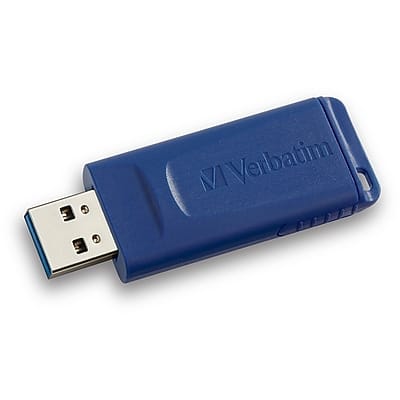
Verbatim - 32GB USB 2.0 Flash Drive - Blue
SKU: J72FJK7L6SSee all USB Flash DrivesProduct Description
A blue USB 2.0 flash drive with 32GB storage and a retractable connector for added durability.Your price for this item is $24.49 -
Verbatim - 70893 32 GB Store 'n' Go USB Flash Drive Business Bulk - (10/Pack) - Black
SKU: J72FJWLYGLSee all USB Flash DrivesProduct Description
A pack of ten black USB 2.0 drives with 32GB each, featuring retractable, antimicrobial design.Your price for this item is $112.42 -
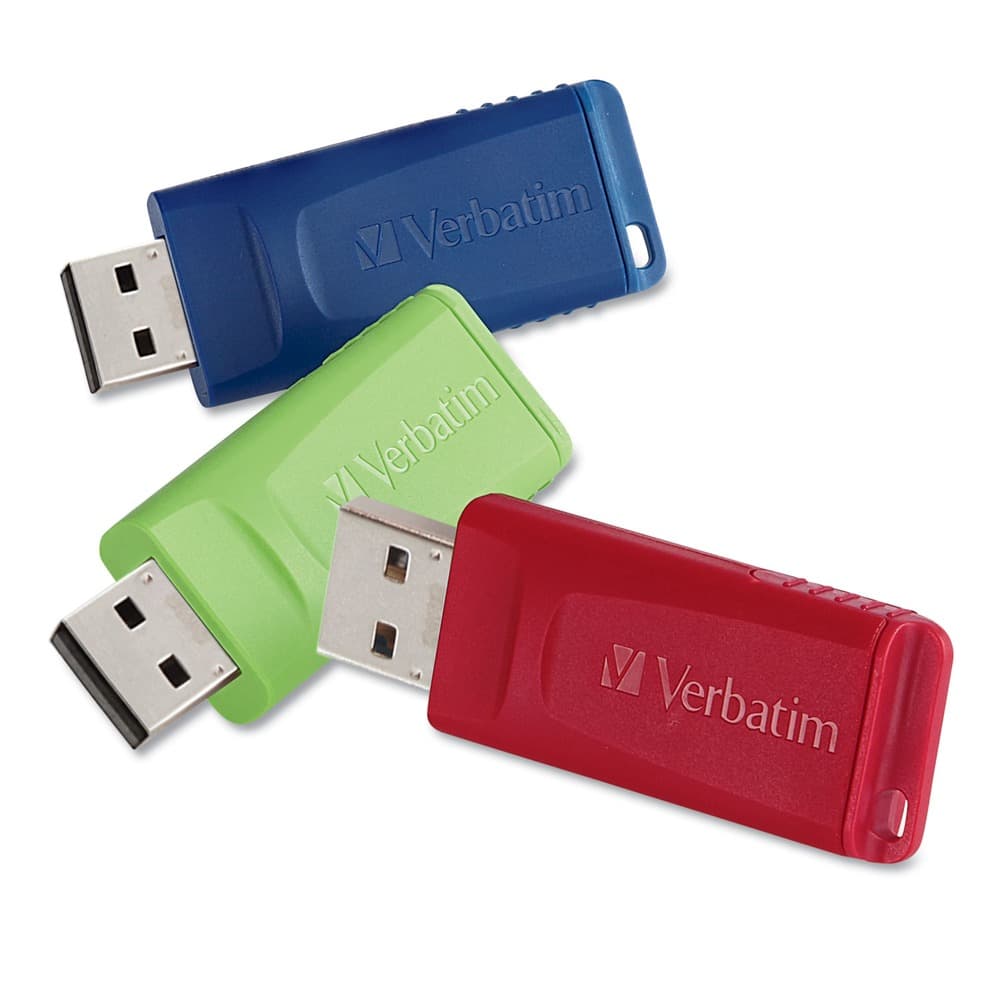
Verbatim - 99122 Store N' Go 16 GB USB Flash Drives - Assorted (3/Pack) - Blue; Green; Red
SKU: J72FJKJPVXSee all USB Flash DrivesProduct Description
A set of three 16GB USB 2.0 drives in red, green, and blue with retractable connectors.Your price for this item is $28.18 -
Verbatim - 99810 16 GB Classic USB 2.0 Flash Drive - (5/Pack) - Blue
SKU: J72FJKJ4V3See all USB Flash DrivesProduct Description
A pack of five blue USB 2.0 drives with 16GB storage and retractable connectors for protection.Your price for this item is $39.99 -
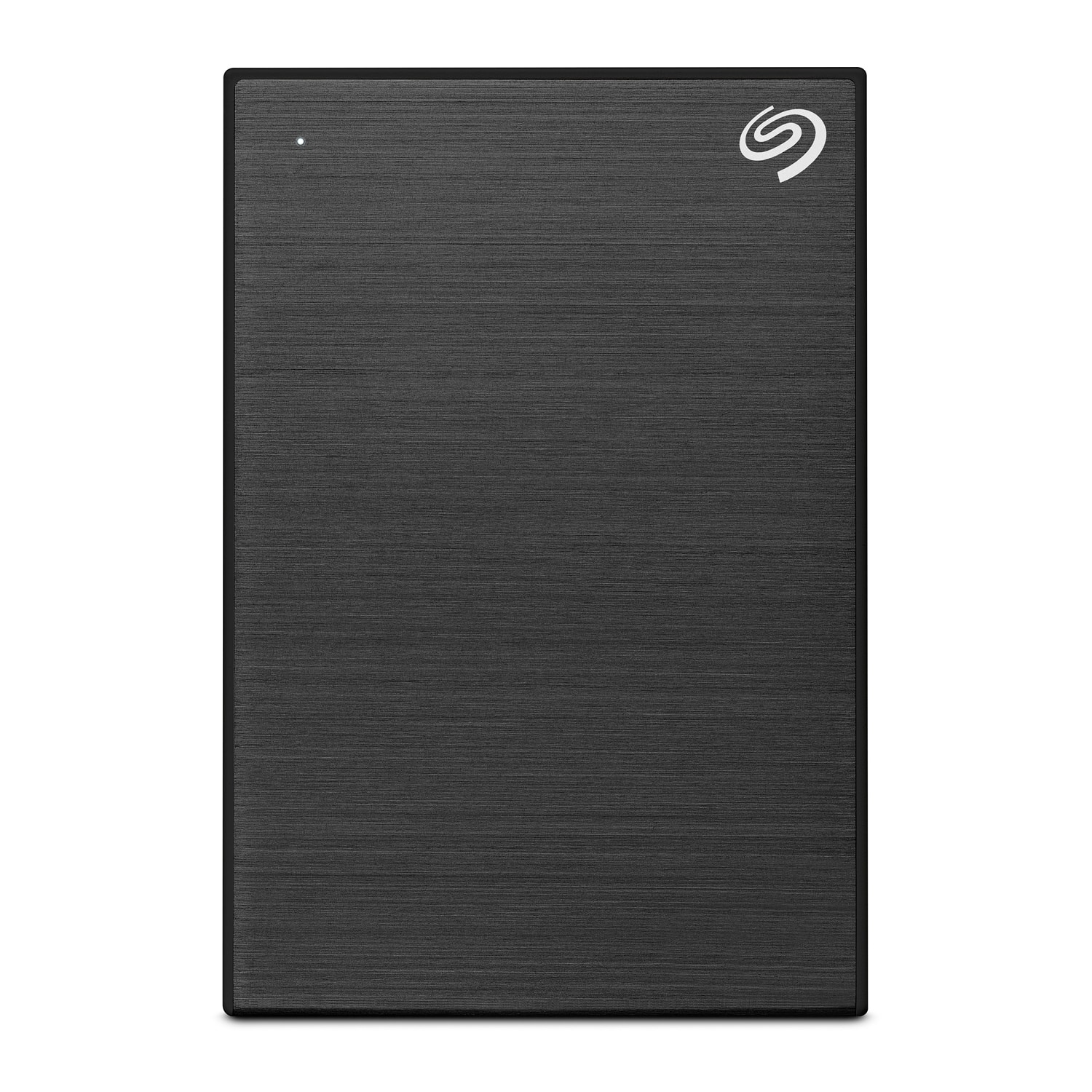
Seagate - One Touch with Password 4TB External USB 3.0 Portable Hard Drive with Rescue Data Recovery Services - Black
SKU: J37C5H4WRSSee all External Hard DrivesProduct Description
A portable black hard drive offering 4TB storage, USB 3.0 connectivity, password protection, and data recovery.Your price for this item is $196.84
Best Sellers





Related Pages




FAQ
A backup flash drive is used to securely store copies of important files, such as documents, photos, videos, and other data, so you can recover them if your computer or device experiences data loss.
To back up your files, insert the flash drive into your computer's USB port, then drag and drop or copy and paste the files you want to save onto the flash drive. You can also use backup software for automated backups.
Most backup flash drives are compatible with both Windows and Mac computers. However, you may need to reformat the drive or use a compatible file system for seamless use across different operating systems.
Many gaming consoles and smart TVs support USB flash drives for media playback or storage expansion. Check your device’s user manual to ensure compatibility and supported file formats.
To prolong the life of your backup flash drive, avoid exposing it to extreme temperatures, moisture, and physical shocks. Always safely eject the drive from your device before removing it to prevent data corruption.