Home Office Monitors
-
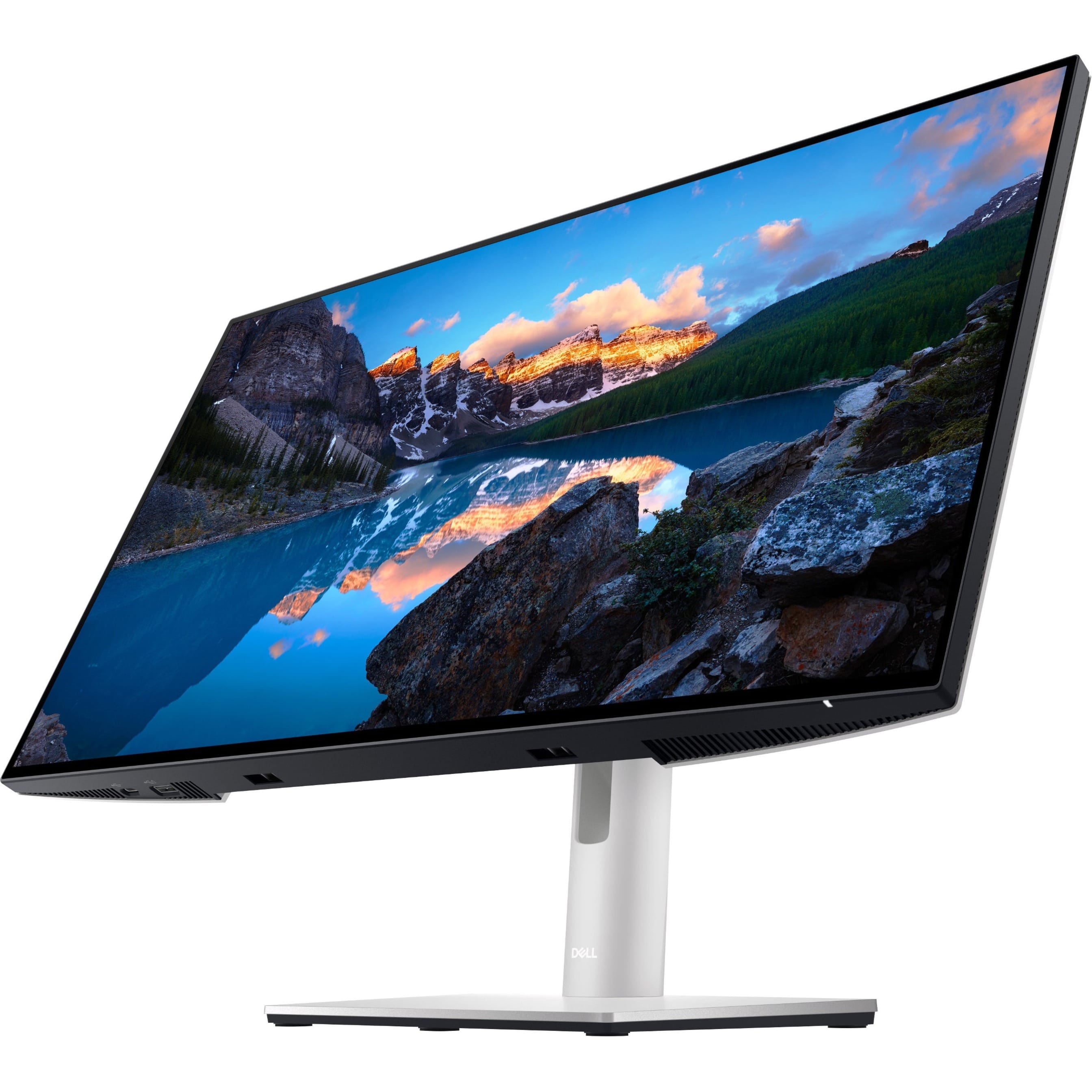
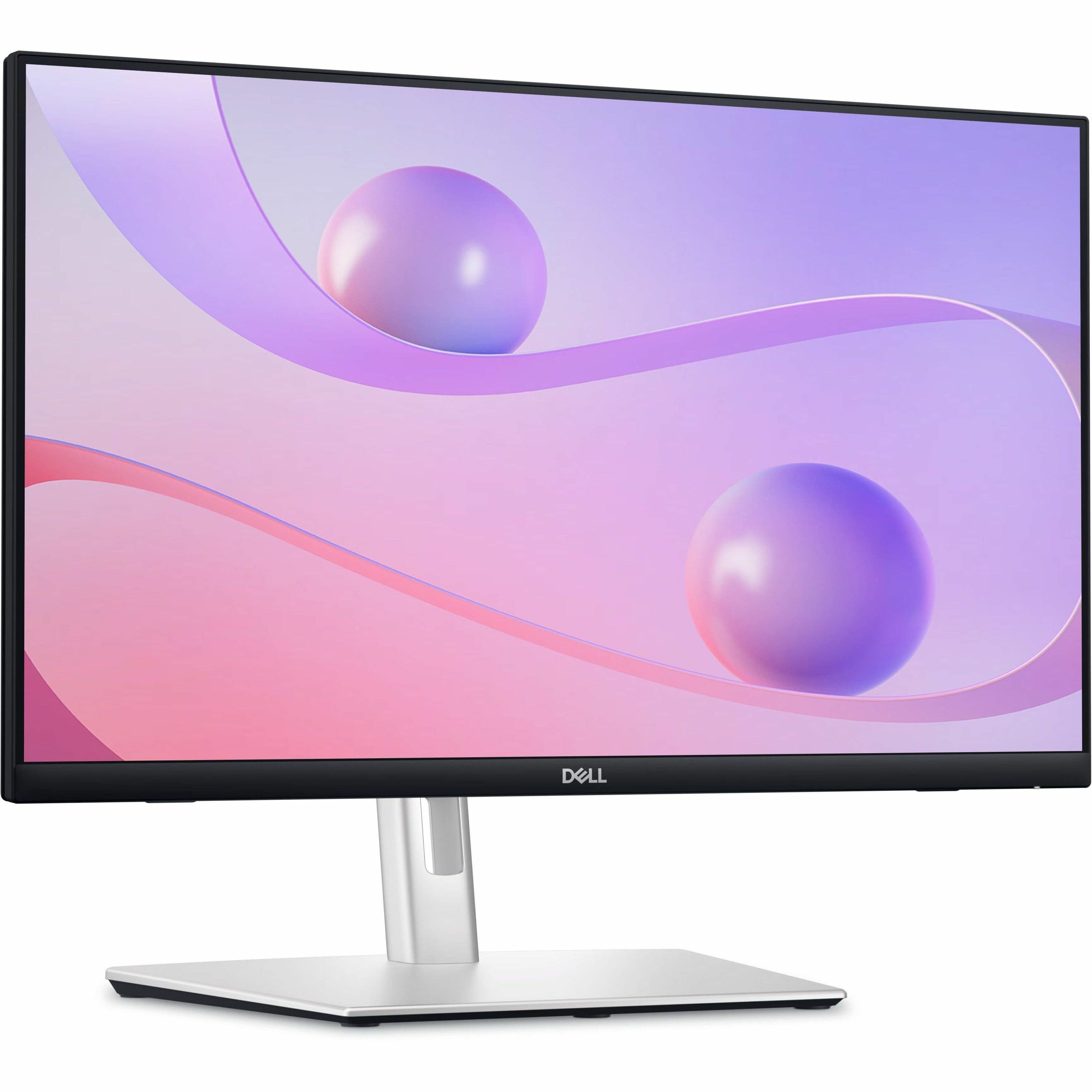
Dell - UltraSharp 23.8" LCD Monitor (DisplayPort, USB, HDMI) - Black
SKU: J3K4L9V72WSee all All MonitorsProduct Description
A black IPS LCD monitor with 1920 x 1080 resolution, 60Hz refresh rate, and adjustable stand height.Your price for this item is $399.99 -
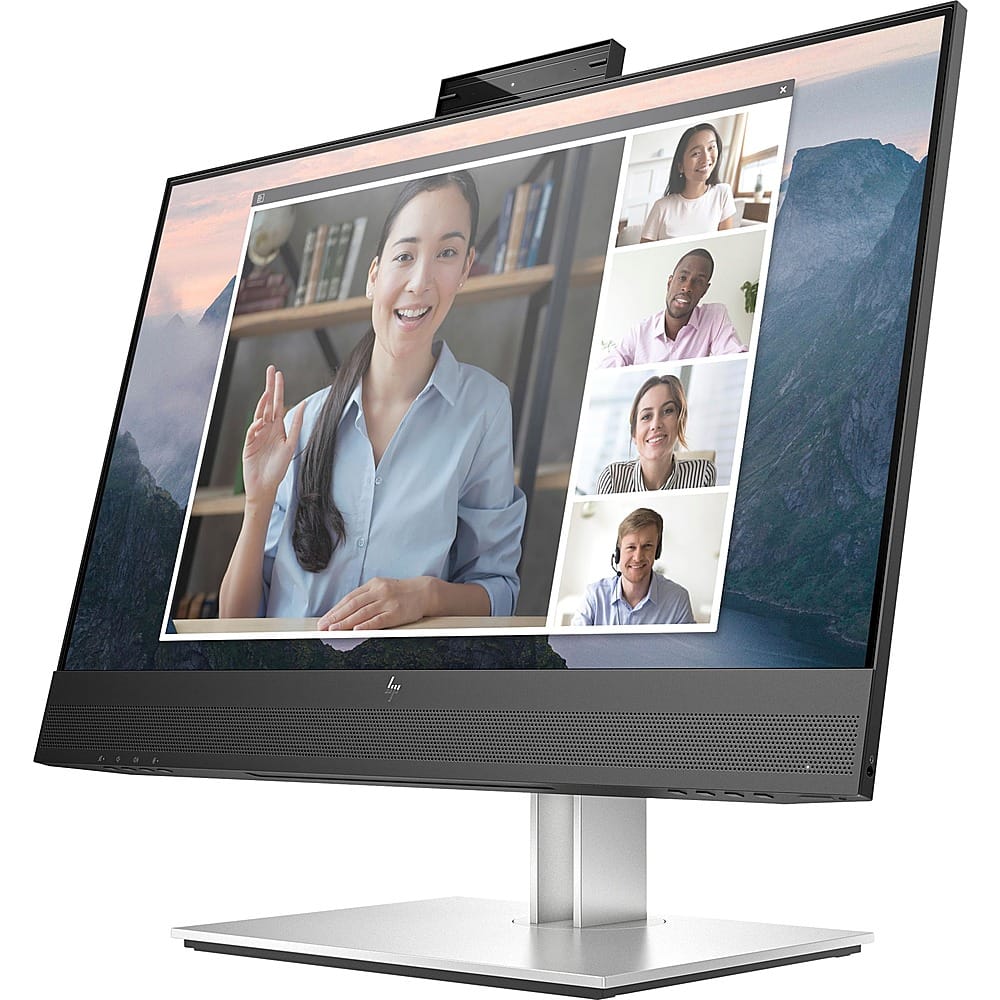
HP - E24mv G4 FHD Conferencing Monitor 23.8 LCD FHD - Black/Silver
SKU: JJ8V39YY5JWorks great. Love the size and clarity. Would recommend....Great Monitor...Nice crisp display and I love the built in mic and speakers. I use for work and home seamlessly.
See all All MonitorsProduct Description
A sleek black and silver conferencing monitor featuring a 23.8" FHD IPS display, pop-up webcam, and speakers.Your price for this item is $319.99 -
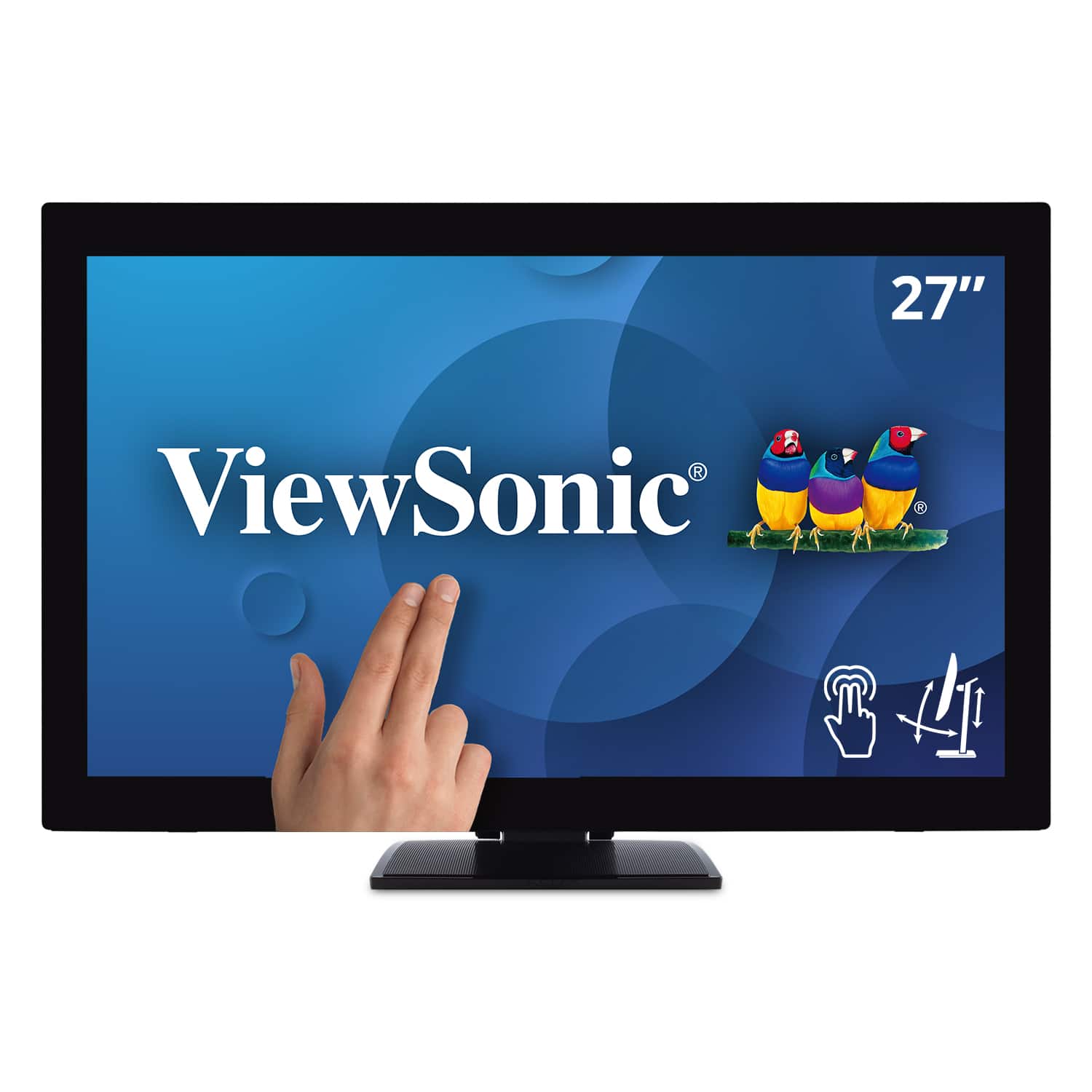
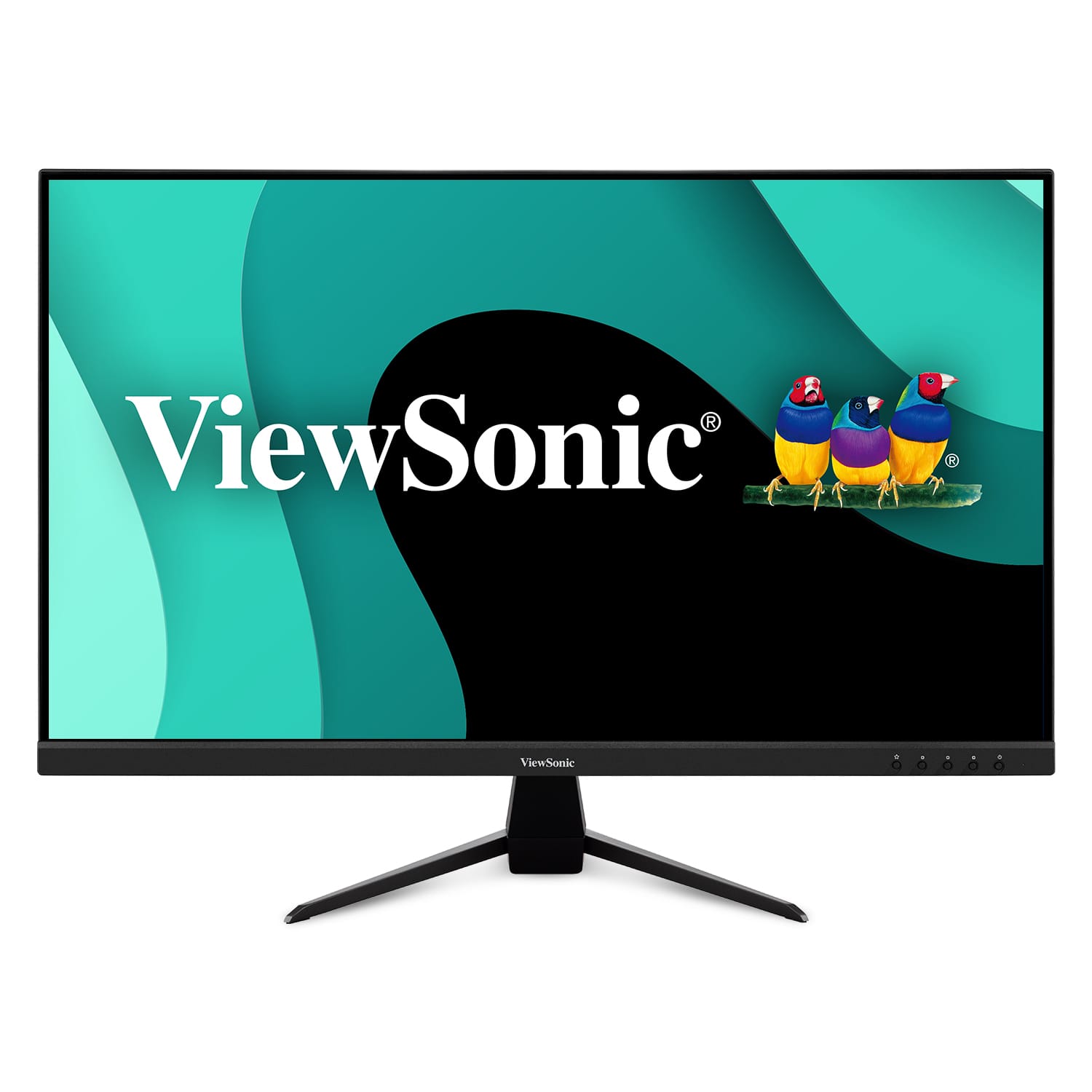
ViewSonic - TD2760 27" LED FHD Touch Screen Monitor (HDMI, VGA) - Black
SKU: J37H88FXS7See all All MonitorsProduct Description
A black LED touch screen monitor with Full HD resolution, IPS panel, and multiple connectivity options.Your price for this item is $539.99 -
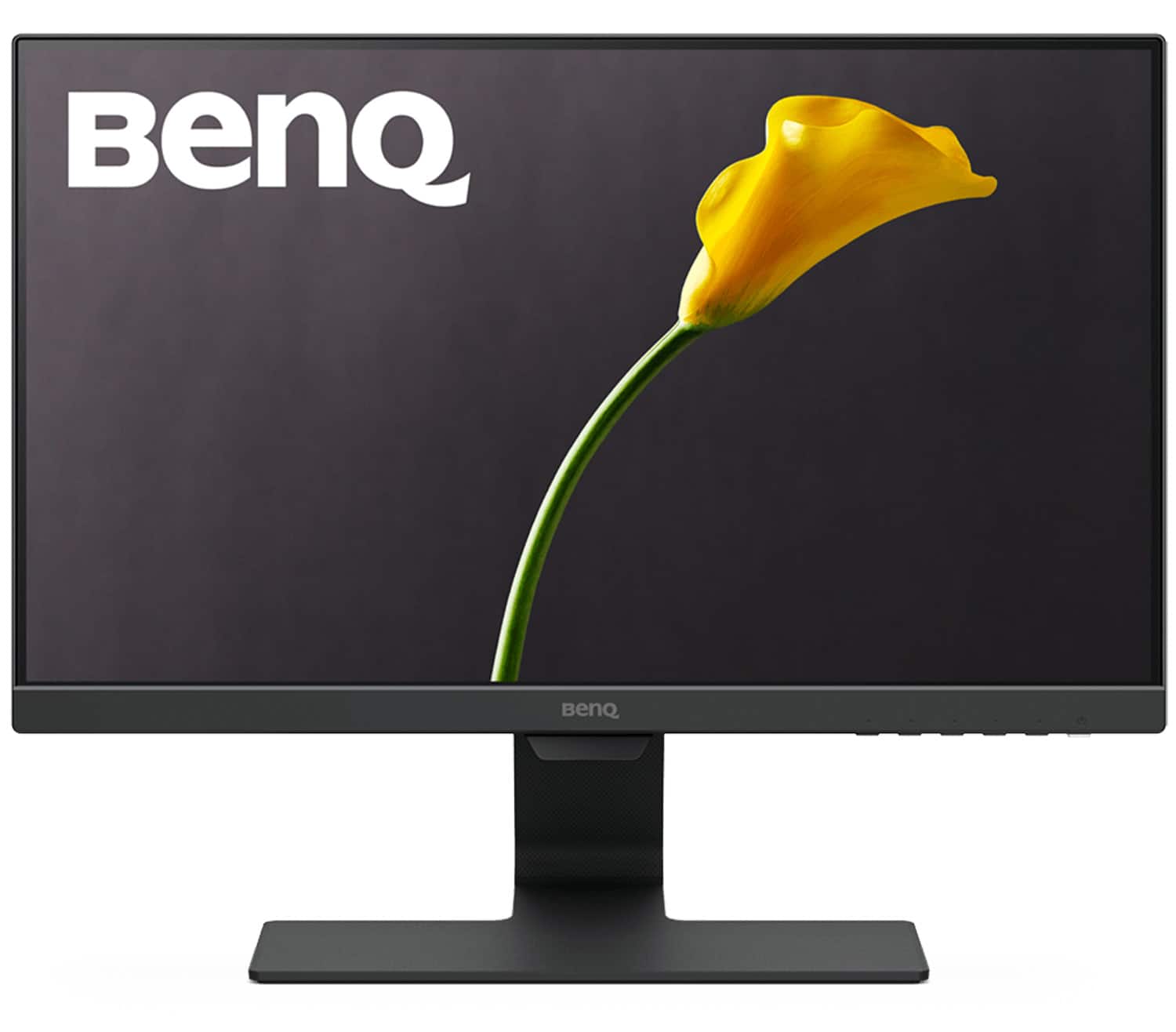
BenQ - GW2283 22" IPS LED 1080p 60Hz Monitor Optimized for Home & Office with Adaptive Brightness Technology (VGA/HDMI) - Black
SKU: J39QZT43Y2Great product for work. Videos are okay. It has sound. Not great great sound but it's there....modes are easy to choose from and the blue light mode is comfortable for eyes while the color is still great...
See all All MonitorsProduct Description
A black IPS LED monitor with 1080p resolution, adaptive brightness, and Eye-Care technology for comfortable viewing.Your price for this item is $94.99Save $15The previous price was $109.99 -
Dell - 23.8" IPS LED FHD 60Hz Monitor (USB, HDMI) - Black
SKU: J3K4L6C5V2See all All MonitorsProduct Description
A black IPS LED monitor featuring 10-point touch, USB-C hub connectivity, and integrated cable management.Your price for this item is $384.99Save $55The previous price was $439.99 -
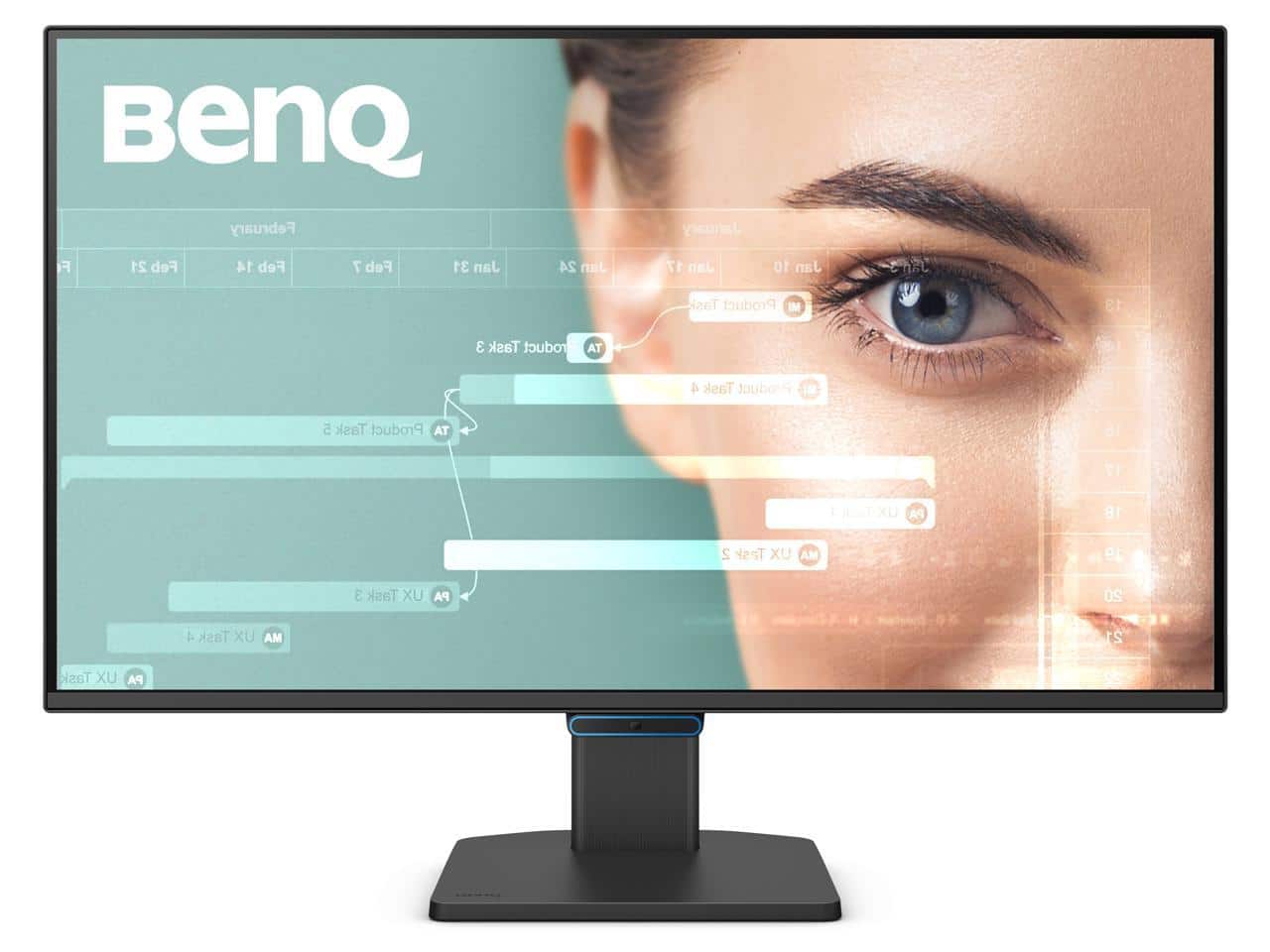
BenQ - 27" 144 Hz IPS FHD Eye-Care Home Office Monitor 5ms (GtG) 99% sRGB Flat Panel GW2790C - Blue
SKU: J39QZT5Y7LSee all All MonitorsProduct Description
A blue IPS monitor with 144Hz refresh rate, 5ms response, 99% sRGB, and eye-care technology.Your price for this item is $184.99 -
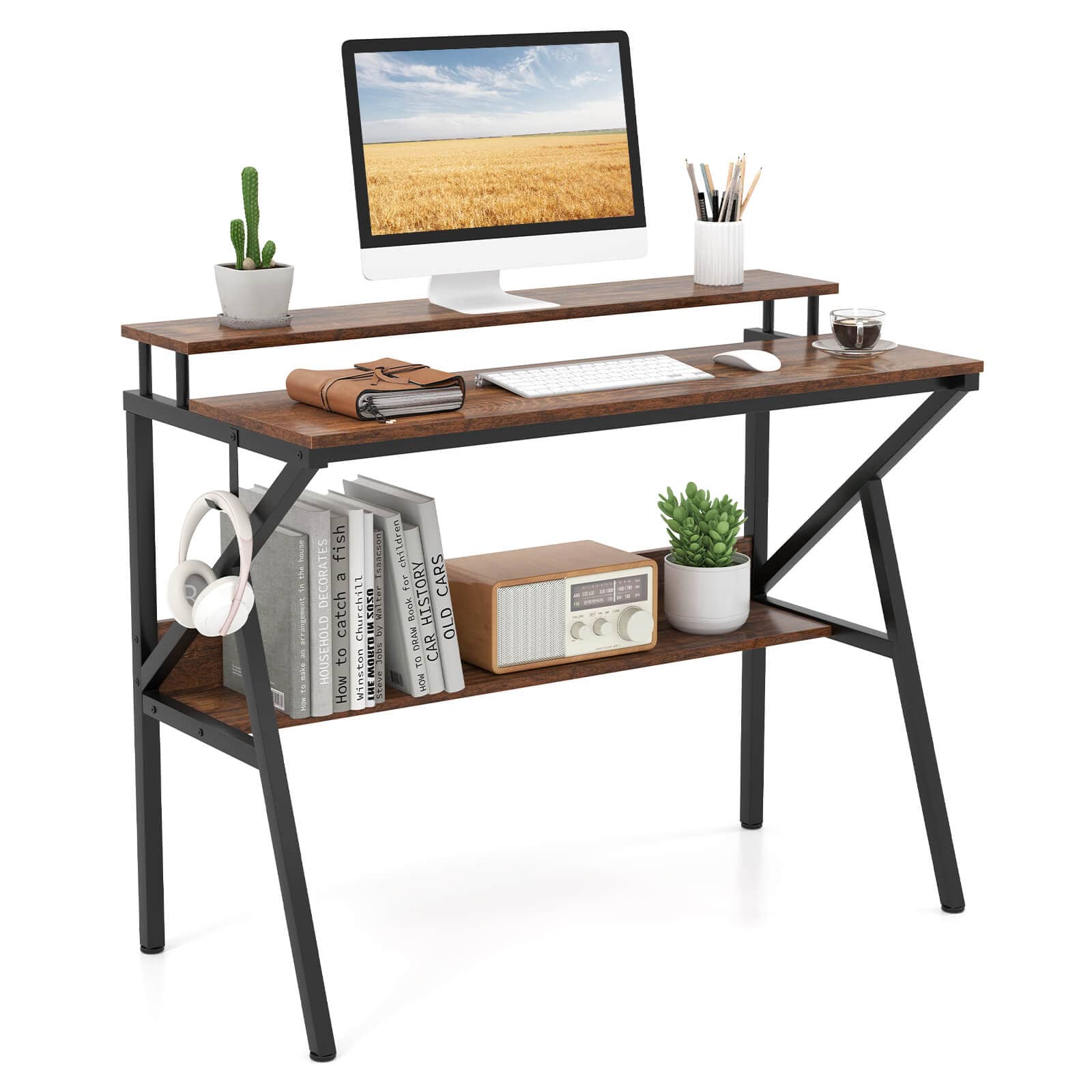
Costway - Home Office Desk with Monitor Stand, Open Shelf & Metal Frame, Earphone Hook - Brown
SKU: J9VXH39KXWSee all Computer DesksProduct Description
A brown metal and wood desk with monitor stand, open shelf, and earphone hook for organized workspaces.Your price for this item is $66.00 -
ViewSonic - VX3267U-4K 32" IPS LCD UHD Monitor (Display Port, HDMI) - Black
SKU: J37H88VLHTSee all All MonitorsProduct Description
A black IPS LCD monitor delivering 4K UHD resolution, HDR10 support, and versatile USB-C, HDMI, and DisplayPort connectivity.Your price for this item is $329.99Save $20The previous price was $349.99 -
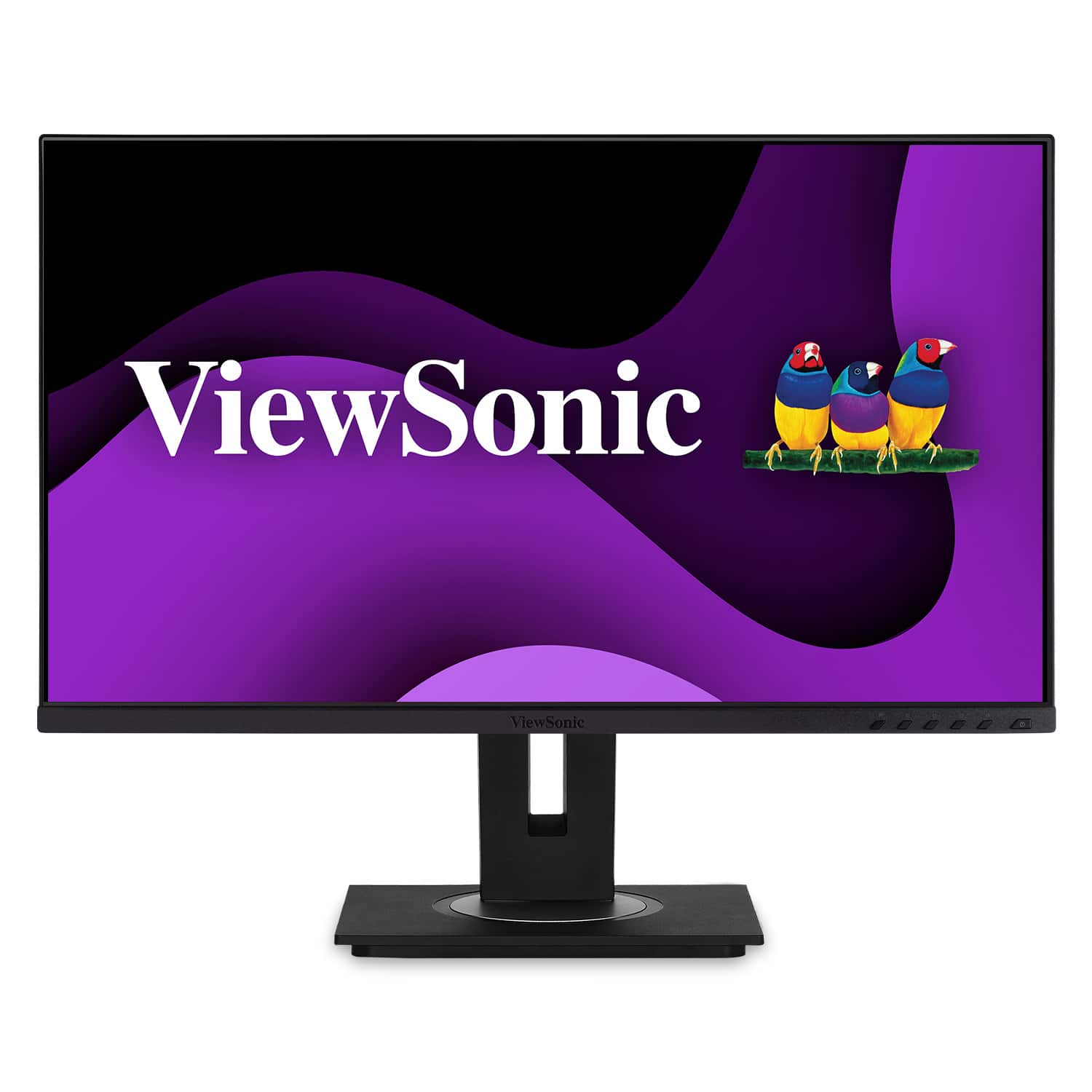
ViewSonic - DFS VG275 27" IPS LCD FHD Monitor (USB-C, HDMI, DP) - Black
SKU: J37H88V6W2The screen colors are great, love the size and beyond that, it's just a monitor. . . not great, not too
See all All MonitorsProduct Description
A black IPS LCD monitor with USB-C, HDMI, and DP connectivity, featuring ergonomic adjustments and integrated speakers.Your price for this item is $289.99 -
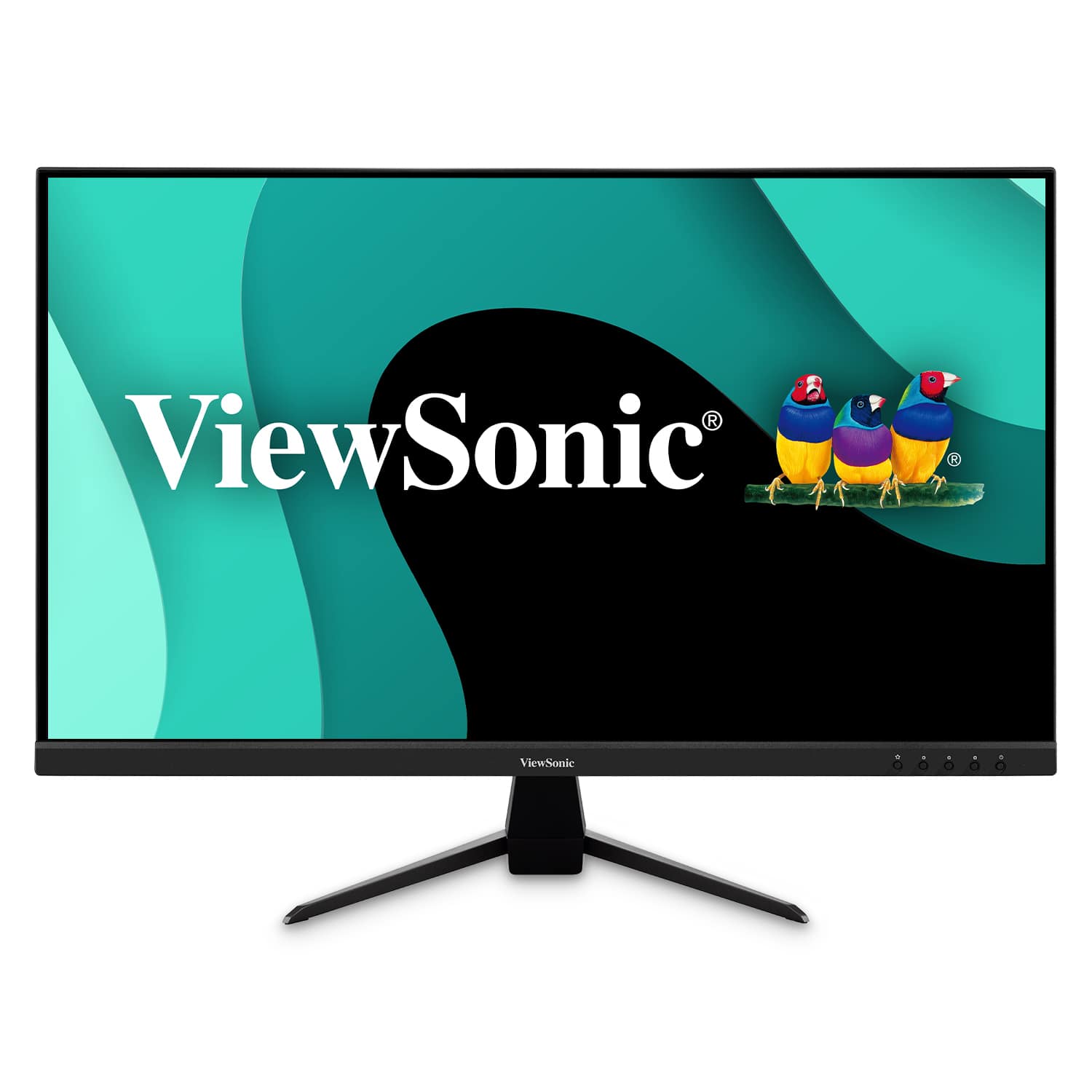
ViewSonic - VX3267U-2K 32" IPS LCD QHD Monitor with HDR (HDMI, Display Port) - Black
SKU: J37H88VLHPSee all All MonitorsProduct Description
A black IPS LCD monitor delivering QHD resolution, HDR10 support, and versatile USB-C, HDMI, and DisplayPort connectivity.Your price for this item is $229.99
Best Sellers







Related Pages




FAQ
When choosing a home office monitor, consider features like adjustable stands for ergonomic comfort, built-in speakers, multiple connectivity options (HDMI, DisplayPort, USB-C), and eye-care technologies such as blue light filtering and flicker-free displays for extended use.
Yes, many home office monitors offer multiple ports, allowing you to connect devices like laptops, desktops, and docking stations simultaneously. Look for monitors with HDMI, DisplayPort, or USB-C inputs for maximum versatility.
Curved monitors provide a more immersive viewing experience and can reduce eye strain by keeping the entire screen at a consistent distance from your eyes. Flat monitors are typically more compact and may be better suited for multi-monitor setups or limited desk space.
Yes, several home office monitors feature integrated webcams and microphones, making them ideal for video conferencing and virtual meetings without the need for additional accessories.
To set up dual monitors, ensure your computer supports multiple displays and that your monitors have compatible ports. Connect each monitor to your computer, then adjust the display settings in your operating system to arrange and customize your workspace.