Home Office Monitor Setup
-
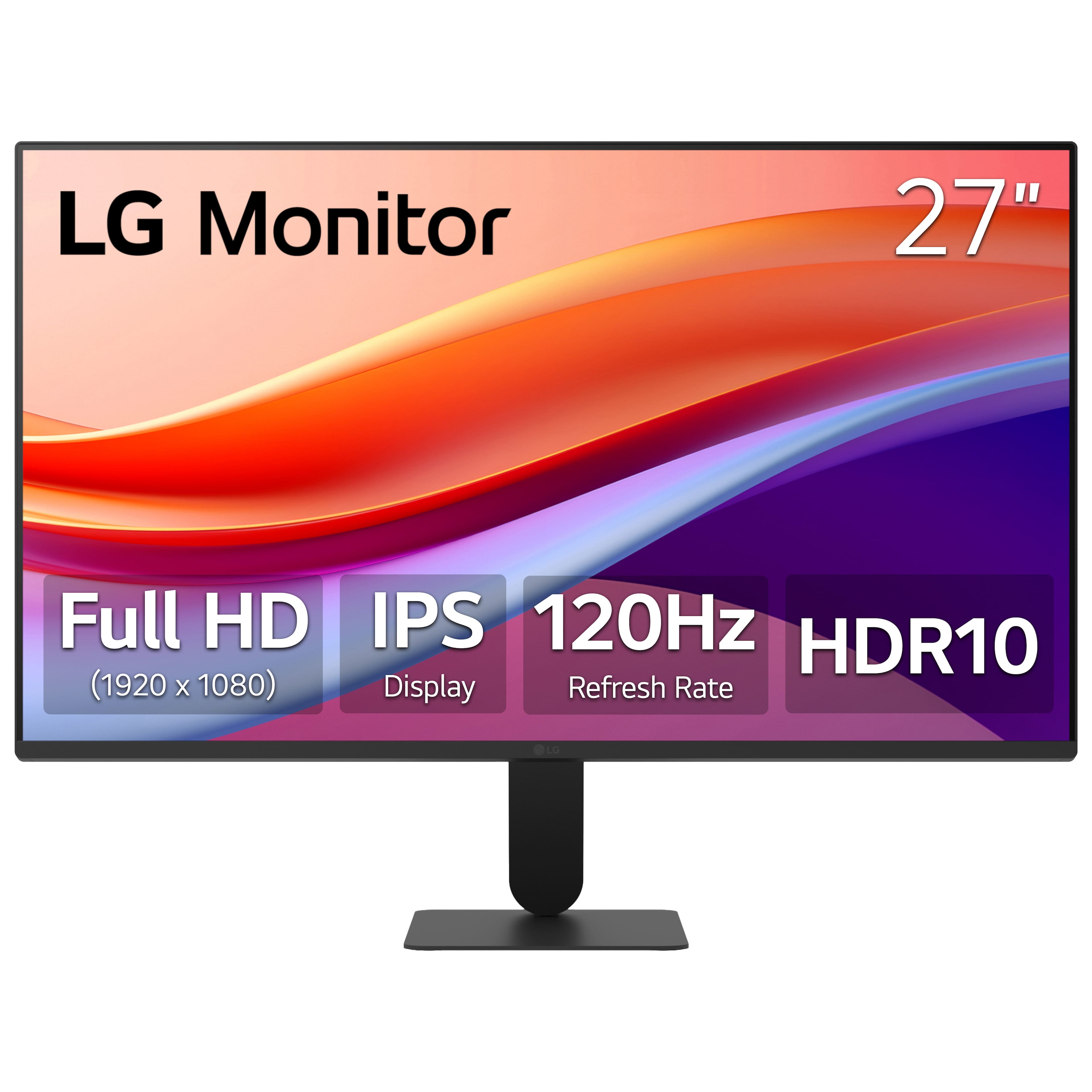
LG - 27" IPS FHD 120Hz Monitor with HDR10 (HDMI) - Black
SKU: JJ8VPZKPZ6Great value great price great product thank team best buy...Great monitor for gaming and Best Buy helped me pick the rite one...Great value
See all All MonitorsProduct Description
A black IPS monitor with 120Hz refresh rate, HDR10 support, and ultra-slim bezels for vibrant visuals.Your price for this item is $124.99Save $125The previous price was $249.99 -
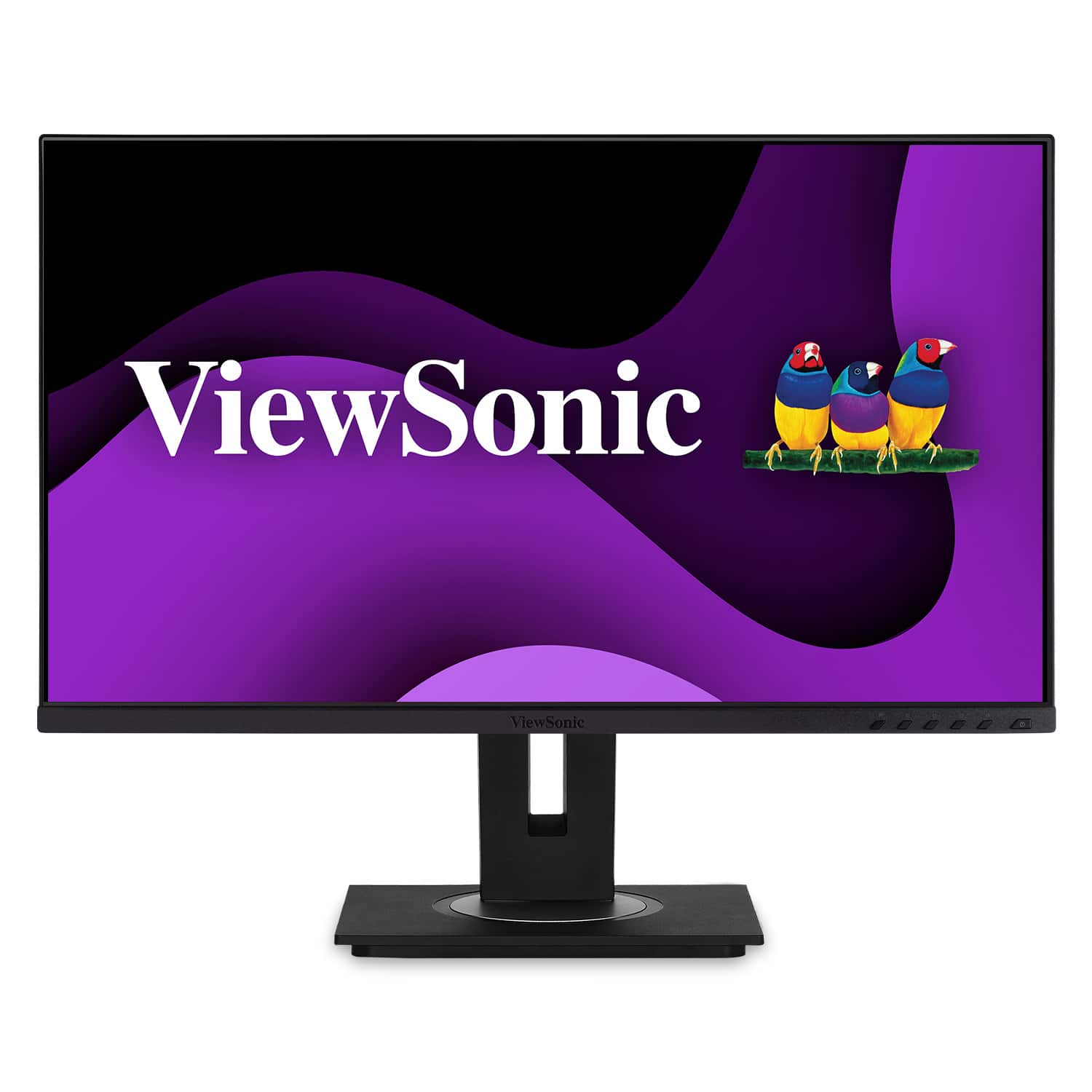
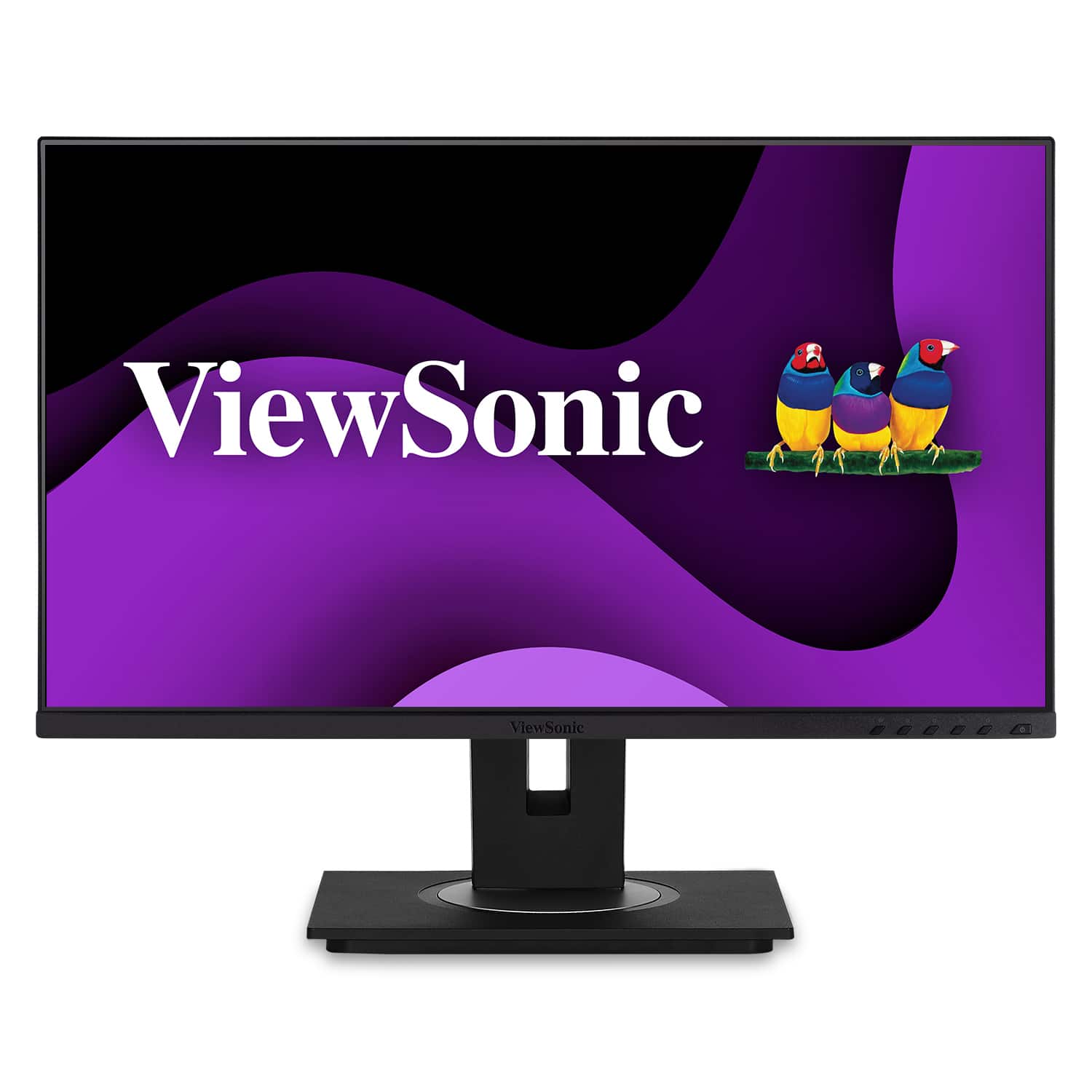
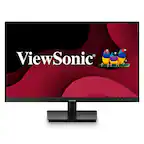
ViewSonic - DFS VG275 27" IPS LCD FHD Monitor (USB-C, HDMI, DP) - Black
SKU: J37H88V6W2See all All MonitorsProduct Description
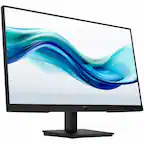
A black IPS LCD monitor with USB-C, HDMI, and DP connectivity, featuring ergonomic adjustments and integrated speakers.Your price for this item is $289.99 -
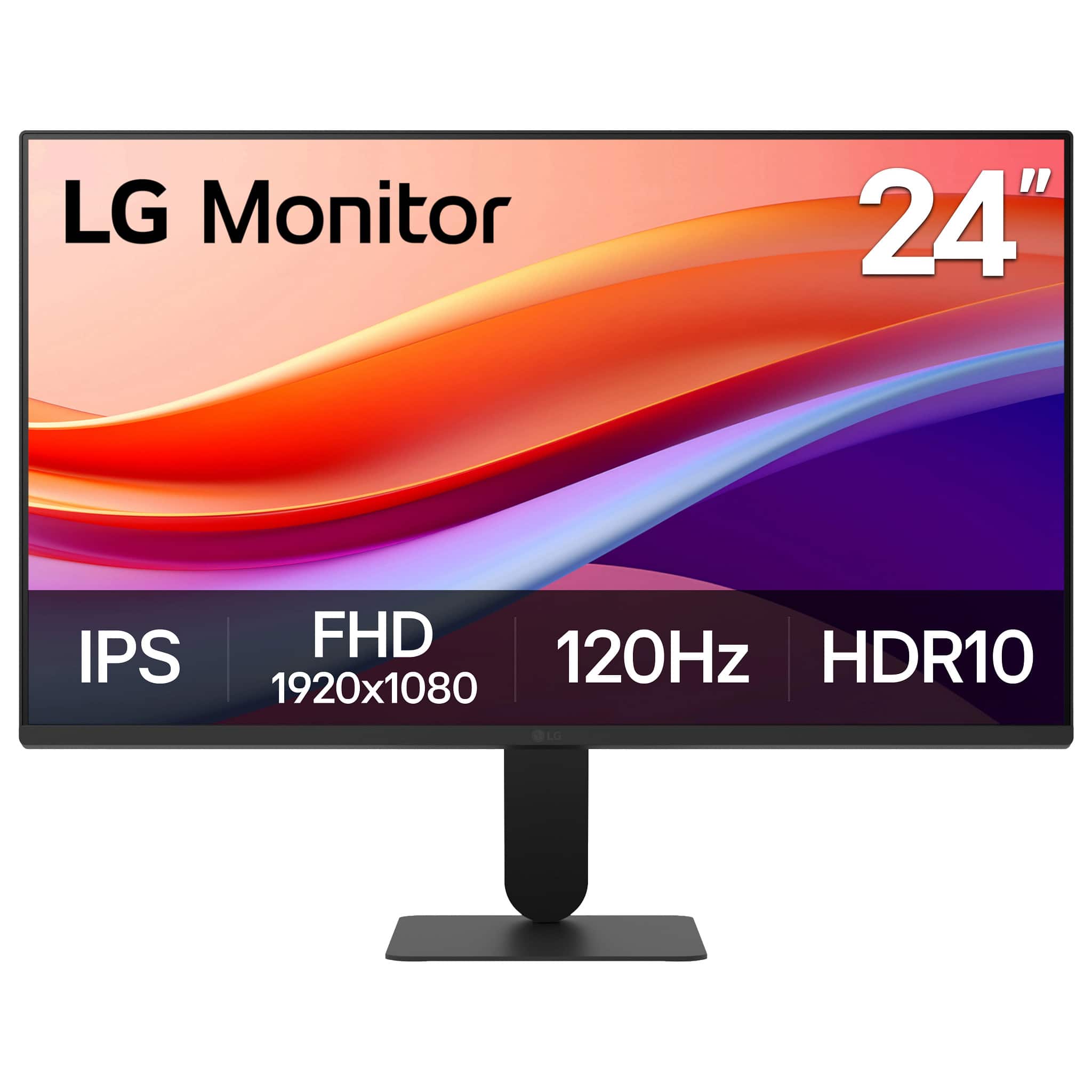
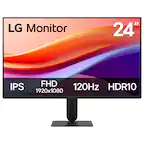
LG - 24" IPS FHD 120Hz Monitor with HDR10 (HDMI) - Black
SKU: JJ8VPZKPZZBest for the price....Love everything about it except the headphone jack....Best monitor I ever owned for under $100, clear visuals and color, functions great
See all All MonitorsProduct Description
A black IPS monitor with Full HD resolution, 120Hz refresh rate, HDR10, and ultra-slim bezels.Your price for this item is $99.99Save $100The previous price was $199.99 -
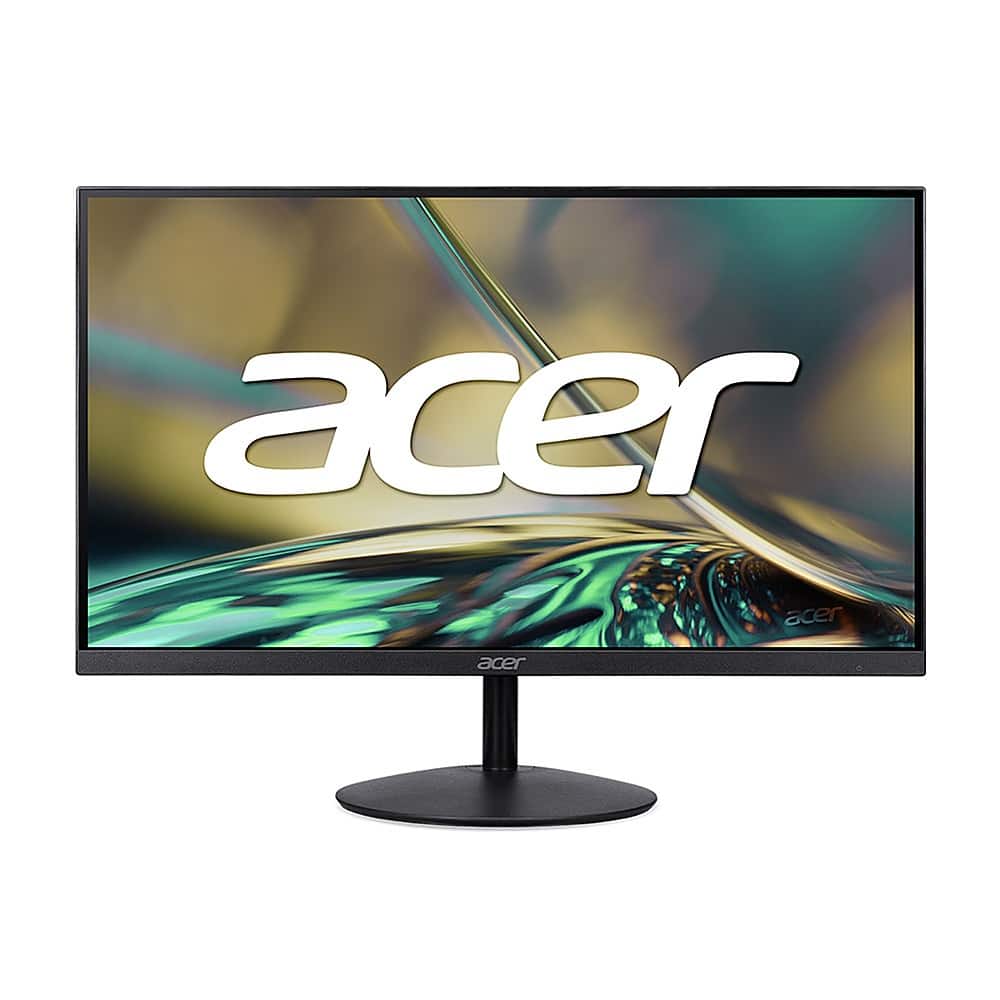
Acer - 31.5” LED UHD 60Hz 4ms FreeSync Compatible Monitor (DisplayPort, HDMI) - Black
SKU: JJ8V8H7YQ9See all All MonitorsProduct Description
A sleek black UHD monitor with 60Hz refresh rate, 4ms response time, and FreeSync compatibility.Your price for this item is $299.99 -
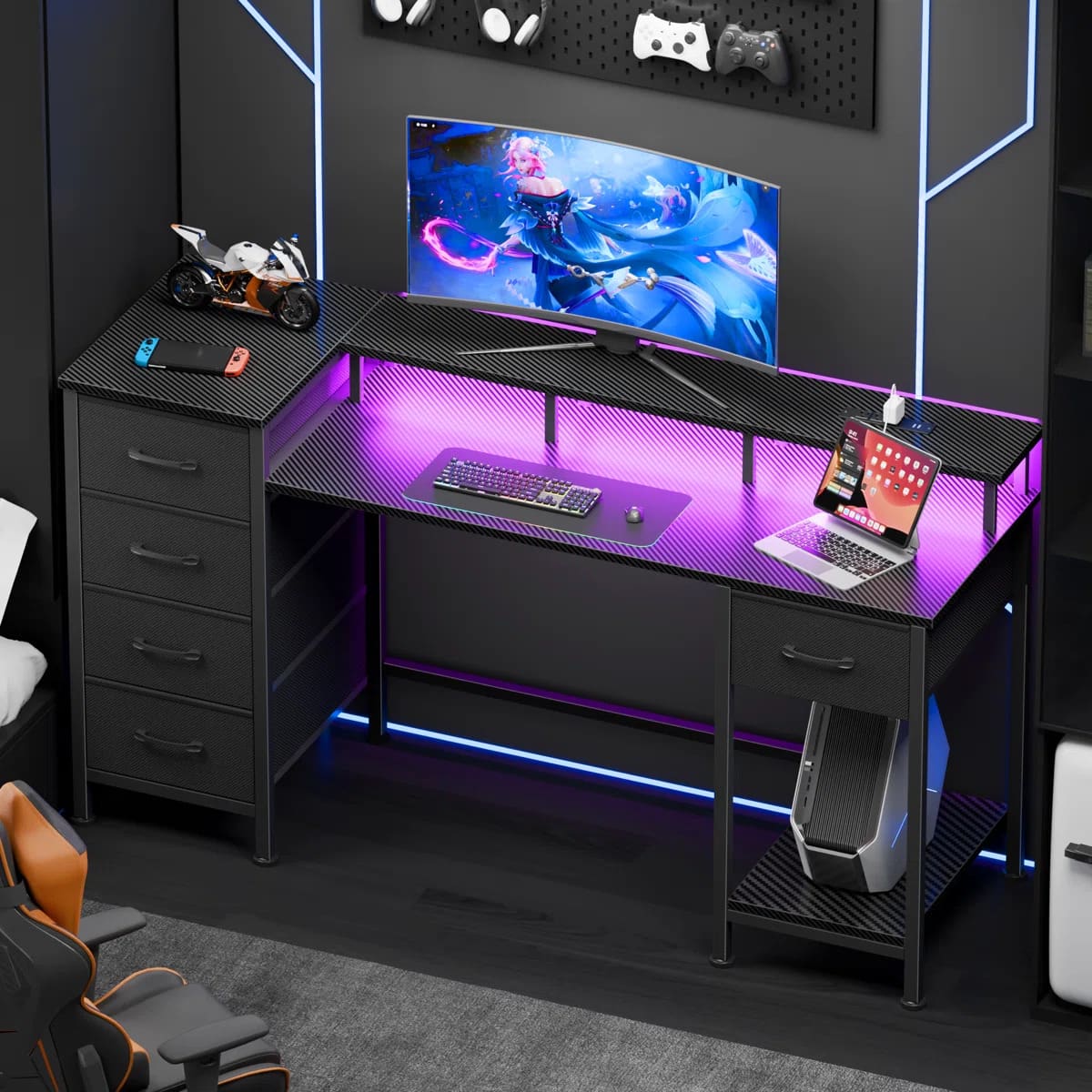
Furnulem - 47 Inches Computer Desk with Monitor Stand Charging Station LED Lights Gaming Desk with Drawers for Home Office - Black
SKU: CZWPZVGTSVSee all Computer DesksProduct Description
A black metal and wood desk featuring LED lights, charging ports, drawers, and an ergonomic monitor stand.Your price for this item is $435.99 -
ViewSonic - DFS VG245 24" IPS LCD FHD Monitor (USB-C, HDMI, DP) - Black
SKU: J37H88V6T5See all All MonitorsProduct Description
A black IPS LCD monitor with USB-C, HDMI, DP connectivity and ergonomic adjustable stand for productivity.Your price for this item is $254.99 -
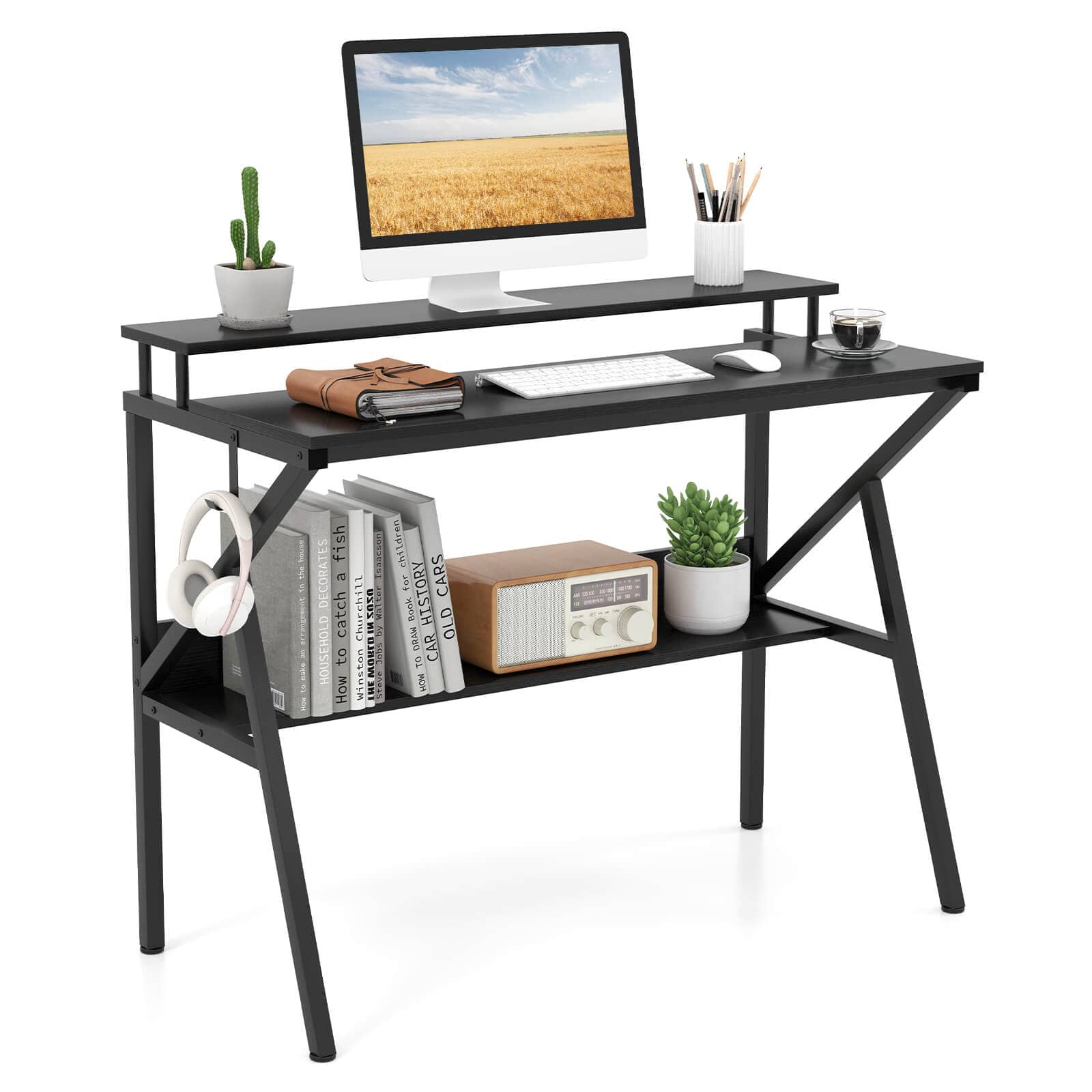
Costway - Home Office Desk with Monitor Stand, Open Shelf & Metal Frame, Earphone Hook - Black
SKU: J9VXH39KSSSee all Computer DesksProduct Description
A black metal and wood desk with ergonomic monitor stand, open shelf, and convenient earphone hook.Your price for this item is $54.99Save $45The previous price was $99.99 -
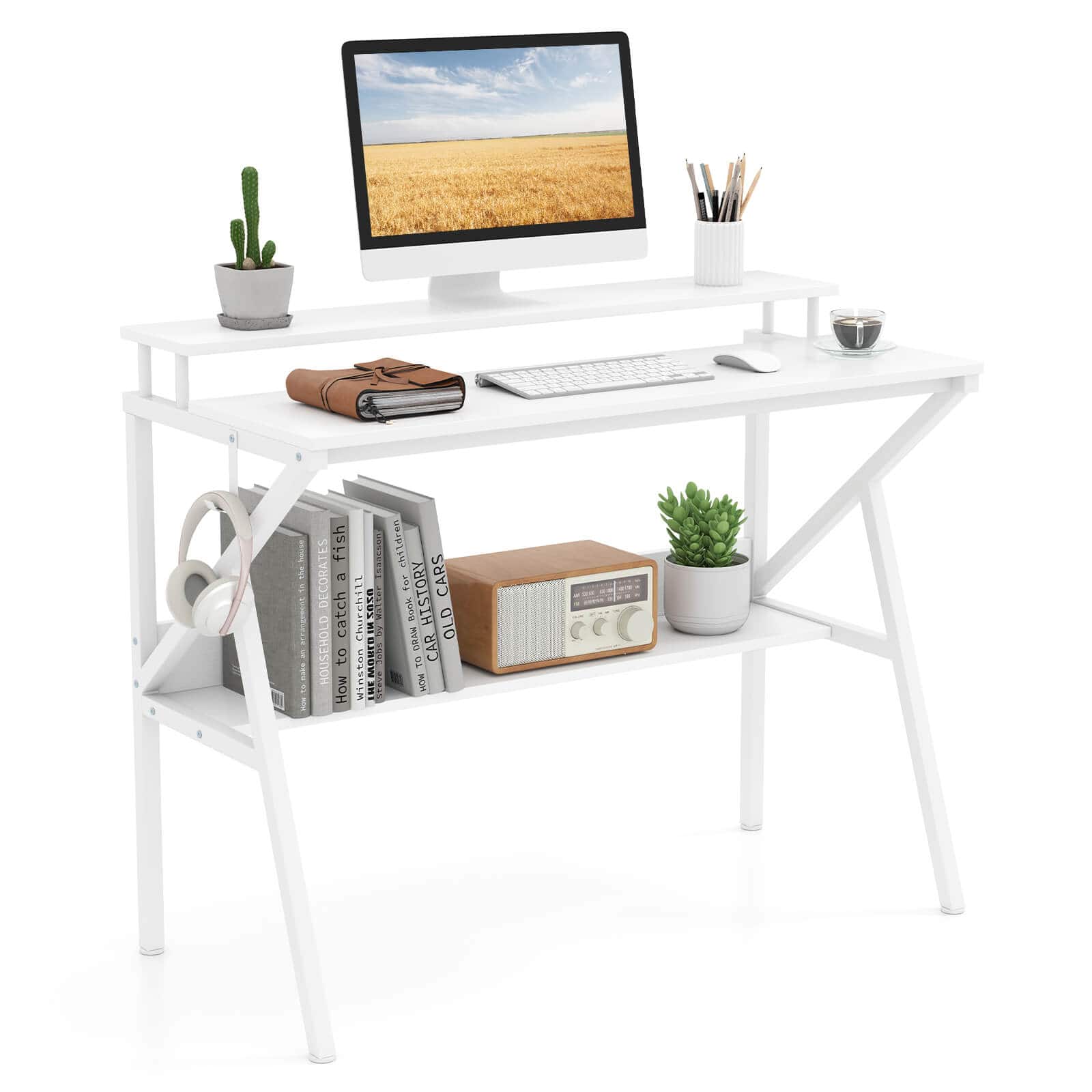
Costway - Home Office Desk with Monitor Stand, Open Shelf & Metal Frame, Earphone Hook - White
SKU: J9VXH39KJQSee all Computer DesksProduct Description
A white metal and wood desk featuring a monitor stand, open shelf, and convenient earphone hook.Your price for this item is $66.00 -
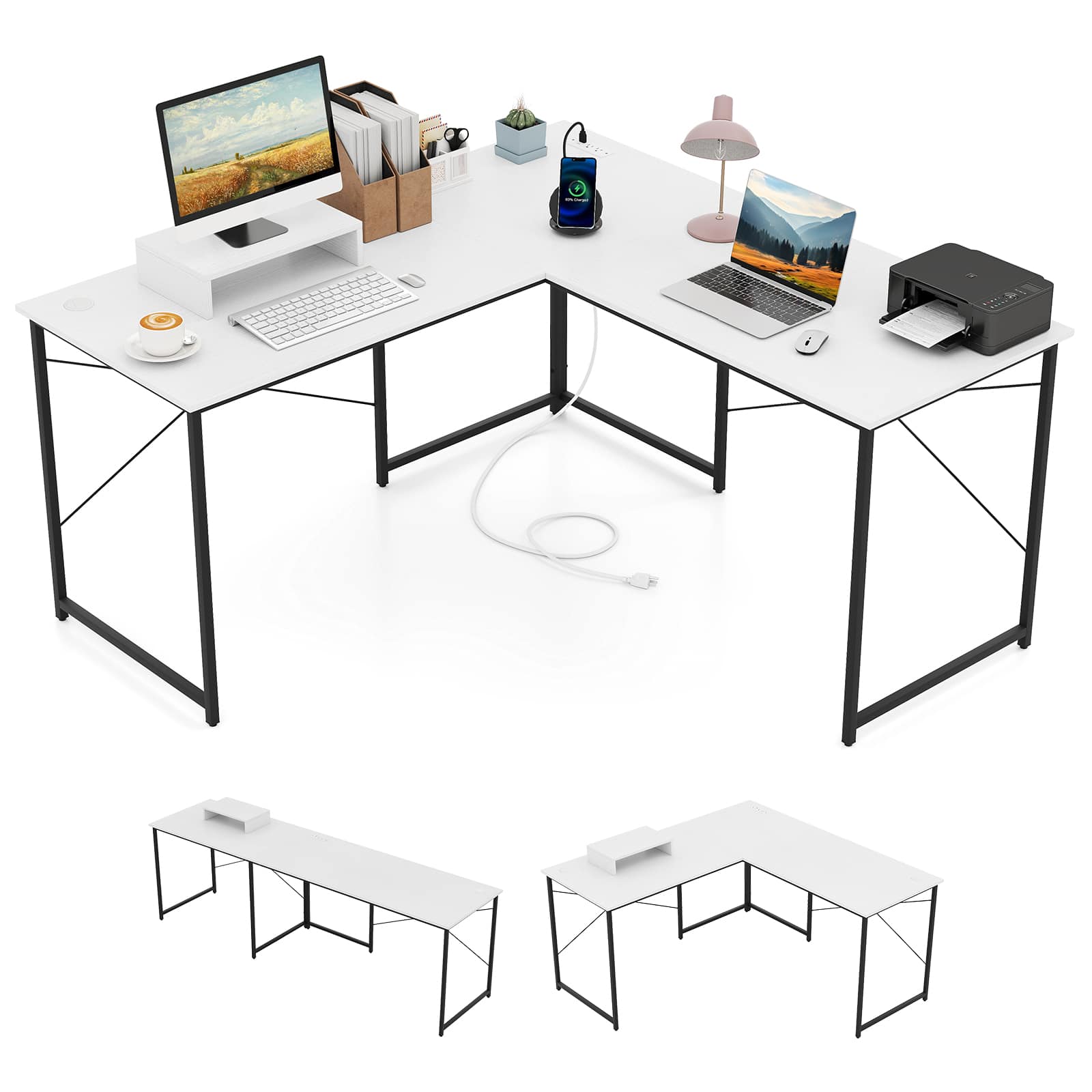
Gymax - 95'' L-Shaped Reversible Computer Desk 2-Person Long Table Monitor Stand White - White, Black
SKU: CQ79SHHHYZSee all Computer DesksProduct Description
An L-shaped reversible desk in white and black with metal and wood construction, built-in charging ports, and monitor stand.Your price for this item is $119.99Save $130The previous price was $249.99 -
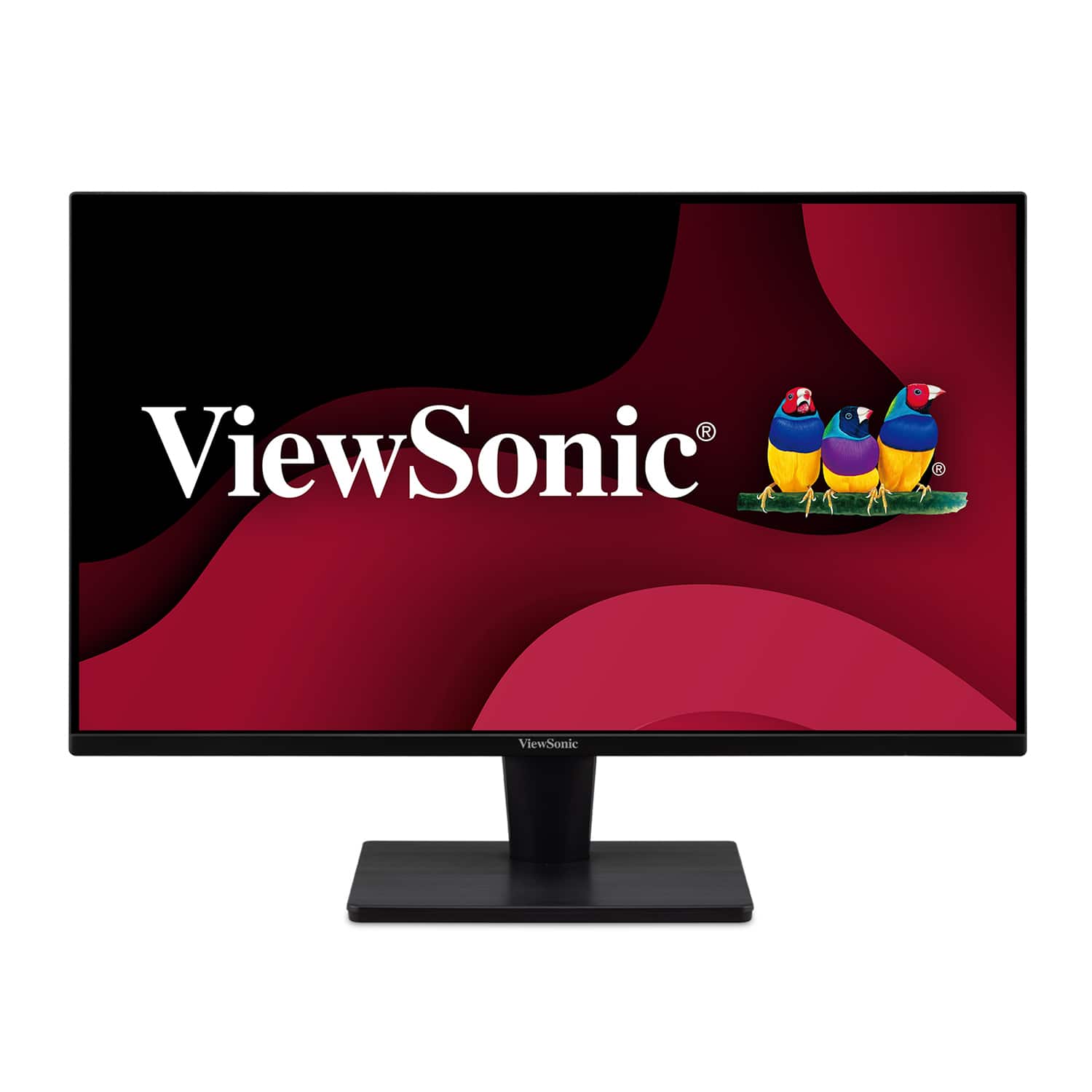
ViewSonic - VA2715-2K-MHD 27" LED QHD Adaptive Sync Monitor (HDMI and DisplayPort) - Black
SKU: J37H88FFS9See all All MonitorsProduct Description
A black LED monitor with QHD resolution, Adaptive Sync, wide viewing angles, and flexible HDMI/DisplayPort connectivity.Your price for this item is $159.99Save $26The previous price was $186.92
Best Sellers






Related Pages

FAQ
When choosing a monitor for your home office, consider features like screen resolution, panel type (such as IPS for better color accuracy), refresh rate, ergonomic adjustments (tilt, swivel, height), connectivity options (HDMI, DisplayPort, USB-C), and built-in speakers or webcam for video conferencing.
To reduce eye strain, opt for monitors with blue light filtering and flicker-free technology. Adjust brightness and contrast to comfortable levels, use proper ambient lighting, and take regular breaks following the 20-20-20 rule: every 20 minutes, look at something 20 feet away for 20 seconds.
A dual monitor setup can boost productivity by allowing you to multitask efficiently, keep reference materials open on one screen while working on another, and manage multiple applications simultaneously. Make sure your workspace and computer support multiple monitors.
Enhance your monitor setup with accessories like adjustable monitor stands or arms, wireless keyboards and mice, cable management solutions, USB hubs, and webcam covers for privacy. These additions can improve comfort, organization, and functionality.
Most laptops can connect to external monitors using HDMI, DisplayPort, USB-C, or VGA ports. Simply plug the appropriate cable into your laptop and monitor, then select the correct input source on your monitor. Adjust display settings on your laptop to extend or duplicate your screen as needed.