Home Office Monitor
-
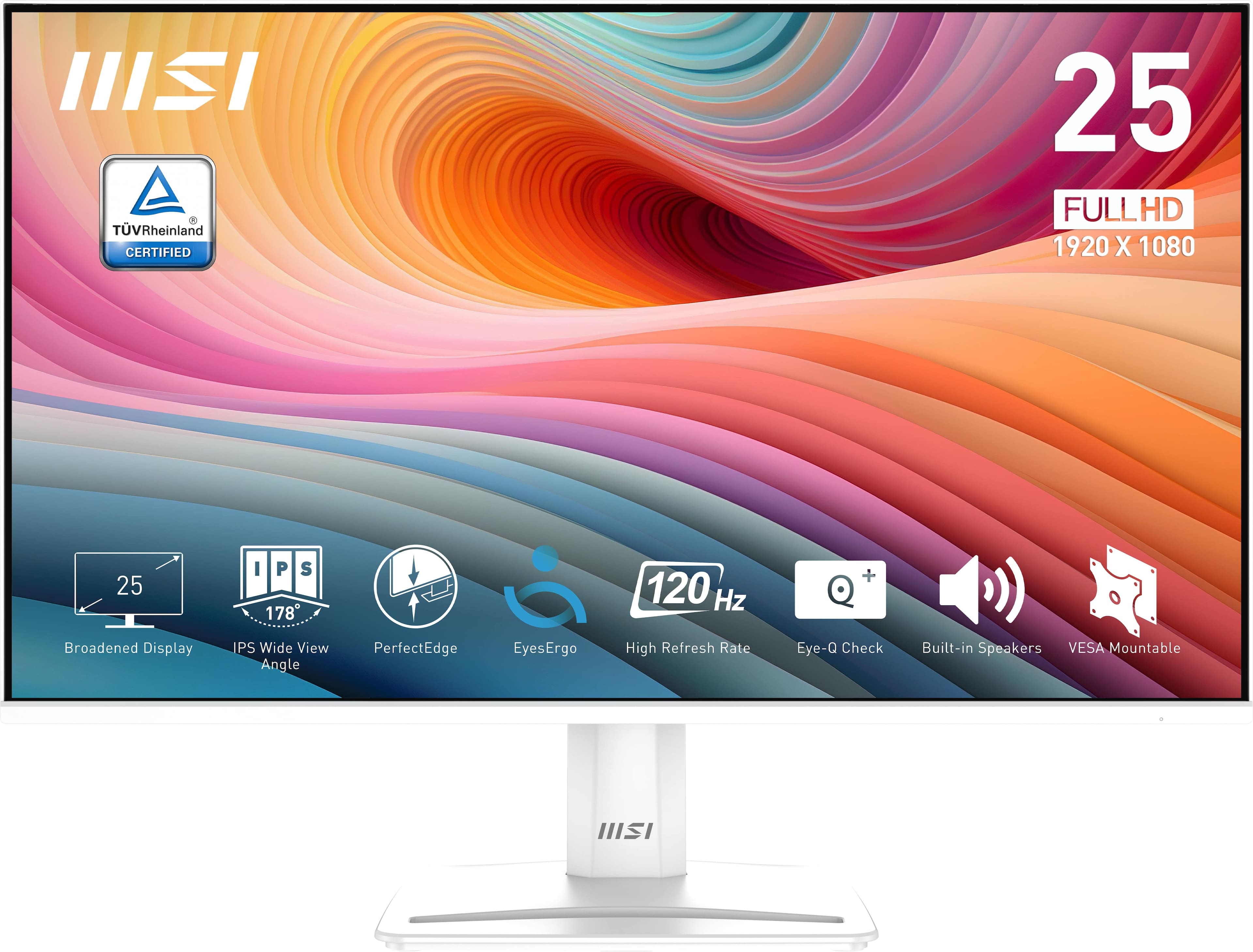
MSI - PRO MP251W E2 24" FHD 120Hz 1ms Adaptive Sync Monitor with Built-in Speakers (DisplayPort, HDMI) - Matte White
SKU: J3P7TX6XYKOne of the best monitors for the price range...I love the built in speakers and the 120 hz refresh rate....Its great for gaming or just simple streaming!...Great Monitor...Best Buy delivery was excellent....
See all All MonitorsProduct Description
A matte white IPS monitor with 120Hz refresh rate, 1ms response, Adaptive Sync, and built-in speakers.Your price for this item is $119.99 -
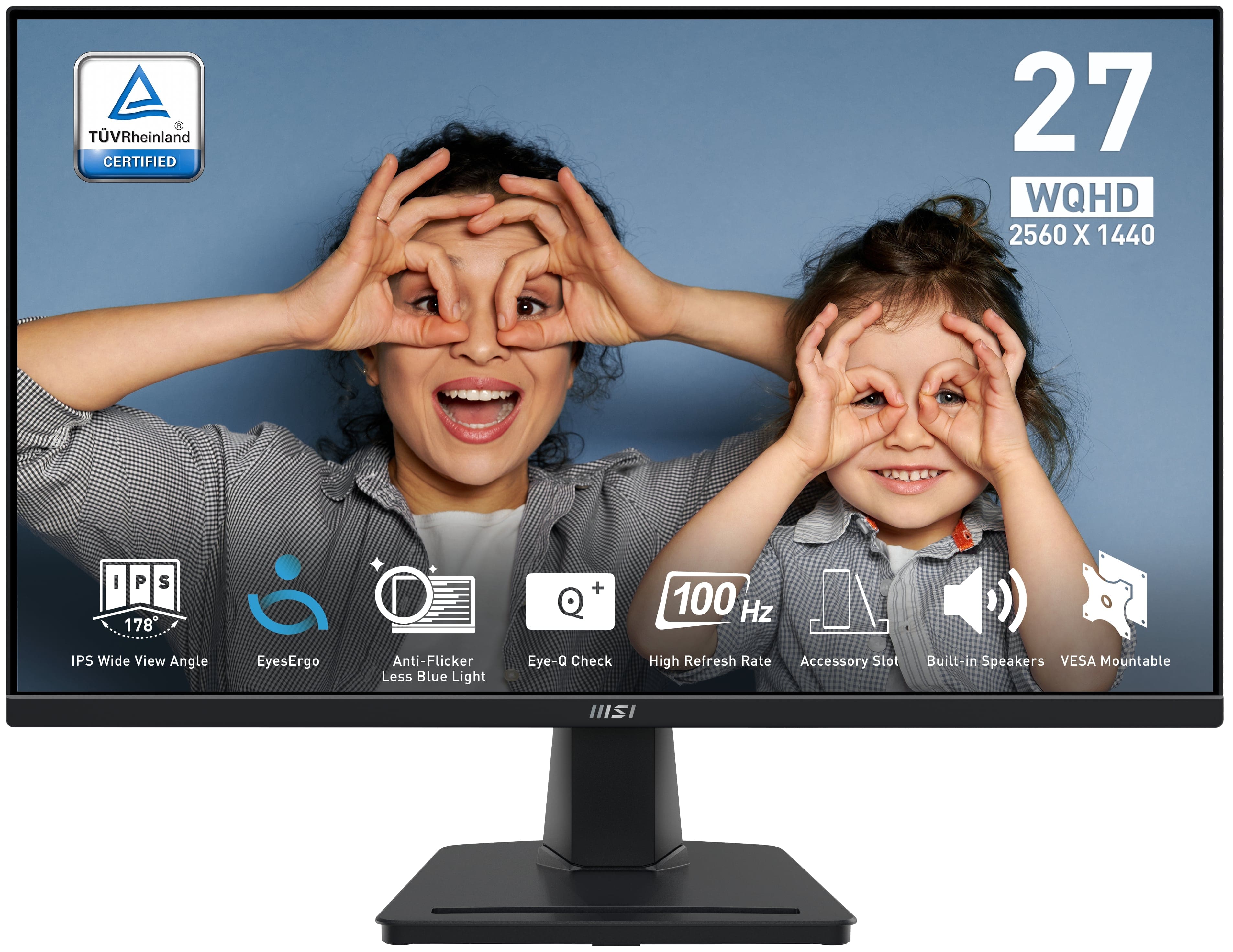
MSI - PRO MP275Q 27" QHD 100Hz 1ms Adaptive Sync Monitor with built-in speaker (DisplayPort, HDMI, ) - Black
SKU: J3P7TXY5Y4The 27" QHD screen is super sharp, and the colors look great whether I’m gaming, working, or streaming...The built-in speakers are okay—they're not the best but fine for quick use if you don’t have external...It’s...
See all All MonitorsProduct Description
A black IPS monitor with QHD resolution, 100Hz refresh rate, 1ms response, and built-in speakers.Your price for this item is $158.99Save $21The previous price was $179.99 -
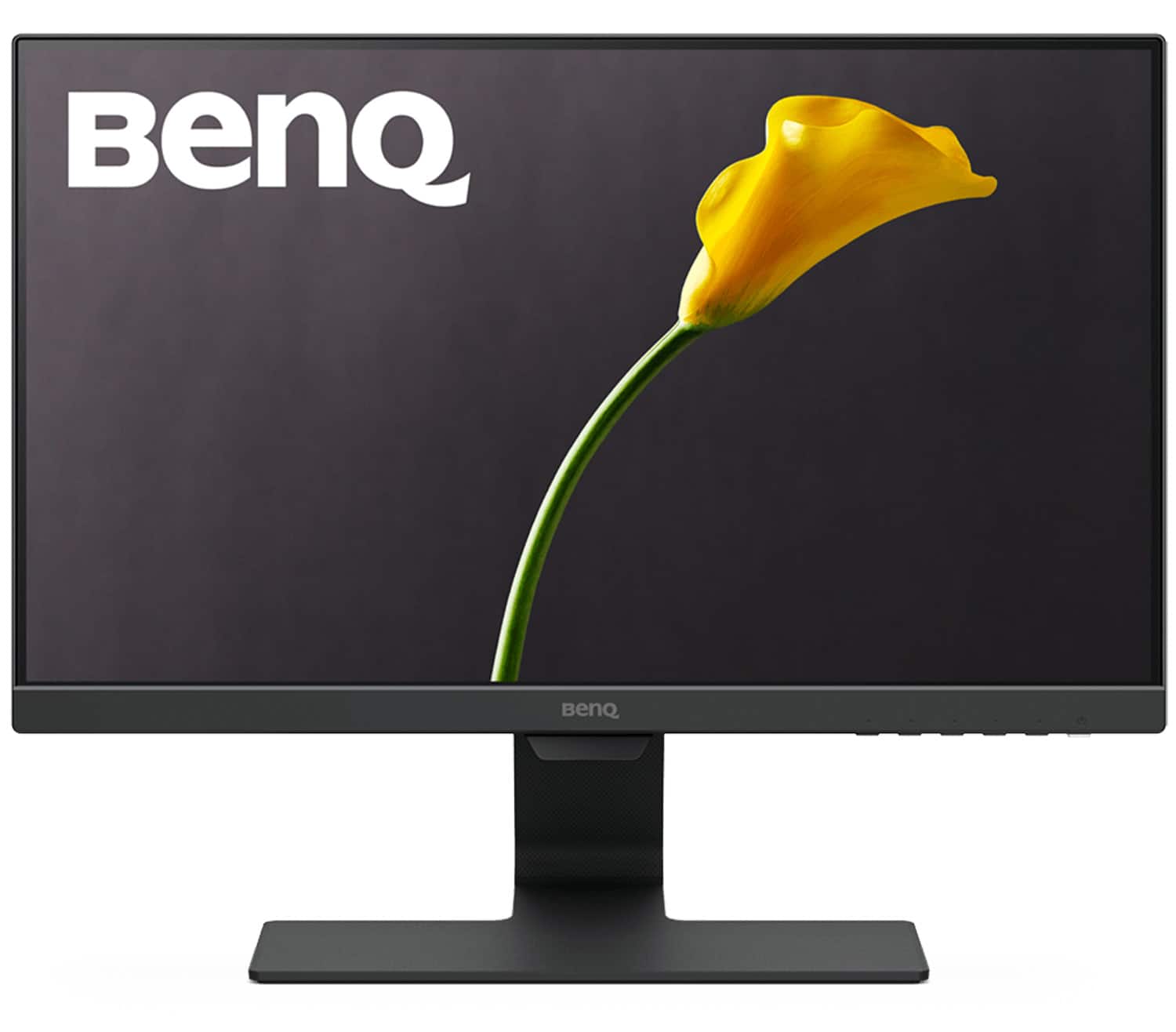
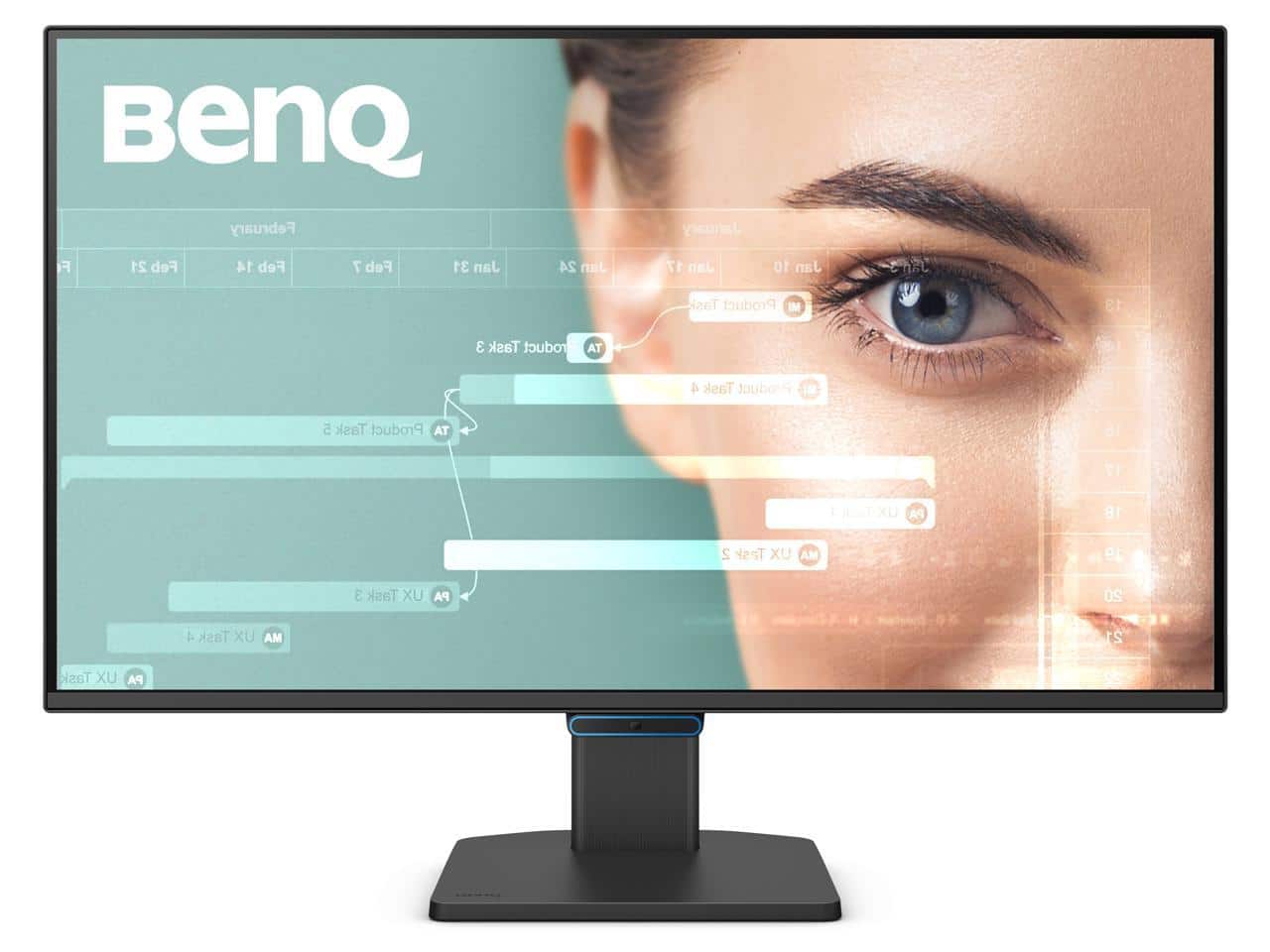
BenQ - GW2283 22" IPS LED 1080p 60Hz Monitor Optimized for Home & Office with Adaptive Brightness Technology (VGA/HDMI) - Black
SKU: J39QZT43Y2Great product for work. Videos are okay. It has sound. Not great great sound but it's there....The design of this monitor is great in every aspect....modes are easy to choose from and the blue light mode...
See all All MonitorsProduct Description
A black IPS LED monitor with 1080p resolution, adaptive brightness, and Eye-Care technology for comfortable viewing.Your price for this item is $94.99Save $15The previous price was $109.99 -
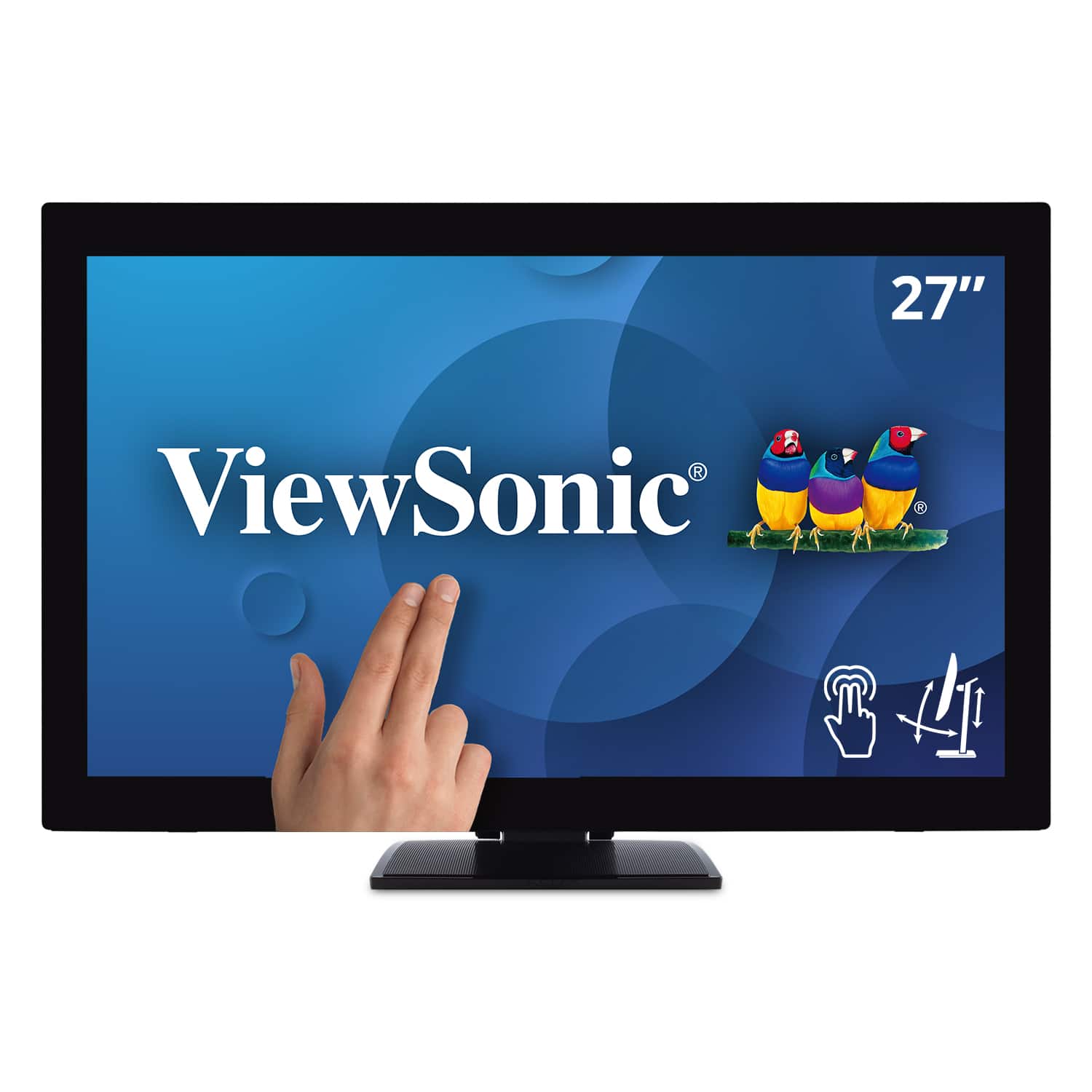
ViewSonic - TD2760 27" LED FHD Touch Screen Monitor (HDMI, VGA) - Black
SKU: J37H88FXS7See all All MonitorsProduct Description
A black LED touch screen monitor with Full HD resolution, IPS panel, and multiple connectivity options.Your price for this item is $539.99 -
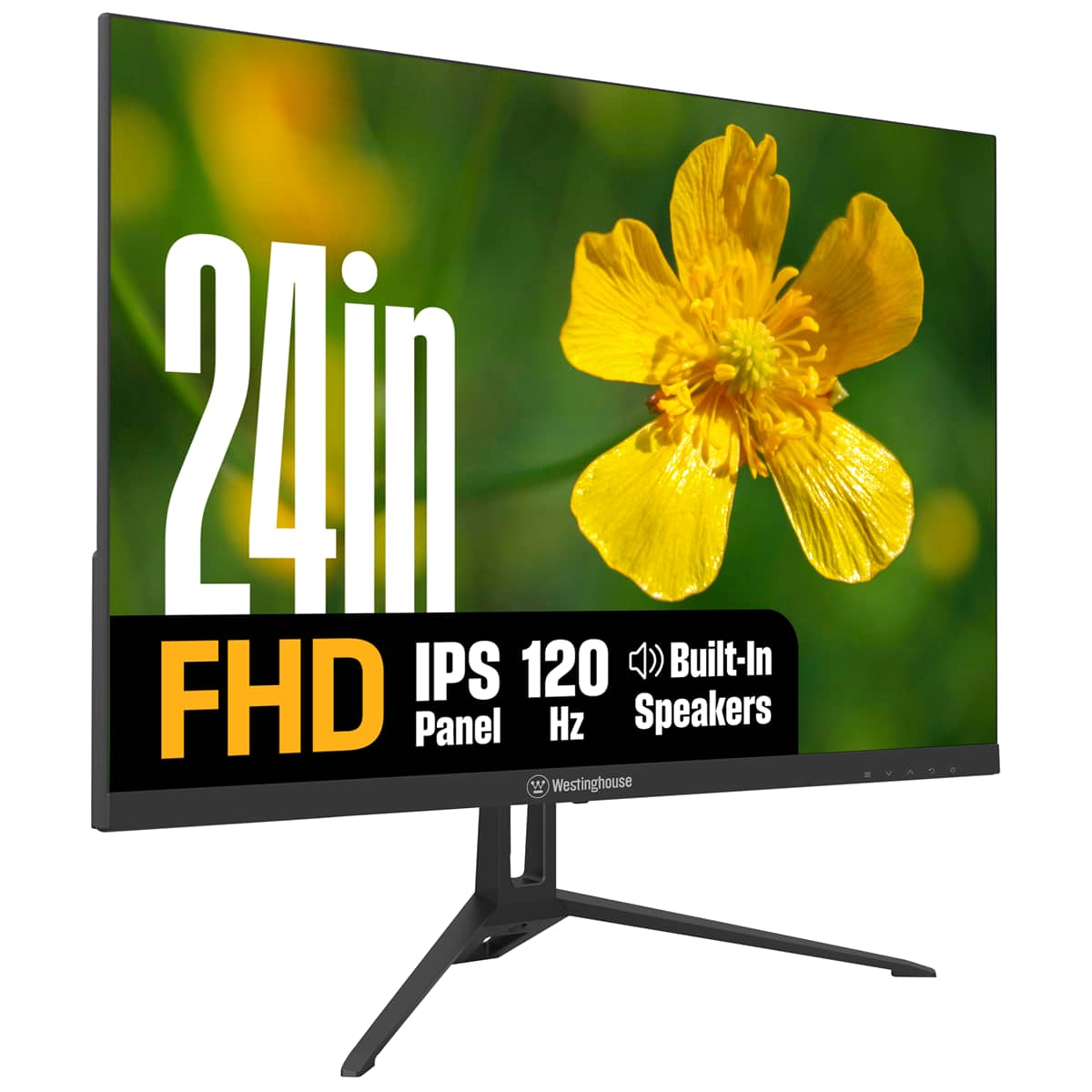
Westinghouse - 24" home office monitor - Black
SKU: J3LL89CRCCSee all All MonitorsProduct Description
A black IPS monitor with 1080p resolution, 120Hz refresh rate, built-in speakers, and eye comfort features.Your price for this item is $119.99 -
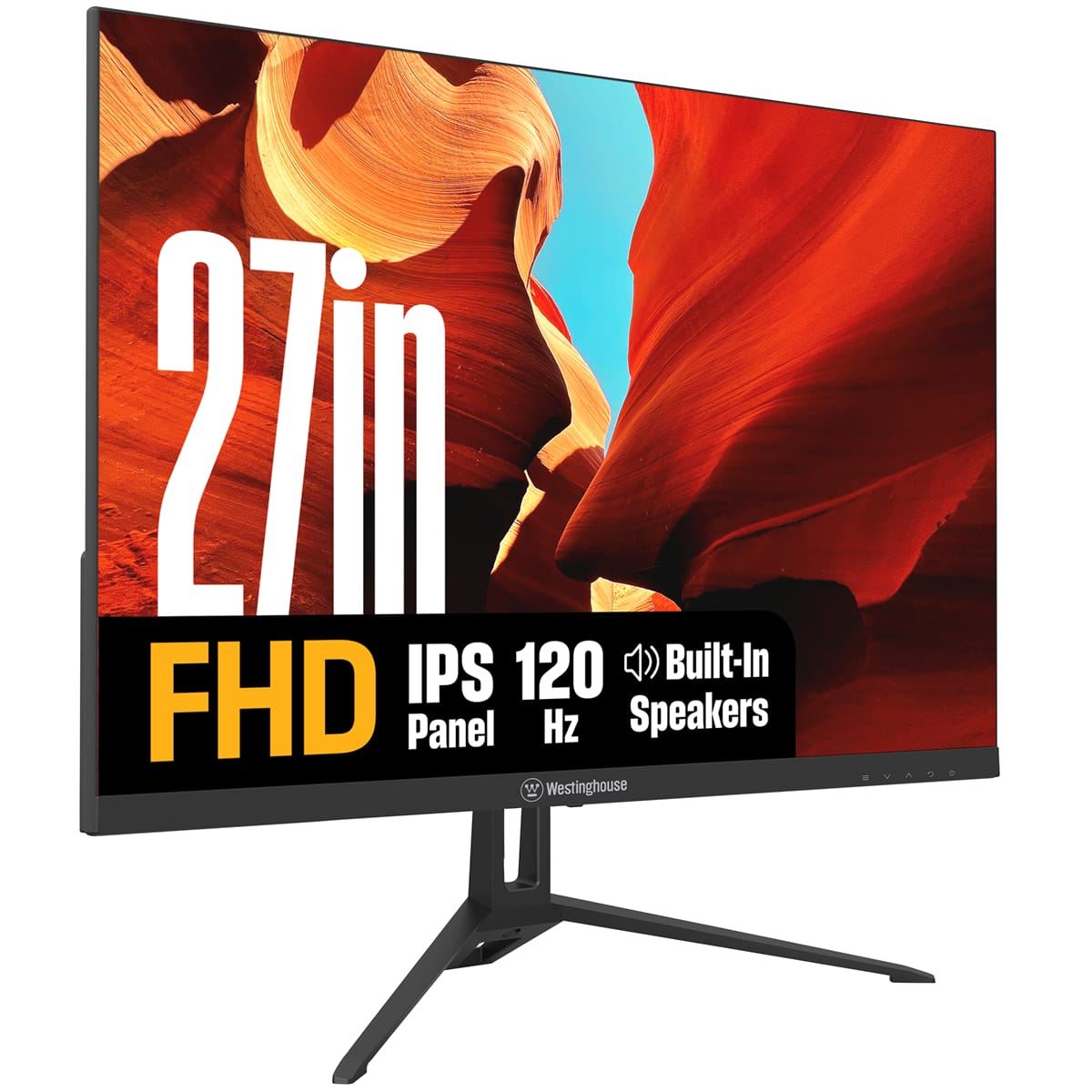
Westinghouse - 27" home office monitor - Black
SKU: J3LL89CRCYSee all All MonitorsProduct Description
A black IPS monitor with 1080p resolution, 120Hz refresh rate, built-in speakers, and Adaptive Sync technology.Your price for this item is $139.99 -
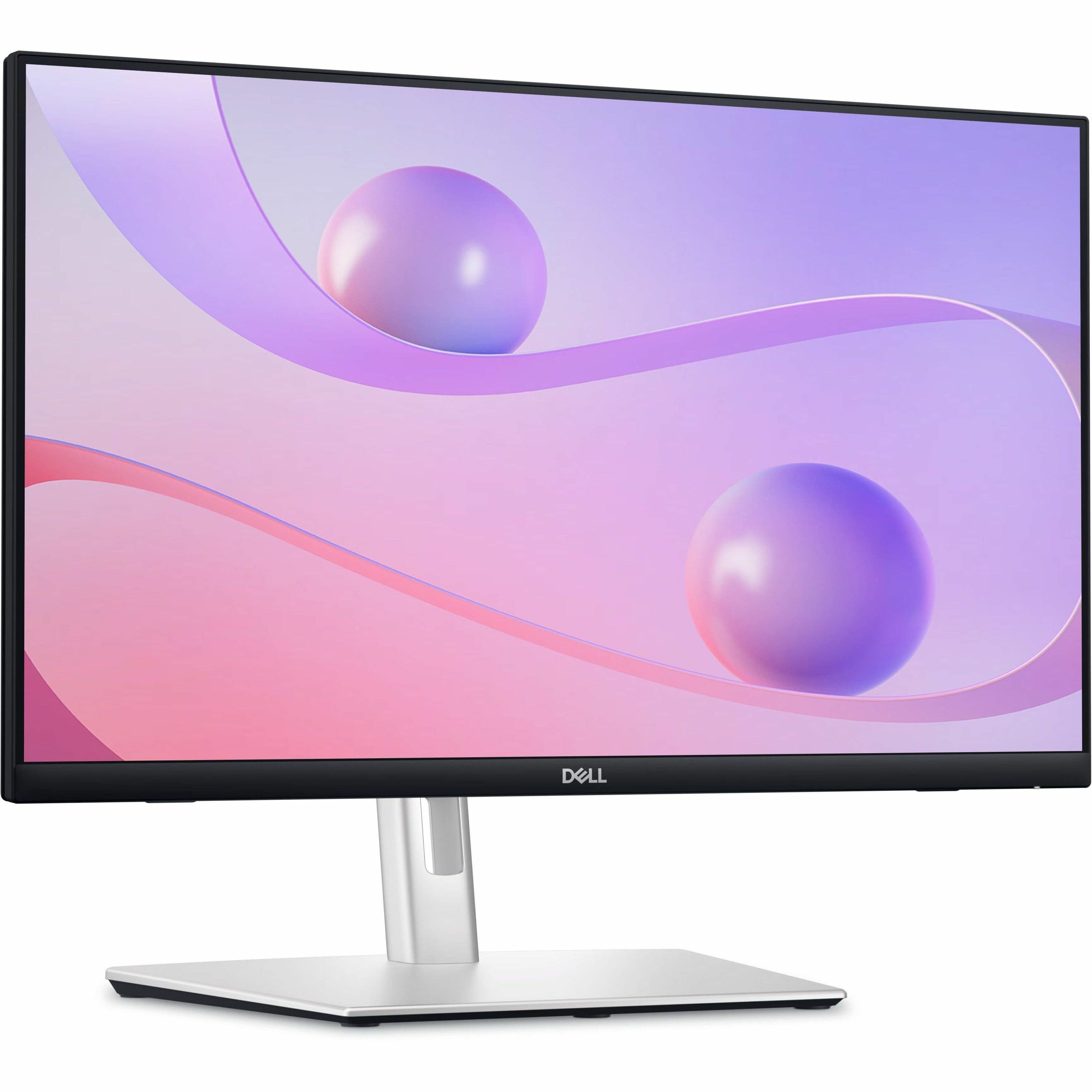
Dell - 23.8" IPS LED FHD 60Hz Monitor (USB, HDMI) - Black
SKU: J3K4L6C5V2See all All MonitorsProduct Description
A black IPS LED monitor featuring 10-point touch, USB-C hub connectivity, and integrated cable management.Your price for this item is $384.99Save $55The previous price was $439.99 -
BenQ - 27" 144 Hz IPS FHD Eye-Care Home Office Monitor 5ms (GtG) 99% sRGB Flat Panel GW2790C - Blue
SKU: J39QZT5Y7LSee all All MonitorsProduct Description
A blue IPS monitor with 144Hz refresh rate, 5ms response, 99% sRGB, and eye-care technology.Your price for this item is $184.99 -
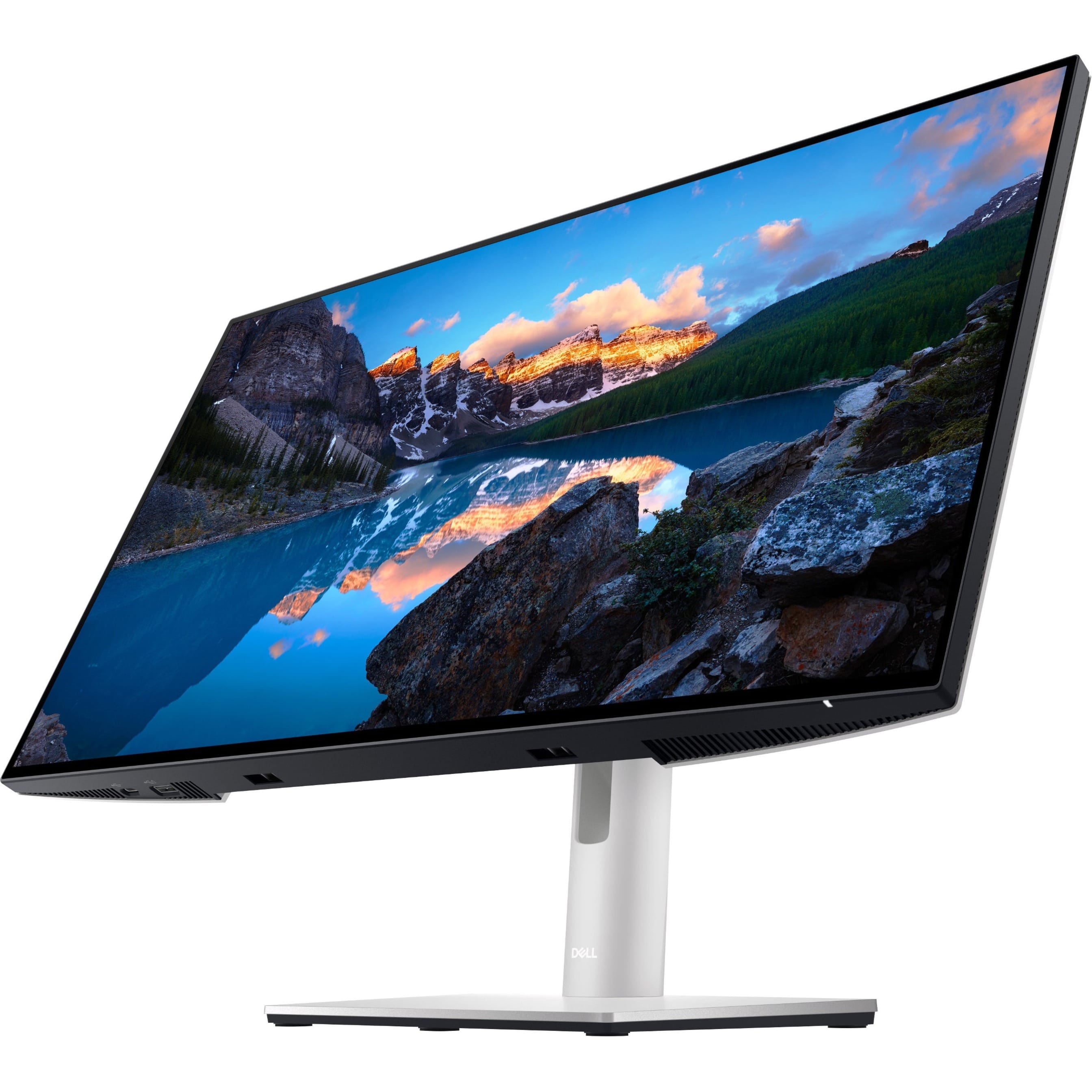
Dell - UltraSharp 23.8" LCD Monitor (DisplayPort, USB, HDMI) - Black
SKU: J3K4L9V72WSee all All MonitorsProduct Description
A black IPS LCD monitor with 1920 x 1080 resolution, 60Hz refresh rate, and adjustable stand height.Your price for this item is $399.99 -
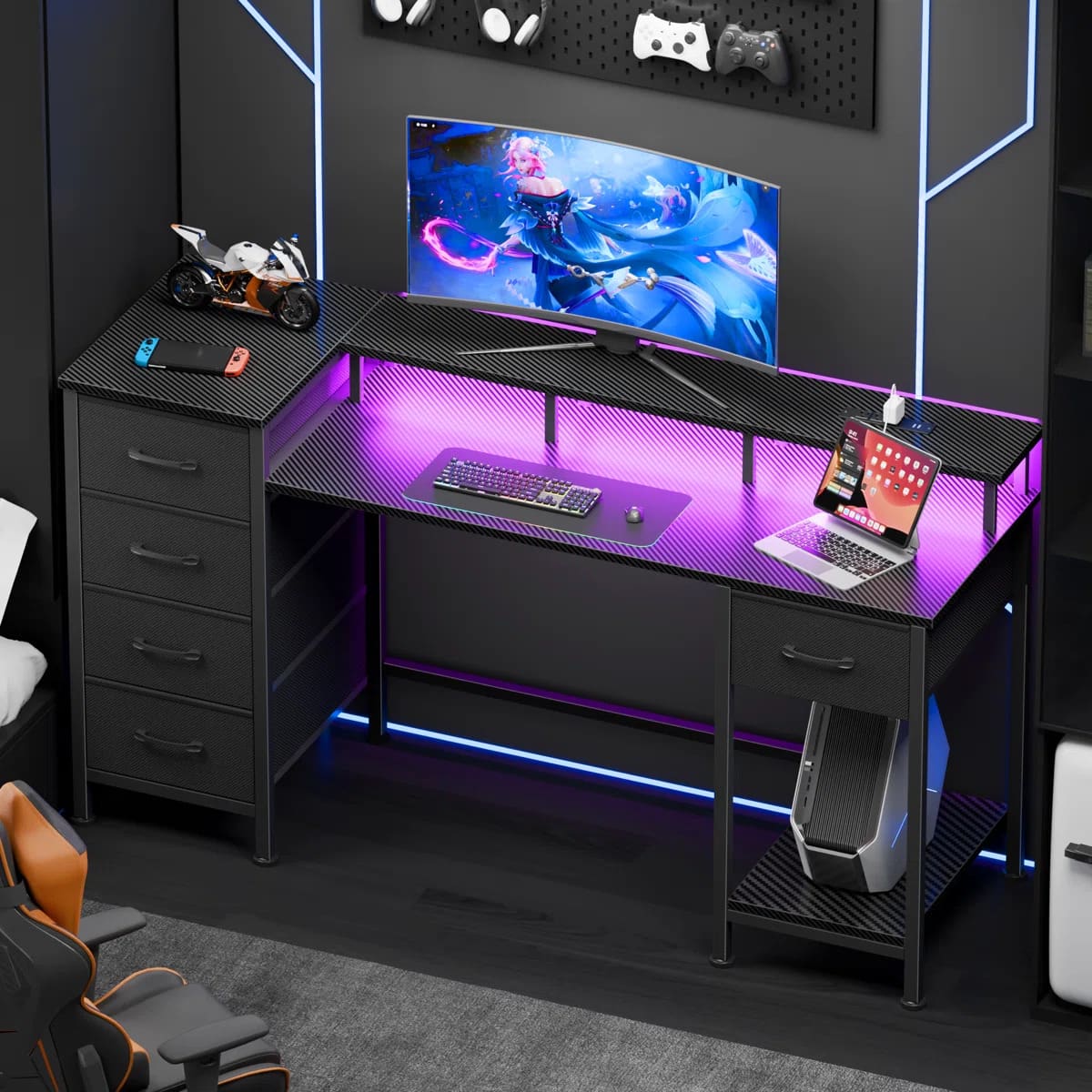
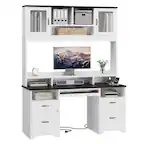
Furnulem - Computer Desk with Charging Station Gaming Desk LED Lights 5 Fabric Drawers Monitor Stand Home Office Writing Table - Black
SKU: CZWPZVGTSVSee all Computer DesksProduct Description
A black metal and wood desk featuring LED lights, charging ports, drawers, and an ergonomic monitor stand.Your price for this item is $96.99
Best Sellers





Related Pages




FAQ
When choosing a home office monitor, consider features like screen resolution, panel type (such as IPS for better color accuracy), adjustable stands for ergonomic comfort, built-in speakers, and connectivity options like HDMI, DisplayPort, or USB-C to ensure compatibility with your devices.
Yes, many monitors are designed with eye care technologies such as blue light filters, flicker-free screens, and adjustable brightness settings to help reduce eye strain during extended use.
Most home office monitors support connections with laptops via HDMI, DisplayPort, USB-C, or VGA cables. Check your laptop’s available ports and match them with the monitor’s input options for seamless connectivity.
Many modern home office monitors offer multitasking features such as Picture-in-Picture (PiP), Picture-by-Picture (PbP), and split-screen software, allowing you to view content from multiple sources or run several applications side by side.
Some home office monitors come equipped with built-in webcams and microphones, making them ideal for video conferencing and virtual meetings without the need for additional accessories.