Home Office Setups
Make room for your best work. Whether you’re setting up a dedicated office or making the most of a small space, explore computers, furniture and accessories to build a workspace around your day.
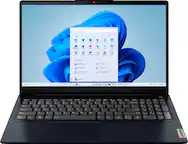
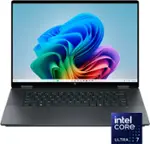
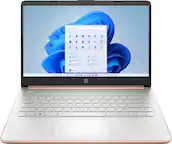
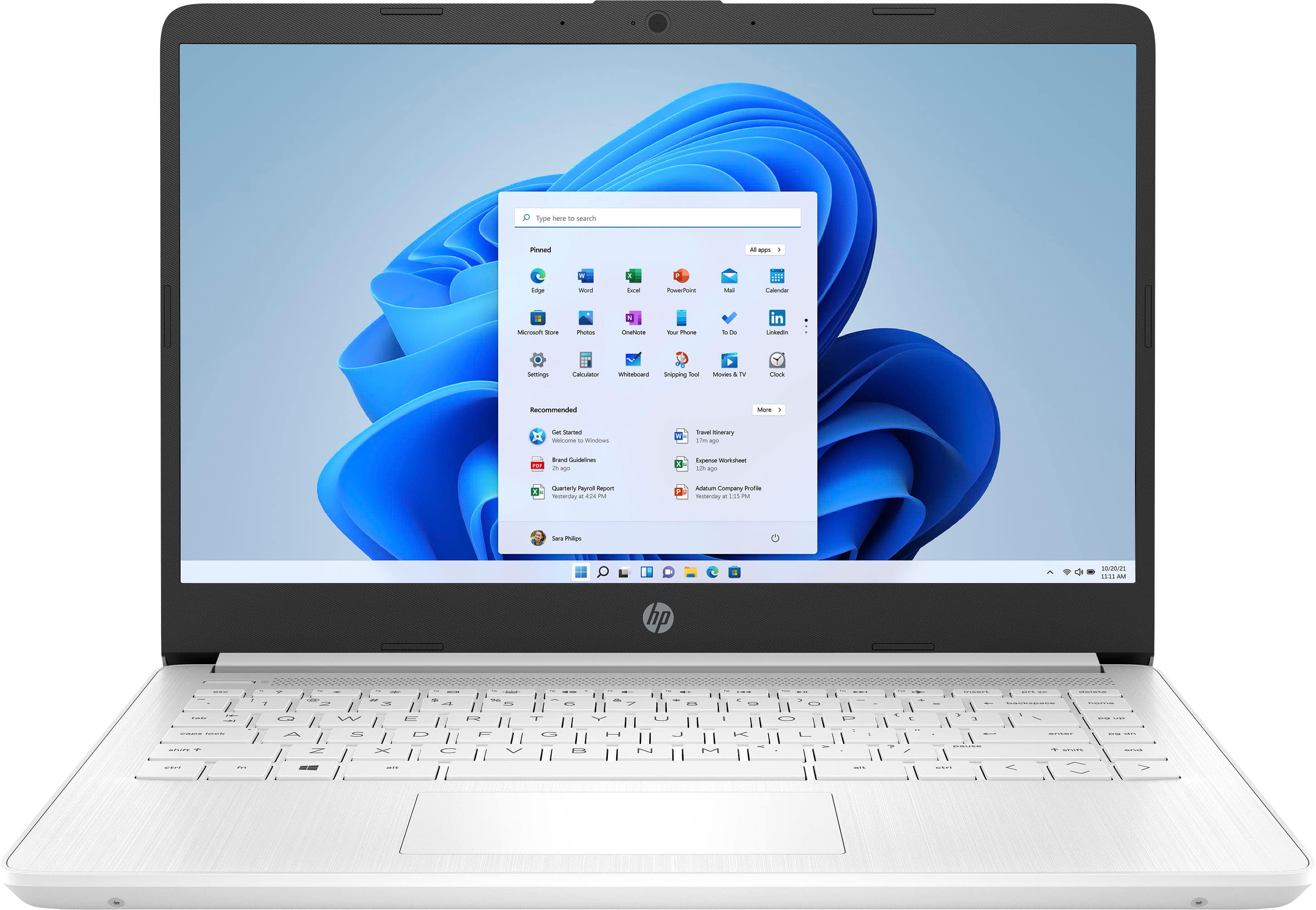
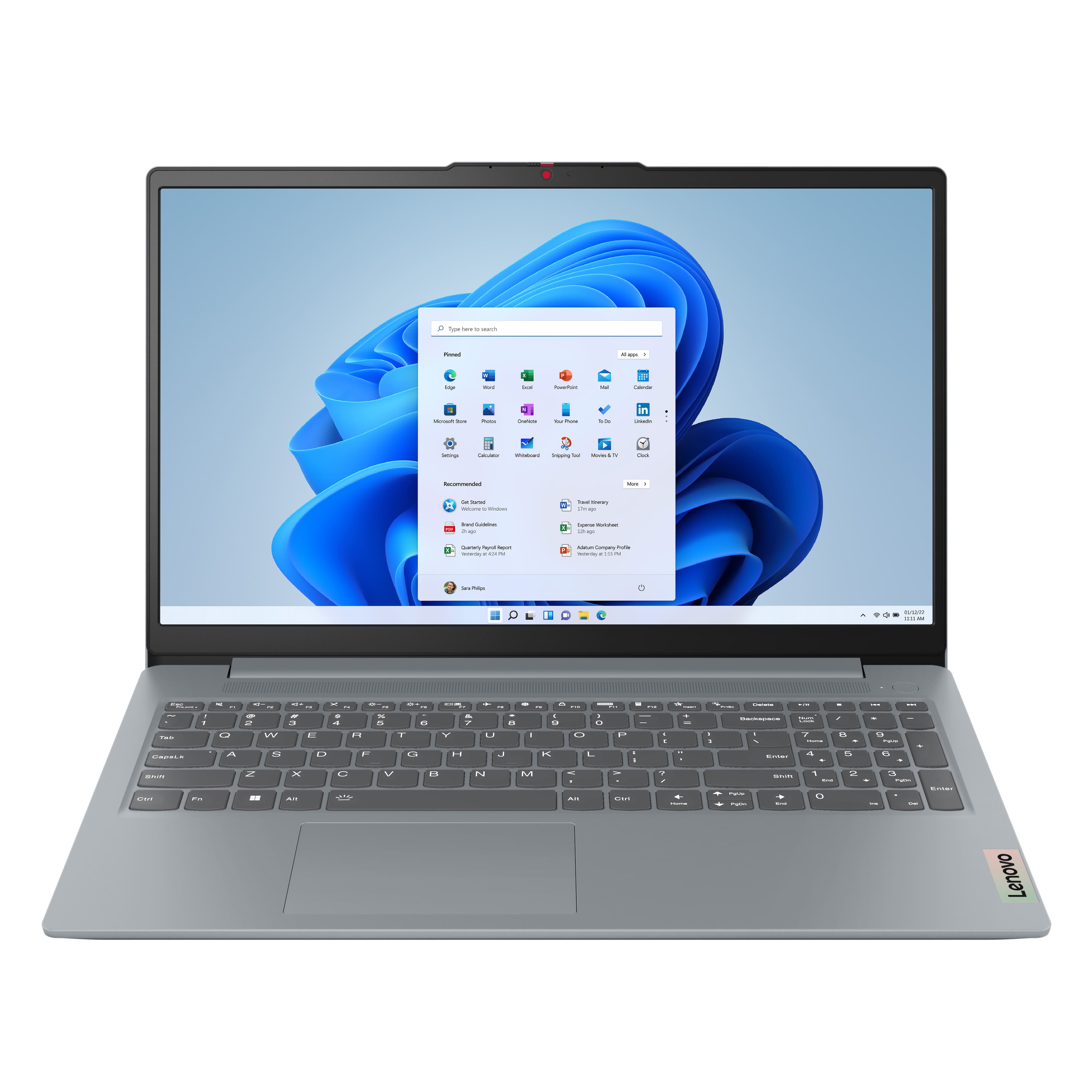
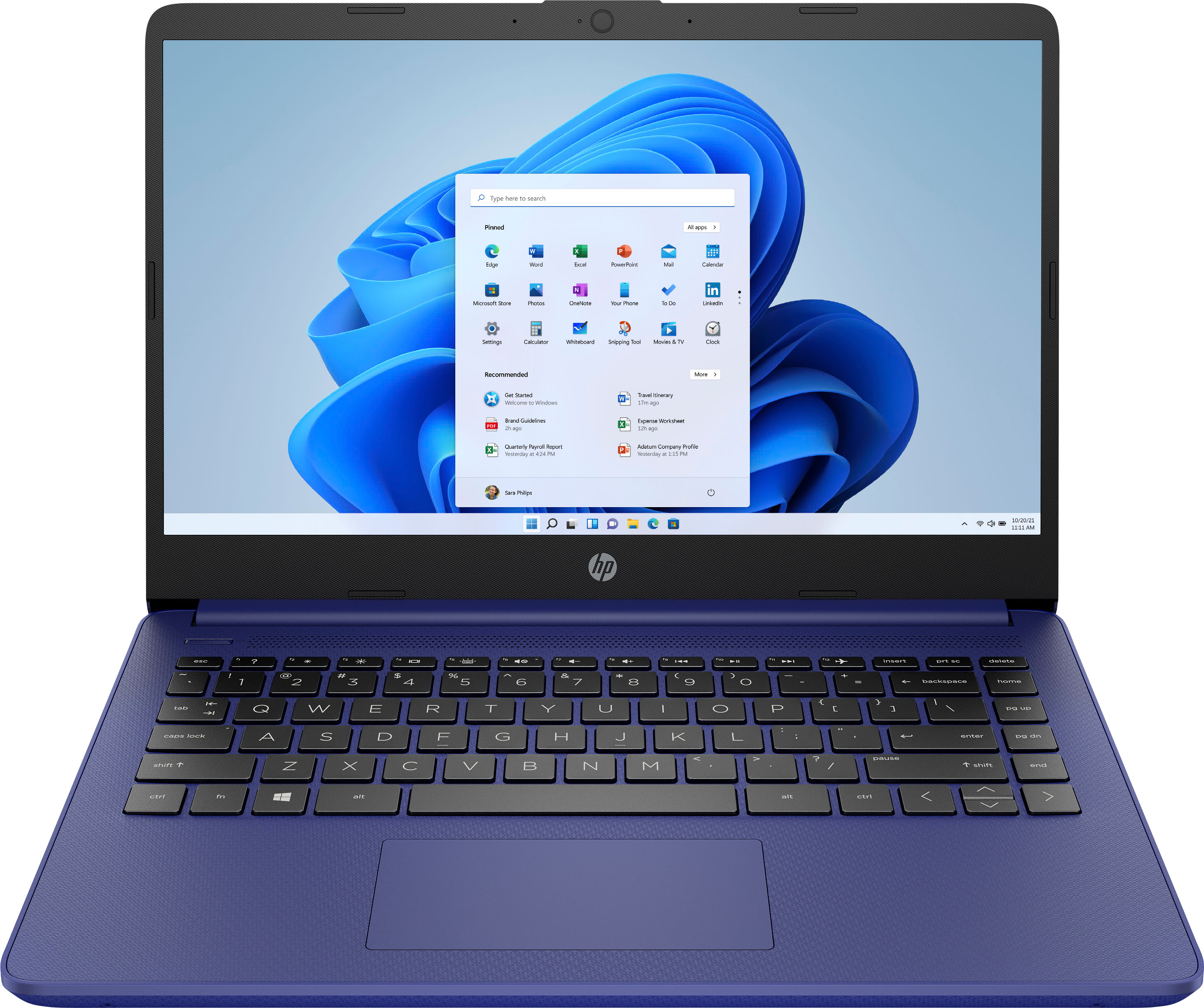
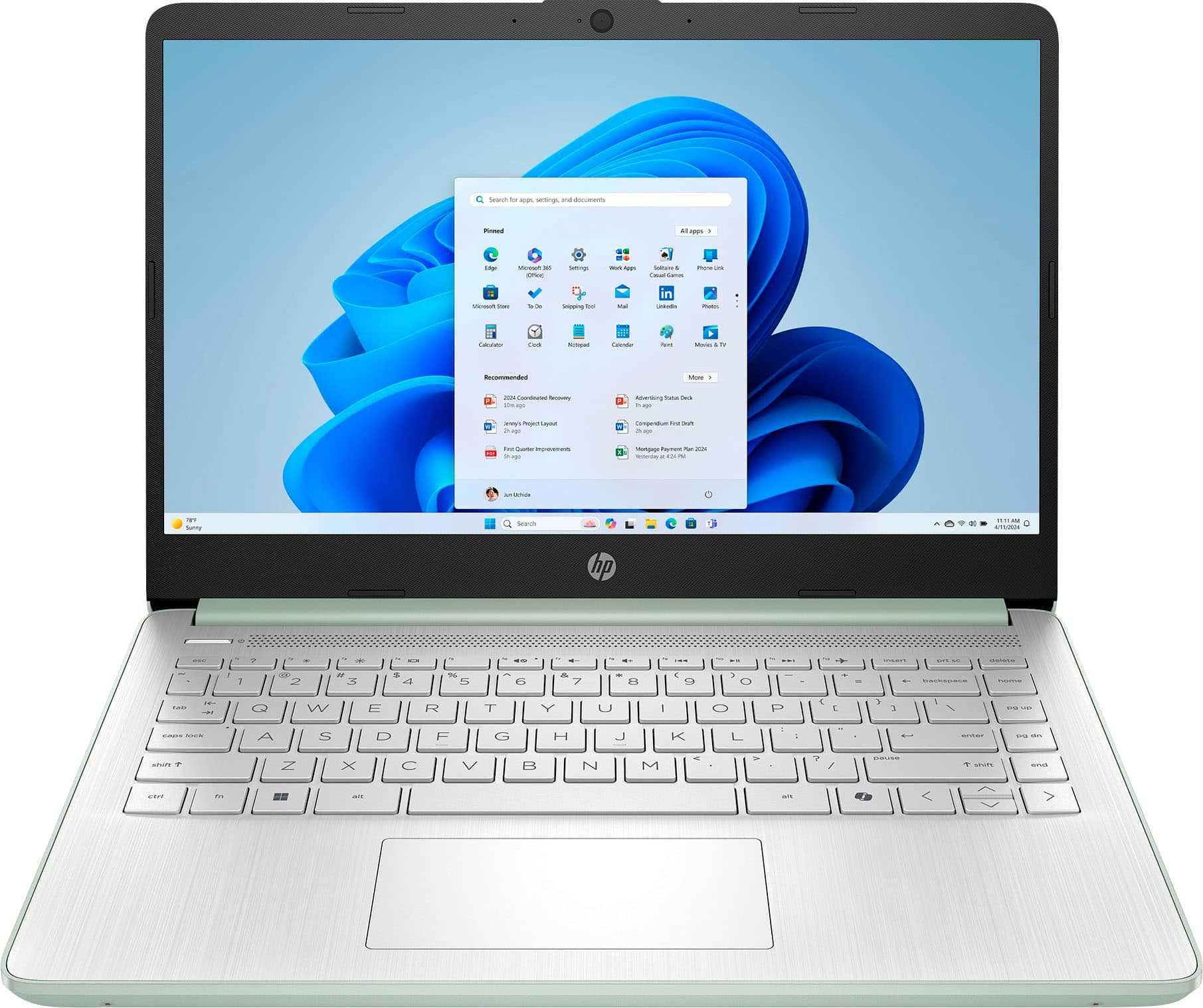
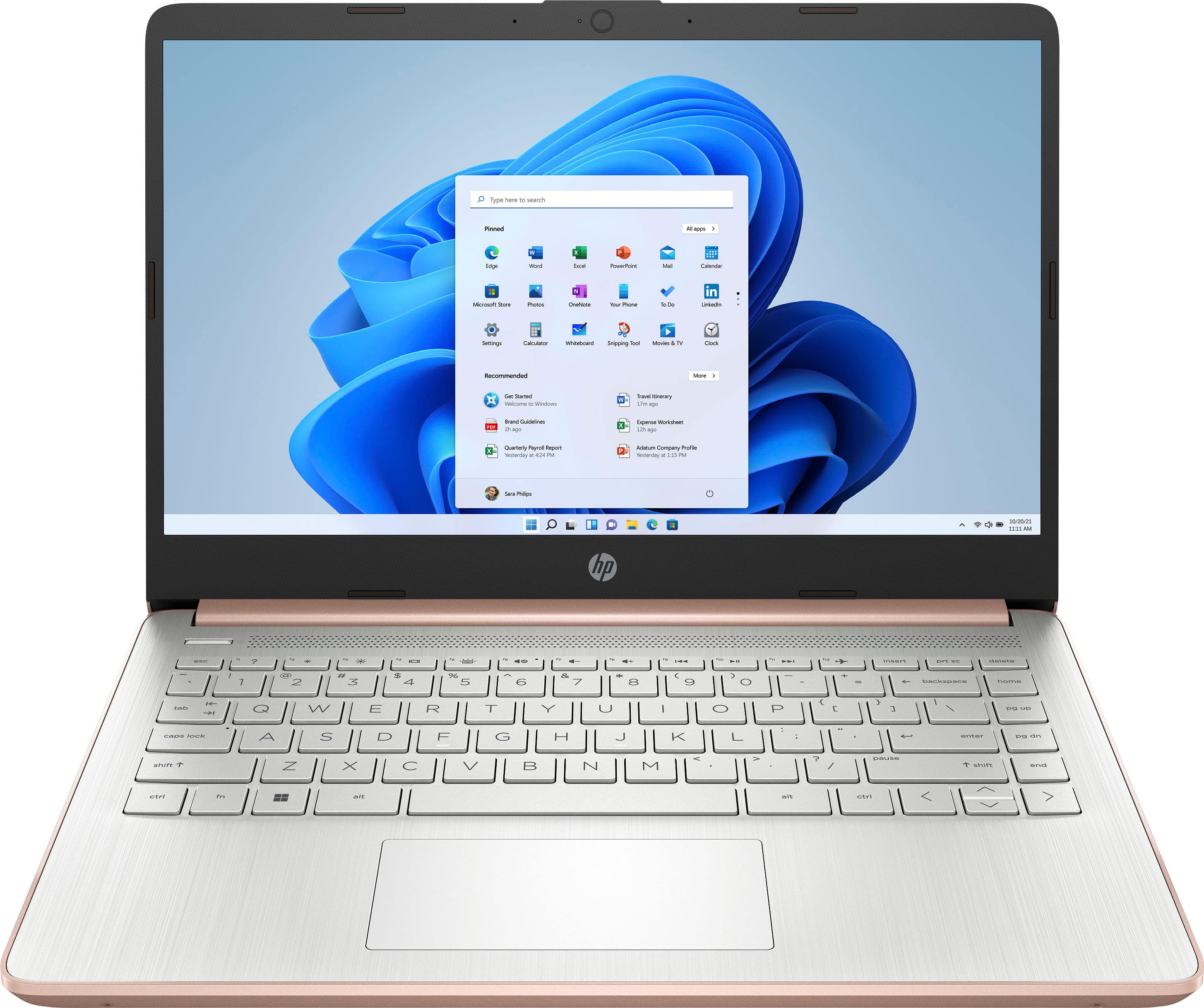
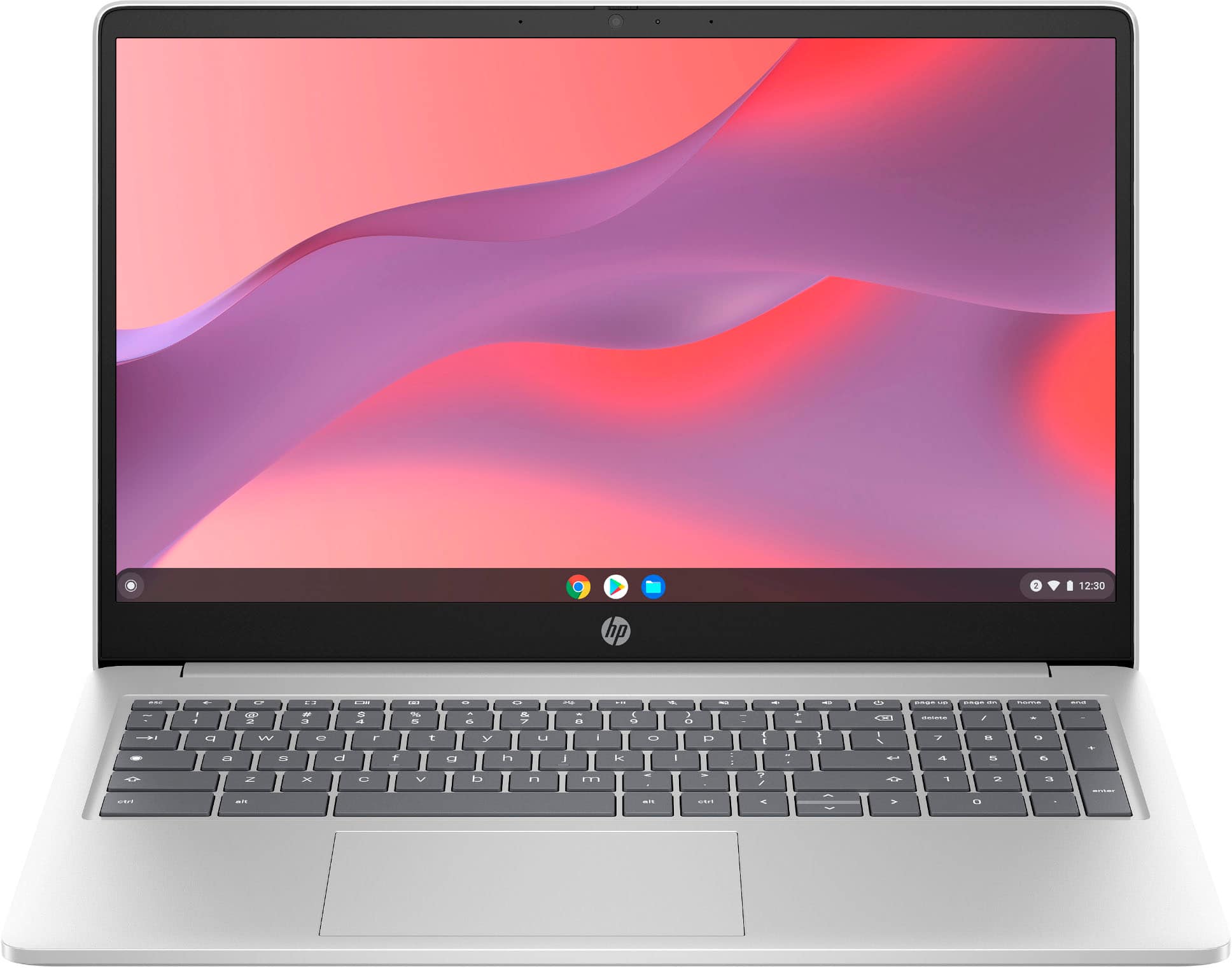
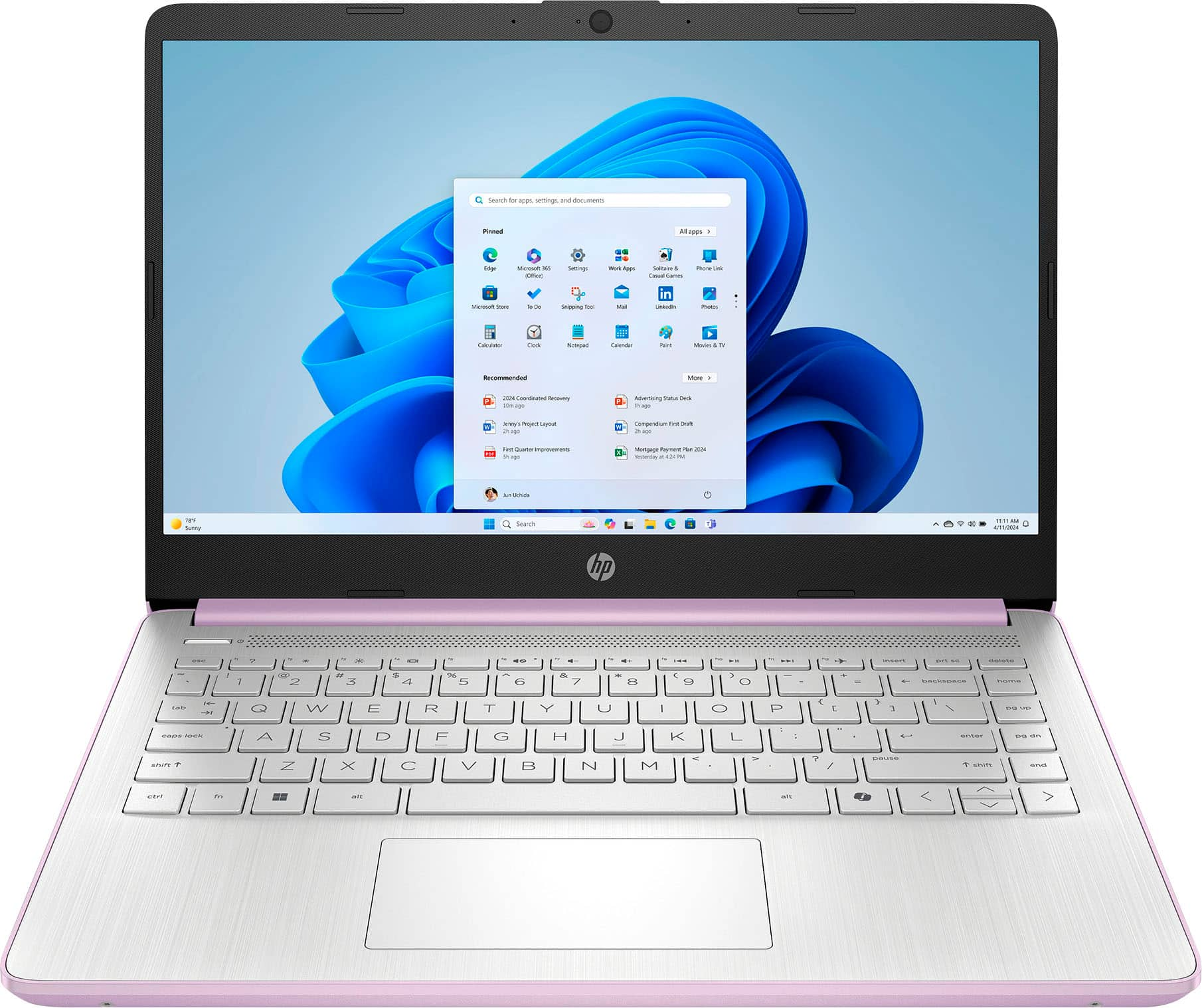
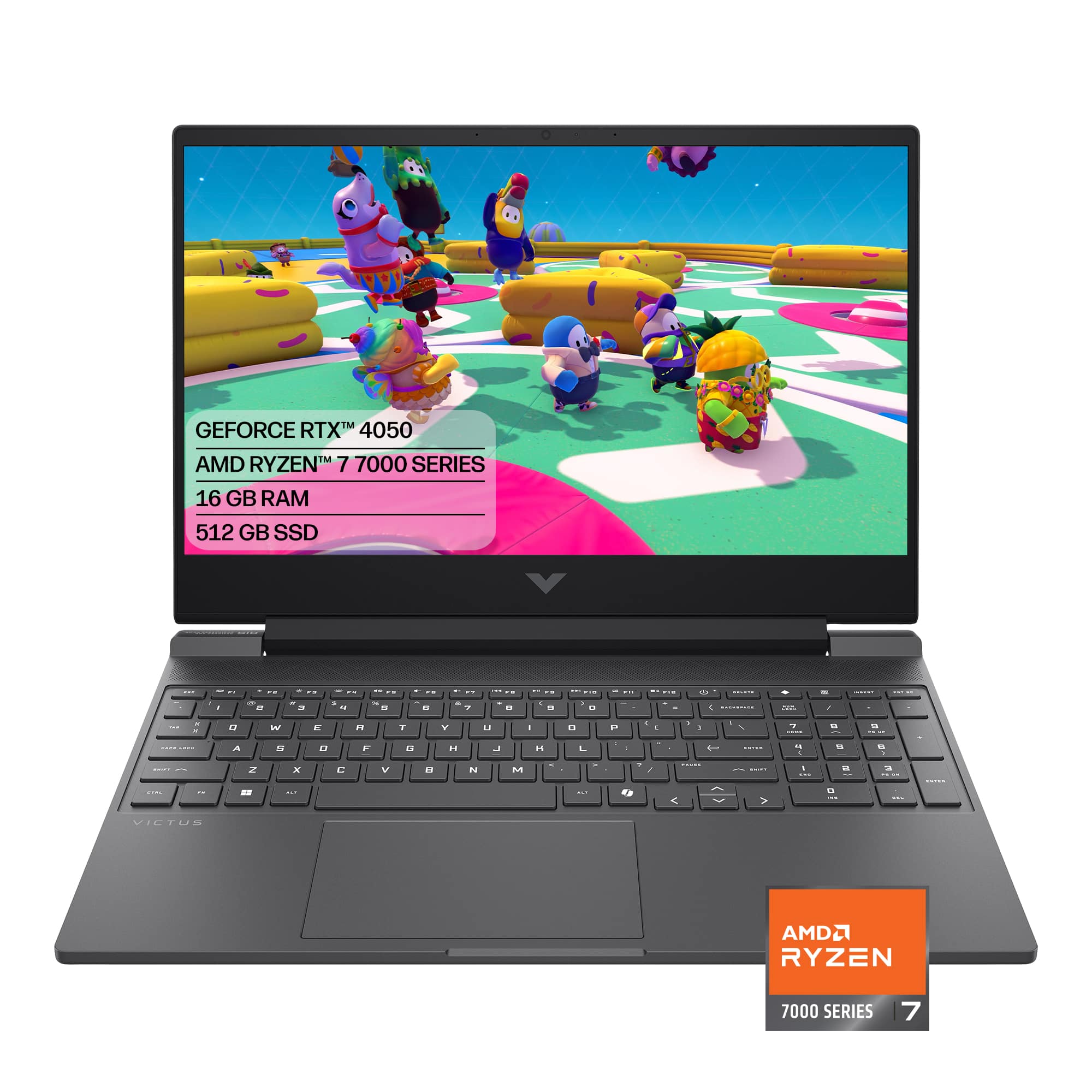
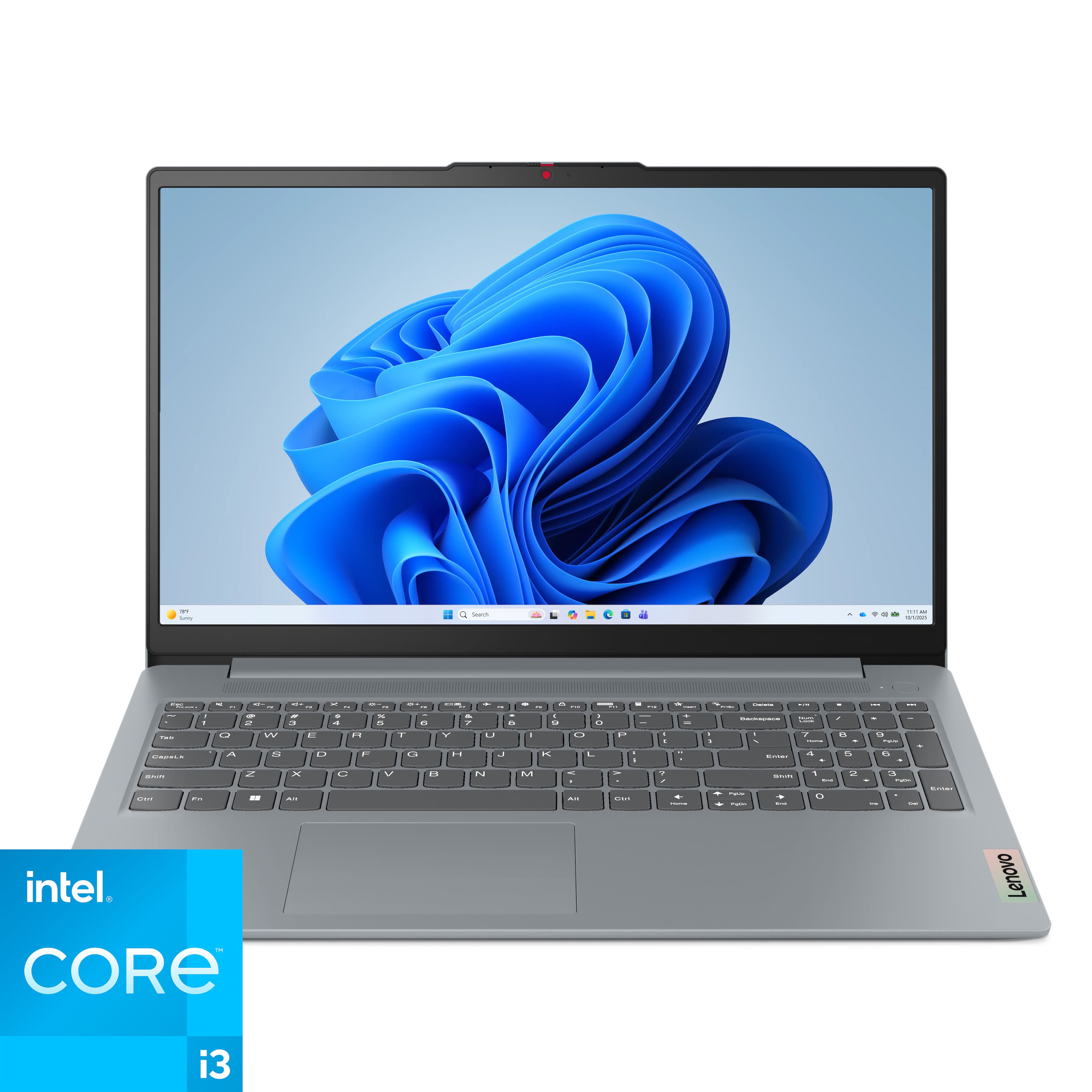
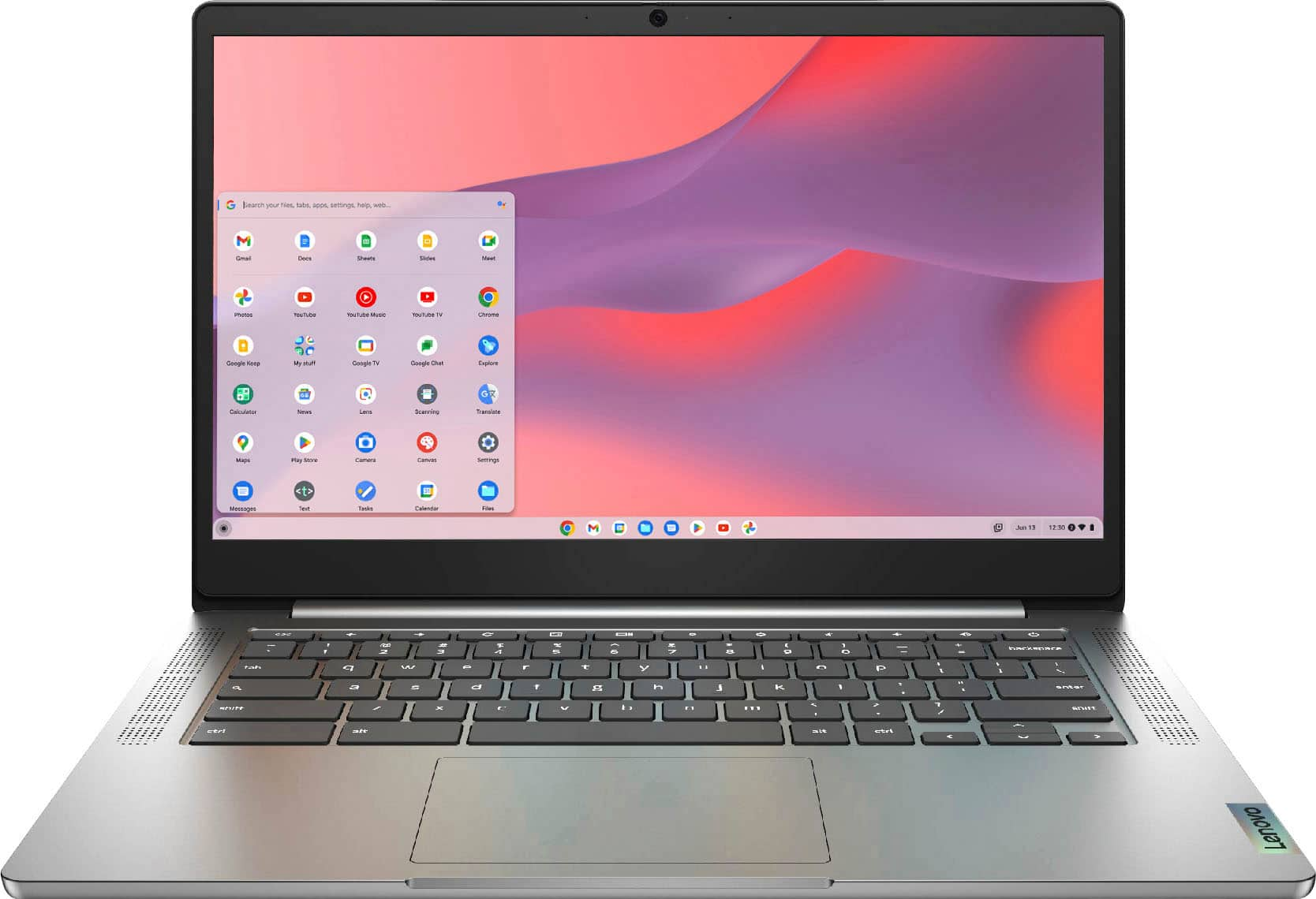
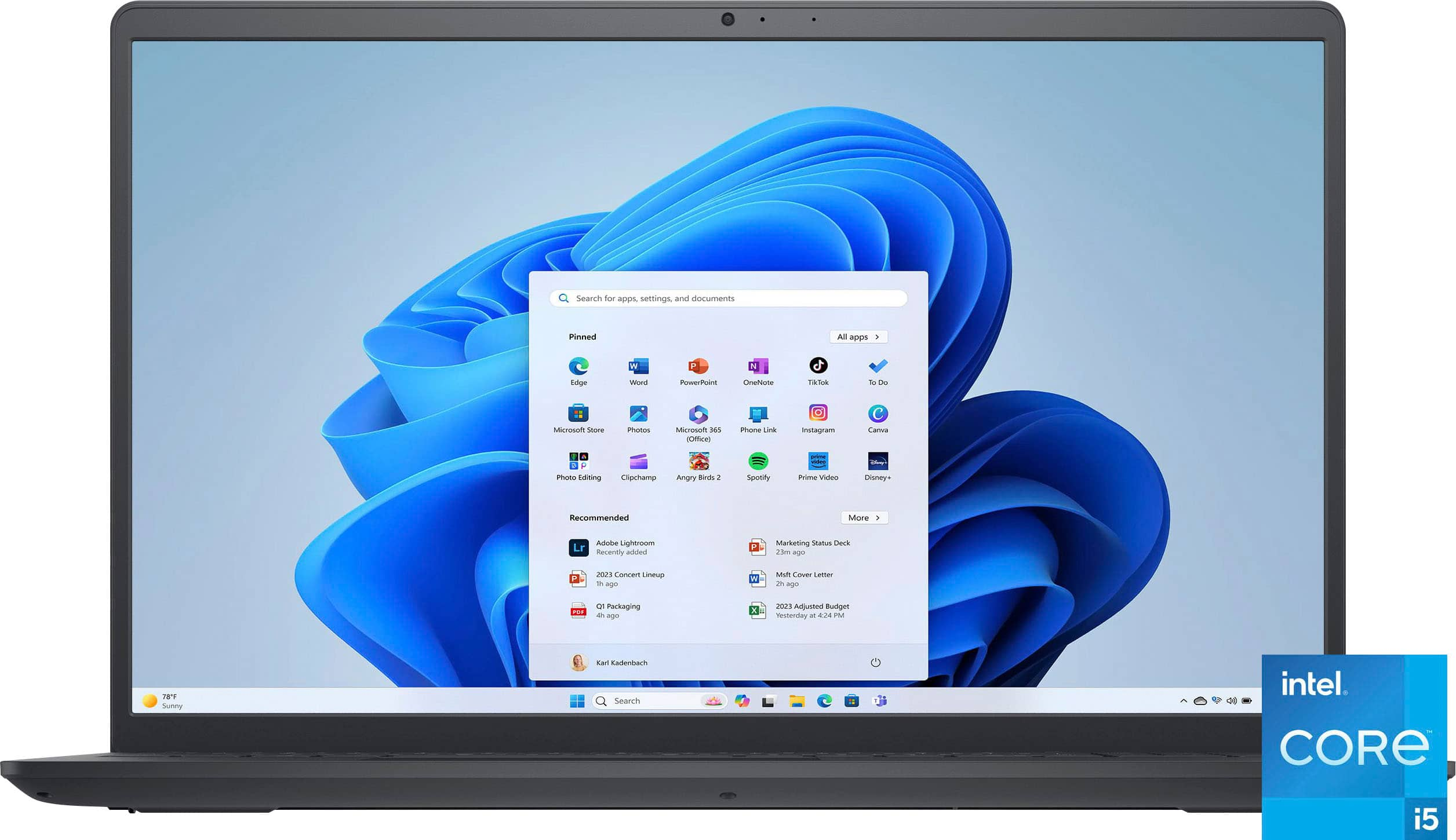
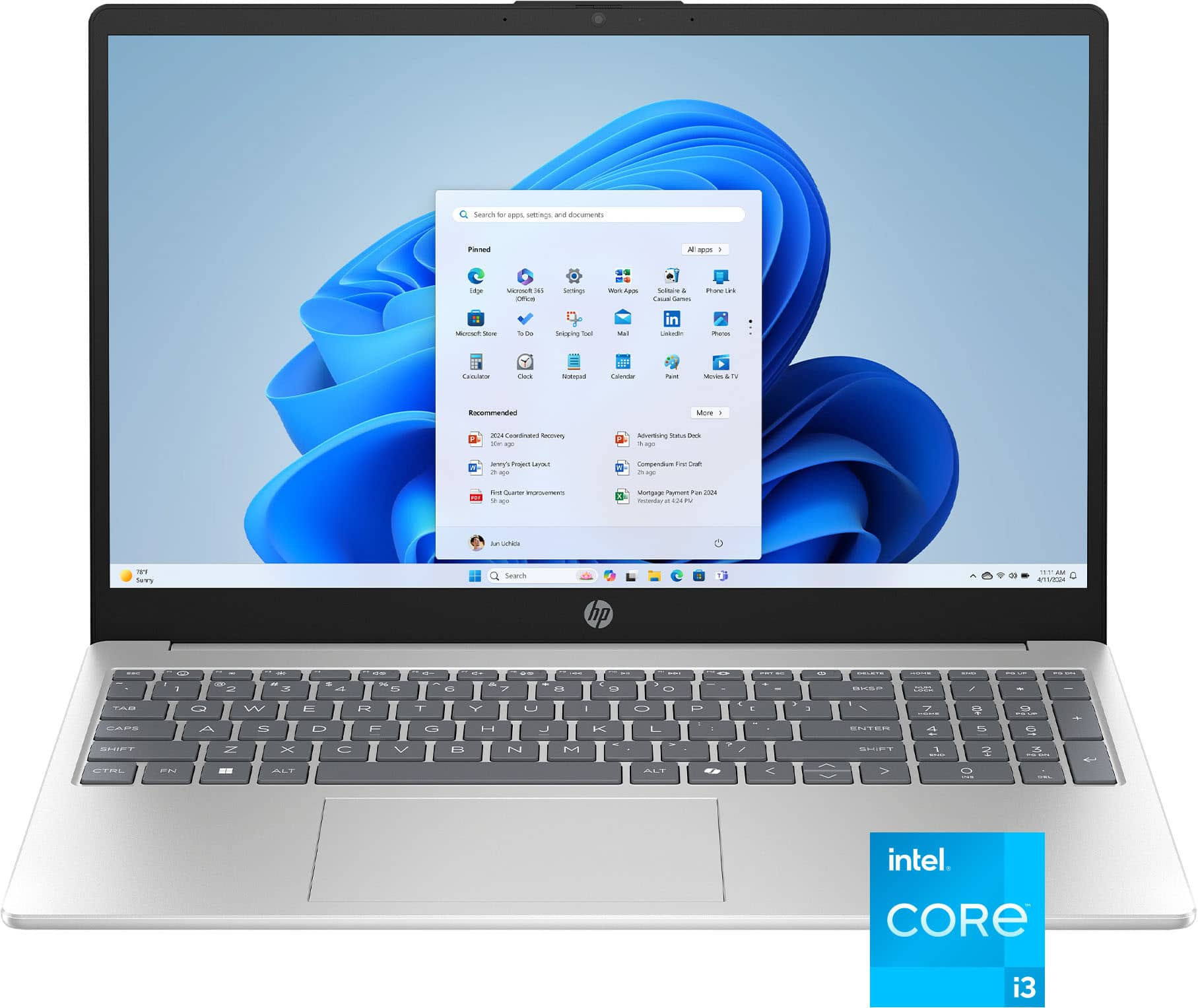
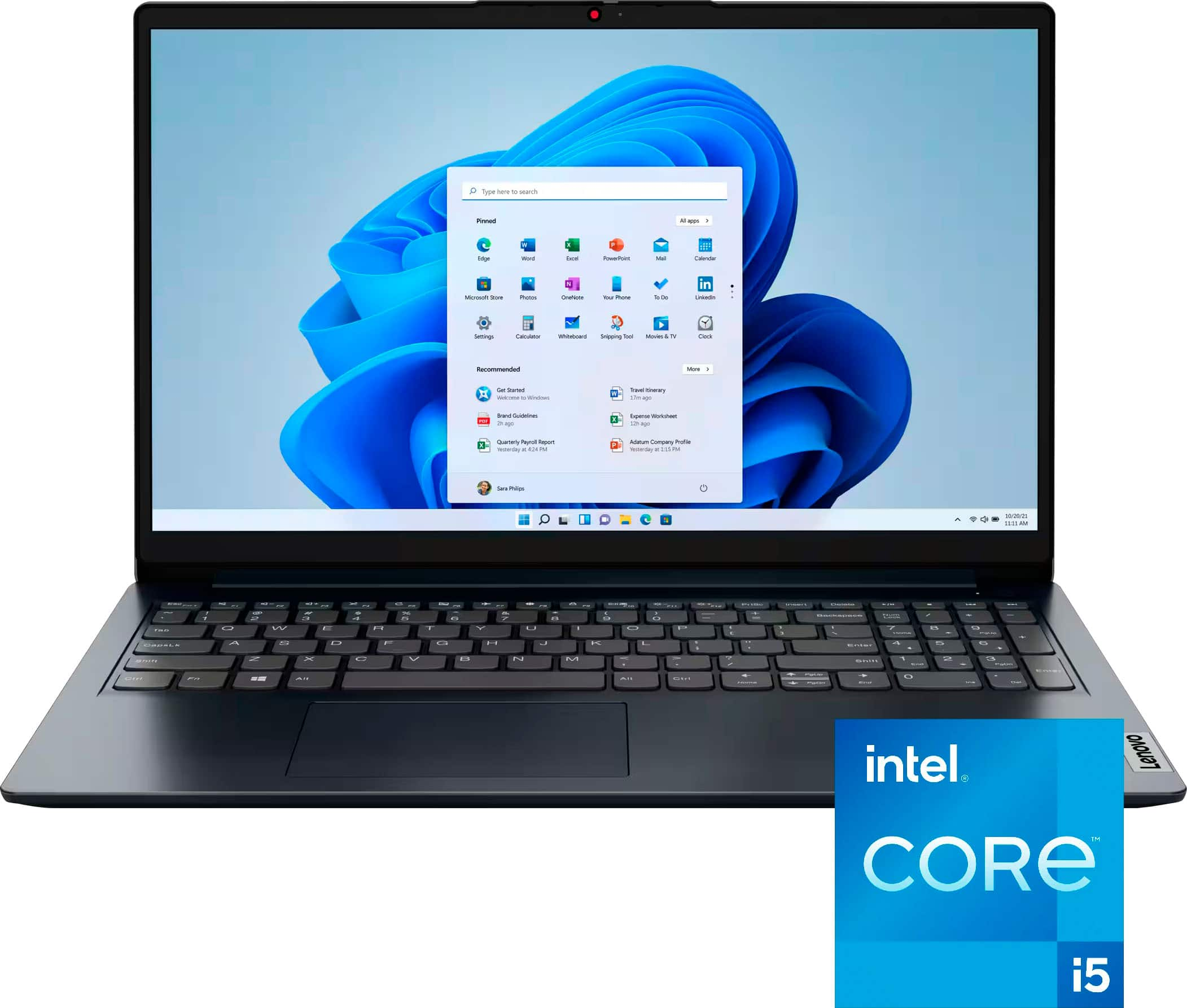
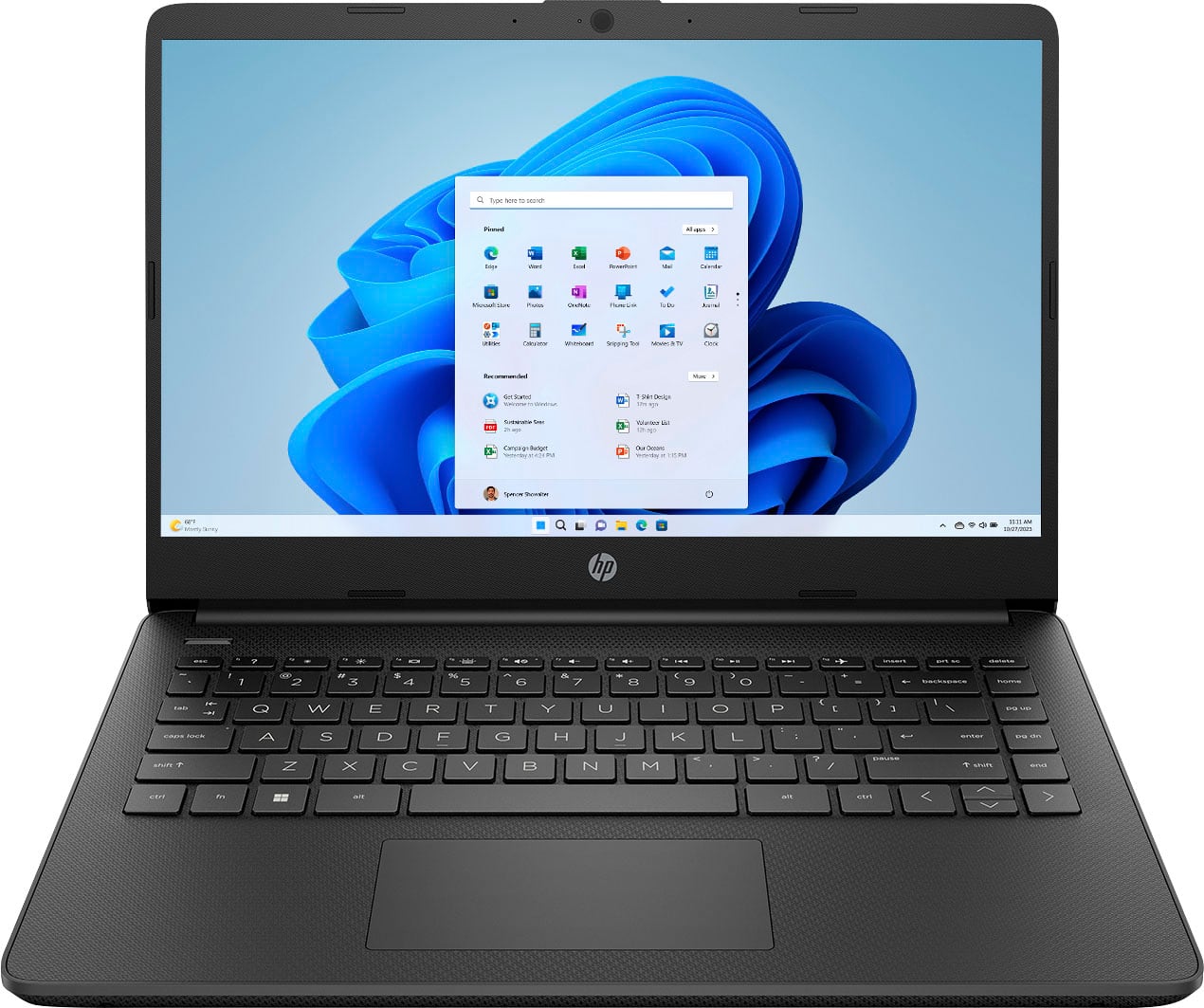
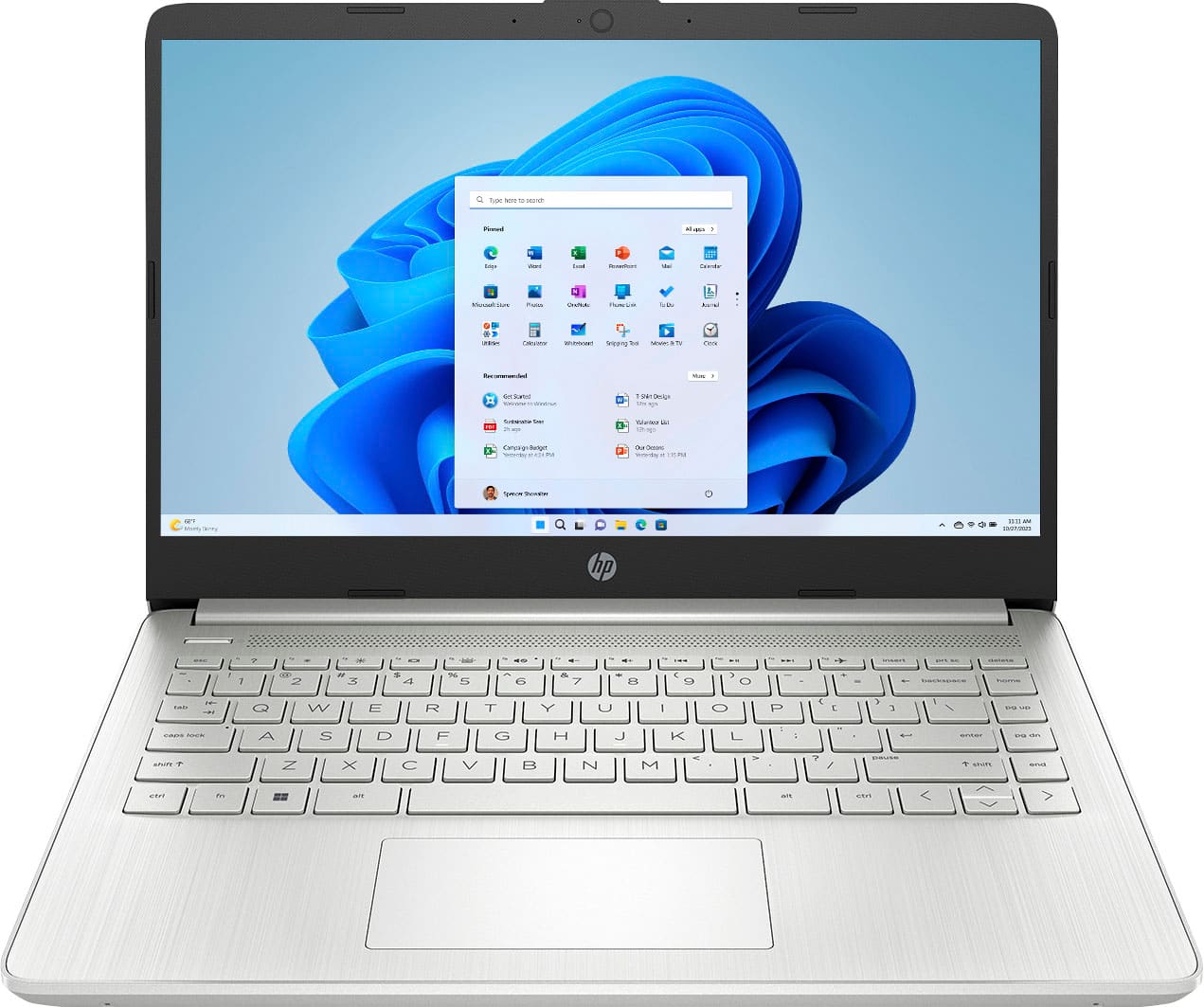
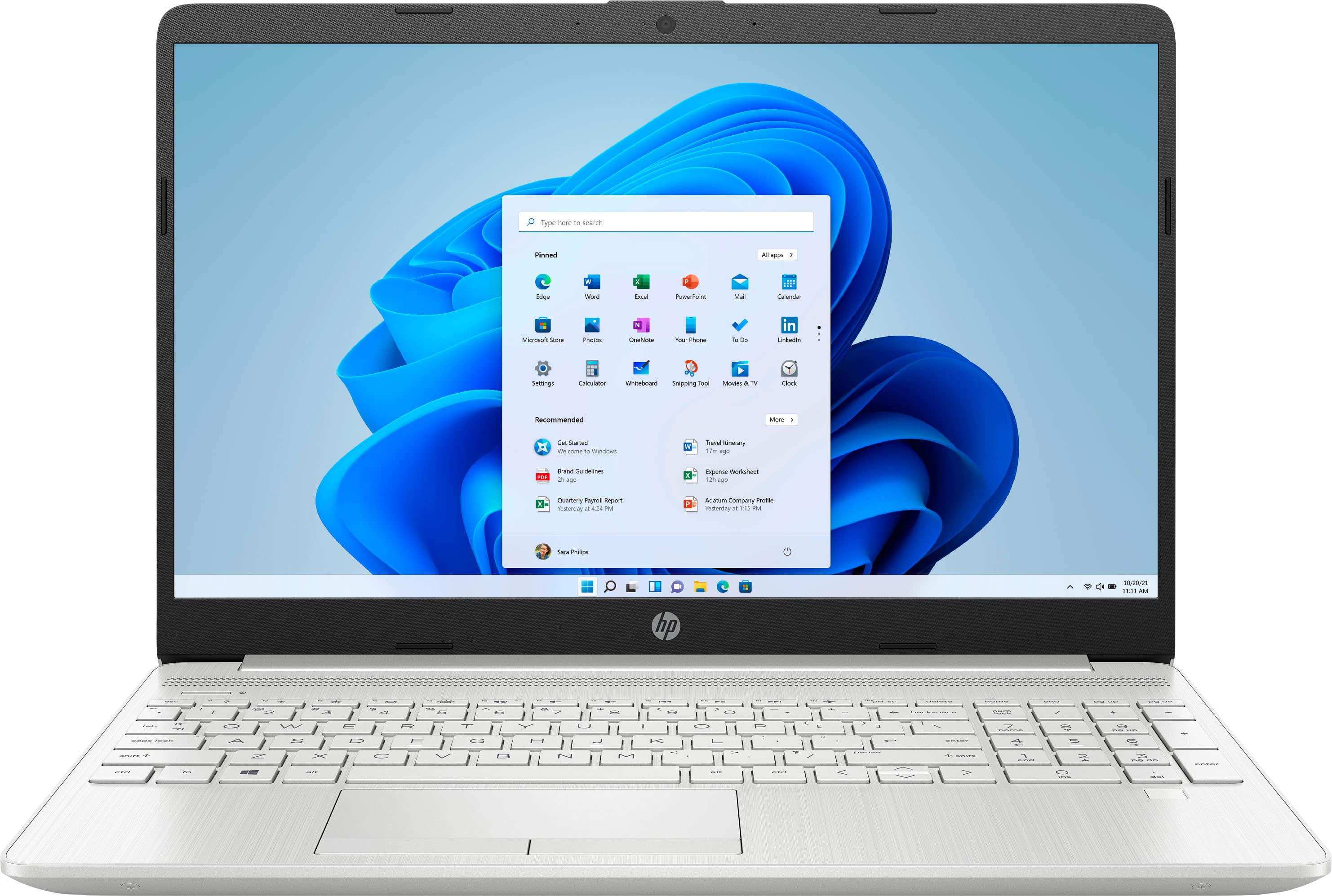
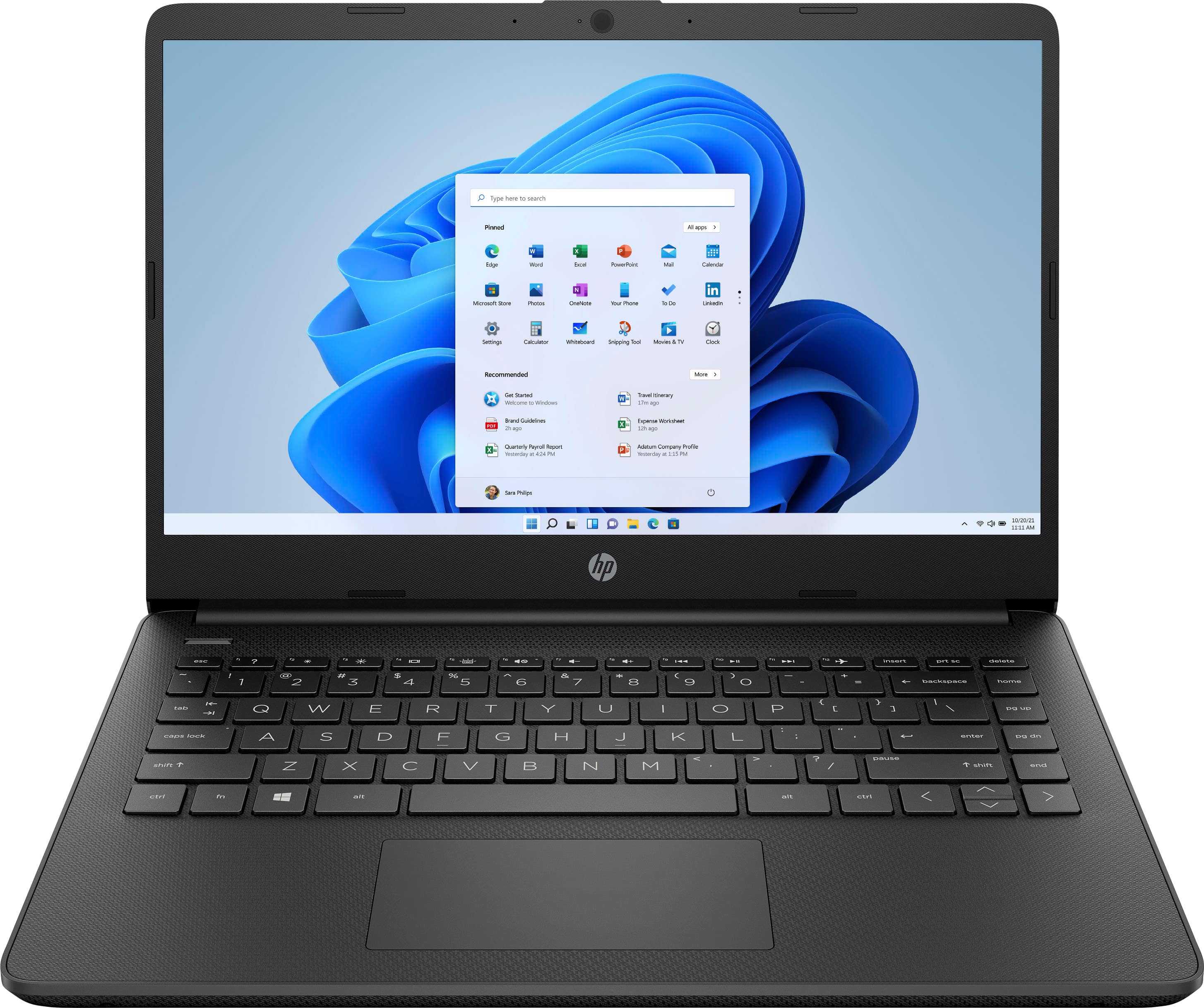
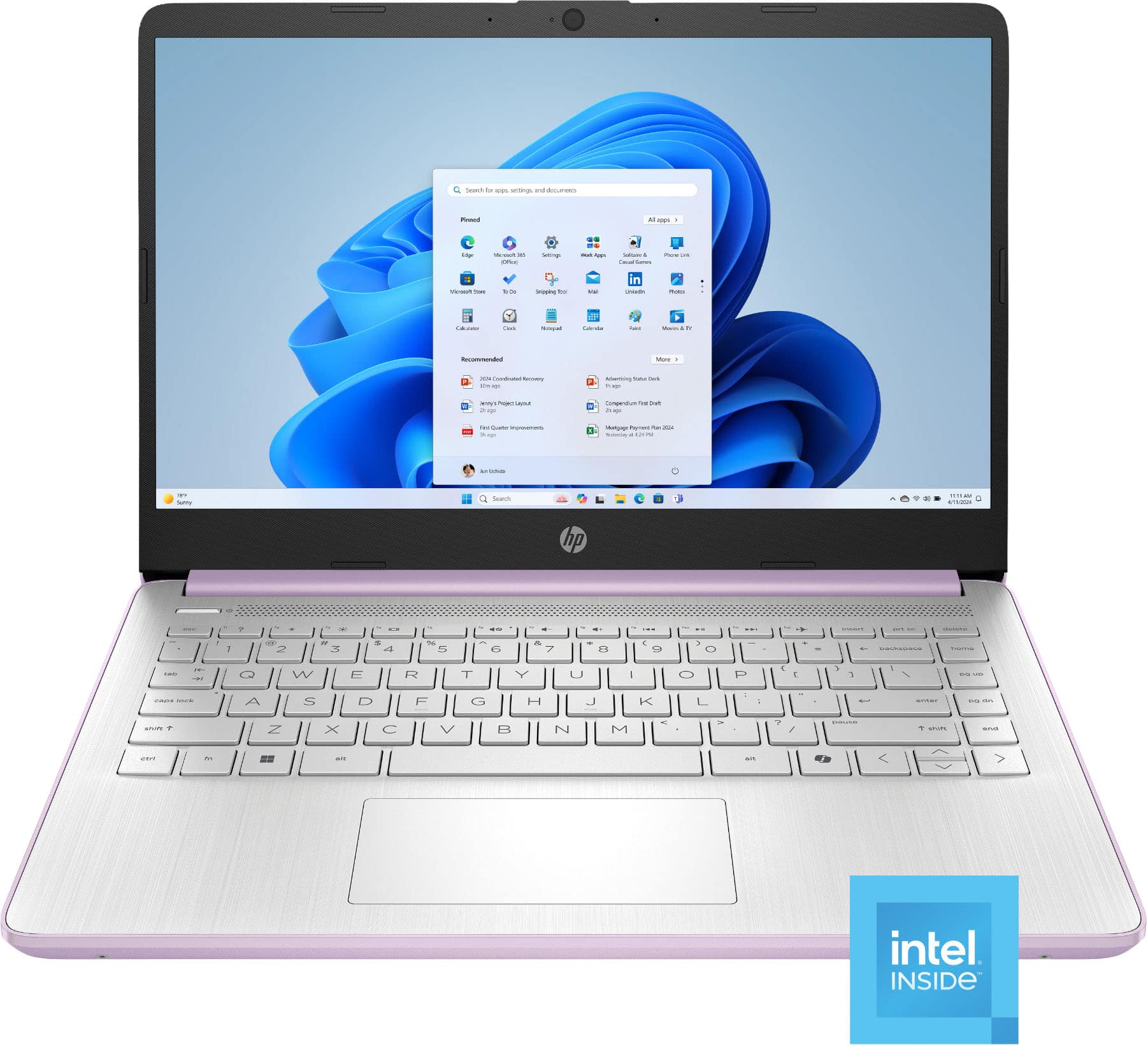
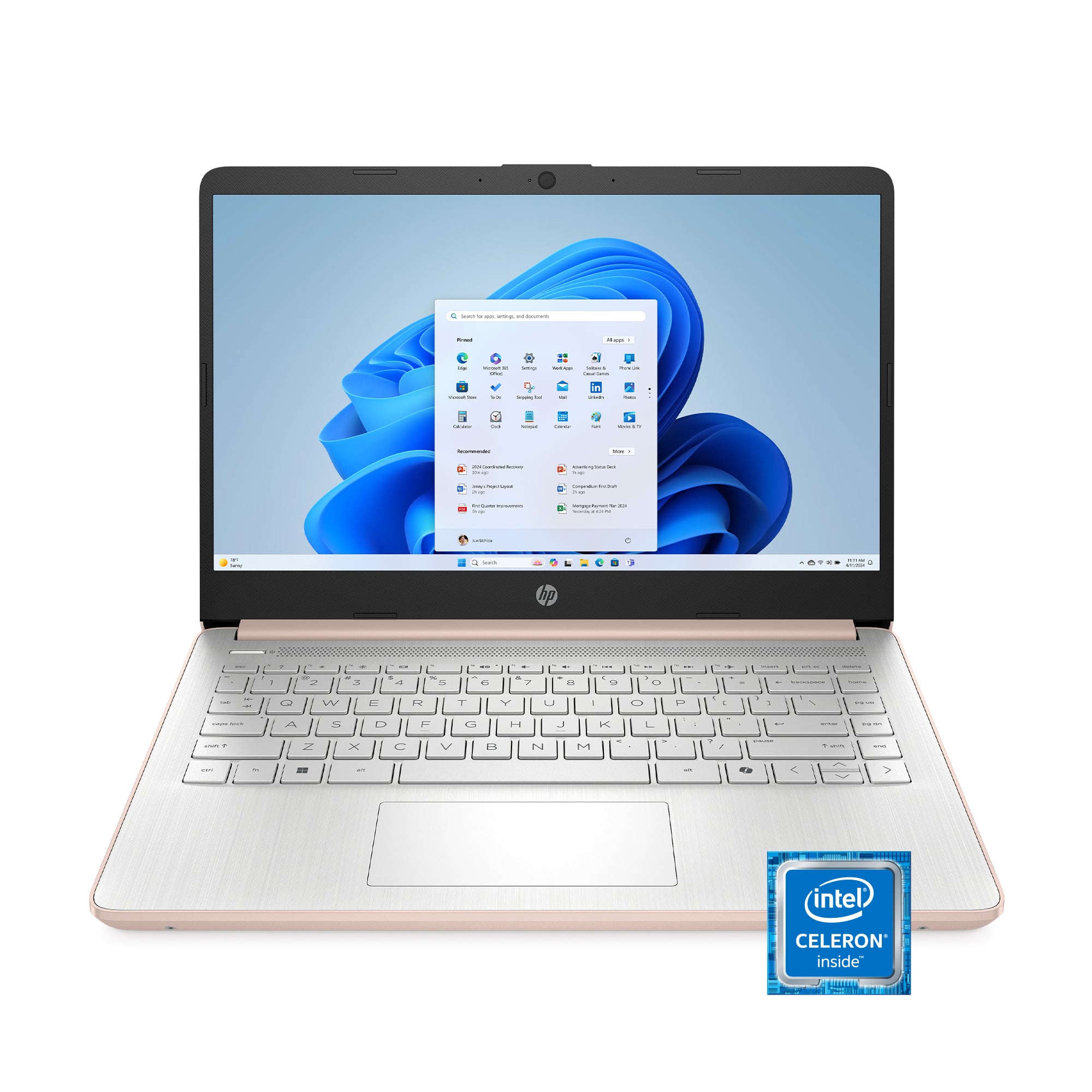
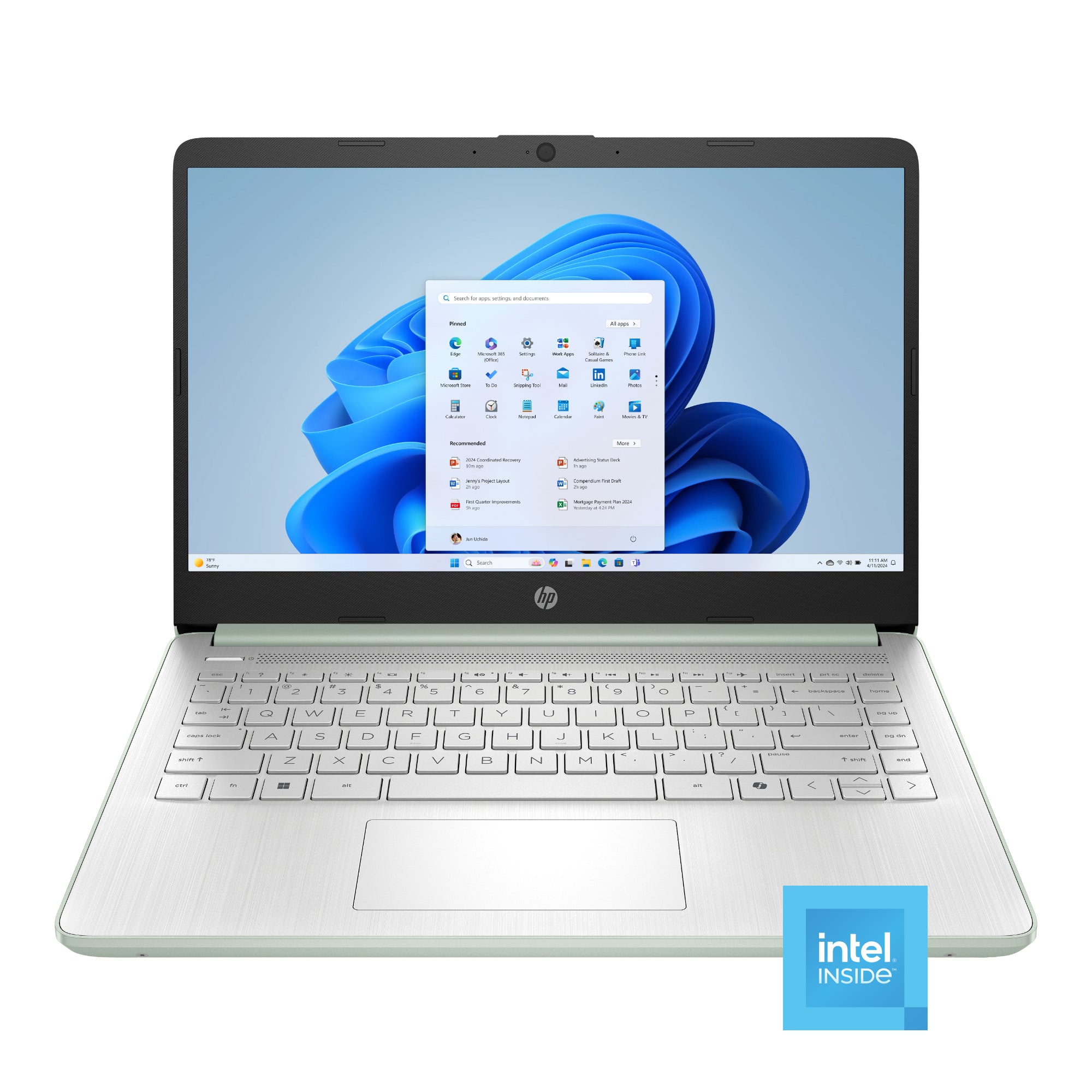
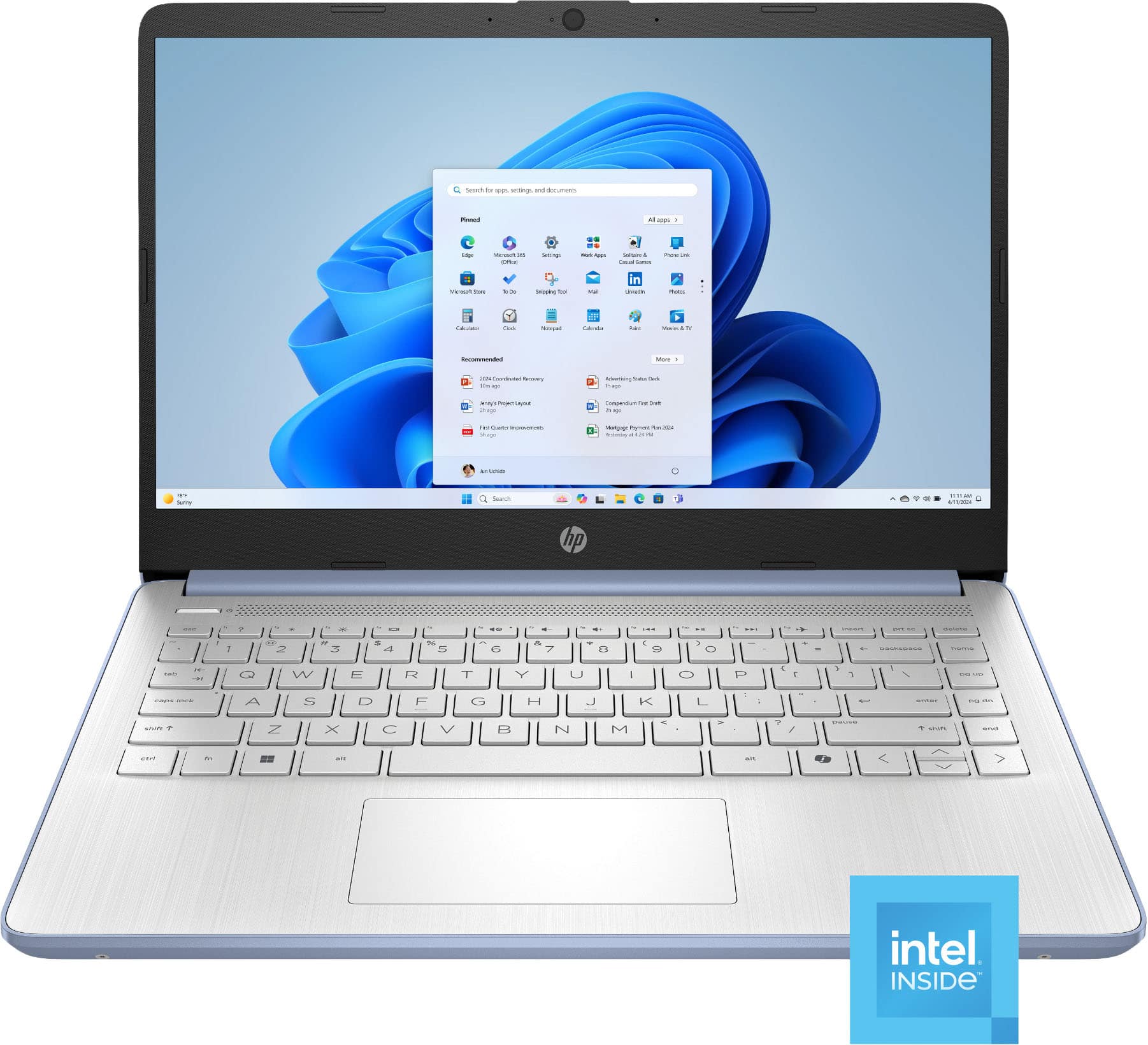
Laptops for your workday



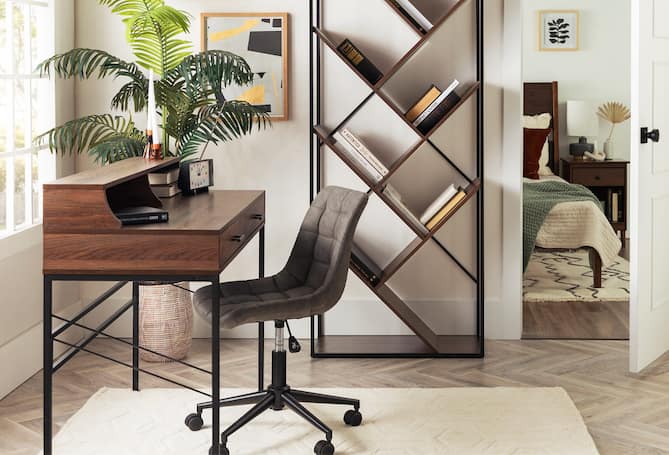
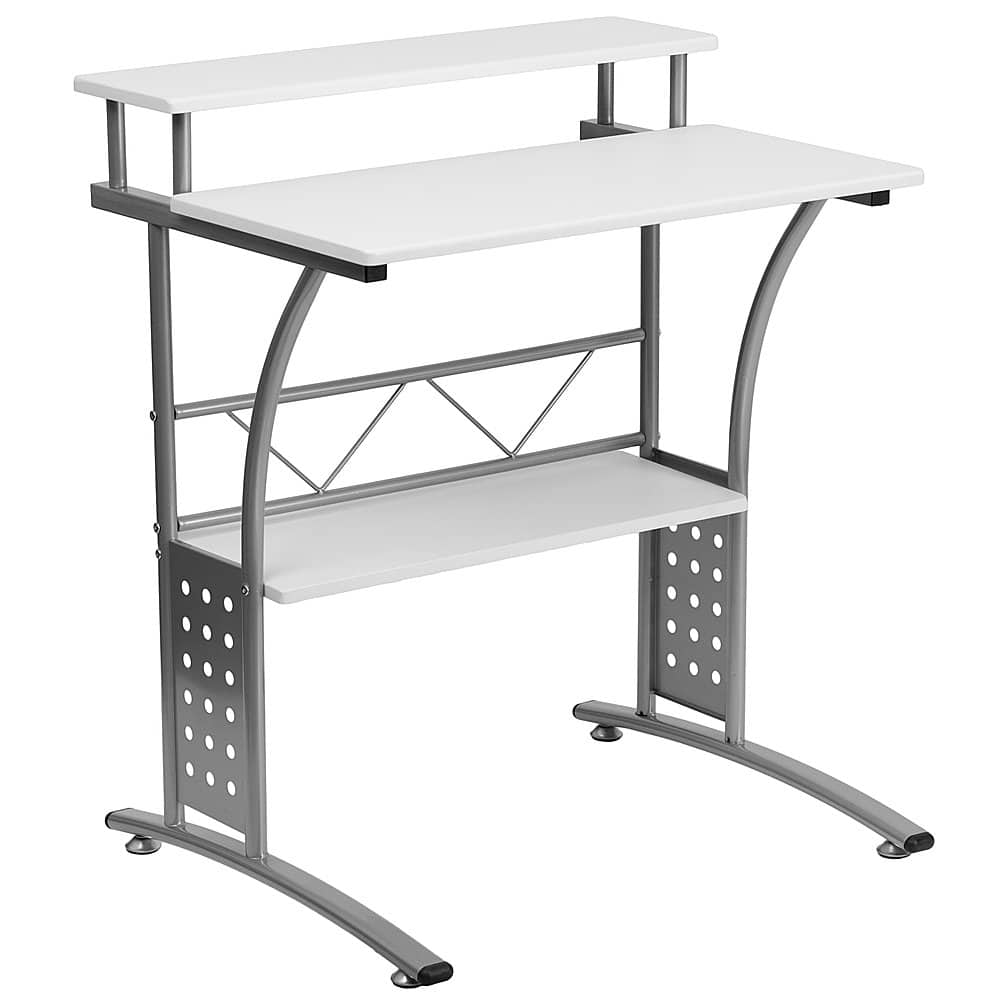
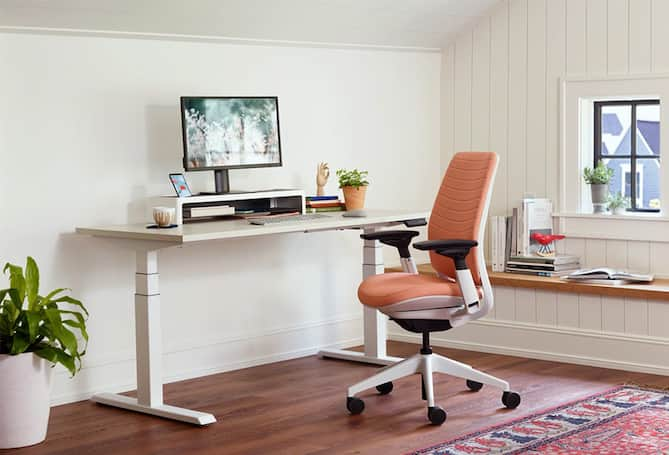
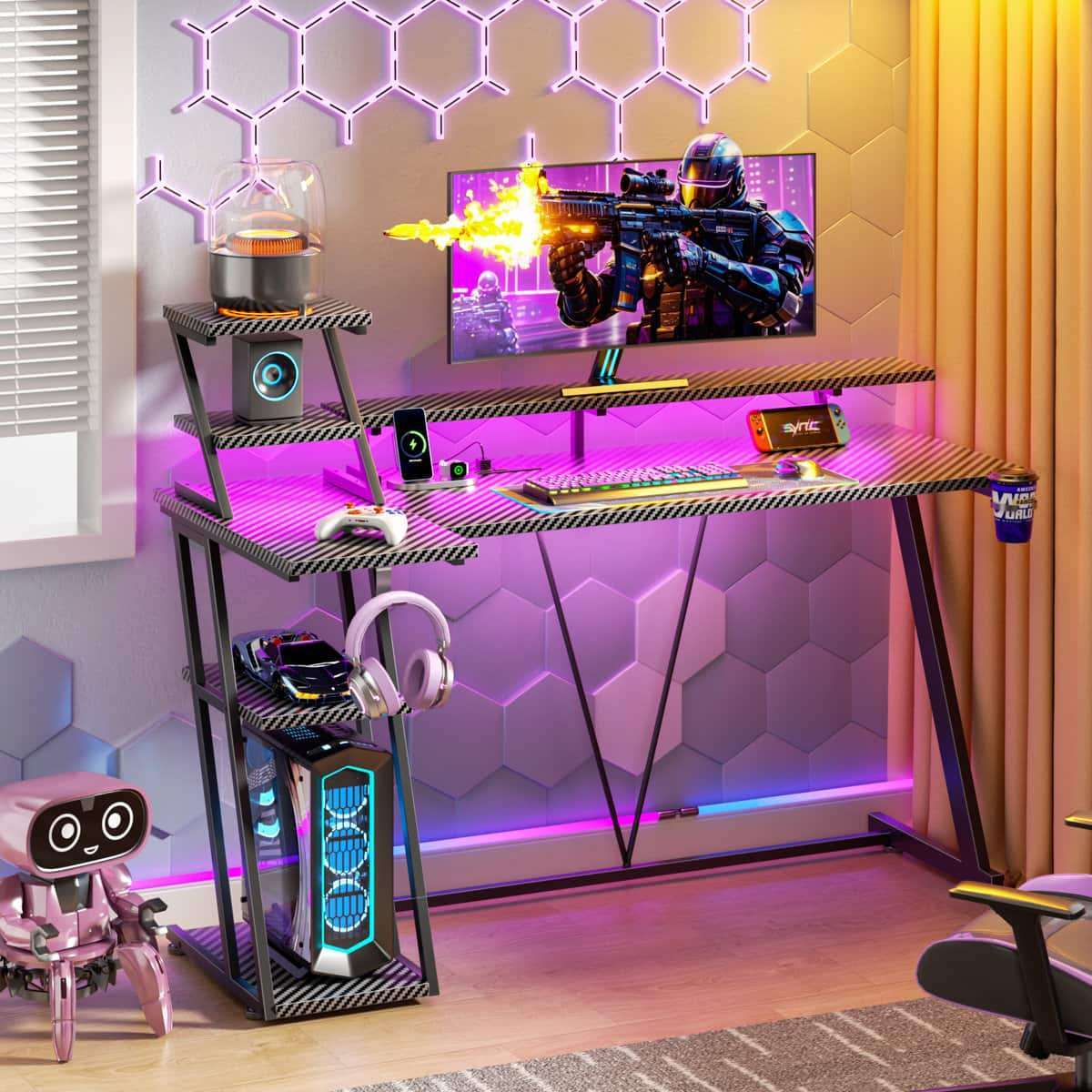
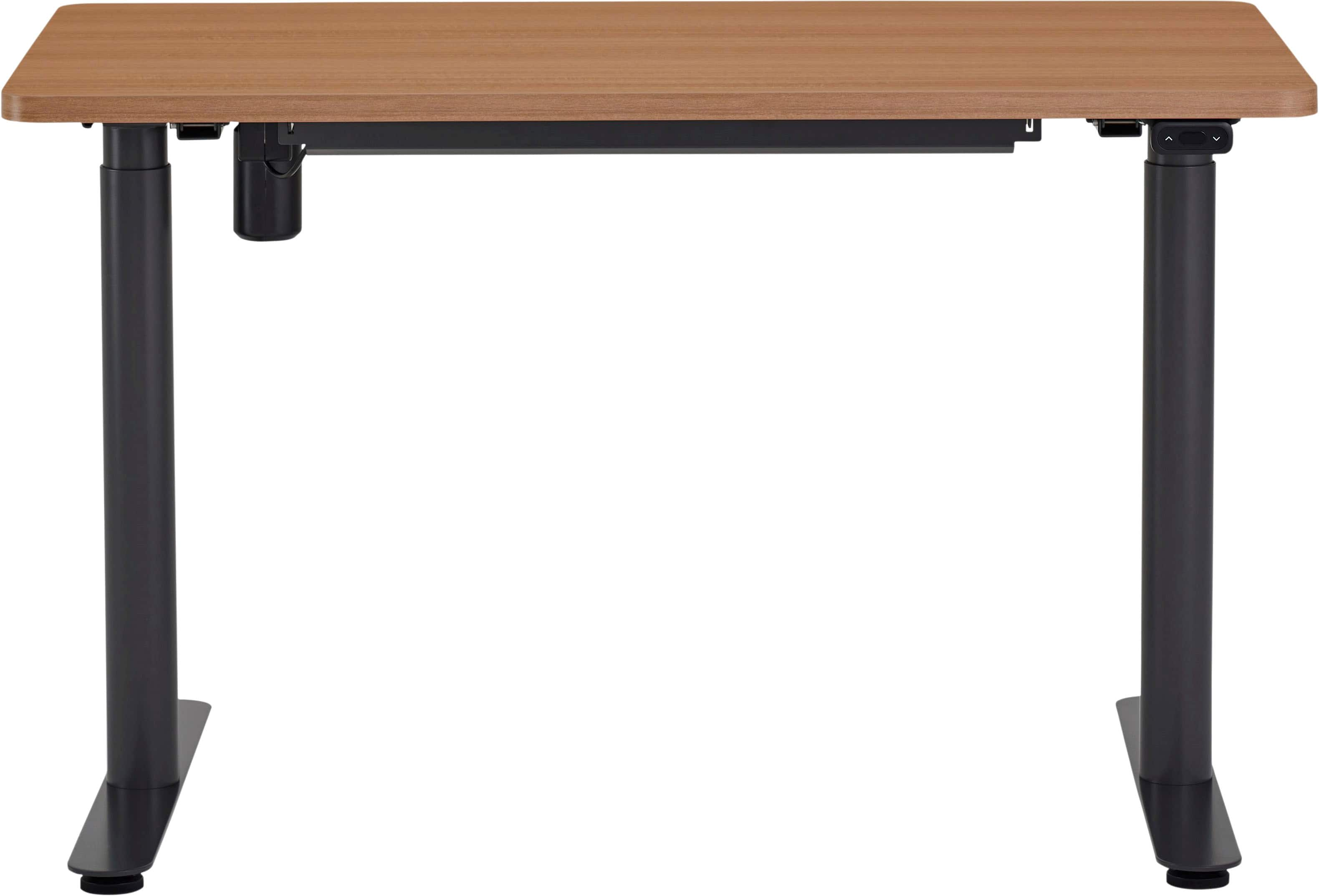
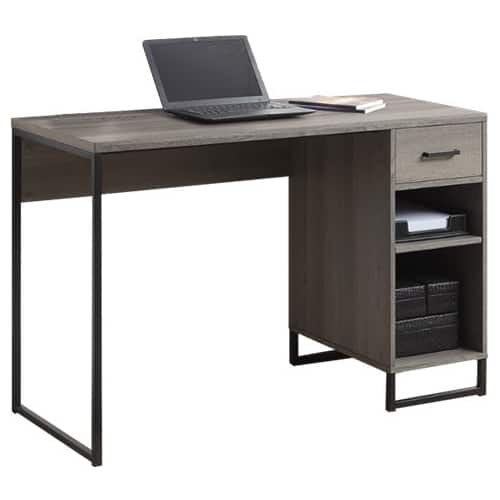
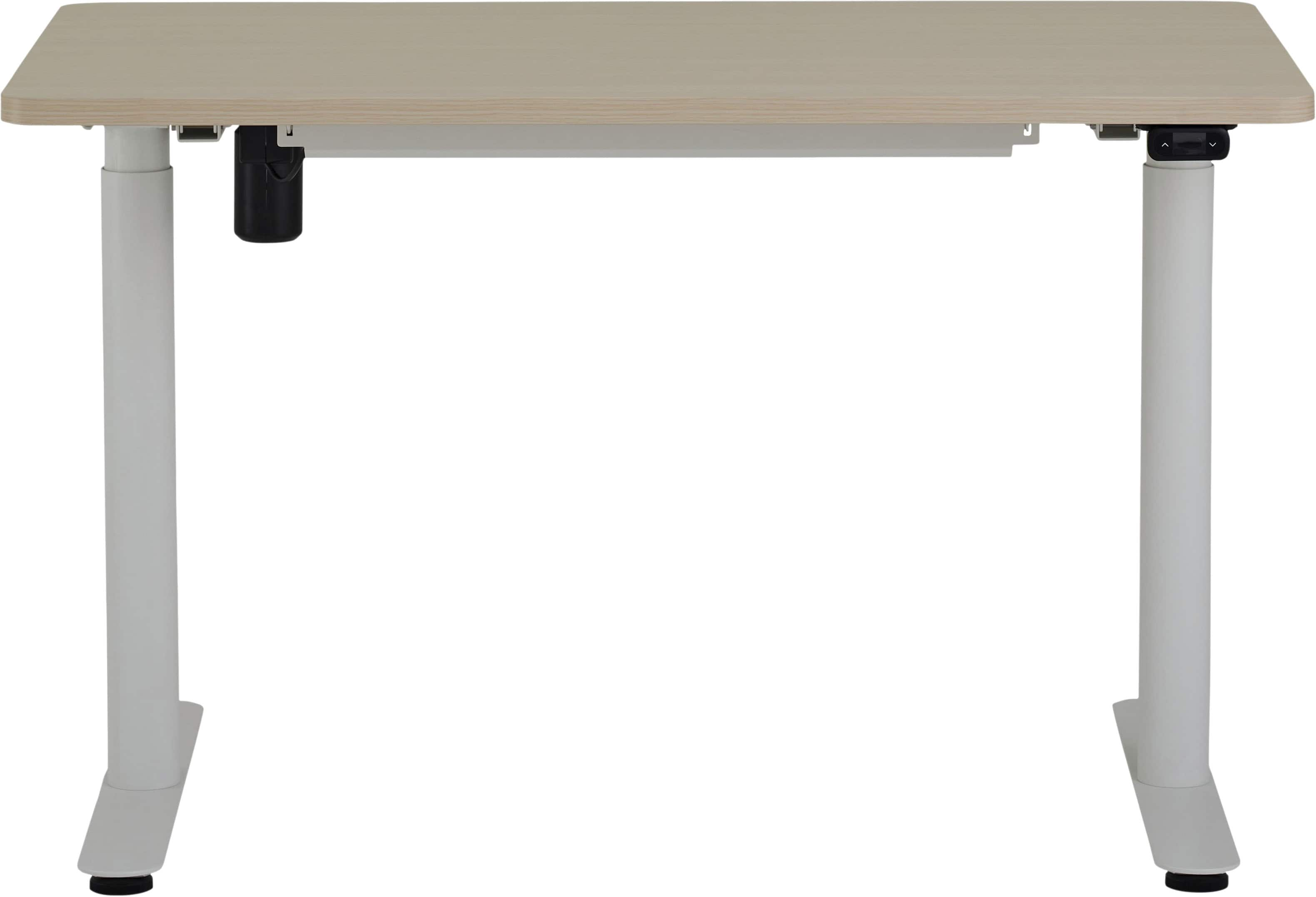
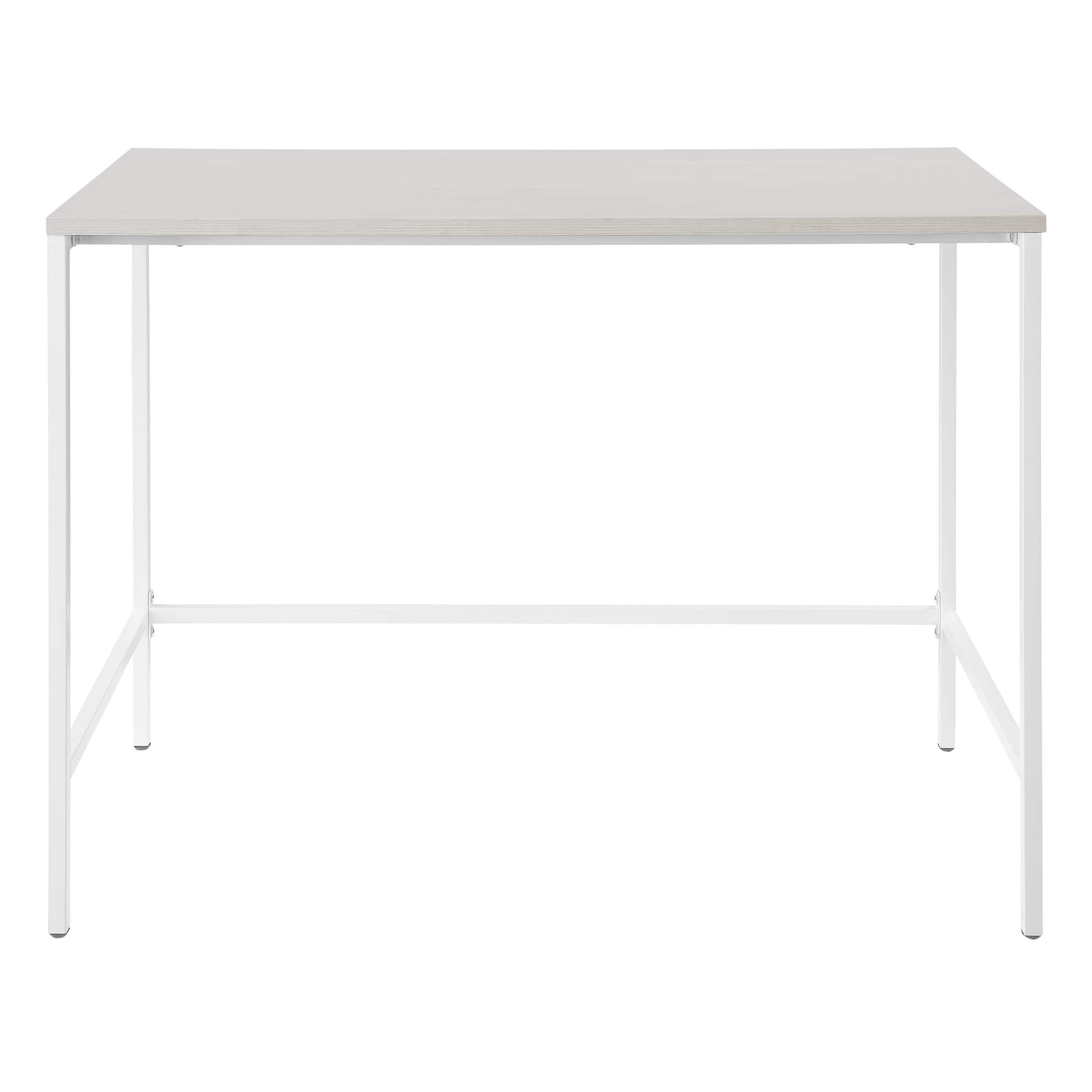
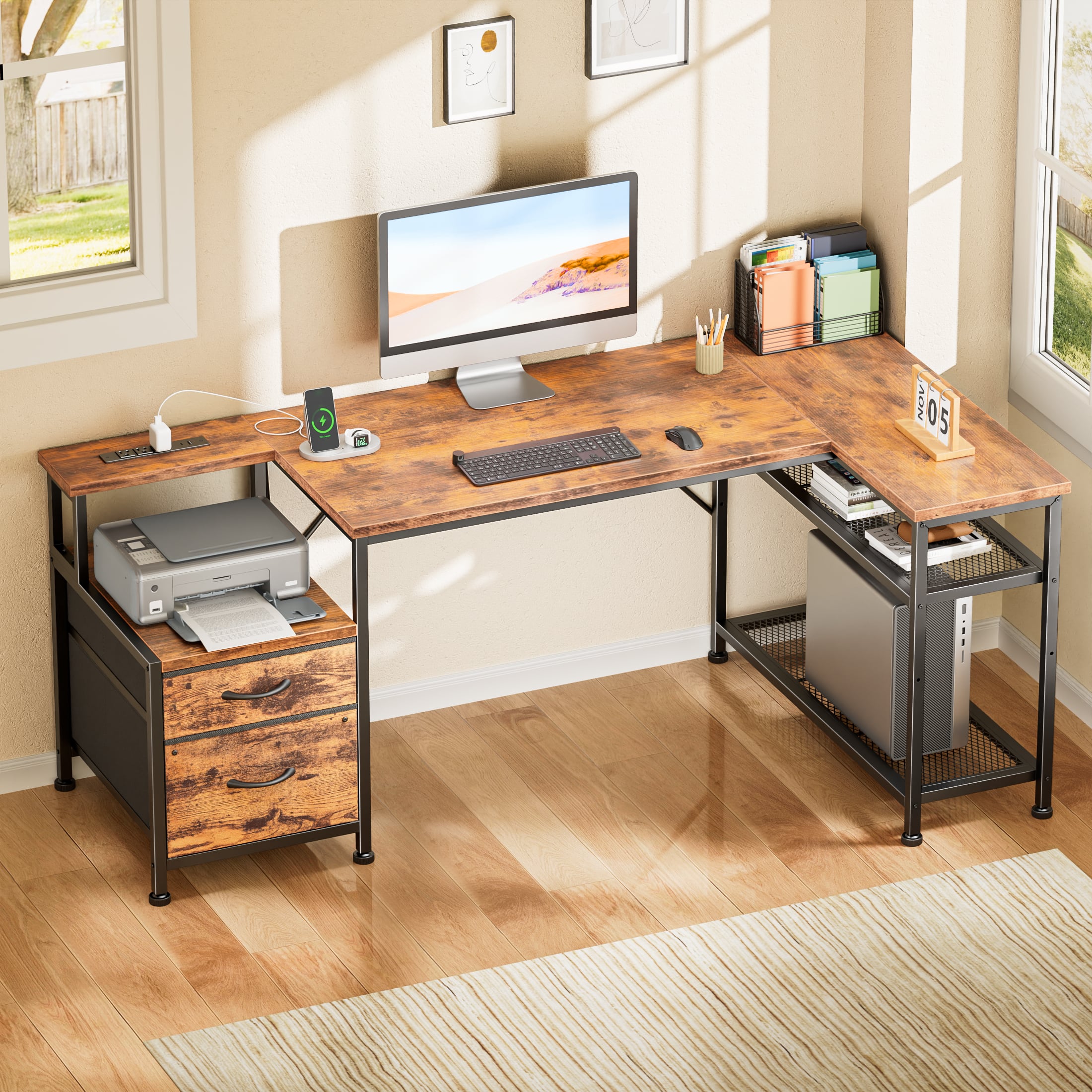
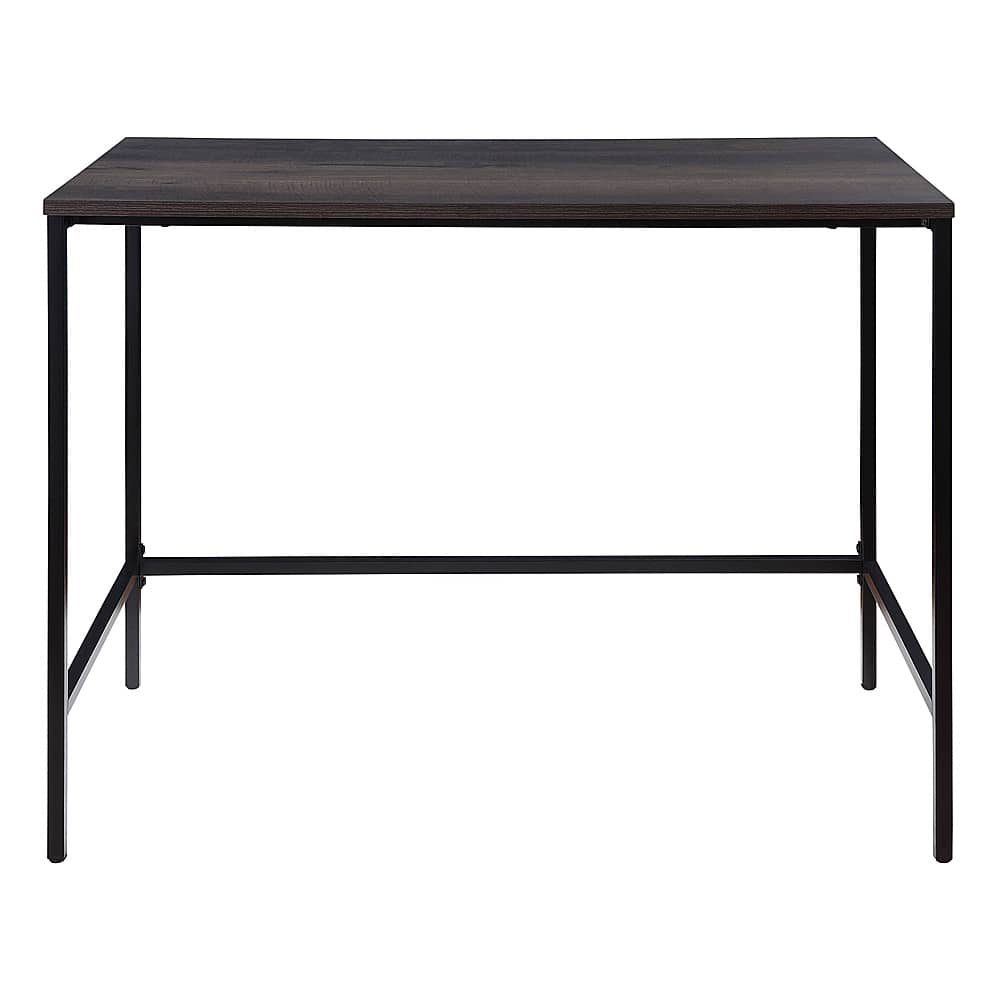
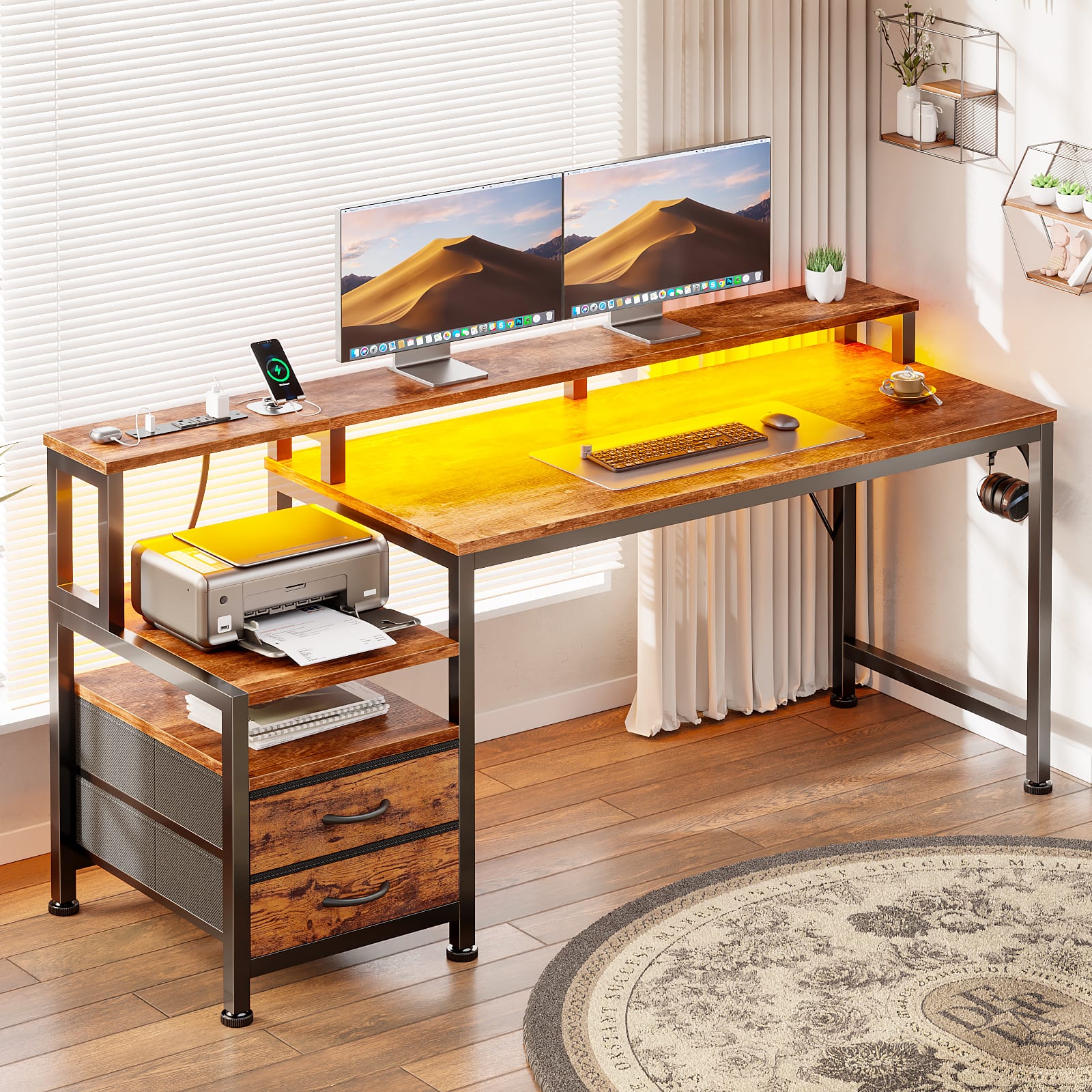
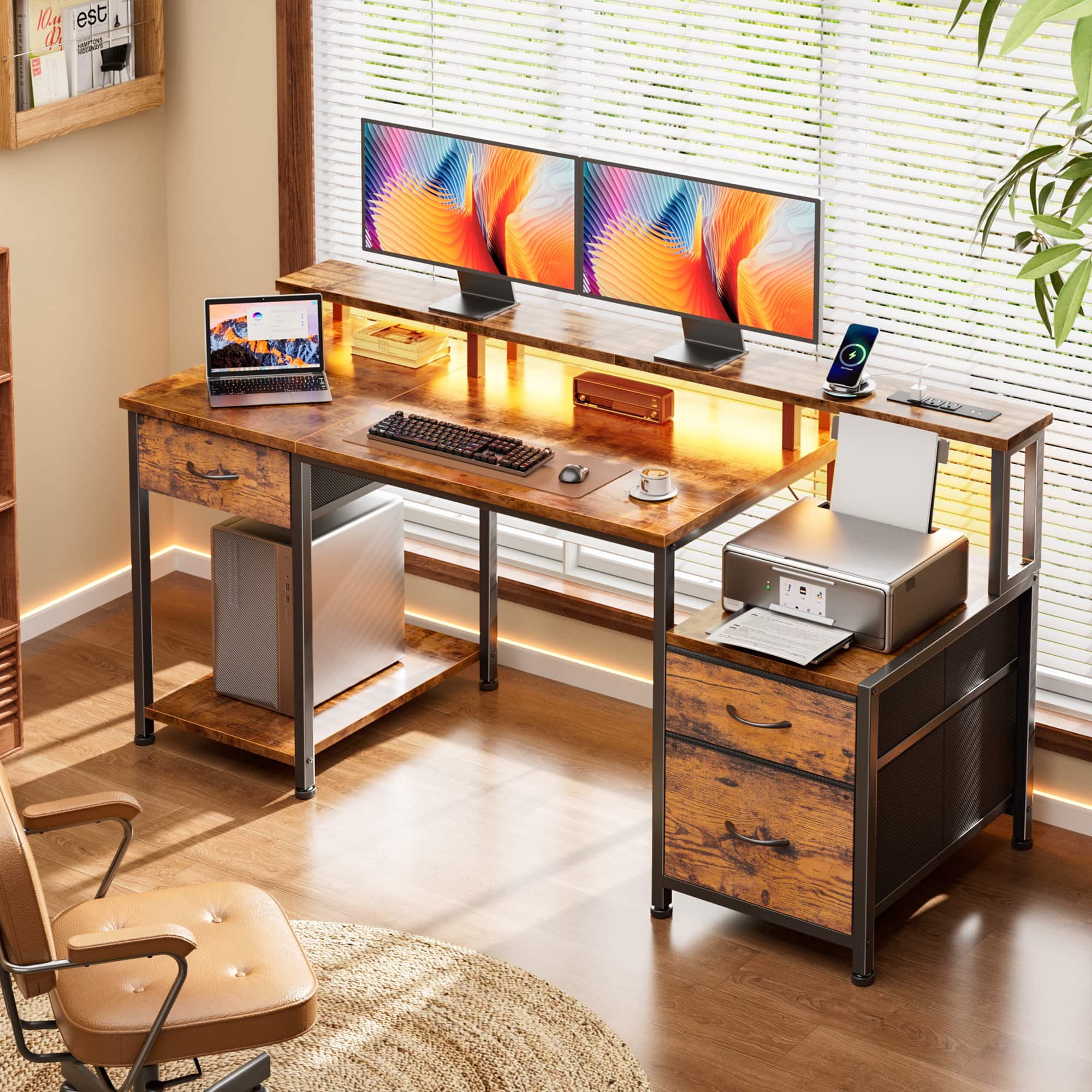
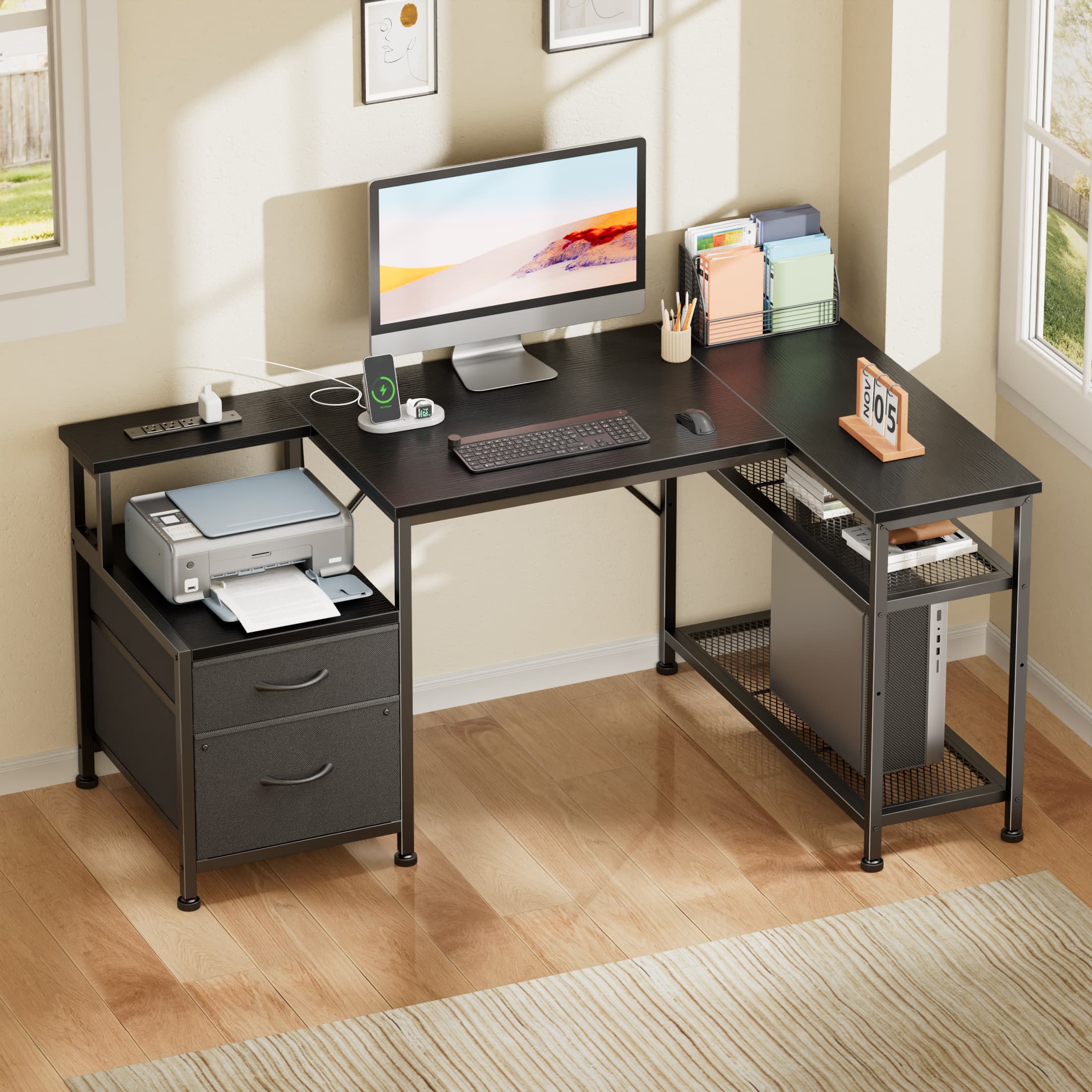
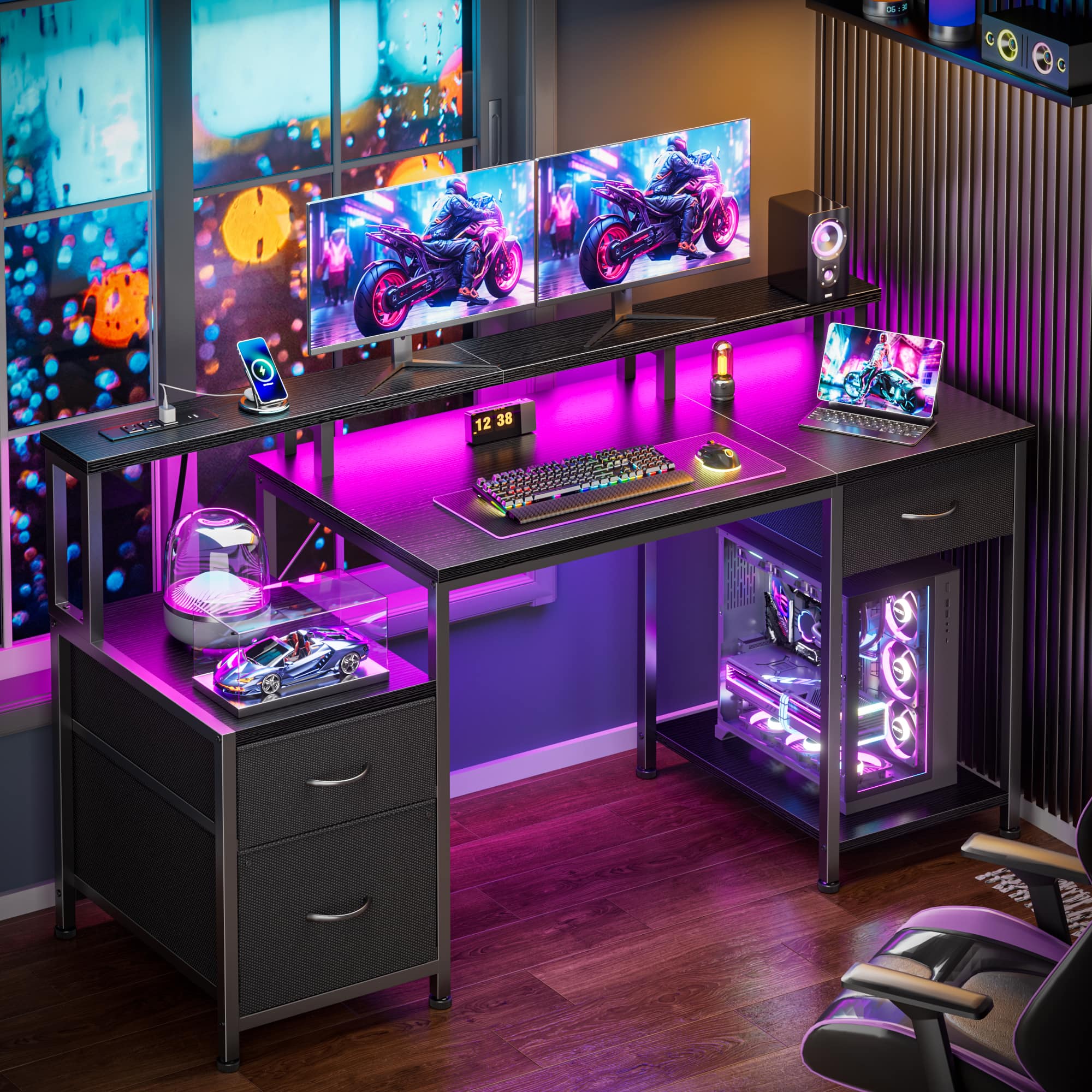
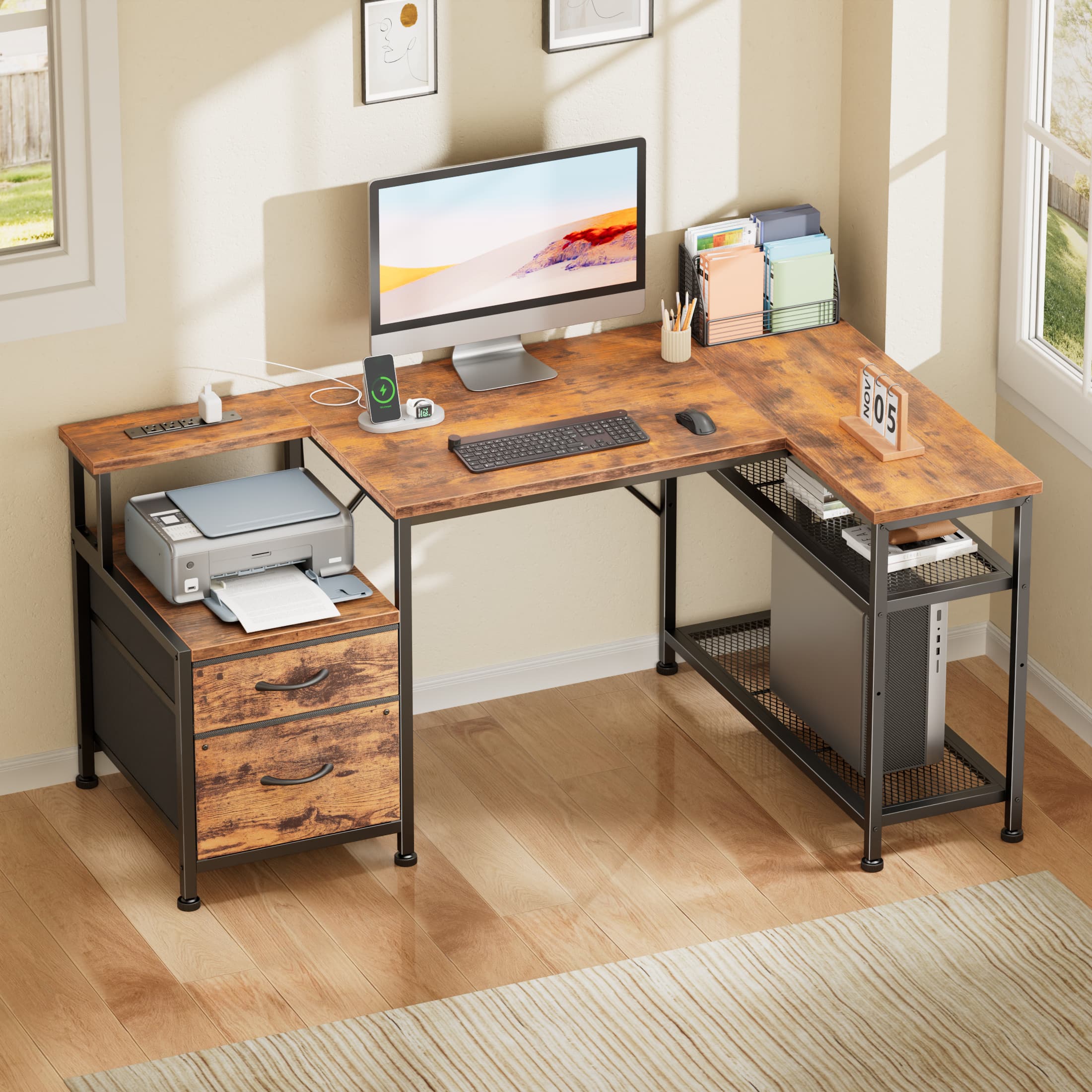
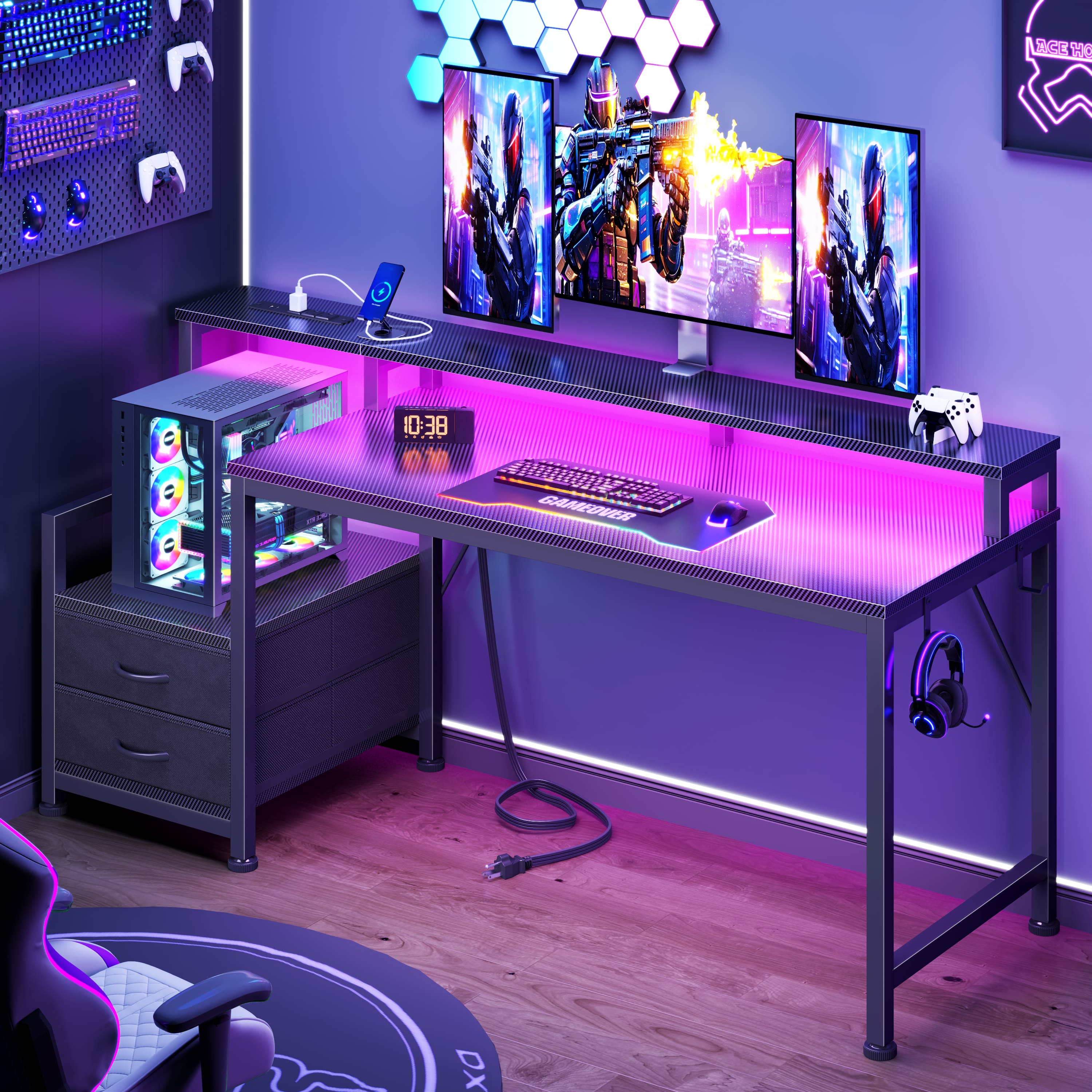
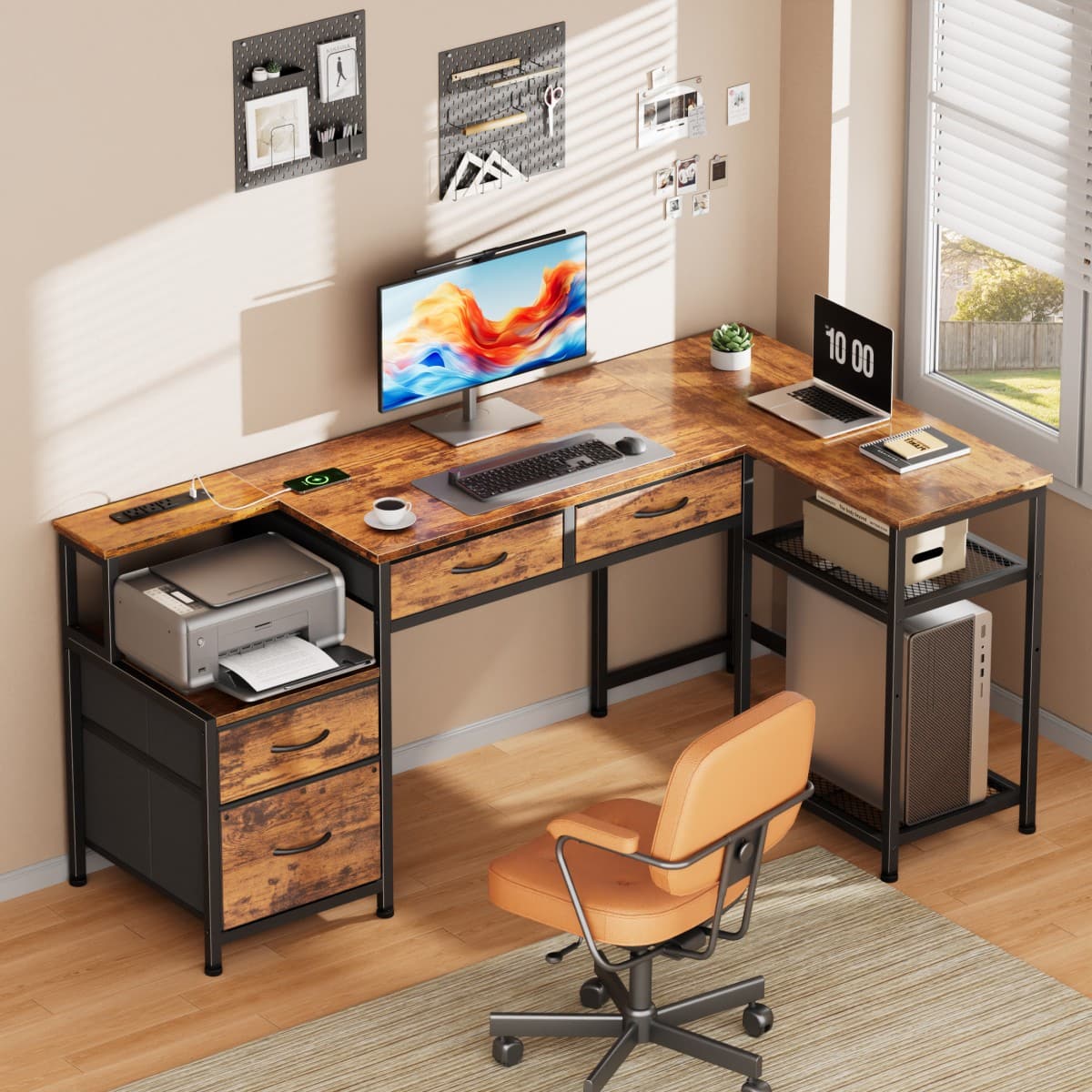
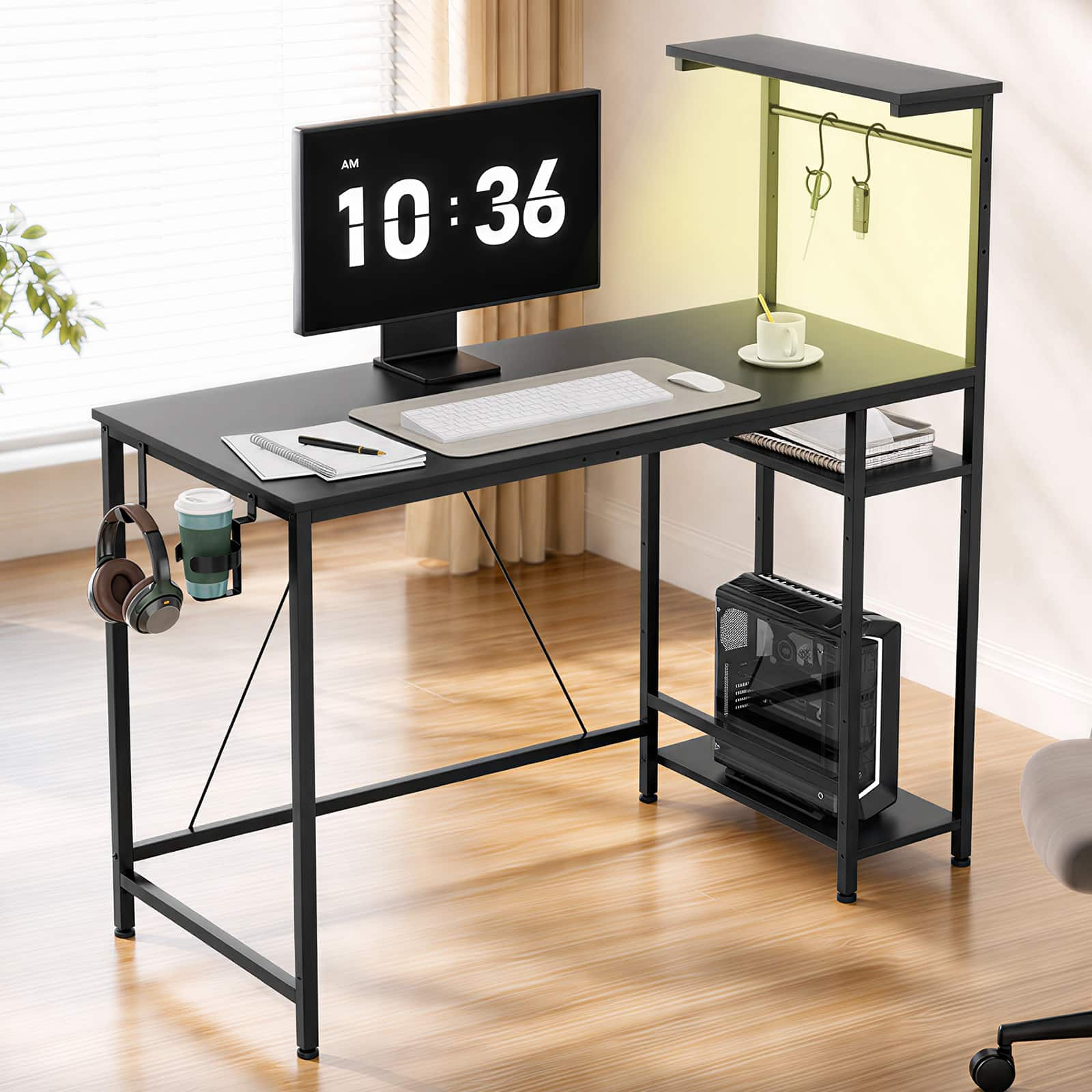
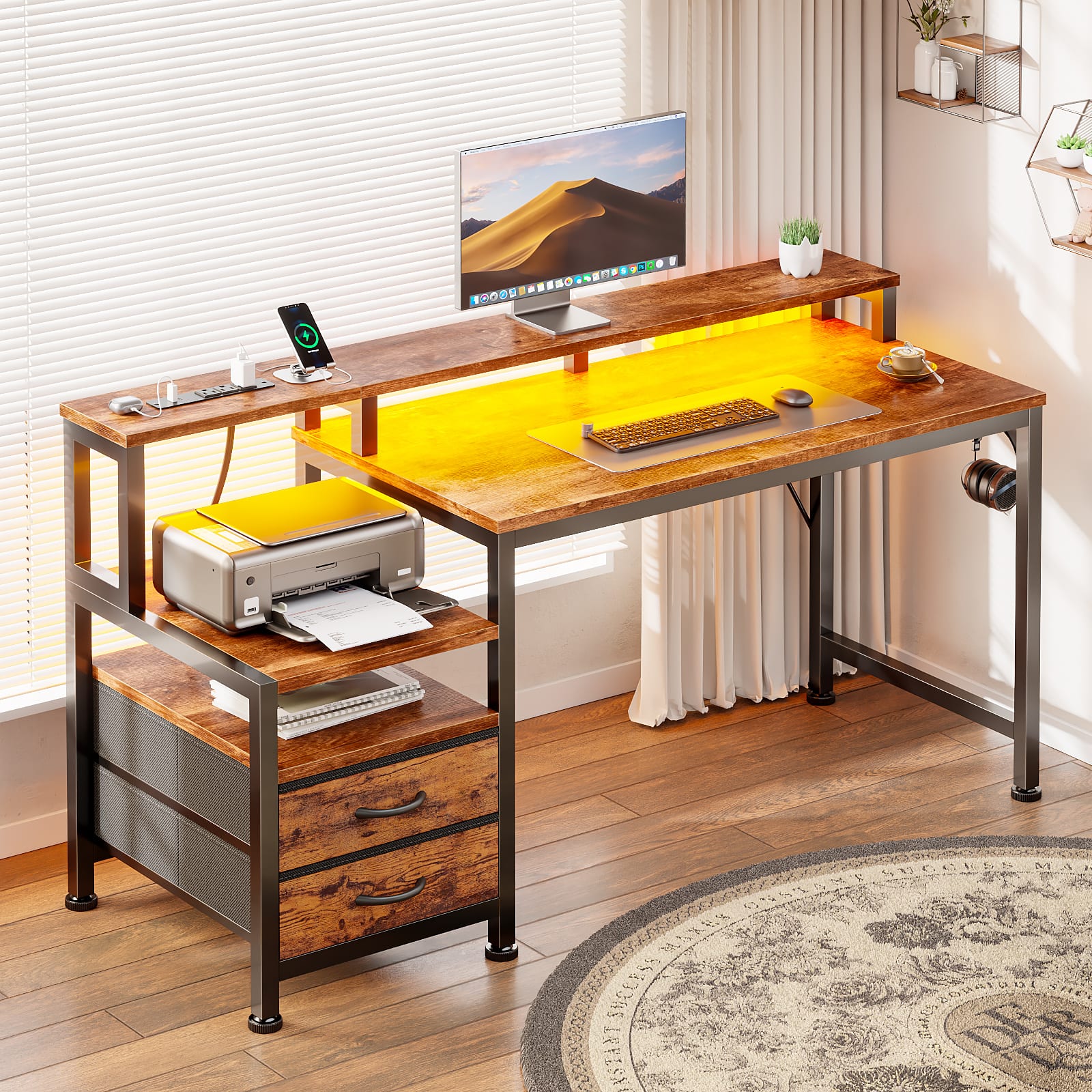
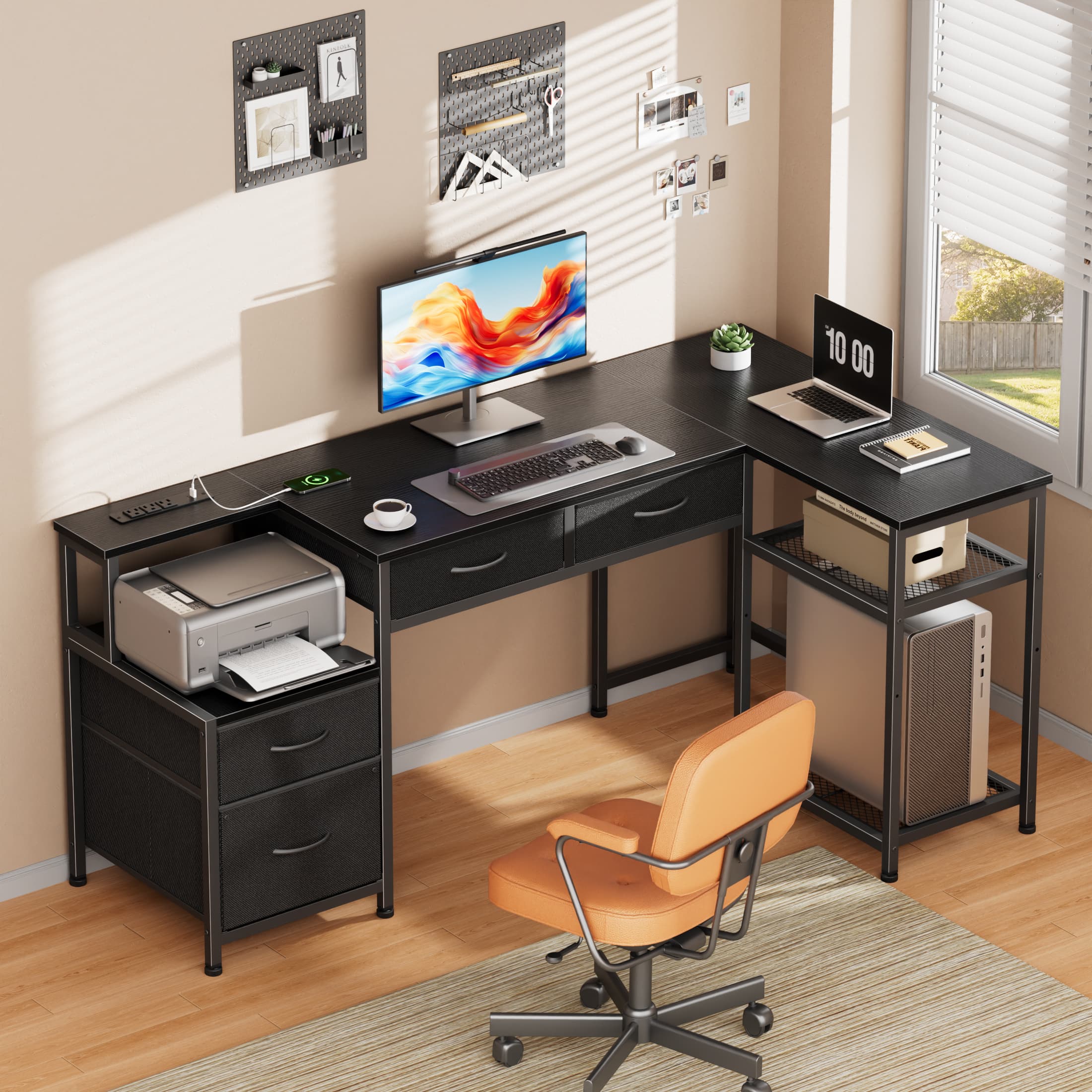
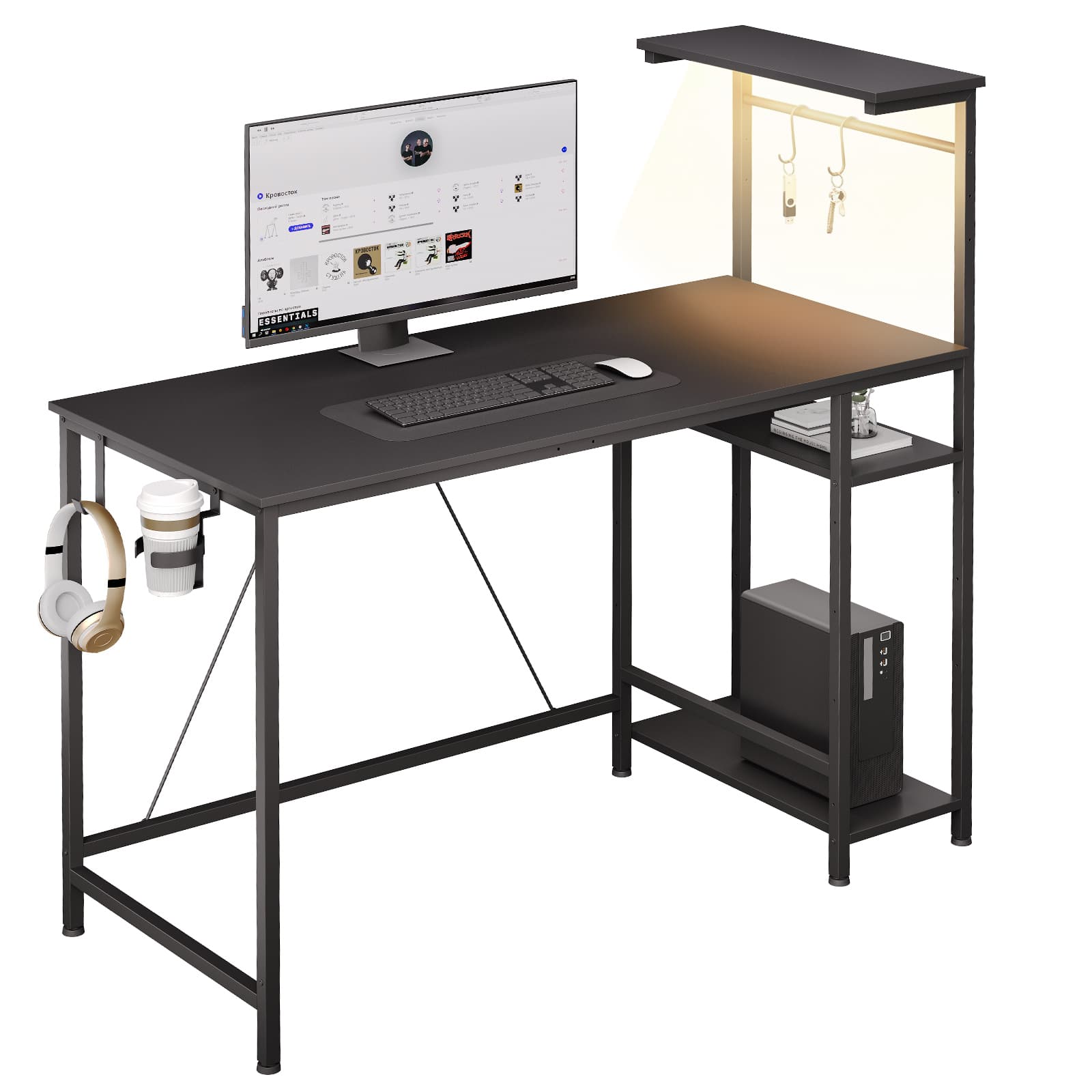
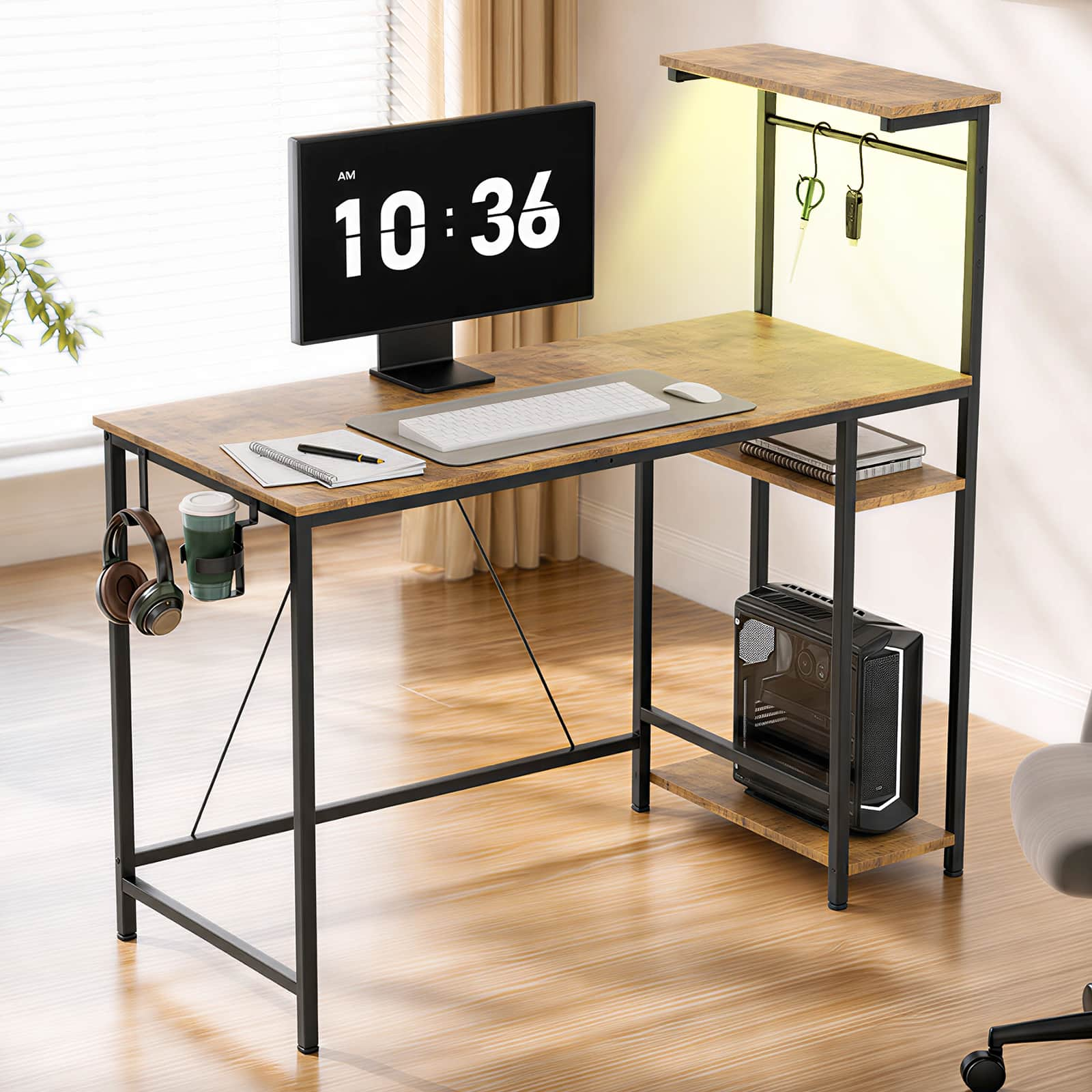
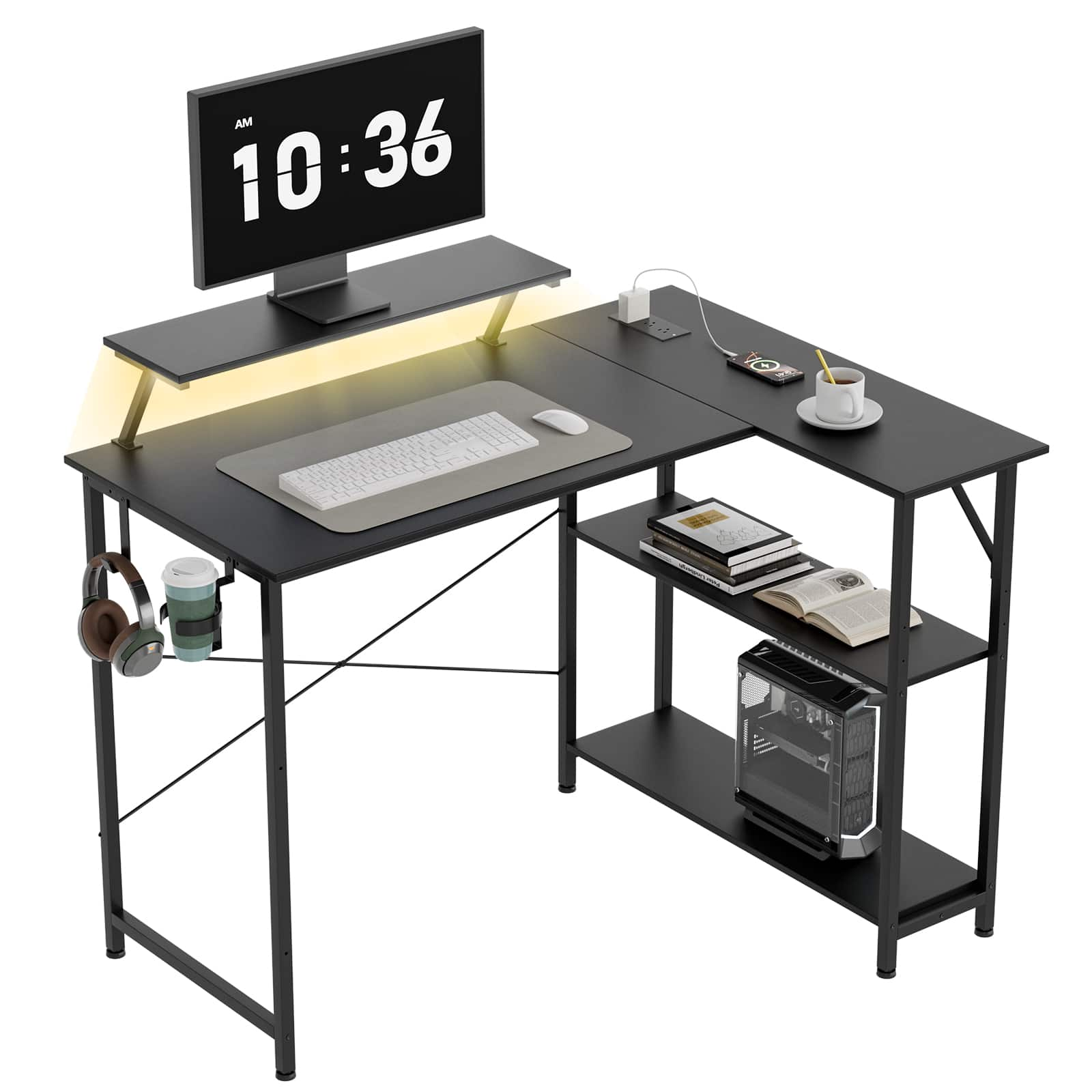
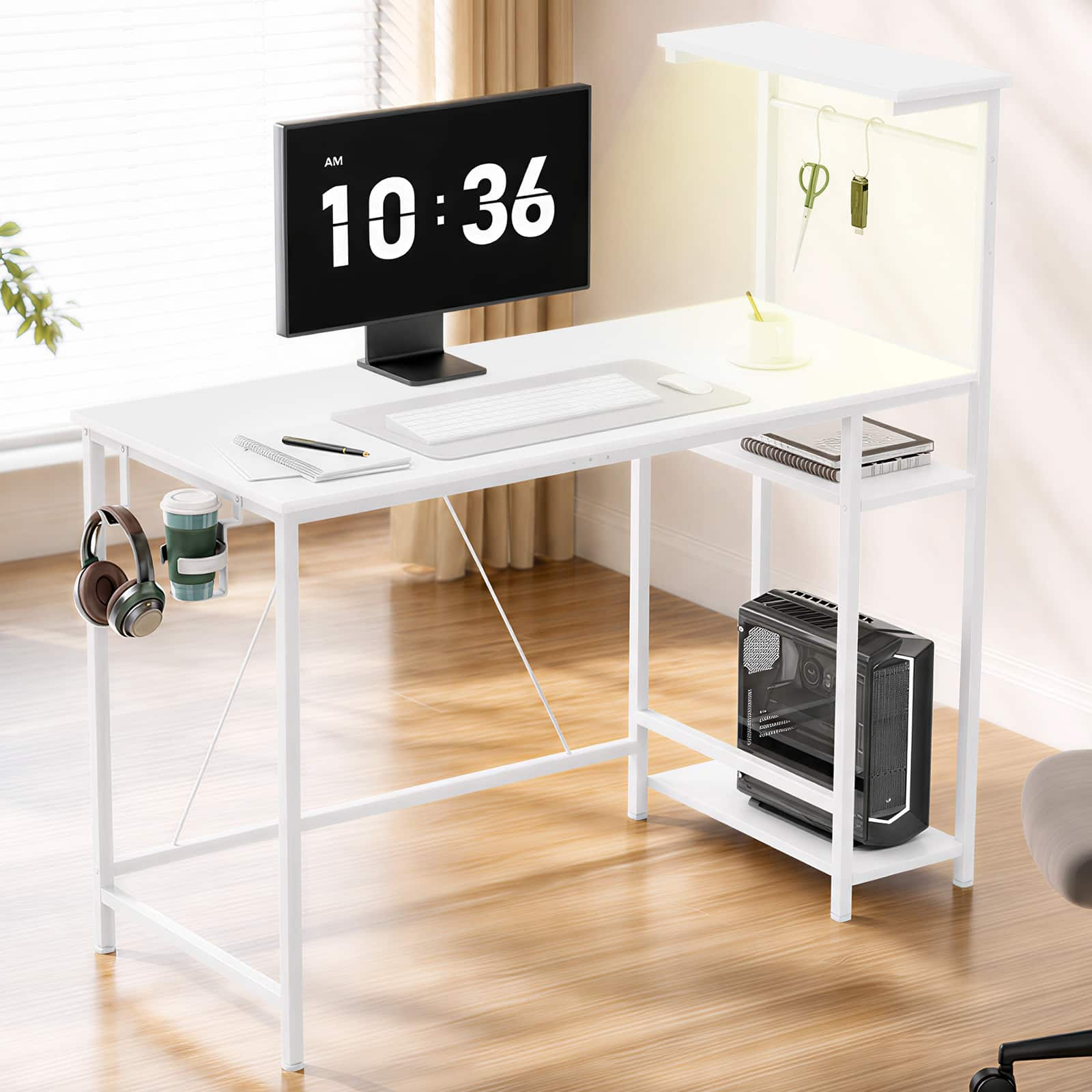
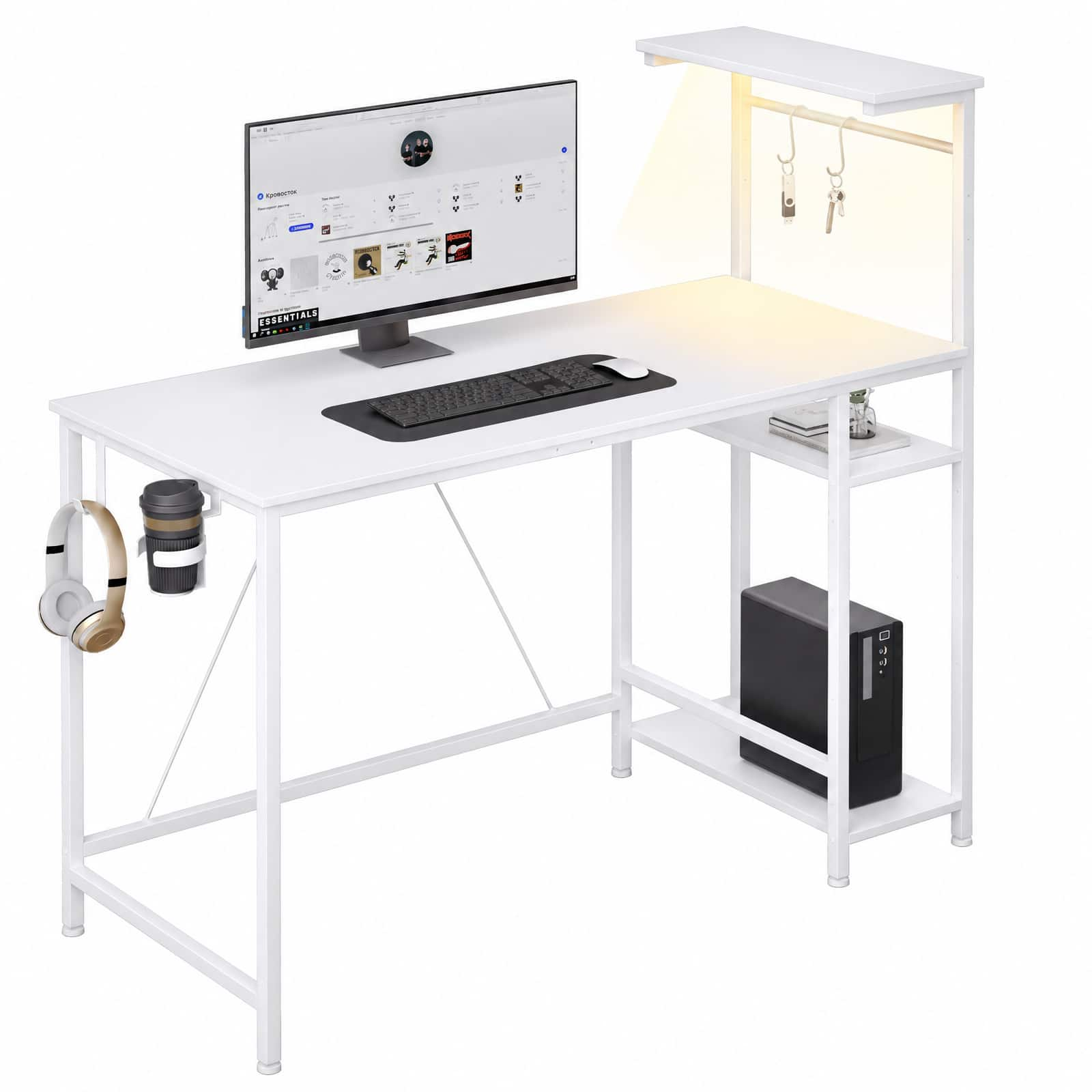
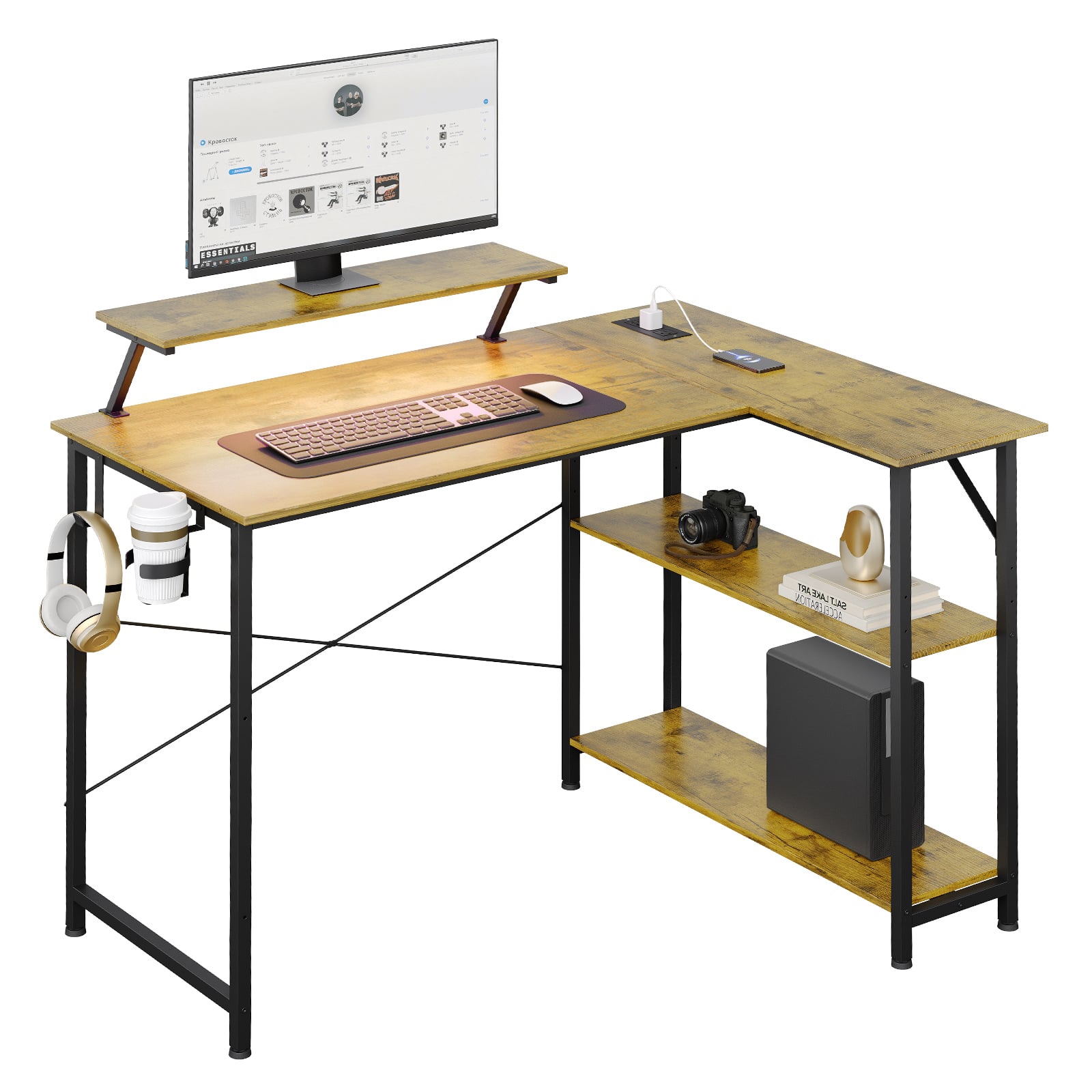
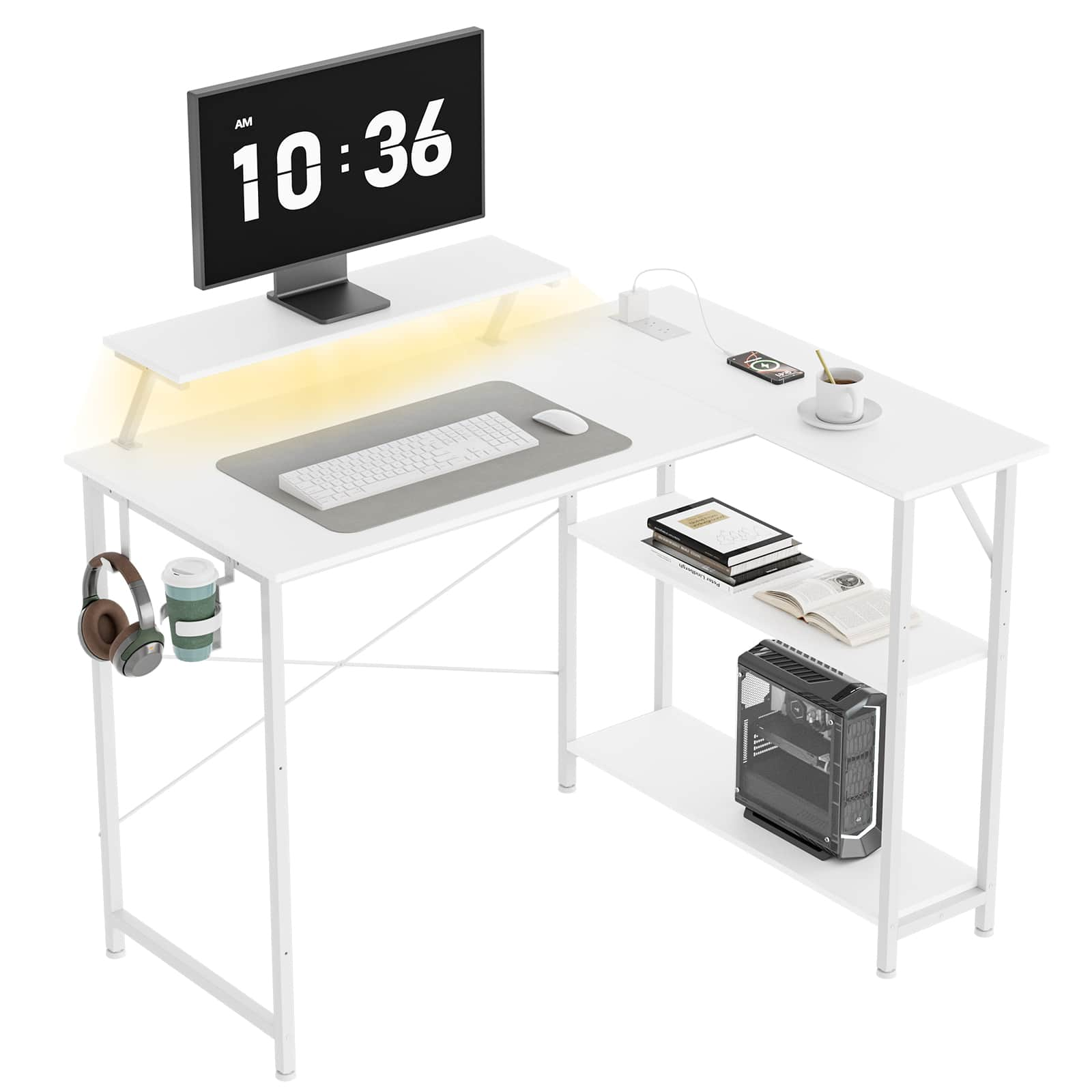
Desks that fit your space

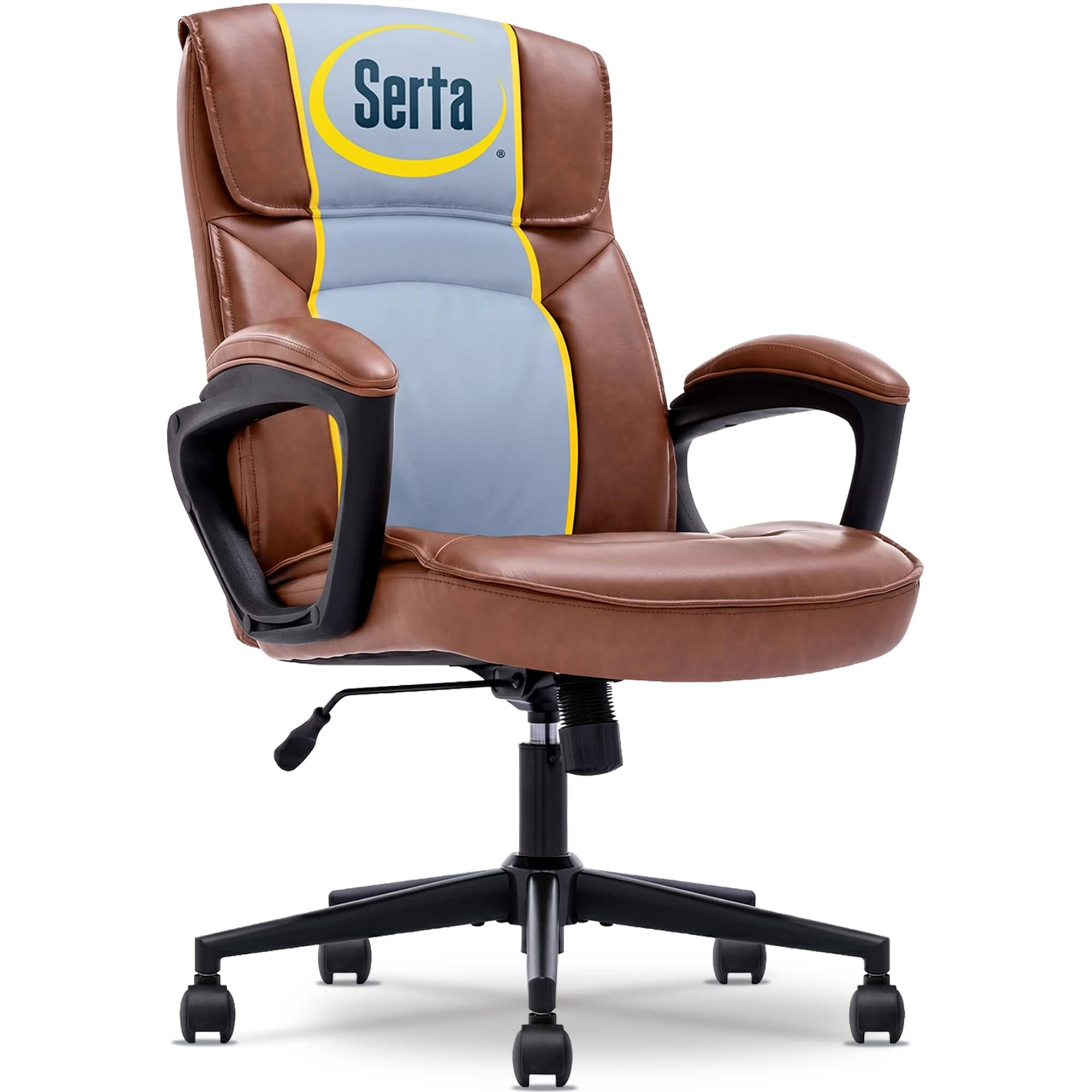
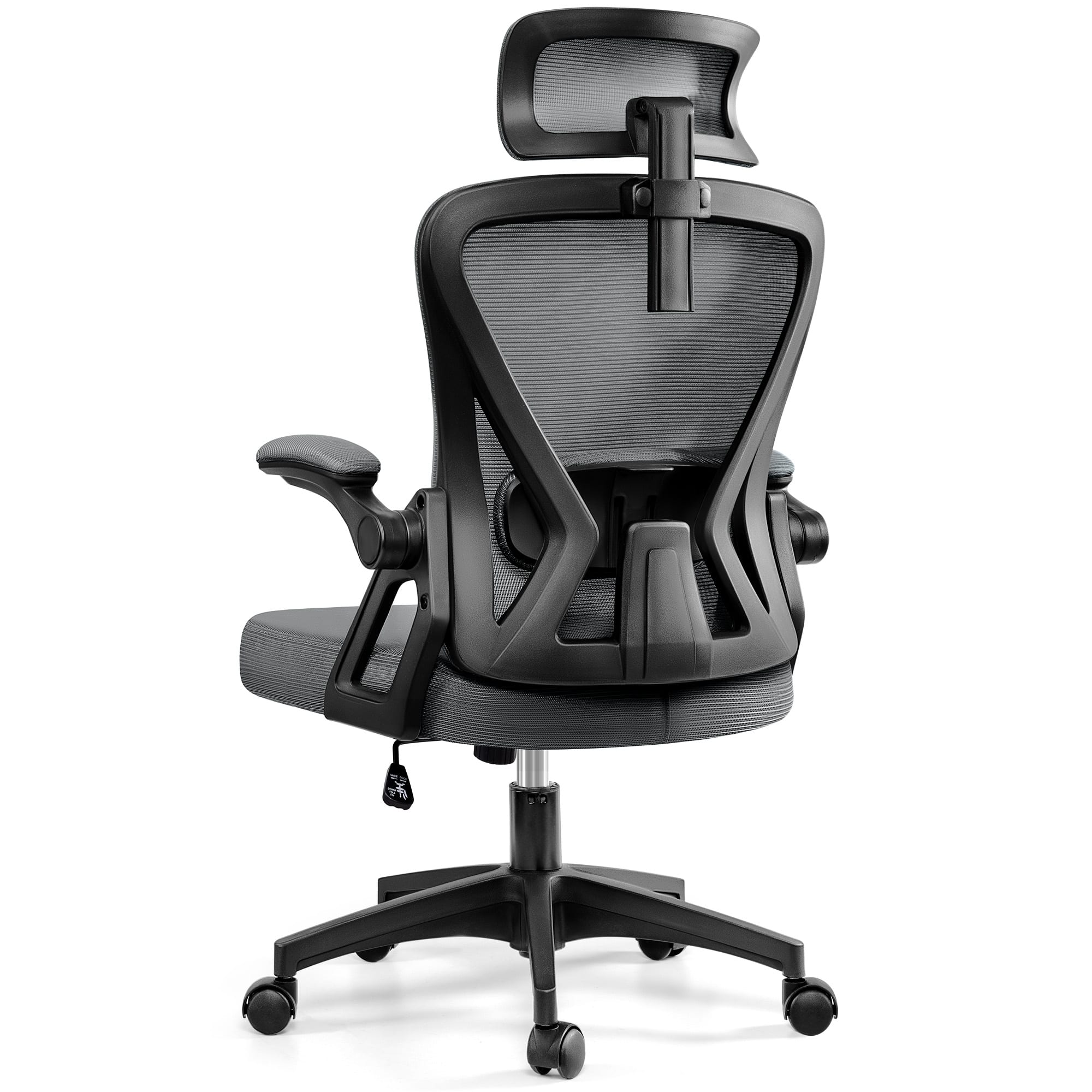
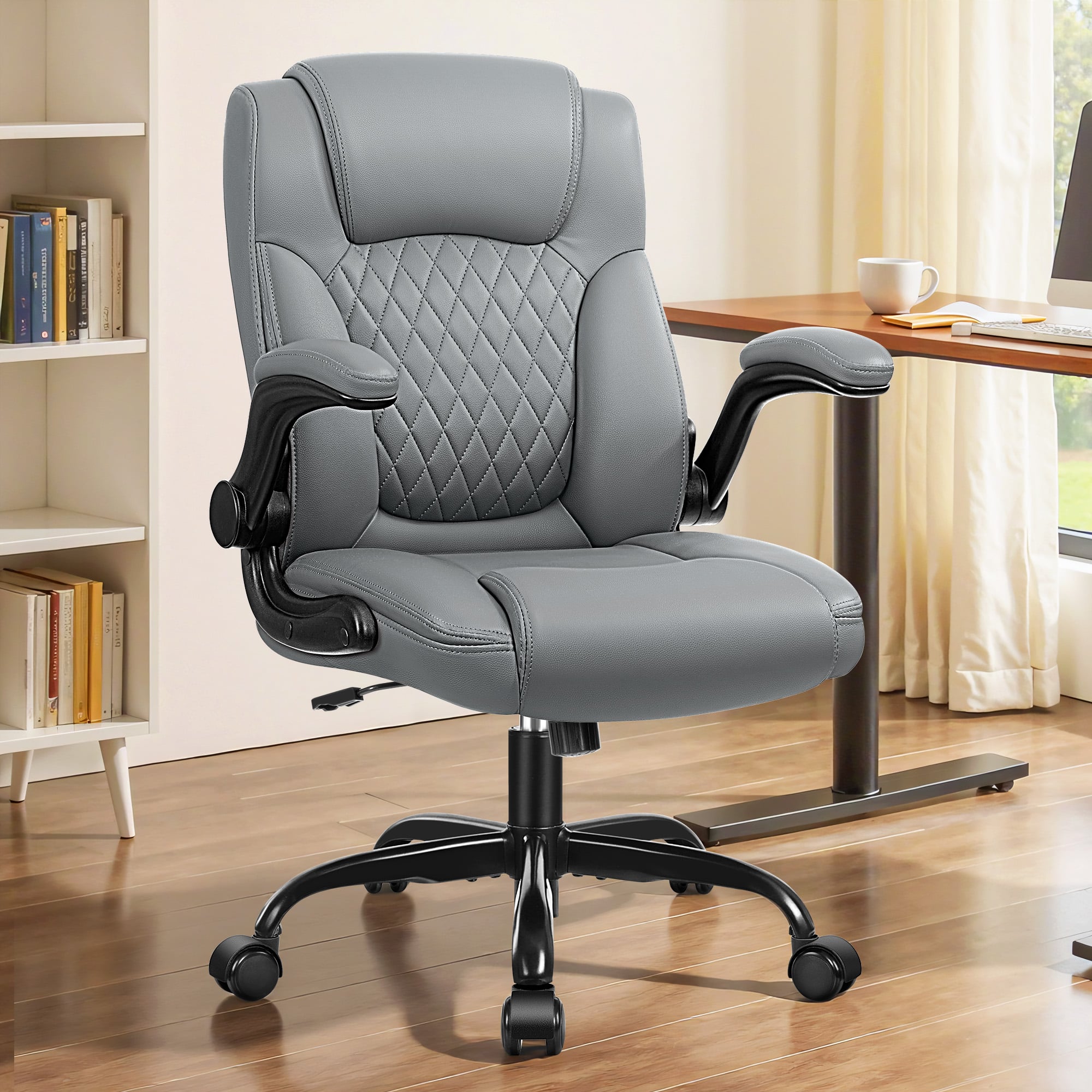
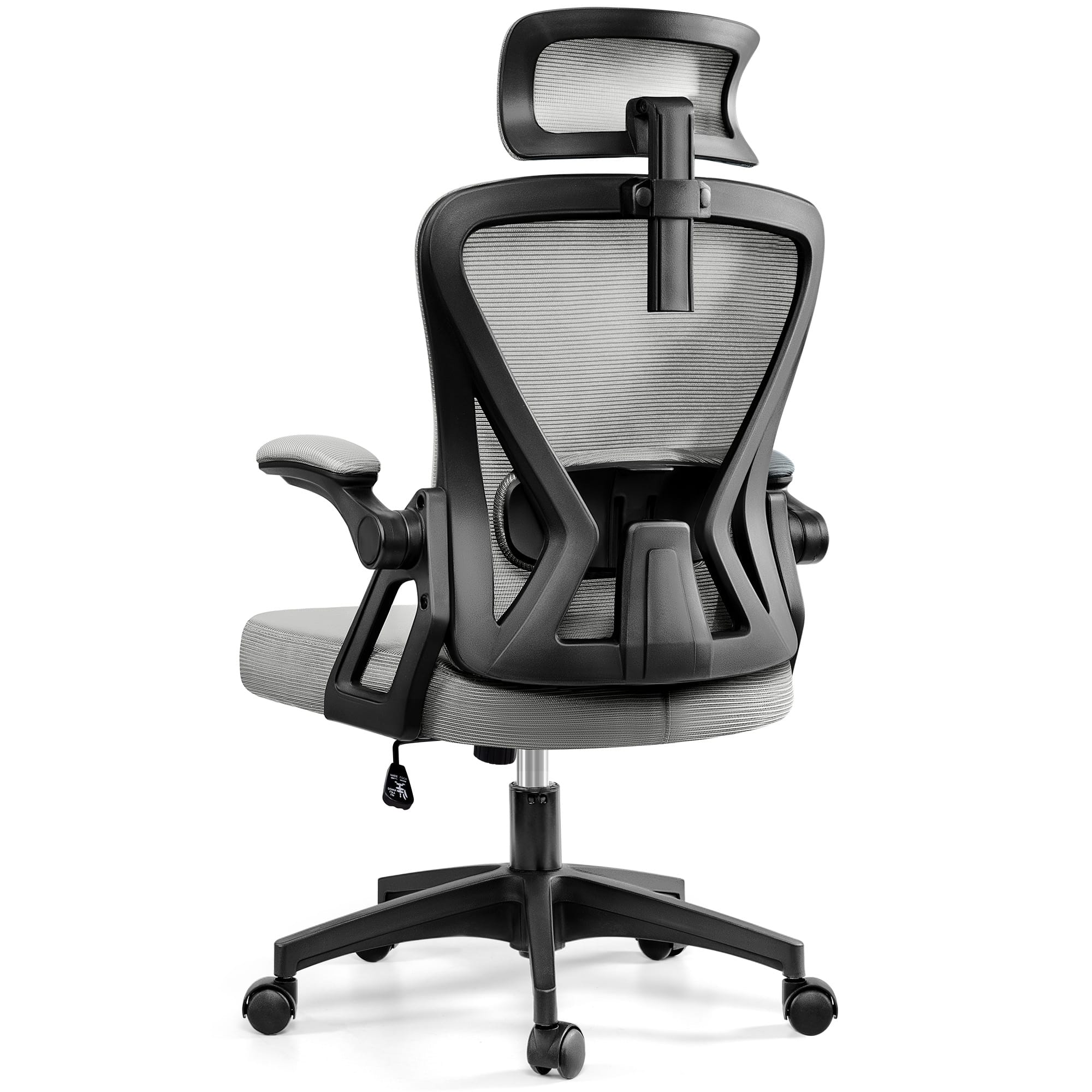
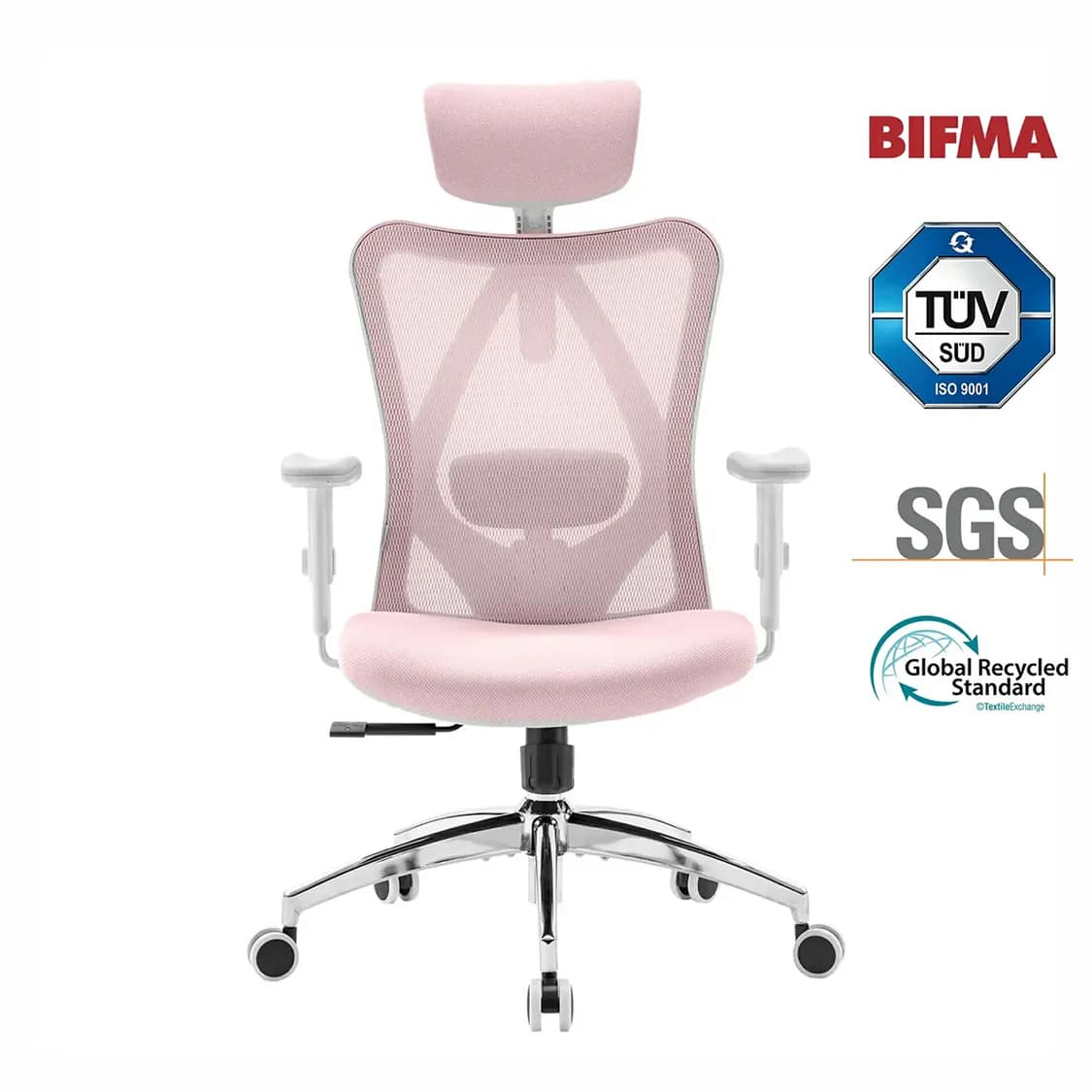
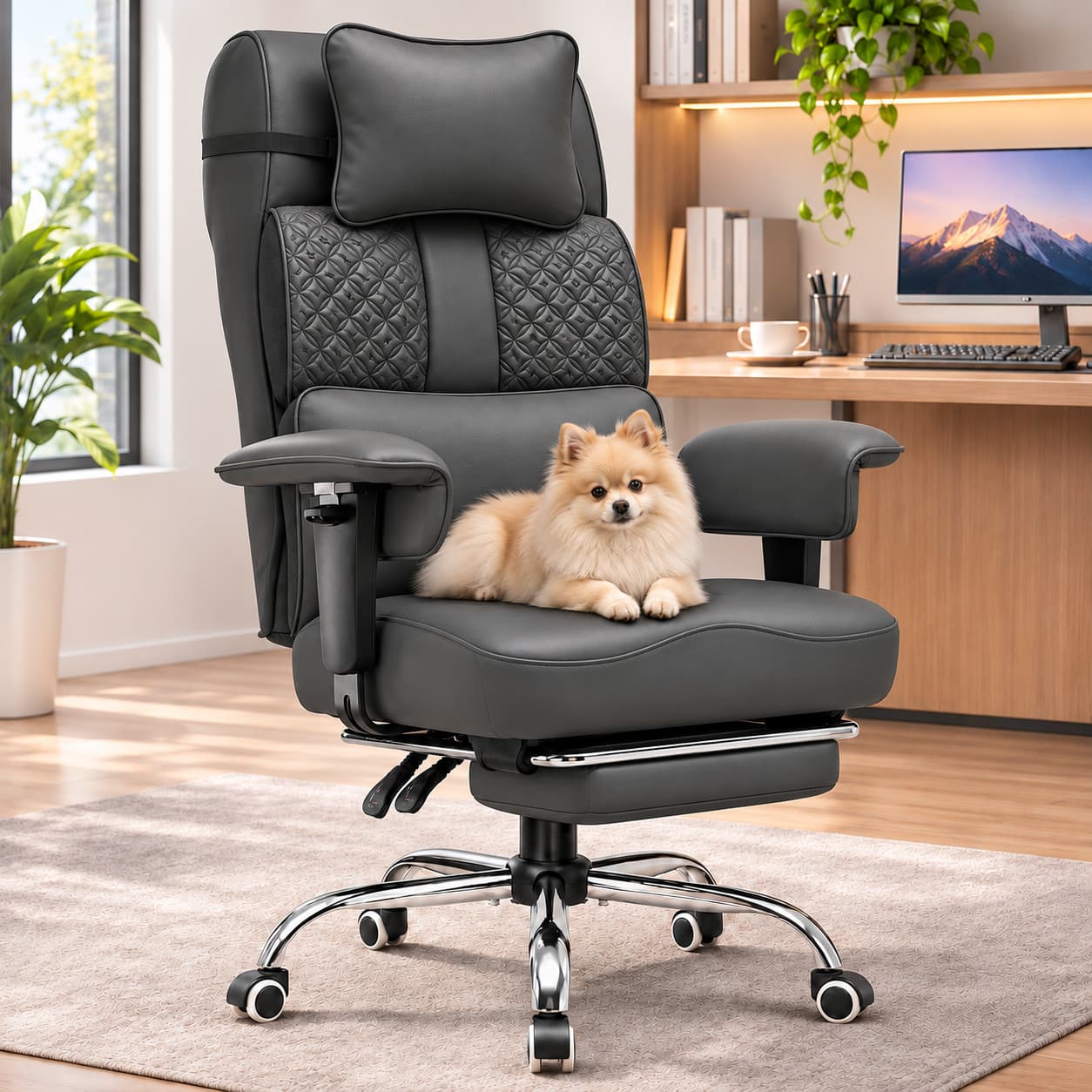
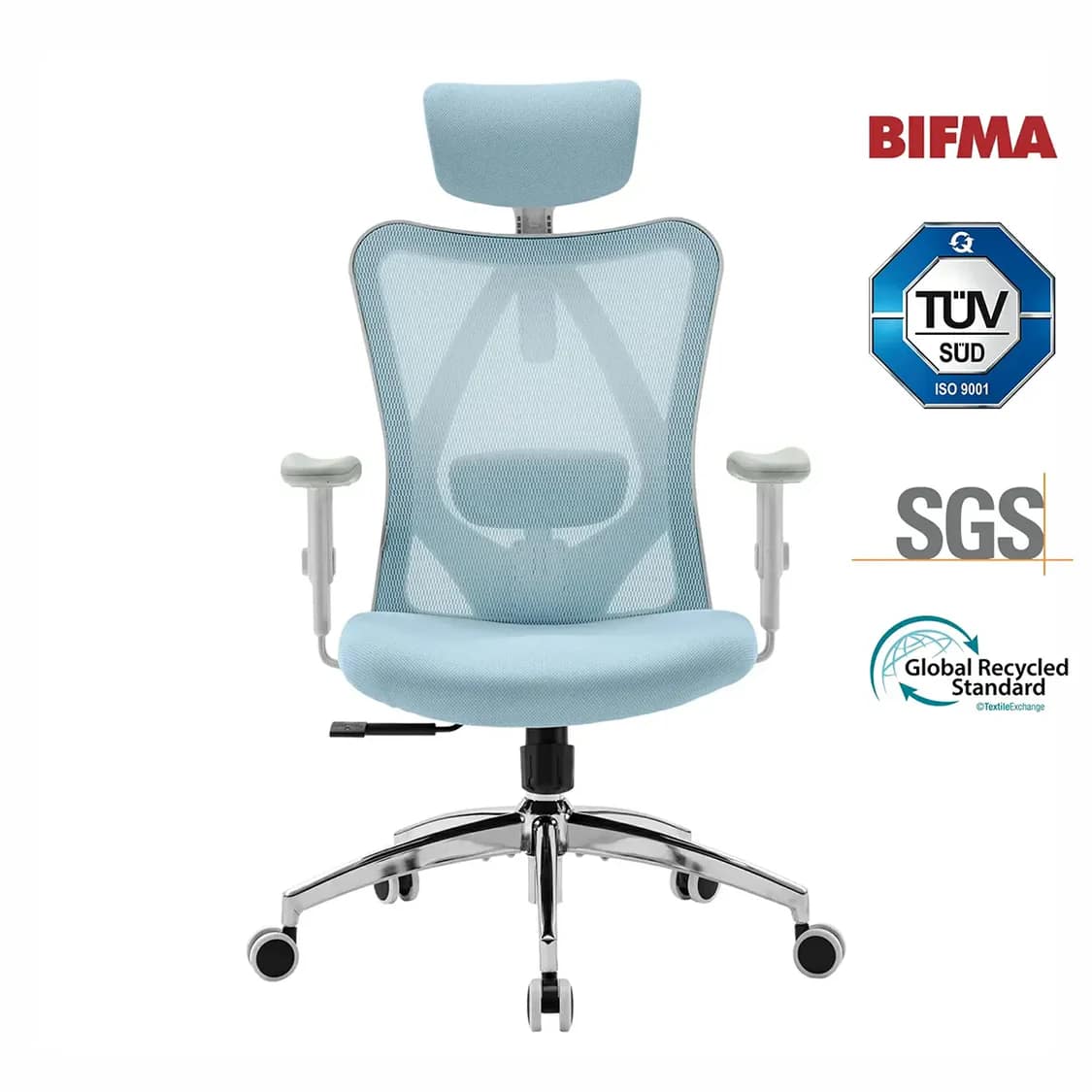
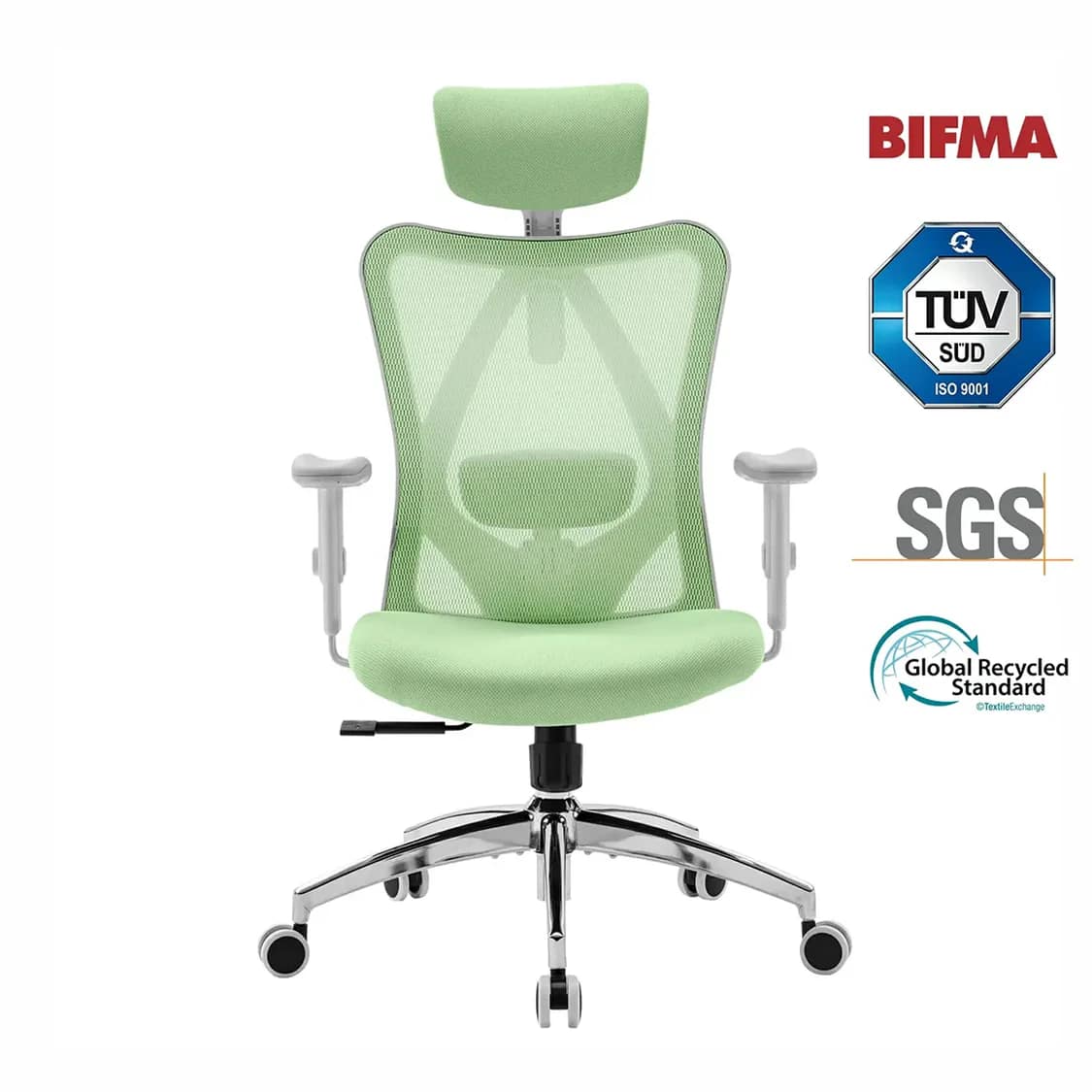
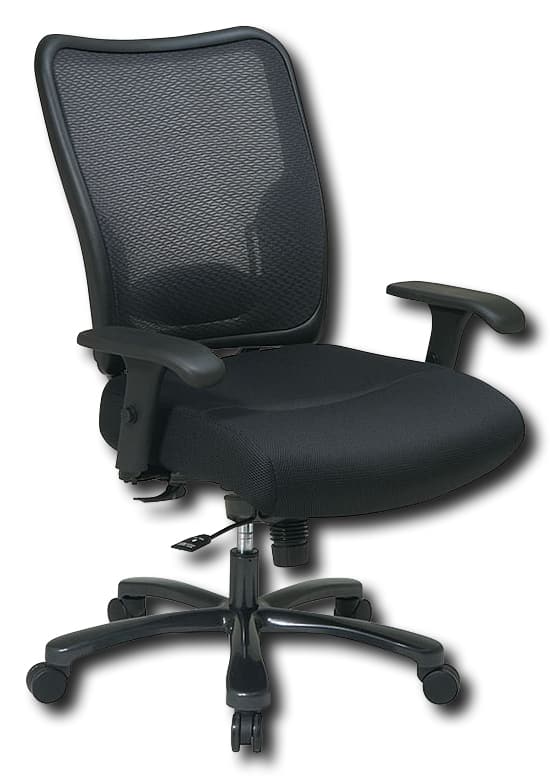
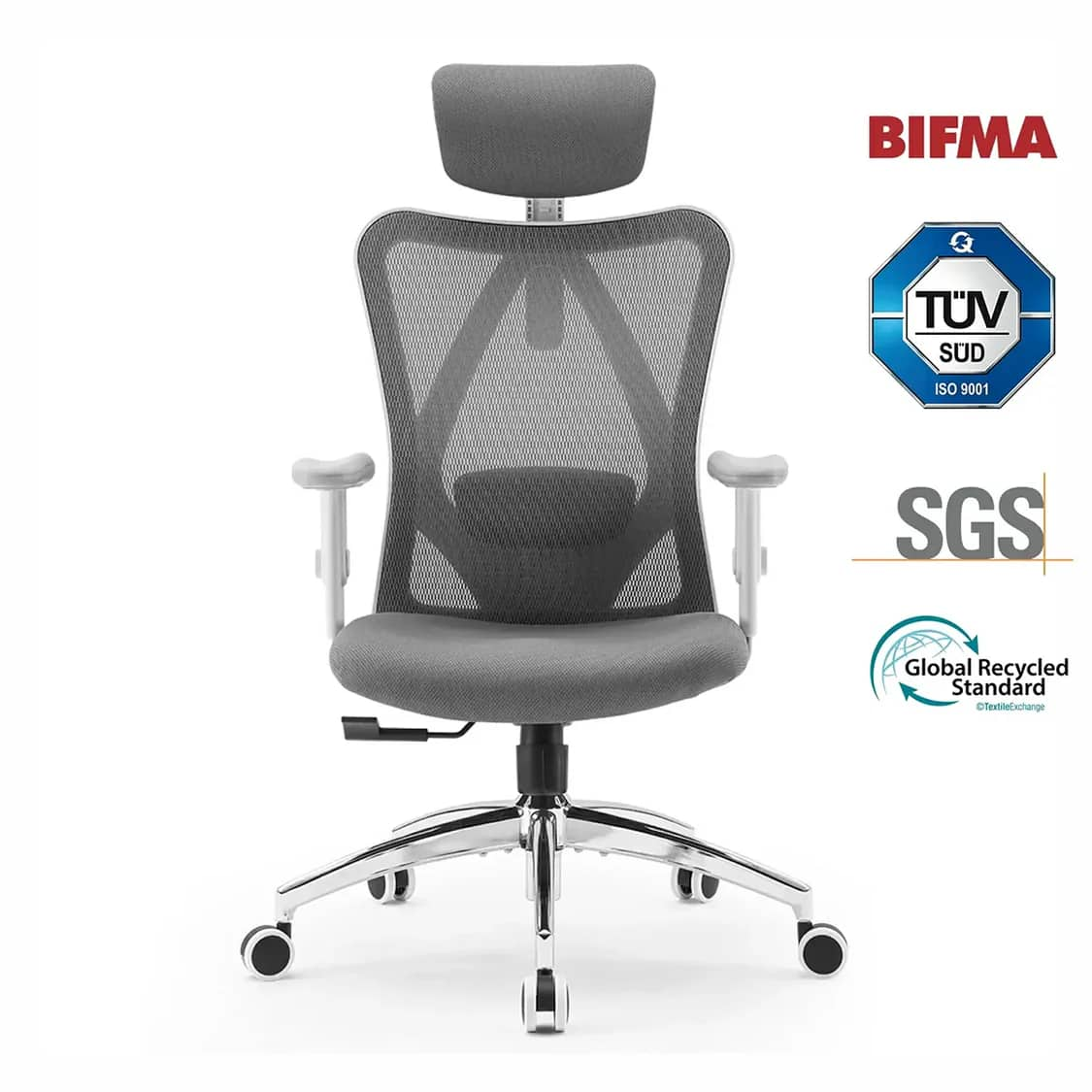
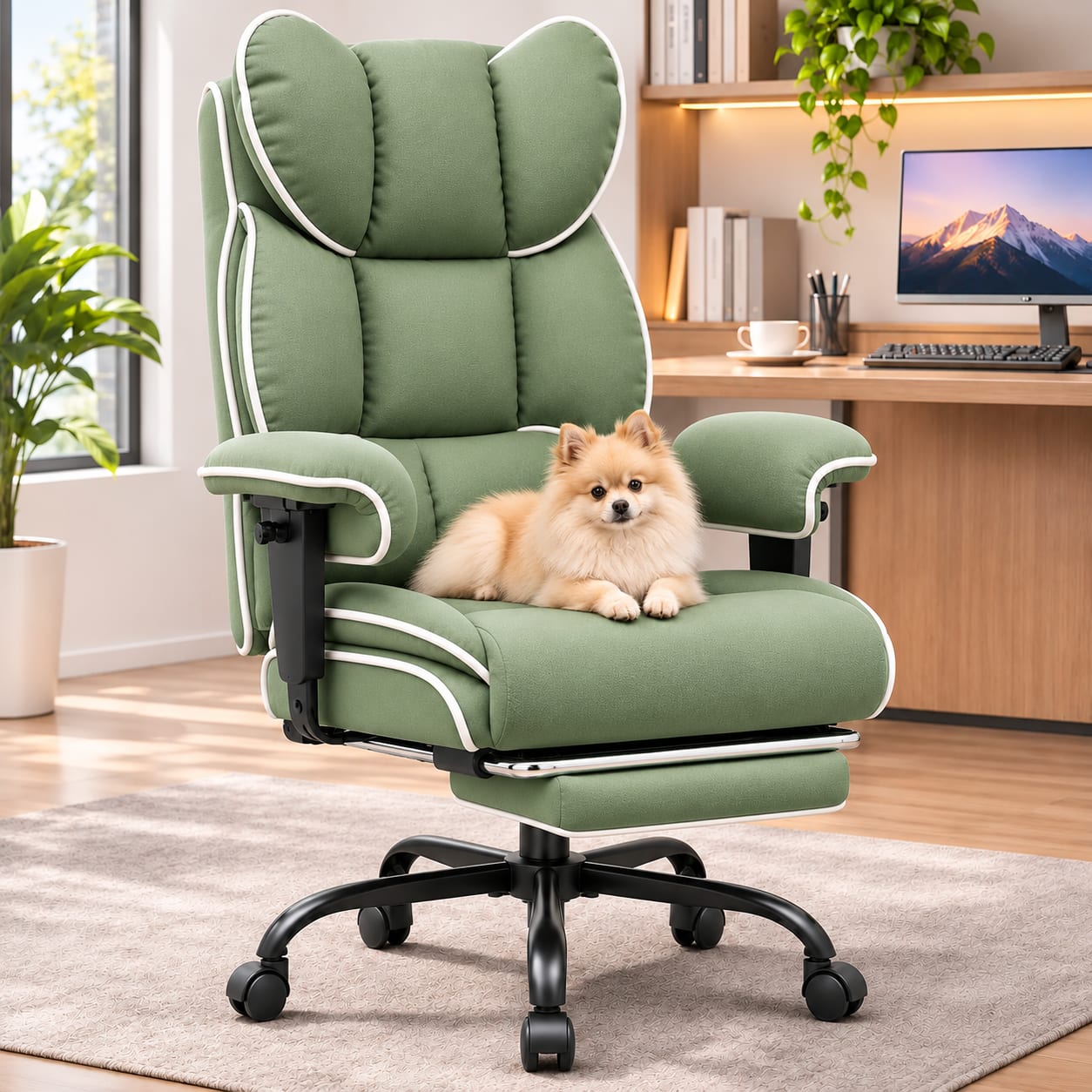
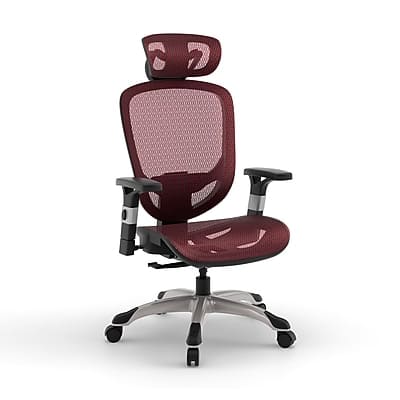
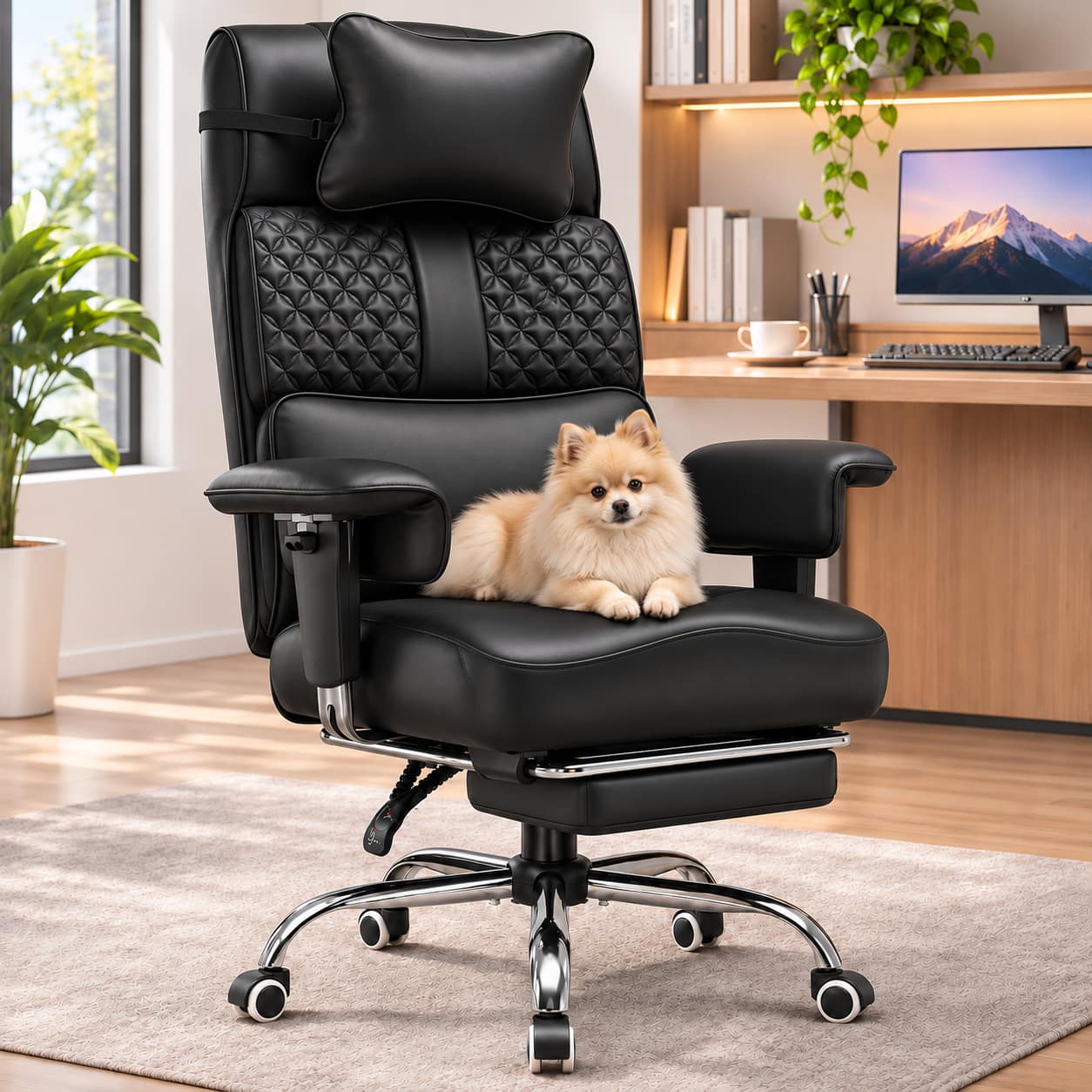
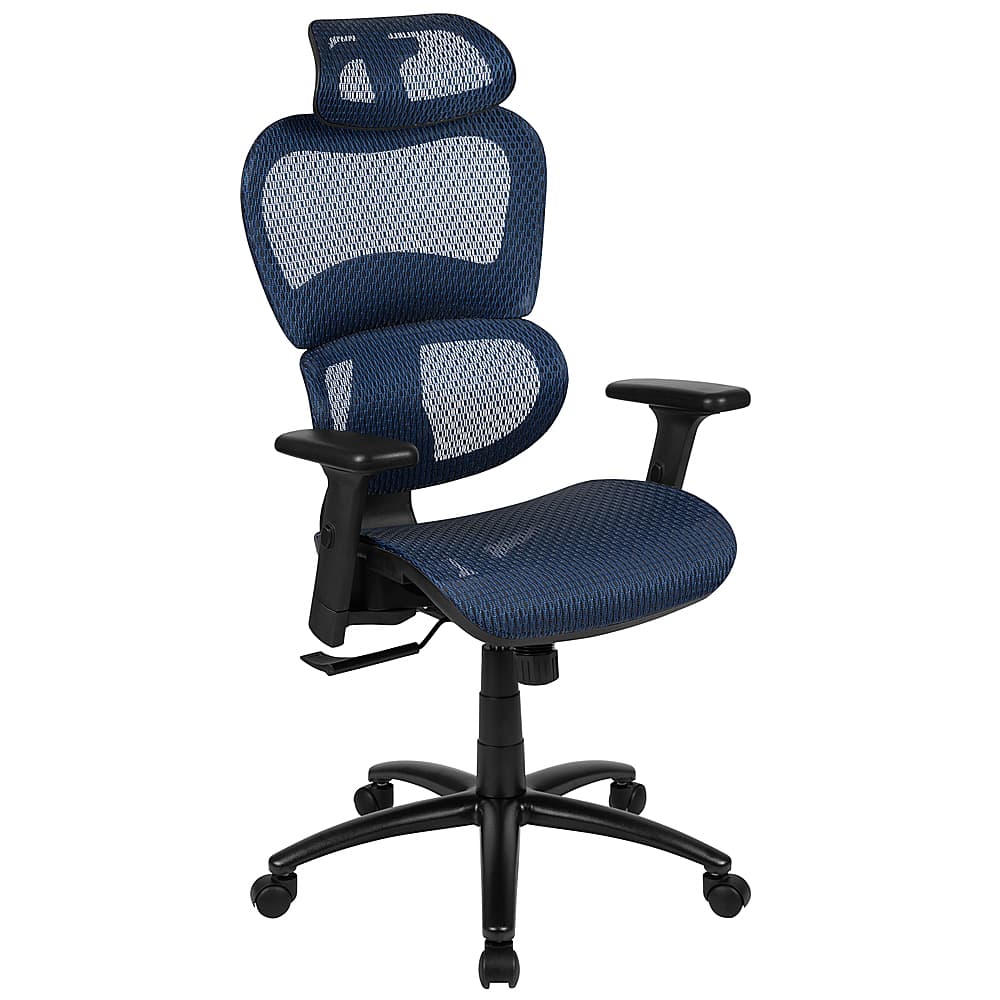
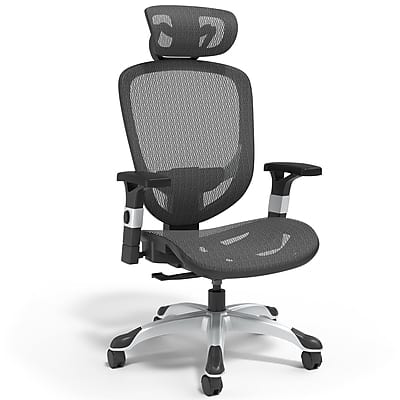
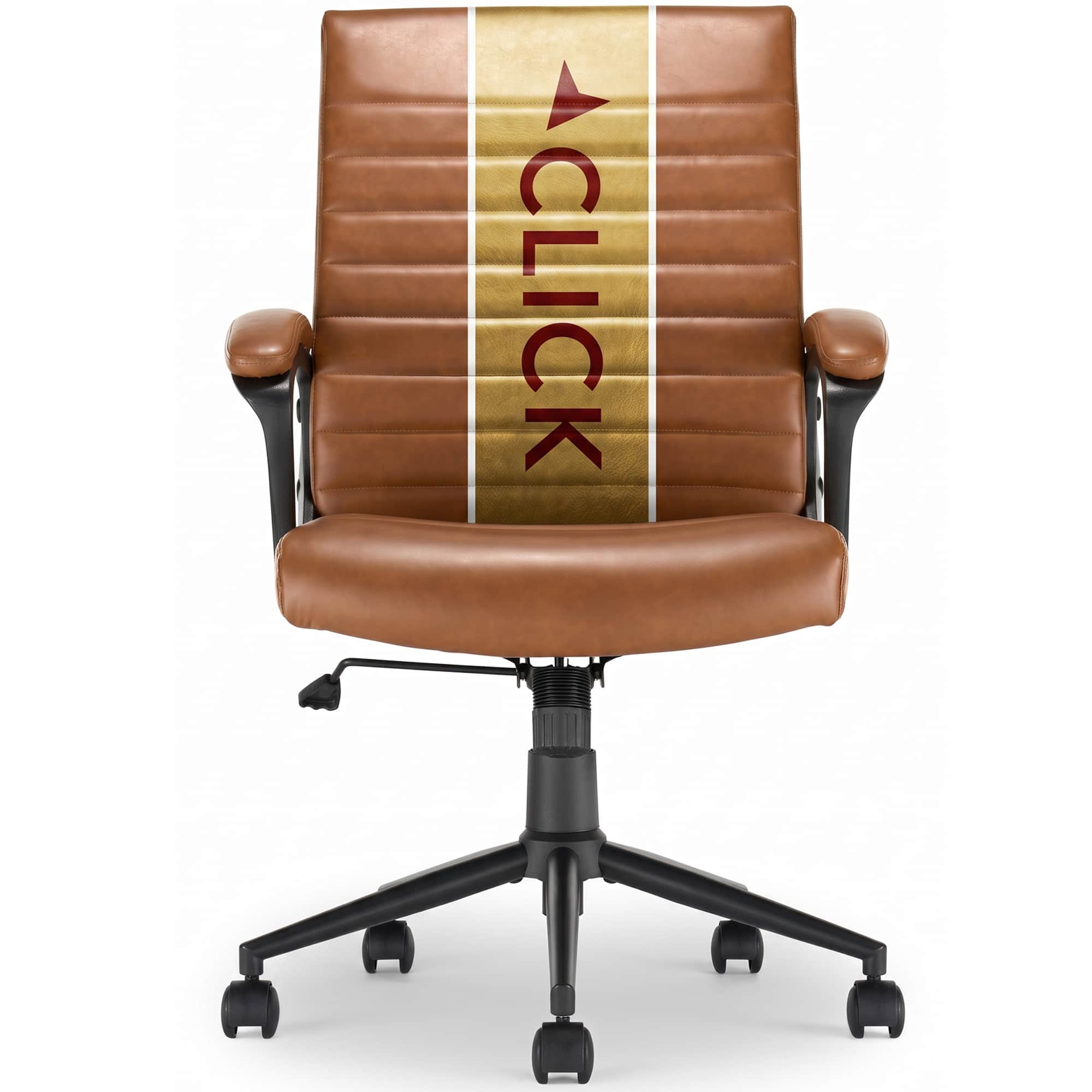
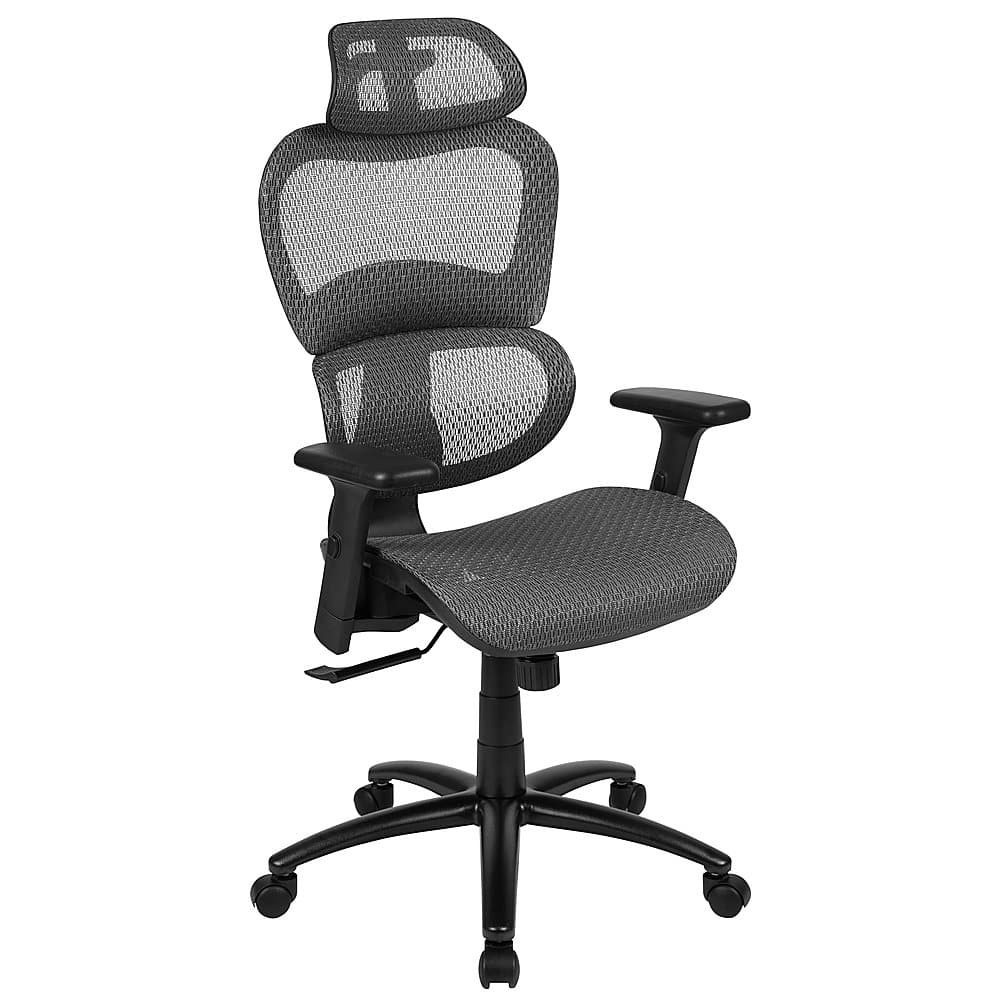
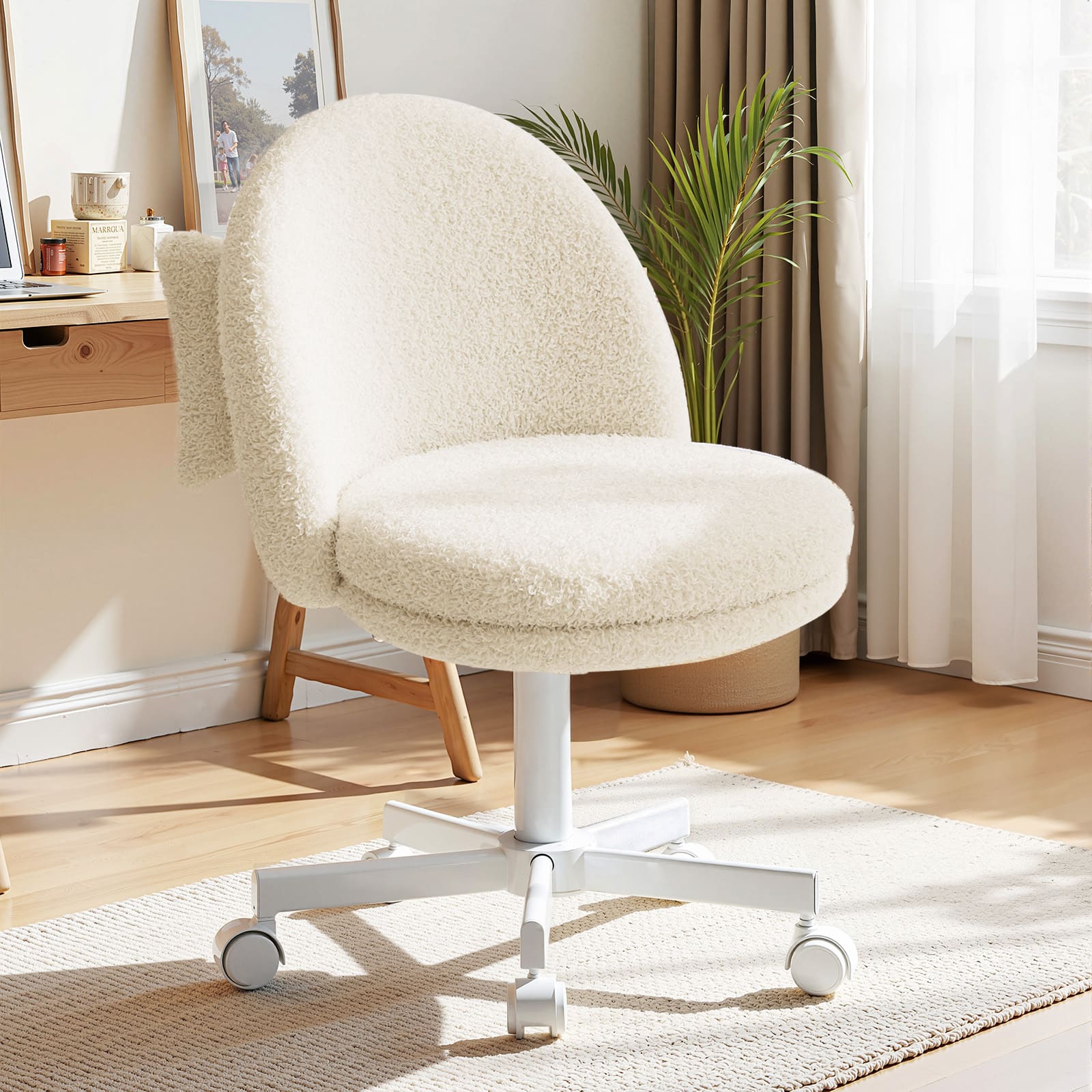
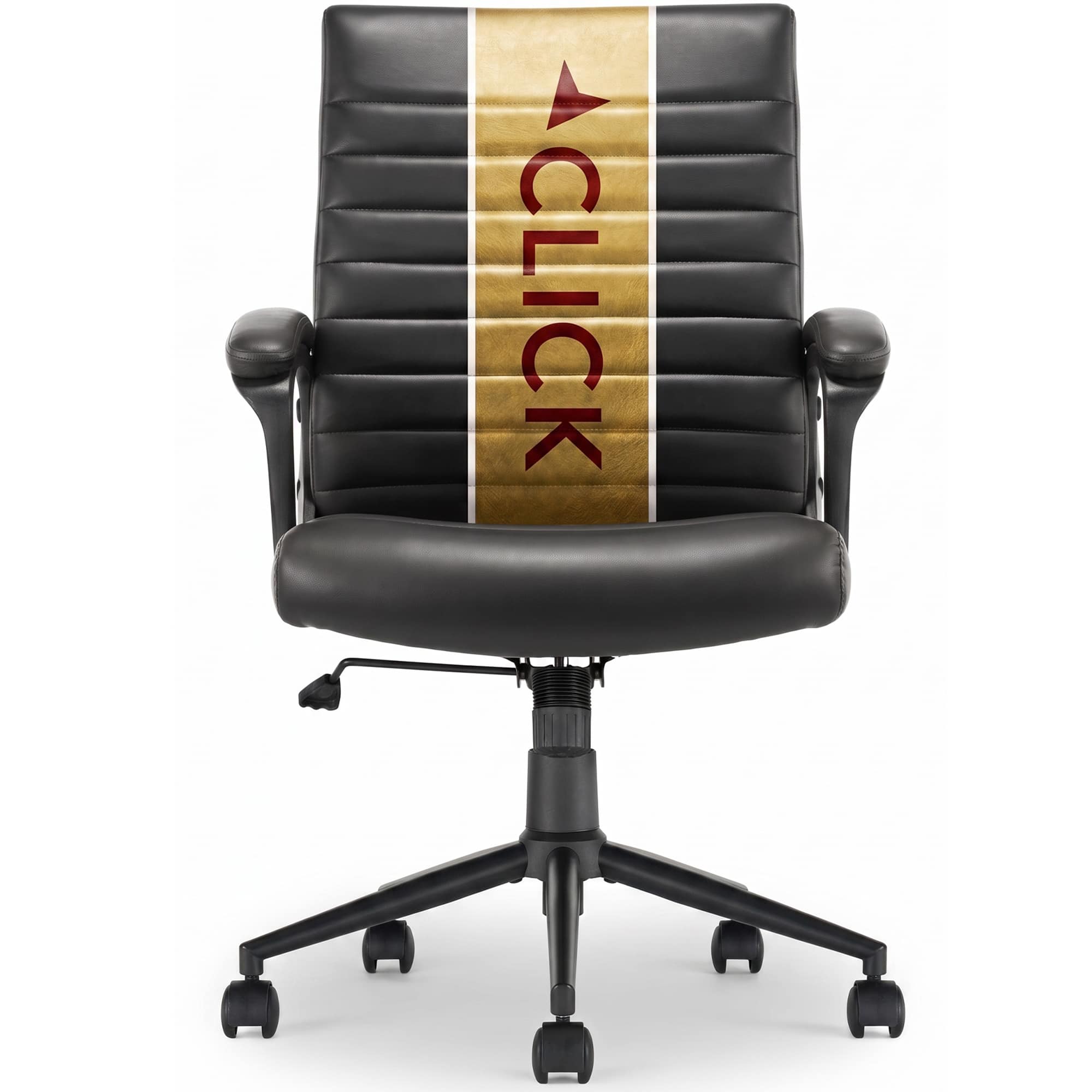
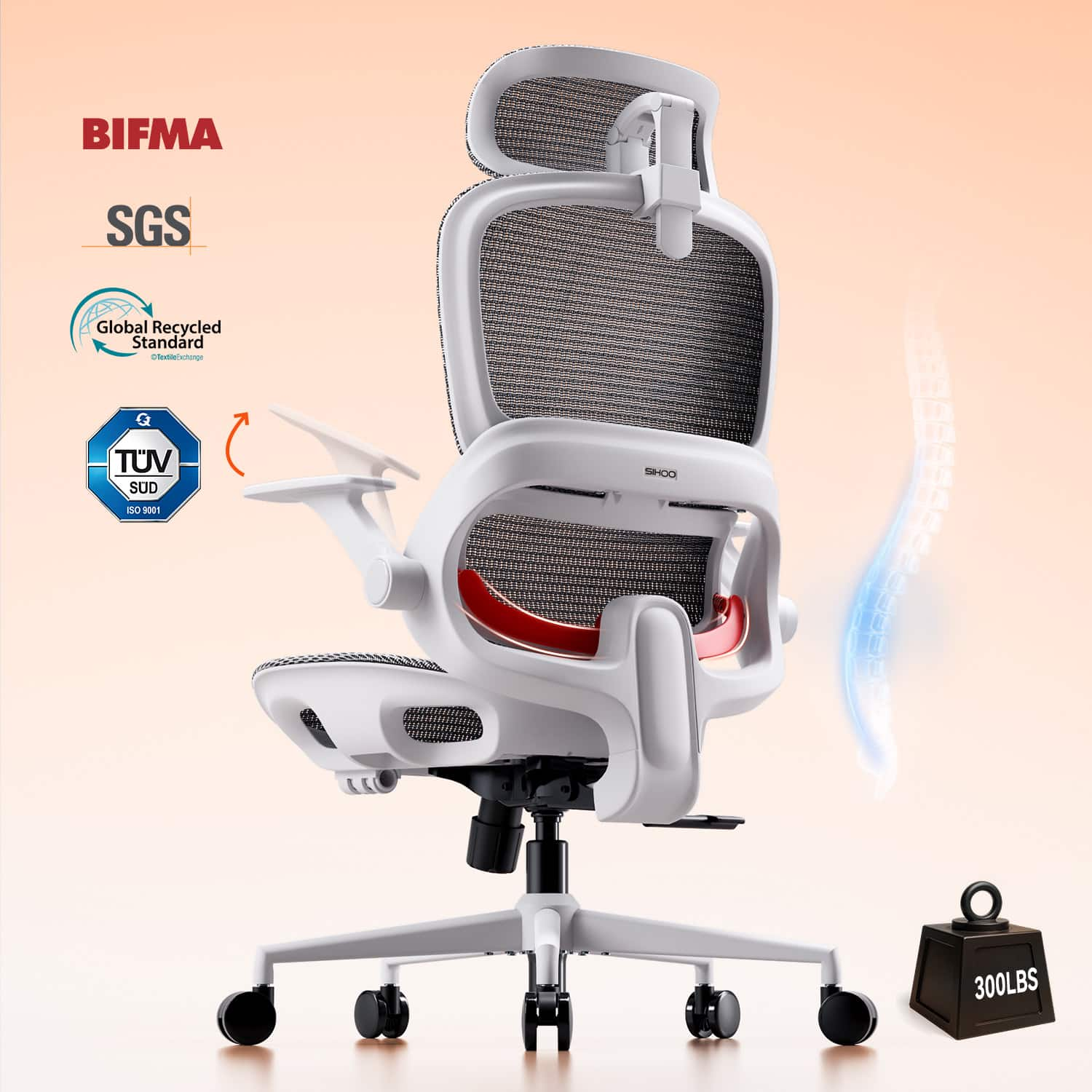
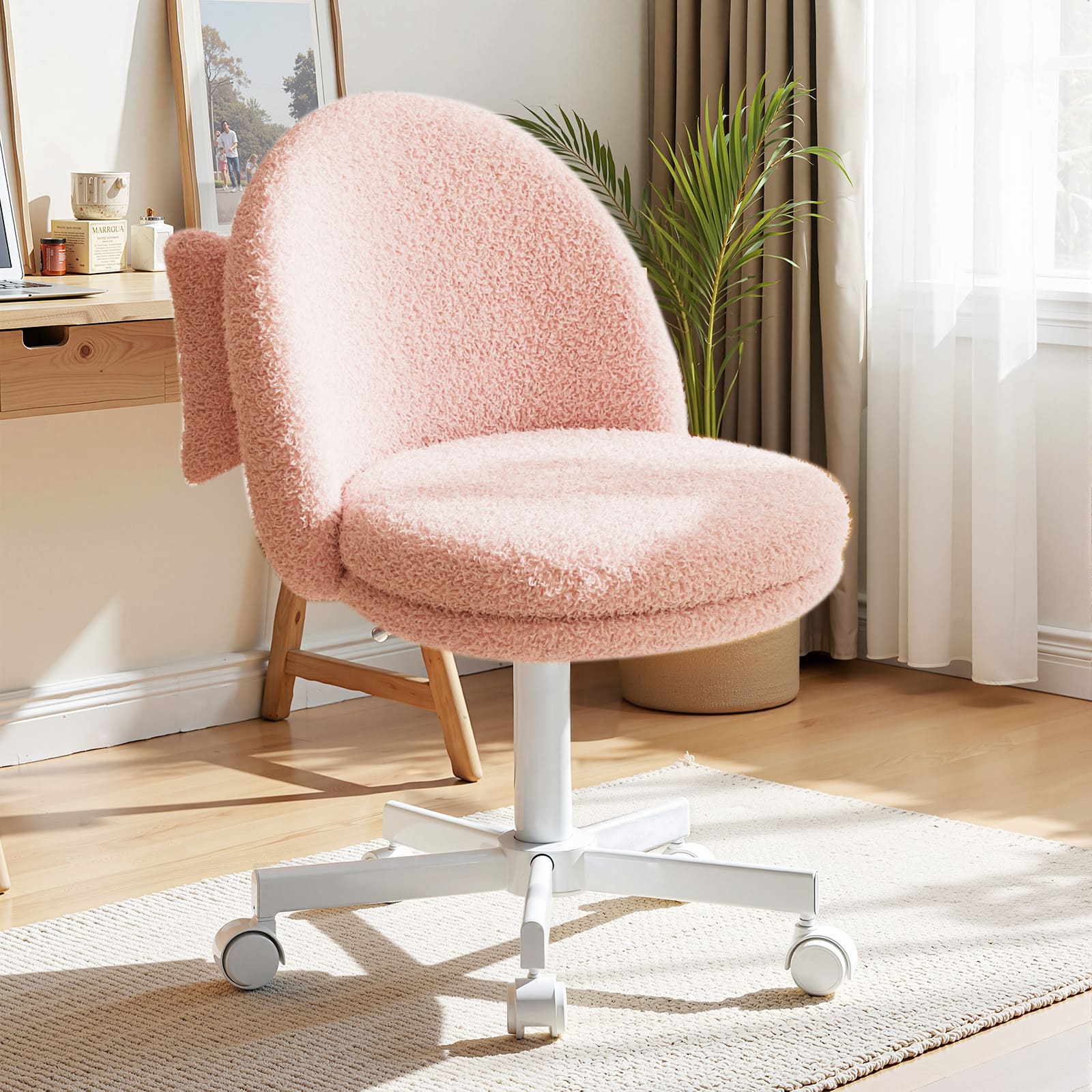
Office chairs with adjustable support



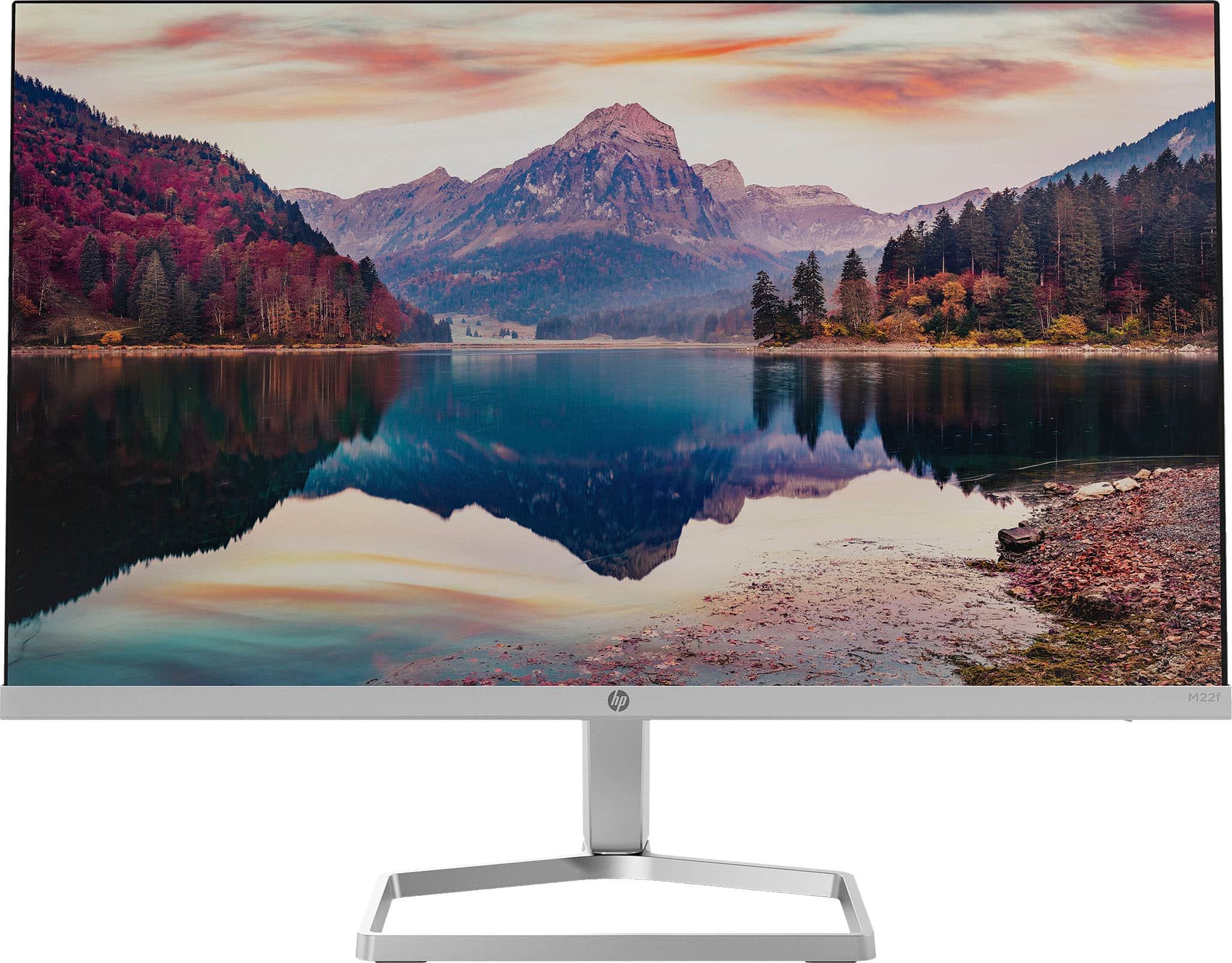
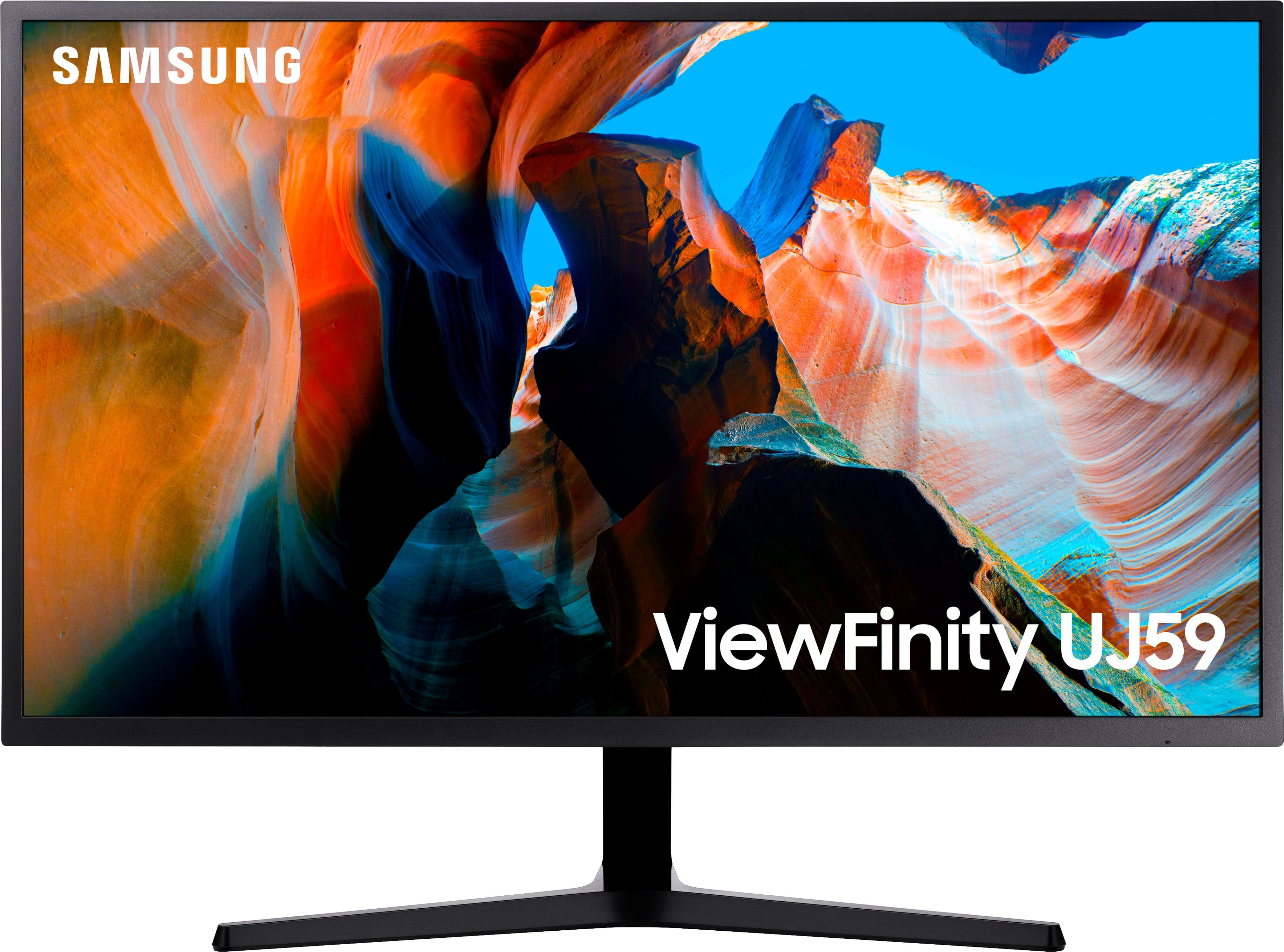
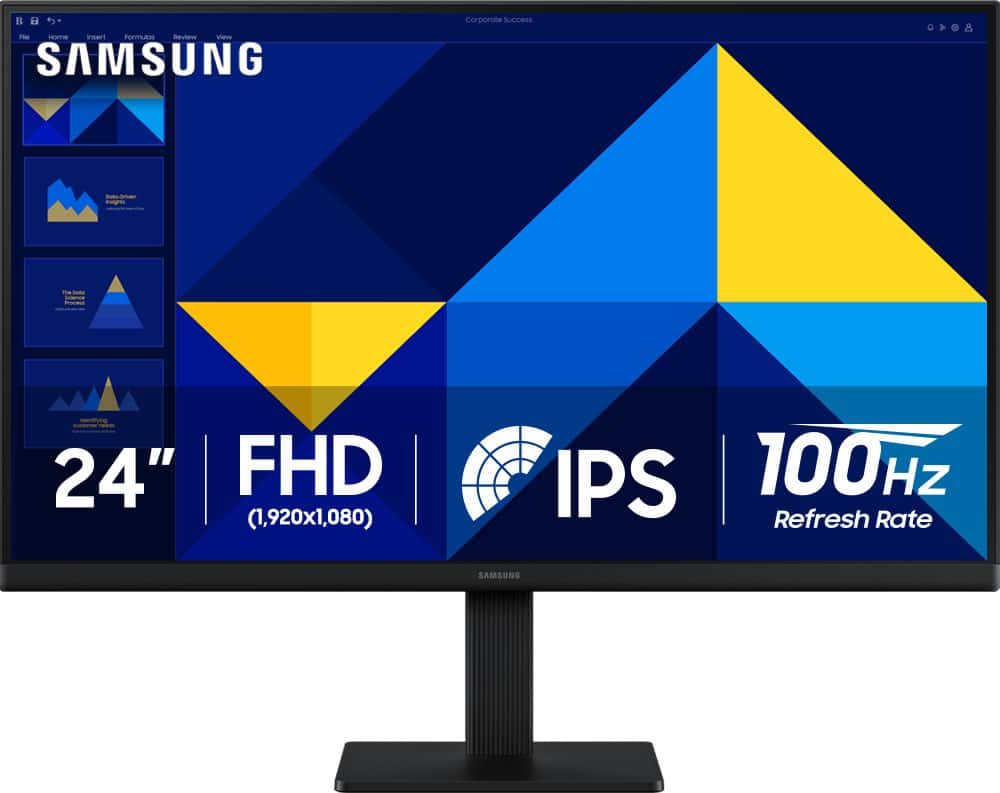
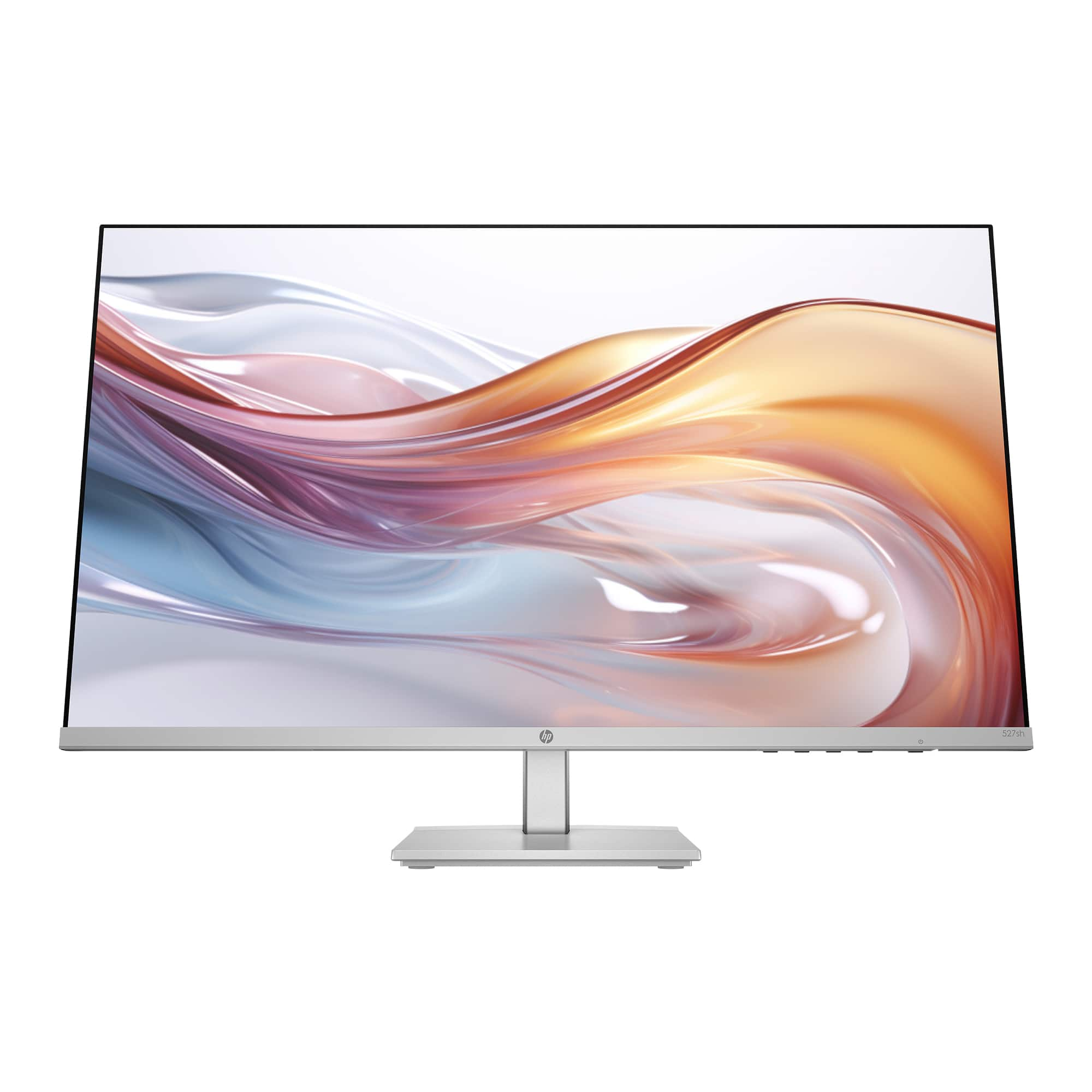
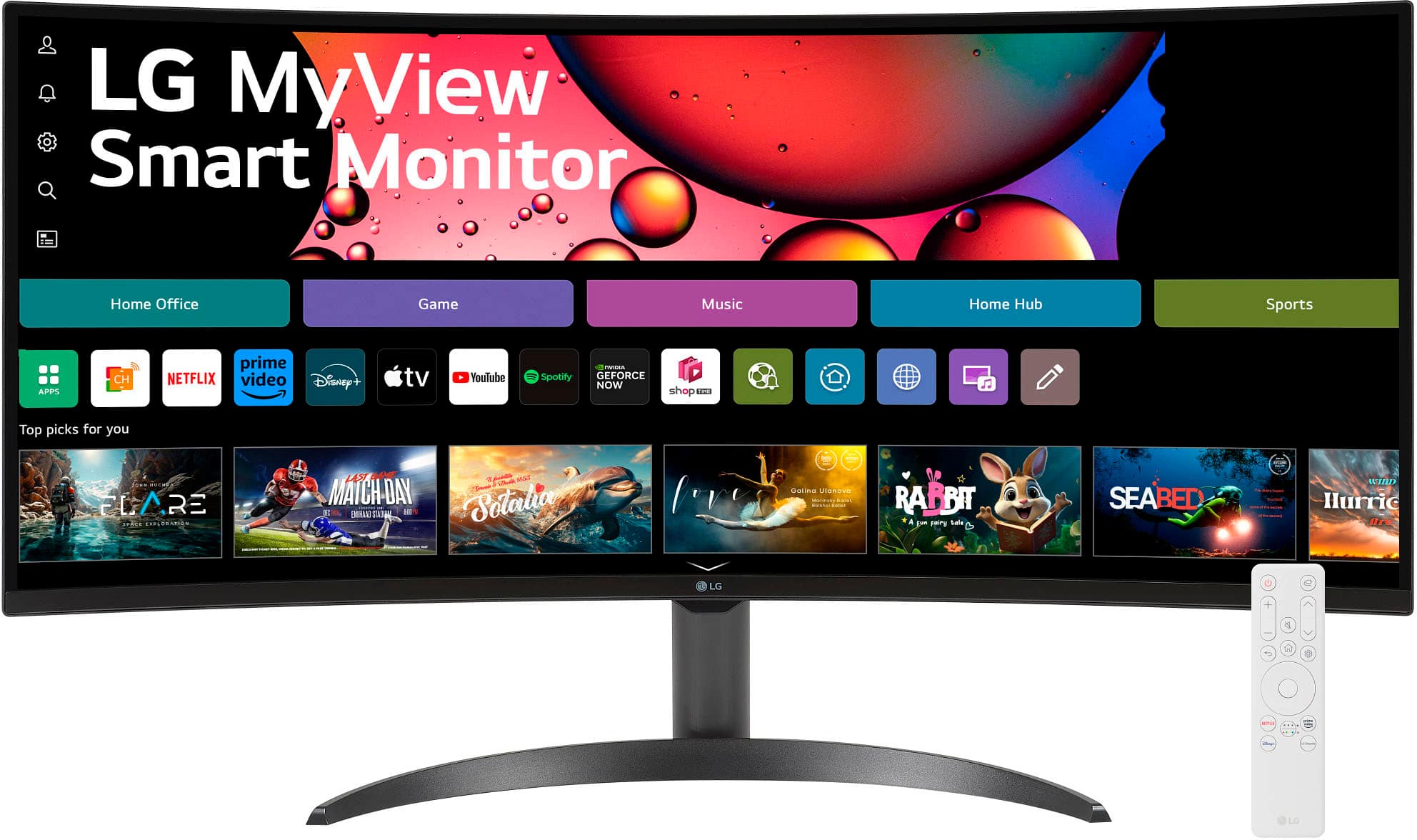
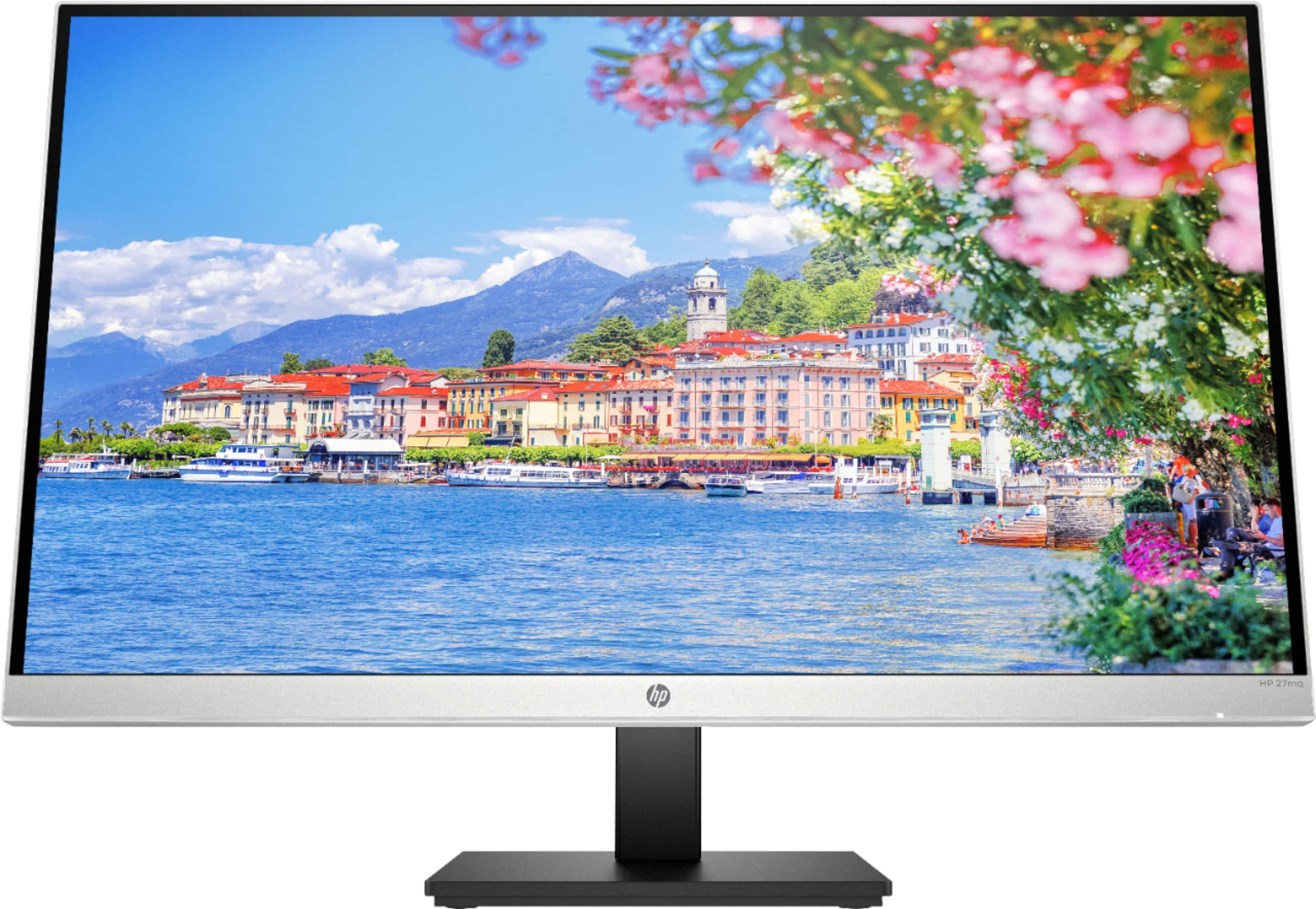
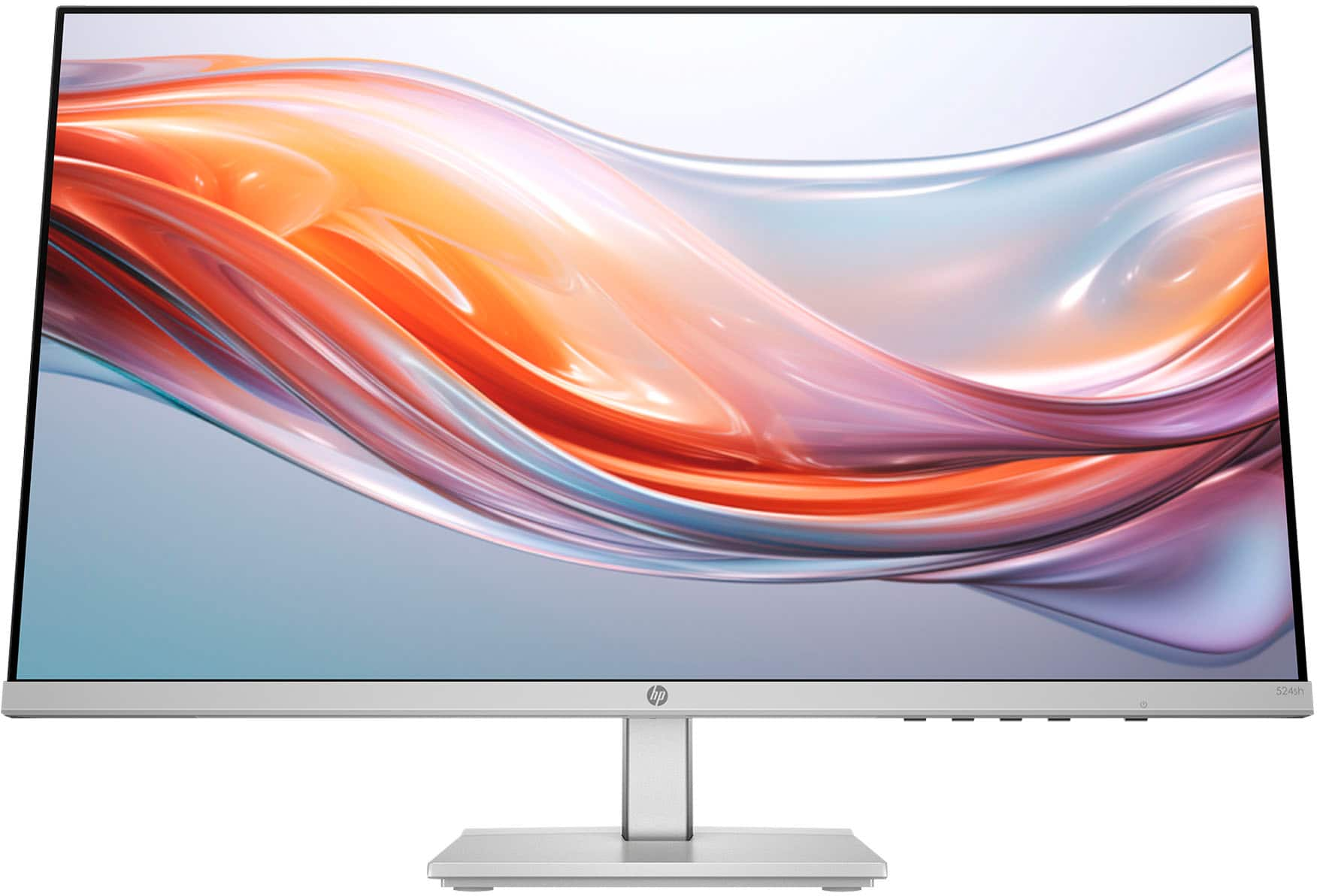
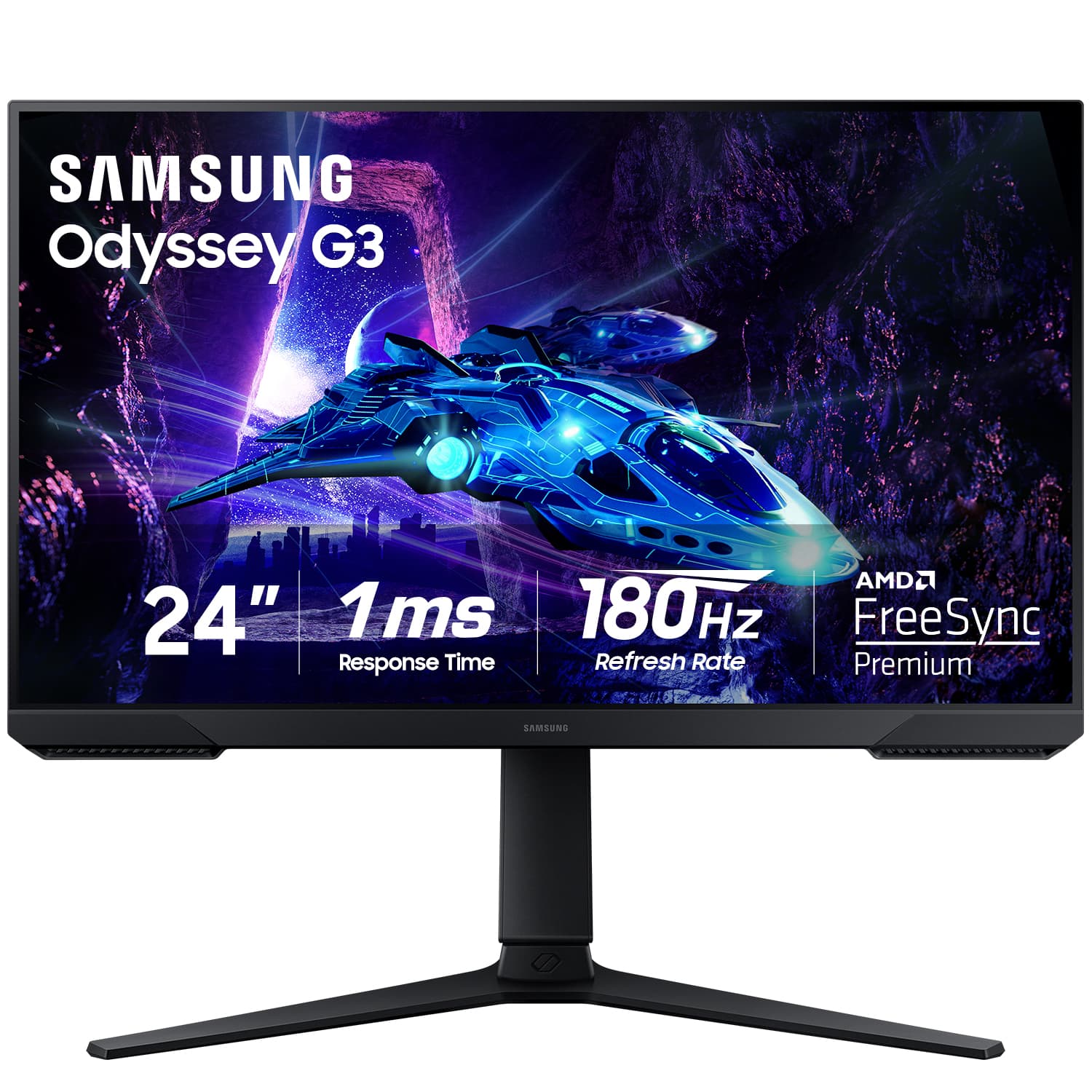
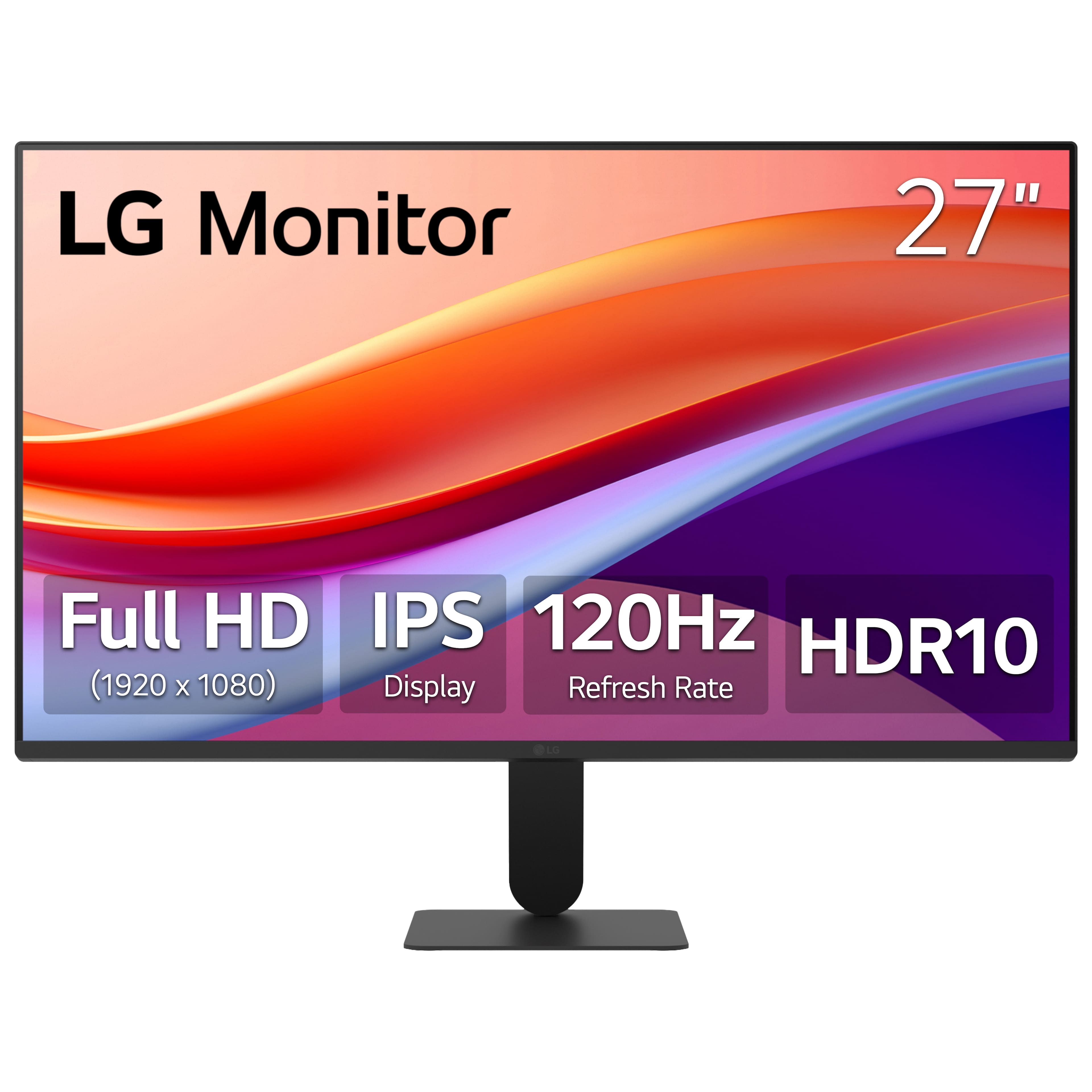
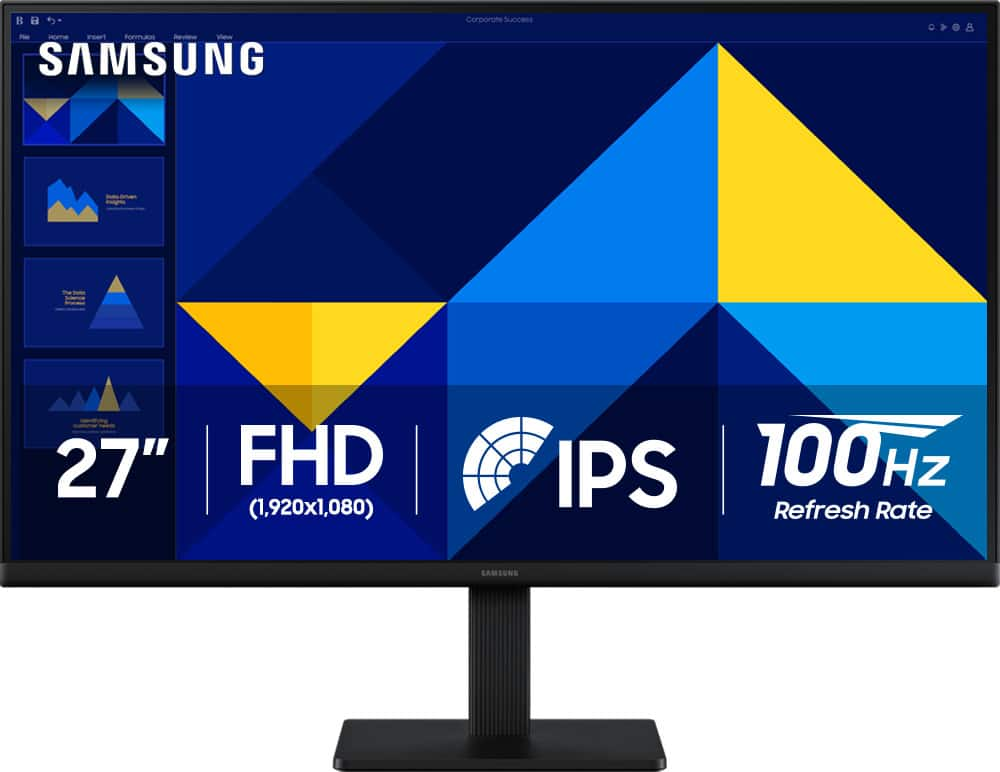
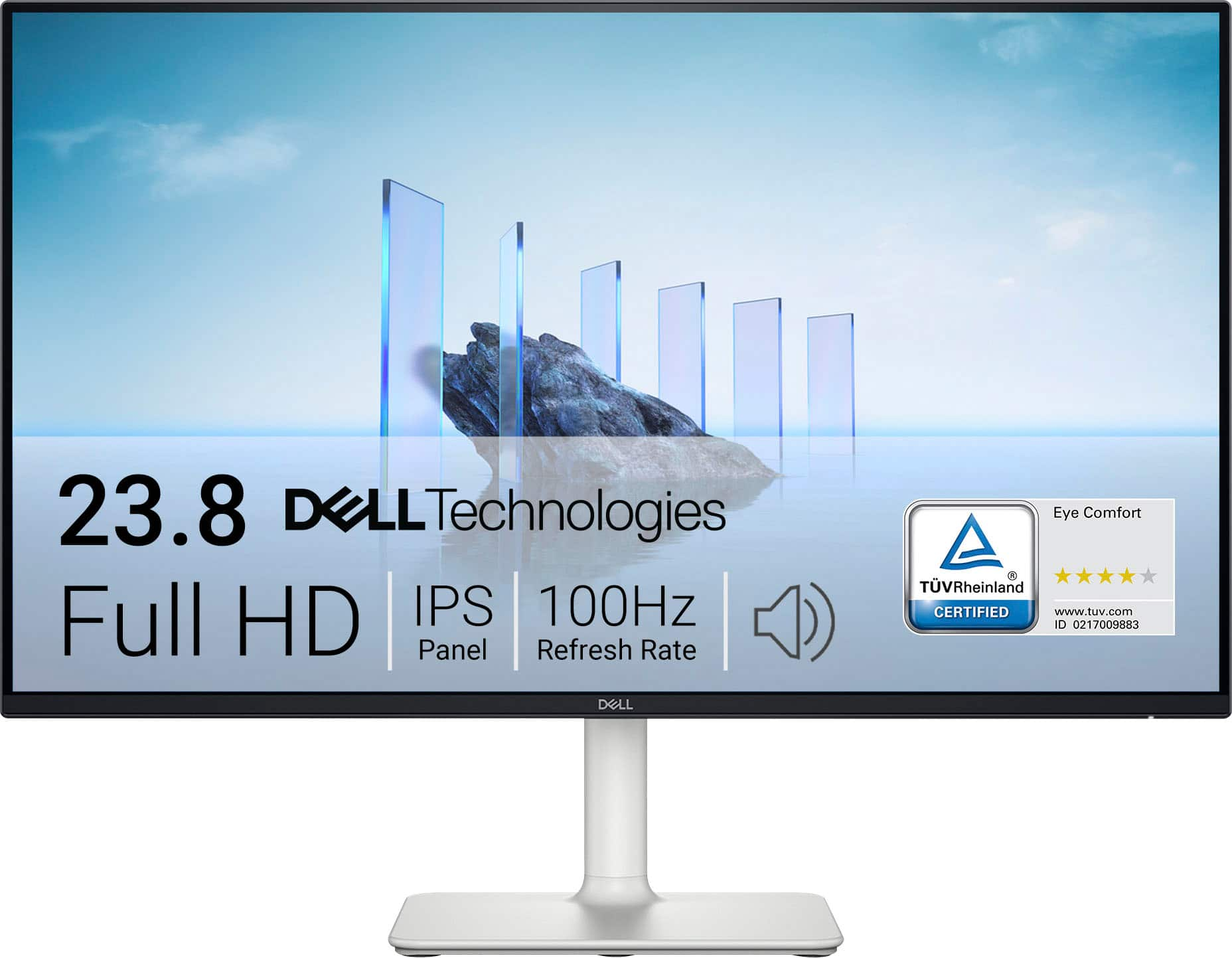
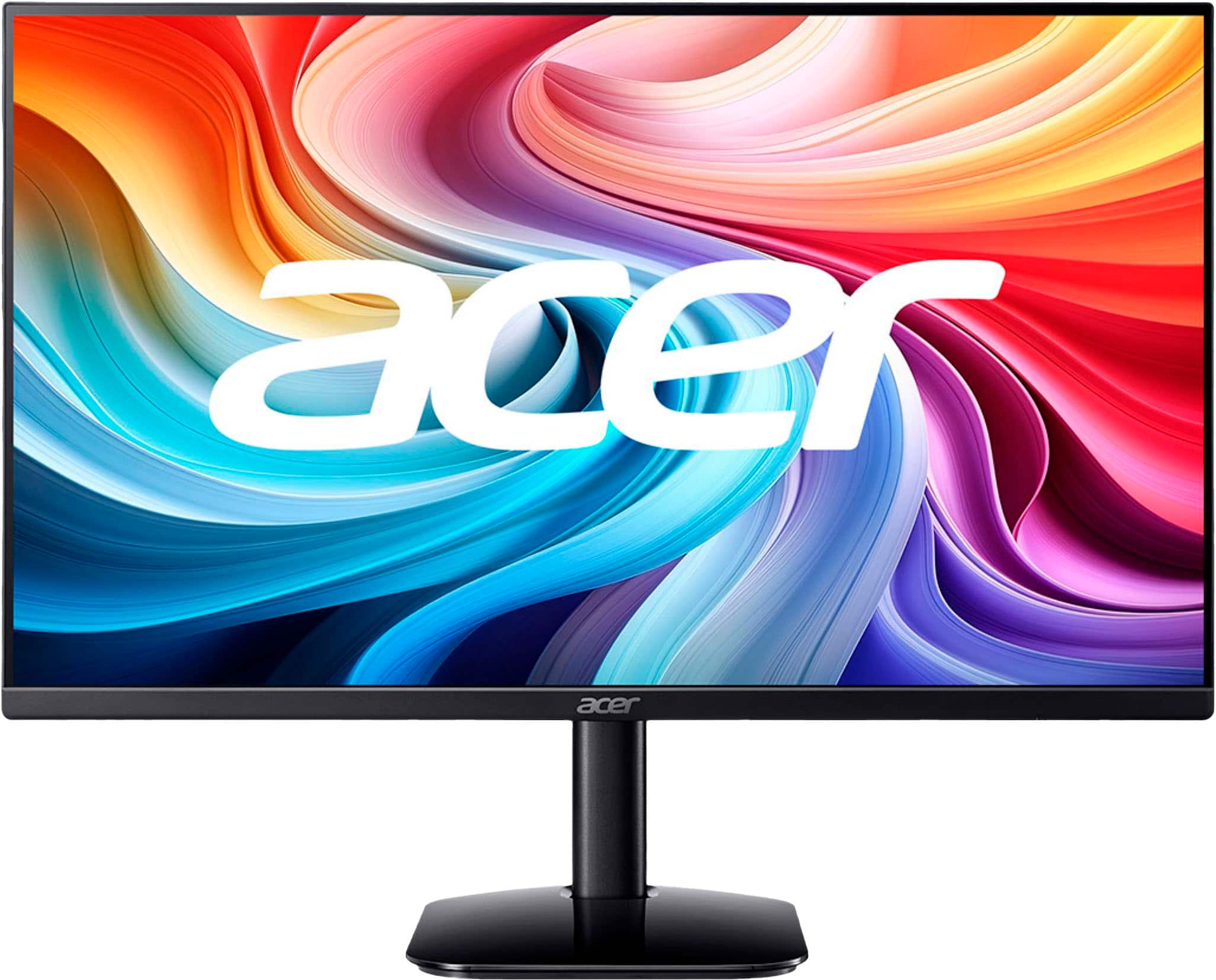
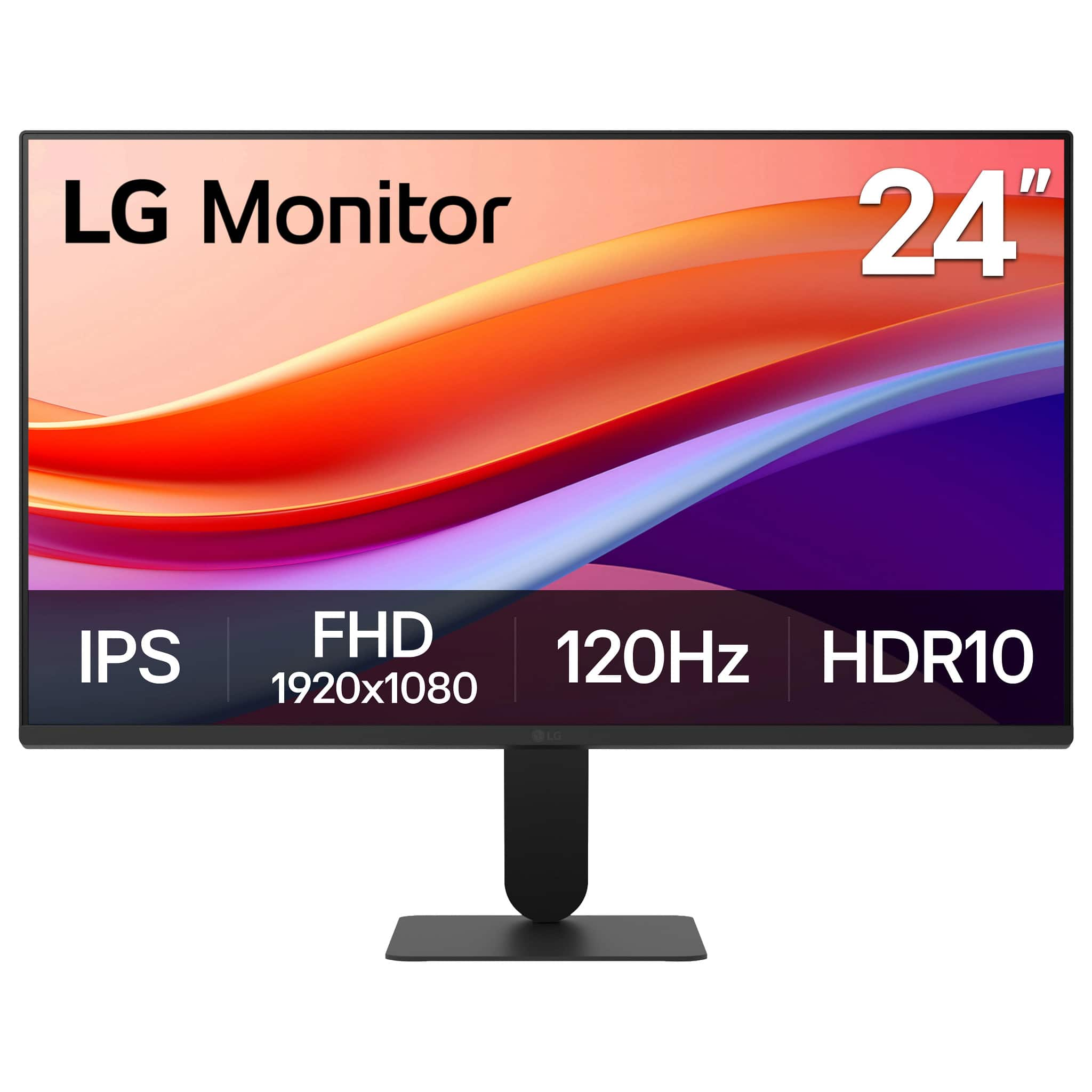
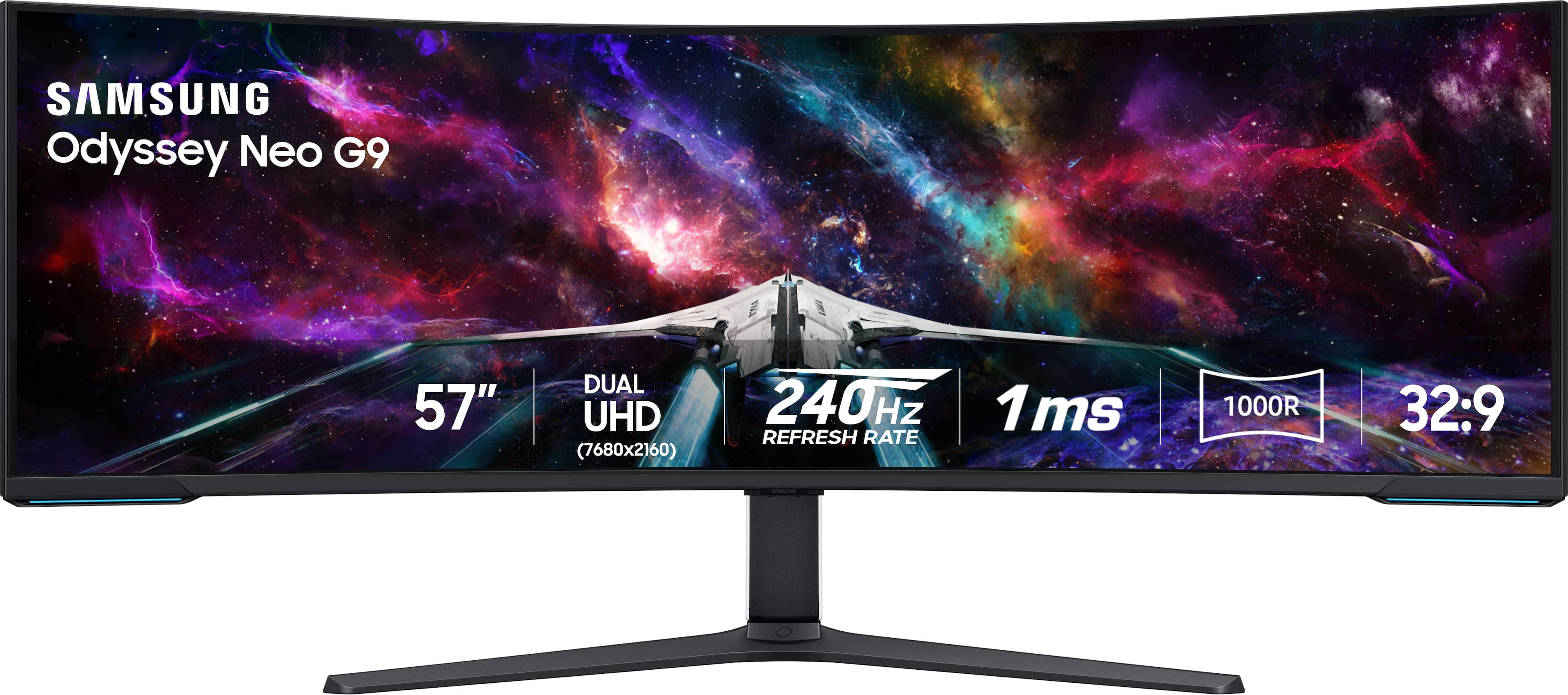
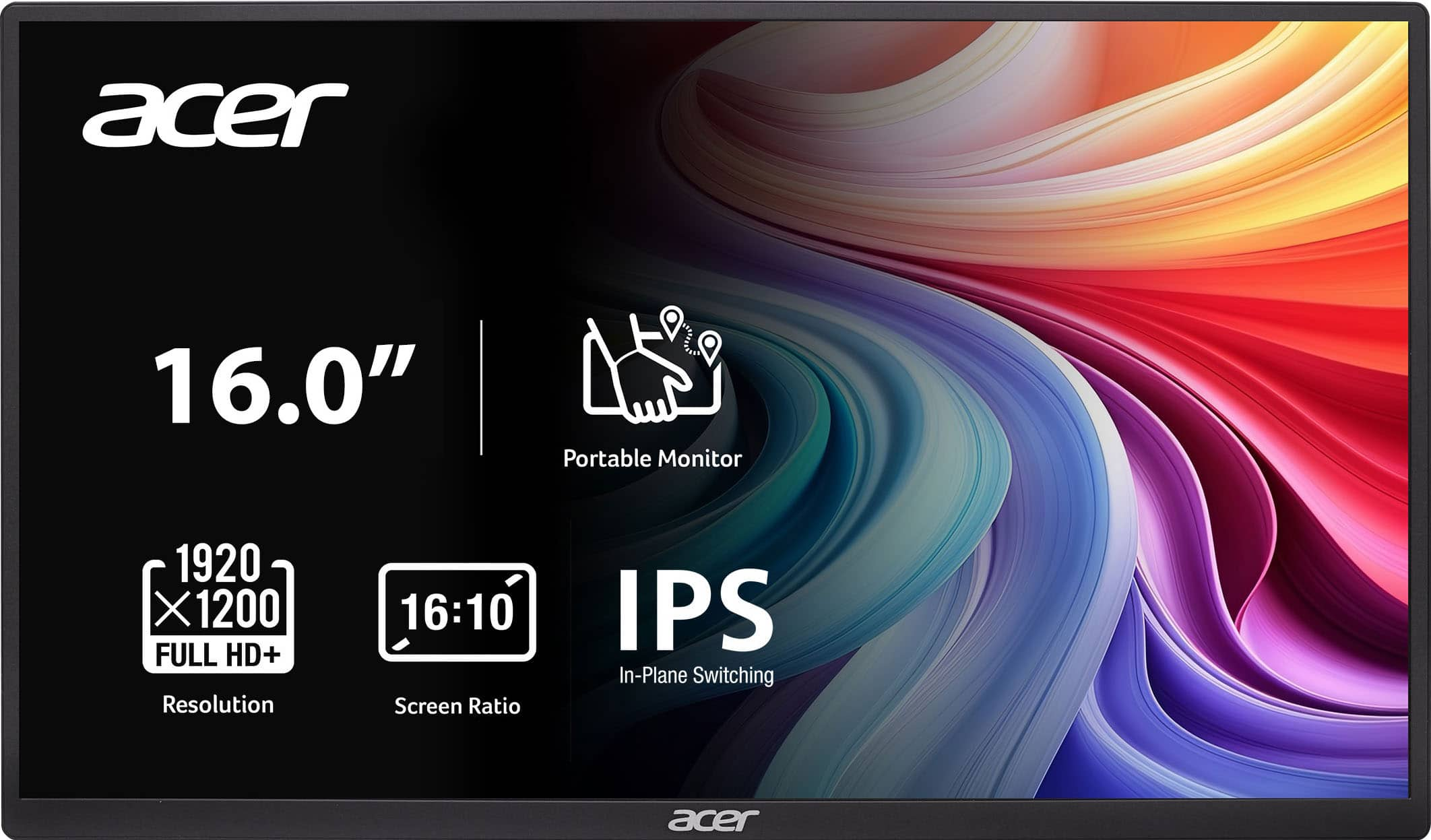
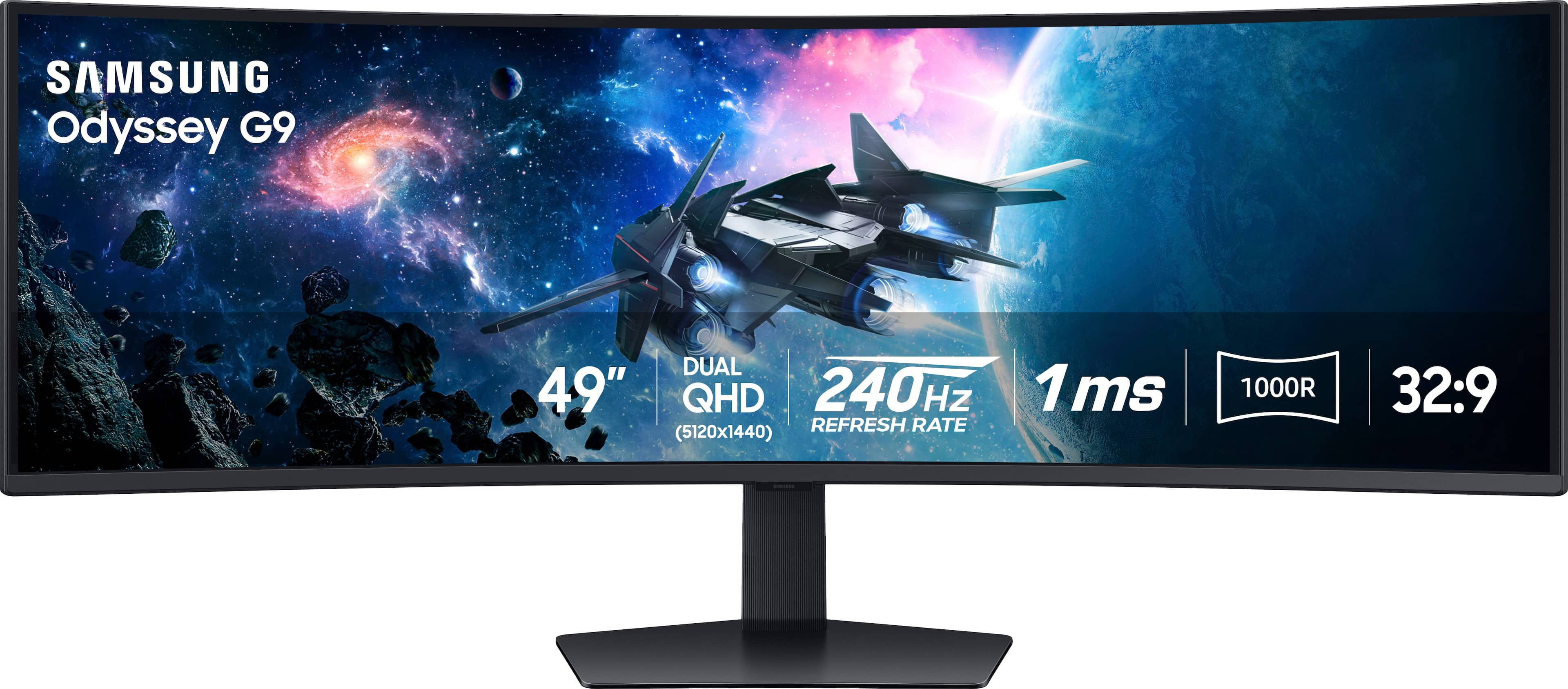
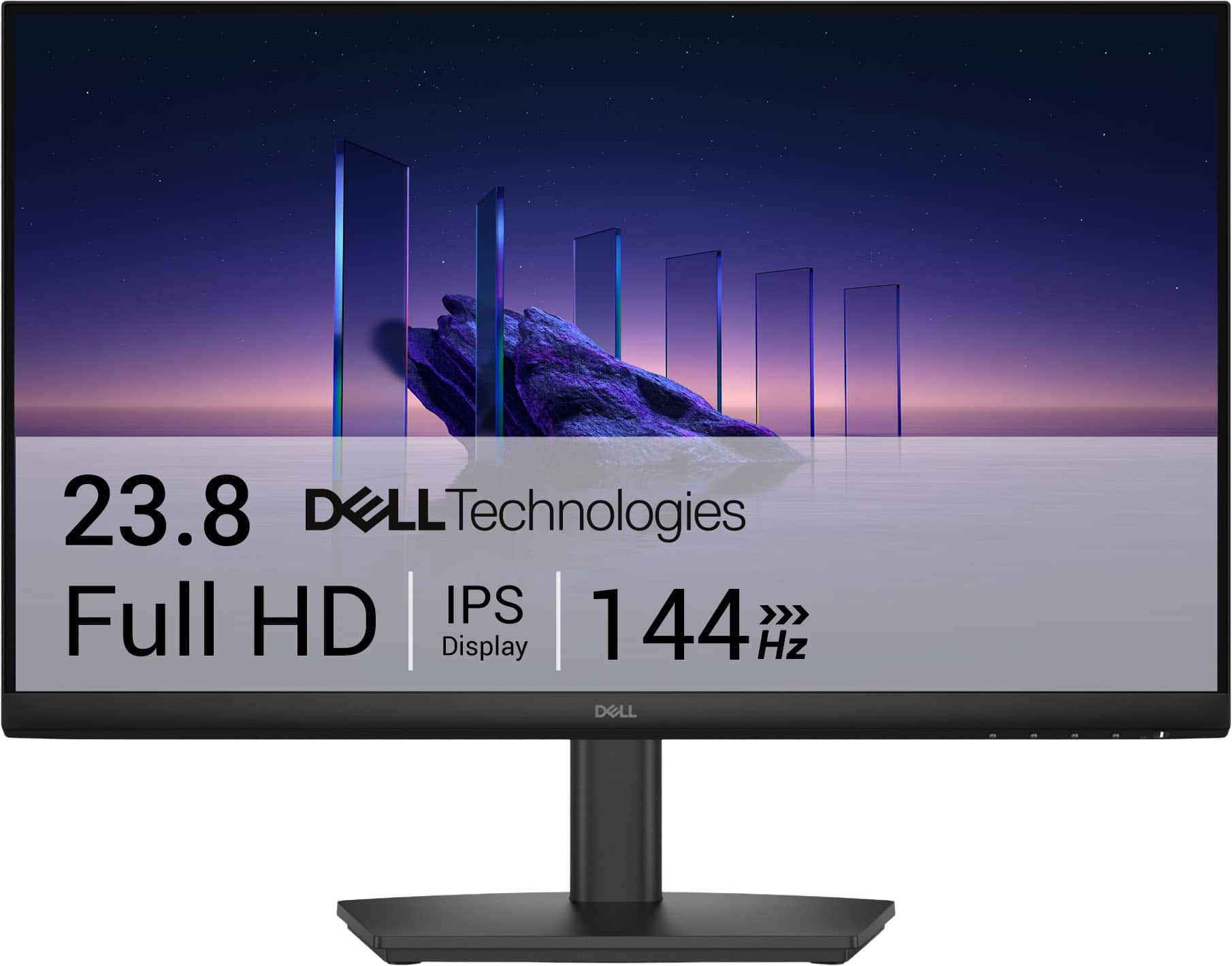
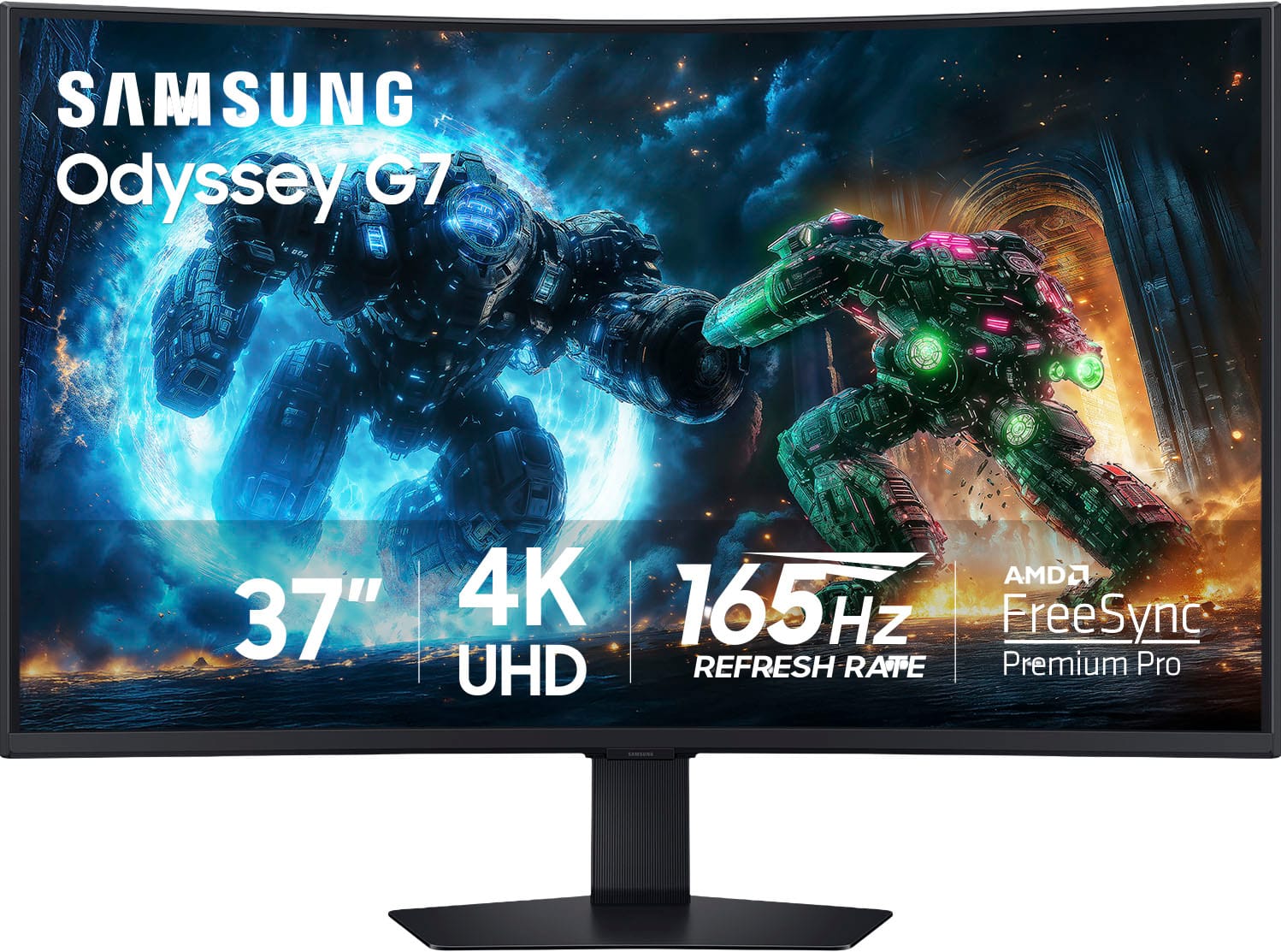
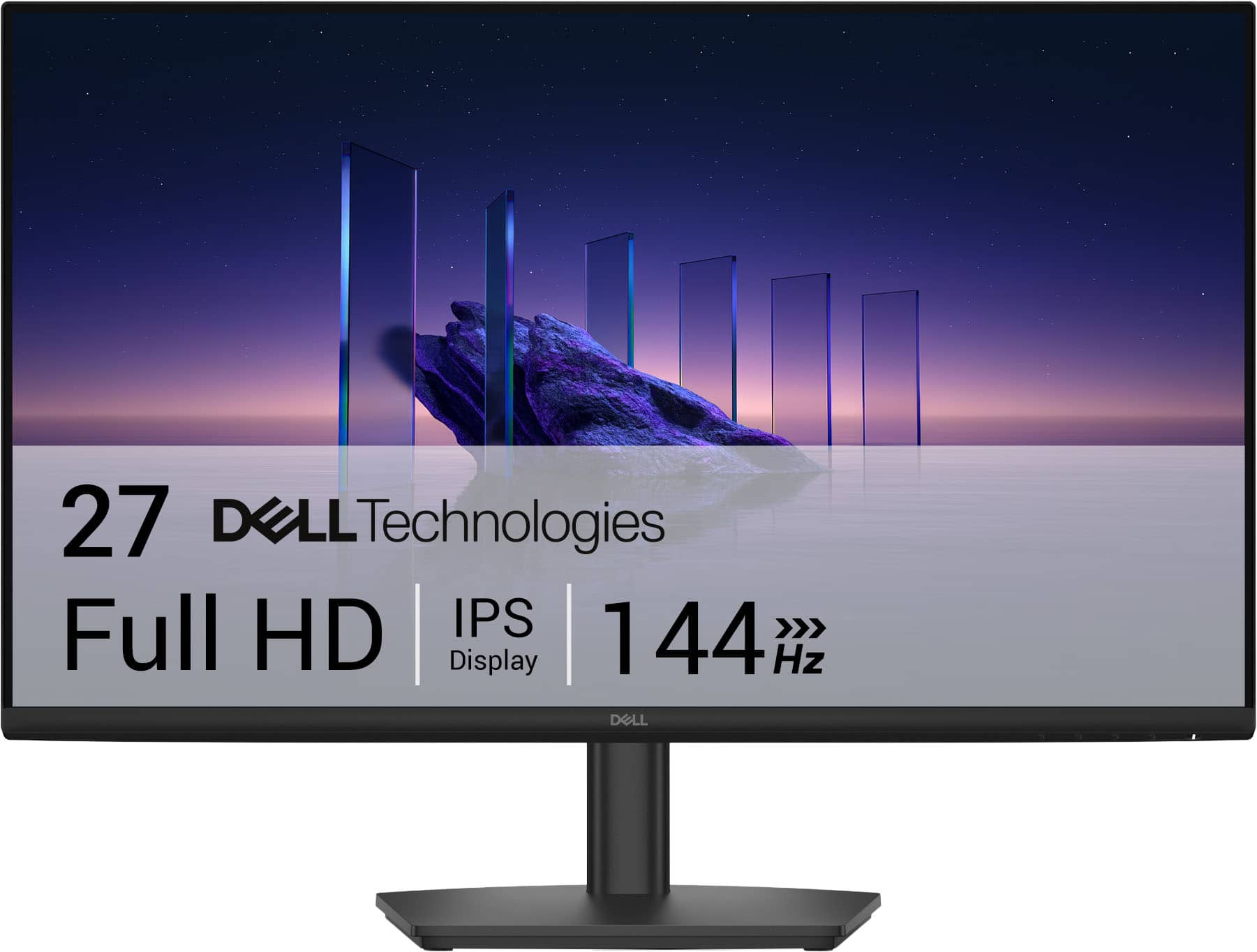
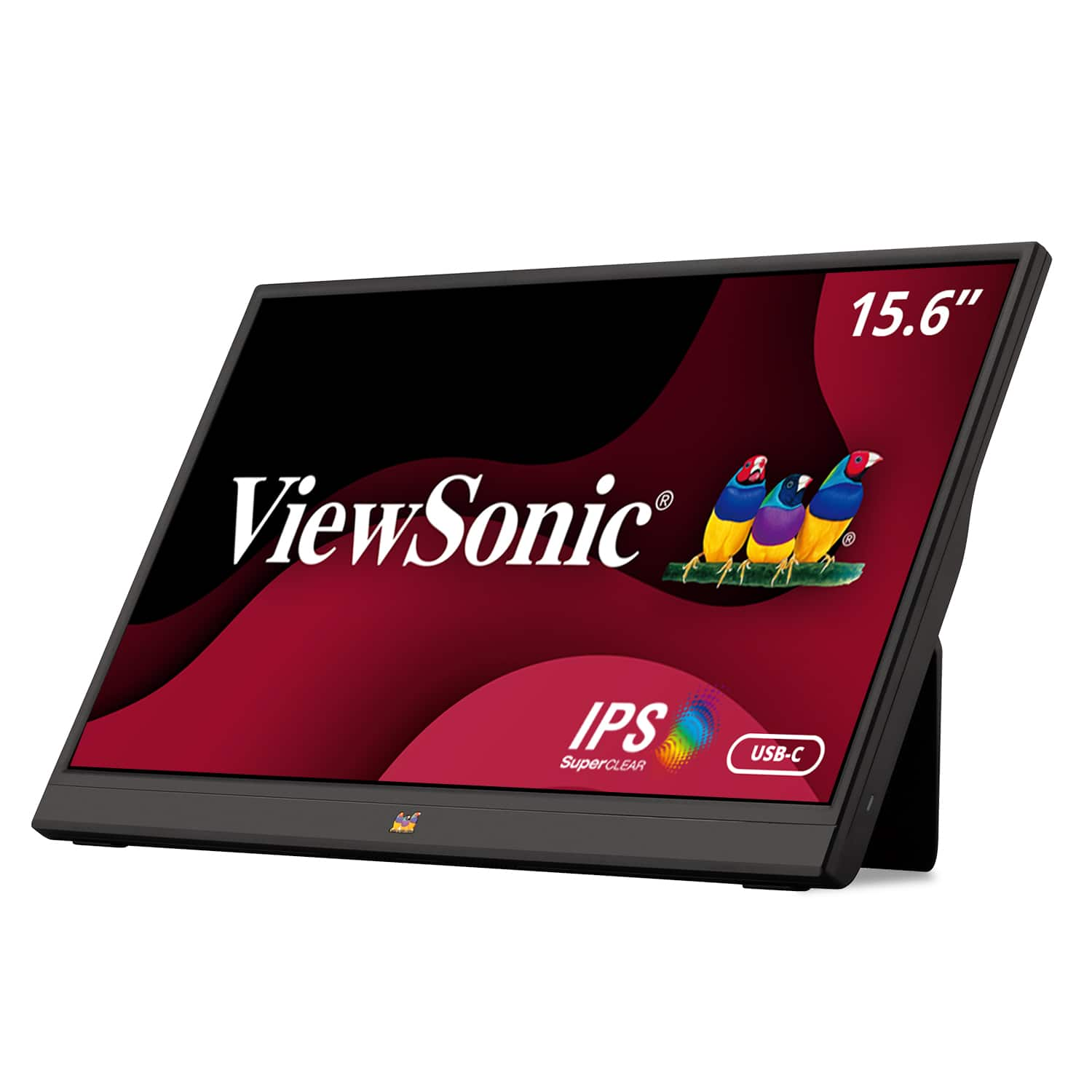
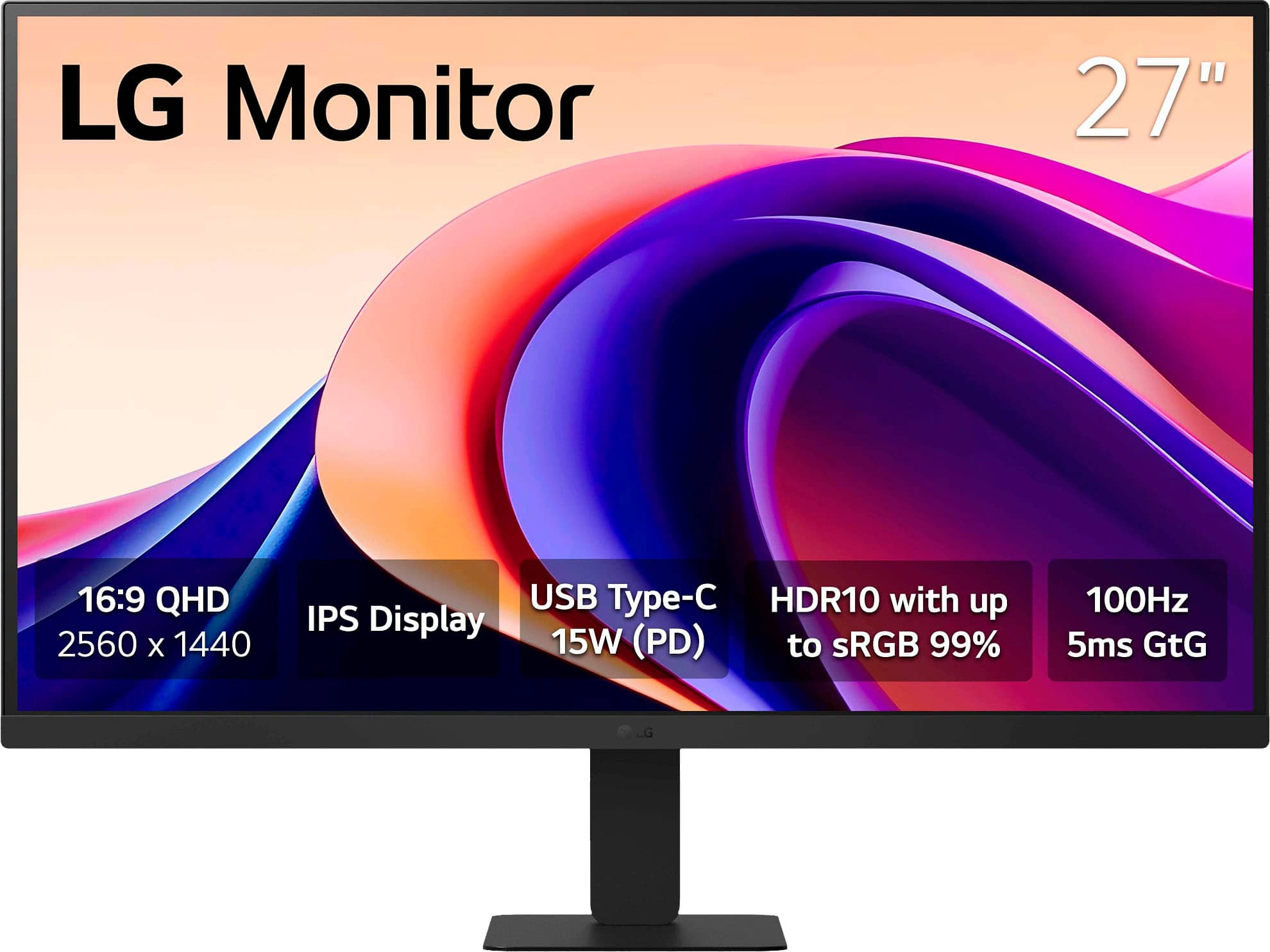
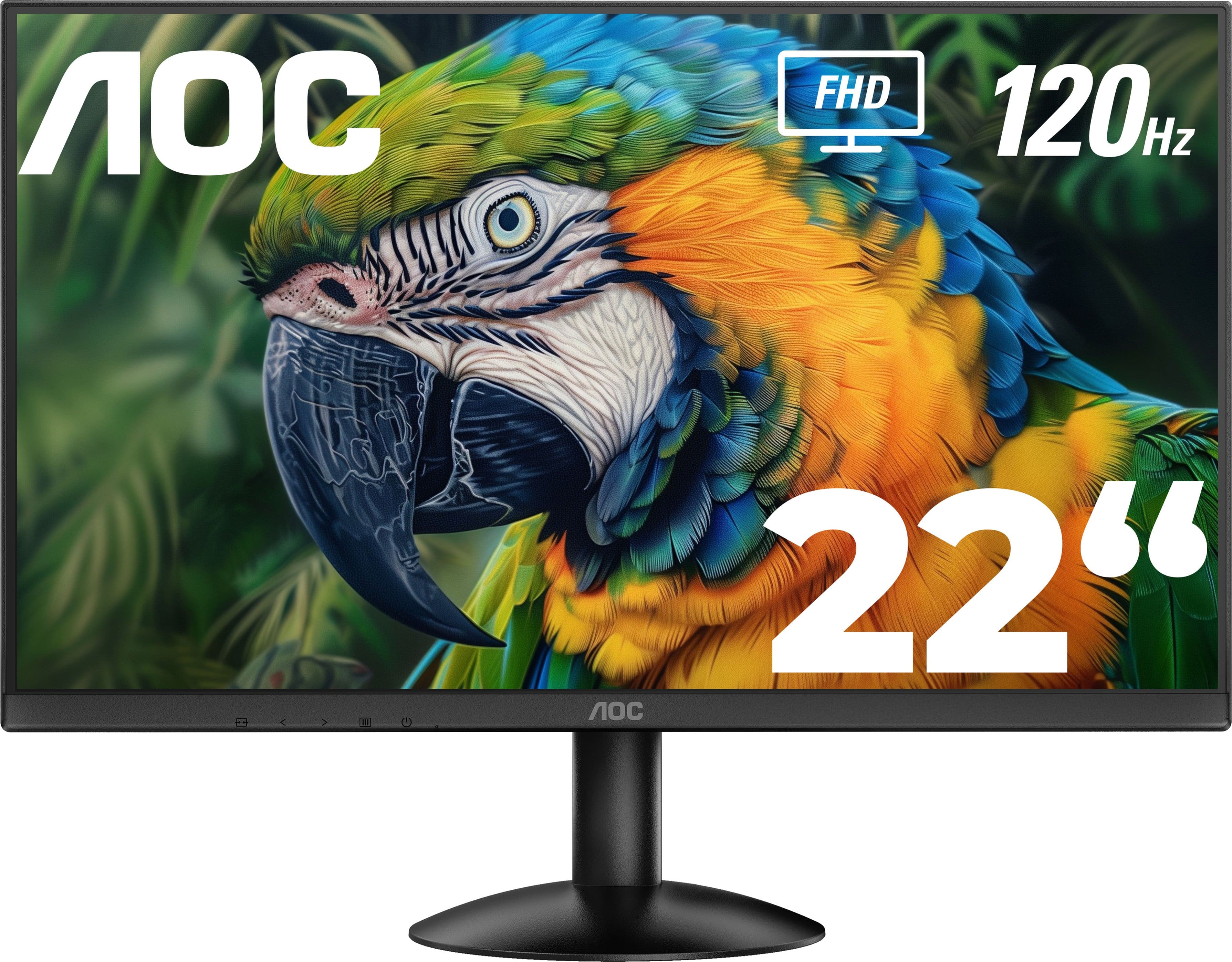
Monitors for a clearer view

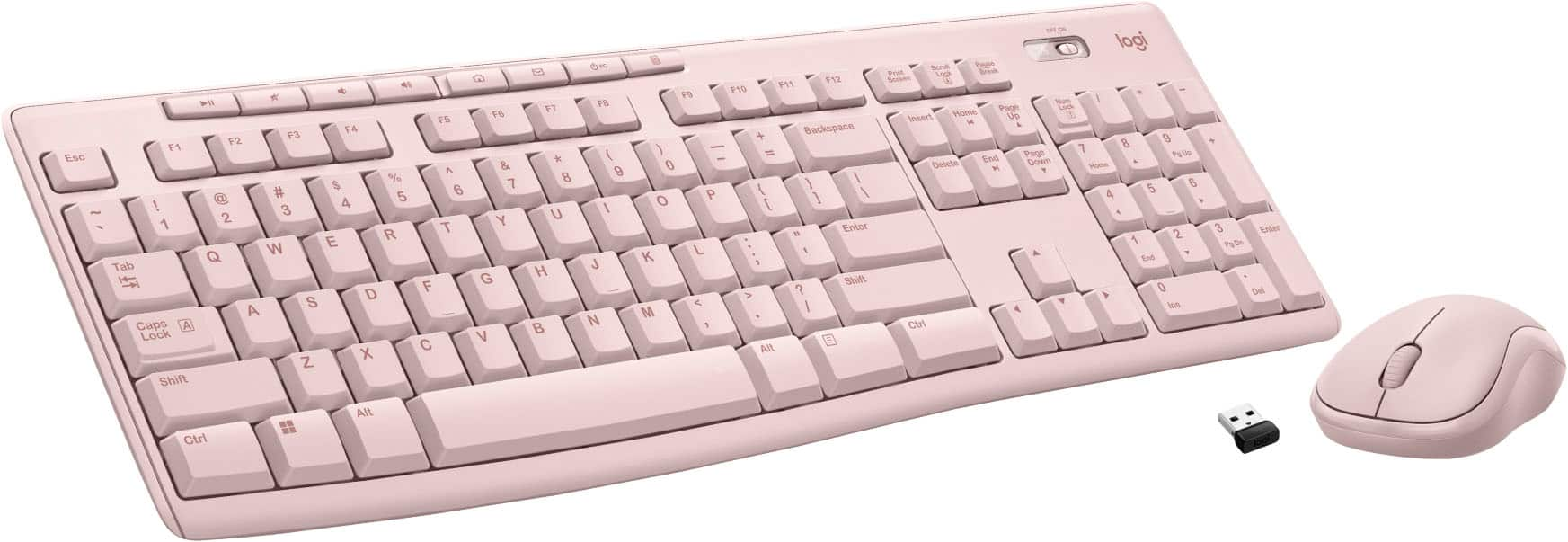
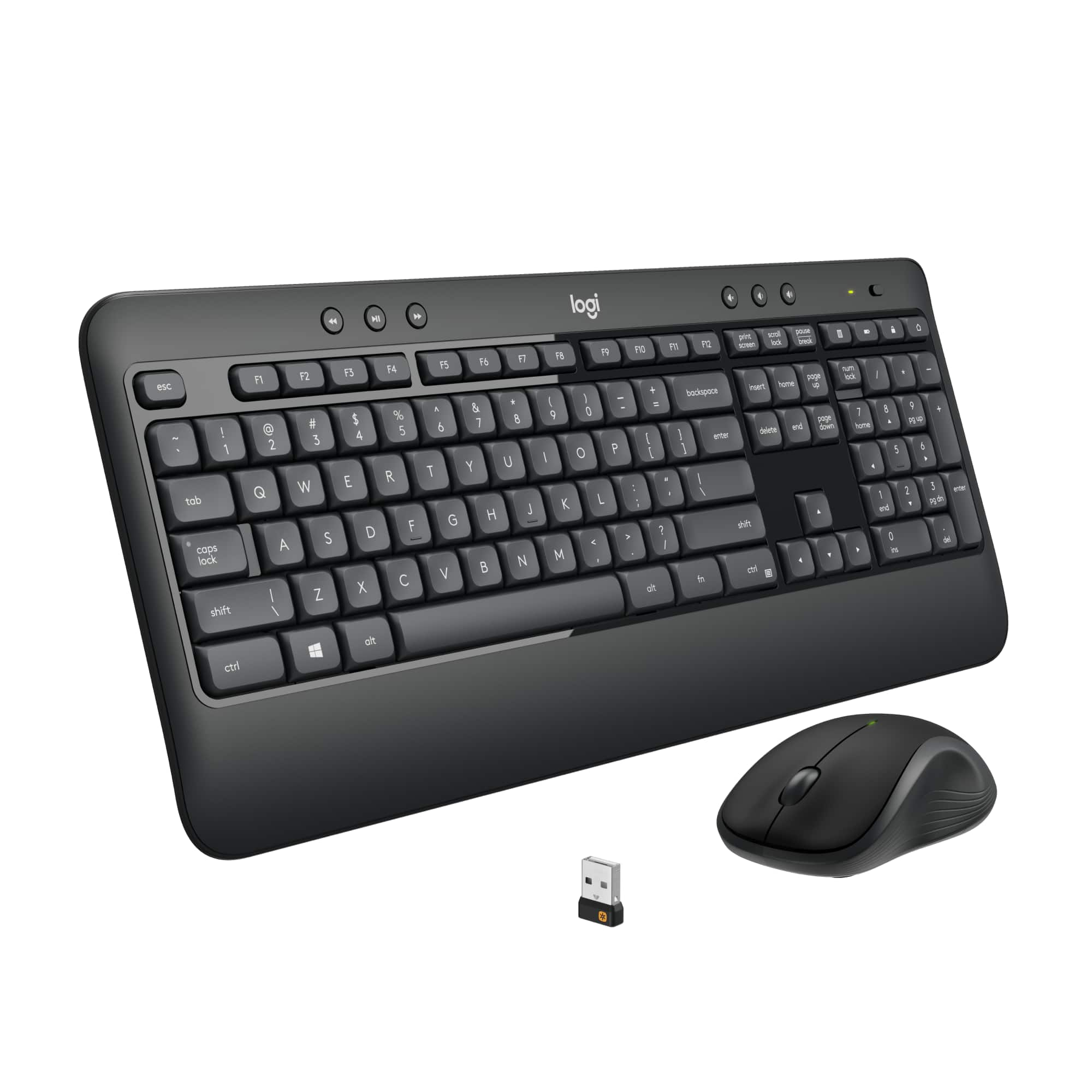
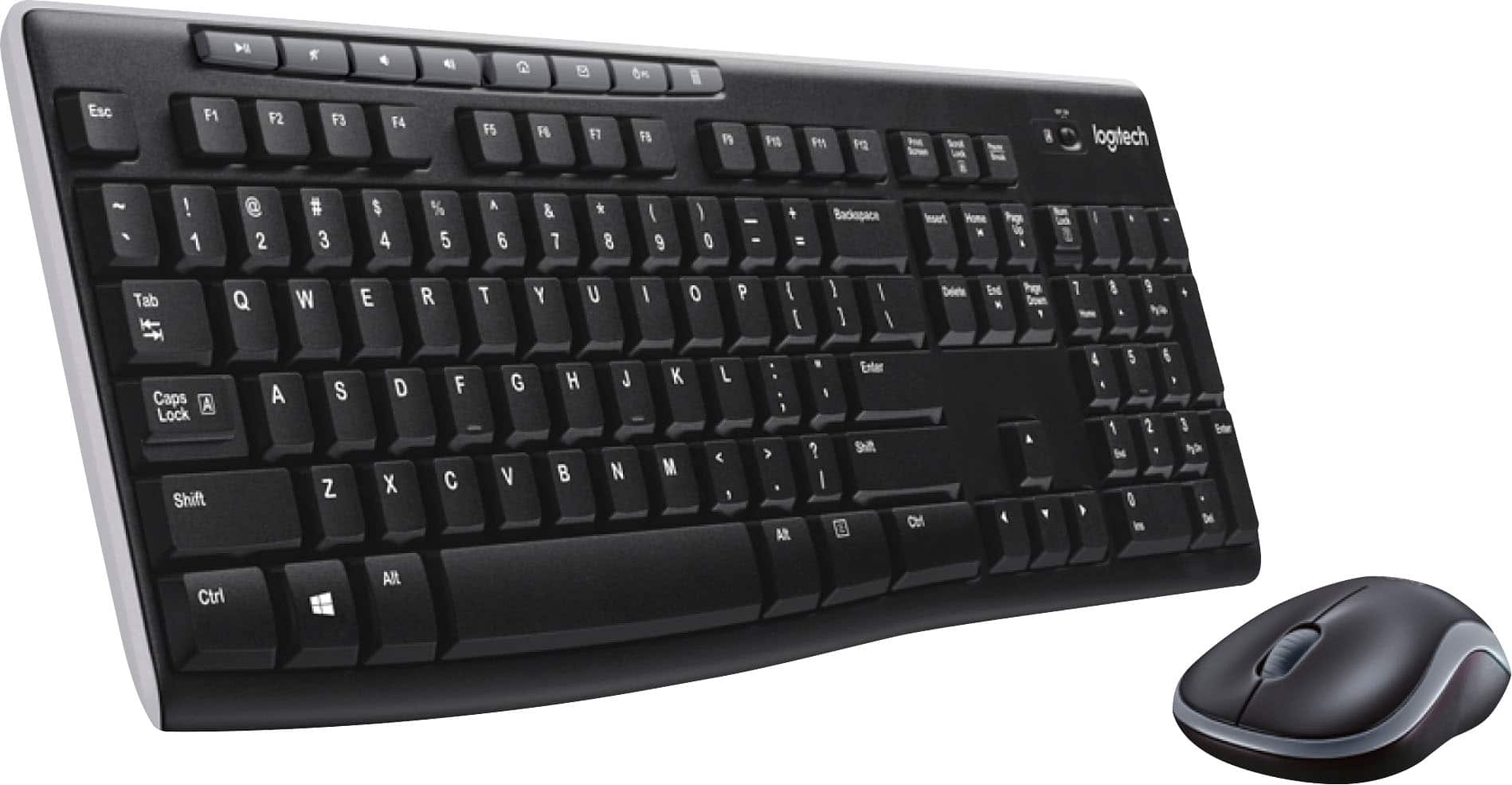
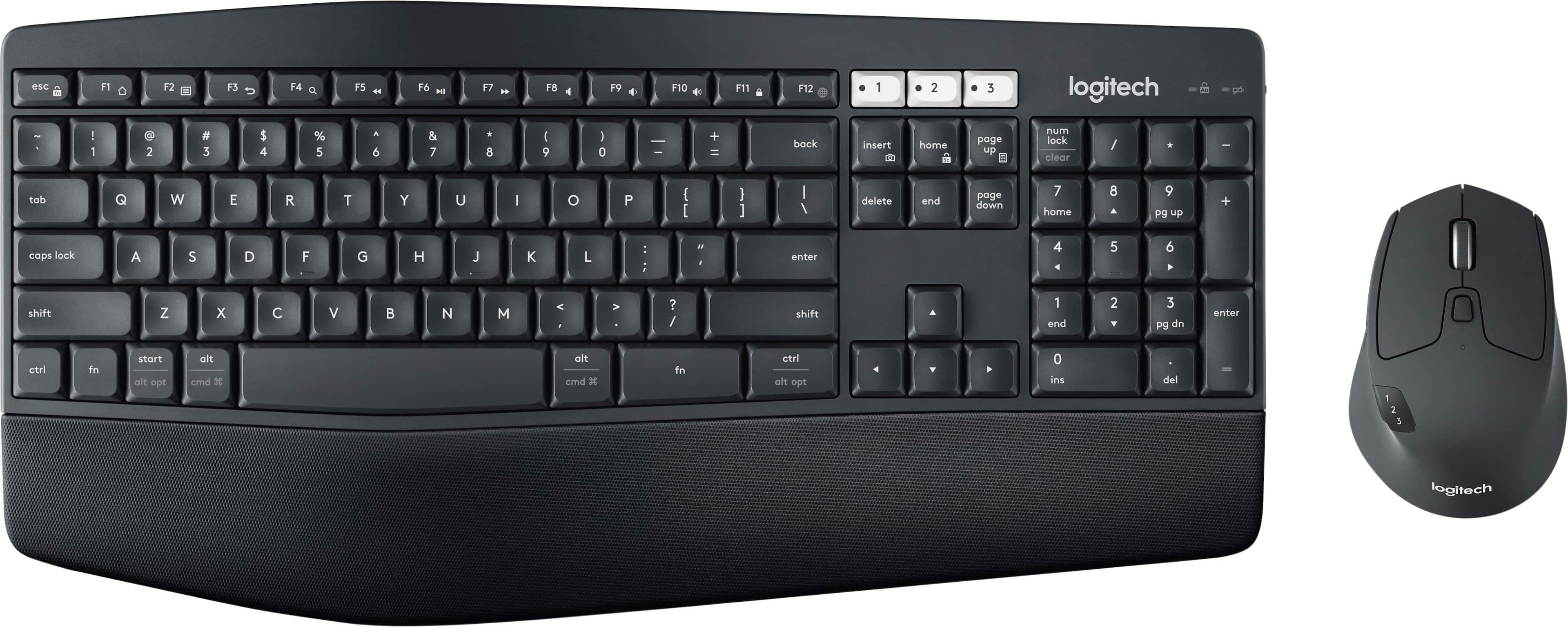
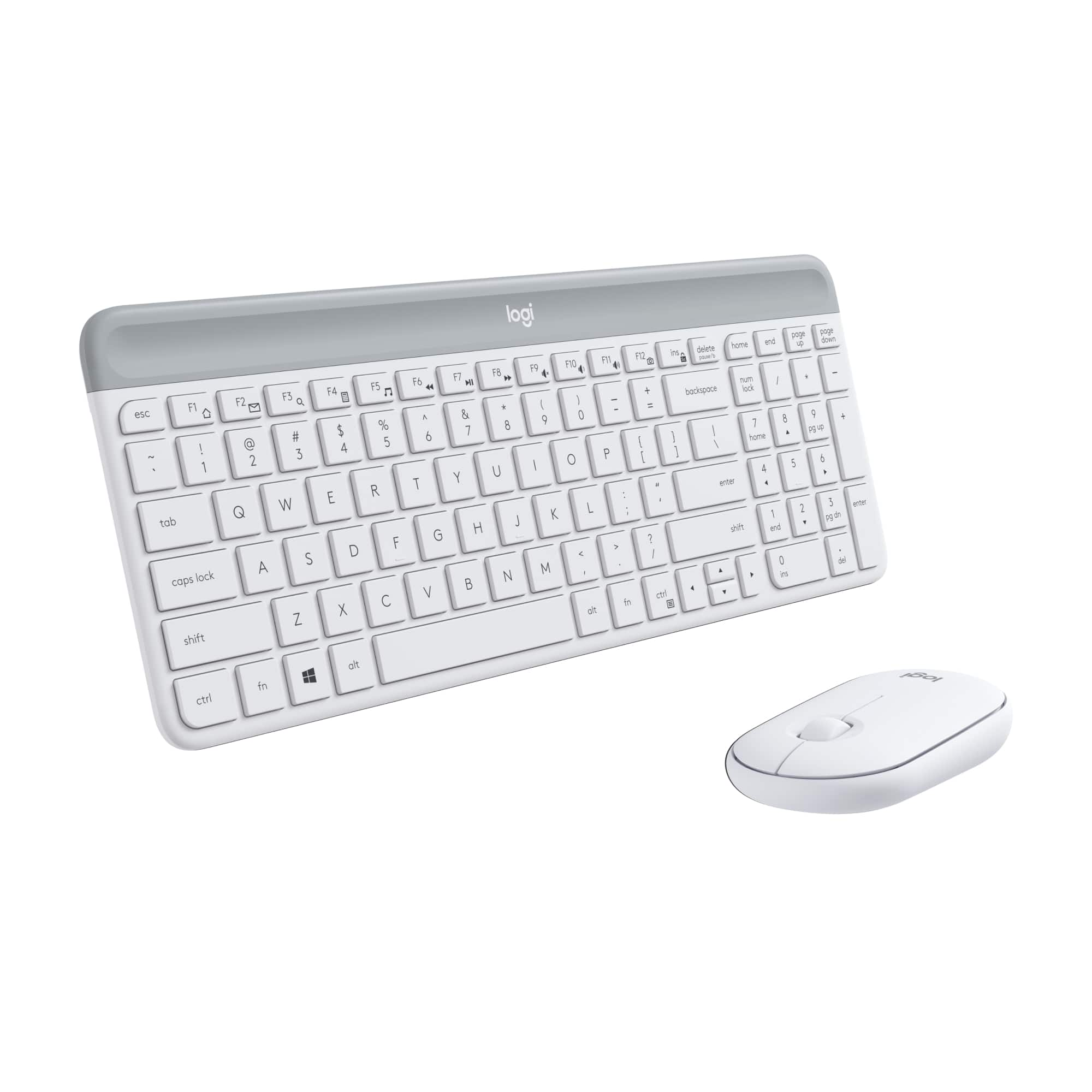
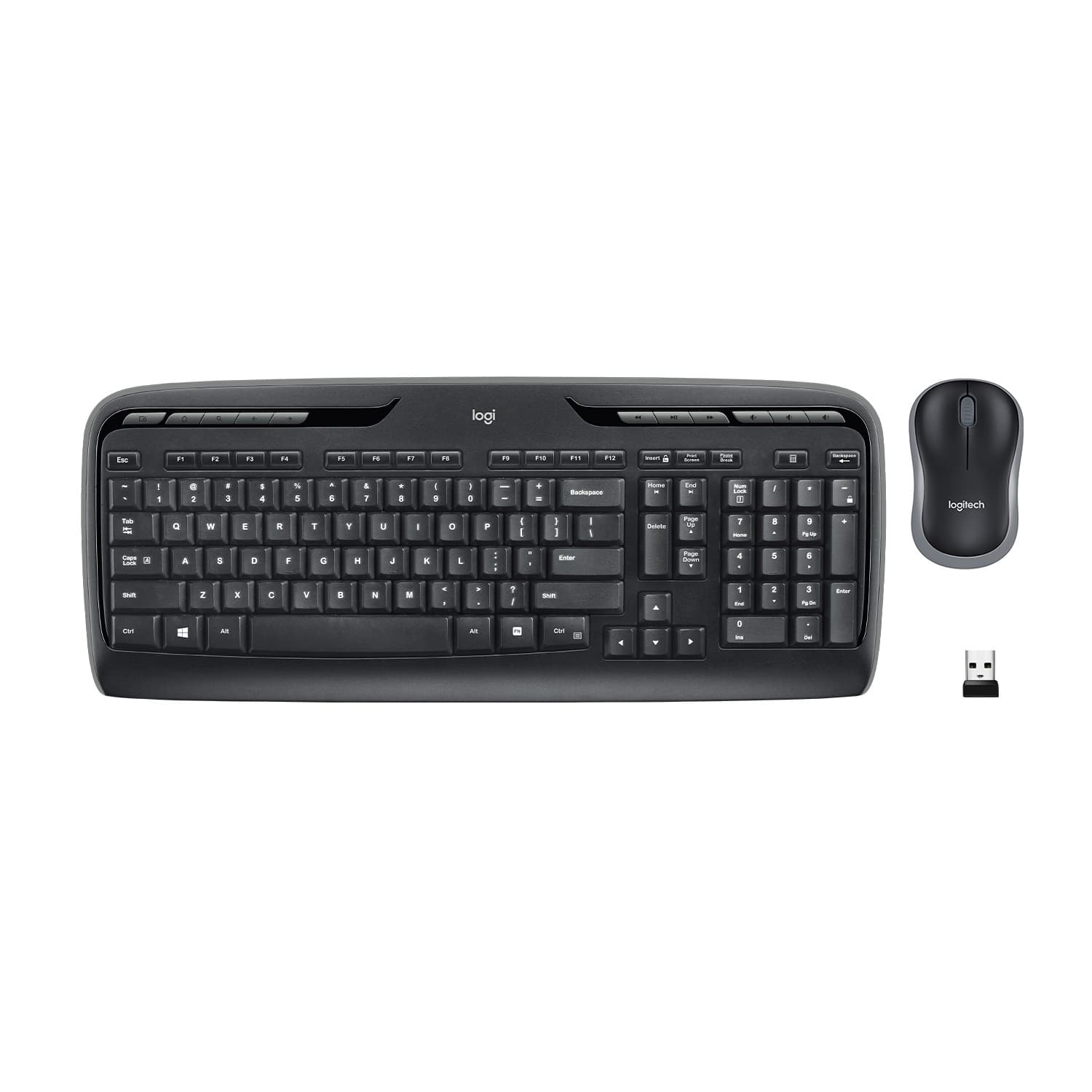
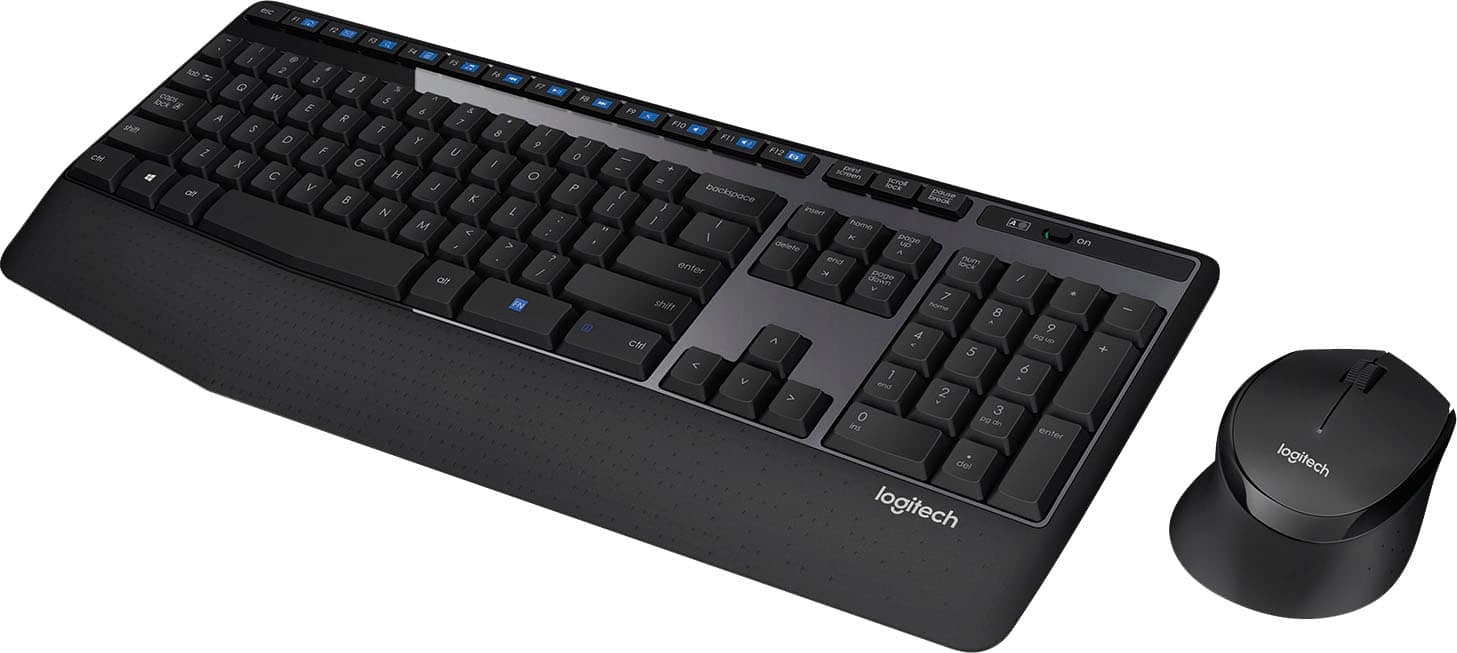
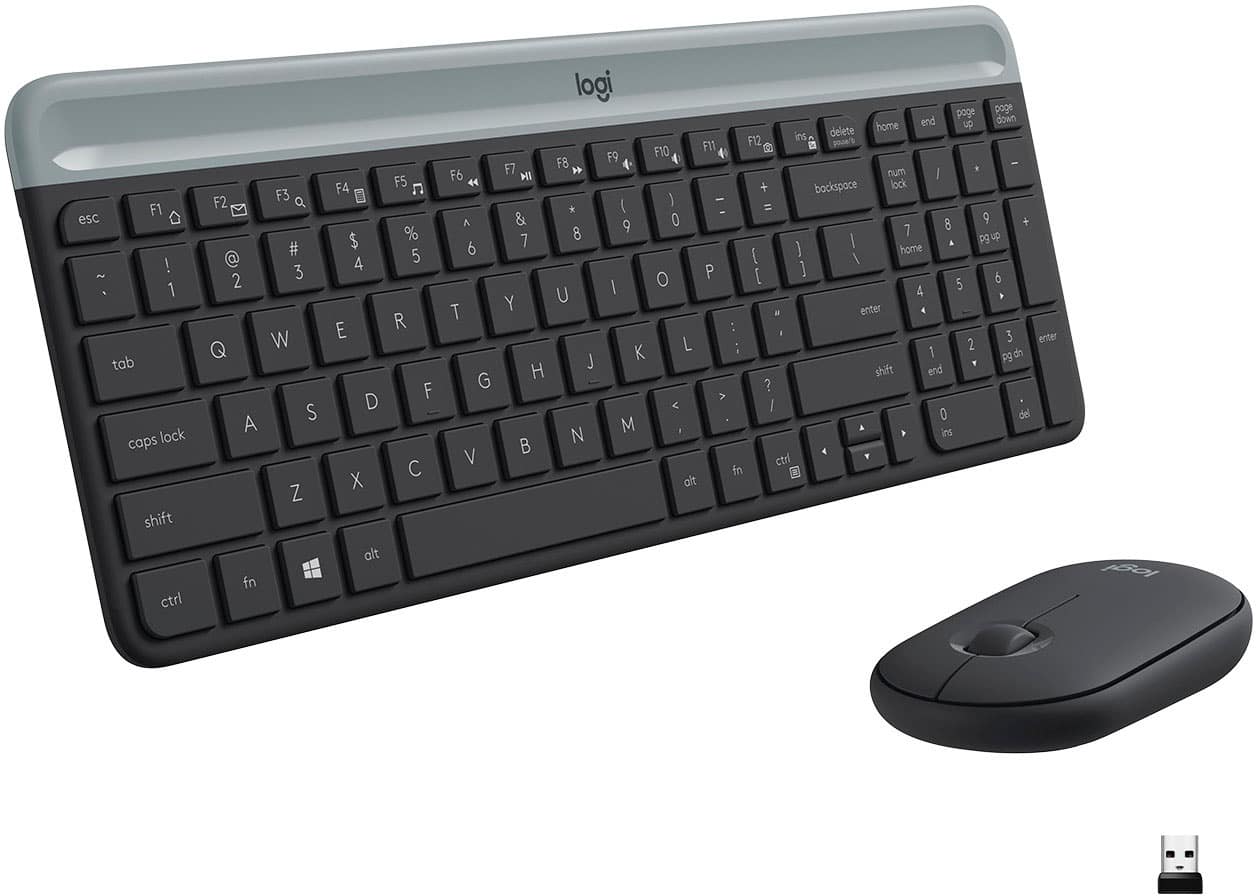
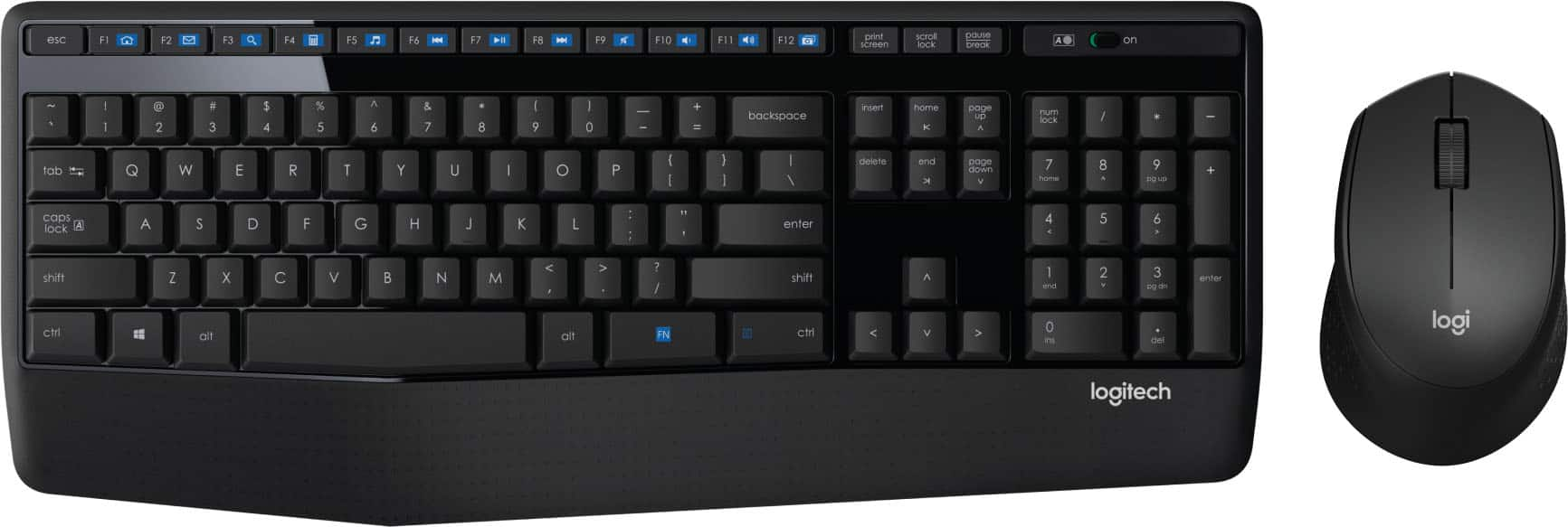
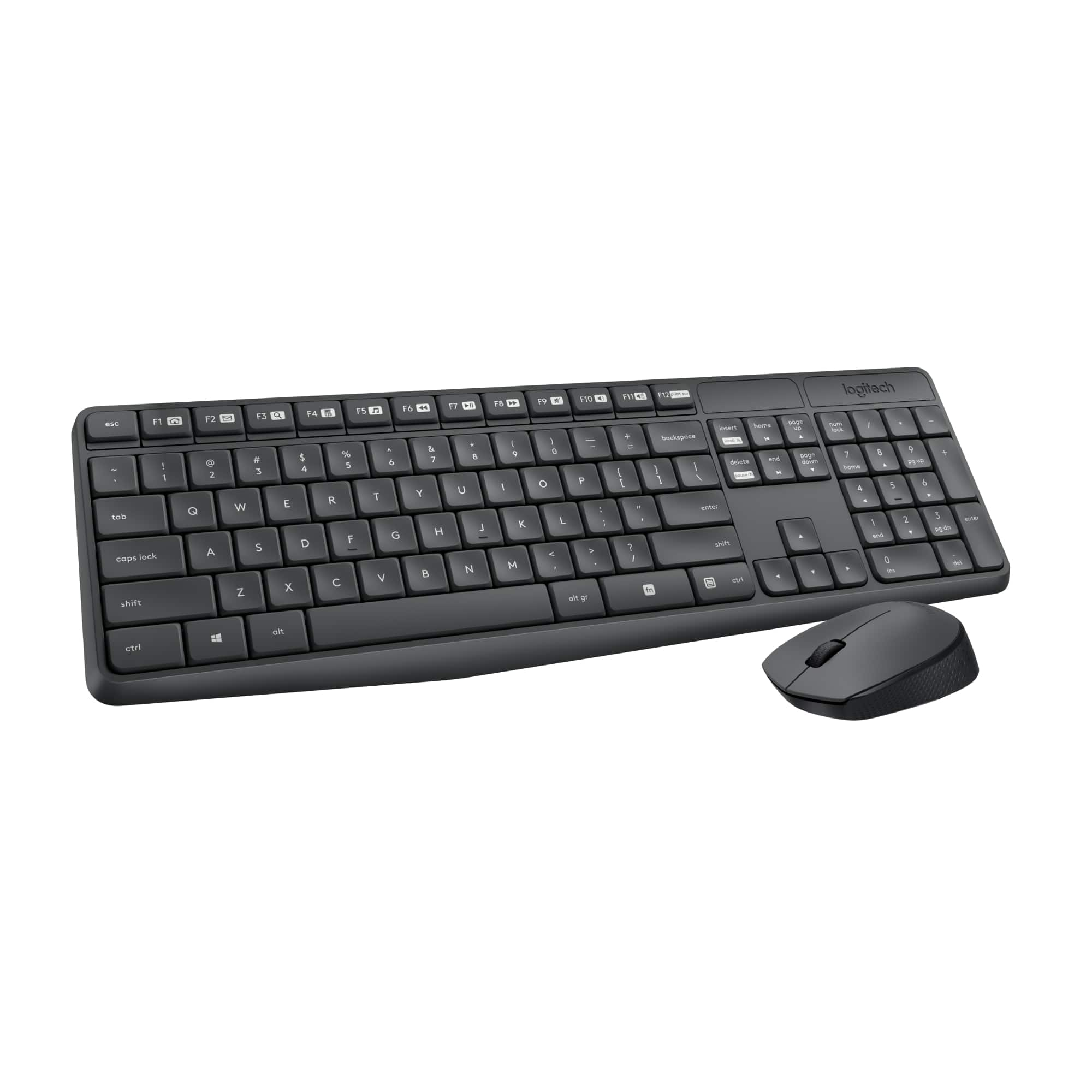
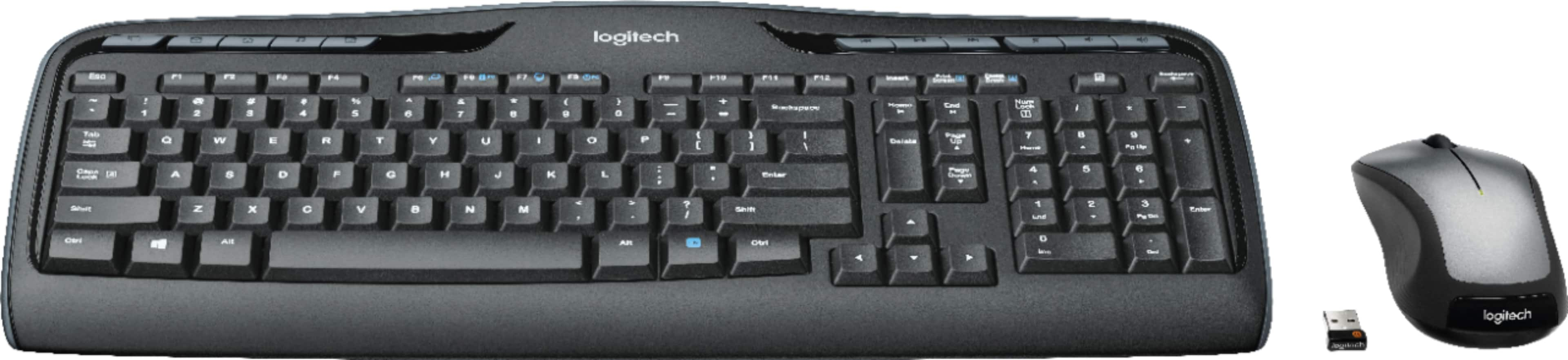
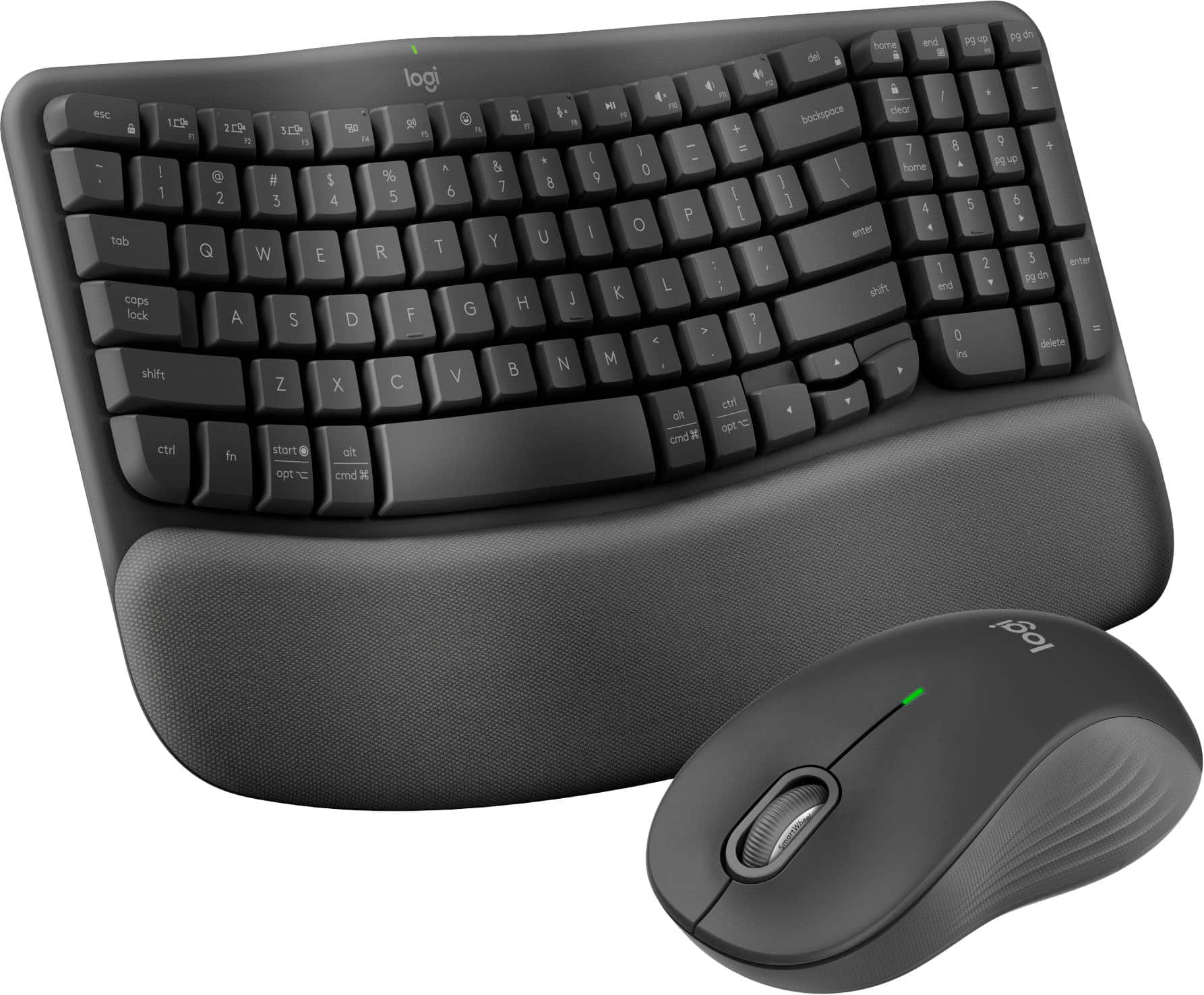
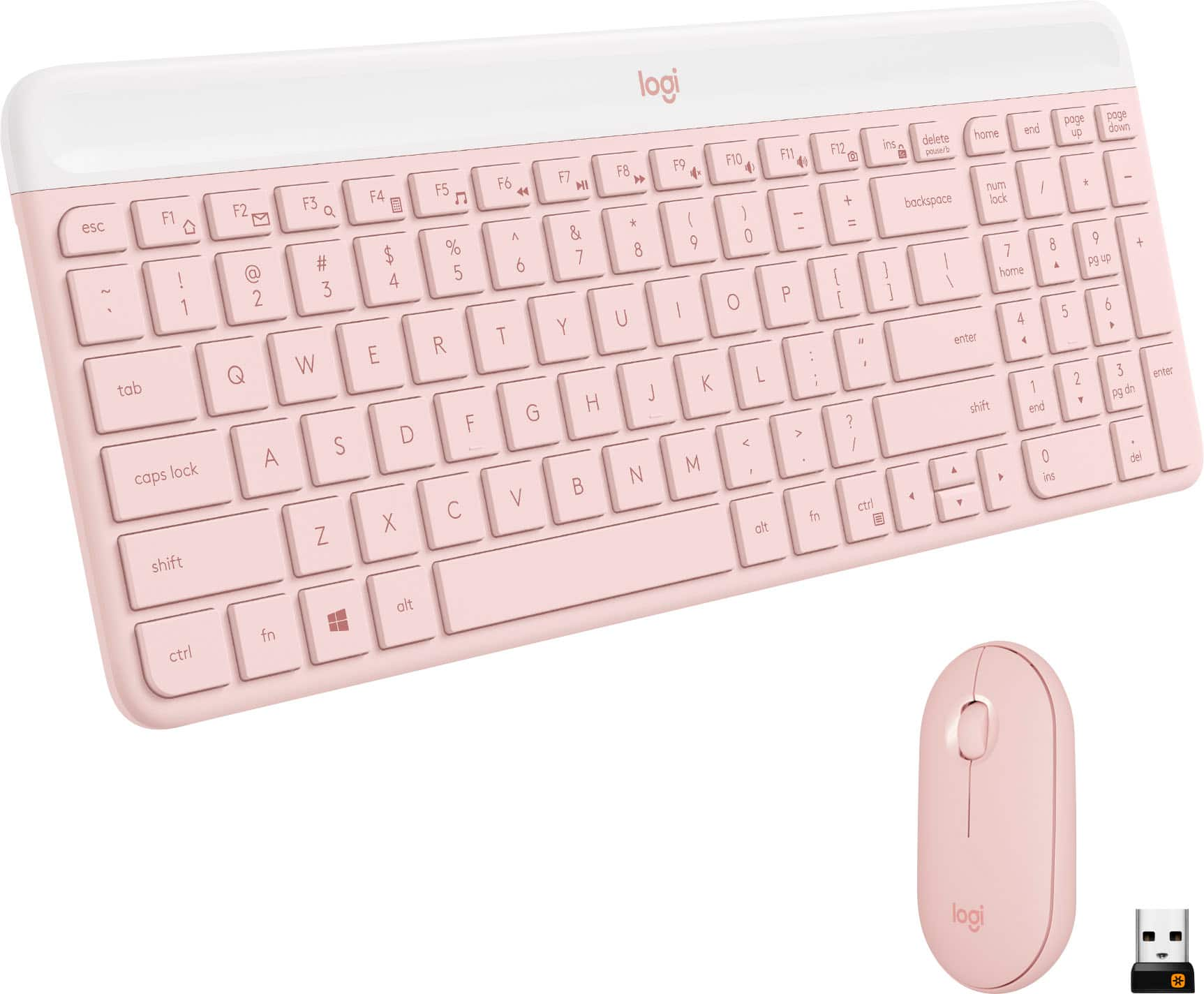
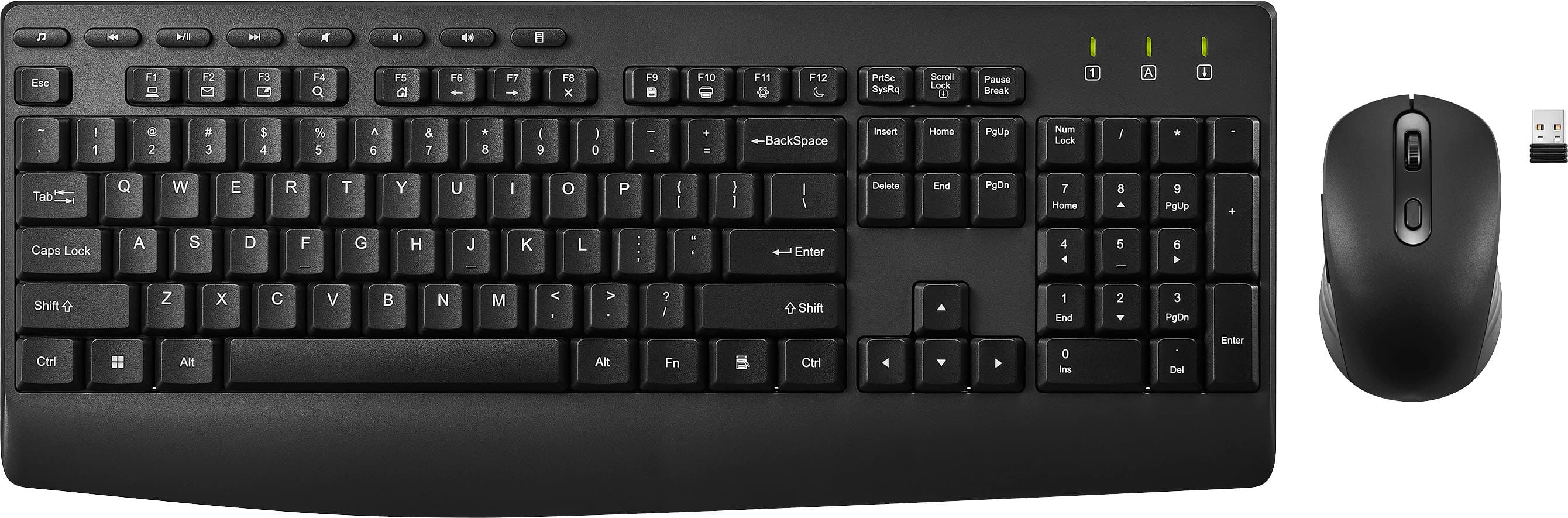
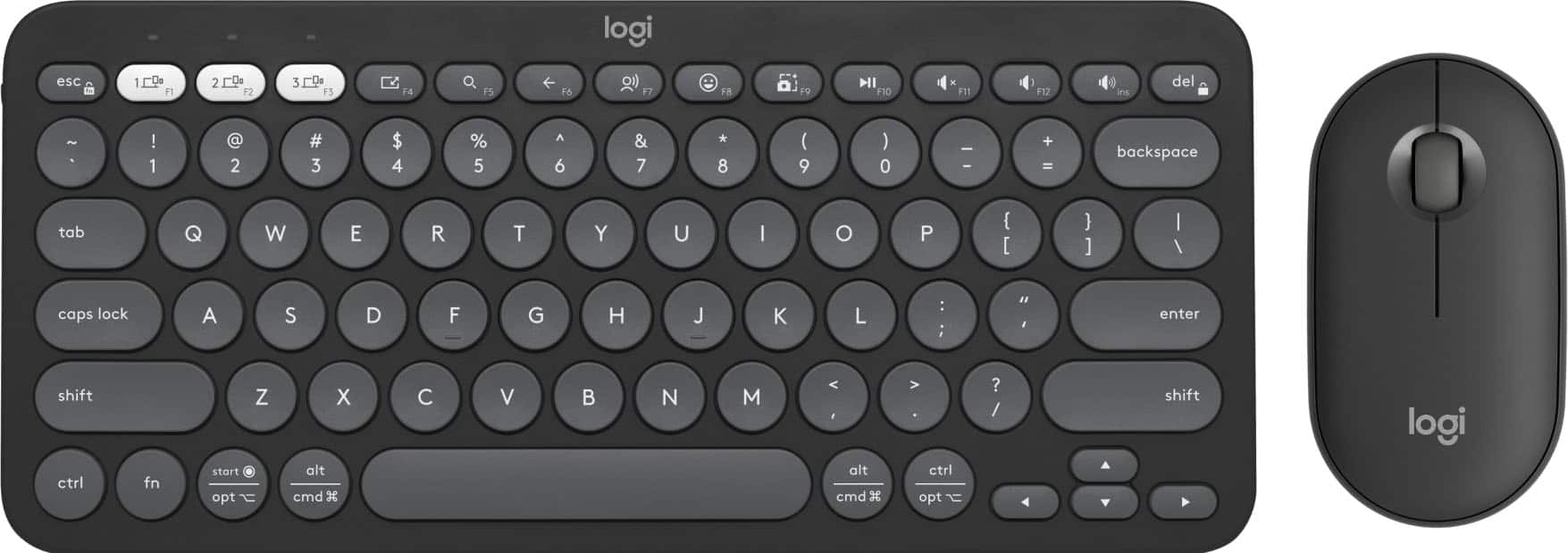
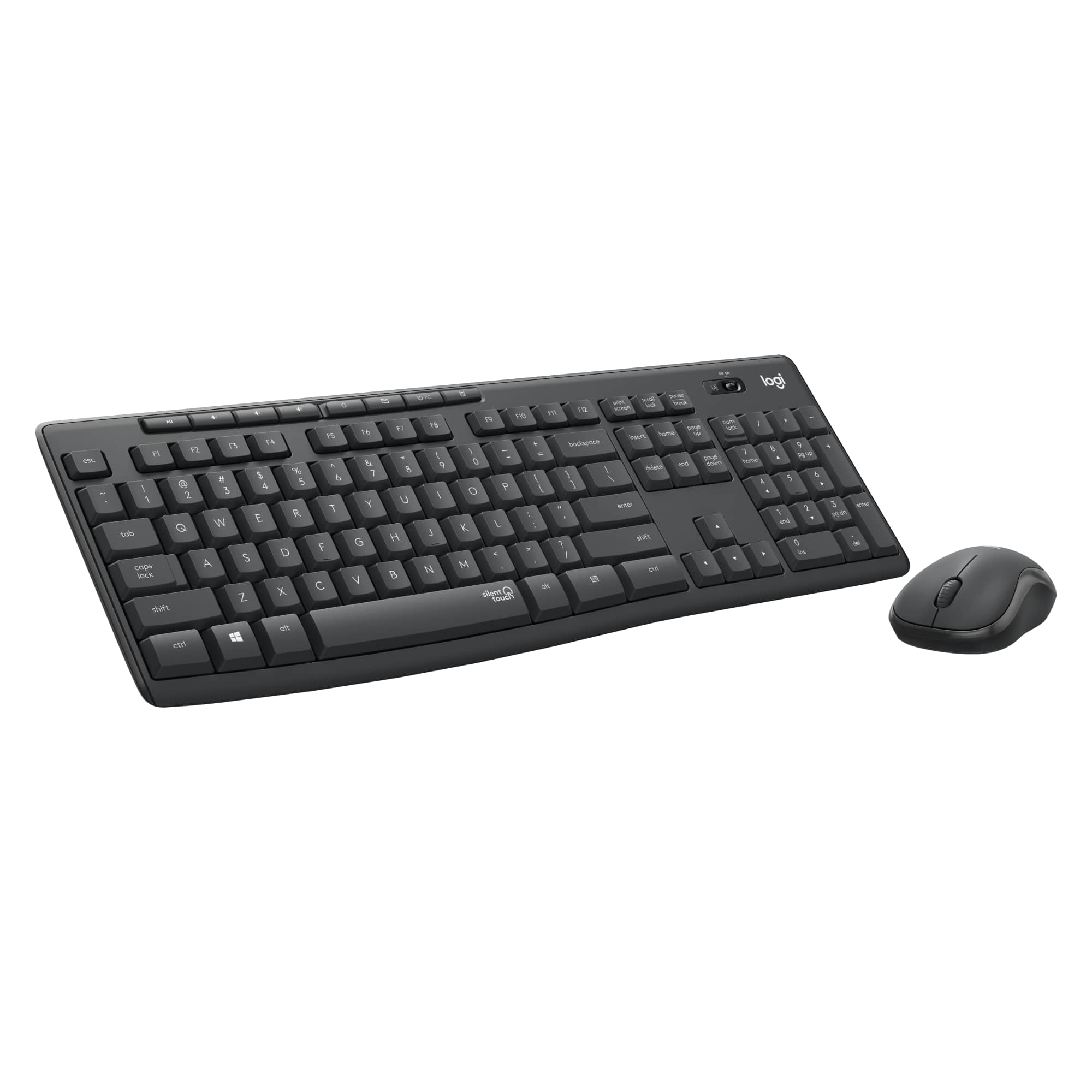
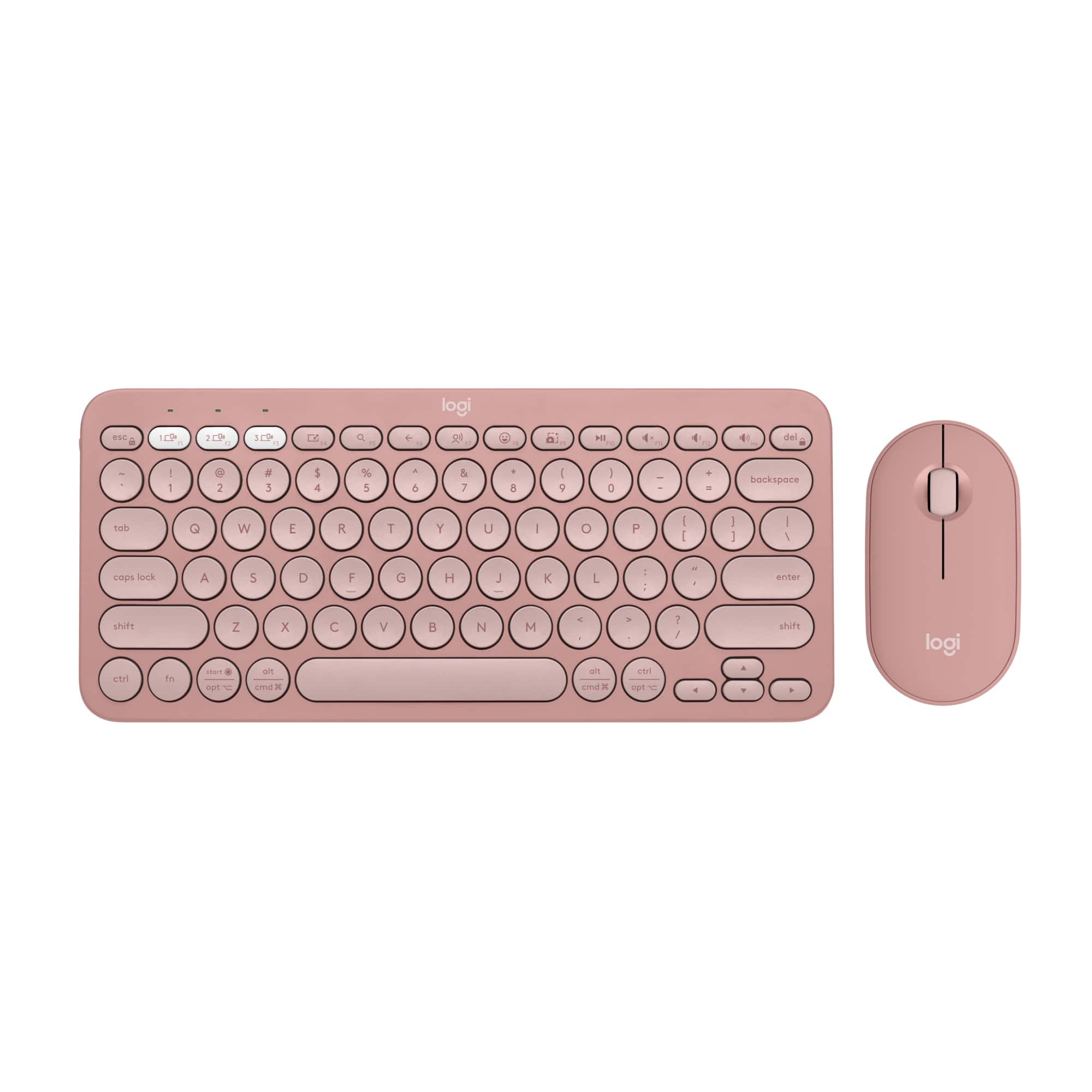
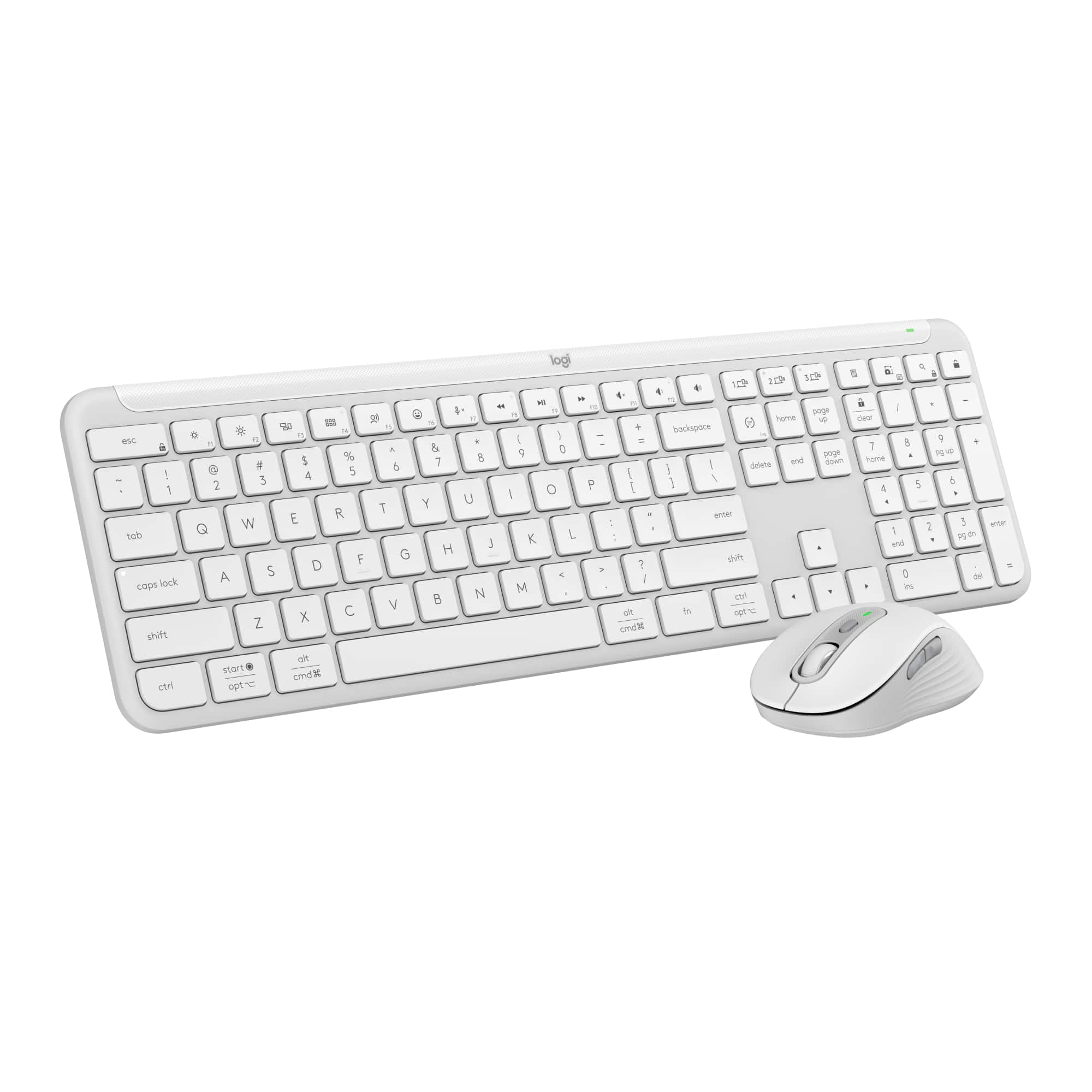
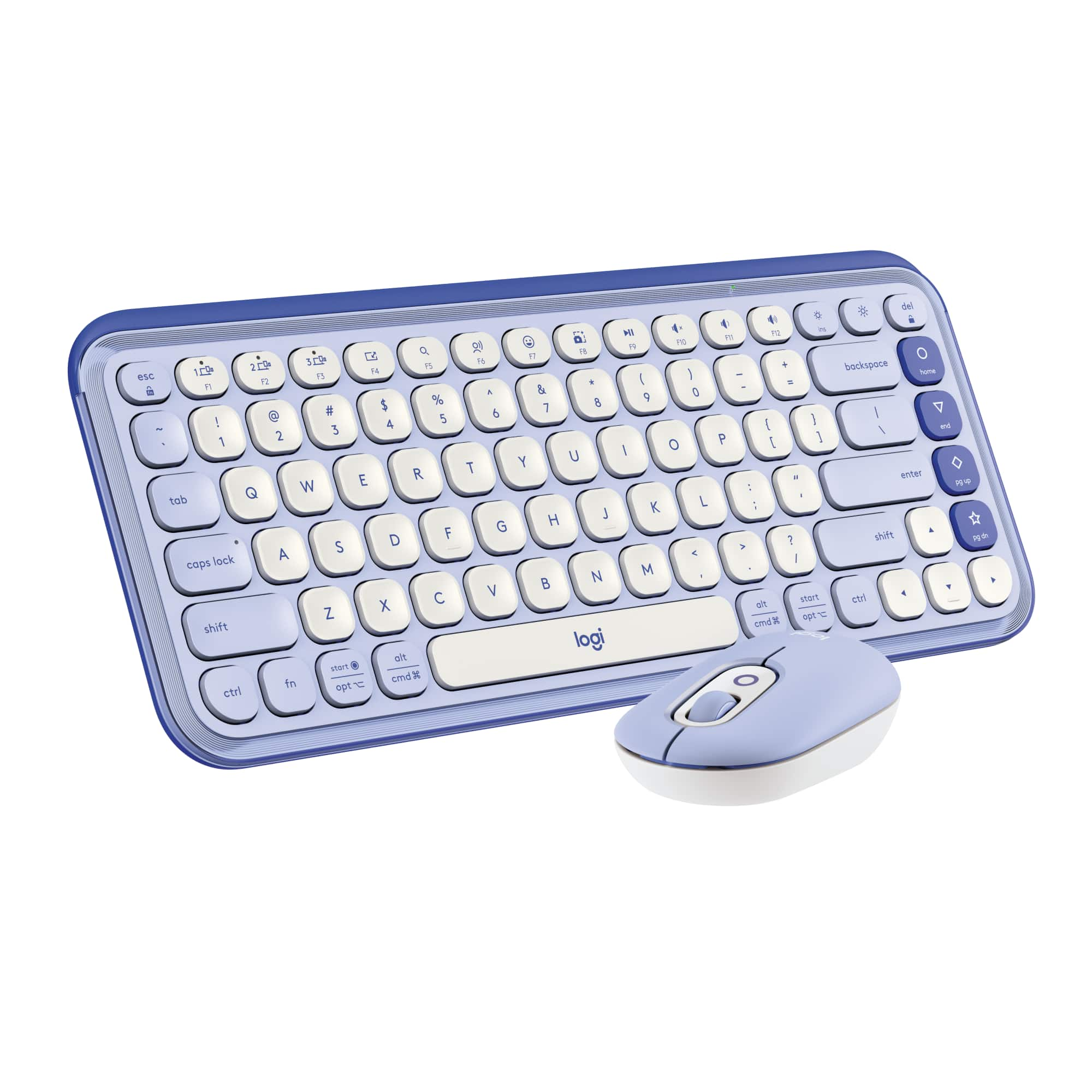
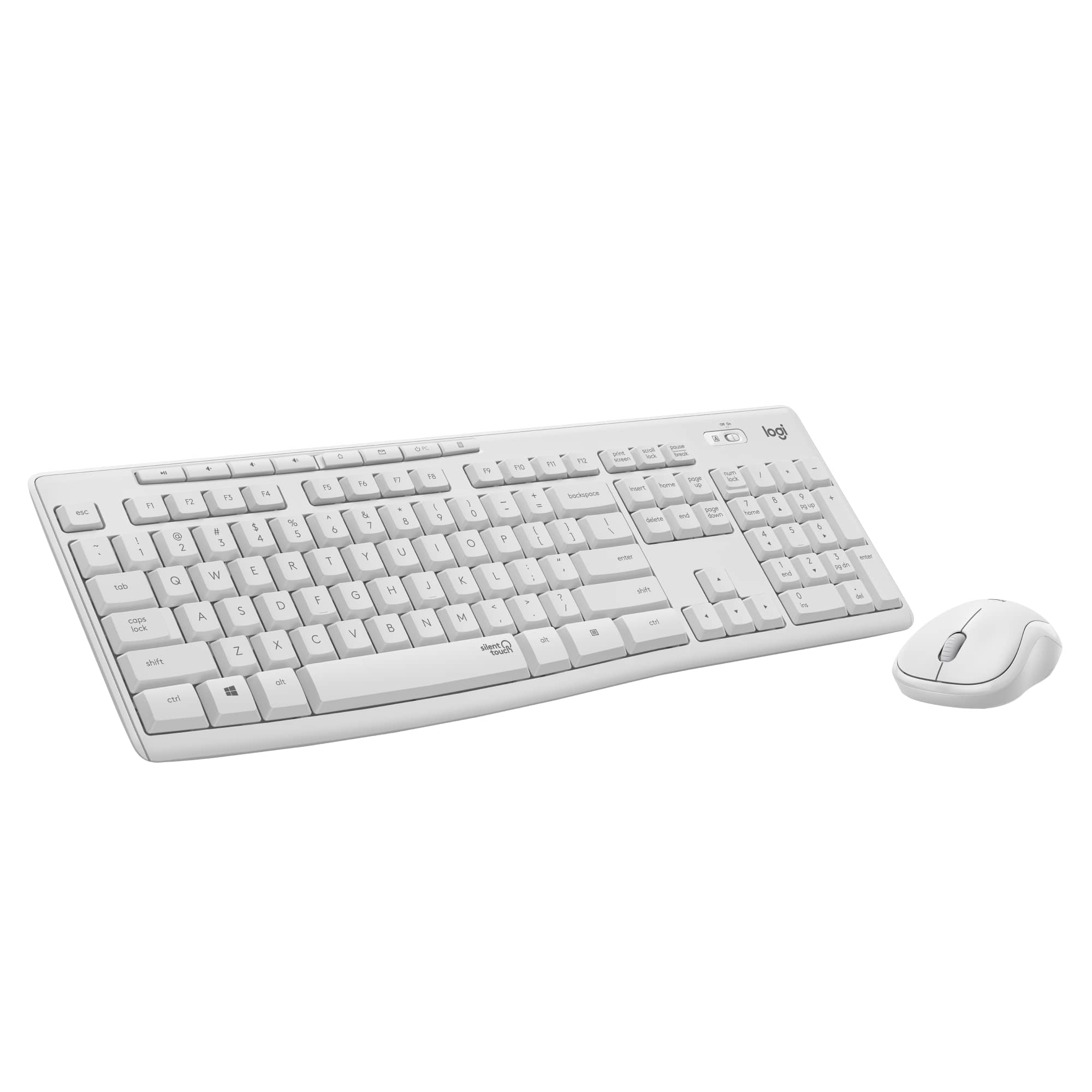
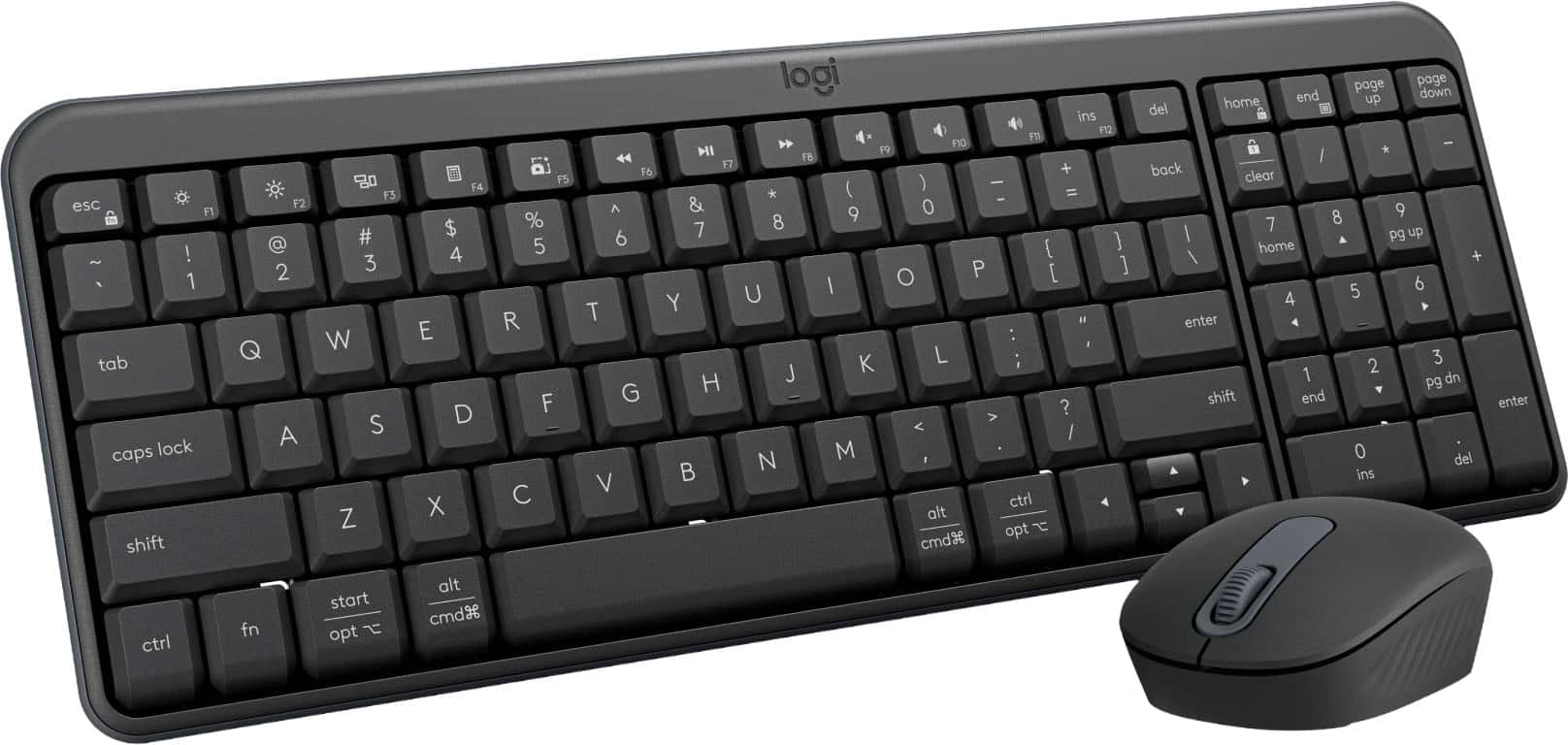
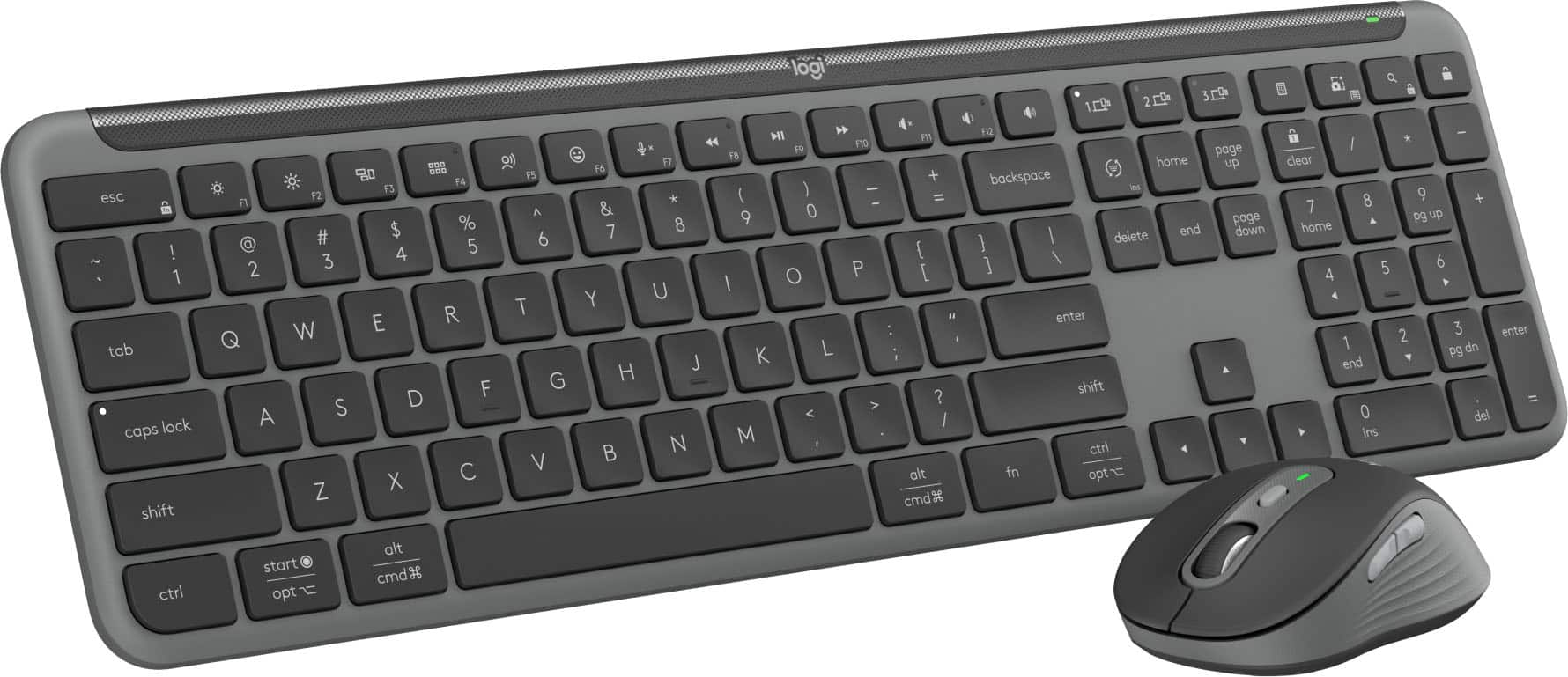
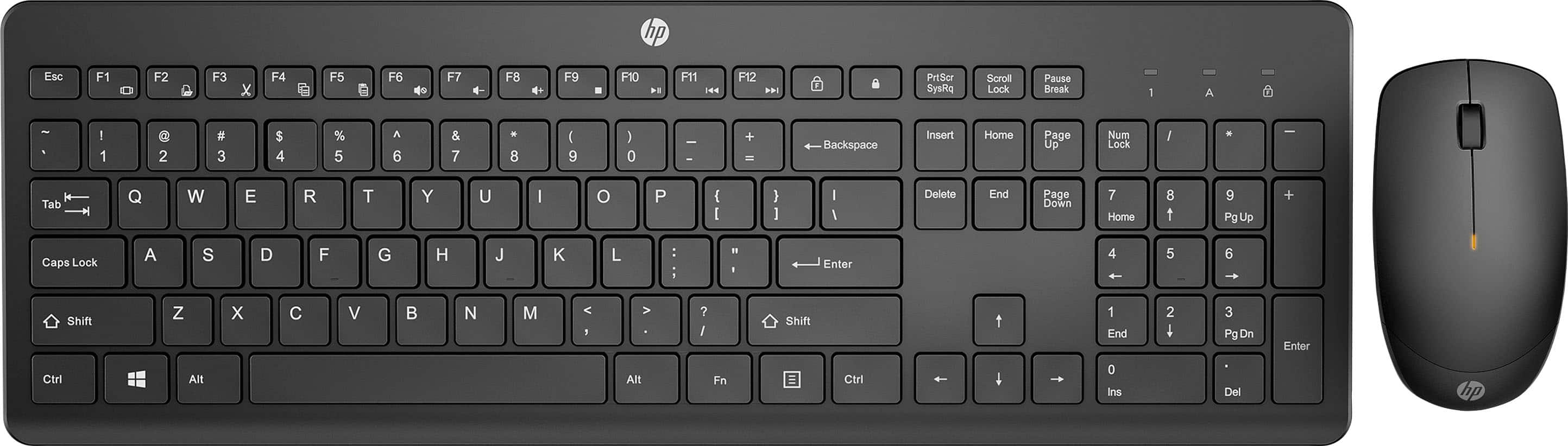
Wireless keyboard and mouse combos

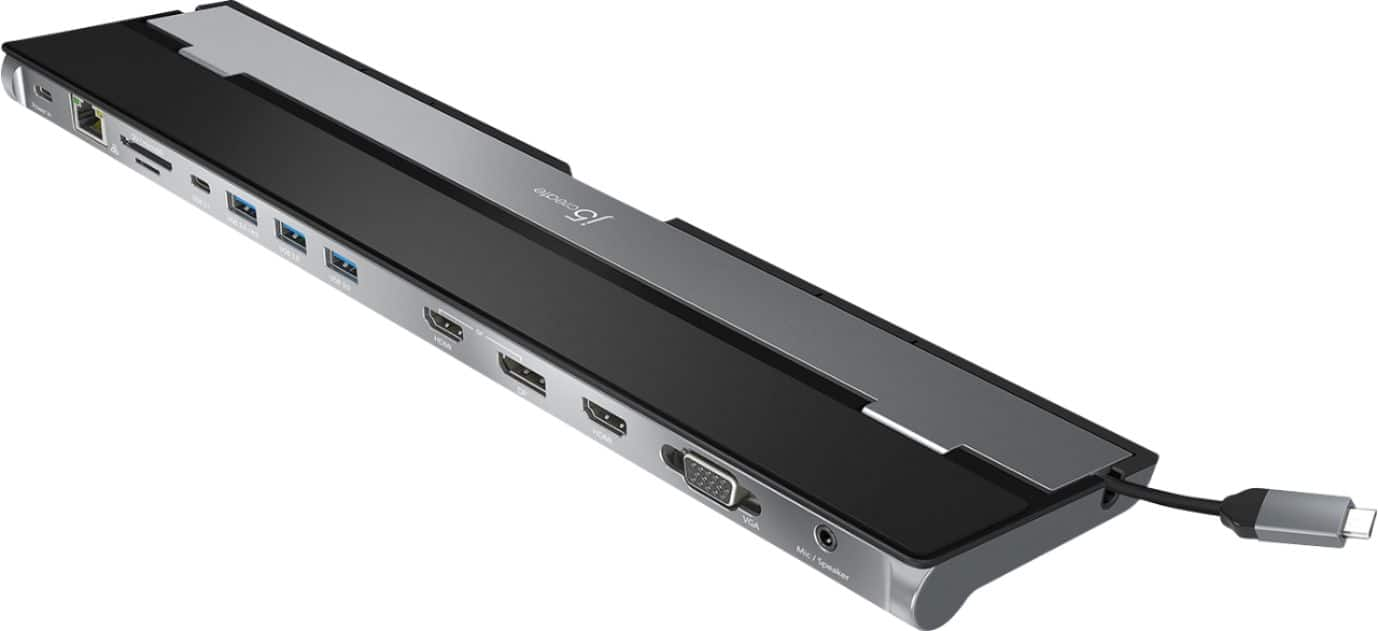
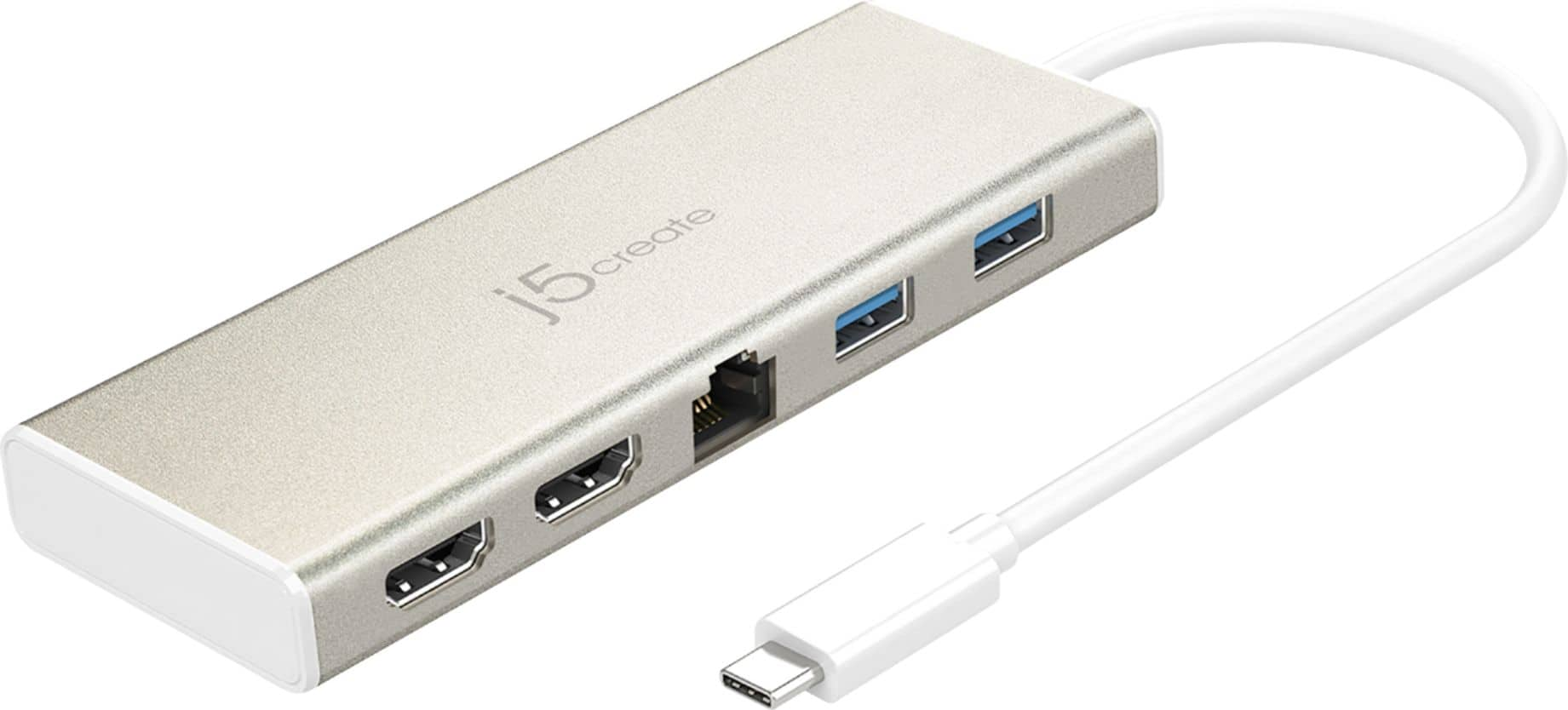
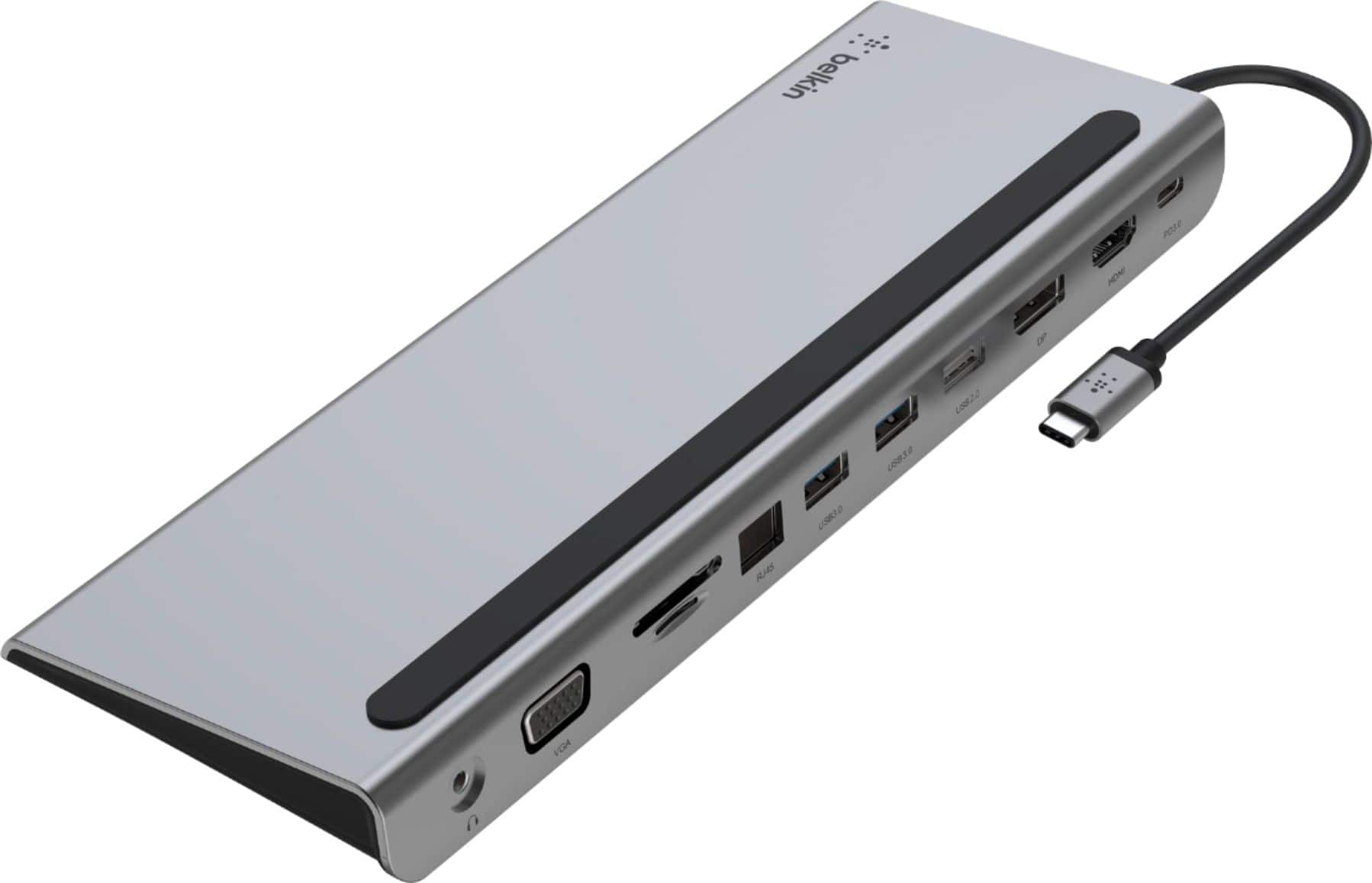
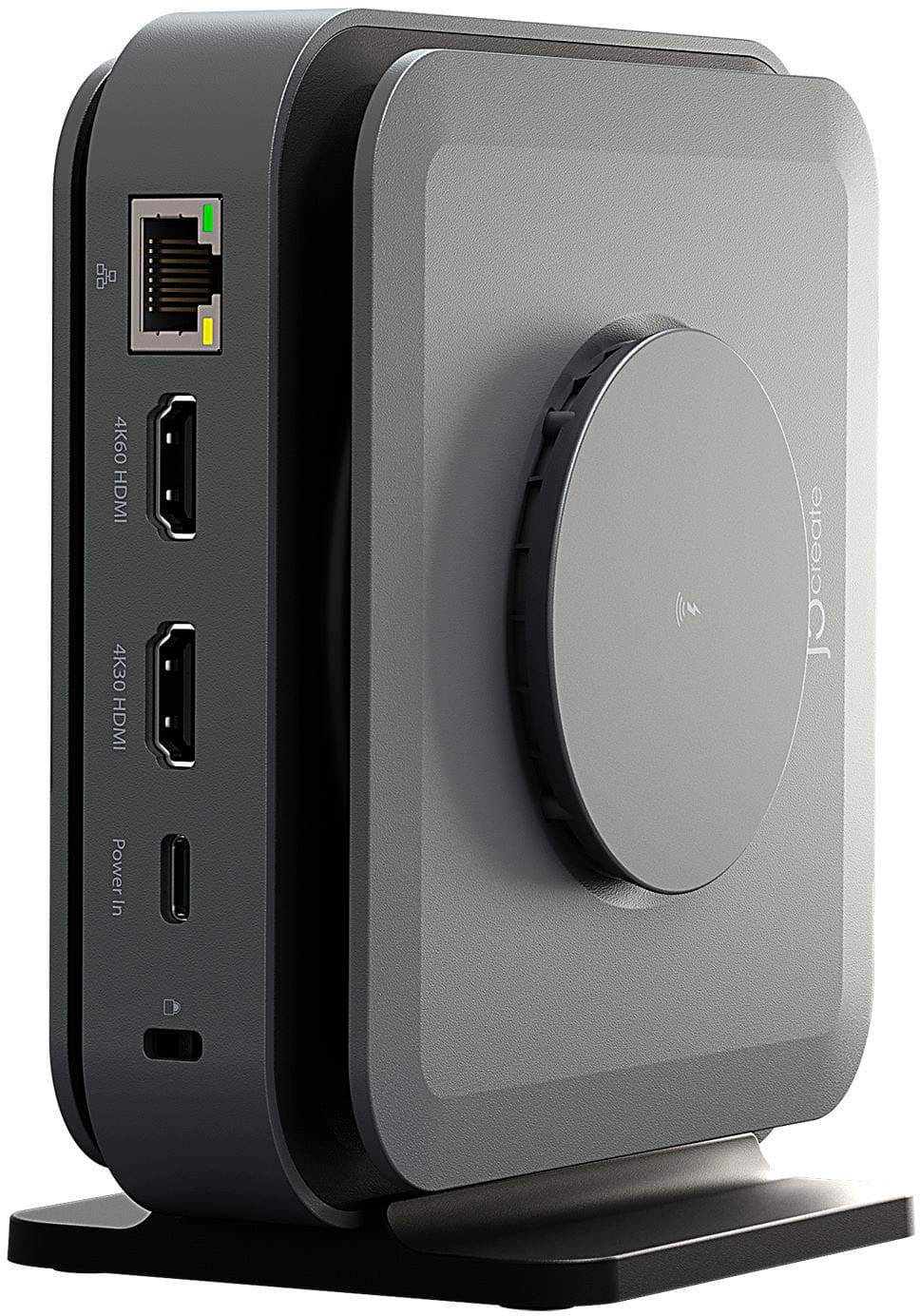
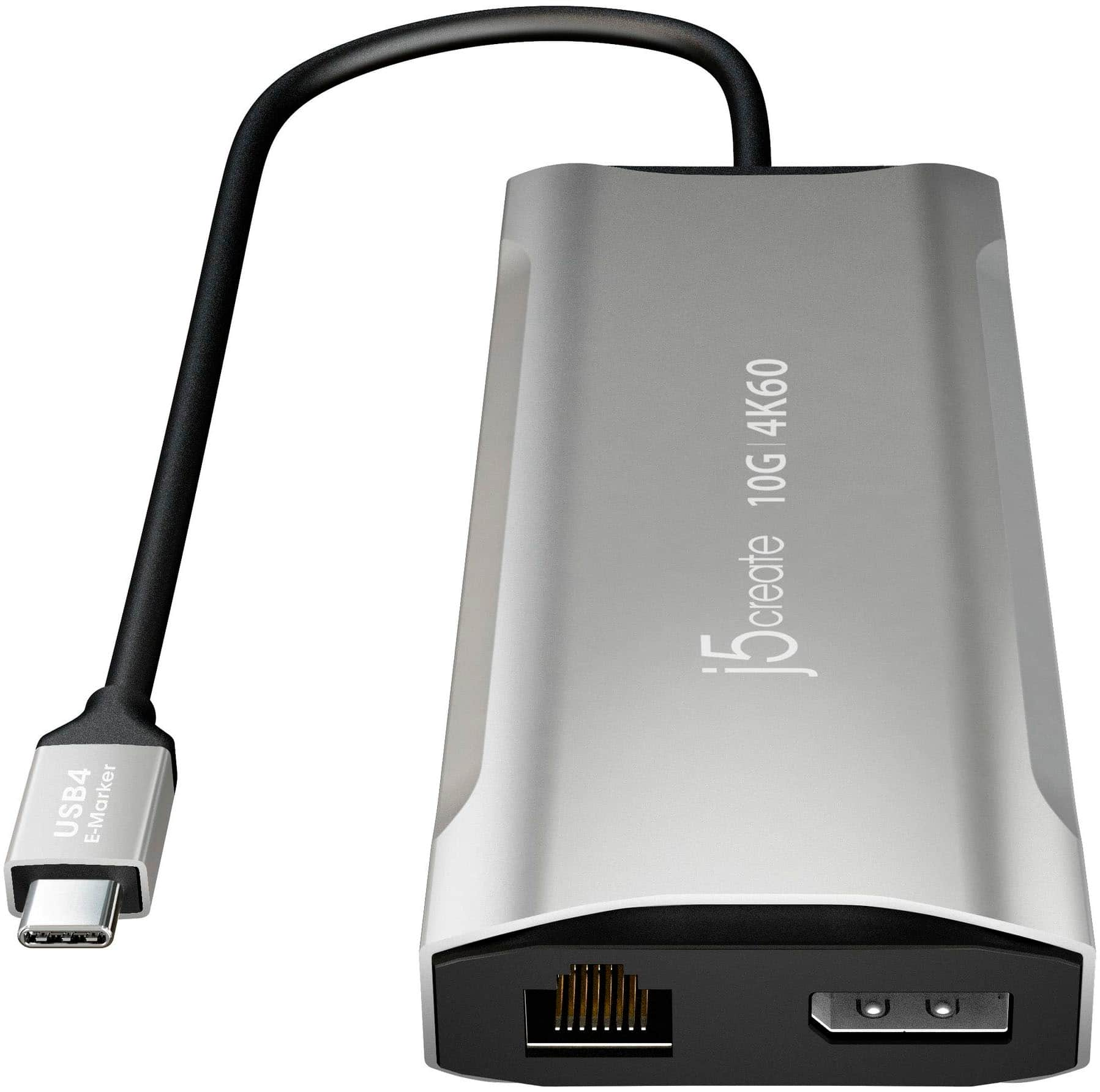
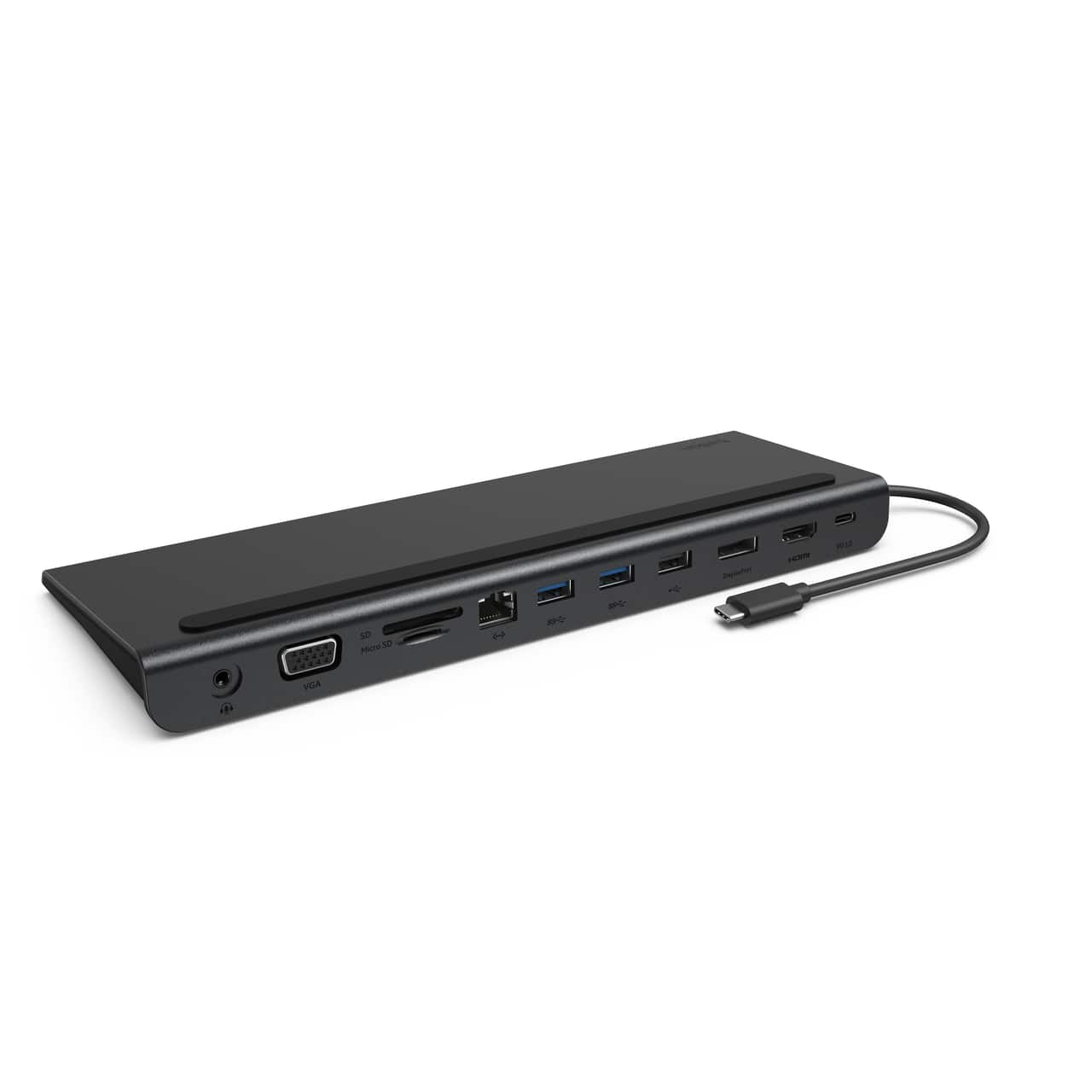
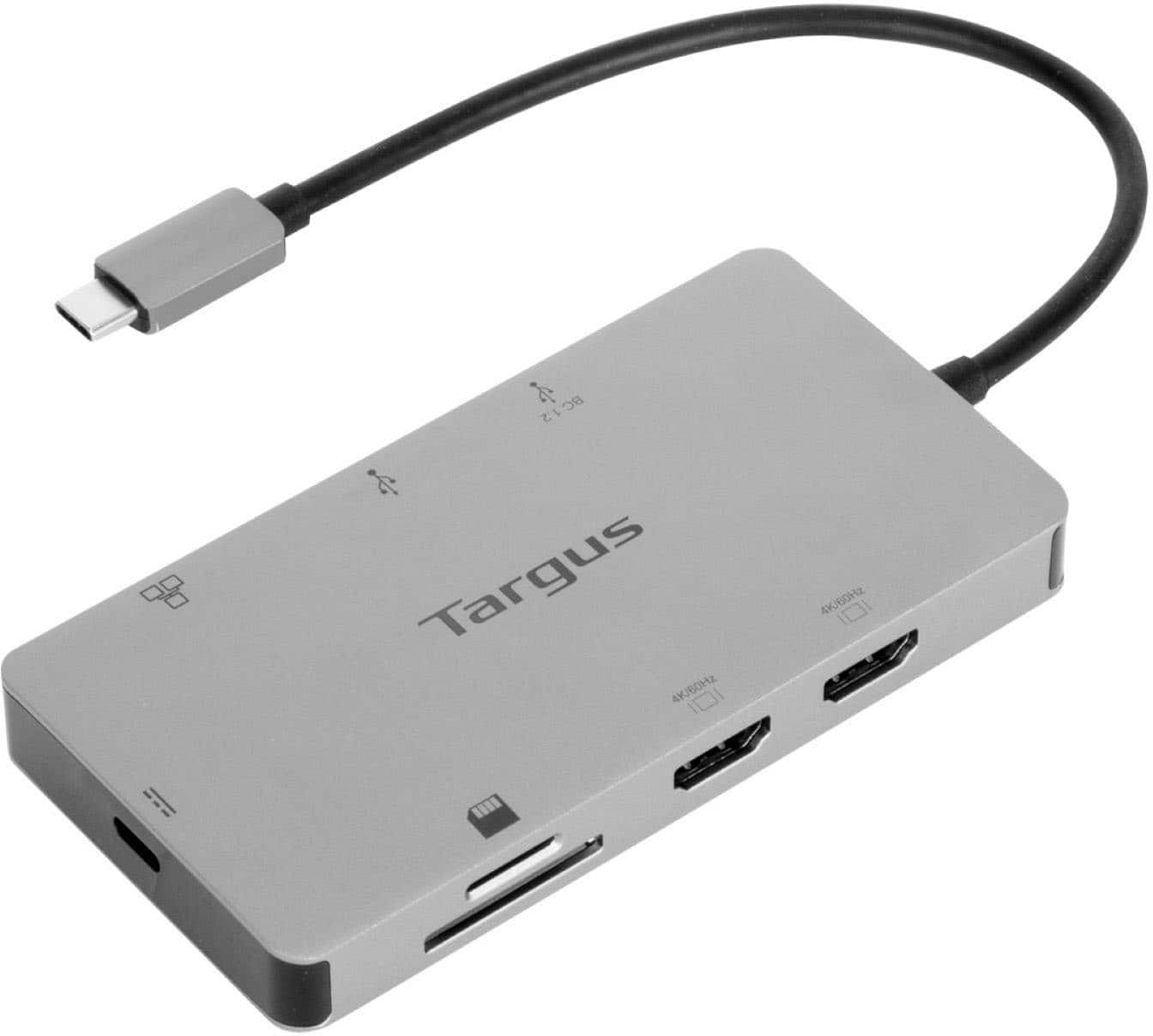
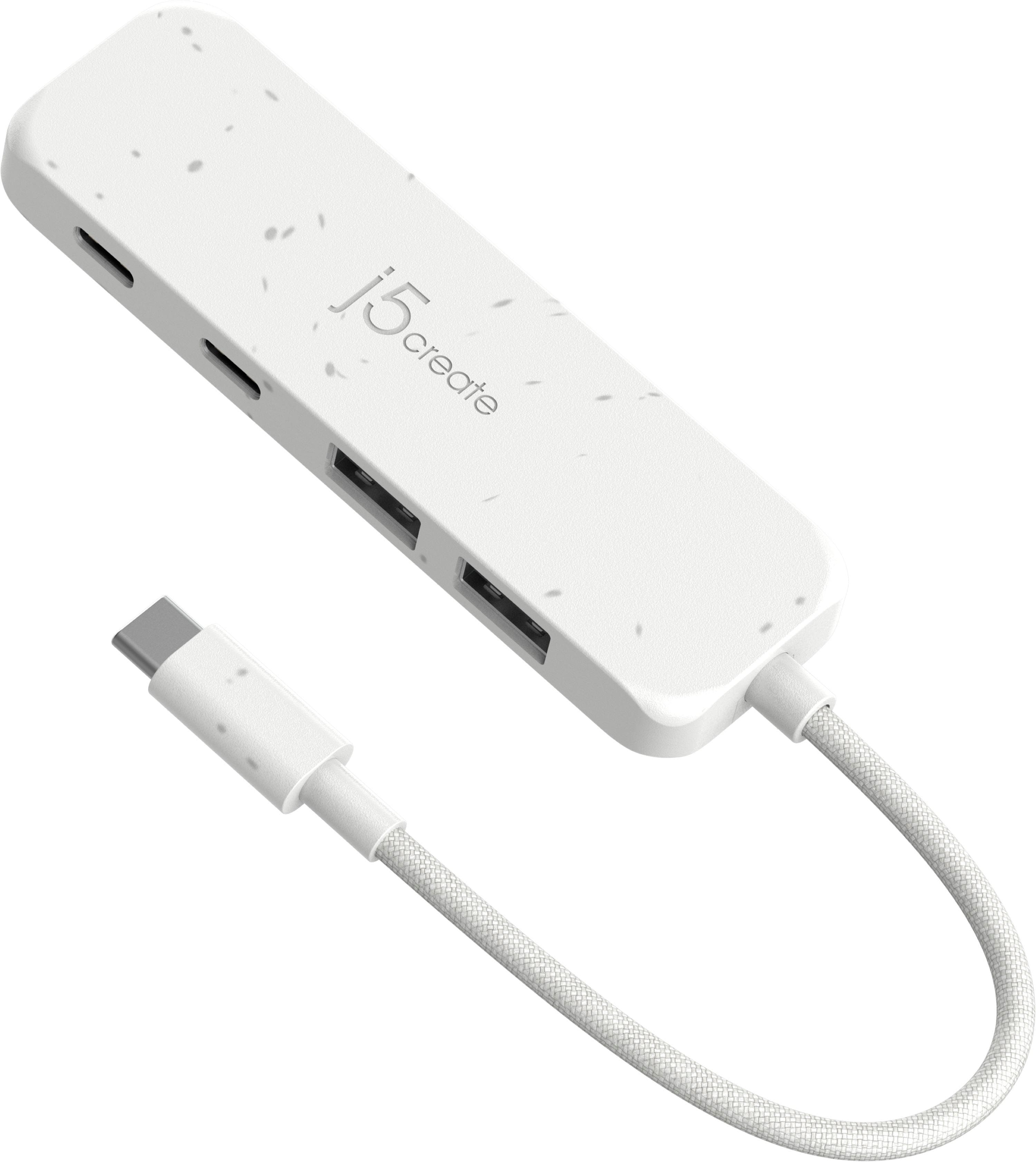
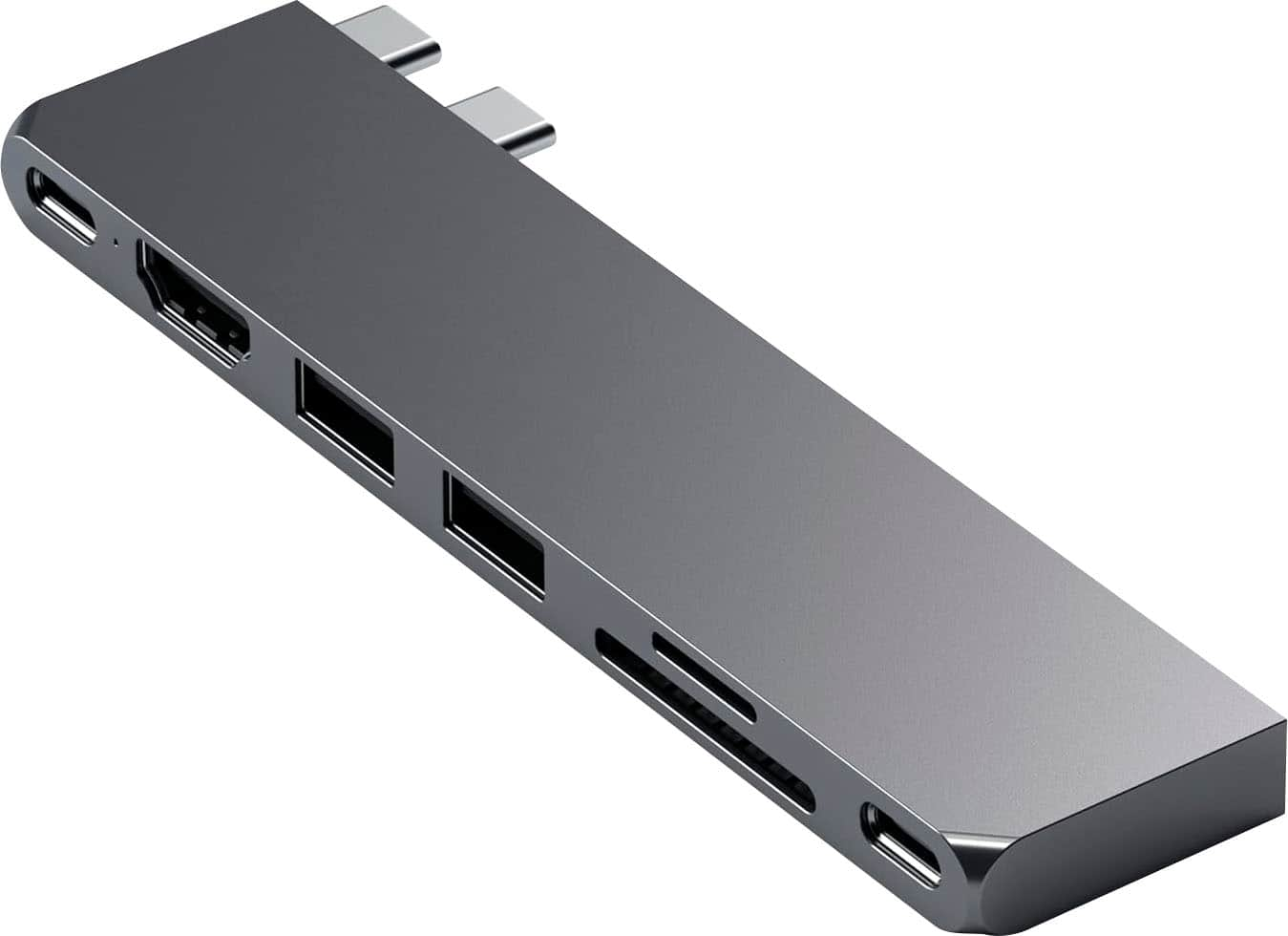
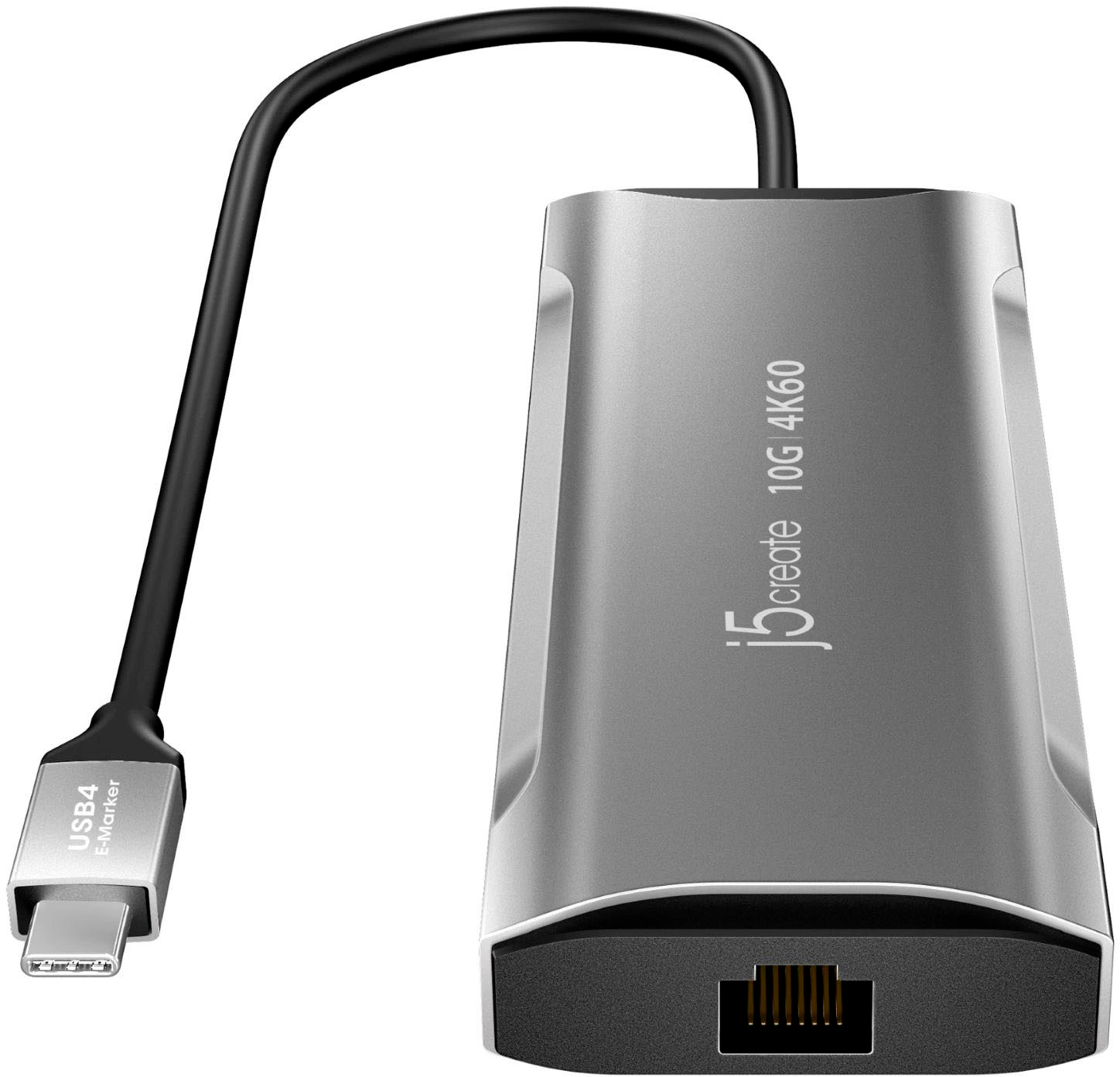
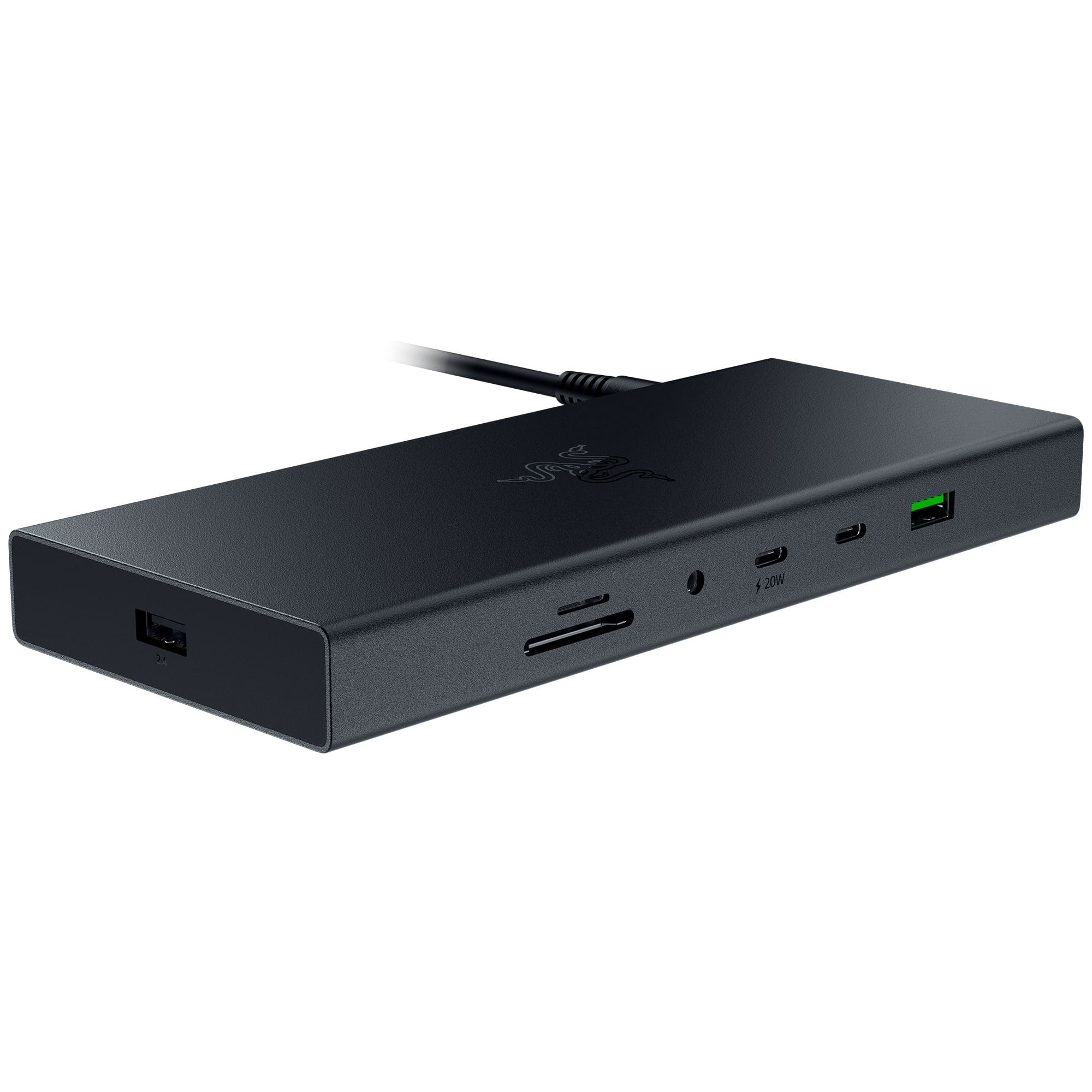
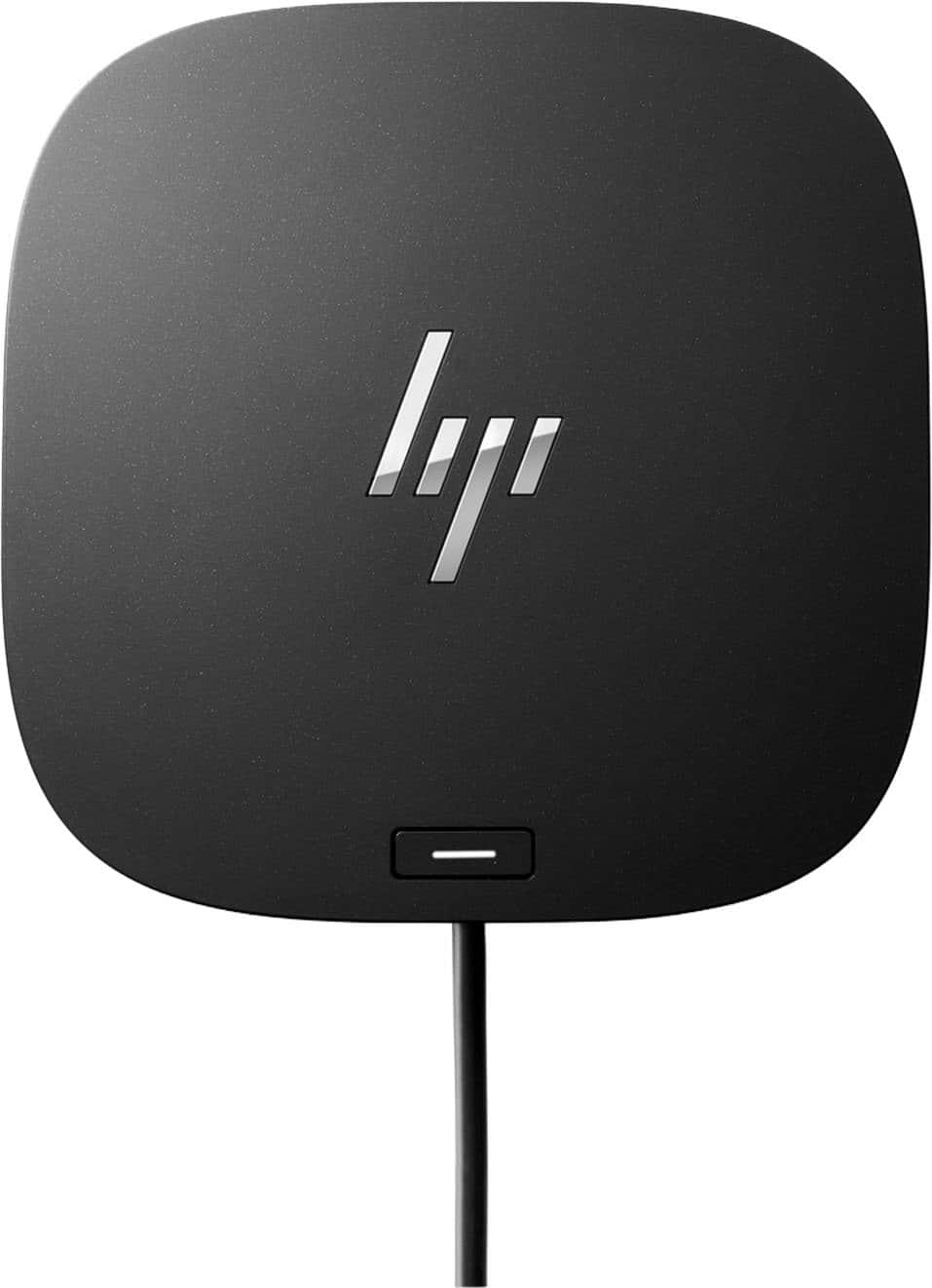
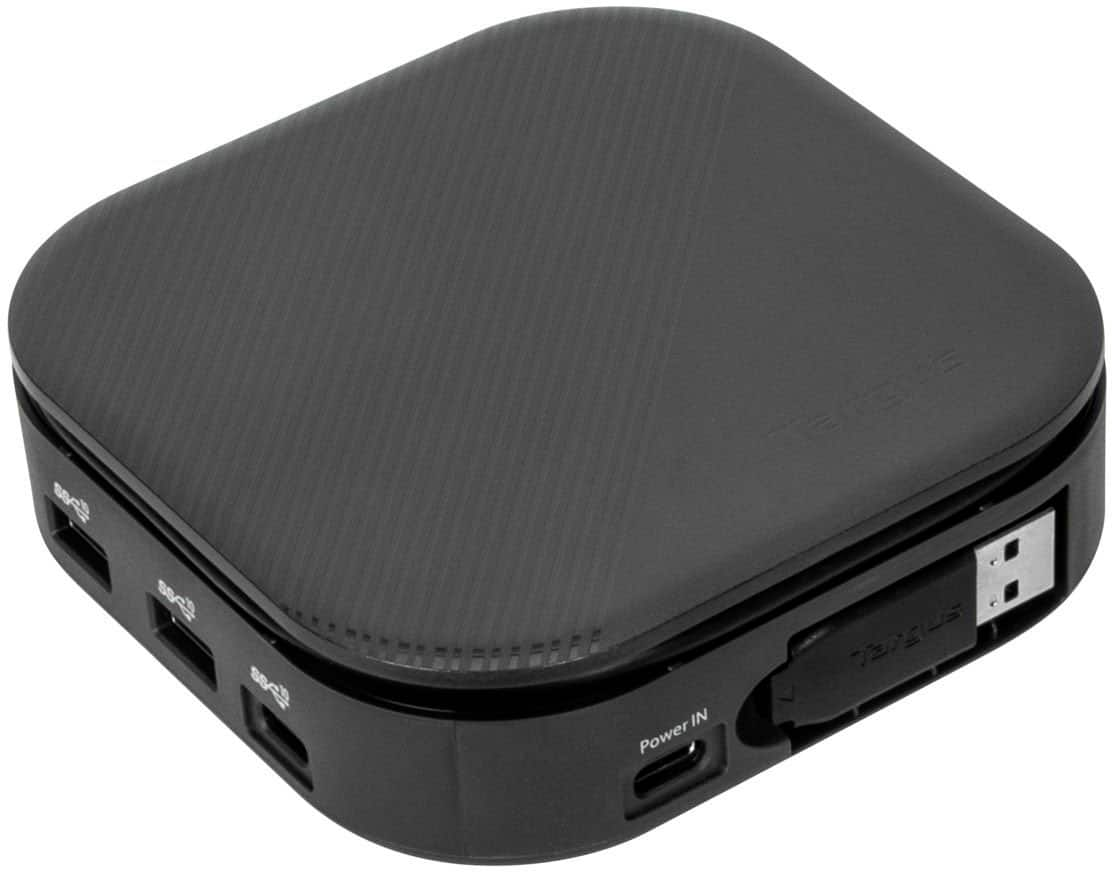
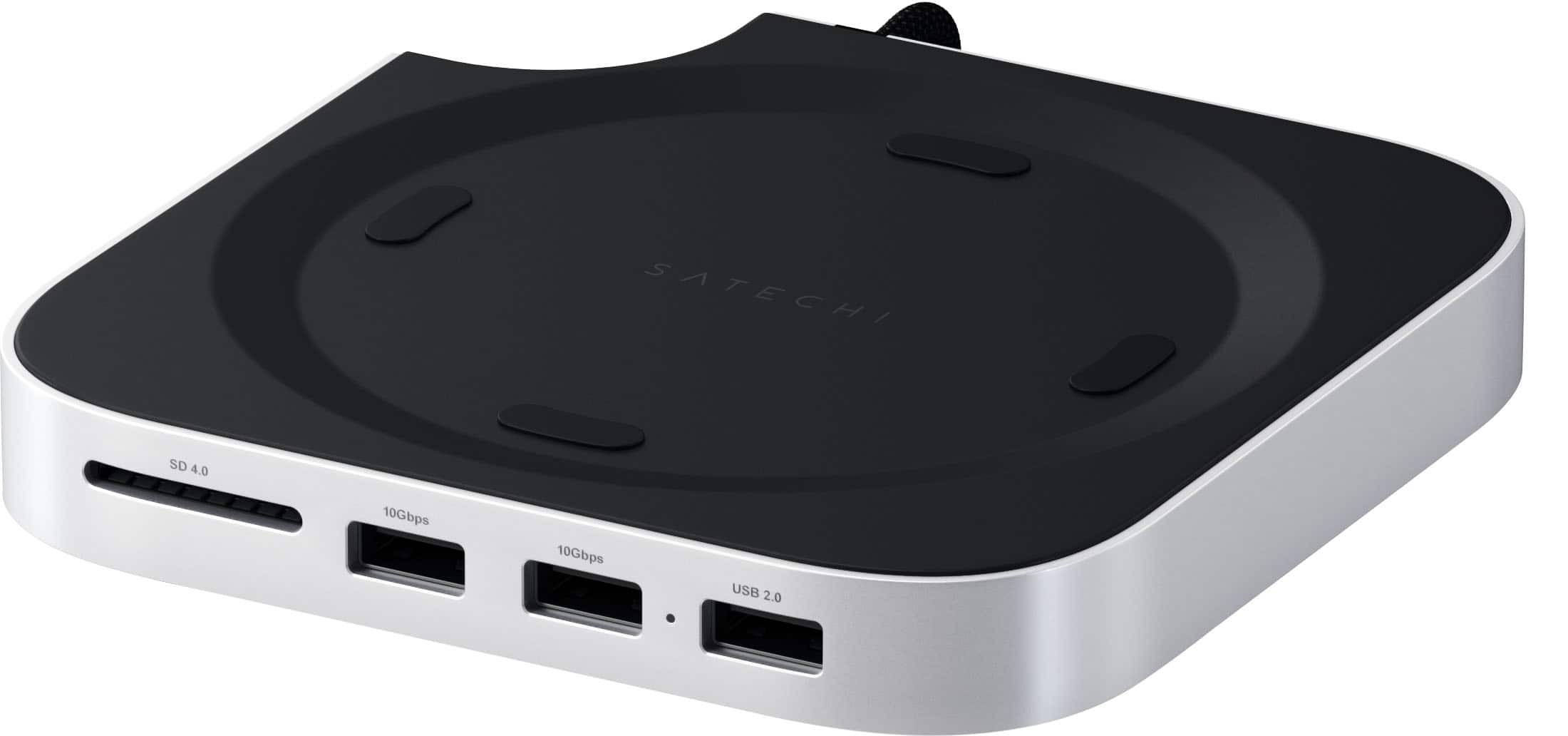
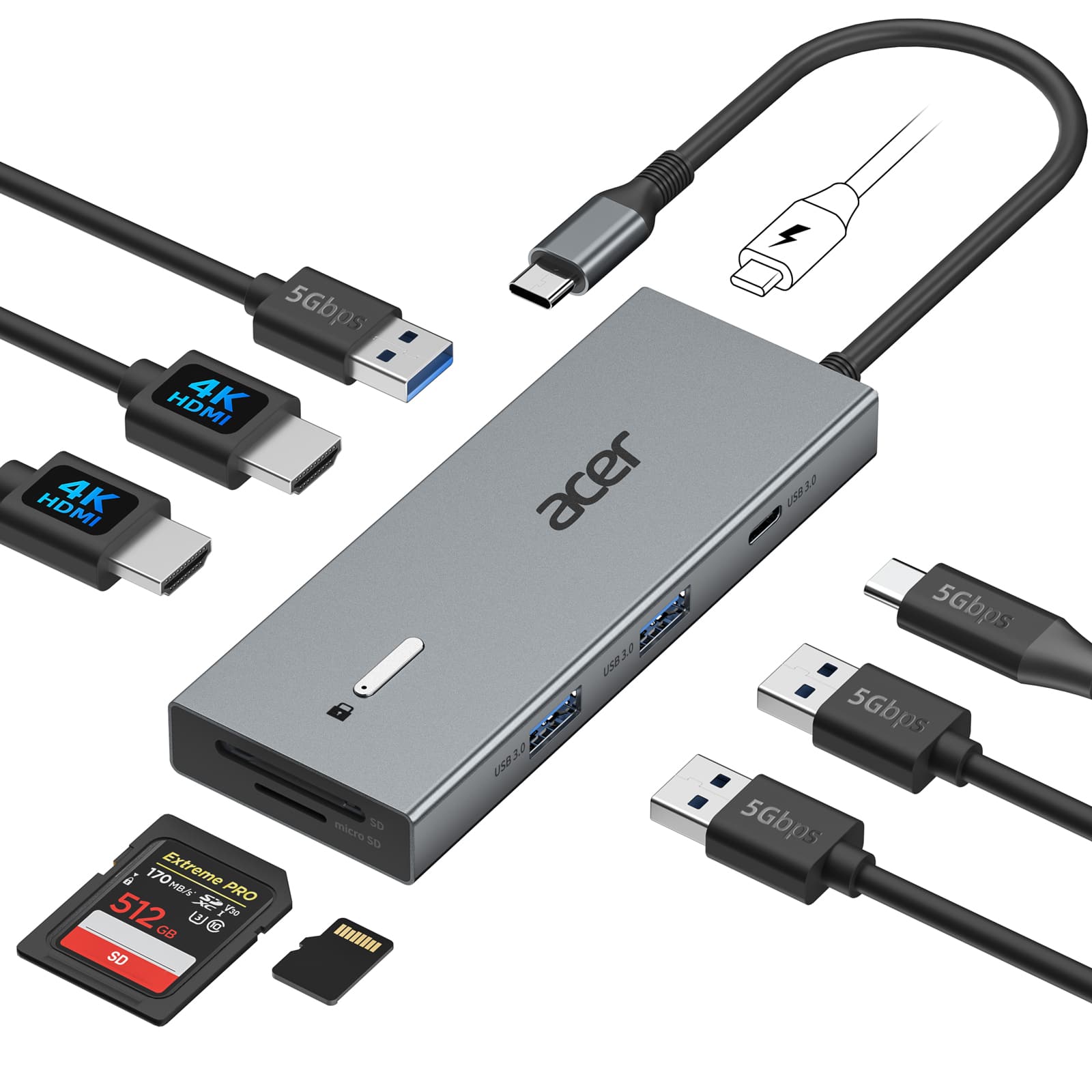
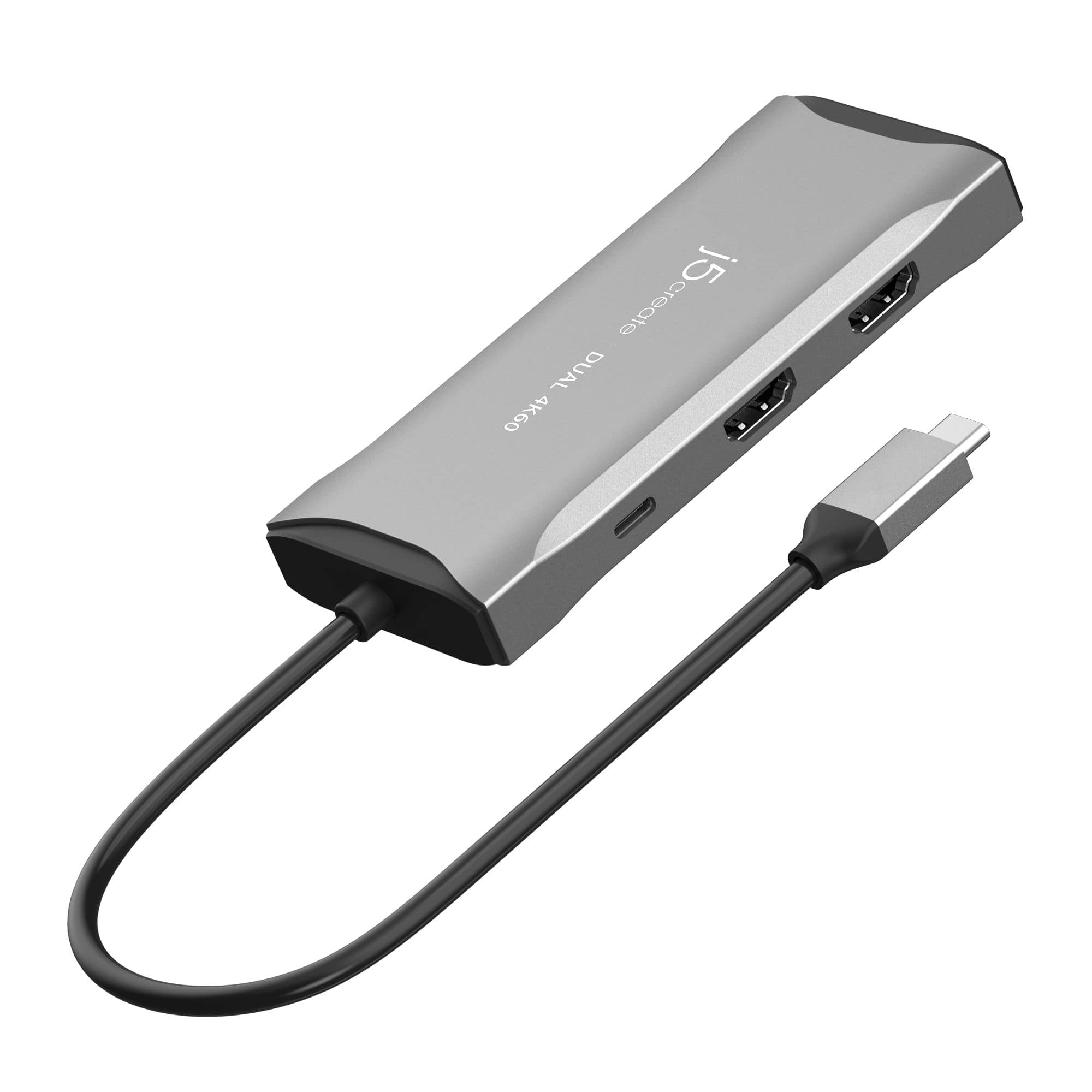
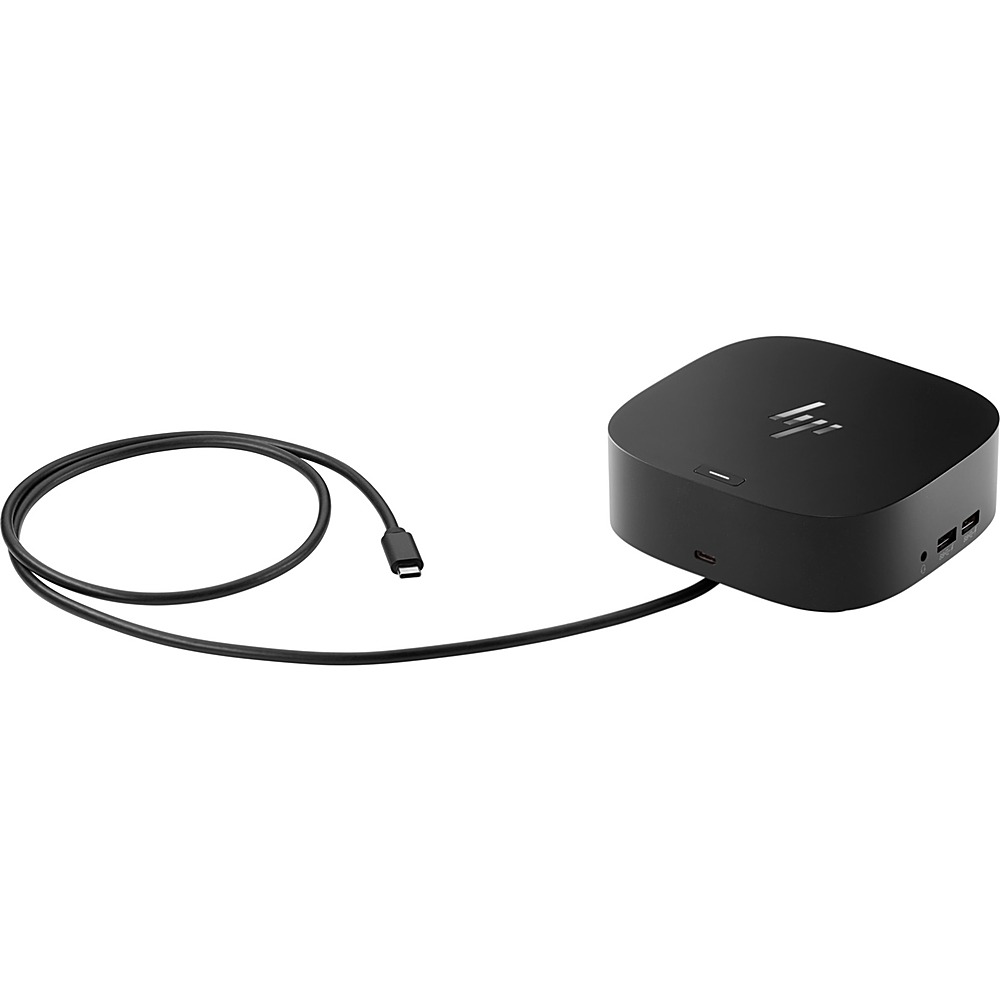
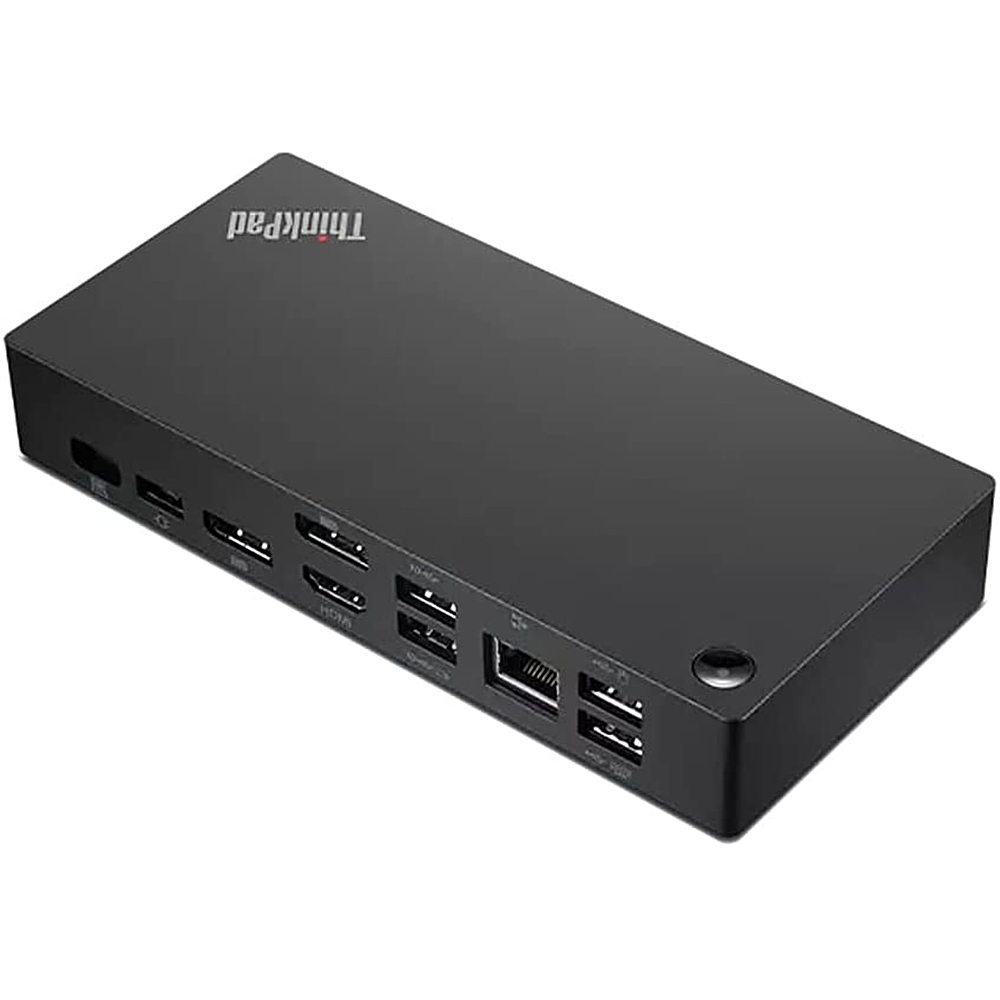
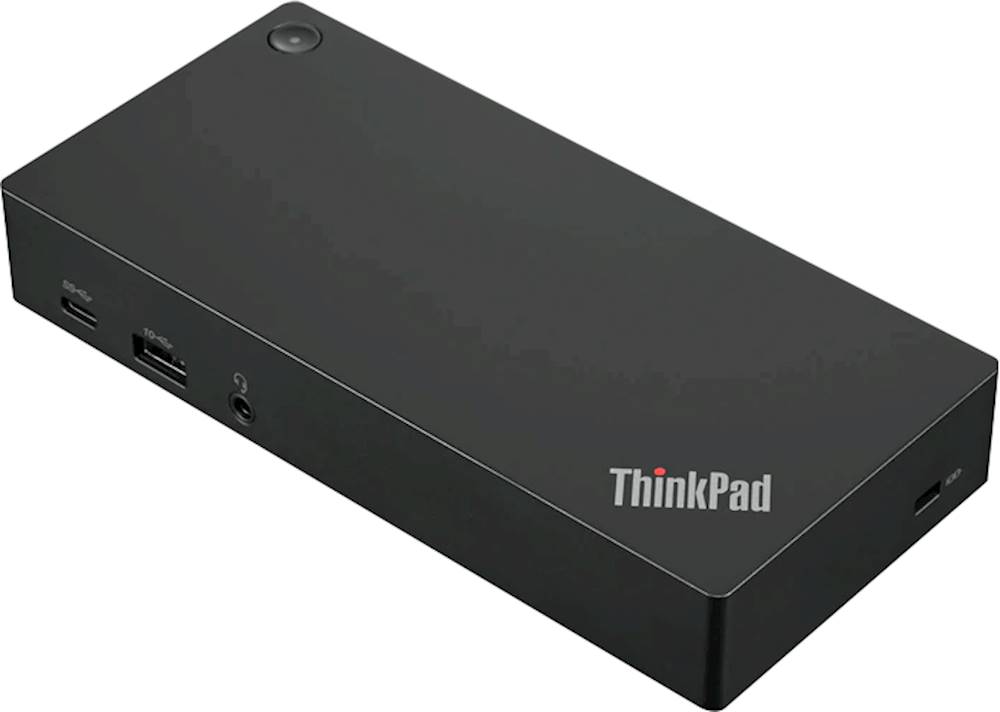
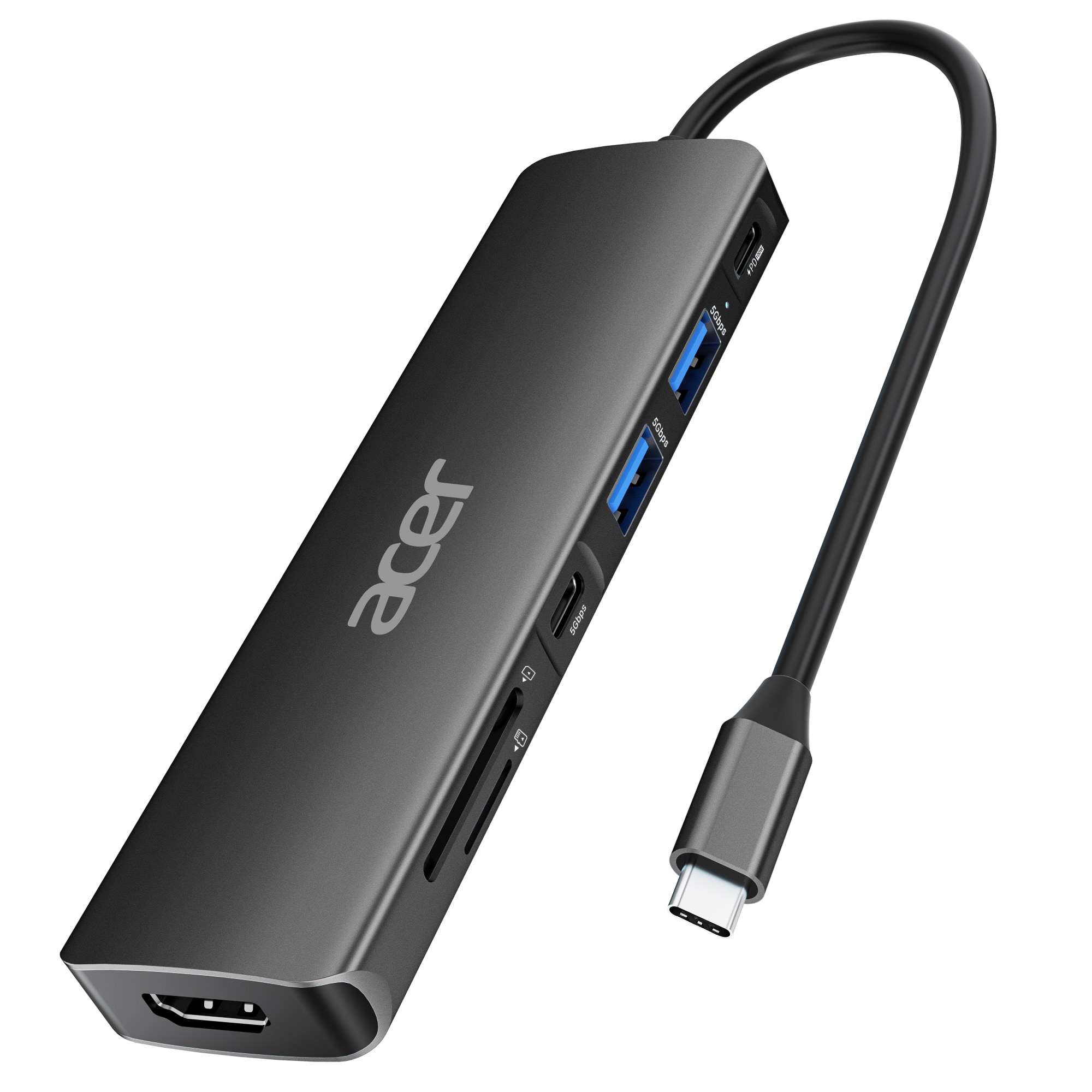
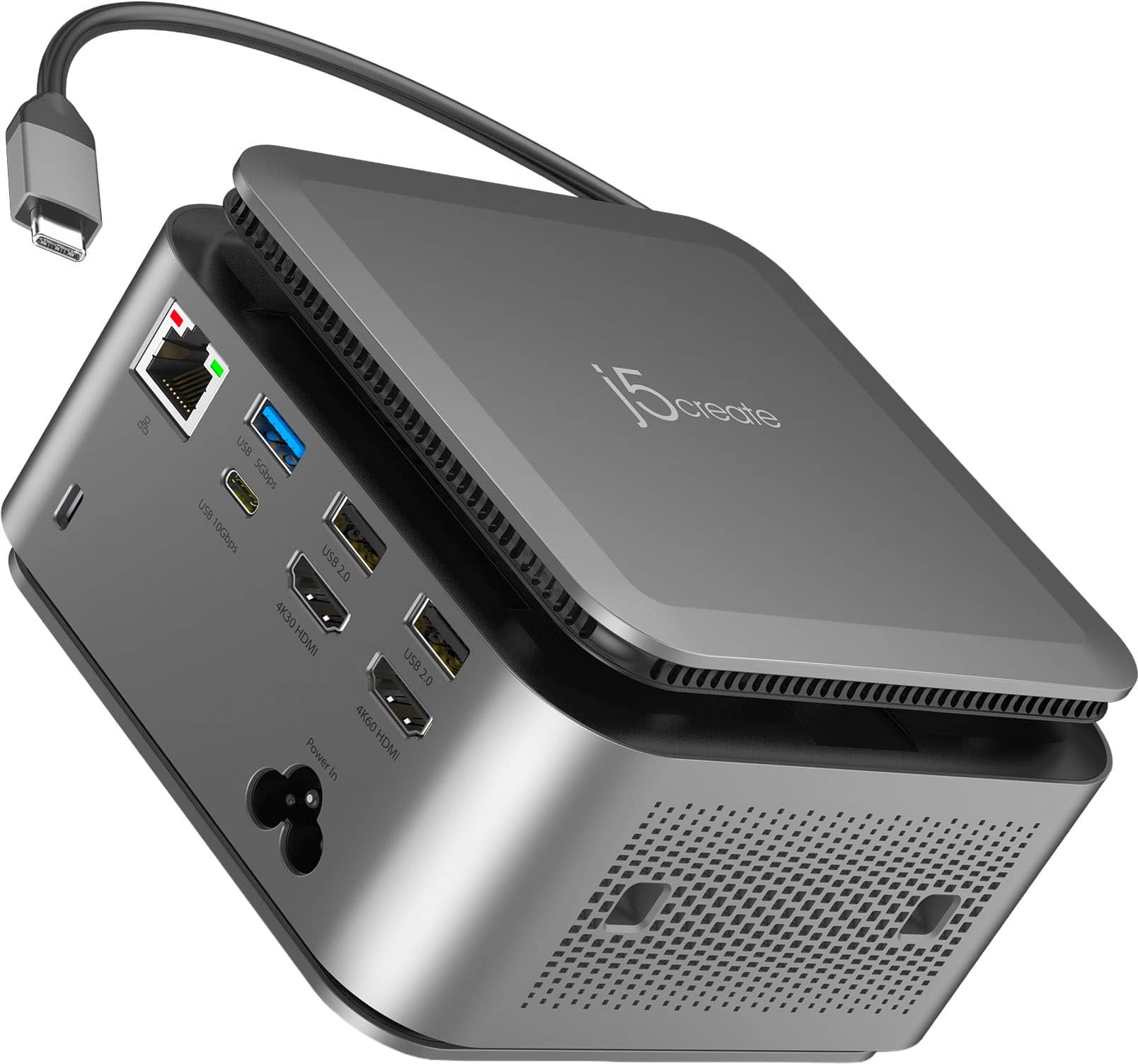
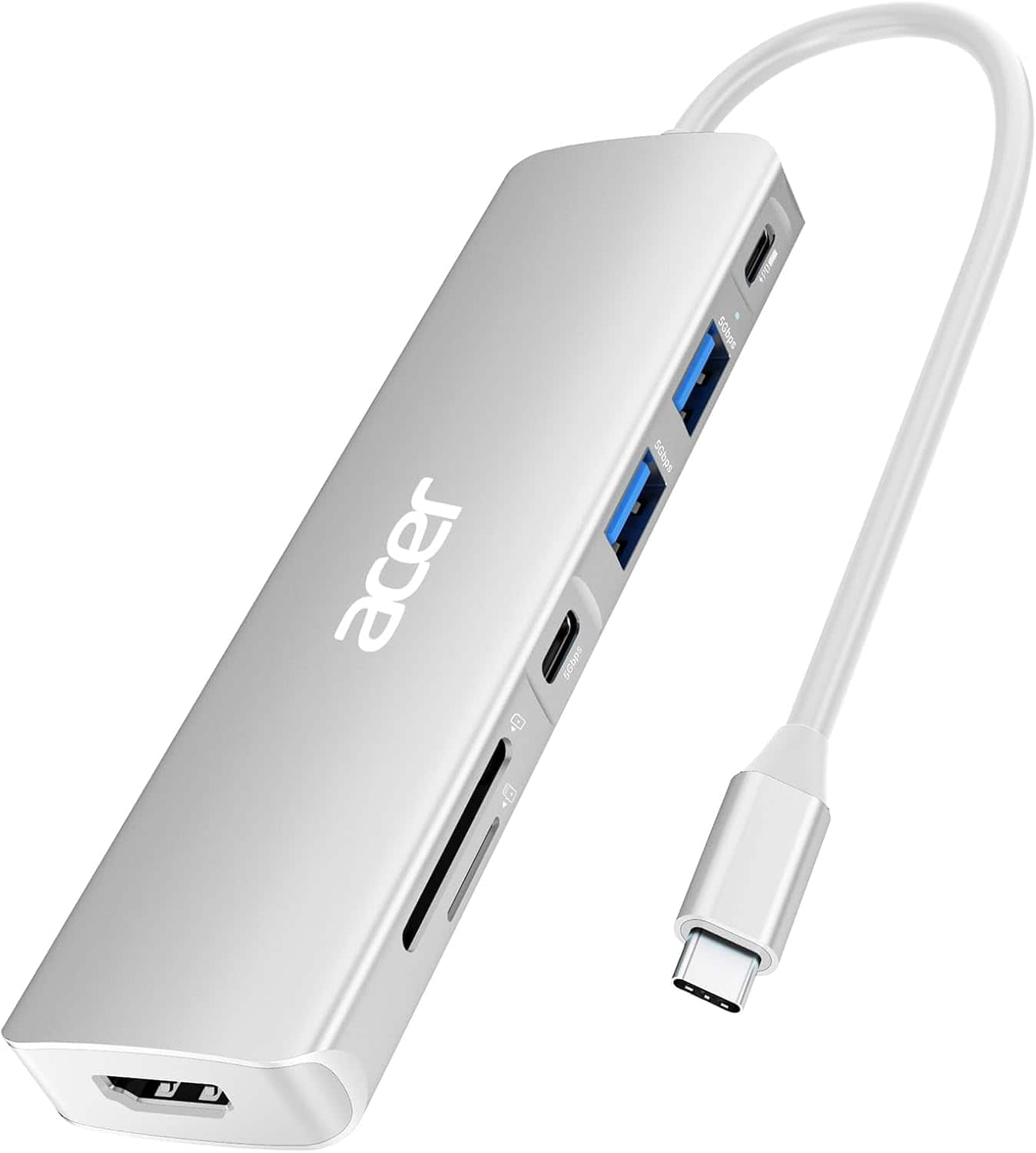
USB-C docking stations


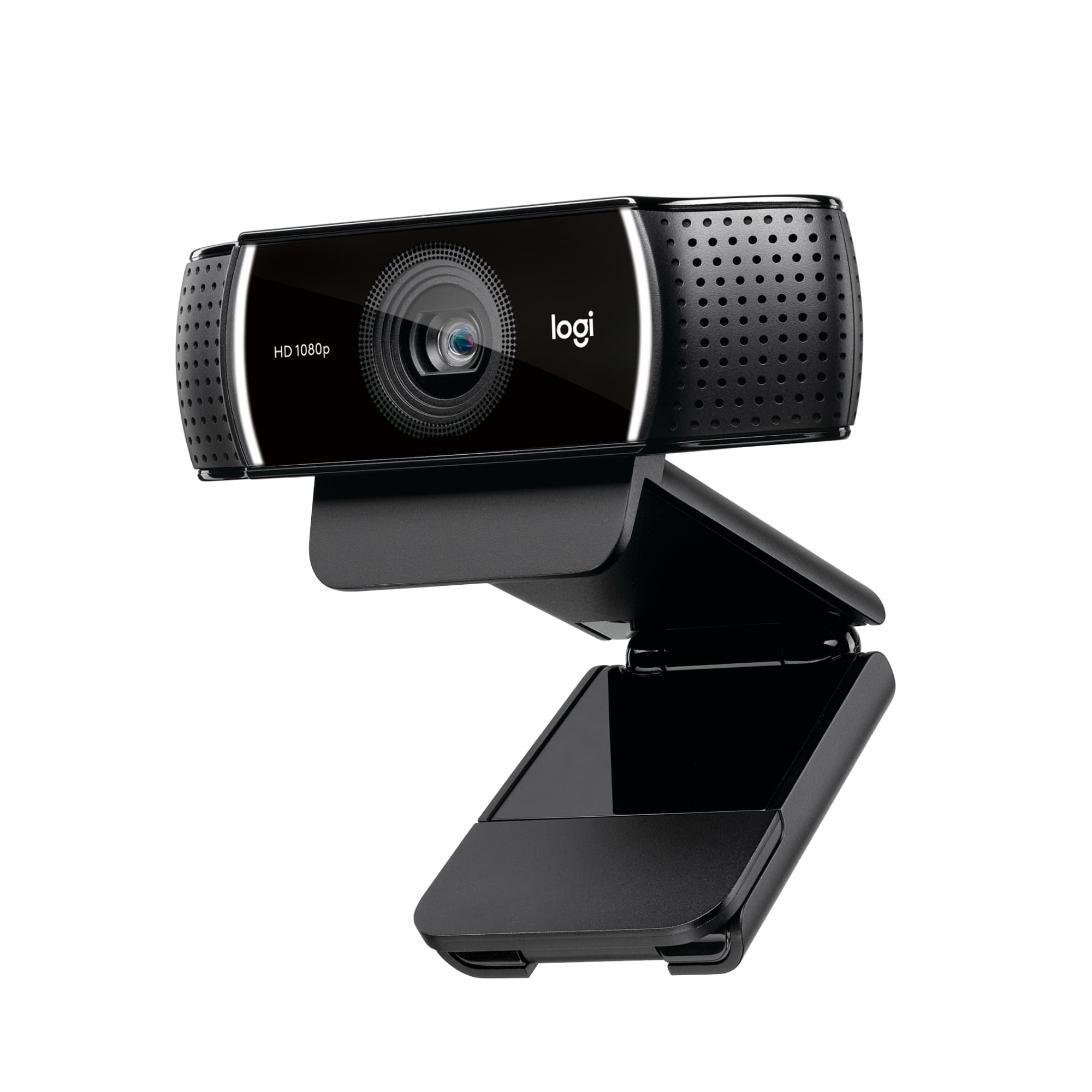
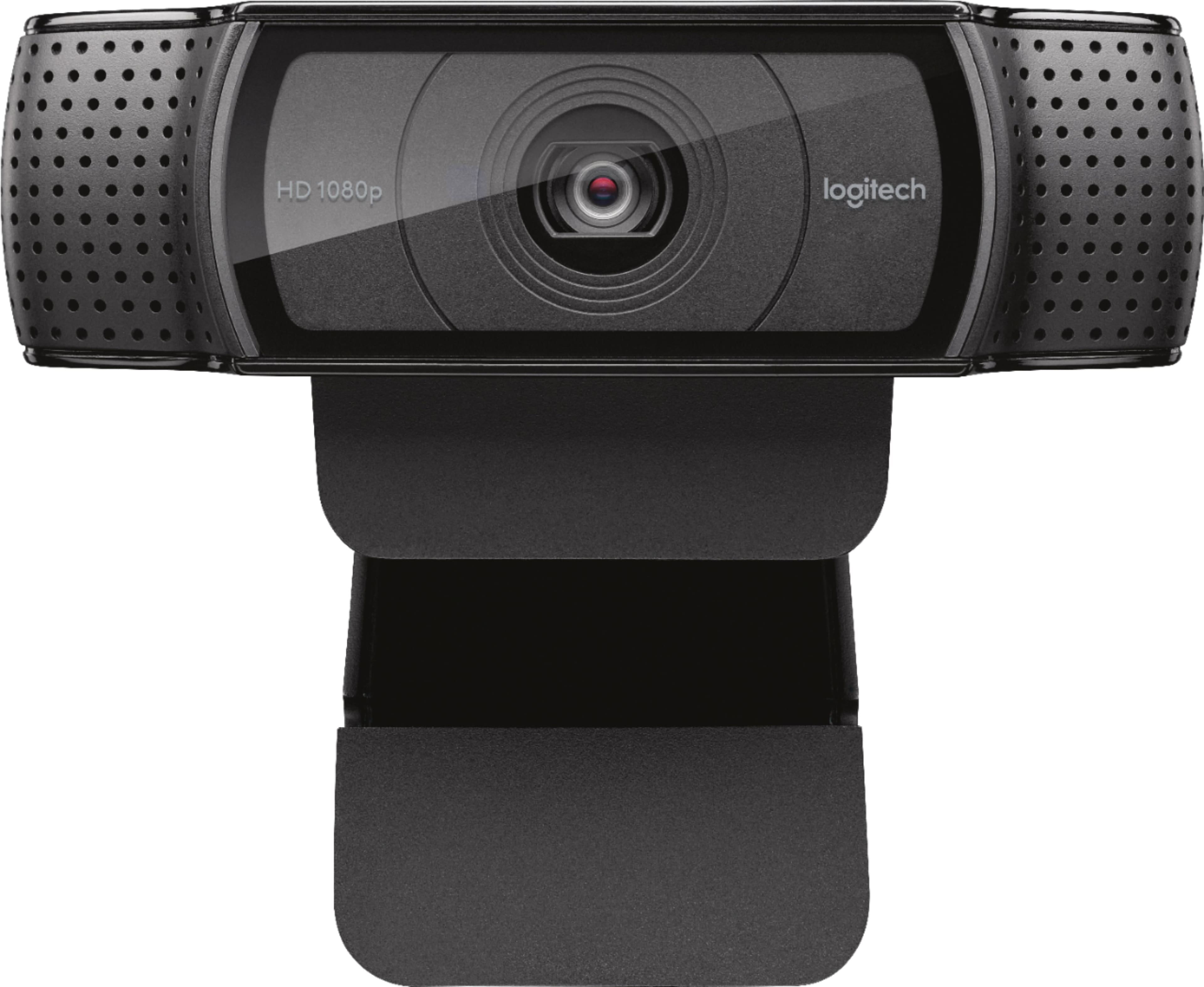
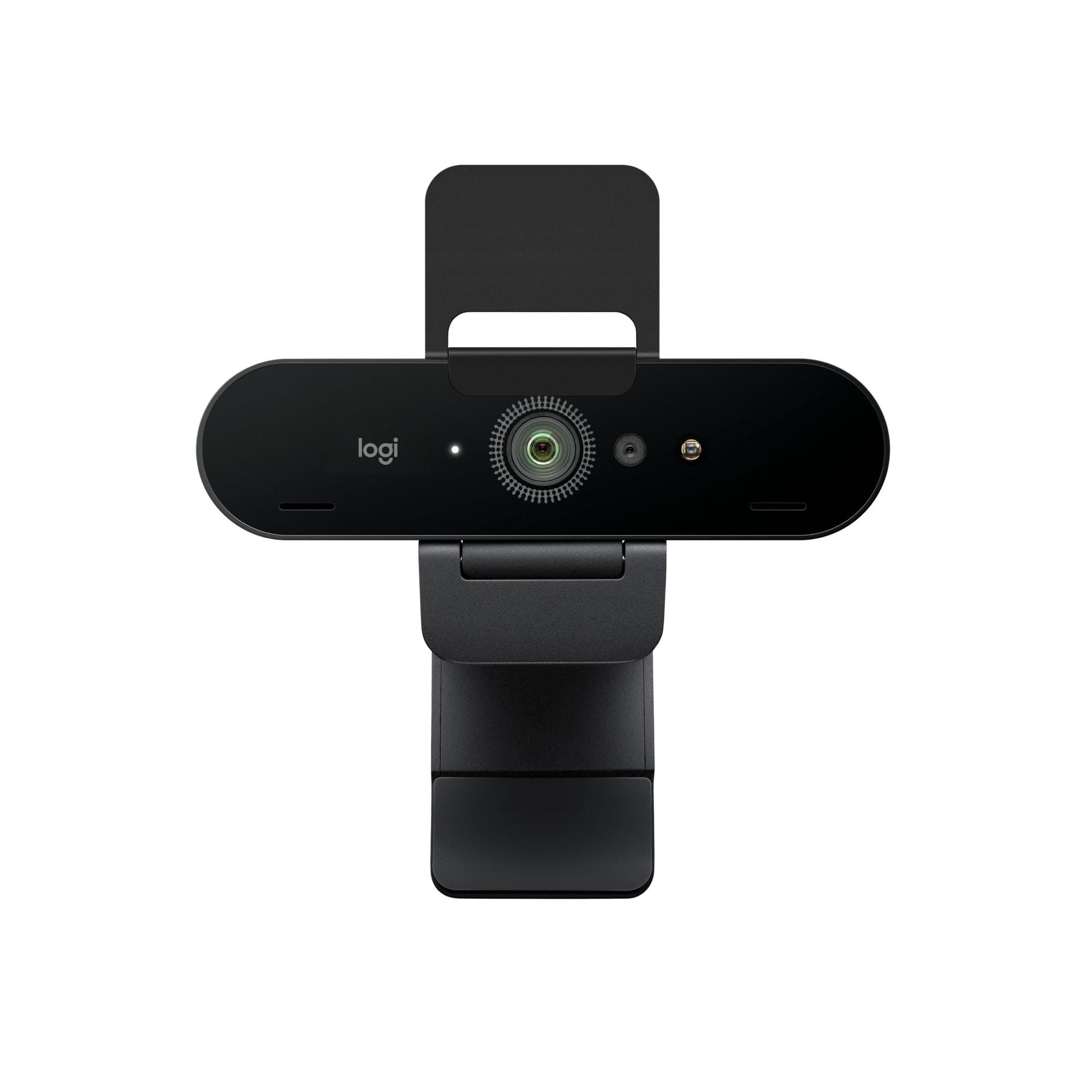
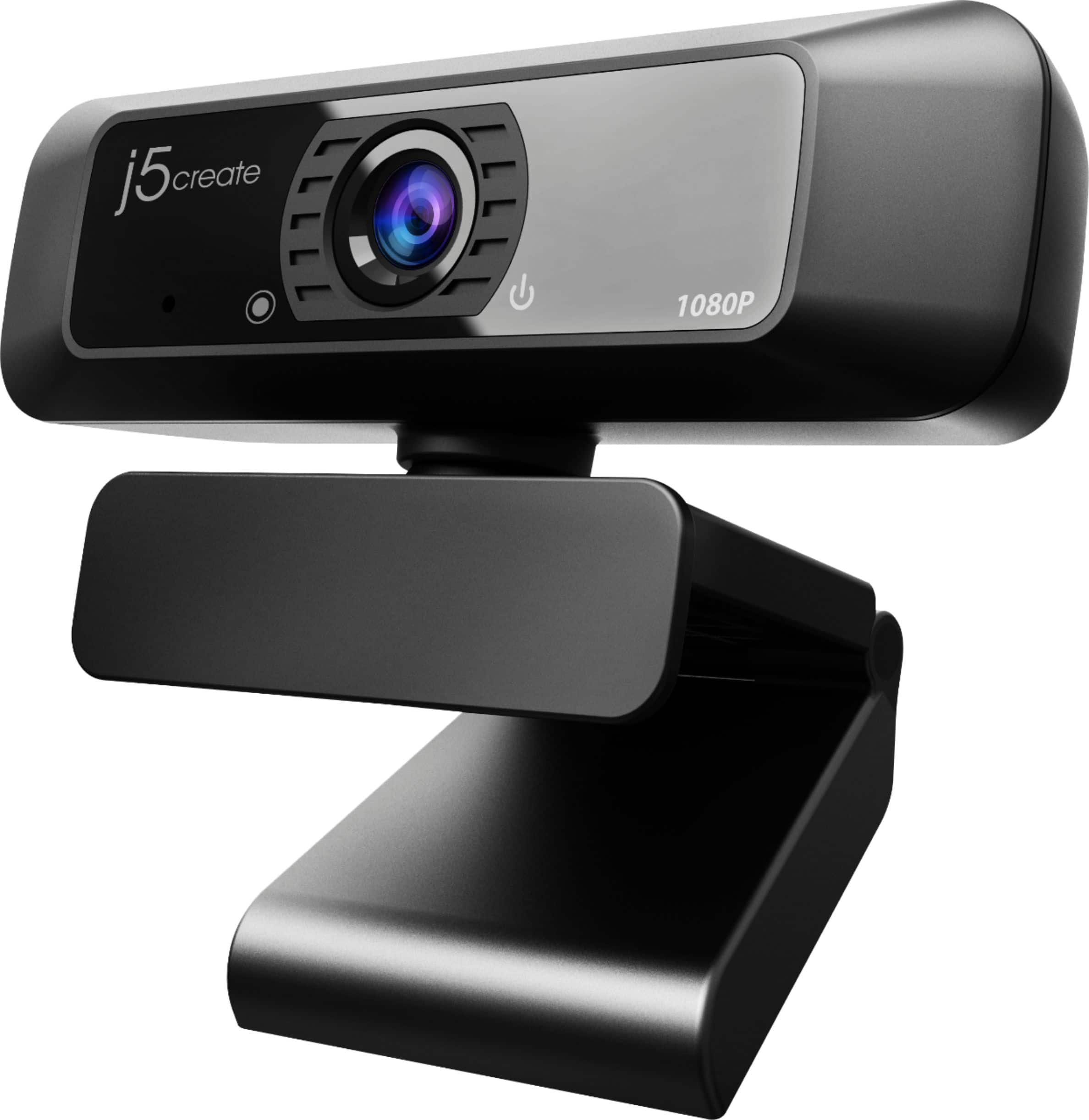
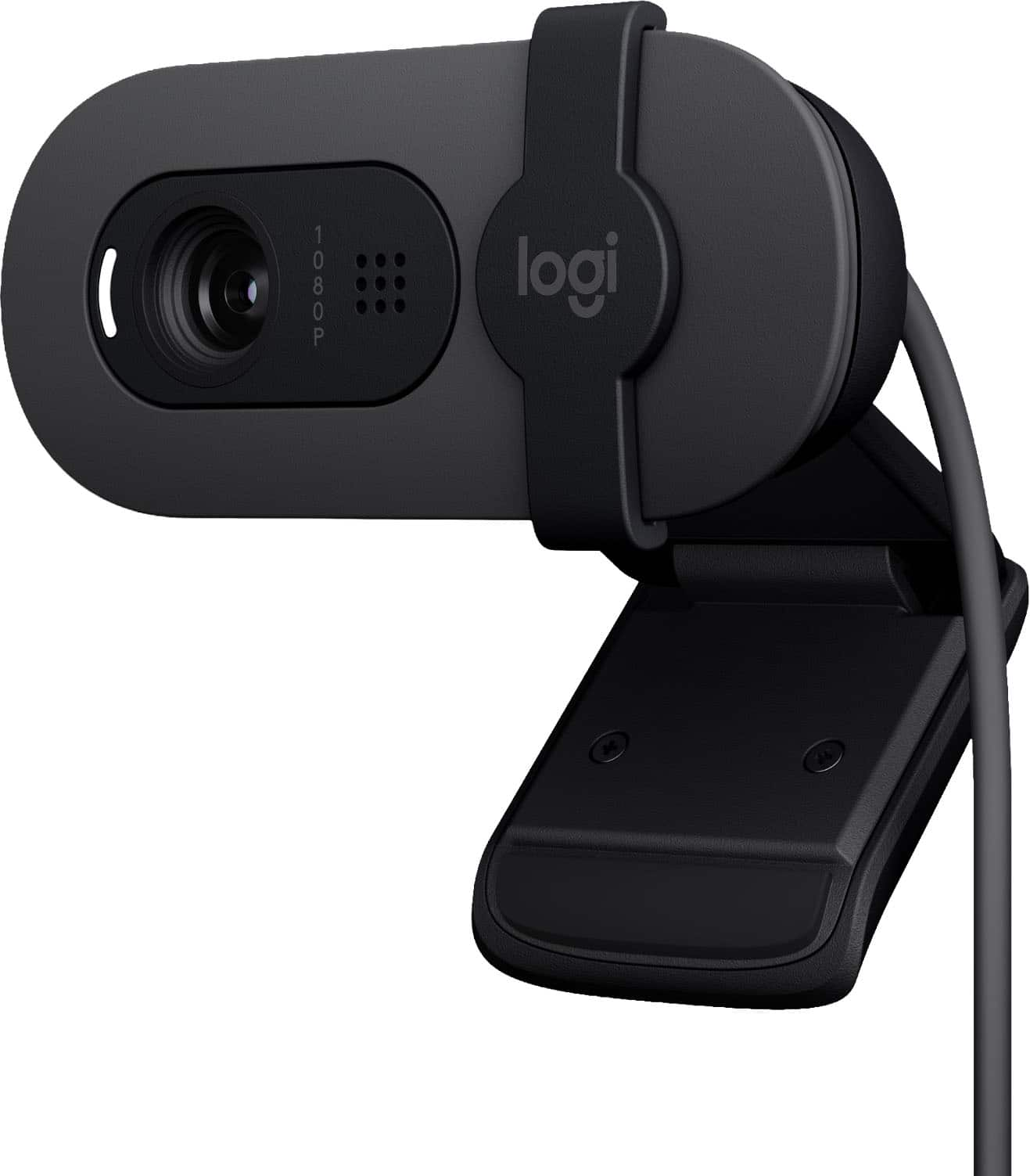
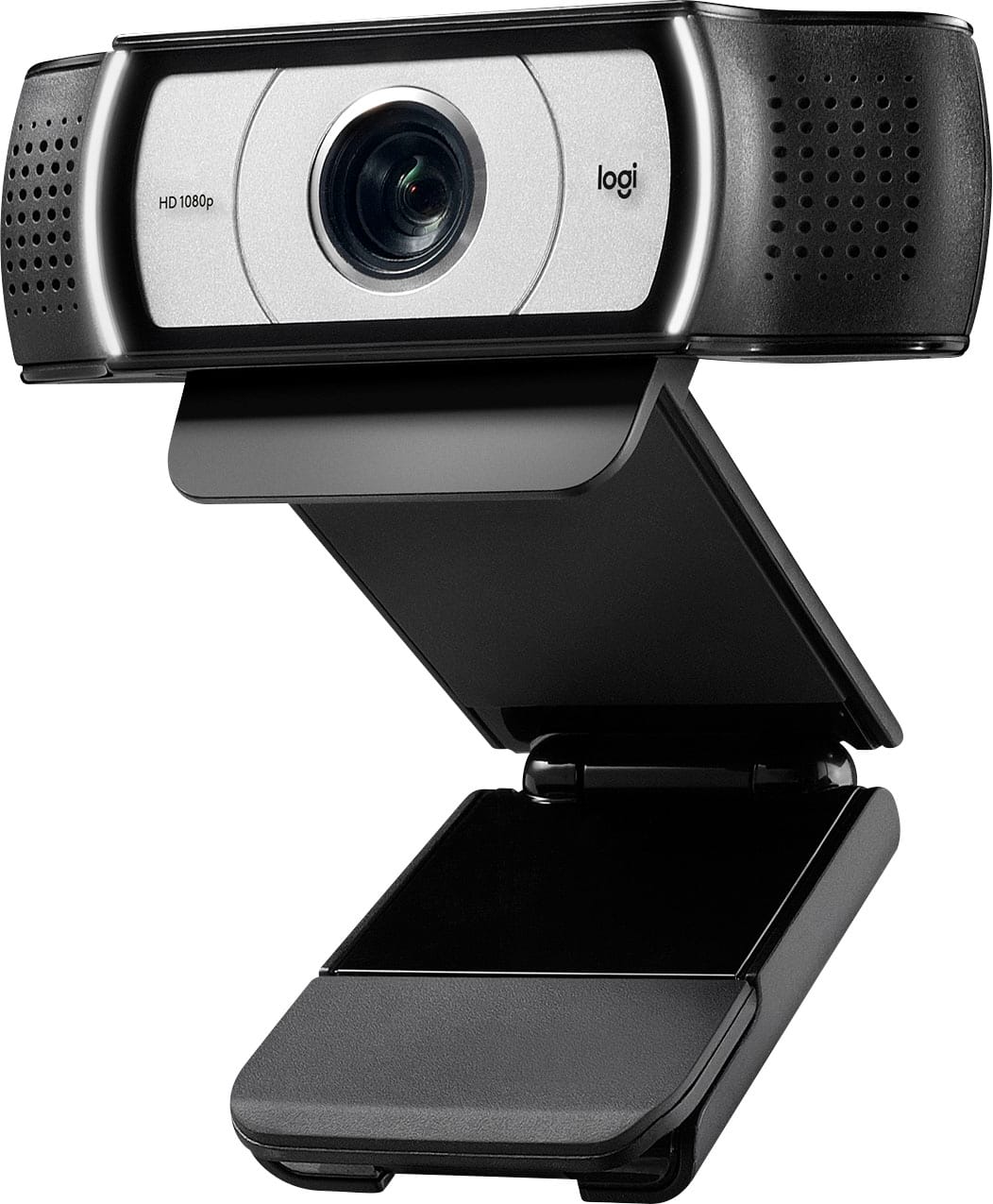
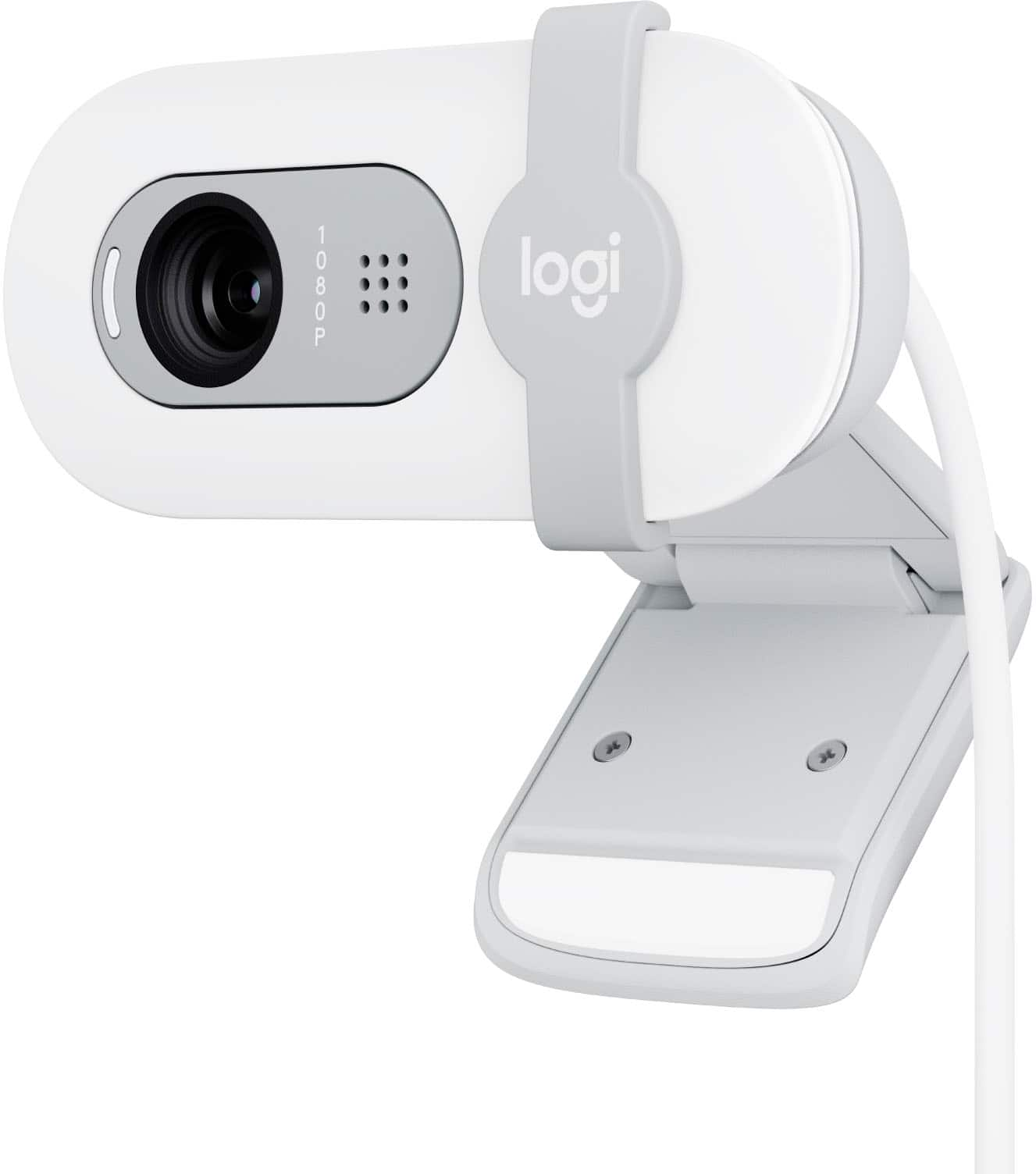
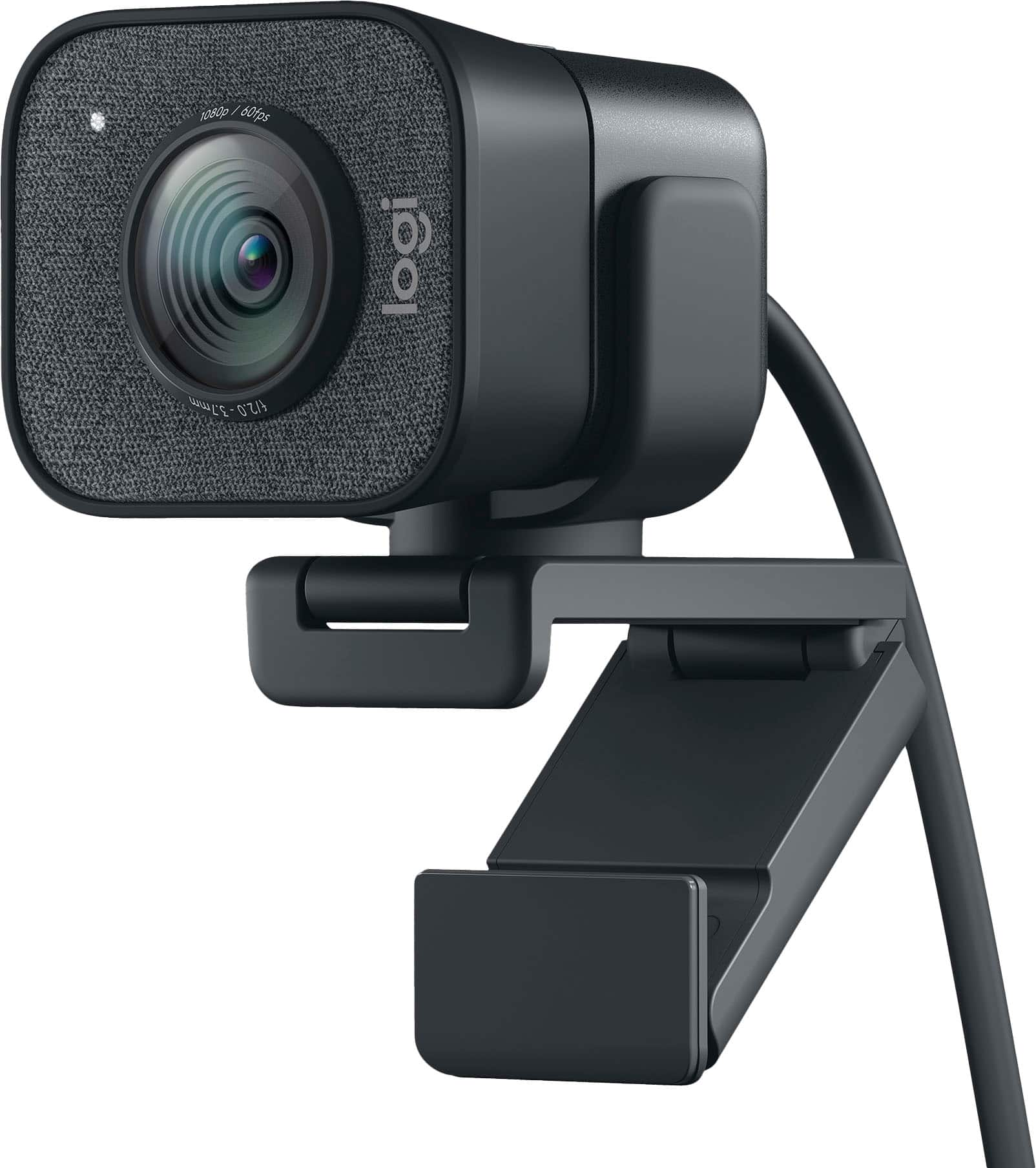
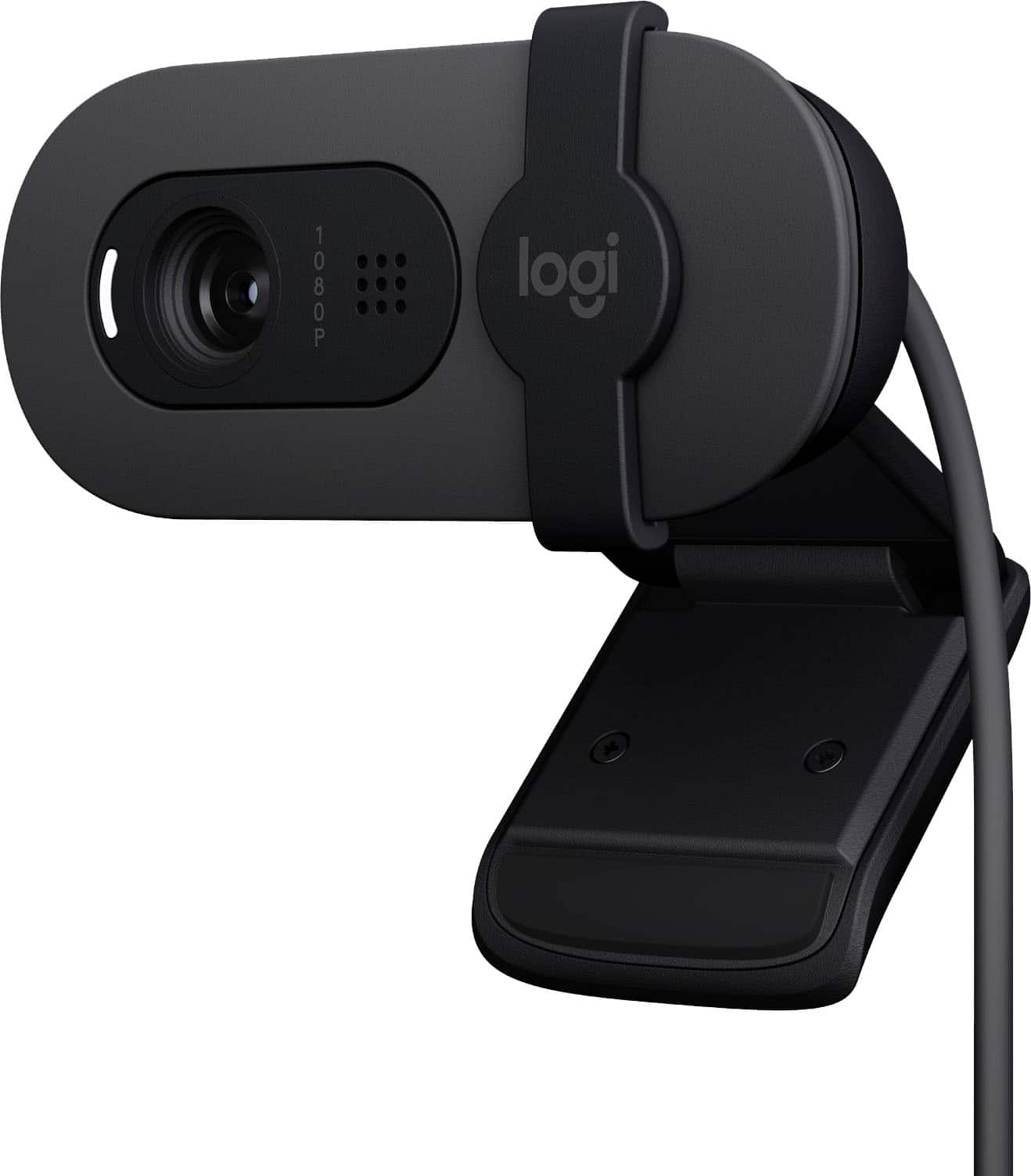
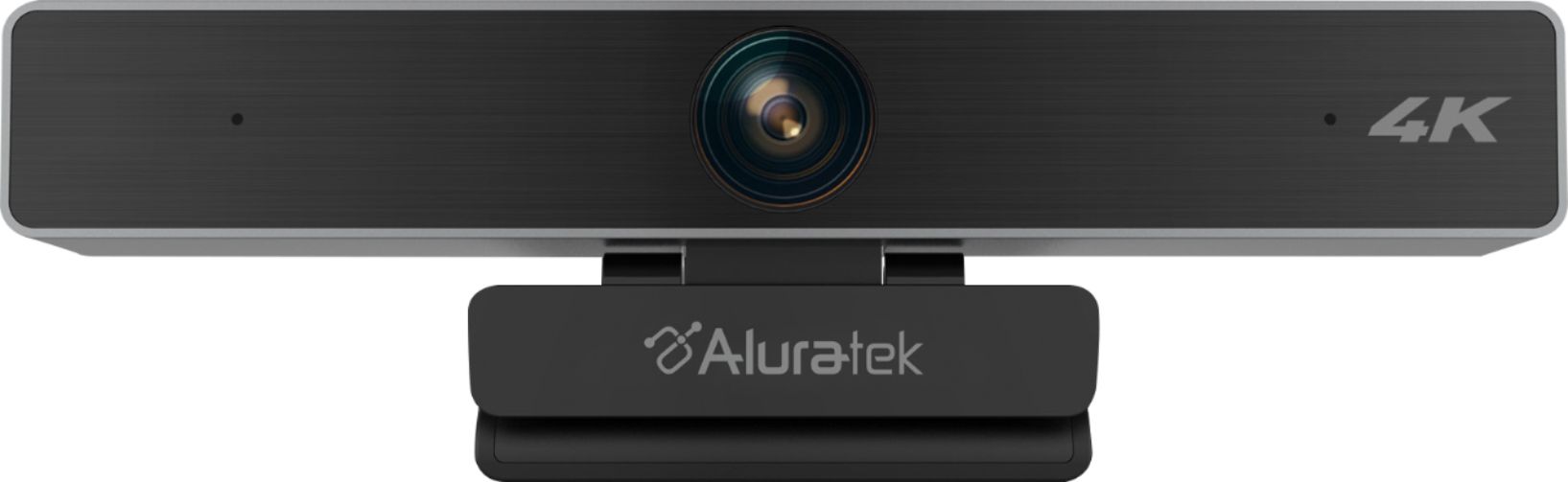
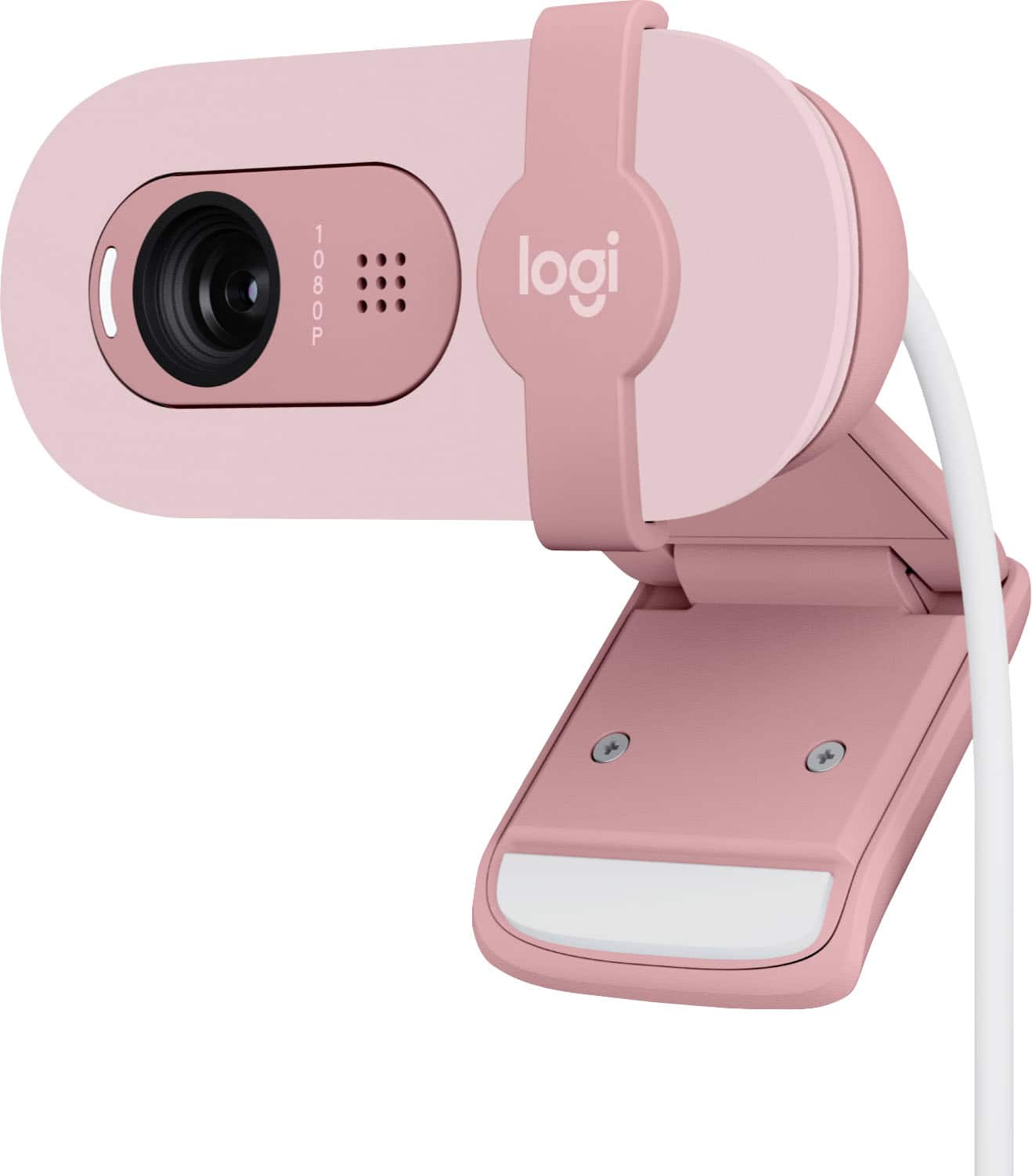
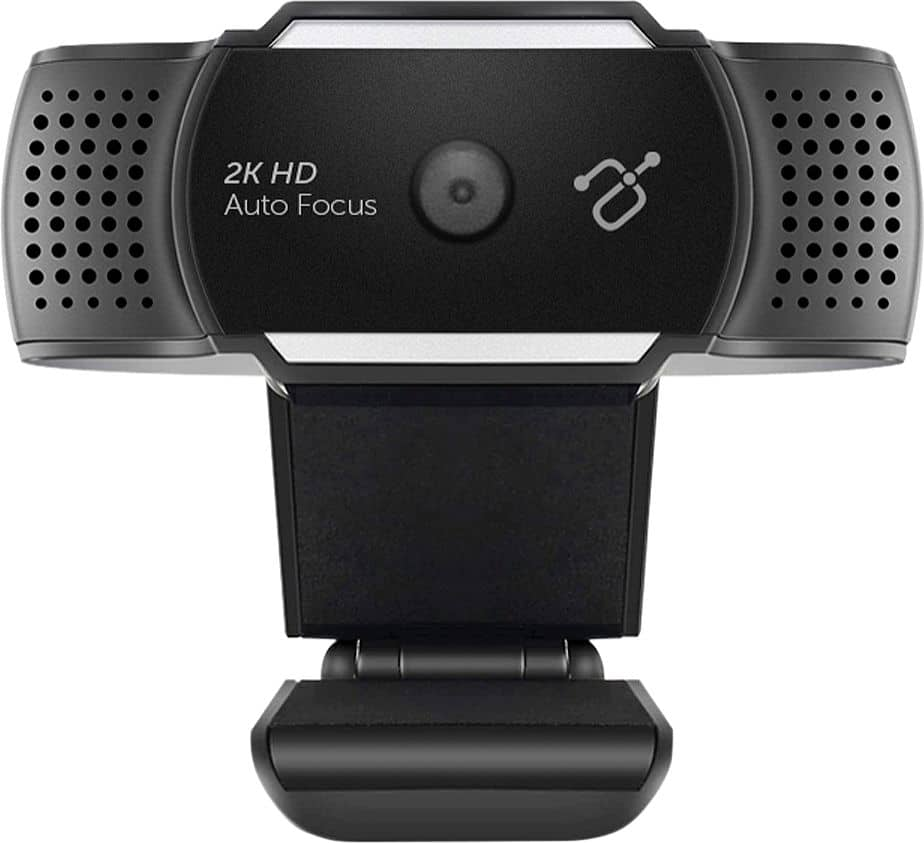
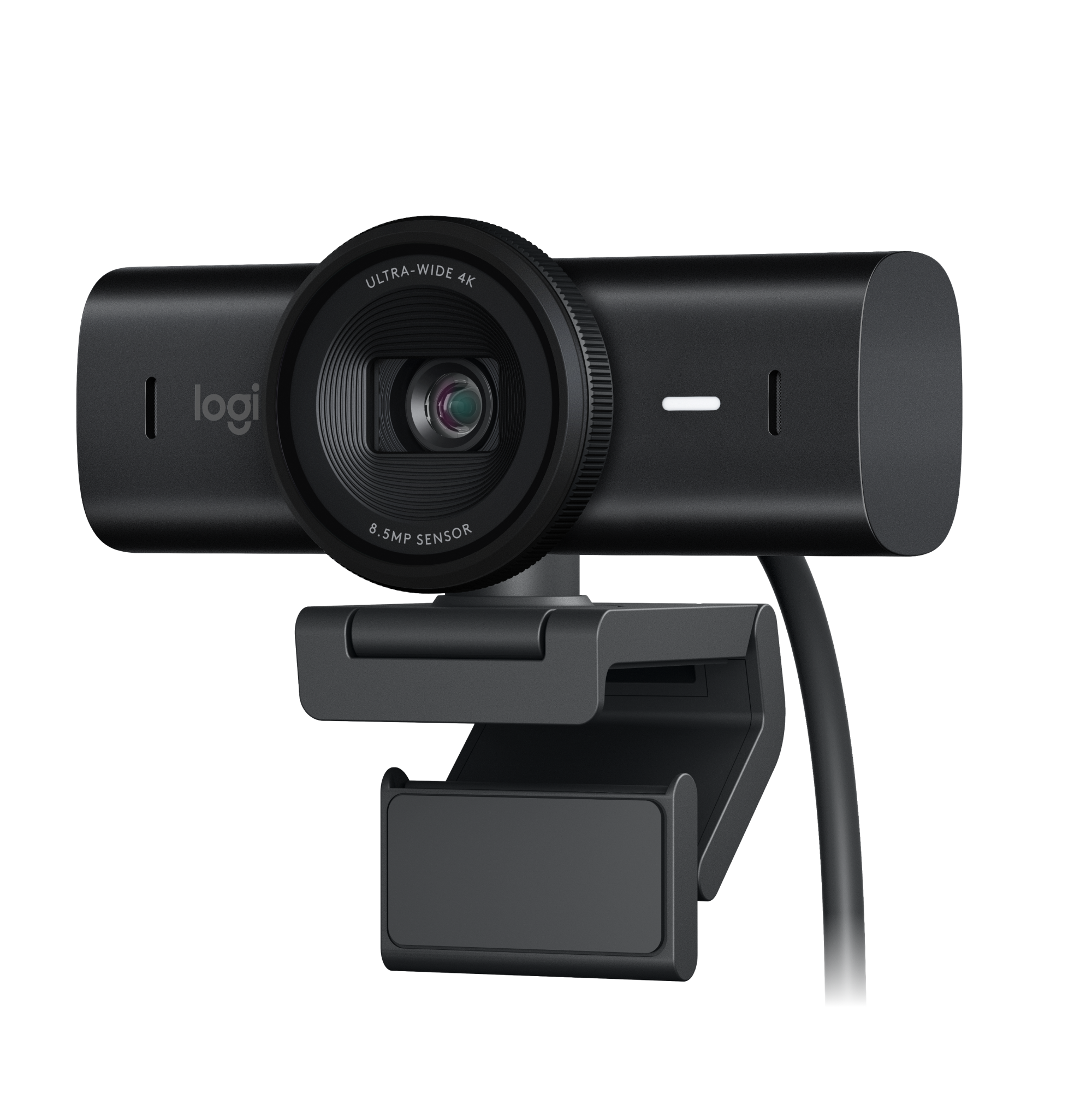
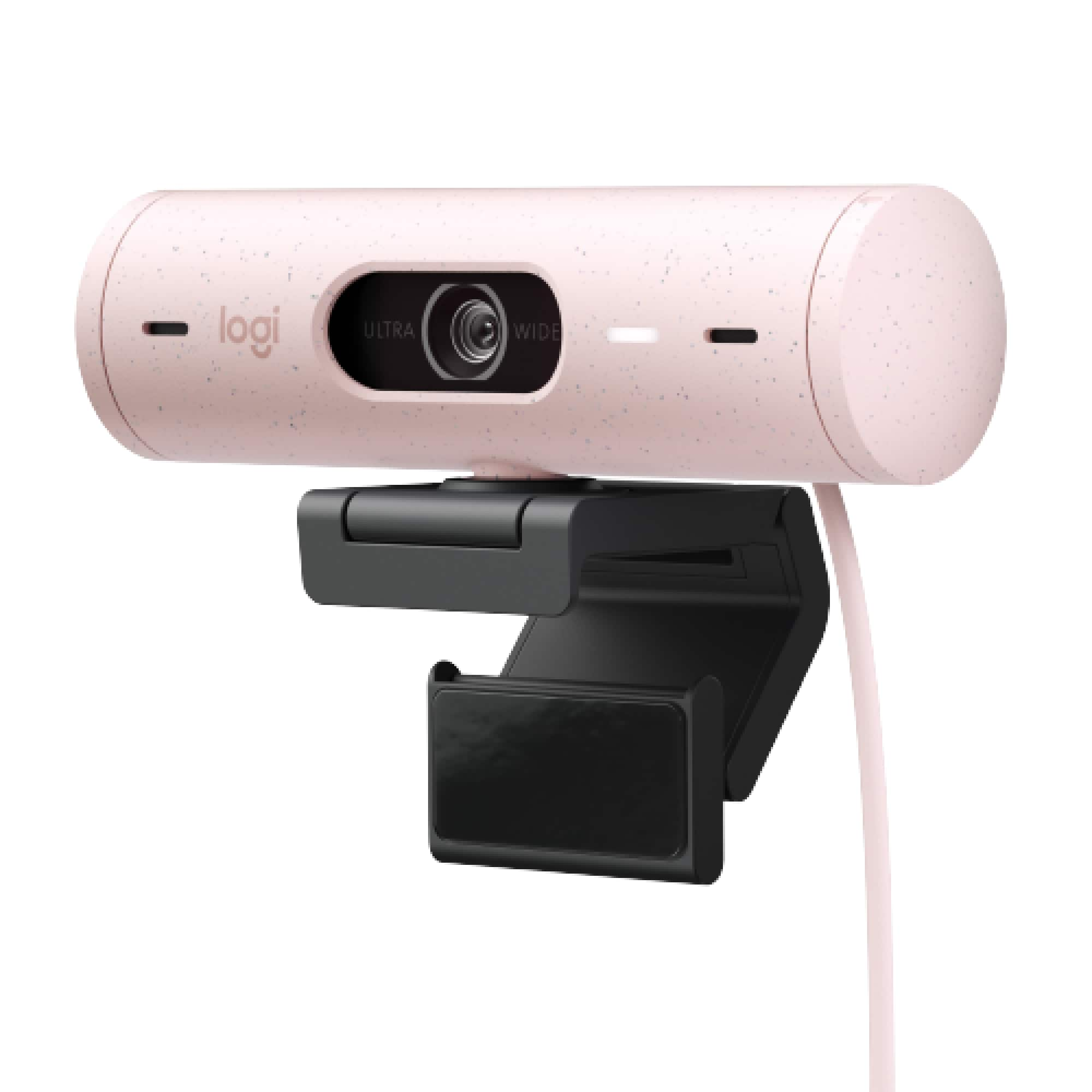
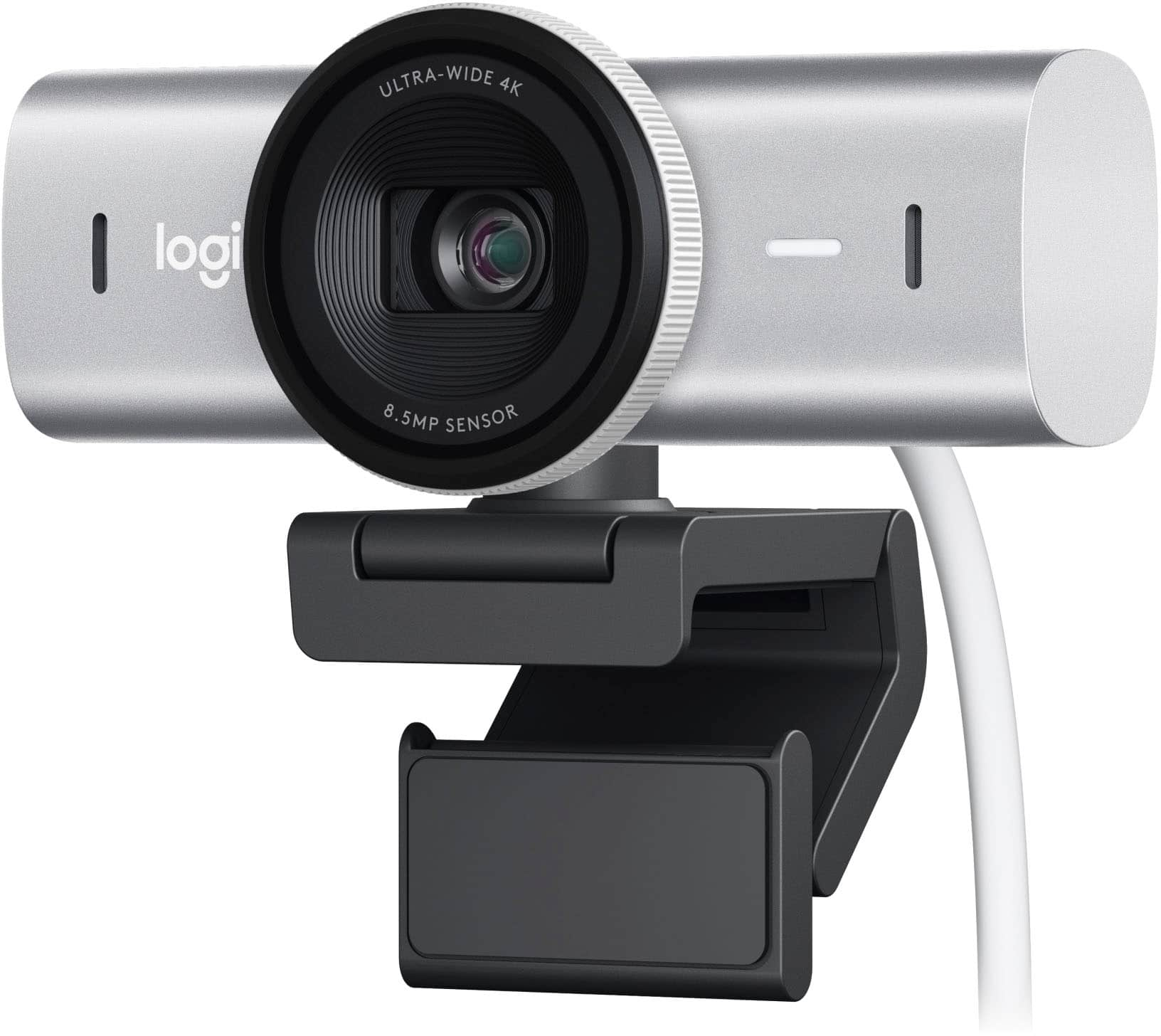
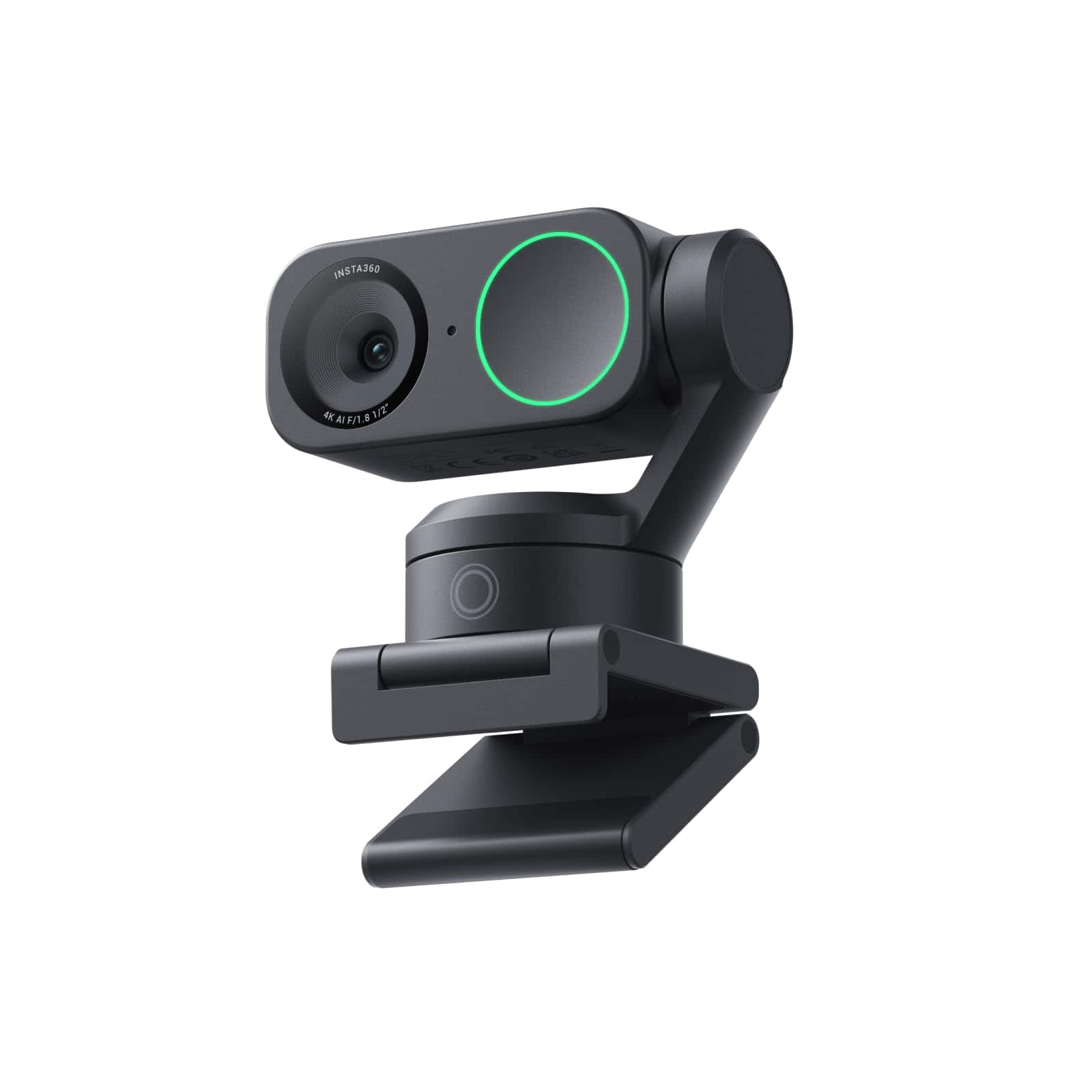
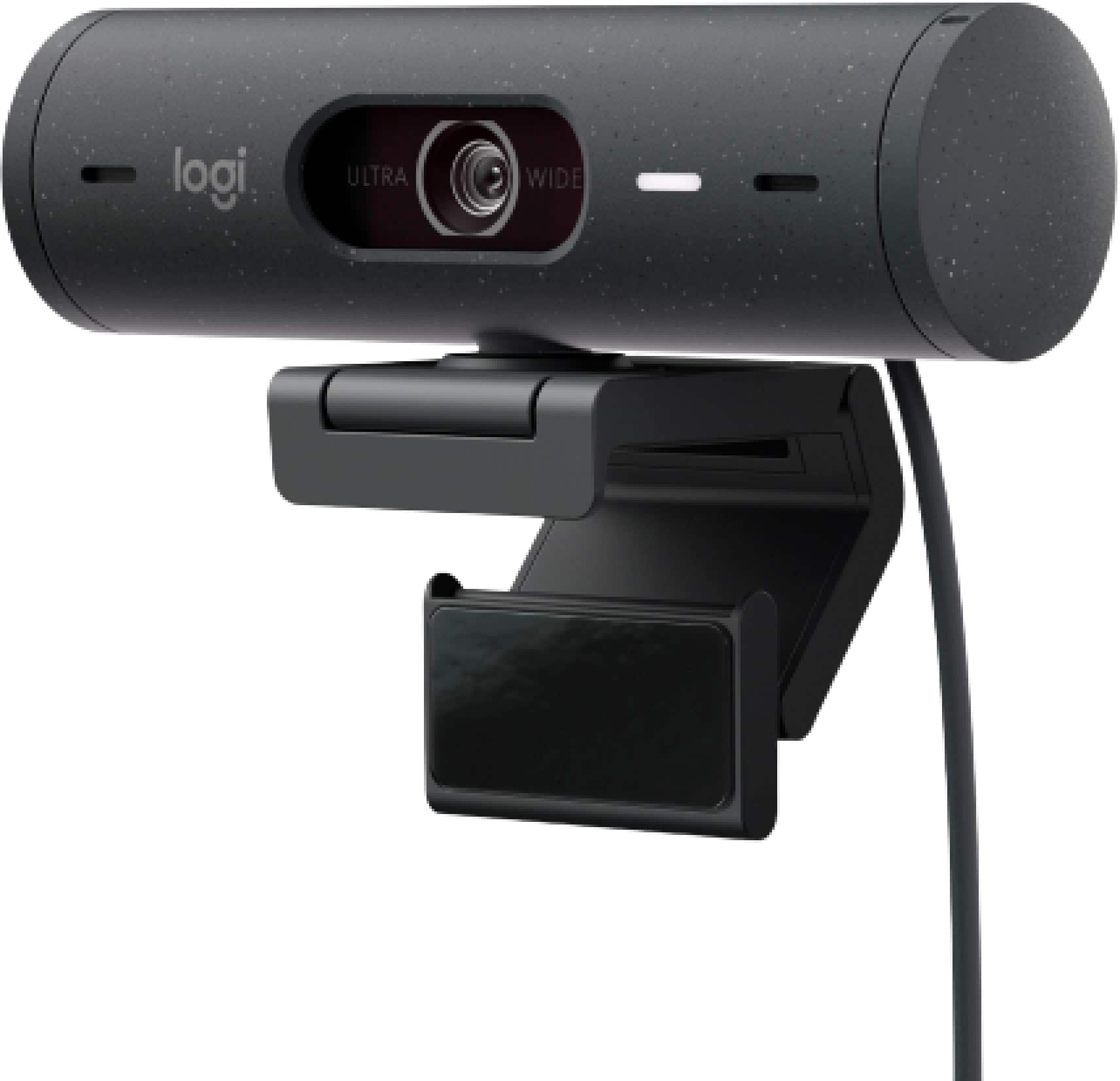
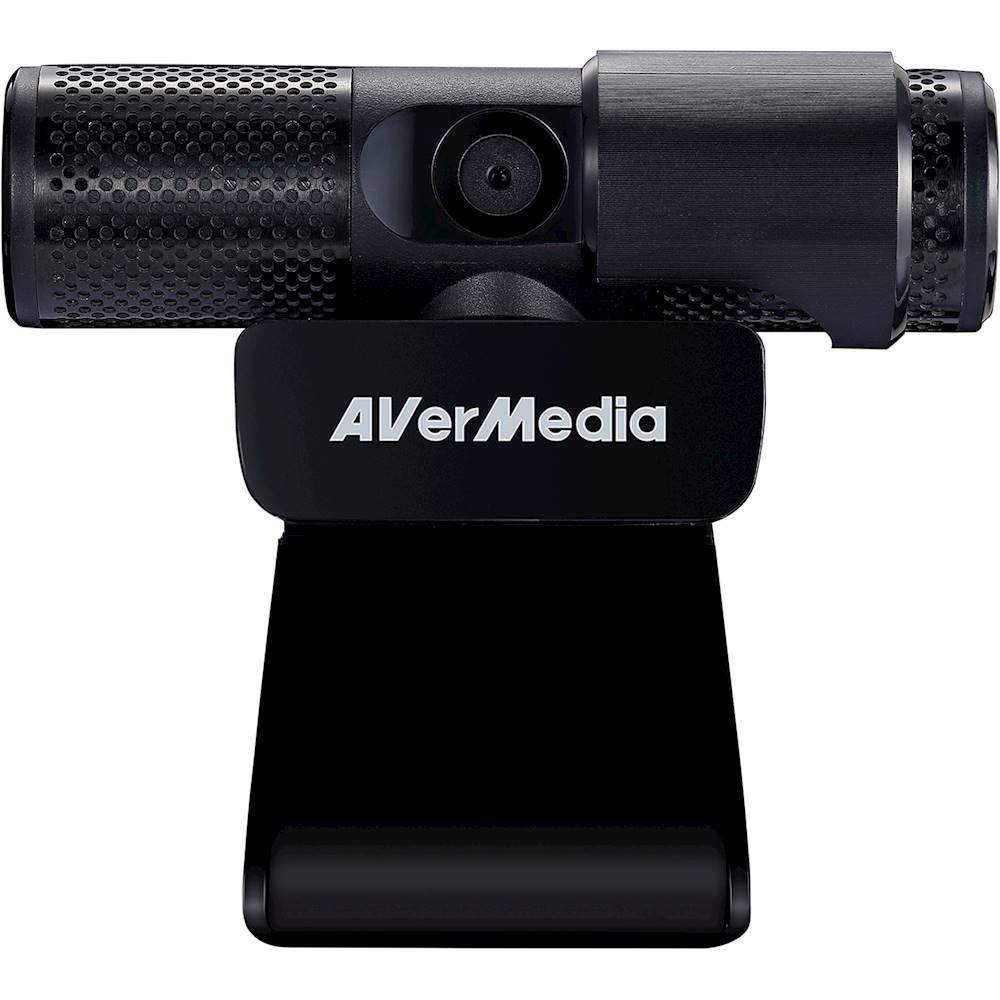
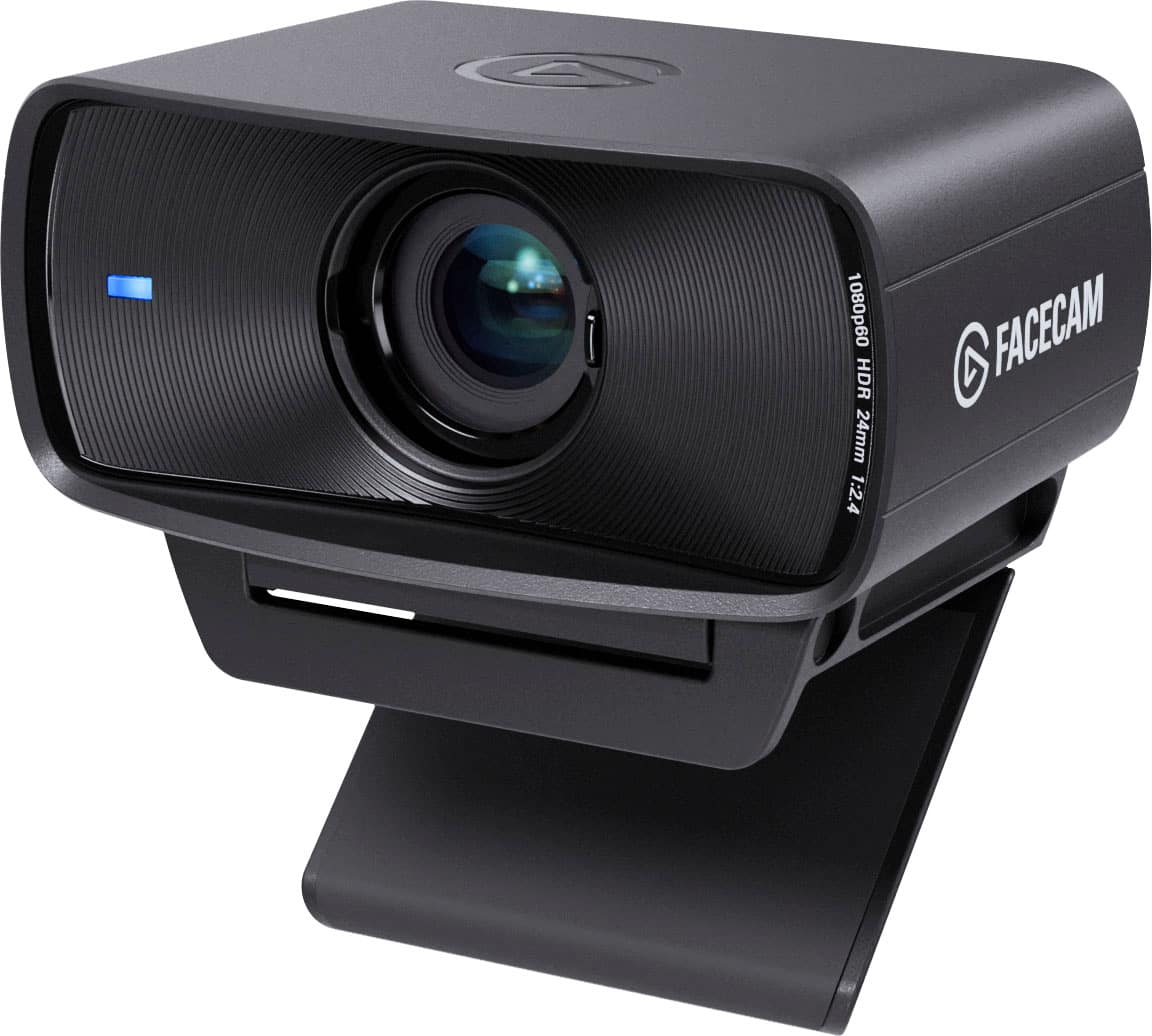
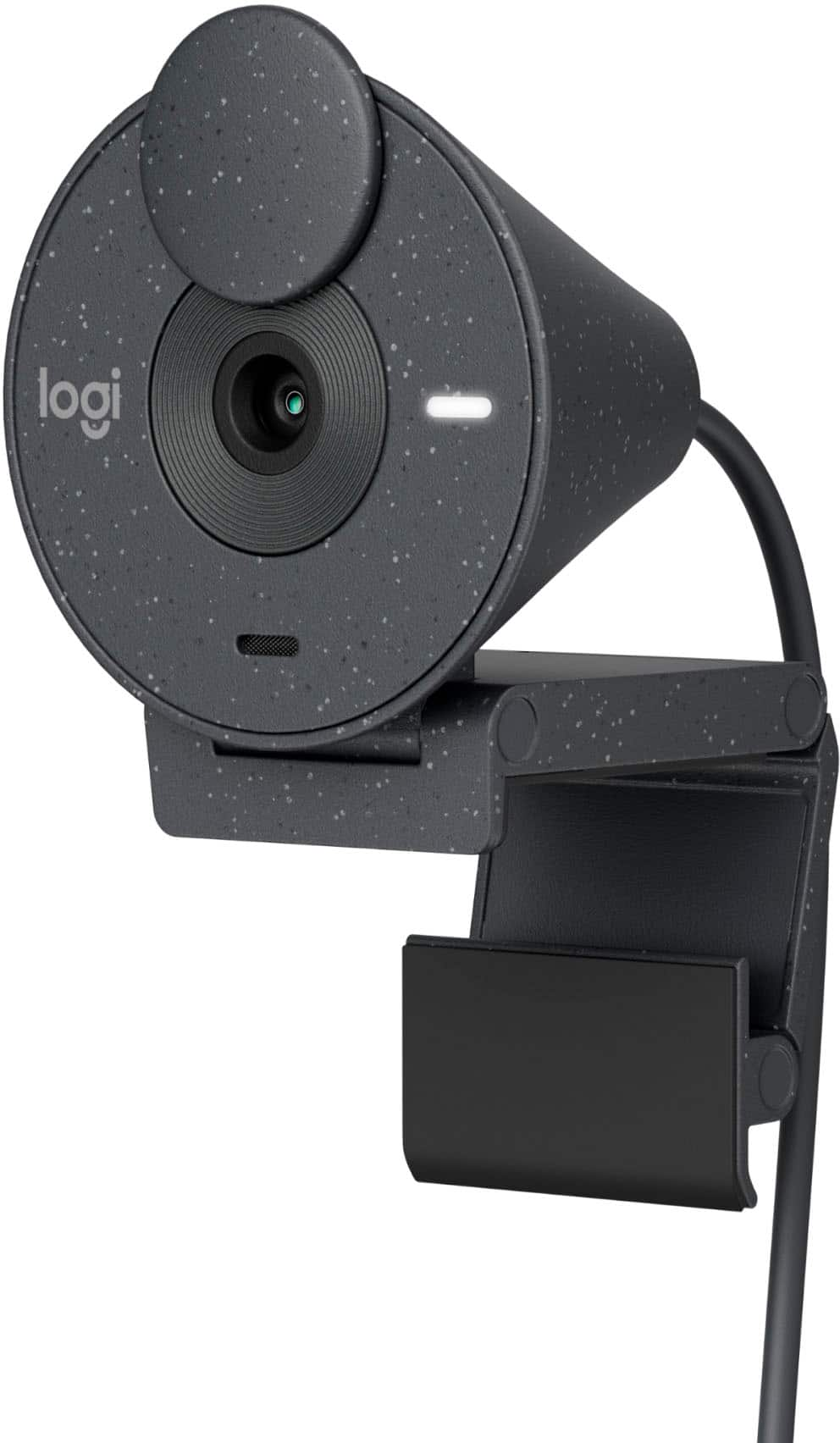
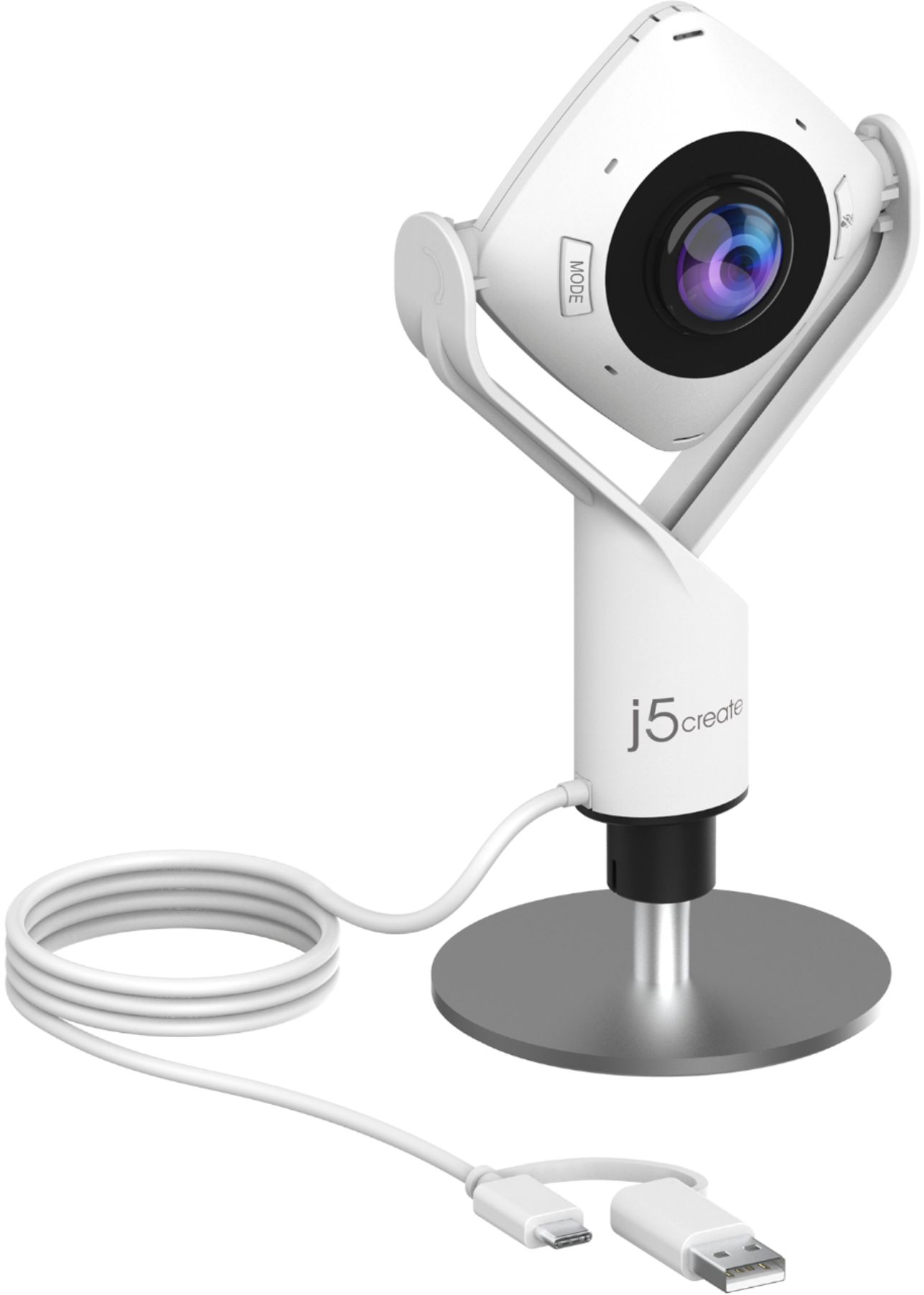
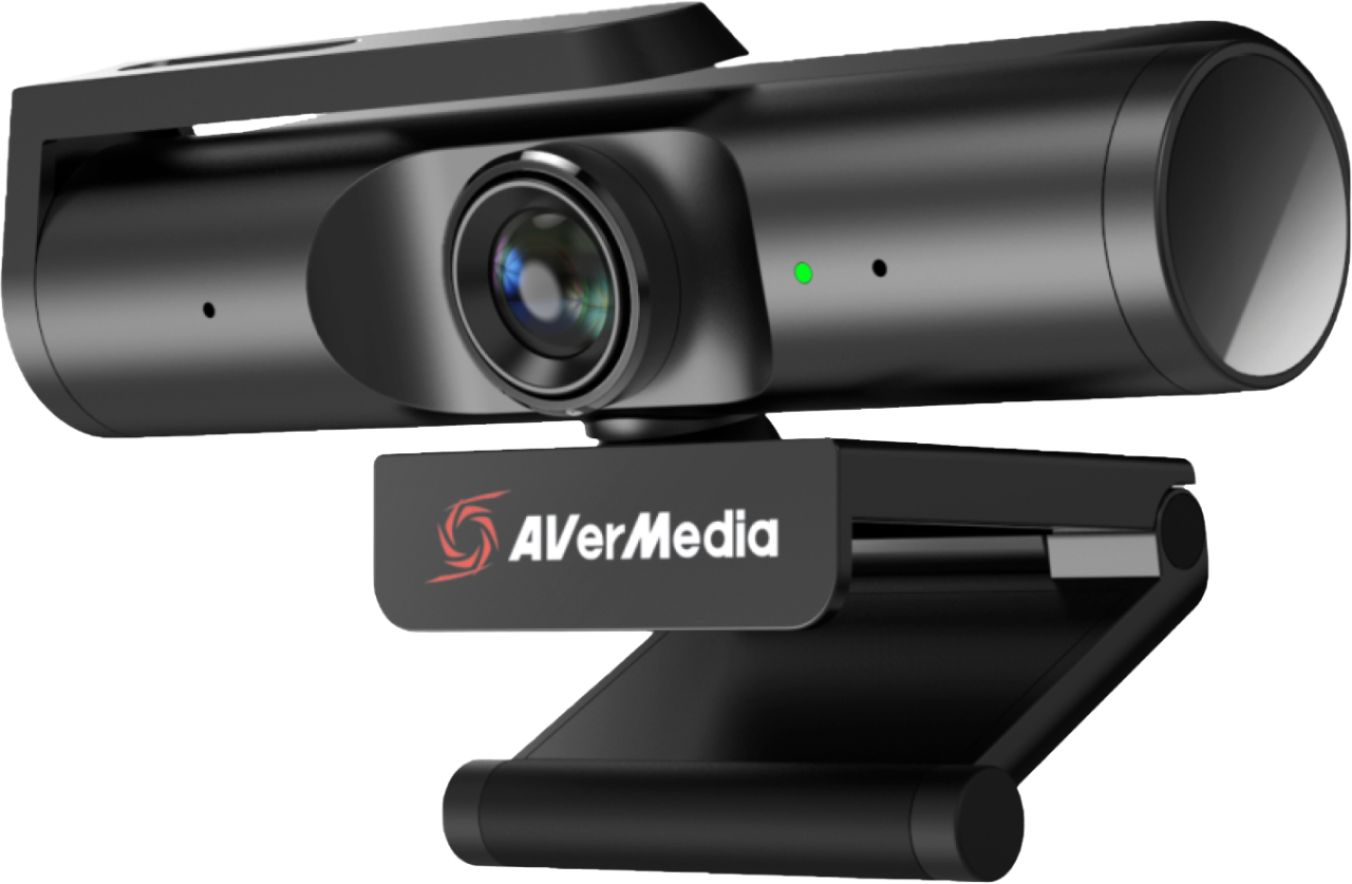
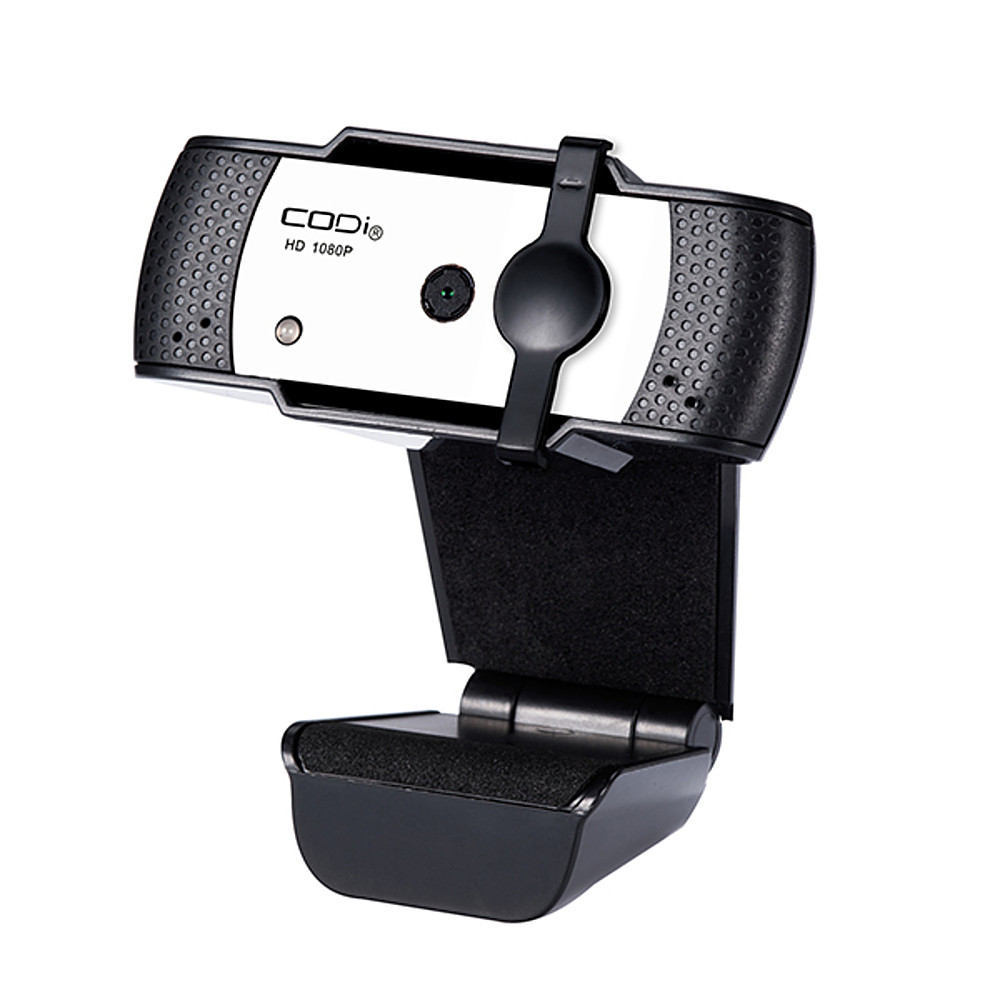
Webcams for face-to-face collaboration
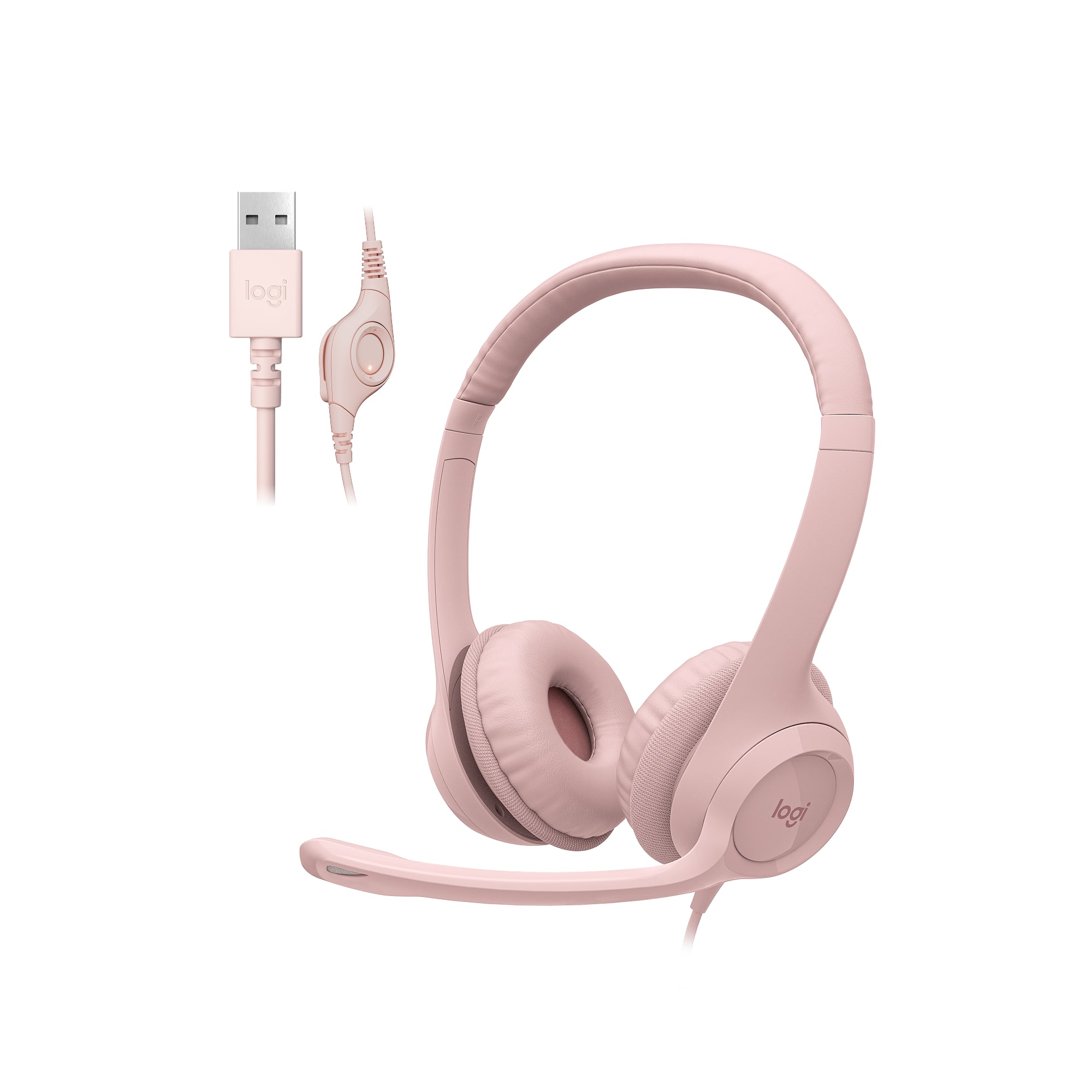
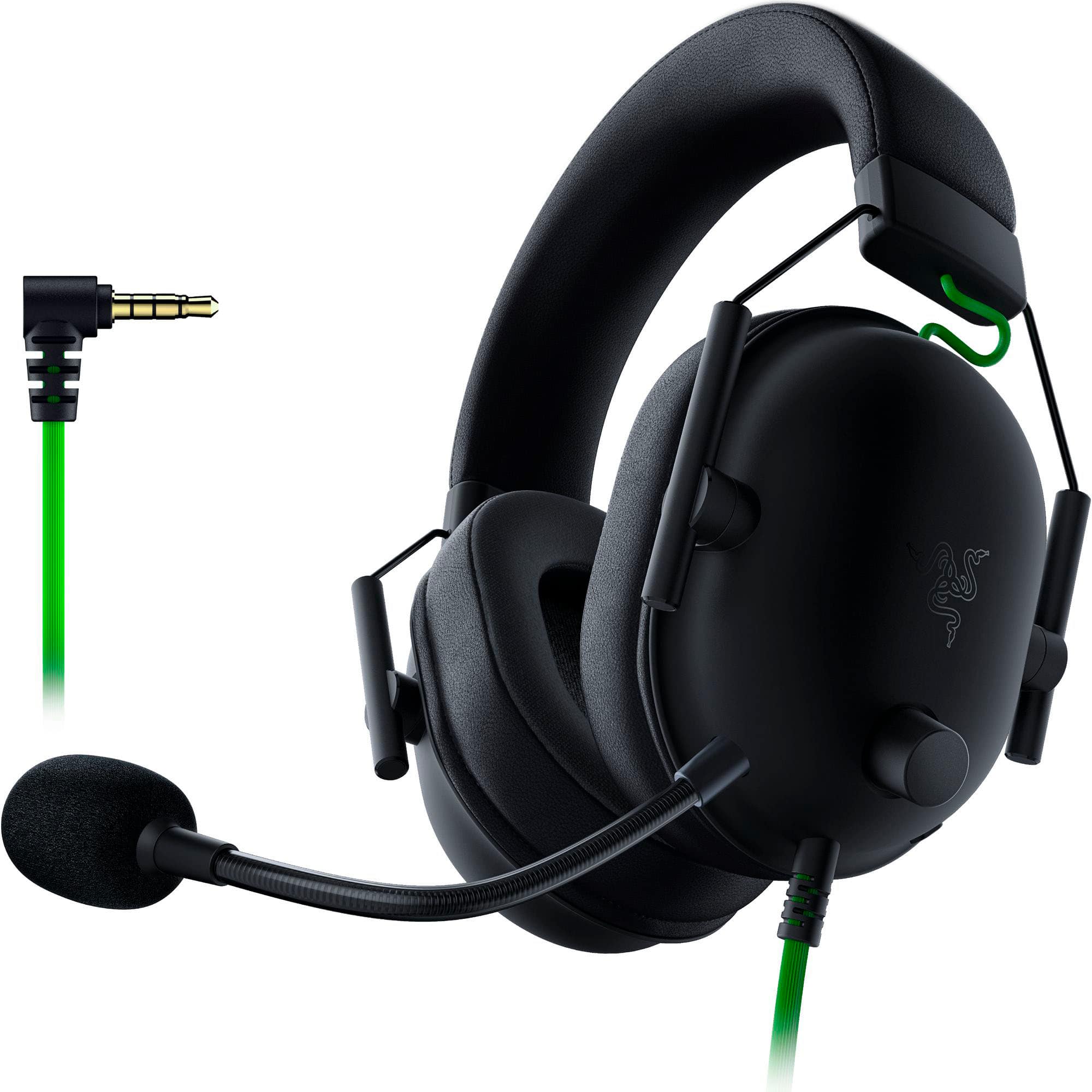
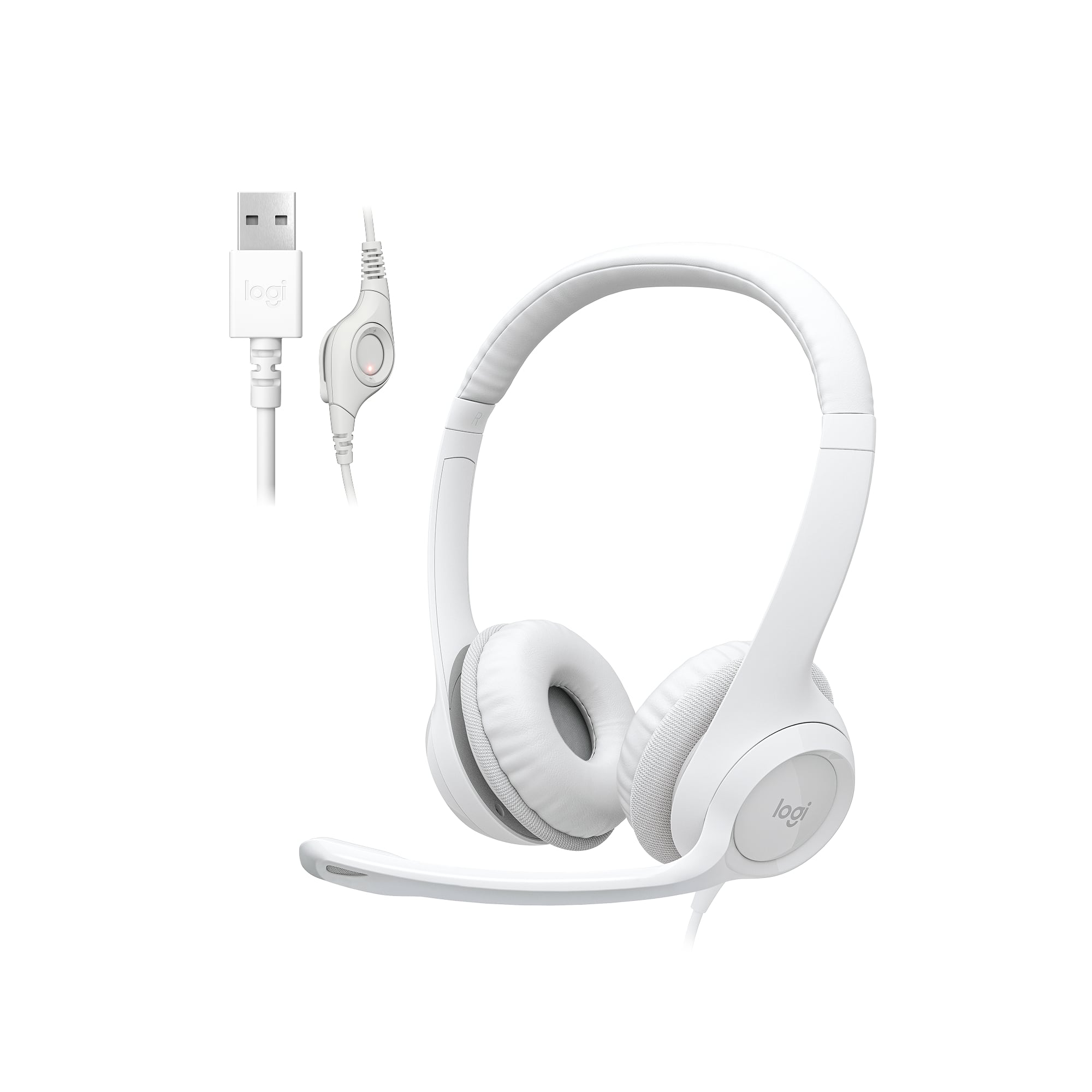
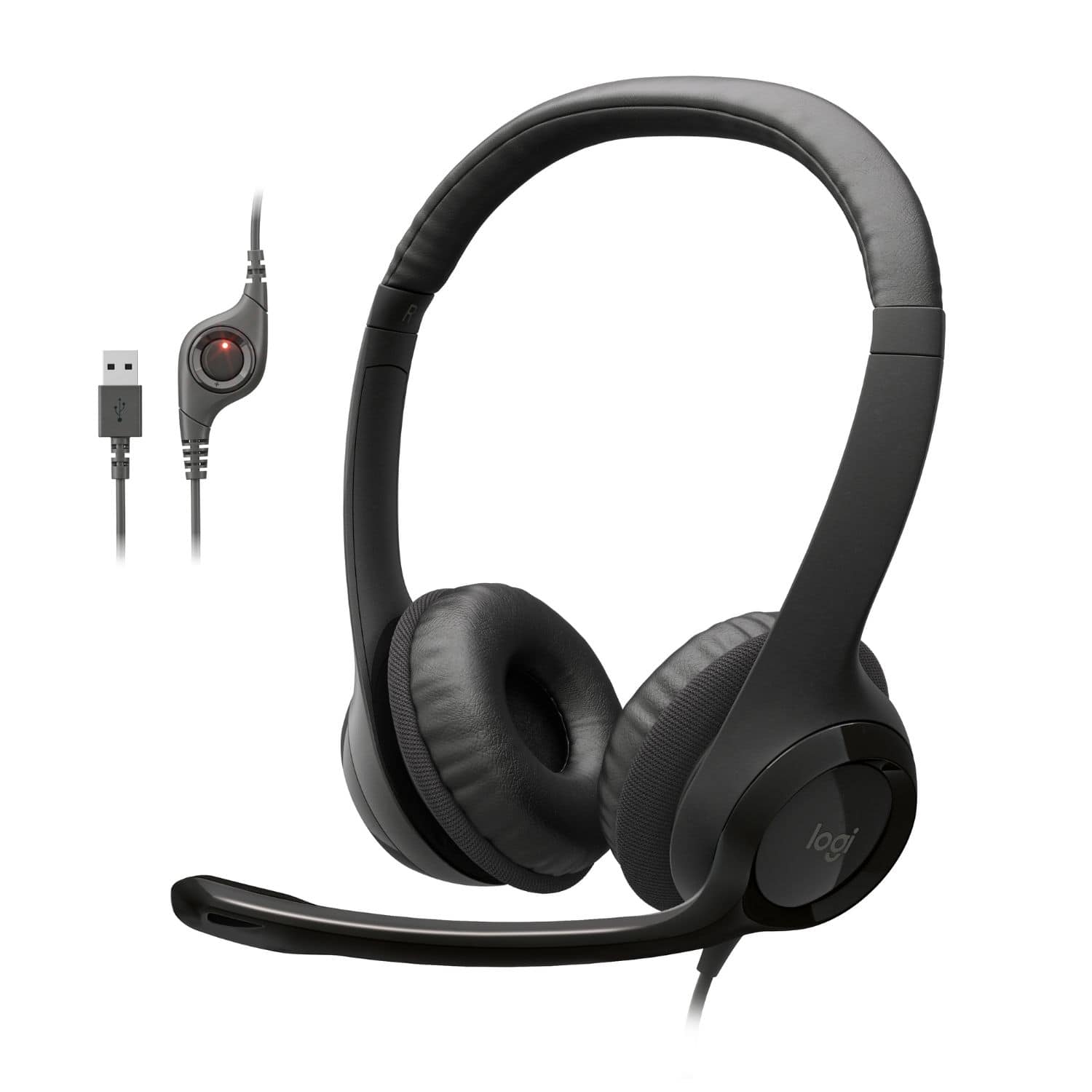
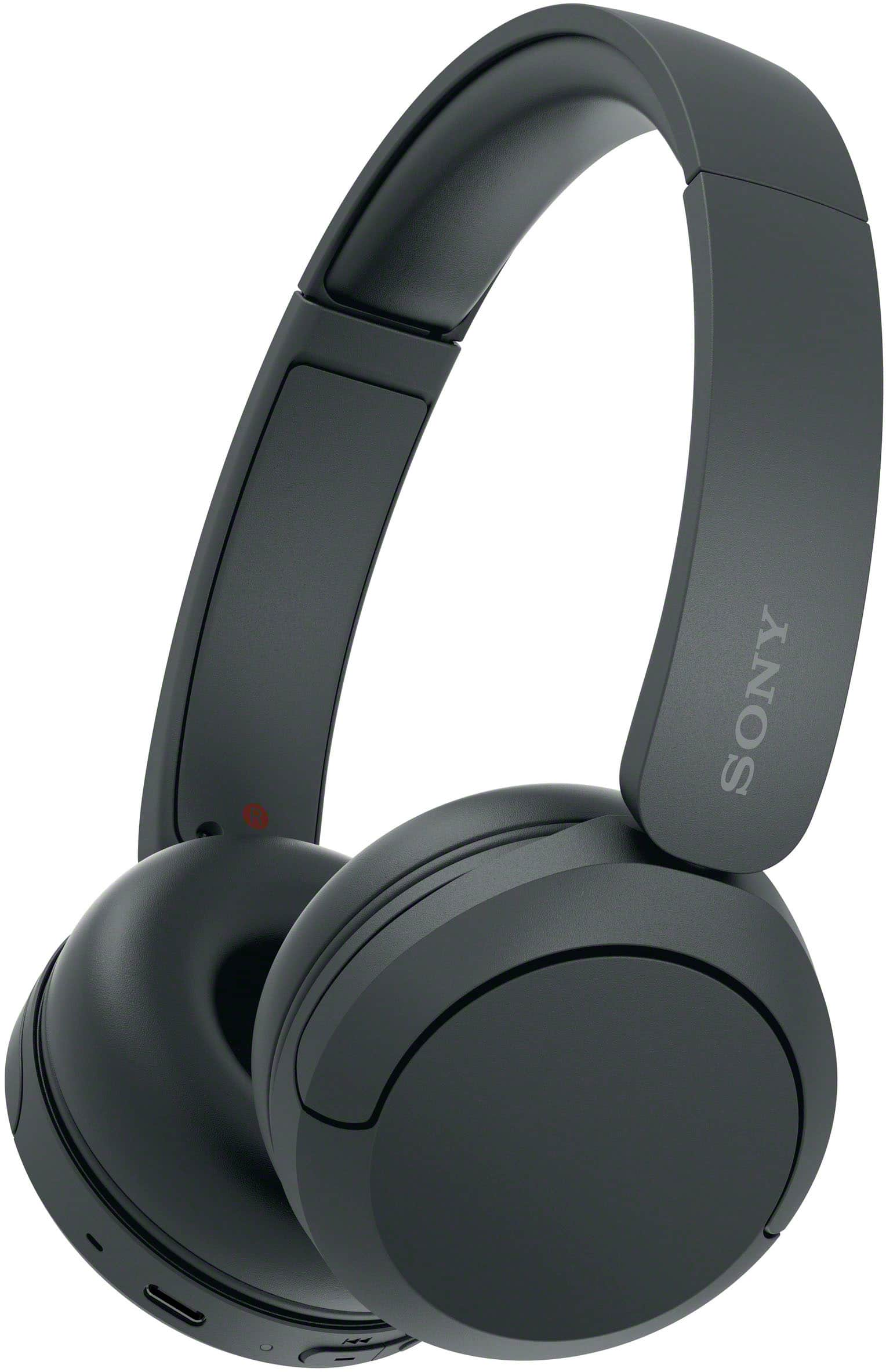
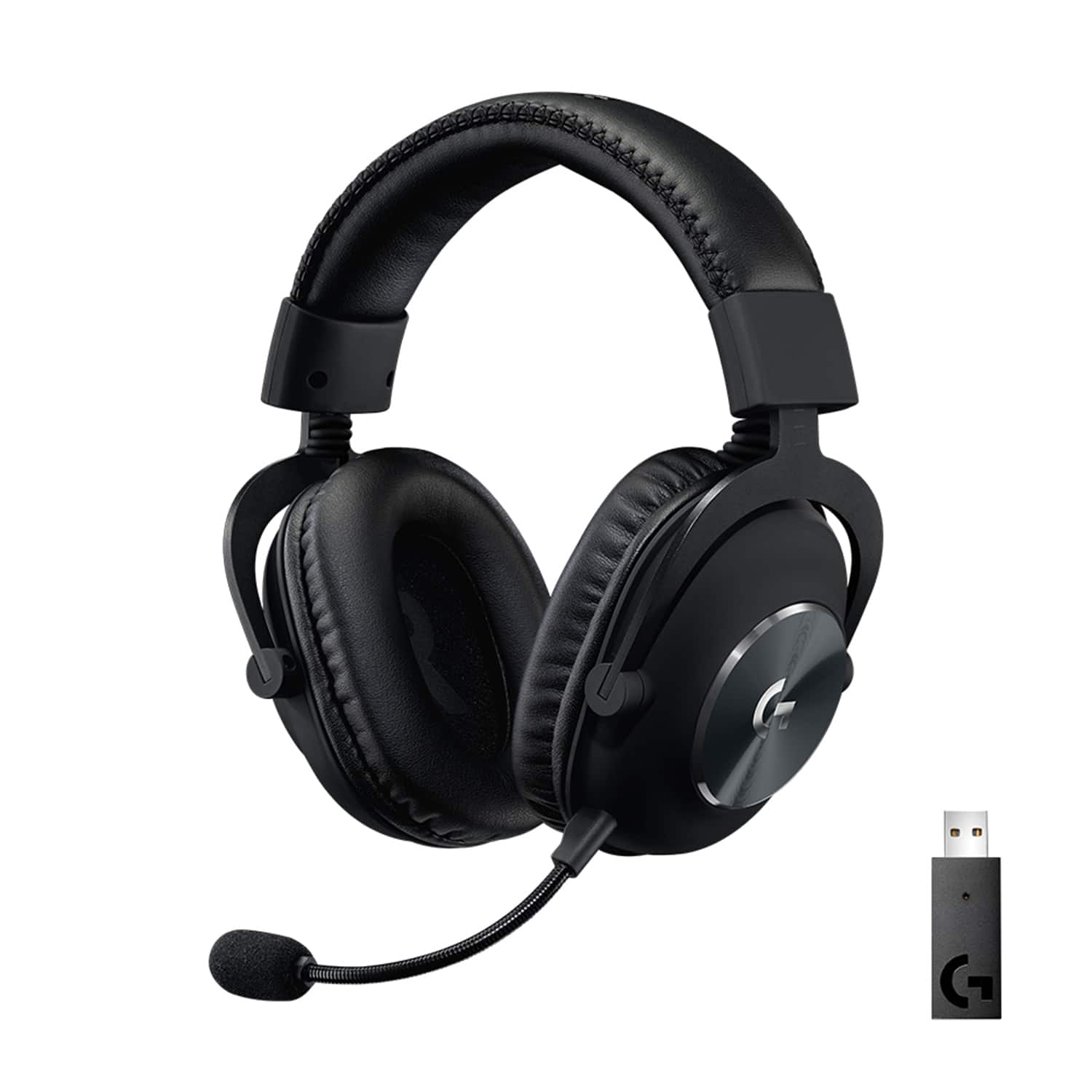
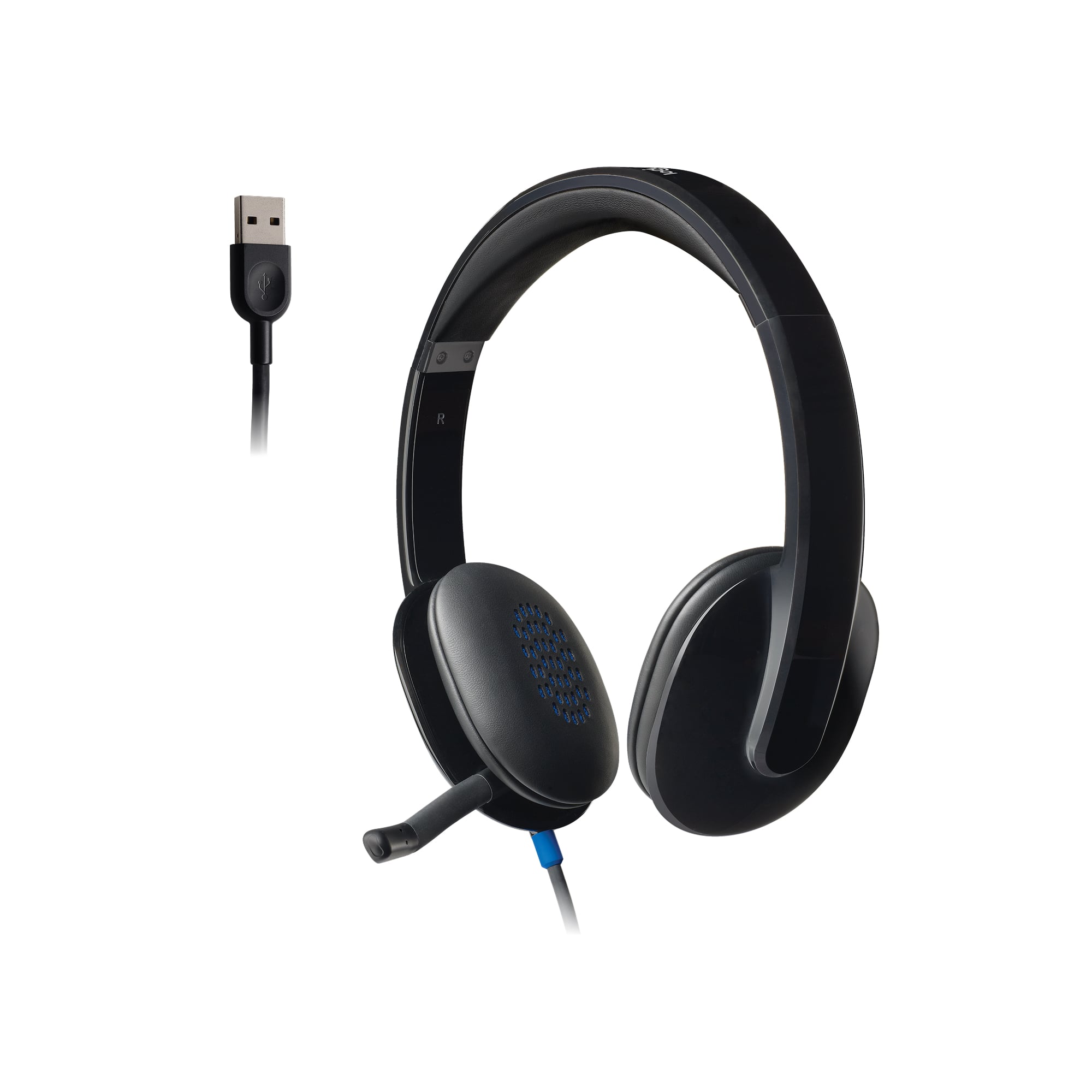
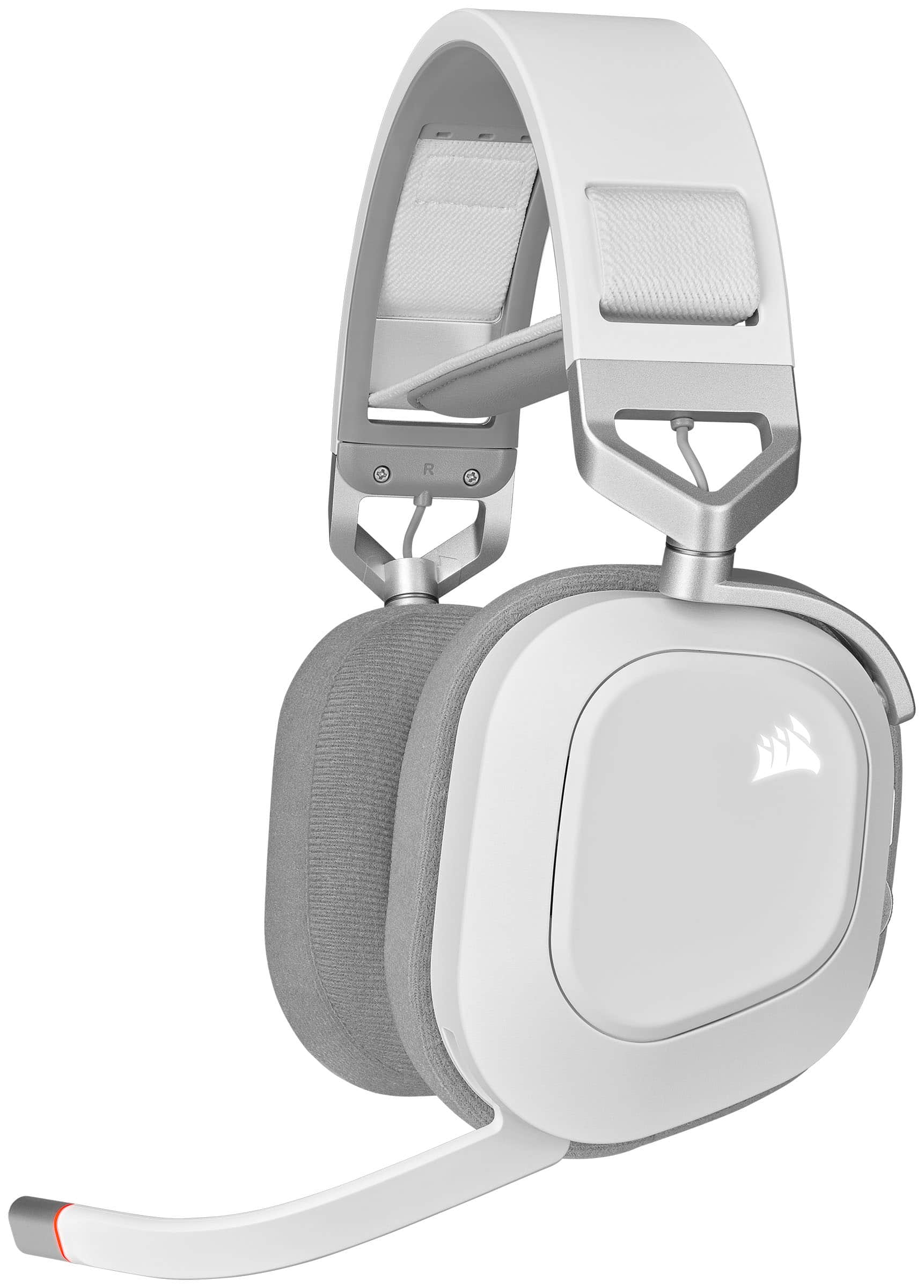
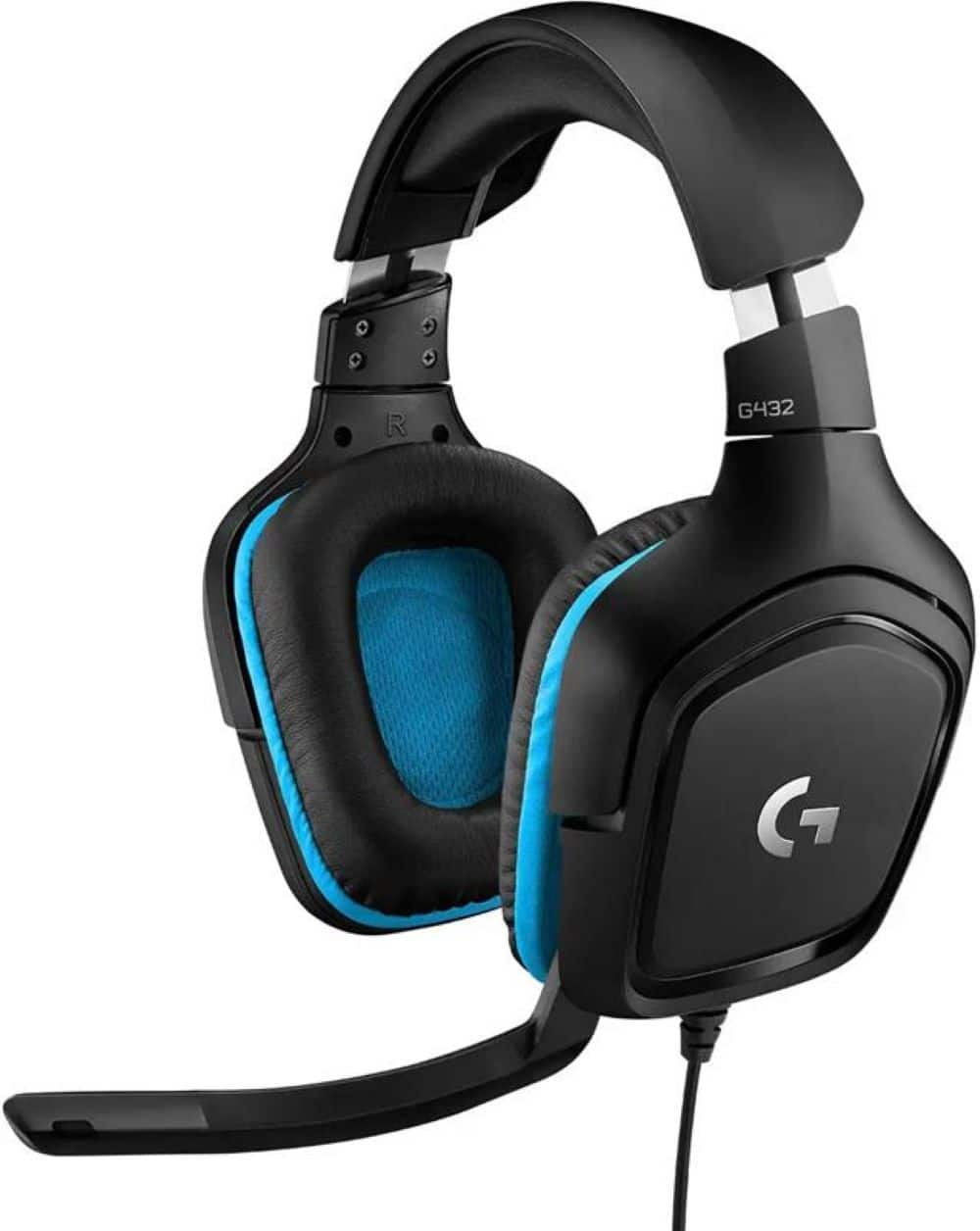
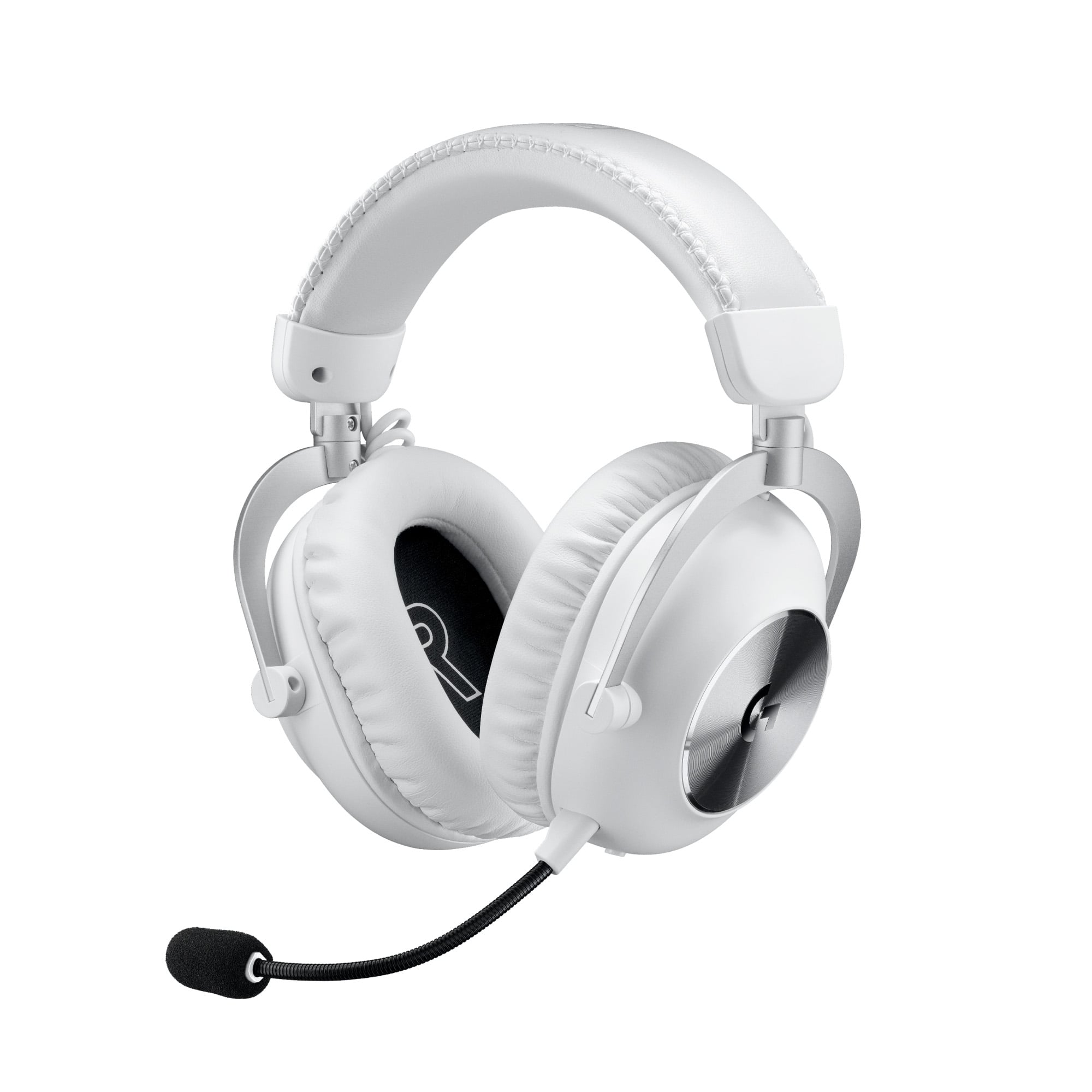
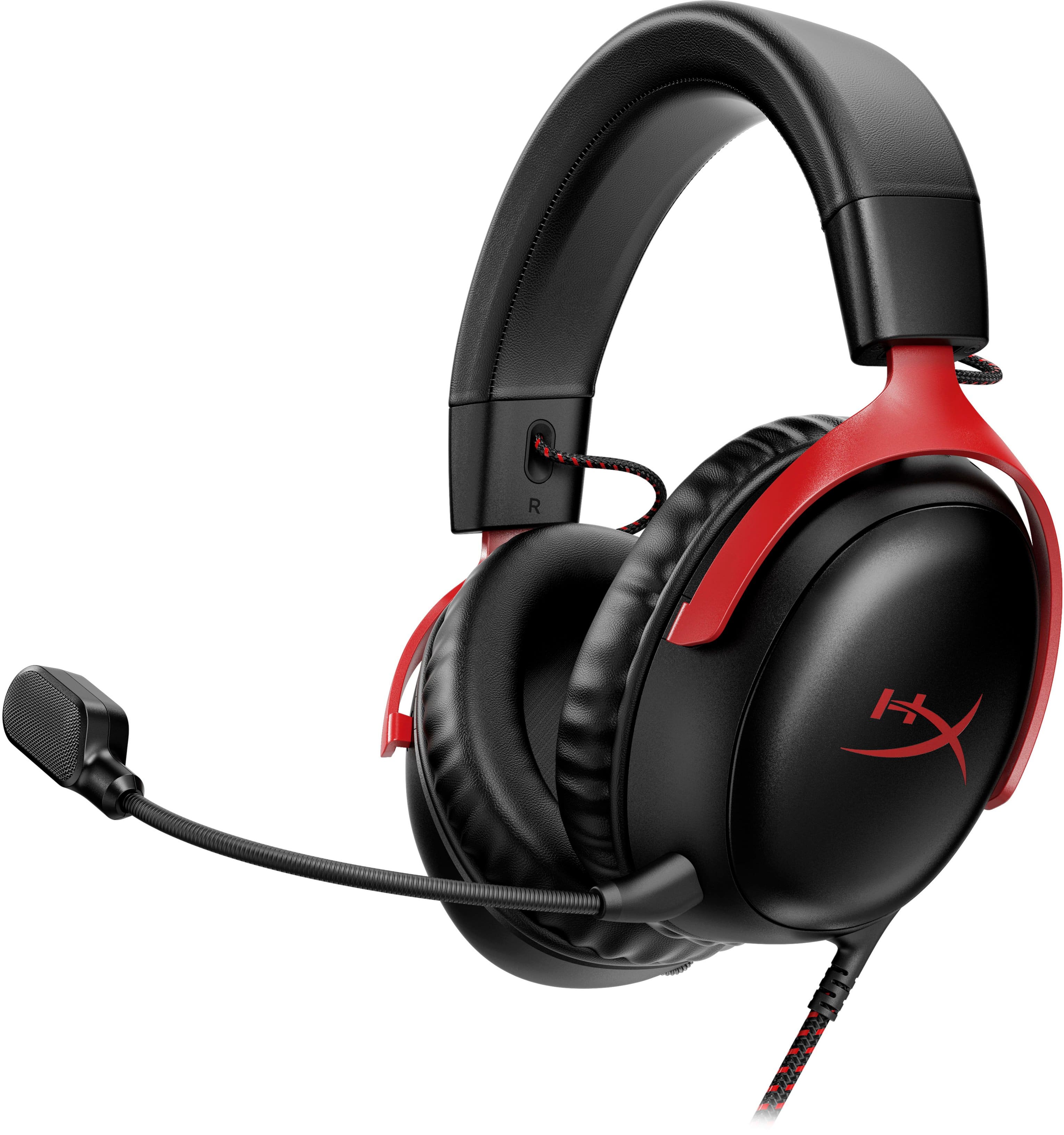
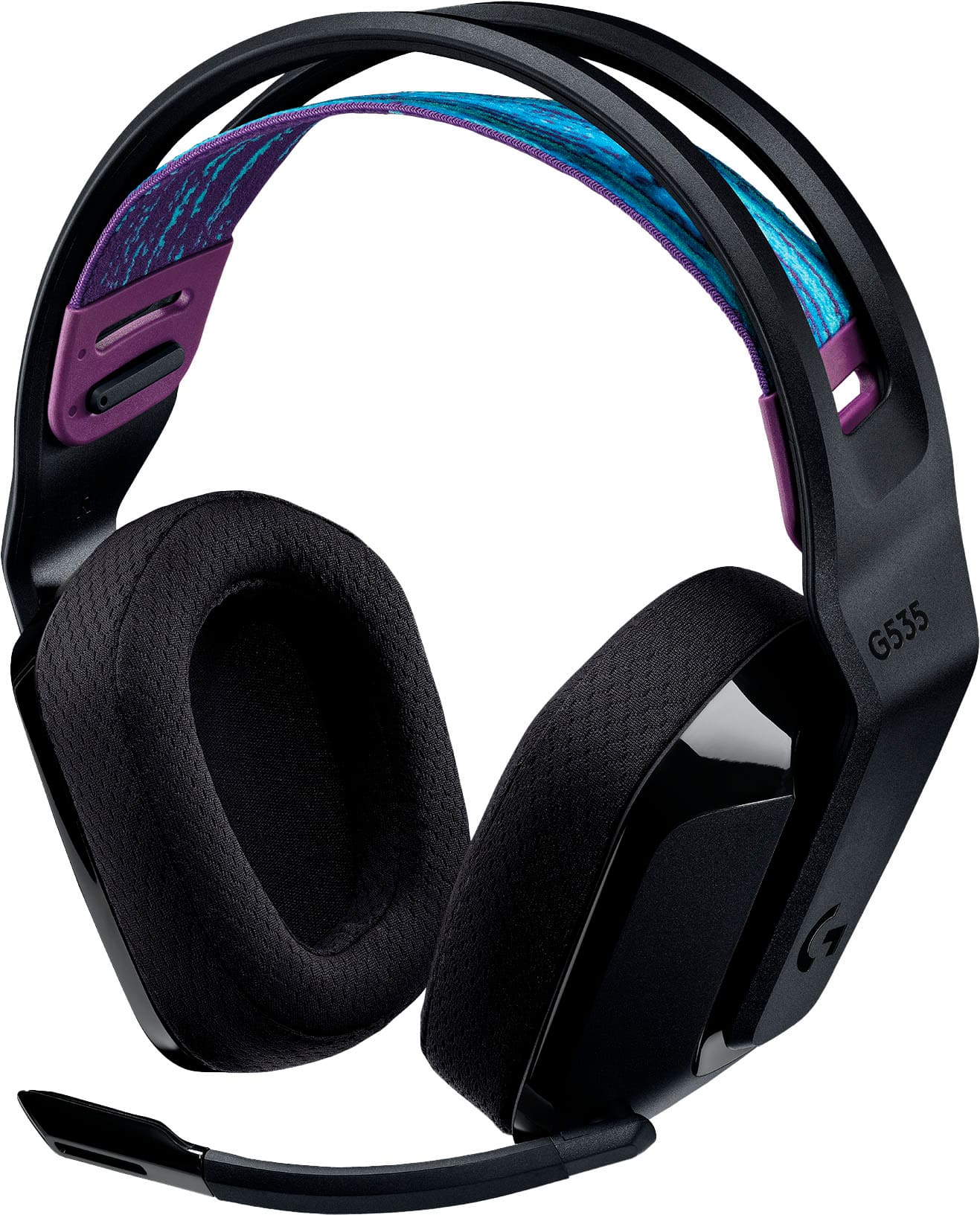
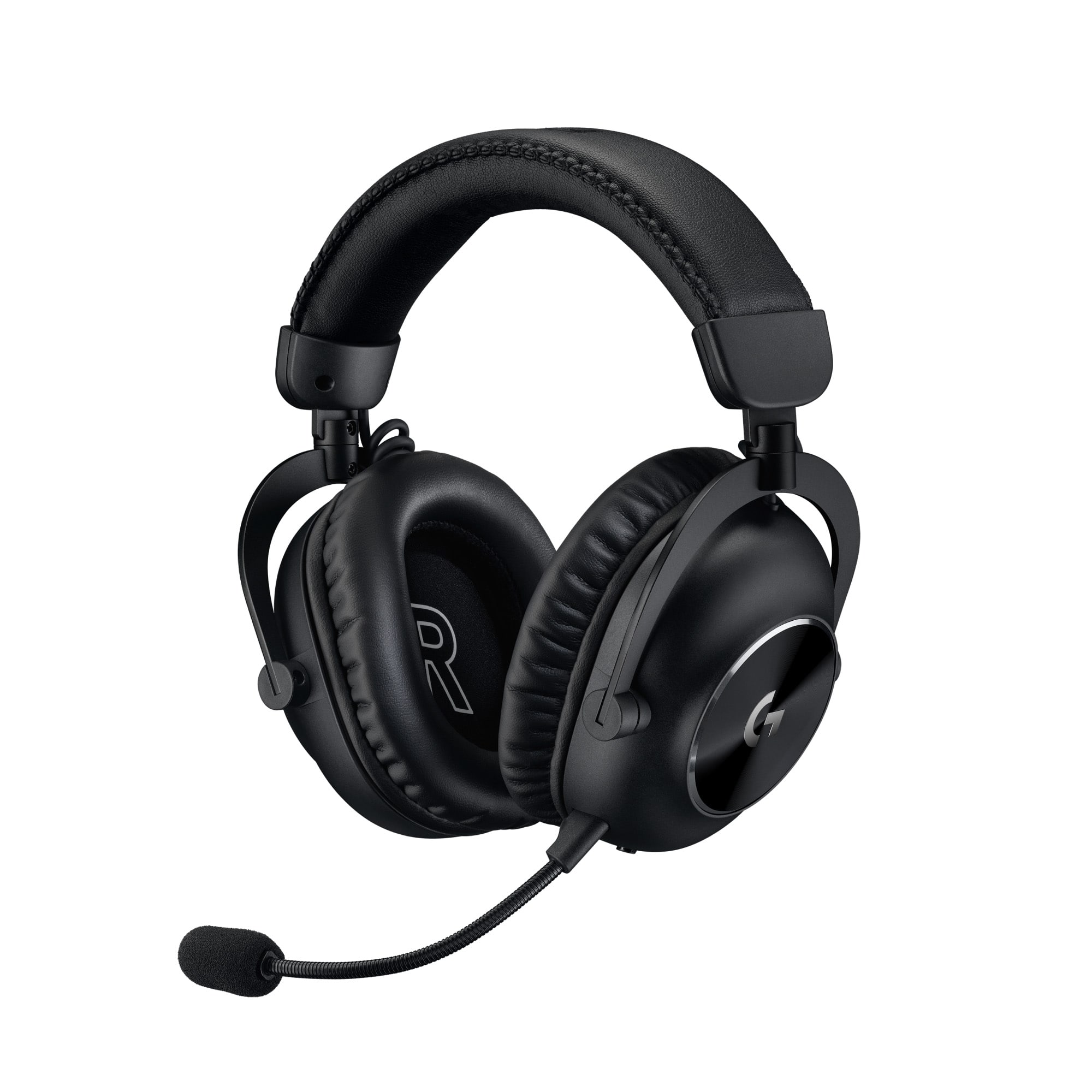
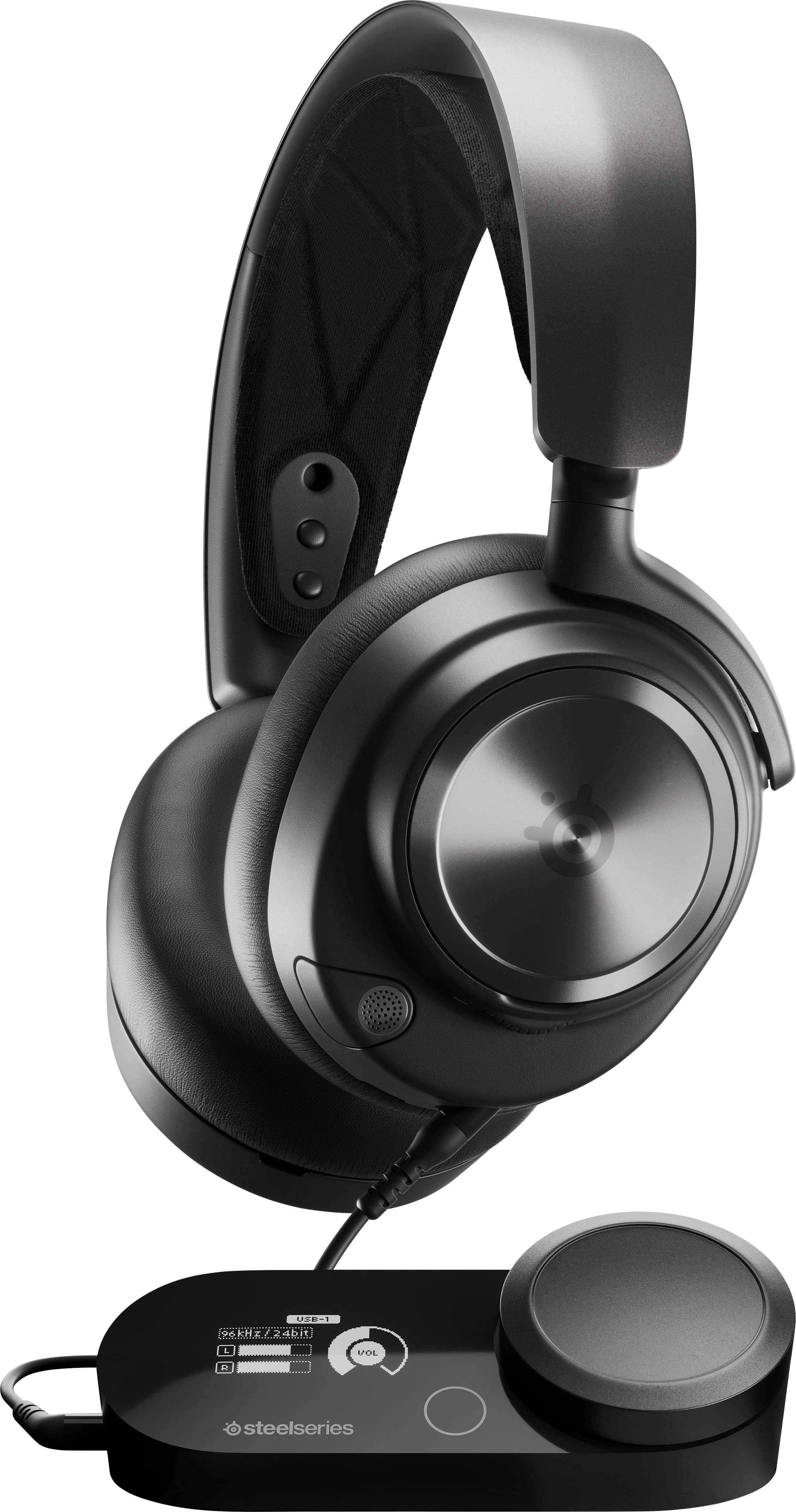
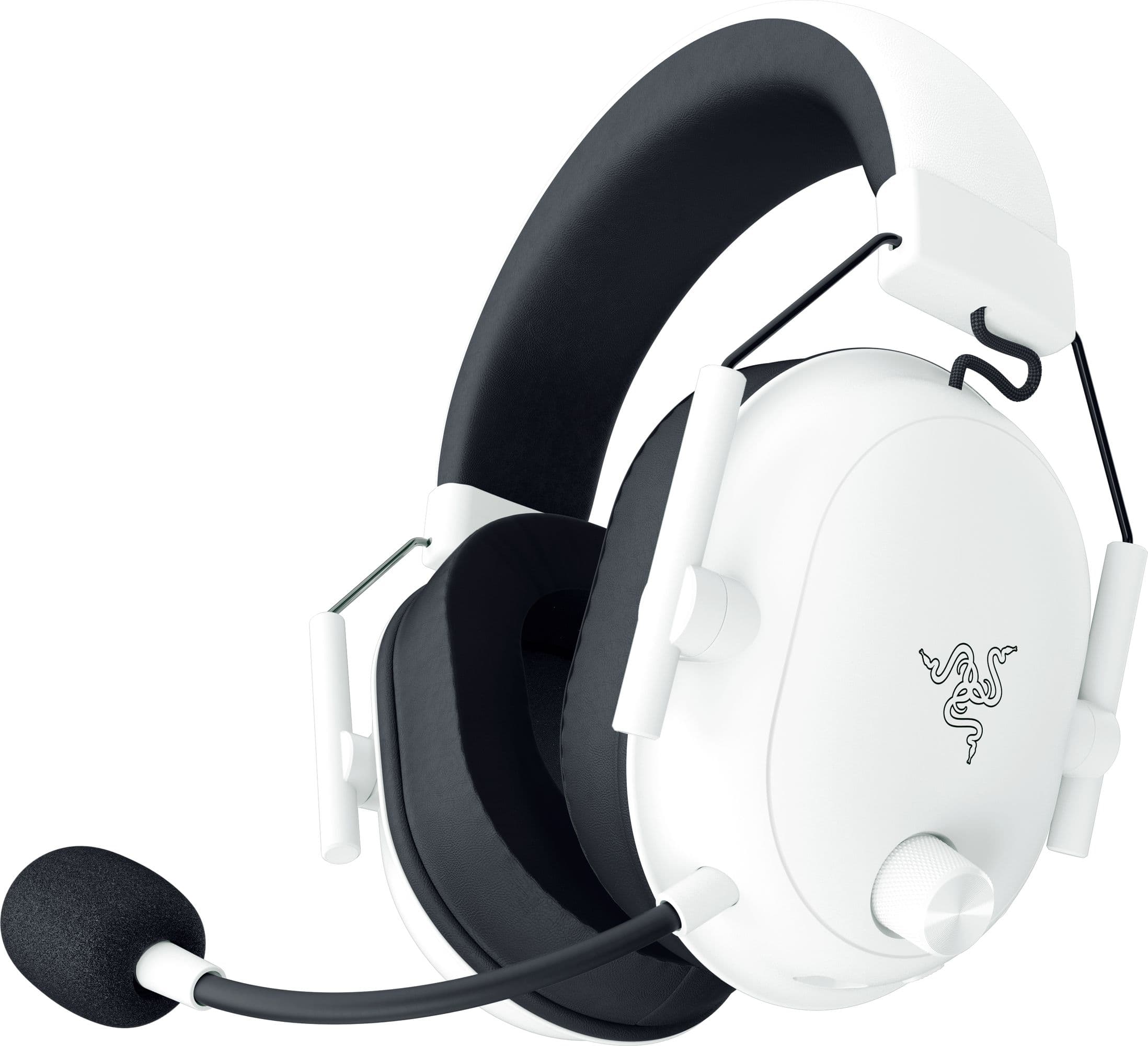
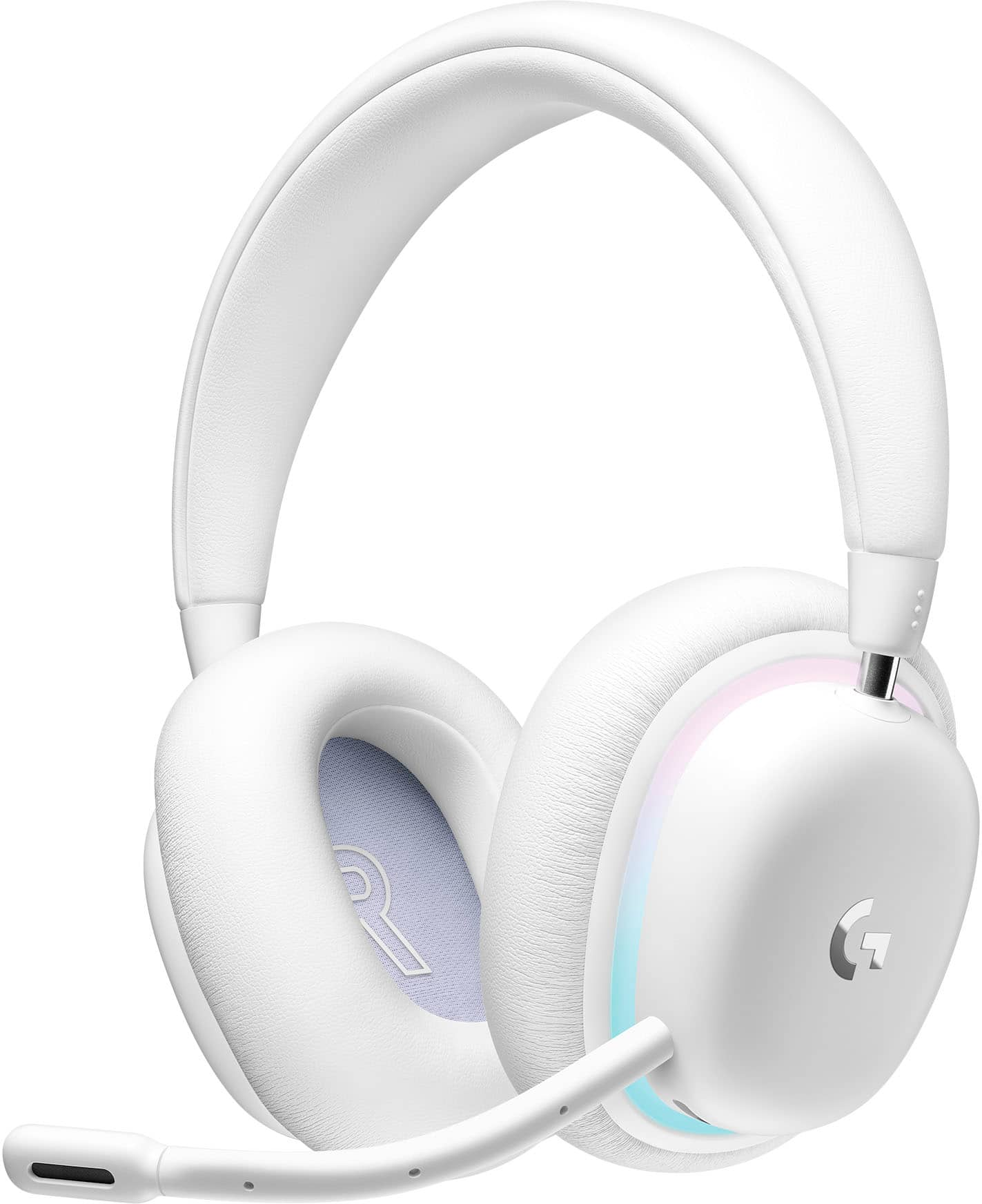
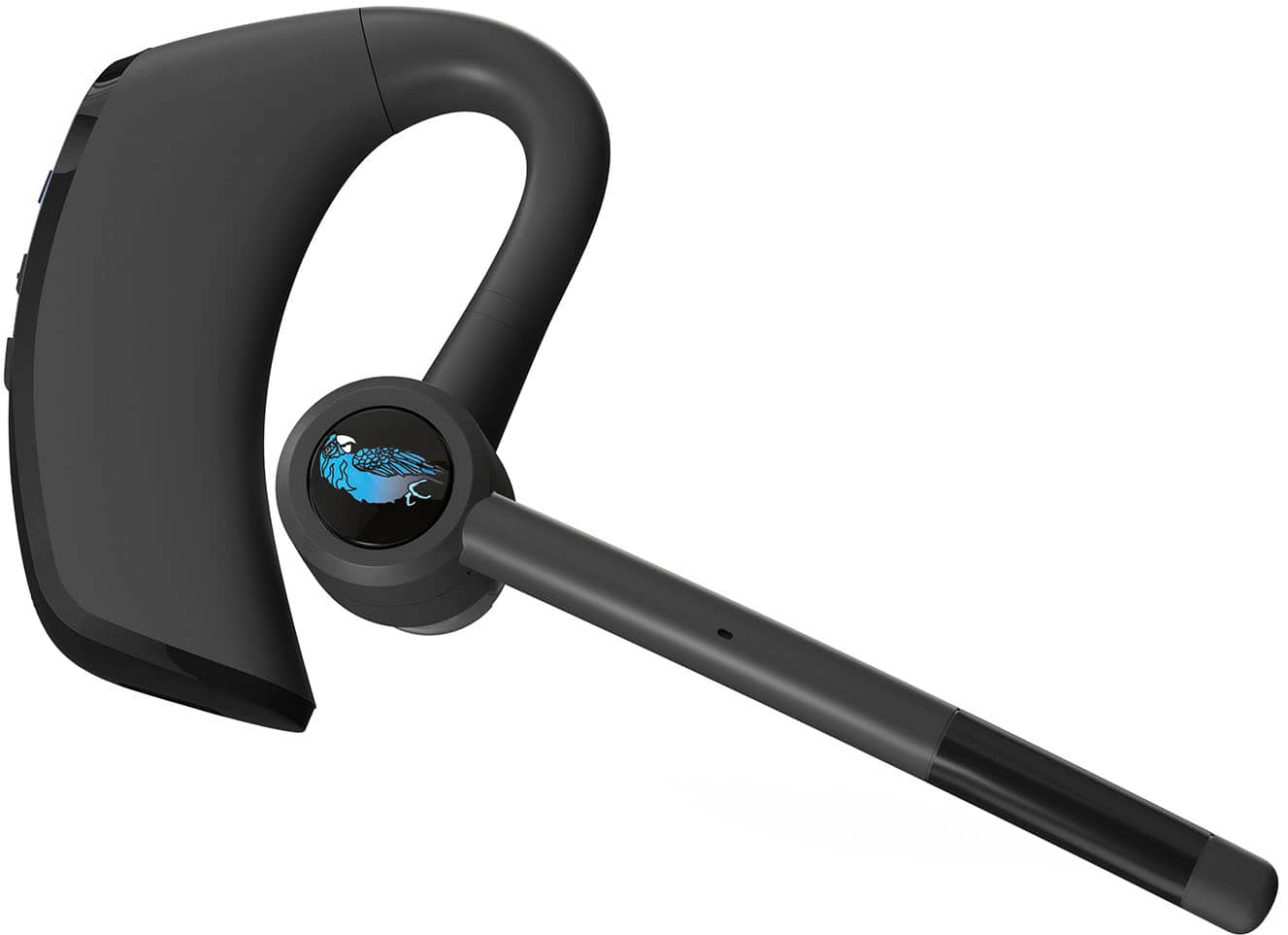
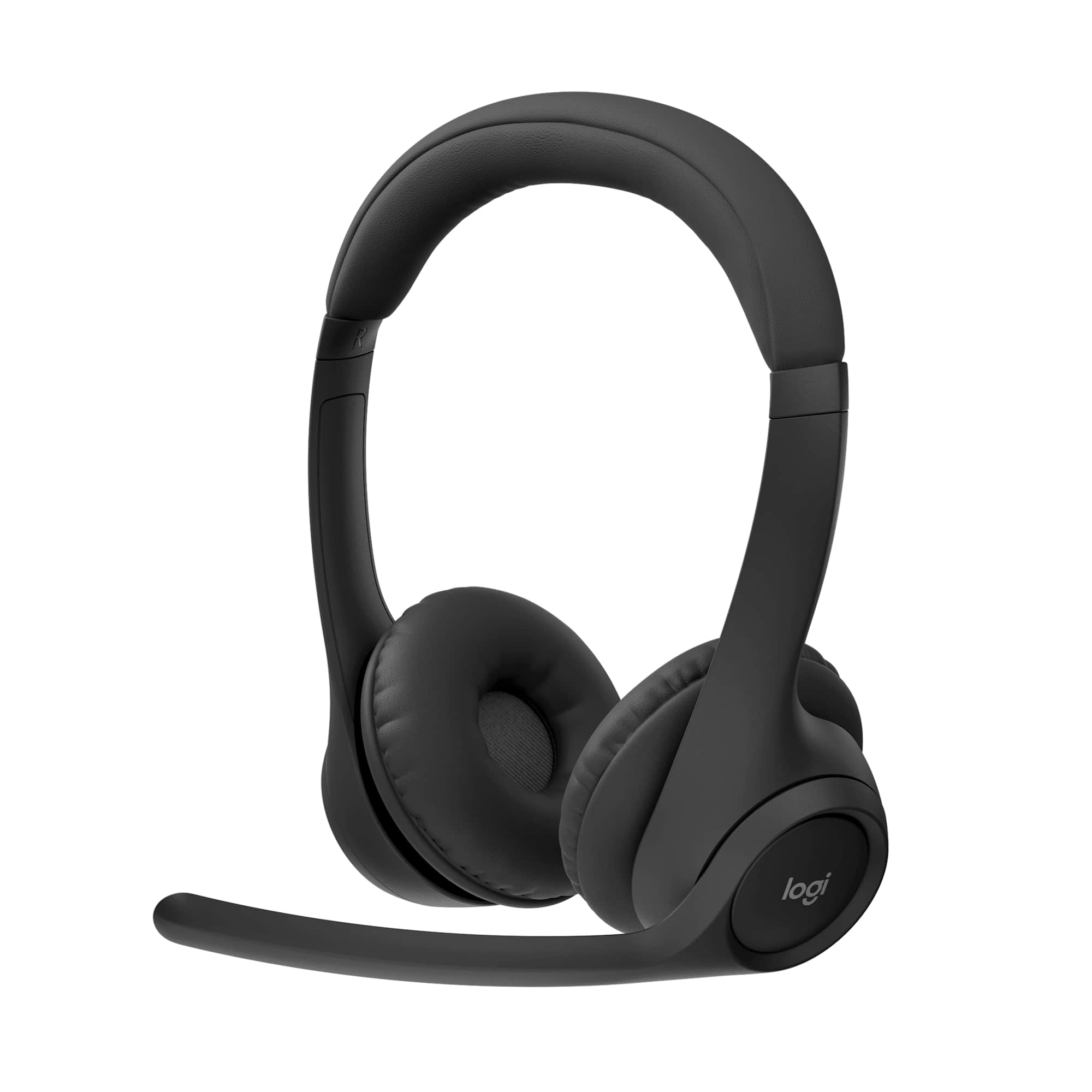
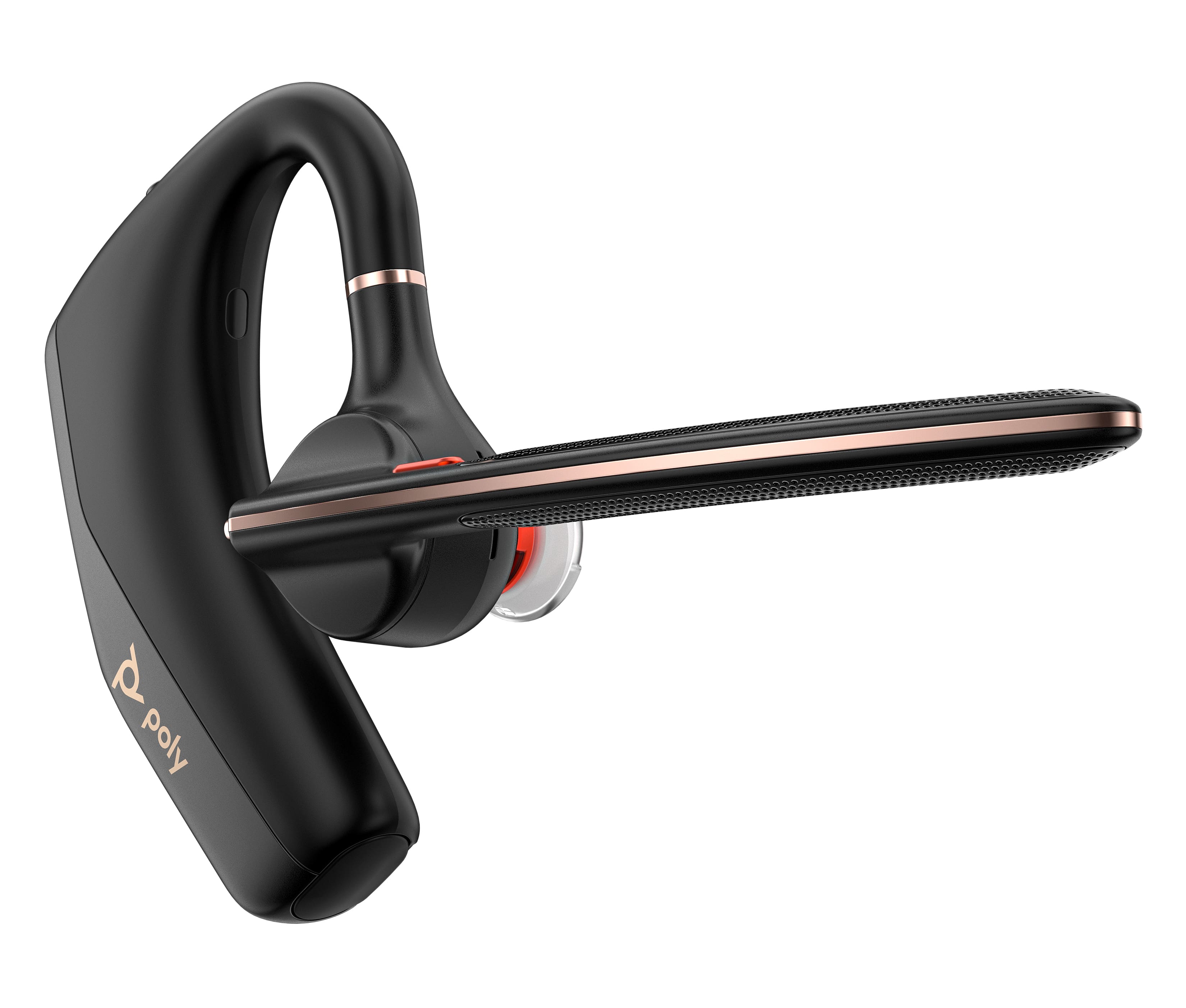
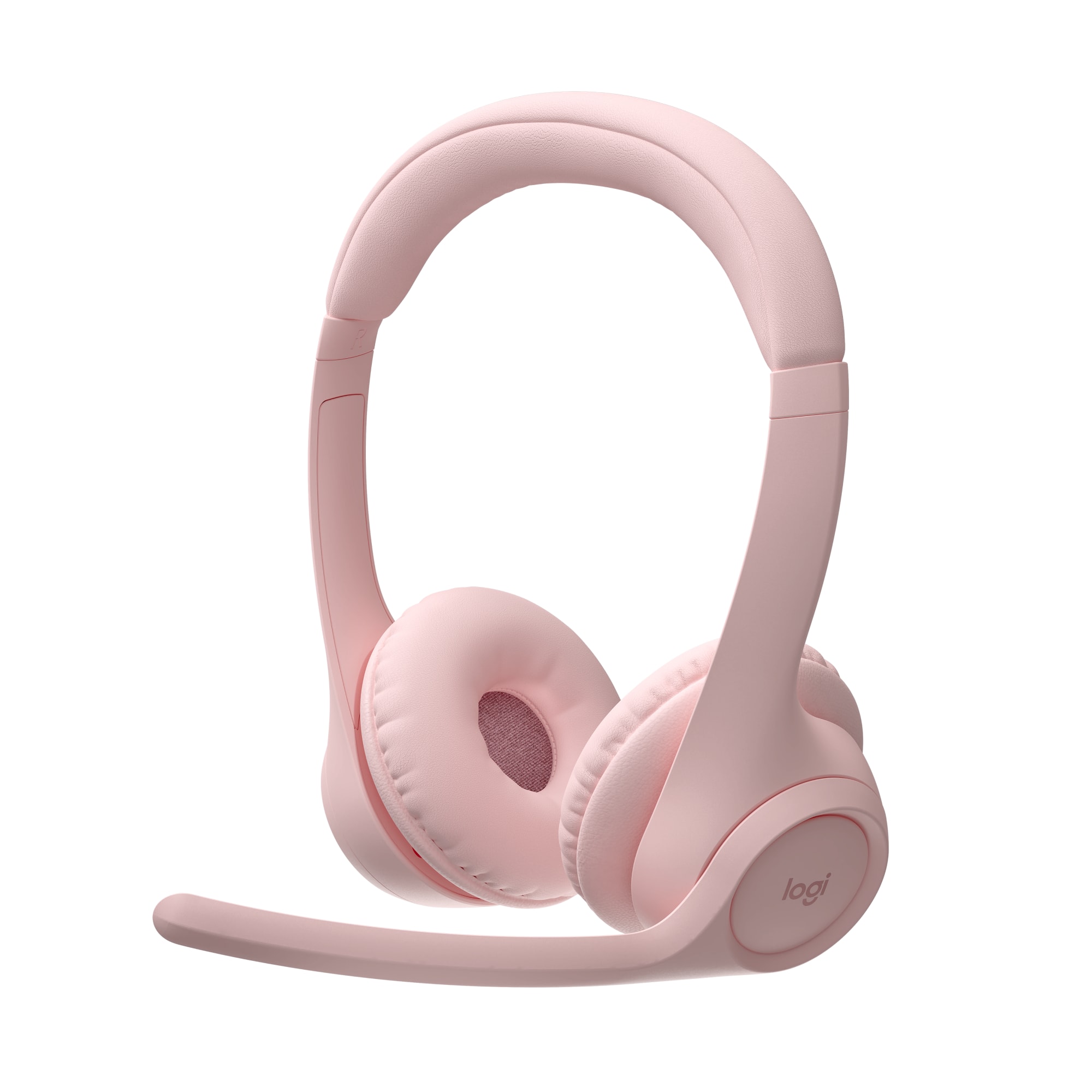
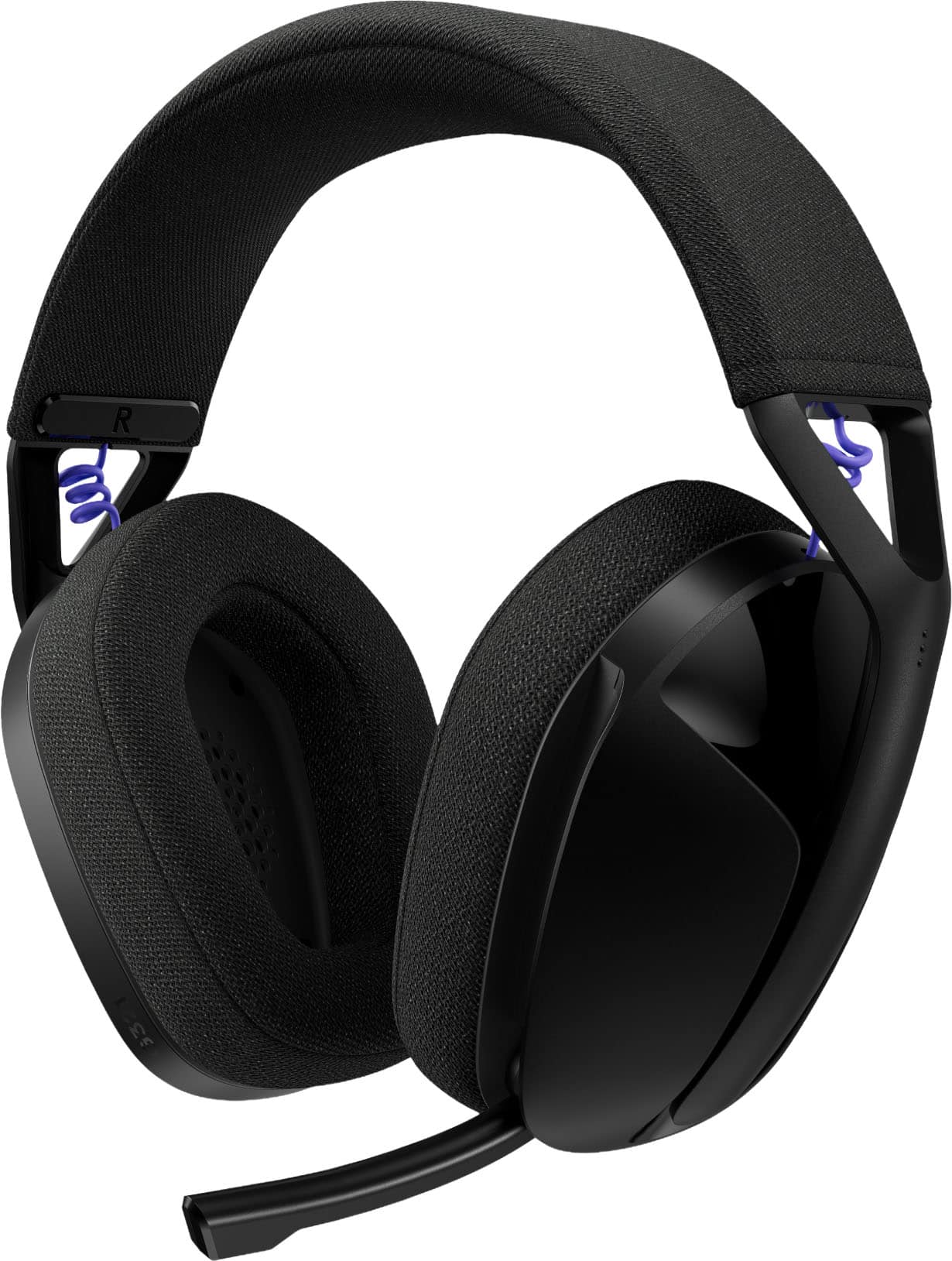
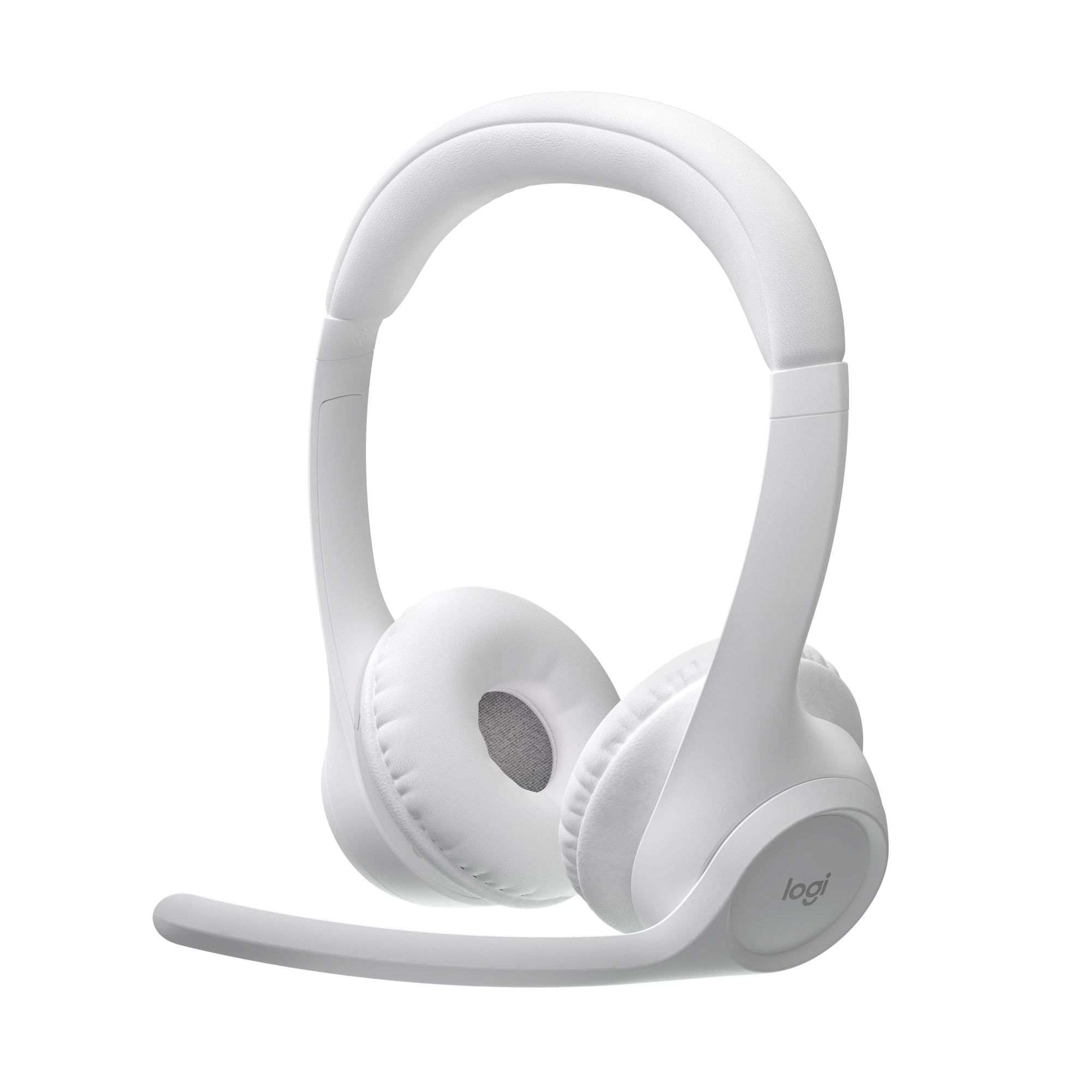
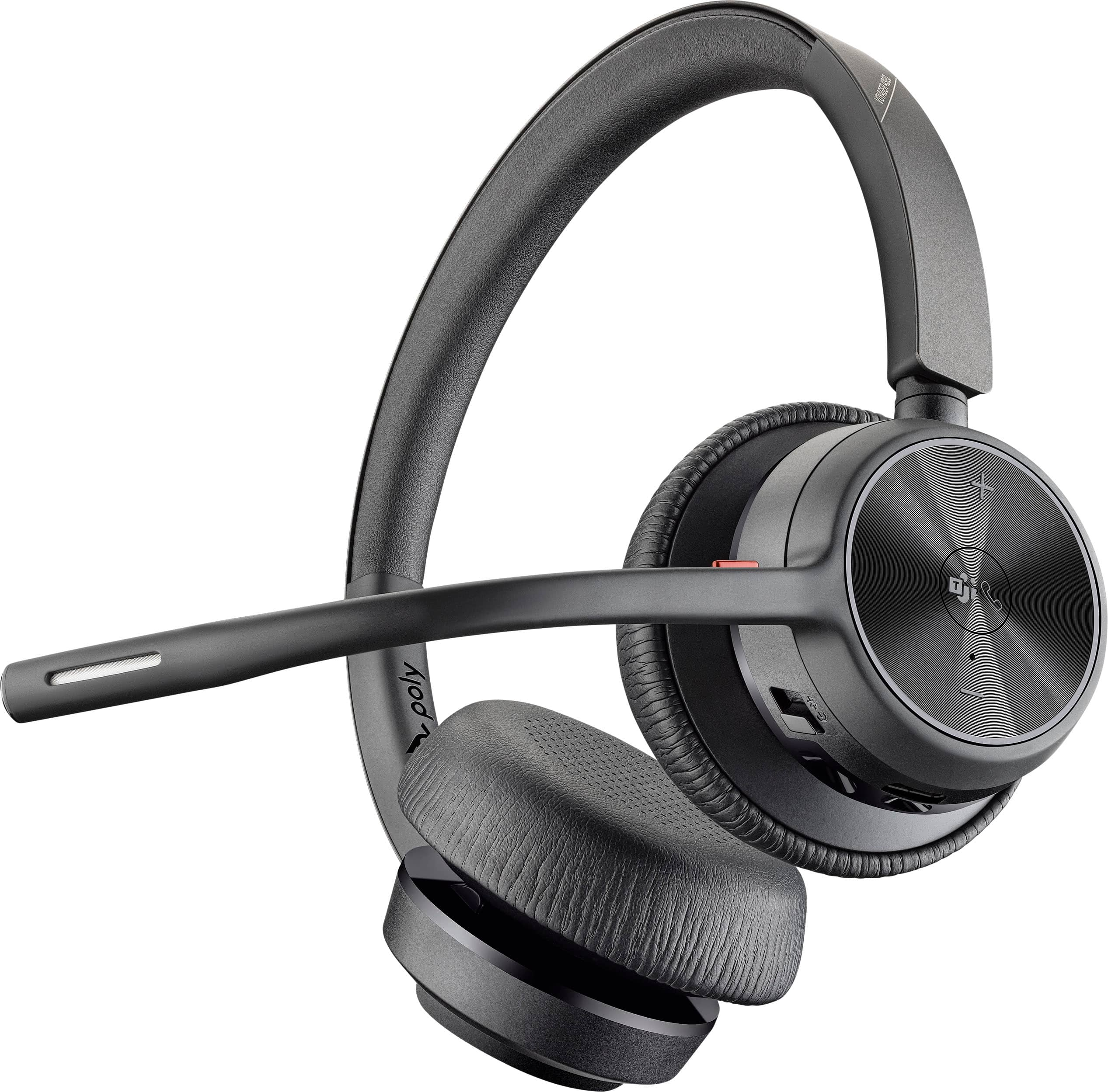
Computer headsets for calls

Home Office Setups
FAQs
Start with a computer that supports your work software, a stable internet connection, a desk and an adjustable chair. Add a monitor, keyboard and mouse to suit your workflow. A headset, webcam or docking station can round out your setup based on how you connect and collaborate.
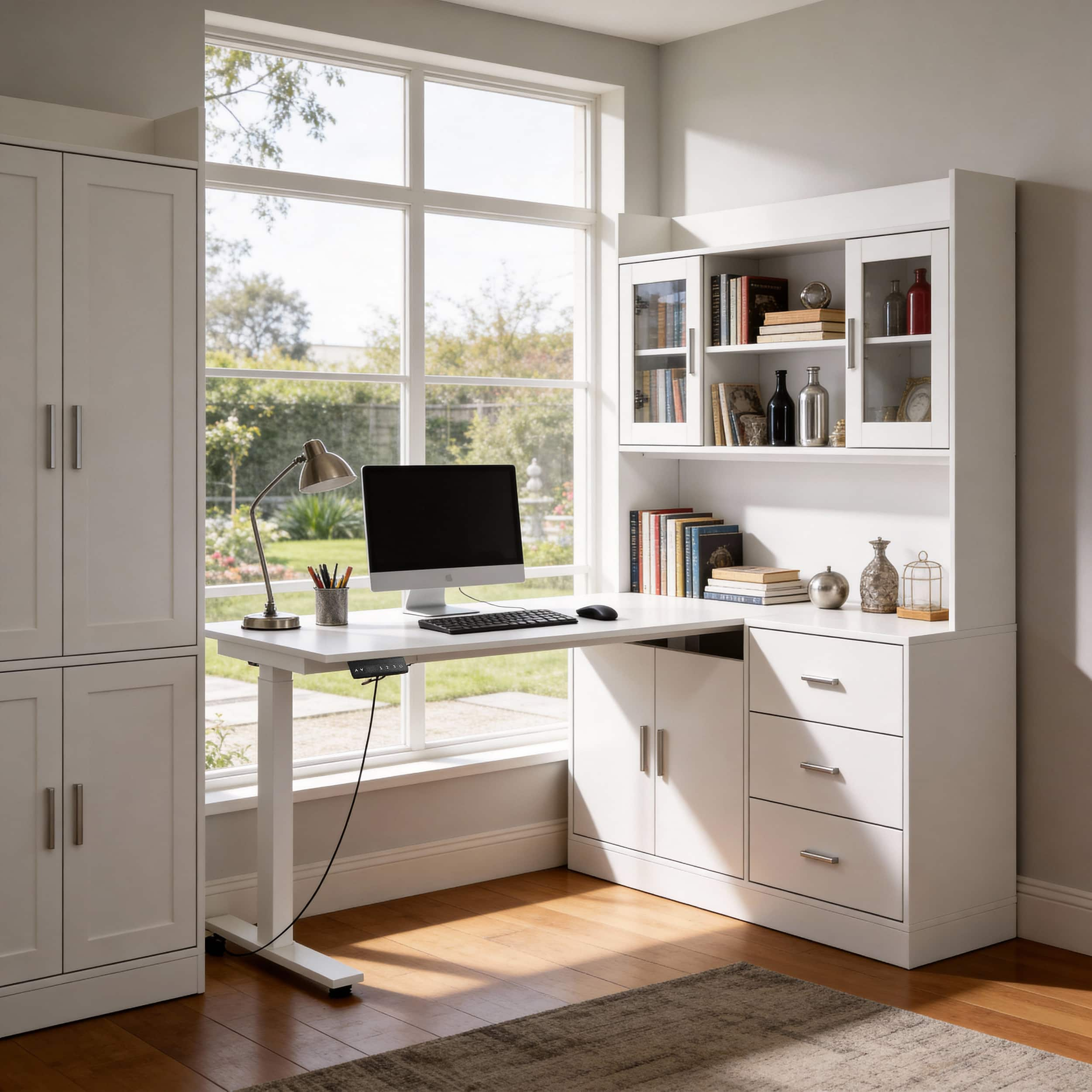
Measure the available floor space, including room to move your chair and open nearby doors. Choose a desk with enough usable depth for your screen and keyboard. Check monitor stand dimensions, and consider built-in storage or a compatible monitor arm to keep more of the desktop clear.
Look for seat-height adjustment, supportive backrest features and dimensions that fit your body and desk. Adjustable armrests and lumbar support can help you fine-tune the fit. Aim to sit with your feet supported and shoulders relaxed, and make time to change positions throughout the day.
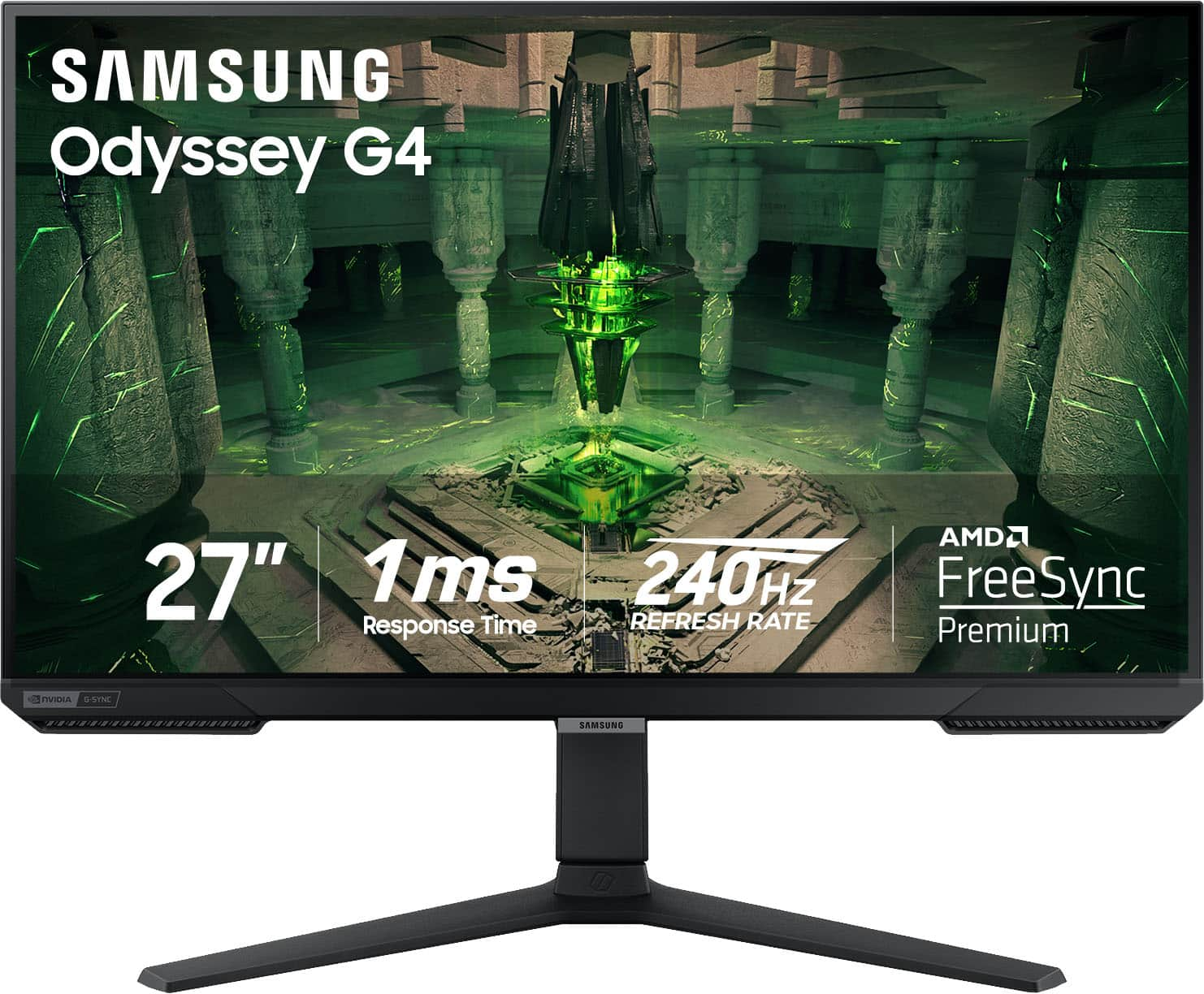
One large monitor can provide a continuous workspace, while two monitors let you keep separate applications on different screens. Consider your desk space, preferred layout and the resolutions your computer supports. Confirm that your computer or dock can drive the number of displays you plan to use.
Not necessarily. A USB-C connector alone does not guarantee support for charging or video output. Check your laptop’s port specifications and the dock’s requirements, including DisplayPort Alt Mode, Thunderbolt or USB4 where applicable. Also confirm operating-system compatibility, supported displays and charging wattage.
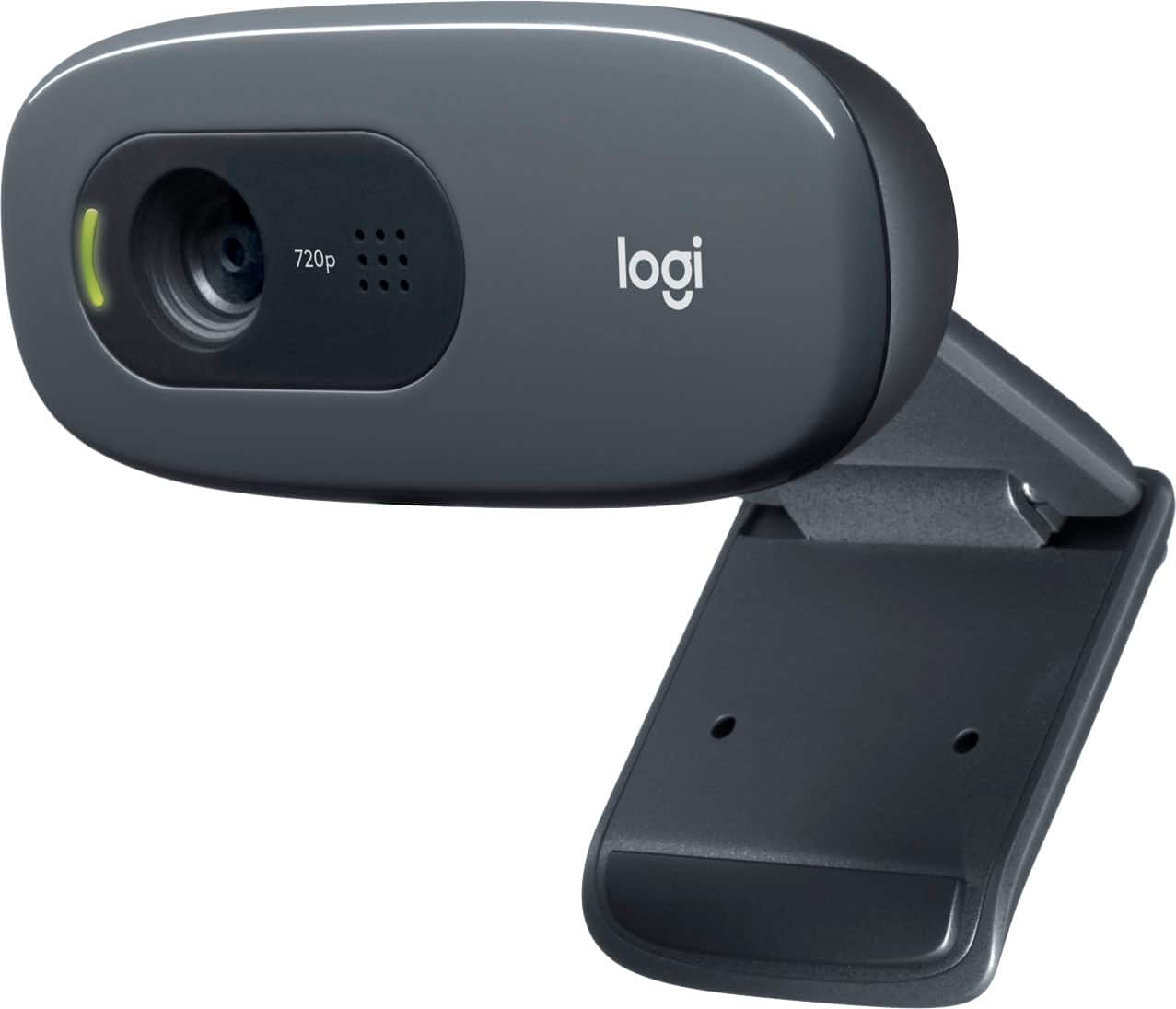
Your laptop’s built-in camera, microphone and speakers may cover your needs. A separate webcam gives you more flexibility with camera placement, while a headset keeps meeting audio from playing through room speakers. Check connection compatibility and support for your preferred meeting software before choosing.