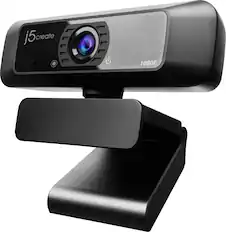
j5create - 360° All Around Webcam - White
About this product
Enhance your conference calls with the 360° All Around Webcam. This all-in-one virtual meeting device combines HD video with business-grade audio clarity, to help run your video conferences smoothly. This high-definition, plug-and-play webcam, is ideal for any space. Capture a 360° panoramic view of the room or focus on specific presenters with the various display modes. The 360° All Around Webcam is equipped with a USB-C cable and a USB Type-A connector to work with both your older and newer devices.
A Better Webcam for Better Video Calls
All-in-one virtual meeting device combines HD video with business-grade audio clarity.
360° Camera in HD 1080p
360° camera gives you the ability to capture every person in the room with clarity.
Built-in Omnidirectional Microphone
With an audio pickup radius of 10 feet, every participant can be heard.
Six Display Modes
In addition to the generously wide field of view that the ultra-wide angle lens delivers, the versatile display modes provide a flexible and effective virtual meeting solution, whether it's for remote conferencing, online classes, socially distant events or personal meetings.
Touch Bar Control
Touch bar control is enabled in Host mode or Dual Host mode. Simply swipe on the touch bar to select the host or to control the viewing angle.
Reverse the Mirrored Video
Most video conferencing applications are designed to mirror the video calls by default. Instead of changing the settings, you can now reverse the mirrored video with the built-in reverse feature.
USB Plug-and-Play
No driver required for Windows, macOS, or Chrome OS! Simply connect the computer/laptop with the USB cable, and you're good to go. Equipped with a USB-C cable and a USB Type-A connector, the webcam works with both your older and newer devices.
Works with Your Favorite Video Conferencing Software
Compatible with BlueJeans, Cisco, GoToMeeting, Google Meet, Microsoft Teams, Skype, Slack, Zoom, and more.
Customize Your Webcam Settings
The Webcam Companion App is a free utility tool available for download. It gives you the ability to adjust various image settings and change display modes to suit your preferences.
- Video ResolutionFull HD (1080p)
Reviews
Rating 4.2 out of 5 stars with 125 reviews
Customer Images
The vast majority of our reviews come from verified purchases. Reviews from customers may include My Best Buy members, employees, and Tech Insider Network members (as tagged). Select reviewers may receive discounted products, promotional considerations or entries into drawings for honest, helpful reviews.
Compare similar products
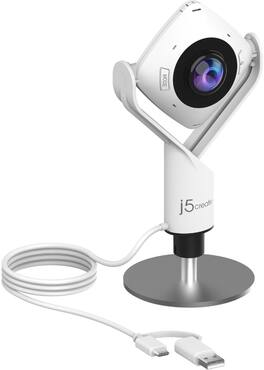
Enhance your conference calls with the 360° All Around Webcam. This all-in-one virtual meeting device combines HD video with business-grade audio clarity, to help run your video conferences smoothly. This high-definition, plug-and-play webcam, is ideal for any space. Capture a 360° panoramic view of the room or focus on specific presenters with the various display modes. The 360° All Around Webcam is equipped with a USB-C cable and a USB Type-A connector to work with both your older and newer devices.


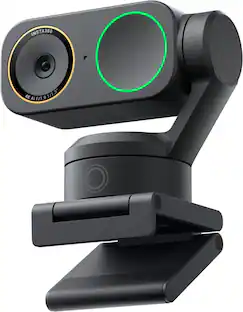
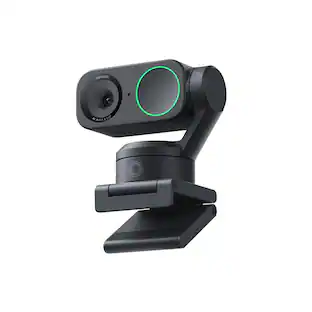
360° conference camera for PC and Mac with built-in speaker and microphone array, featuring auto speaker focus, 1080P output, AI voice isolation, and local recording, compatible with Webex, Zoom, Teams, and Google Meet.
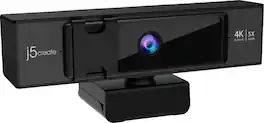
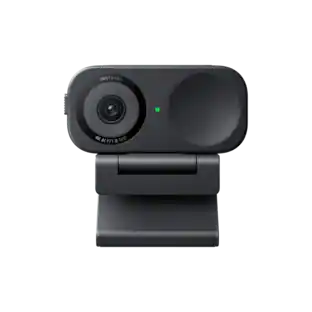
The Model JVCU435 is an Ultra HD 4K webcam that offers ePTZ (electronic pan, tilt and zoom) functionality via remote control. It supports 4K video playback @ 30 Hz with several different display modes and wide-angle viewing modes, making it perfect for meetings in large conference rooms and also for single person use, while providing excellent video quality. The model JVCU435 is plug-and-play, meaning there is no driver installation required.
| Pros for j5create - 360° All Around Webcam - White | |||
|---|---|---|---|
| There were no pros for this product— | Video Quality | There were no pros for this product— | There were no pros for this product— |
Specs
Customers often buy these together
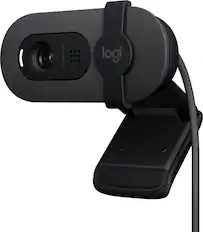
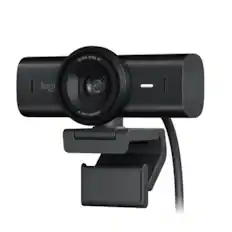
Logitech - Brio 100 1080p Full HD Webcam for Meetings and Streaming - Graphite
Top Deal$29.99The price was $39.99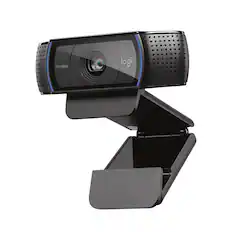
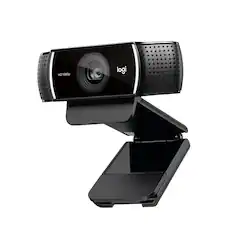
Logitech - C920s Pro 1080 Video Conferencing, Streaming, and Gaming Webcam with Privacy Shutter - Black
Top Deal$59.99The price was $69.99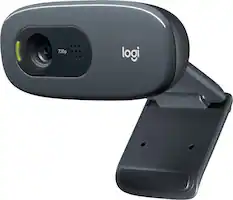
Logitech - C270 720 Webcam with Noise-Reducing Mics - Black
Top Deal$21.99The price was $29.99
More to consider
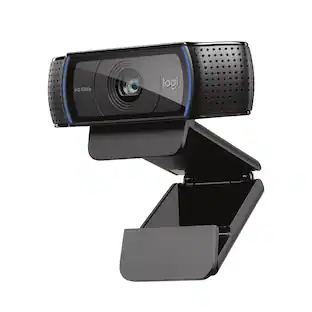 Top Deal$59.99The price was $69.99
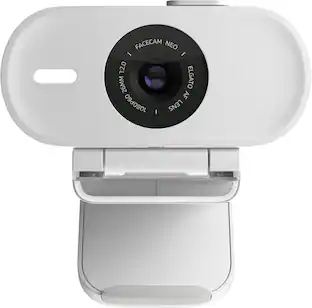 $29.99The price was $39.99
Explore tech essentials Sponsored


Discover related products
 $12.99The price was $13.99
 $143.99The price was $144.99
 $239.00The price was $275.00
 $30.99The price was $32.99











Keep exploring
 $995.82The price was $1,140.91
 $24.99The price was $27.99