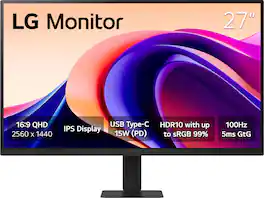
LG - 27" Monitor QHD IPS 100Hz with HDR10 (HDMI USB-C) - Black
Customers are saying
Customers highly value the overall performance and display quality of this monitor, which is frequently praised for its excellent visual output. Users also appreciate the combination of a high refresh rate, versatile USB-C connectivity, and a practical screen size that suits everyday tasks. While the resolution is considered a great value for the price, some users noted that the text clarity could be sharper in its details.
Screen Size
27"Highlights
Vivid Visuals at Wide Viewing Angles.
Experience exceptional picture quality with the 27" QHD (2560x1440) display, with IPS technology for vivid and vibrant visuals - even at wider viewing angles.
100Hz Smoother, Seamless Visuals
With a 100Hz refresh rate and 5ms(GTG) response time, on screen visuals are rendered clearly for ultra-smooth motion and fluidity.
Bold Color on a 27" Screen
Immerse yourself in a world of brilliant color from HDR10 that helps enhance picture quality and up to 99% sRGB color gamut expression to make games visually pop.
Multiple Devices-One Cable
Seamlessly connect to external devices or charge your laptop with the convenience of USB Type-C with up to 15W power delivery.
Easy Viewing, Comfortable Reading
This monitor comes with Reader Mode which can reduce blue light emission to help provide a reduction in eye fatigue.
Action as It Happens
Get a pro-level experience with the closest thing to real-time gaming. Dynamic Action Sync elevates your gameplay so you can respond every moment of the action with reduced input tag and unbelievable performance.
Never in the Dark
Light up your gameplay with enhanced vision. Black Stabilizer brightens dark scenes to give you an advantage over the competition—even when they’re hiding in the shadows.
Customize Your Screen View with the Switch App
The Switch app¹ transforms your screen into a multitasking hub for work, gaming, and streaming. Effortlessly split the screen into up to 6 sections, customize display layouts, or launch video calls with a single hotkey. Navigate smart features with ease and switch seamlessly between your PC and the built-in webOS streaming platform, all with intuitive shortcuts.
Sleek Stand, Maximum Desktop Efficiency
Maximize your workspace with the ultra-slim stand, designed to minimize desk clutter and optimize space. Enjoy a cleaner, more organized work area while still experiencing a full, immersive display.
Virtually Borderless Design
This LG monitor has a virtually borderless screen on three sides. The narrow-bezel design not only keeps your focused on the screen, but is made to look great on the desktop.
- Refresh Rate100HzMaximum Resolution2560 x 1440Response Time5 millisecondsPanel TypeIPSSynchronization TechnologyNot Applicable
Reviews
Rating 4.7 out of 5 stars with 79 reviews
- Overall Performance (32)
- Resolution (9)
- Refresh Rate (7)
- Connectivity (6)
- Size (5)
- Text Clarity (4)
Customer Images
The vast majority of our reviews come from verified purchases. Reviews from customers may include My Best Buy members, employees, and Tech Insider Network members (as tagged). Select reviewers may receive discounted products, promotional considerations or entries into drawings for honest, helpful reviews.

Compare similar products
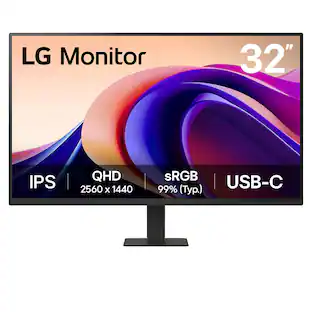
Immerse yourself in stunning visuals with the 27" QHD (2560x1440) IPS display, designed to deliver exceptional clarity and vibrant color with HDR10 support and up to 99% sRGB coverage. Whether you’re working, gaming, or streaming, this monitor offers vivid colors and detail for an gorgeous viewing experience. The 100Hz refresh rate, Dynamic Action Sync, and Black Stabilizer are gaming specs and features that ensure that are ideal when you need to take a game break. Connectivity is simplified with USB Type-C which enables quick charging and data transfer through a single cable, reducing clutter and optimizing your workspace. The 3-side virtually borderless design maximizes screen real estate, providing an immersive viewing experience with minimal distractions. For added comfort during extended use, LG’s Flicker Safe and Reader Mode technologies help reduce eye strain, allowing for more comfortable, longer viewing sessions. The super slim stand not only complements the modern, sleek design but also minimizes desktop space usage, making it easy to keep your workspace clean and efficient.

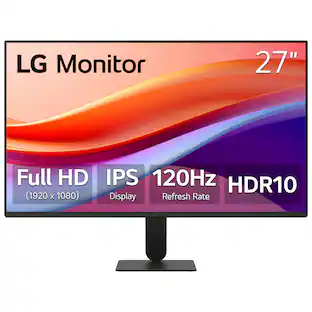
The 27" Full HD (1920 x 1080) IPS monitor delivers sharp, vibrant visuals from virtually any viewing angle—ideal for working ...and even playing from home. Whether you're tackling emails, browsing the web, or managing projects, this monitor helps you stay clear, focused, and productive. The display's ultra-slim bezels and 3-side virtually borderless design bring a clean, modern look to any home office setup. The sleek stand adds a floating feel that’s perfect for dual monitor workstations or minimal desk spaces. A 120Hz refresh rate ensures smoother scrolling and frame transitions, while 1ms Motion Blur Reduction (MBR) keeps fast-moving visuals crisp—great for multitasking or after-hours gaming. With HDR10 support and up to 99% sRGB color gamut coverage, this LG monitor delivers vivid, accurate color across everything from video calls to creative projects. Whether you're outfitting a new home office or upgrading your current work-from-home setup, the LG 27U41YA-B monitor offers the clarity, speed, and style you need to stay productive and inspired.
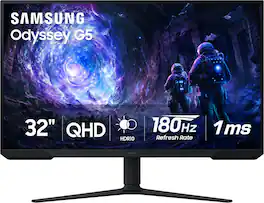
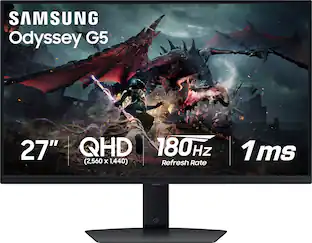
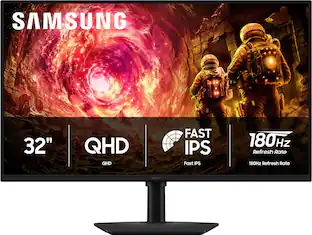
Samsung’s 32” Odyssey G5 G51F Gaming Monitor boasts incredibly detailed, pin-sharp images with QHD resolution (2560x1440). HDR10 provides brighter highlights, improved contrast and color accuracy, making every scene feel more vivid and realistic. 180Hz Refresh Rate and near-instant 1ms Response Time (MPRT) captures all your moves with reduced lag for ultra-smooth gameplay. AMD FreeSync Premium Pro reduces choppiness, screen lag, and image tears. Black Equalizer allows you to adjust dark areas in games, so you can locate opponents hiding in the deepest shadows. Virtual Aim Point allows you to hit your marks with next-level accuracy, giving you the optimal aim with crosshairs on the screen. Auto Source Switch+ instantly switches to a new source signal when connected devices are turned on, without having to use multiple inputs. Ergonomic stand makes it simple to tilt and adjust the monitor for total gaming comfort.
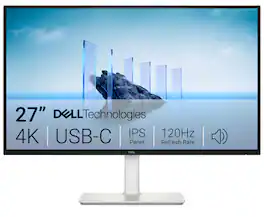
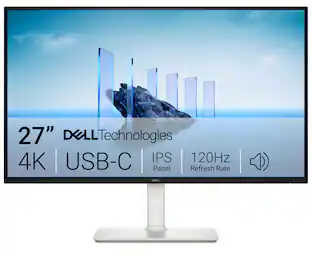
Dell 27 Plus 4K USB-C Monitor - S2725QC. Whether you're watching movies or playing games, enjoy an immersive viewing experience with improved eye comfort on a 4-star certified monitor*.
| Pros for LG - 27" Monitor QHD IPS 100Hz with HDR10 (HDMI USB-C) - Black | |||
|---|---|---|---|
| Overall Performance, Resolution, Refresh Rate, Connectivity, Size | Overall Performance, Size, Refresh Rate, Resolution, Design | Overall Performance, Refresh Rate, Resolution, Screen Size | Connectivity, Refresh Rate, Image Quality, Port Count, Adjustability |
| Cons for LG - 27" Monitor QHD IPS 100Hz with HDR10 (HDMI USB-C) - Black | |||
| Text Clarity | Adjustability, Brightness | Speakers, Connectivity, Black Levels, HDR Performance | Volume Control |
Specs
I have purchase 8 of these monitors but unable to get the video via USB-C. HDMI is working for video, but USBC is only chargin, no video. Is this normal? (I tried with different cables)
Answered by LG Digital Customer CareThe USB-C port on the LG 27-inch QHD IPS 100Hz Monitor with HDR10 and USB Type-C™ 15W PD, Model # 27U631A-B, has a Power Delivery 15W, as indicated in the header, and it supports video. If you are unable to get video via the port, you may have an incompatible USB-C cable. or your USB-C port on your computer does not support DisplayPort Al mode. To output video through a USB-C port to a monitor, the computer's USB-C port must support DisplayPort (DP) Alt Mode. This feature allows the port to transmit native video signals directly from the GPU. If the port lacks this capability, it may only support data transfer or charging, resulting in a black screen...^Ivan.
Can the HDMI connector be left unused and the USB-C connector be used for the monitor's video input?
Answered by LG Digital Customer CareHi, there. Thanks for getting in touch with us. Yes, the LG Monitor (27U631A-B) model can use the USB-C port as the primary video input, even if the HDMI connector is left unused. The USB-C port supports DisplayPort Alternate Mode, allowing video signal transmission from compatible devices. It also provides 15W power delivery, which can help power or charge connected laptops or tablets. You can switch input sources via the monitor’s settings menu to select USB-C as the active input. So, if your device can output video over USB-C, you’re all set and don’t even need to worry about HDMI. If you have any further questions or need assistance, please don't hesitate to send us a private message on social media at @LGUSSupport. Our team will be happy to help you out. ^Juvy
Can I connect my nintendo switch console to this monitor?
Answered by LG Digital Customer CareWhat connectivity does your Nintendo Switch Console have? Connectivity for the 27-inch QHD IPS 100Hz Monitor with HDR10 and USB Type-C™ 15W PD, Model # 27U631A-B, includes an HDMI 2.0 input, and a USB Type-C port. Most gaming consoles, if not all, connect via HDMI, so if your Nintendo Switch connects via HDMI, it can be connected to the monitor. However, what might be more of an issue is whether your Nintendo Switch supports the monitor's native QHD (2560 x 1440) resolution, so you will need to check its specifications to see if it does...^Ivan.

What is the response time of this LG monitor?
The response time is 5ms(GTG).
This question and answer was generated by AI based on customer and product data.Can I use this monitor with multiple devices?
Yes, you can connect and charge your laptop or other devices using the USB Type-C port with up to 15W power delivery.
This question and answer was generated by AI based on customer and product data.

Customers often buy these together
Computer Keyboards

Logitech - MK345 Full-size Wireless Membrane Keyboard and Mouse Combo for PC, Laptop with Palm Rest - Graphite
Top Deal$31.99The price was $34.99

![esc ! i 1 tab caps lock shift F1 2 Q A aas E4 F3 F2 $ % # 4 5 3 E R W F S D X C Z FS A 6 T G V F6 & 7 Y H B 17 * 8 U J N logi HI FI0 P9 FB ) - ( - 9 0 o P I K L > < M I P + = { [ A : I : ? I alt cmd3 2 0 3 10% 1 F12 page home up backspace ins page I delete end down } ] / enter shift ctrl fn opt^= Q I * / clear 8 9 + 7 pg up home 5 6 4 , 4 2 3 enter 1 dn pg end = 0 del ins ctrl start opt alt cmd](https://pisces.bbystatic.com/image2/BestBuy_US/images/products/6571/6571662_sd.jpg;maxHeight=232;maxWidth=233?format=webp)



![The text on the image reads:
"esc FI In - ! 1 tab caps lock shift F2 2 Q A F3 # 3 W S Z F4 $ 4 E D X P F5 % 5 R F C F6 A 6 T G V logi ins F12 FM F0 HI F9 FB F7 + ( ) - = * - & 0 8 9 7 { ] P [ ] I O Y U : I K L ; H J ? > < / M 2 B ctrl alt cmd3 opt page page end down home up del 1 * I back clear 8 9 7 I pg up home / + 5 6 4 enter 2 3 1 dn Pg shift end 0 del ins enter ctrl fn start opt alt cmd3t"
The text is a list of keyboard shortcuts for various functions, such as esc, tab, caps lock, shift, and more. The shortcuts are organized in a way that makes it easy for users to remember and use them while typing.](https://pisces.bbystatic.com/image2/BestBuy_US/images/products/01258616-55c7-44c0-8173-e2f6983190ee.jpg;maxHeight=232;maxWidth=233?format=webp)
![Sure, here is the corrected and grouped text:
```
ESC F1 F2 F3 F4 F5 F6 F7 F8 F9 F10 F11 F12 1 2 3 logitech - - 1 2 # $ 4 % 5 6 & 7 8 9 0 - - back insert home page up num lock clear / . tab Q W E R T Y U I O P { [ } ] / delete end page down 7 home 8 A 9 P9 up + caps lock A S D F G H J K L : ; a enter 4 5 6 shift Z X C V B N M < > ? shift 1 end 2 3 pg dn enter ctrl fn start alt opt alt crnd x alt cmd x fn ctrl alt opt 0 ins del 1 logitech
```](https://pisces.bbystatic.com/image2/BestBuy_US/images/products/5761/5761911_sd.jpg;maxHeight=232;maxWidth=233?format=webp)

Monitor Stands

More recommended items
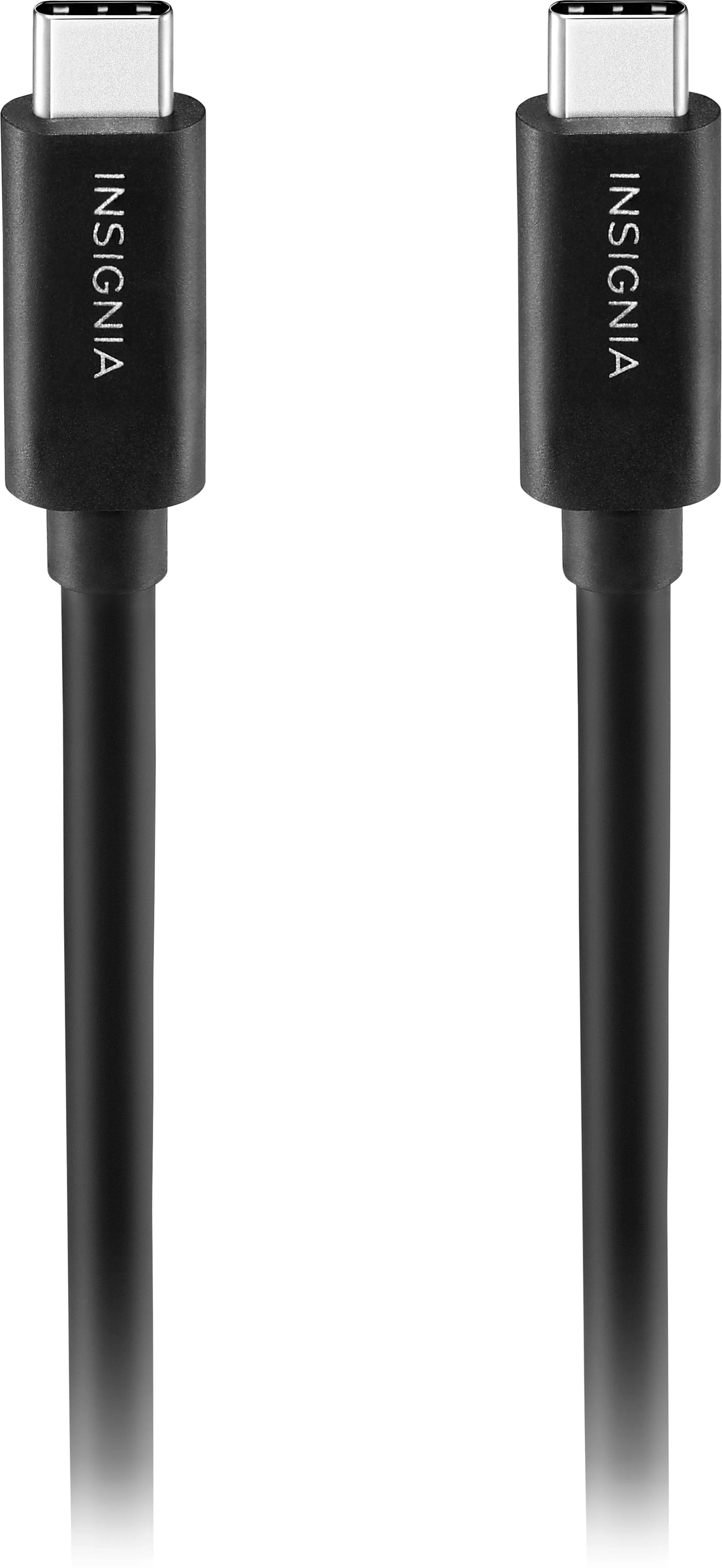 Monitor and Video Cables
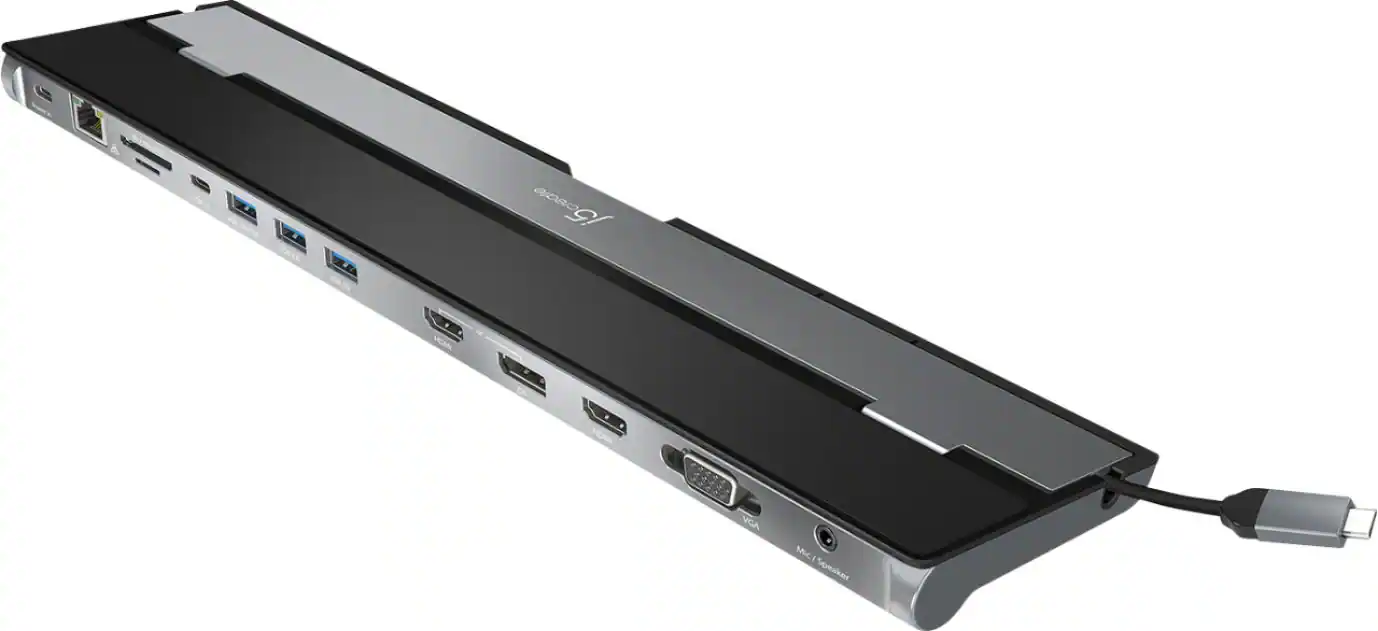 Laptop Docking Stations
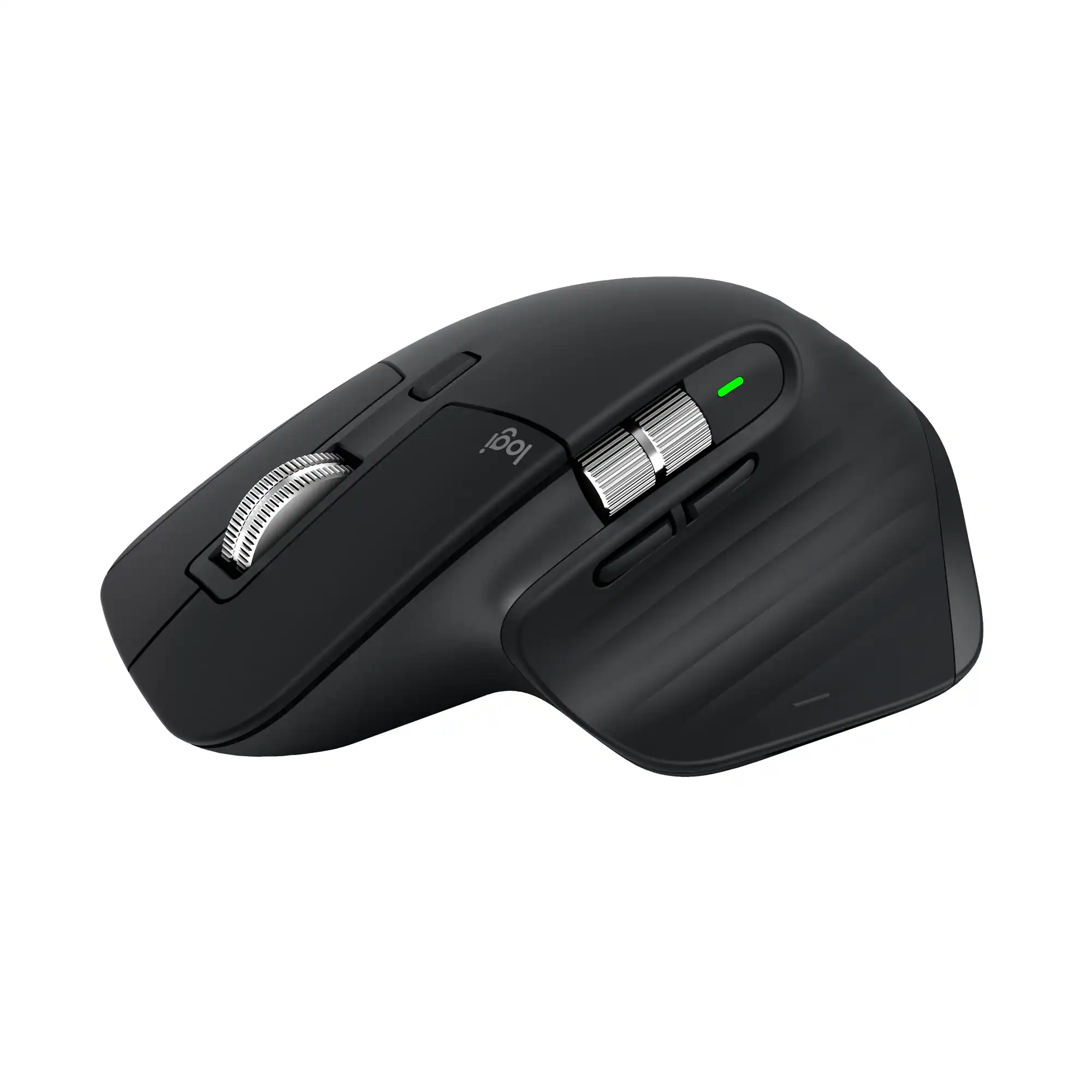 Mice
Mice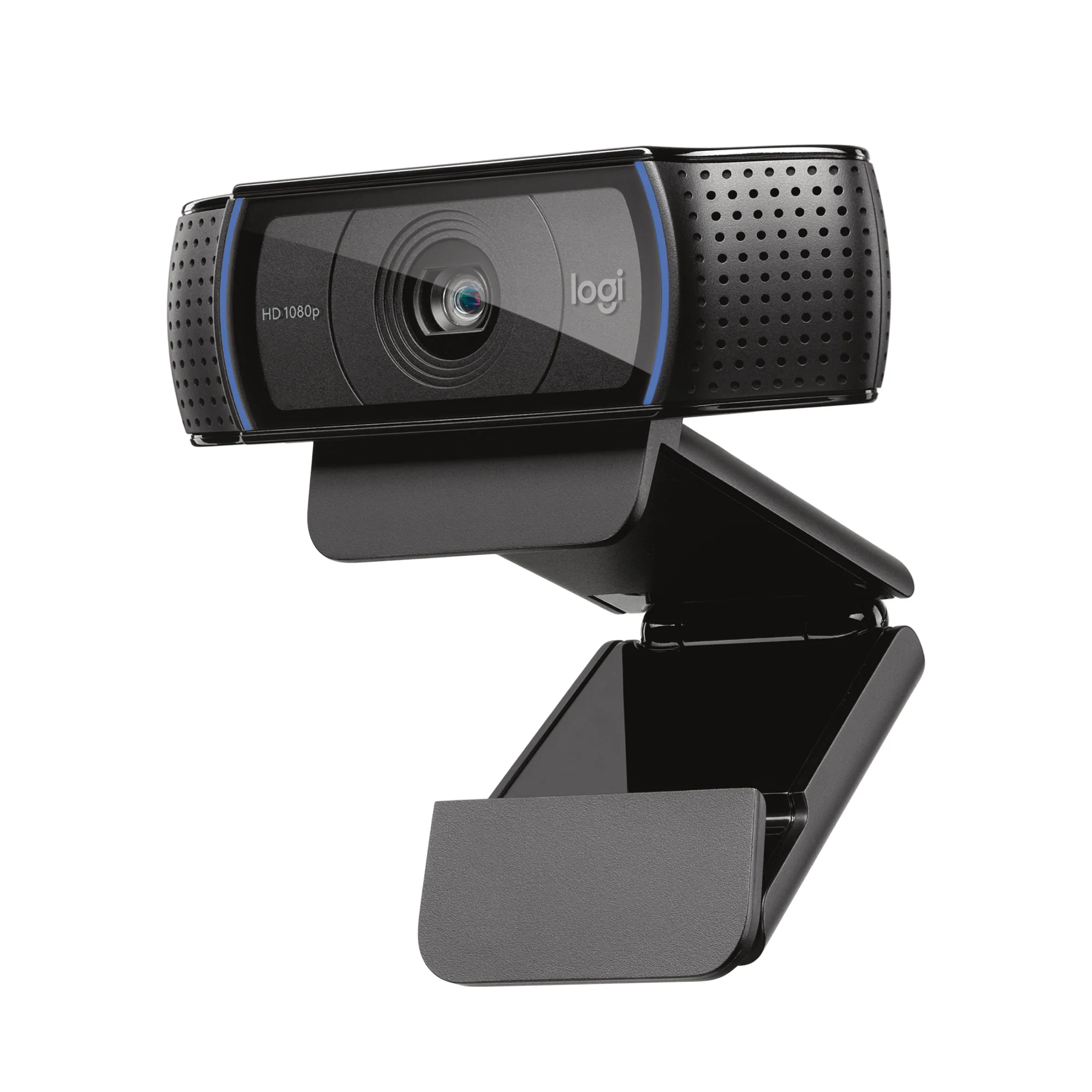 Web Cameras
 Cables and Adapters
More to consider
 Top Deal$199.99The price was $329.99
 Top Deal$299.99The price was $369.99
 $189.99The price was $299.99
 Top Deal$149.99The price was $199.99
 Top Deal$149.99The price was $229.99
 Clearance$209.99The price was $349.99
 Top Deal$94.99The price was $149.99
Explore tech essentials Sponsored
- $189.99The price was $299.99
 Top Deal$219.99The price was $349.99
- Top Deal$299.99The price was $369.99

Discover related products
 $11.99The price was $12.99






Keep exploring
 $878.61The price was $971.99
 $431.99The price was $453.31
 $824.99The price was $979.32
 $1,499.99The price was $2,101.91
 $899.00The price was $934.64