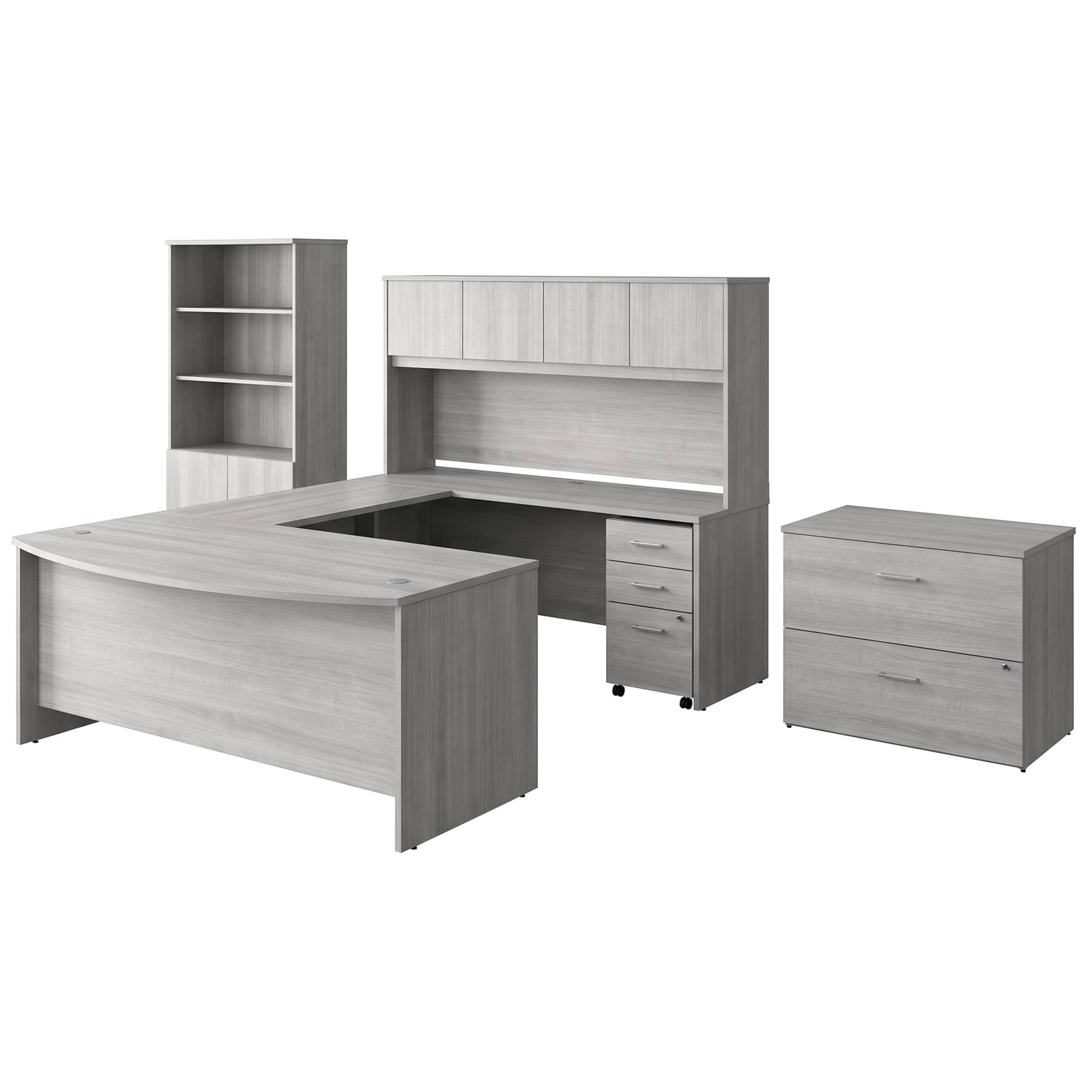
Home Office Workstation Essentials
Build a home office that works for you. Explore desks, supportive seating and everyday tech essentials to create a comfortable, connected workstation that fits your space and the way you work.
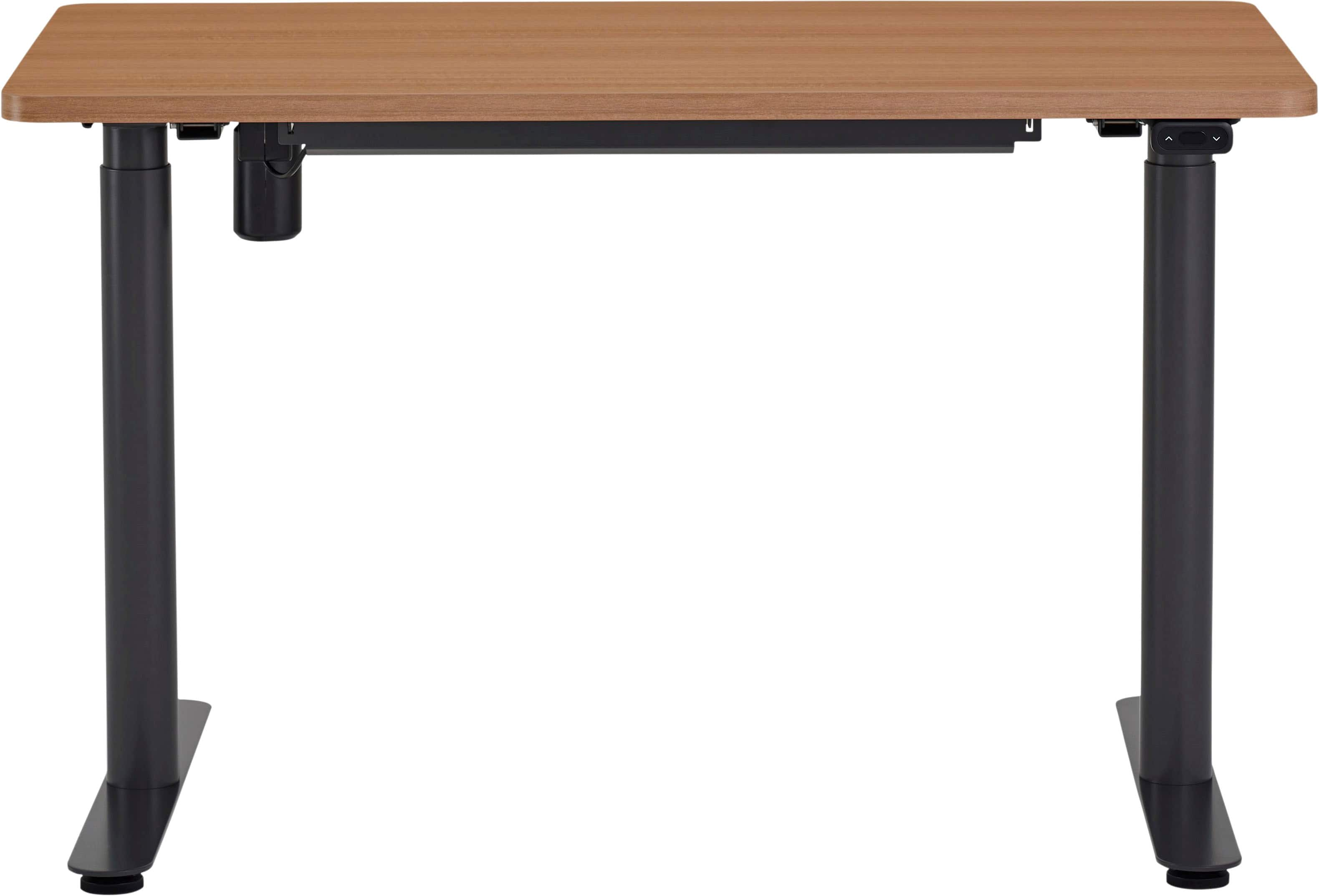
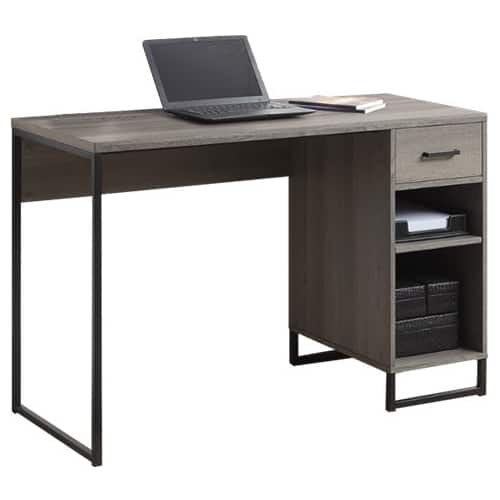
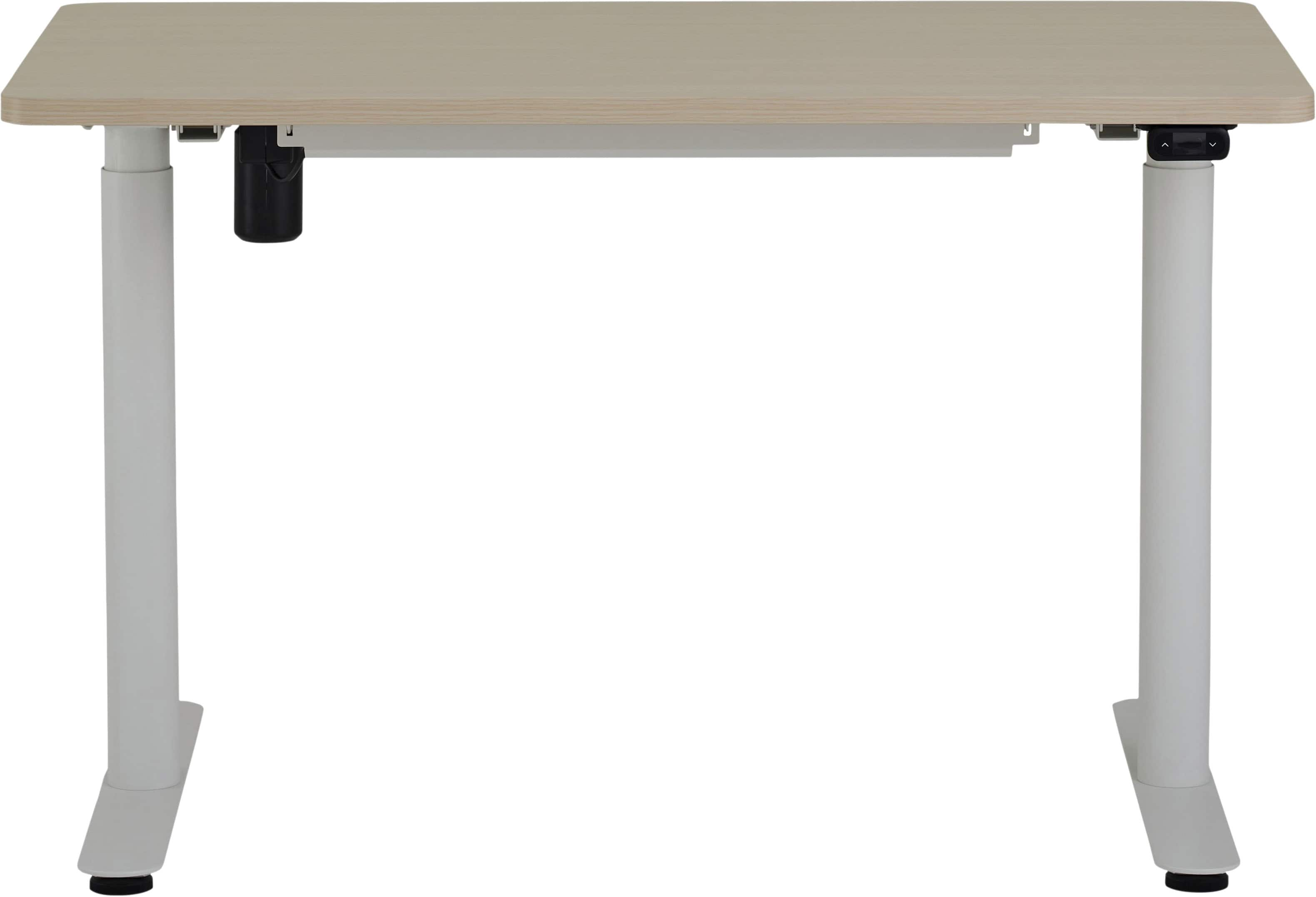
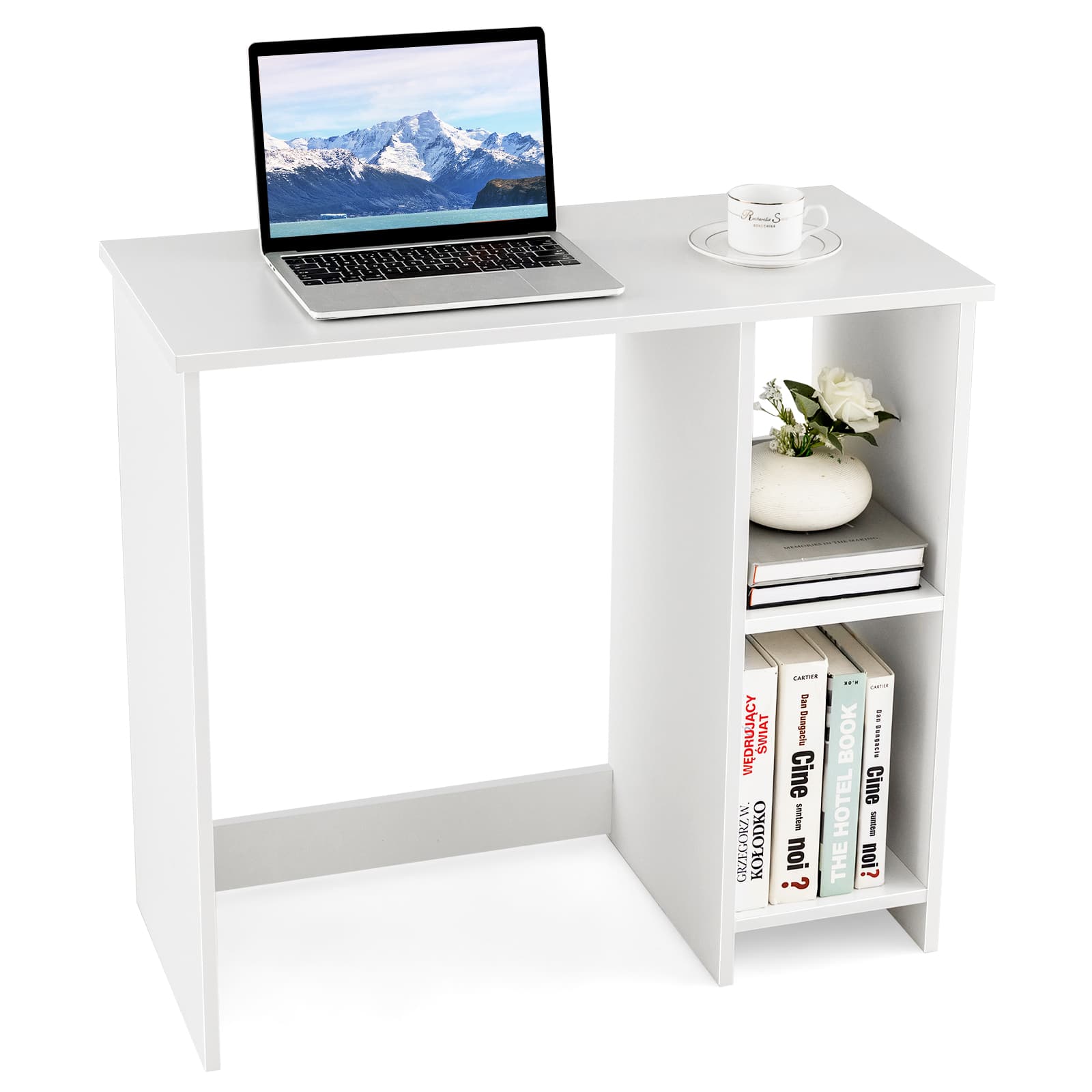
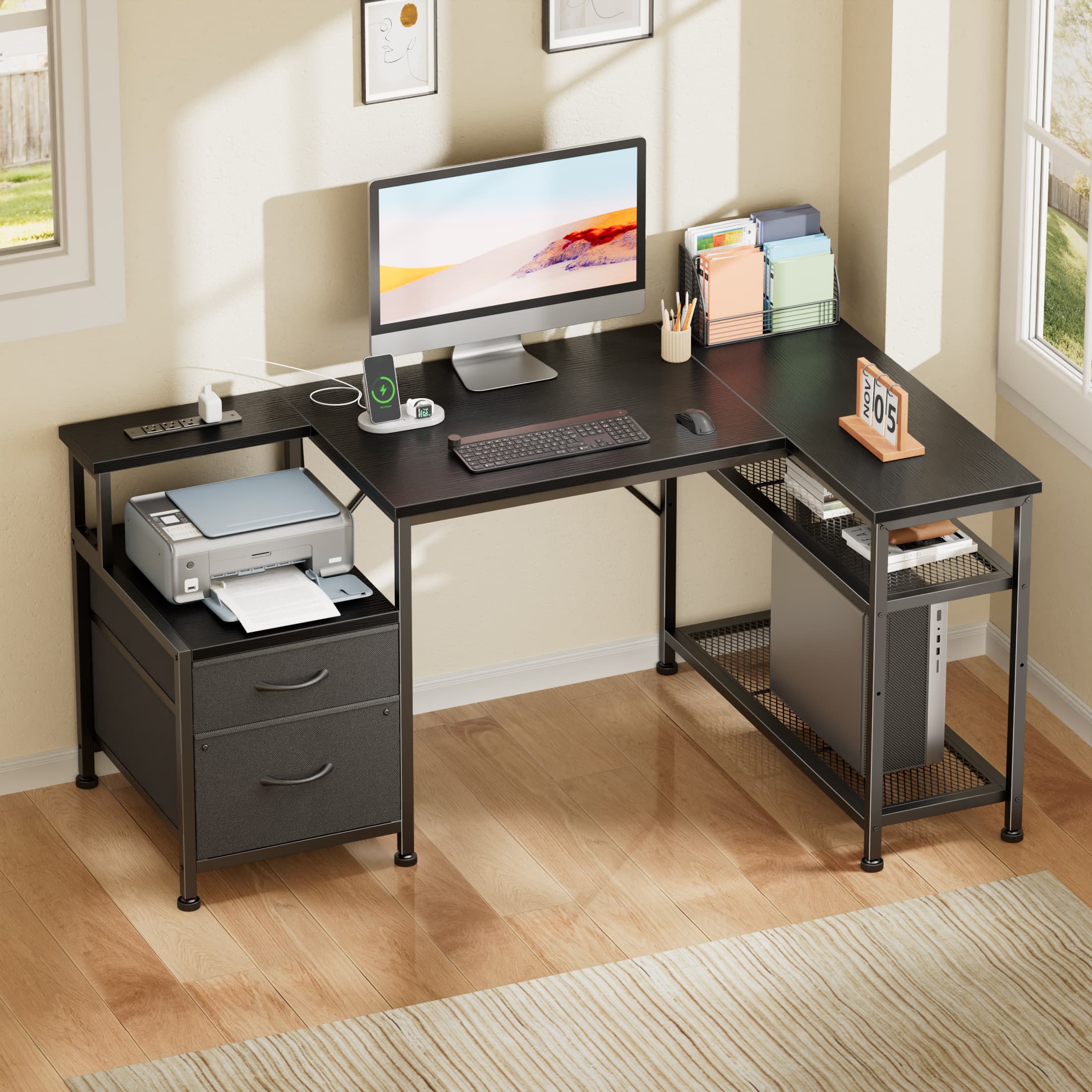
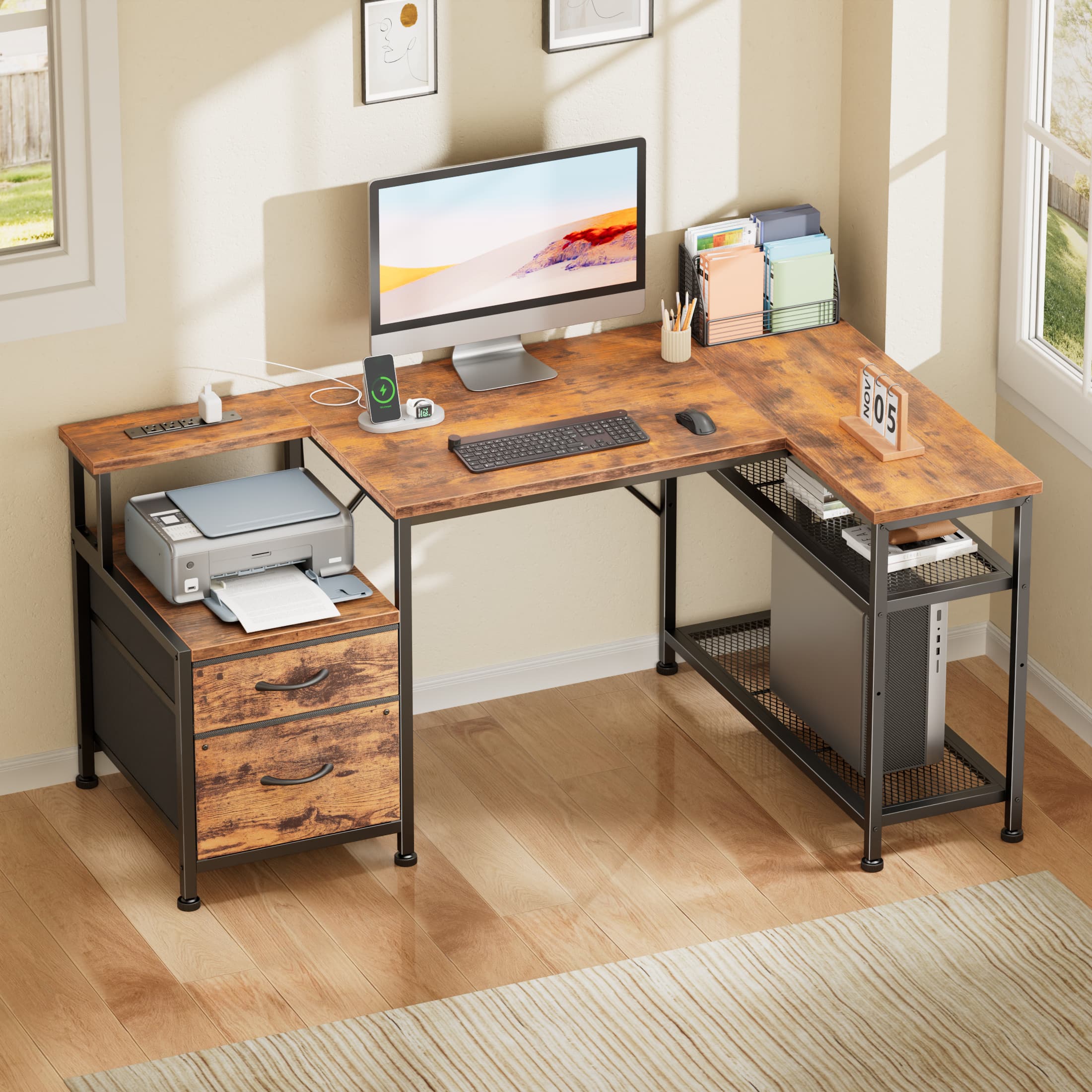
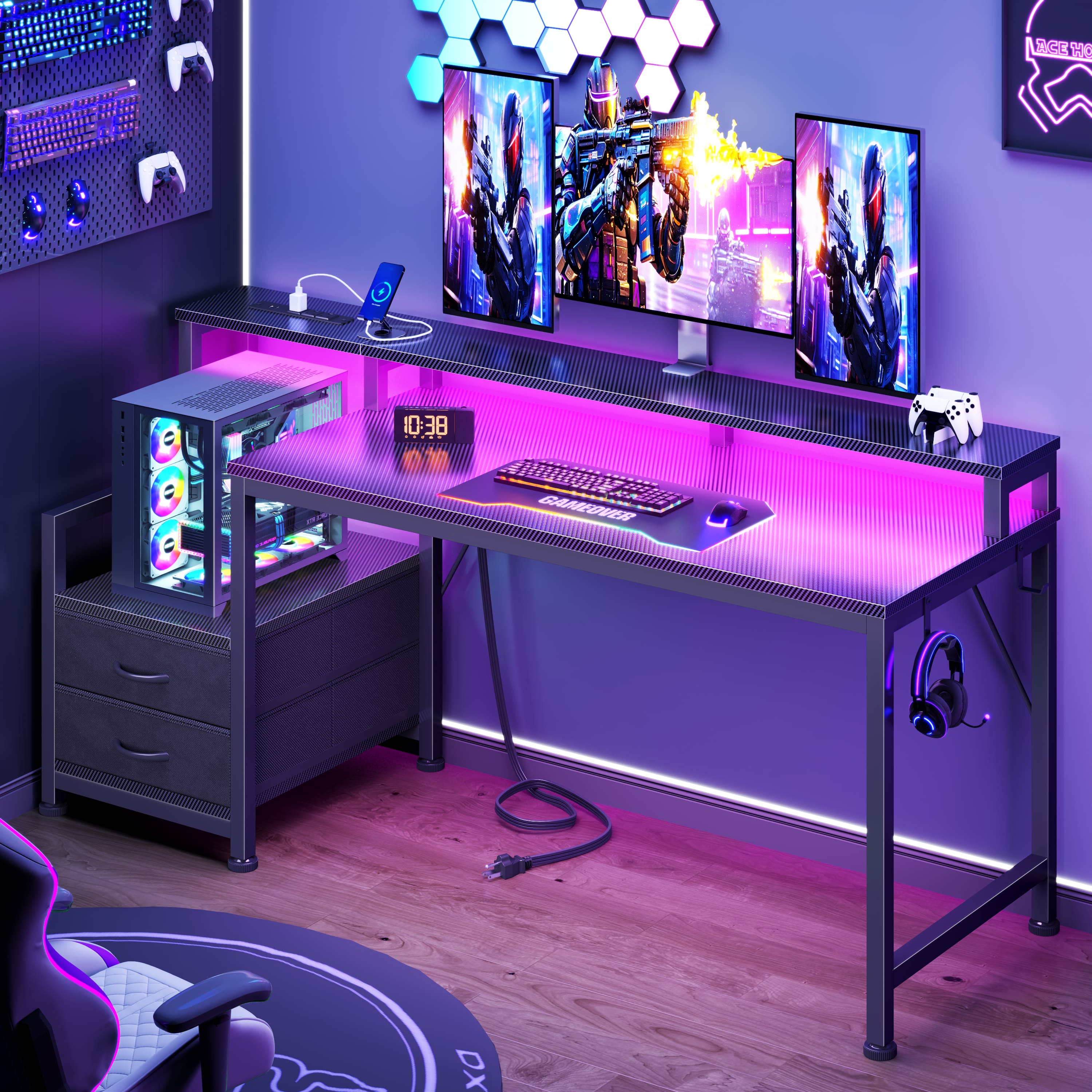
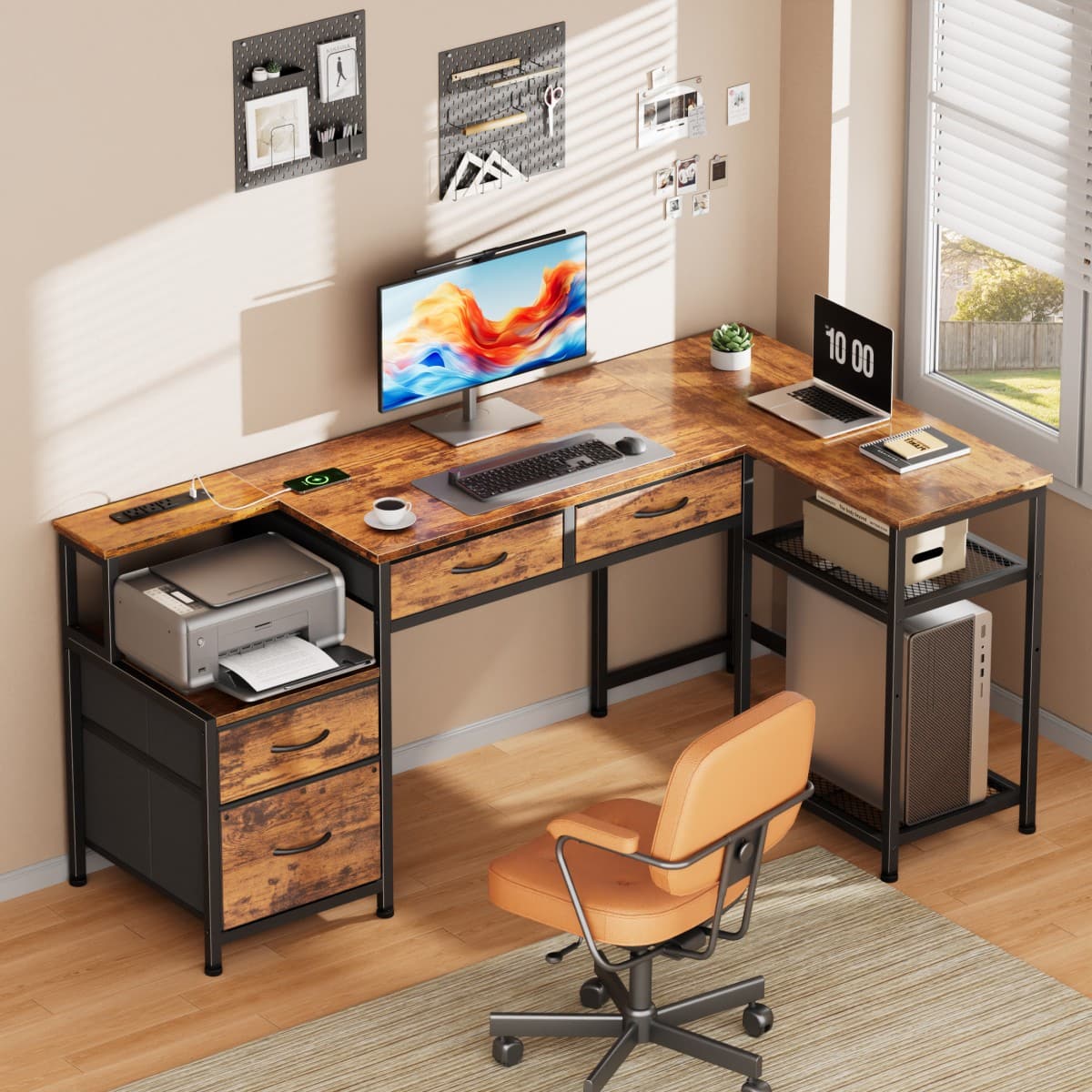
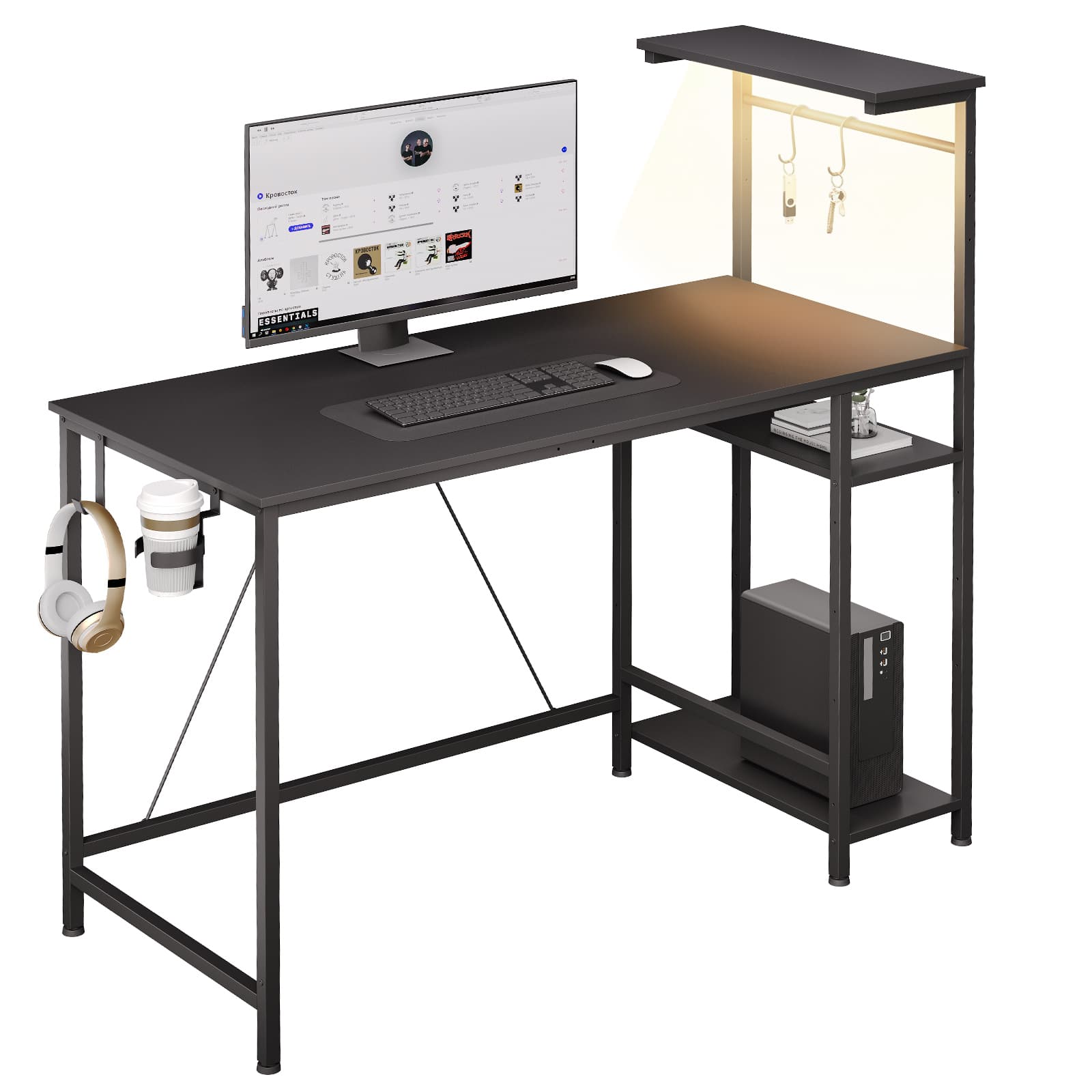
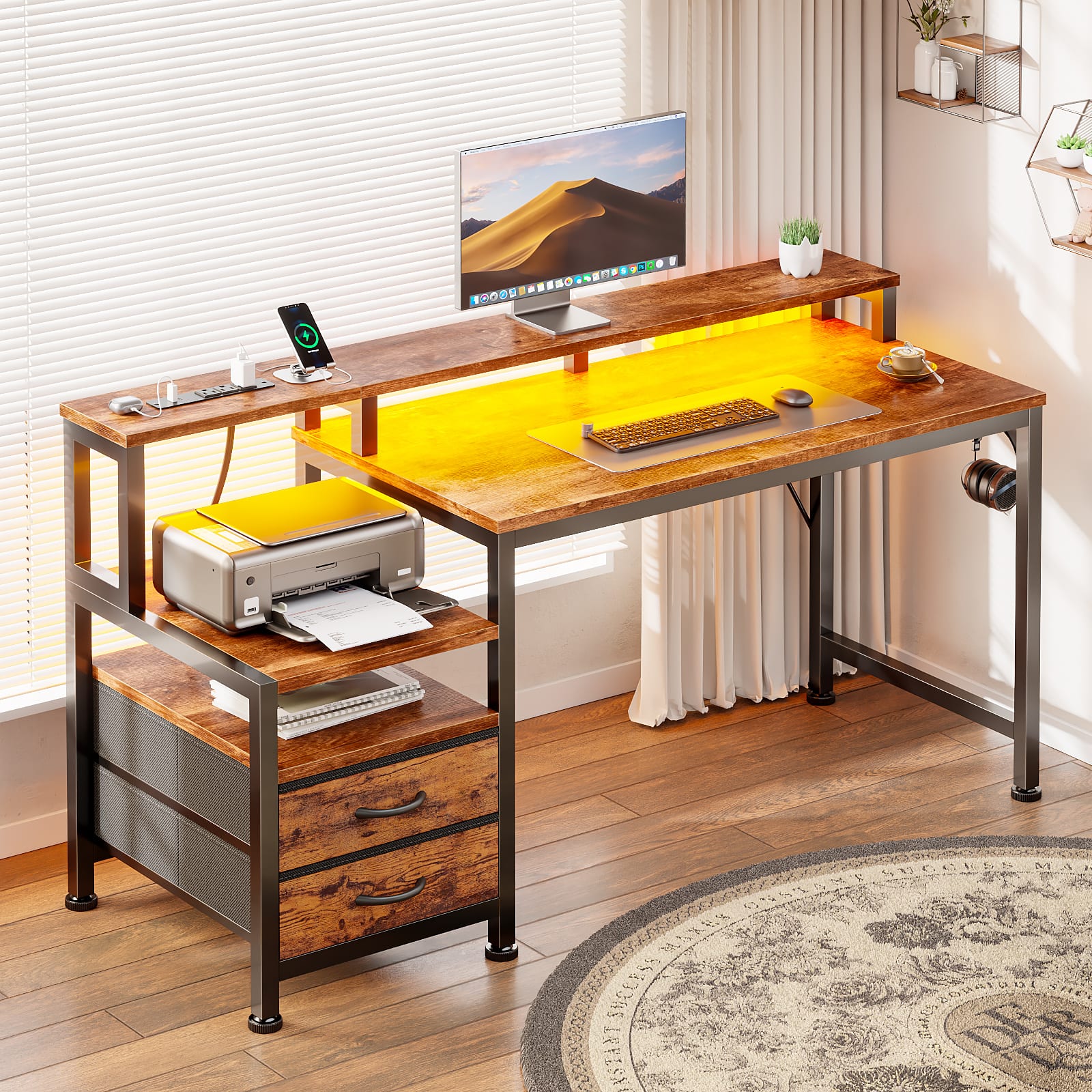
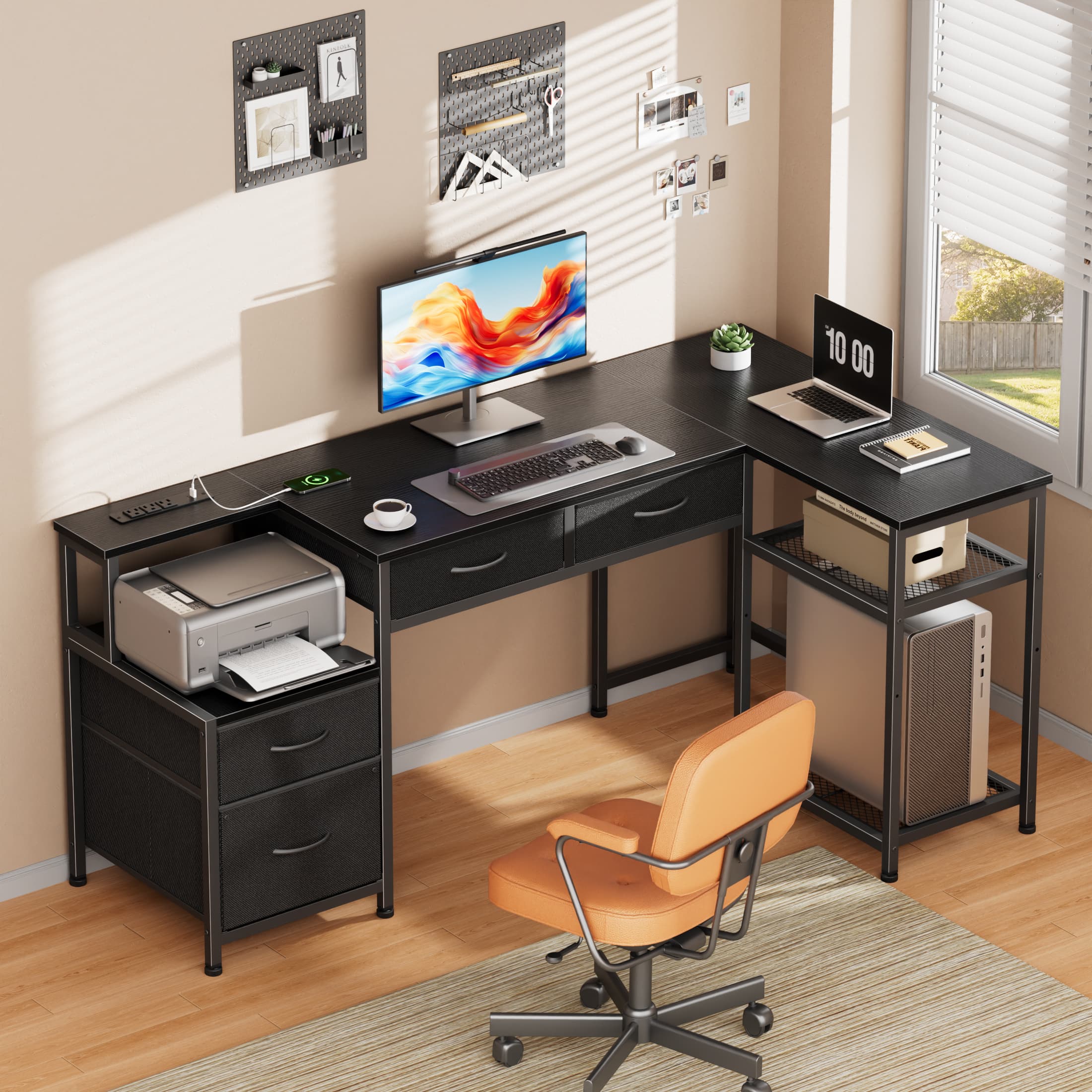
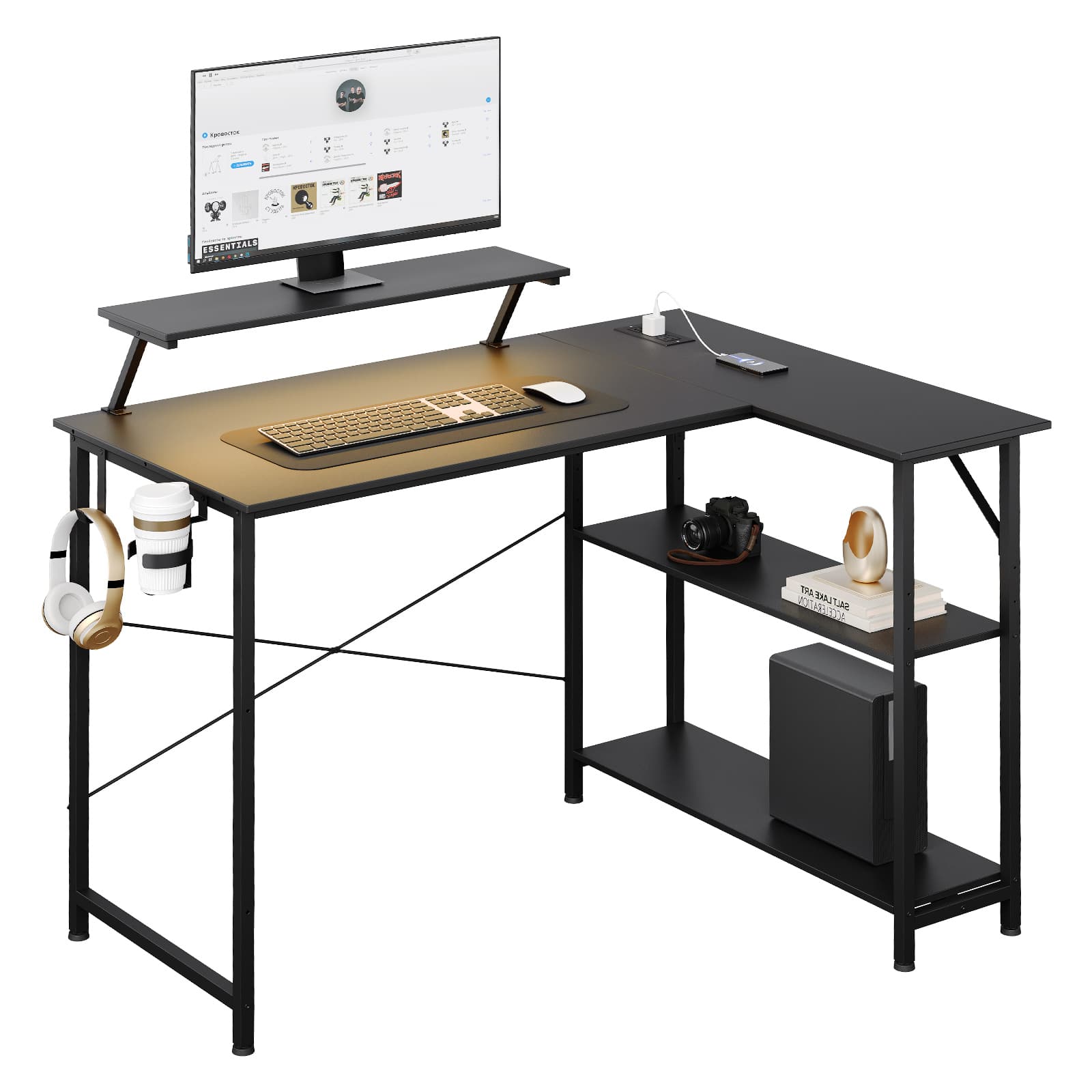
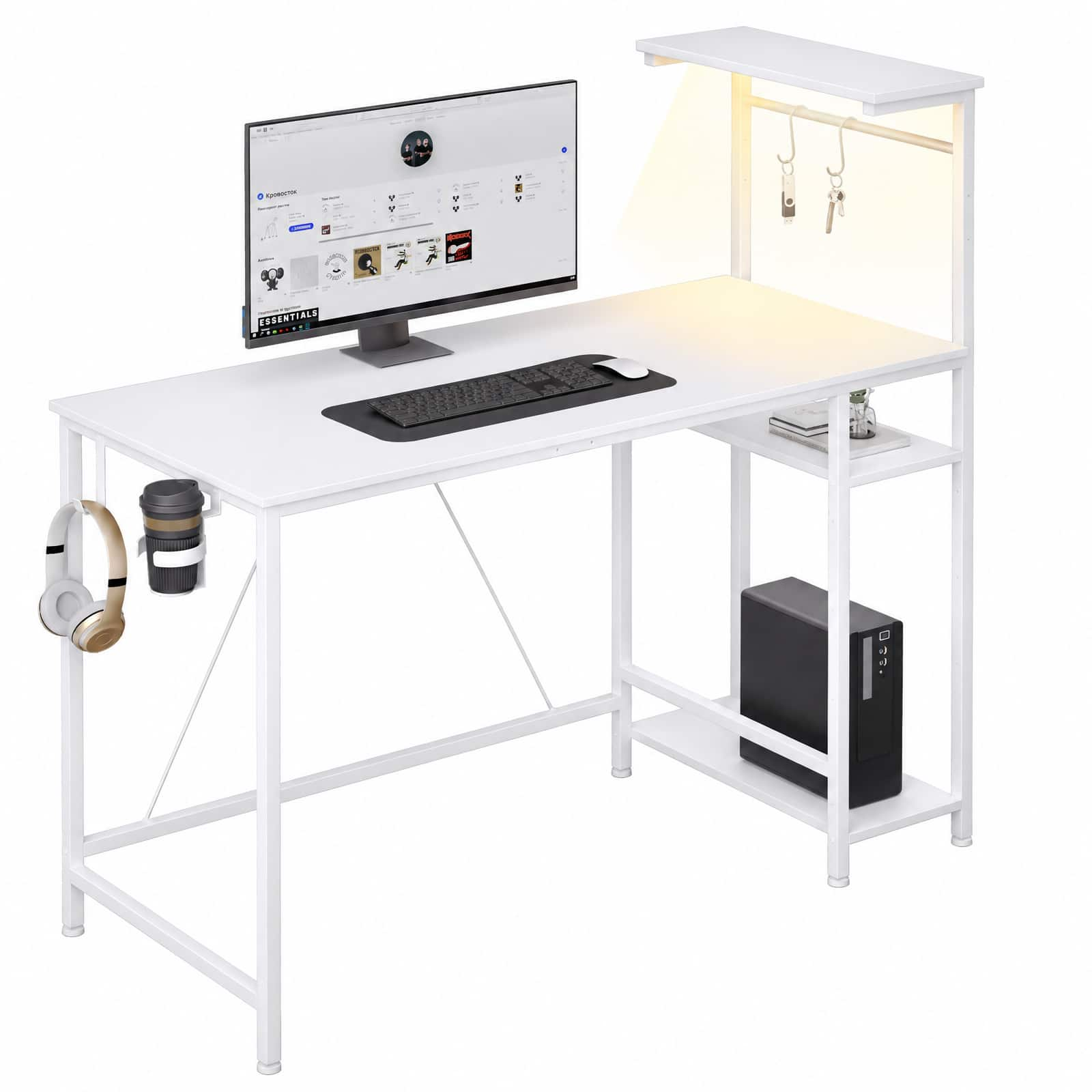
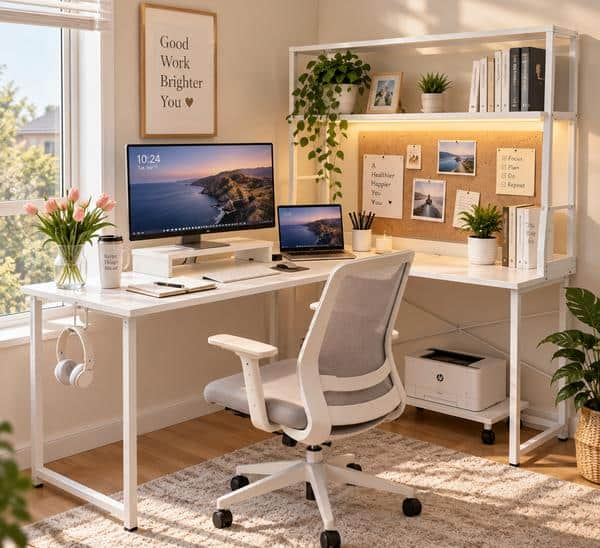
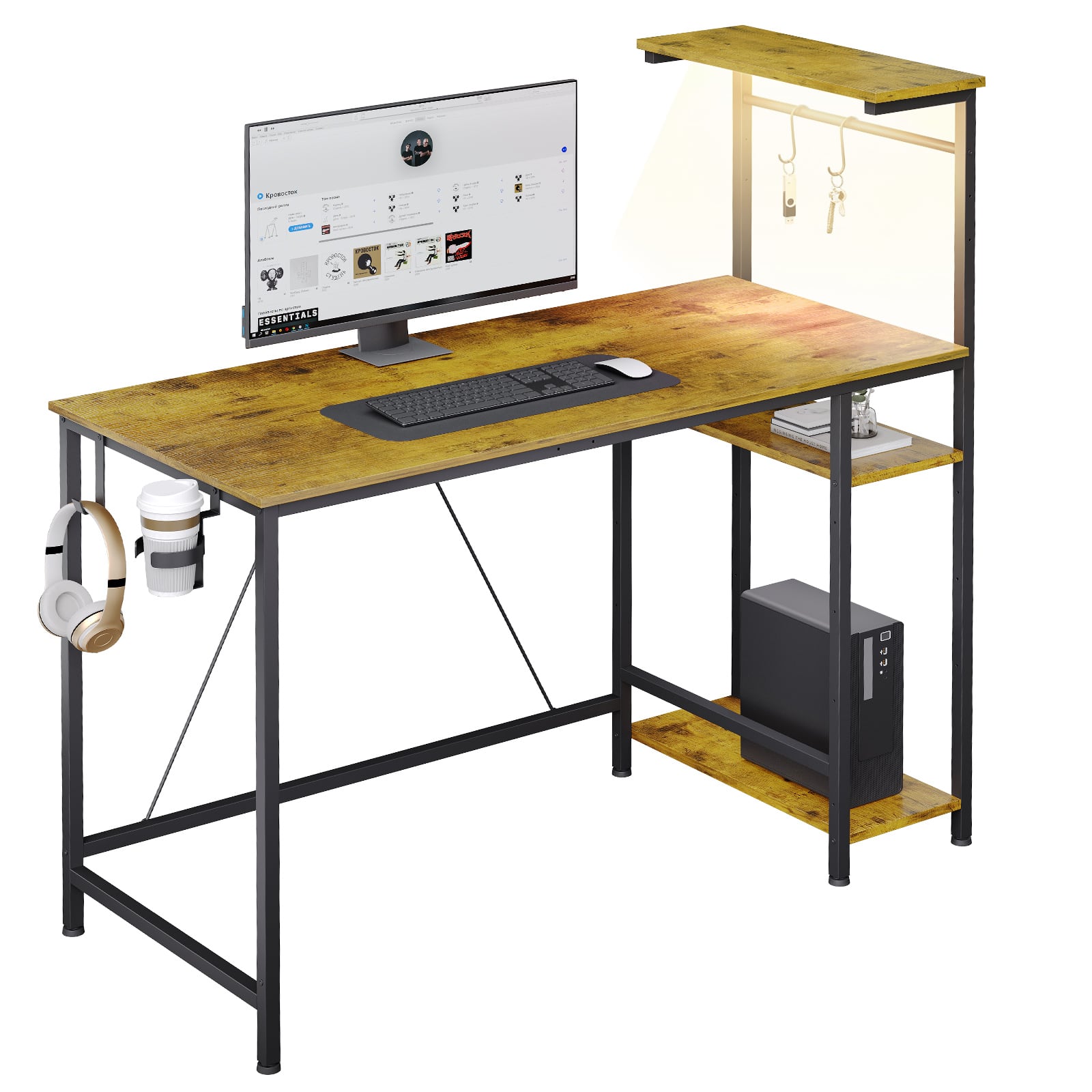
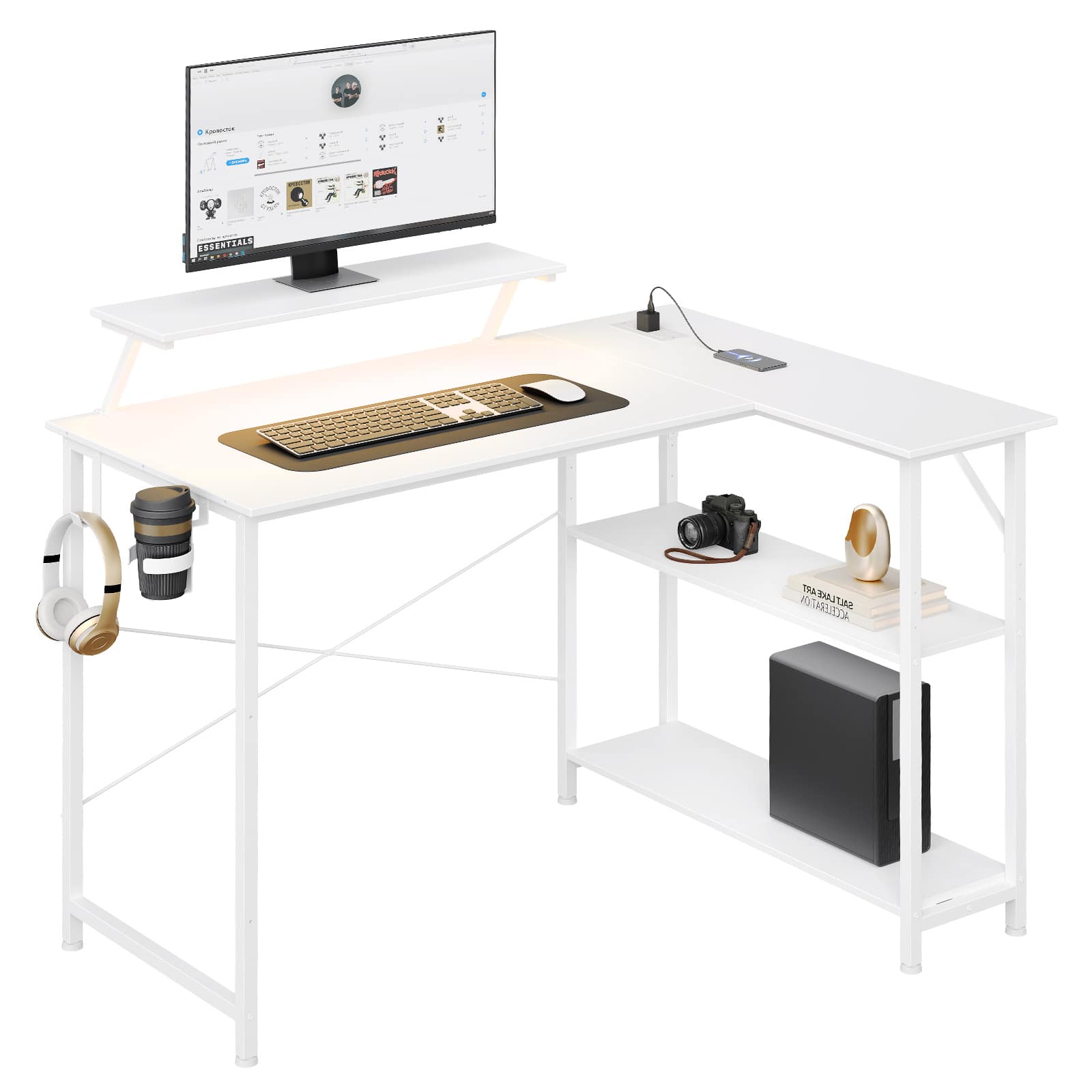
Home Office Desks
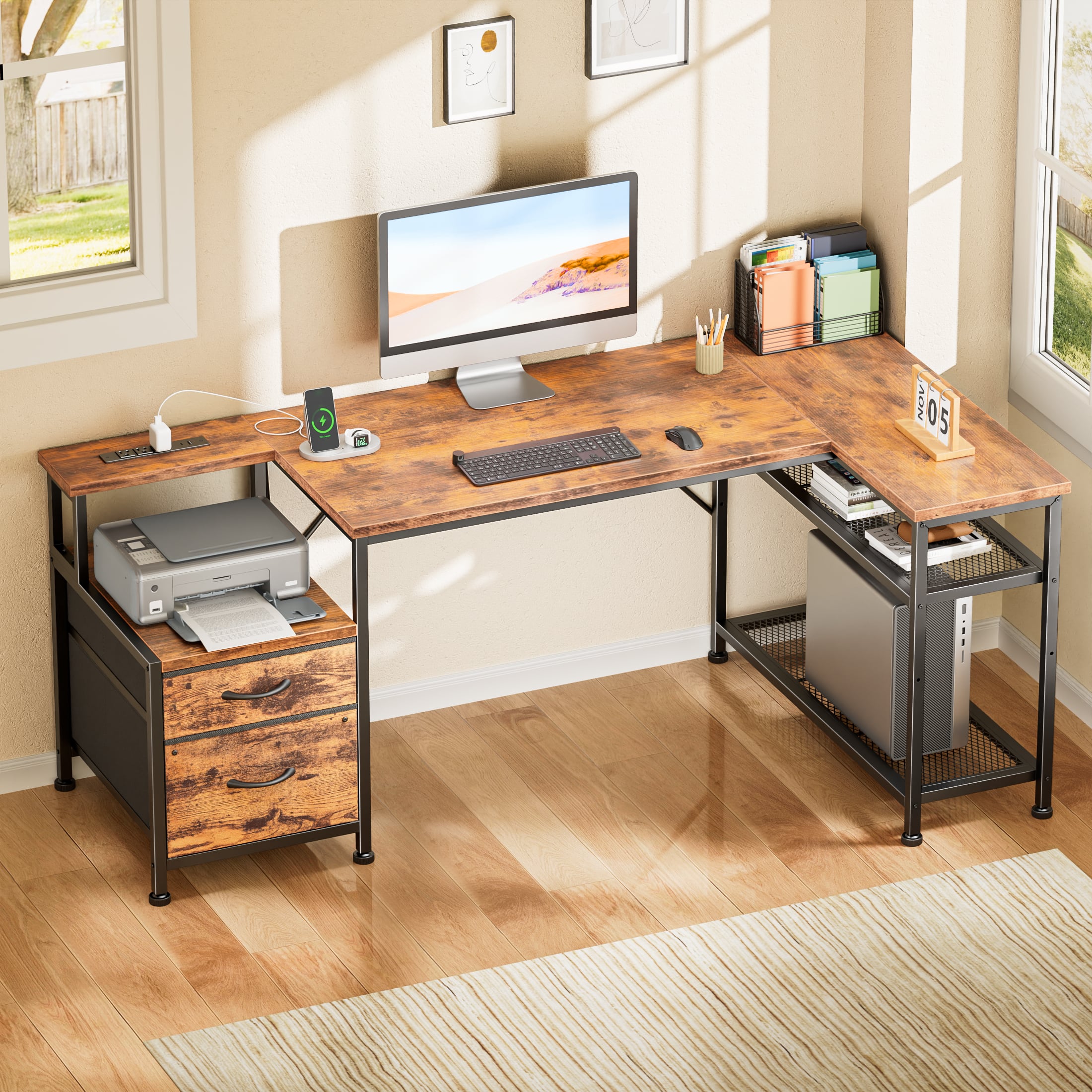
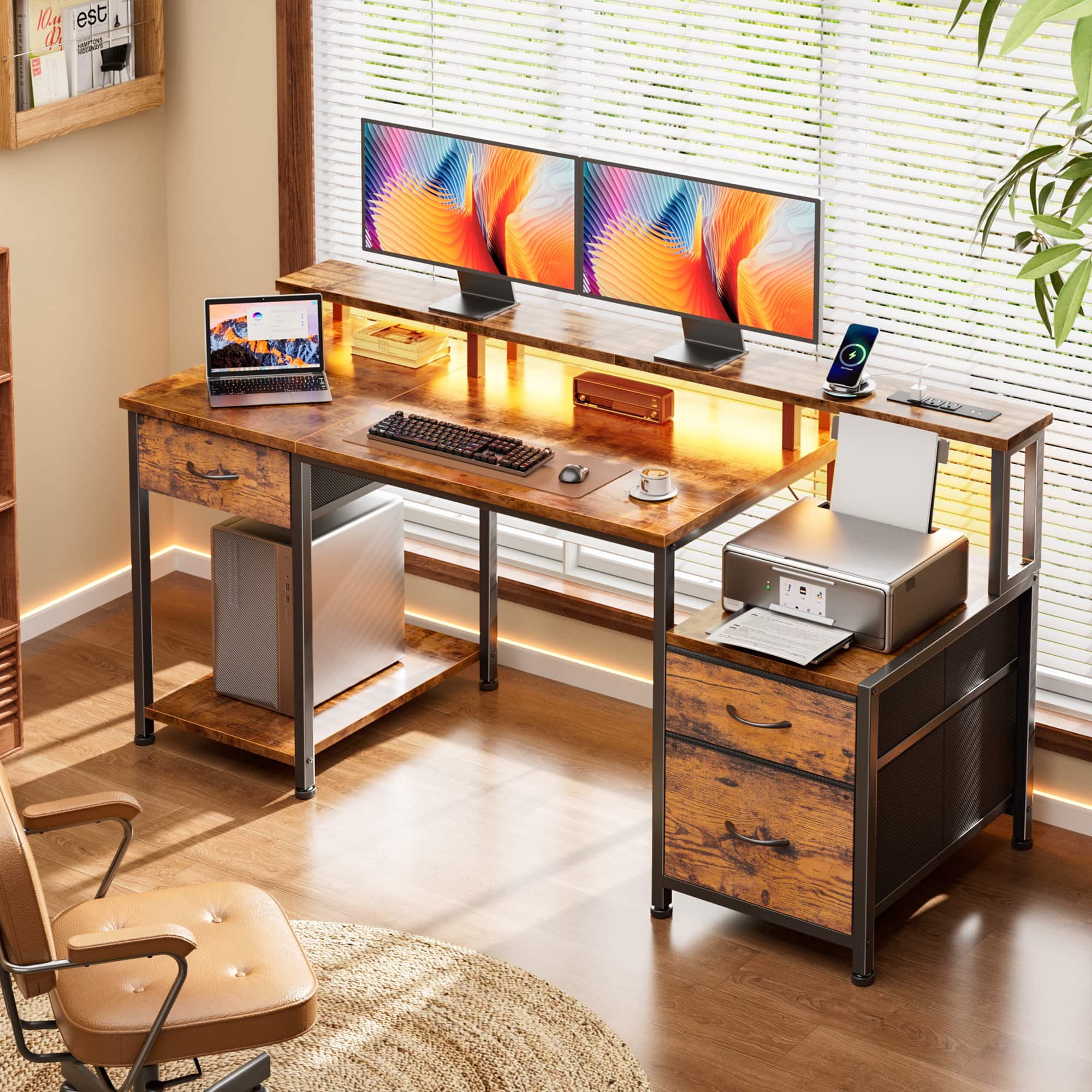
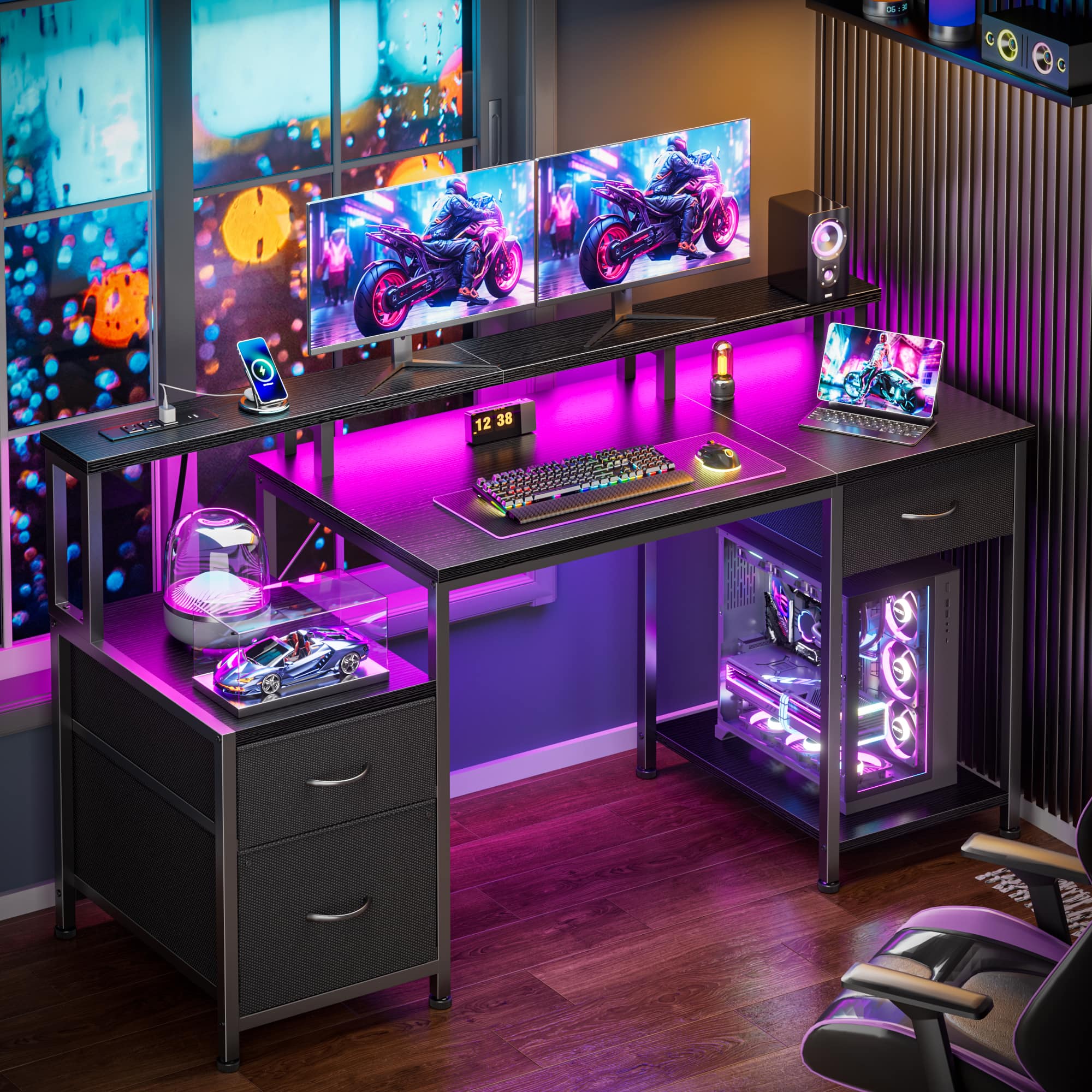
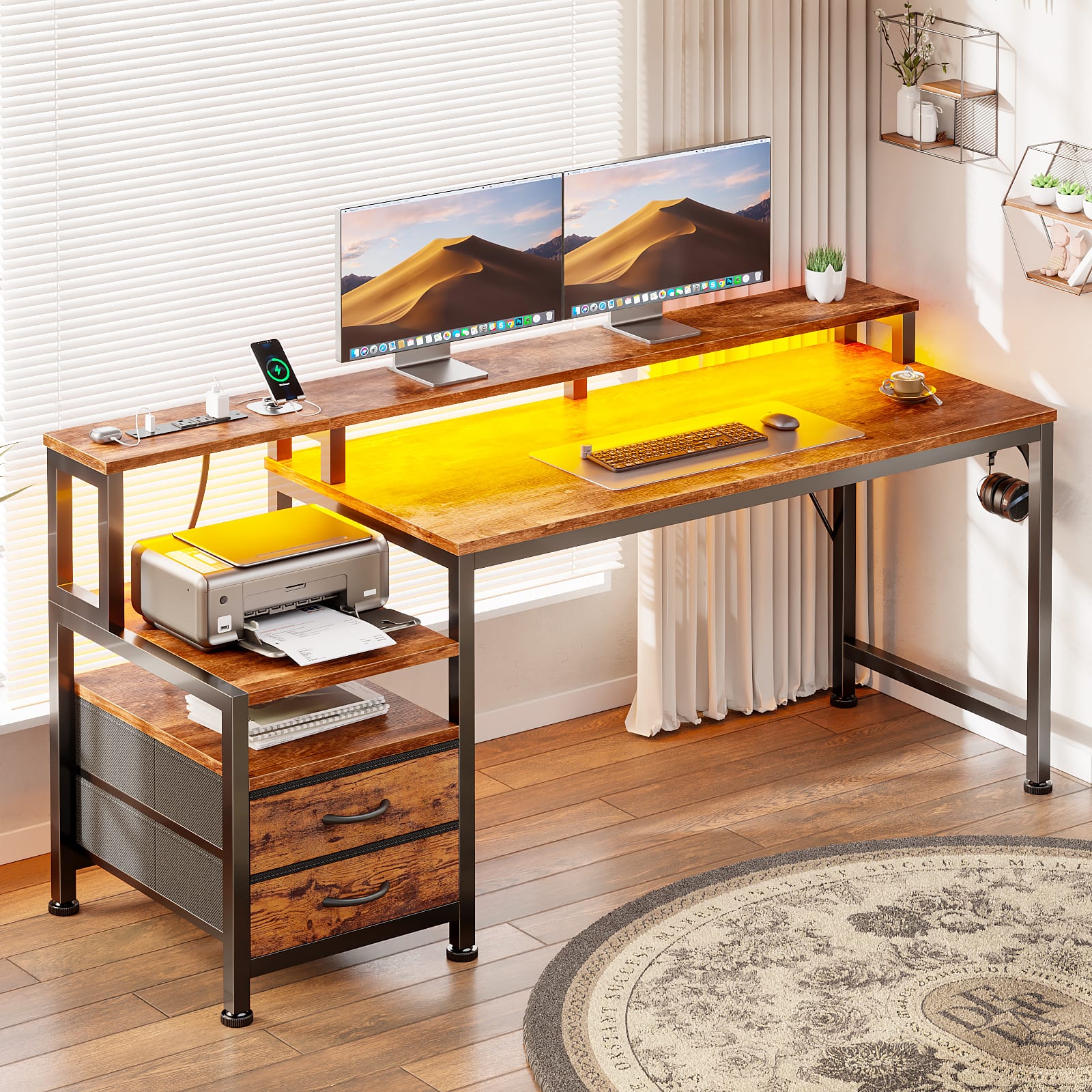
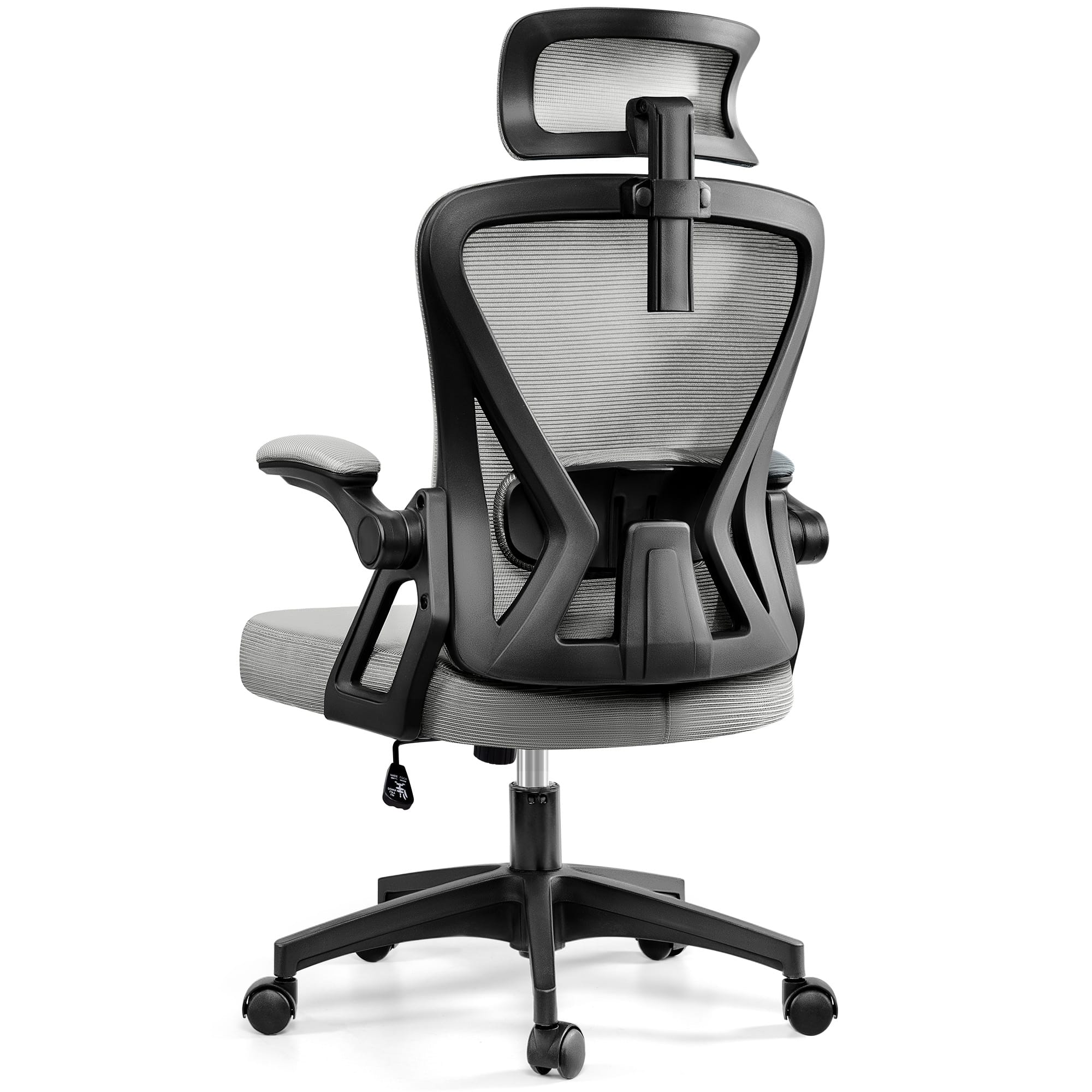
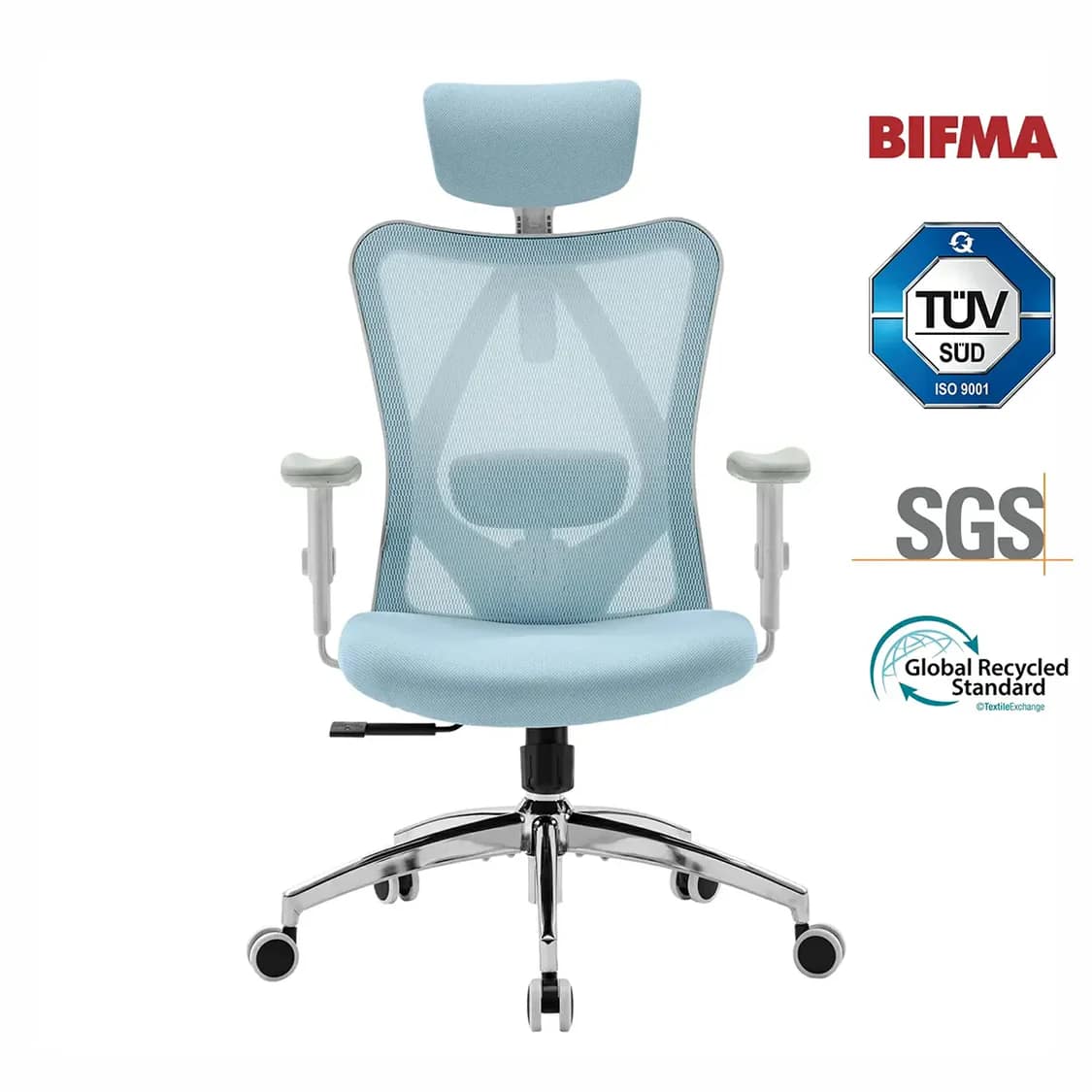
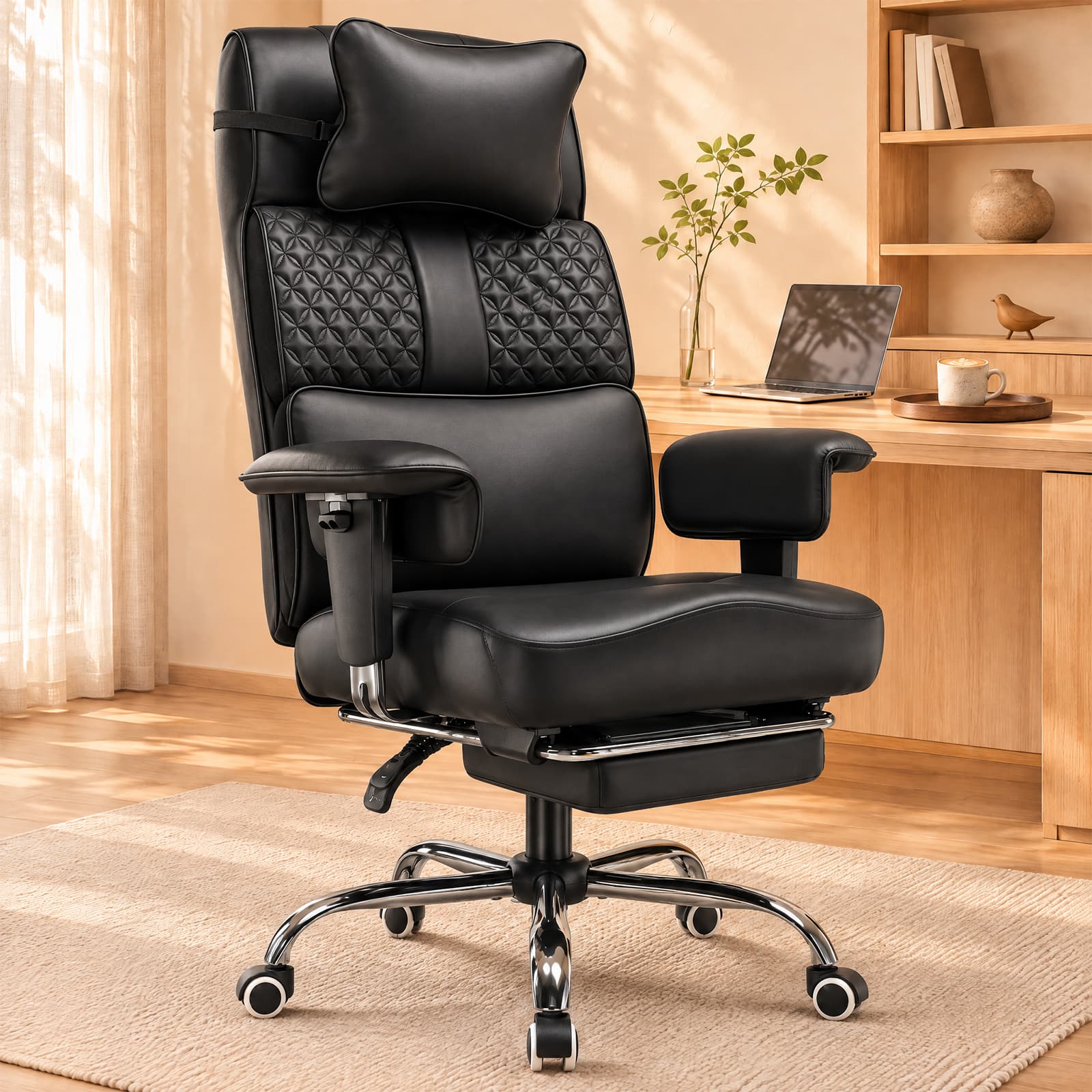
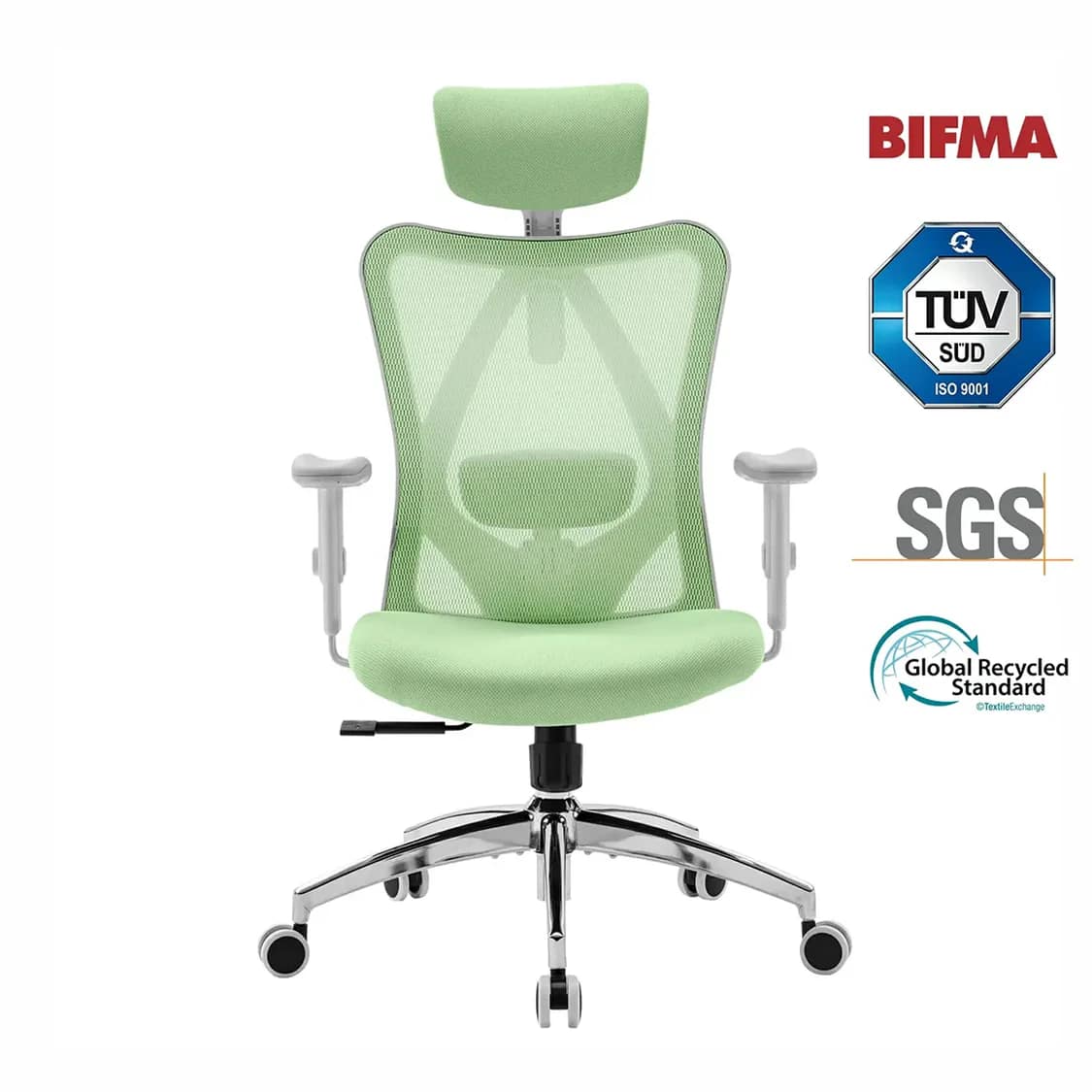
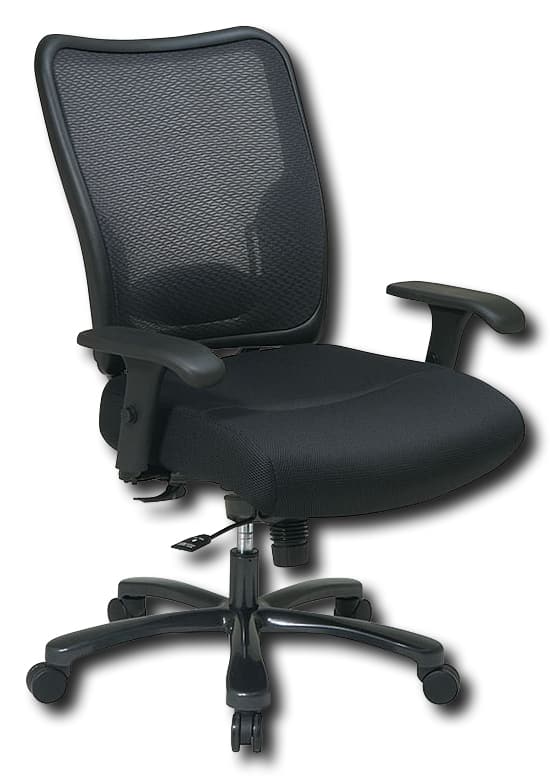
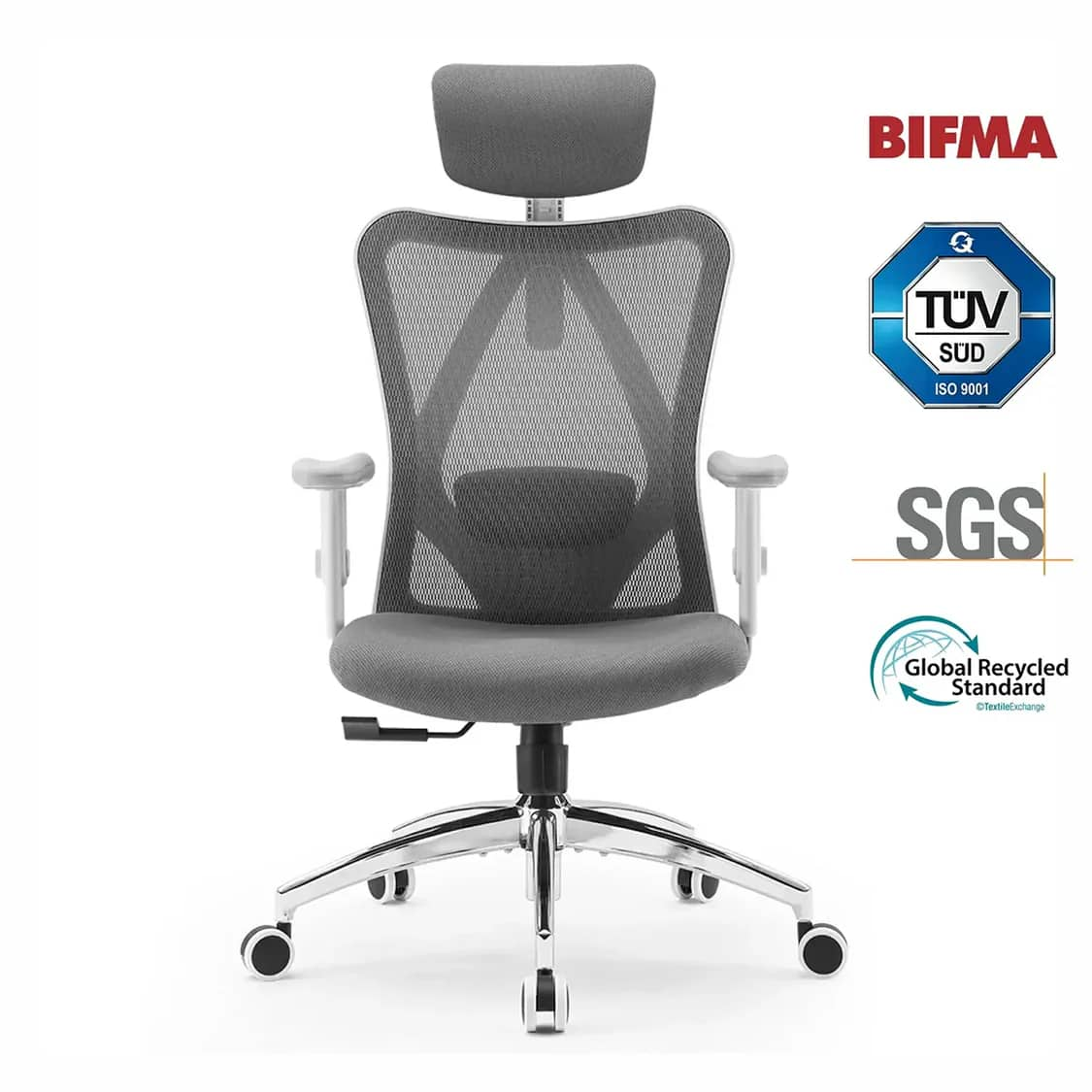
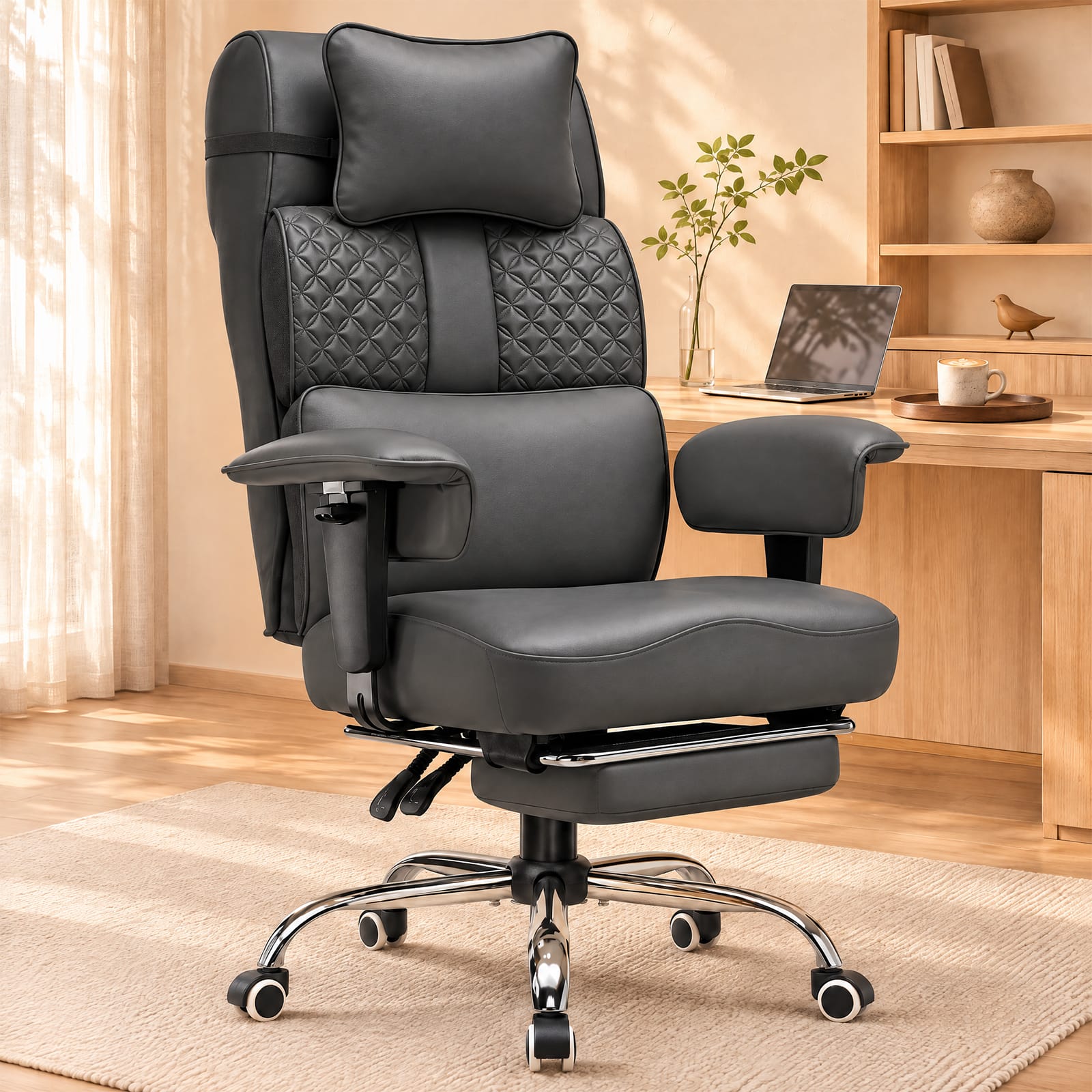
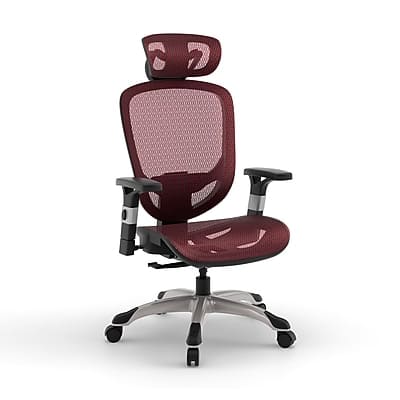
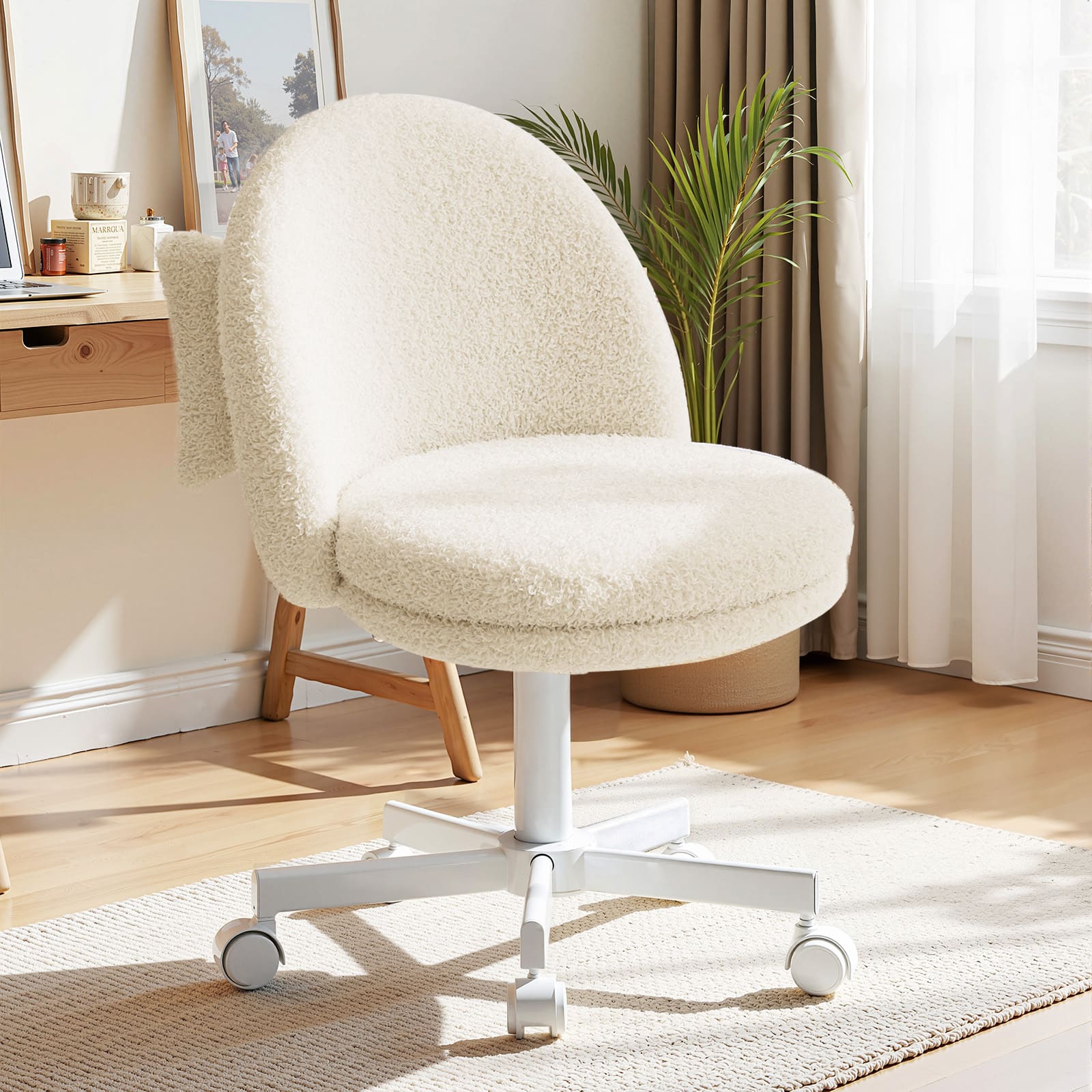
Ergonomic Office Chairs


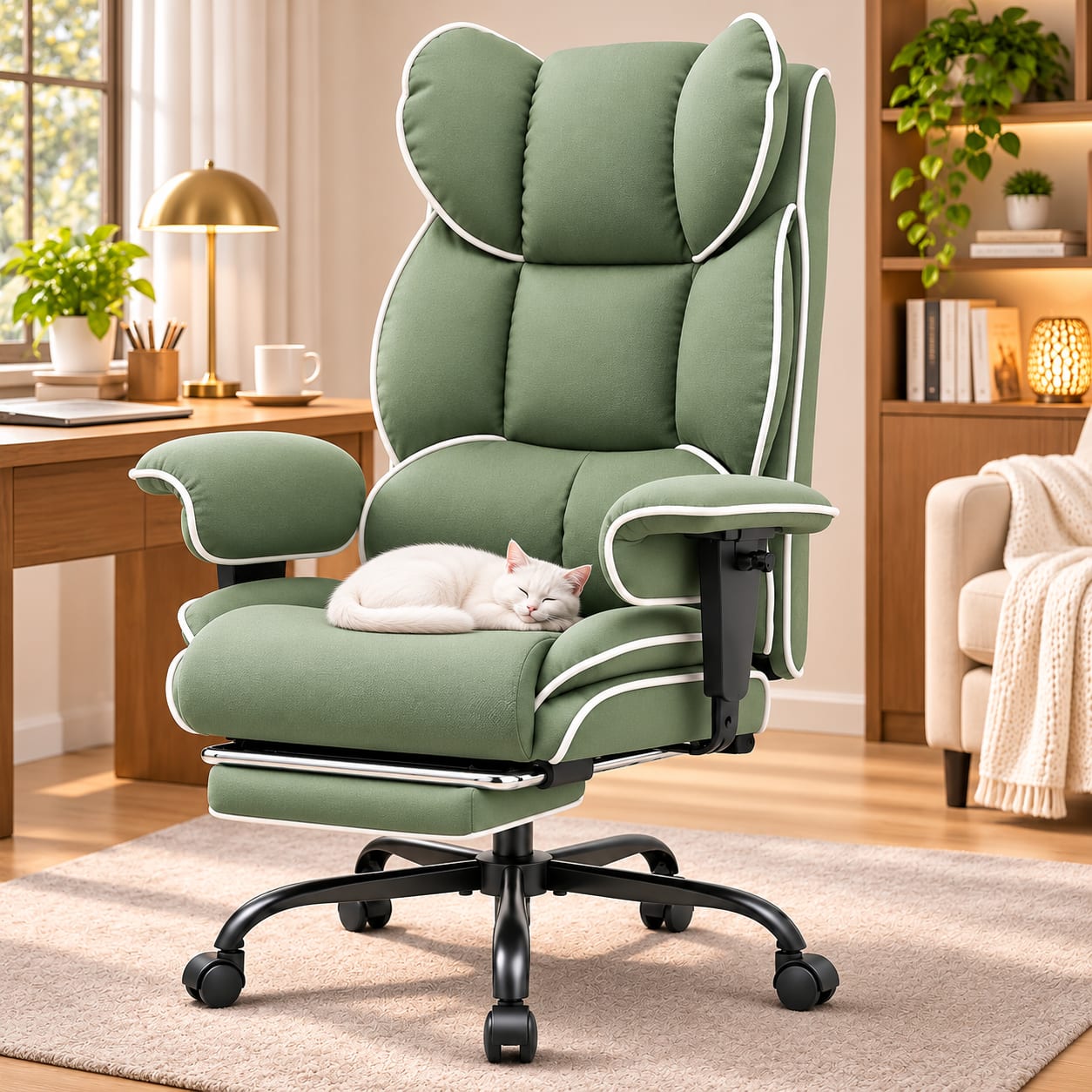
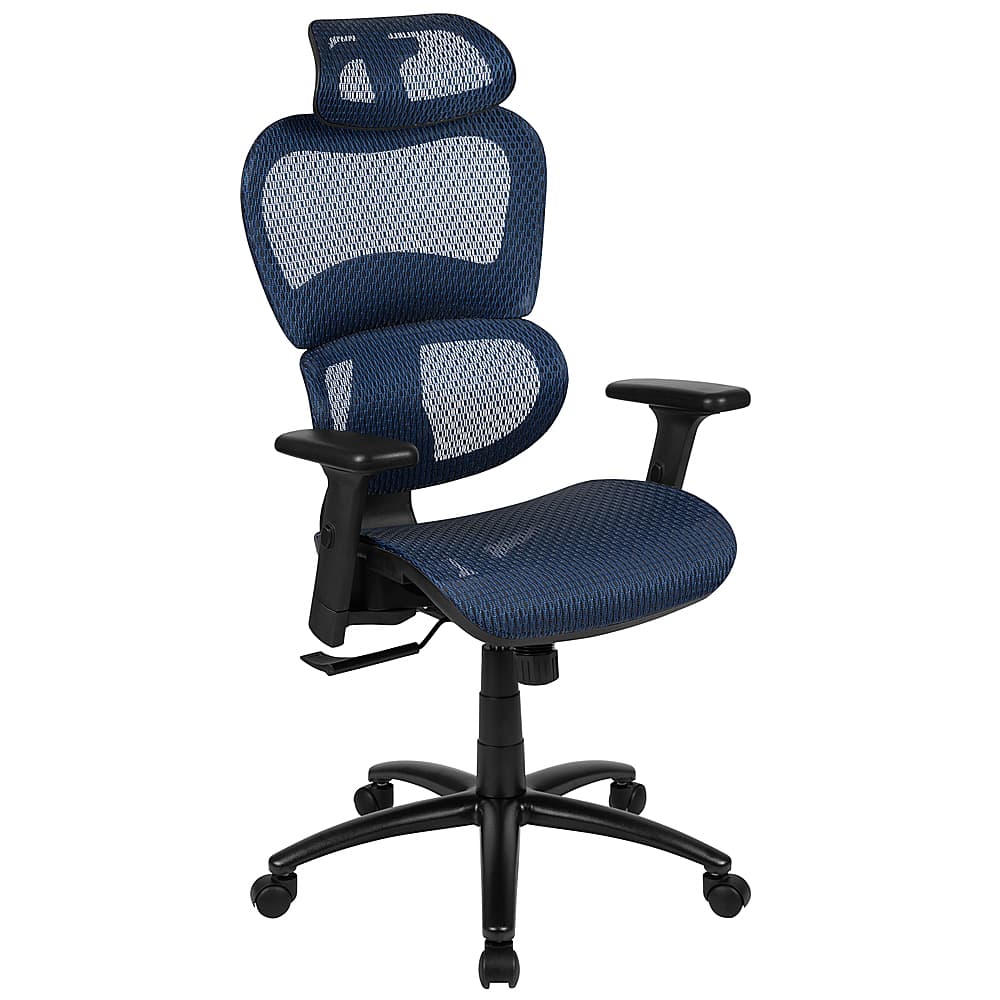
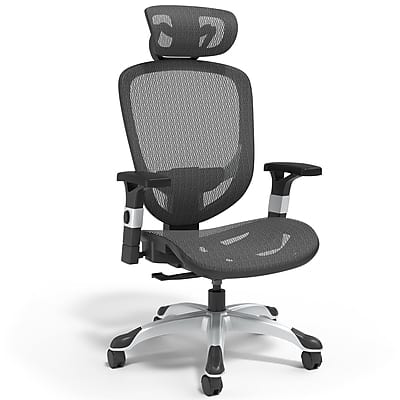

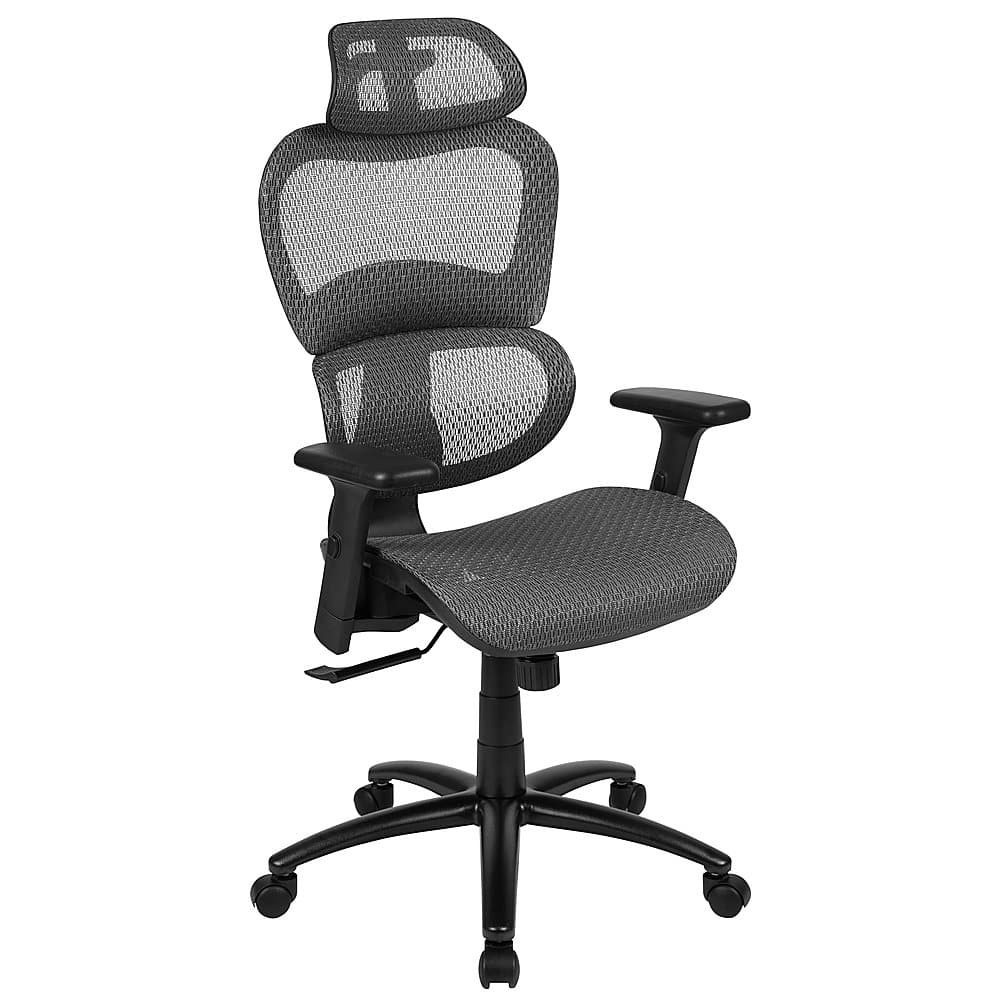





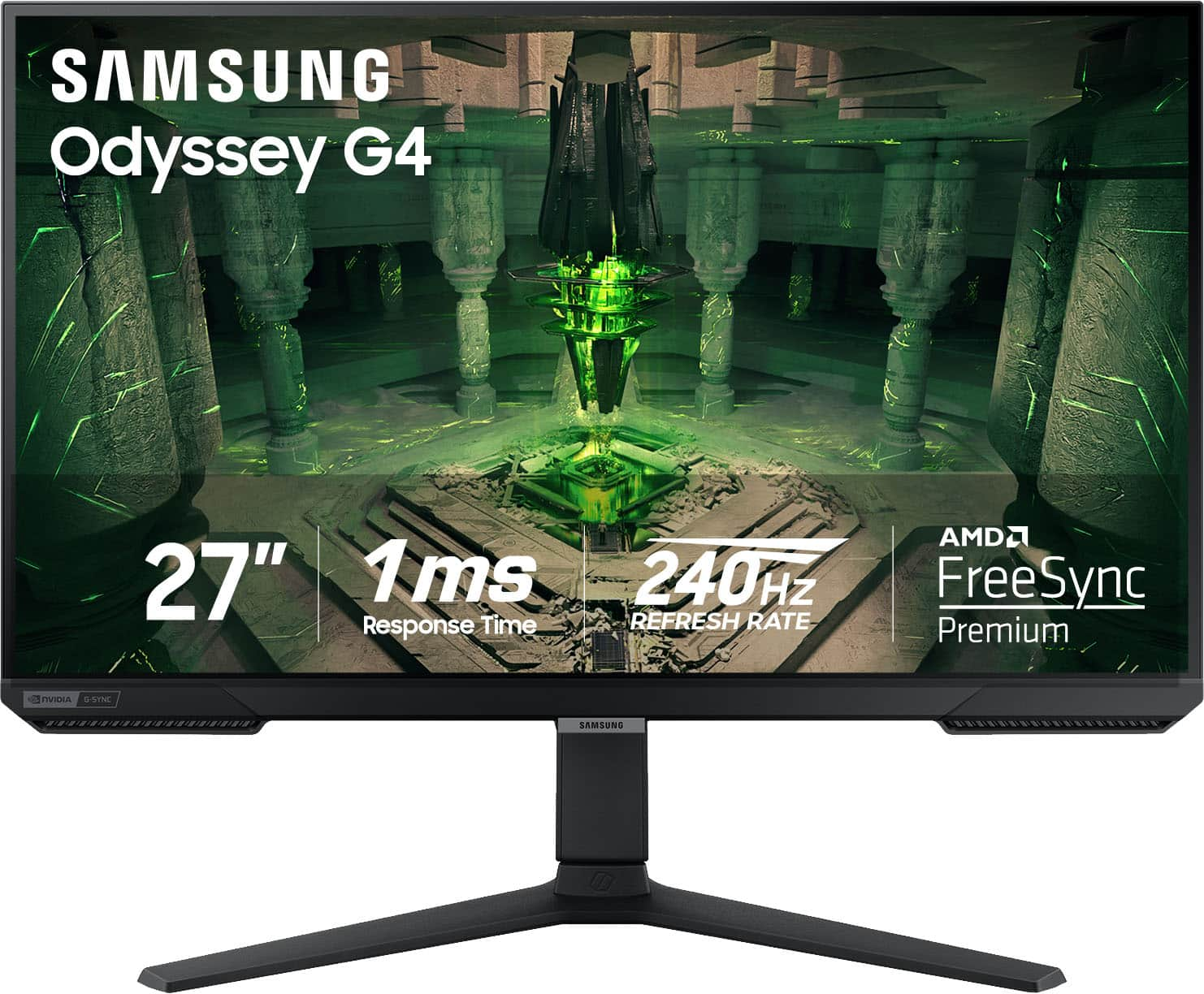
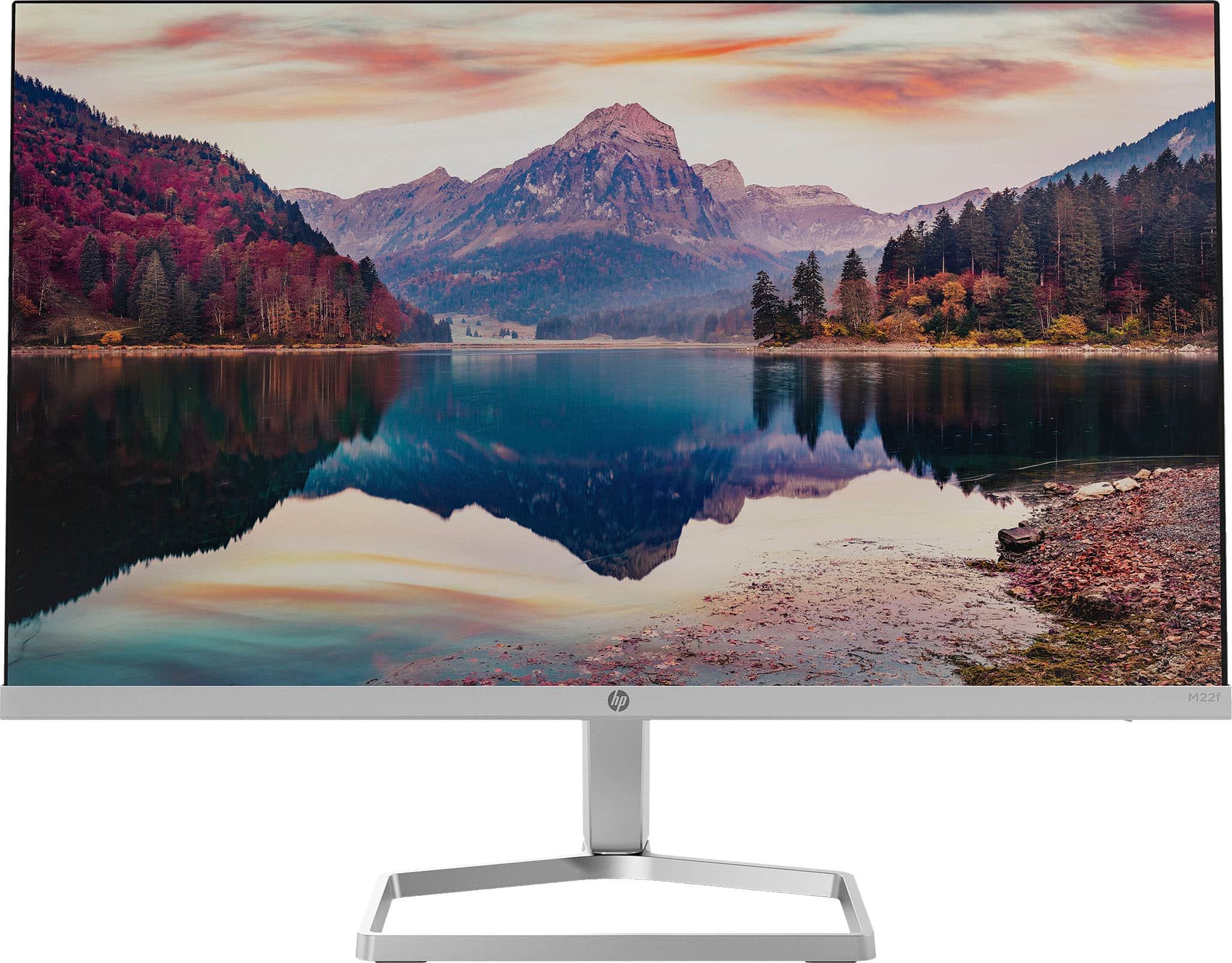
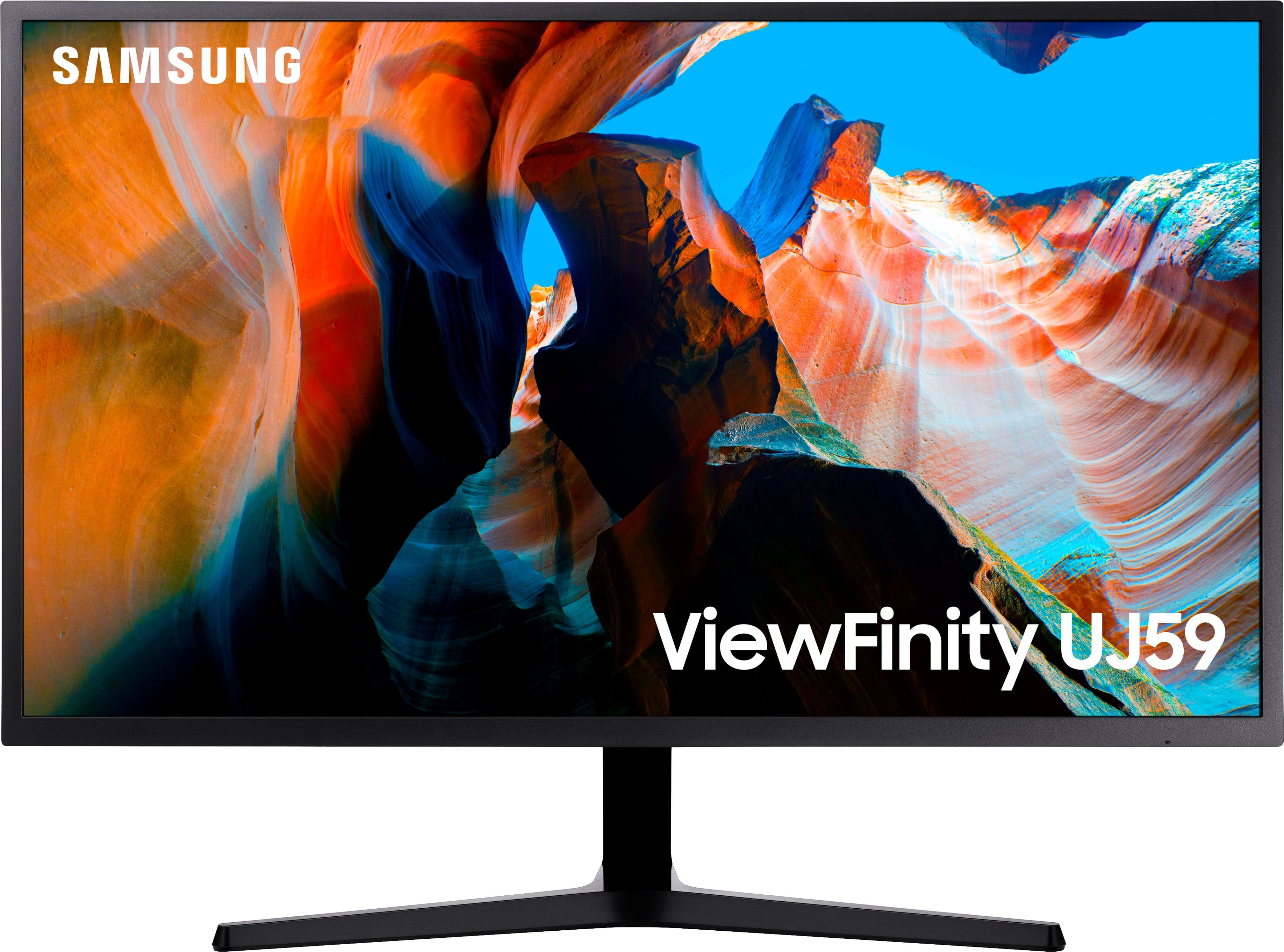
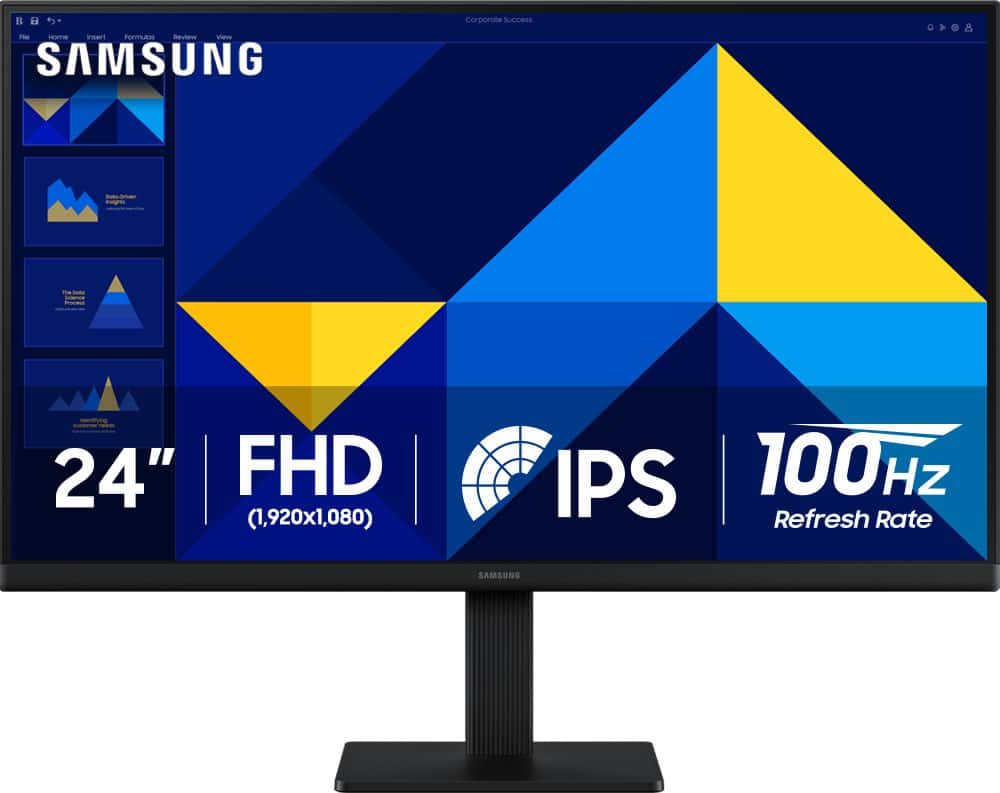
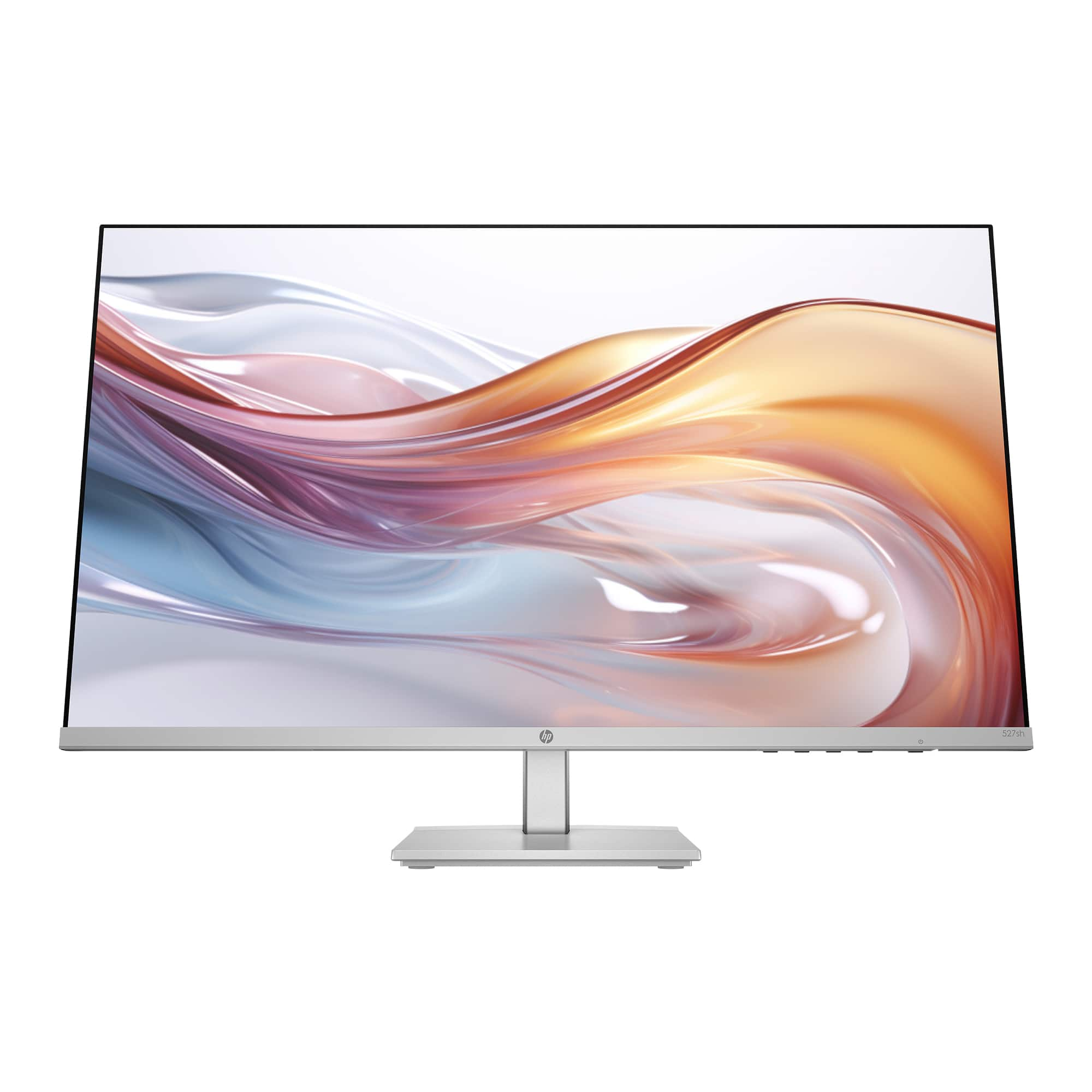
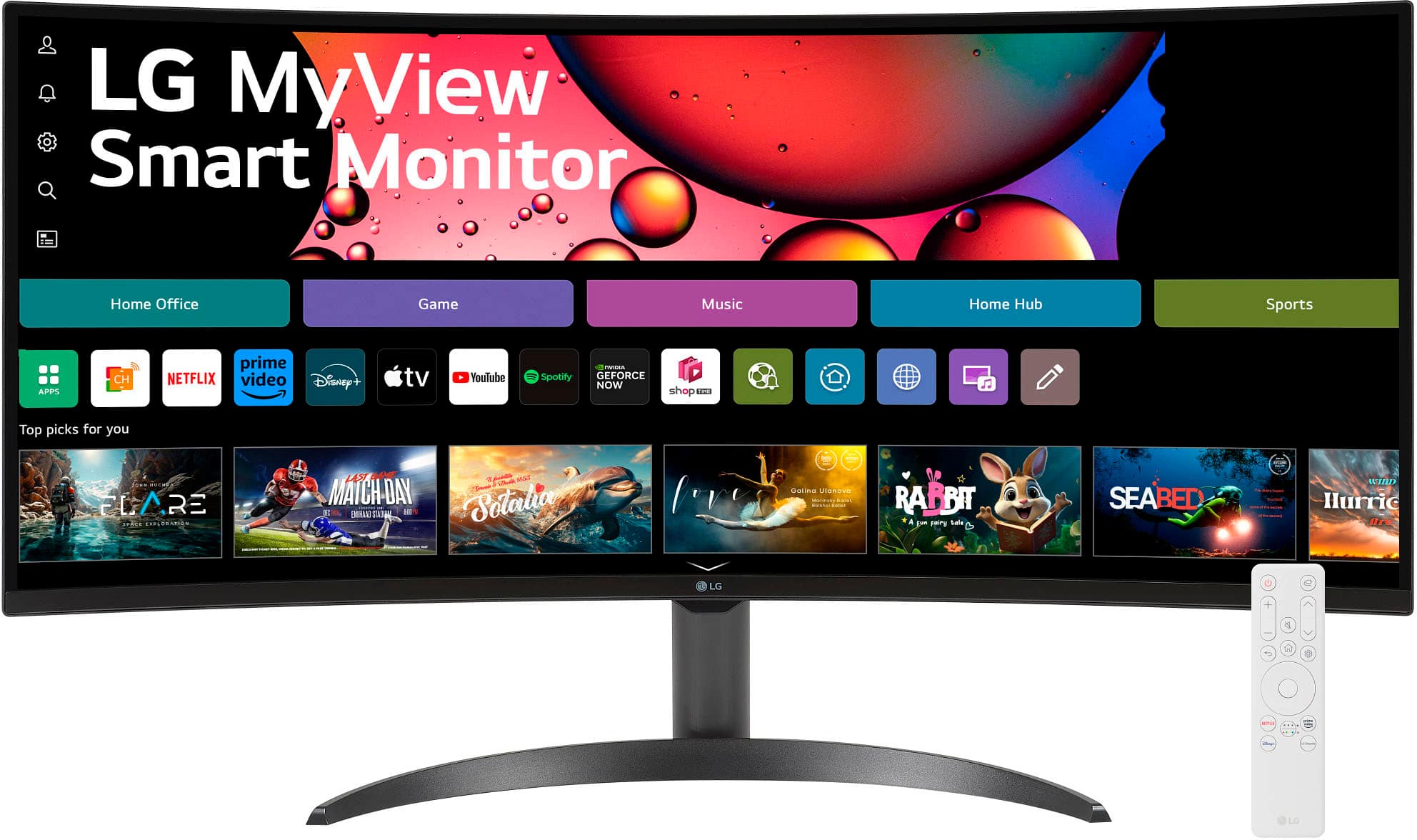
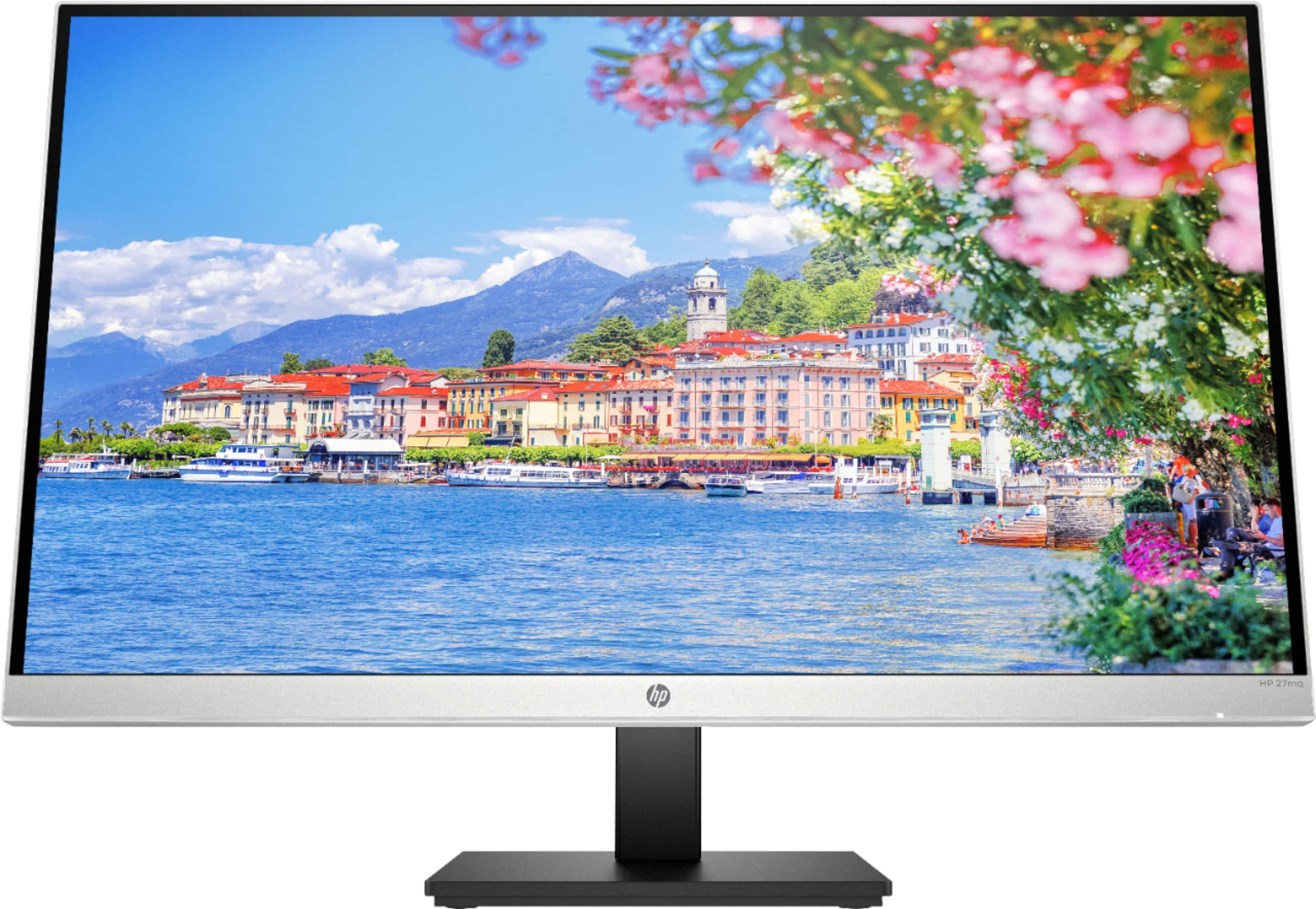
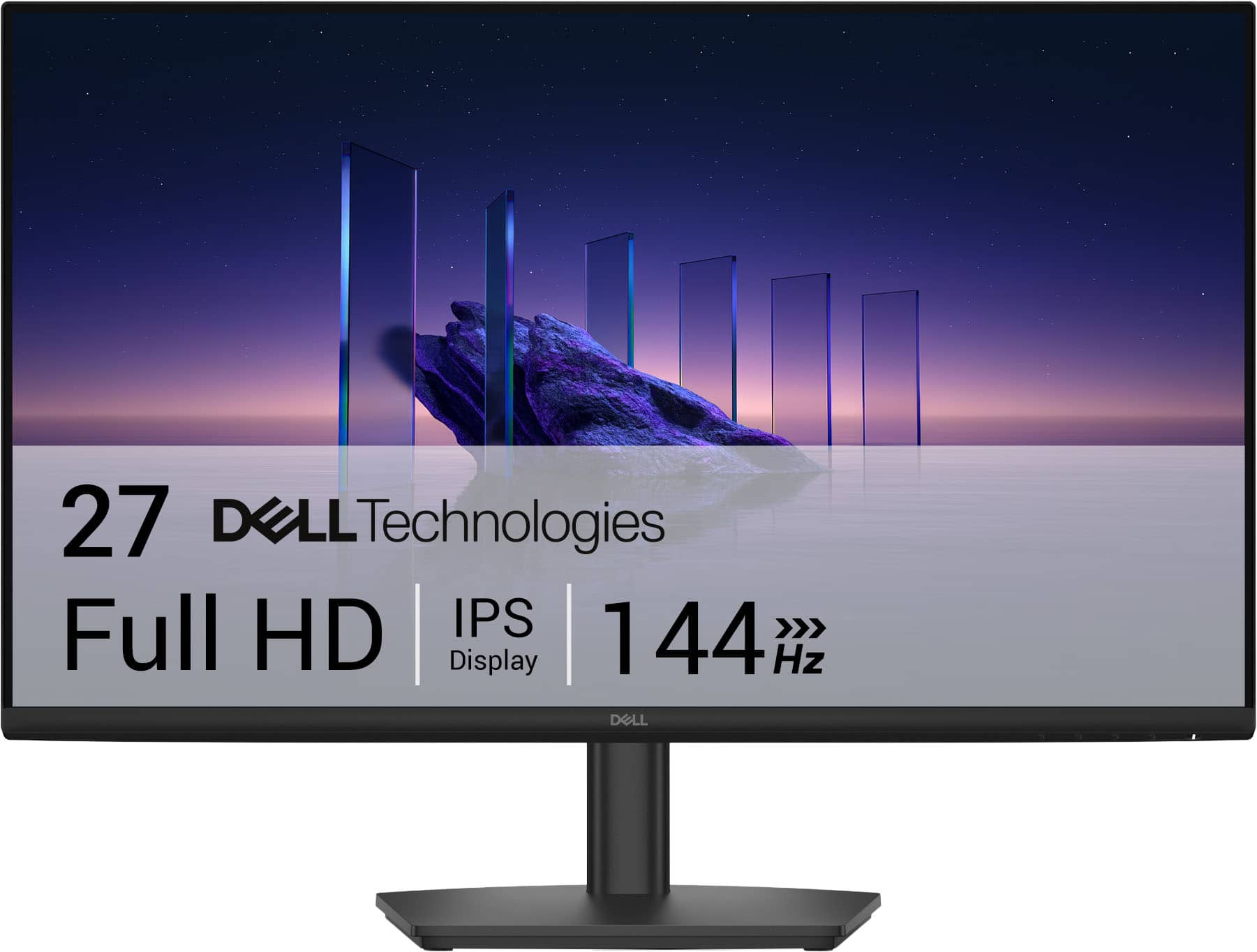
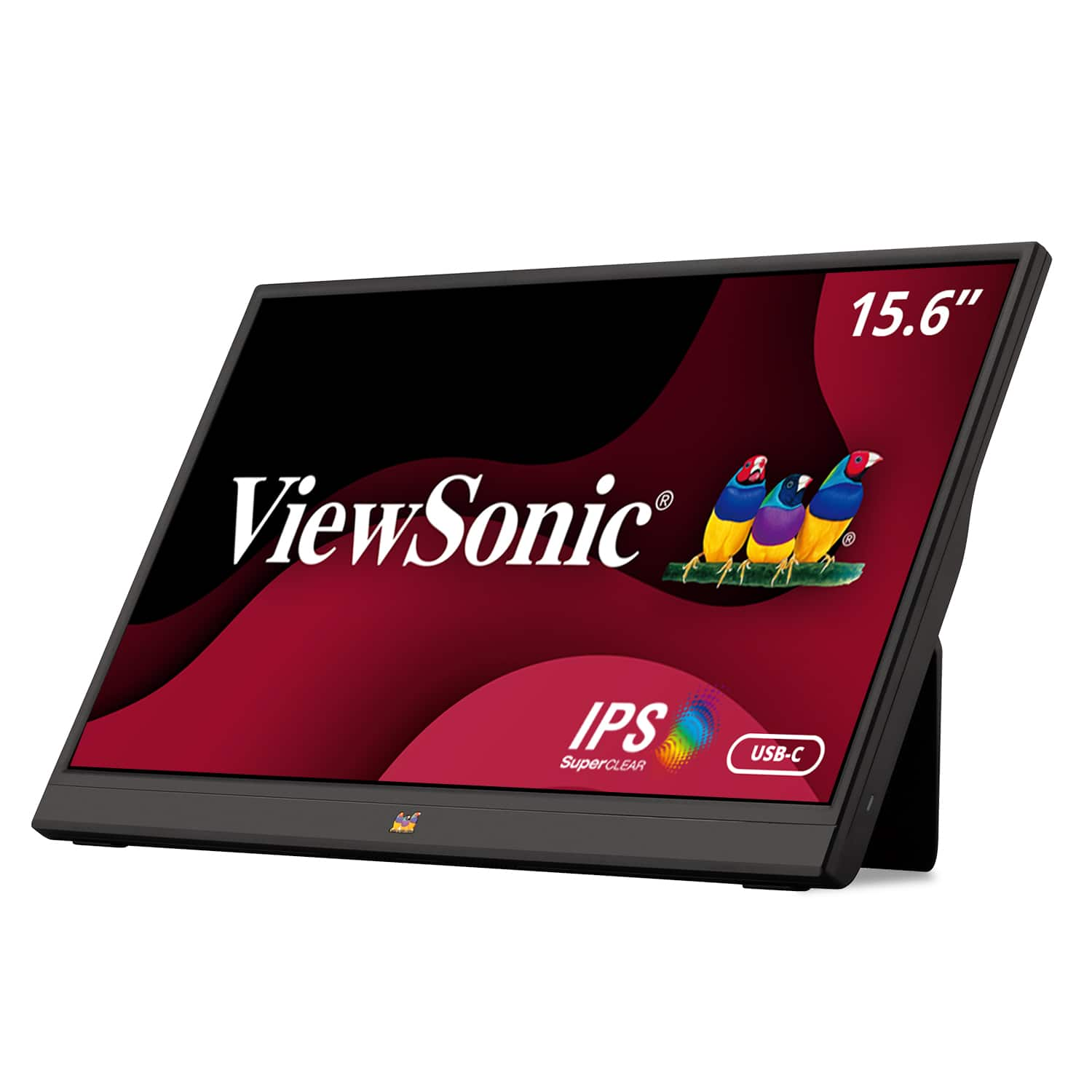
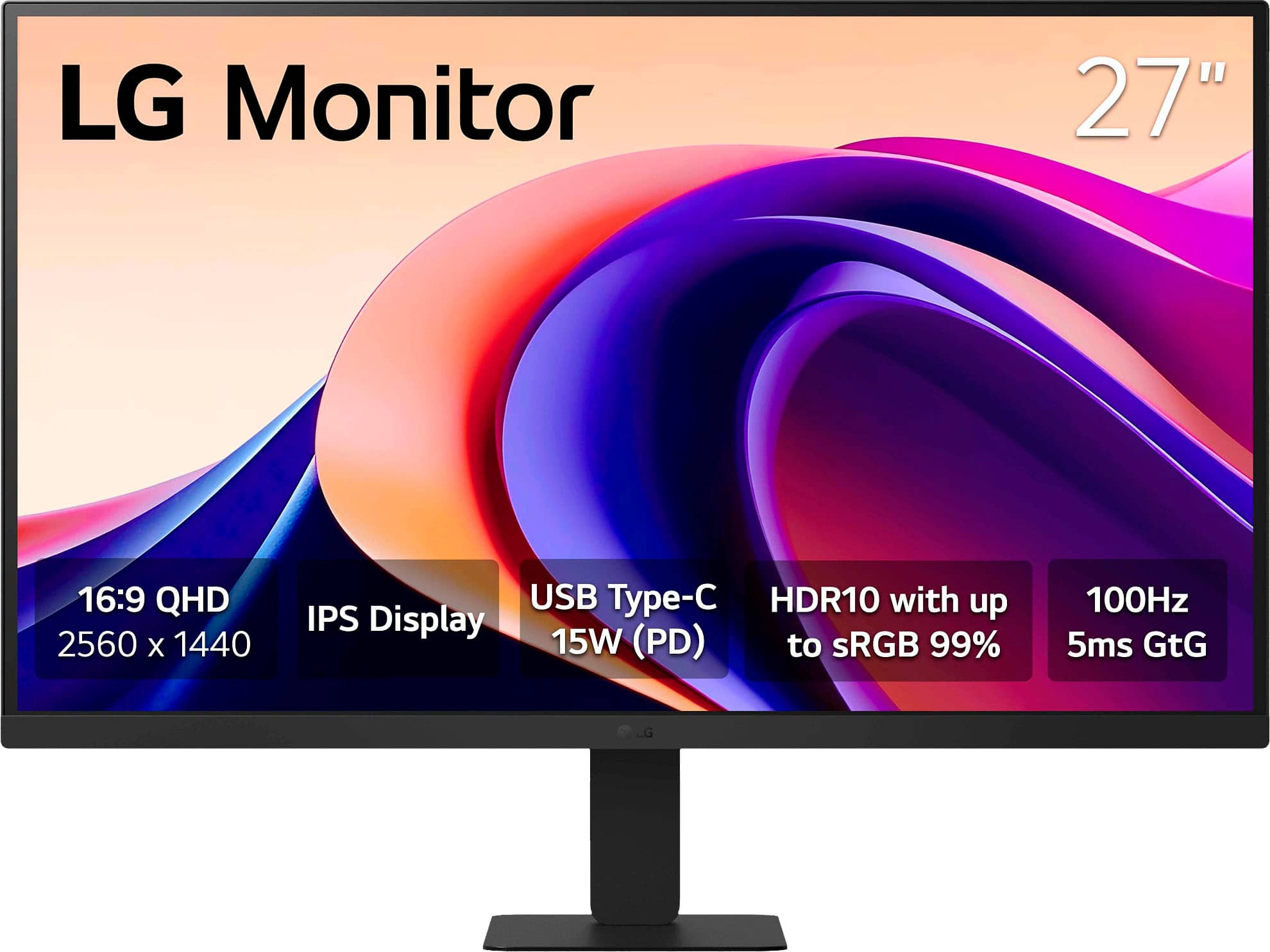
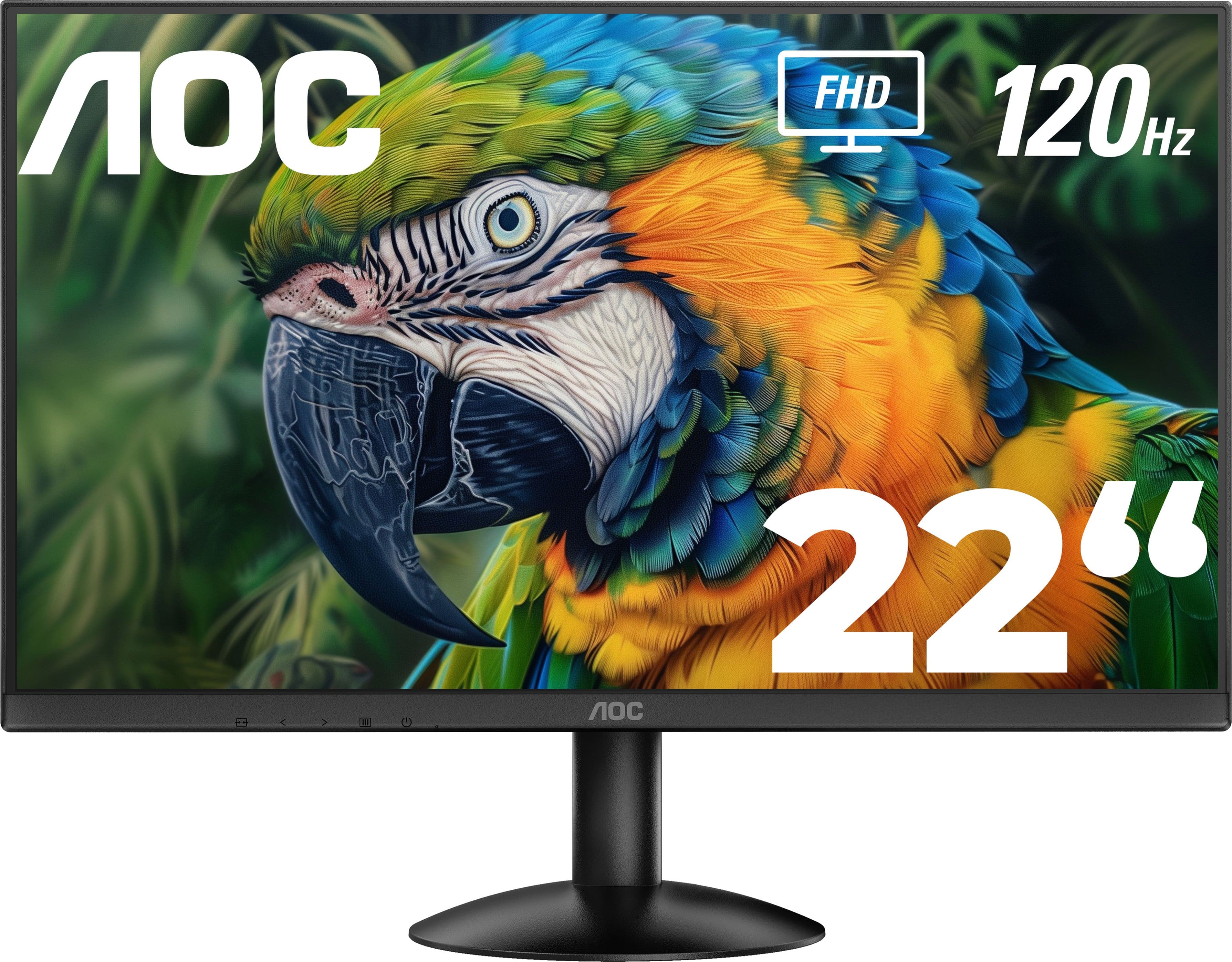
Computer Monitors

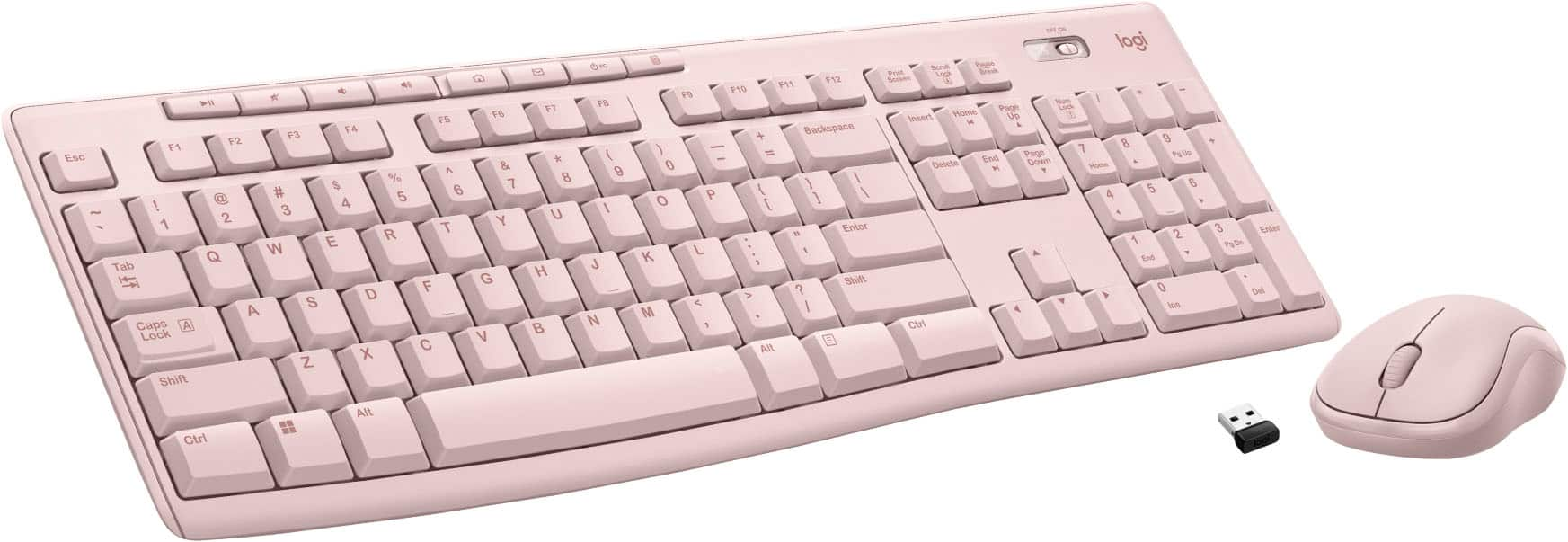
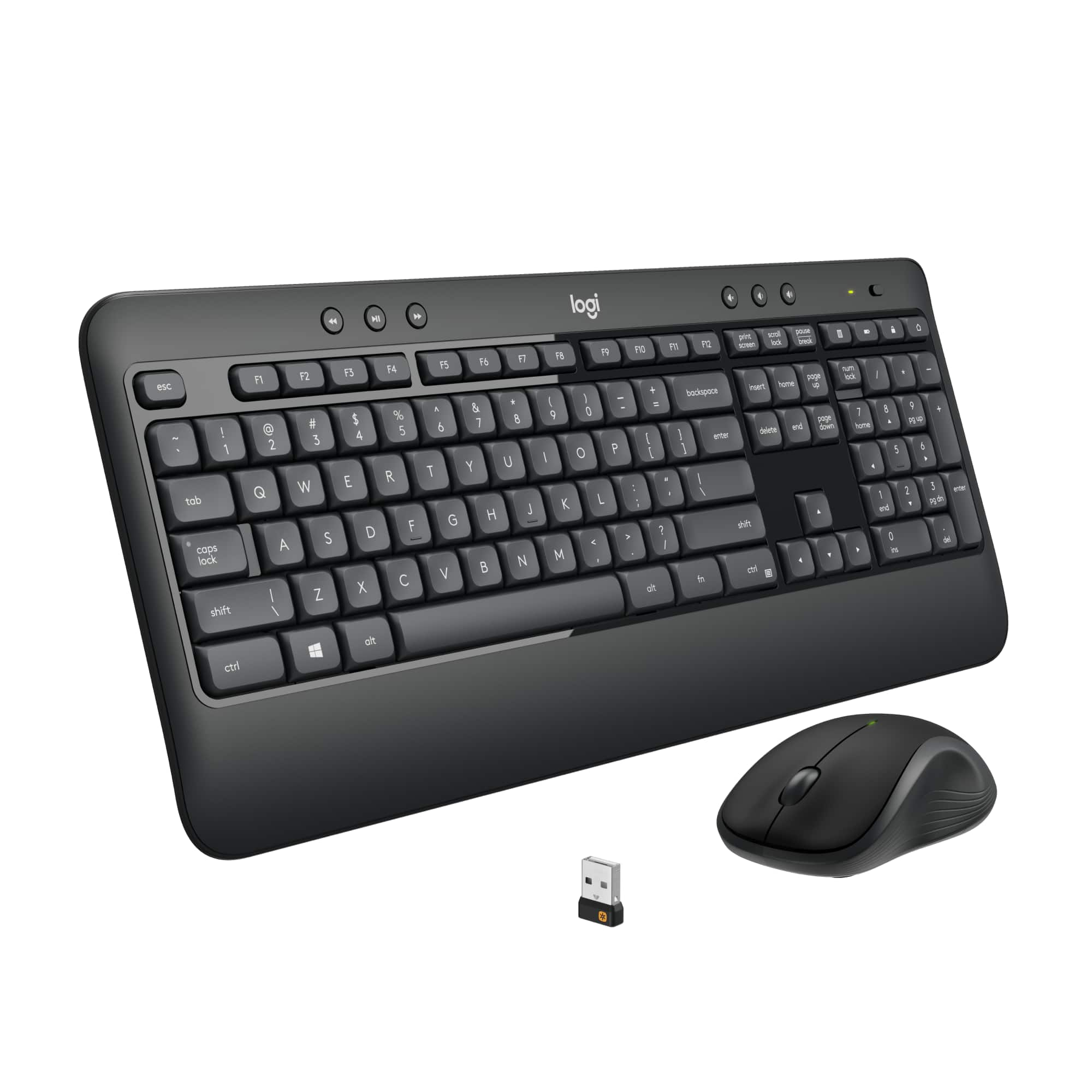
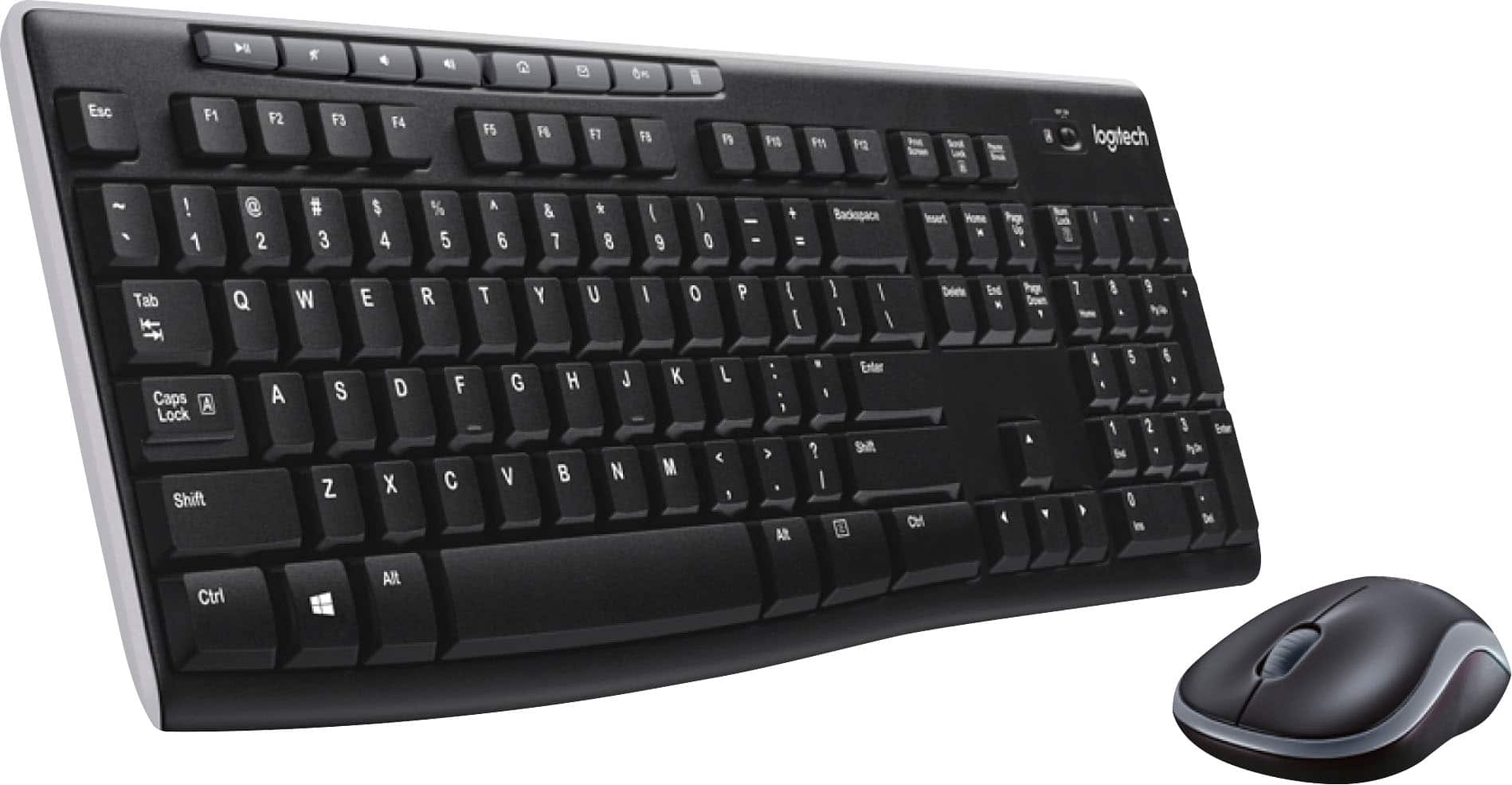
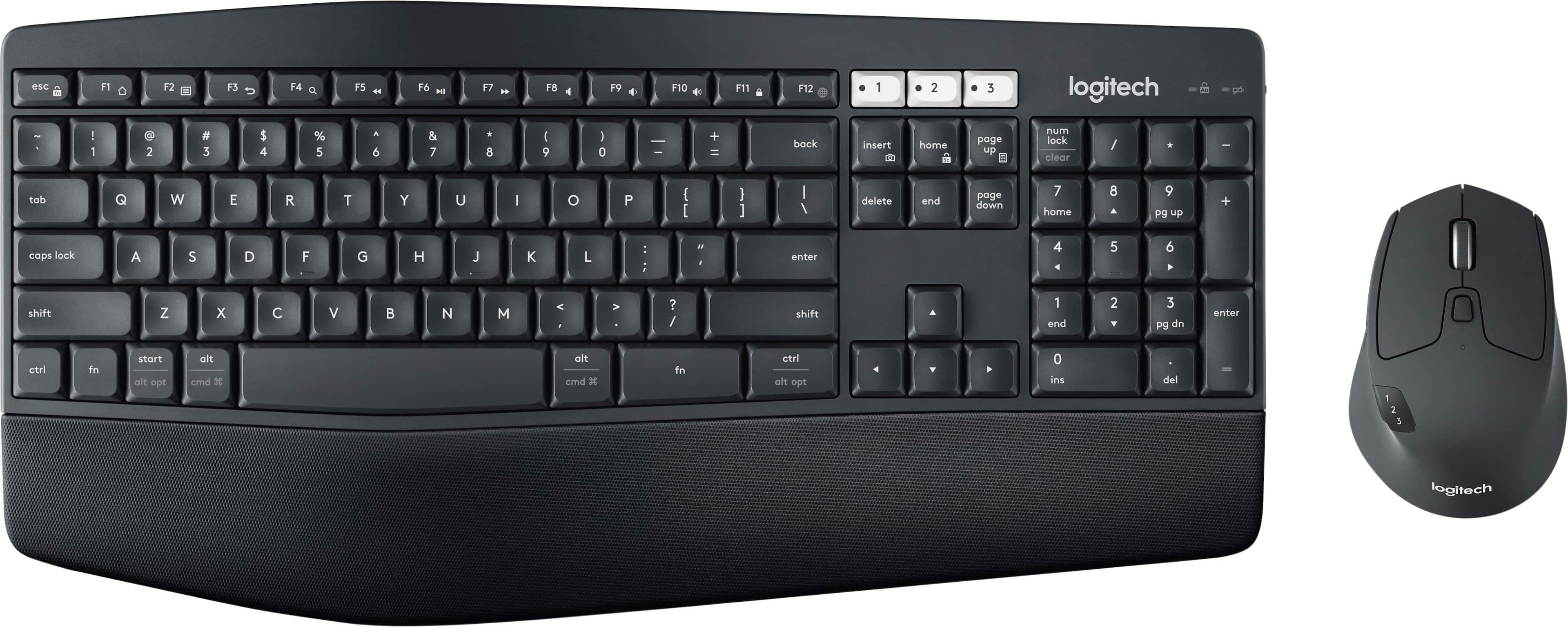
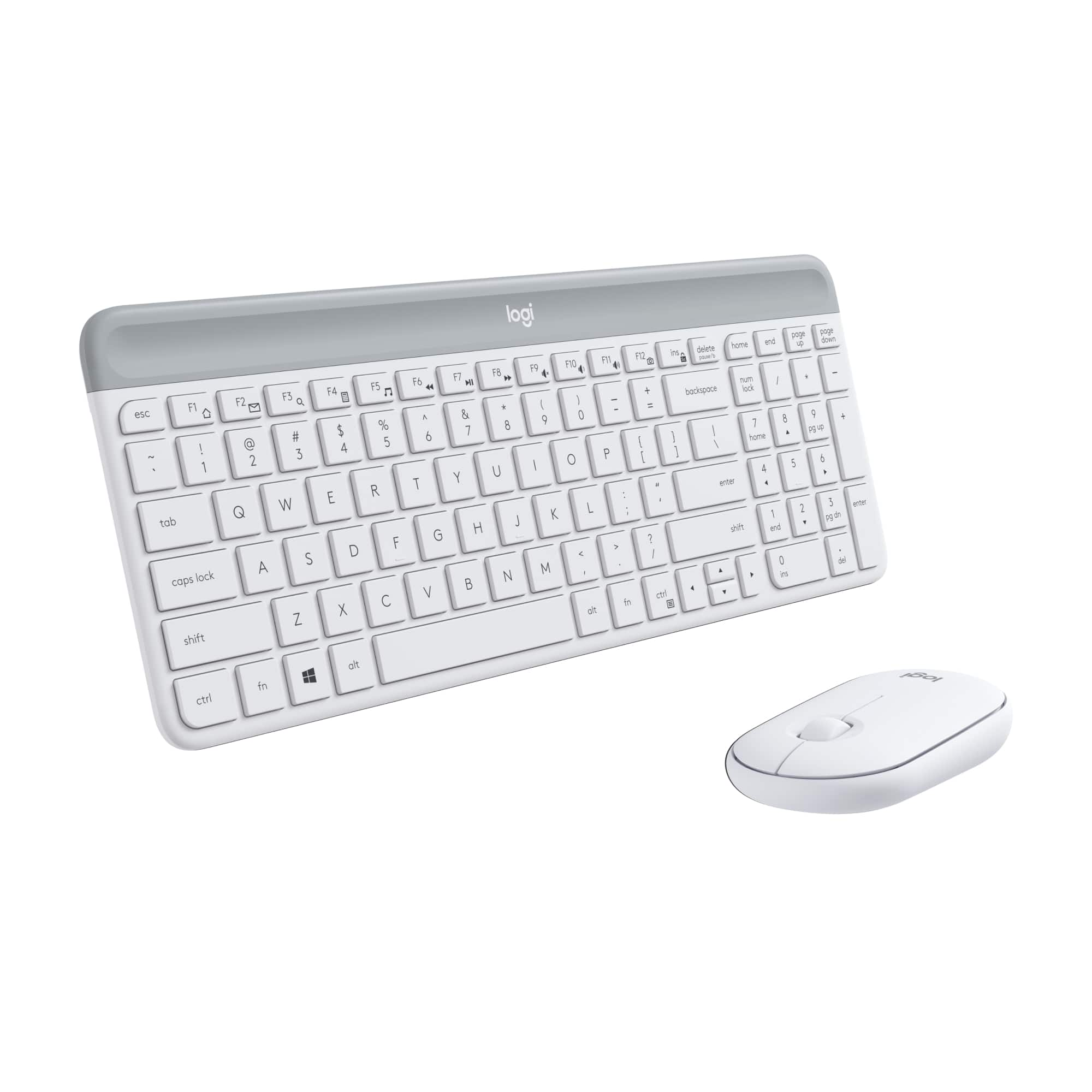
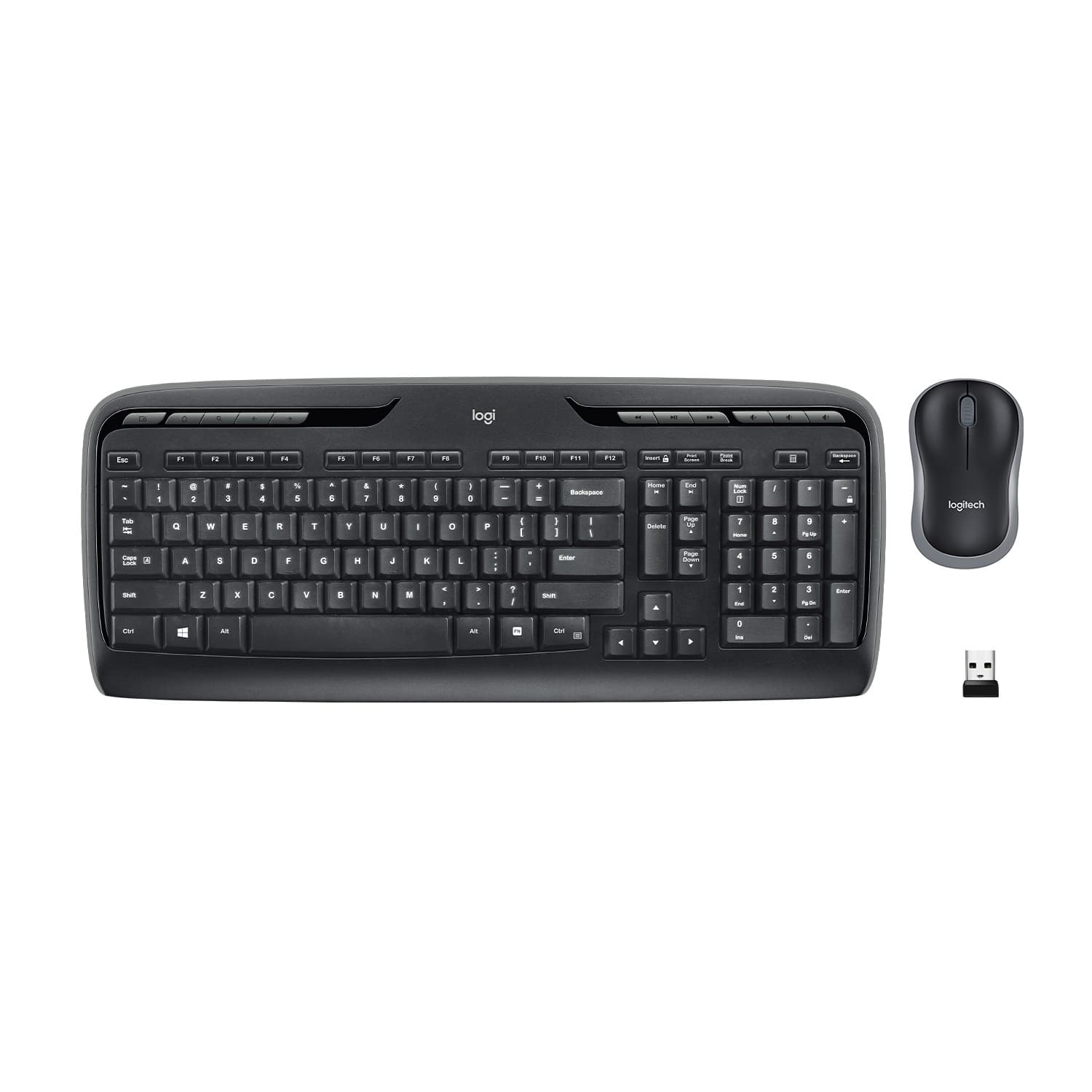
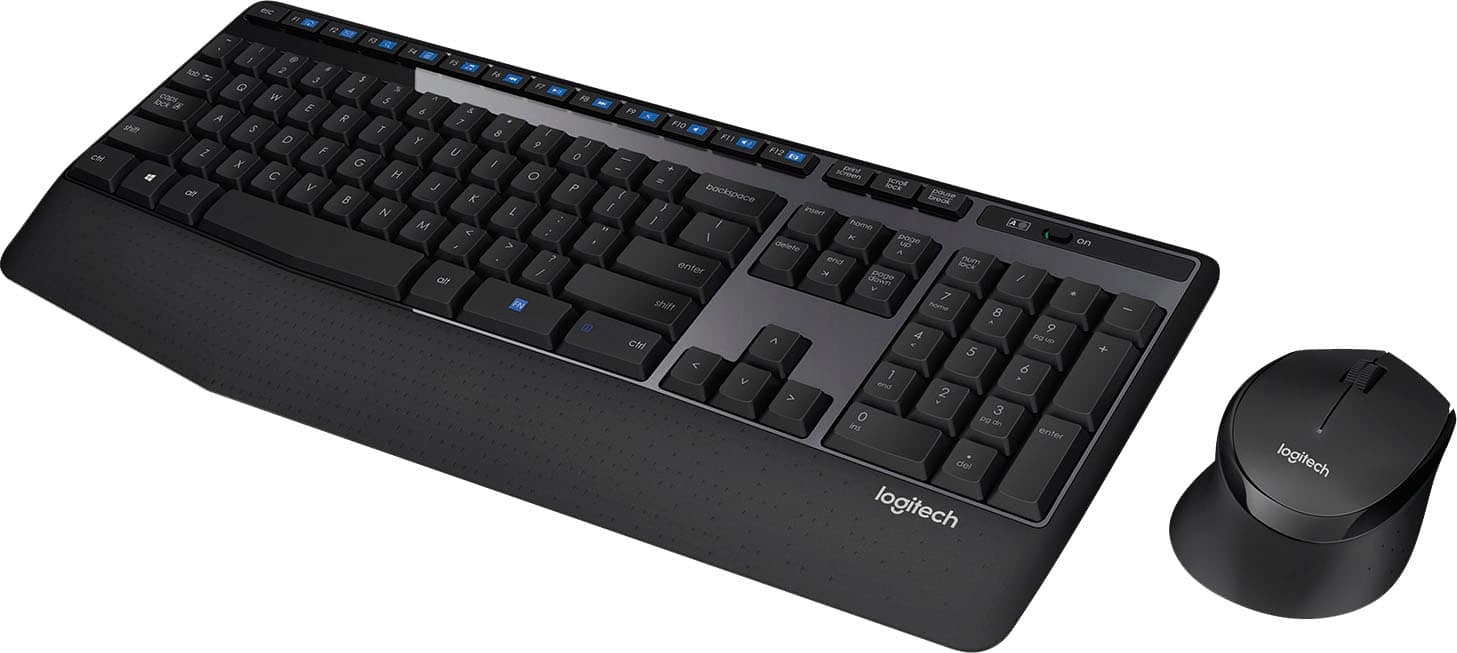
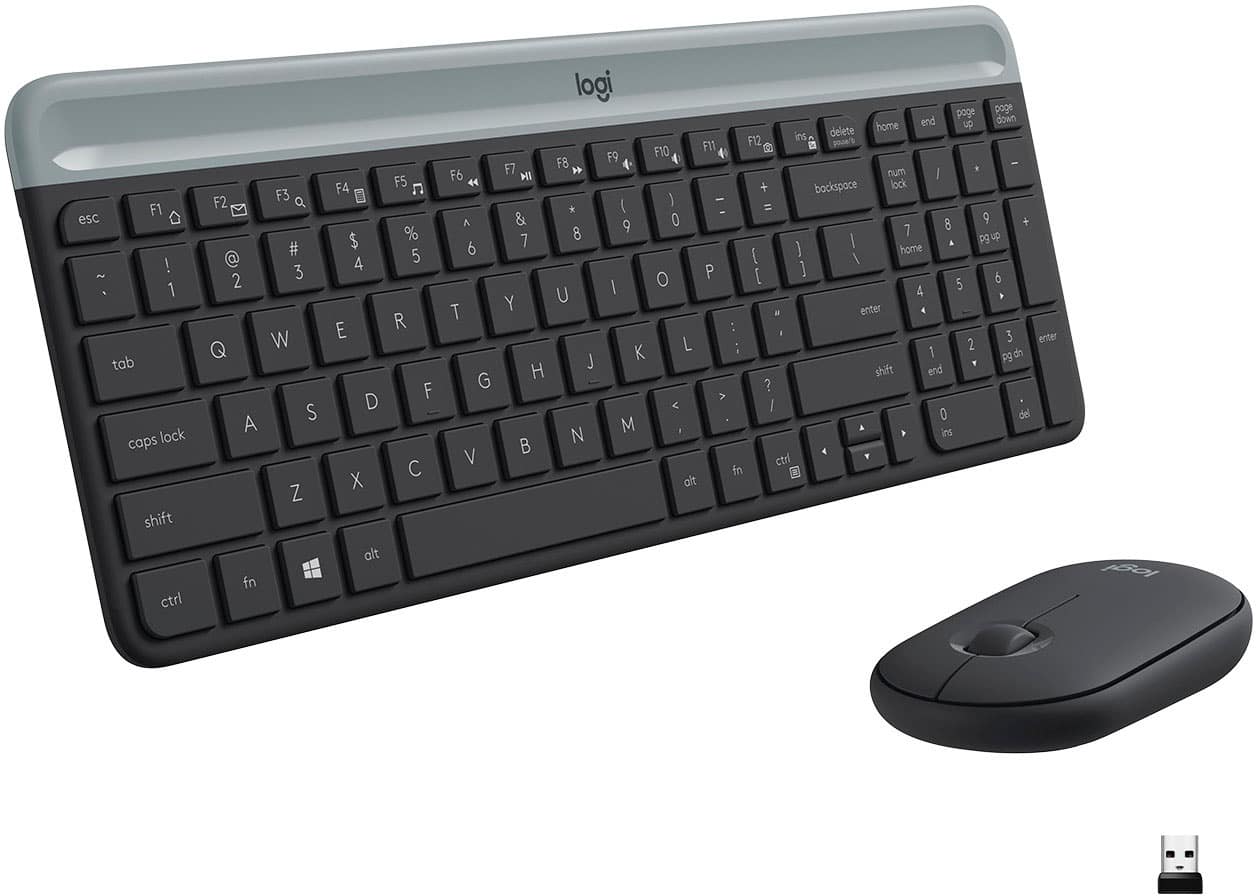
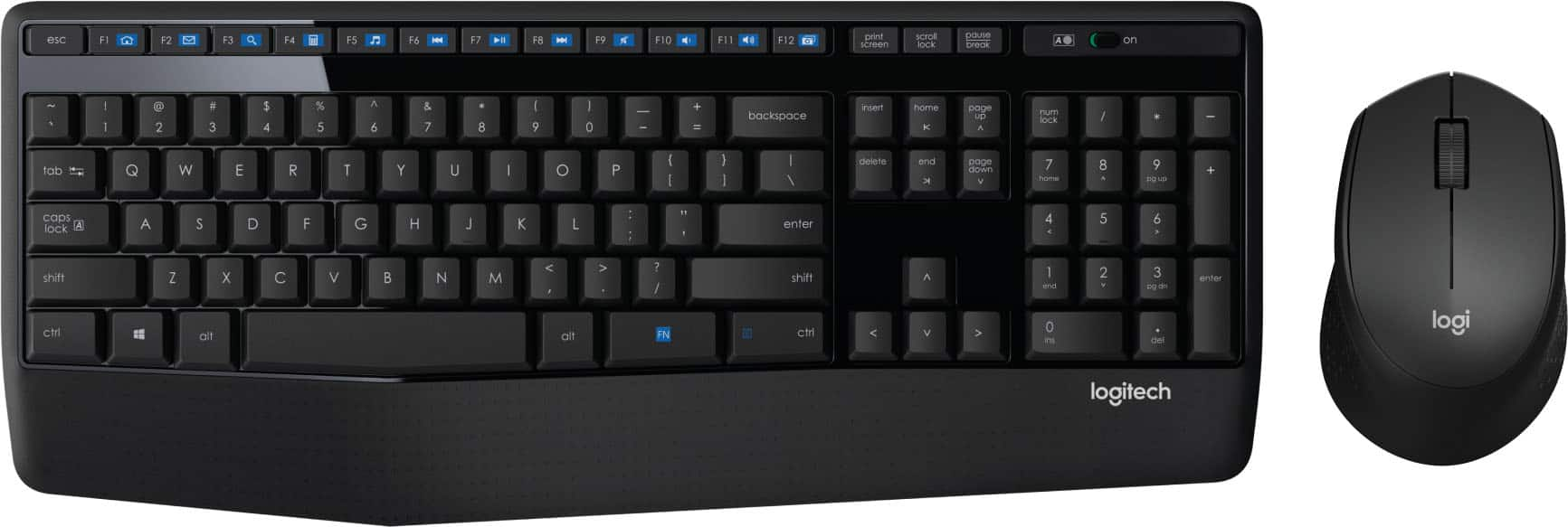
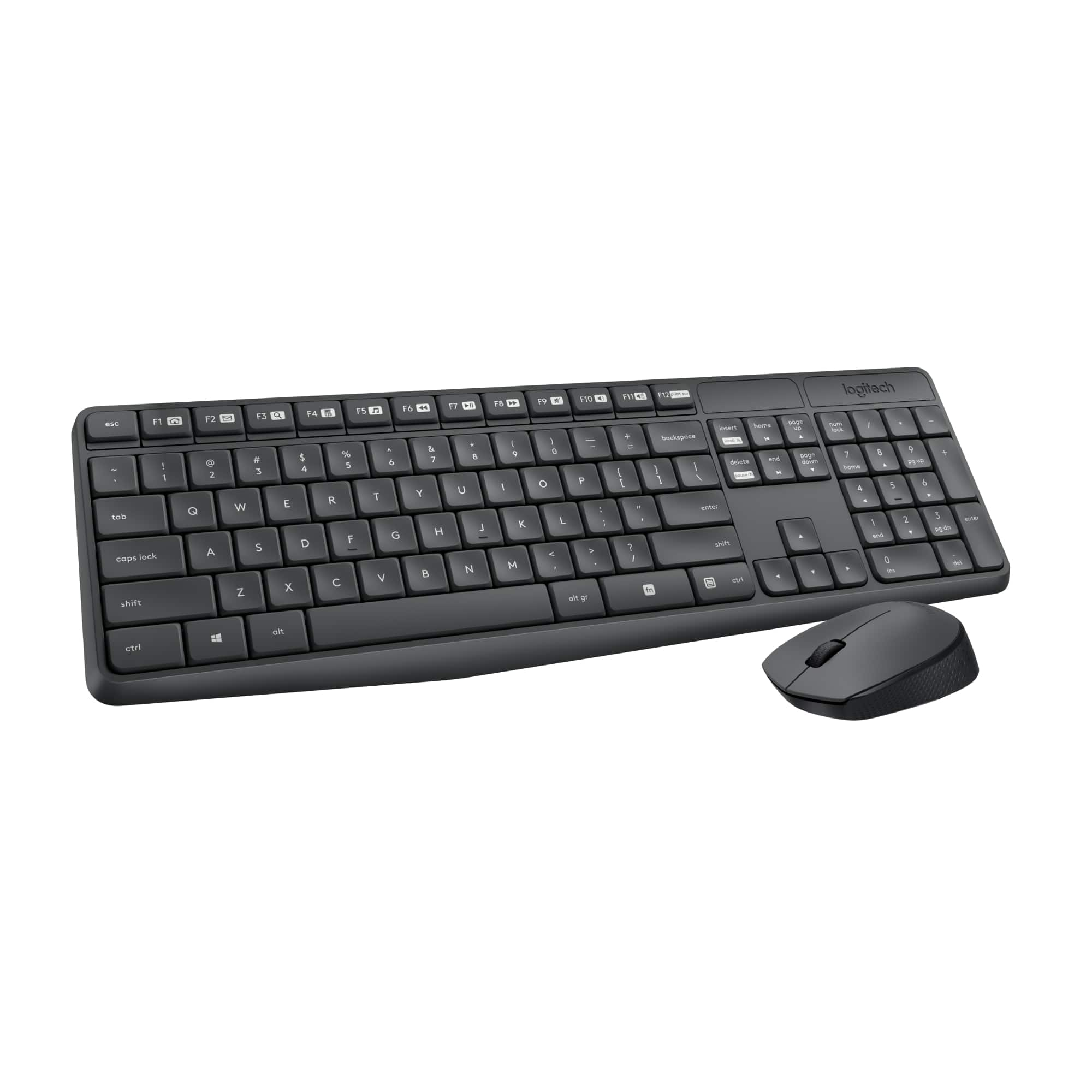
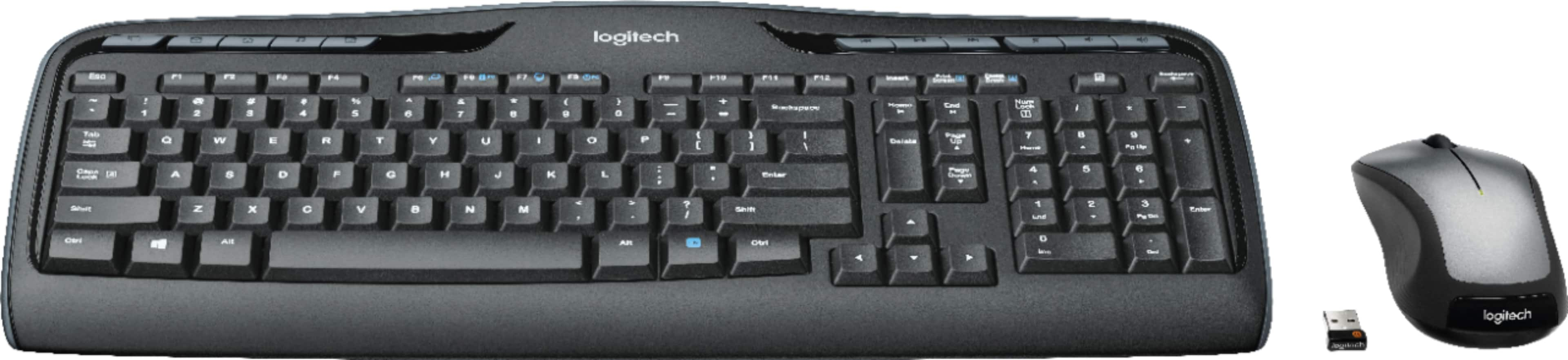
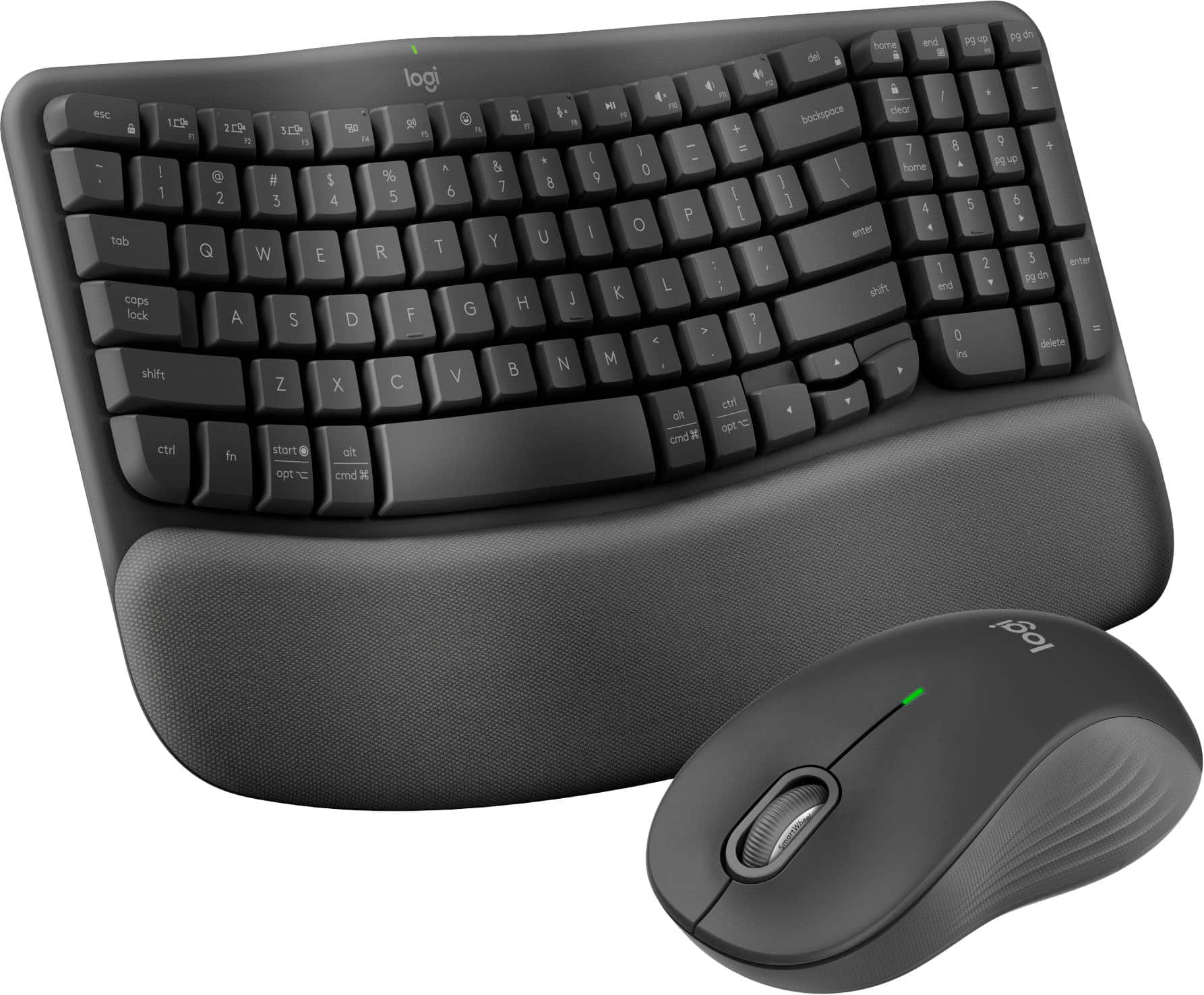
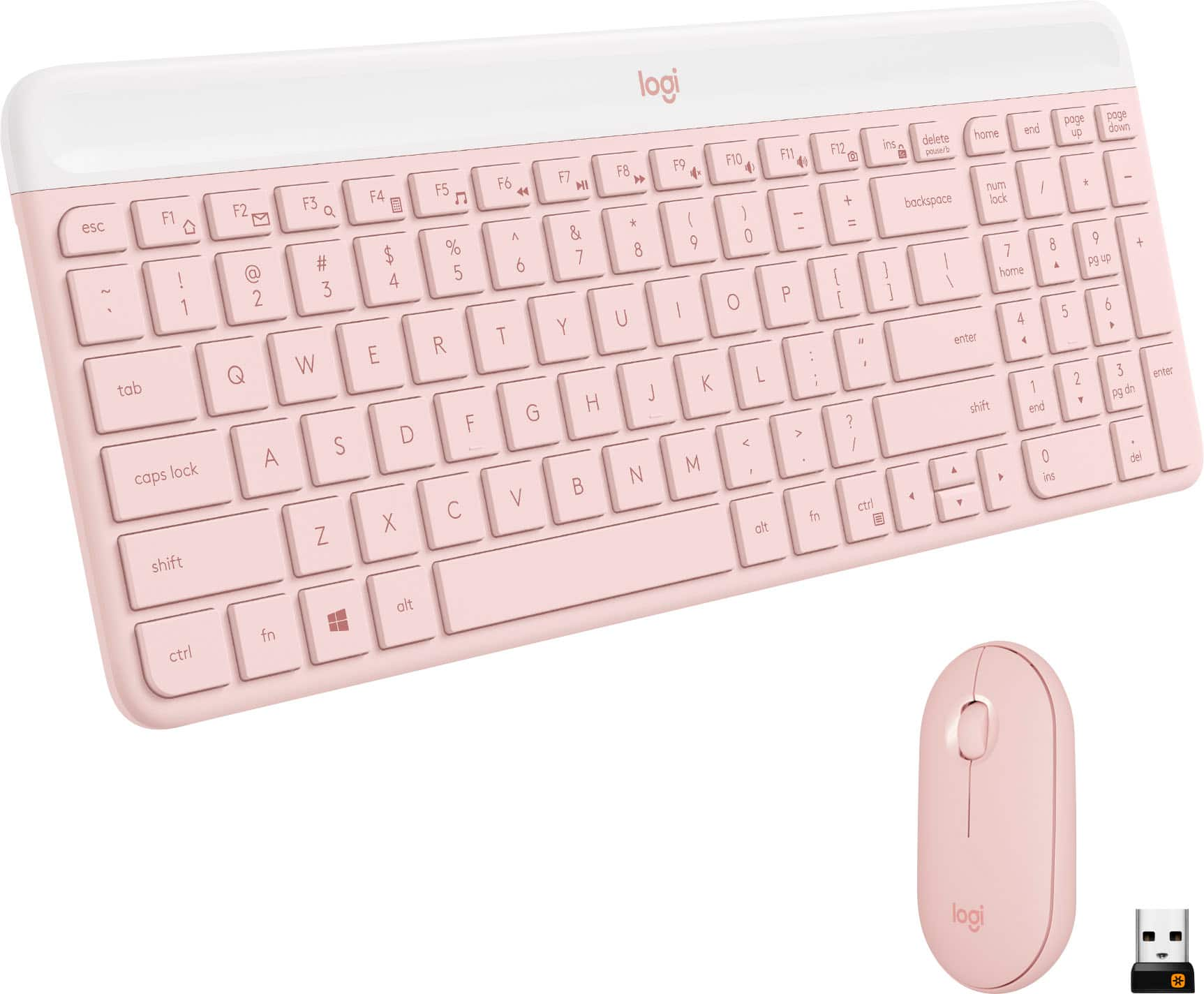
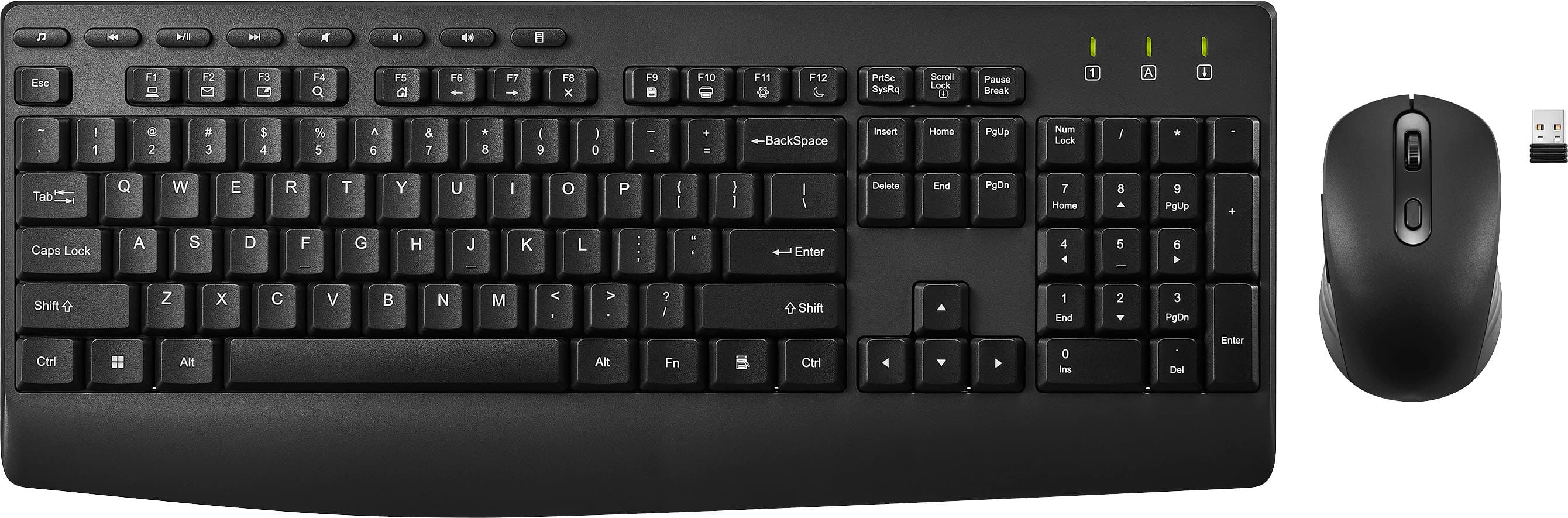
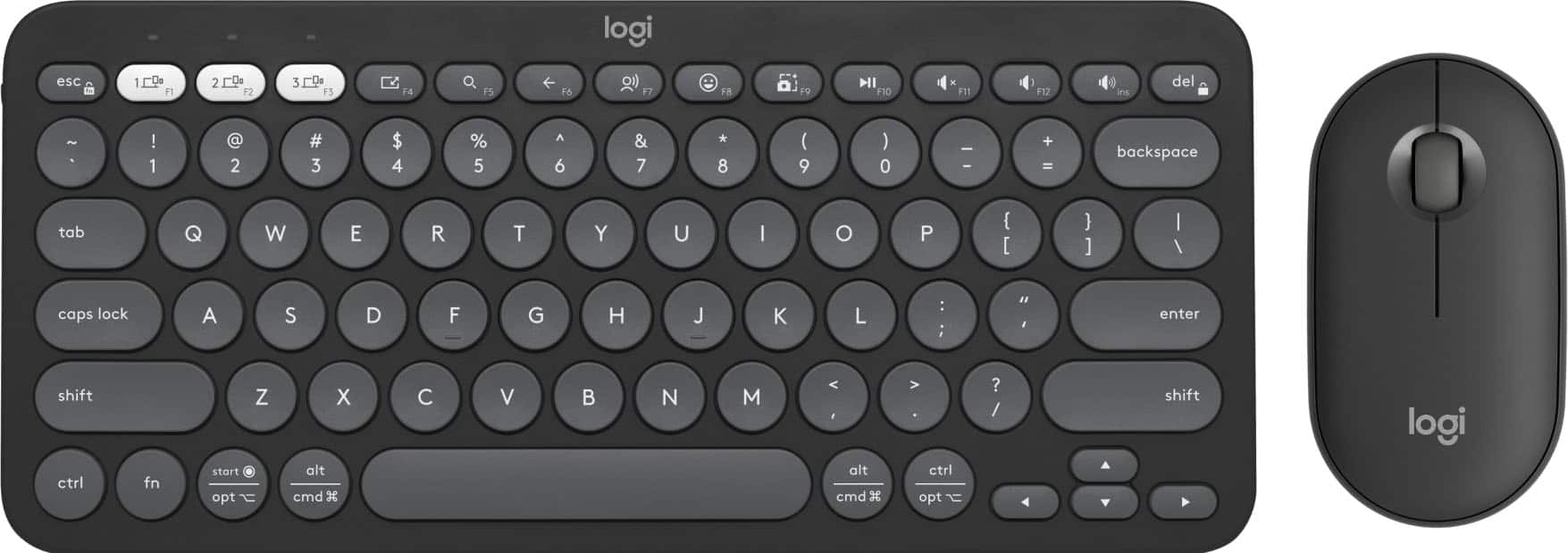
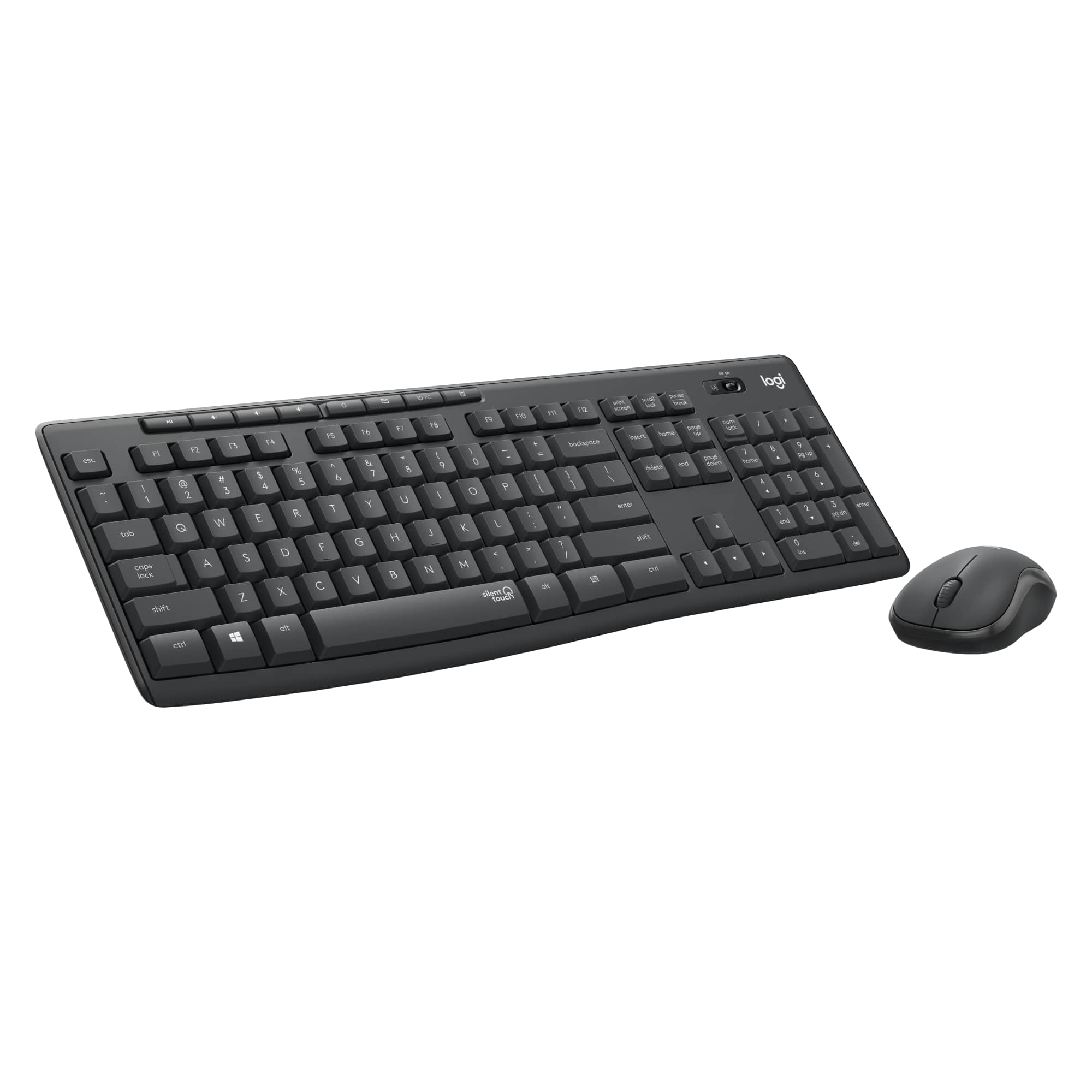
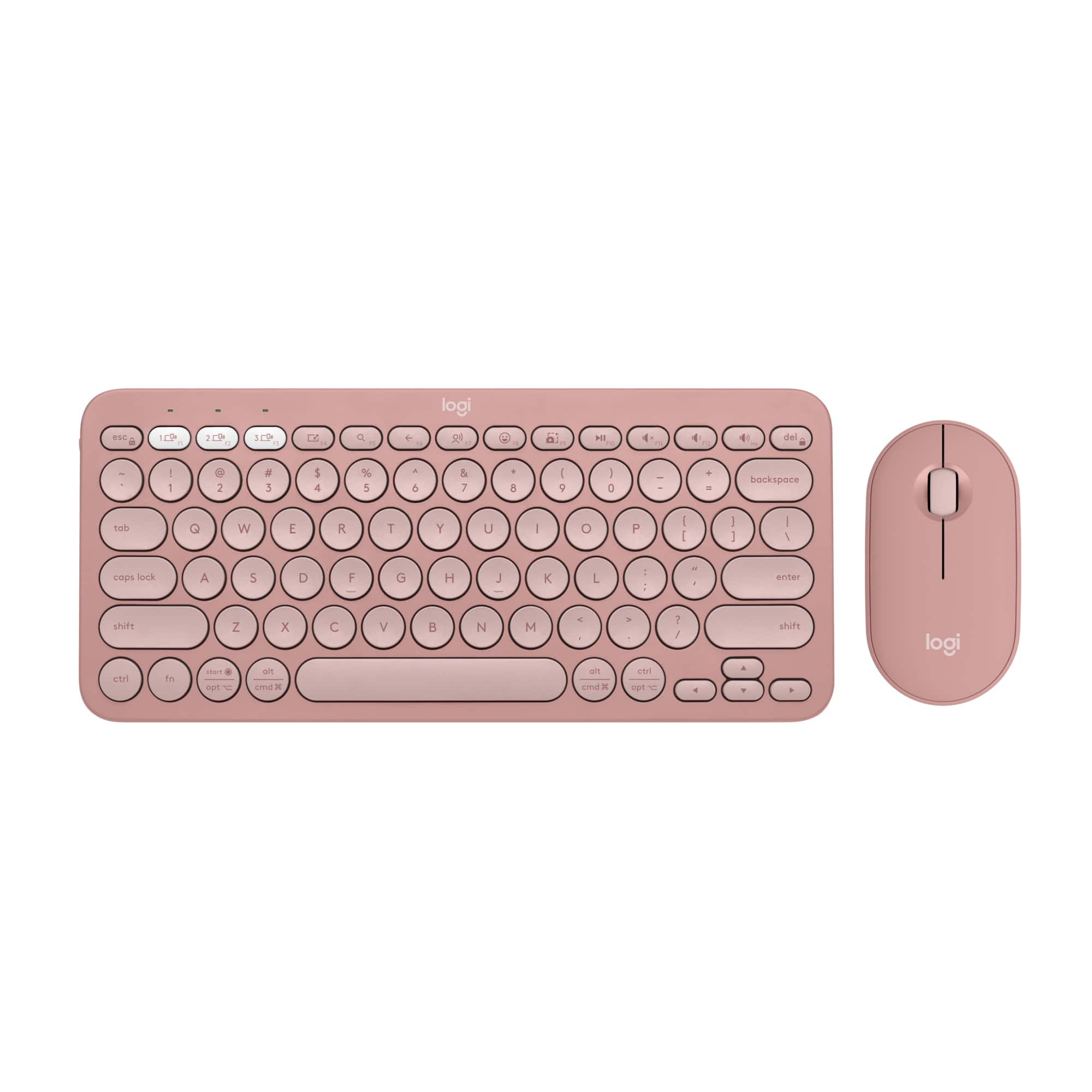
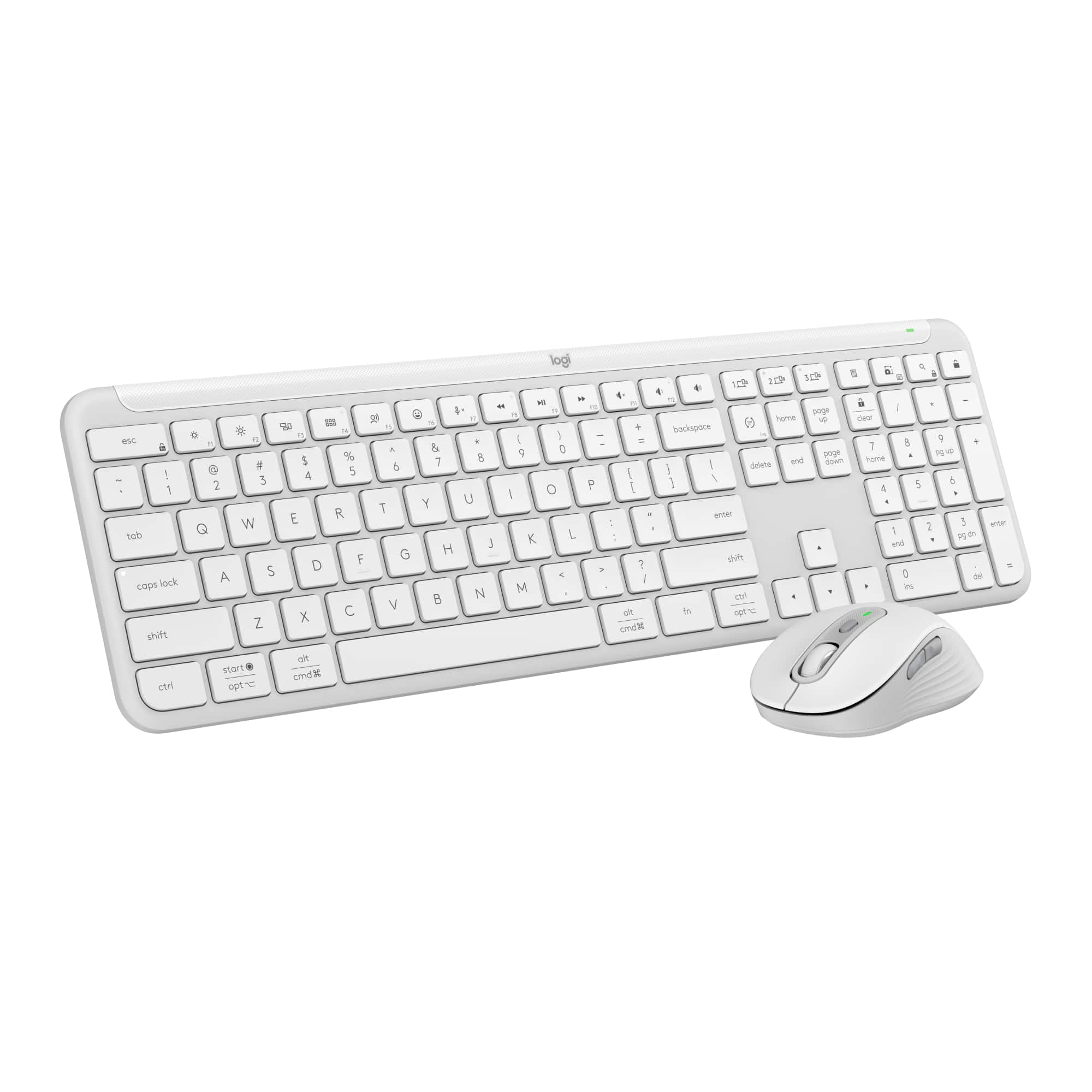
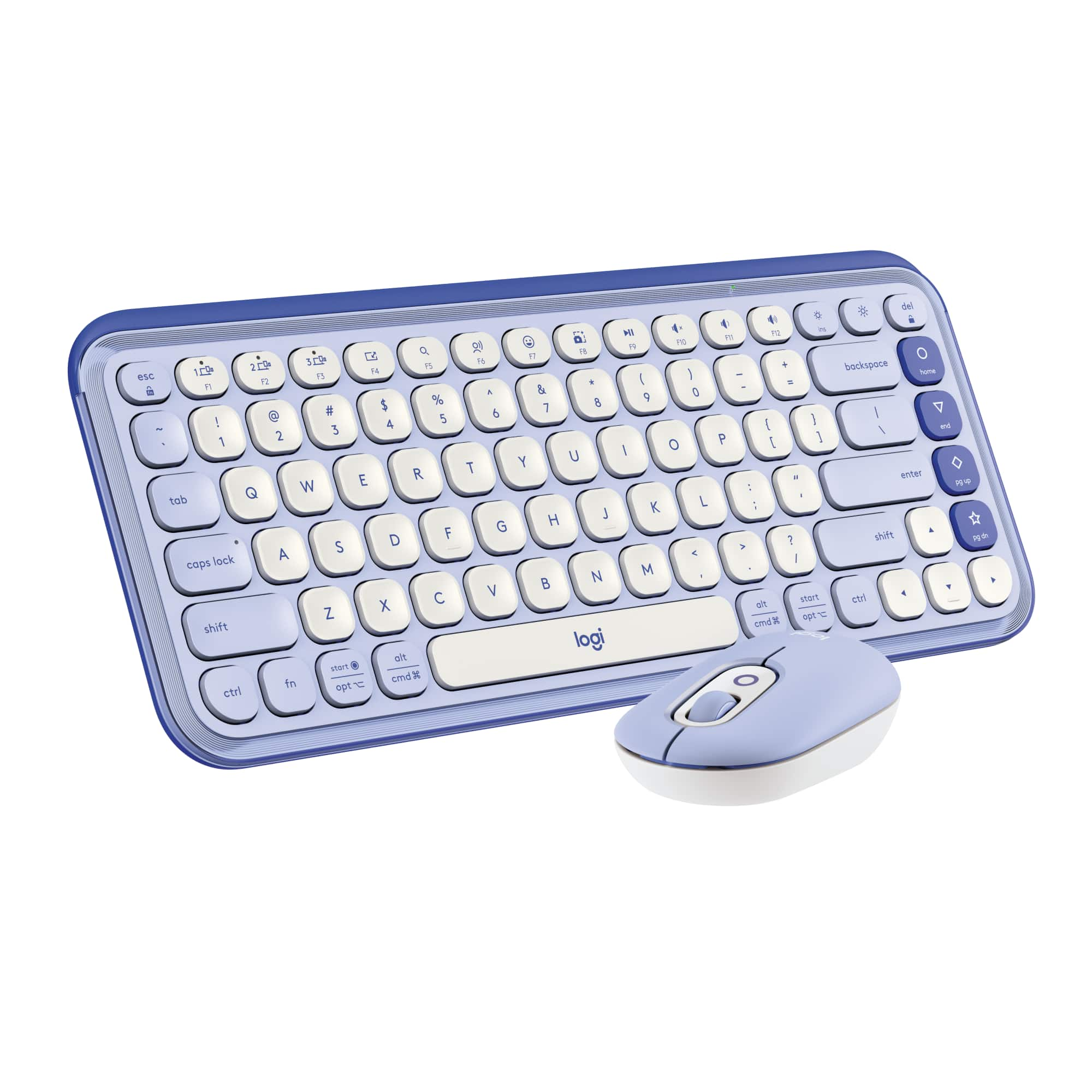
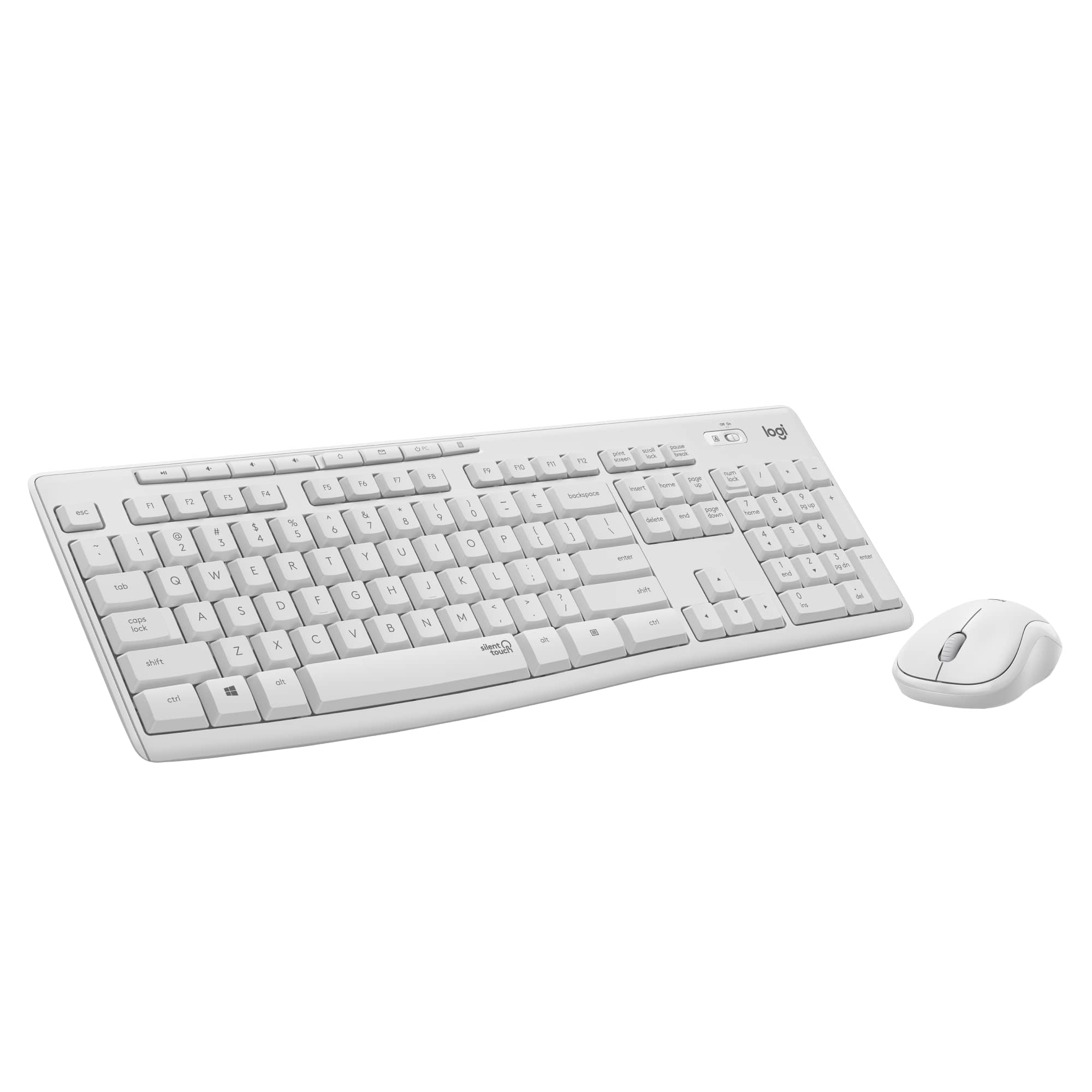
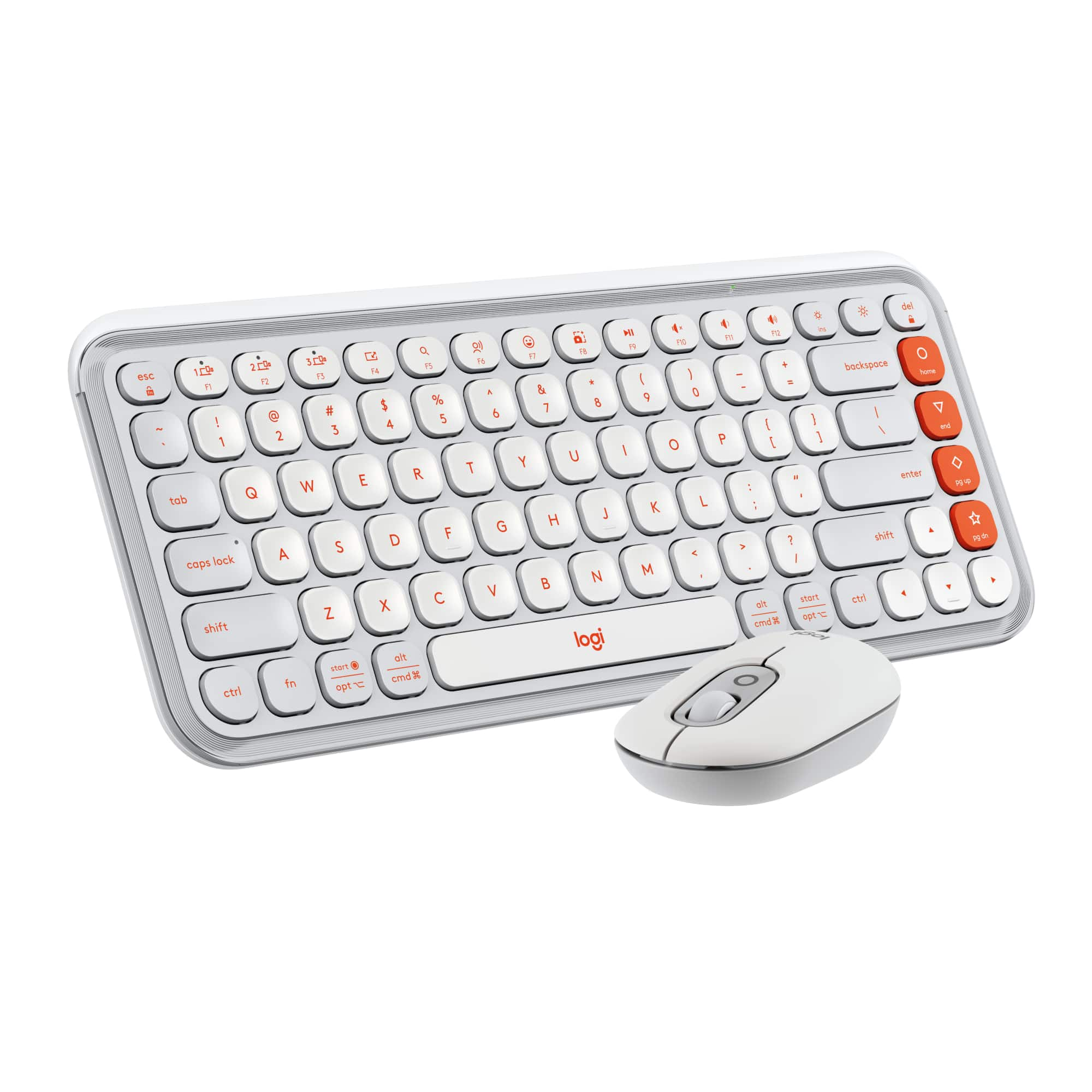
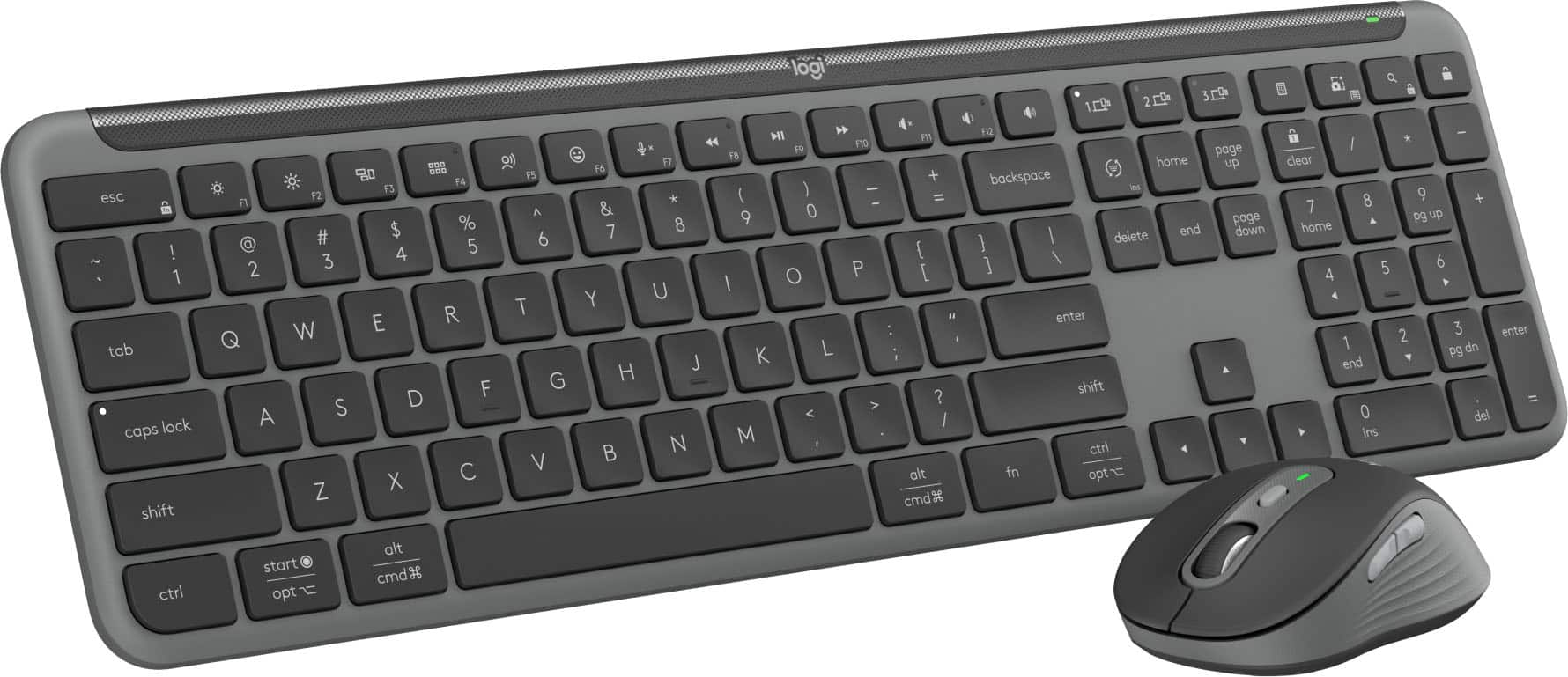
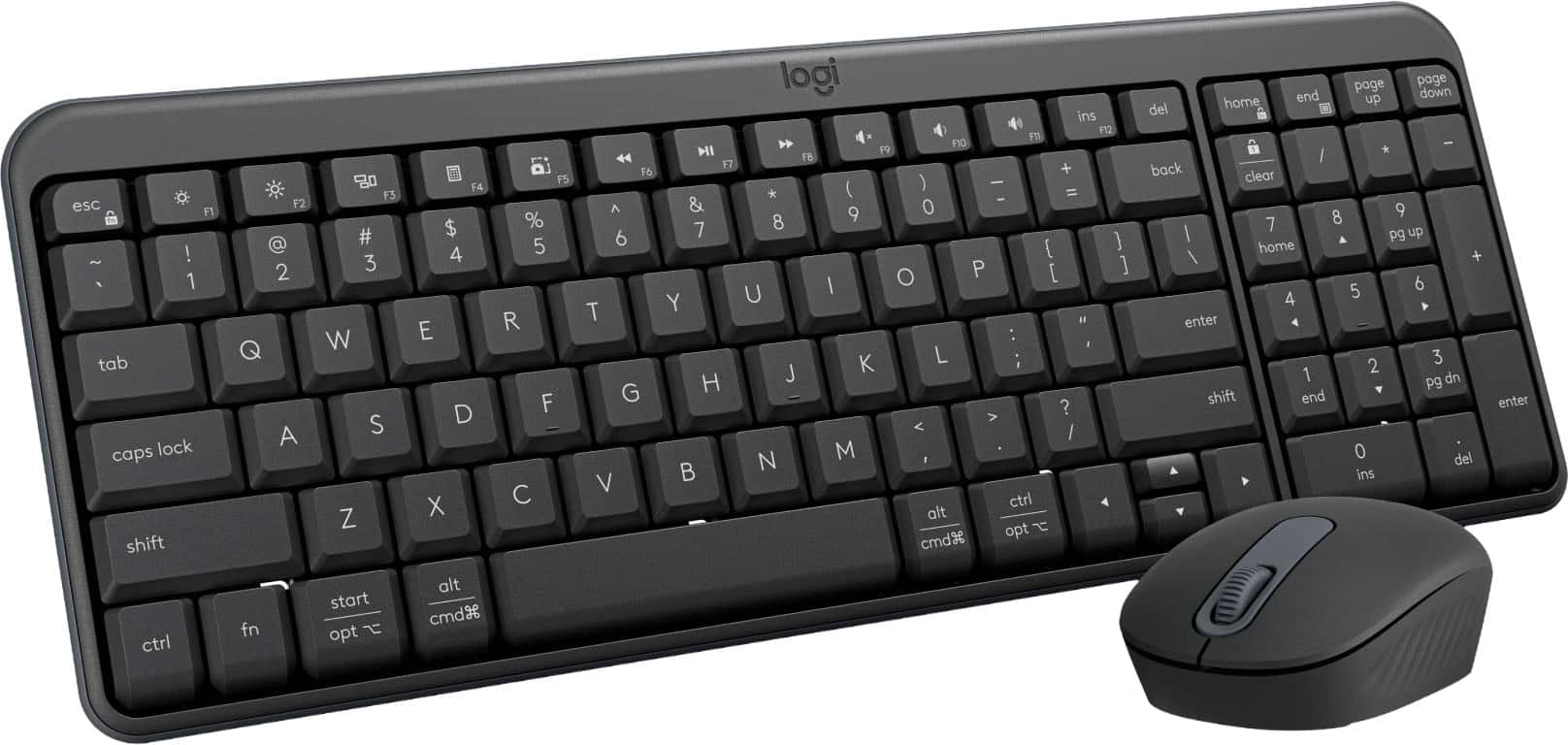
Wireless Keyboard and Mouse Combos

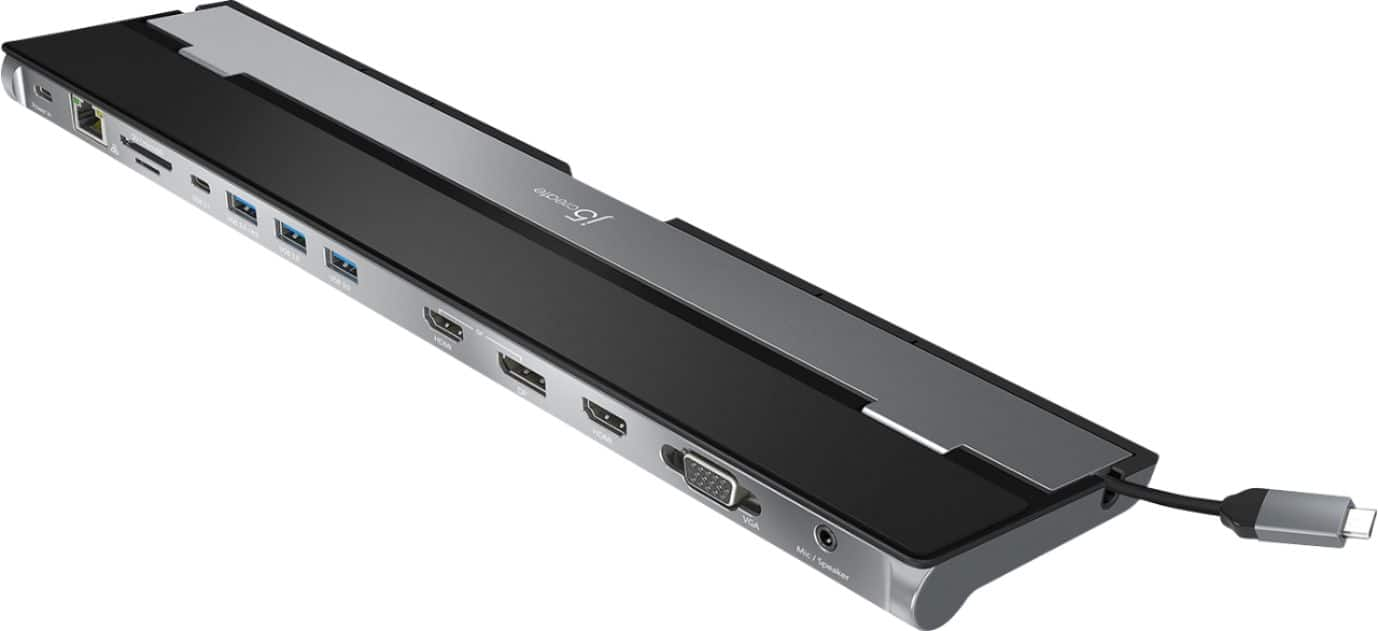
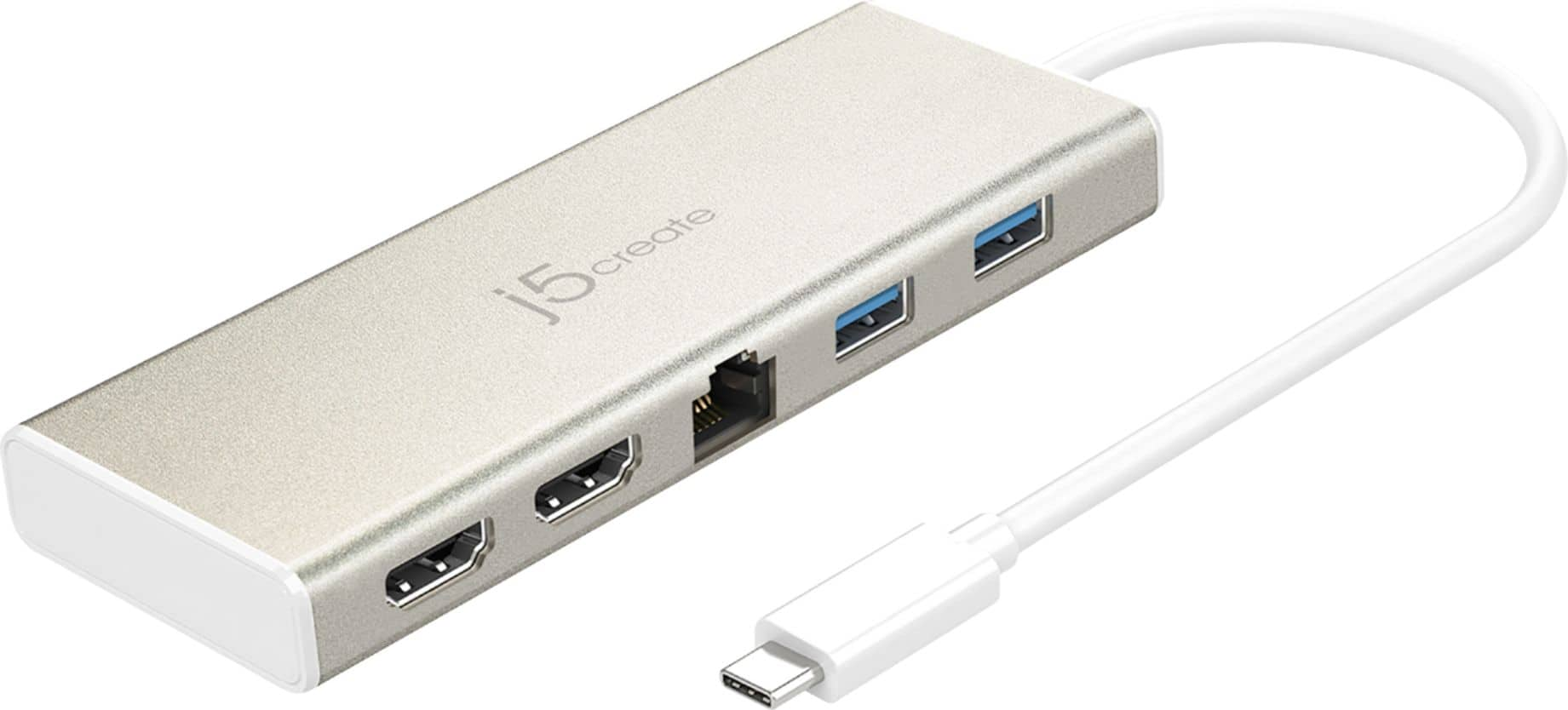
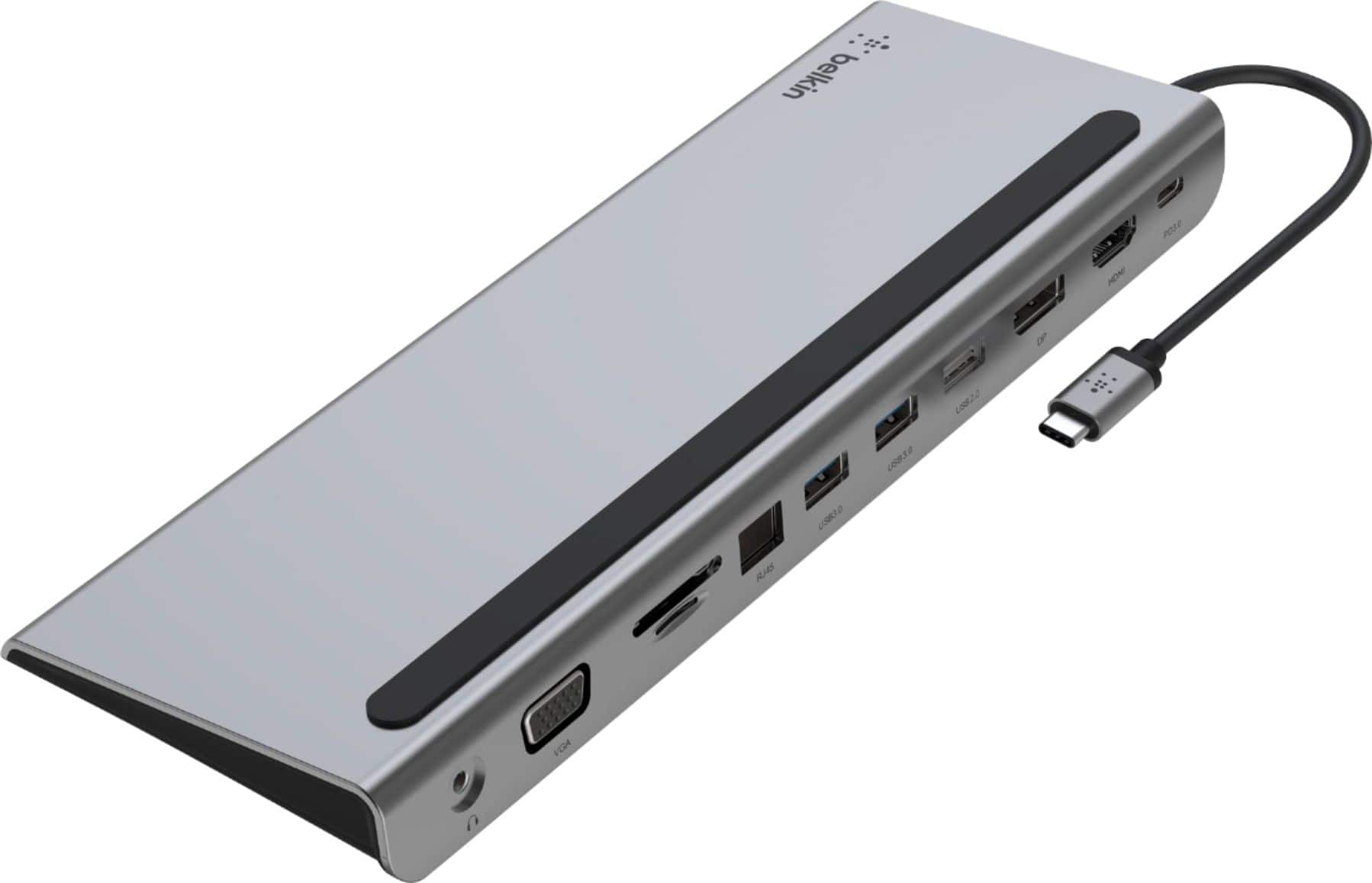
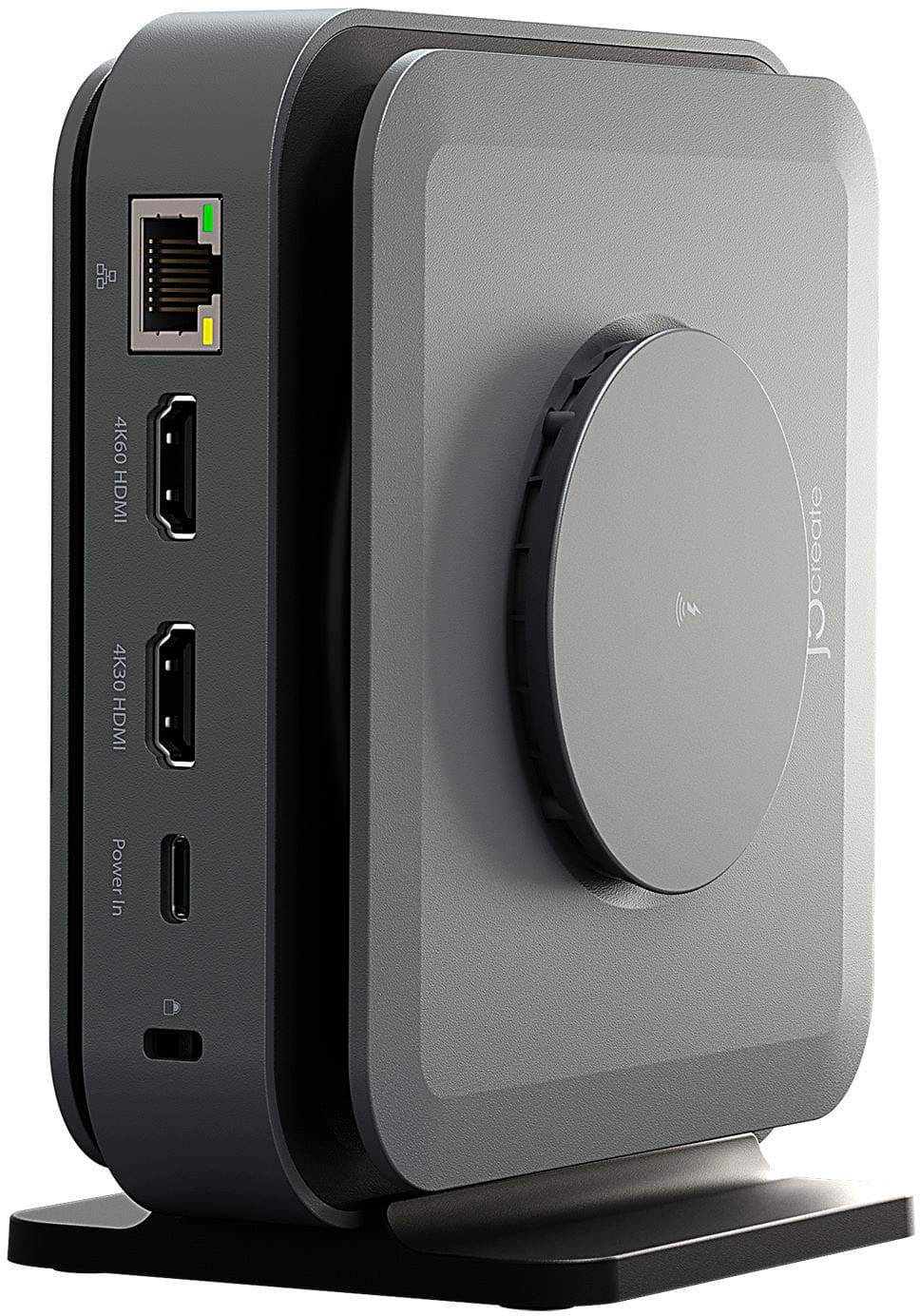
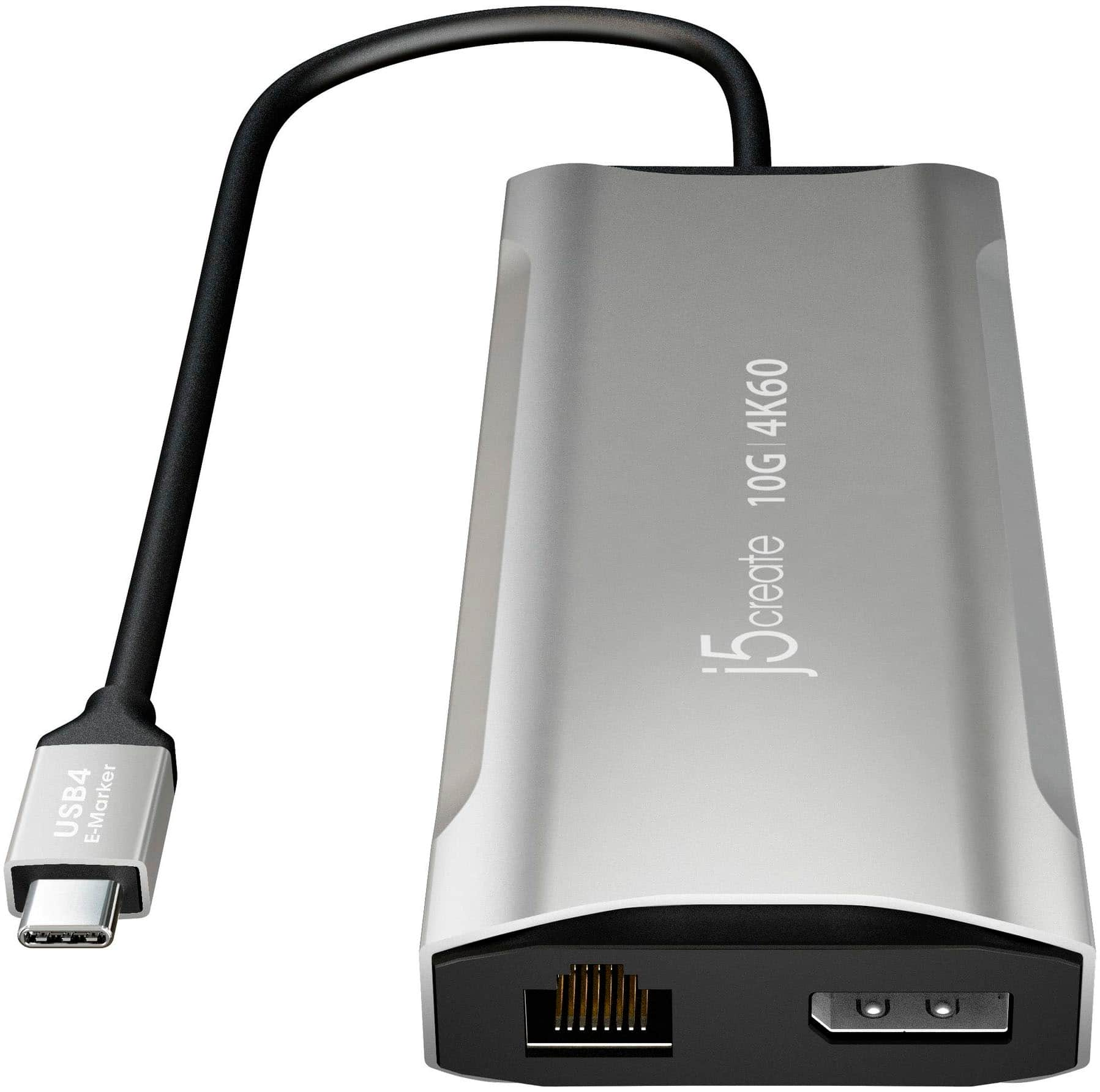
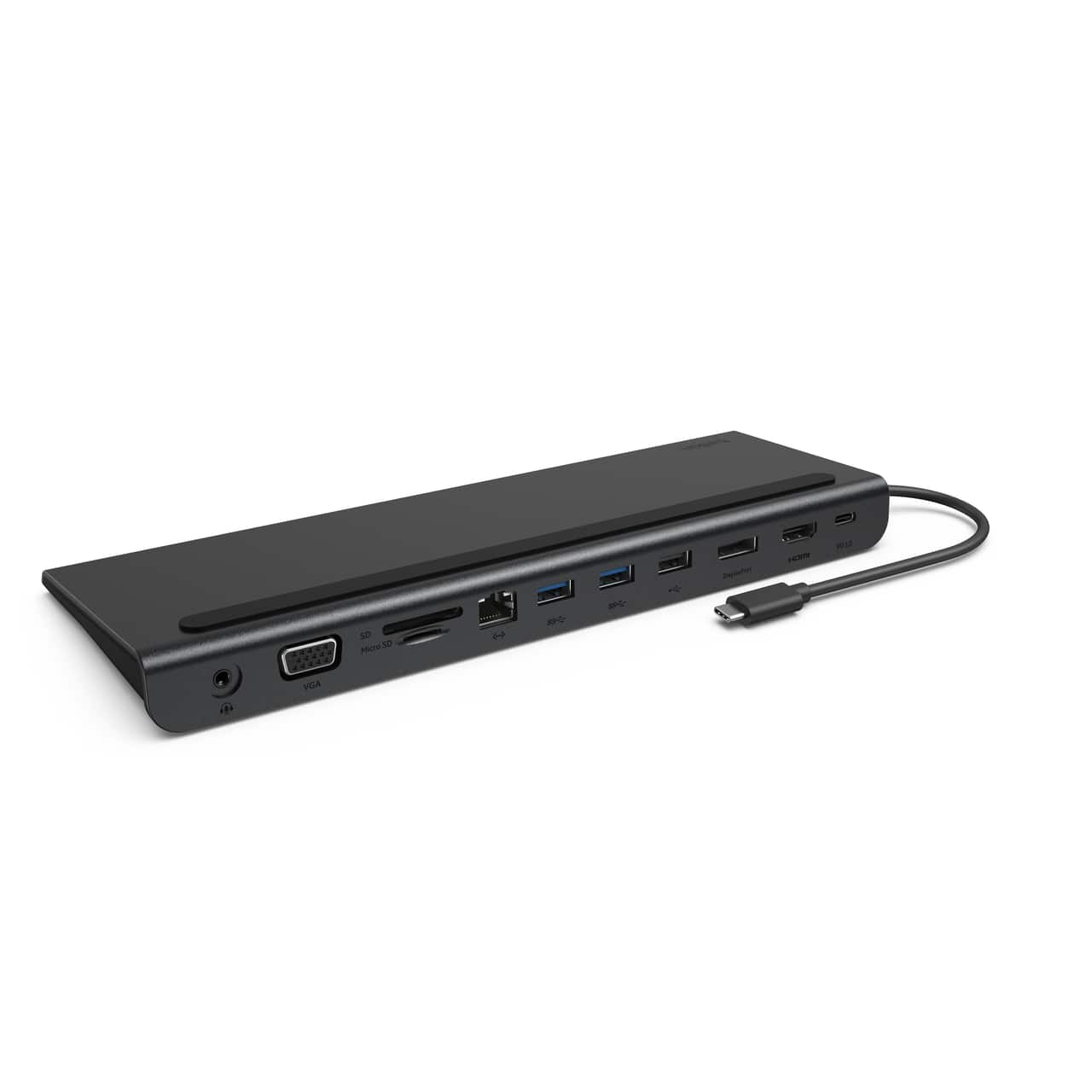
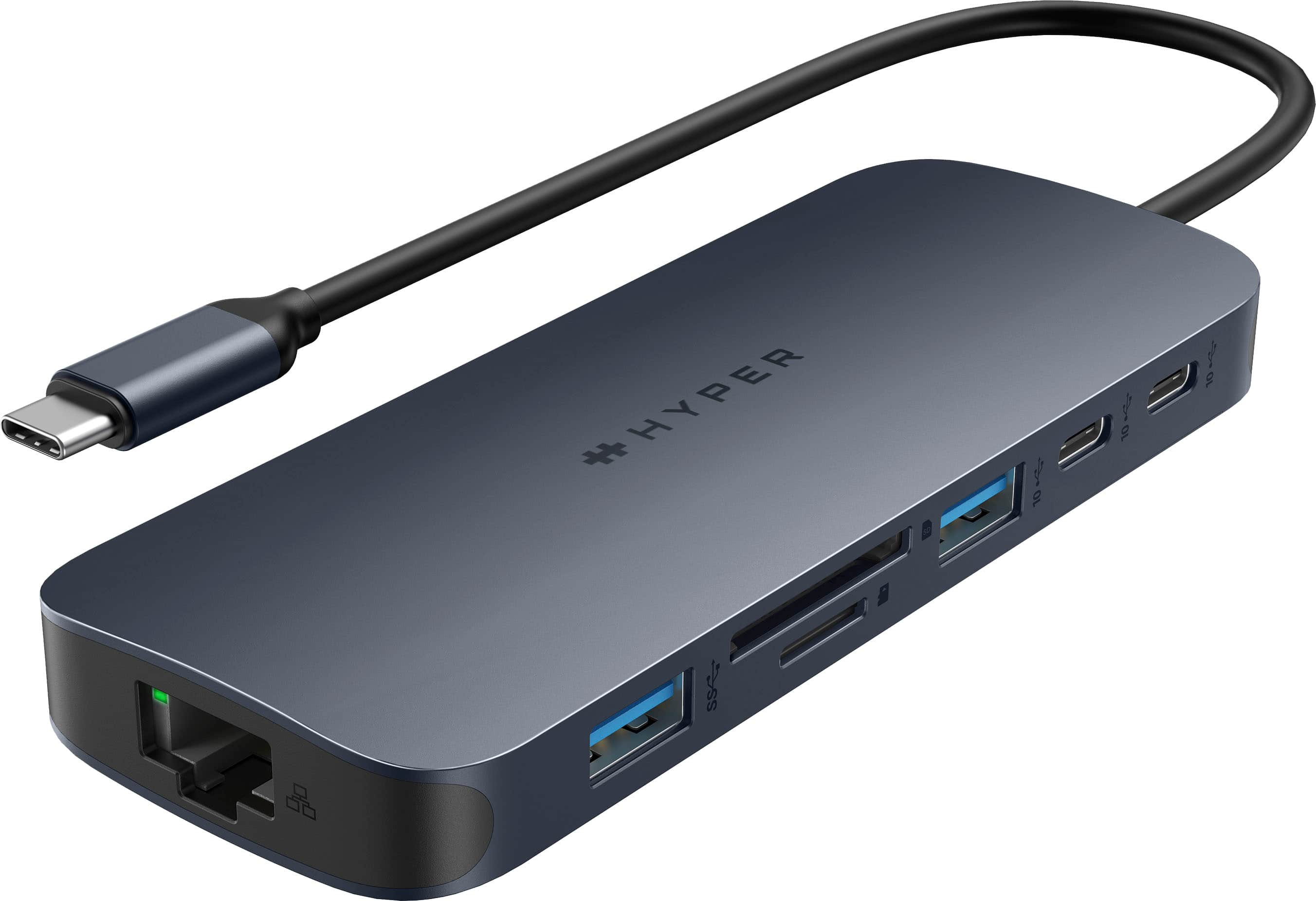
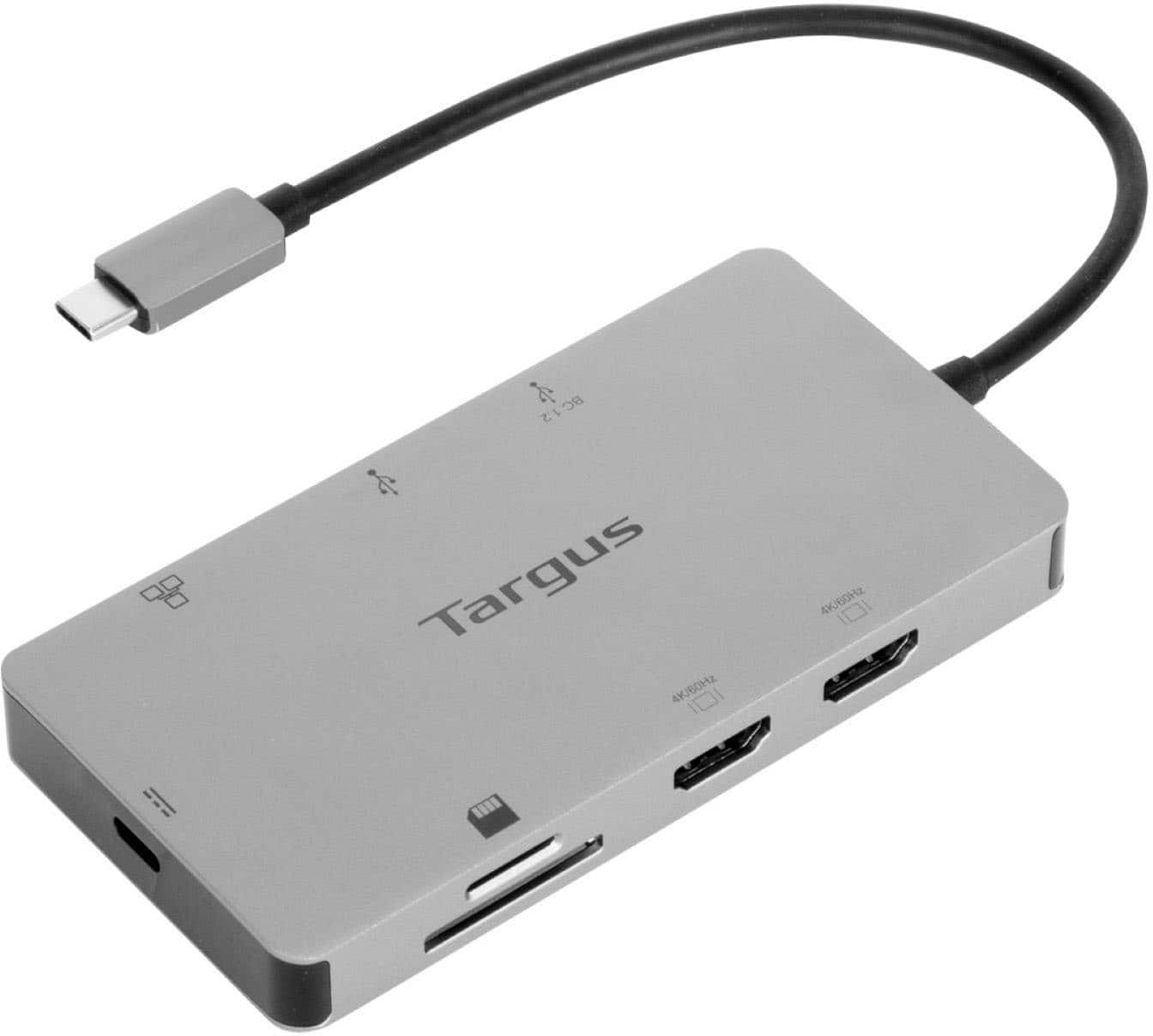
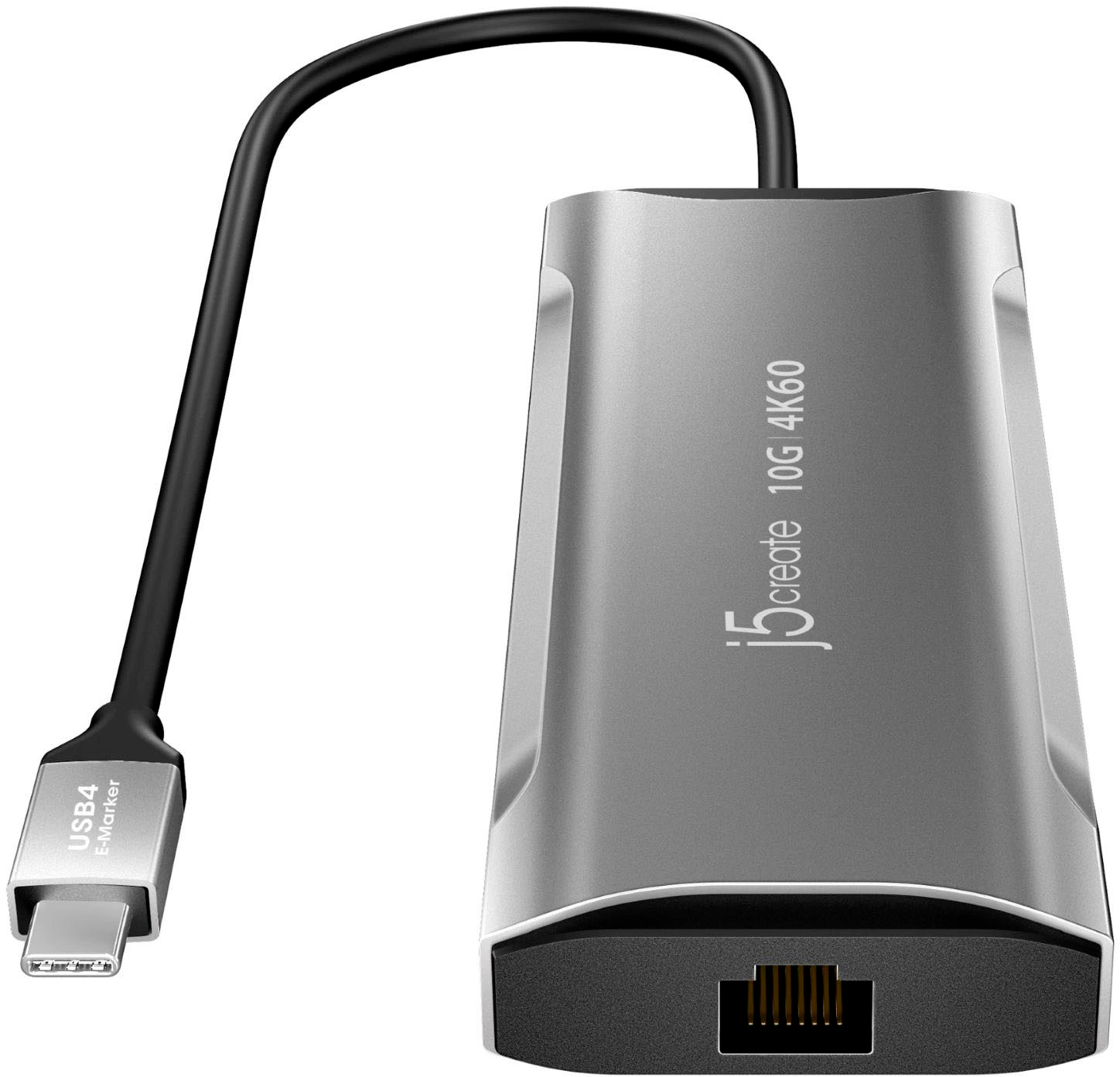
USB-C Laptop Docking Stations


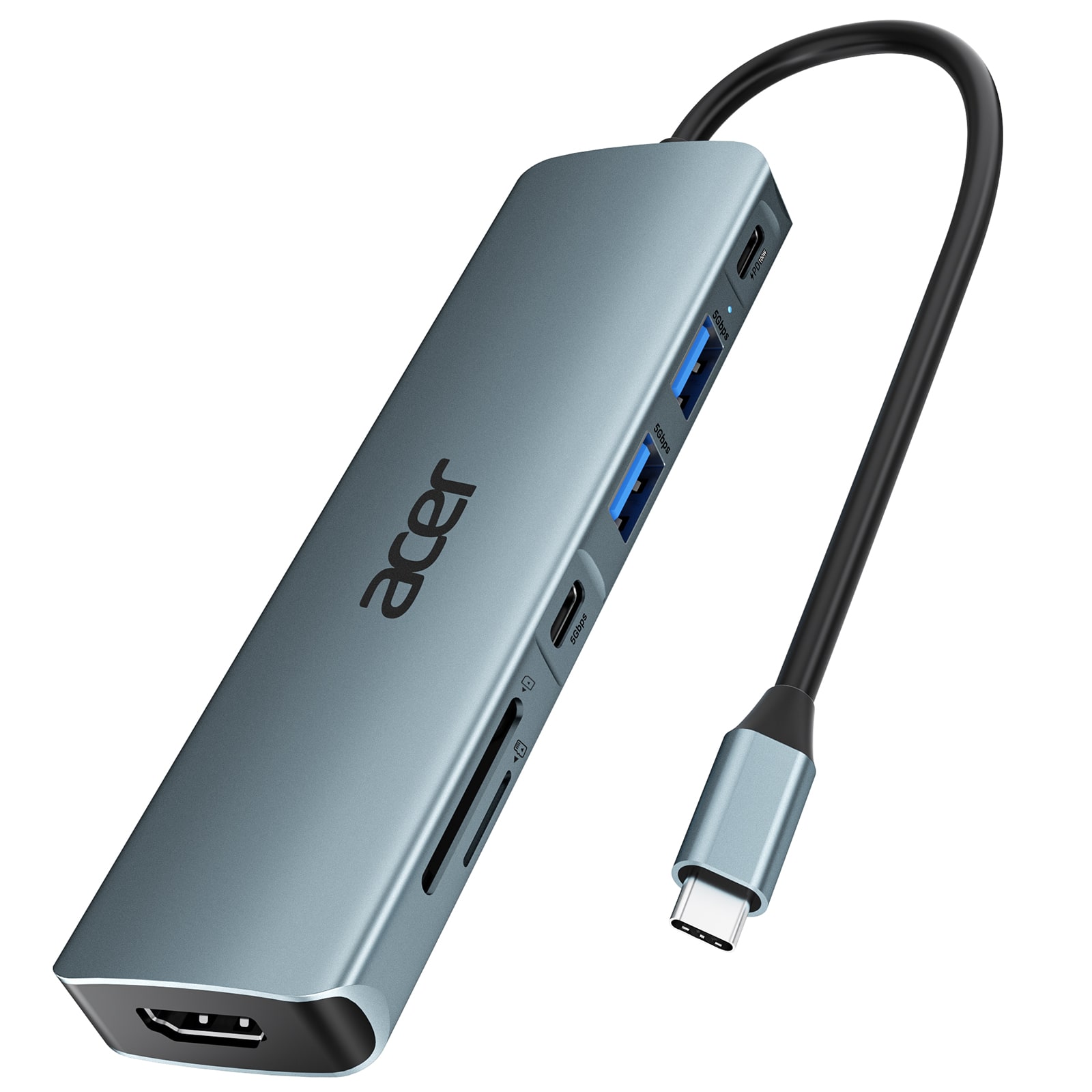
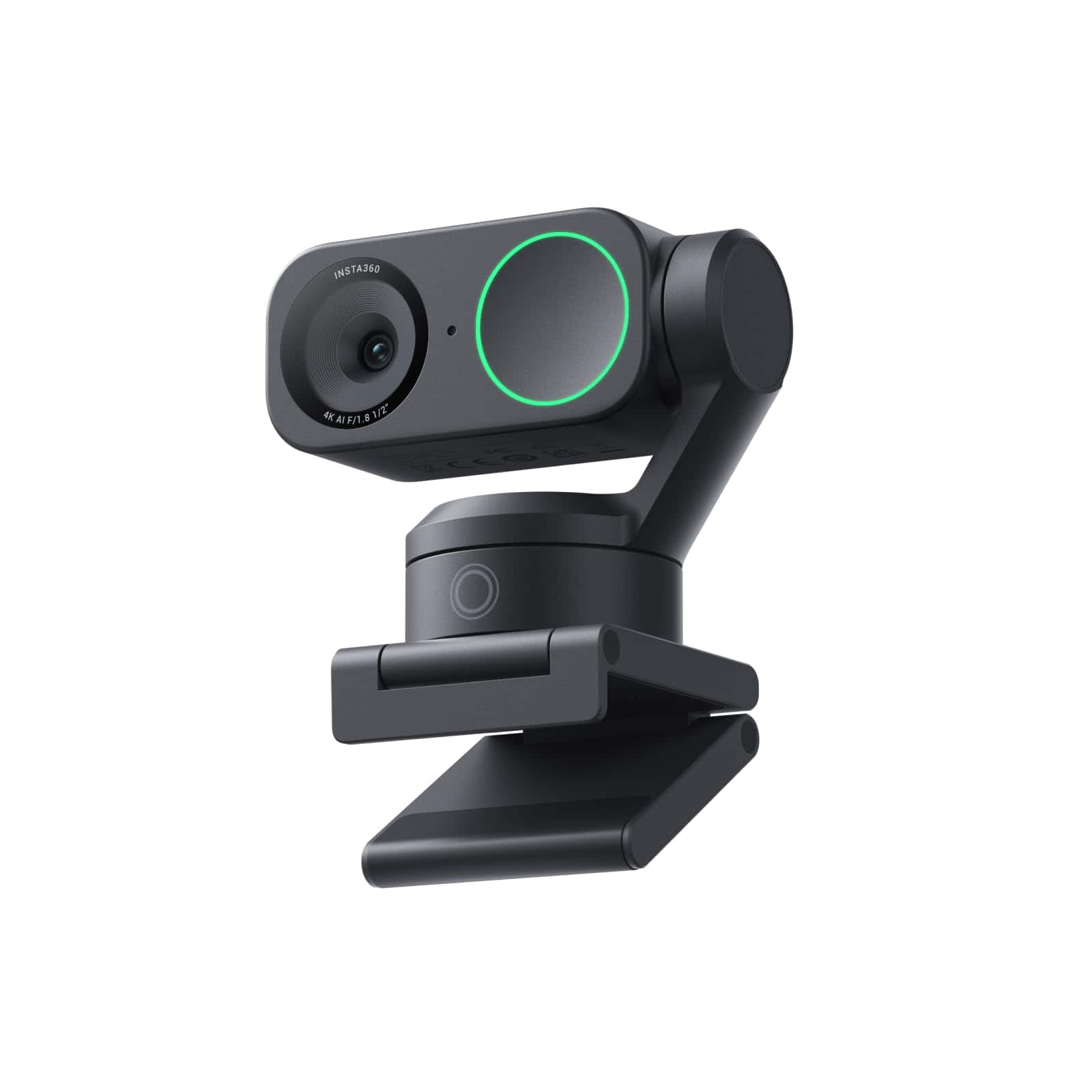
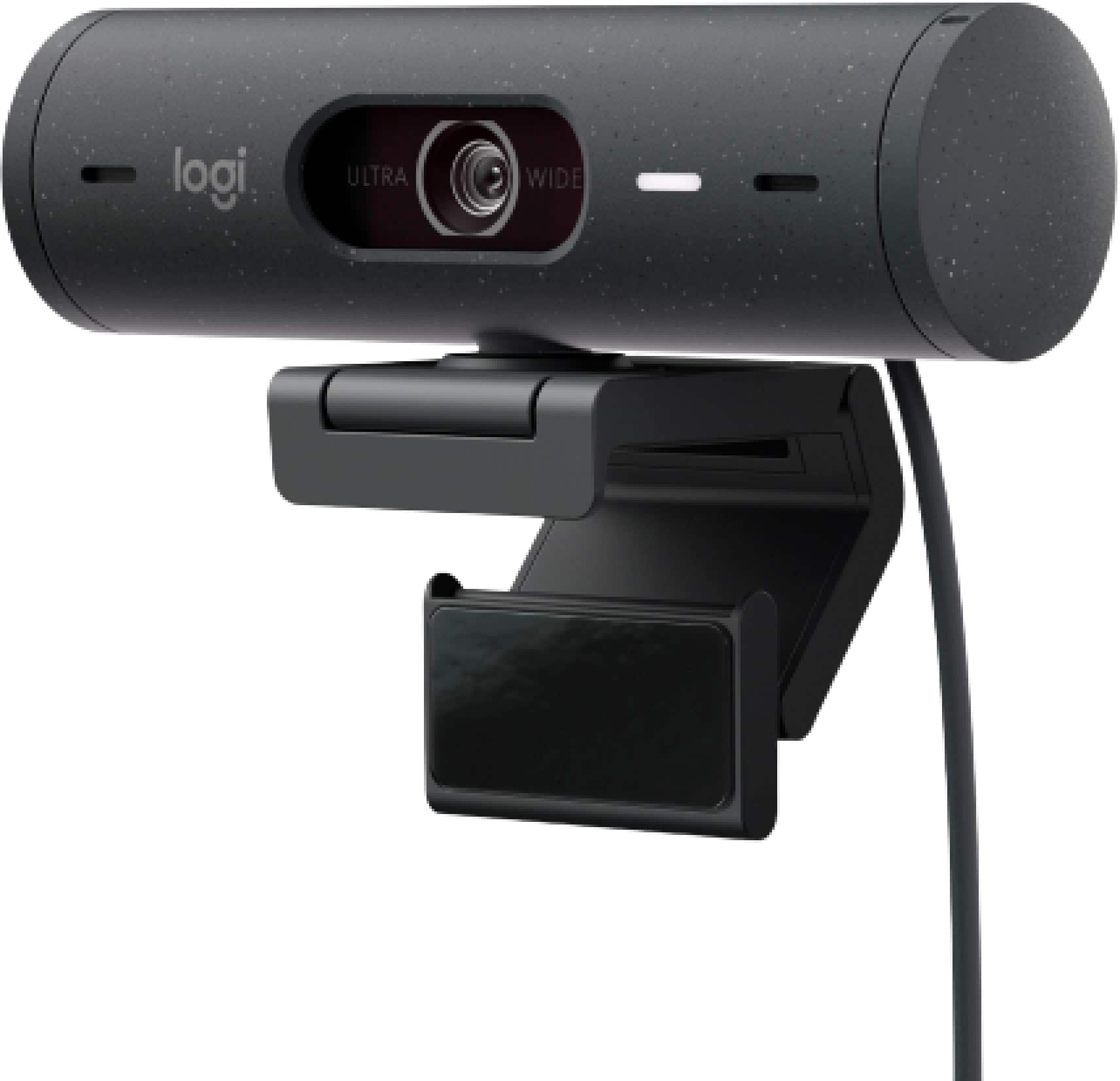
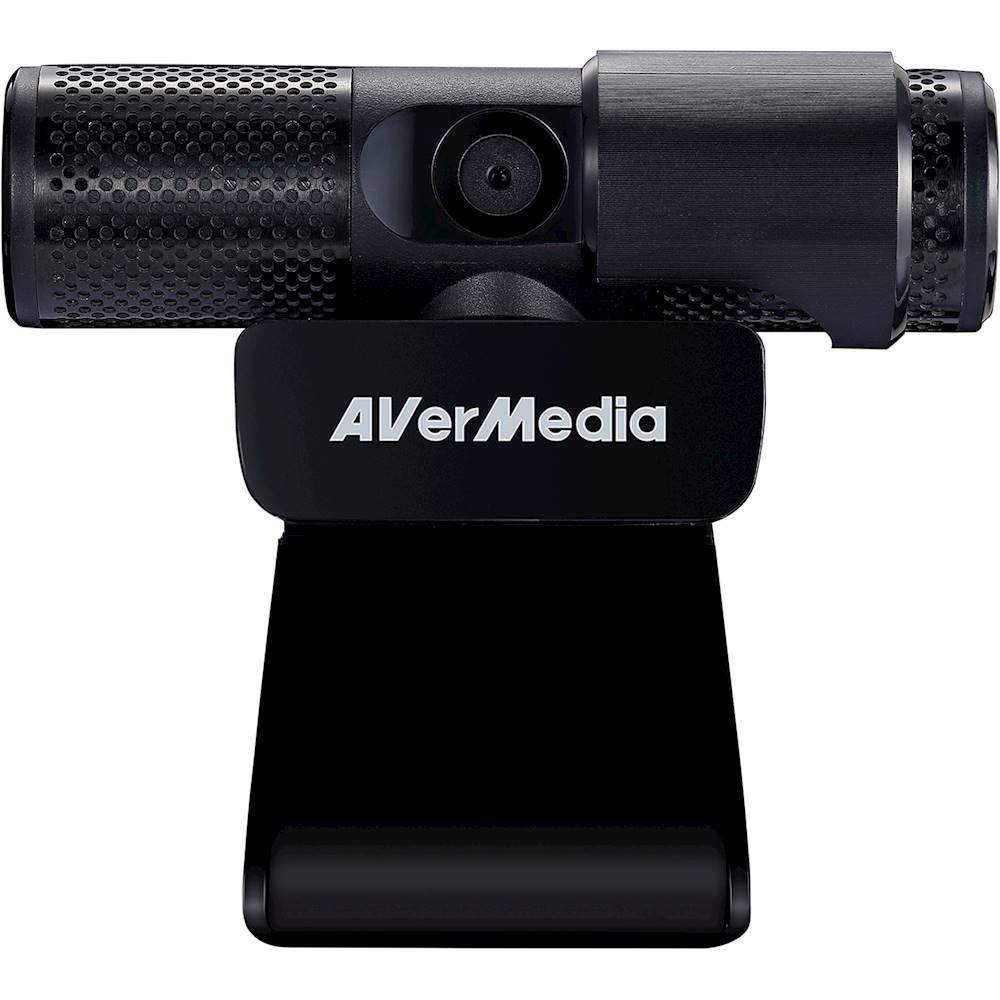
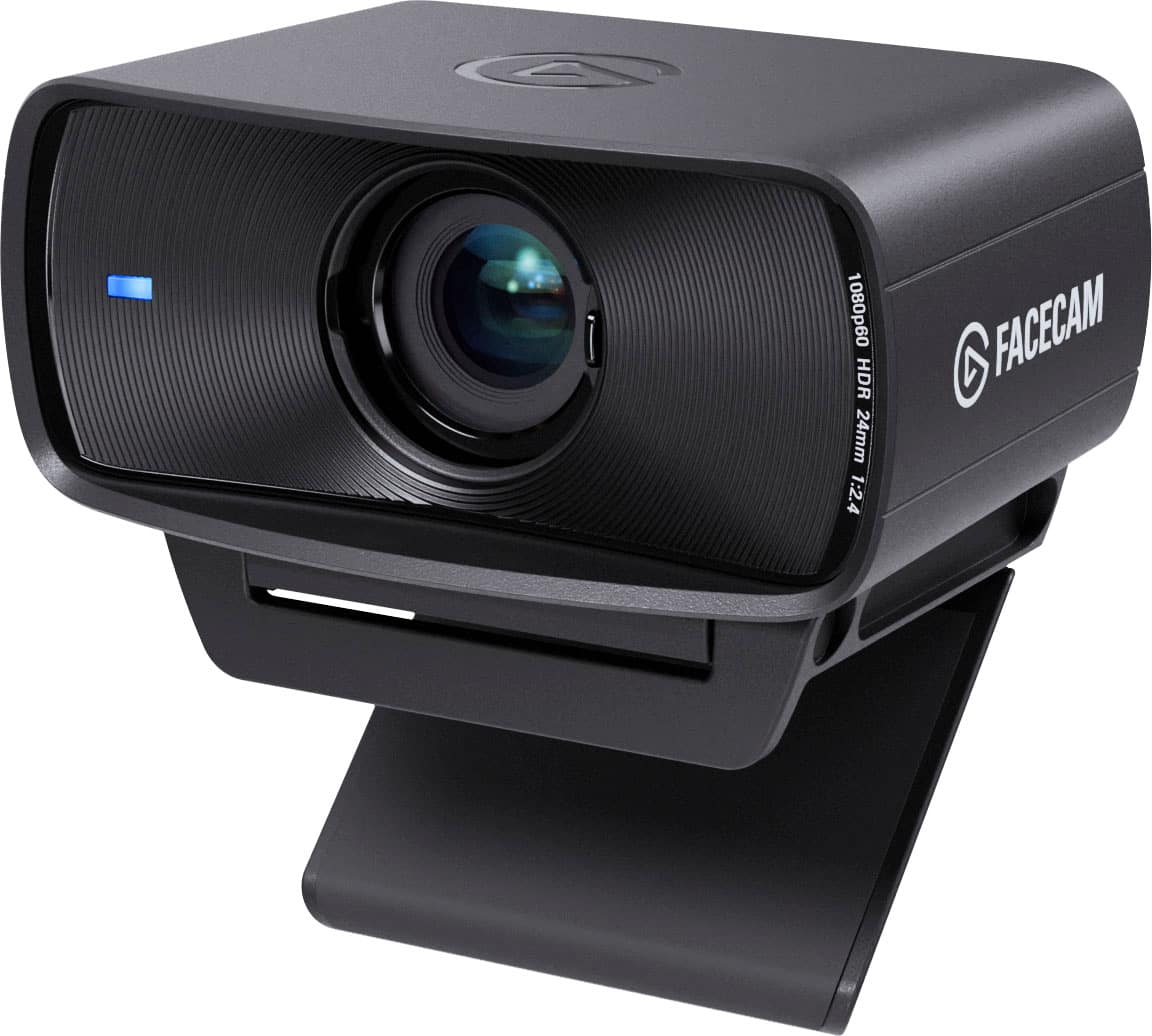
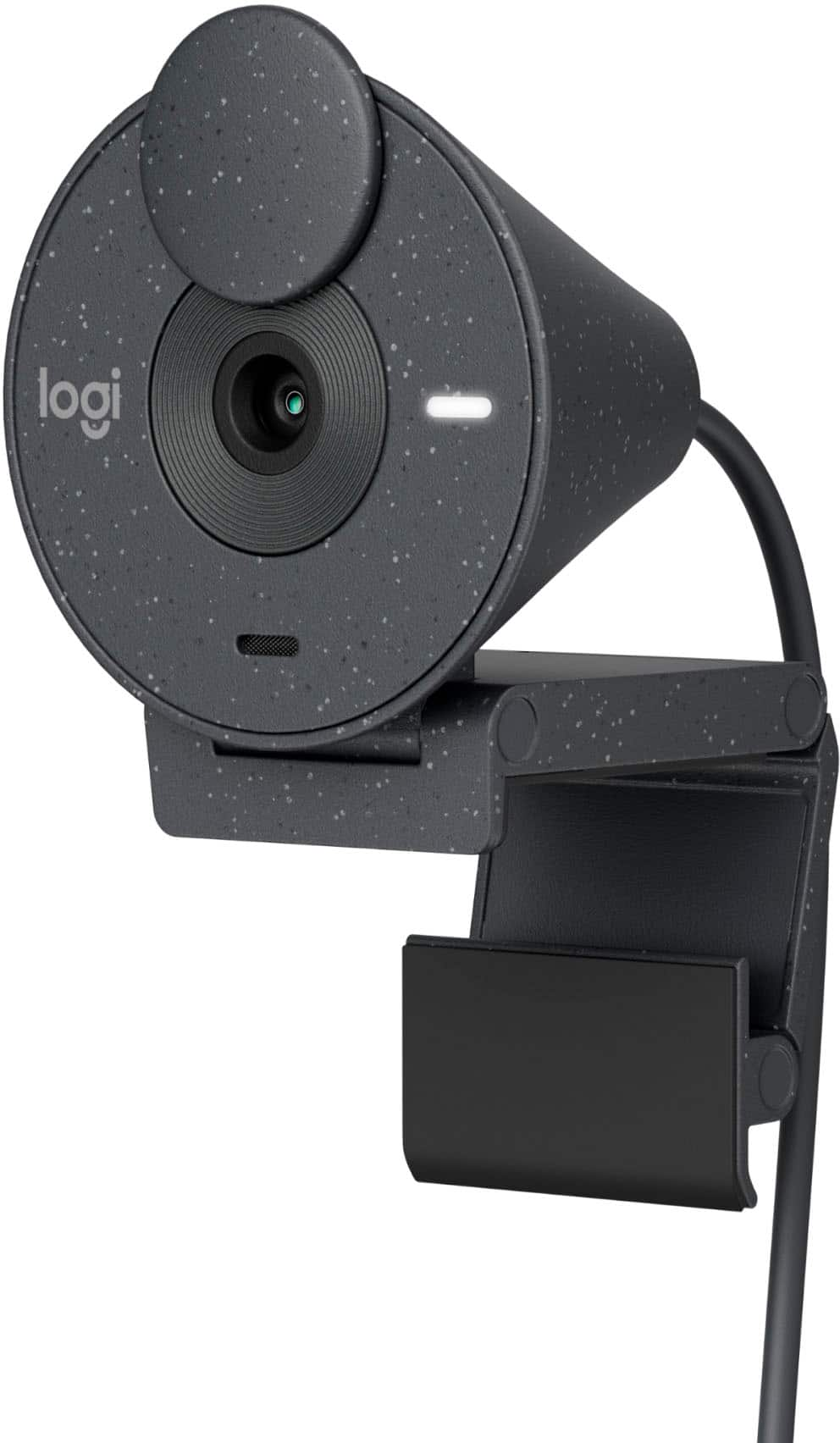
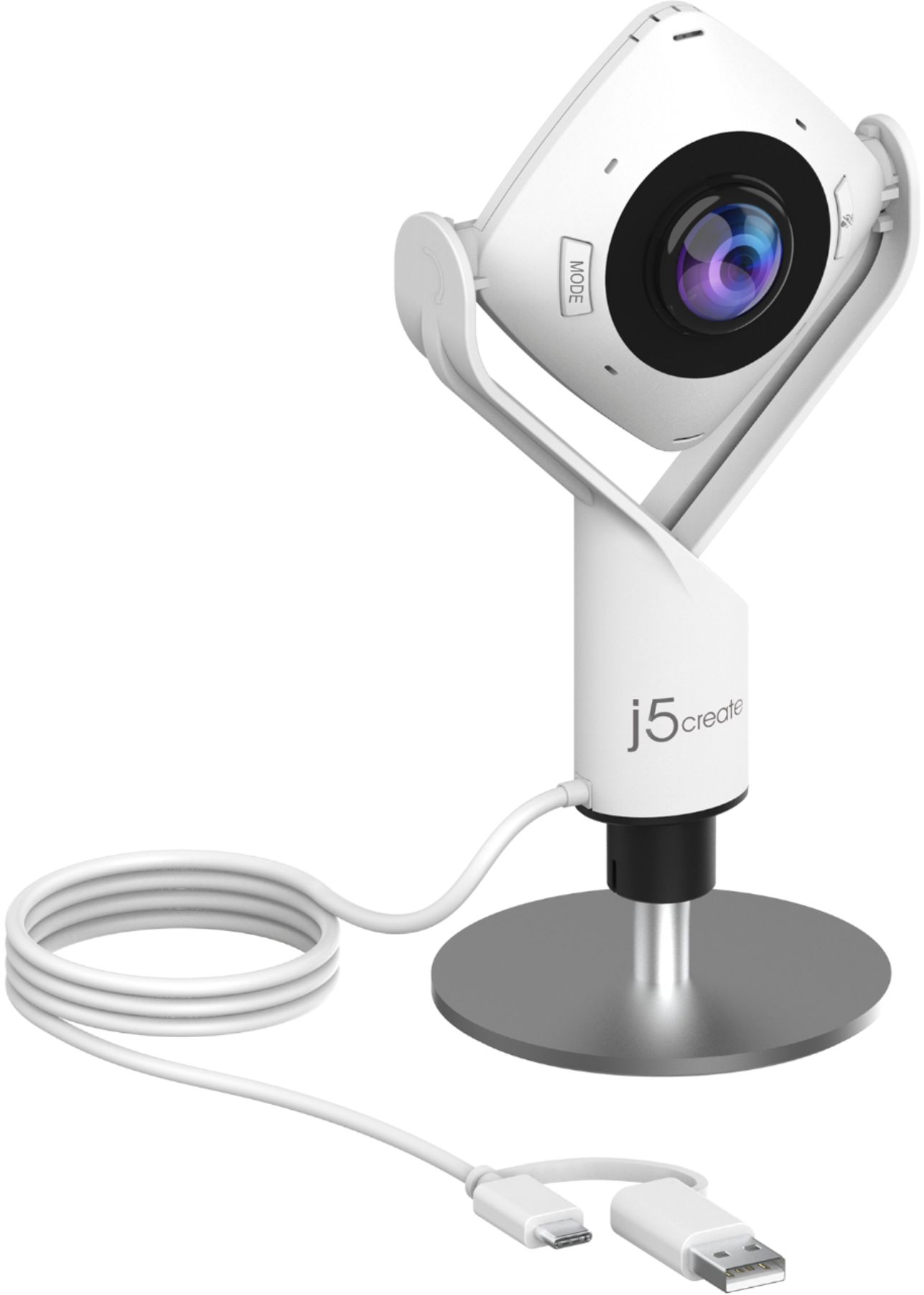
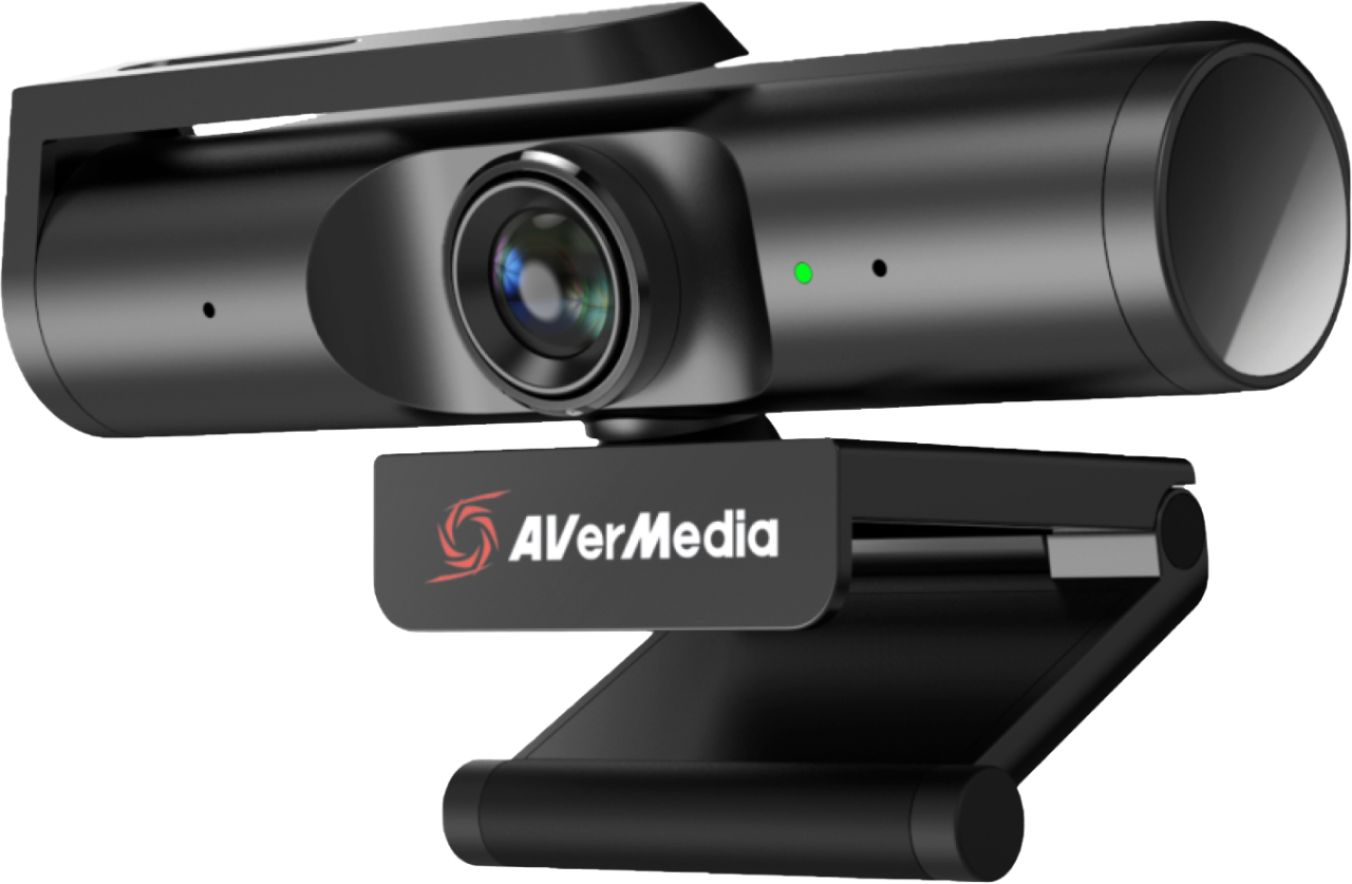
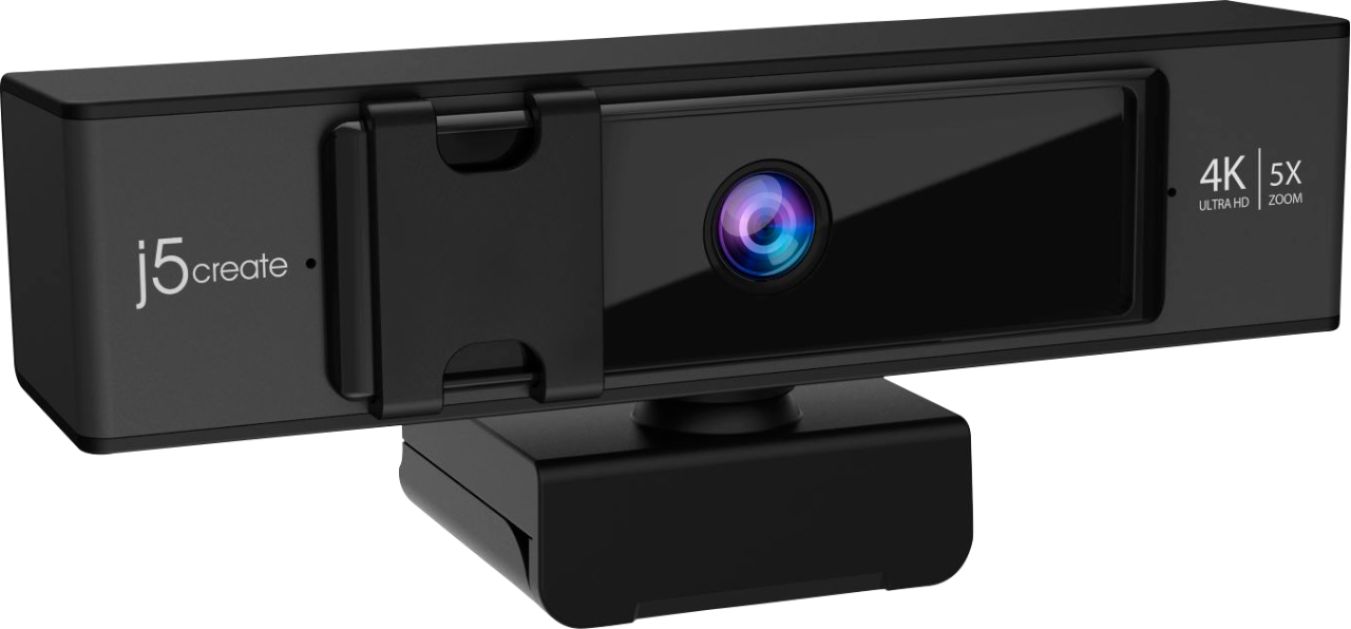
Computer Webcams
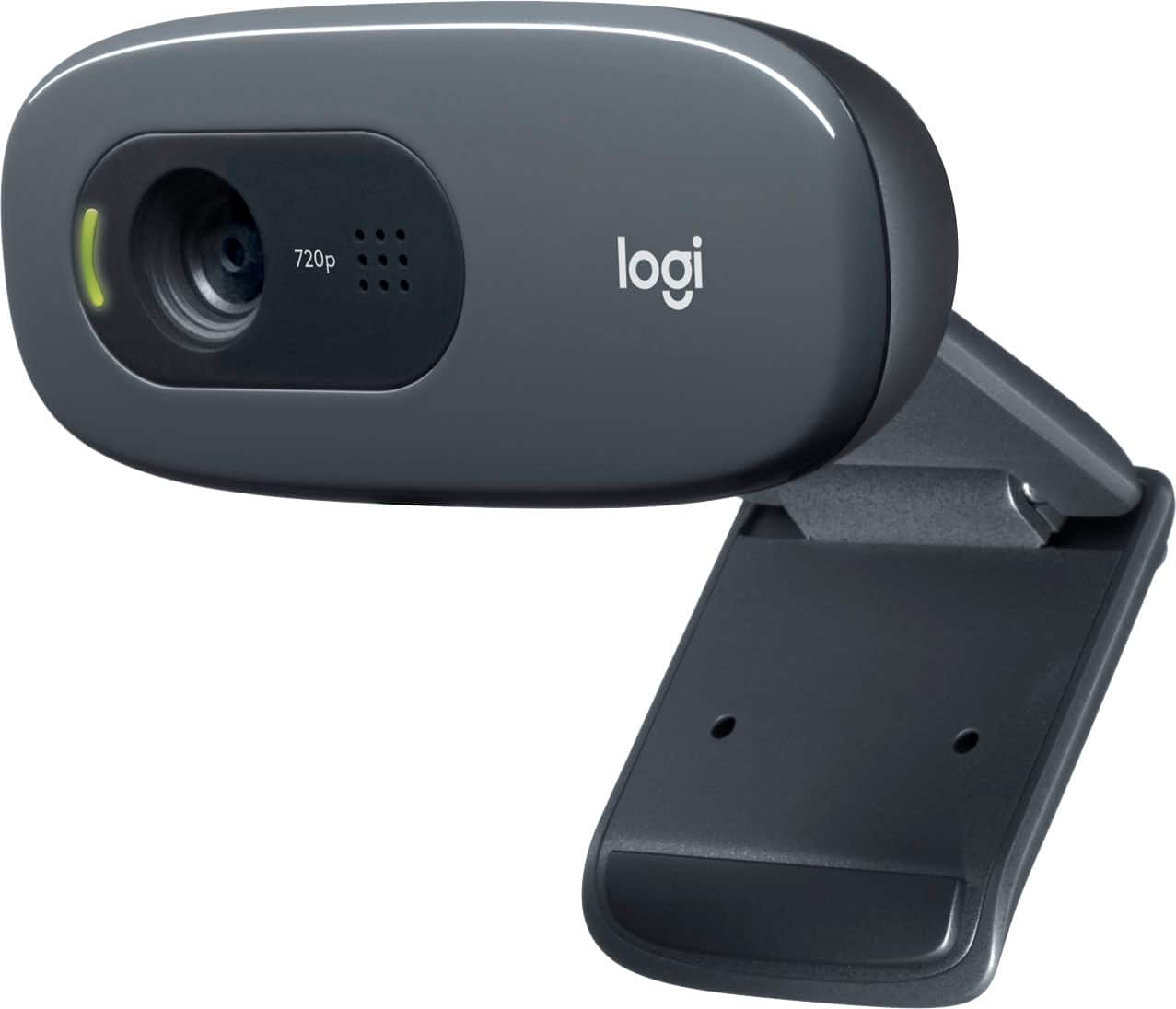
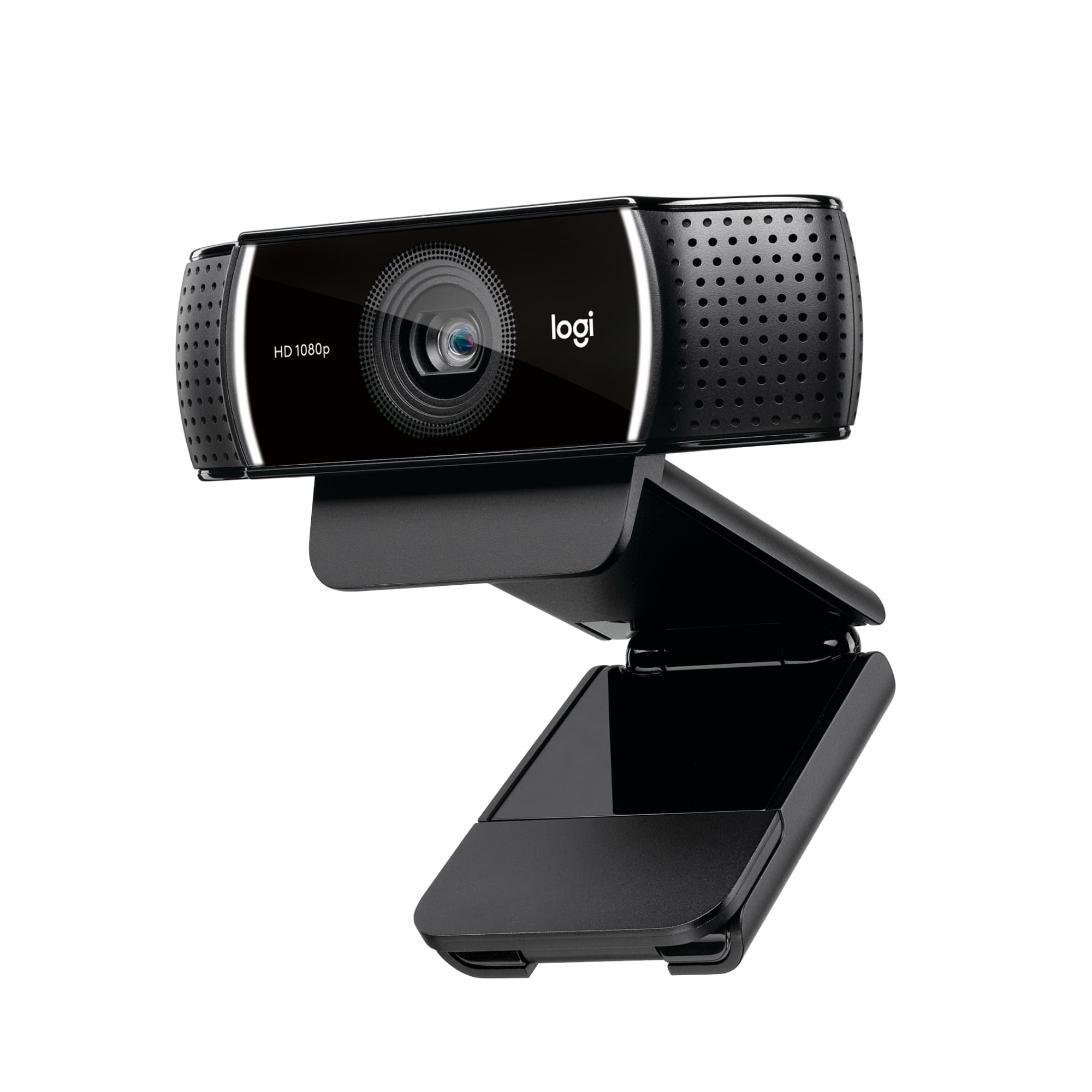
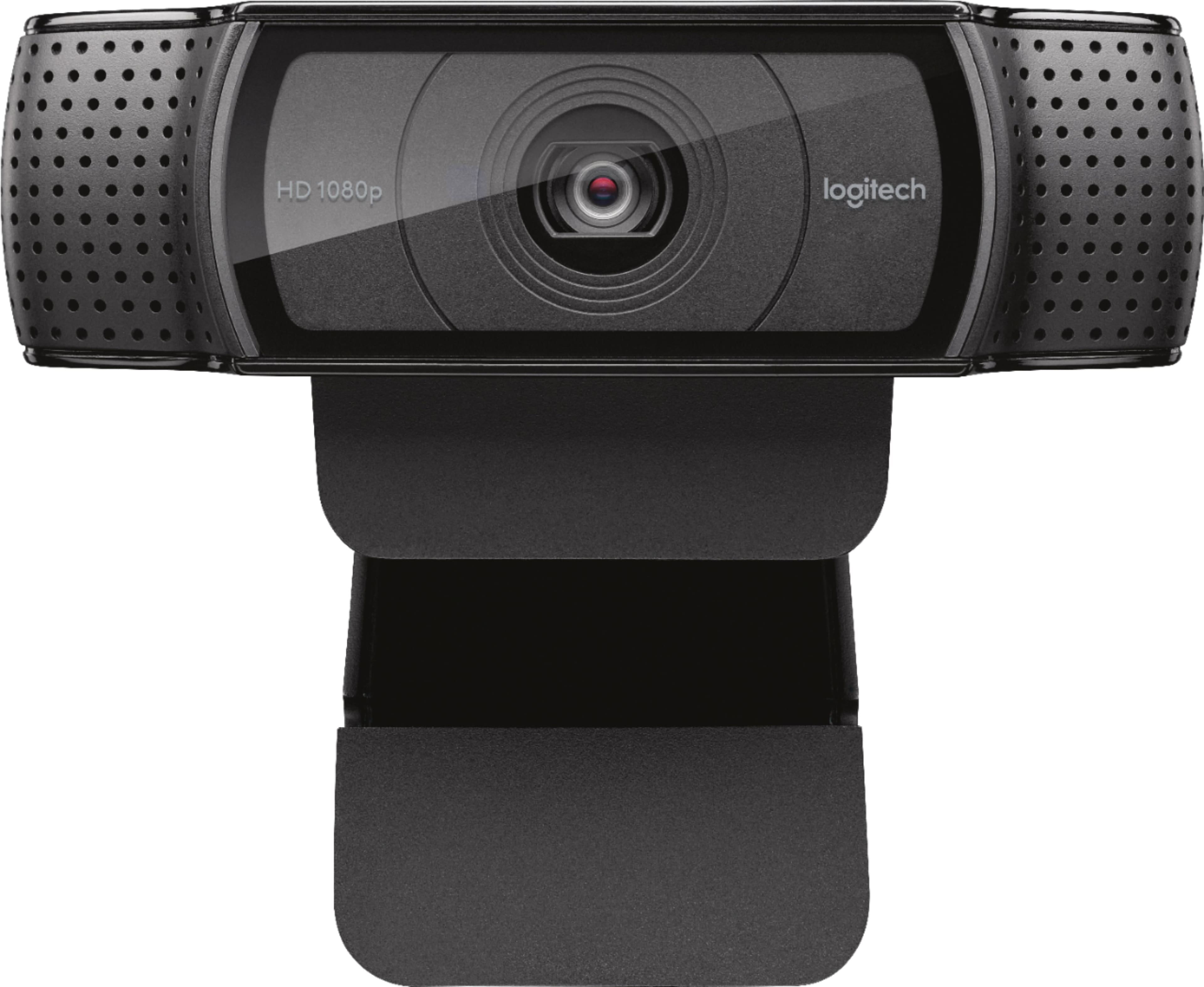
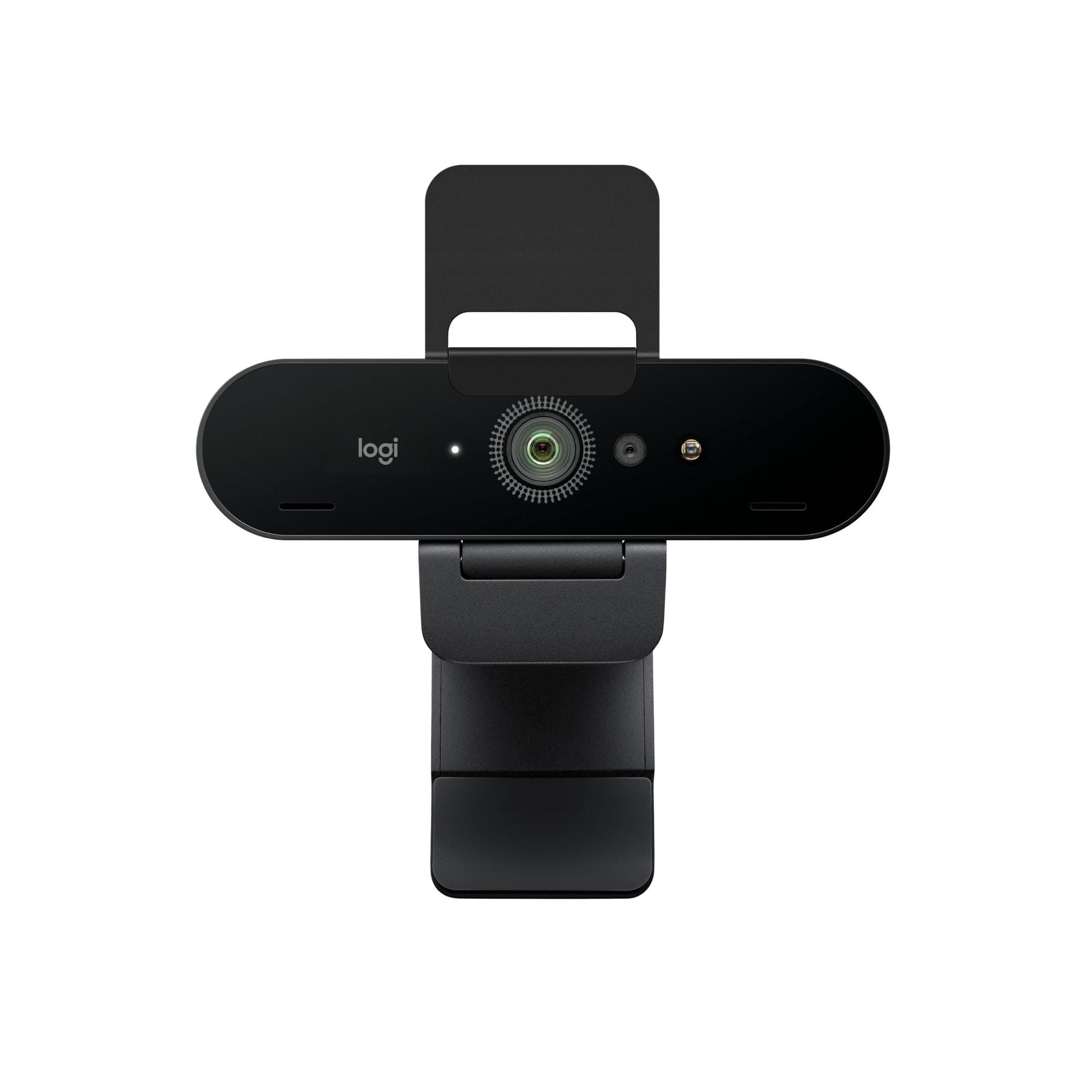
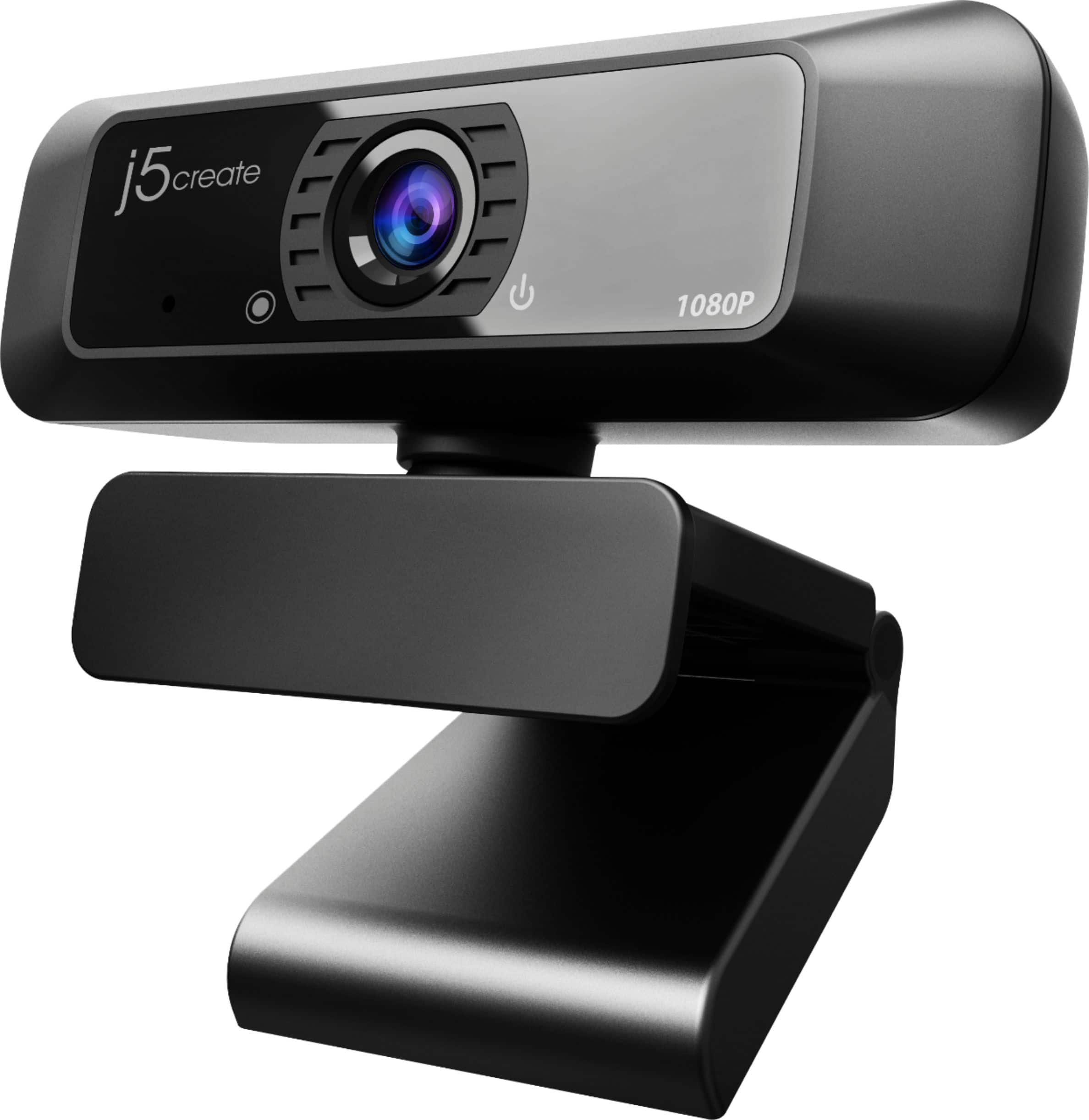
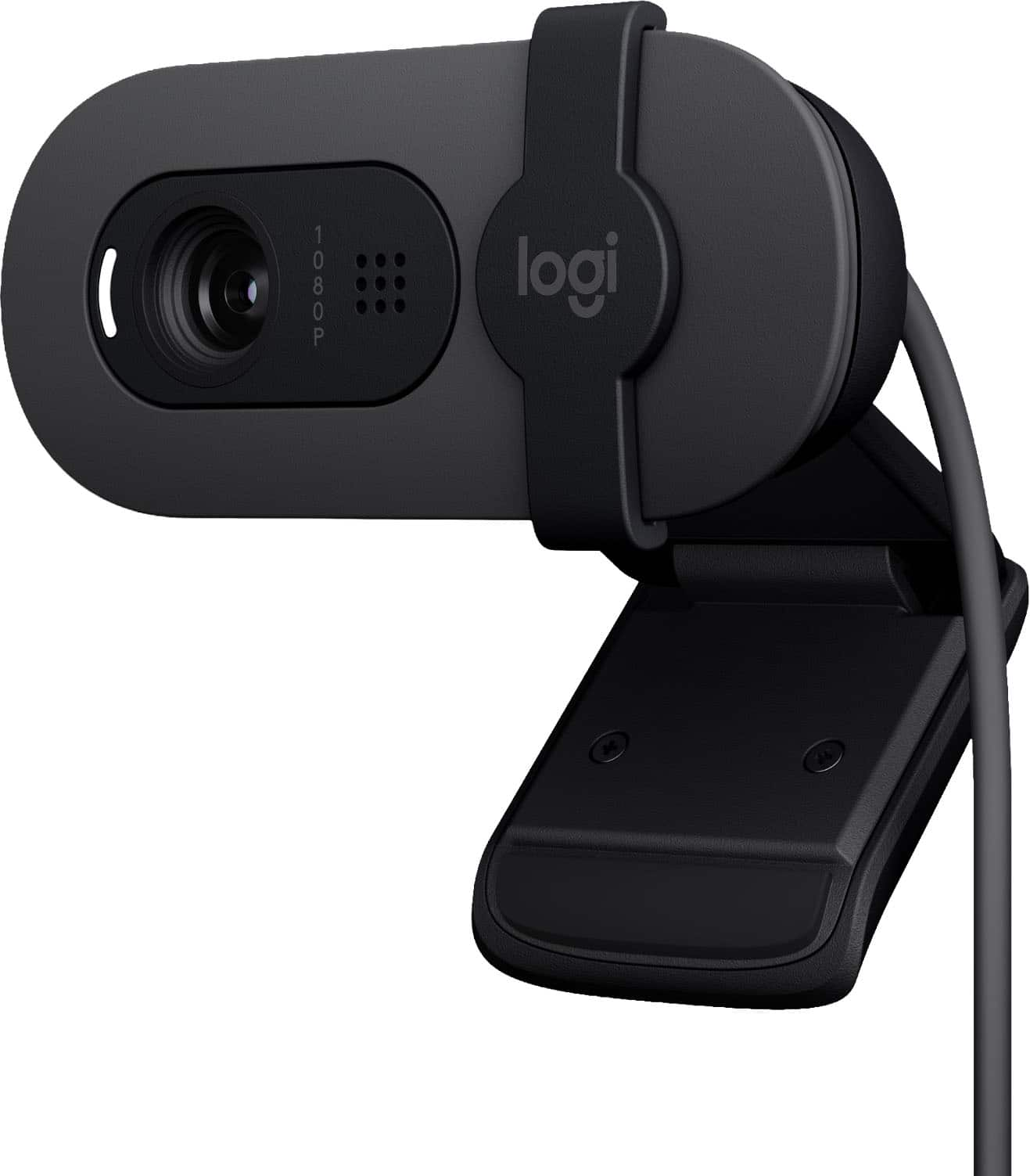
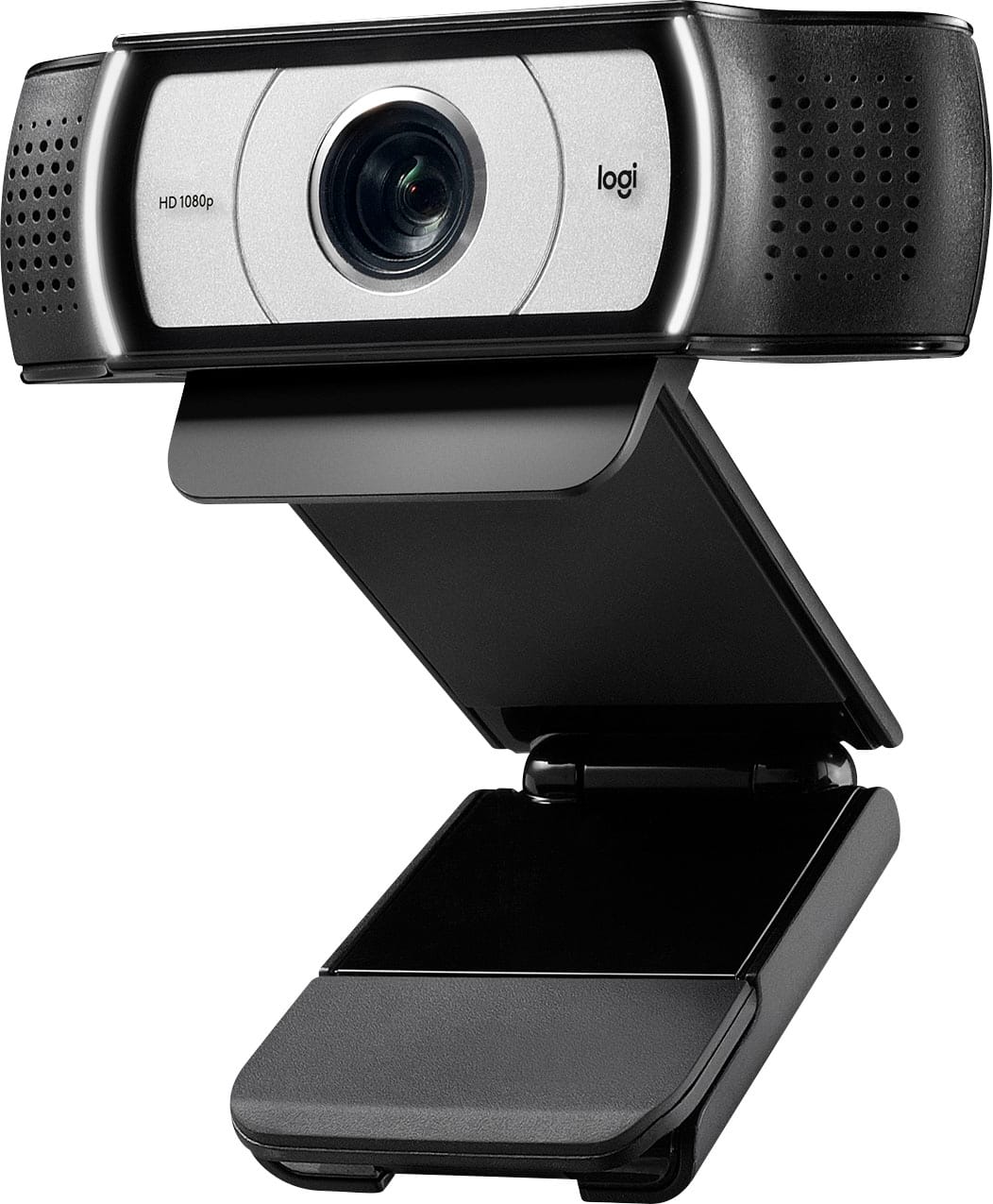
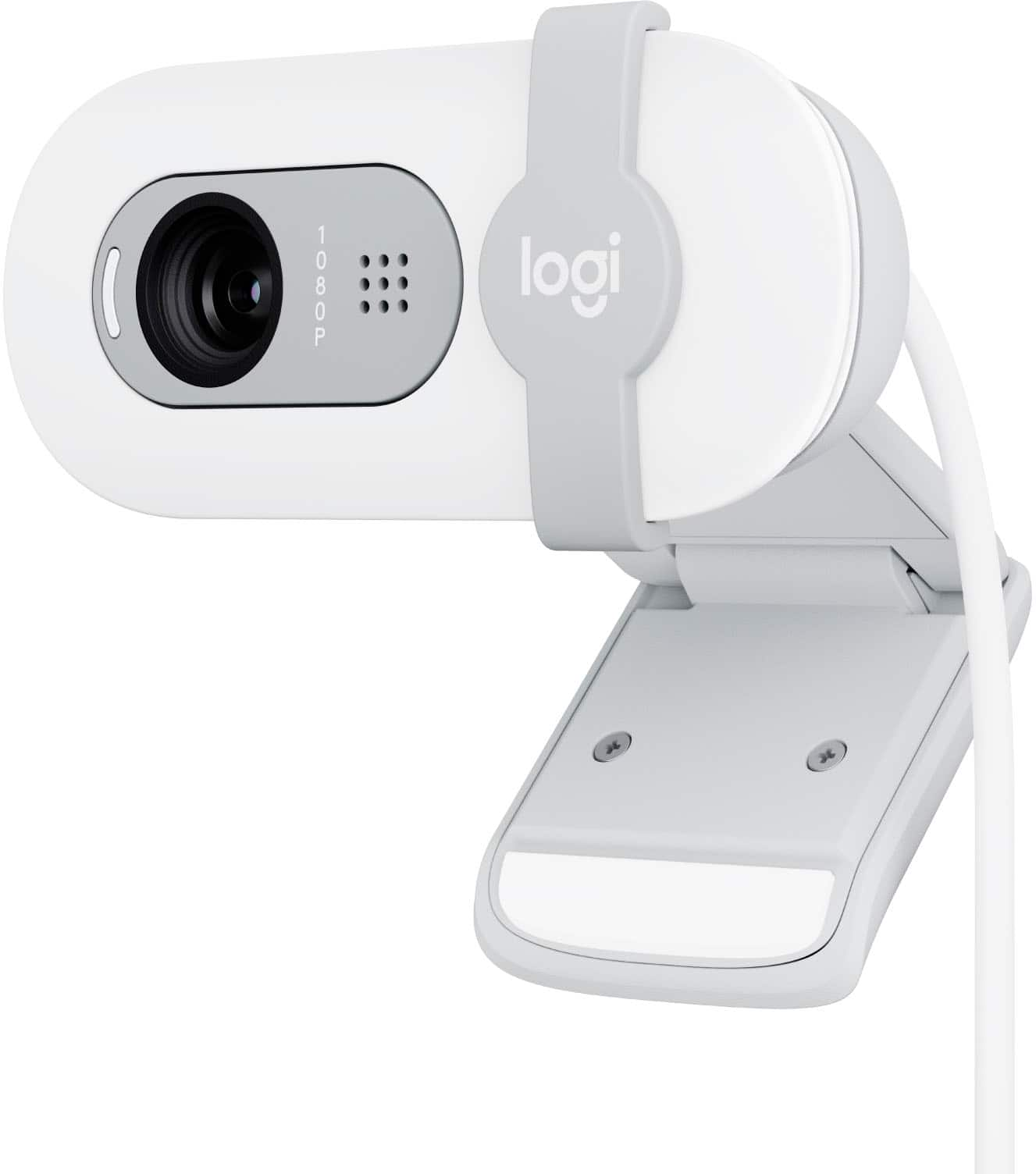
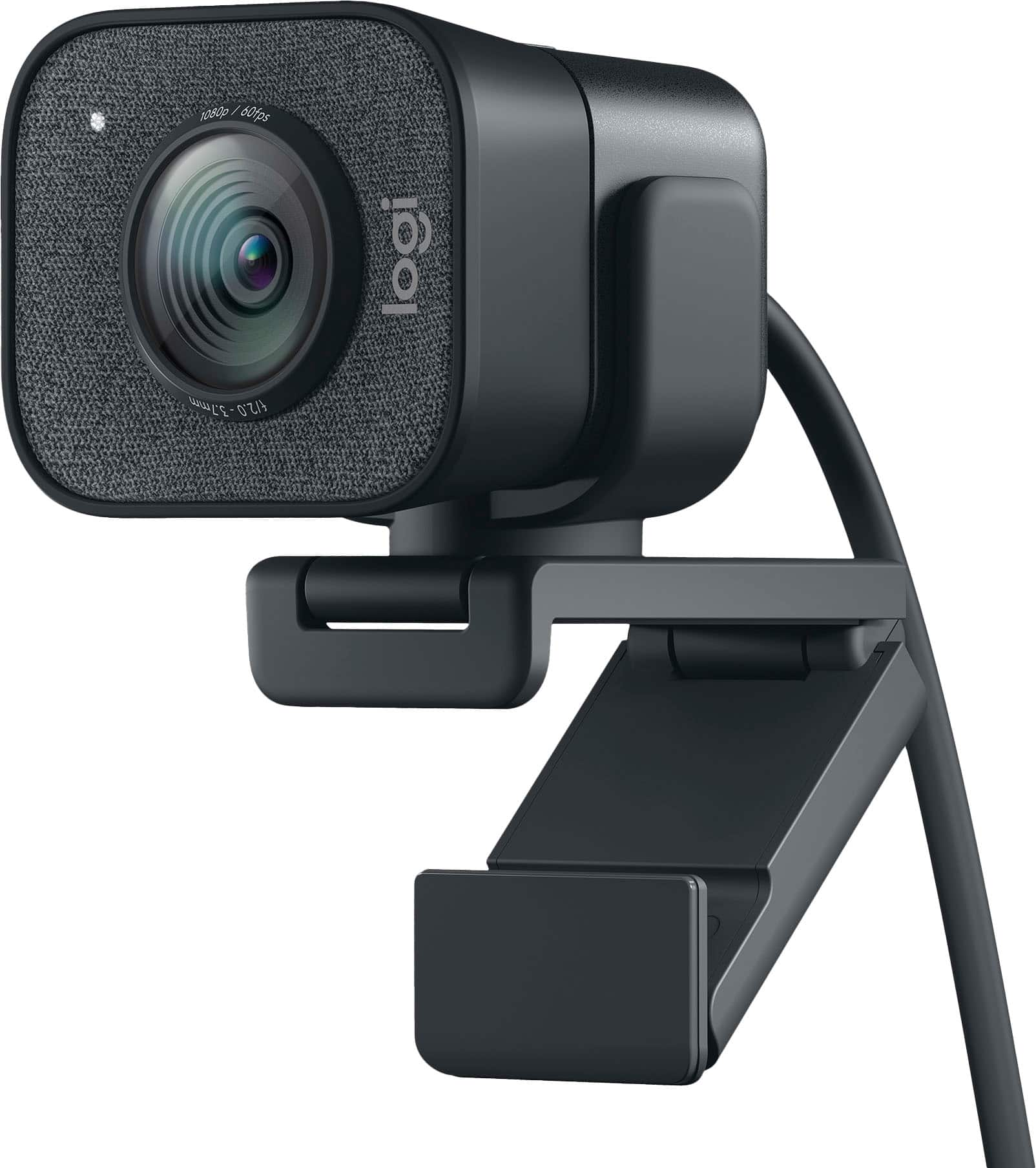
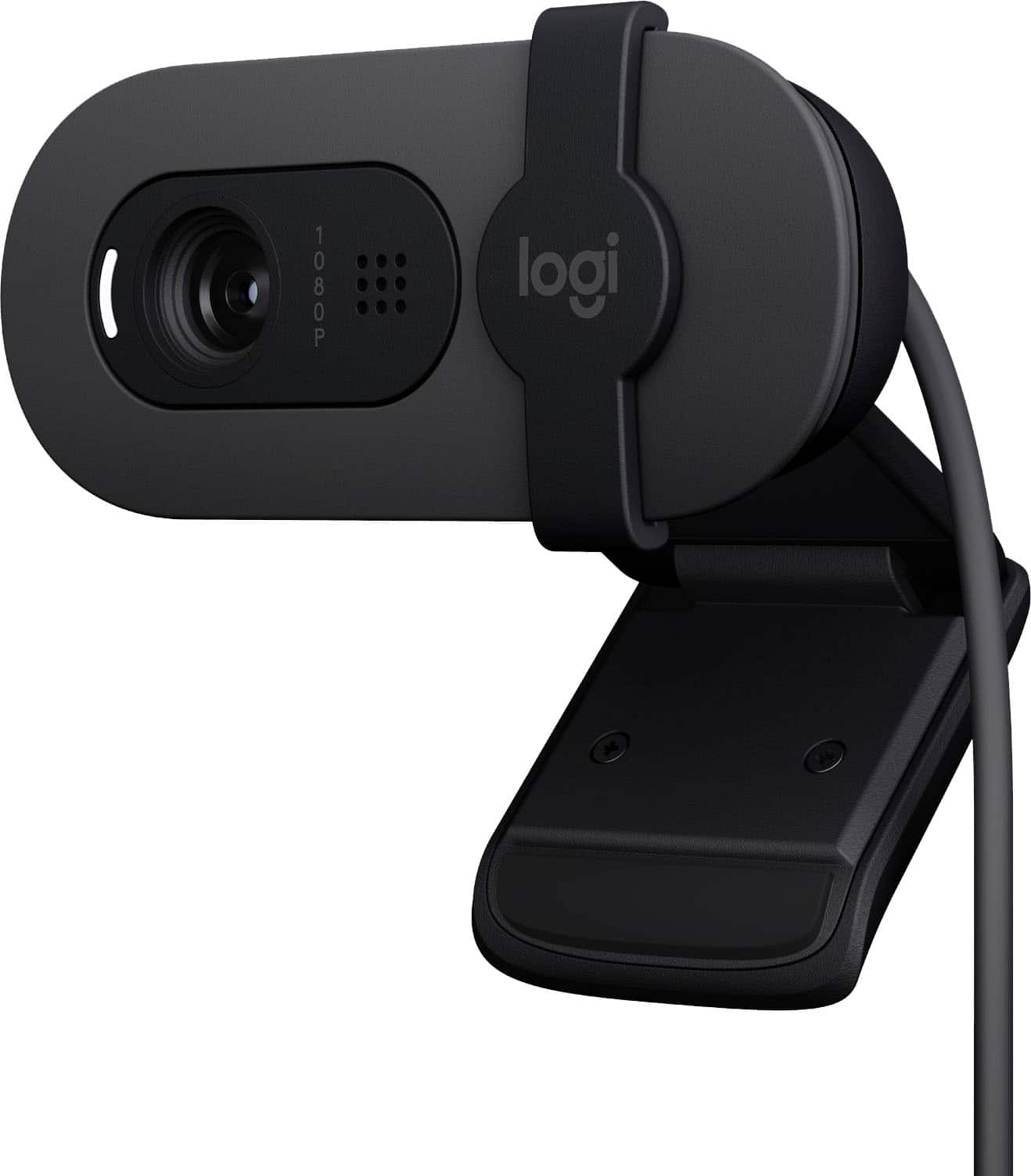
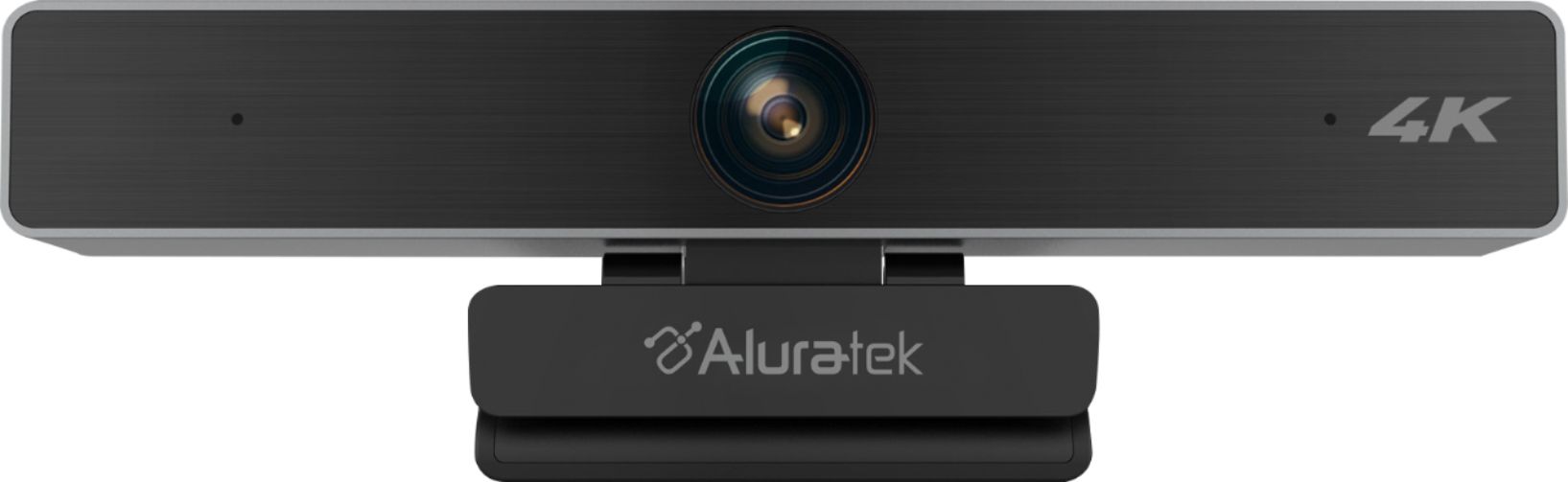

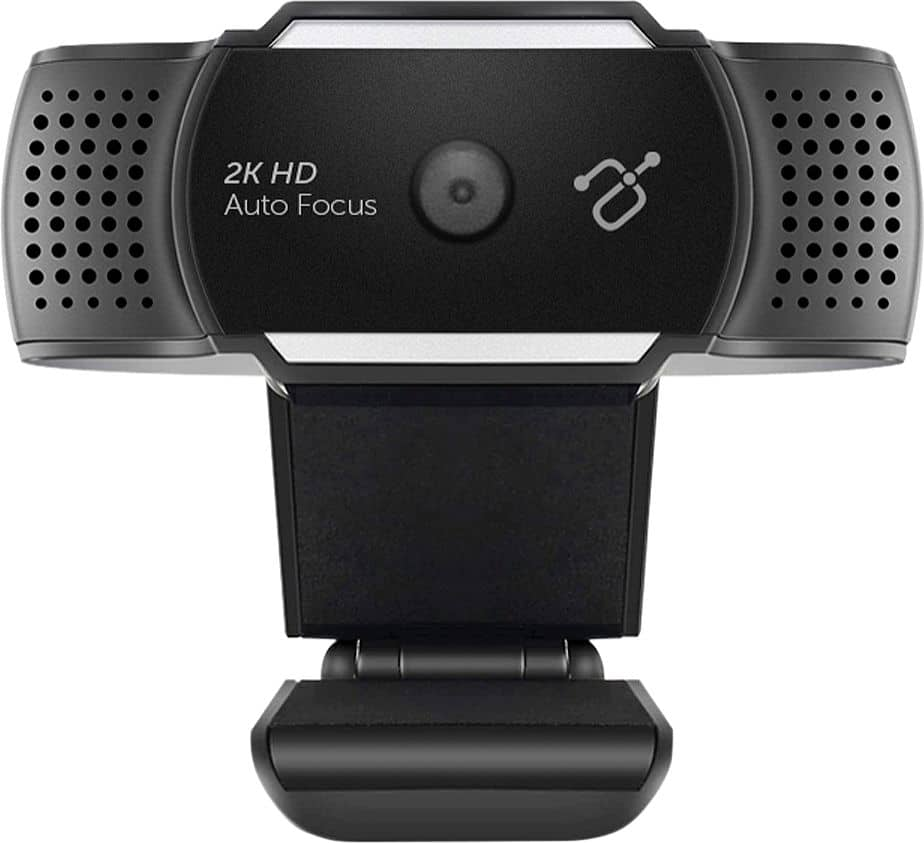
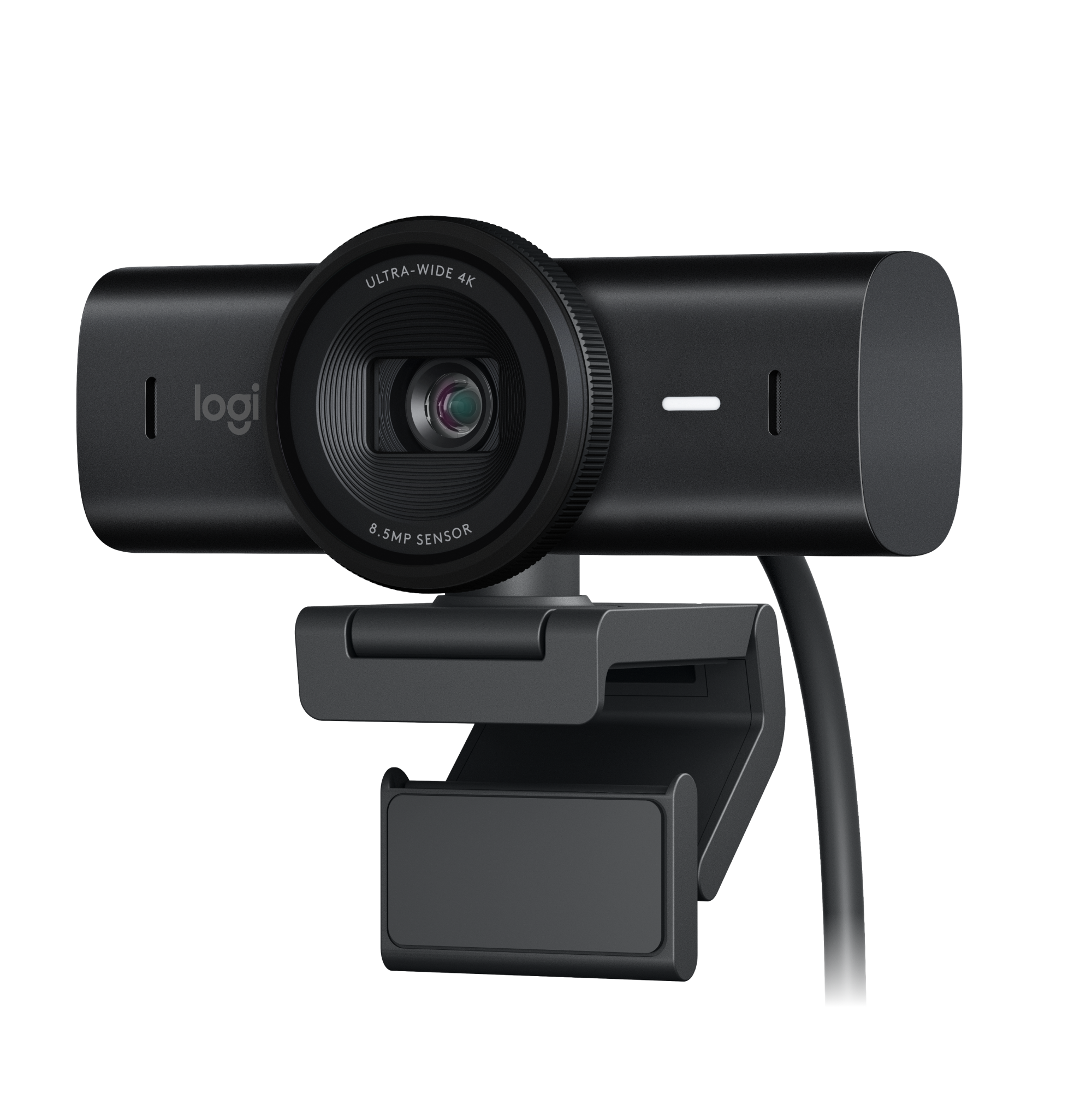
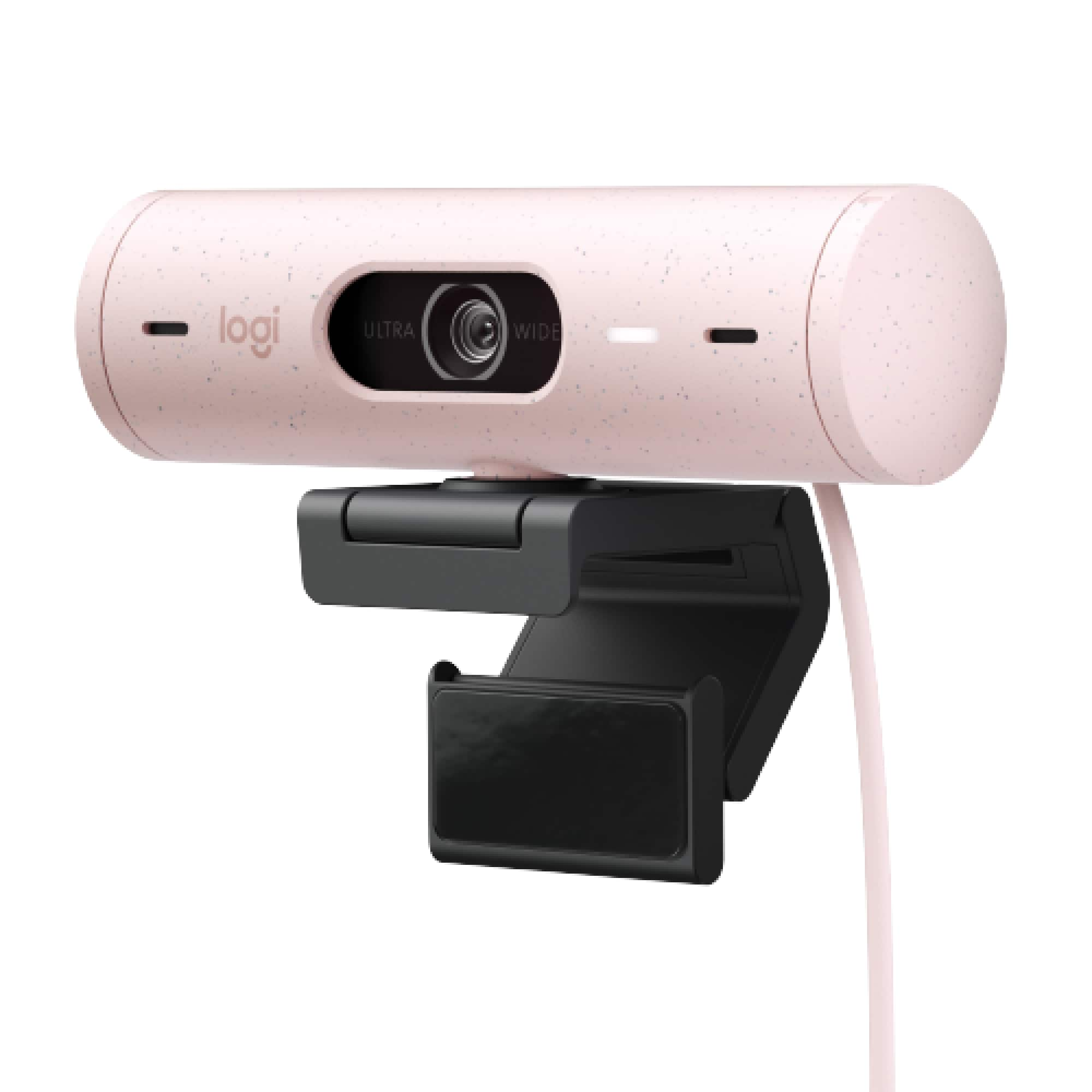
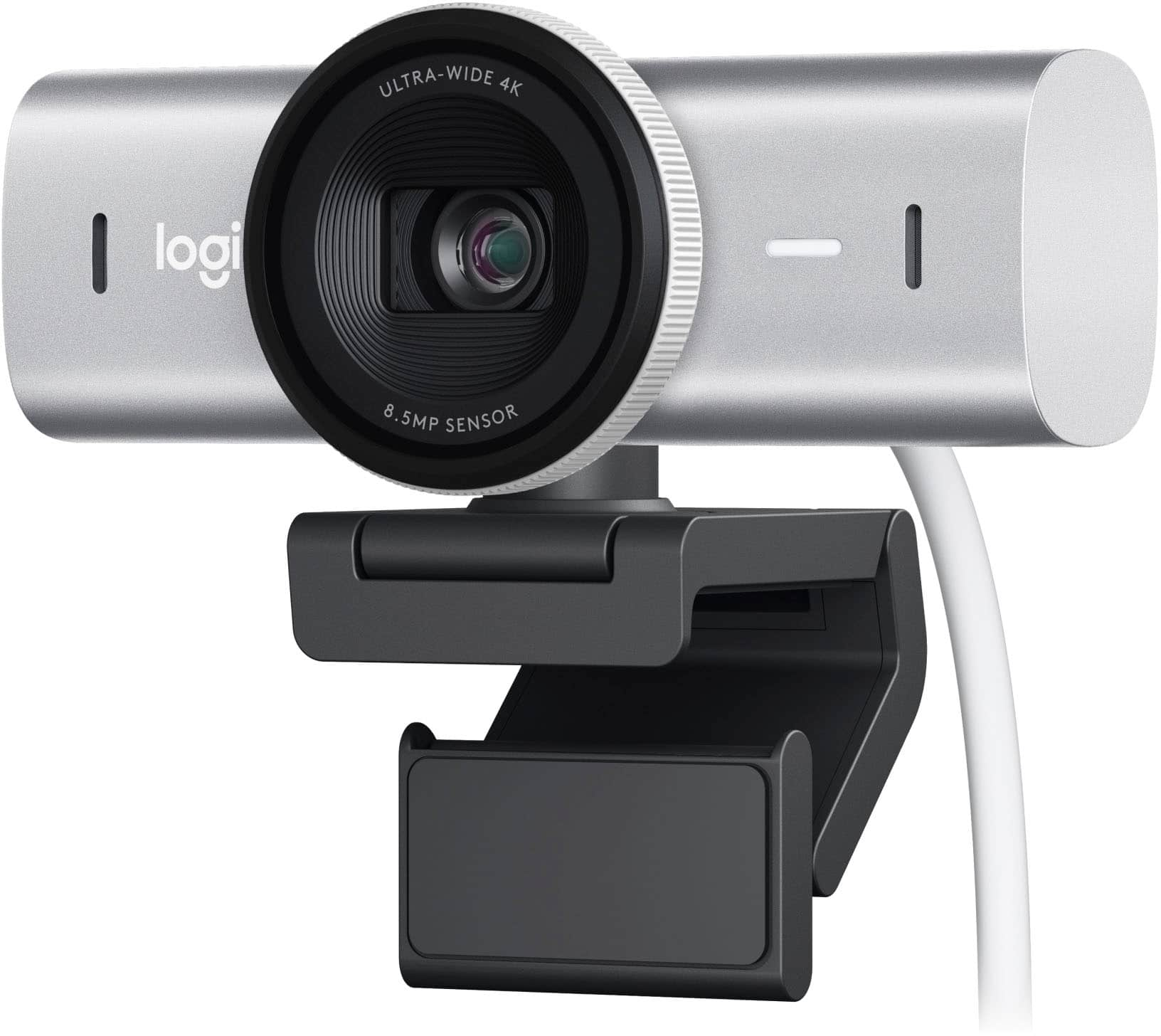
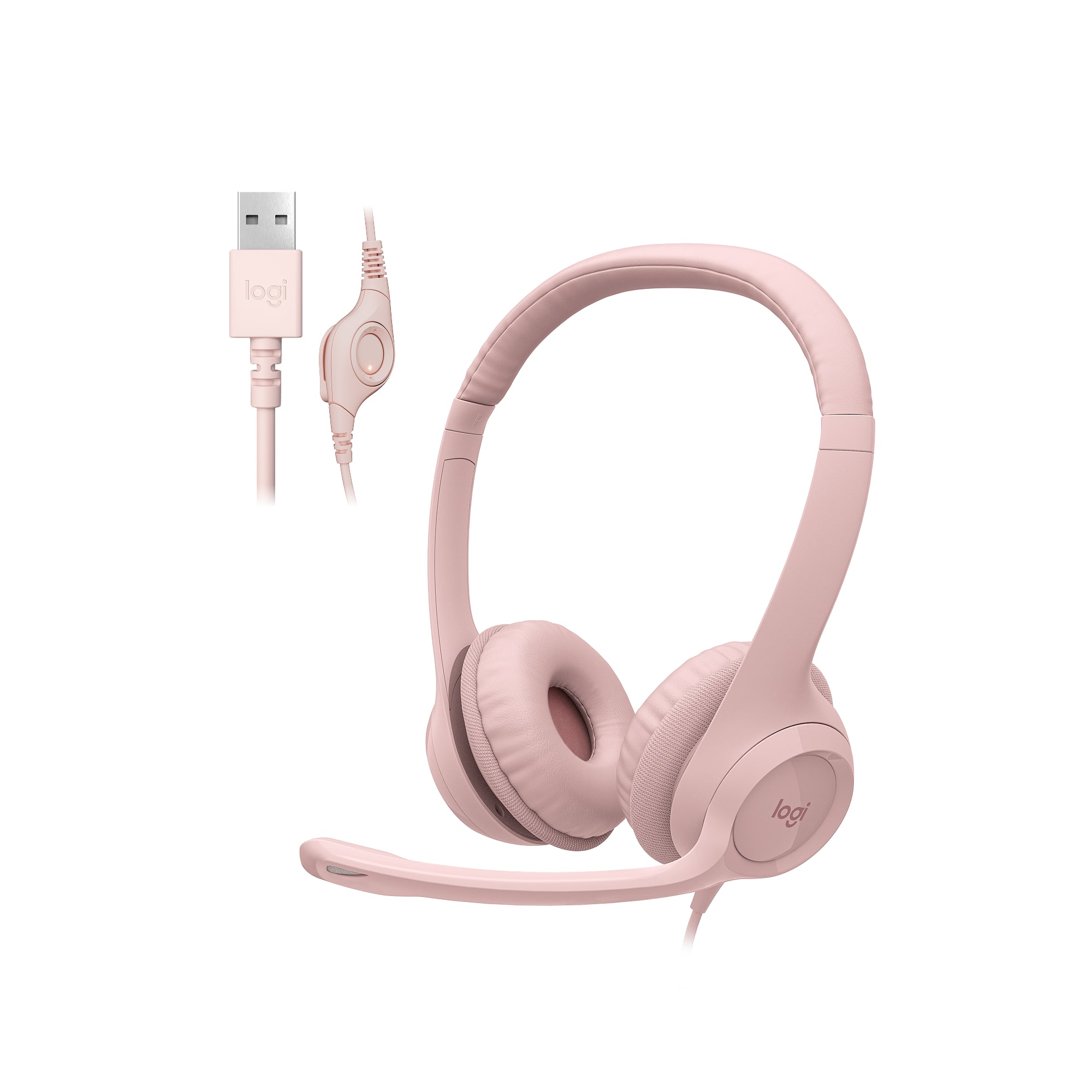
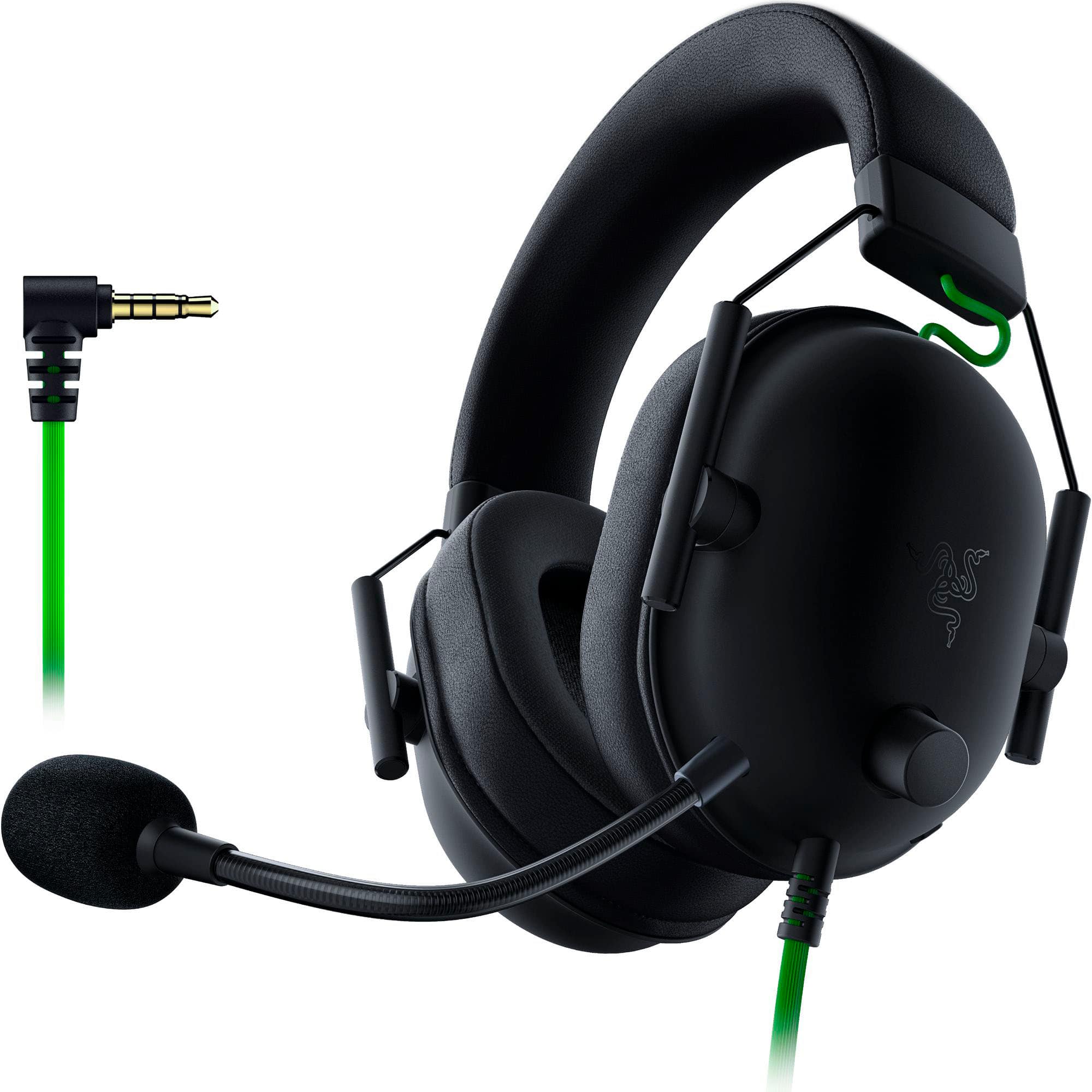
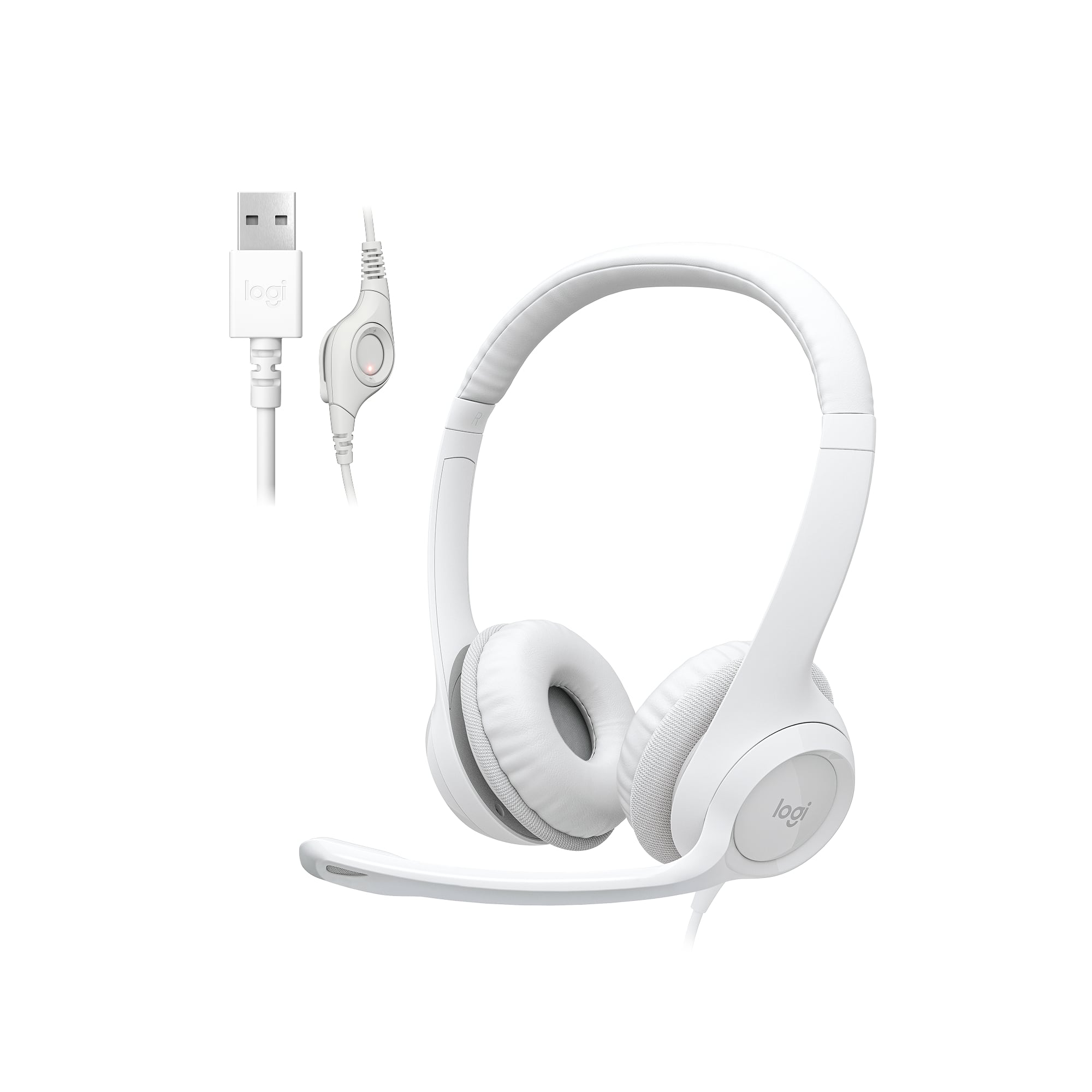
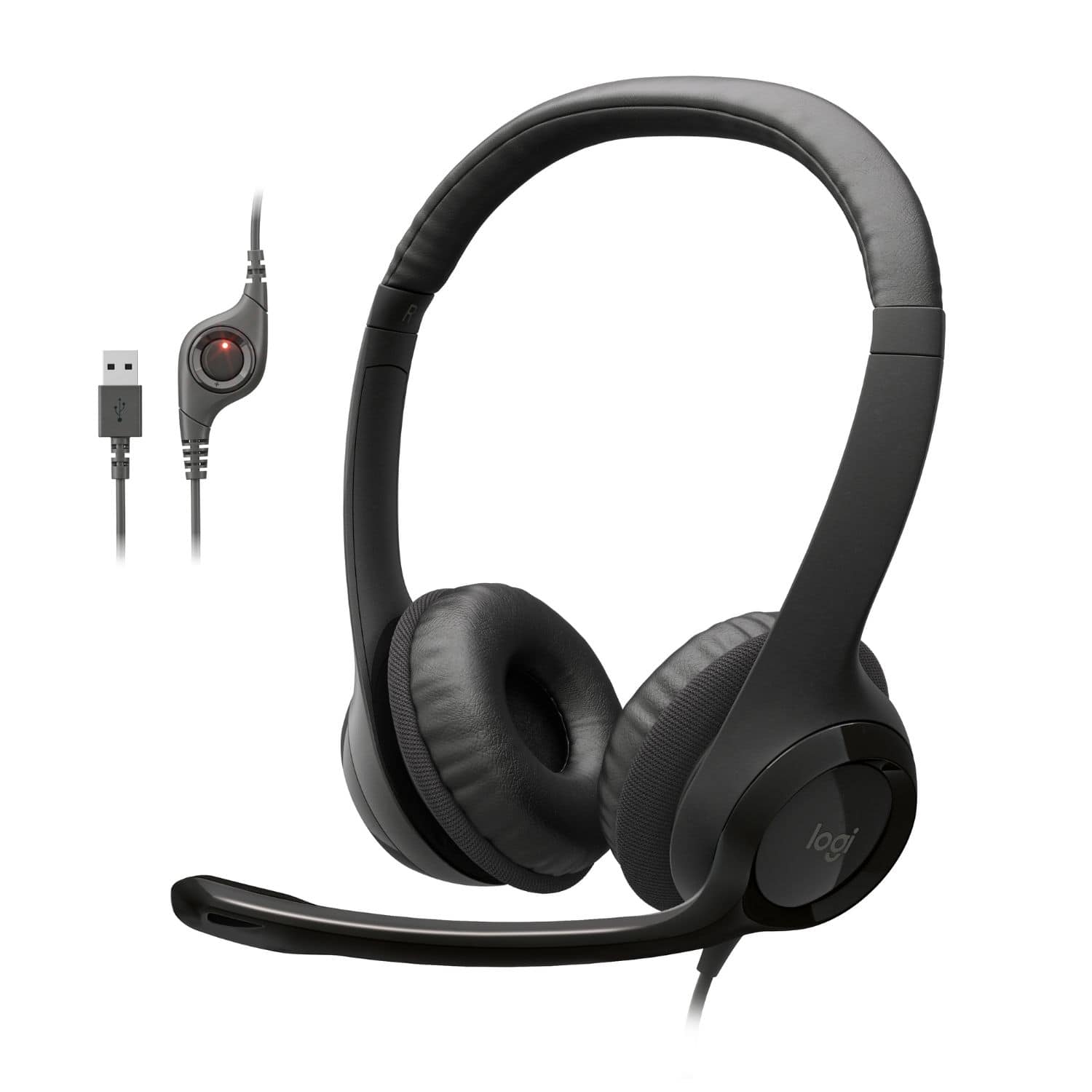
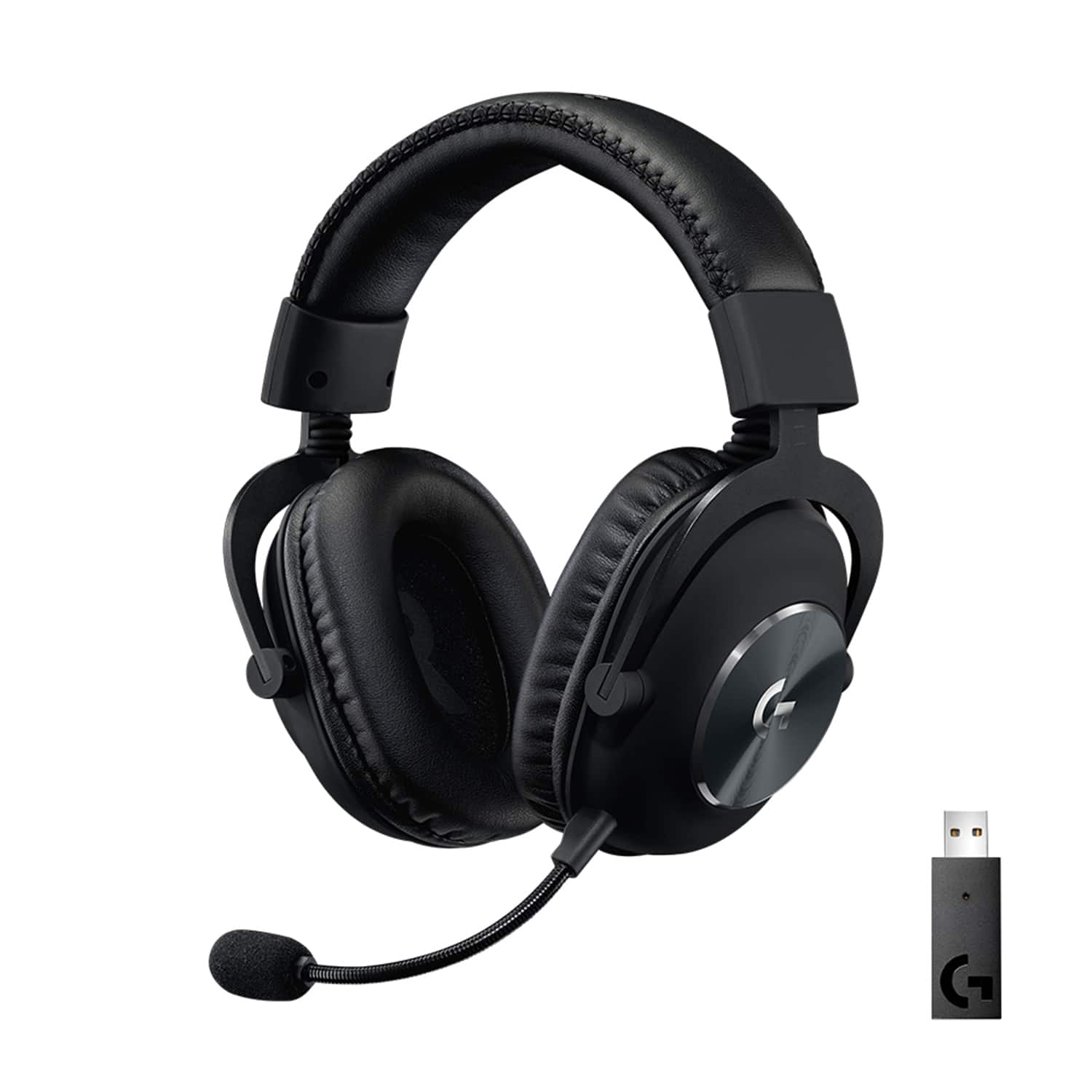
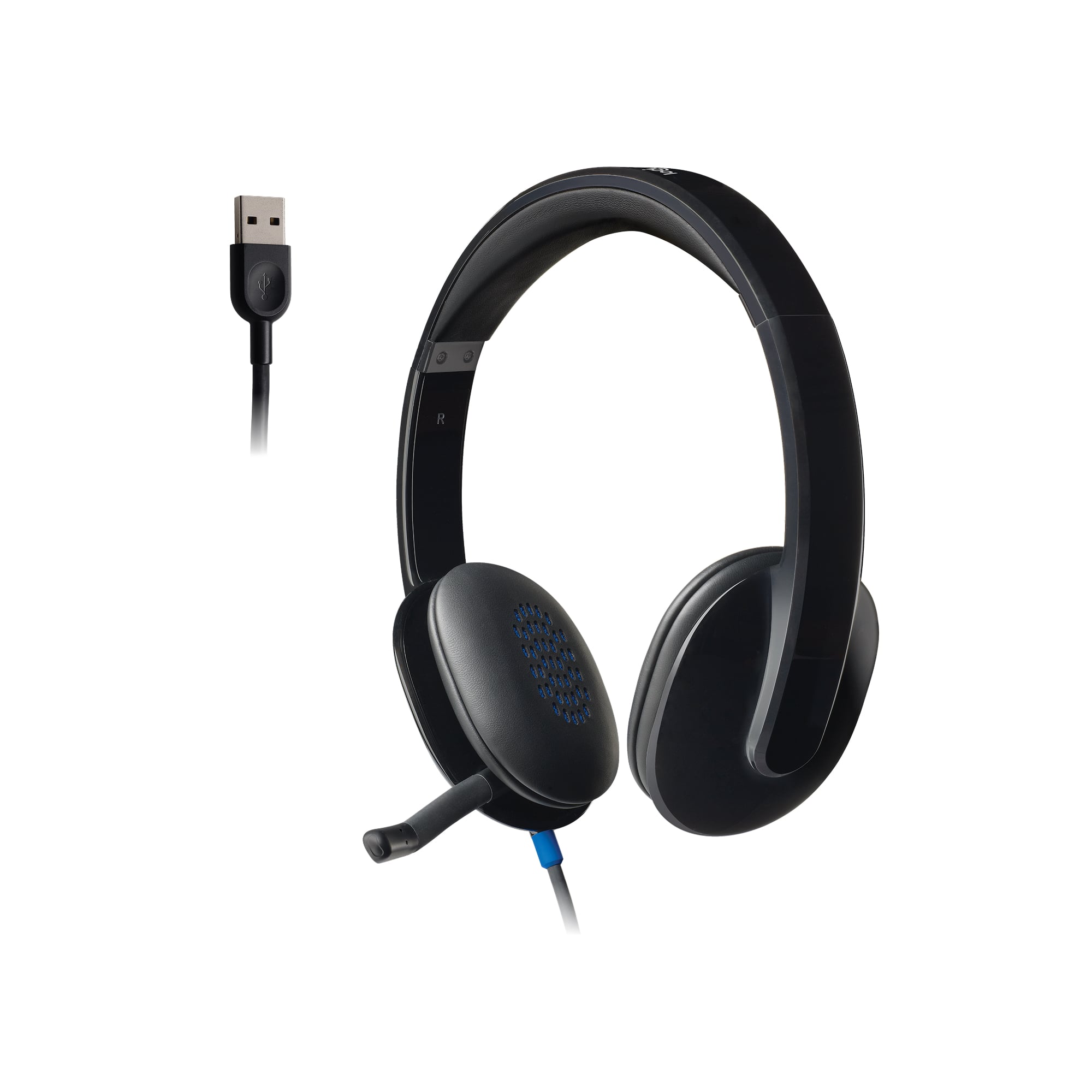
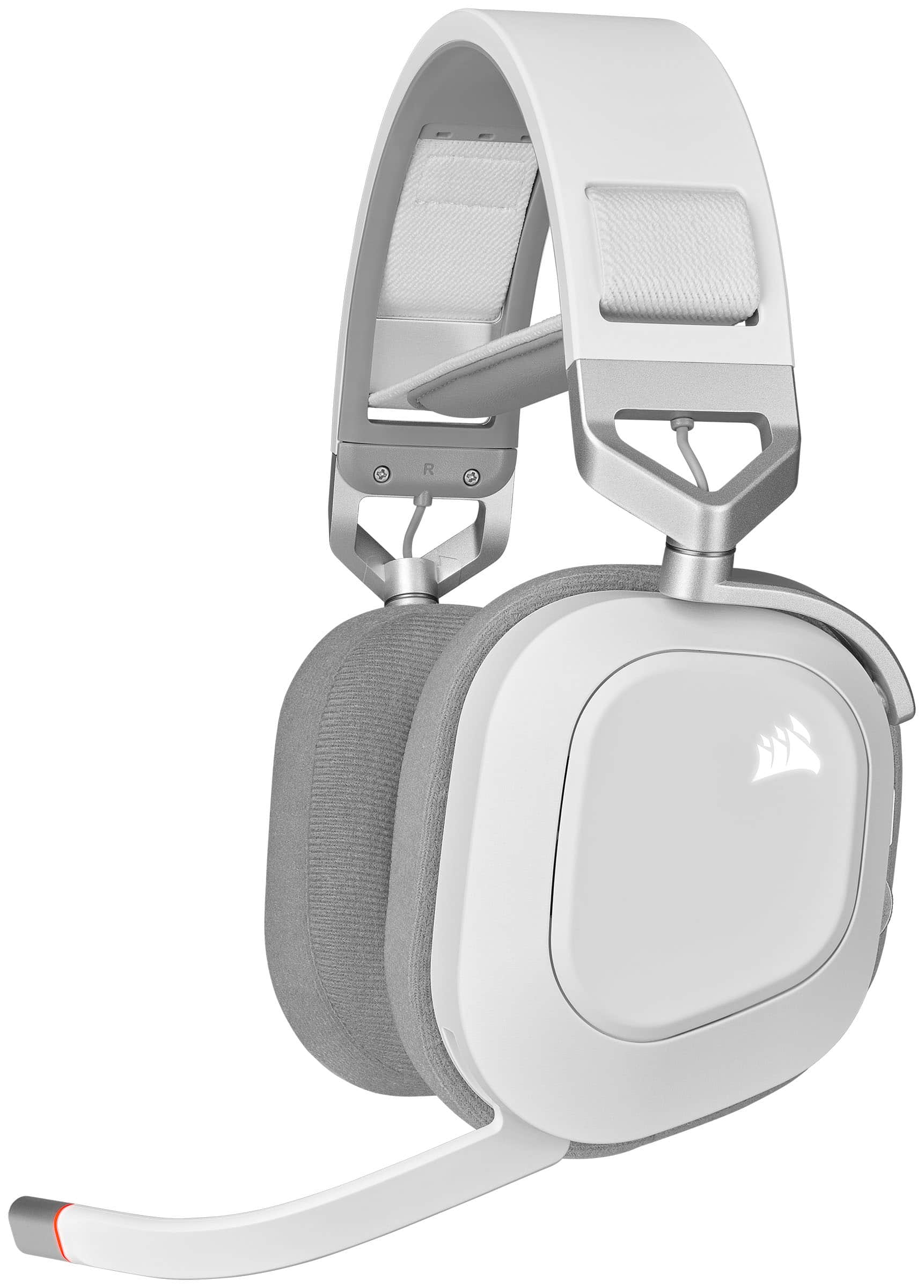
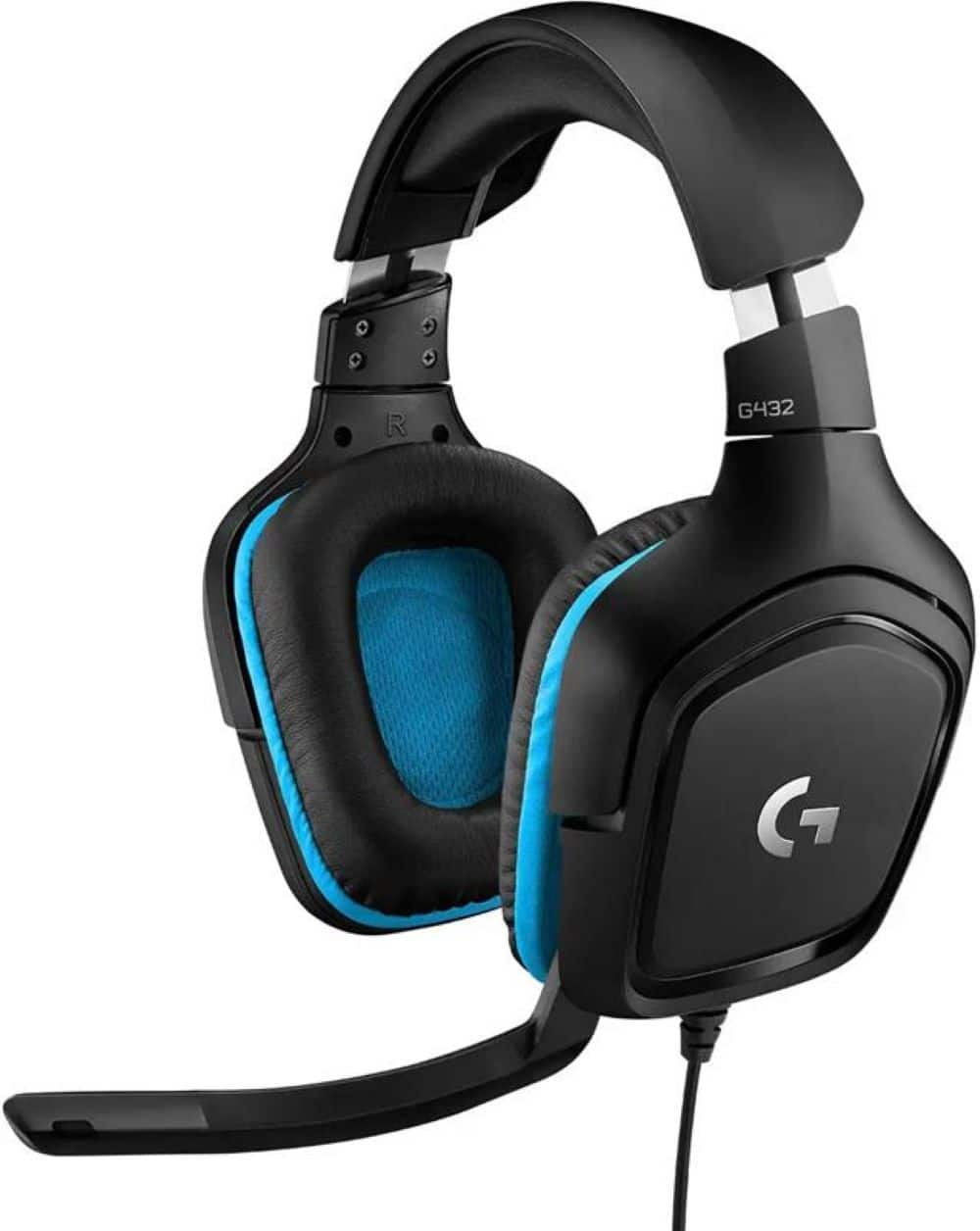
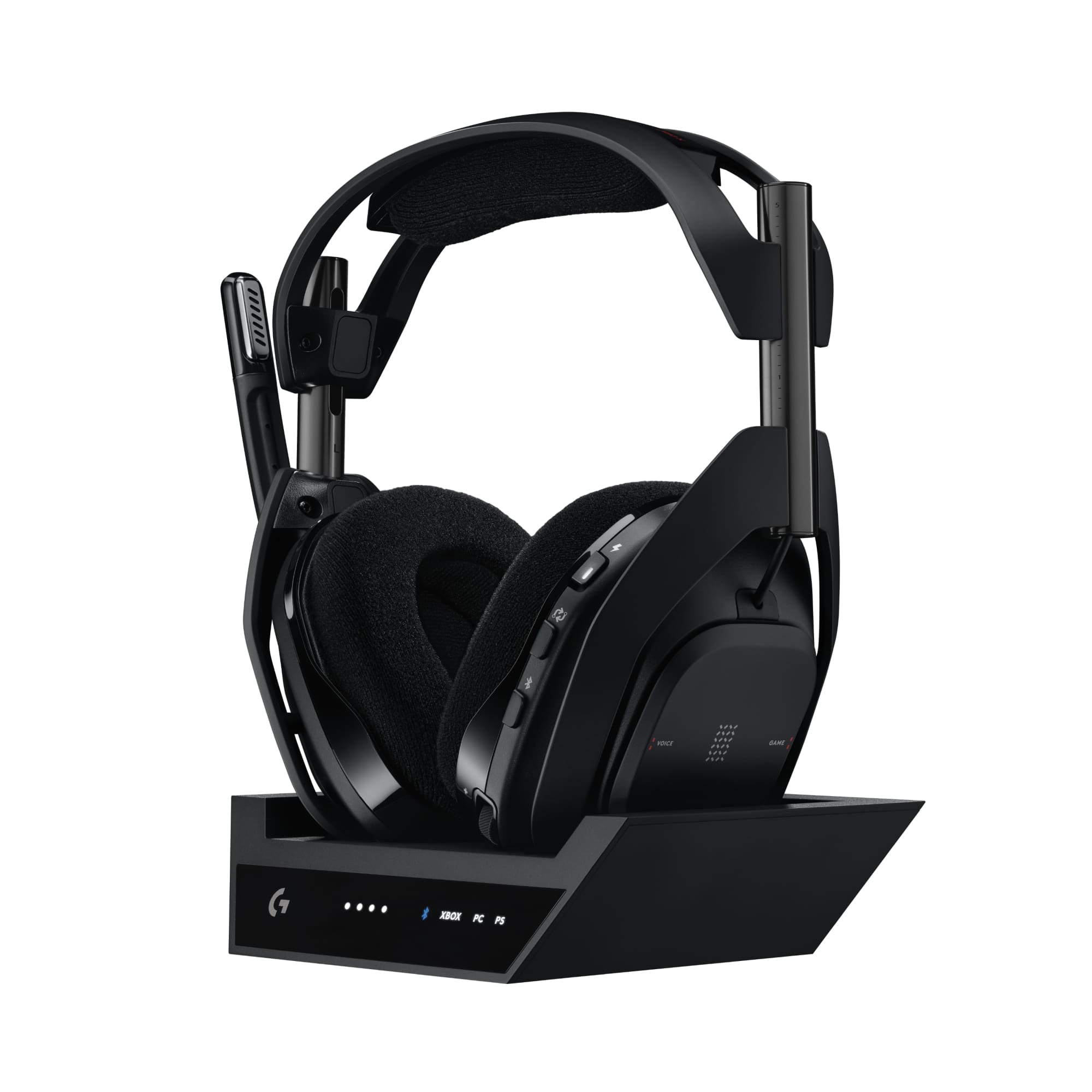
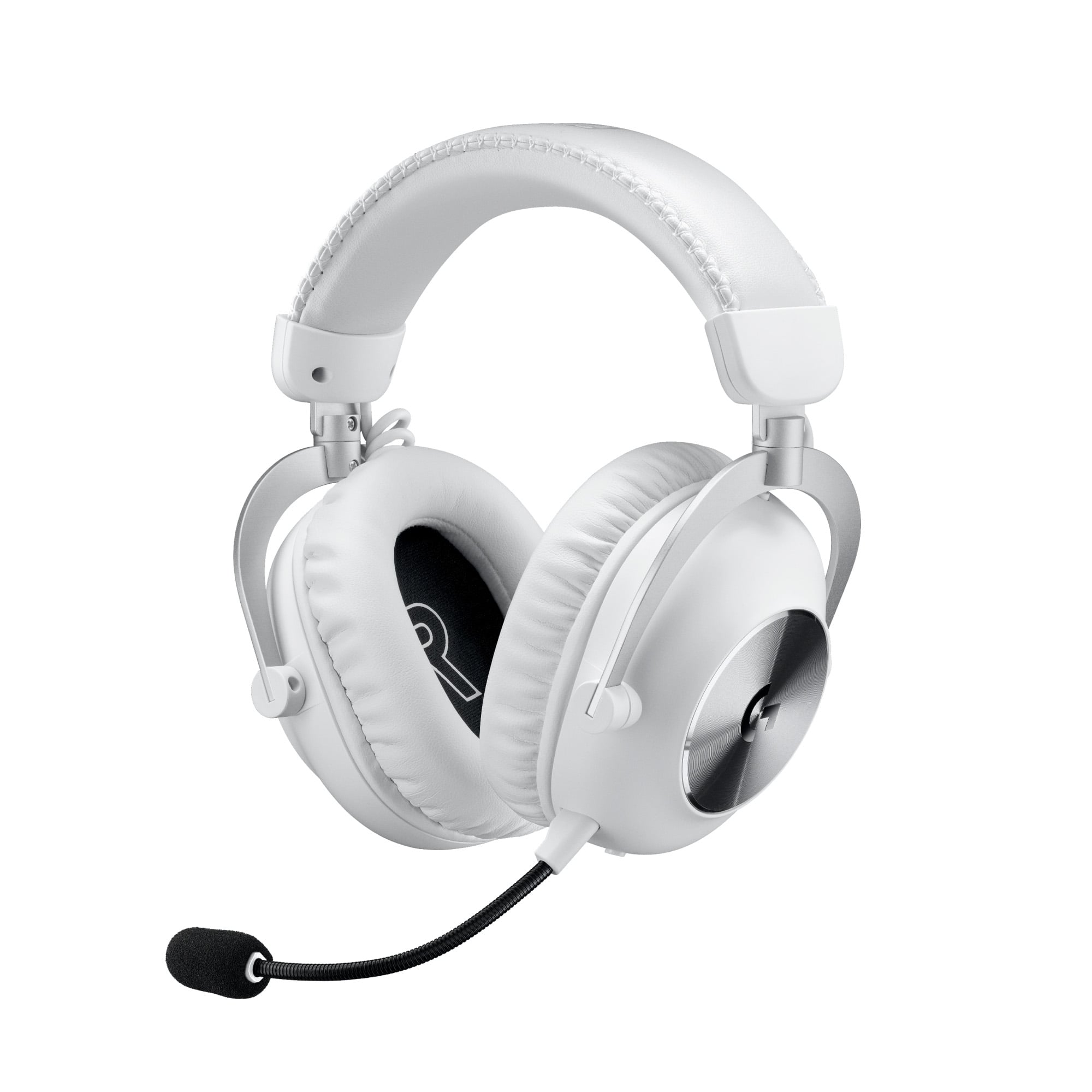
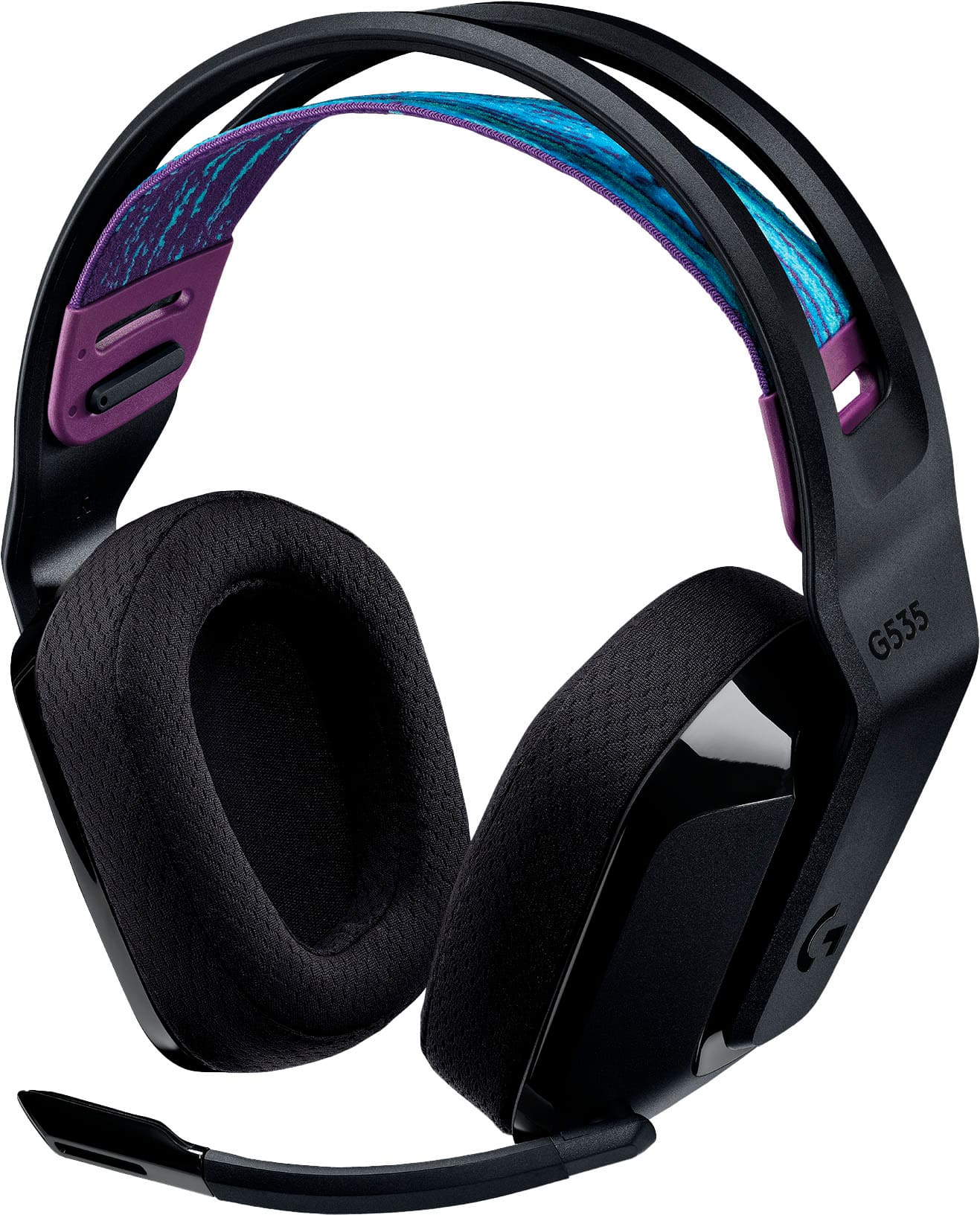
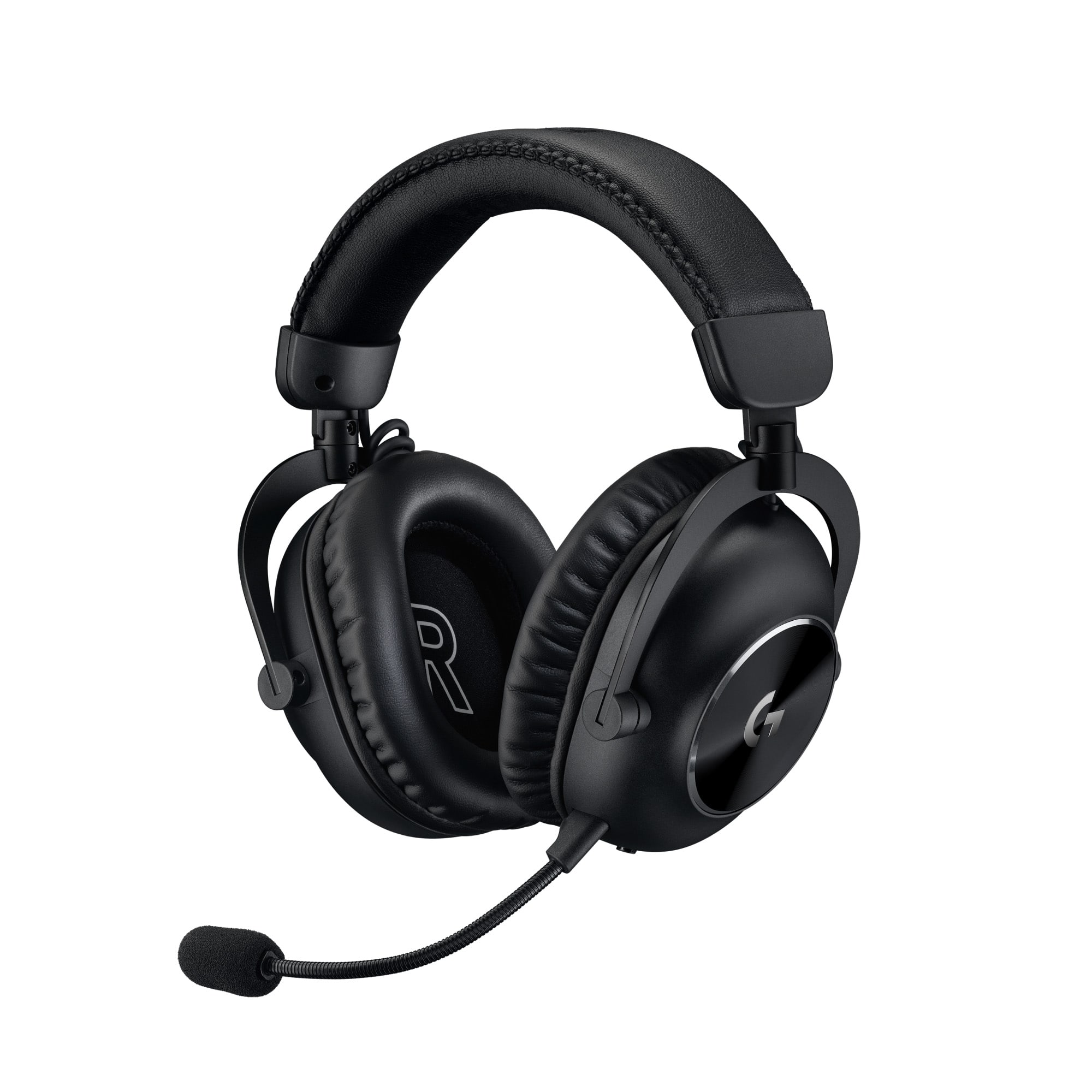
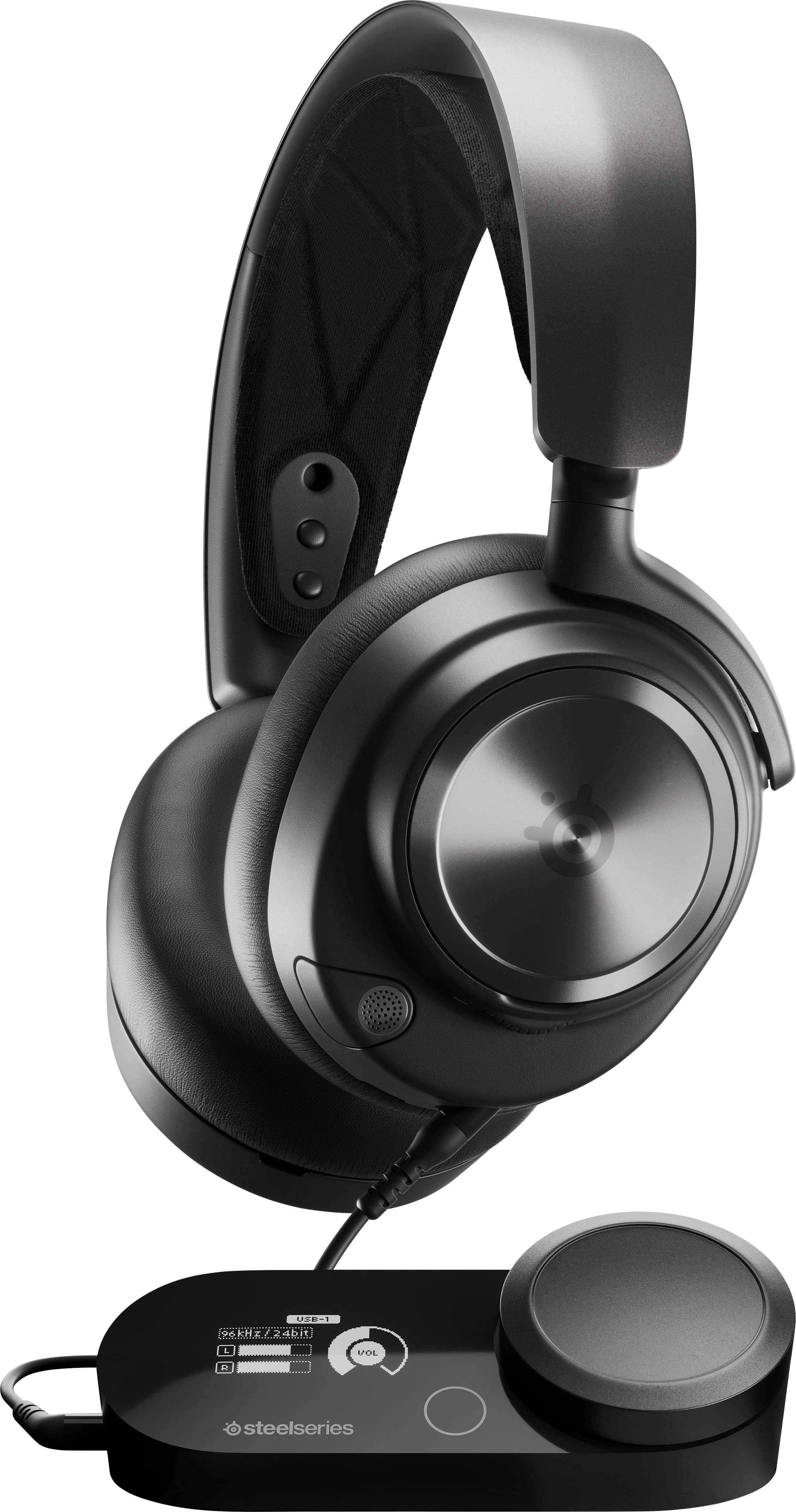
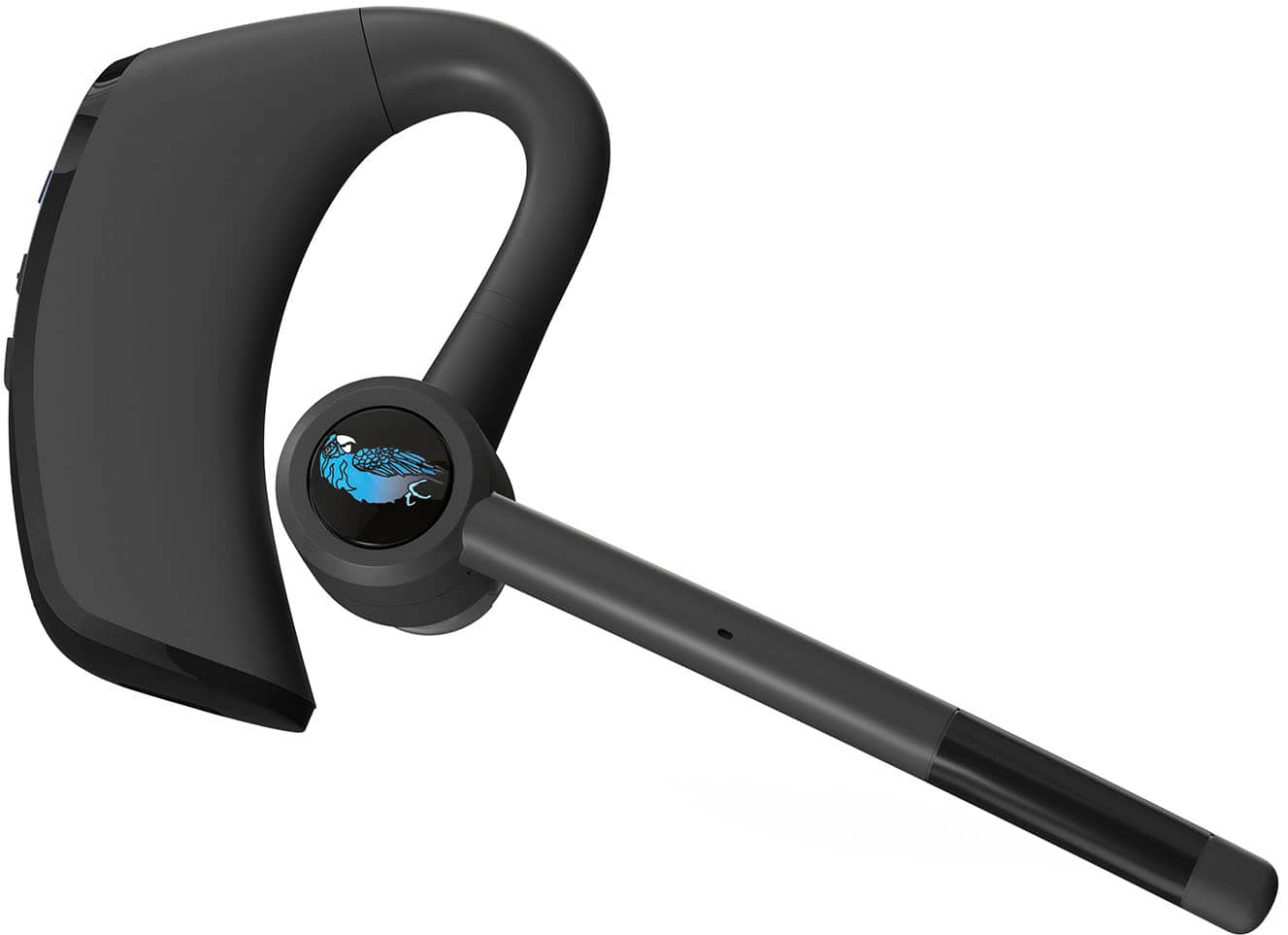
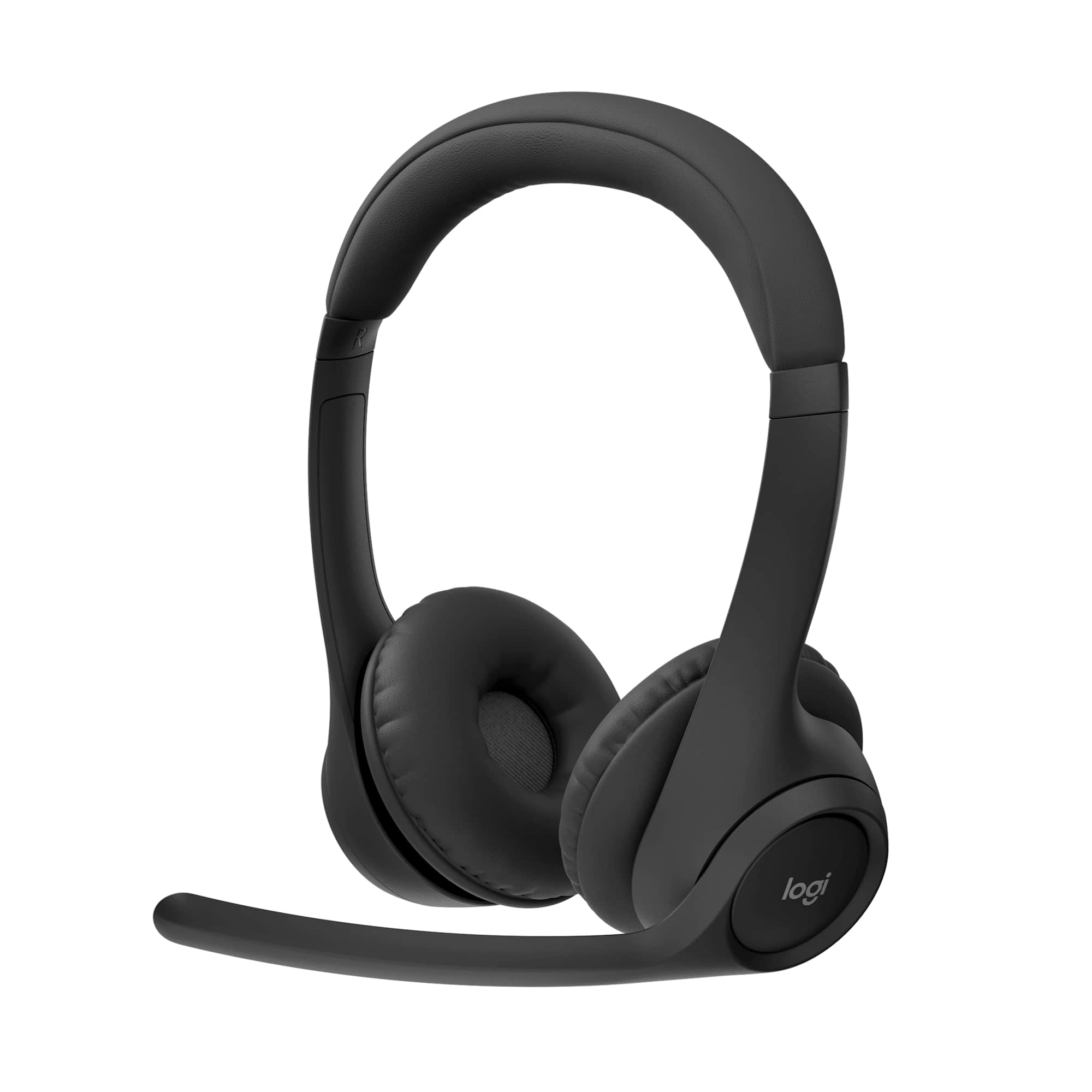
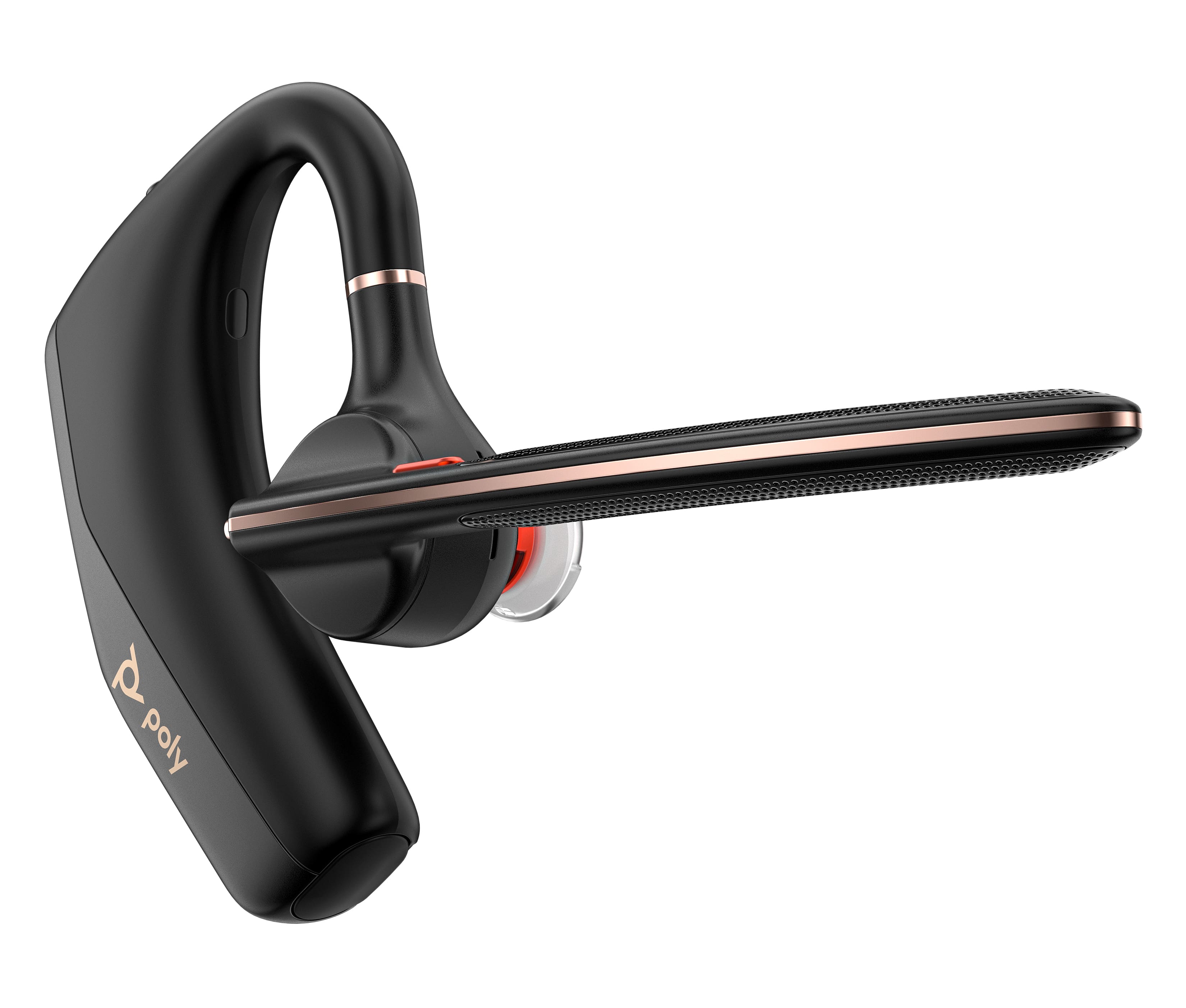
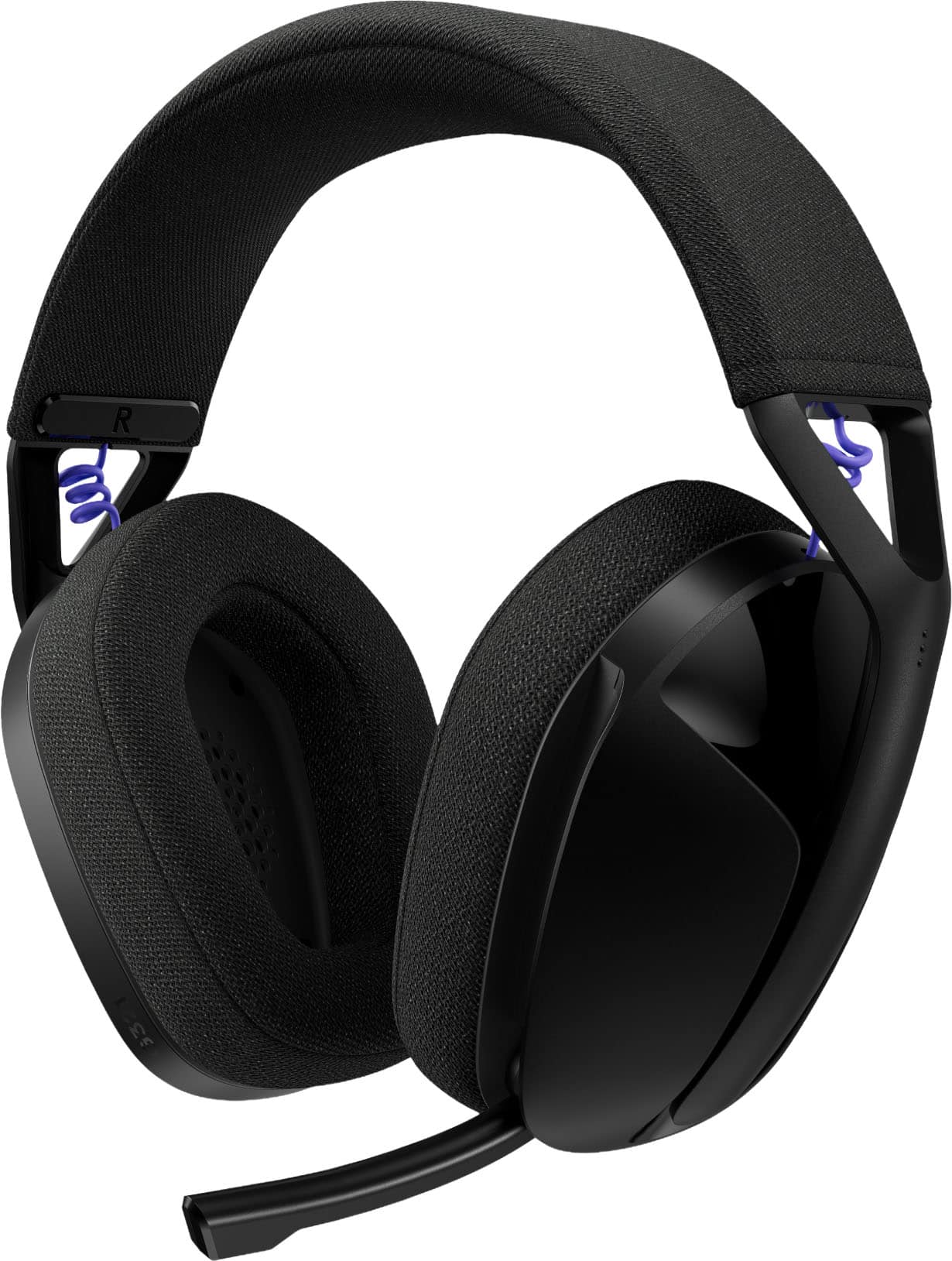
Computer Headsets







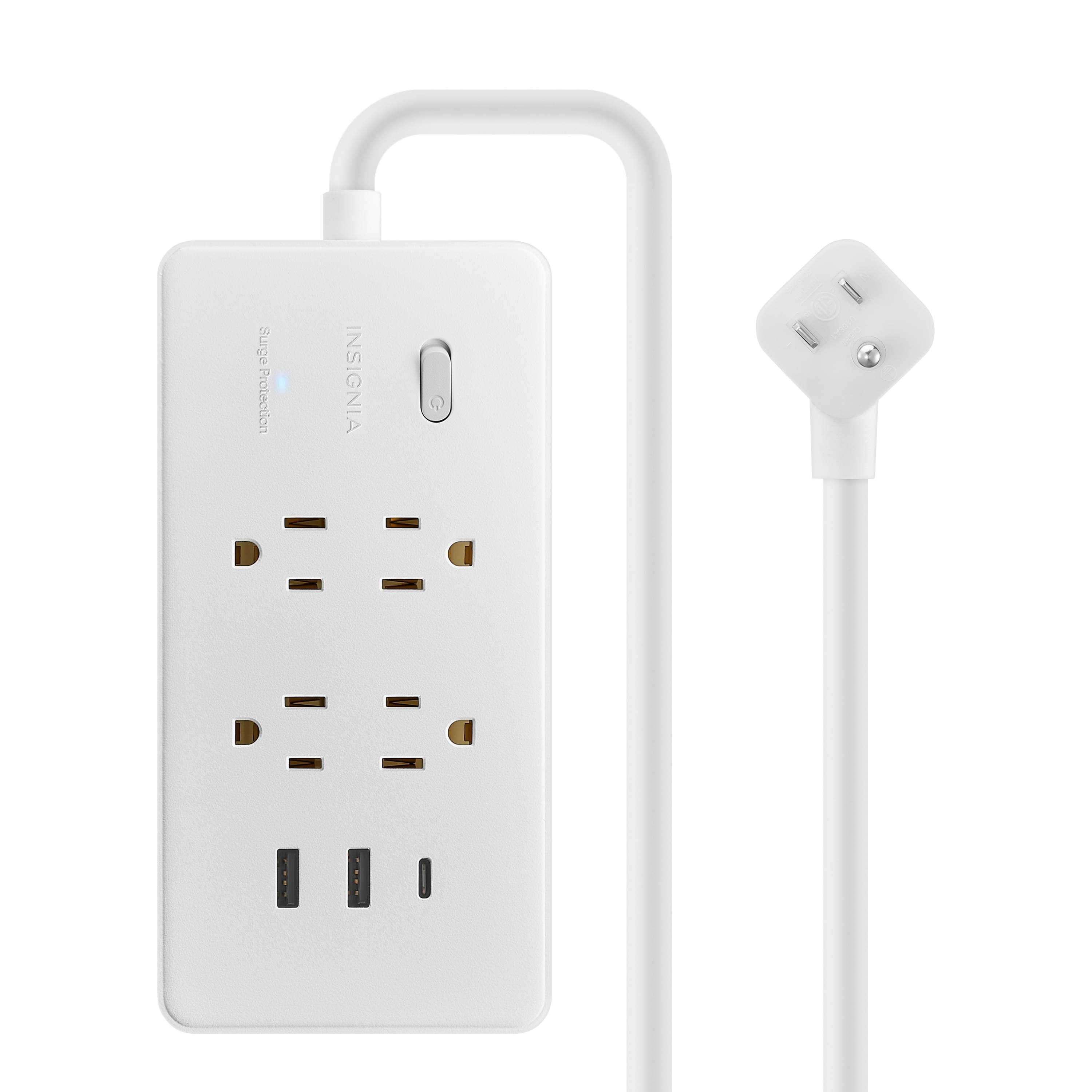
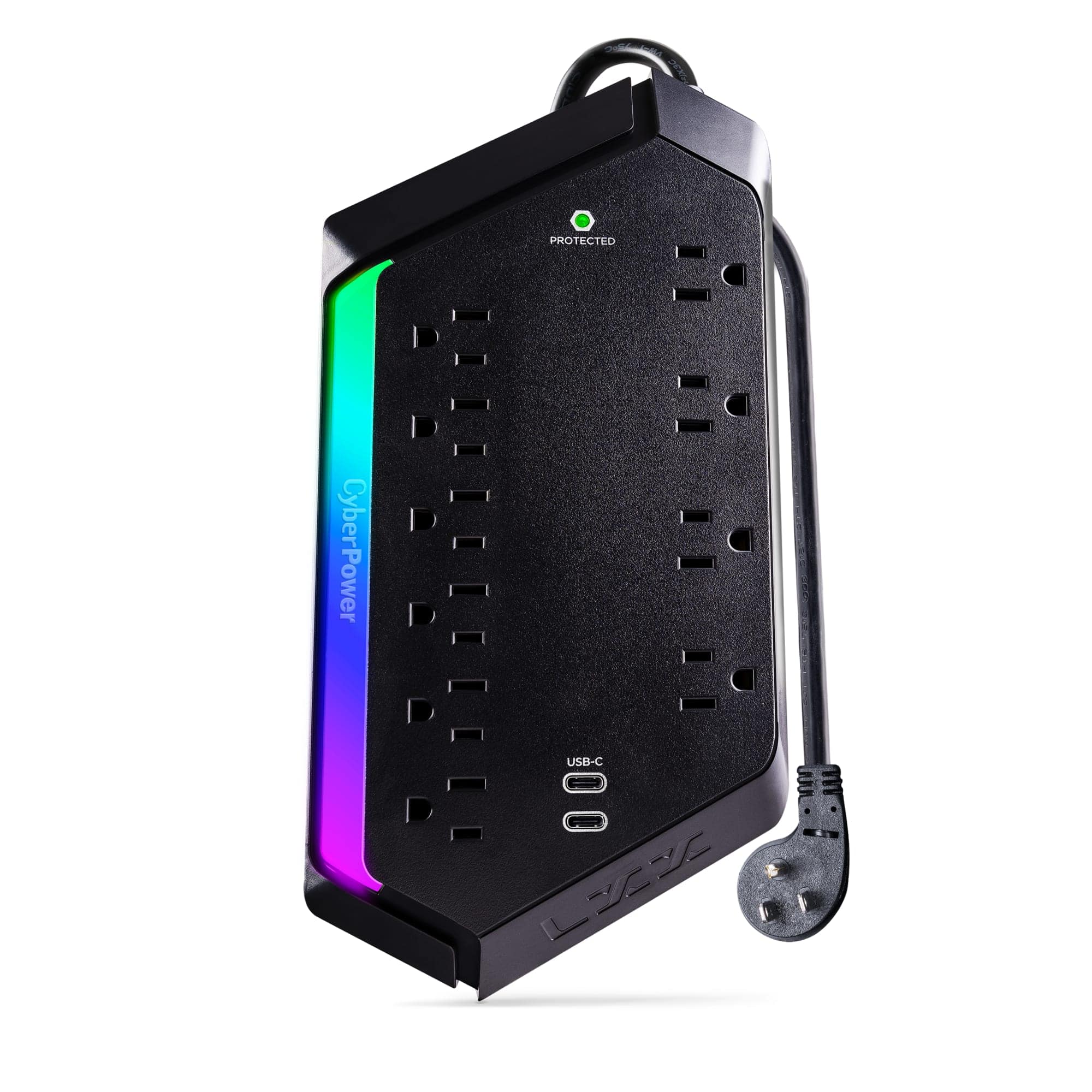
Surge Protectors







Home Office Workstation Essentials
FAQs
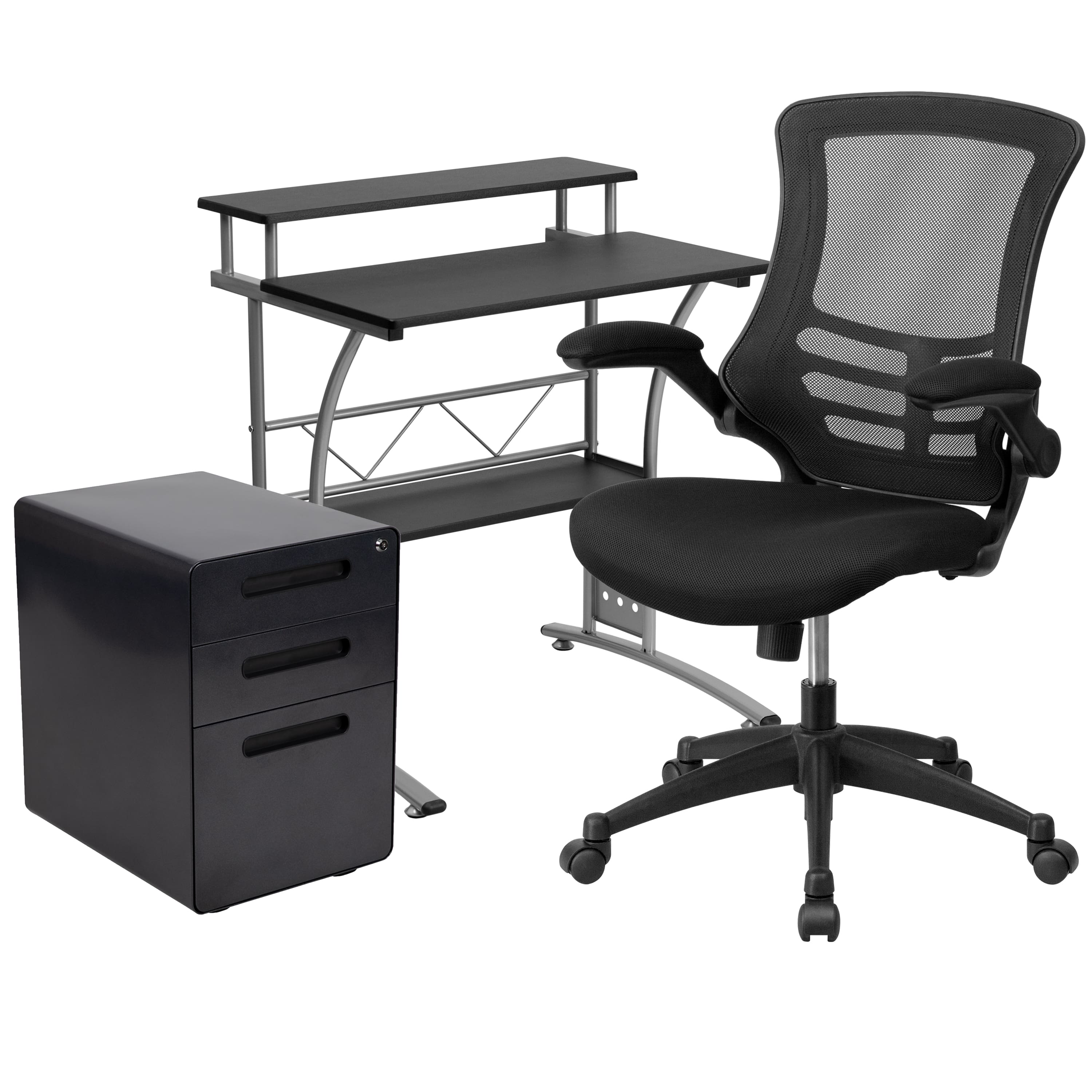
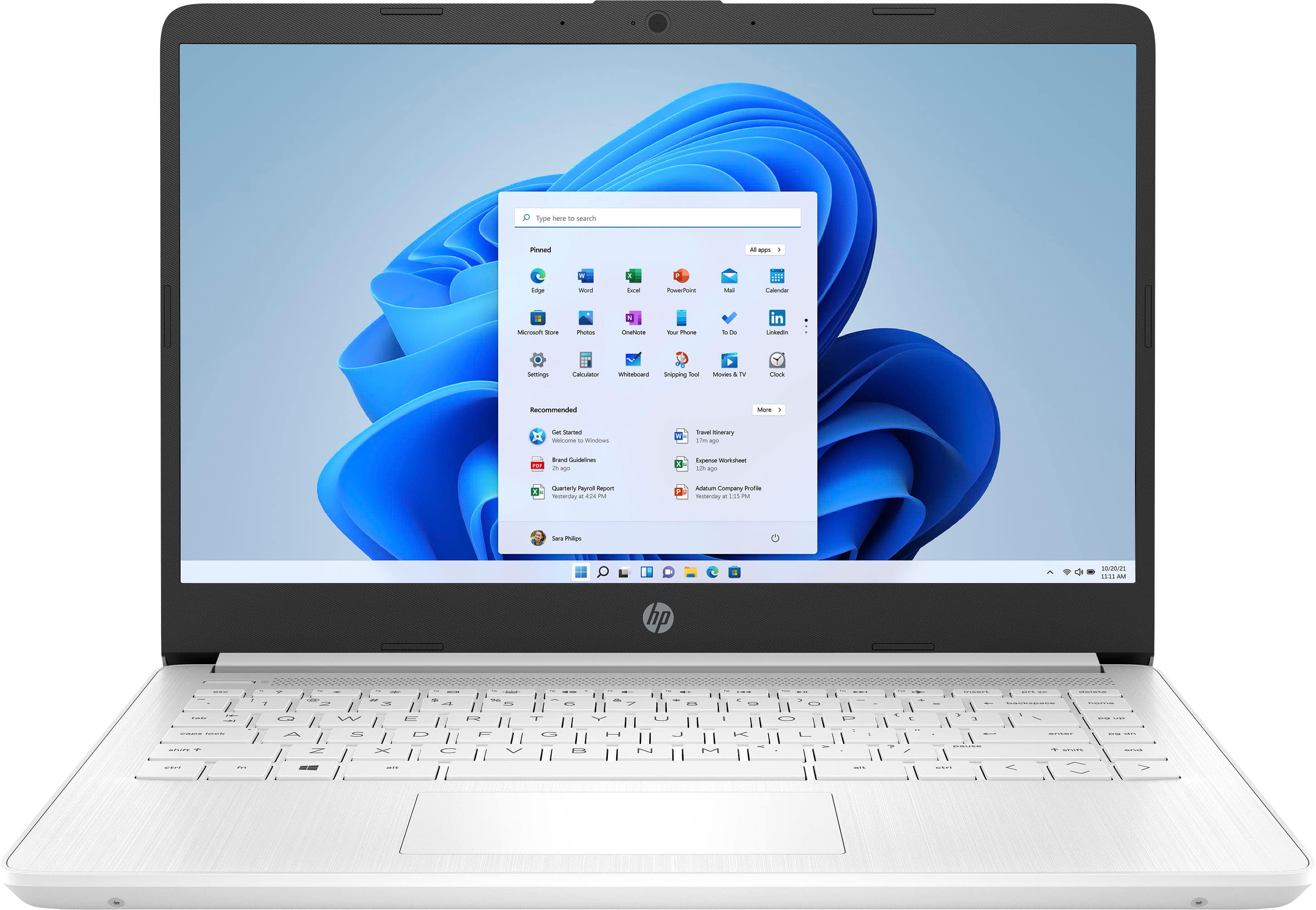
Start with a computer that supports your work, a desk with enough usable space and a chair that adjusts to fit you. Add a monitor, keyboard and mouse as needed. A webcam and headset can help with video meetings, while a compatible docking station can simplify connecting a laptop to desk accessories.
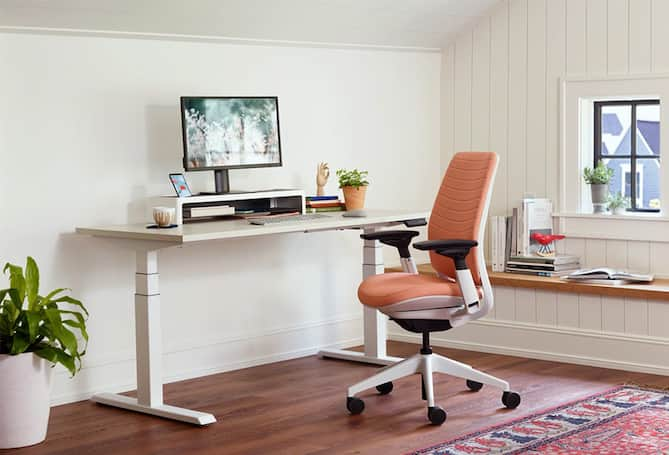
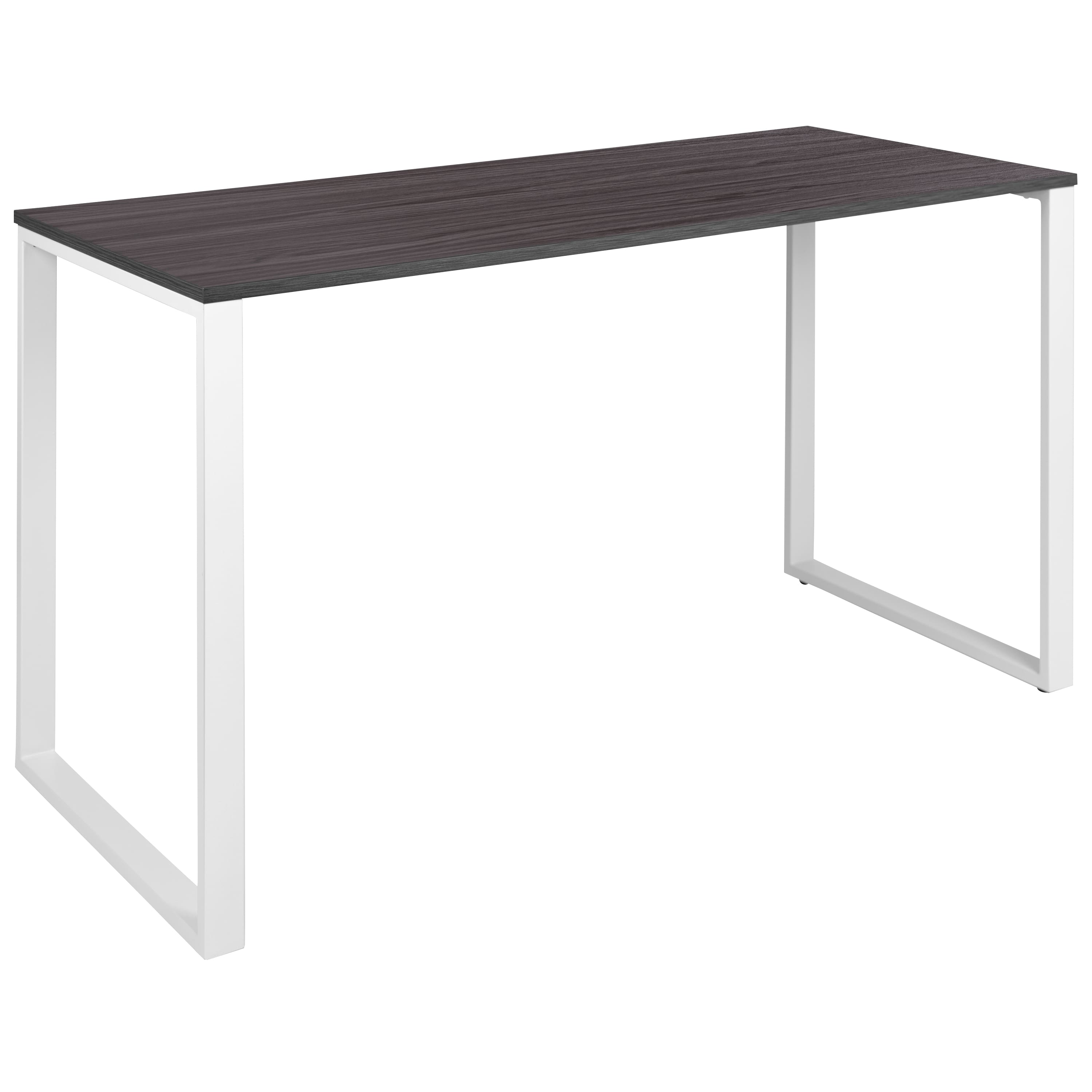
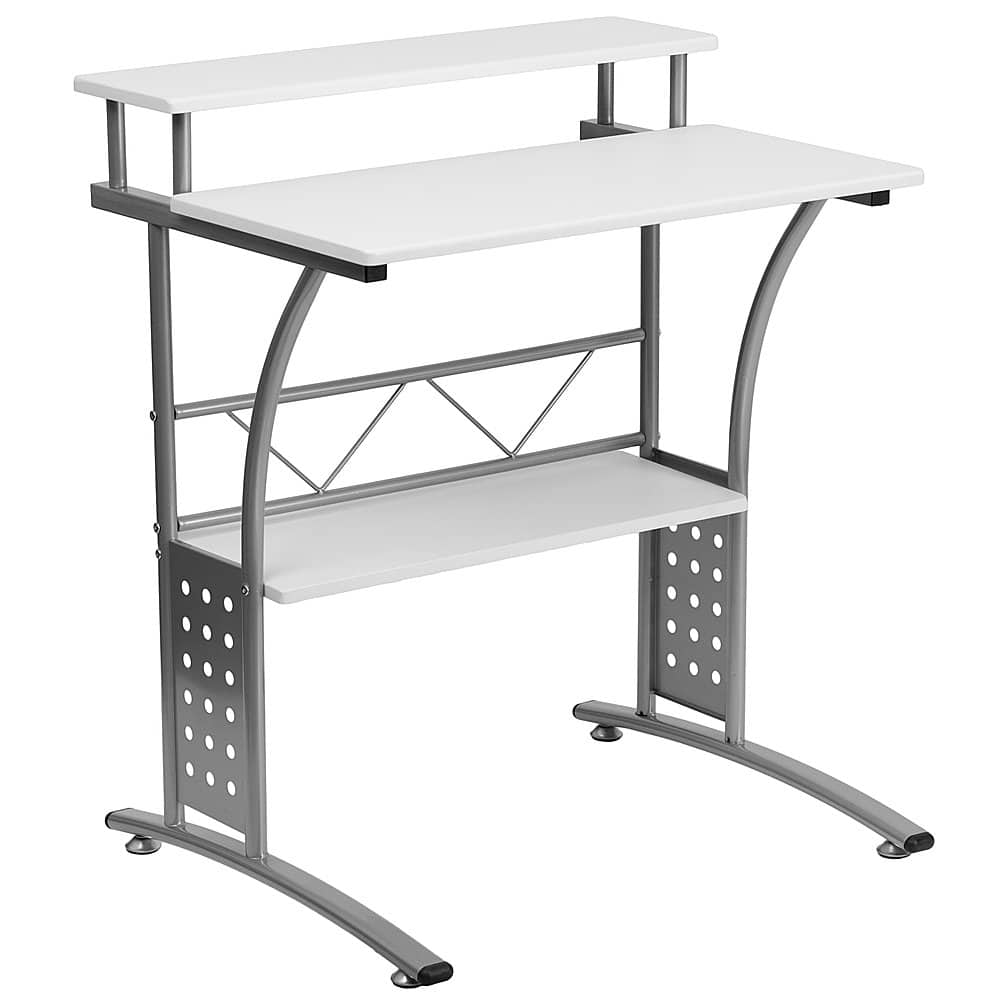
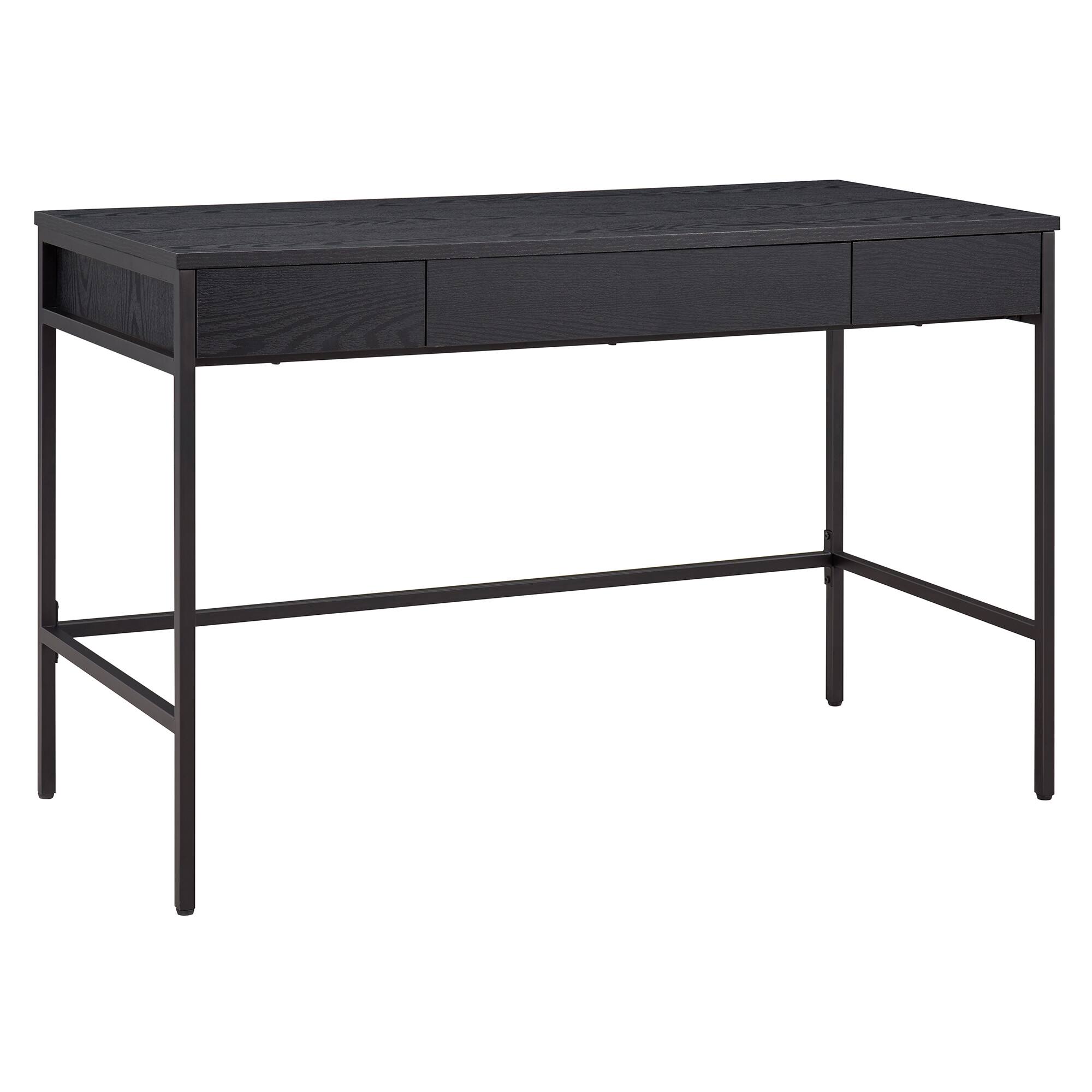
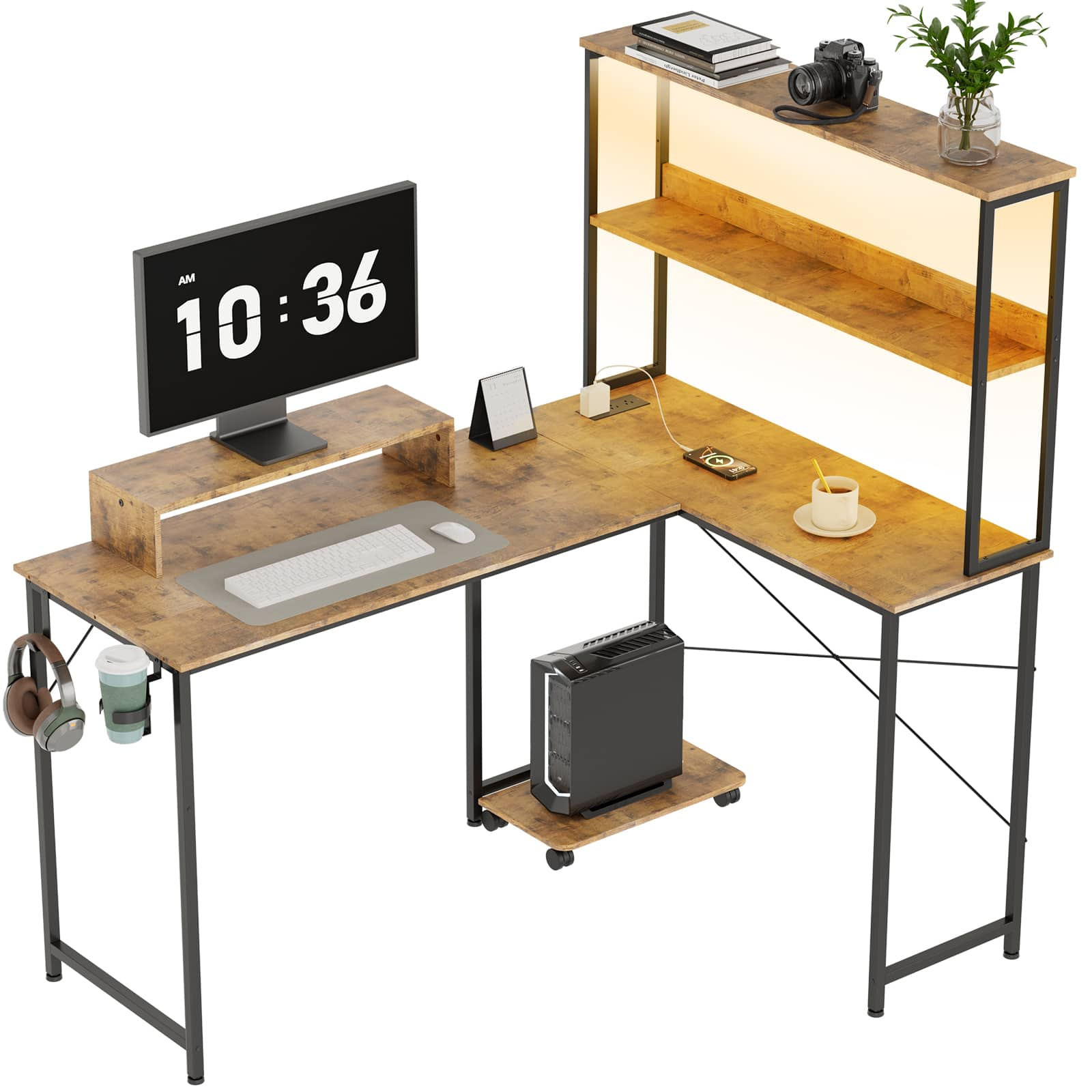
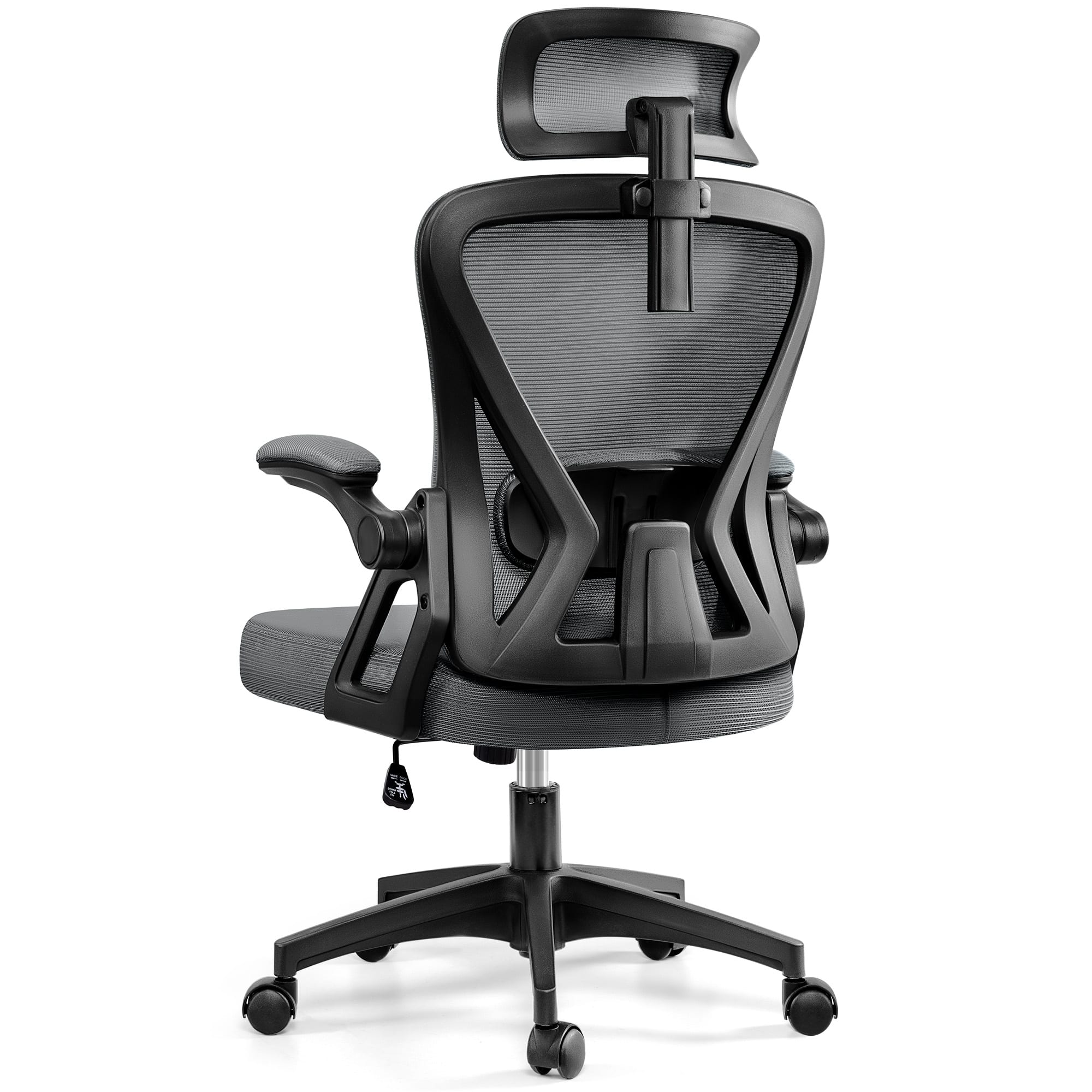
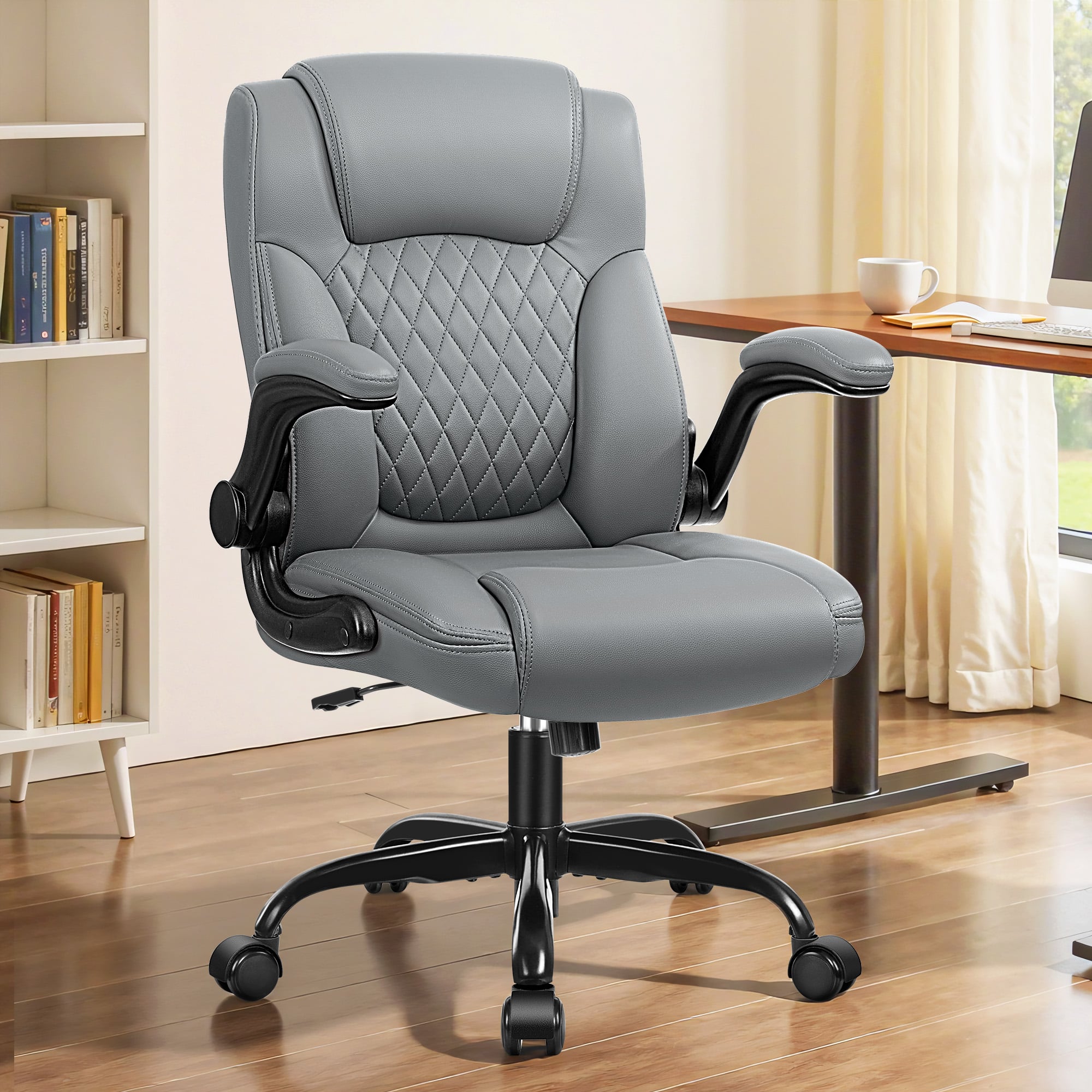
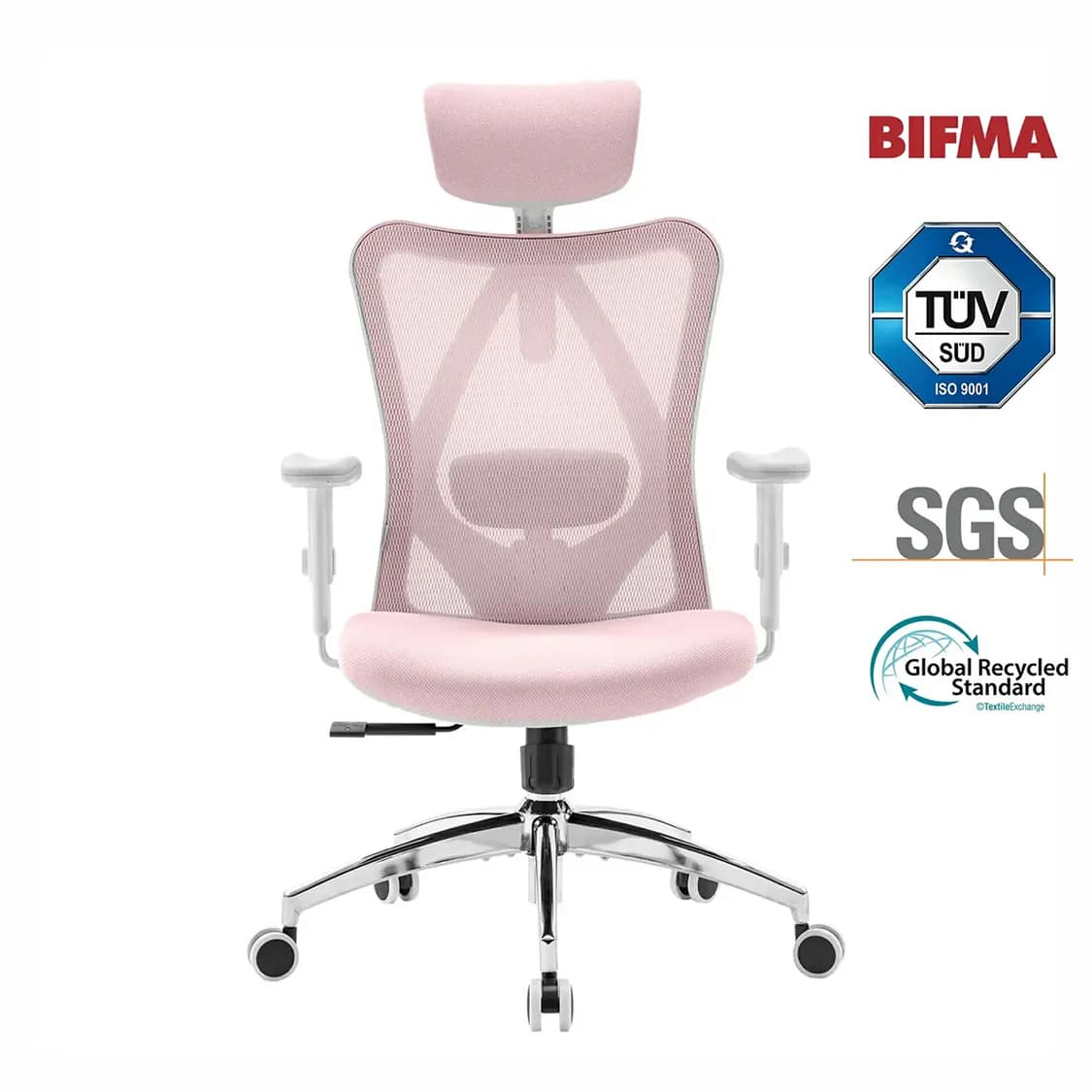
Measure your available floor space and account for chair movement, drawers and nearby doors. Choose a desk deep enough for your display and input devices. Look for a chair that lets you sit with your feet supported, shoulders relaxed and keyboard within easy reach. Check product dimensions and weight limits before choosing.
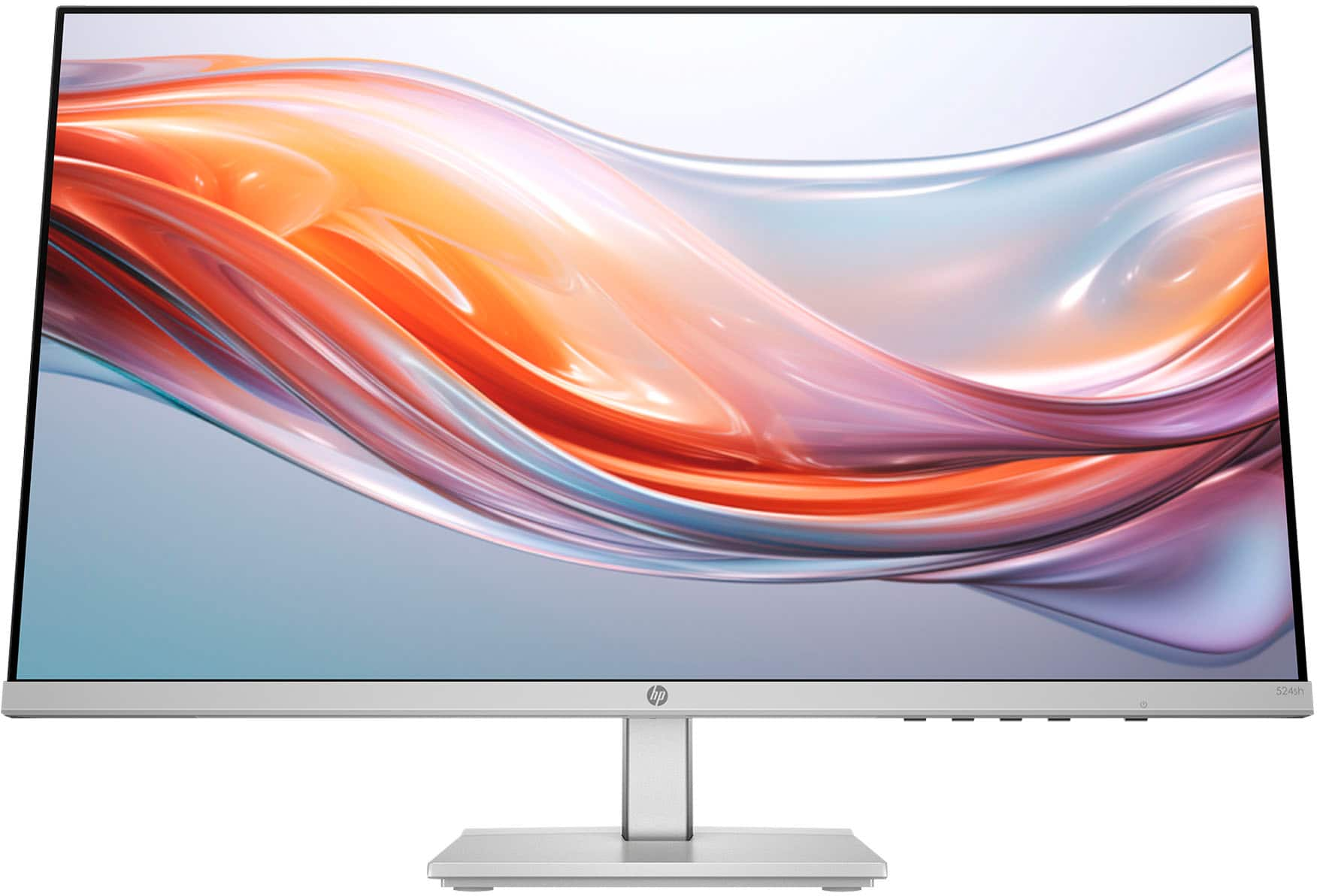
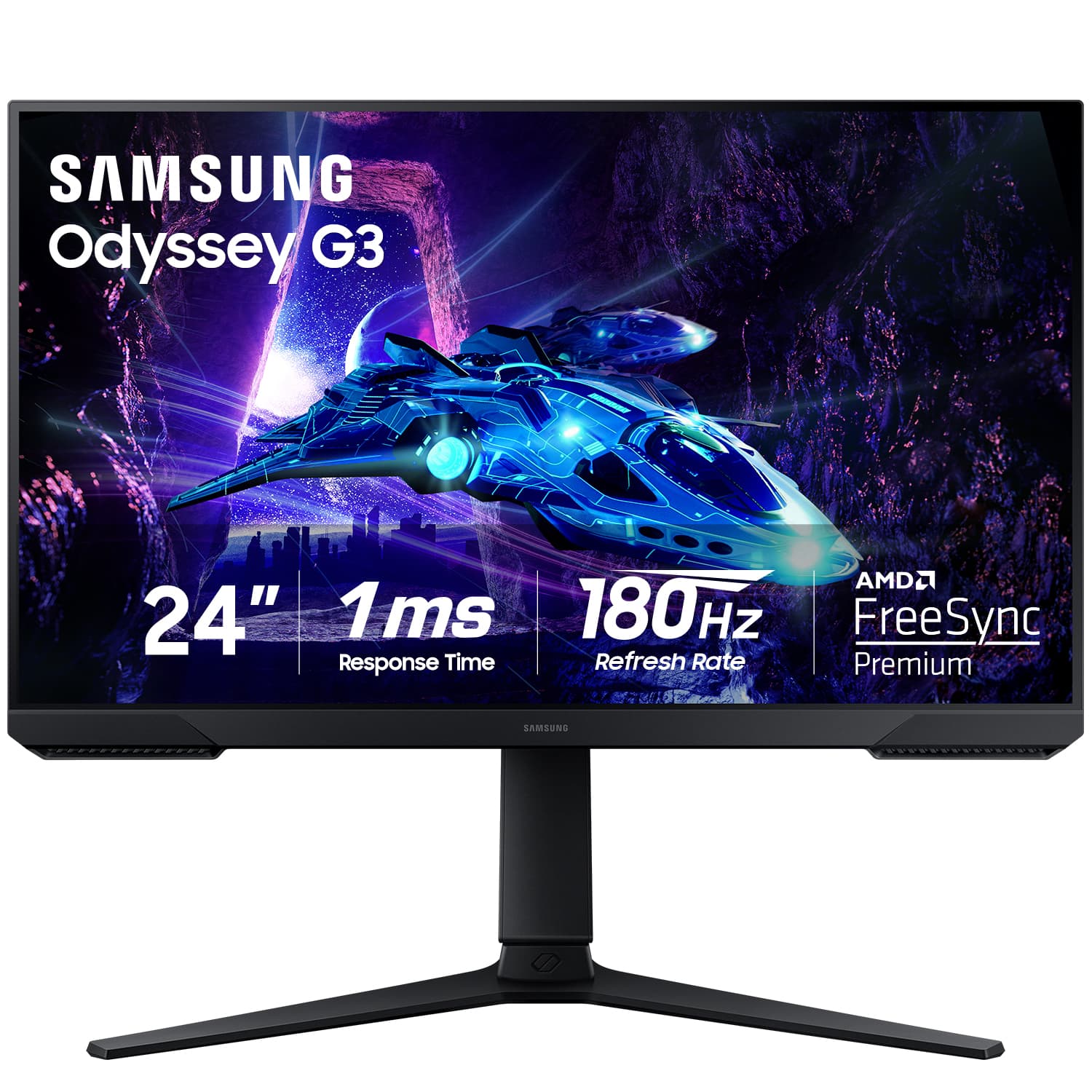
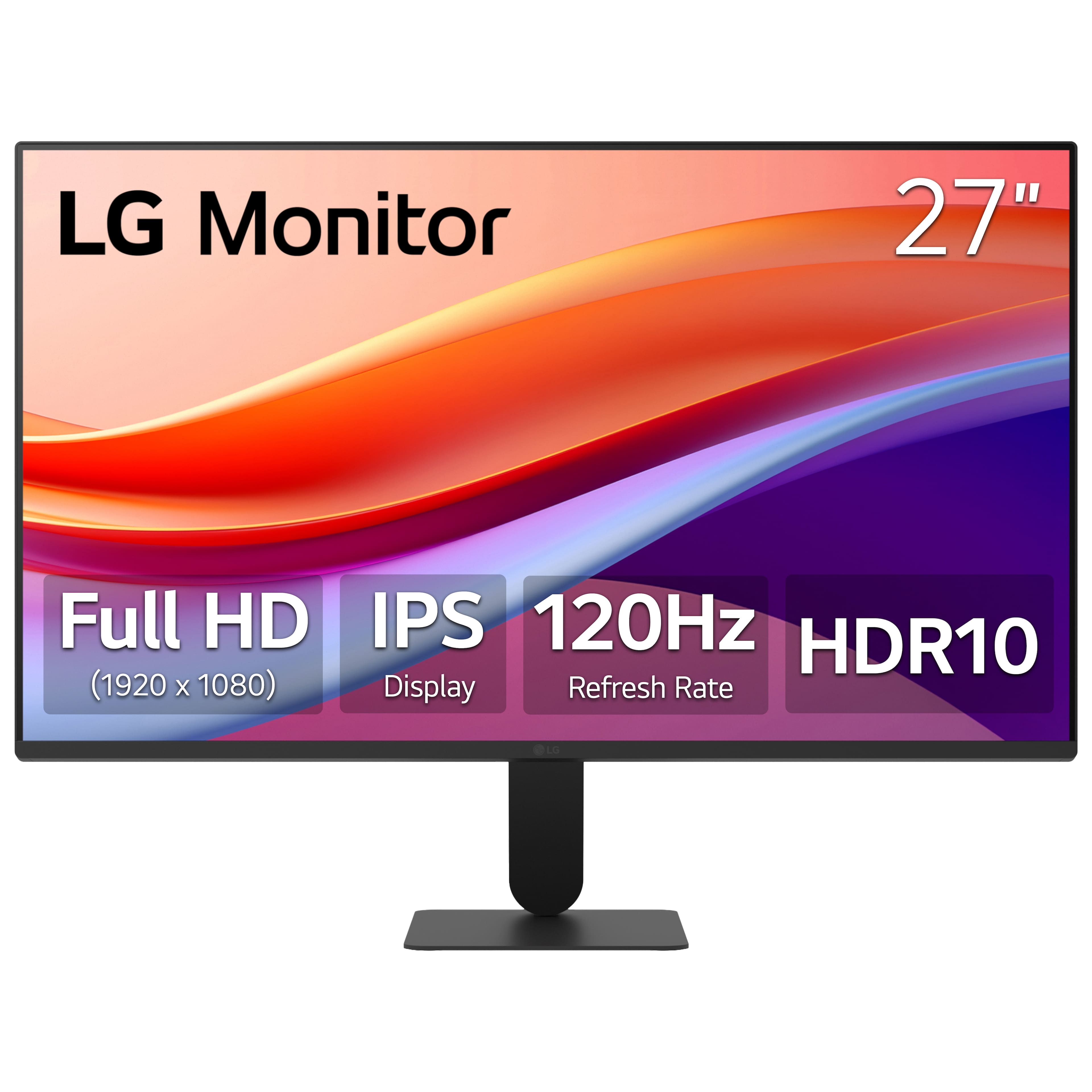
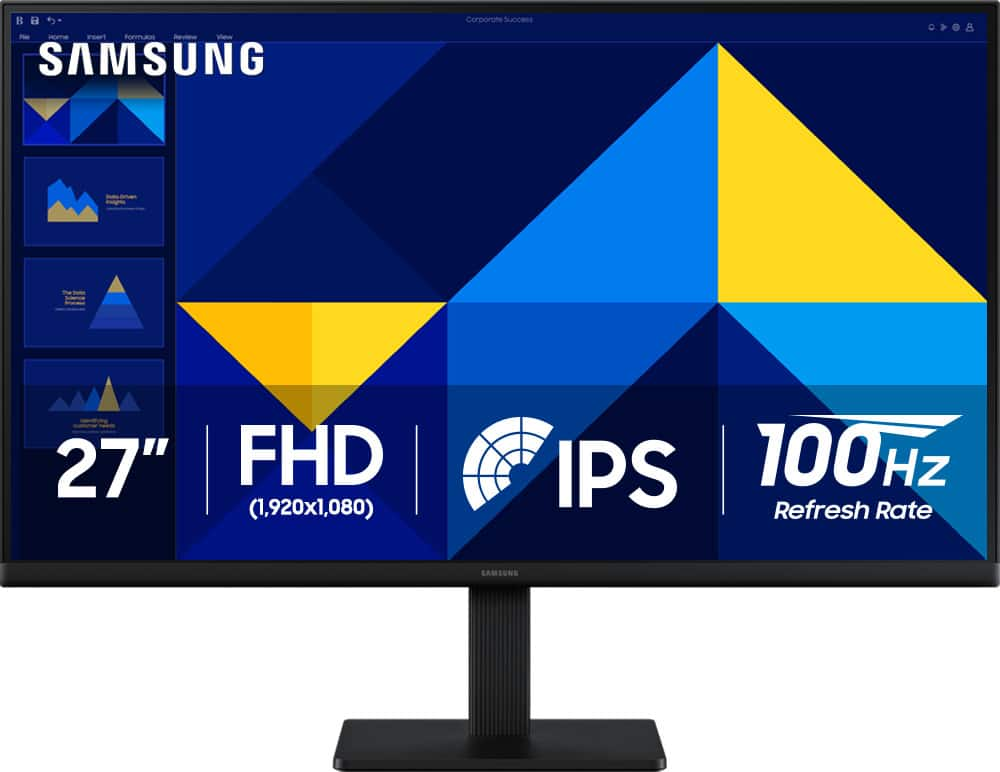
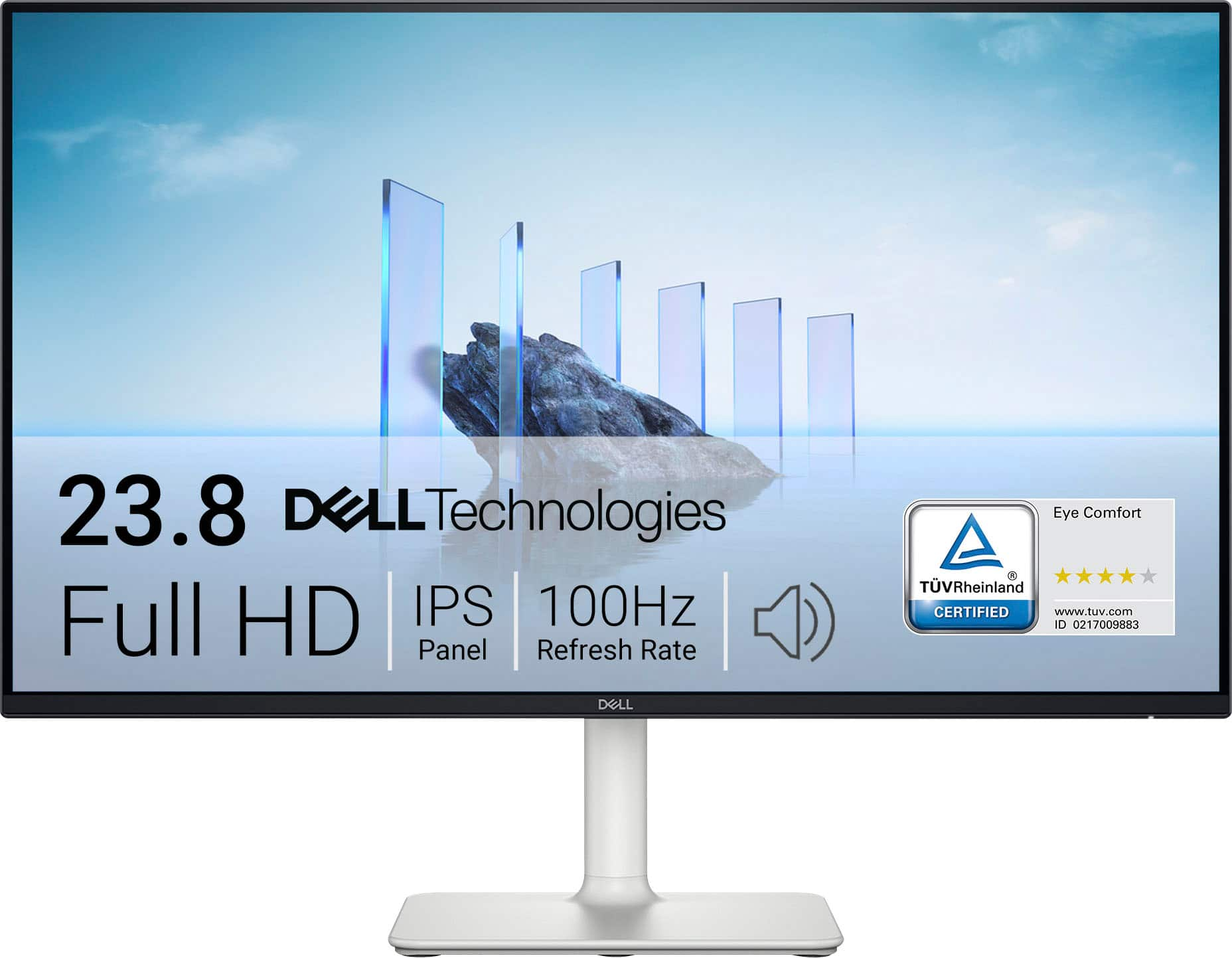
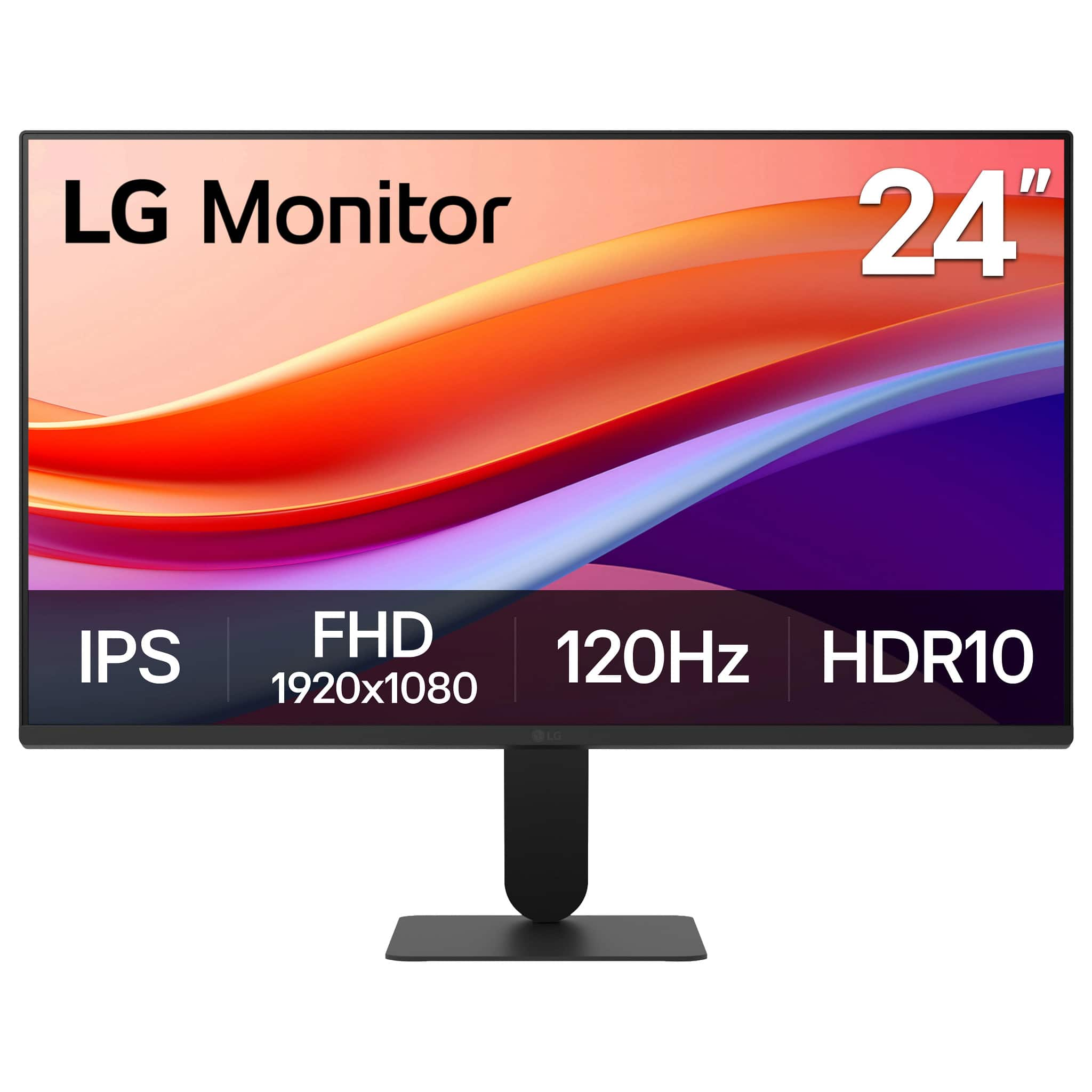
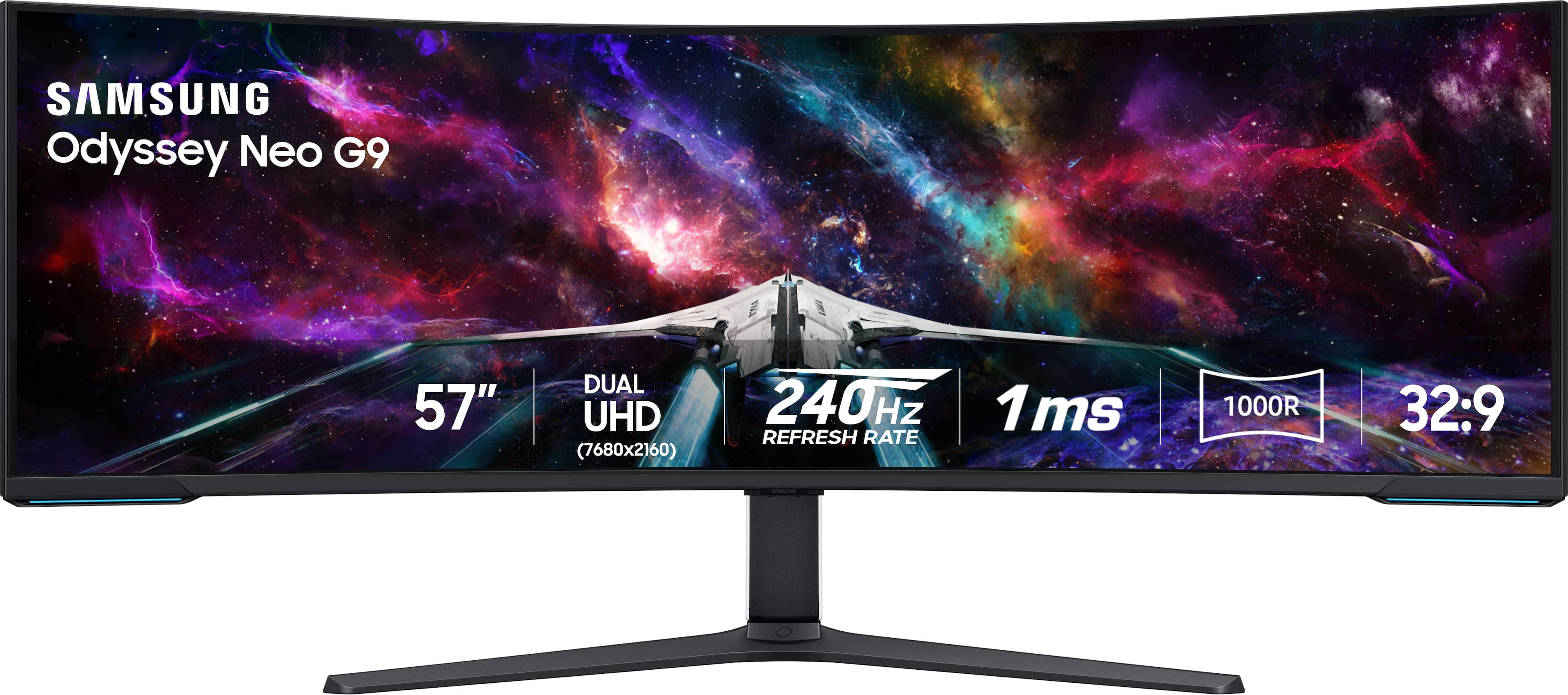
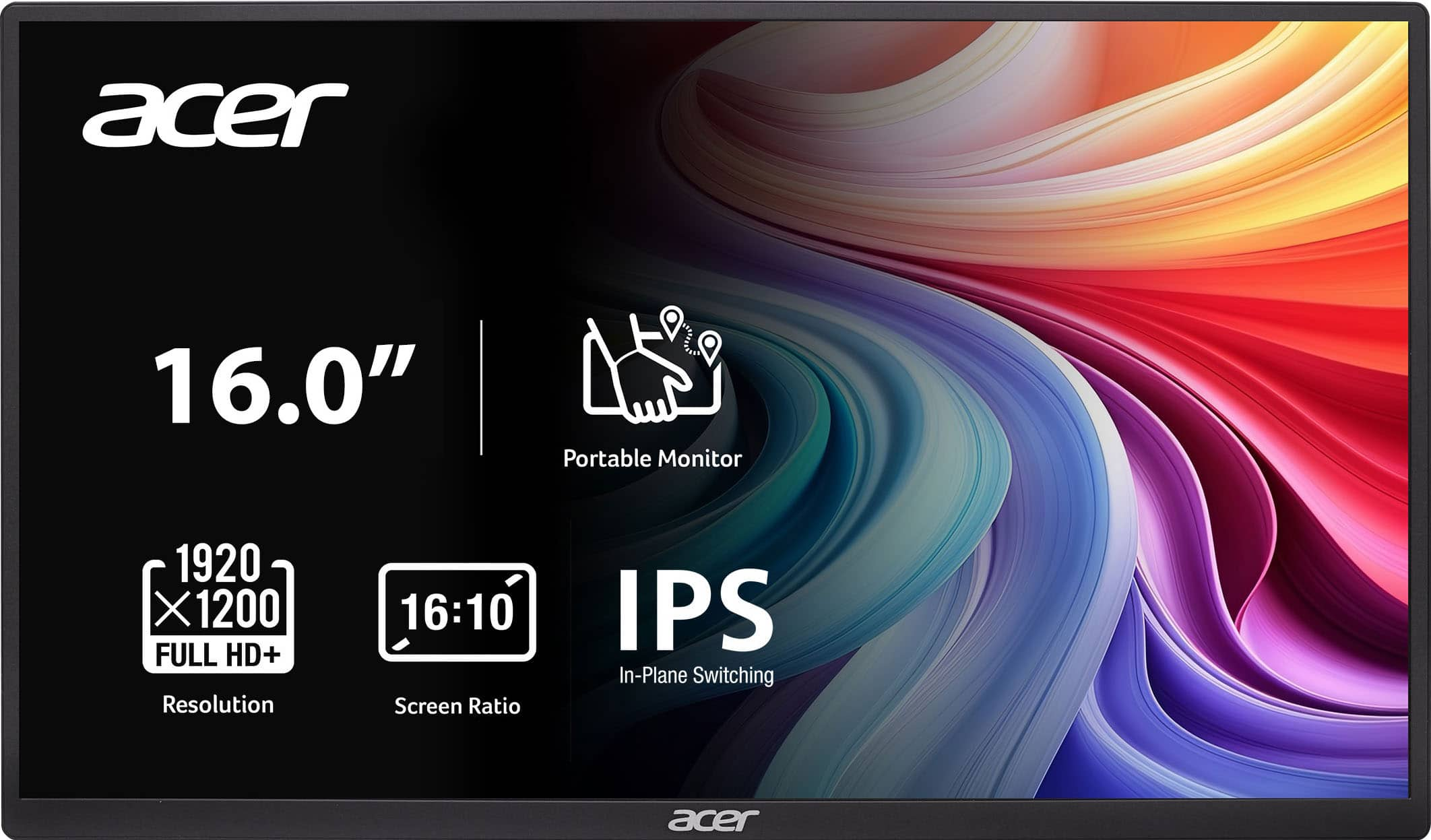
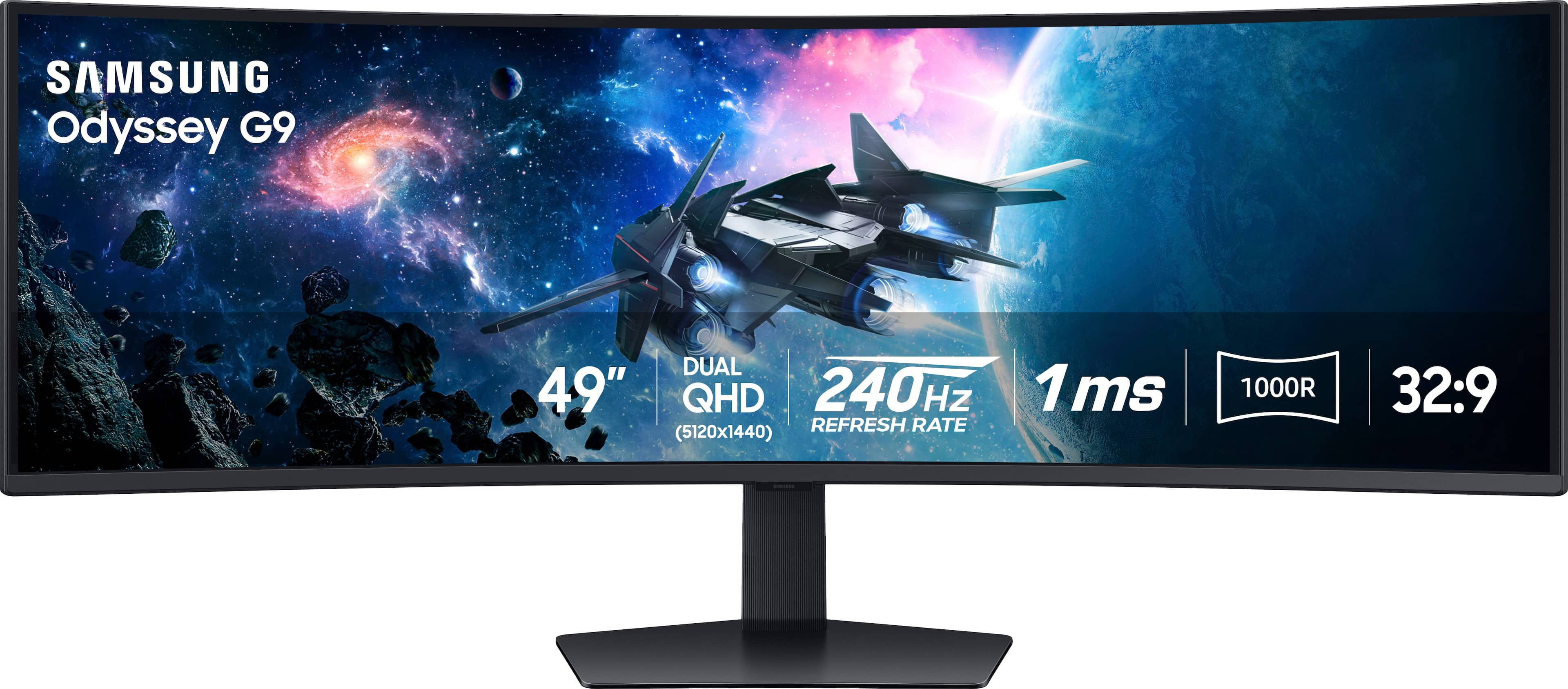
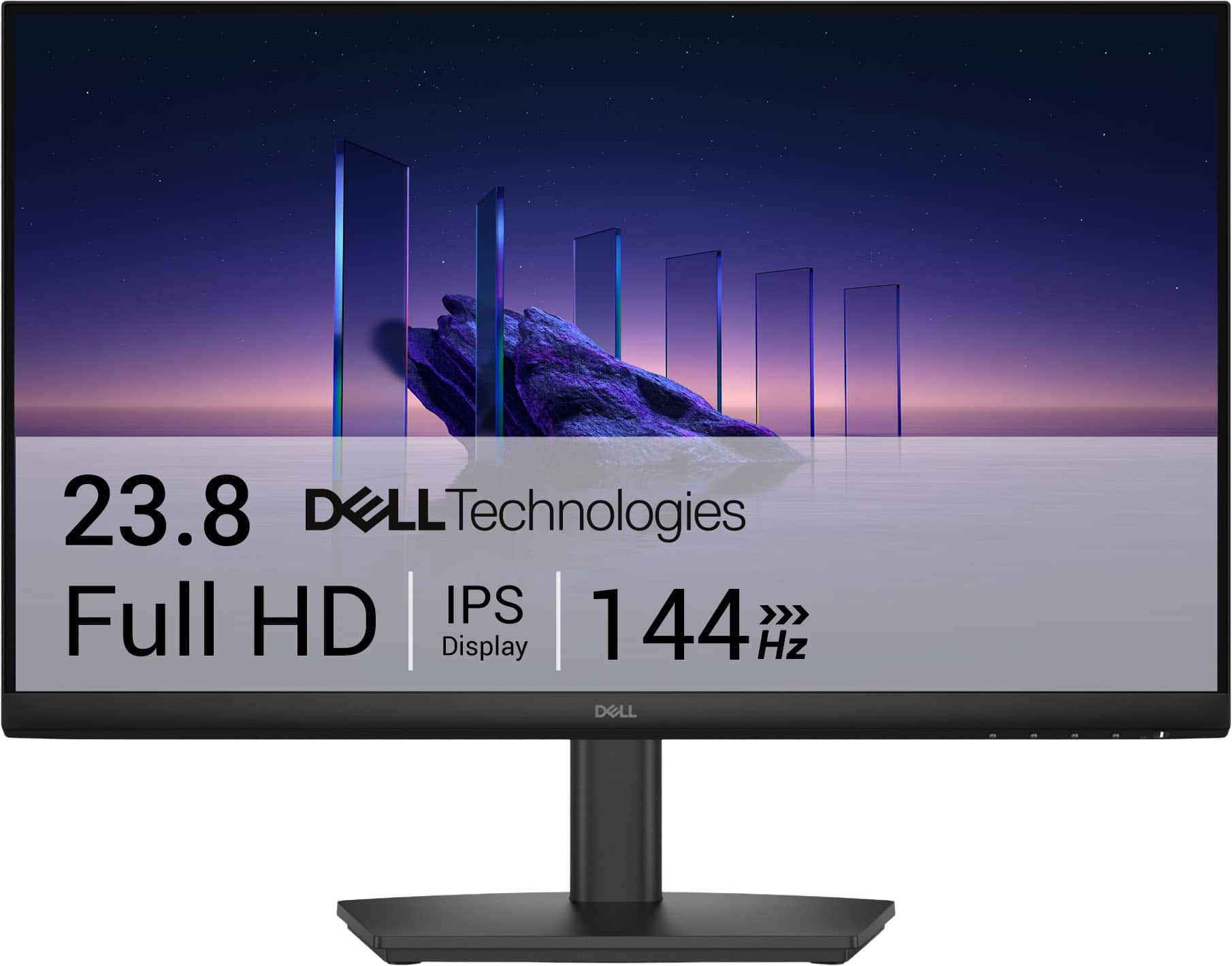
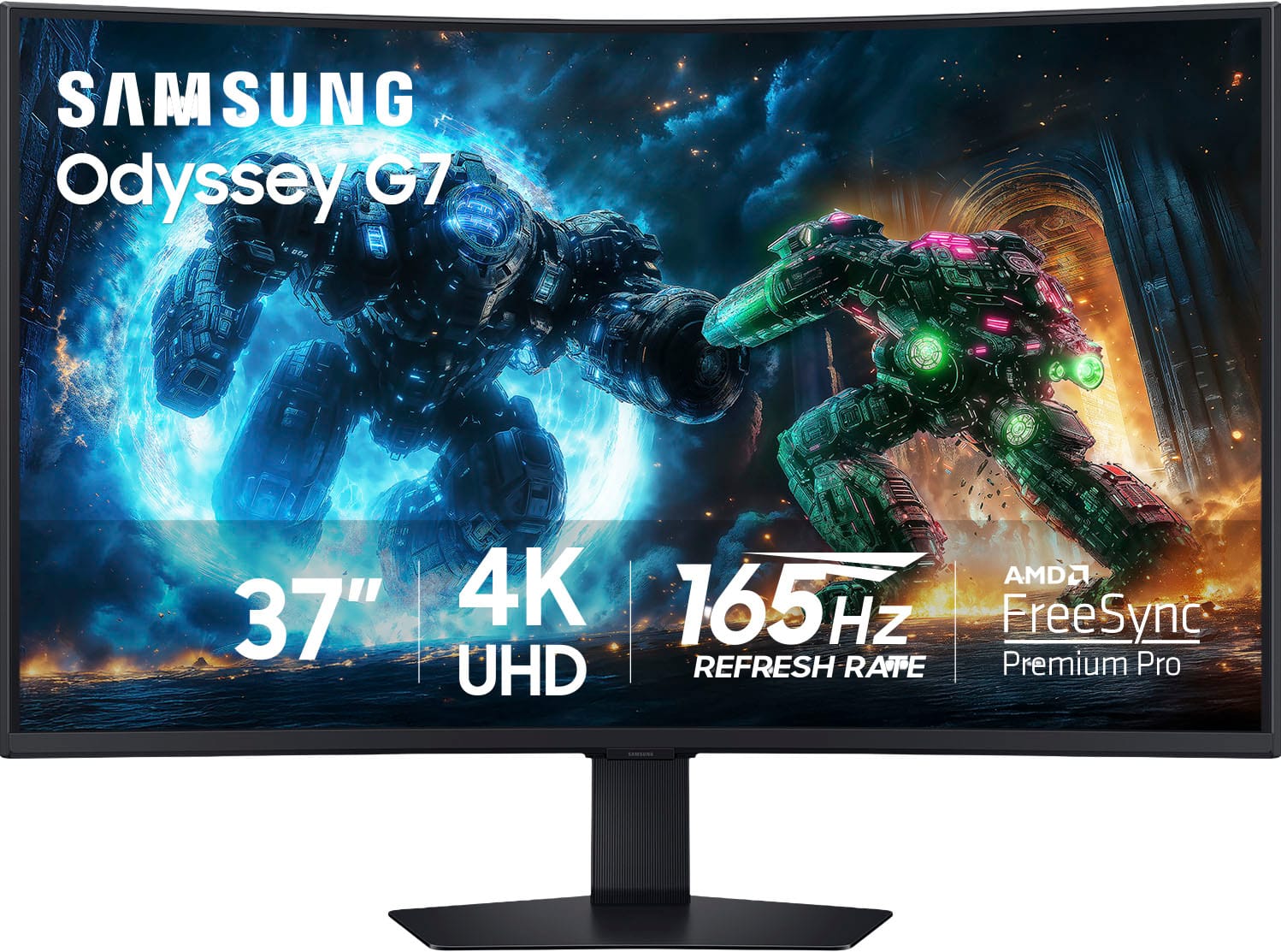
Compare screen size, resolution, connection options and stand adjustments. Higher resolutions can provide sharper text and more workspace, although you may need to adjust display scaling for comfortable reading. Make sure your computer supports the monitor's resolution and refresh rate through the connection you plan to use.
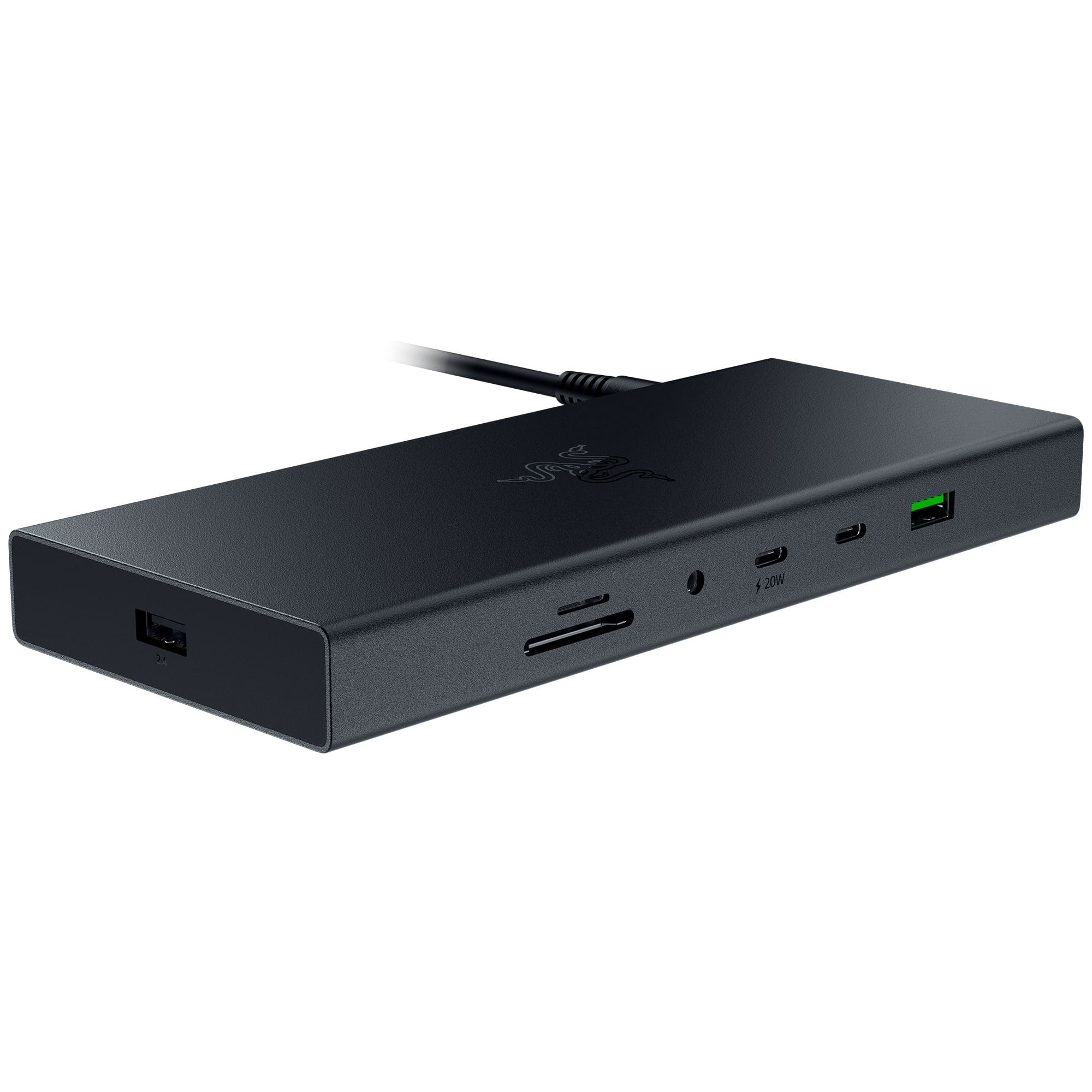
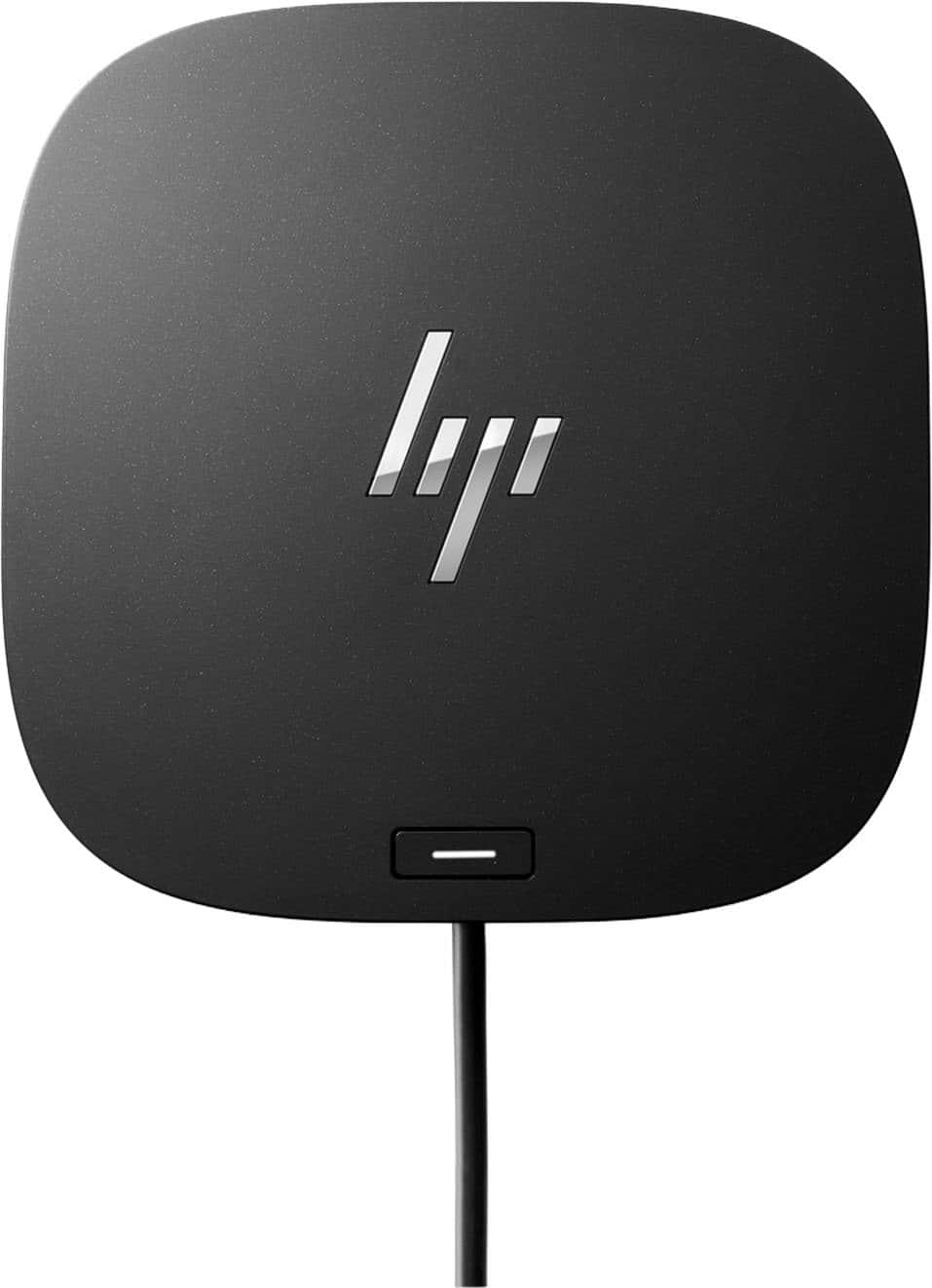
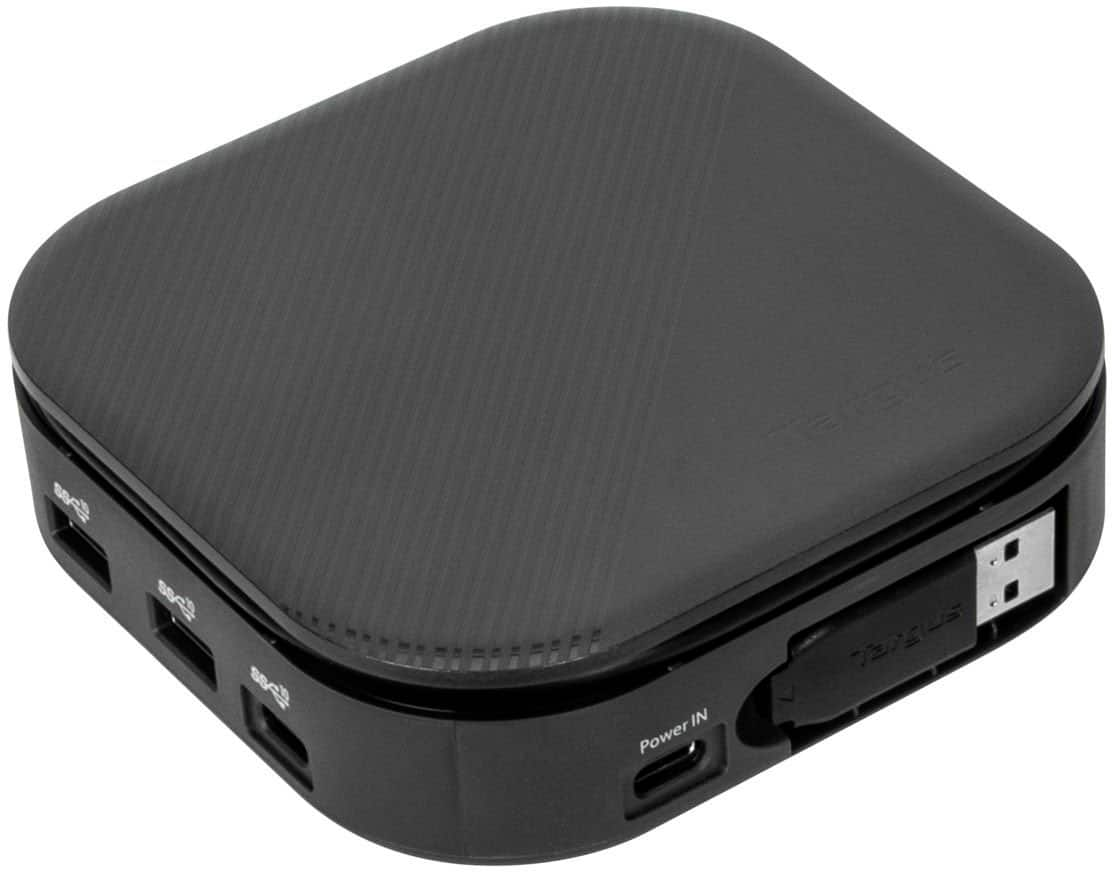
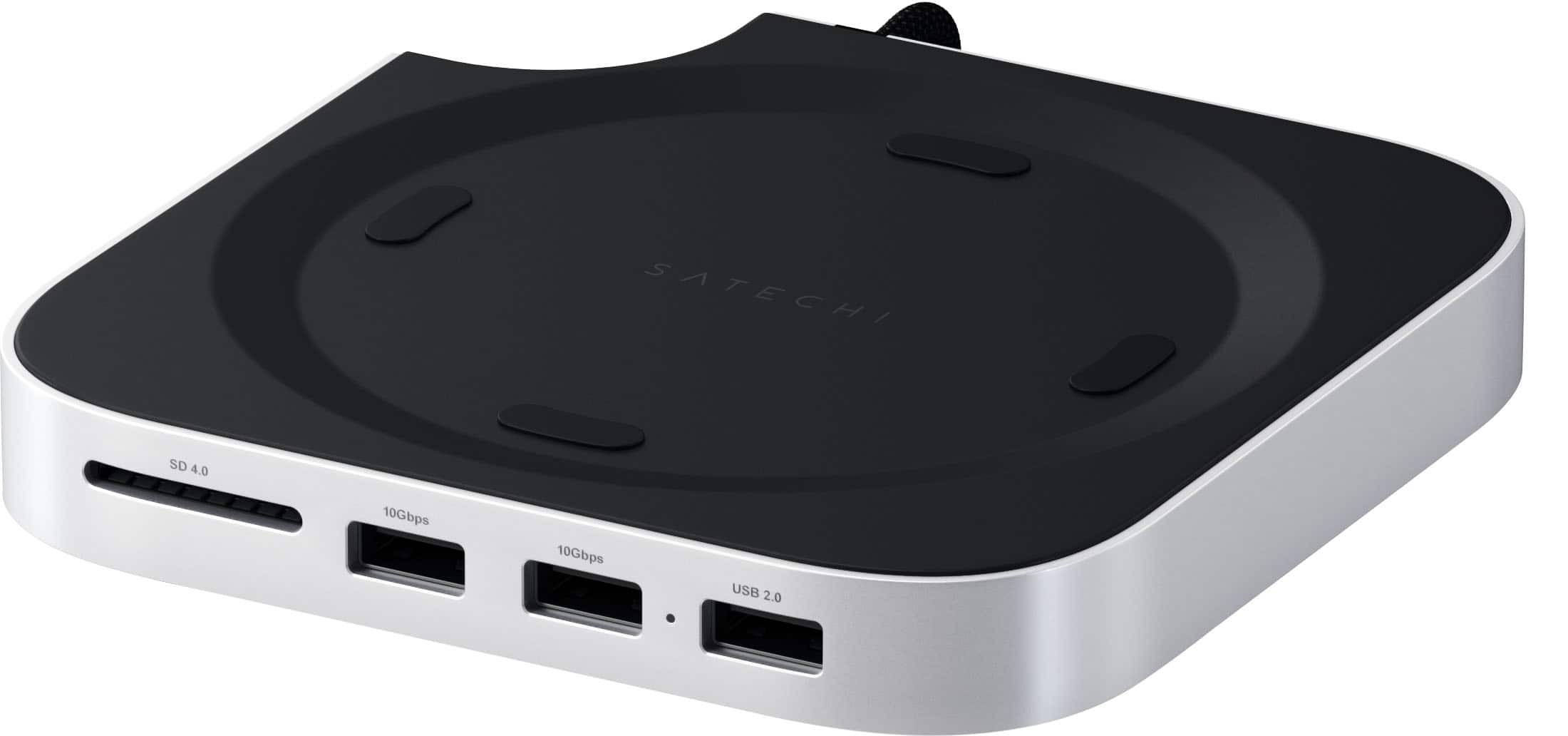
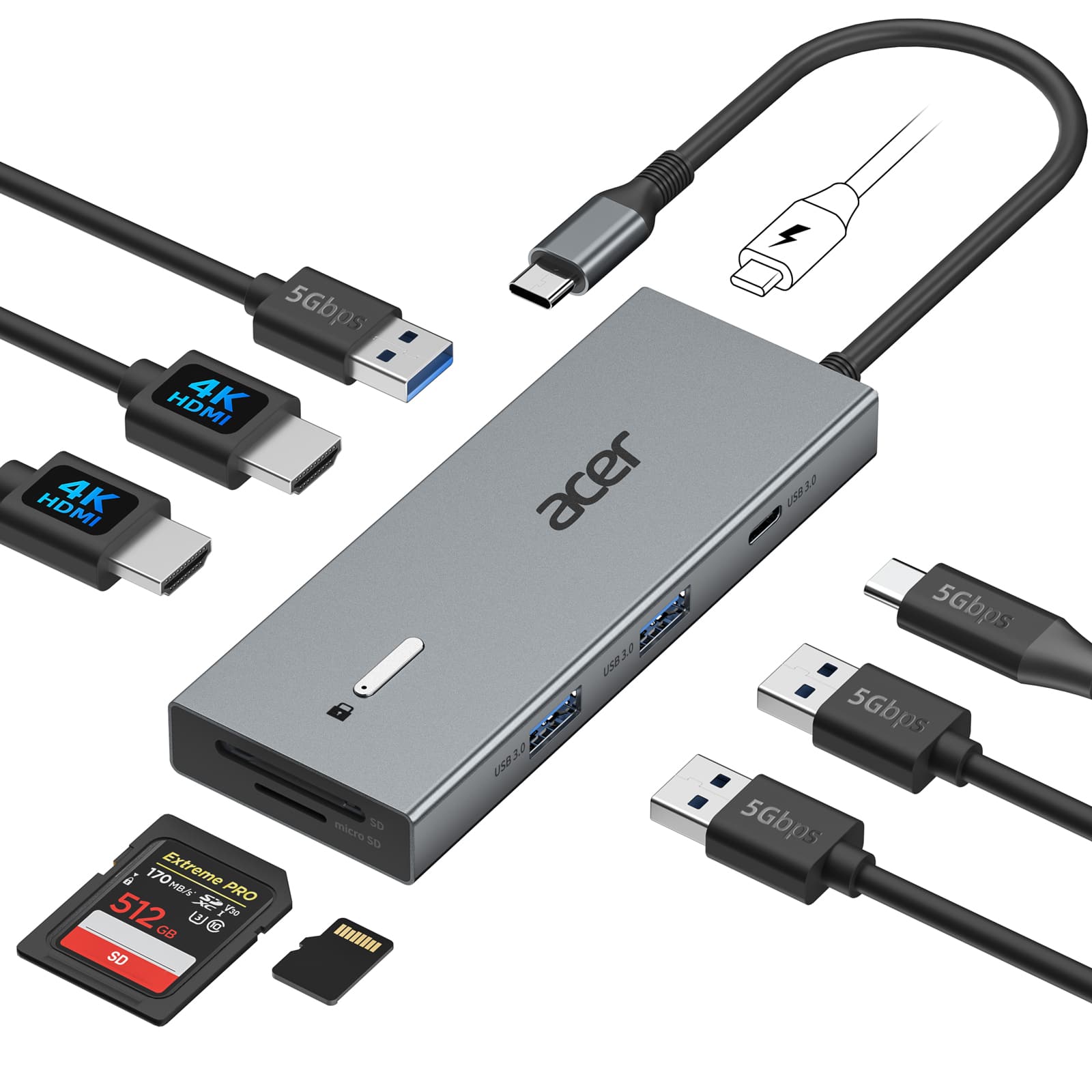
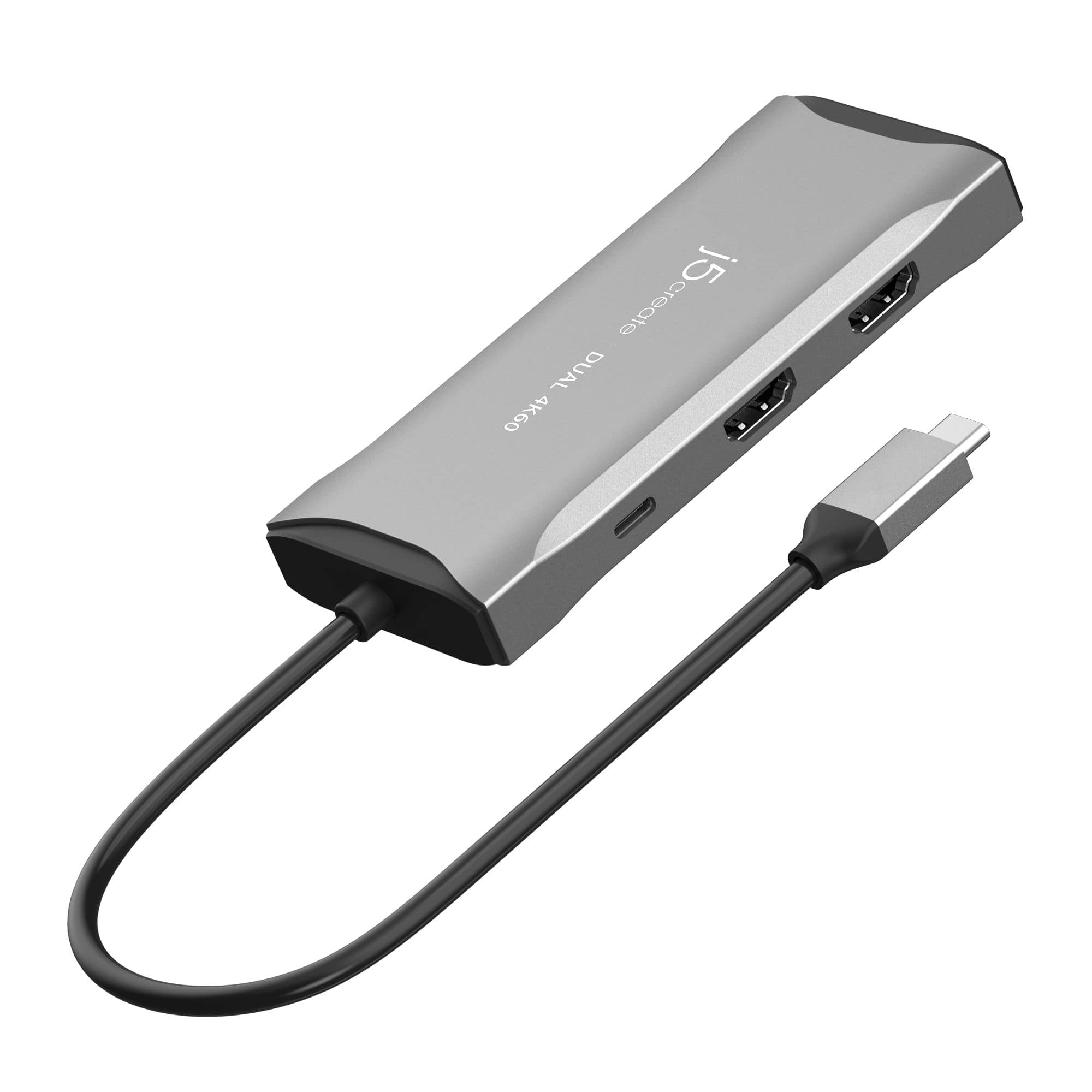
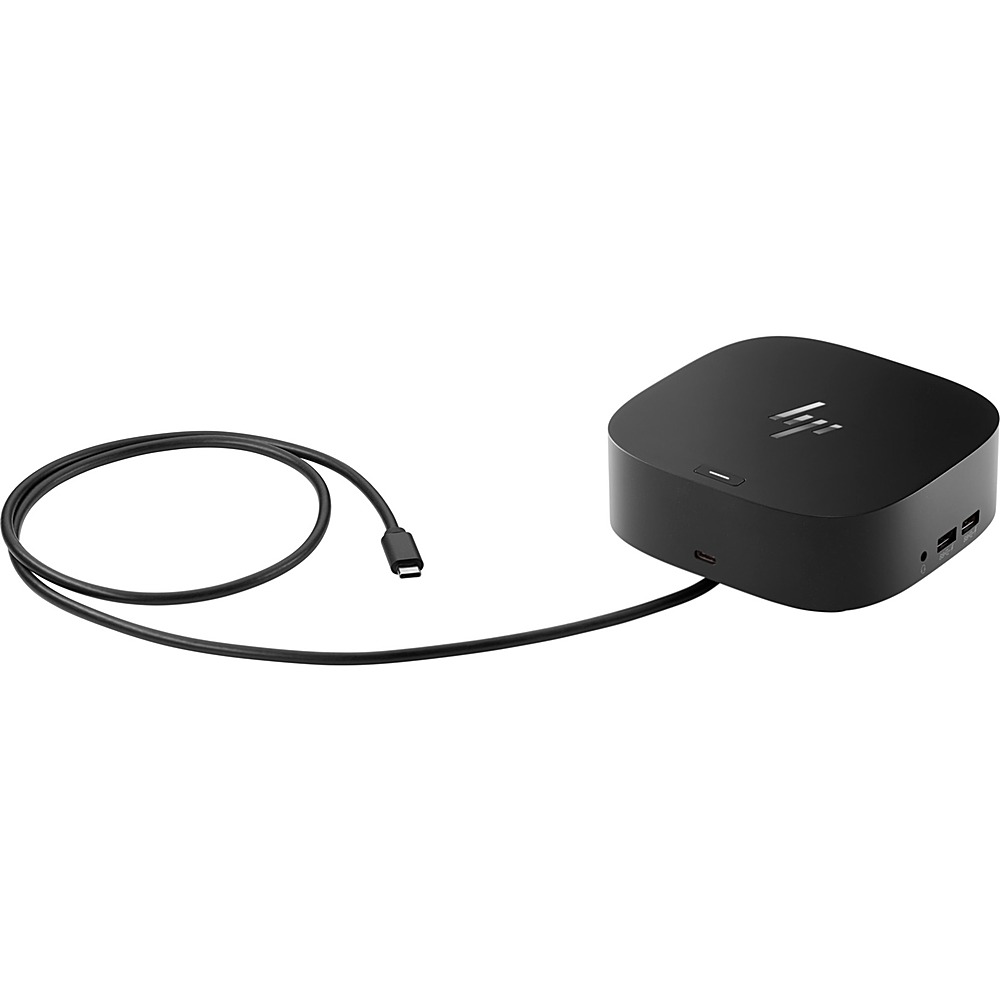
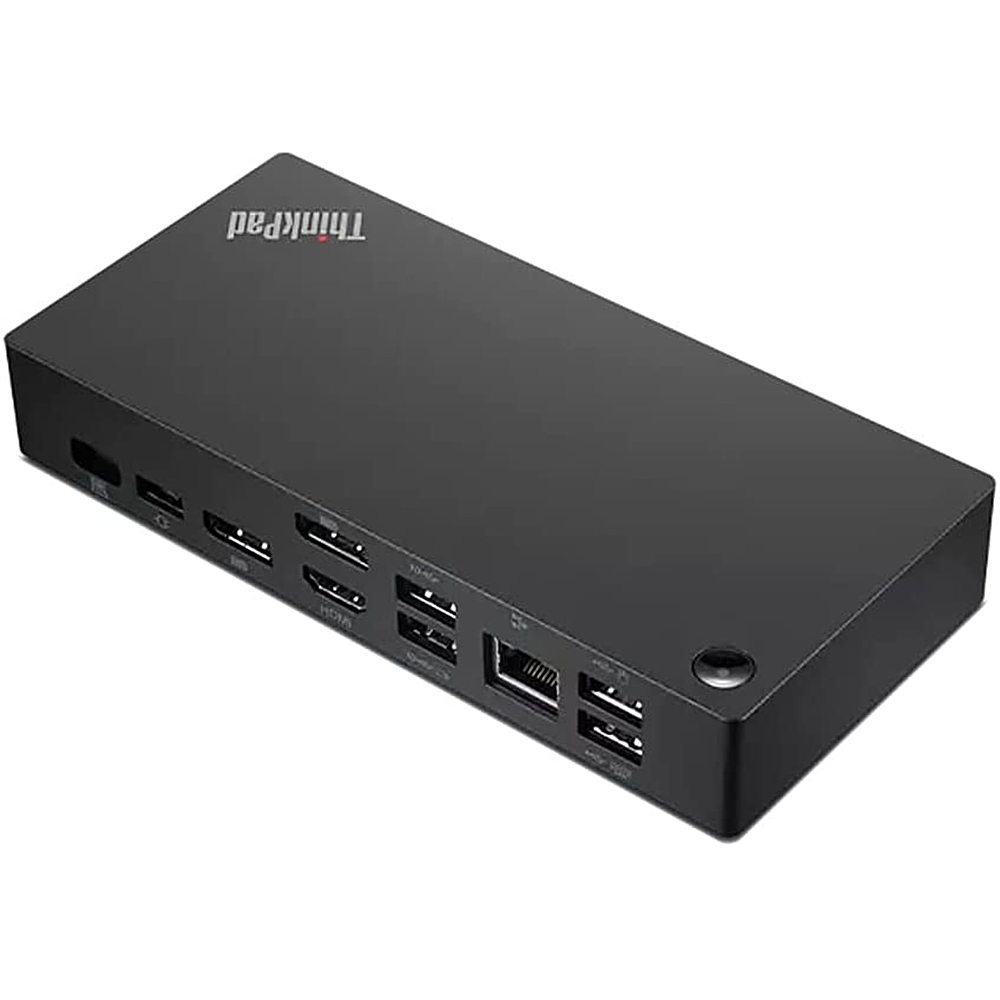
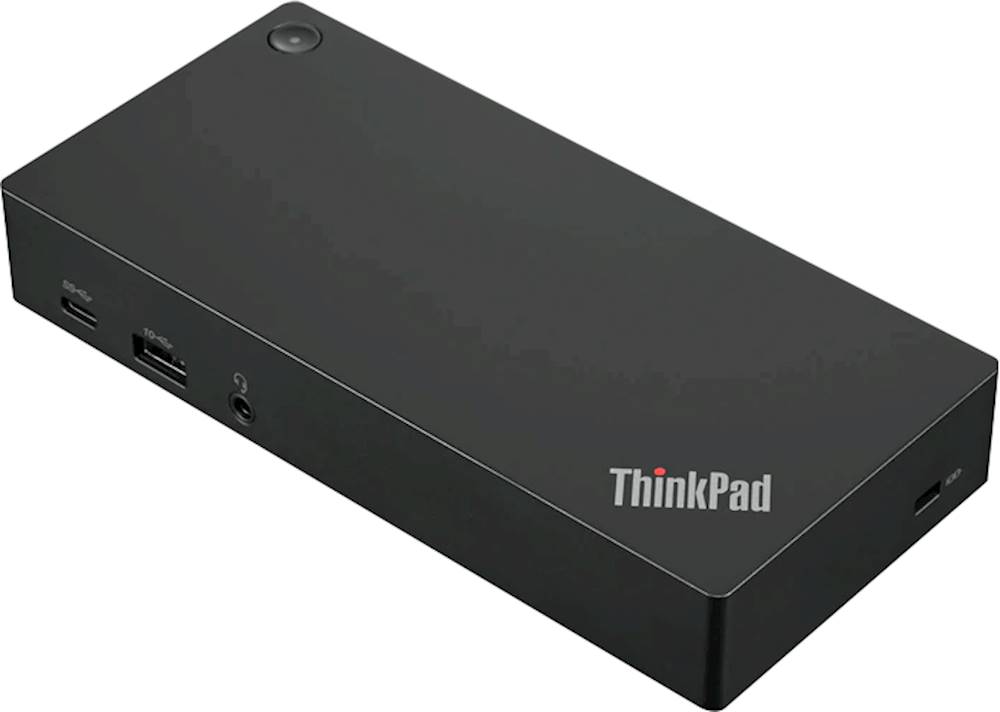
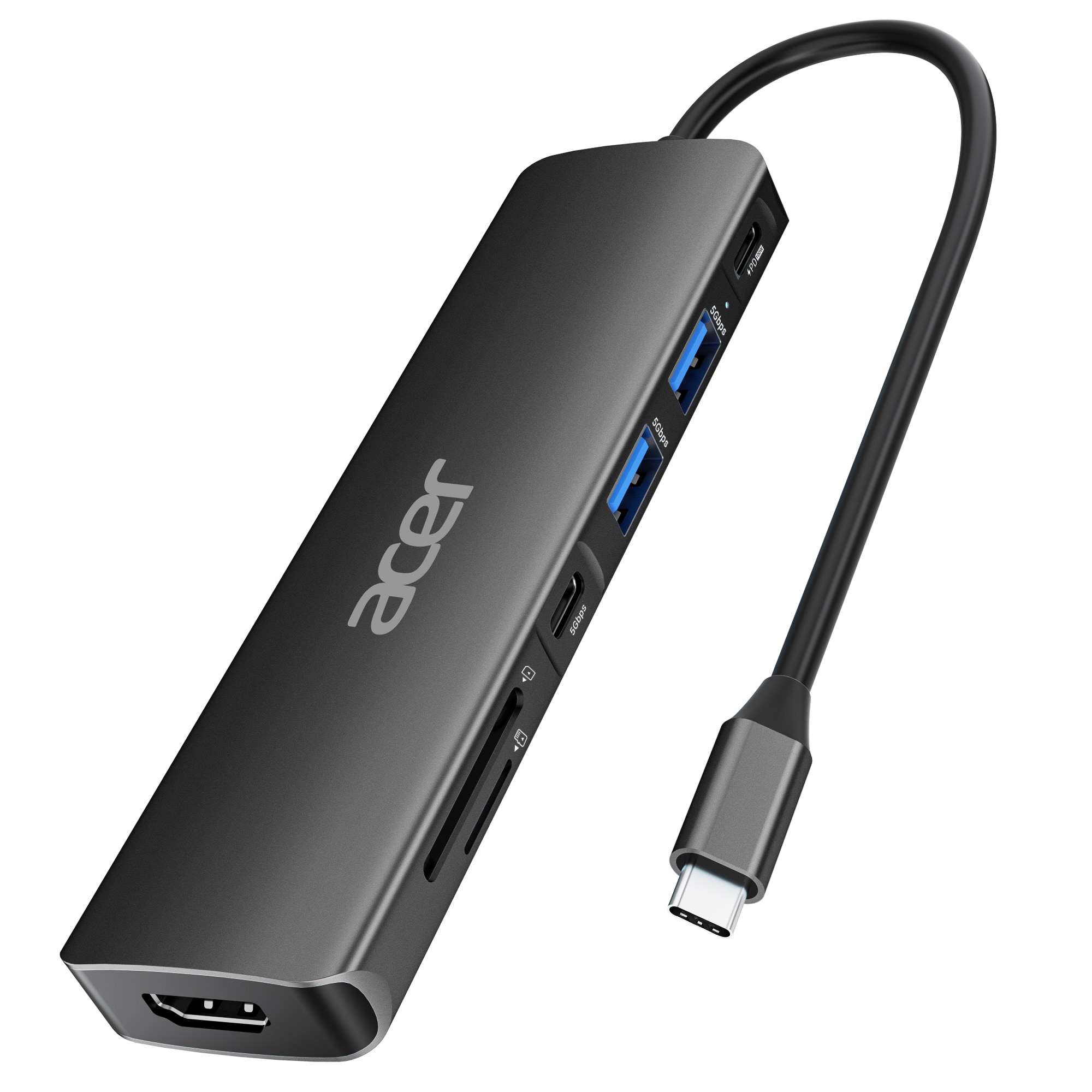
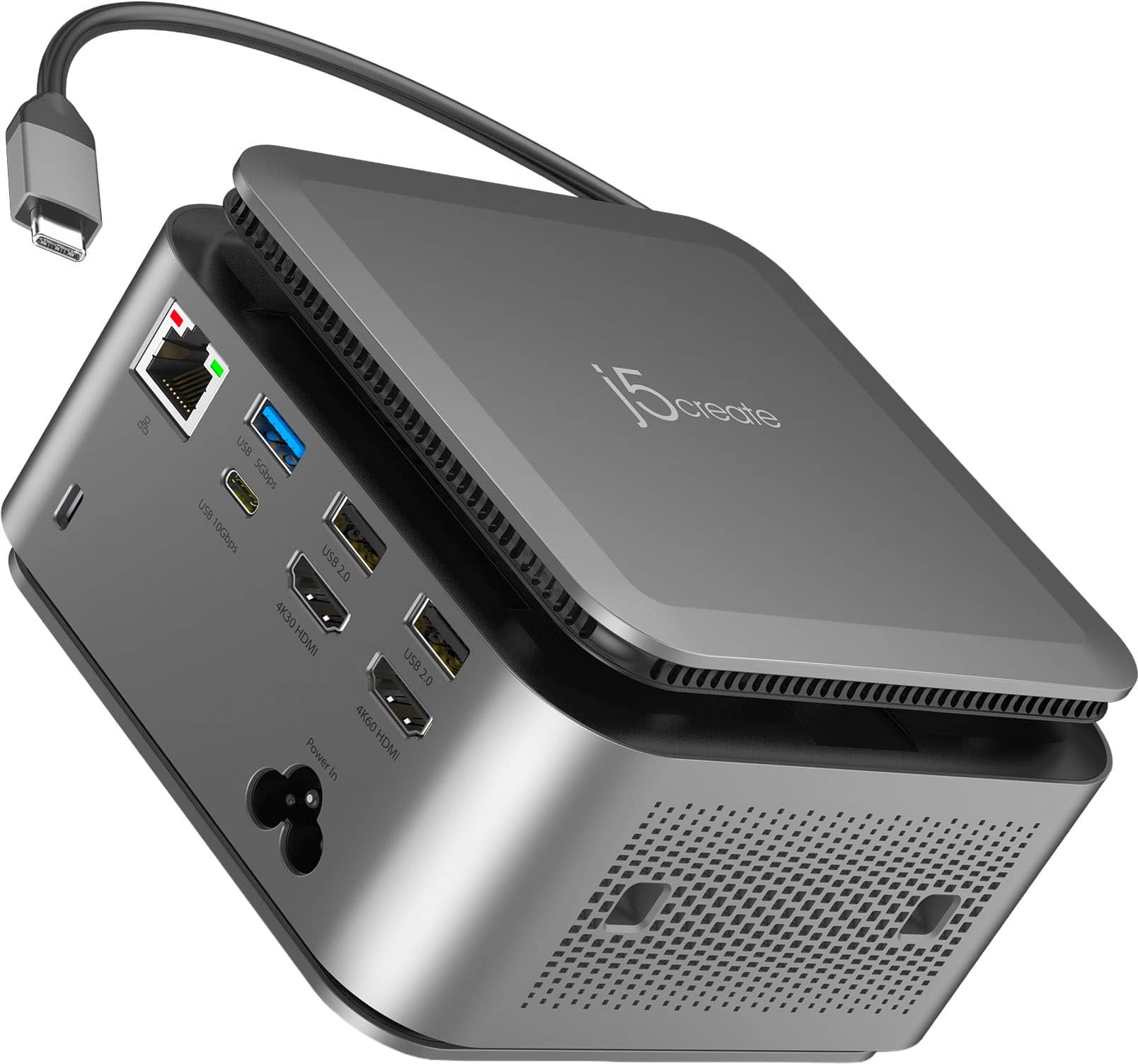
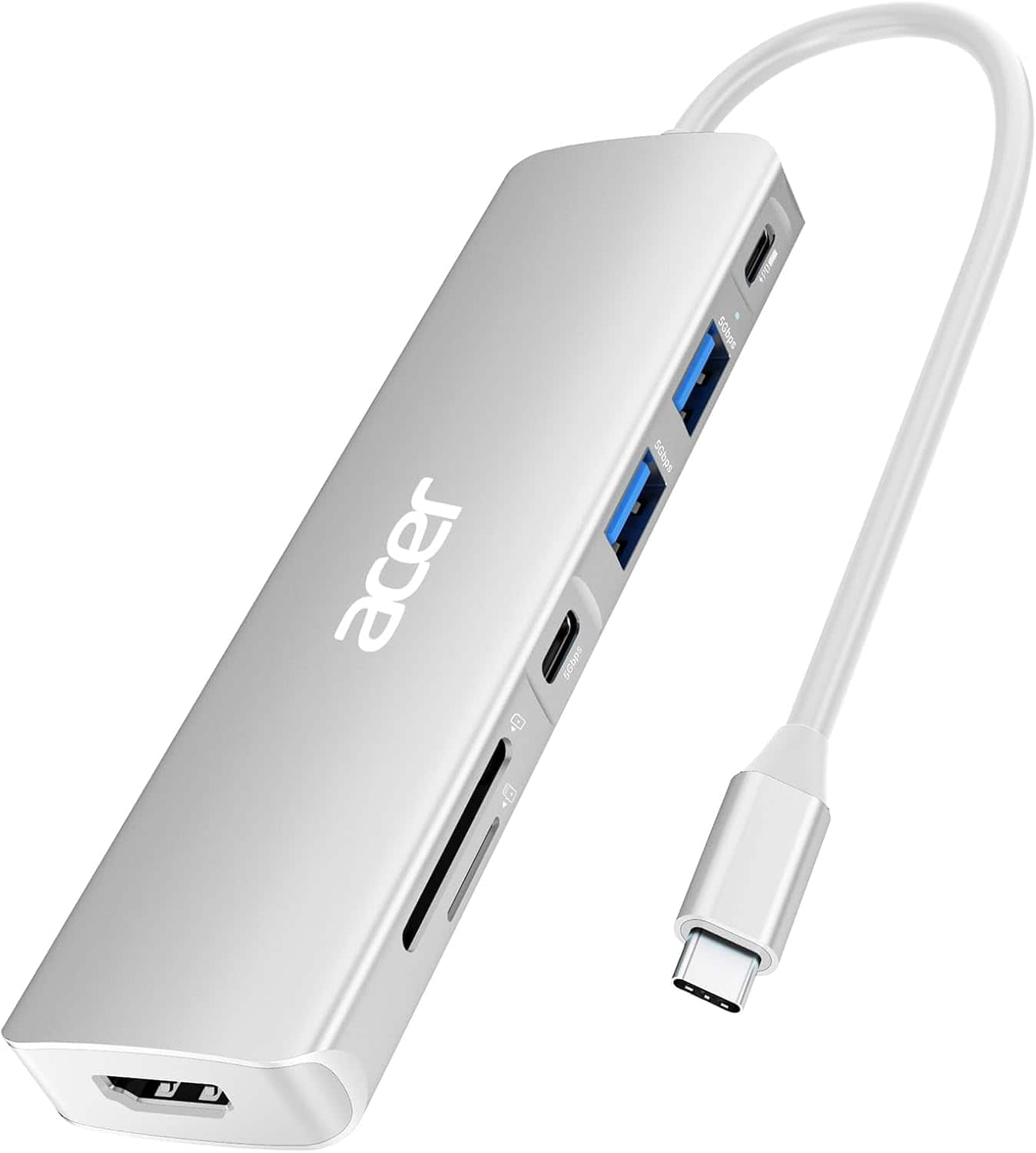
No. USB-C ports can support different capabilities, and not every dock works with every laptop or operating system. Check the dock's compatibility requirements, display support, driver requirements and power delivery rating. If you want the dock to charge your laptop, confirm that both devices support compatible USB-C charging and that the dock supplies sufficient power.
Check how many external displays your computer supports, then confirm its available video connections. You may need a compatible docking station or adapter, along with the right cables. A dock having two video ports does not guarantee that your computer can run two independent extended displays through it, so verify the supported configuration before purchasing.
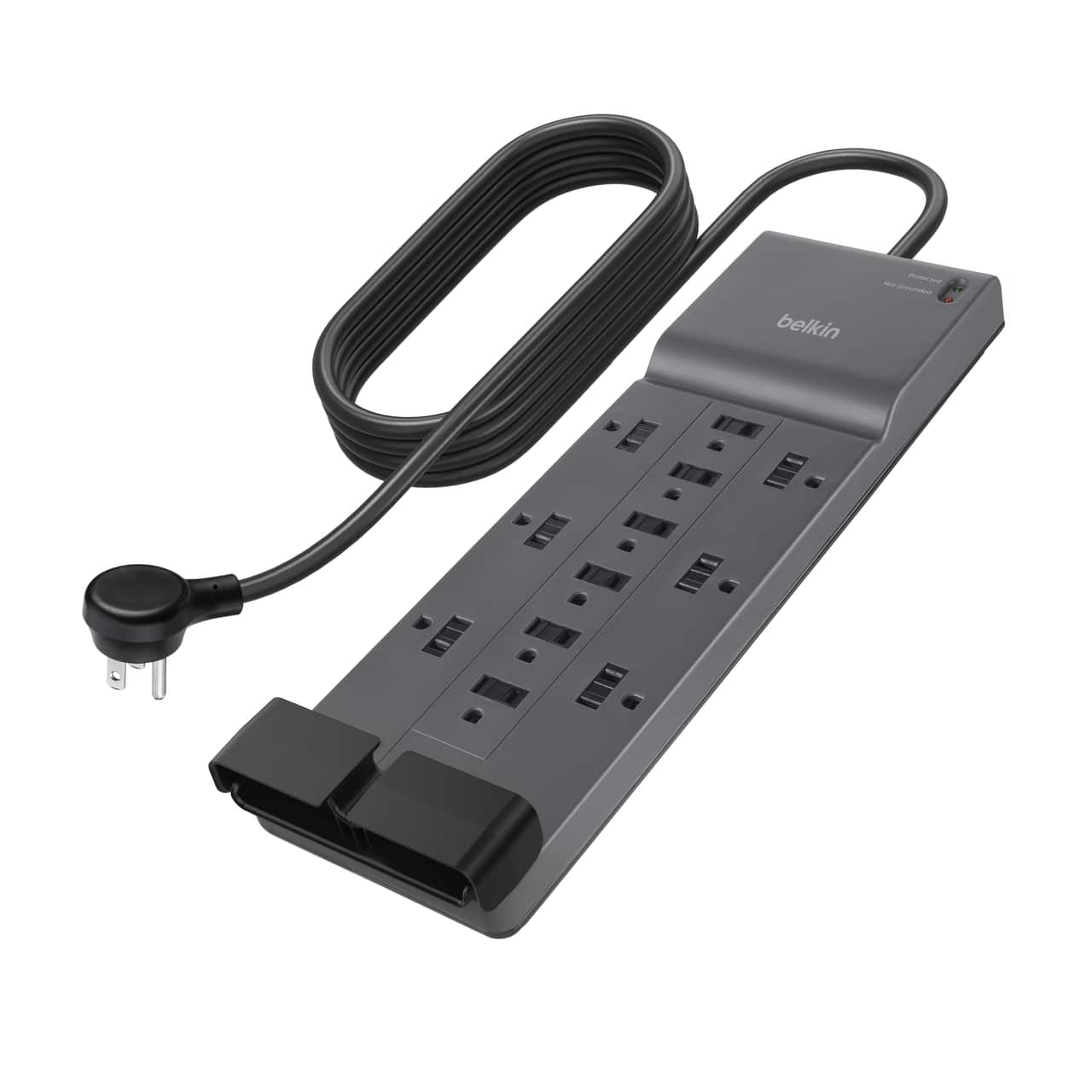
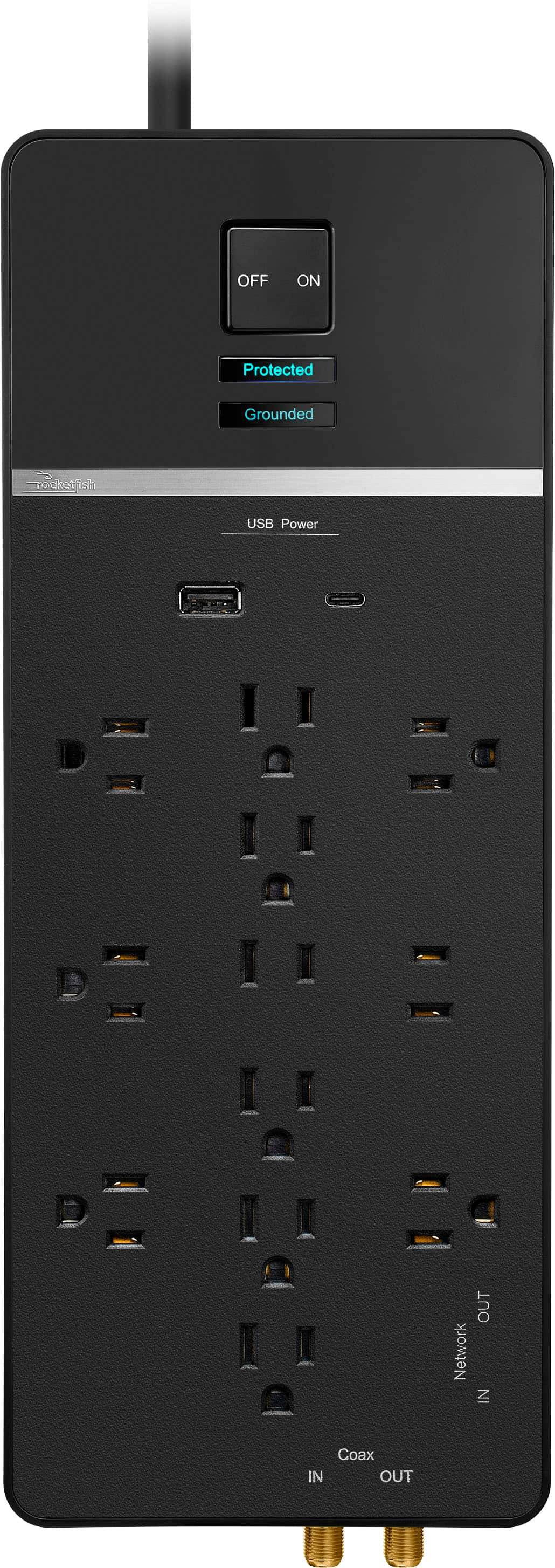
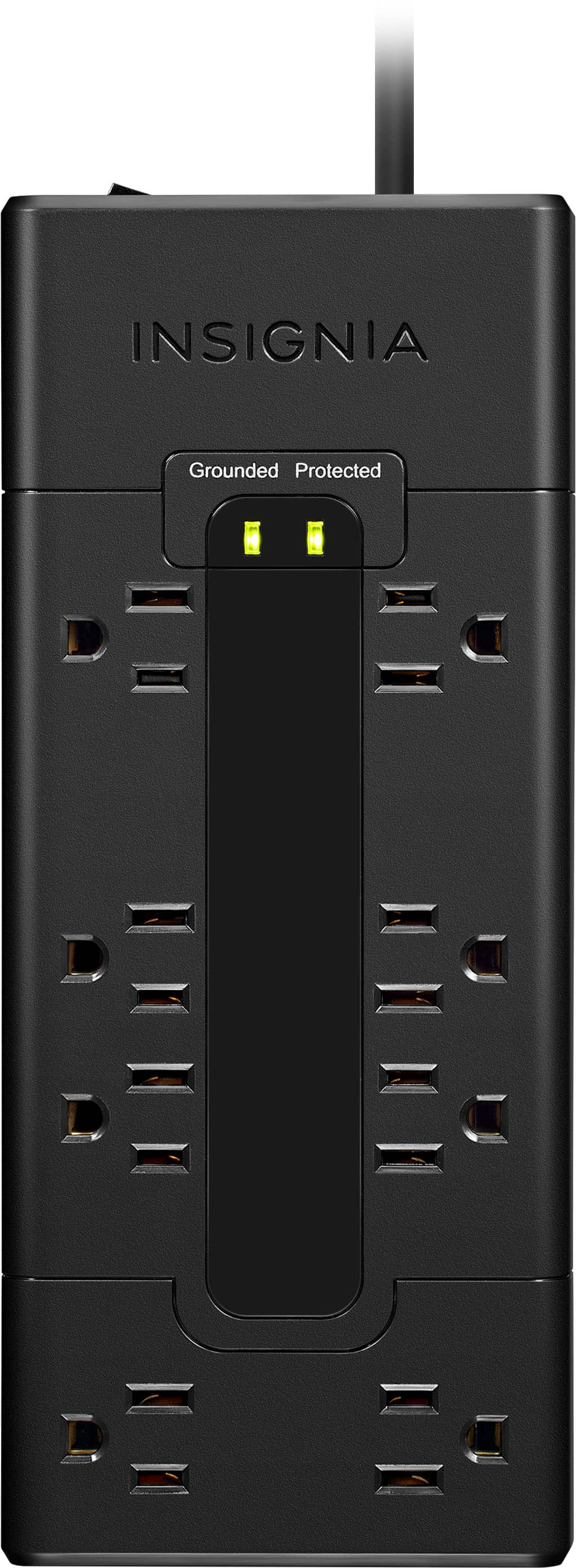
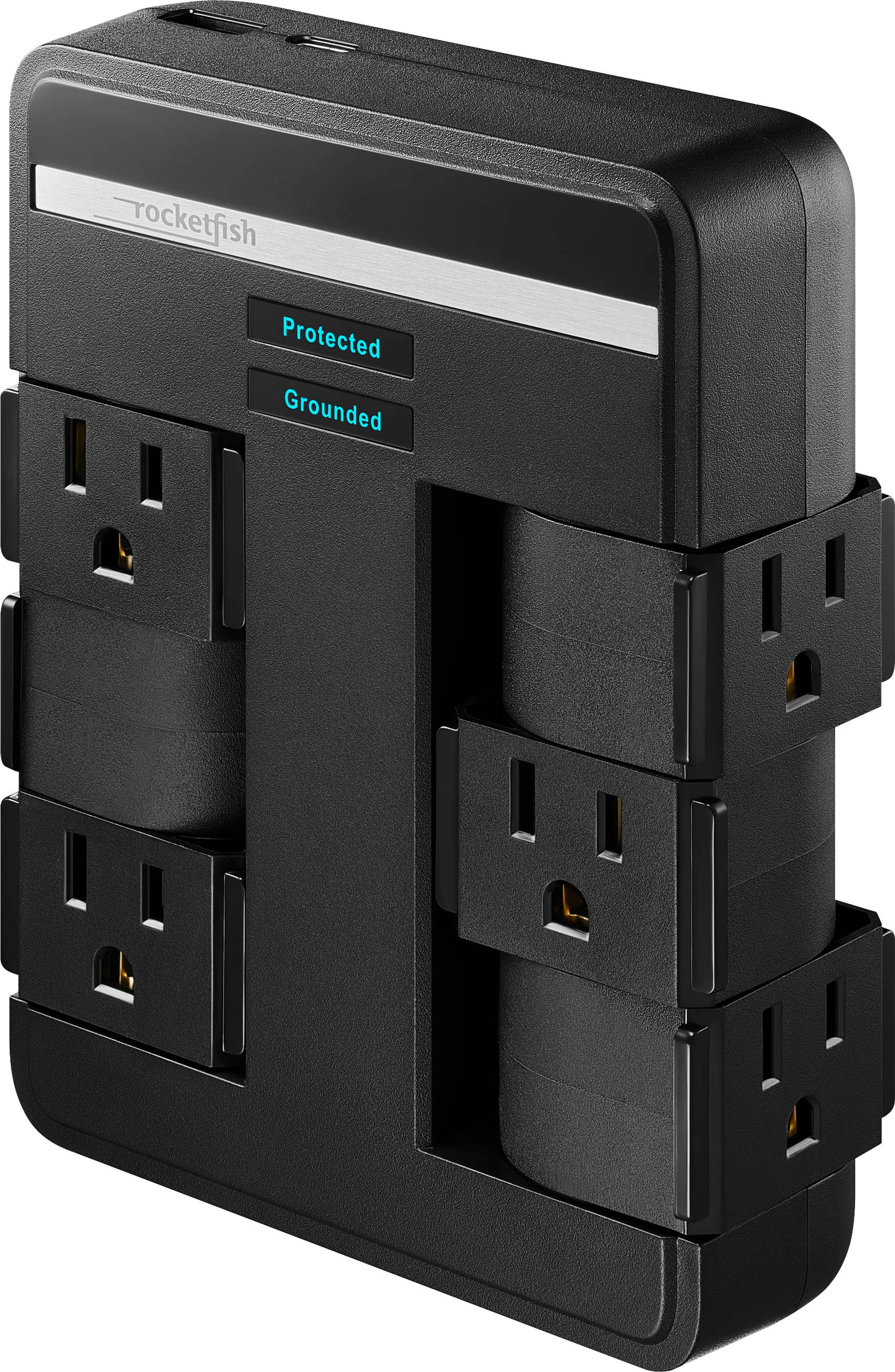
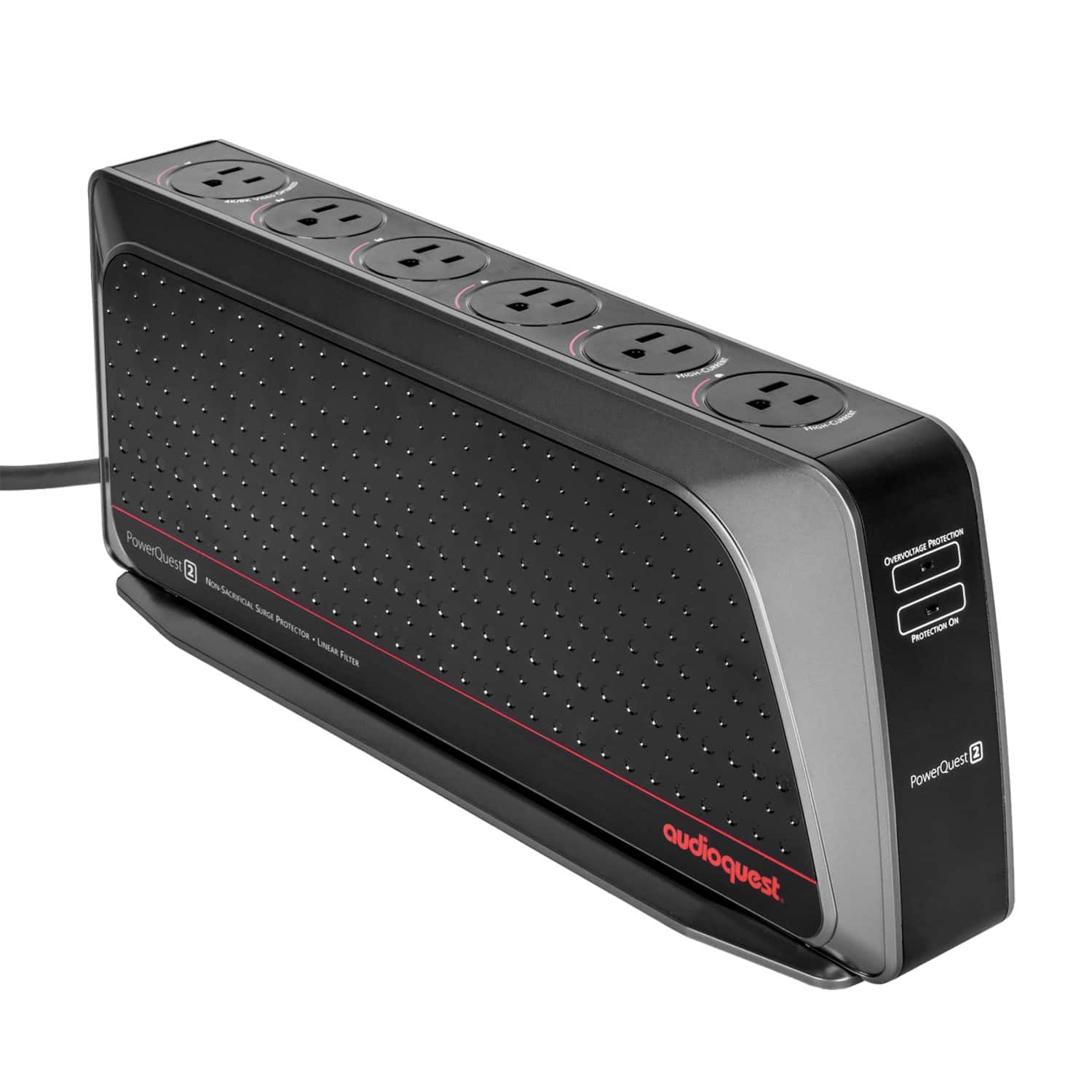
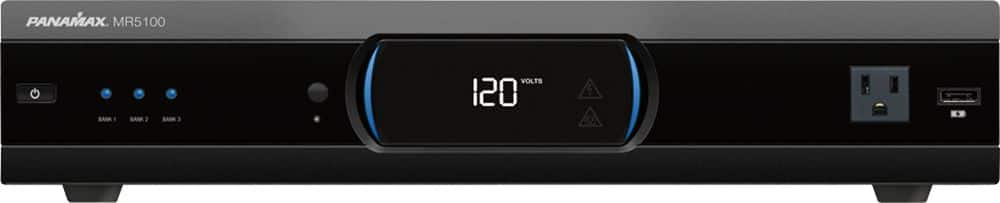
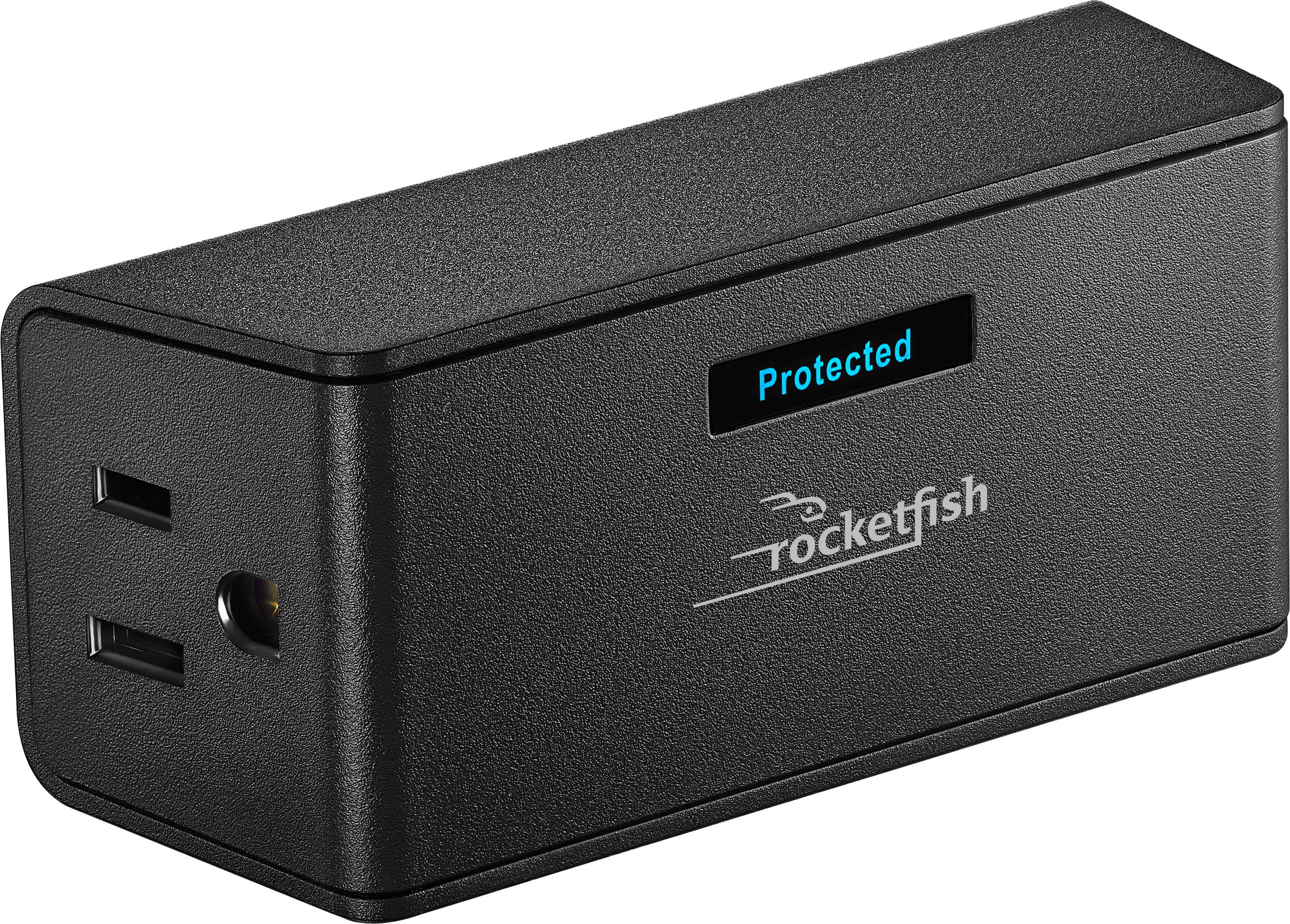
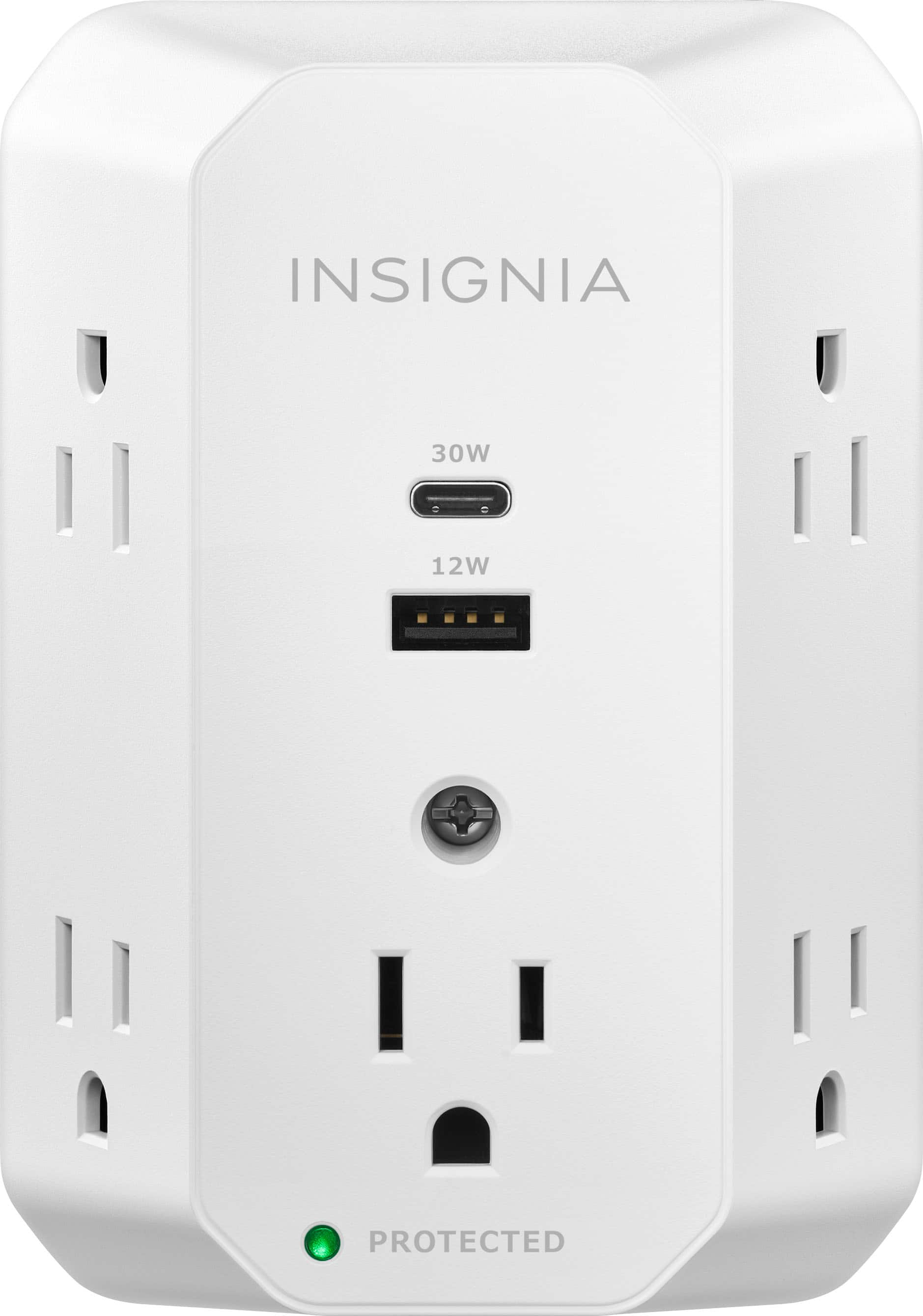
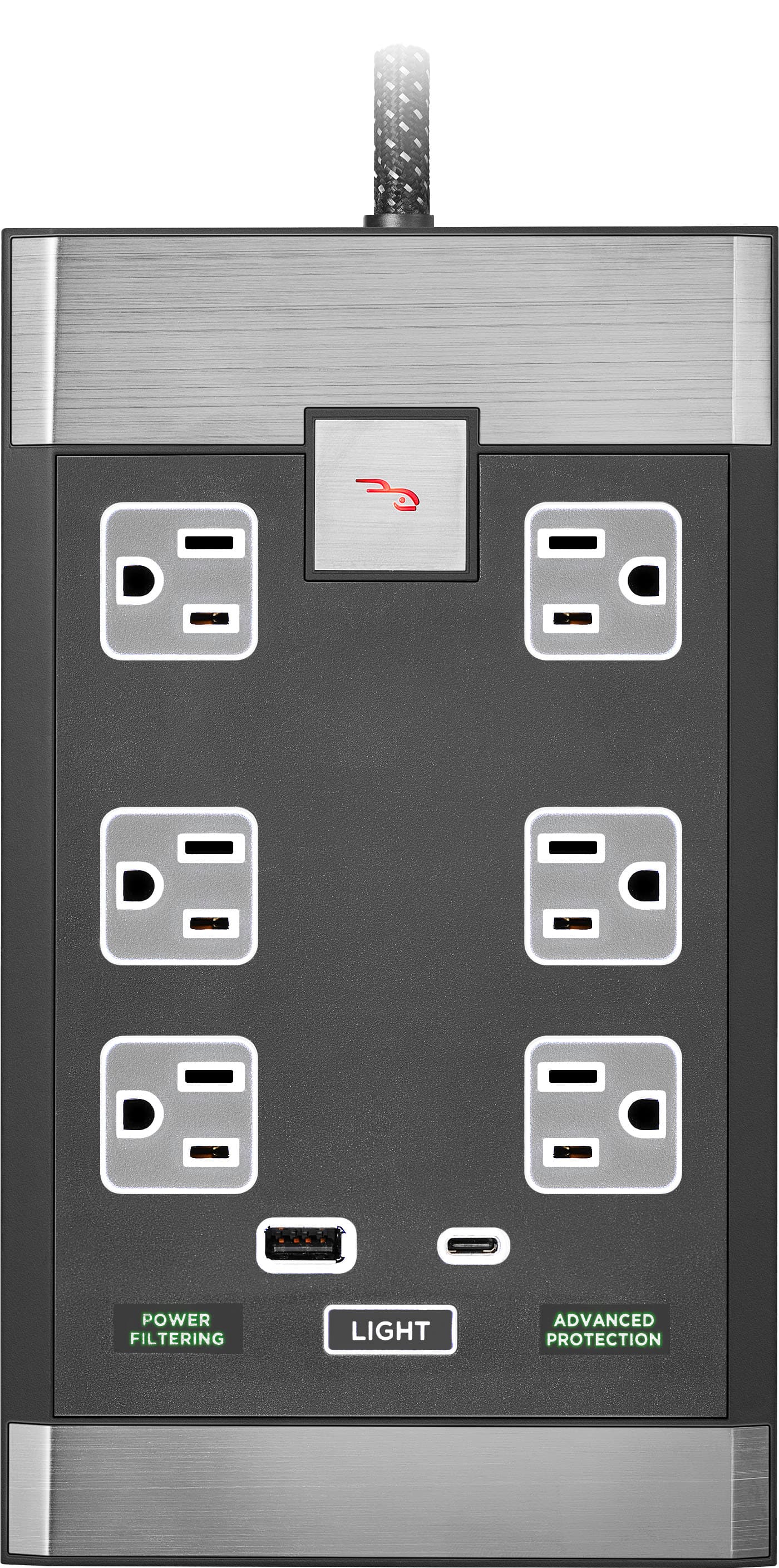
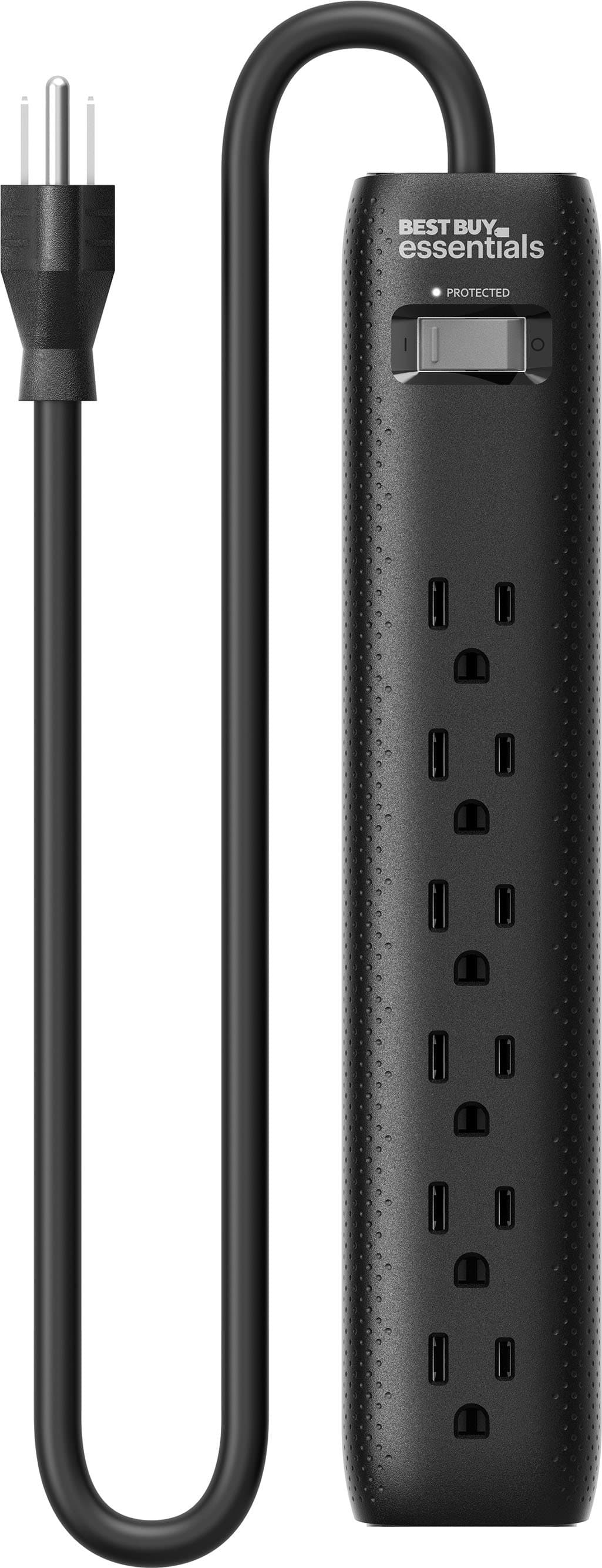
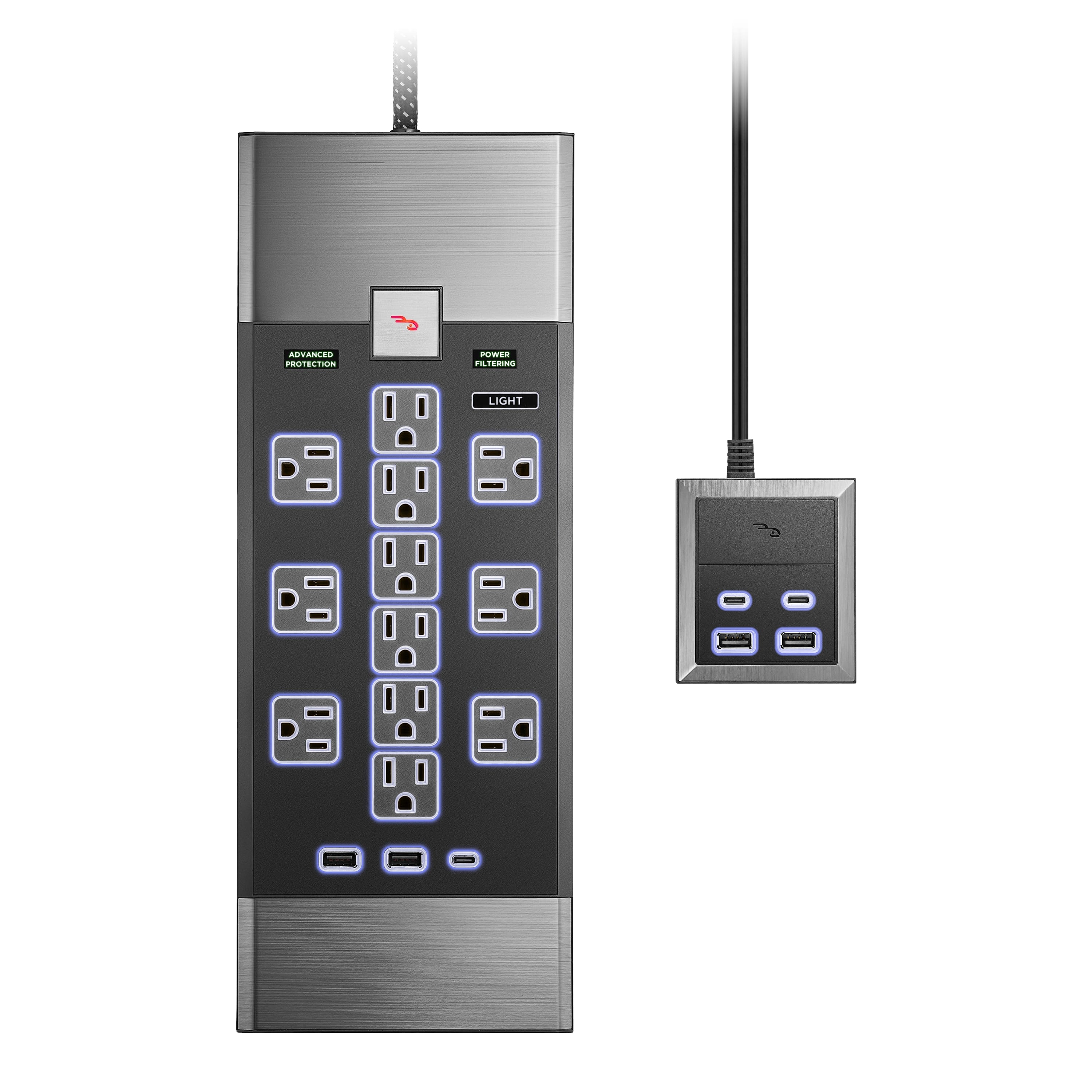
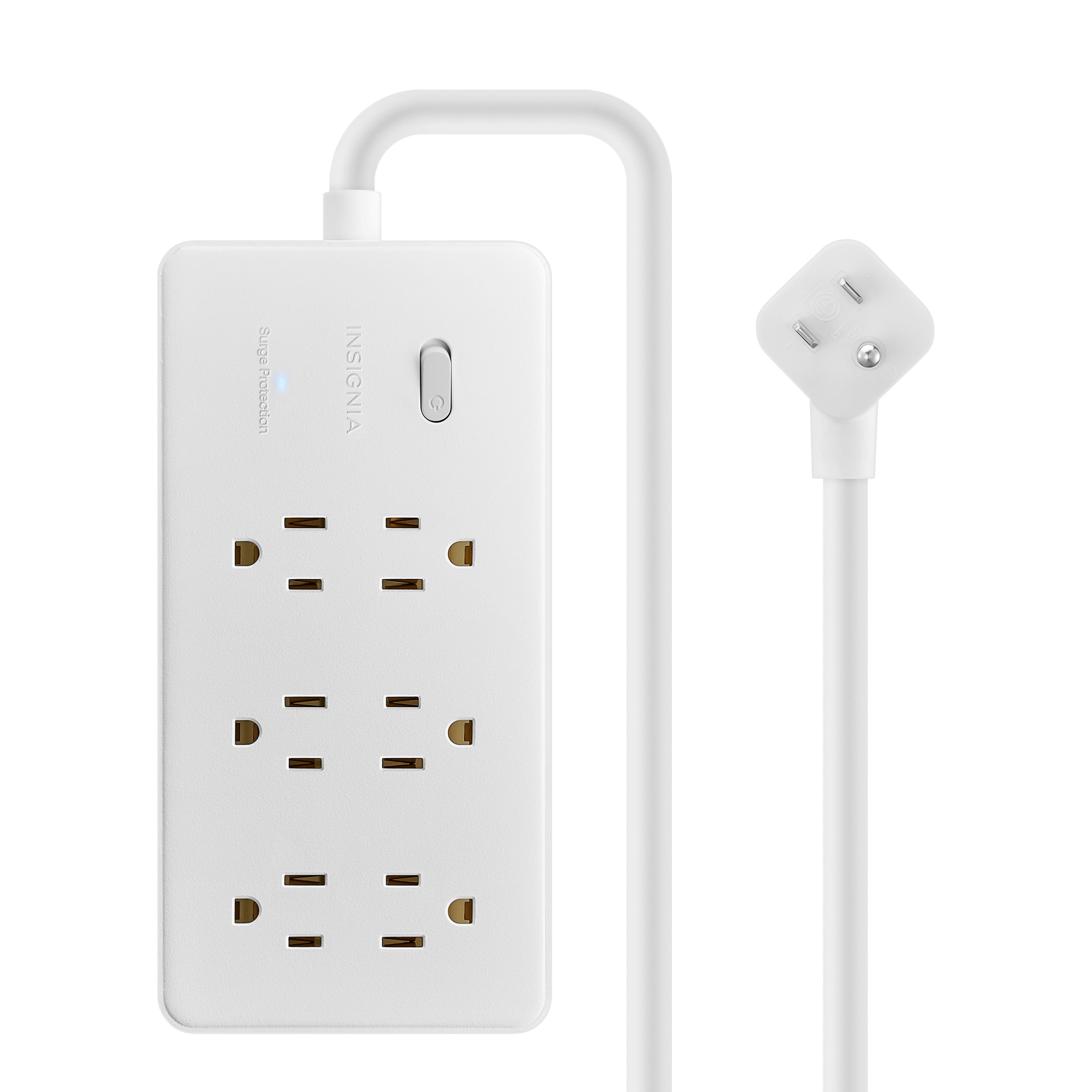
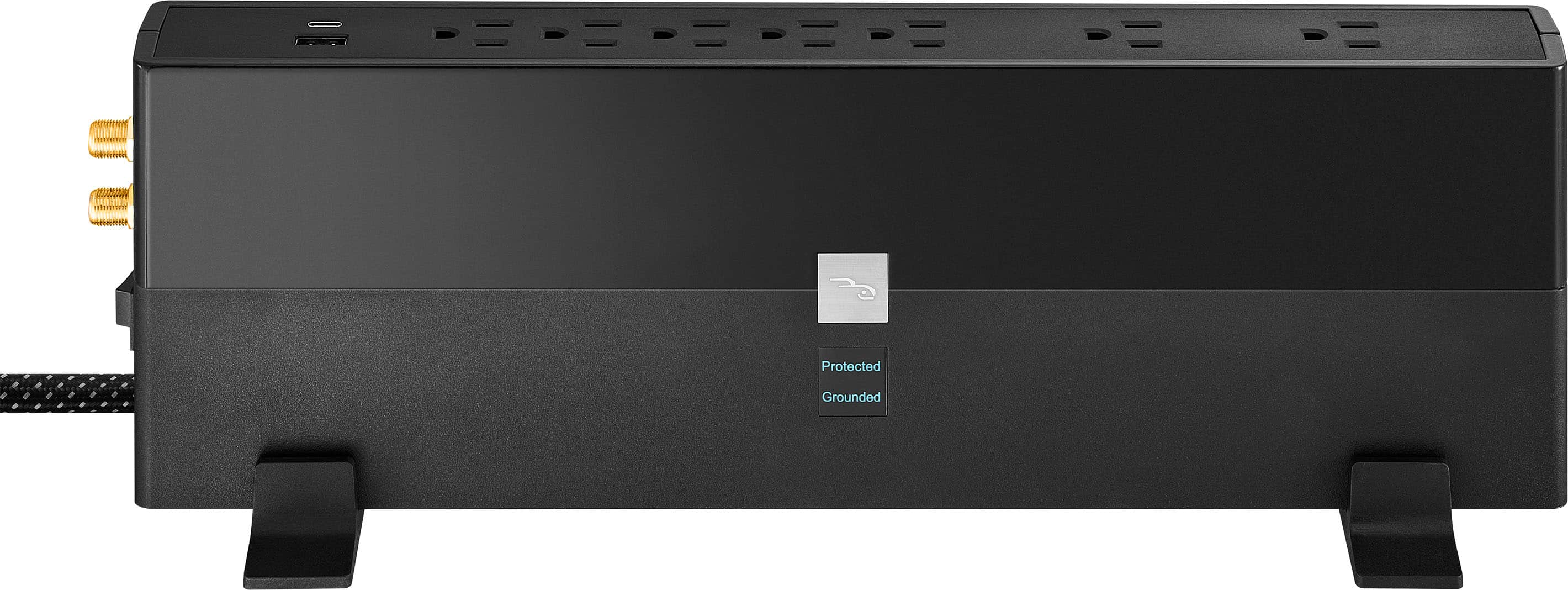
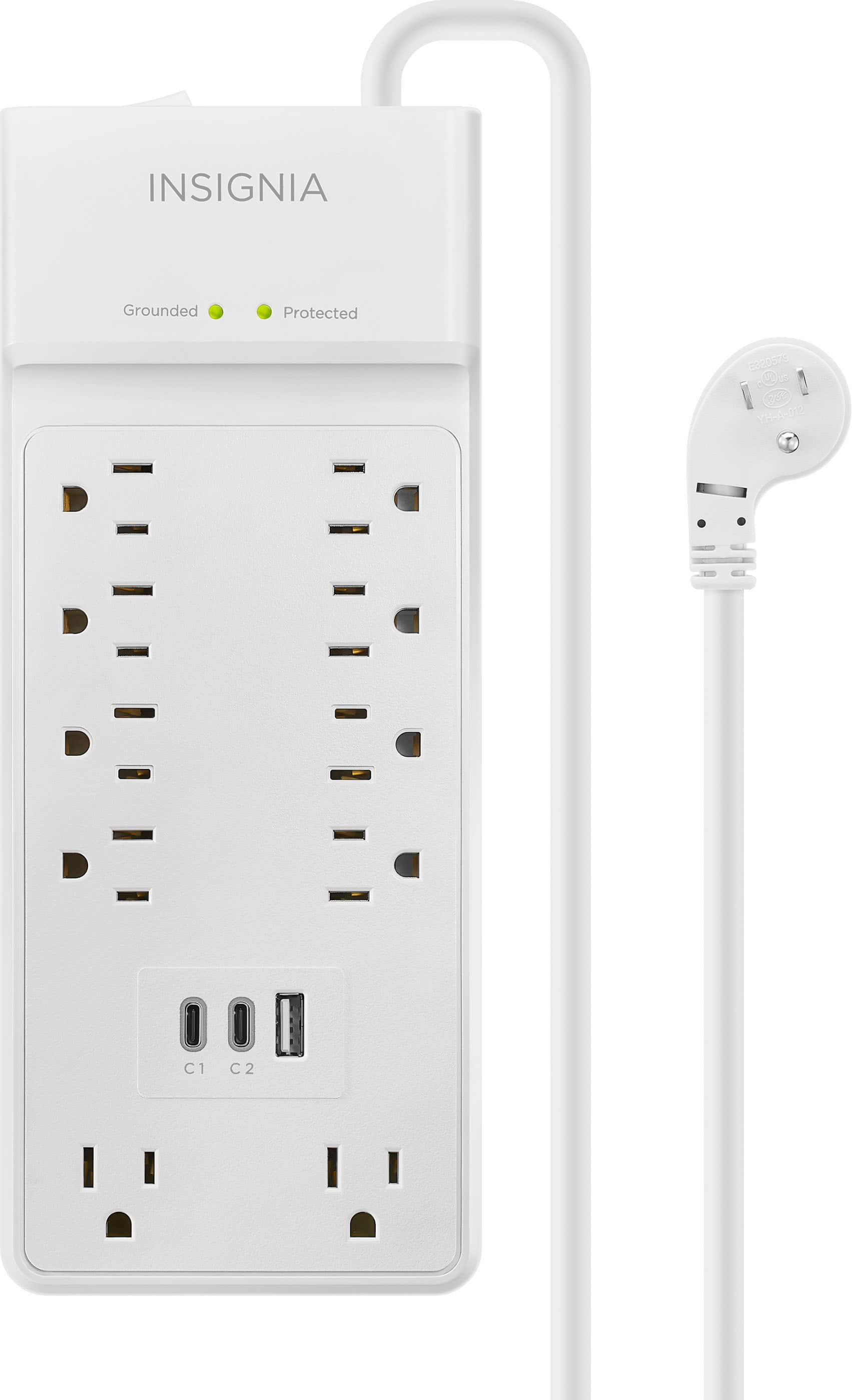
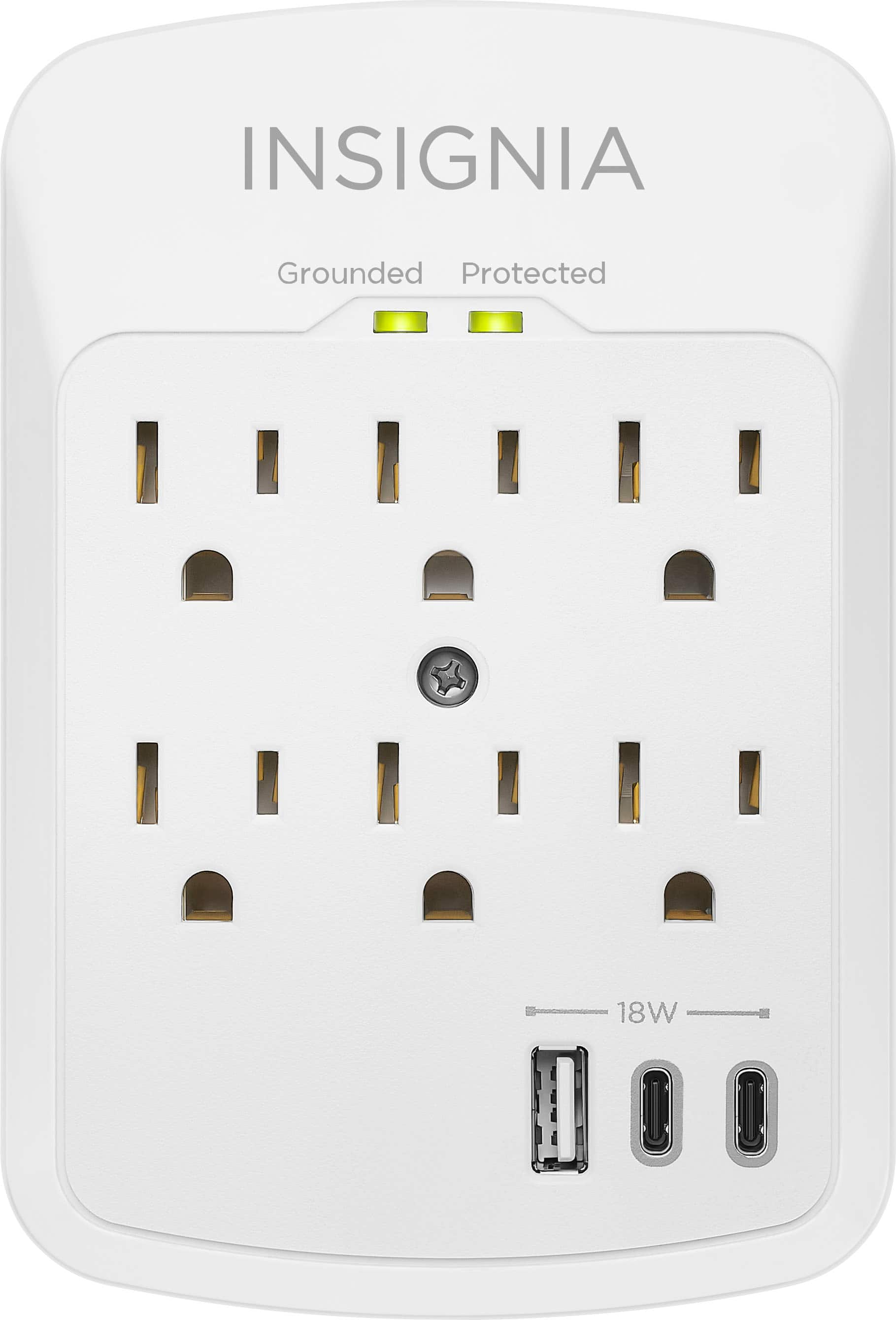
Measure your workspace before adding accessories and prioritize items you use every day. Wireless input devices can reduce cords, and a compatible docking station can consolidate laptop connections. Route cables away from chair movement and walkways, and choose a surge protector with suitable outlet spacing. Follow its electrical rating and safety instructions; do not connect surge protectors in a chain.