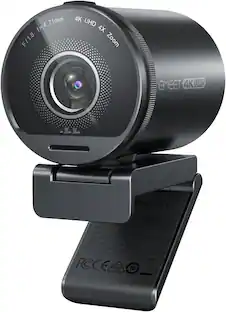
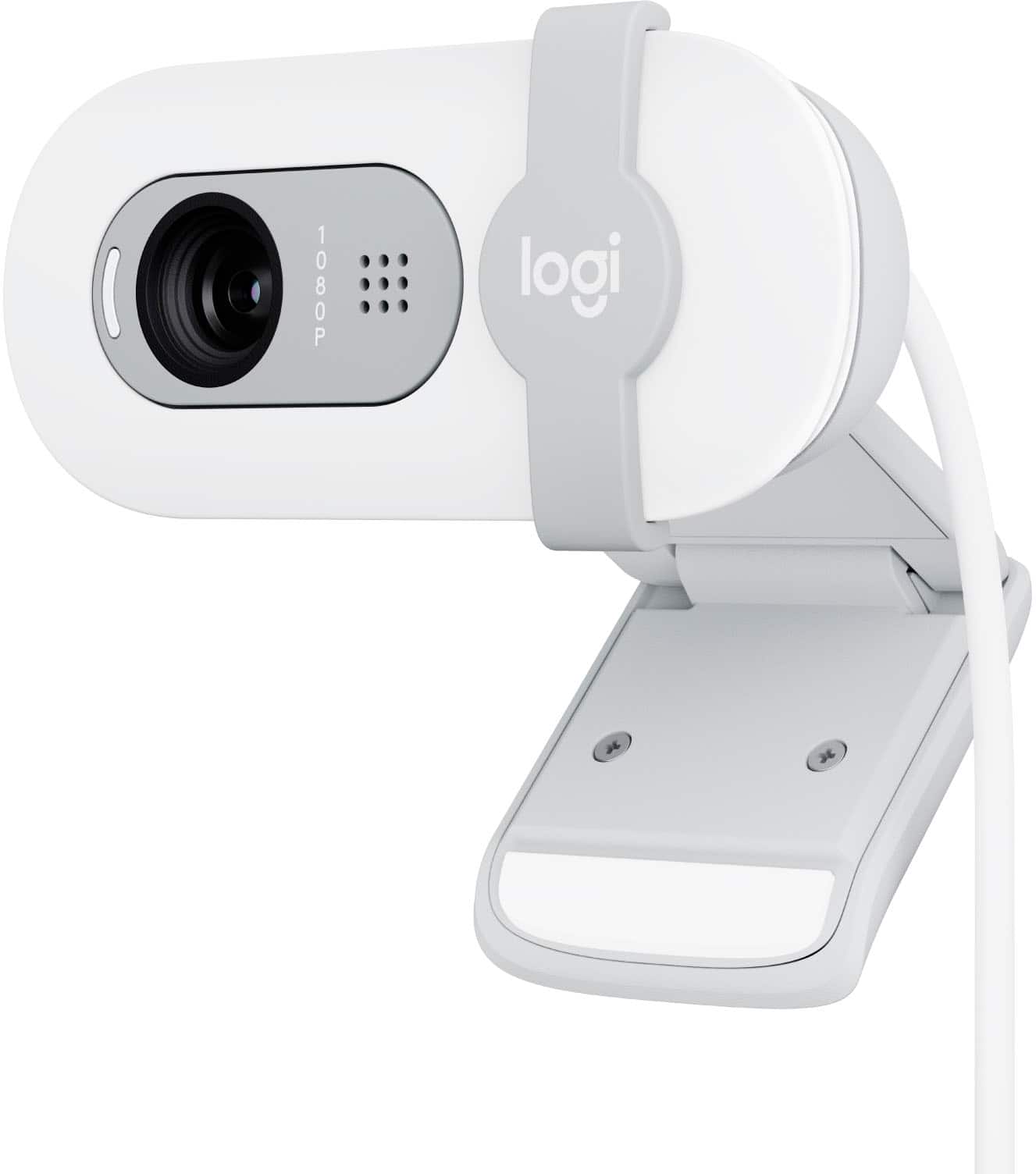
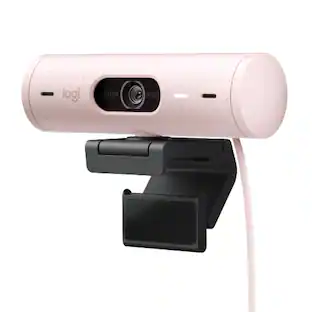
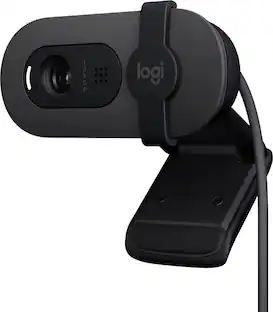
Logitech - Brio 100 1080p Full HD Webcam for Meetings and Streaming - Off-White
Customers are saying
Customers frequently mention that the product delivers outstanding image quality and is remarkably easy to set up and use. While the overall performance is highly regarded, some users have expressed concerns regarding the mounting hardware and the limited field of view. Additionally, a small number of customers noted occasional difficulties with focus and connectivity stability. Overall, the device is praised for its core functionality despite these minor design and technical critiques.
Color
Off-WhiteFull clarity
Look clearer in video calls with Full HD 1080p resolution.
Auto-light balance
RightLight boosts brightness by up to 50%, reducing shadows so you look your best—compared to previous-generation Logitech webcams.
Privacy with a slide
The integrated webcam cover makes it easy to get total, reliable privacy when you're not on a video call.
Built-In mic
The built-in microphone lets others hear you clearly during video calls.
Easy plug-and-play
The Brio 100 works with most video calling platforms, including Microsoft Teams, Zoom and Google Meet.
Made with recycled plastic
The Brio 100 (Graphite) Full HD Webcam is made with 77% post-consumer plastic.*
*Webcam plastic content may vary by color. Excludes Electronic (EE) Components, cables, and packaging.
- Video ResolutionFull HD (1080p)
Reviews
Rating 4.6 out of 5 stars with 1240 reviews
- Image Quality (486)
- Ease of Use (141)
- Setup (74)
- Mounting (31)
- Focus (13)
- Field of View (10)
- Connectivity (9)
- Adjustability (5)
Customer Images
The vast majority of our reviews come from verified purchases. Reviews from customers may include My Best Buy members, employees, and Tech Insider Network members (as tagged). Select reviewers may receive discounted products, promotional considerations or entries into drawings for honest, helpful reviews.
Compare similar products

Look, sound, and meet better with Brio 100—a simple and affordable webcam that lets you show your best self in video calls. Full HD 1080p resolution and auto-light balance bring clarity and brightness to your calls, so you look your best. Sound better with a built-in microphone, and get total privacy with an integrated shutter.

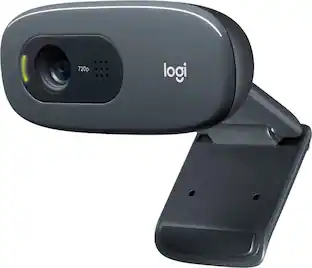
With the Logitech C270 Webcam, you can confidently join any video meeting knowing you’ll always have quality audio and video. Our most affordable camera, the C270 Webcam is an upgrade for your laptop or desktop with practical features that outperform most built-in laptop cameras. It supports crisp HD 720p/30 fps video calls with diagonal 55° field of view. Logitech’s RightLight technology adjusts to your lighting conditions, producing brighter images to help you look good even in low-light and backlit situations. And the noise-reducing mic makes sure your voice comes across clearly, even in busy environments.

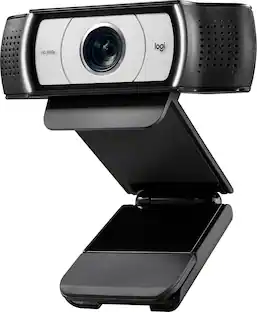
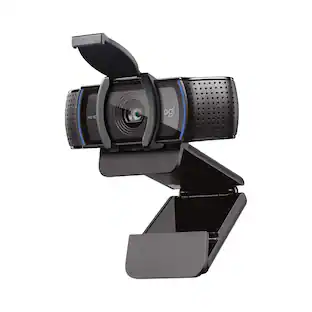
Logitech C920s is a budget-friendly, work-from-anywhere webcam that delivers a professional video meeting experience. It includes features designed to make you look and sound great in your next meeting. A 78º diagonal field of view perfectly frames you and your space, while autofocus adjusts smoothly and precisely. RightLight 2 technology automatically adjusts to your lighting situation even in low-light or backlit conditions. And dual integrated mics accurately capture your voice from multiple angles for greater nuance. If you’re streaming or recording, use Logitech’s Capture app to edit and customize. Flip down the lens cover at any point to protect your privacy.

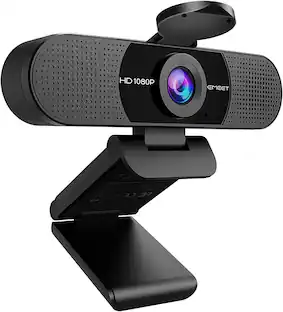
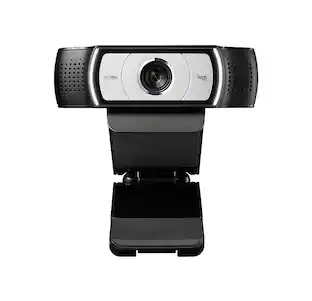
The USB HD Webcam with 360° rotation delivers Full HD 1080p resolution for clear and detailed images. It’s perfect for everyday use, featuring a high-fidelity microphone to reduce external noise, and enhanced light sensitivity that adjusts automatically to suit different lighting conditions. In addition, it has an 80° field of view and can be swiveled a full 360° for maximum flexibility. This USB HD Webcam is plug-and-play, and works with popular applications like Zoom, Skype, Microsoft Teams and Google Meet. The webcam is compatible with Windows, macOS, Chrome OS, making it the perfect camera for at home or in the office.
| Pros for Logitech - Brio 100 1080p Full HD Webcam for Meetings and Streaming - Off-White | |||
|---|---|---|---|
| Ease of Use, Setup, Image Quality | Overall Performance, Video Quality, Ease of Use, Setup, Resolution | Video Quality, Overall Performance, Setup, Ease of Use, Privacy Feature | Overall Performance, Ease of Use, Setup, Resolution, Rotation |
| Cons for Logitech - Brio 100 1080p Full HD Webcam for Meetings and Streaming - Off-White | |||
| Mounting, Focus, Field of View, Connectivity, Adjustability | Mounting, Compatibility, Field of View, Focus, Features | Focus, Compatibility, Cable Length, Field of View, Autofocus | Connectivity, Field of View, Cable Length, Mounting |
Specs
Customers often buy these together
Microphones

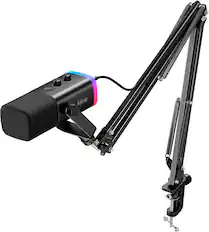
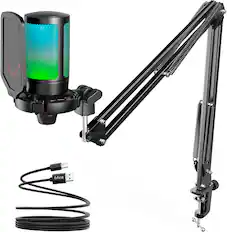
Photo and Video Lights

More recommended items
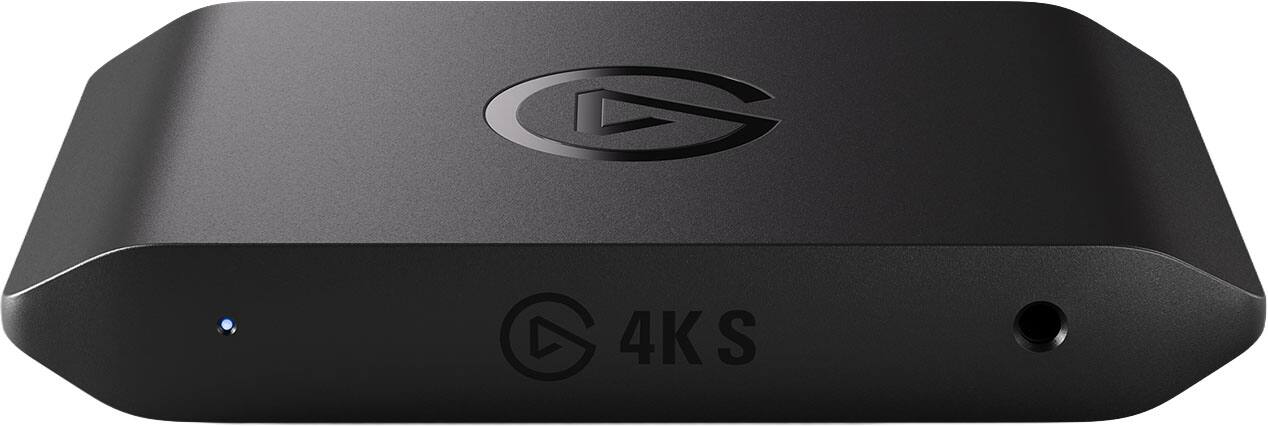 Video Capture Devices
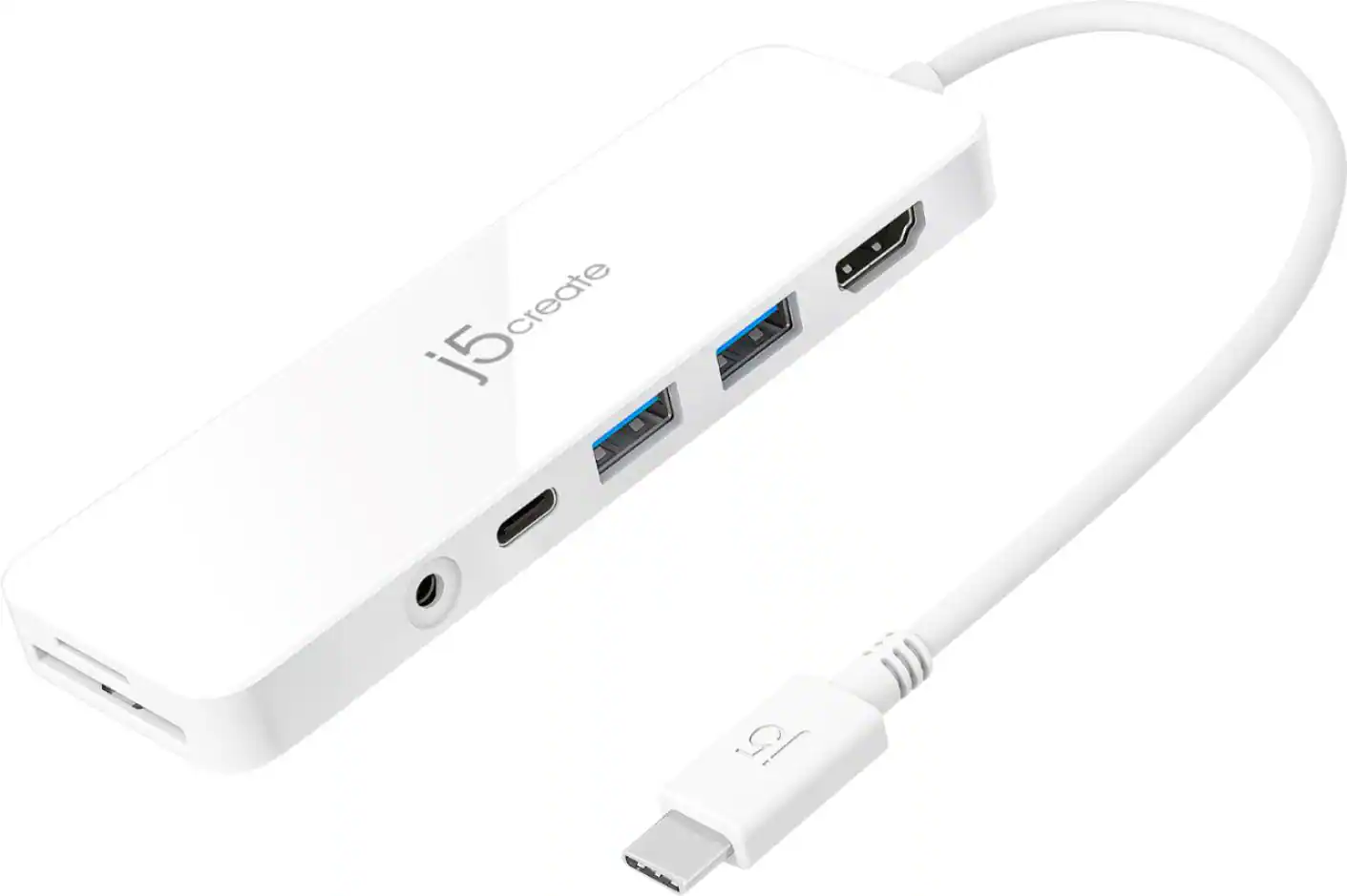 Laptop Docking Stations
More to consider
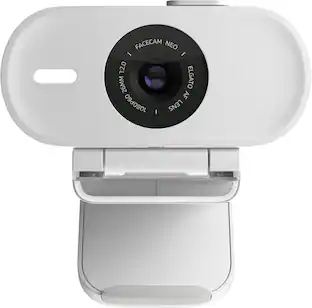 $29.99The price was $39.99
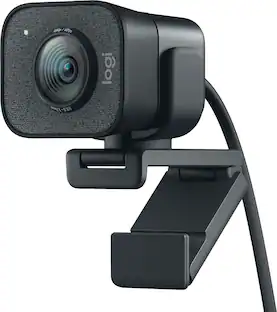 $150.97The price was $169.99
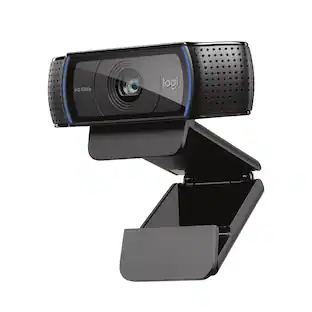
Explore tech essentials Sponsored
 $119.99The price was $149.99
 $86.99The price was $129.99


Discover related products
 $8.21The price was $14.00
 $12.99The price was $13.99







Keep exploring
 $1,360.07The price was $1,427.99
 $49.00The price was $69.00