Acer - KA272 G0bi 27" IPS LED FHD 120Hz 1ms FreeSync Monitor (HDMI,VGA) - Black
Customers are saying
Customers are pleased with the product's strong overall performance, ample screen size, excellent refresh rate, and clear resolution. However, some users noted the absence of built-in speakers, limited adjustability, and a desire for more connectivity options.
Highlights
Vibrant Images
Crisp, true-to-life colors come alive in Full HD 1080p resolution. Movies and games appear more real and dramatic, and small details and text are clear with 1920x1080 resolution in a 16:9 aspect ratio
Adaptive-Sync Support
Get fast refresh rates thanks to the Adaptive-Sync Support product that matches the refresh rate of your monitor with your graphics card. The result is a smooth, tear-free experience in gaming and video playback applications.
ZeroFrame Design
With a KA272 monitor, you’ll want to see as much of the display as possible. Get more monitor real estate with the near bezel-less design, allowing you to see more and do more. The ZeroFrame design lets you place multiple monitors next to each other for a seamless, almost uninterrupted view.
Stunning Images from Every Angle
Fast response time of 1ms enhances the experience. No matter the fast moving action or any dramatic transitions will be all rendered smoothly without the annoying effects of smearing or ghosting. With up to 120Hz refresh rate speeds up the frames per second to deliver smooth 2D motion scenes.
Stunning Images from Every Angle
Thanks to IPS technology, Acer’s KA272 monitor displays color accurately up to 178 degrees. Share what's on your screen with friends and family and colors stay true no matter what angle you're viewing from.
Better for Your Eyes
AcerVisionCare incorporates several technologies to reduce eye strain and provide a more comfortable viewing experience. Say goodbye to annoying screen flickering and shield your eyes from eye?straining blue light
- Refresh Rate120HzMaximum Resolution1920 x 1080Response Time1 millisecondsPanel TypeIPSSynchronization TechnologyFreeSync (AMD Adaptive Sync)
Reviews
Rating 4.7 out of 5 stars with 363 reviews
- Overall Performance (139)
- Screen Size (100)
- Refresh Rate (28)
- Resolution (23)
- Speakers (8)
- Adjustability (7)
- Connectivity (5)
Customer Images
The vast majority of our reviews come from verified purchases. Reviews from customers may include My Best Buy members, employees, and Tech Insider Network members (as tagged). Select reviewers may receive discounted products, promotional considerations or entries into drawings for honest, helpful reviews.
Compare similar products

Acer KA272 27-inch monitor has an amazing thin enclosure with a frameless bezel. Get fast refresh rates thanks to the Adaptive-Sync Support product that matches the refresh rate of your monitor with your graphics card. The 1920 x 1080 Full HD resolution with an incredible 100,000,000:1 contrast ratio lets you enjoy High-Definition entertainment in the comfort of your home. Enjoy the accurate color performance presented by IPS technology, and vivid color in every viewing angle. The eye protect technology also gives you a comfortable viewing experience while Energy Star compliance helps you save money and energy
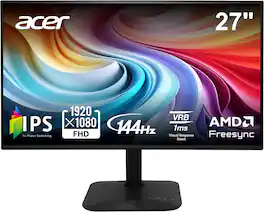
Introducing Acer's KA272 gaming monitor - the Full HD resolution monitor that can keep up with your game play. Through AMD FreeSync technology, the game’s frame rate is determined by your graphics card, not the fixed refresh rate of the monitor, giving you a serious competitive edge. Plus, users can enjoy comfortable viewing experience while gaming via flicker-less and low dimming display. The design saves space on your desk and lets you place multiple monitors side by side to build a seamless big-screen display.
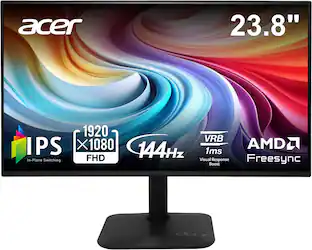
Acer KA242Y 23.8-inch monitor has an amazing thin enclosure with a frameless bezel. Get fast refresh rates thanks to the Adaptive-Sync Support product that matches the refresh rate of your monitor with your graphics card. The 1920 x 1080 Full HD resolution with an incredible 100,000,000:1 contrast ratio lets you enjoy High-Definition entertainment in the comfort of your home. Enjoy the accurate color performance presented by IPS technology, and vivid color in every viewing angle. The eye protect technology also gives you a comfortable viewing experience while Energy Star compliance helps you save money and energy
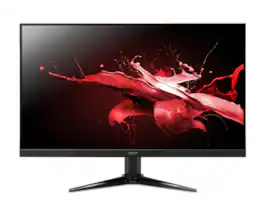
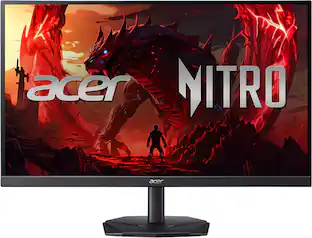
The Acer Nitro QG271 G is a 27-inch Full HD gaming monitor engineered for immersive and responsive gameplay. It features a VA panel with a 100Hz refresh rate and 1ms Visual Response Boost (VRB) for smooth, blur-free visuals during fast-paced action. AMD FreeSync technology eliminates screen tearing by synchronizing the monitor’s refresh rate with your GPU, ensuring fluid motion. The monitor offers a wide 178° viewing angle, 72% NTSC color gamut, and Black Boost technology, delivering vivid colors and enhanced visibility in dark scenes. Eye-care technologies, including BlueLight Shield, Flicker less, and Comfy View, help reduce eye strain during extended gaming or work sessions. For connectivity, it includes 2 HDMI ports and 1 VGA port, while also supporting VESA wall mounting for flexible placement. Sleek and practical, the Nitro QG271 G balances performance, visual clarity, and comfort, making it ideal for gamers seeking reliable, high-quality visuals in a versatile 27-inch display.
| Pros for Acer - KA272 G0bi 27" IPS LED FHD 120Hz 1ms FreeSync Monitor (HDMI,VGA) - Black | |||
|---|---|---|---|
| Overall Performance, Screen Size, Refresh Rate, Resolution | Overall Performance, Screen Size, Refresh Rate | Overall Performance, Refresh Rate, Size, Connectivity, Weight | There were no pros for this product— |
| Cons for Acer - KA272 G0bi 27" IPS LED FHD 120Hz 1ms FreeSync Monitor (HDMI,VGA) - Black | |||
| Adjustability, Speakers, Connectivity | There were no cons for this product— | Adjustability | There were no cons for this product— |
Specs
can you hook up a wired keyboard mouse and headset ?
Answered by TeamAcerNo, this monitor does not offer USB ports to connect peripherals.
Can this monitor's height be changed? If so, what is the maximum height it can reach? And can it be rotated to be used vertically, as developers use?
Answered by TeamAcerThis monitor does not have height adjustment or swivel/pivot. It does tilt forward and back to a degree.
Does the monitor have built-in speakers?
The monitor does not have built-in speakers.
This question and answer was generated by AI based on customer and product data.Is the monitor Energy Star certified?
This monitor is Energy Star certified.
This question and answer was generated by AI based on customer and product data.What is the weight of the monitor?
The product weight is 7.5 pounds.
This question and answer was generated by AI based on customer and product data.

Customers often buy these together
Computer Keyboards

Logitech - MK345 Full-size Wireless Membrane Keyboard and Mouse Combo for PC, Laptop with Palm Rest - Graphite
Top Deal$31.99The price was $34.99
Logitech - MK270 Full-size Wireless Membrane Keyboard and Mouse Bundle for PC - Black
$26.99The price was $29.99


![Esc F1 F2 F3 F4 F5 F6 F7 F8 F9 F10 F11 F12 Print Screen Scroll Lock Pause Break 1 2 3 4 5 6 7 8 9 0 - + = Backspace Insert Home H Page Up A Num Look 1 I Tab Q W E R T Y U I o P { [ } ] I I Delete End IN Page Down 7 Home 8 9 Pg Up Caps A Lock A S D F G H J K L ; : DE g Enter 4 5 6 Shift Z X C V N M < > ? I Shift 1 End 2 3 Pp Dn Enter Ctrl Alt Alt Ctrl 0 Ins Del](https://pisces.bbystatic.com/image2/BestBuy_US/images/products/a588d446-5678-40ae-86b8-1f15e0026e66.jpg;maxHeight=232;maxWidth=233?format=webp)

Monitor Stands

j5create - Ergonomic Dual Monitor Desk Mount for Most 17” -32” Monitors - Black
$94.99The price was $130.77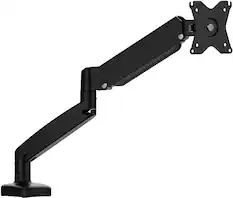
j5create - Ergonomic Monitor Desk Mount for Most 17” -32” Monitors - Black
$59.99The price was $69.99
More recommended items
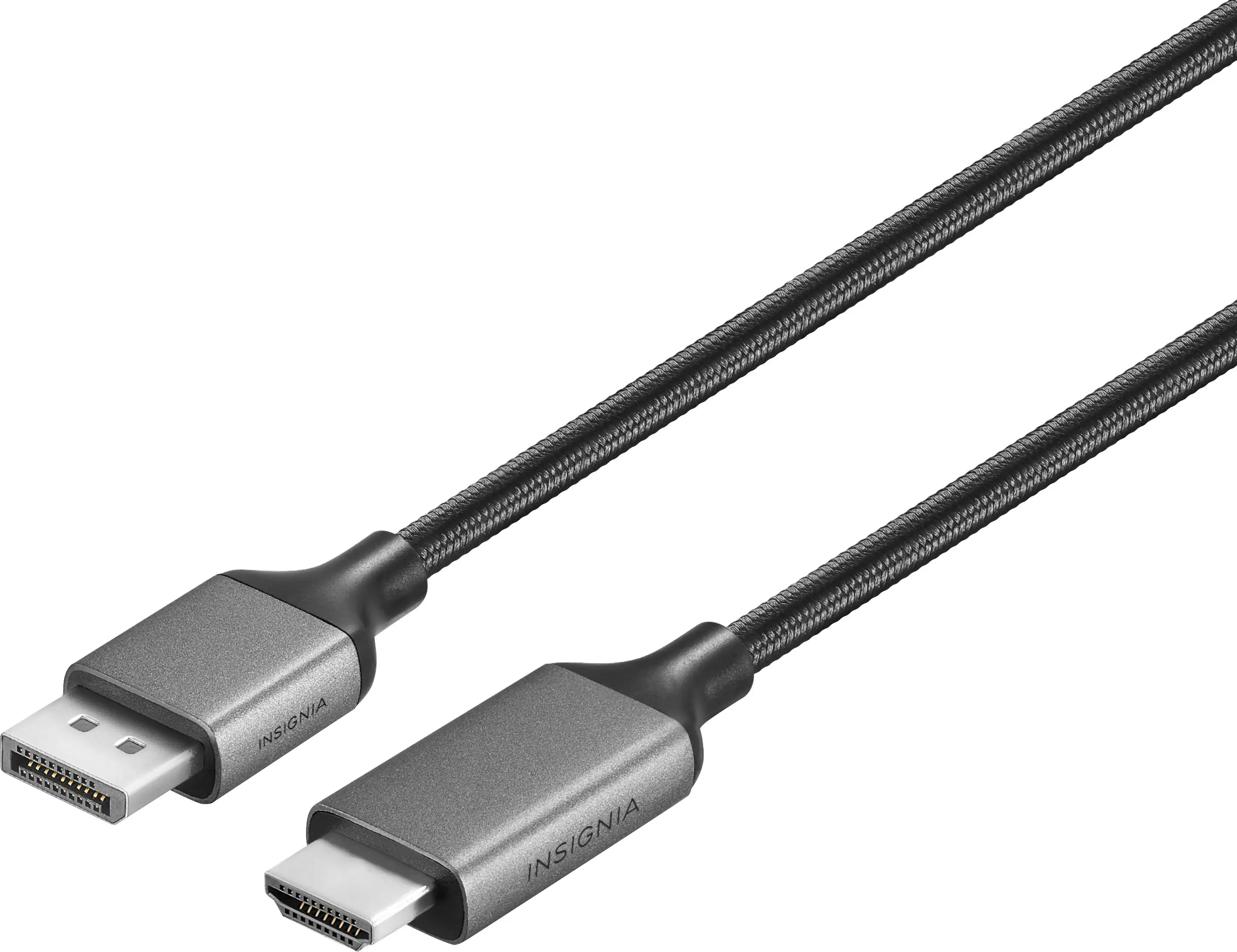 Monitor and Video Cables
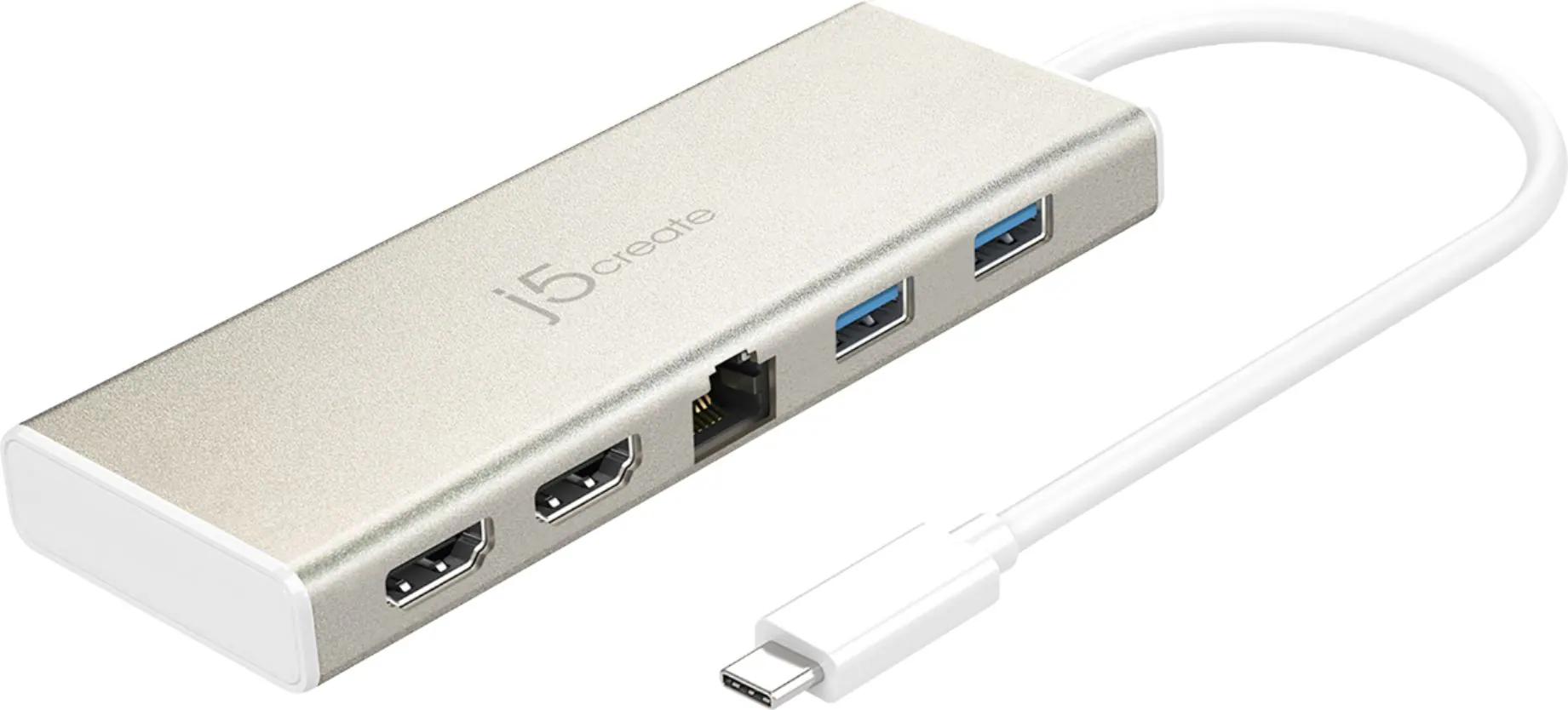 Laptop Docking Stations
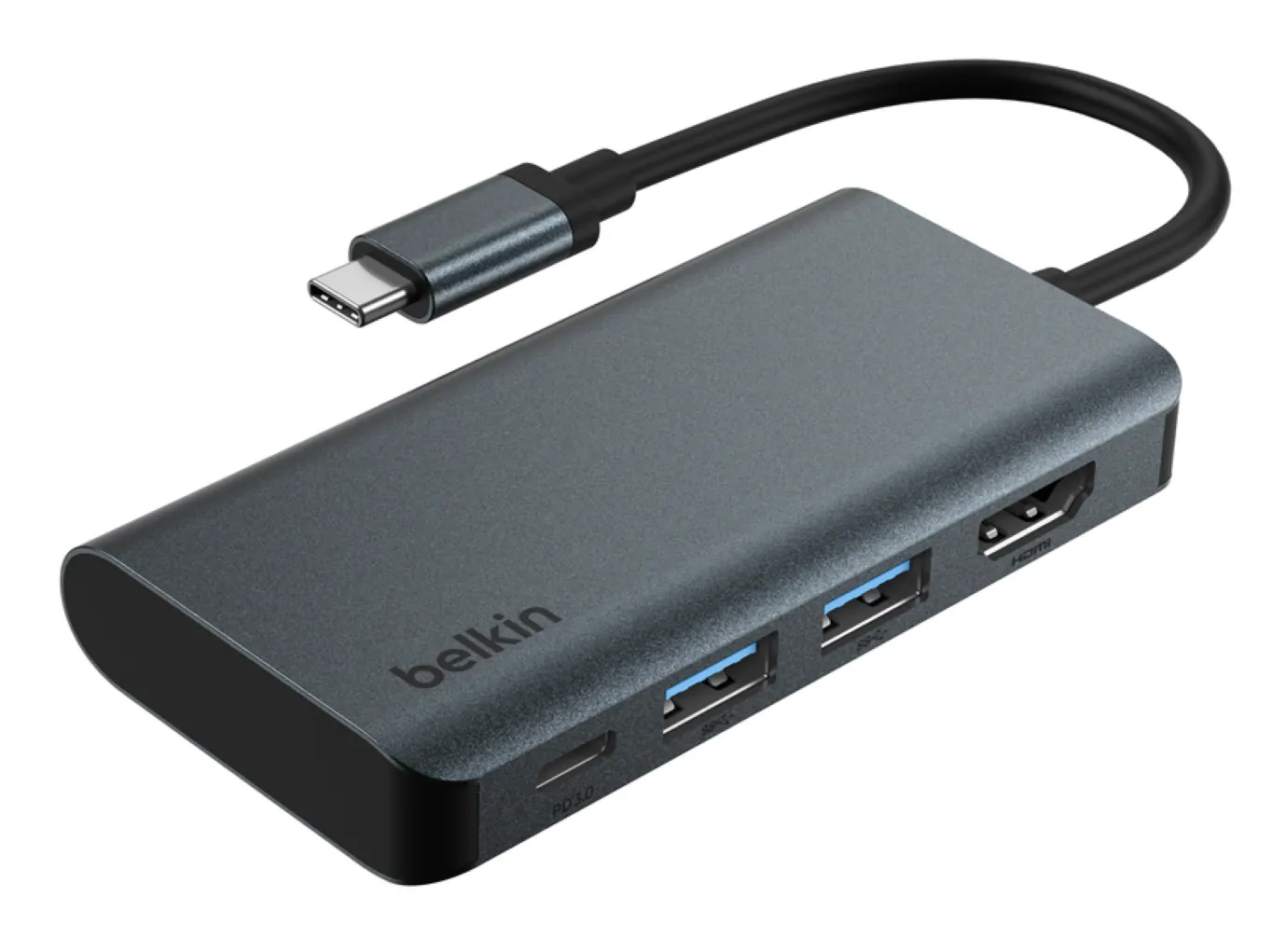 Cables and Adapters
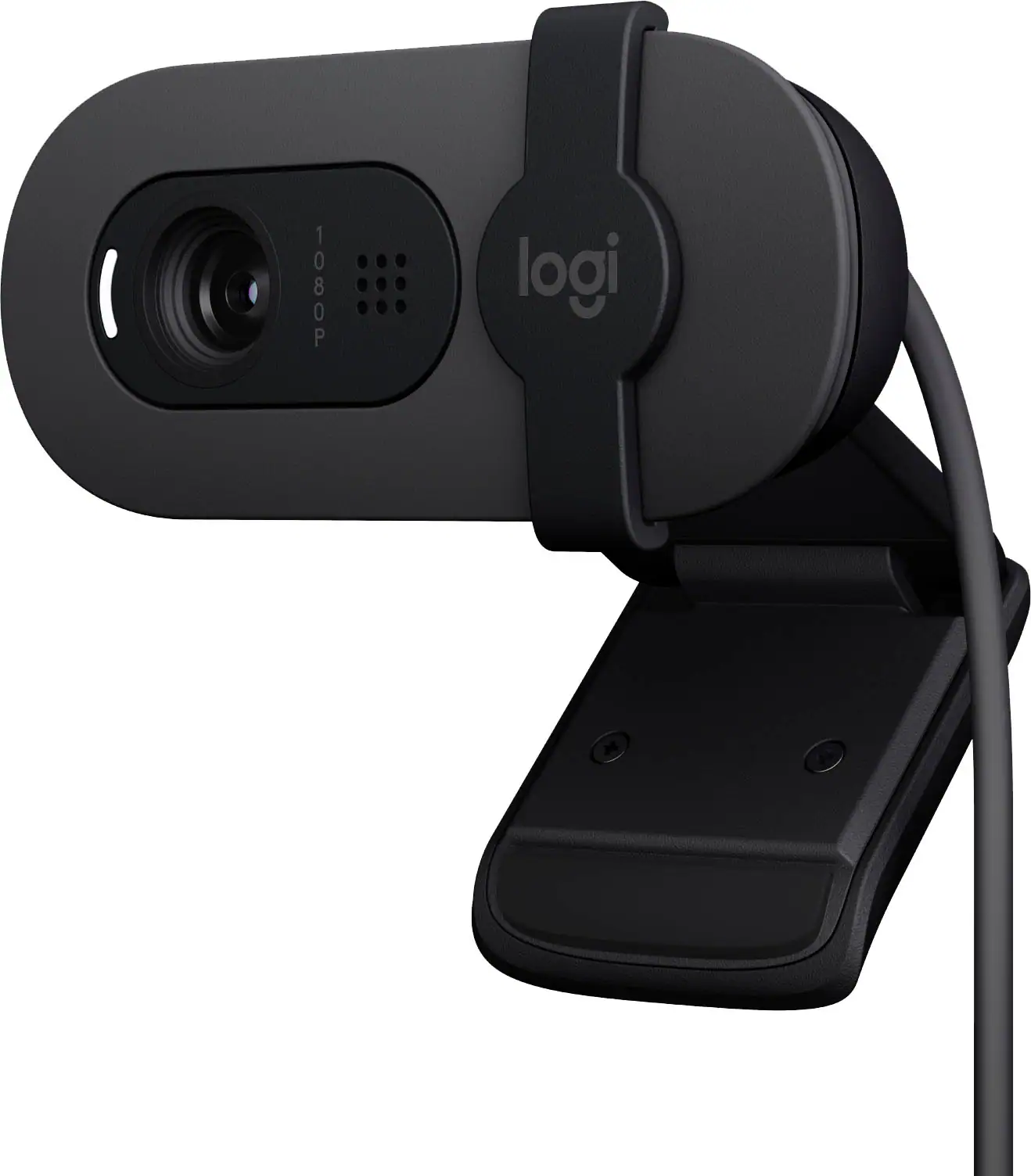 Web Cameras
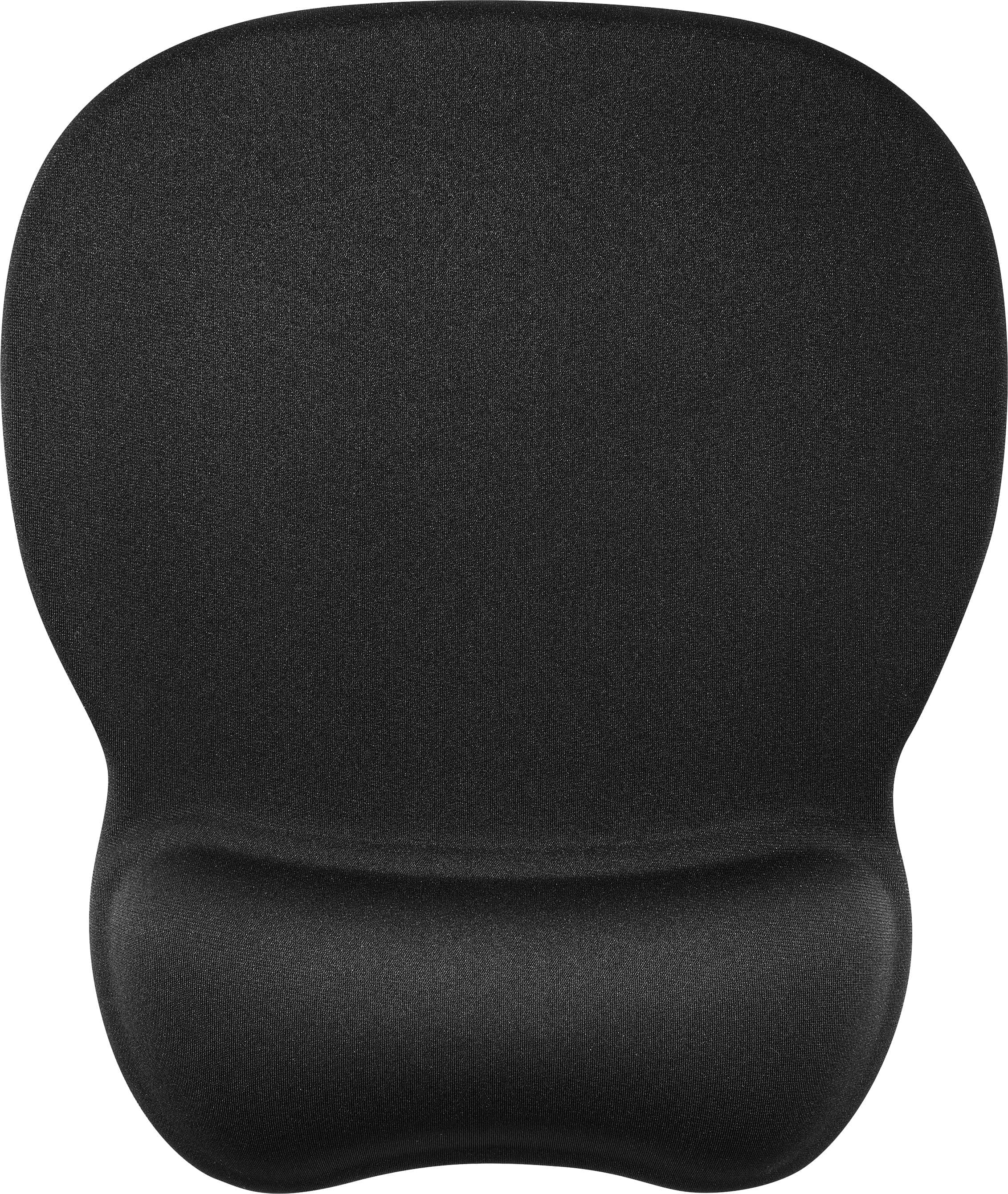 Mouse Pads
More to consider
 Top Deal$94.99The price was $149.99
 Our 365-day lowest price$79.99The price was $119.99
 Top Deal$149.99The price was $199.99
 $109.99The price was $179.99
 $139.99The price was $209.99
 Top Deal$199.99The price was $329.99
 $120.99The price was $129.99
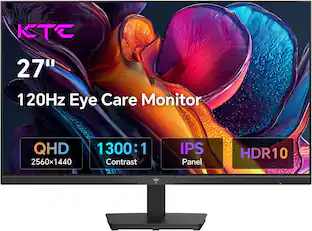
Explore tech essentials Sponsored
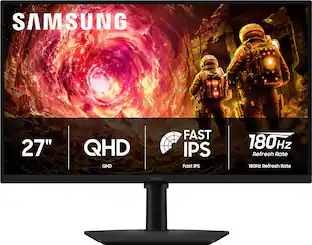 Top Deal$169.99The price was $279.99
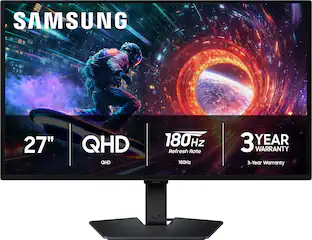 Top Deal$328.99The price was $499.99
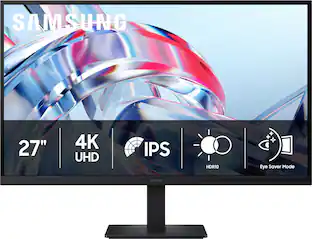 $199.99The price was $299.99

Discover related products








Keep exploring
 $426.46The price was $453.31
 $1,499.99The price was $2,101.91
 $824.99The price was $979.32