AVerMedia - Live Streamer CAM 313 1920 x 1080 Webcam
About this product
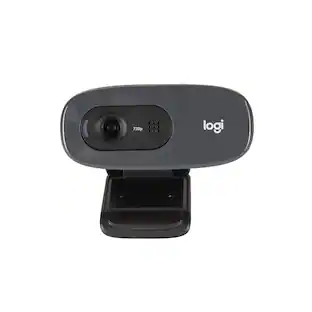
Share real-time video footage online with this AVerMedia Live Streamer CAM webcam. The Full HD resolution and two built-in microphones help you produce high-quality audiovisual content, making it ideal for vlogs and video conferencing, while the 360-degree swivel offers versatile shooting options. This AVerMedia Live Streamer CAM webcam features a privacy shutter to protect the lens and help you control what you show.
Features
RECentral 4 recording and streaming software
Offers Portrait Enhancement and other filters to make yourself look flawless on screen.
Swiveling, tripod-ready design
The 360° swivel makes calling and recording easier at any angle.
1/2.7" CMOS sensor
Ensures sharp images and captures detailed 2.0MP still photos.
High-definition video and photos
Enjoy crisp images with vivid color and detail.
Built-in dual microphones (mono)
Provide high-quality audio for clear video conferencing or calls to friends.
Works with USB 2.0
Enables fast, easy connectivity.
System requirements
Microsoft Windows 10/8.1/7 or macOS 10.6 and above, USB 2.0 port.
Up to 30 fps video frame rate
Provides smooth motion.
65° wide field of view
More than one person can join in the conversation.
Specifications
- Video ResolutionFull HD (1080p)
Reviews
Rating 4.4 out of 5 stars with 175 reviews
Customer Images
The vast majority of our reviews come from verified purchases. Reviews from customers may include My Best Buy members, employees, and Tech Insider Network members (as tagged). Select reviewers may receive discounted products, promotional considerations or entries into drawings for honest, helpful reviews.
Compare similar products
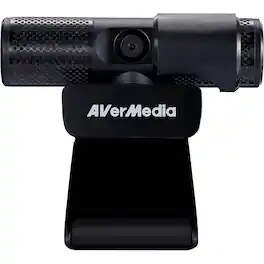
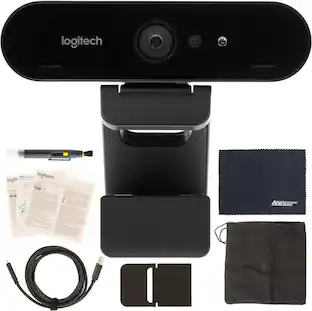
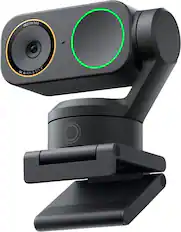
Share real-time video footage online with this AVerMedia Live Streamer CAM webcam. The Full HD resolution and two built-in microphones help you produce high-quality audiovisual content, making it ideal for vlogs and video conferencing, while the 360-degree swivel offers versatile shooting options. This AVerMedia Live Streamer CAM webcam features a privacy shutter to protect the lens and help you control what you show.

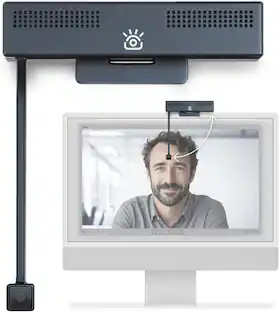
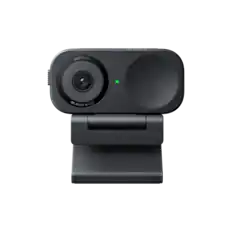
The USB HD Webcam with 360° rotation delivers Full HD 1080p resolution for clear and detailed images. It’s perfect for everyday use, featuring a high-fidelity microphone to reduce external noise, and enhanced light sensitivity that adjusts automatically to suit different lighting conditions. In addition, it has an 80° field of view and can be swiveled a full 360° for maximum flexibility. This USB HD Webcam is plug-and-play, and works with popular applications like Zoom, Skype, Microsoft Teams and Google Meet. The webcam is compatible with Windows, macOS, Chrome OS, making it the perfect camera for at home or in the office.
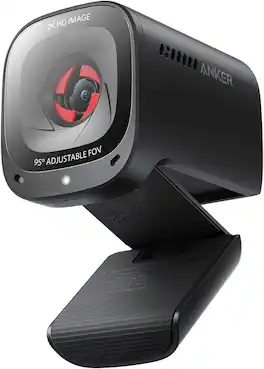
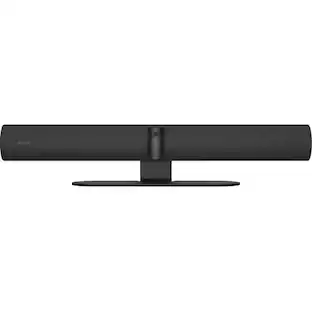
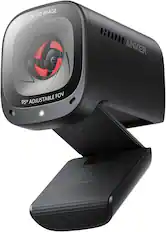
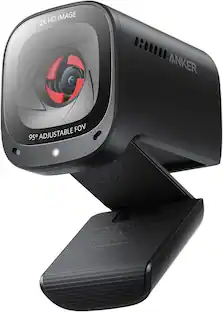
The Anker PowerConf C200 is a premium 2K webcam designed to deliver professional-grade clarity and convenience for your virtual meetings, online classes, and streaming sessions. Whether you're working from home, collaborating with a remote team, or connecting with friends, this webcam ensures you look and sound your best, every time.
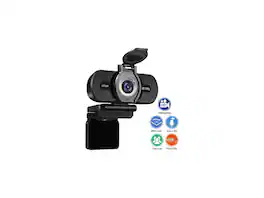
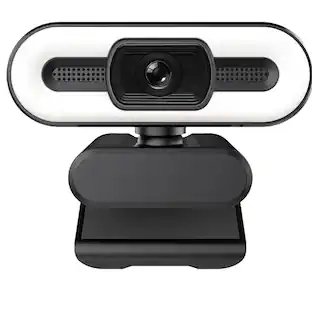
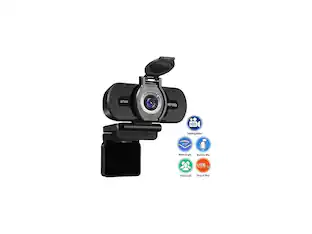
Letova 1080P Webcam with Microphone & Privacy Cover, Web Cam USB Camera, Computer HD Streaming Webcam for PC dual mic
| Pros for AVerMedia - Live Streamer CAM 313 1920 x 1080 Webcam | |||
|---|---|---|---|
| There were no pros for this product— | Overall Performance, Ease of Use, Setup, Rotation | There were no pros for this product— | There were no pros for this product— |
| Cons for AVerMedia - Live Streamer CAM 313 1920 x 1080 Webcam | |||
| There were no cons for this product— | Connectivity, Field of View, Cable Length, Mounting | There were no cons for this product— | There were no cons for this product— |
Specs
More to consider


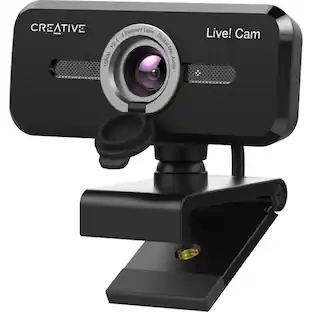
Explore tech essentials Sponsored
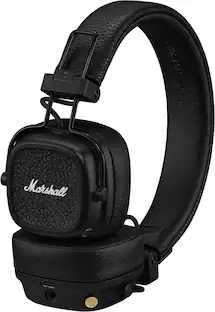 Techtober Deal$89.99The price was $129.99
Discover related products
 $249.00The price was $275.00
 Techtober Deal$10.99The price was $13.99













Keep exploring
 $26.10The price was $27.18