Budget Monitors For Home Offices
Budget monitors for home offices make it easy to create a productive workspace without stretching your finances. Whether you’re tackling daily tasks, joining virtual meetings, or managing projects from home, these affordable options help you stay organized and efficient. Explore a variety of screen sizes and styles designed to fit your space and support your workflow. Find the perfect budget monitor for your home office and enjoy reliable performance at an exceptional value.
Read More-
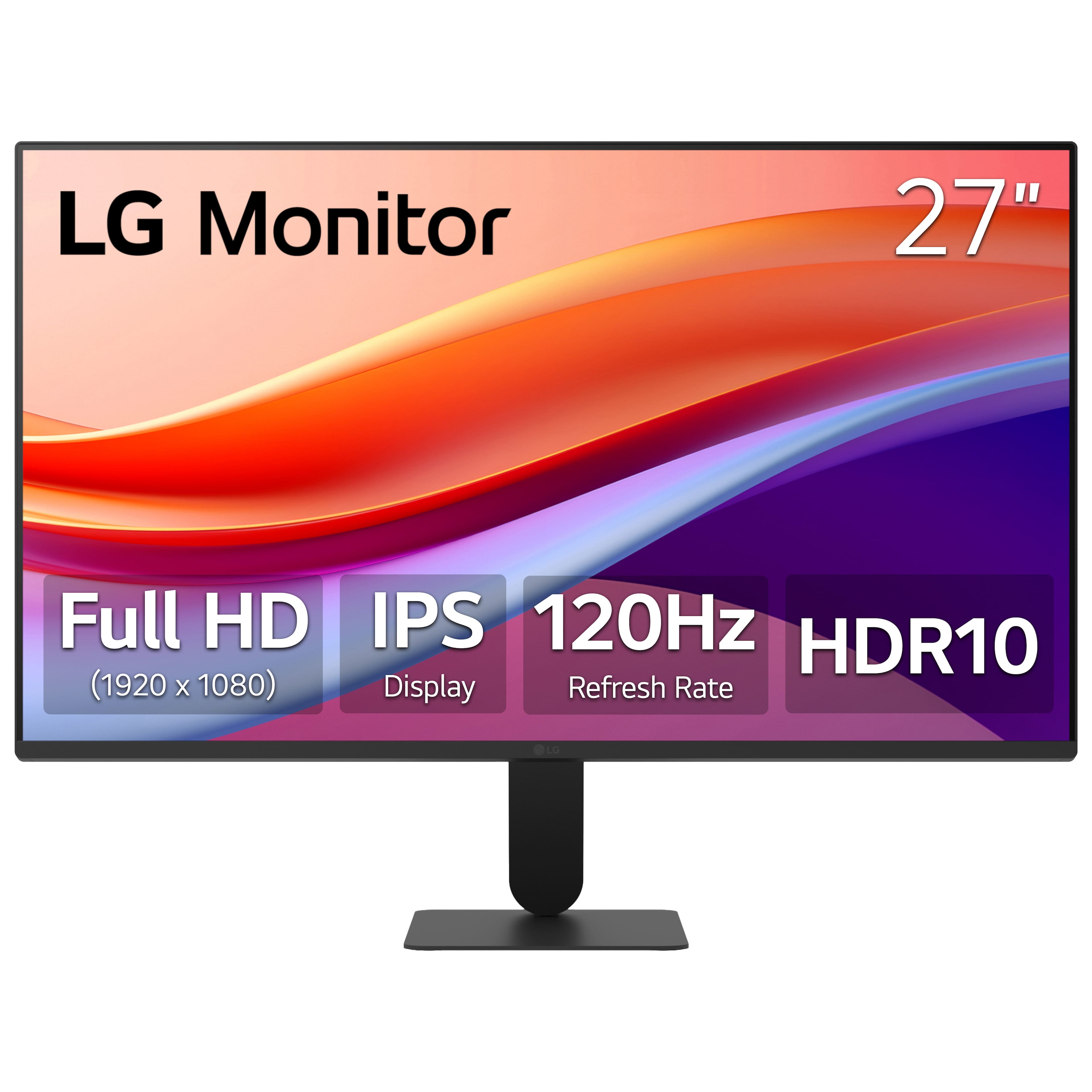
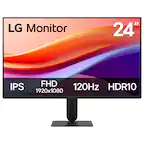
LG - 27" IPS FHD 120Hz Monitor with HDR10 (HDMI) - Black
SKU: JJ8VPZKPZ6Great value...Great value great price great product thank team best buy...Great monitor for gaming and Best Buy helped me pick the rite one
See all All MonitorsProduct Description
A black IPS monitor with 120Hz refresh rate, HDR10 support, and ultra-slim bezels for vibrant visuals.$109.99 Your price for this item is $109.99Save $140Was $249.99The previous price was $249.99 -
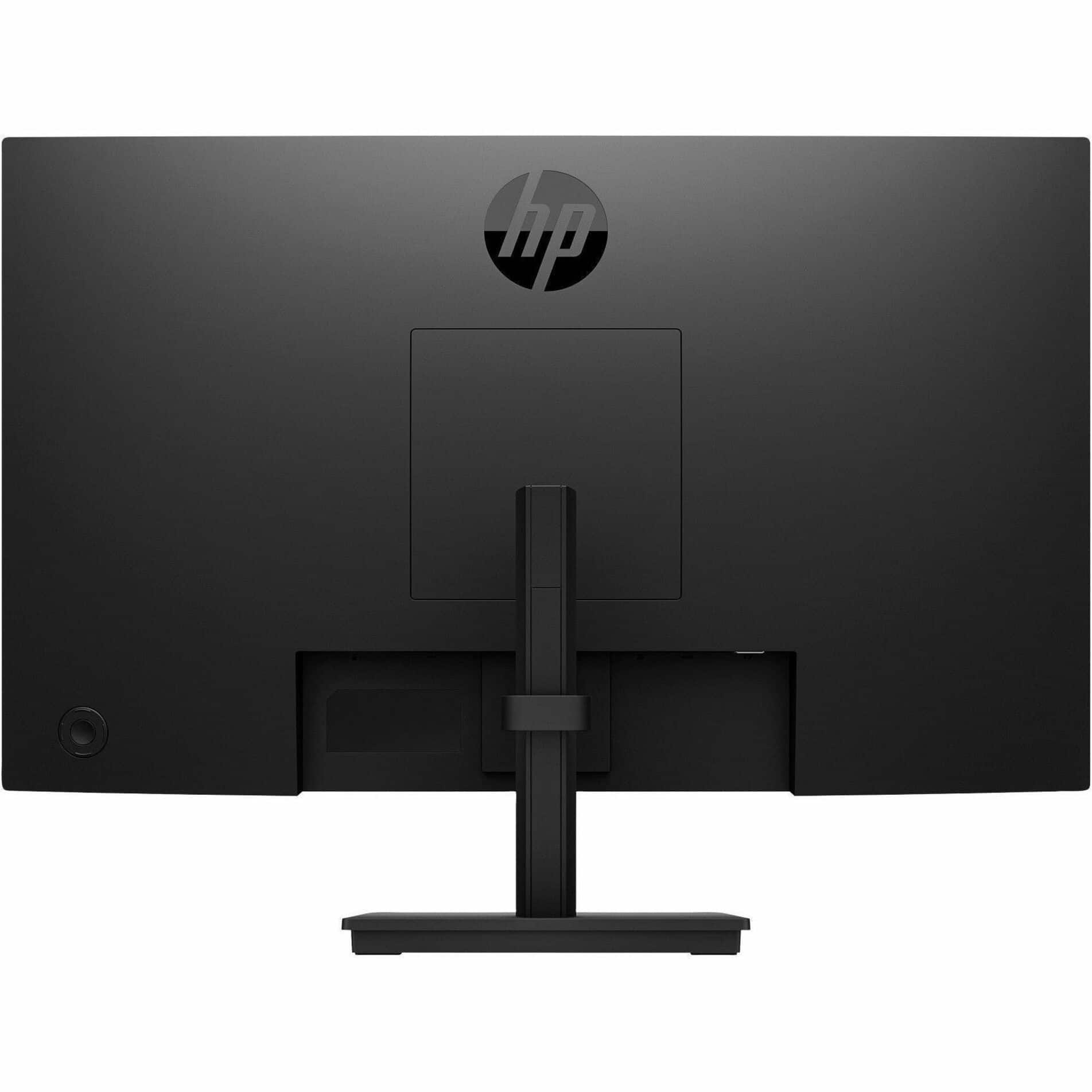
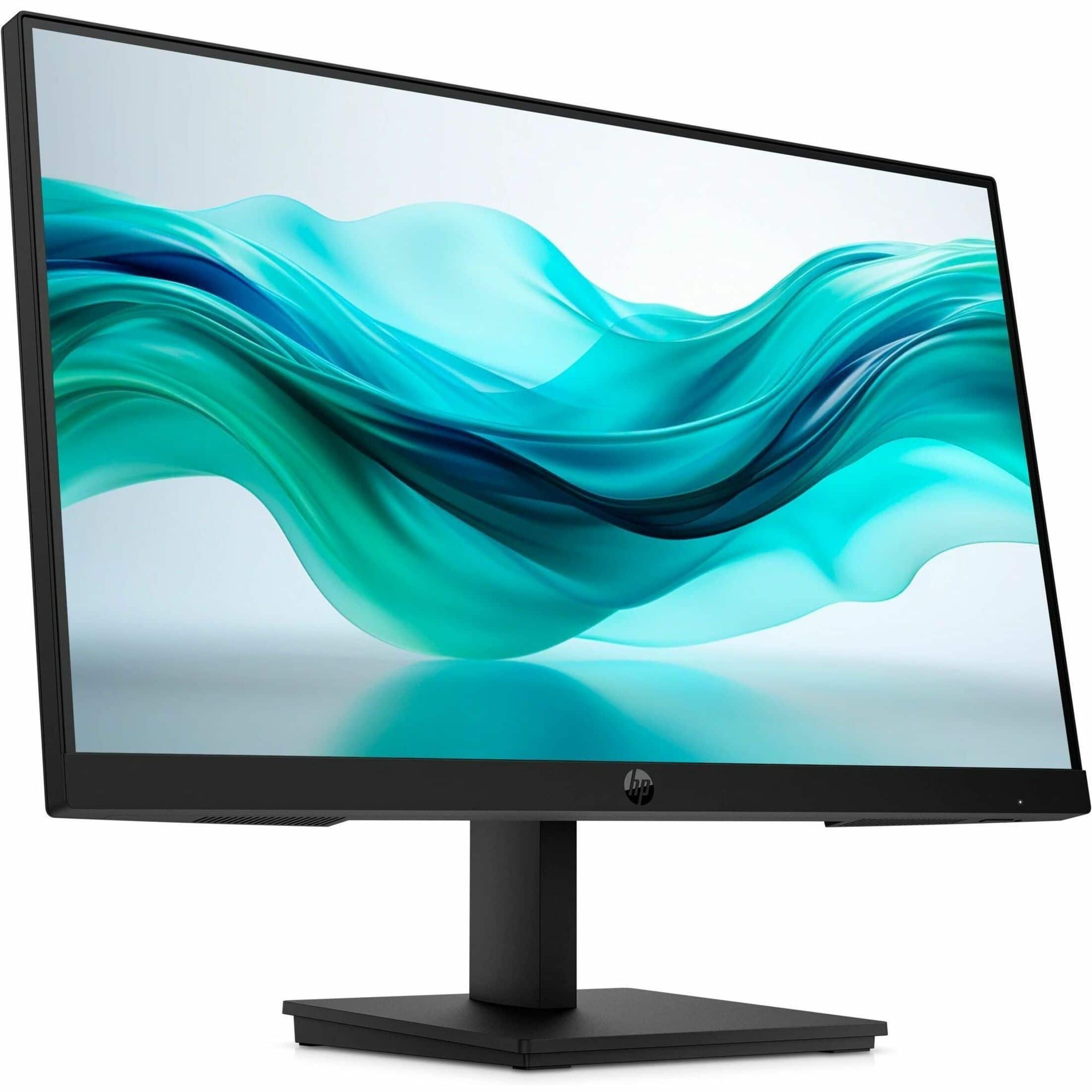
HP - 23.8-inch IPS LCD FHD 100Hz Monitor (VGA, HDMI) - Black
SKU: JJGRYVK85XHP makes great computer equipmentand always pleased with their products....So far it has been a great choice.
See all All MonitorsProduct Description
A sleek black IPS LCD monitor with FHD resolution, 100Hz refresh rate, adjustable stand, and built-in speakers.$109.99 Your price for this item is $109.99 -
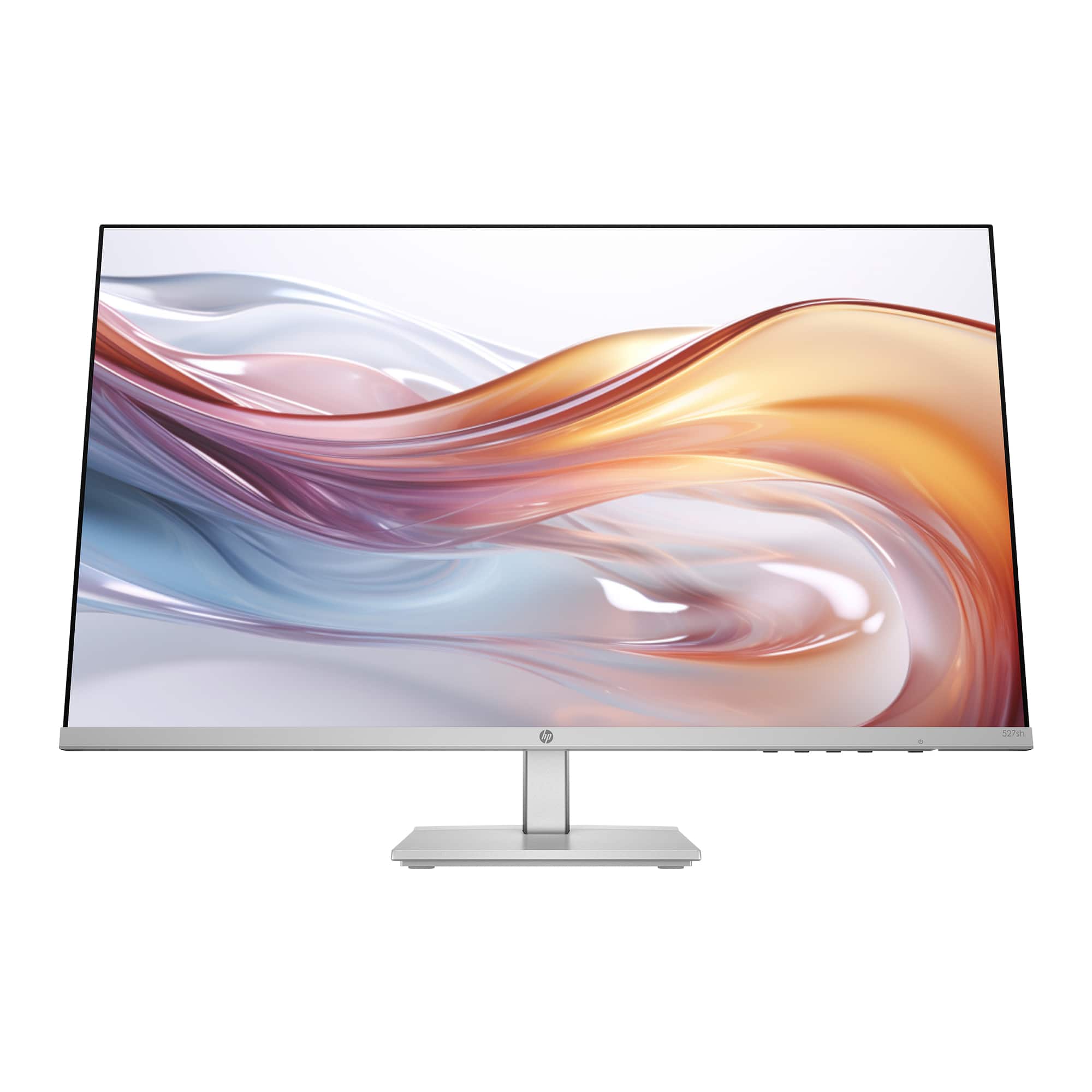
HP - 27" IPS LED FHD 100Hz Monitor with Adjustable Height (HDMI, VGA) - Silver & Black
SKU: JJGLF5GC29Monitor -Best purchase...I love it! The size is great and the clarity is excellent....Great Monitor...Great monitor. l love that it can adjust up and down that it can tilt....Best for gaming and for work!...
See all All MonitorsProduct Description
A sleek silver and black IPS LED monitor with FHD resolution, 100Hz refresh rate, and adjustable height.$149.99 Your price for this item is $149.99Save $80Was $229.99The previous price was $229.99 -
ViewSonic - VA3209M 32" IPS LED FHD Monitor (HDMI, VGA) - Black
SKU: J37H88VS9PSee all All MonitorsProduct Description
A black IPS LED monitor with 32" FHD display, HDMI and VGA ports, and integrated speakers.$149.99 Your price for this item is $149.99Save $23Was $173.65The previous price was $173.65 -
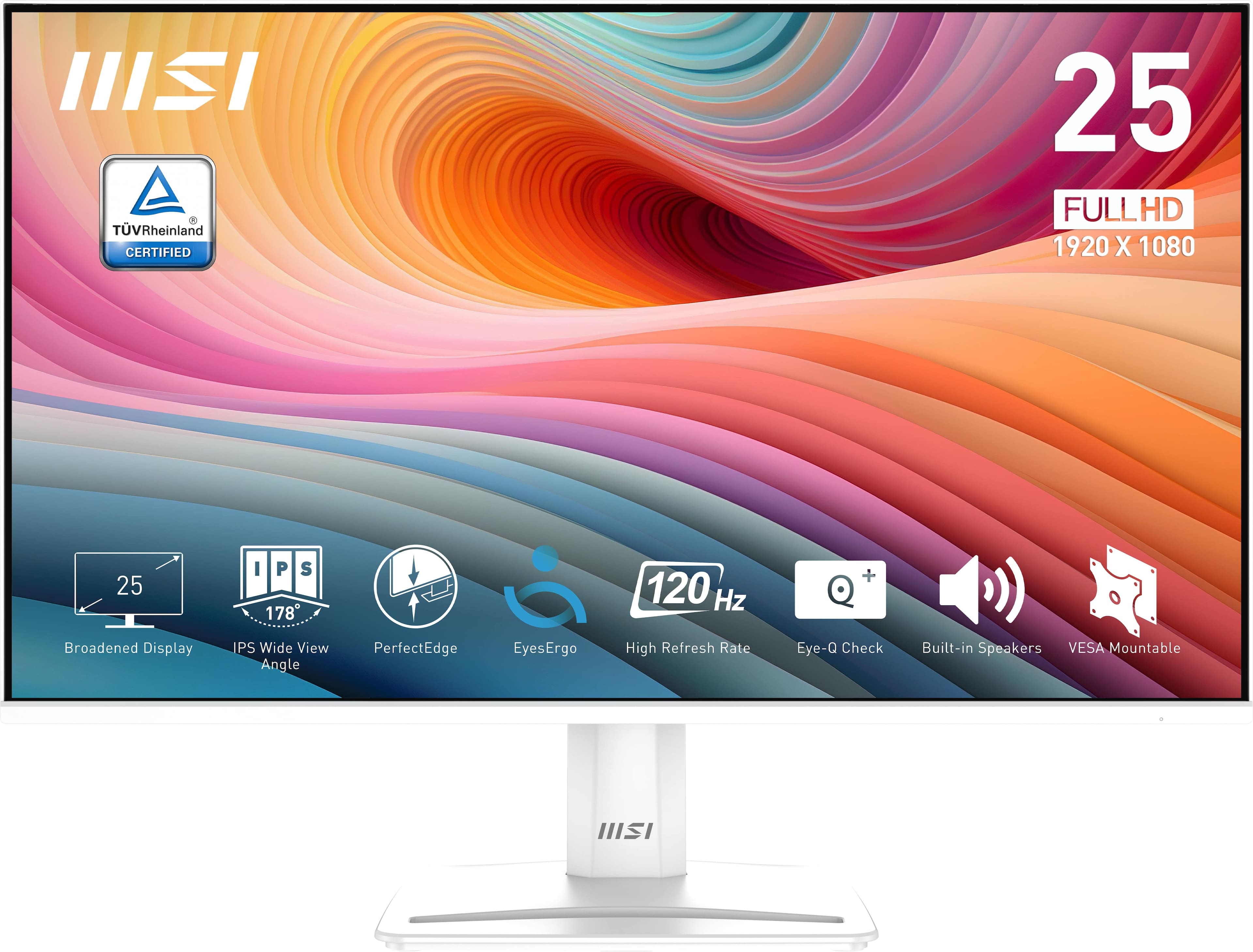
MSI - PRO MP251W E2 24" FHD 120Hz 1ms Adaptive Sync Monitor with Built-in Speakers (DisplayPort, HDMI) - Matte White
SKU: J3P7TX6XYKI love the built in speakers and the 120 hz refresh rate....Its great for gaming or just simple streaming!...One of the best monitors for the price range...Best Buy delivery was excellent....Great Monitor...
See all All MonitorsProduct Description
A matte white IPS monitor with 120Hz refresh rate, 1ms response, Adaptive Sync, and built-in speakers.$119.99 Your price for this item is $119.99 -
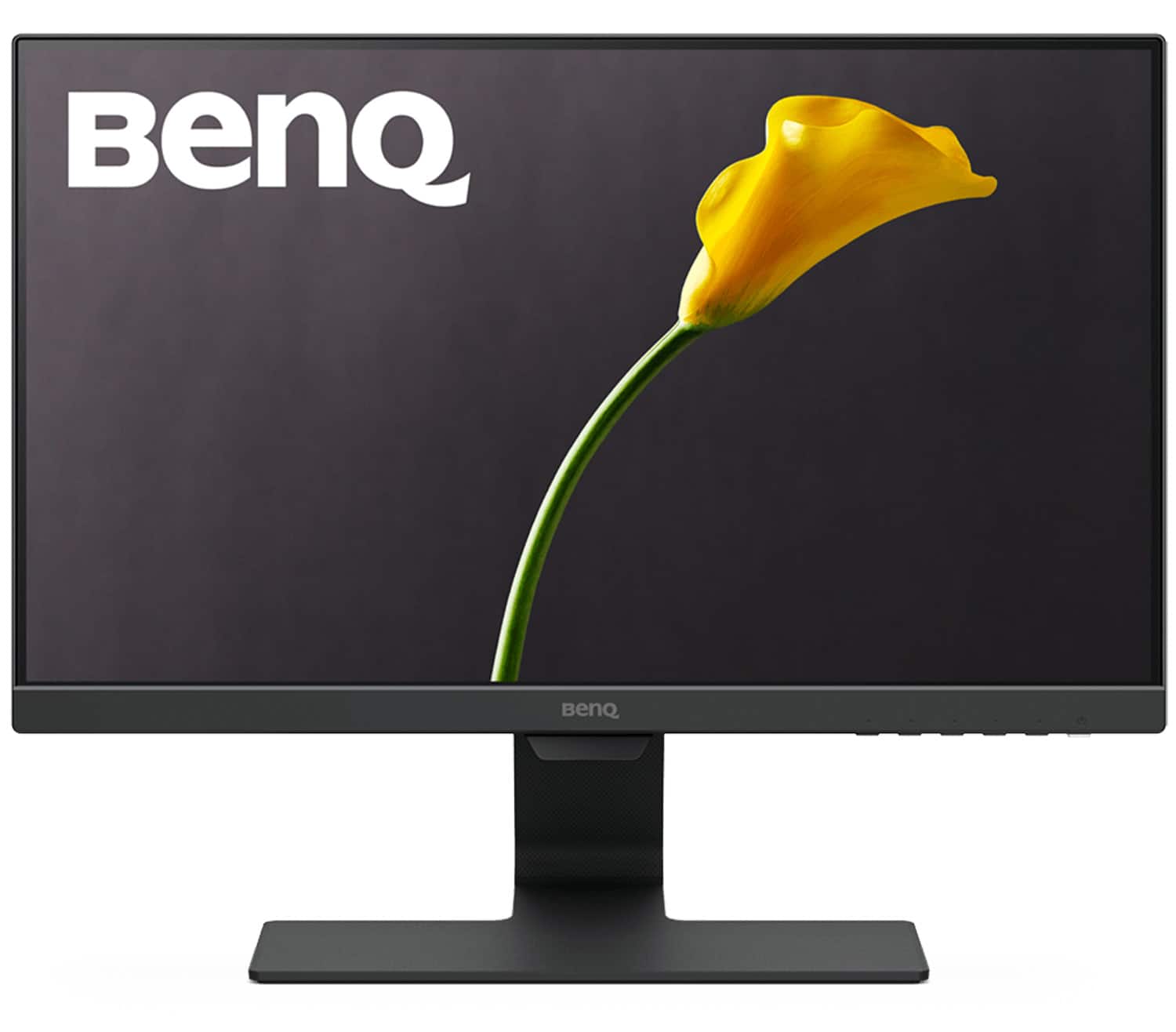
BenQ - GW2283 22" IPS LED 1080p 60Hz Monitor Optimized for Home & Office with Adaptive Brightness Technology (VGA/HDMI) - Black
SKU: J39QZT43Y2Great product for work. Videos are okay. It has sound. Not great great sound but it's there.
See all All MonitorsProduct Description
A black IPS LED monitor with 1080p resolution, adaptive brightness, and Eye-Care technology for comfortable viewing.$94.99 Your price for this item is $94.99Save $15Was $109.99The previous price was $109.99 -
HP - 21.5" IPS LCD FHD 100Hz Monitor (VGA, HDMI) - Black
SKU: JJGS9W5ZVFGreat monitor for my multimonitor workspace...Great, reliable monitor with perfect color and clarity.
See all All MonitorsProduct Description
A sleek black IPS monitor with FHD resolution, 100Hz refresh rate, and low-blue light eye comfort.$99.99 Your price for this item is $99.99 -
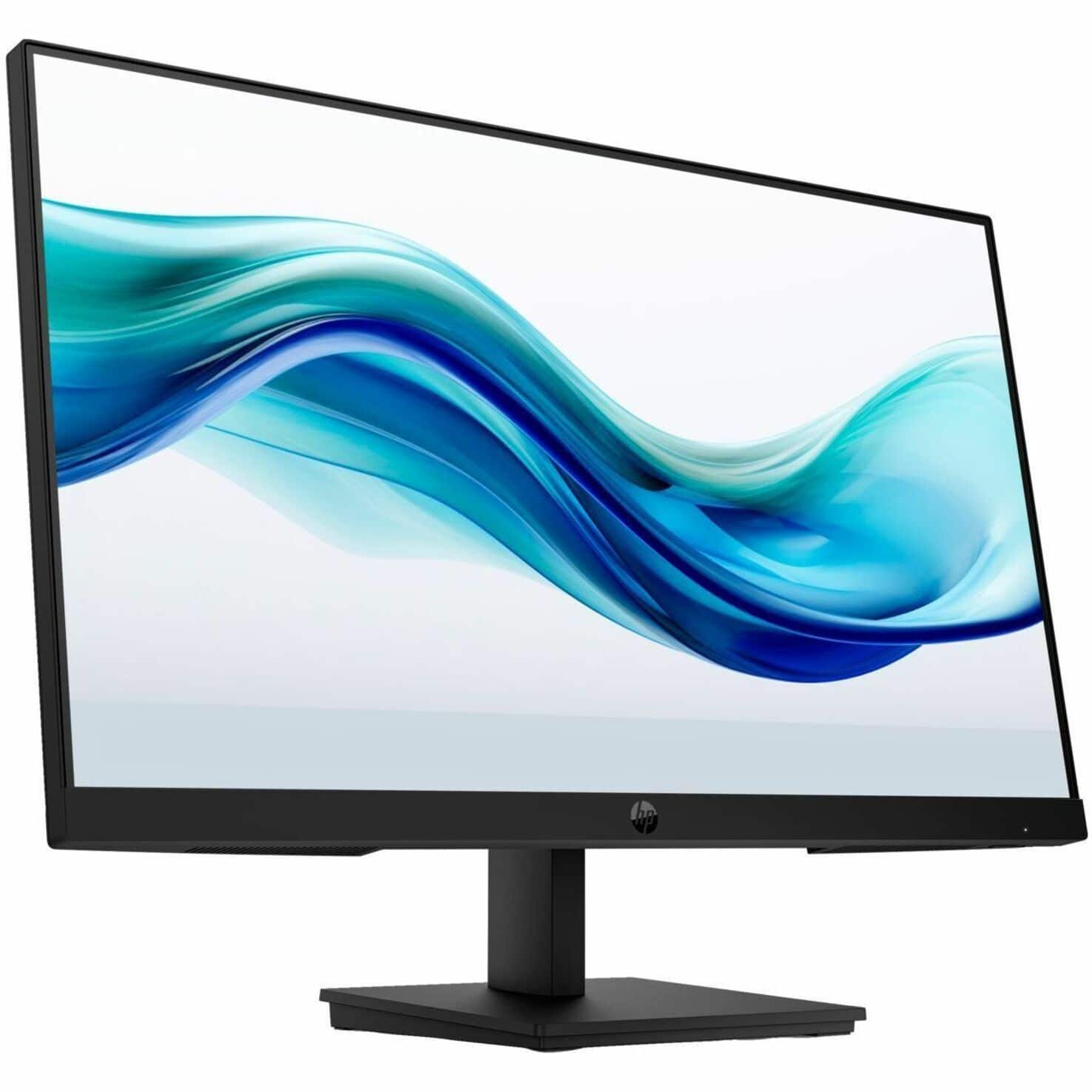
HP - 23.8" IPS LCD FHD 100Hz Monitor (VGA, HDMI) - Black
SKU: JJGS9W5W5KOverall, it's an excellent value for the price and delivers great performance for everyday productivity
See all All MonitorsProduct Description
A sleek black IPS LCD monitor with FHD resolution, 100Hz refresh rate, and low-blue light technology.$95.99 Your price for this item is $95.99Save $14Was $109.99The previous price was $109.99 -
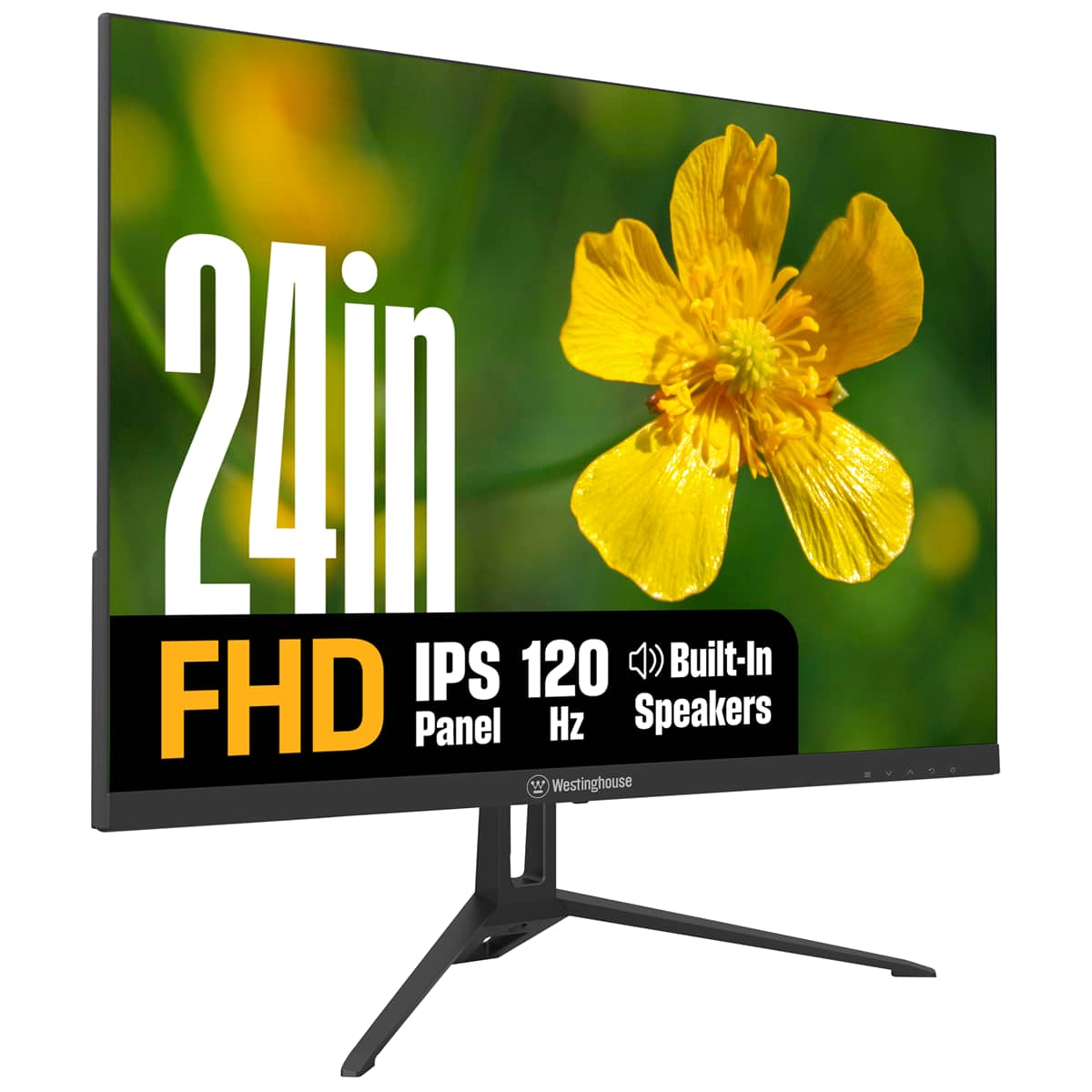
Westinghouse - 24" home office monitor - Black
SKU: J3LL89CRCCSee all All MonitorsProduct Description
A black IPS monitor with 1080p resolution, 120Hz refresh rate, built-in speakers, and eye comfort features.$99.99 Your price for this item is $99.99Save $20Was $119.99The previous price was $119.99 -
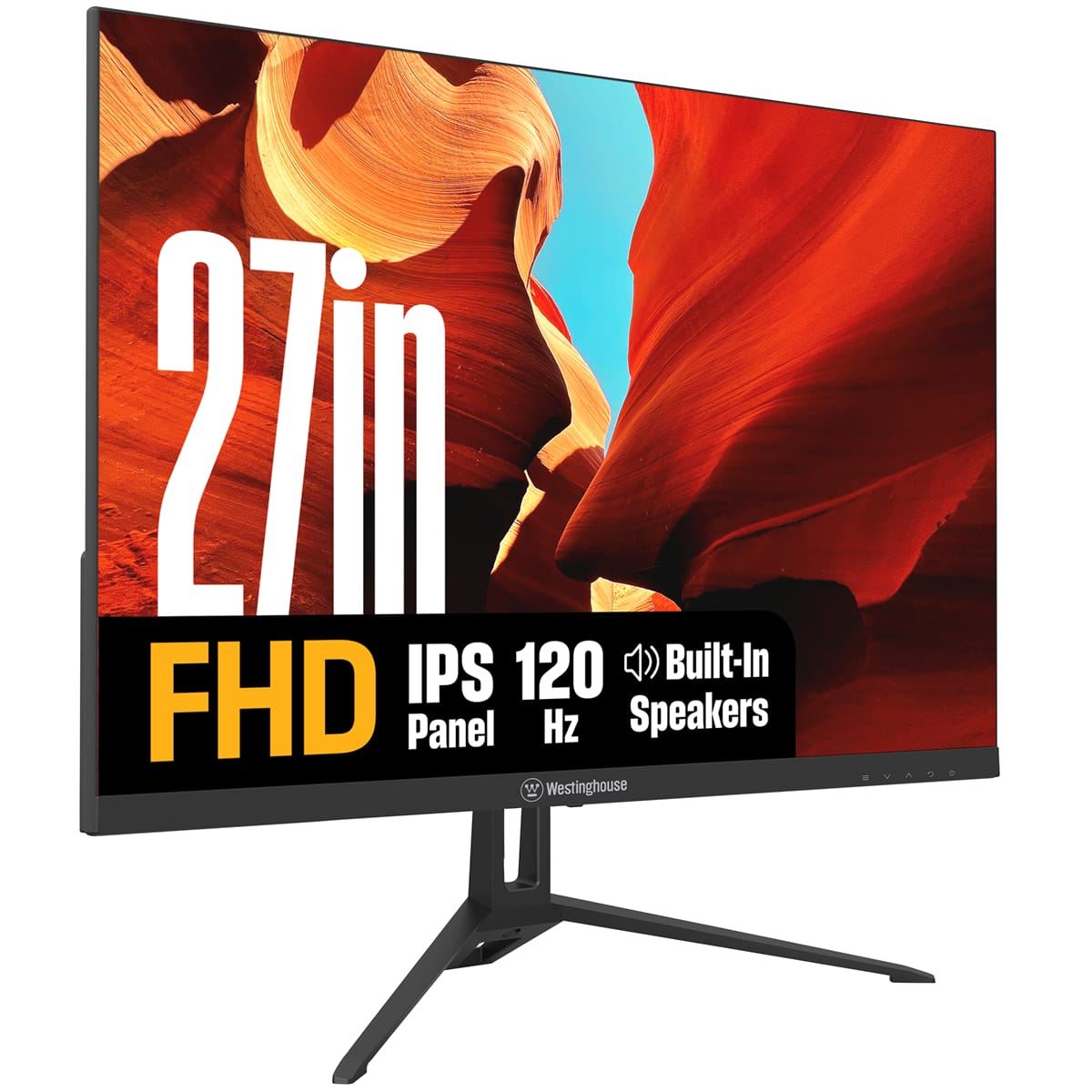
Westinghouse - 27" home office monitor - Black
SKU: J3LL89CRCYSee all All MonitorsProduct Description
A black IPS monitor with 1080p resolution, 120Hz refresh rate, built-in speakers, and Adaptive Sync technology.$119.99 Your price for this item is $119.99Save $20Was $139.99The previous price was $139.99
Budget monitors for home offices make it easier to create a comfortable, capable workspace without using a large portion of your technology budget. Whether you work remotely, attend virtual classes, manage household finances or simply want a larger screen for everyday computing, a dedicated monitor can add clarity and breathing room to a laptop-centered setup. A separate display is especially useful when comparing documents, keeping email open beside a video meeting or viewing a spreadsheet while entering information into another application. Screen size is one of the first considerations: compact displays around 22 to 24 inches can fit neatly on smaller desks, kitchen counters and shared work areas, while 27-inch monitors provide more room for multitasking and detailed projects. Resolution matters as well. Full HD is a practical choice for email, web browsing, word processing, schoolwork and general office applications, while higher resolutions can make fine text and images appear more detailed on larger screens. When choosing among affordable options, consider how the monitor will fit into the rest of the workspace rather than focusing only on the lowest price. A display that suits the desk, computer and daily routine can remain useful long after a short-term project or seasonal change in work habits has passed. For a broad selection of affordable displays, explore Budget Computer Monitor options in a range of sizes, features and connection types.
Panel technology can influence how a budget monitor looks and feels throughout the day. IPS panels are often valued for consistent color and wide viewing angles, which can be helpful when more than one person is looking at the screen or when the display sits off-center on a desk. VA panels can offer strong contrast and deeper-looking blacks, making them a sensible choice for workspaces with softer lighting or for people who use one display for both office tasks and entertainment. A standard 60Hz refresh rate is generally suitable for documents, calendars, online research and video calls, while displays with refresh rates around 100Hz or higher can make scrolling, window movement and cursor motion look smoother. Higher refresh rates are not essential for every home office, but they may be appreciated by anyone who moves frequently between long web pages, large spreadsheets or creative applications. Brightness, matte screen treatment and low-blue-light or flicker-reduction features can also contribute to a more pleasant viewing experience during extended work sessions. Consider the connections available on the monitor and computer, including HDMI, DisplayPort, USB and USB-C. USB-C can be particularly convenient for compatible laptops because one cable may carry video, though charging and other functions depend on the monitor and computer. Built-in speakers, a headphone connection or a simple audio output can help reduce desktop clutter, while a USB hub may make it easier to connect a keyboard, mouse, webcam or other accessories. Checking connection compatibility before buying helps avoid the need for extra adapters and keeps a clean, dependable setup as routines move between warmer and cooler seasons.
Ergonomics are just as important as image quality when a monitor will be part of a home office every day. An adjustable stand that supports height, tilt or swivel can help position the top of the screen near eye level, reducing the tendency to bend the neck forward during long stretches of typing. VESA mounting compatibility provides another way to tailor the display, whether it is attached to an arm, placed on a riser or arranged beside a second monitor. Leave enough distance between your eyes and the screen for comfortable viewing, and place the display where windows and lamps are less likely to create distracting reflections. A budget monitor can also be a thoughtful gift for a student setting up a study corner, a family member transitioning to remote work or a freelancer who needs additional room for design files, invoices and communication tools. It can serve as a practical addition to a dorm room, guest room or shared household office, particularly when the recipient already owns a laptop but lacks a comfortable full-size workspace. During the cooler months, when more time may be spent indoors, a well-positioned monitor can make reading, planning, learning and staying connected feel less cramped. Look for a balance of screen size, panel type, refresh rate, ergonomics and ports that matches the recipient’s computer and habits. With the right fit, an affordable display can support focused work in the morning, online classes in the afternoon and entertainment after the workday without demanding a premium setup or taking over the room.
Best Sellers
Related Pages
FAQ
When choosing a budget monitor for your home office, consider features like screen resolution (Full HD is common), panel type (IPS panels offer better color accuracy and viewing angles), connectivity options (HDMI, VGA, or DisplayPort), and adjustable stands for ergonomic comfort.
Yes, many budget monitors provide ample screen space and clear visuals that are ideal for everyday multitasking, document editing, web browsing, and video conferencing. Look for models with thin bezels if you plan to use multiple monitors side by side.
Many affordable monitors include eye comfort technologies such as blue light filters and flicker-free screens to help reduce eye strain during long work sessions.
Most budget monitors offer versatile connectivity options like HDMI, VGA, or DisplayPort, making them compatible with a wide range of laptops and desktop computers. Always check the available ports on your devices before purchasing.
Yes, several budget monitors are designed with energy efficiency in mind. Look for models with ENERGY STAR certification or eco-friendly modes that help reduce power consumption during use.