Best Affordable Monitors For Work
-
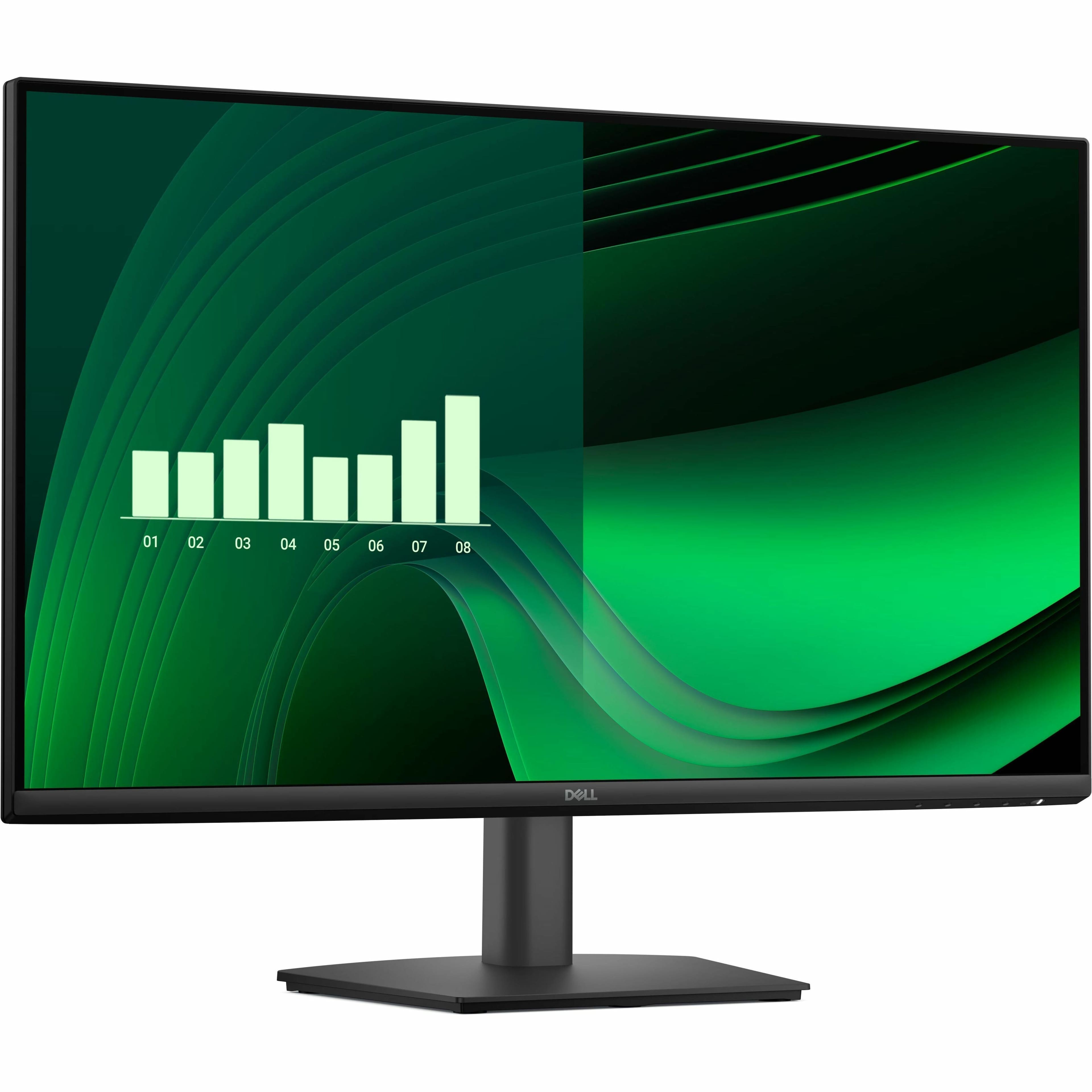
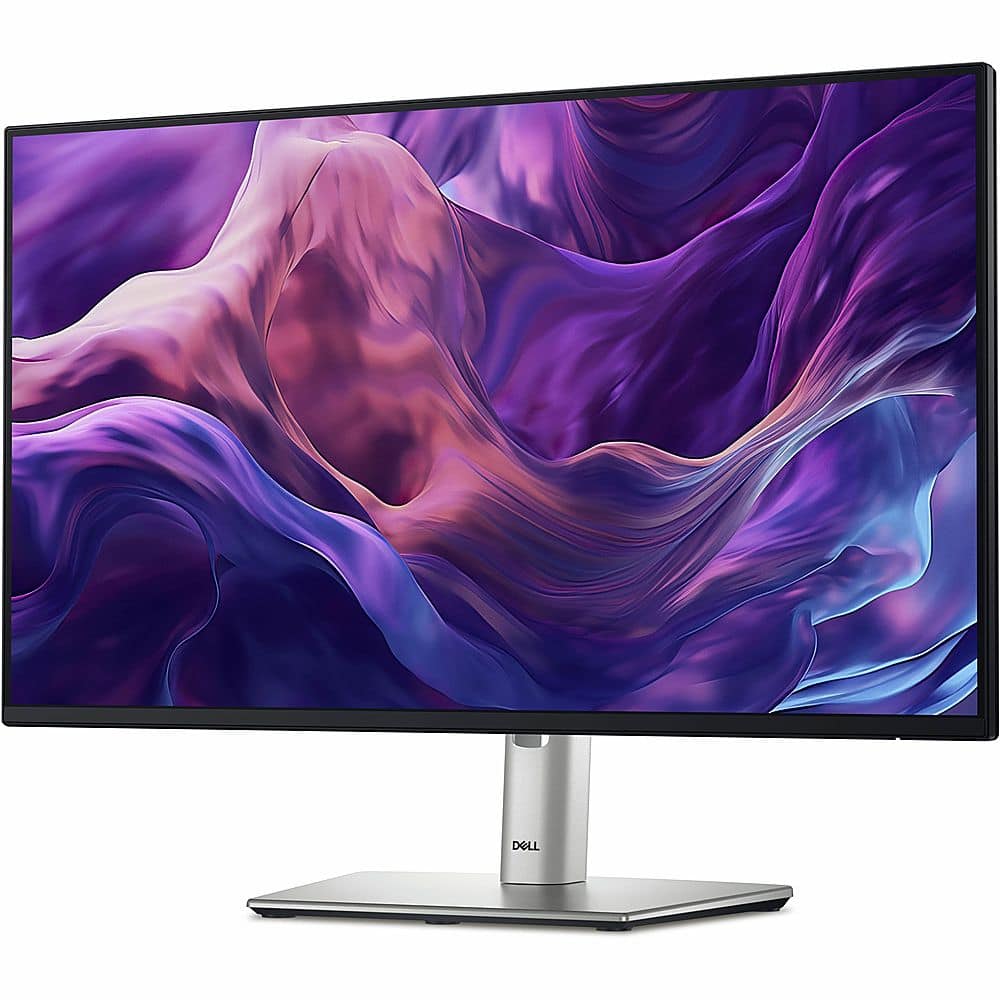
Dell - Pro 27" IPS LED FHD 100Hz Monitor (VGA, HDMI) - Black
SKU: J3K4L63XFZI usually get the S Series as they have the best warranty, but this is great for someone that doesn't...Great buy. Fits more compact in my cramped desk space but screen still feels like it’s larger.......
See all All MonitorsProduct Description
A black IPS LED monitor with 100Hz refresh rate, ultra-thin bezel, and wide 178° viewing angles.Your price for this item is $139.99 -
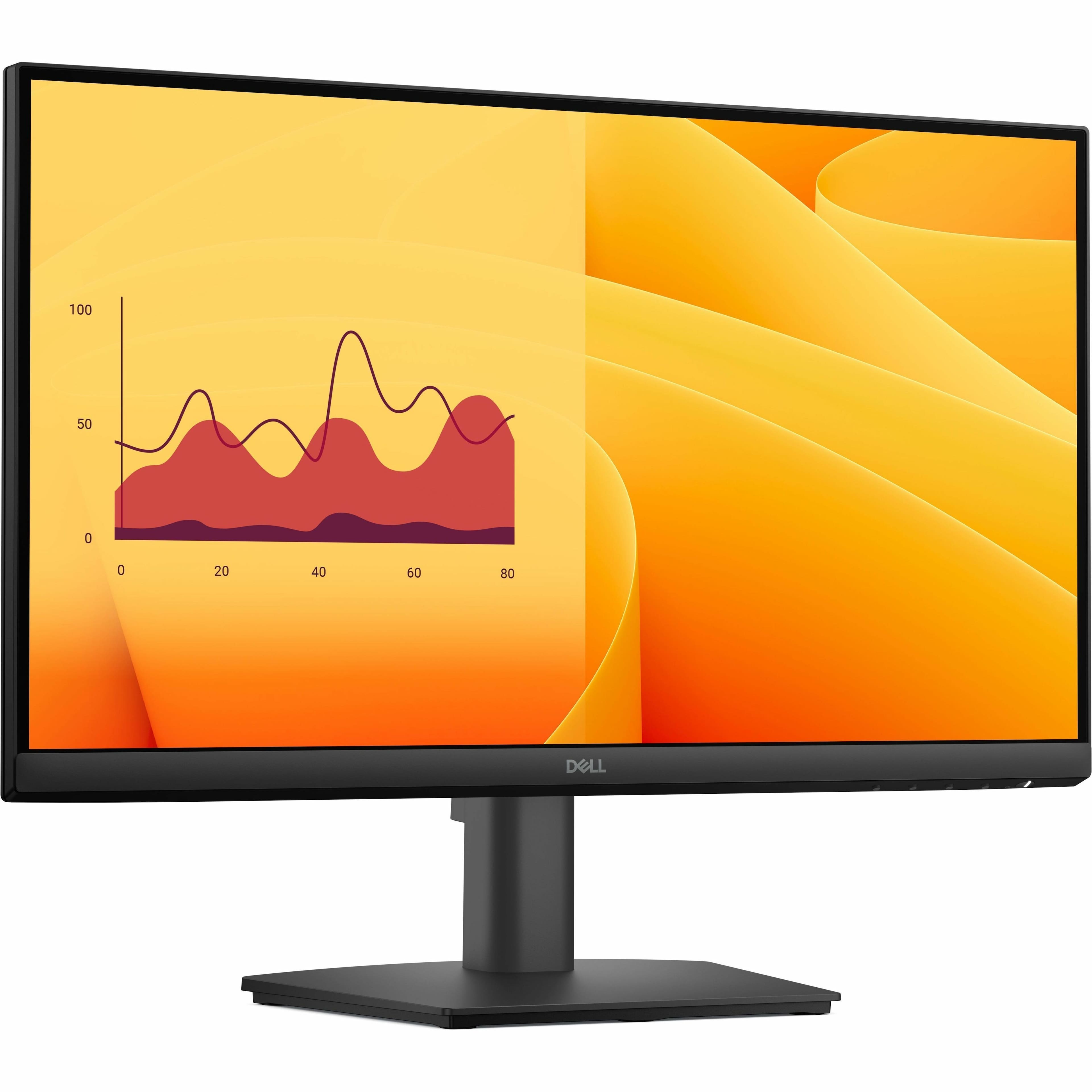
Dell - Pro 21.5" VA LED FHD 100Hz Monitor (VGA, HDMI) - Black
SKU: J3K4L63X57The young man did a great job setting it up in my office. He was very helpful
See all All MonitorsProduct Description
A black VA LED monitor featuring Full HD resolution, 100Hz refresh rate, and ultra-thin bezel design.Your price for this item is $102.99 -
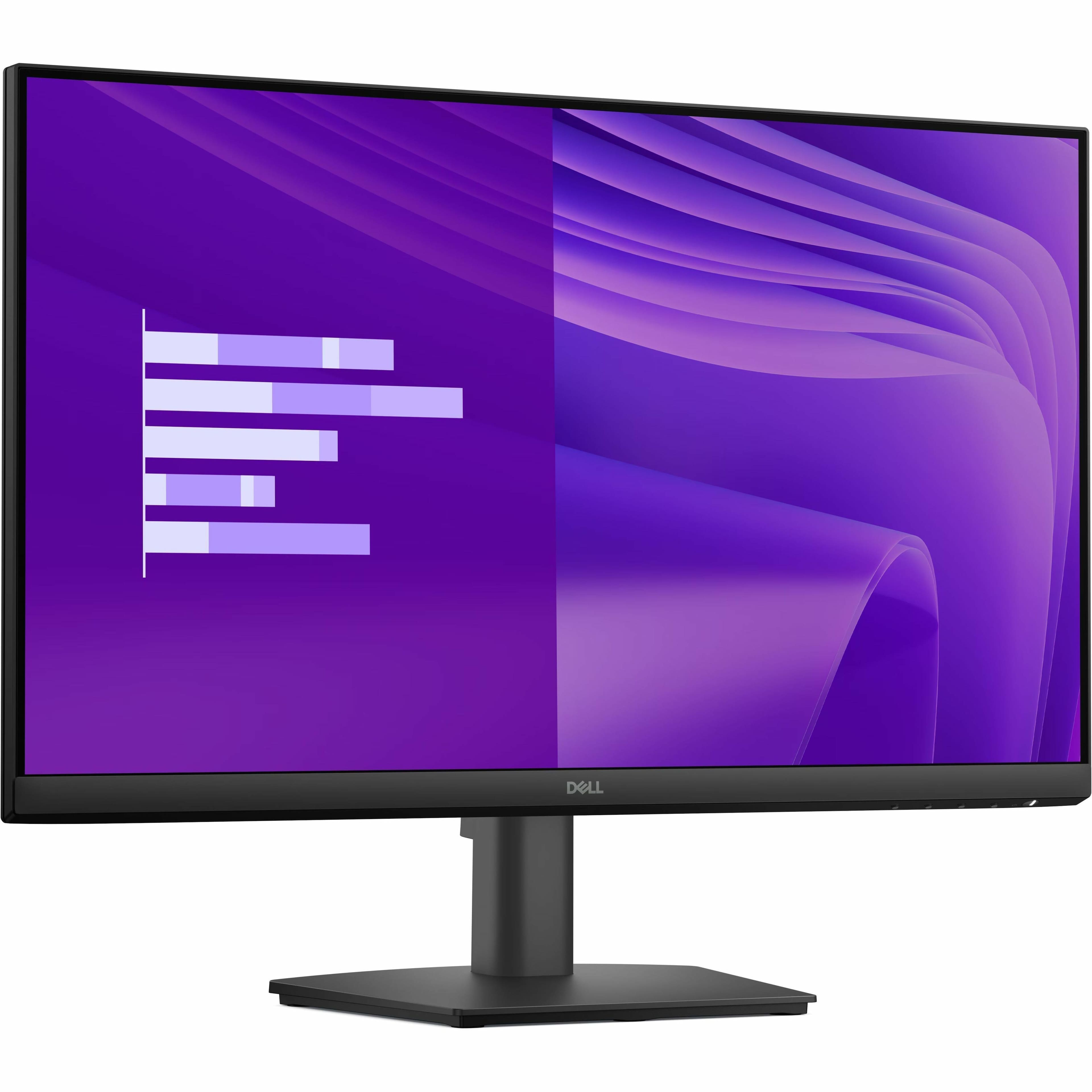
Dell - Pro 23.8" IPS LED FHD 100Hz Monitor (VGA, HDMI) - Black
SKU: J3K4L63X5VSee all All MonitorsProduct Description
A black IPS LED monitor offering Full HD resolution, 100Hz refresh rate, and wide 178° viewing angles.Your price for this item is $109.99 -
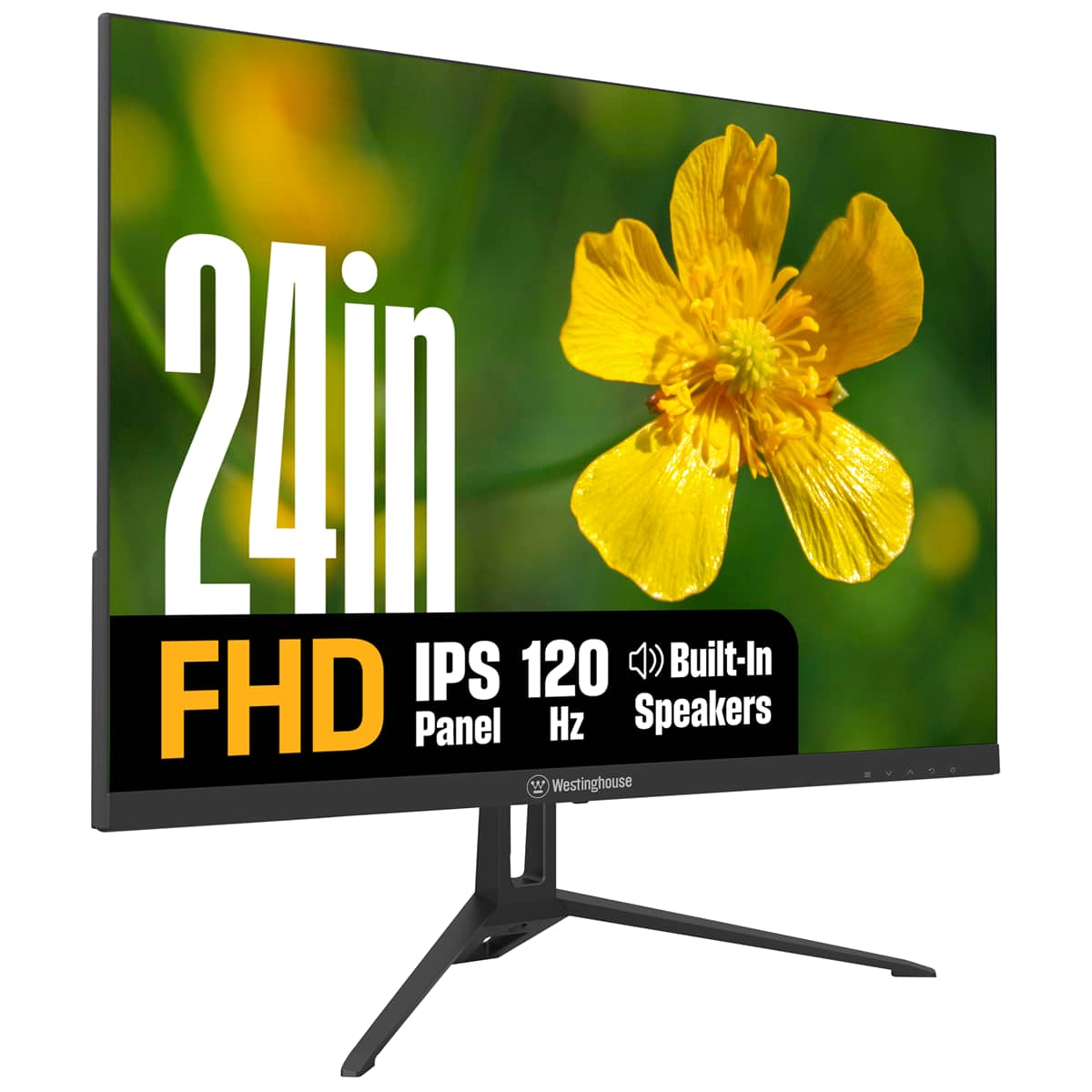
Westinghouse - 24" home office monitor - Black
SKU: J3LL89CRCCSee all All MonitorsProduct Description
A black IPS monitor with 1080p resolution, 120Hz refresh rate, built-in speakers, and eye comfort features.Your price for this item is $119.99 -
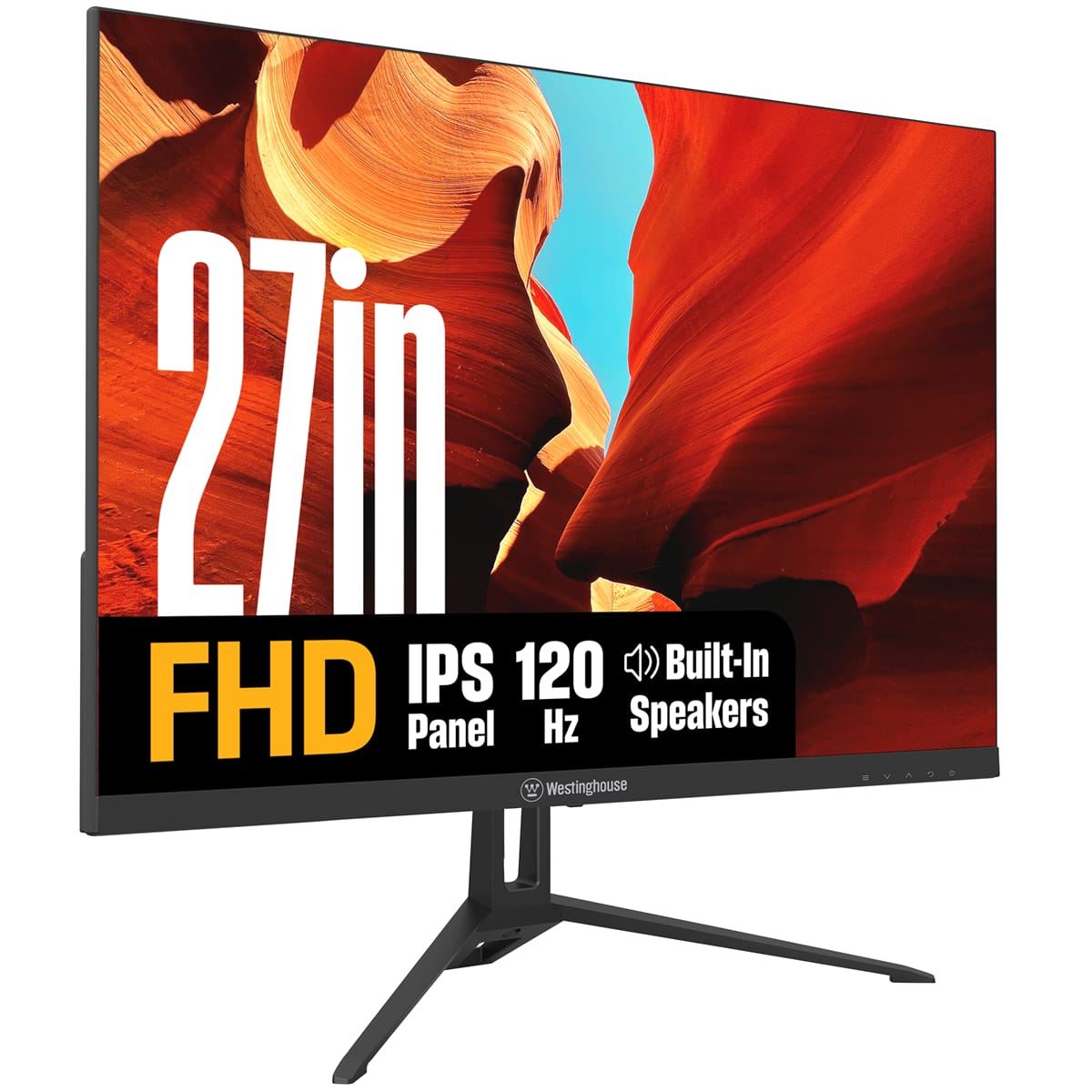
Westinghouse - 27" home office monitor - Black
SKU: J3LL89CRCYSee all All MonitorsProduct Description
A black IPS monitor with 1080p resolution, 120Hz refresh rate, built-in speakers, and Adaptive Sync technology.Your price for this item is $119.99Save $20The previous price was $139.99 -
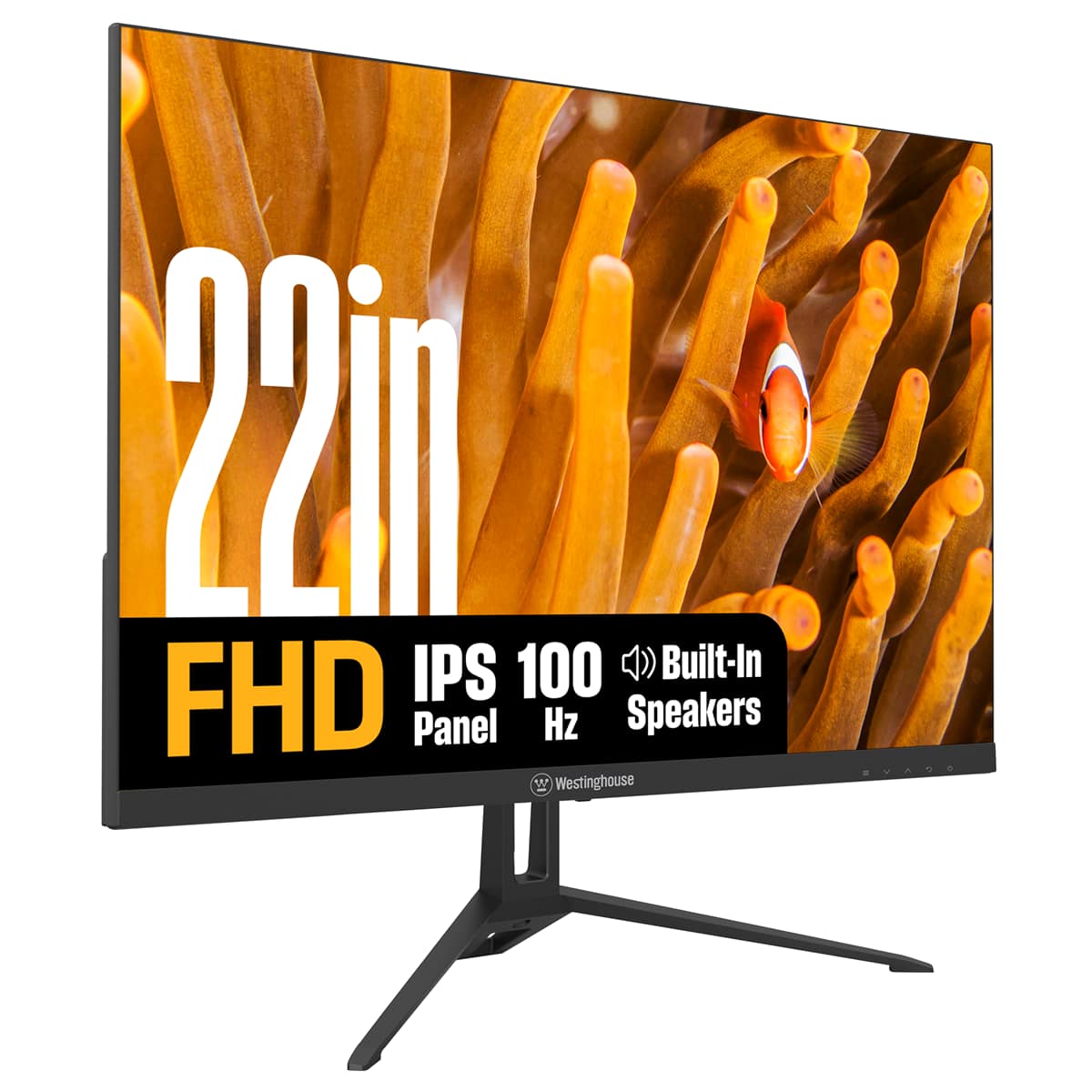
Westinghouse - 22" home office monitor - Black
SKU: J3LL89CRJPSee all All MonitorsProduct Description
A black IPS monitor offering Full HD resolution, 100Hz refresh rate, built-in speakers, and eye comfort features.Your price for this item is $79.99Save $20The previous price was $99.99 -
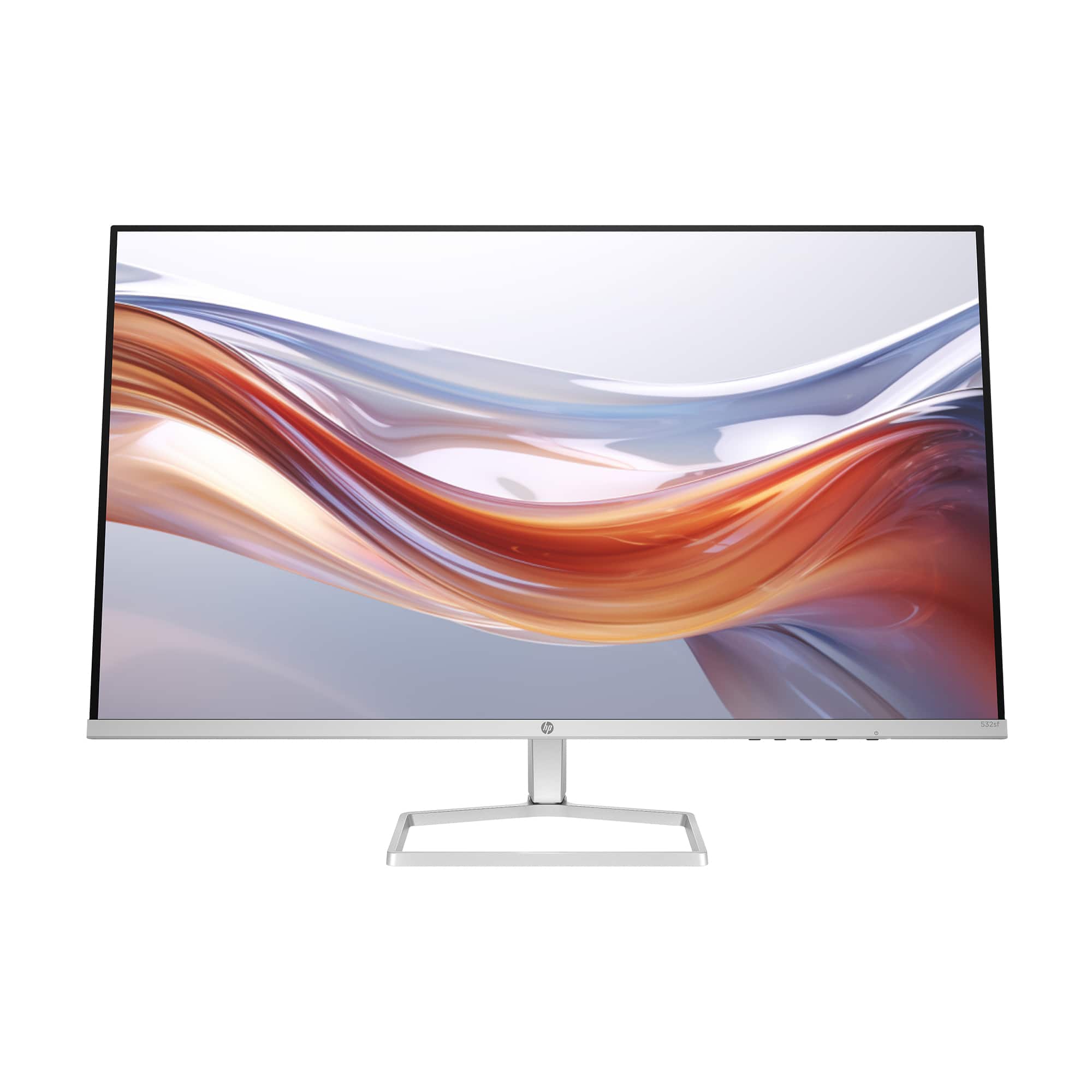
HP - 31.5" VA LED FHD 100Hz Monitor (HDMI, VGA) - Silver & Black
SKU: JJGLF5GSJWGreat price too. N...Great large monitor. Makes seeing what I am doing so much easier. No issues at all.
See all All MonitorsProduct Description
A sleek silver and black VA LED monitor with 100Hz refresh rate and vibrant FHD resolution.Your price for this item is $269.99 -
Dell - 23.8" IPS LED FHD 100Hz Monitor (VGA, USB, HDMI) - Black, Silver, Multicolor
SKU: J3K4L62V5YSee all All MonitorsProduct Description
A sleek black and silver IPS LED monitor offering FHD resolution, 100Hz refresh rate, and versatile connectivity.Your price for this item is $182.99 -
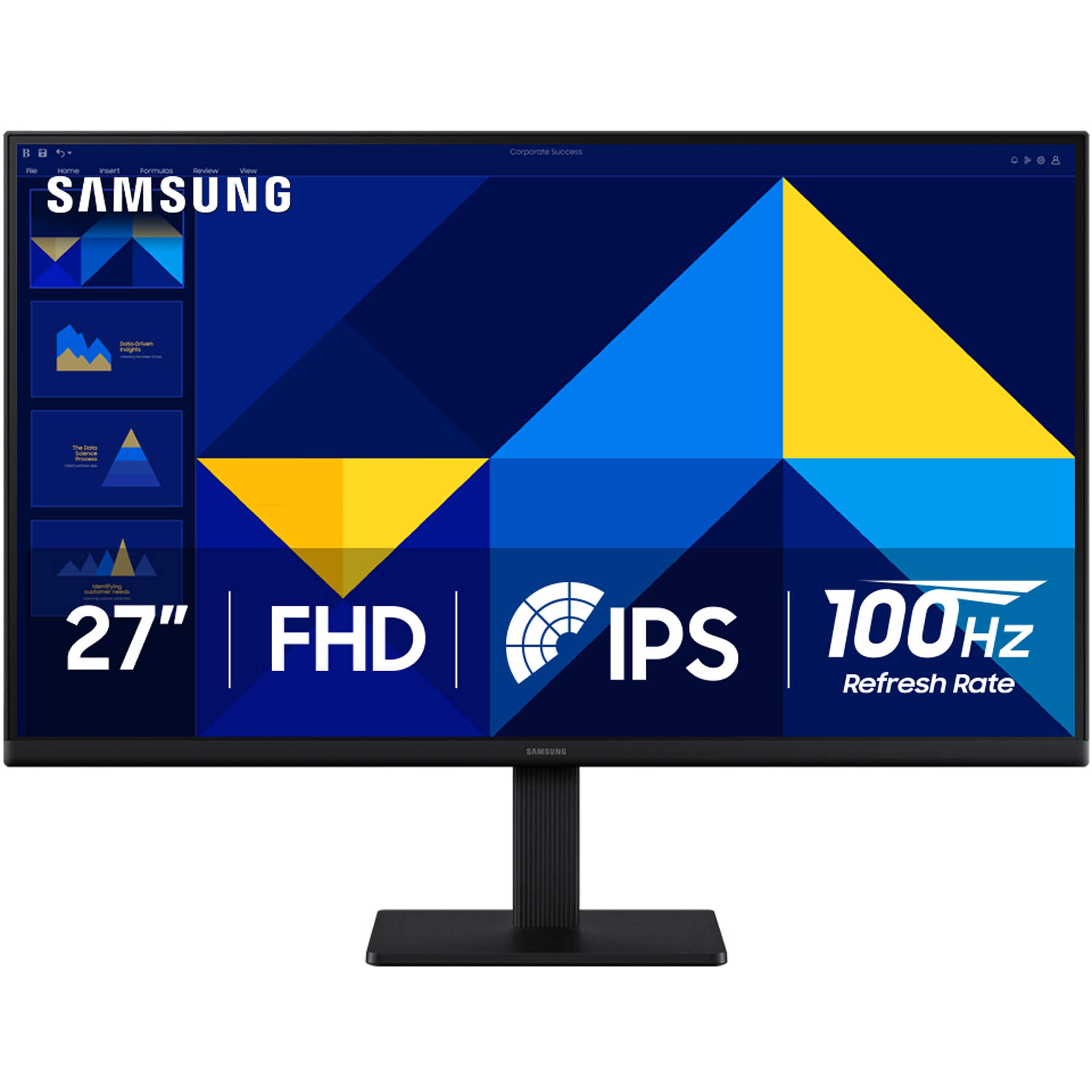
Samsung - 27" (S30GD) IPS Business Essential Monitor (HDMI) - Black
SKU: J3ZYG24ZX8Great picture...this product is very nice has a great quality High Vivid color definitely the clarity is amazing there's
See all All MonitorsProduct Description
A sleek black IPS monitor with 100Hz refresh rate, Full HD resolution, and height-adjustable, ultra-thin design.Your price for this item is $129.99Save $20The previous price was $149.99 -
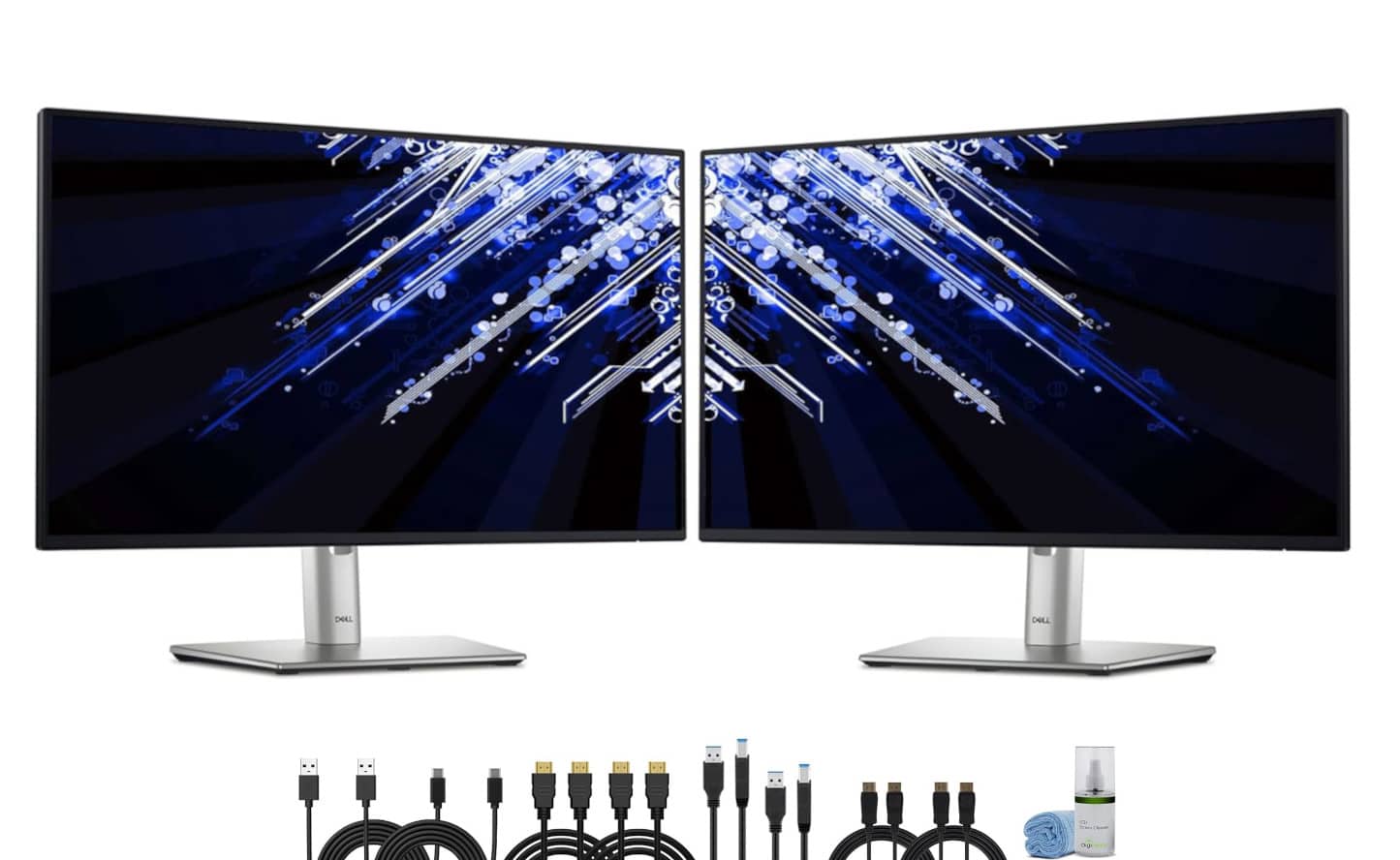
Bundle - 2 x Dell P2425H 24" Full HD, (1920 x 1080) Display, 16:9 IPS, LED, 100Hz Monitor - Black
SKU: J7QPQZRY7RSee all All MonitorsProduct Description
A dual-monitor bundle featuring 24" Full HD IPS displays with 100Hz refresh rate and ergonomic stands.Your price for this item is $434.95Save $25The previous price was $459.95
Best Sellers





Related Pages

FAQ
When choosing a monitor for work, look for features such as high resolution for clear text and images, adjustable stands for ergonomic comfort, blue light filtering to reduce eye strain, and multiple connectivity options like HDMI and DisplayPort for compatibility with various devices.
Yes, many affordable monitors provide wide screens and split-screen capabilities that make multitasking easier. Features like built-in picture-by-picture or picture-in-picture modes can help boost productivity by allowing you to view multiple applications side by side.
Many budget-friendly monitors offer good color accuracy suitable for general office tasks, presentations, and web browsing. If your work involves design or photo editing, look for monitors with higher color gamut coverage and factory calibration.
Most affordable monitors come equipped with a variety of ports including HDMI, VGA, and sometimes USB-C, making them compatible with both laptops and desktops. Always check the monitor’s specifications to ensure it matches your device’s outputs.
Some affordable monitors feature built-in speakers, which can be convenient for video conferences and casual audio needs. However, for clearer sound quality, especially in professional settings, you may want to consider using external speakers or headphones.