ViewSonic - DFS VG275 27" IPS LCD FHD Monitor (USB-C, HDMI, DP) - Black
About this product
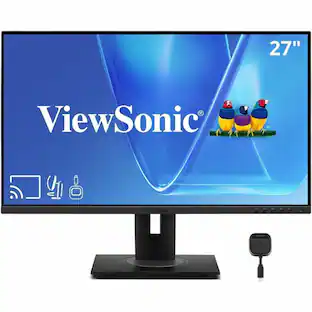
Designed for Surface (DfS) products must meet the rigorous standards of Microsoft to ensure optimal compatibility with Microsoft Surface products.* The ViewSonic VG275 monitor is compatible with all USB-C Surface devices and is ideal for office and home use. USB-C connectivity offers convenient charging power, video and audio over a single cable, and will charge your Surface device without the need for an additional power cable. Along with USB-C, additional connectivity options include HDMI, DisplayPort, VGA, and a USB hub. This 27” monitor also includes an advanced ergonomic design that features height adjustment, pivot, swivel and tilt for maximum comfort and enhanced productivity. This monitor is shipped in eco-friendly biodegradable packaging, along with an easy-to-install quick release stand that makes for simple out-of-the box setup. The quick release stand also includes an integrated client mount and cable management features. *Microsoft, Microsoft Surface, Designed for Surface are trademarks of the Microsoft group of companies.
Screen Size
27"Highlights
Features
Full HD
27in screen size with 1920 x 1080 resolution provides a native display of Full HD video sources without any degradation due to down-sampling technologies
Viewable Screen Size and Panel Type
27in screen size with LED backlight that enhances the display performance to deliver an outstanding color range and contrast ratio
Viewing Angle
This stylish LED Monitor offers 178°/178° viewing angles for some great viewing experience no matter where and how you look at it
VESA Compatible
VESA mount compatibility allows you to mount the display on a wall or with a stand depending on your specific needs
Brightness
View your content easily in well-lit areas with 300 Nit brightness
Specifications
- Refresh Rate75HzMaximum Resolution1920 x 1080Response Time5 millisecondsPanel TypeIPSSynchronization TechnologyNot Applicable
Reviews
This product doesn't have any reviews yet.

Compare similar products

Designed for Surface (DfS) products must meet the rigorous standards of Microsoft to ensure optimal compatibility with Microsoft Surface products.* The ViewSonic VG275 monitor is compatible with all USB-C Surface devices and is ideal for office and home use. USB-C connectivity offers convenient charging power, video and audio over a single cable, and will charge your Surface device without the need for an additional power cable. Along with USB-C, additional connectivity options include HDMI, DisplayPort, VGA, and a USB hub. This 27” monitor also includes an advanced ergonomic design that features height adjustment, pivot, swivel and tilt for maximum comfort and enhanced productivity. This monitor is shipped in eco-friendly biodegradable packaging, along with an easy-to-install quick release stand that makes for simple out-of-the box setup. The quick release stand also includes an integrated client mount and cable management features. *Microsoft, Microsoft Surface, Designed for Surface are trademarks of the Microsoft group of companies.

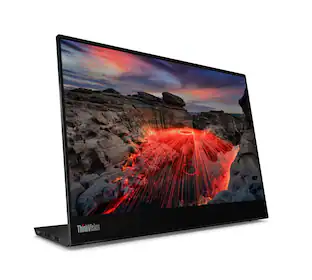
Crisp, colorful Lenovo ThinkVision monitors improve productivity, unleash creativity and limit eye strain - and they do it with all style, and some of the simplest and cleanest cable and connectivity options in the industry.
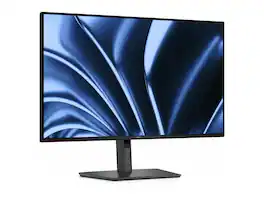
Dell Pro P P2726HE 27" Class LED Monitor - 16:9 - 27" Viewable - IPS - LED Backlight - 1920 x 1080 - 16.7 Million Colors - 300 Nit - 5 ms - USB Type-C - HDMI - DisplayPort - USB Hub - DELL-P2726HE
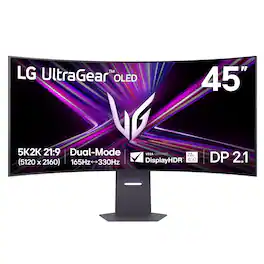
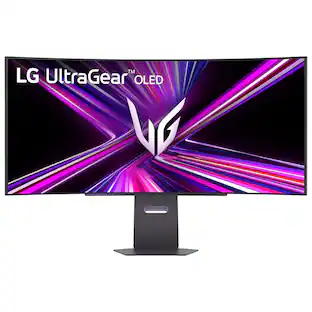
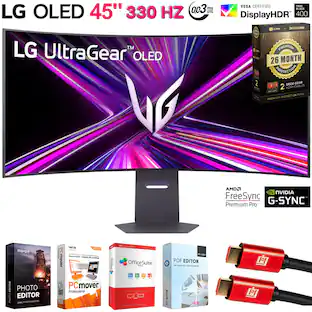
Unleash unparalleled gaming prowess with the world's first 5K2K WUHD (5120 x 2160) resolution OLED gaming monitor¹. This 45" curved UltraGear monitor elevates your gameplay experience with Dual Mode technology. Dual Mode lets a player switch between breathtaking UHD visuals at up to 165Hz, or Full HD at a blistering 330Hz for ultra-responsive gameplay in FPS, MOBA, or racing titles²—all at the touch of a hotkey. Immerse yourself in up to 1300 nits brightness in UltraGear OLED brilliance, boasting up to 98.5% DCI-P3 color coverage, a staggering 1.5M:1 contrast ratio, and DisplayHDR True Black 400. The dramatic 800R curve and 21:9 aspect ratio offer more vertical screen space than a 49” 32:9 display, pulling you deeper into the action like never before. A sleek, slim design offers adjustable height, tilt, and swivel controls for your perfect view, complemented by RGB backlighting to set the mood for your battlestation. Equipped with DisplayPort 2.1, HDMI 2.1 ports, and USB Type-C with 65W power delivery, plus NVIDIA G-SYNC Compatible and AMD FreeSync Premium Pro support, you’ll enjoy smooth, tear-free gaming at high refresh rates. UltraGear's 2-year limited warranty and OLED Care tools, give you OLED gaming peace of mind as well.
| Pros for ViewSonic - DFS VG275 27" IPS LCD FHD Monitor (USB-C, HDMI, DP) - Black | |||
|---|---|---|---|
| There were no pros for this product— | There were no pros for this product— | There were no pros for this product— | Overall Performance, Screen Size, OLED Quality, Resolution, Refresh Rate |
| Cons for ViewSonic - DFS VG275 27" IPS LCD FHD Monitor (USB-C, HDMI, DP) - Black | |||
| There were no cons for this product— | There were no cons for this product— | There were no cons for this product— | Connectivity |
Specs
Customers often buy these together
Monitor and Video Cables

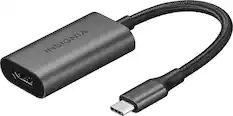
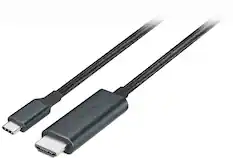

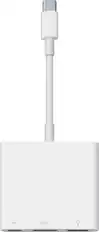
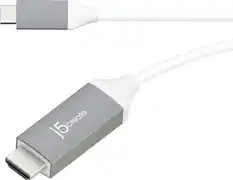
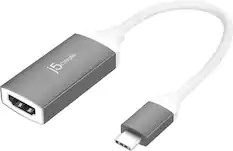
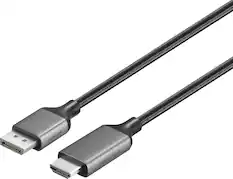
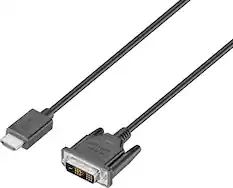
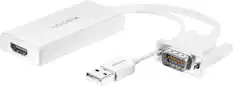
Cables and Adapters

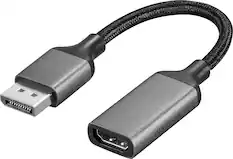
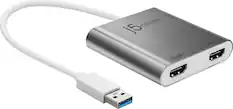
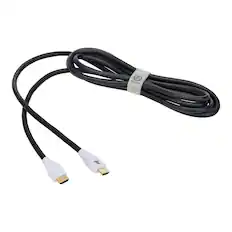
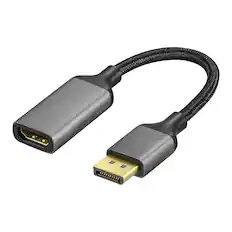
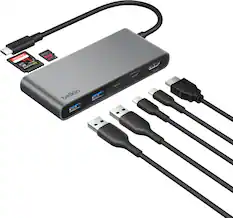
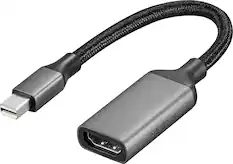
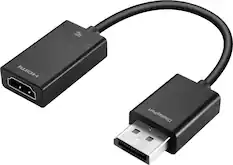
More to consider
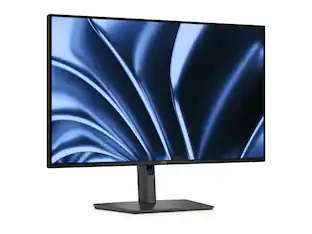 $292.49The price was $379.99
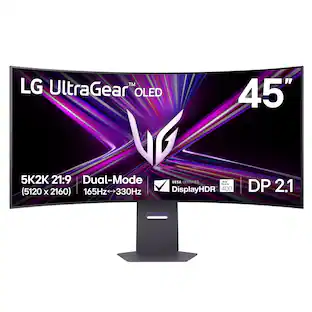 Techtober Deal$1,299.99The price was $1,999.99
 $189.99The price was $269.99
 $799.99The price was $1,299.99
 $799.99The price was $899.99
 $567.99The price was $609.99
Explore tech essentials Sponsored
 $107.99The price was $159.00
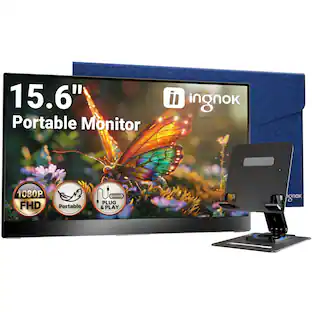 $89.99The price was $109.99
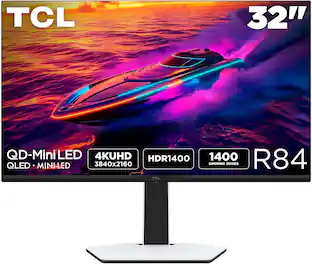 Our 365-day lowest price$649.99The price was $699.99


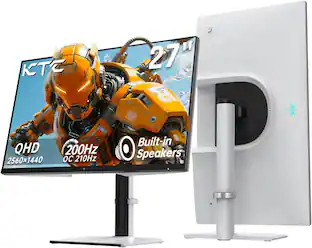
Discover related products
 $249.00The price was $275.00
 Techtober Deal$10.99The price was $13.99
 $429.99The price was $648.99












Keep exploring
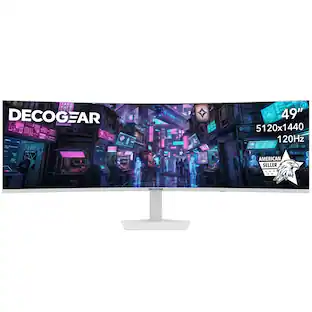 $479.99The price was $549.99
 $189.99The price was $299.99
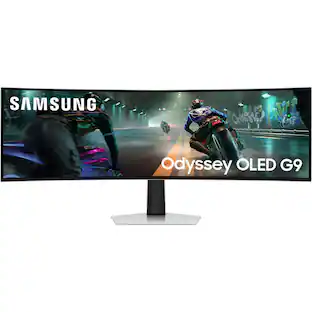 $899.99The price was $1,299.99
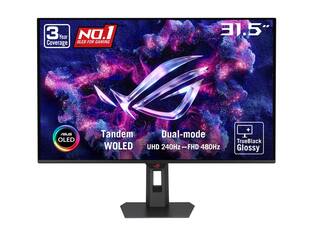 $755.99The price was $971.99