Switch For Mac
-
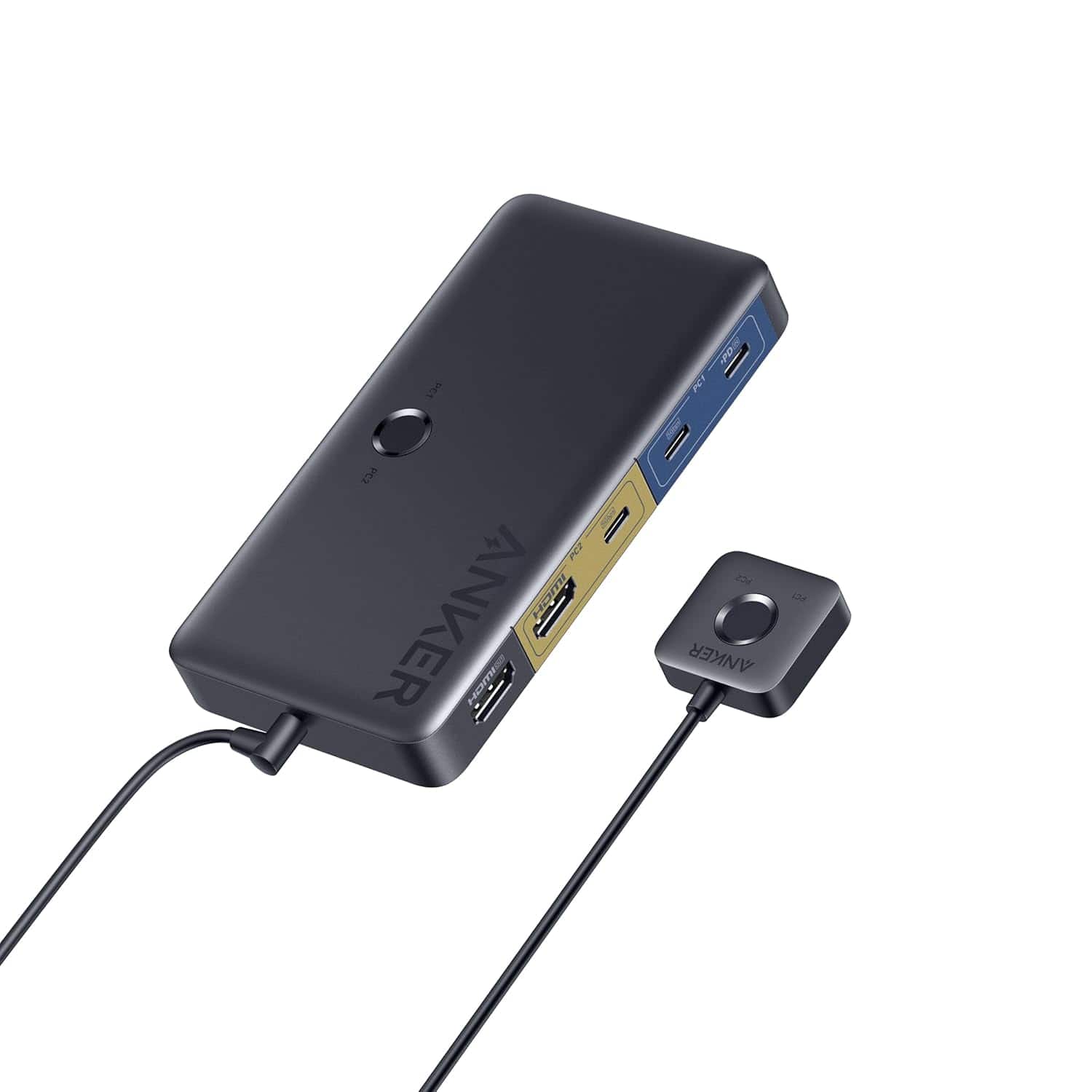
Anker - USB 3.0 HDMI KVM Switch
SKU: JJ858R2SSFSuper utility - Best of All
See all Monitor & Video CablesProduct Description
A versatile KVM switch with 5 USB 3.0 ports, 4K HDMI support, and a magnetic remote button.Your price for this item is $49.99 -
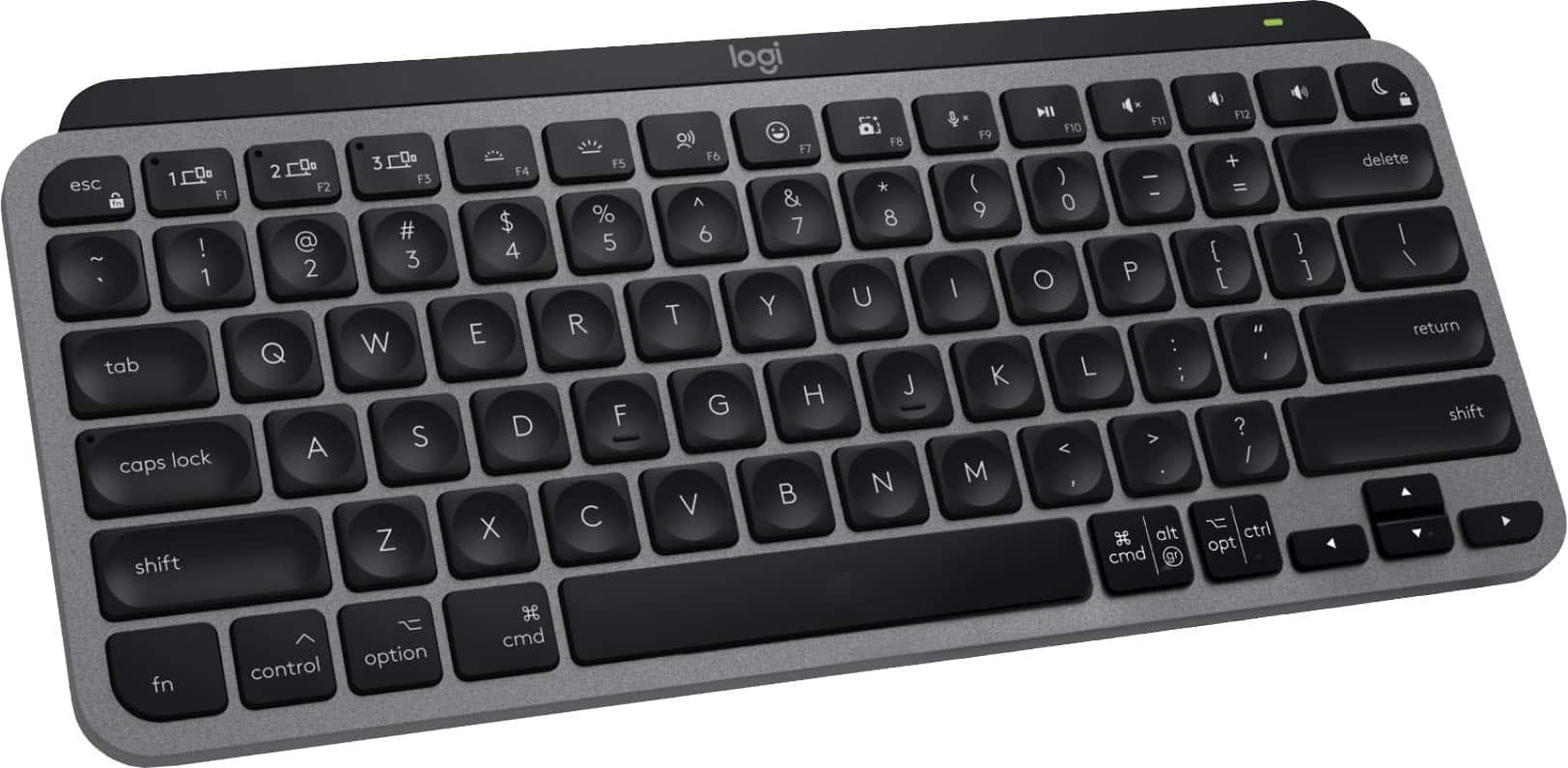
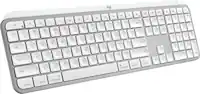
Logitech - MX Keys Mini TKL Wireless Bluetooth Scissor Mini MX Keys Switch Keyboard for Apple mac OS, iPad OS with Backlit Keys - Space Gray
SKU: J7H7ZYG96QIt has more features than I need because I’m just using it with an iPad, but it is by far the best choice...FANTASTIC PRODUCT AND BEST BUY SERVICE IS THE BEST!!!...It looks great. It feels great to type...
See all Wireless & Bluetooth KeyboardsProduct Description
A compact, space gray wireless keyboard with backlit scissor keys, Bluetooth connectivity, and Mac-optimized layout.Your price for this item is $99.99 -
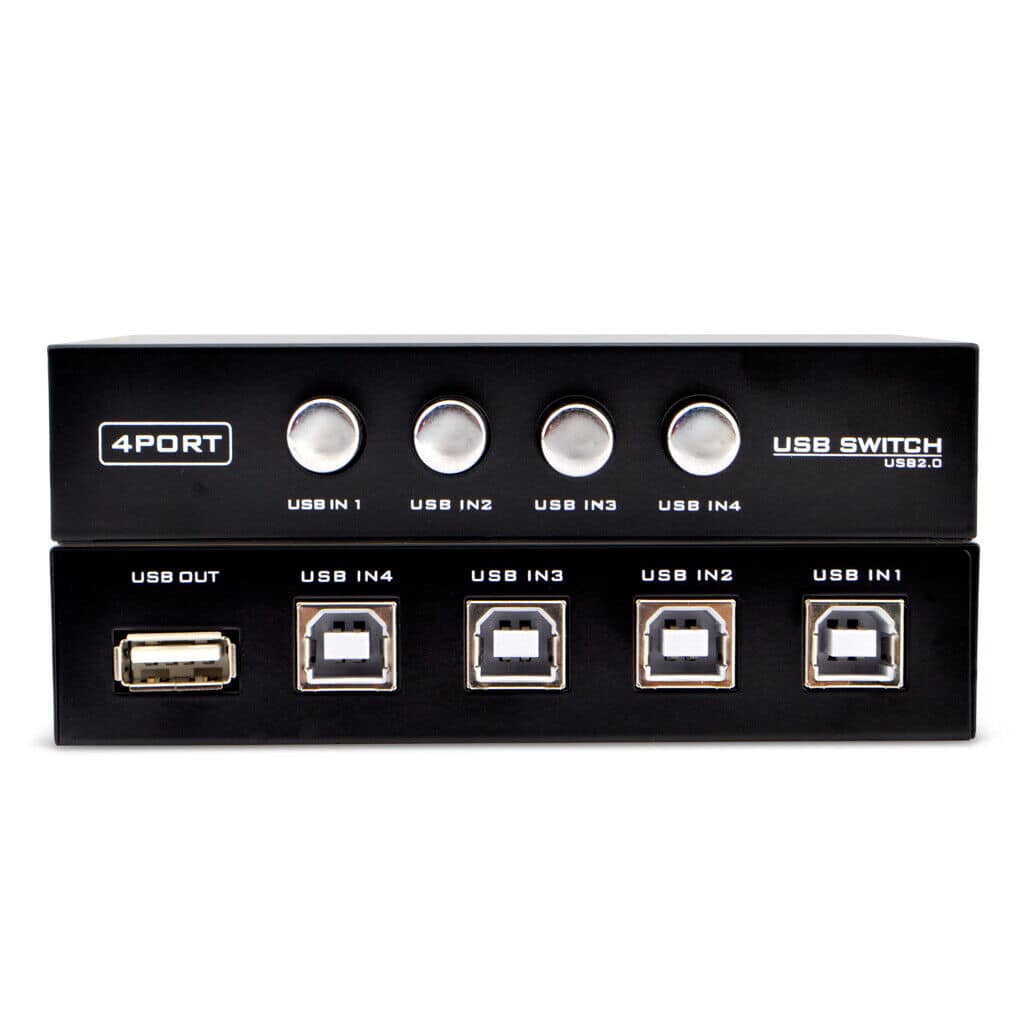
Sanoxy - 4 Ports USB Printer Scanner Sharing Share Switch Splitter Box Hub - Black
SKU: B8SKTQP9Y9See all USB Cables & AdaptersProduct Description
A black USB 2.0 switch box that lets you share devices between up to four computers easily.Your price for this item is $24.99 -
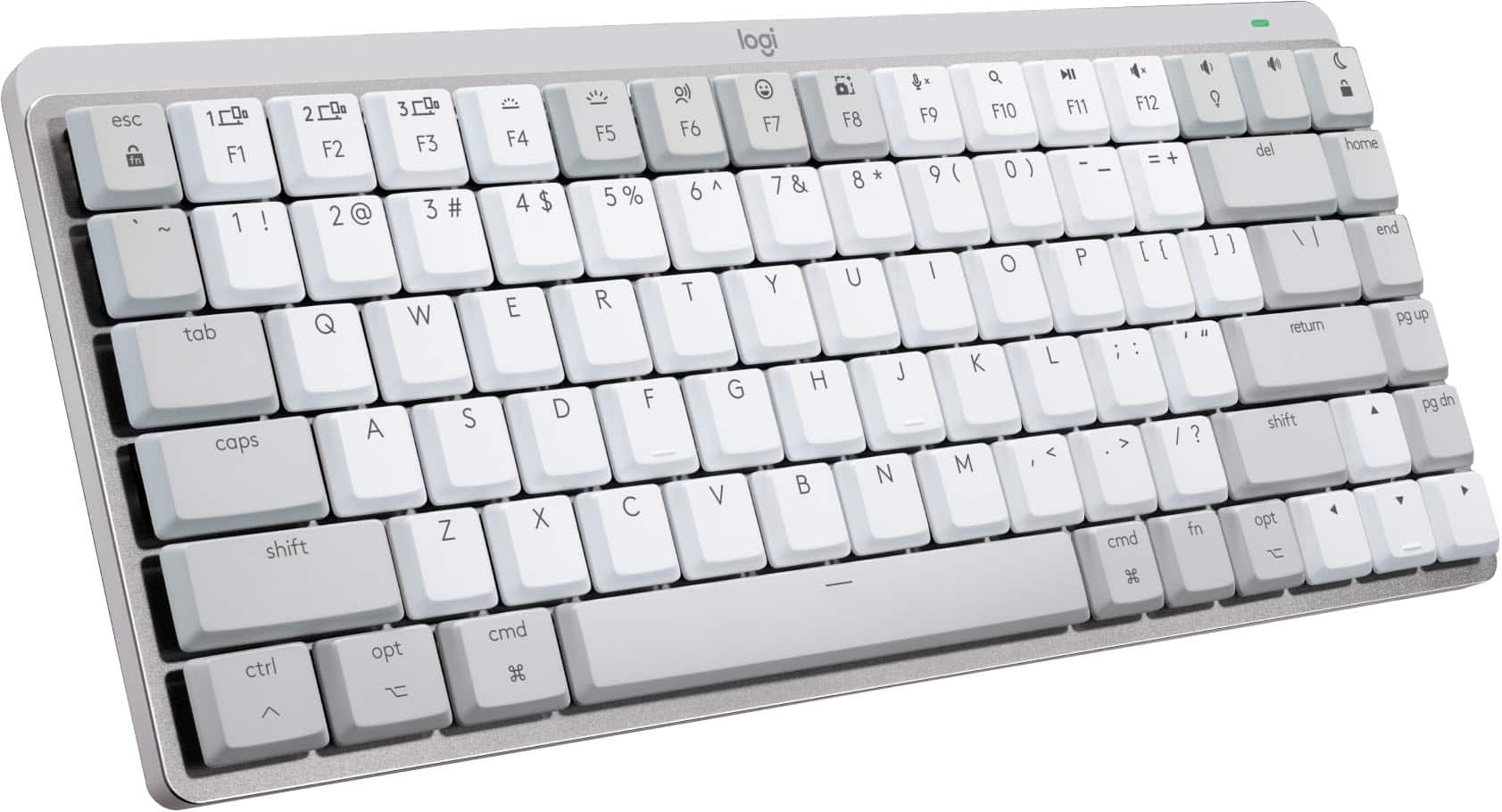
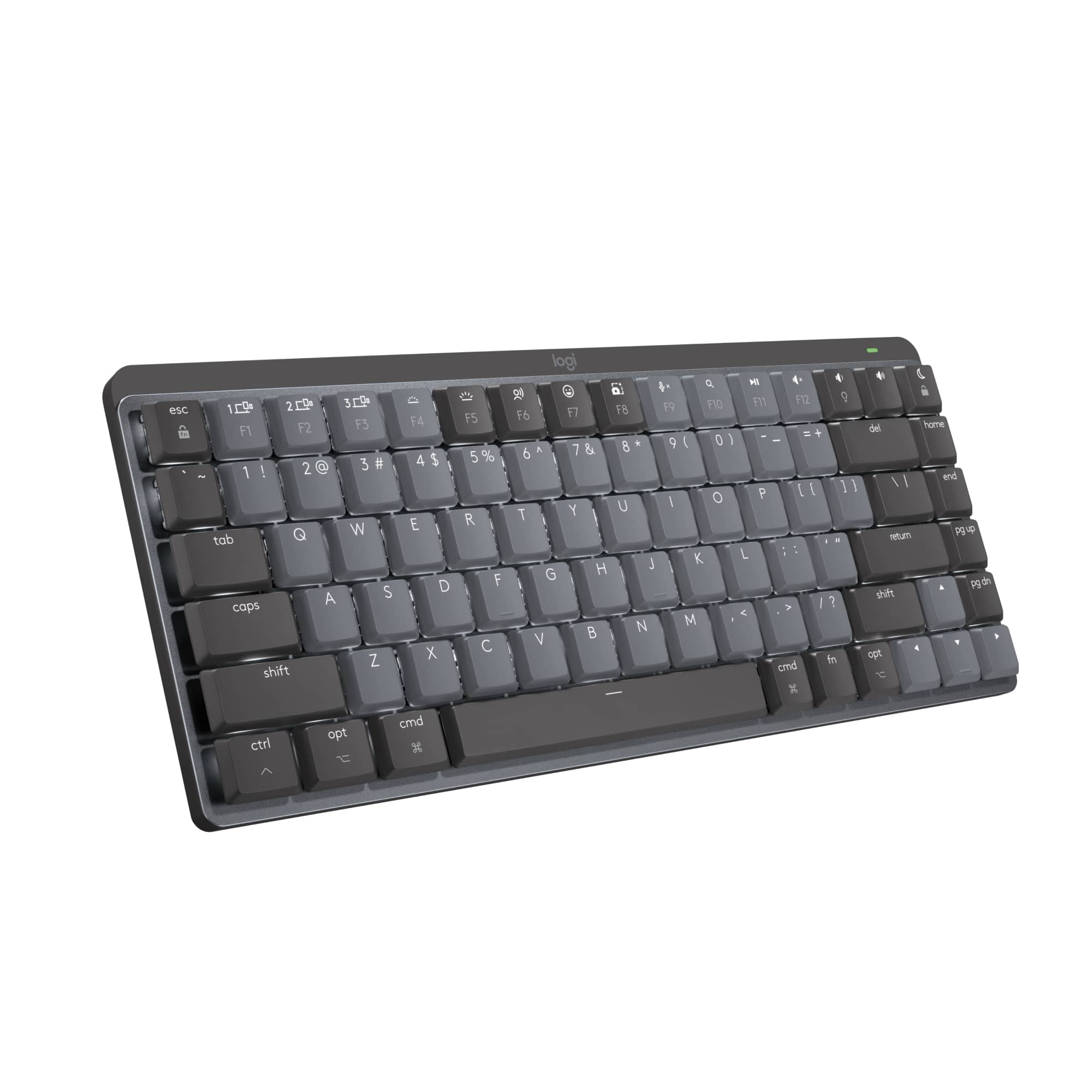
Logitech - MX Mechanical Mini for Mac Compact Wireless Mechanical Clicky Switch Keyboard for macOS/iPadOS/iOS with Backlit Keys - Pale Gray
SKU: J7H7ZY8X33I love the...I love the satisfying tactile feel of the keys....This keyboard has many great things: size, switches, and general feel. I wanted to love it.
See all Wireless & Bluetooth KeyboardsProduct Description
A compact pale gray wireless mechanical keyboard with backlit keys, Mac layout, and quiet, precise typing.Your price for this item is $159.00Save $0The previous price was $159.99 -
Logitech - MX Mechanical Mini for Mac Compact Wireless Mechanical Tactile Switch Keyboard for macOS/iPadOS/iOS with Backlit Keys - Space Gray
SKU: J7H7ZY8XRCSee all Wireless & Bluetooth KeyboardsProduct Description
A compact wireless mechanical keyboard in space gray with tactile switches and Mac-optimized backlit keys.Your price for this item is $169.92Save $0The previous price was $169.99 -
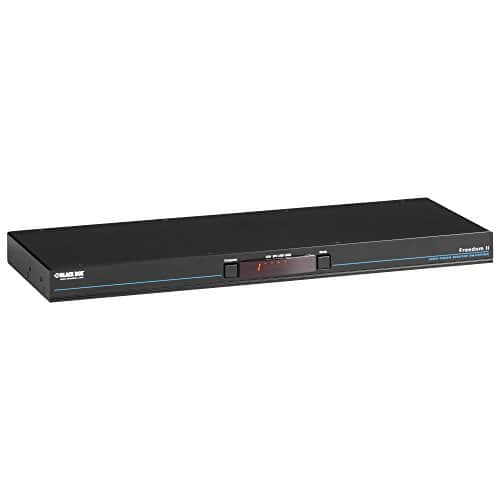
Black Box Network Services - Freedom II KM Switch - 8-Port - Multicolor
SKU: J3YT8ZQYR9See all A/V SwitchersProduct Description
A black 8-port KM switch controlling computers and displays with cursor switching and USB 2.0 support.Your price for this item is $1,512.49
Best Sellers
Related Pages




FAQ
A switch for Mac is a device that allows you to connect multiple peripherals, such as keyboards, mice, or monitors, to your Mac computer. It enables you to easily switch control between different devices or computers using a single set of accessories.
Yes, most switches for Mac are designed to work seamlessly with both macOS desktops and MacBook laptops. Just ensure the switch supports the connection ports (such as USB-C, Thunderbolt, or HDMI) available on your Mac device.
Many switches for Mac are cross-platform and allow you to share devices like monitors, keyboards, and mice between a Mac and a Windows PC. Check the product specifications to confirm compatibility with multiple operating systems.
Most switches for Mac are plug-and-play, meaning they do not require additional software or drivers. Simply connect your devices and the switch should work automatically. However, always review the manufacturer's instructions for any specific setup requirements.
Switches for Mac commonly support a variety of connection types, including USB-A, USB-C, Thunderbolt, and HDMI. Some models may also offer DisplayPort or VGA support. Choose a switch that matches the ports available on your Mac and peripherals.