Switch For Wireless Network
-
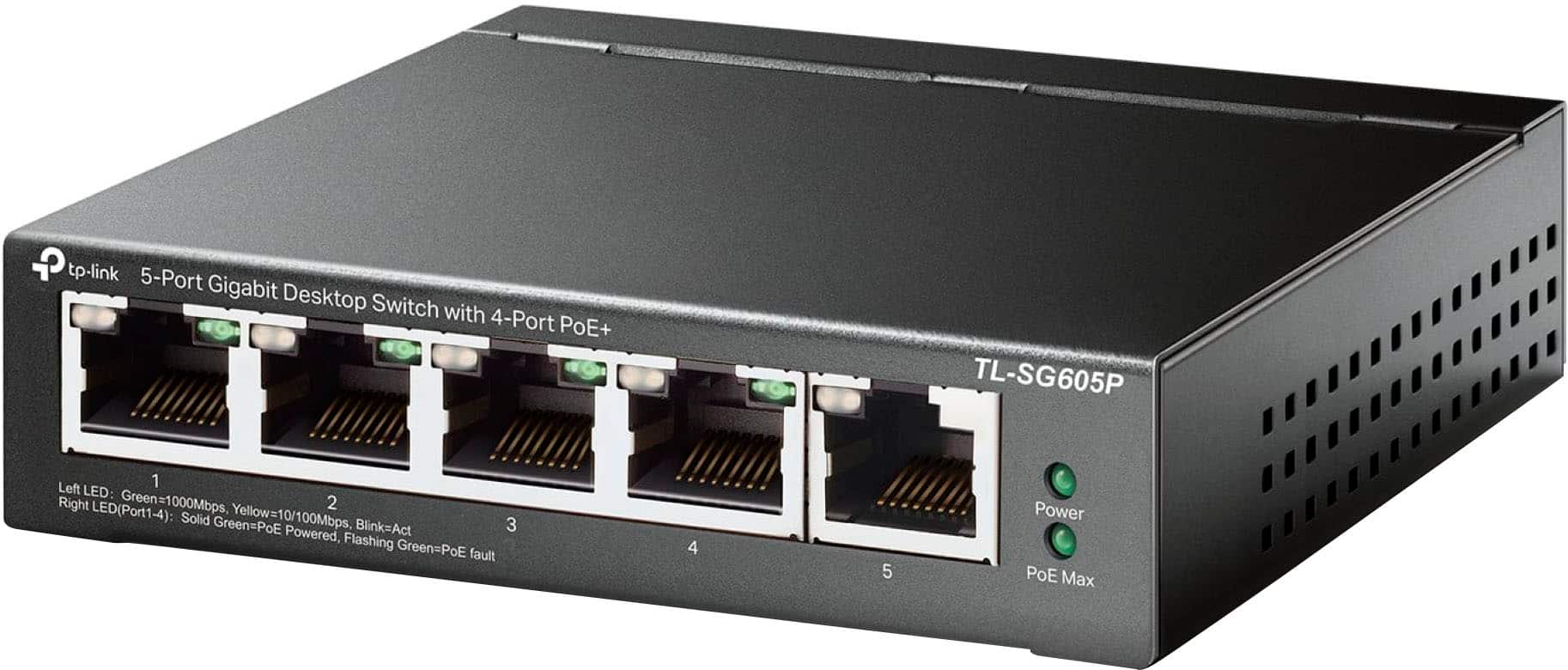
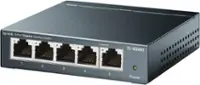
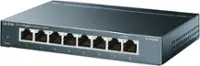
TP-Link - 5-Port Gigabit (10/100/1000Mbps) Desktop Unmanaged PoE Switch - Black
SKU: J39QK2QSQYWorks great love the colored buttons so you know what’s going on...That Best Buy is offering people who leave the review
See all Network SwitchesProduct Description
A black metal desktop switch with 5 gigabit ports, including 4 PoE+ for effortless device connectivity.Your price for this item is $49.99Save $20The previous price was $69.99 -
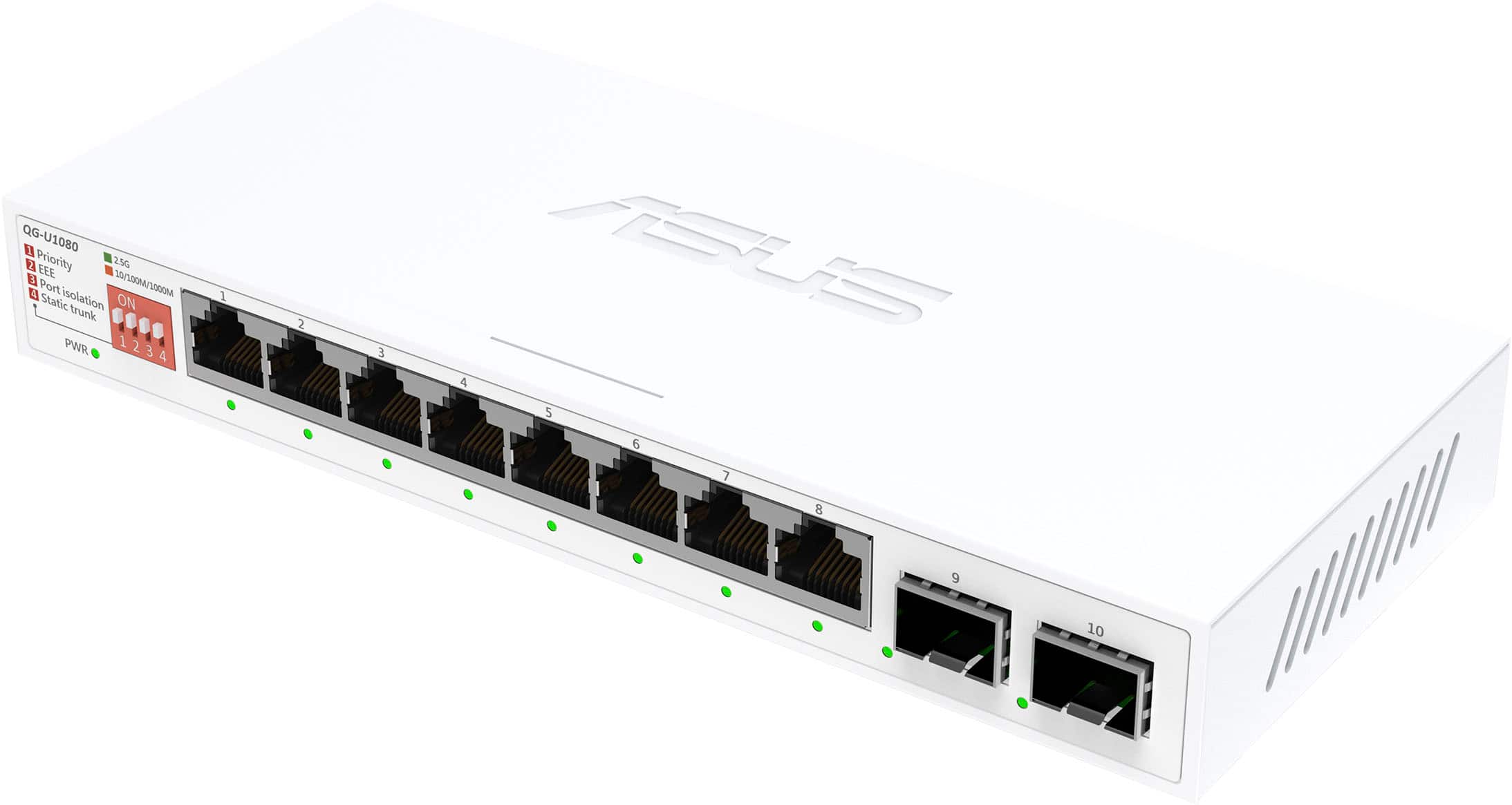
ASUS - QG-U1080 8-Port 2.5G + 2-Port 10G SFP+ Unmanaged Ethernet Switch - White
SKU: JJGGLH7R4ZGreat performance and expansion for the price....Works great, no issues...Great product at a solid price would recommend.
See all Network SwitchesProduct Description
A white unmanaged Ethernet switch featuring eight 2.5G ports and two 10G SFP+ ports for high-speed networking.Your price for this item is $109.99 -
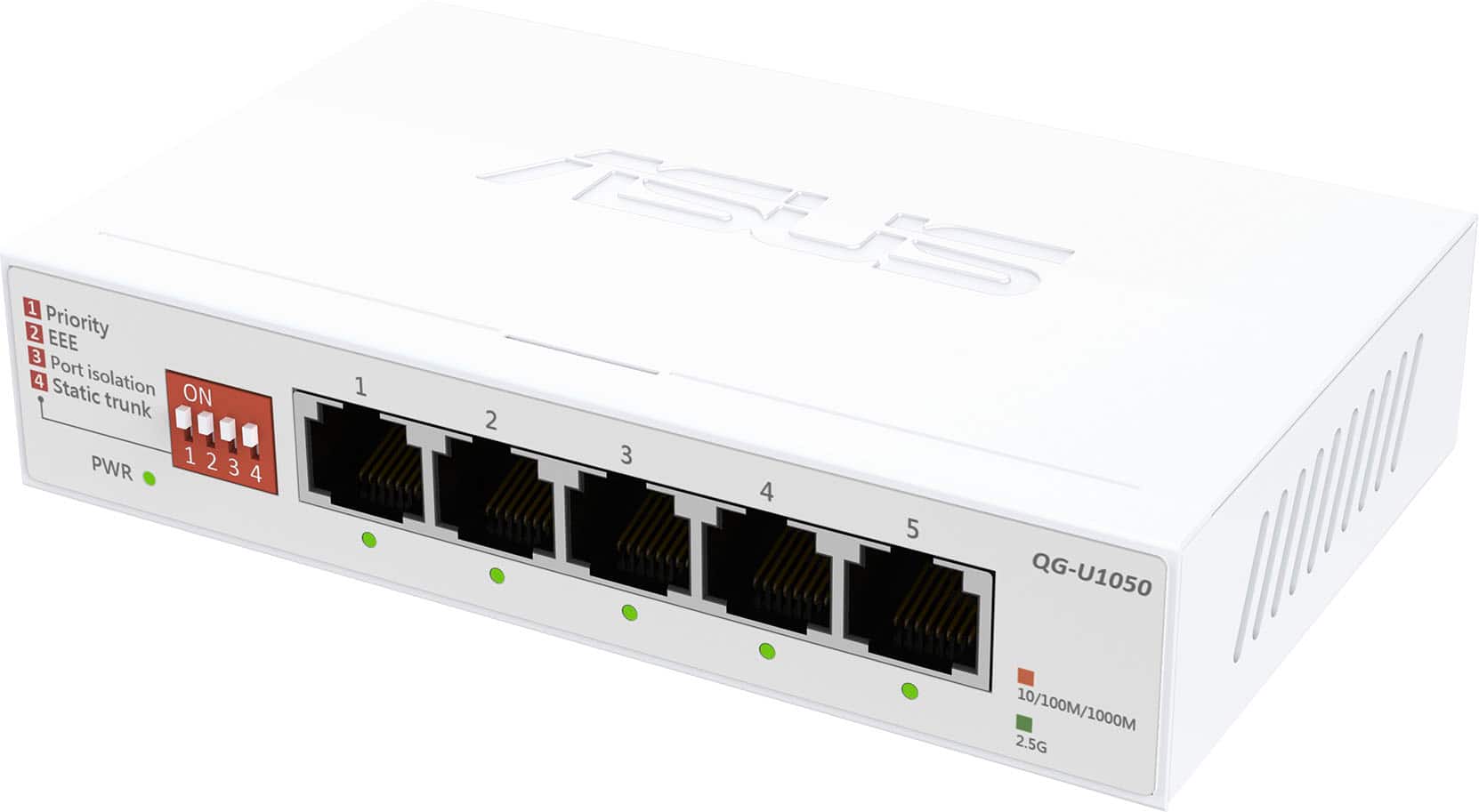
ASUS - QG-U1050 5-Port 2.5G Unmanaged Ethernet Switch - White
SKU: JJGGLH7RRRSee all Network SwitchesProduct Description
A white unmanaged Ethernet switch offering five 2.5G ports for seamless, high-speed network connectivity.Your price for this item is $79.99 -
PoE Gateway - Wired eero Router and 10-port PoE+ Smart Network Switch - Black
SKU: J39HW6RWQVGreat way to boost your speed with your home internet....Works great with the eero 6E router....This is great center to my mesh WiFi system the poe is strong enough to run all of my access points with...
See all Network SwitchesProduct Description
A black wired router and 10-port PoE+ smart switch delivering up to 9.4 Gbps network speeds.Your price for this item is $499.99

Best Sellers

Related Pages


FAQ
A wireless network switch, also known as a wireless access point with switching capabilities, connects multiple wired and wireless devices on the same network. It enables seamless communication between devices, manages data traffic, and helps expand your network without the need for excessive cabling.
Yes, many wireless network switches feature both Ethernet ports for wired connections and wireless capabilities. This allows you to connect desktops, laptops, printers, and other devices regardless of whether they require a wired or wireless connection.
Some wireless network switches offer advanced networking features such as Virtual LANs (VLANs) for segmenting network traffic and Quality of Service (QoS) for prioritizing certain types of data, like video streaming or VoIP calls. Check the product specifications for details on supported features.
Most wireless network switches are compatible with a wide range of smart home devices, including smart TVs, security cameras, and voice assistants. As long as your devices support standard Wi-Fi or Ethernet connections, they should work seamlessly with your switch.
Setting up a wireless network switch typically involves connecting it to your router via an Ethernet cable, powering it on, and following the manufacturer's setup instructions. Many models offer user-friendly web interfaces or mobile apps to help you configure settings and manage your network efficiently.