Switches For Home Network
-
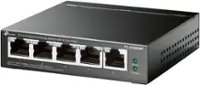
TP-Link - 5-Port 10/100 Switch - White
SKU: J36QCQFGCRSee all Network SwitchesProduct Description
A white five-port desktop switch offering plug-and-play setup, auto-detection, Green Ethernet, and up to 200 Mbps.Your price for this item is $24.54 -
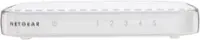
NETGEAR - 5-Port 10/100/1000 Mbps Gigabit Smart Managed Plus Switch - Gray
SKU: J2VY7YT9PQAs expected it Works great and as advertised. Self explanatory.
See all Network SwitchesProduct Description
A gray smart managed switch offering five Gigabit ports with network monitoring and traffic prioritization features.Your price for this item is $62.99Save $1The previous price was $63.99 -
iFi Audio - OMNI LAN Optically Isolated Network Switch - Silver
SKU: CLX2KHGS6PSee all Network SwitchesProduct Description
A silver network switch with optical isolation and femto-grade clocking for noise-free, high-fidelity audio streaming.Your price for this item is $799.00 -
NETGEAR - 16-Port Gigabit Ethernet Unmanaged Switch (GS116NA), Desktop or Wall Mount - Blue
SKU: J2VY7Y63VFSee all Network SwitchesProduct Description
A blue 16-port Gigabit Ethernet switch with fanless metal construction, auto-sensing, and desktop or wall mounting.Your price for this item is $124.67 -
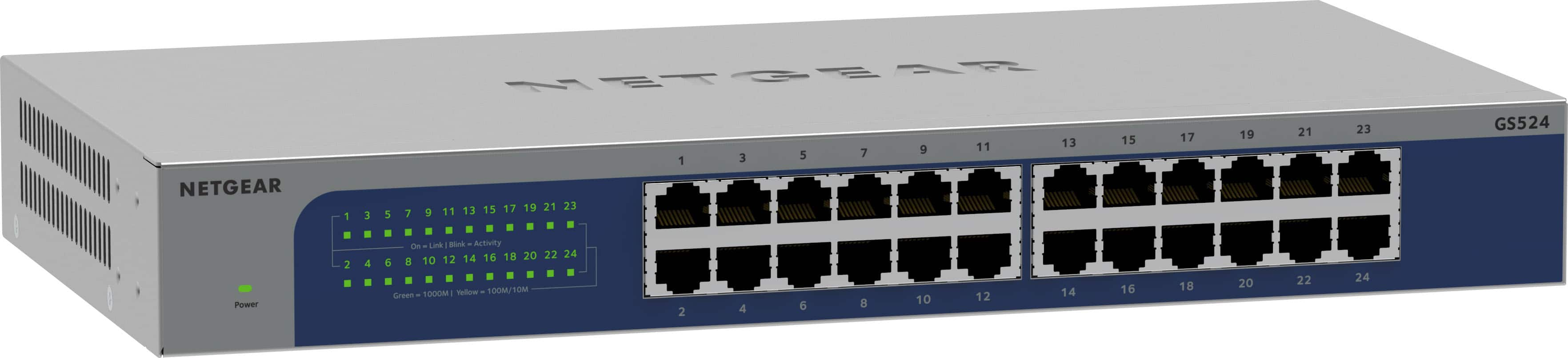
NETGEAR - 24-Port Gigabit Ethernet Unmanaged Network Switch (GS524), Desktop, Wall or Rack Mount - Gray
SKU: J2VY7Y5X45He acutally gave me insight of multiple switch and what is best for my work....Works Great!
See all Network SwitchesProduct Description
A gray 24-port Gigabit Ethernet unmanaged network switch with 48Gbps bandwidth and wall or rack mounting.Your price for this item is $149.99 -
D-Link - DGS 8-Port 10/100/1000 Gigabit Switch - Black
SKU: J3XS2CYGRFSee all Network SwitchesProduct Description
A black metal 8-port Ethernet switch delivering gigabit speeds and LED indicators for reliable network performance.Your price for this item is $39.44Save $1The previous price was $40.80 -
TP-Link - 24-Port 10/100/1000 Mbps Gigabit Ethernet Switch - Gray
SKU: J36QCQFGVZSee all Network SwitchesProduct Description
A gray rack-mountable switch with 24 gigabit ports for fast, plug-and-play network expansion.Your price for this item is $119.24Save $7The previous price was $126.99 -
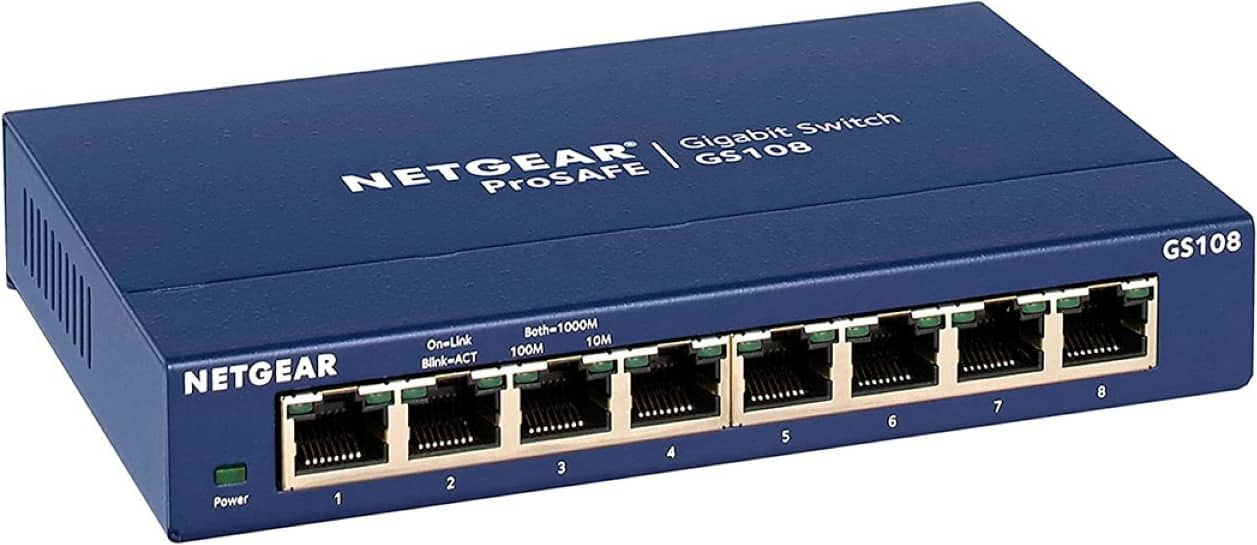
NETGEAR - 8-Port Gigabit Ethernet Unmanaged Network Switch (GS108), Desktop or Wall Mount - Blue
SKU: J2VY7YQ988I love it so much !! Best Buy is great...Best Buy...Love the compact size.
See all Network SwitchesProduct Description
An 8-port Gigabit Ethernet network switch with blue metal housing, plug-and-play setup, QoS, and energy-efficient operation.Your price for this item is $49.99





Best Sellers



Related Pages



FAQ
A network switch is a device that connects multiple devices, such as computers, printers, and smart TVs, within a home network. It allows these devices to communicate efficiently by directing data only to the device it is intended for, improving network performance and reducing congestion compared to using a simple hub.
Managed switches offer advanced features like network monitoring, traffic management, and configuration options, making them suitable for users who want more control over their network. Unmanaged switches are plug-and-play devices that work right out of the box with no configuration needed, ideal for most standard home networks.
Yes, a network switch is a great way to add more Ethernet ports to your home network. Simply connect the switch to your router, and you can then plug in additional wired devices for a stable and fast connection.
Most network switches are compatible with a wide range of smart home devices that use Ethernet connections, such as smart TVs, security cameras, and gaming consoles. This makes it easy to create a reliable wired network for your smart home setup.
A router connects your home network to the internet and assigns IP addresses to devices, while a switch connects multiple devices within the same local network. Switches help devices communicate with each other efficiently, but they do not provide internet access on their own.