Xbox Routers
-
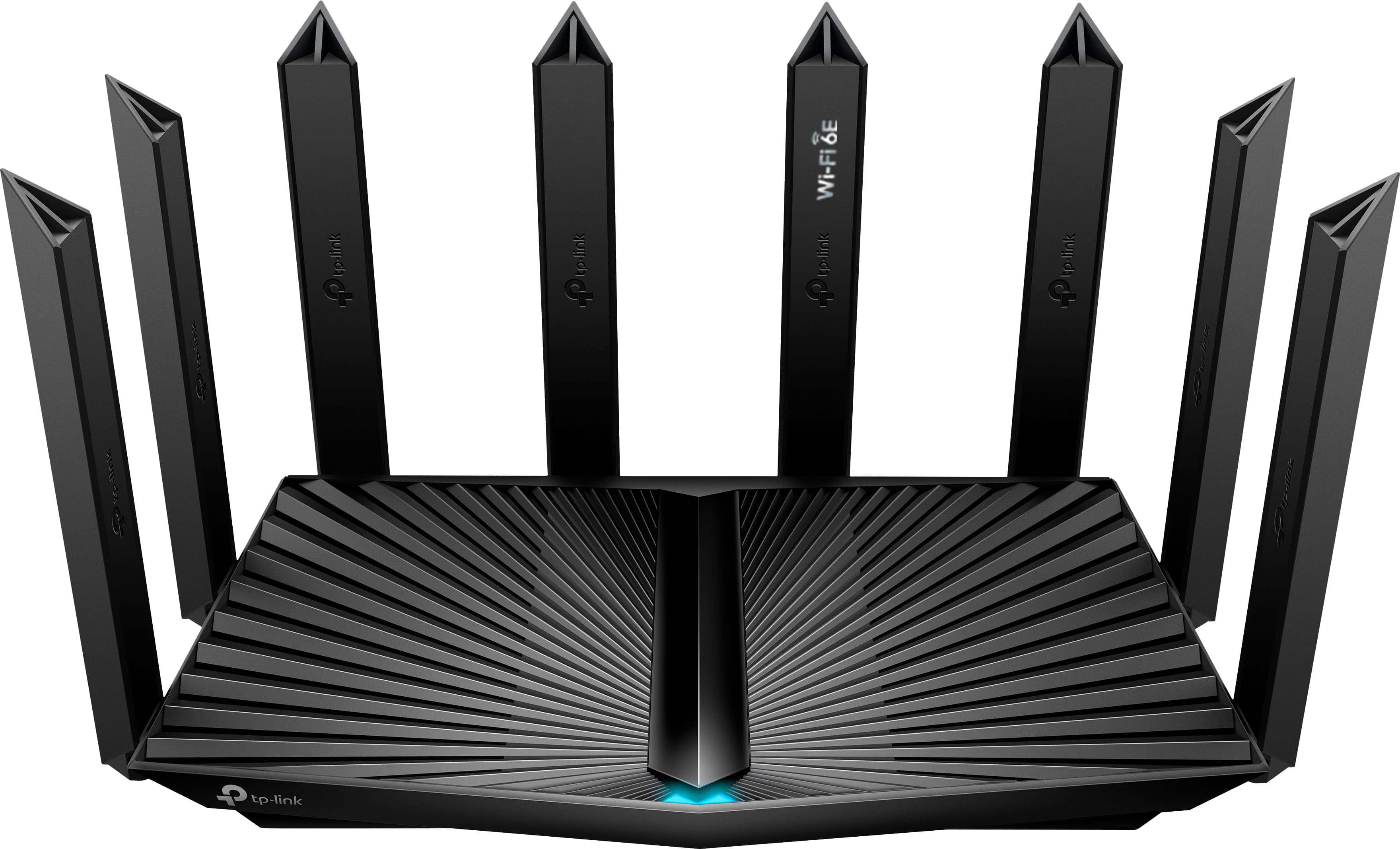
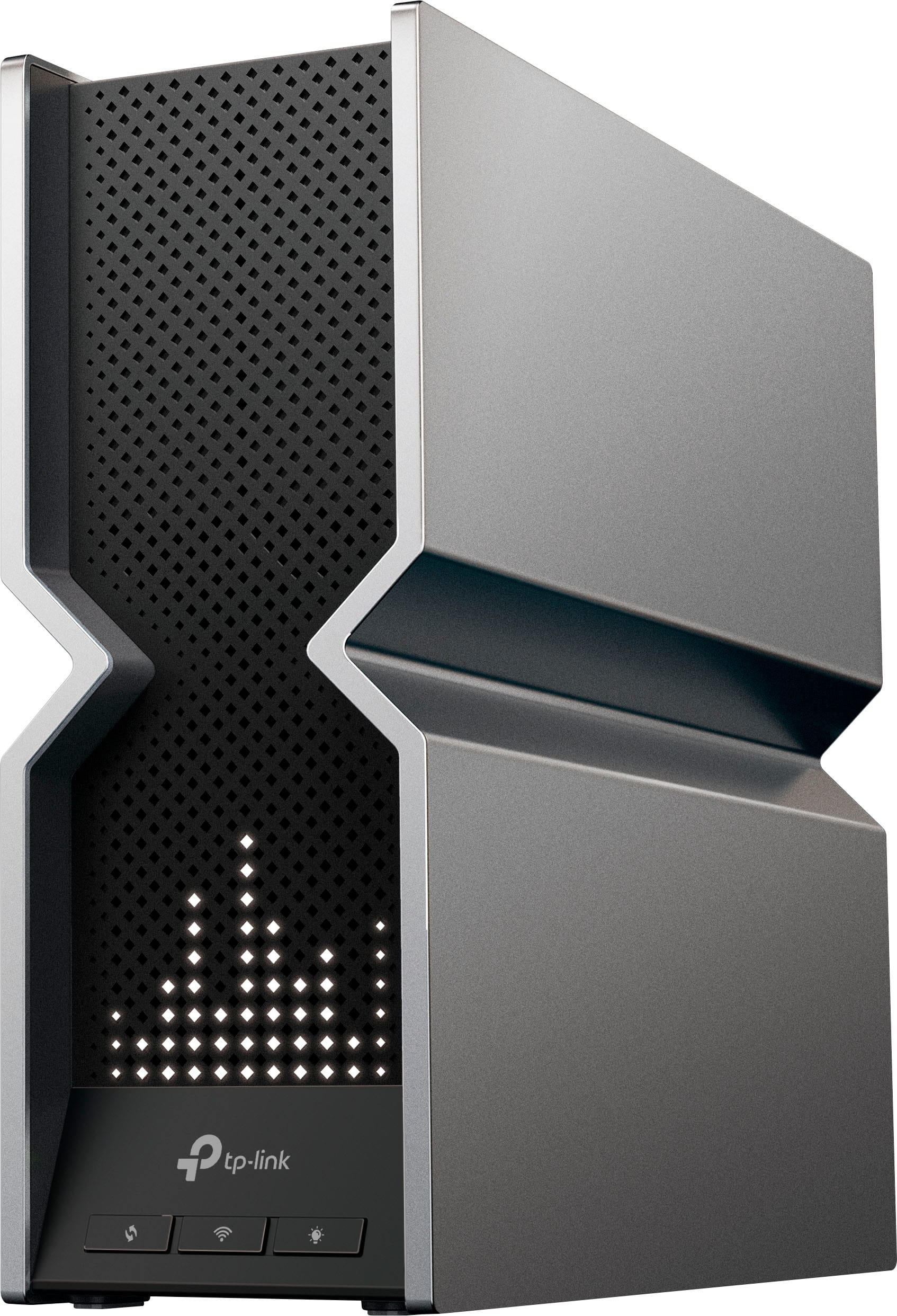
TP-Link - Archer AXE7800 Tri-Band Wi-Fi 6E Router - Black
SKU: J39QK2Q8VQGreat range has solved my issue with my wifes xbox loosing conection in the front room. Worth the money, app software is intuitive and easy to set up....Beautiful wi-fi router, handles multiple devices...
See all Wi-Fi RoutersProduct Description
A high-performance black tri-band Wi-Fi 6E router delivering ultra-fast speeds, strong coverage, and advanced security.Your price for this item is $229.99 -
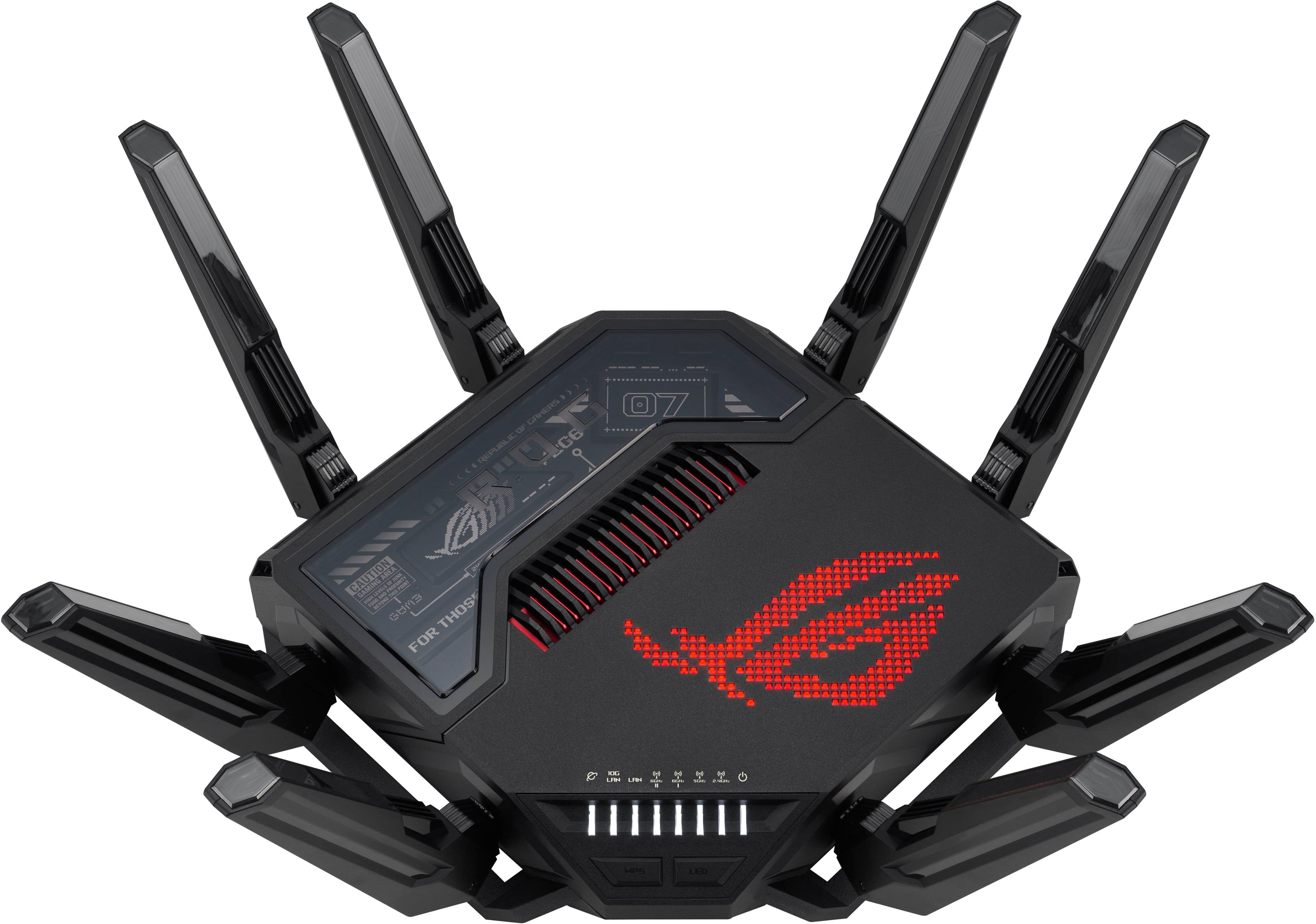
ASUS - ROG Rapture GT-BE98 Pro BE30000 Quad-Band Wi-Fi 7 Gaming Router - Black
SKU: JJGGLR76L6See all Wi-Fi RoutersProduct Description
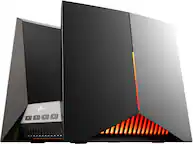
A quad-band black gaming router with Wi-Fi 7, dual 10G ports, RGB lighting, and advanced security.Your price for this item is $699.99 -
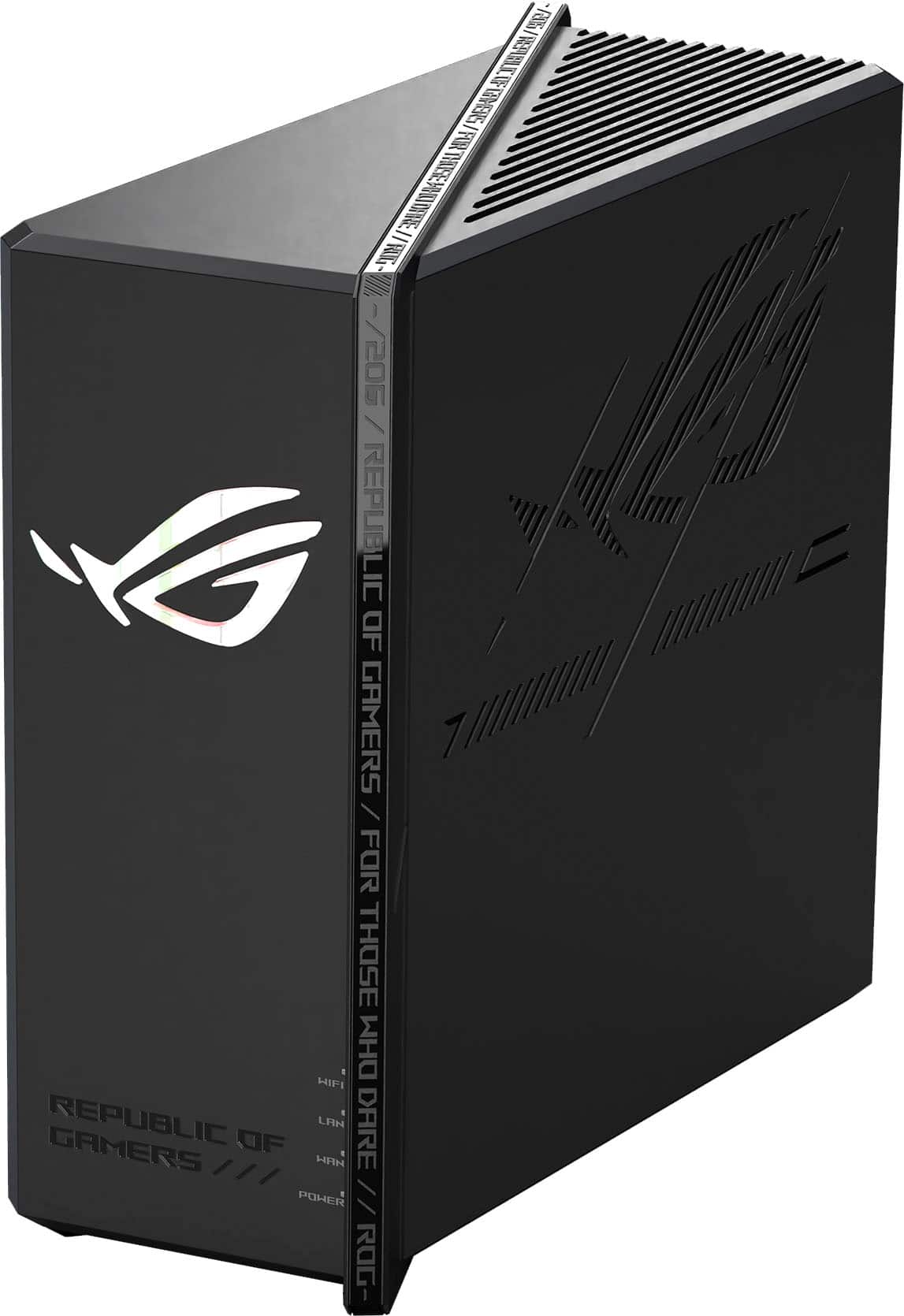
ASUS - ROG Strix GS-BE18000 Tri-Band Wi-Fi 7 Gaming Router - Black
SKU: JJGGLHJL42My gaming laptop and my gaming desktop are in different rooms than the router, but my Xbox is right next to it which is plugged into one of the gaming LAN ports.
See all Wi-Fi RoutersProduct Description
A powerful black tri-band Wi-Fi 7 router delivering up to 18 Gbps speeds and advanced gaming features.Your price for this item is $449.99 -
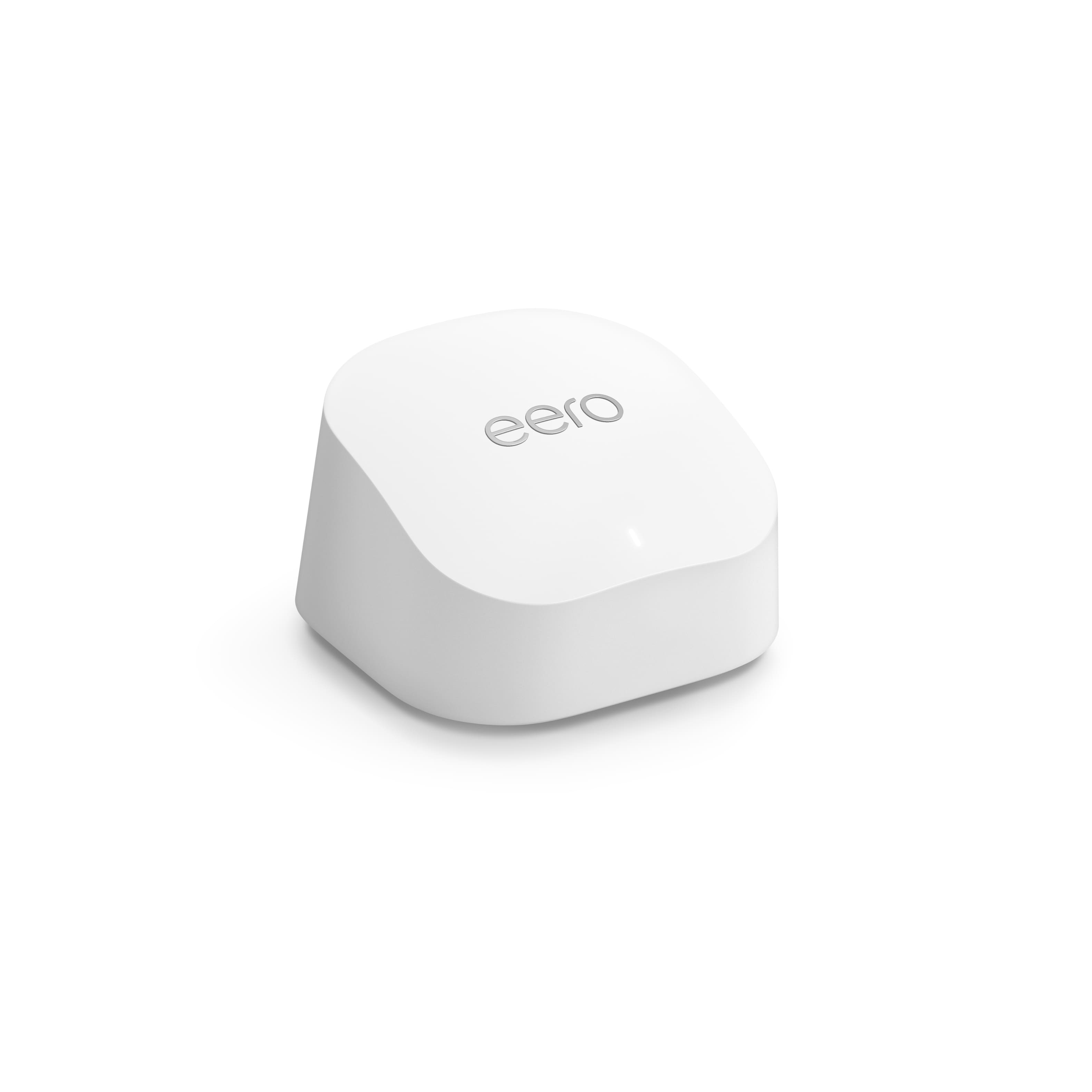
eero - 6+ Dual-band Mesh Wi-Fi 6 Router (1-pack) - White
SKU: J39QV8GZQWGood with XBOX and Alexa
See all Mesh Wi-FiProduct Description
A dual-band white mesh Wi-Fi 6 router offering gigabit speeds, strong coverage, and advanced security features.Your price for this item is $139.99 -
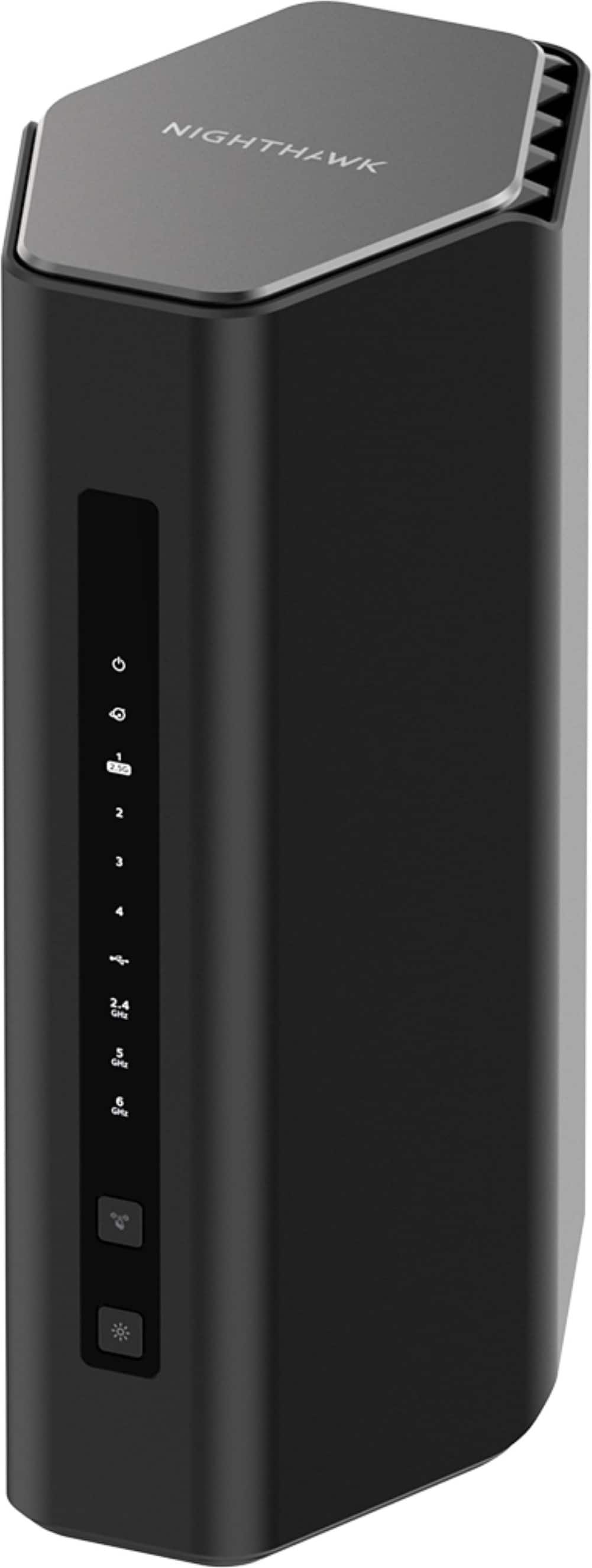
NETGEAR - Nighthawk BE12000 Tri-Band Wi-Fi 7 Router - Black
SKU: J2VY7Y45ZXSee all Wi-Fi RoutersProduct Description
A high-performance black tri-band Wi-Fi 7 router delivering up to 12 Gbps speeds and advanced encryption.Your price for this item is $399.99 -
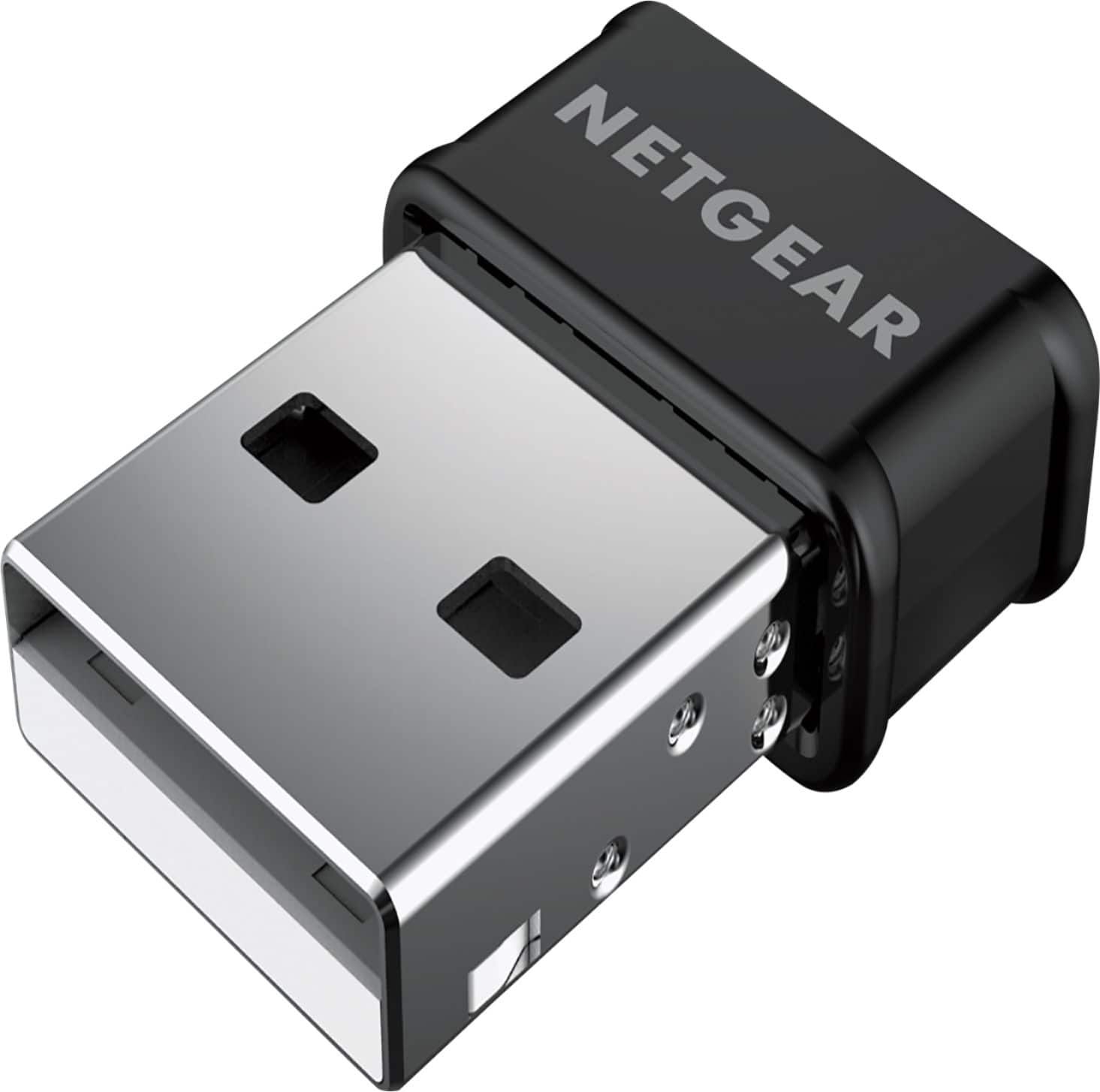
NETGEAR - Dual-Band Wireless-AC USB Network Adapter - Black
SKU: J2VY7YKVRSSee all USB Wi-Fi AdaptersProduct Description
A dual-band wireless-AC USB adapter in black that boosts Wi-Fi speed and coverage for seamless connectivity.Your price for this item is $29.99 -
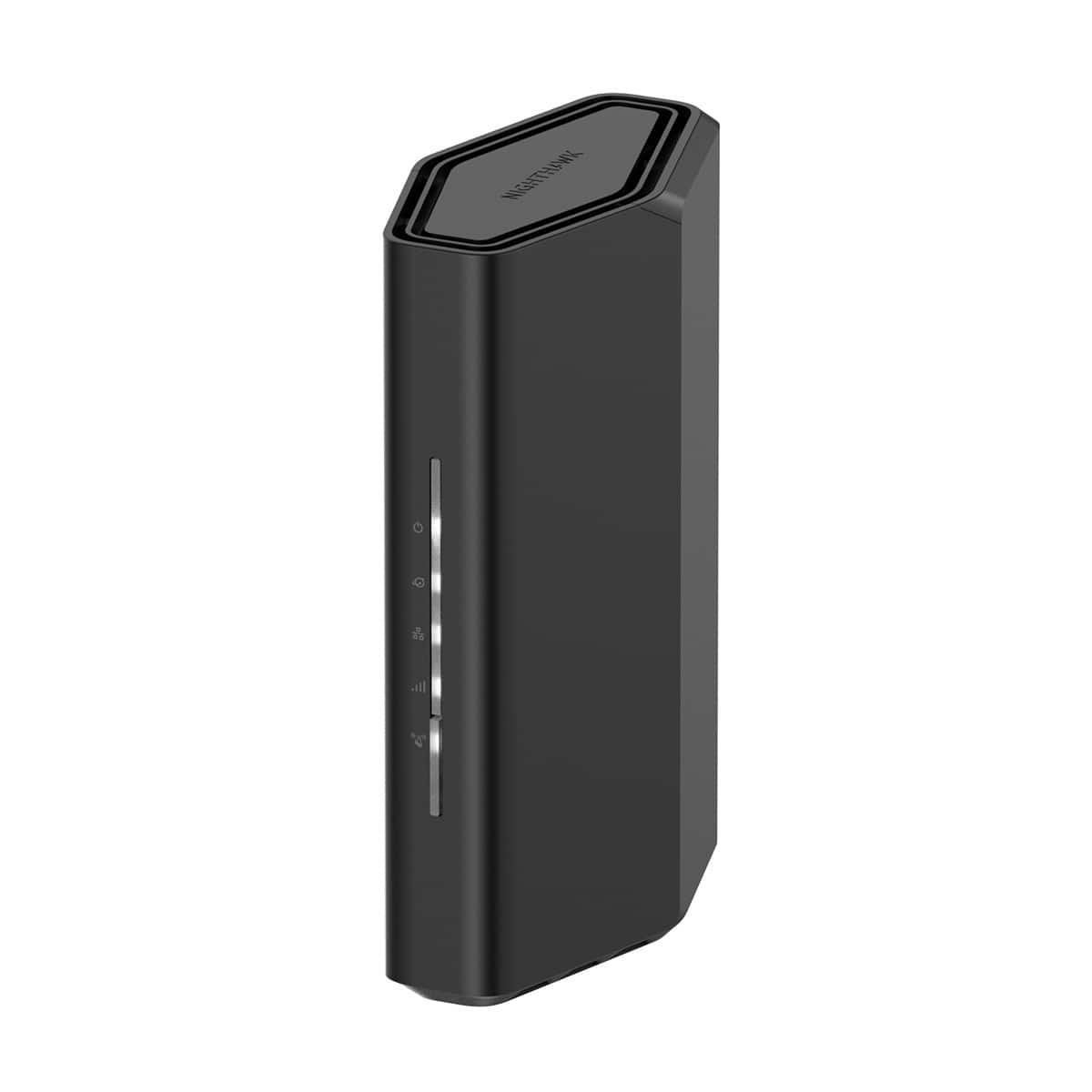
NETGEAR - Nighthawk BE3600 Dual-Band Wi-Fi 7 Router - Black
SKU: J2VY7Y57ZSSee all Wi-Fi RoutersProduct Description
A dual-band black router delivering Wi-Fi 7 speeds up to 3.6 Gbps with advanced security features.Your price for this item is $149.99 -
TP-Link - Archer BE19000 Tri-Band Wi-Fi 7 Router - Black
SKU: J39QK2Q82VSee all Wi-Fi RoutersProduct Description
A tri-band Wi-Fi 7 router in black delivering up to 19 Gbps speeds with advanced security features.Your price for this item is $372.99Save $127The previous price was $499.99 -
TP-Link - AX5400 Wi-Fi 6 Router Archer AX73 Dual Band Gigabit Wireless Internet Router High-Speed Ax Router - Black
SKU: J39QK2RFWCSee all Wi-Fi RoutersProduct Description
A high-speed black Wi-Fi 6 router offering stable, simultaneous streaming and gaming with advanced signal coverage.Your price for this item is $159.00 -
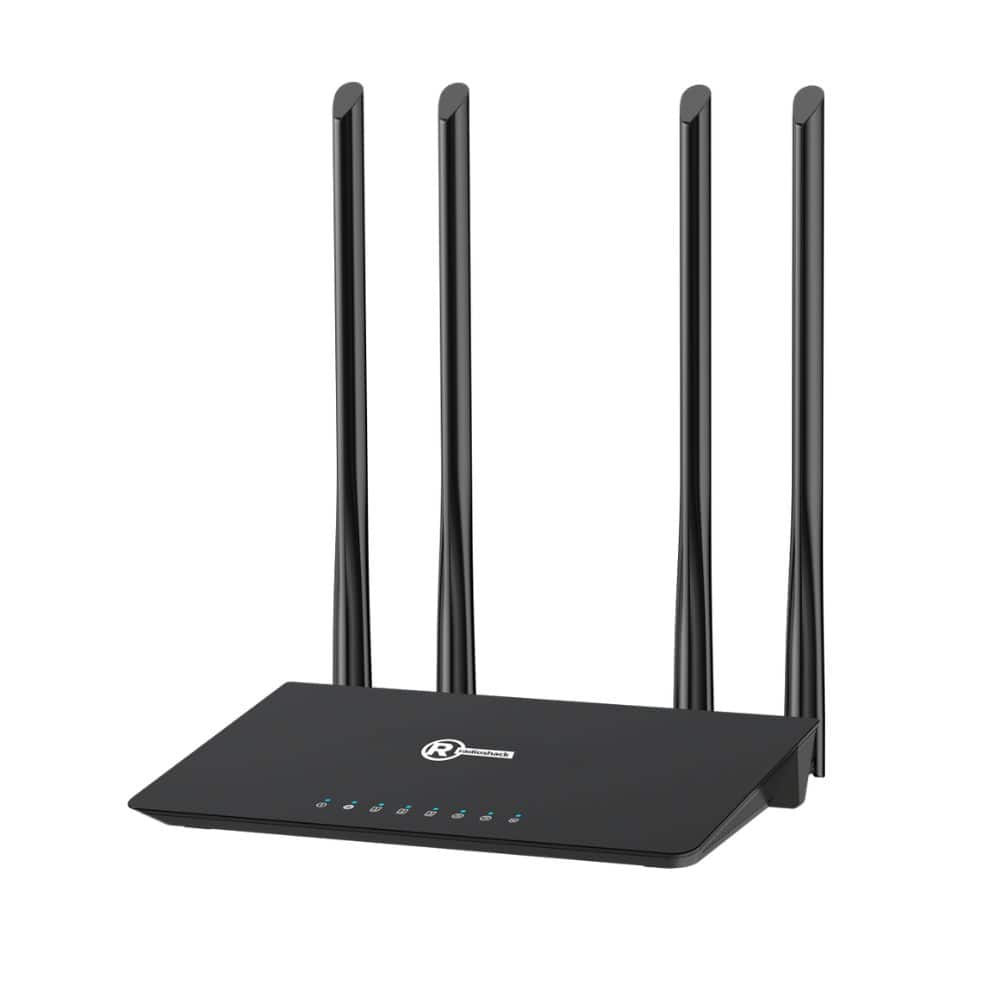
RadioShack - 1200 Mbps Wi-Fi Router - Black
SKU: CFRJQSY8KJSee all Wi-Fi RoutersProduct Description
A dual-band black Wi-Fi 5 router with four antennas for fast, reliable streaming and gaming connectivity.Your price for this item is $79.99

Best Sellers






Related Pages




FAQ
When choosing a router for Xbox gaming, look for features like dual-band or tri-band connectivity, Quality of Service (QoS) for prioritizing gaming traffic, low latency, high-speed wireless standards (such as Wi-Fi 6), and multiple Ethernet ports for wired connections.
A gaming router can reduce lag and latency, prioritize gaming traffic, and provide a more stable connection. This leads to smoother gameplay, faster response times, and a better overall online gaming experience on your Xbox.
While you don’t need a special router, routers designed for gaming often offer features like optimized bandwidth allocation and advanced traffic management, which can help provide a more consistent and reliable connection for Xbox Live multiplayer games.
A wired Ethernet connection is generally better for Xbox gaming as it offers lower latency and a more stable connection. However, modern gaming routers with advanced Wi-Fi technology can also provide excellent wireless performance if running a cable isn’t possible.
Yes, most gaming routers are designed to handle multiple devices simultaneously. Features like MU-MIMO and QoS help ensure that your Xbox receives the bandwidth it needs without impacting the performance of other connected smart devices.