Best Gaming Router For Xbox One
Finding the best gaming router for Xbox One starts with your internet plan, home layout, and connected devices. Compare routers by Wi-Fi coverage, Ethernet ports for a wired console connection, and traffic-prioritization options that can help manage network demands when others are streaming or downloading.
What to look for in a gaming router for Xbox One
Find the best gaming router for your Xbox One by considering connection options, traffic management, network coverage, and security.
1. Wired and Wireless Connectivity
2. Gaming Traffic Prioritization
3. Coverage and Placement
4. Security and Network Settings
-
1
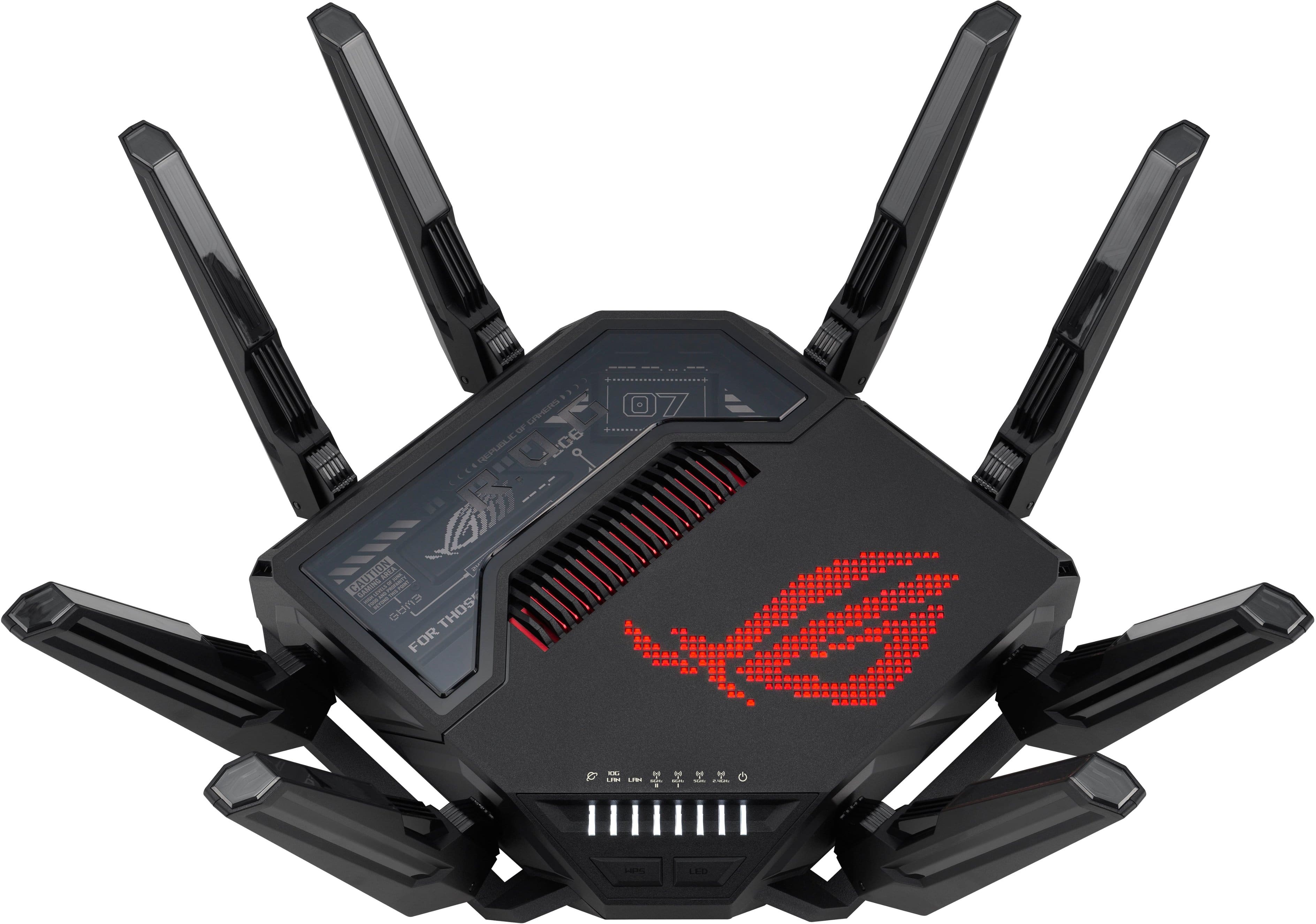
ASUS - ROG Rapture GT-BE98 Pro BE30000 Quad-Band Wi-Fi 7 Gaming Router - Black
About this product
A quad-band black gaming router with Wi-Fi 7, dual 10G ports, RGB lighting, and advanced security.
What customers like
(257)$684.99Your price for this item is $684.99SAVE $15.00 -
2
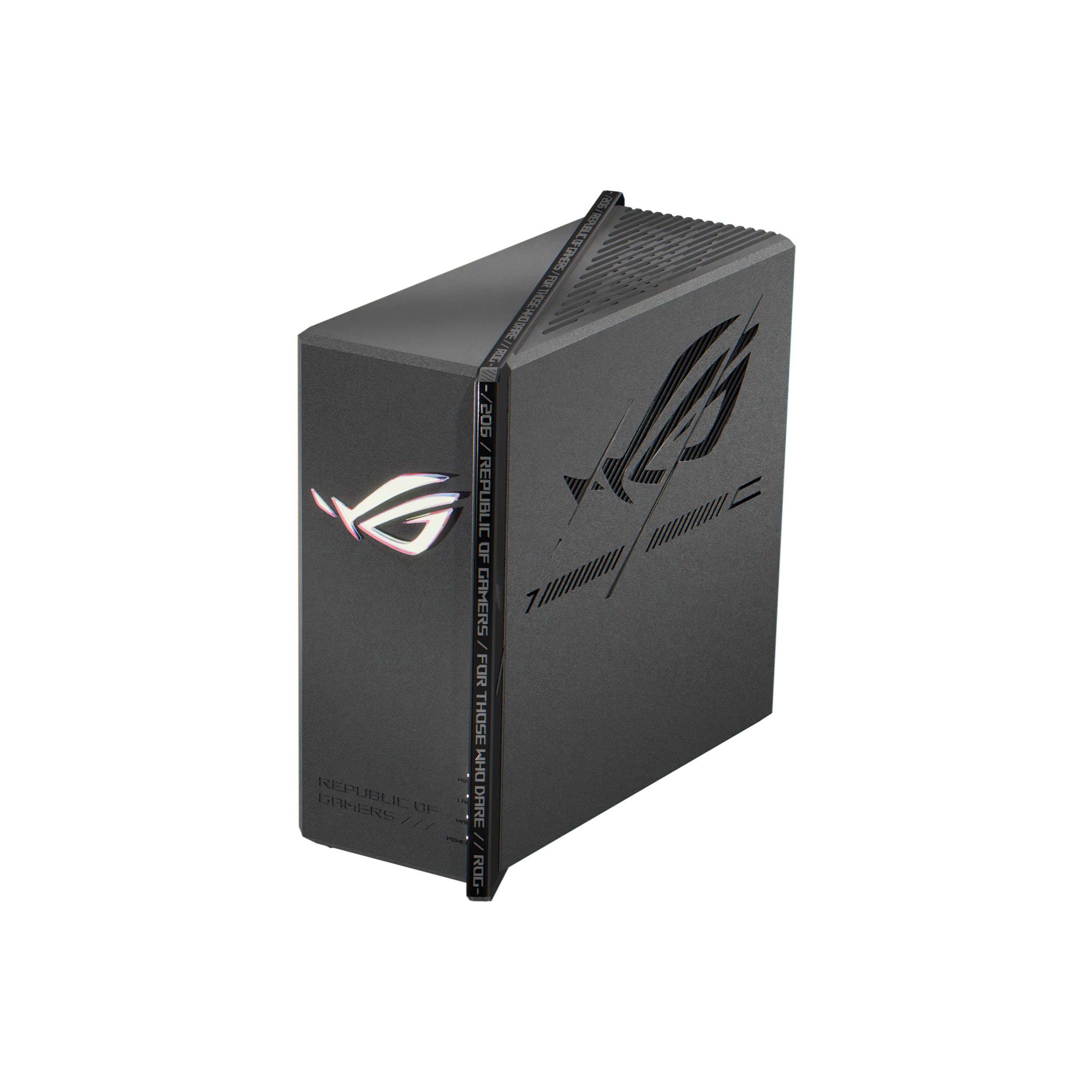
ASUS - ROG Strix GS-BE7200X Dual-Band Wi-Fi 7 Gaming Router - Black
About this product
A black dual-band Wi-Fi 7 gaming router with 4096-QAM, long-range 5GHz antennas, and AiProtection.
What customers like
(24)$299.99 Your price for this item is $299.99 -
3
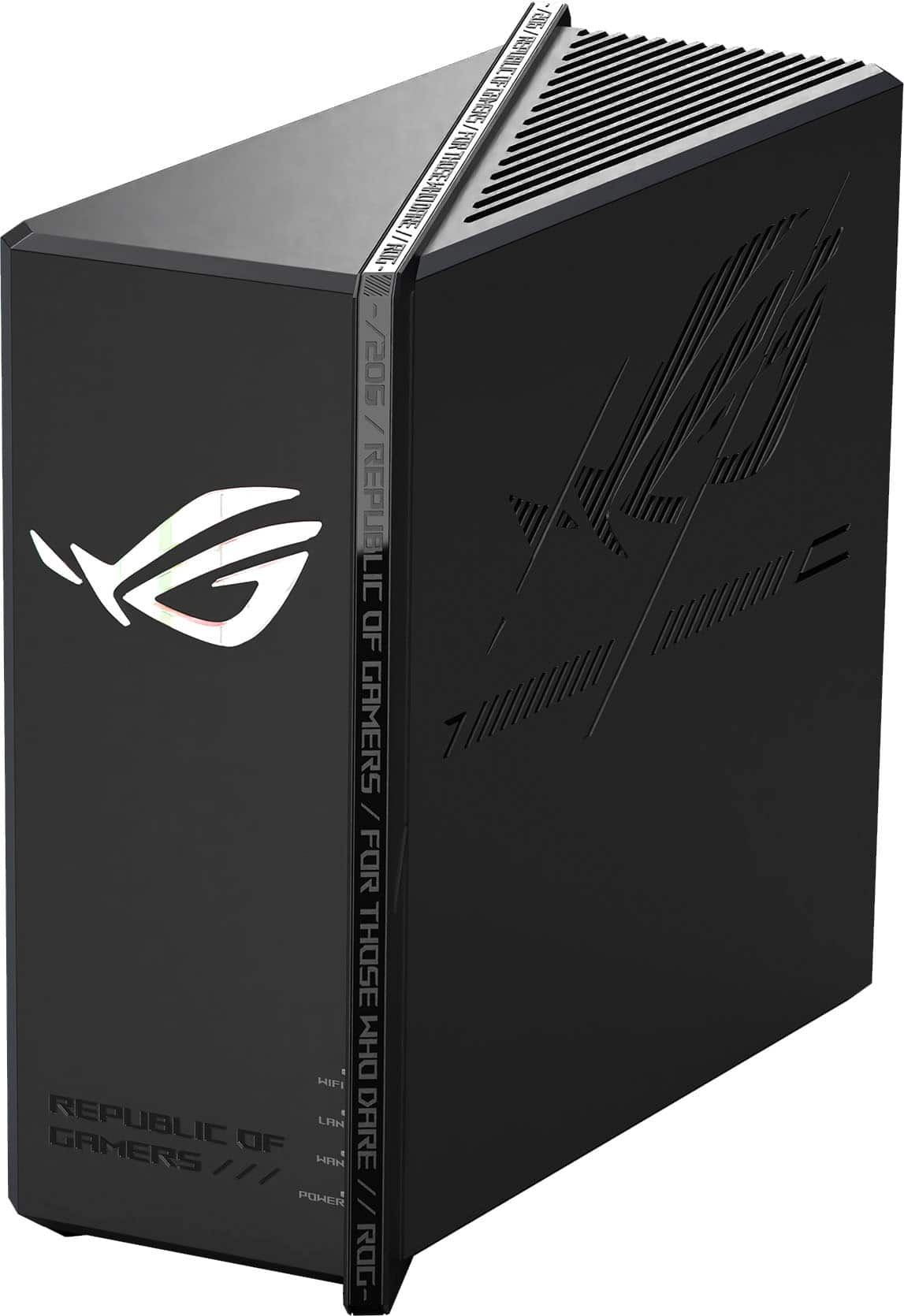
ASUS - ROG Strix GS-BE18000 Tri-Band Wi-Fi 7 Gaming Router - Black
About this product
A powerful black tri-band Wi-Fi 7 router delivering up to 18 Gbps speeds and advanced gaming features.
What customers like
(174)$449.99 Your price for this item is $449.99 -
4
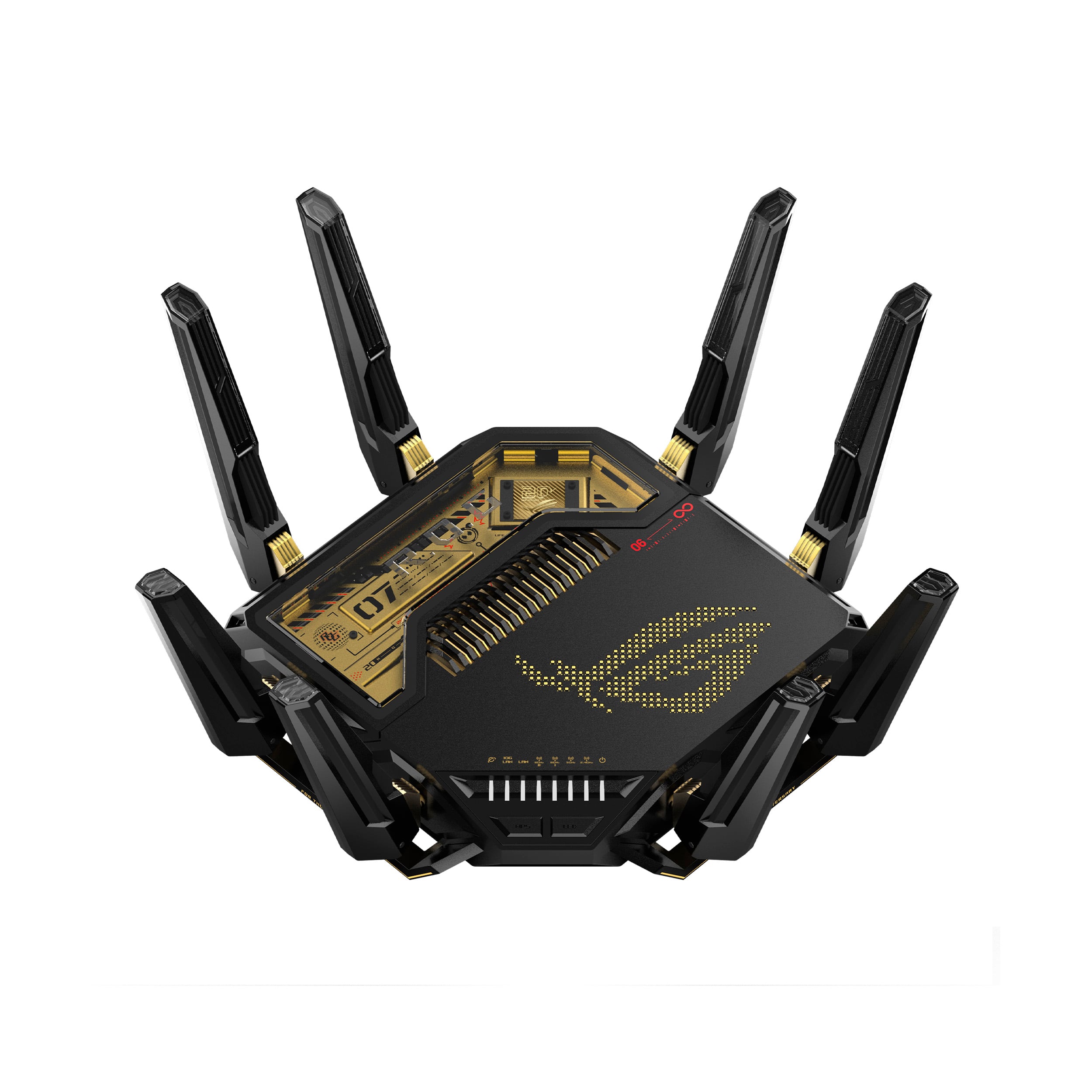
ASUS - ROG Rapture GT-BE98 Pro BE30000 Quad-Band Wi-Fi 7 Gaming Router - 20th Edition
About this product
A quad-band Wi-Fi 7 gaming router featuring gold-on-black design, advanced encryption, and seven LAN ports.
(5)$699.99 Your price for this item is $699.99 -
5
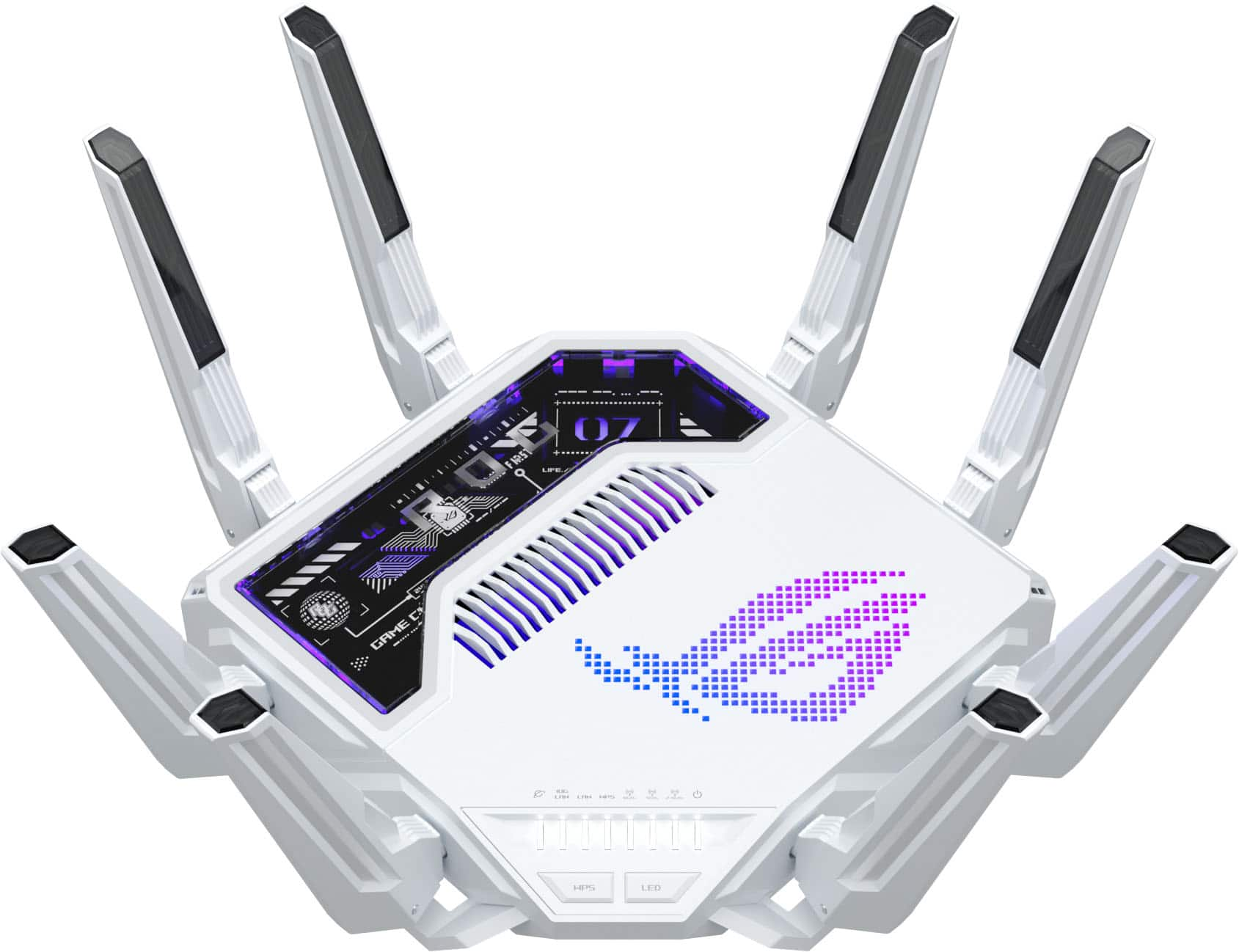
ASUS - ROG Rapture GT-BE19000AI Tri-Band Wi-Fi 7 Gaming Router - White
About this product
A white tri-band Wi-Fi 7 router with AI-driven gaming optimization, advanced security, and parental controls.
What customers like
(35)$899.99 Your price for this item is $899.99 -
6
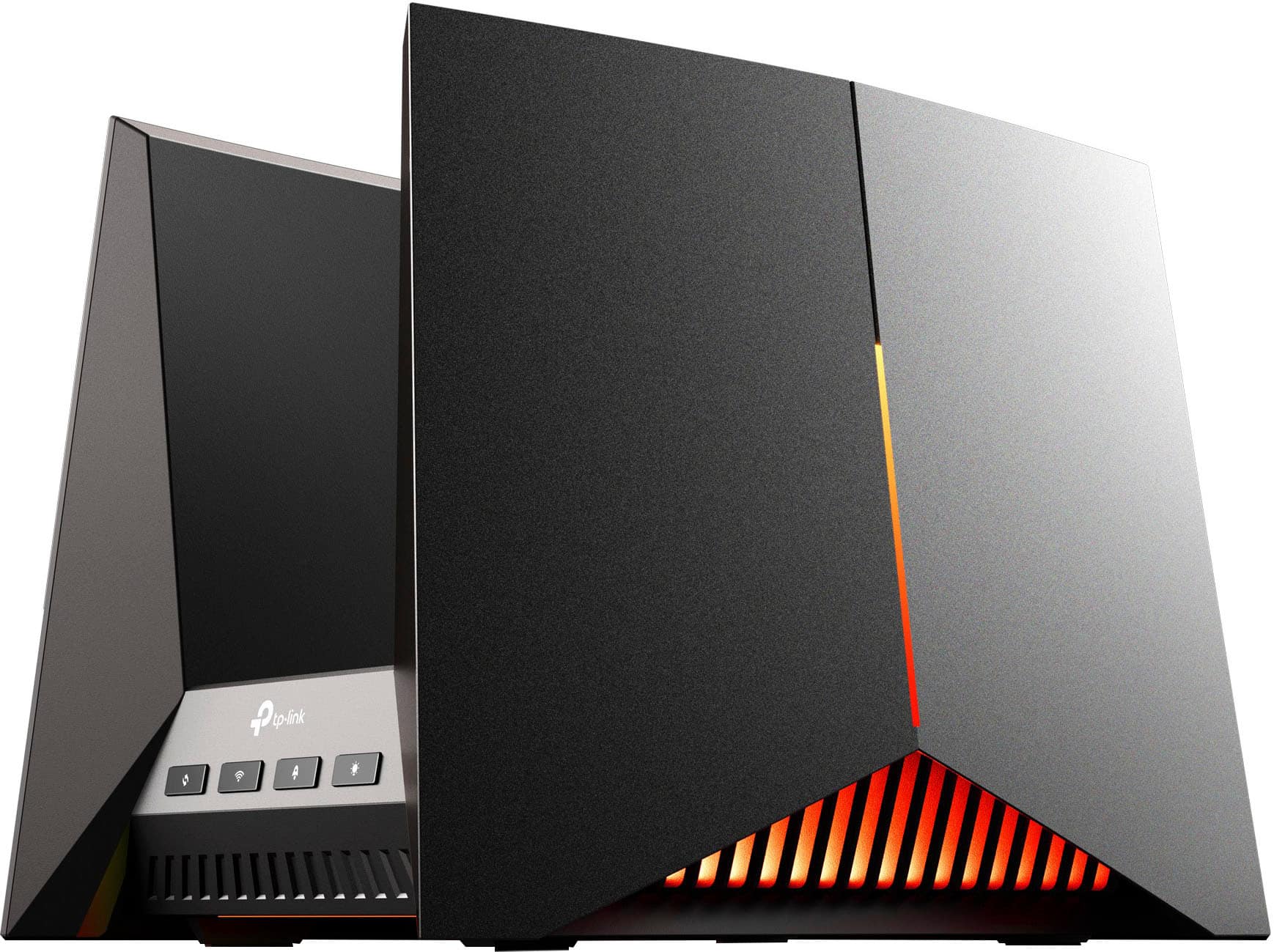
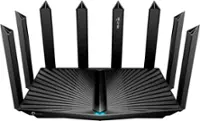
TP-Link - BE19000 Tri-Band Wi-Fi 7 Gaming Router - Black/Red
About this product
A tri-band Wi-Fi 7 gaming router in black and red with fast speeds, parental controls, and encryption.
(14)$478.99Your price for this item is $478.99SAVE $121.00 -
7
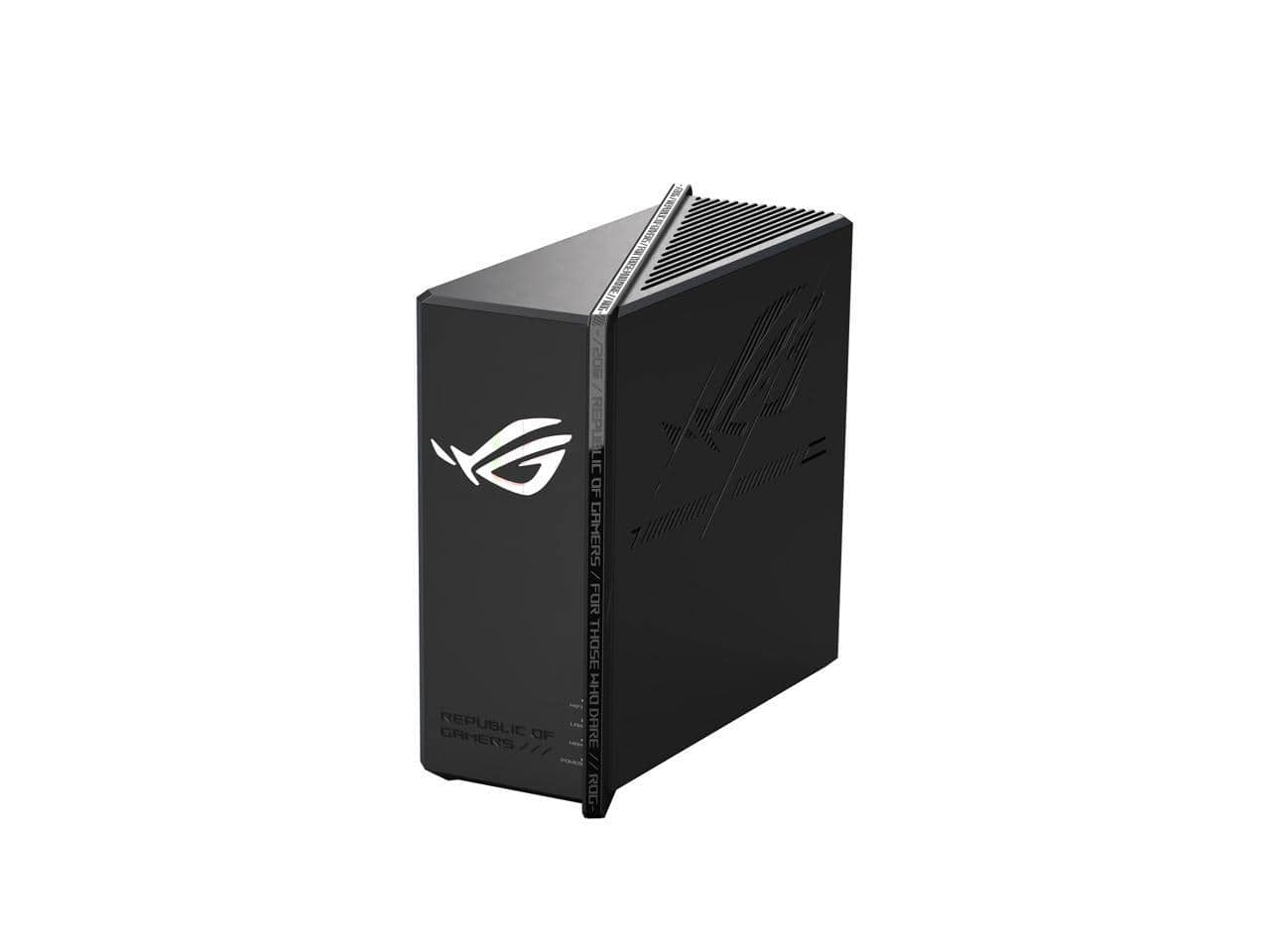
ASUS - ROG Strix GS-BE12000 WiFi 7 Router, 12000 Mbps, 20G Wired, 3000 sq ft, Quad-core CPU, Game Accel, Triple Security
About this product
A tri-band WiFi 7 router with 12000 Mbps speed, 20G wired, quad-core CPU, and triple security.
(1)$349.99Your price for this item is $349.99SAVE $50.00 -
8

TP-Link - AX5400 Wi-Fi 6 Router Archer AX73 Dual Band Gigabit Wireless Internet Router High-Speed Ax Router - Black
About this product
A high-speed black Wi-Fi 6 router offering stable, simultaneous streaming and gaming with advanced signal coverage.
(0)$179.00 Your price for this item is $179.00 -
9
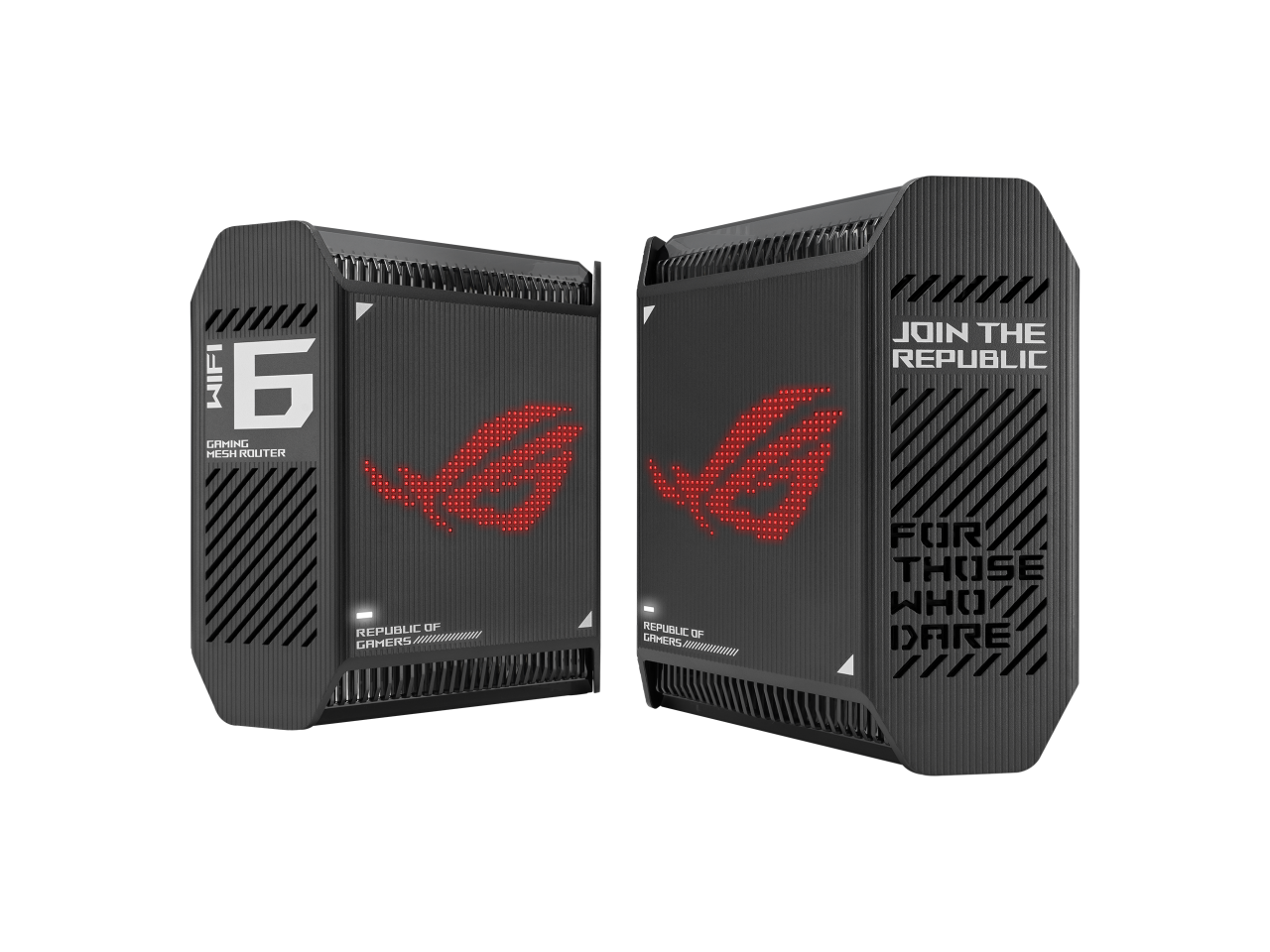
ASUS - ROG Rapture GT-AX6000 (2PK) Tri-Band WiFi 6 Mesh, 5800 sq ft, 2.5Gbps, Game Acceleration, Lifetime Security
About this product
A black tri-band Wi-Fi 6 mesh system with 2.5Gbps networking, game acceleration, and lifetime security.
(0)$292.75Your price for this item is $292.75SAVE $0.07 -
10
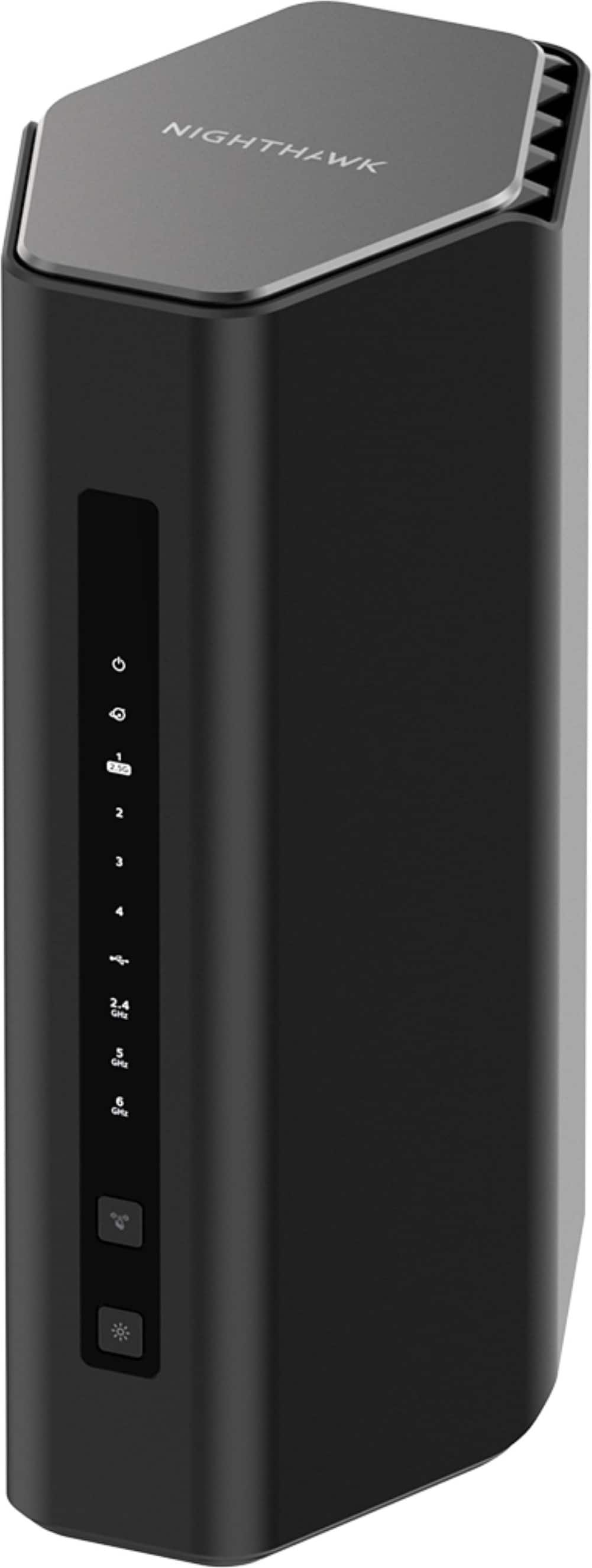
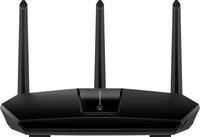
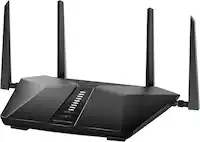
NETGEAR - Nighthawk WiFi 7 Router RS500 Up to 3,000 sq ft, 12 Gbps, Reliable Performance, Easy Set Up, 120 devices - Black
About this product
A black tri-band Wi-Fi 7 router delivering 12 Gbps with MU-MIMO, OFDMA, and Ethernet connectivity.
What customers like
(212)$399.99 Your price for this item is $399.99
Best Gaming Router For Xbox One
FAQs
No. Xbox One can connect to a standard home router through Ethernet or compatible Wi-Fi. Gaming routers may include gaming-focused settings, such as device prioritization and traffic monitoring, but gaming-specific branding is not required for compatibility.
Yes, provided the router supports older Wi-Fi standards on its 2.4 GHz or 5 GHz bands. Xbox One uses a compatible Wi-Fi mode rather than Wi-Fi 6 or Wi-Fi 7 features, and it cannot connect to the 6 GHz band.
Connect an Ethernet cable from the Xbox One's Ethernet port to a LAN port on the router. On the console, open Settings, select General, and then select Network settings to check the wired connection.
Quality of service, commonly called QoS, is a router setting that assigns priority to certain devices or types of network traffic. Depending on the router, you may be able to select your Xbox One as a priority device or choose a gaming traffic category.
Router settings are typically managed through the manufacturer's mobile app or a web browser connected to the home network. Xbox One connection settings are managed separately under Settings, General, and Network settings on the console.