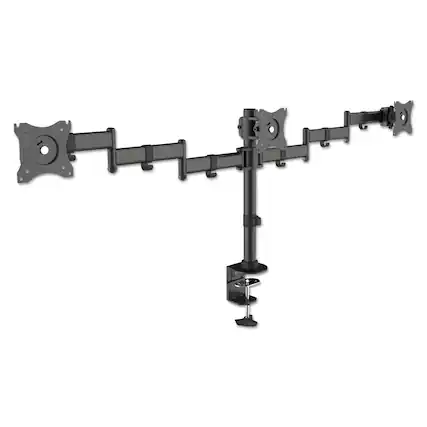
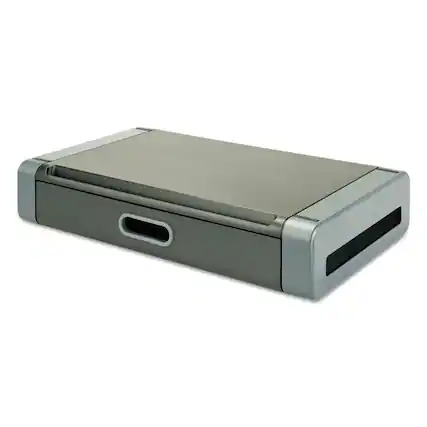
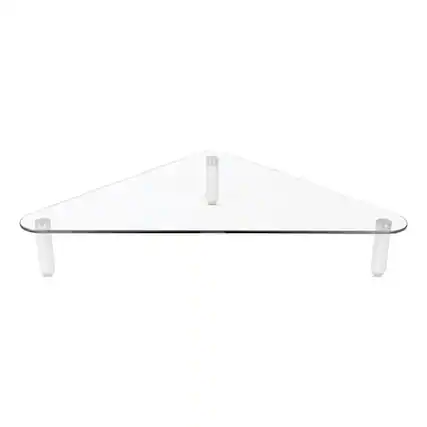
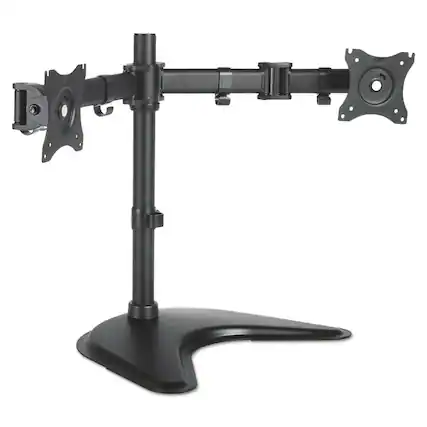
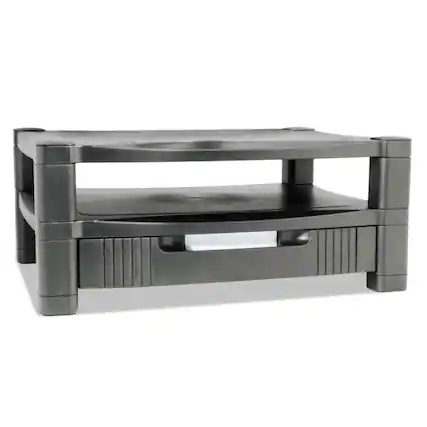
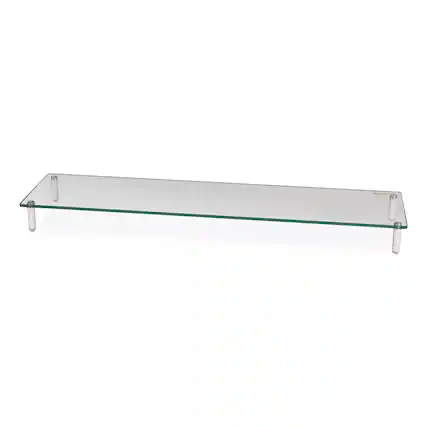
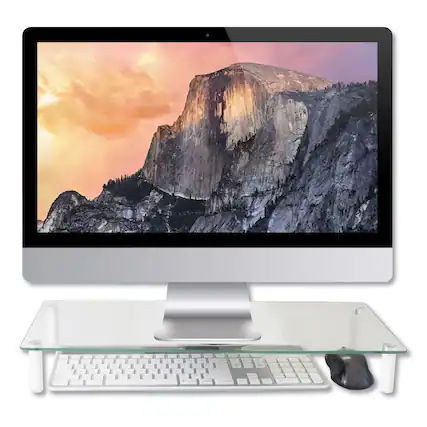
Along with using an ergonomic office chair, setting up your computer screen at eye level is one of the best ways to prevent neck stiffness and tension when working at a computer. It allows you to keep your neck aligned while easily seeing everything on your computer display. To achieve the ideal monitor height, you may need to set your computer monitor on a stand or adjust it with a monitor arm.
Monitor stands also offer the benefit of opening up more surface area on your desk. Most monitor stands are designed with legs so that you can use the desk space beneath them. You can gain a lot more storage space this way, especially if you have multiple monitors, in which case, you should look at a dual monitor stand or a multi-monitor stand.
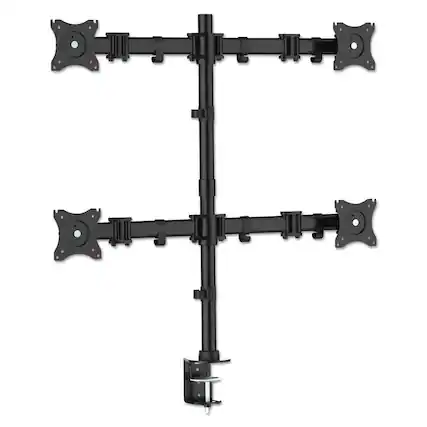
If your computer desk is against a wall or has a strong, raised back, you can also opt for a monitor mount. Mounting your monitor screen takes it off your desk entirely, freeing up lots of space. You can choose a tilting monitor mount, swiveling monitor mount or full-motion monitor mount, all of which make it easier to adjust your monitor easily while using it.