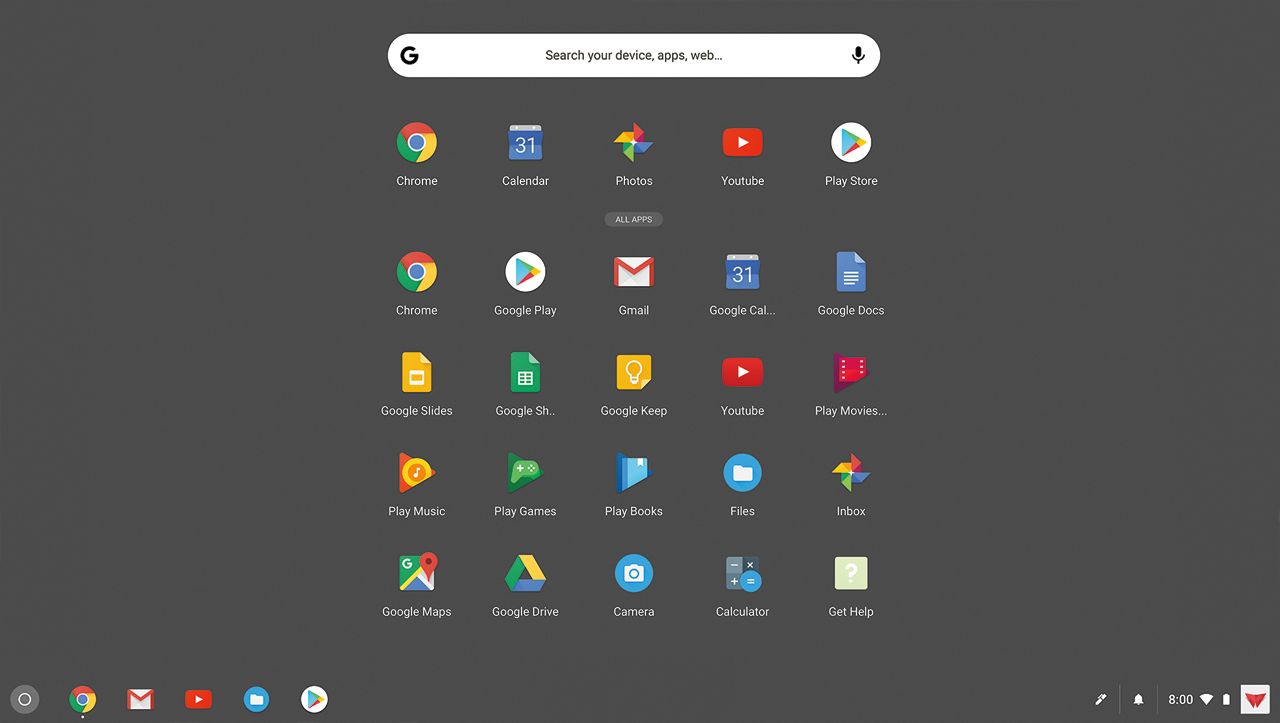
A:AnswerIf you want to use Adobe programs, I wouldn't go with a Chromebook. I am not completely positive, but I want to say, no, they won't run Adobe Photoshop or anything like that. They are mostly used for Google apps, Google docs, surfing the net, Netflix, etc. You really can't "install" programs onto a Chromebook.
A:AnswerYes. Here is a link that has information on this you might find helpful: https://support.office.com/en-us/article/how-to-install-and-run-microsoft-office-on-a-chromebook-32f14a23-2c1a-4579-b973-d4b1d78561ad
A:AnswerThe battery on the Chromebook is not user accessible. If the Chromebook will not charge we recommend repair at this point. Please feel free to contact Acer support for assistance with this. Contact information is posted here for your convenience: https://www.acer.com/ac/en/US/content/service-contact
A:AnswerYes you can, BUT there will probably NOT be enough space on the small hard drive. If I understand correctly, the best way would be to put your photos on an external HD and access them through your Chromebook.
A:AnswerWhile Acer does not sell printers, here is a link to some good information on Cloud Printers to use with your Acer Chromebook, that you might find helpful: http://cbookreviewguide.com/chromebook-compatible-printers-cloud-ready/
A:AnswerBoth answers to my question reference "dial-up". I have our local Cox Communications starter internet, which is the lowest speed of 4 packages offered. Since I am a senior on a limited budget I have the most economical. I looked at the options and found a disclaimer that my package is 6 times faster than dial-up, with download of 5 Mbps. Greek to me....but I am going to assume that this would be sufficient for this Acer chromebook. Any agreements from my 2 responders? THANK YOU for your help!
A:AnswerIf that's what you're looking for then this is the PERFECT laptop for you. It is very fast it has all your basic word documents layouts and my favorite part about it is the screen size makes it perfect for watching movies. At times I feel as if I'm watching a small flat screen T.V.