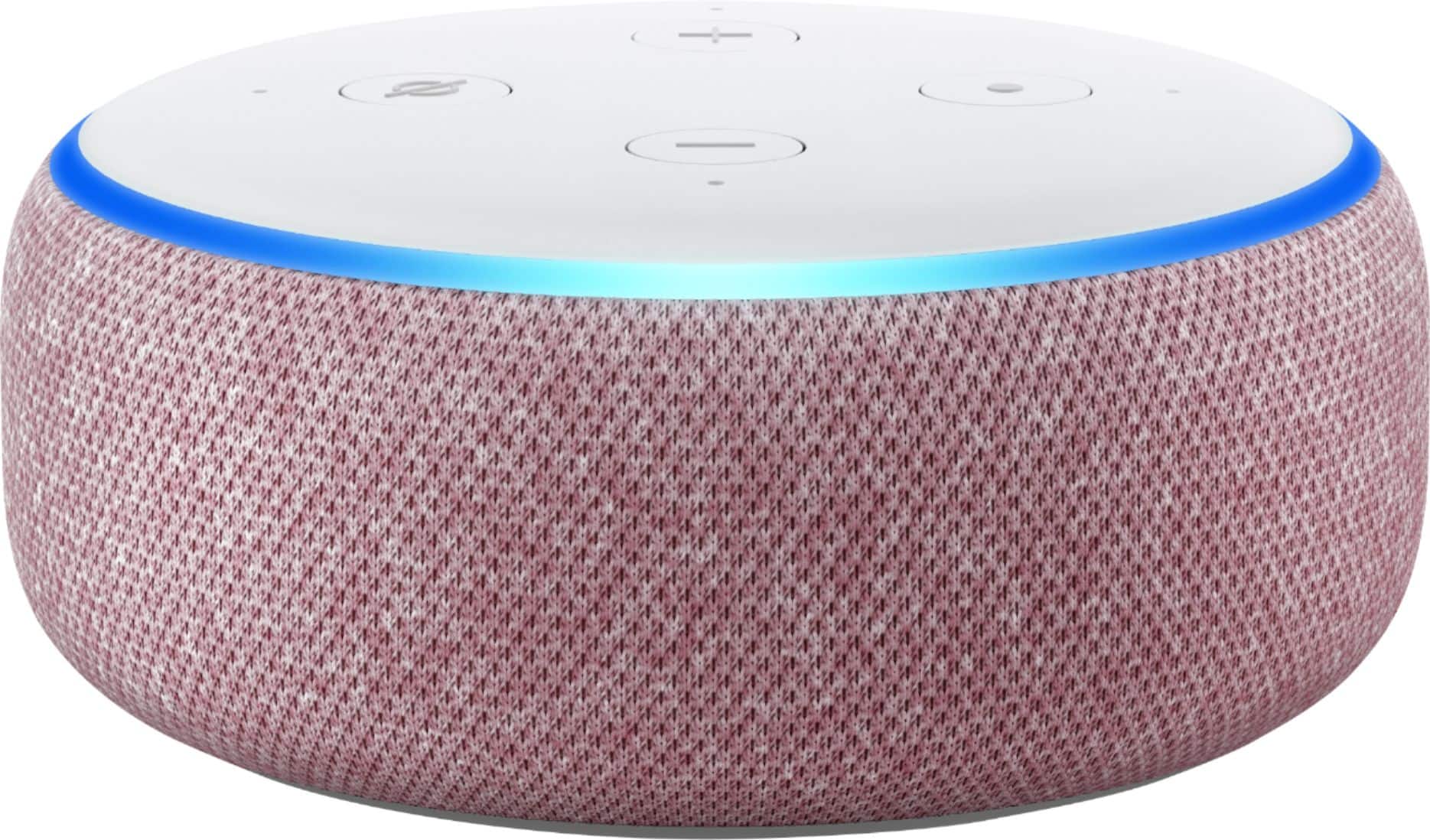
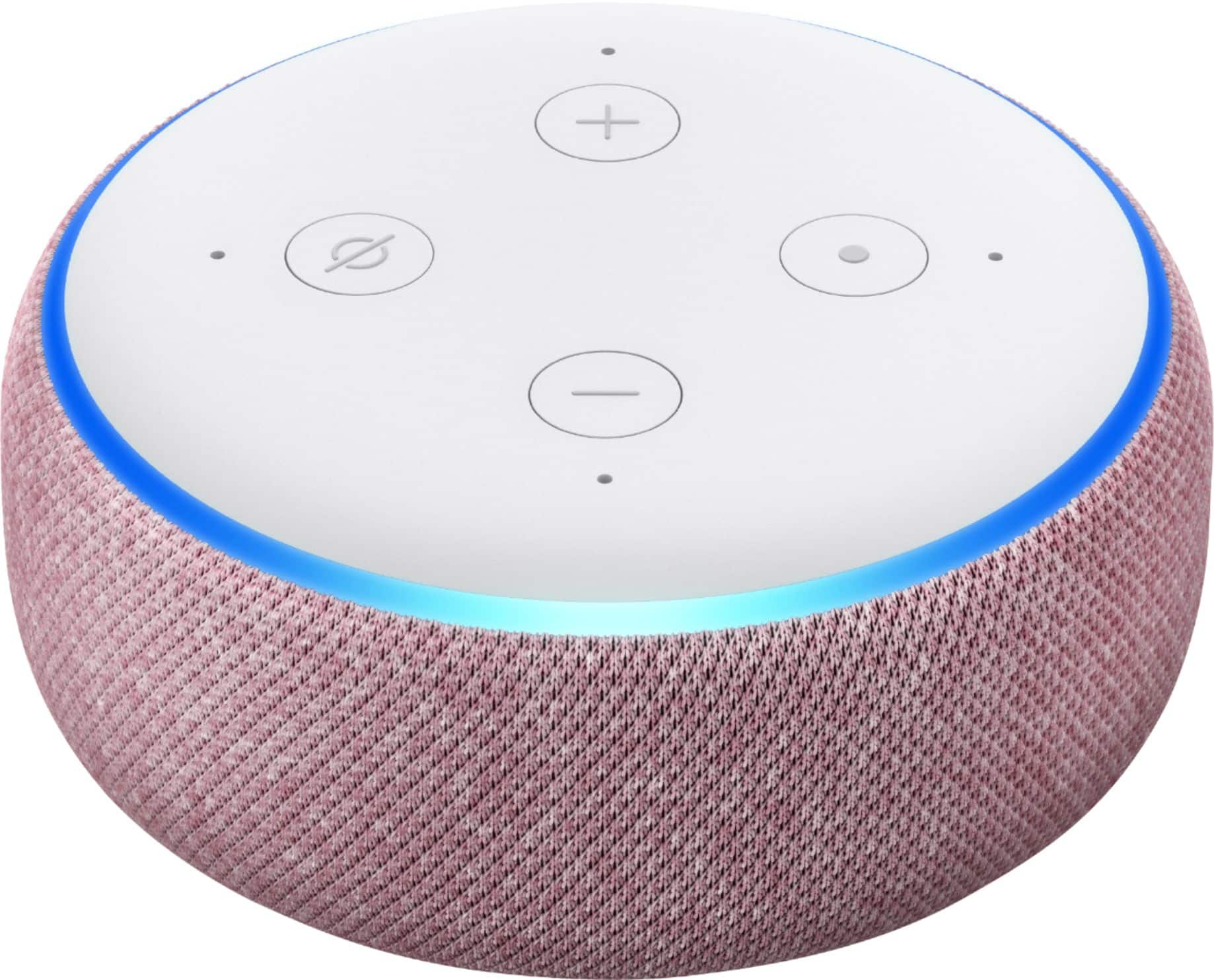
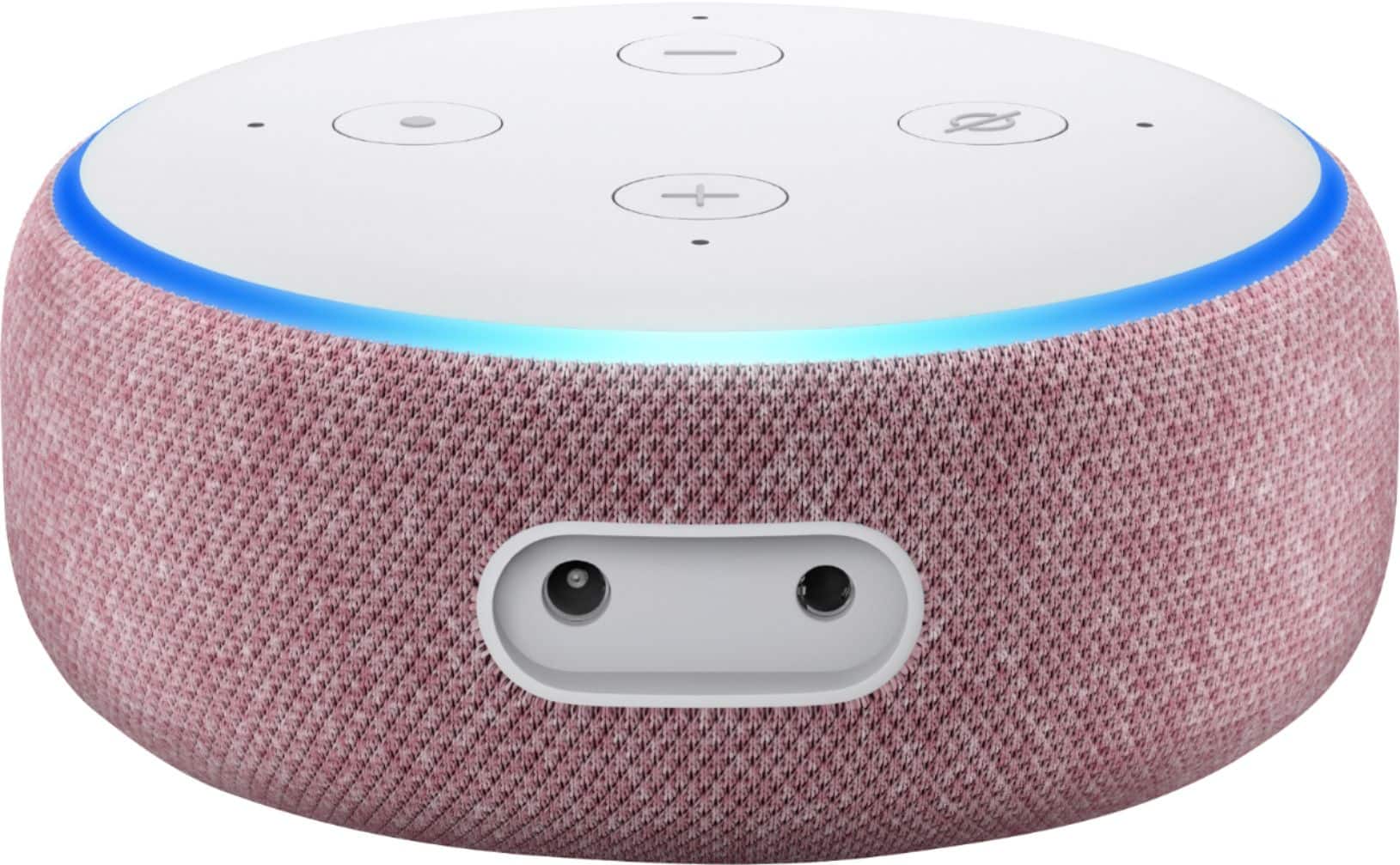
A:AnswerThey do everything that the first and second gen dots can. They are a little more aesthetically pleasing, a little bit bigger, but have a larger, more powerful speaker in them.
I use mine to control my lights, my cameras, my vacuum cleaners, my sprinkler system, my complete media system... I have so many items linked to my Alexa products to make every day tasks so much simpler.
For example, I have my lights all hooked up to Alexa. At the end of the night, I can say 'Good Night' to Alexa and it will turn off every light in the house. I don't have to walk around the house turning them all off. So much easier!
A:AnswerYes, you can change the language used by Alexa on the Echo Dot with Clock. You change it by going to the Alexa app Device Settings. You will find a setting for Language and all you have to do is click on your language of choice.
A:AnswerOnce you add the device to control the speaker, it will remember it every time it is within range. You wont have to worry about anything connecting to it unless you have the speaker remember that device. I currently have 6 speakers with 6 cell phones in the home and haven't had any problems.
A:AnswerI believe you own the updated version. Like the first 3rd gen echo dot had no clock but a new was released late last with with an LED light that displays the time. Very handy tho.
A:AnswerThe Amazon Echo dot doesn’t require a hub to operate. If you’re referring to the SengLed hub for the smart bulbs, then yes, you need a smart bulb hub to operate the smart bulbs. The Echo Dot or any Alexa enabled device (eg Android phone app, iPhone Alexa app, etc) will work with the Sengled hub