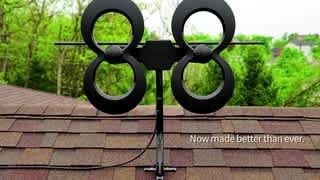
A:AnswerNo, there's no current running through the antenna to ground. It simply picks up the broadcast signal and transfers them to your TV via a regular coax cable.
A:AnswerI don't know that they have to be smart, they do have to be HD, I don't know what a romulo is but this device is fantastic with great picture quality, first had it sitting in my living room got a really good signal, on my roof fantastic signal. just run coax from unit to tv and you have local channels. I have two tvs on same antennae. Both of my tv's are new. I had used a hd antenae on my rv, airstream and at a house for the past 10 years and they all work great so any tv you have less than 10 years old should work! You won't get cable channels. Just local networks, we get 33 channels
A:AnswerYes. It brings in alot of channels. There were many I could not get before but I have them all now. I do not have cable so this is great. Just be sure to contact tech support and they will tell you where to place it in your house to get the best signal. I am so happy with this antenna and it can support two tvs on one antenna with connecting cable wires
A:AnswerReception will vary depending on your terrain and proximity to your local stations
Tips for better reception:
Https://www.fcc.gov/media/engineering/dtvmaps
Website above will provide an estimate of what stations are available in the area
Use good quality RG-6 coax cable
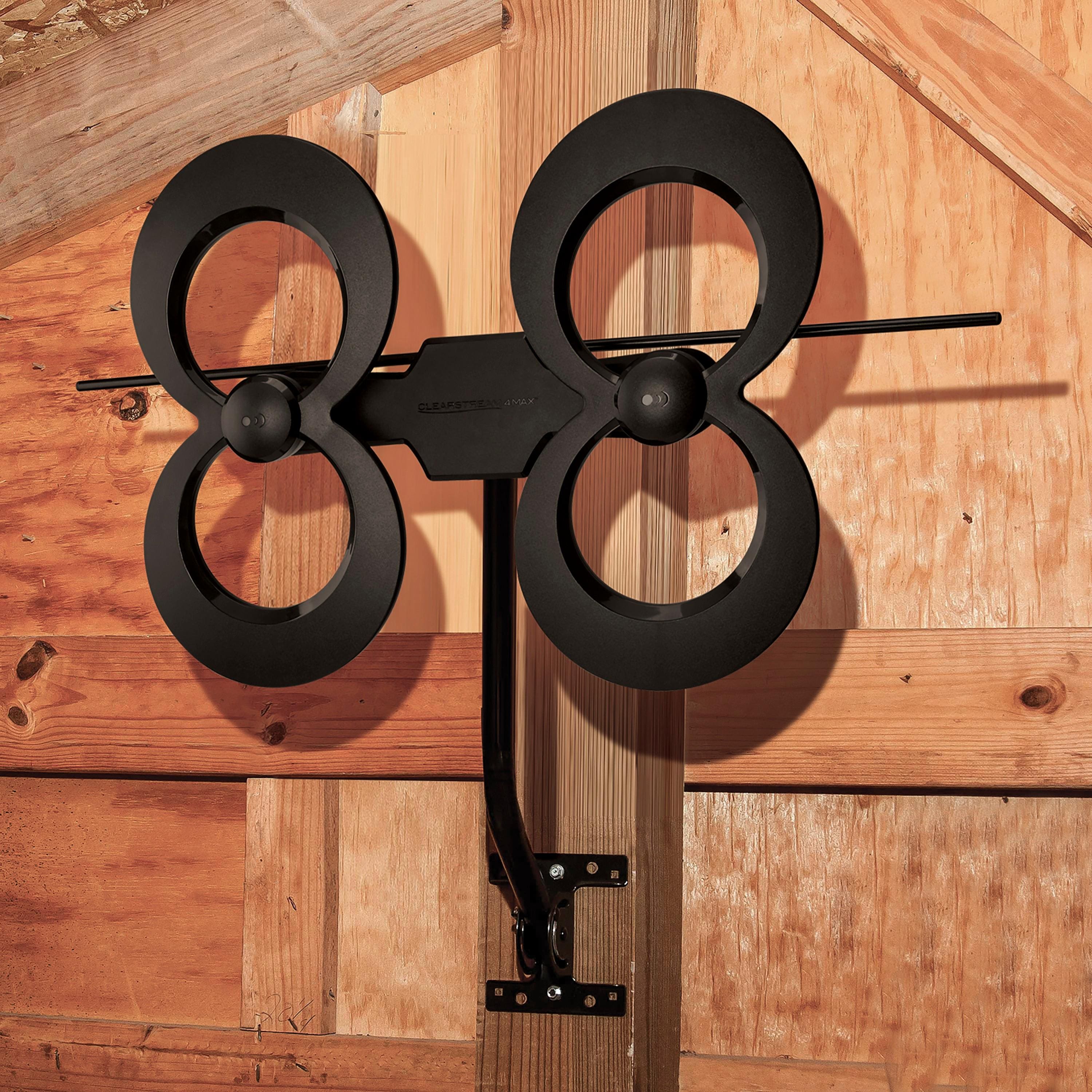
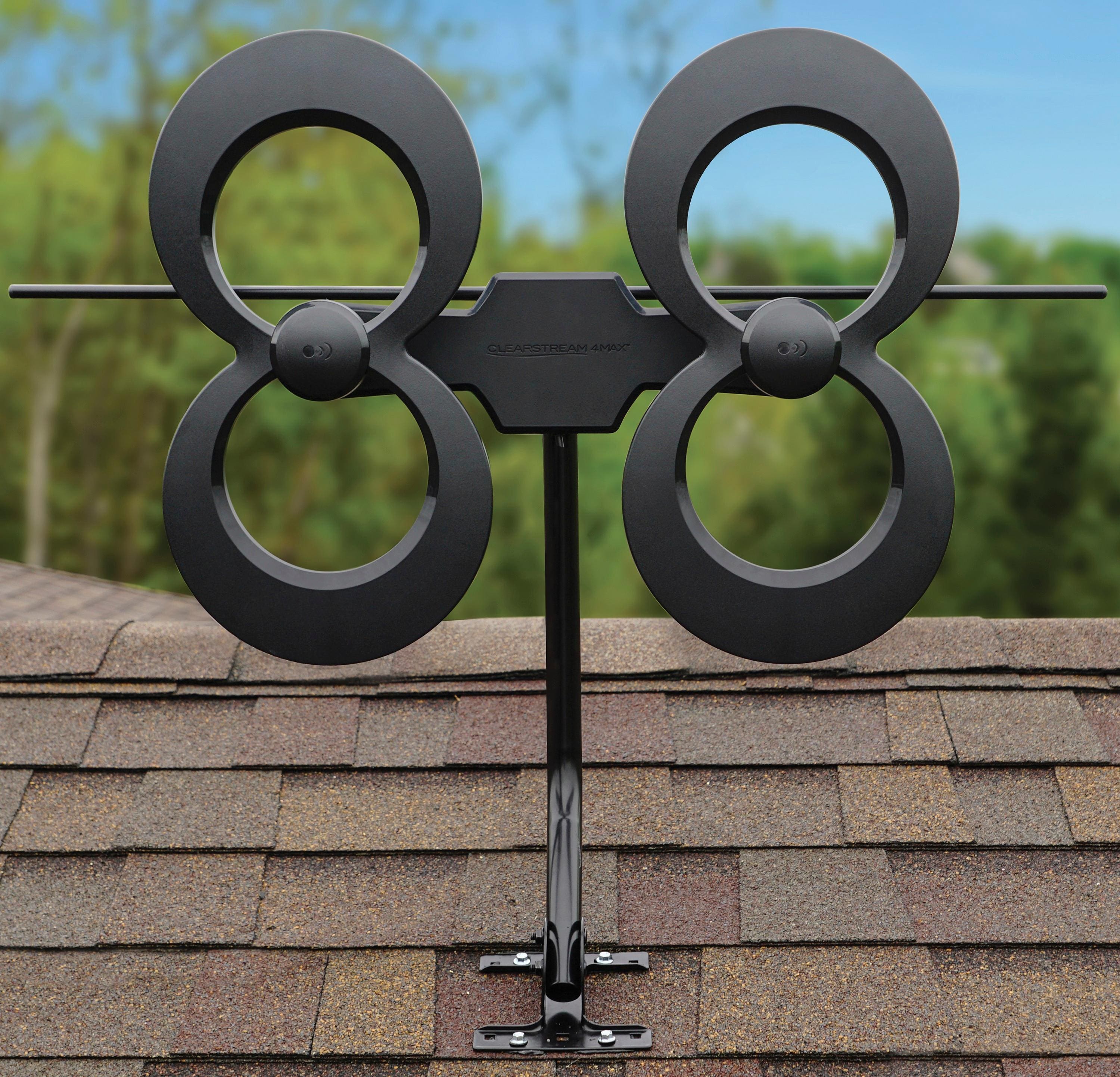
Mount antenna as high as possible - example = apex of roof
Try without a booster amp first - if result is good reception then nothing else needs to be added. If a station is marginal, try adding an inline booster amp.
Experiment with aiming antenna different directions
Call a friend who has an antenna
A:AnswerYes, you can split the signals to many TV's using a splitter. There is some insertion loss when splitting to multiple TV's, so you may need to use a distribution amplifier, also sold on bestbuy.com. If you need any further assistance, feel free to give us a call 877-825-5572 or chat with us online. We are available 7 days a week.
A:AnswerIt seems that 100 miles is about the limit for distance. It will grab the channel, but may not be able to keep a consistent signal. Weather can make a bit of a difference also.
There is an app to find the stations locations (distance in miles) and what stations are available. Although I can’t remember what it is.... maybe try searching on the internet.
Hope this helps somewhat..
A:AnswerAll you have to do is leave the rest of your TVs on Xfinity as they are now. For the one you want to use the antenna, you just run some RG6 coaxial cable from the Antenna and plug it into the back of your TV's Antenna connection ( where the xfinity would normally be plugged in unless you used HDMI for Xfinity). If your TV is digital, you just need to run a search for channels on the antenna choice on your TVs setup Menu
A:AnswerNot likely. Metal tends to block RF. You would need to position it near a vent facing the towers at a minimum
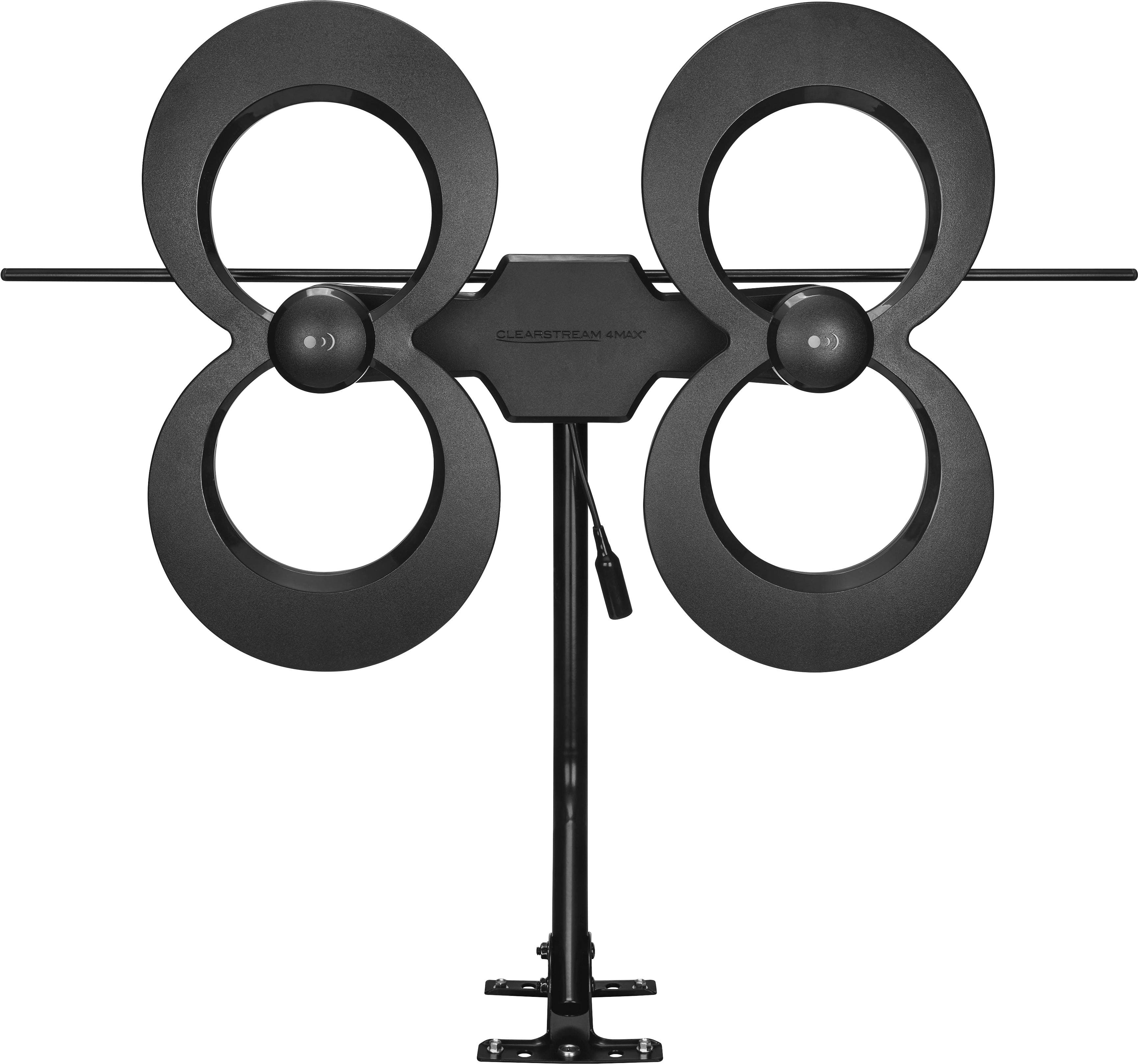
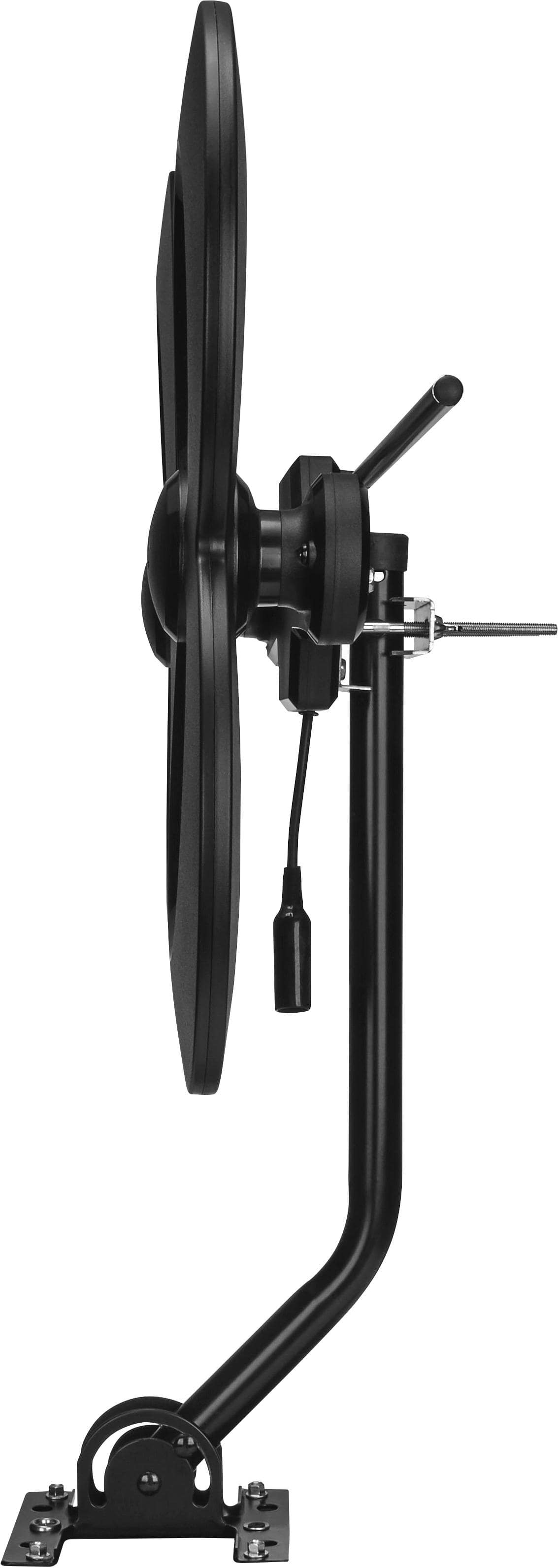
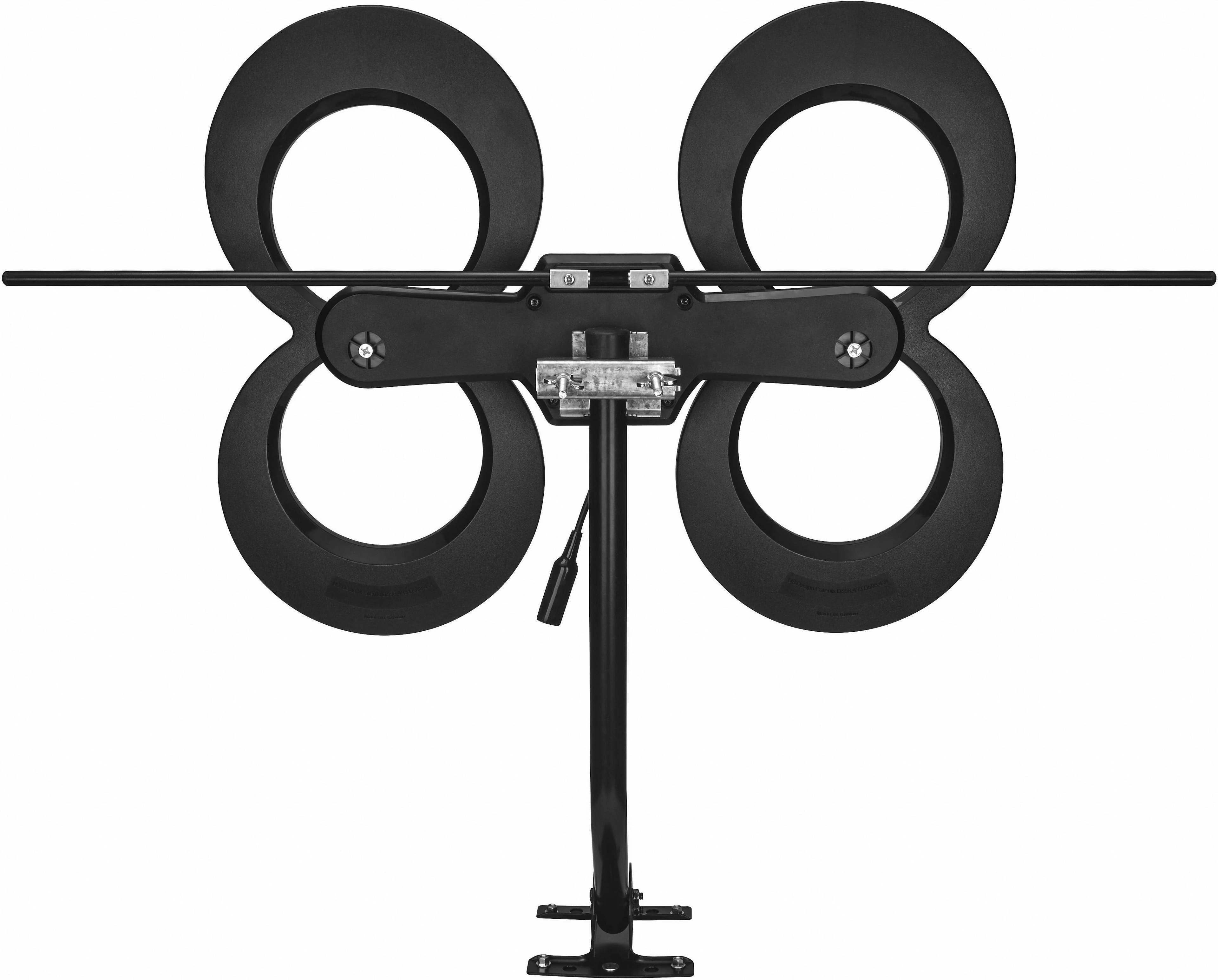
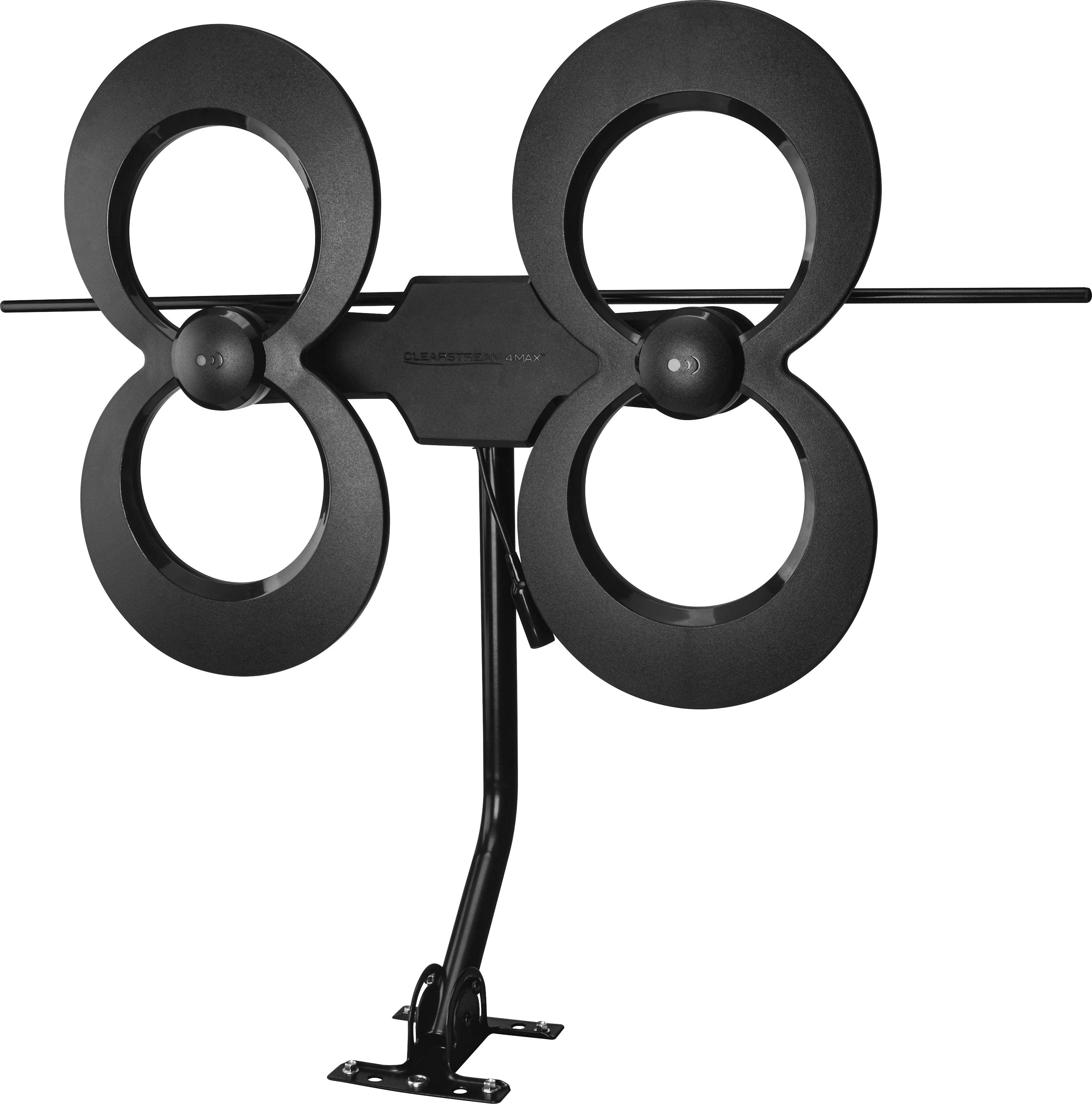
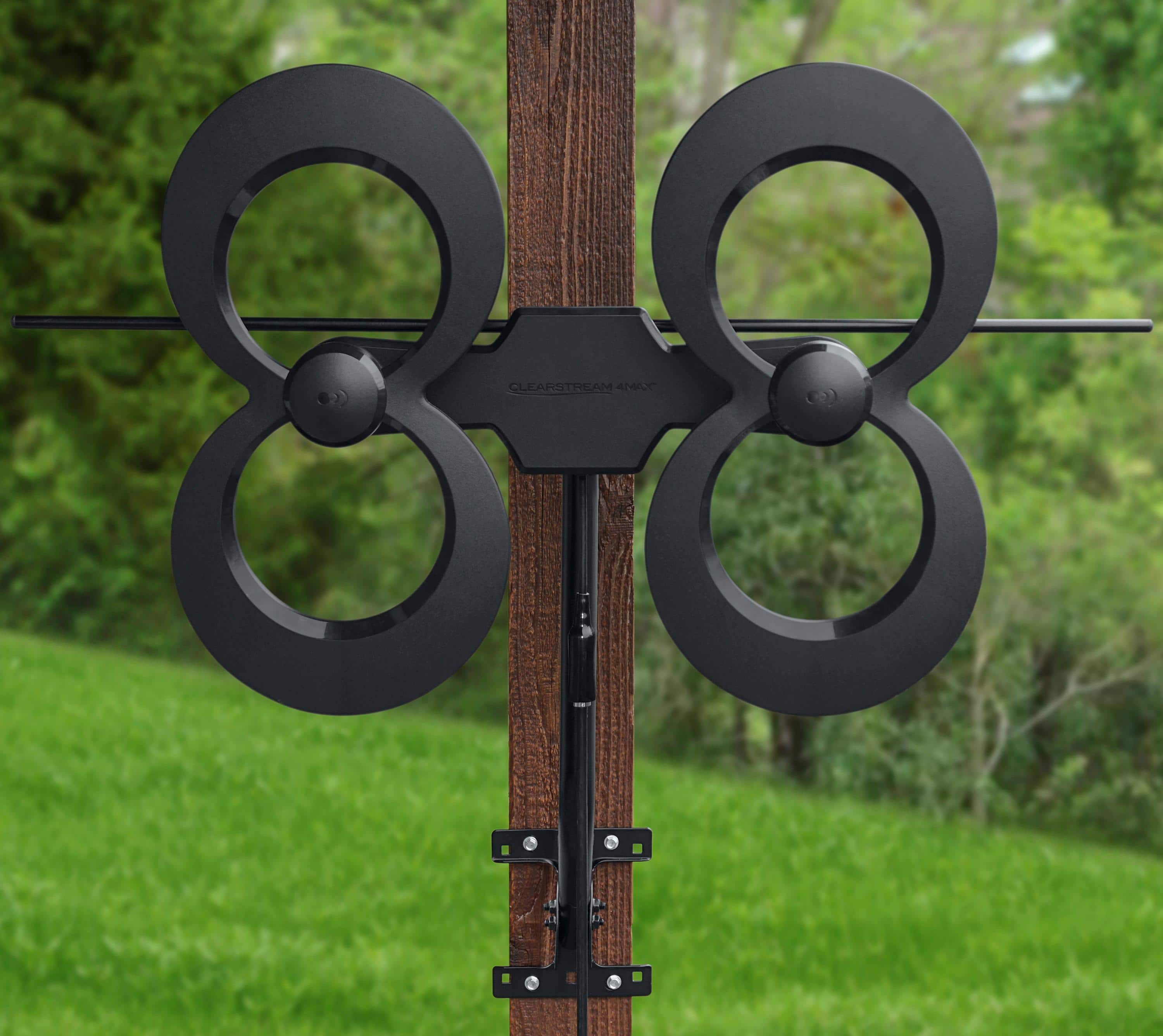
It comes with a decent bracket to mount outside.
A:AnswerI would try a temporary test set up with a 50' rg6 coax cable to try,using a portable pipe clamp to see if it works. I mounted mine to the outside peak of my house and am happy with the reception I'm getting!