A:AnswerMy understanding, somewhat limited, is that in order to prevent recording the signals are not passed through - I tried the same thing and didn't get sound or picture. I also understand that if the TV and the Phone had been on the same wifi that might not be an issue but I have been avoiding putting wifi in at the beach house to keep costs down since we don't use it all the time. I'm a bit miffed at this odd control over services I pay for.
A:AnswerSome TV services do not let you stream through adapters, but will let you watch it directly on your device. I suspect to stop you from having "viewing parties"
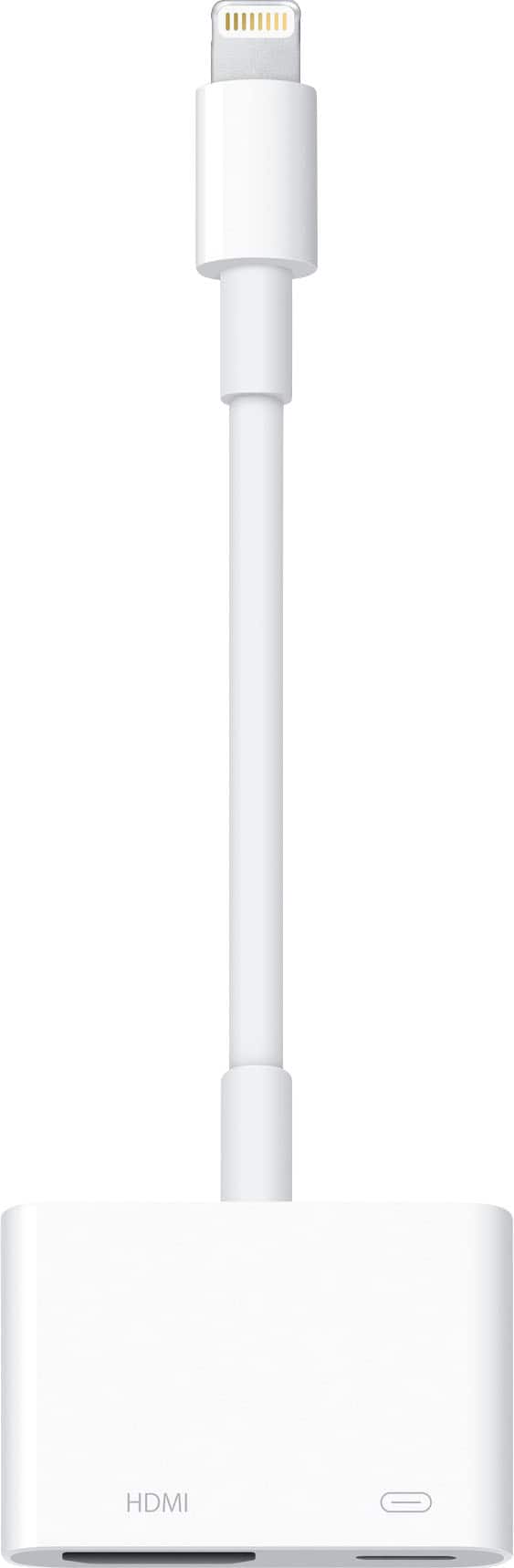
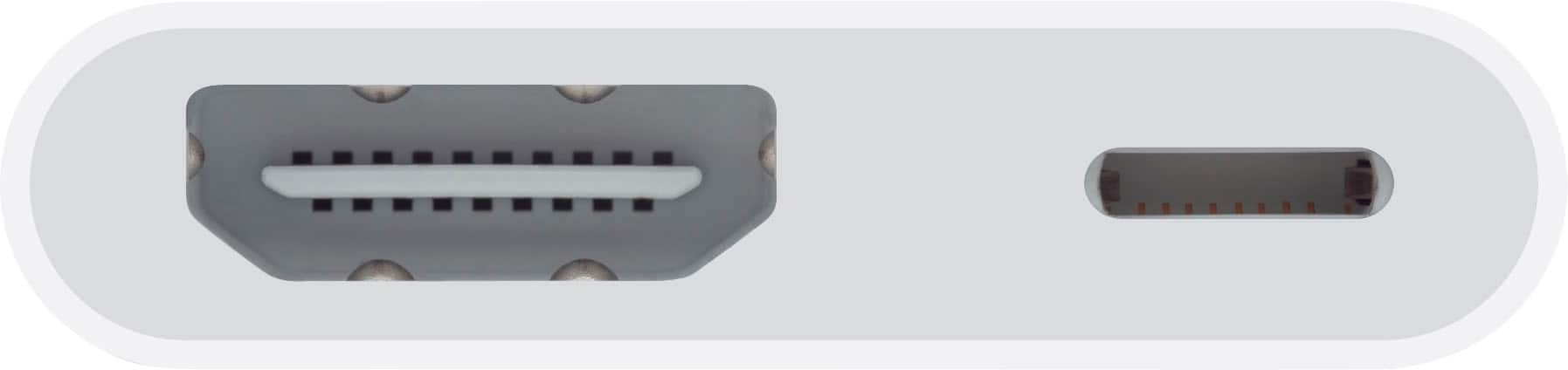
A:AnswerThe J5 cable replaces the traditional USB on one end and microUSB on the other end with one that has USB-C so that it can connect to devices that supports USB-C. The Apple lightning connector allows one to connect an iPad or iPhone to a monitor or tv via HDMI while allowing the user to charge the iPad or iPhone through the additional lightning port on the connector.
A:AnswerIf you get your movies from a decent site example like Netflix you should not have a problem viewing the movie in a decent quality. And if you do it's your cellular connection. I used to have that problem for the first two minutes of watching a movie then it becomes clear because of the cellular service
A:AnswerHad same problem. You need to play around with your Bluetooth connection. I also had to hit the tiny icon with the triangle in a box and a pop up shows up for Bluetooth connection choice. Works great, just had to get the hang of it.