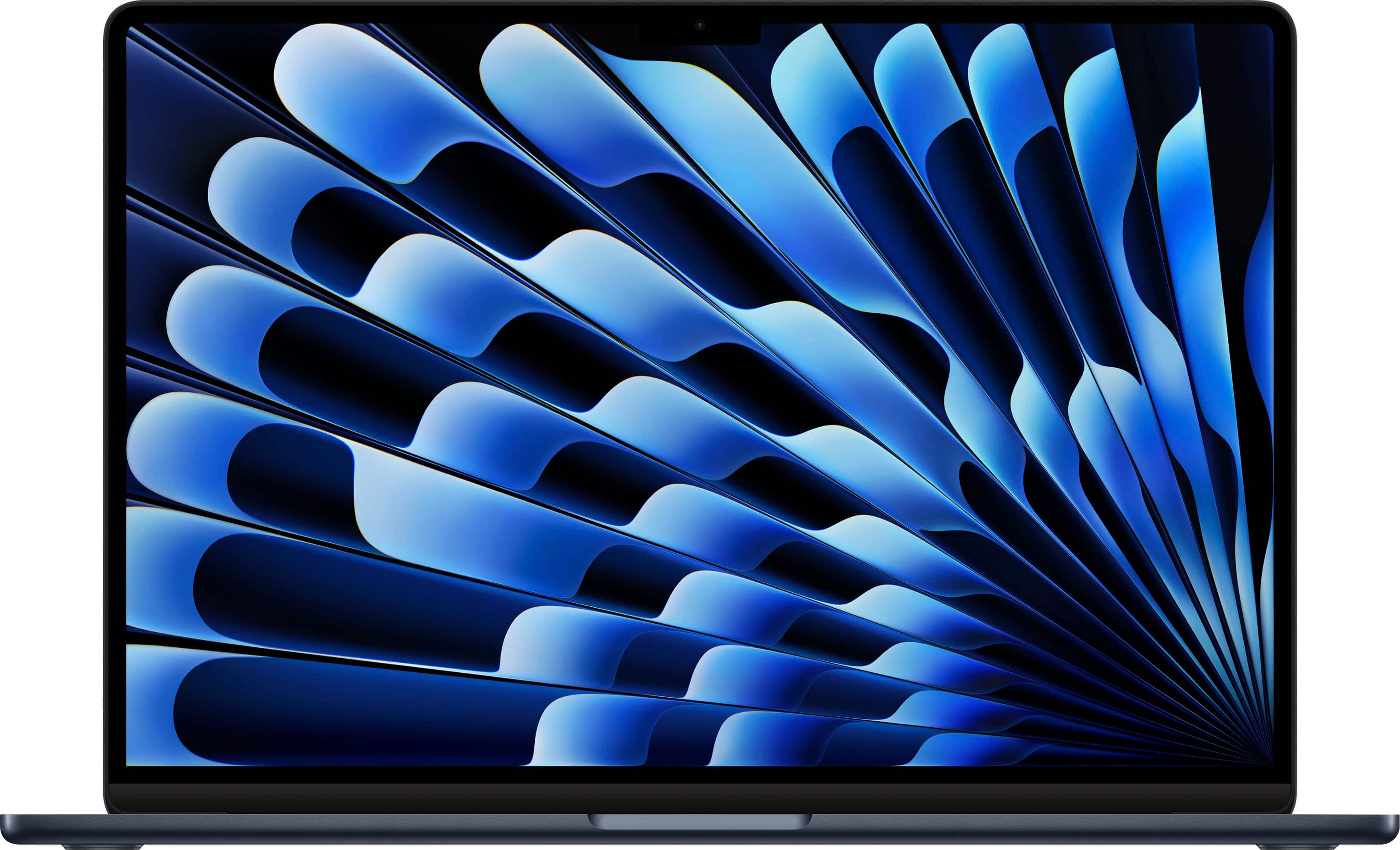
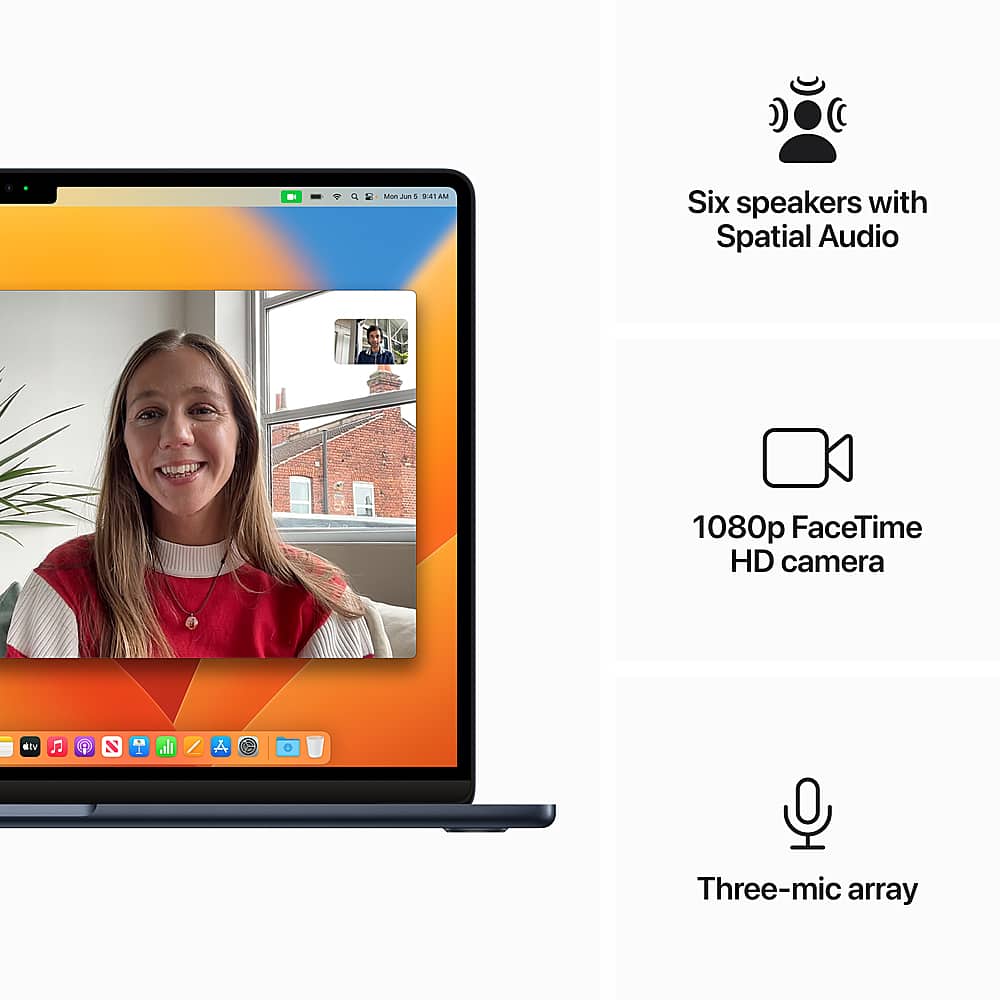
A:AnswerIt’s still the same, the only real difference is it’s bigger, has better speakers, and the base model has 2 extra gpu cores(8 on the base 13” model vs 10 on the base 15” model)
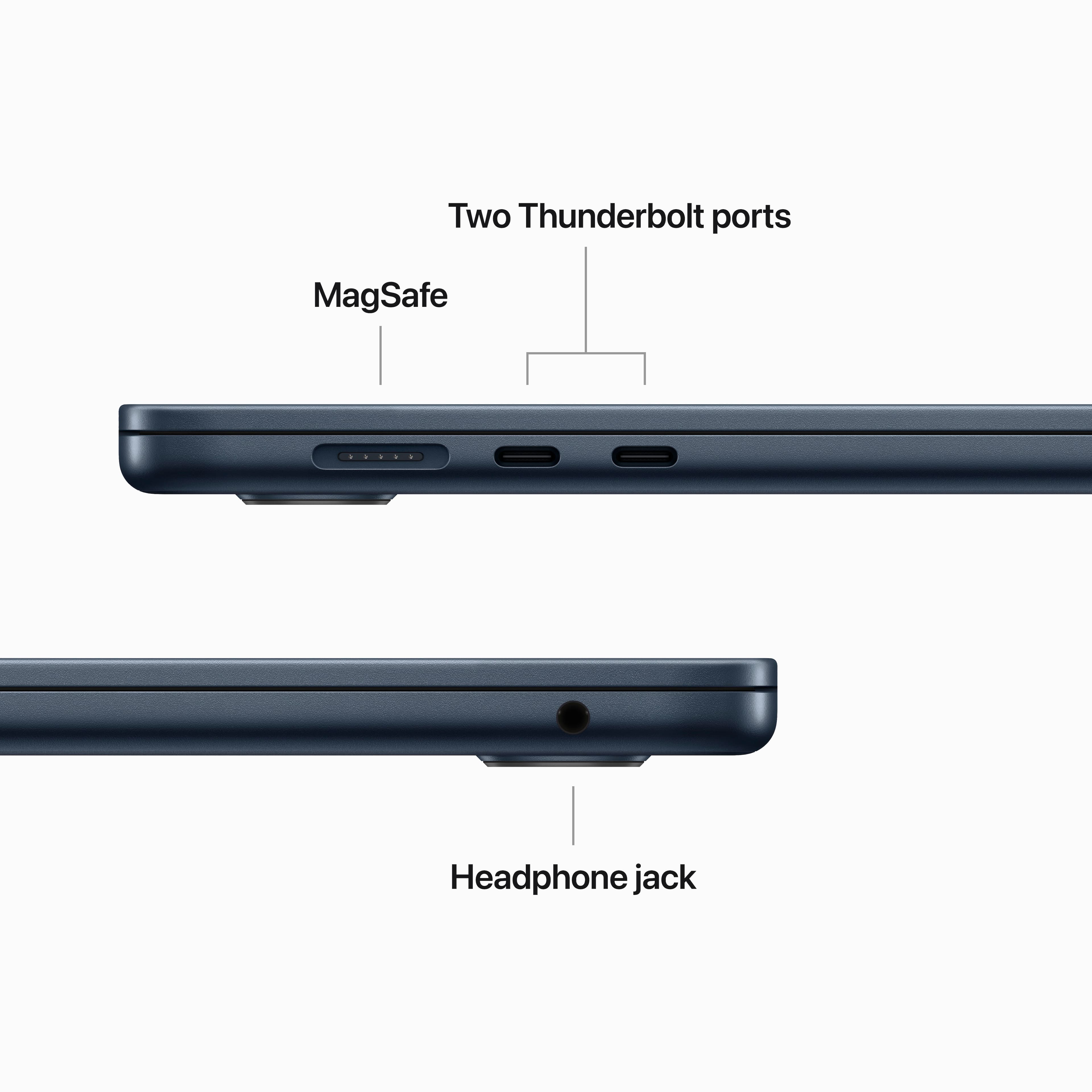
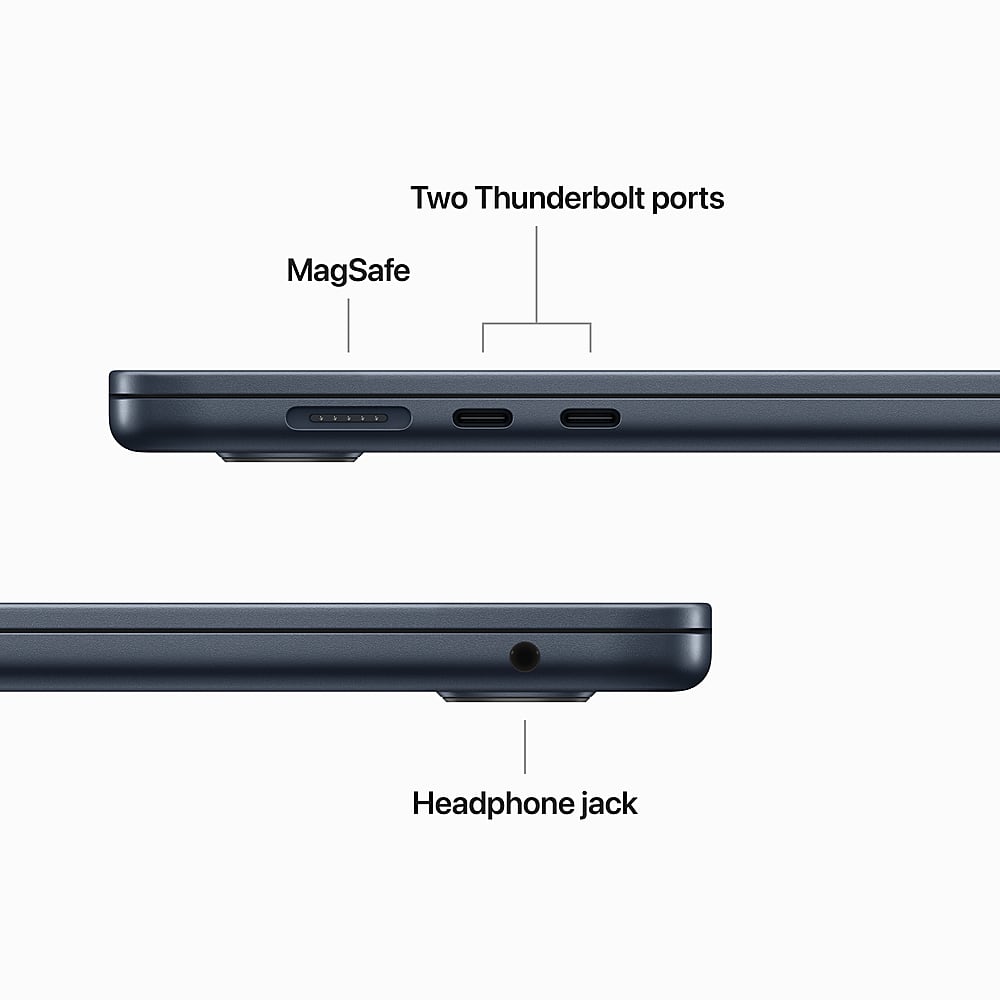
A:AnswerNo the MacBook has a few usb c ports and a newer MagSafe port. Laptop can be charged via usb c as well. Use a decent hub for any extra accessories
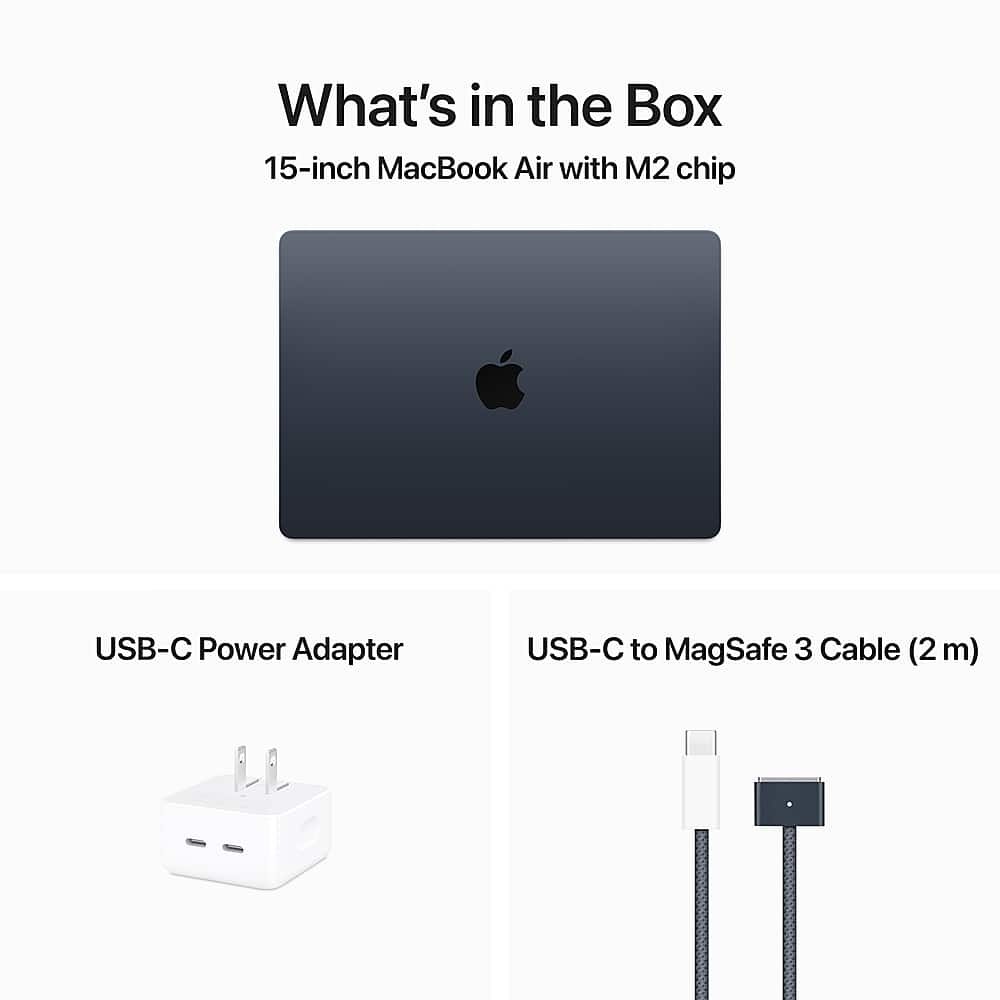
A:AnswerThis device can charge using usb-c or apple's MagSafe charger that comes in the box. I do not recommend charging using the usb-c port since there are only two available for use.
A:AnswerThe Apple setup process offers to transfer files from your old computer to the new MacBook Air. You have to install a transfer support program on the old computer and then connect the two systems to the same WiFi network. You then select what to transfer.
Since my important files are already on Google drive and/or MS One Drive, I skipped that step in the Apple setup and then installed the software to mount those drives as network locations.
A:AnswerI have all Apple apps and I love the apps from Apple the games, especially my developer apps I give them five stars arcade all Apple apps five stars
A:AnswerYes you can. It’s a perfect product to use with a monitor perfectly clear speaker battery five stars Apple products are just the best I would recommend it always.!